SOCIAL MEDIA BASICS 
FOR COLLEGE 
Genevieve Howard 
Strategic Communications Associate II 
CAFNR 
University of Missouri
Our conversation today 
• My background 
•Your background 
• Basics for Twitter 
• Facebook tips 
• Personal brand management 
• Questions
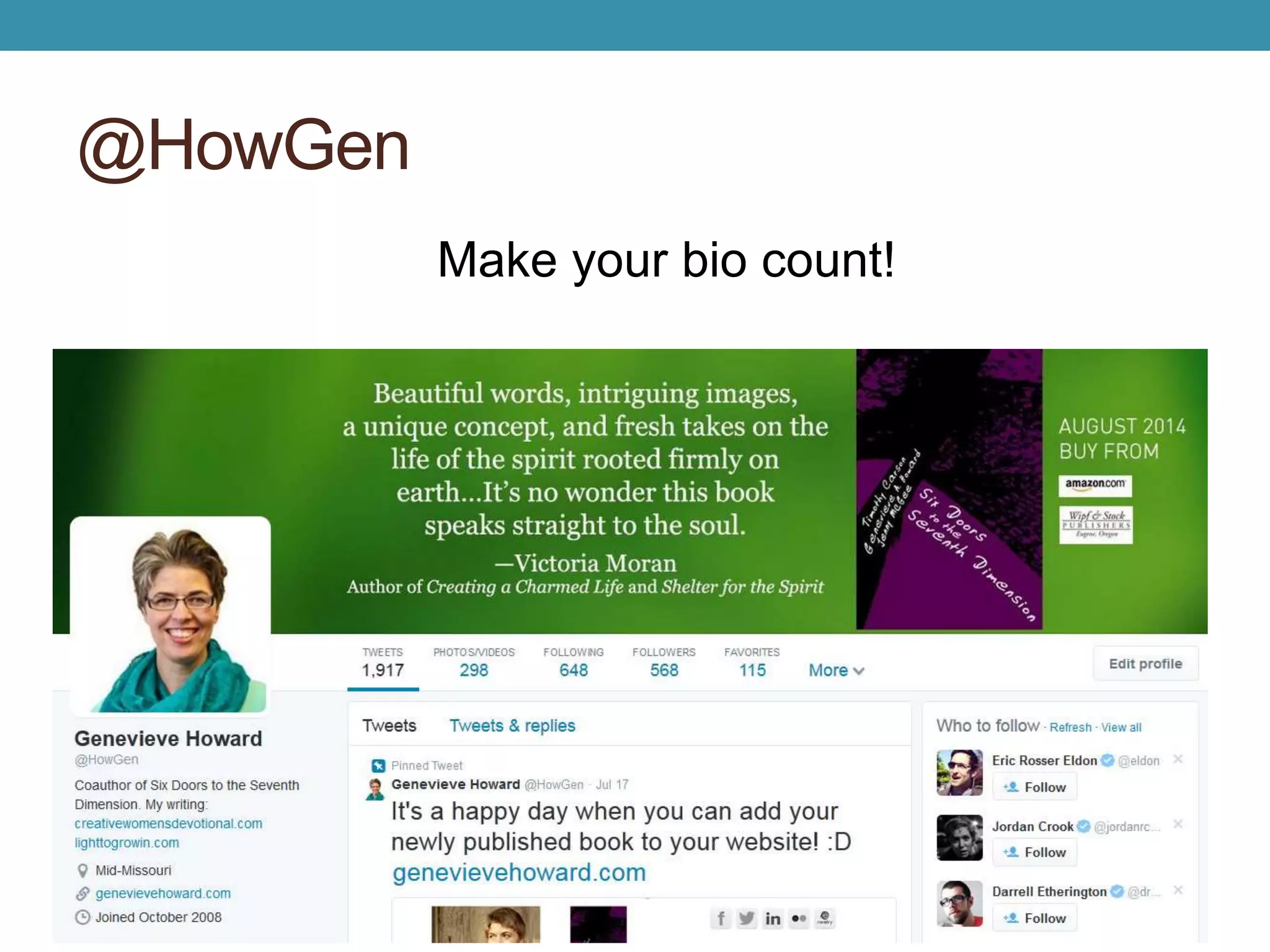
@HowGen 
Make your bio count!
Bio examples 
• Twitter’s Who to follow
Your background 
•Your comfort level with social media 
•Your thoughts on using social media in this 
class 
• Group up for tweeting
Twitter Review: @ 
@: used for names 
@HowGen 
@cafnr 
@SNRadvising 
Handles or usernames 
Using the @ in the the beginning will tweet that 
person. 
Use @ anywhere else in the tweet as a mention.
Twitter Review: abbreviations 
• RT: retweet 
• MT: modified tweet 
• h/t or via: giving credit to the original poster 
• 140 characters…keep it shorter for easier RTs 
• Use a link shortener like bit.ly
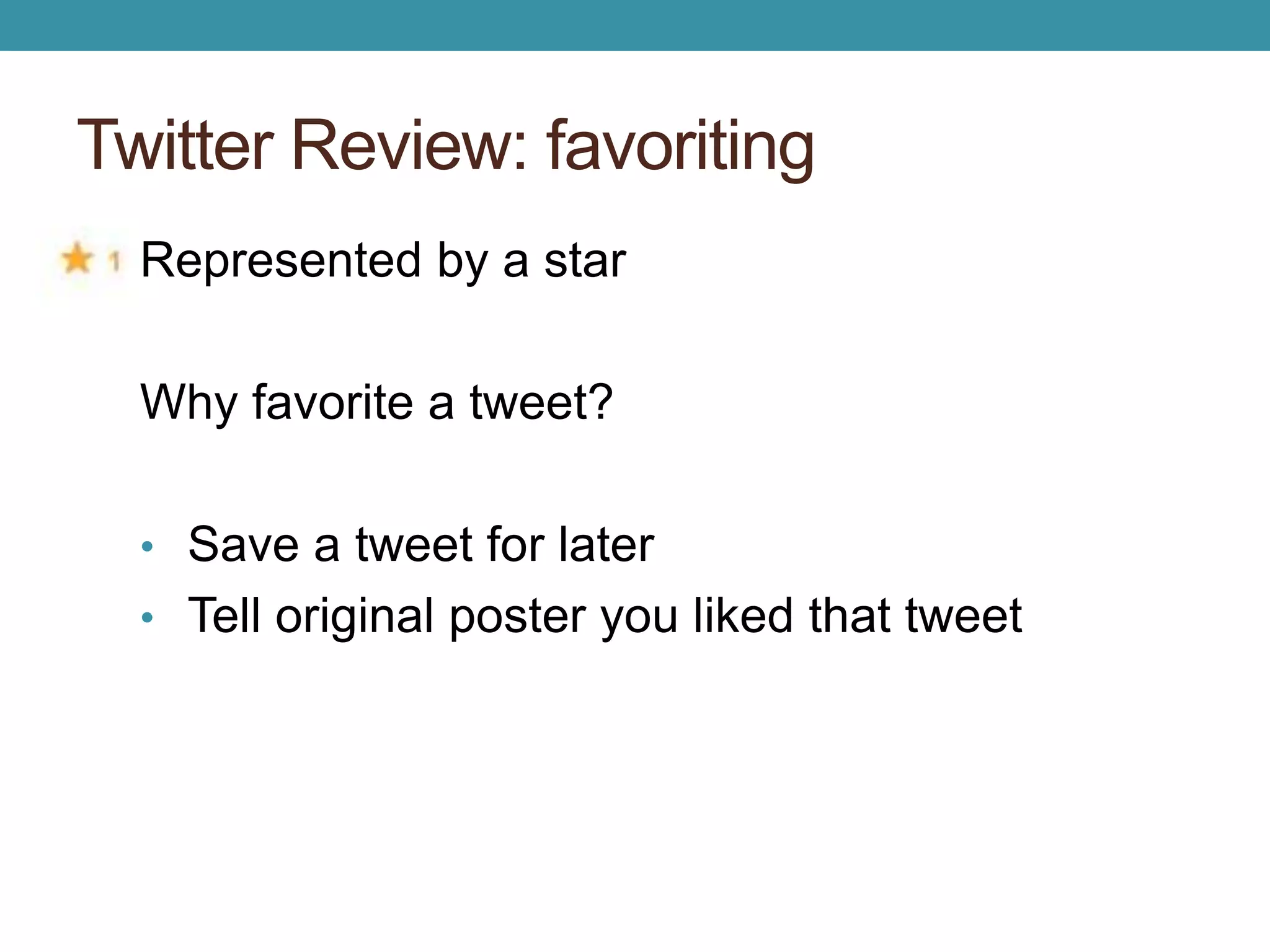
Twitter Review: favoriting 
Represented by a star 
Why favorite a tweet? 
• Save a tweet for later 
• Tell original poster you liked that tweet
Twitter Review: hashtags 
#: makes a hashtag for keyword or topic 
• Trending: 
Making a stand for #Scotland 
• Common search terms: 
Time for a new #car 
• Context: 
My beautiful campus. #Mizzou 
• Humor or irony: 
Can’t wait for my 8am class! #fun
Good hashtags 
• Does it already exist? 
• Is it easy to understand? 
• Is it short? 
#amwriting (details) 
#inbound14 (details) 
#howtogetawaywithmurder (details)
First class tweet 
• Tweet what you want to learn from today’s 
class using the class hashtag
Your turn to respond! 
• Answer a classmate’s tweet
The good 
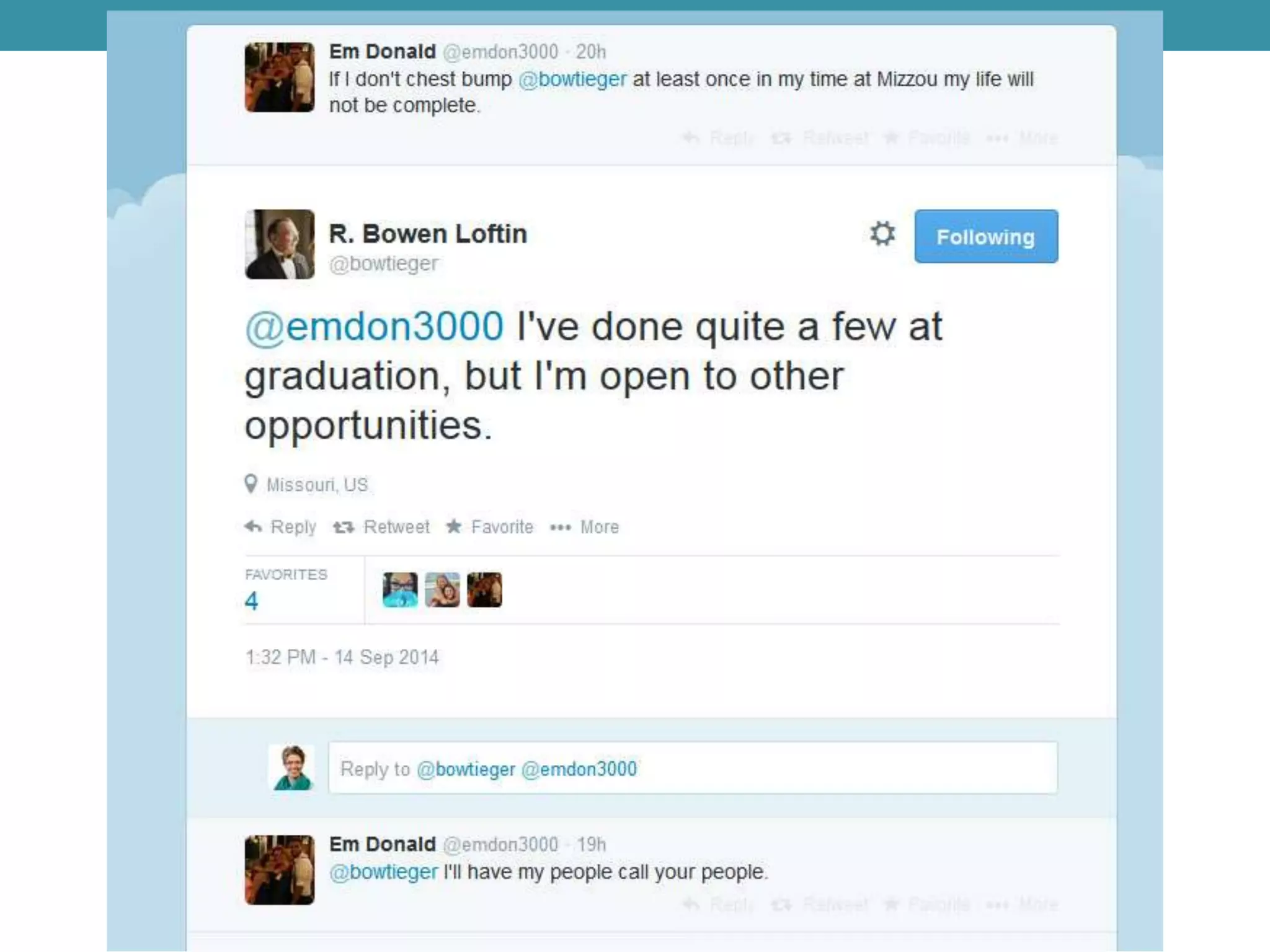
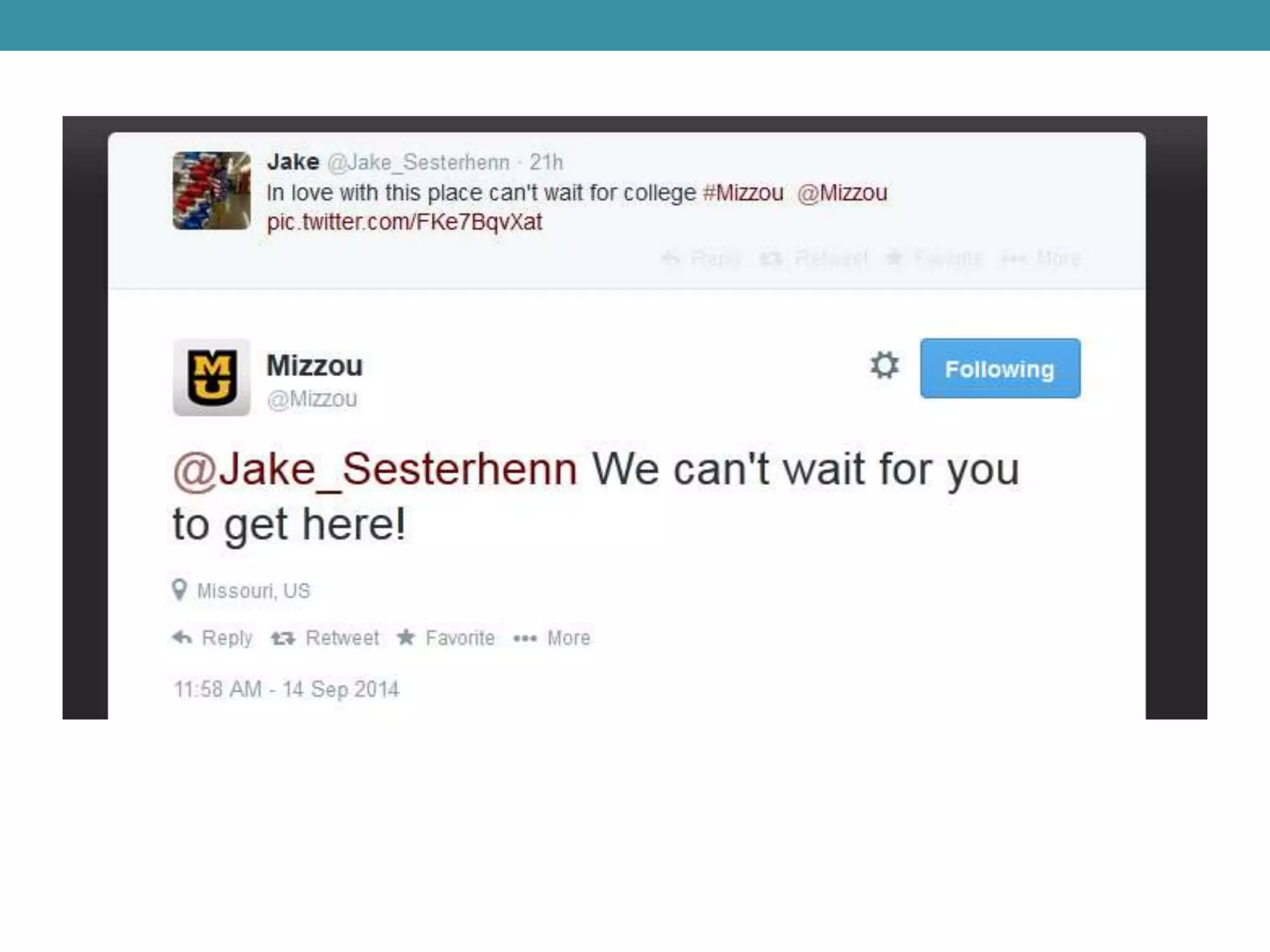
• Connection with people you admire or 
organizations you respect 
• Entertainment, news, companies 
• Ability to write thoughts and feelings in a 
concise way 
• Online presence
The bad and the ugly 
• Distraction 
• Harassment 
• Profanity 
• Negative comments about classmates, 
coworkers, teachers, bosses 
• Anything illegal 
• Threats
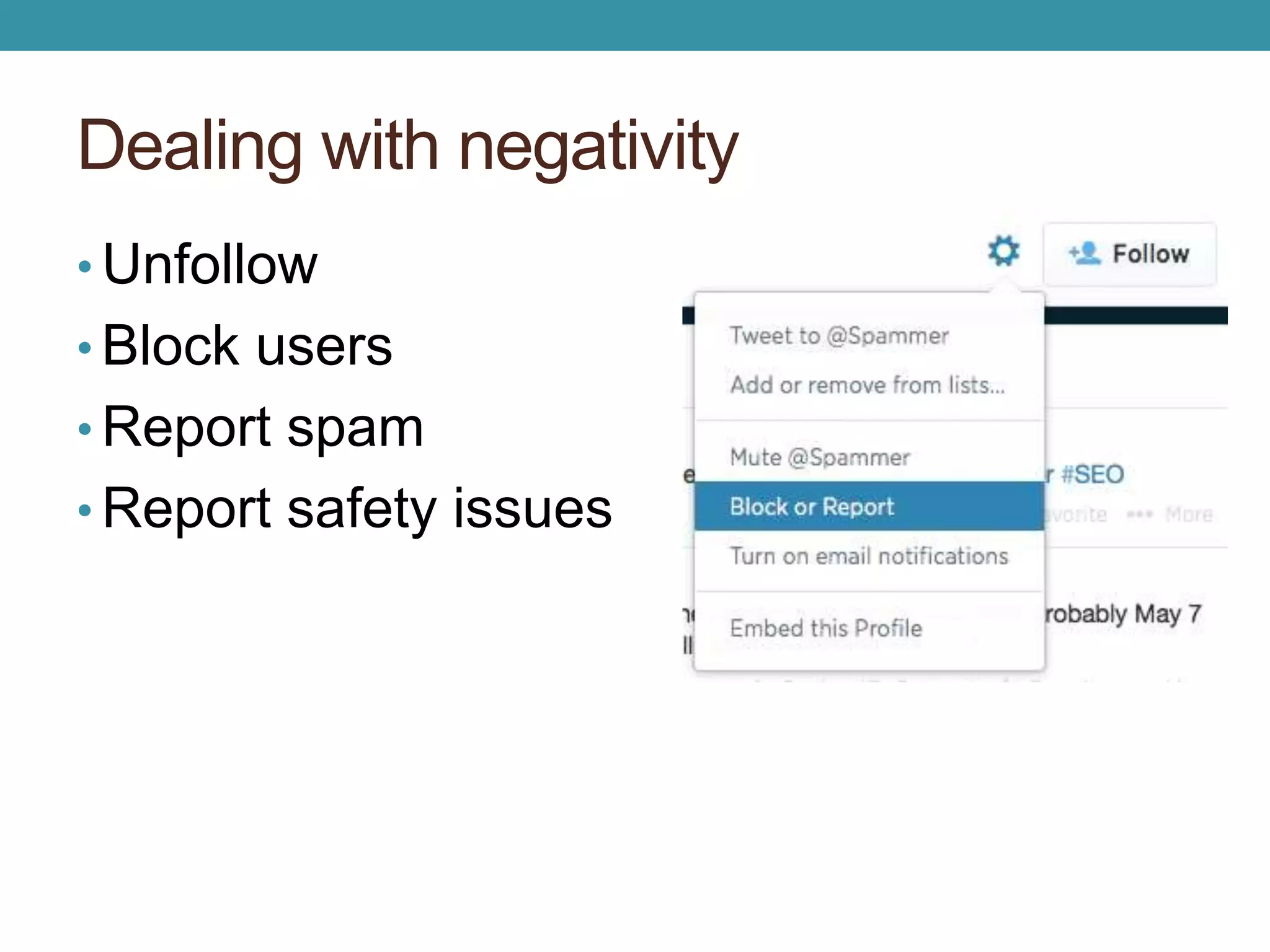
Dealing with negativity 
• Unfollow 
• Block users 
• Report spam 
• Report safety issues
How to use Twitter 
• Share links, photos, questions 
• Build your community 
• Have conversations 
• Keep up with experts in your fields of interest 
• Learn about prospective employers 
• Track conferences whether you attend or not 
• See breaking news as it happens
Group Activity: What’s trending? 
•Trending topics 
•Twitter influencers 
•Twitter chats (ex. #agchat, #edchat, 
#selfpubchat)
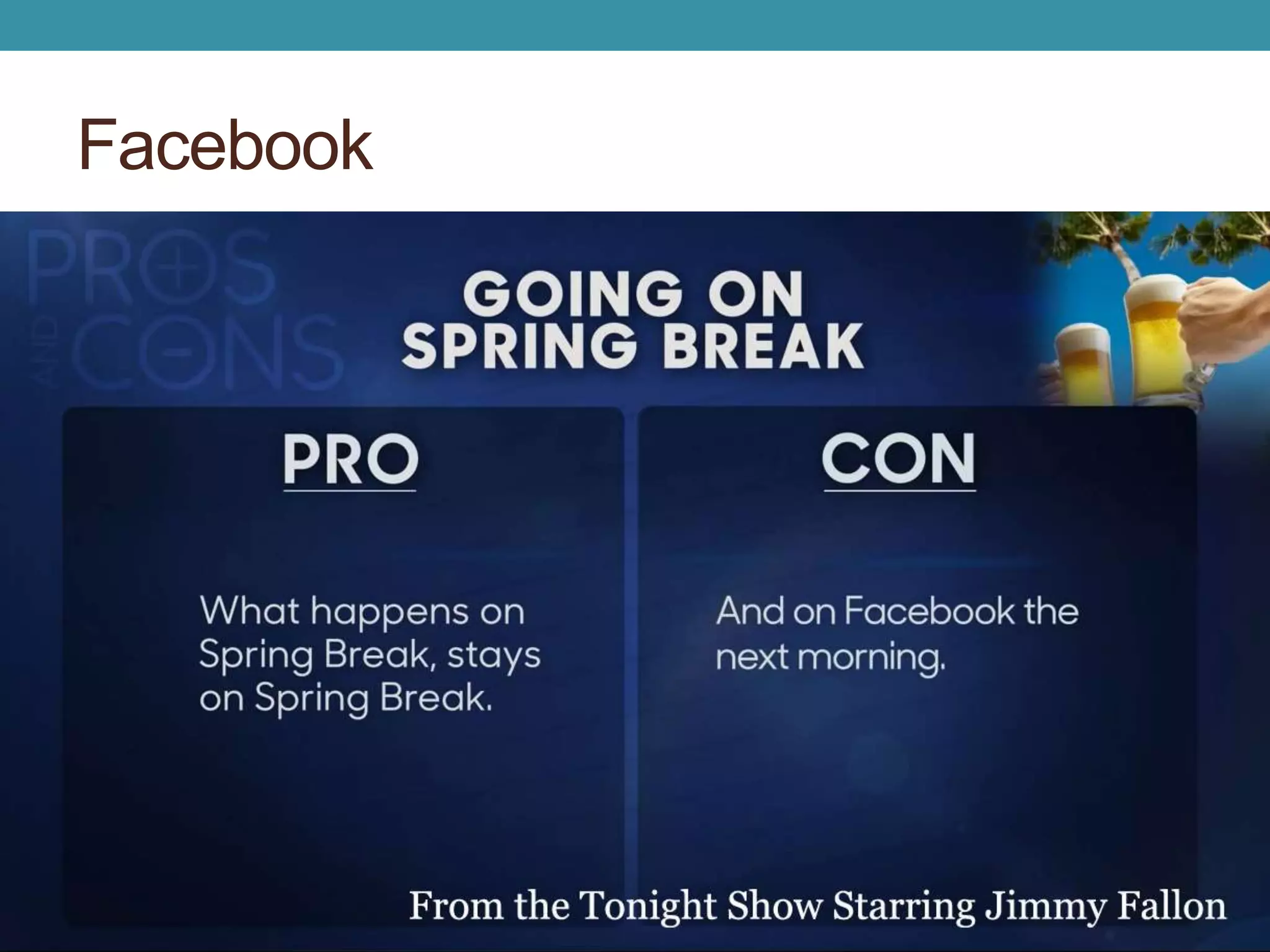
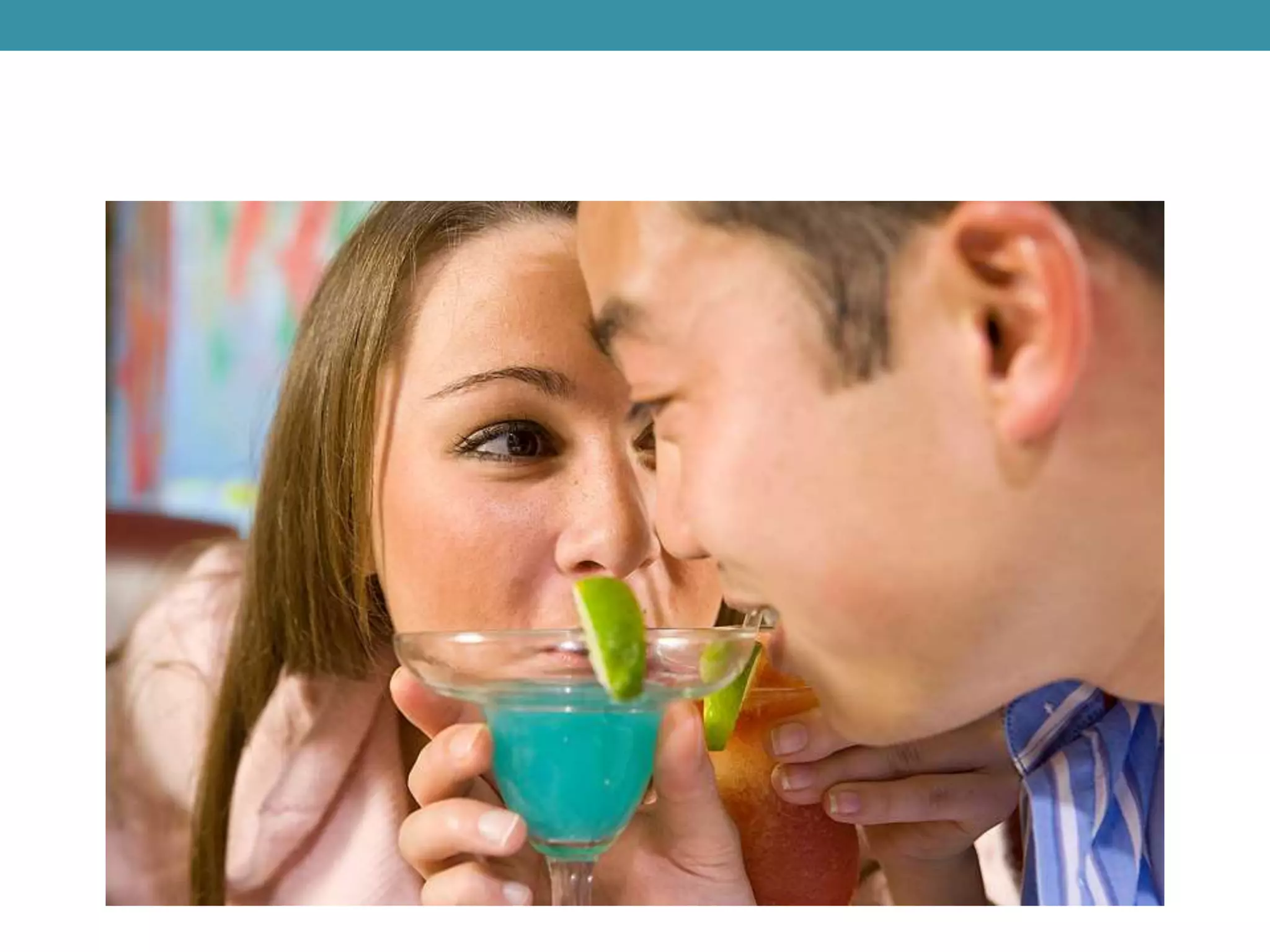
Facebook
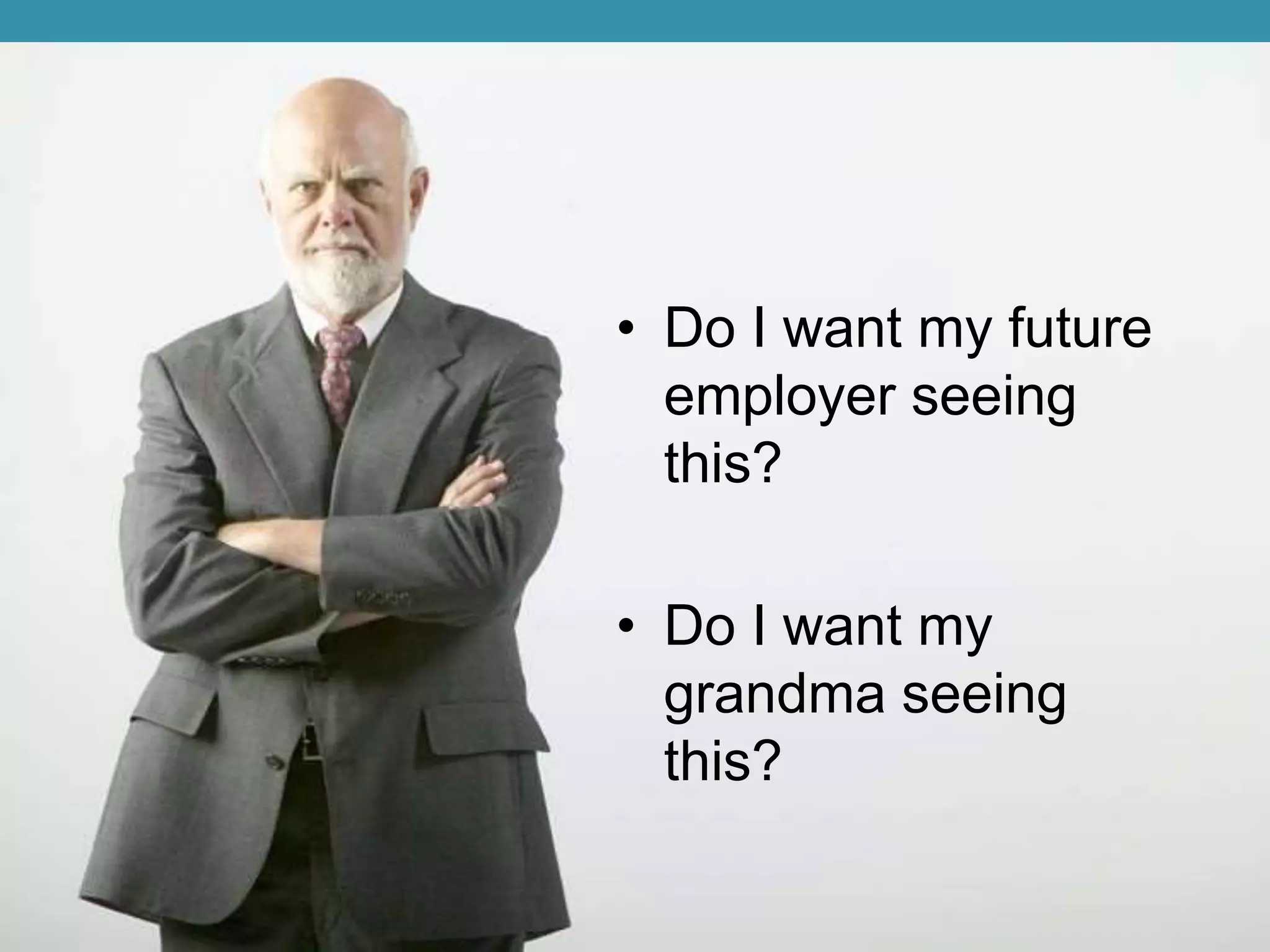
• Do I want my future 
employer seeing 
this? 
• Do I want my 
grandma seeing 
this?
The reality 
• If you don’t want it to be visible, don’t post it. 
Anything posted is public, despite your privacy settings. 
Even with apps like Snapchat, people can easily get 
screenshots. 
• Protect yourself. Use strong passwords. 
• Look carefully at content before you click.
Does your online presence matter? 
Yes, if you plan to work. 
You might not get hired. 
A third (34%) of employers who scan social media 
profiles said they have found content that has 
caused them not to hire the candidate 
You might get fired: 10 people 
http://www.forbes.com/sites/jacquelynsmith/2013/04/16/how-social-media-can-help-or-hurt-your-job-search/
Use it to boost your network 
You might get hired because of social media! 
• Follow companies you’re interested in. 
• Follow professionals you can model yourself after. 
• Get to know more about the industry you plan to enter.
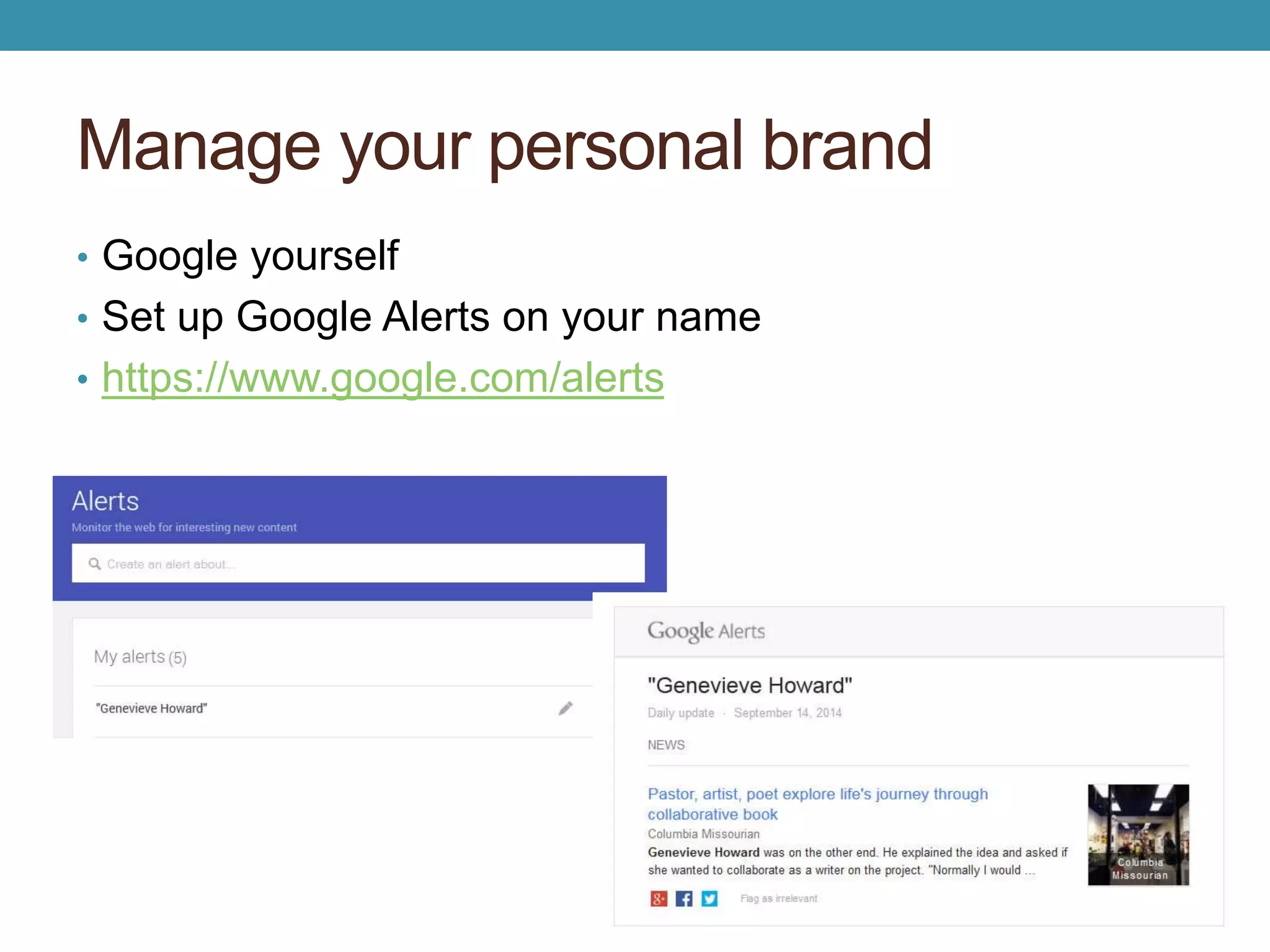
Manage your personal brand 
• Google yourself 
• Set up Google Alerts on your name 
• https://www.google.com/alerts
Decisions, decisions 
• What impression do you want to make? 
• Who inspires you? 
• How will you strengthen your brand?
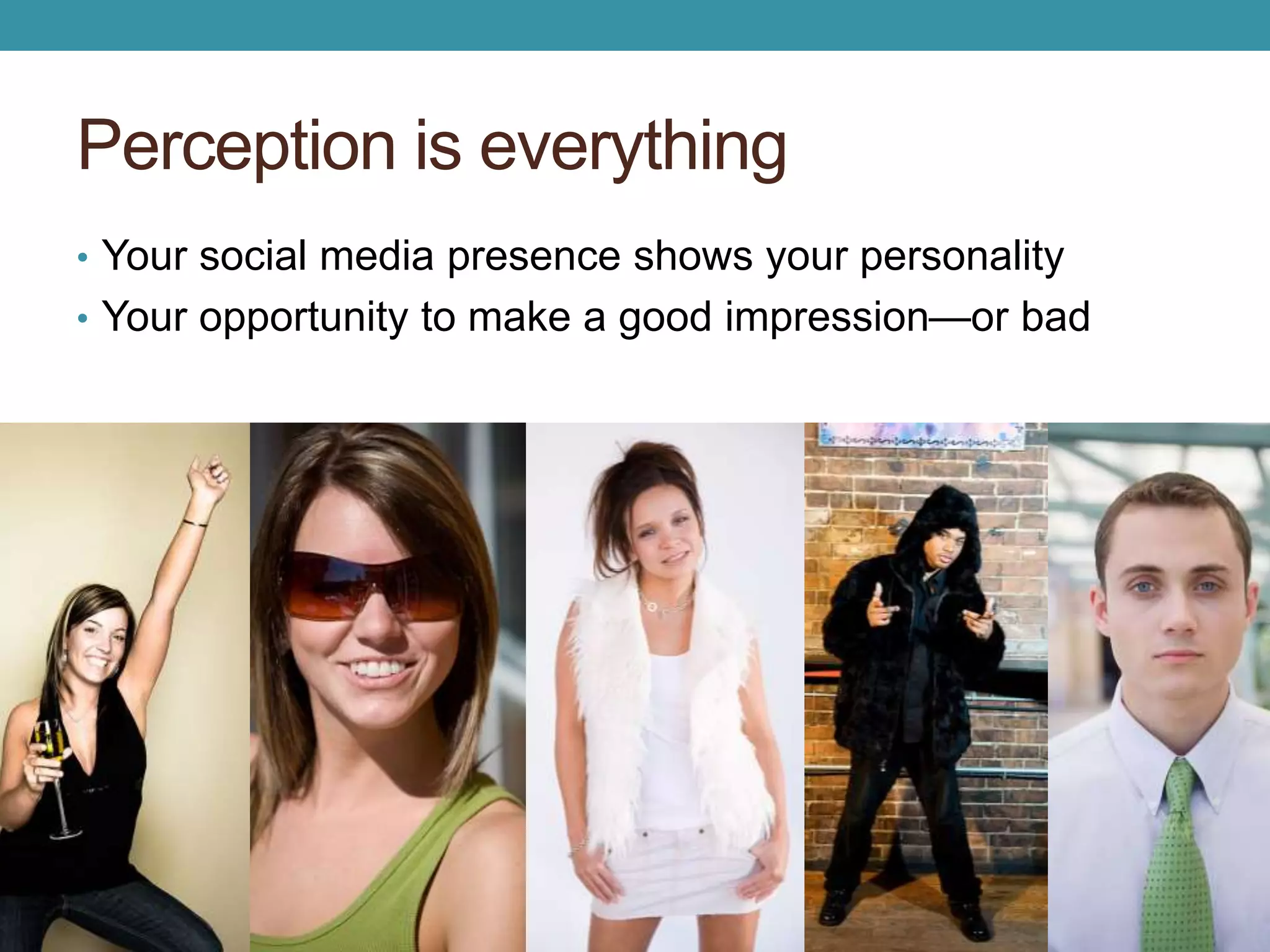
Perception is everything 
• Your social media presence shows your personality 
• Your opportunity to make a good impression—or bad
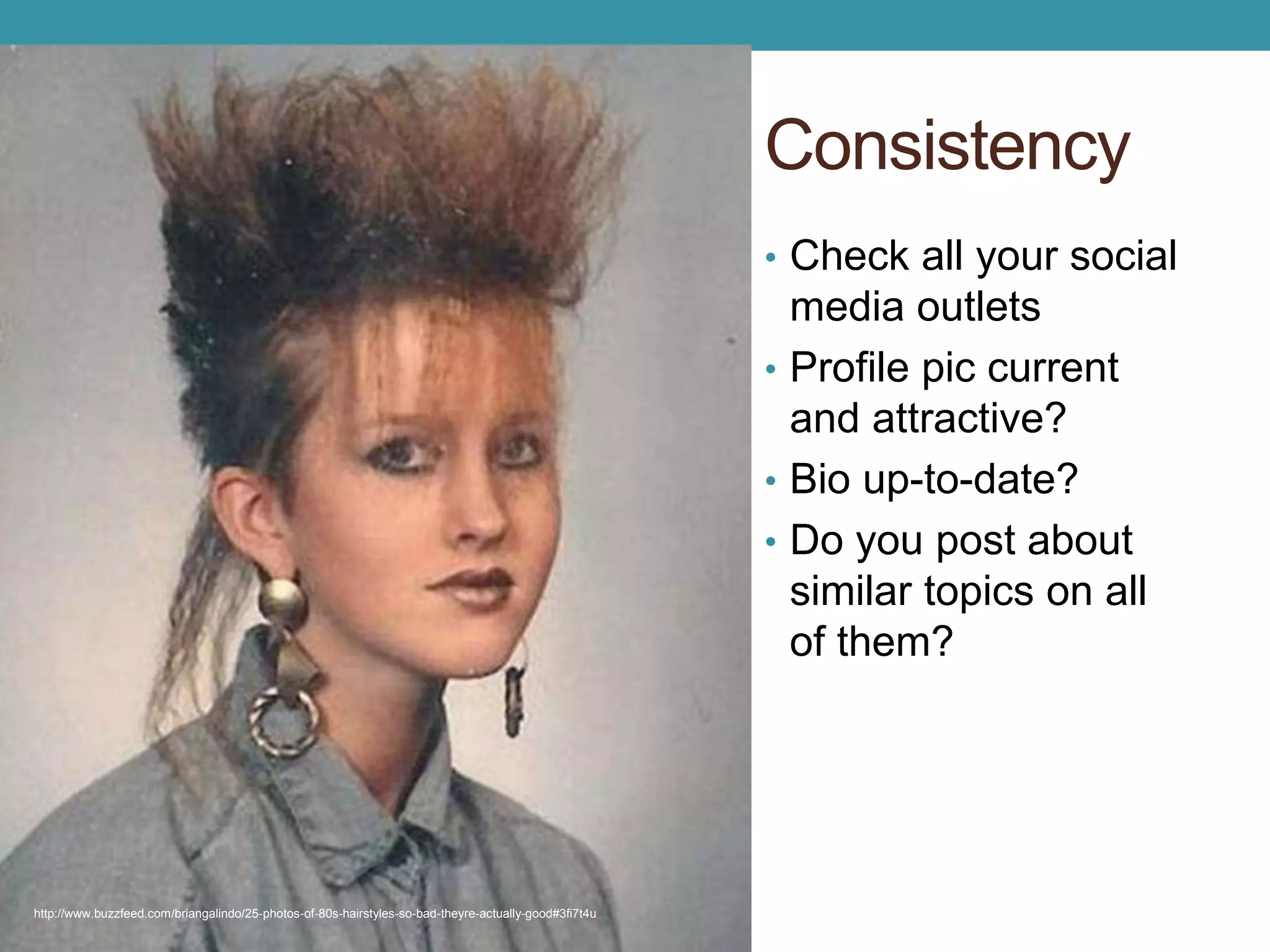
Consistency 
• Check all your social 
media outlets 
• Profile pic current 
and attractive? 
• Bio up-to-date? 
• Do you post about 
similar topics on all 
of them? 
http://www.buzzfeed.com/briangalindo/25-photos-of-80s-hairstyles-so-bad-theyre-actually-good#3fi7t4u
In conclusion 
•Use Twitter to learn Twitter 
• Check hashtags and trending topics 
• How can Twitter help you in this class? In 
school? In your career? 
• Keep all your social media clean 
•Manage your personal brand
Final tweet 
•What was the most valuable 
thing you learned today?
Questions? 
Thanks! 
Genevieve Howard 
howardg@missouri.edu 
Personal: @HowGen

Social media basics for college

  • 1.
    SOCIAL MEDIA BASICS FOR COLLEGE Genevieve Howard Strategic Communications Associate II CAFNR University of Missouri
  • 2.
    Our conversation today • My background •Your background • Basics for Twitter • Facebook tips • Personal brand management • Questions
  • 3.
  • 4.
    Bio examples •Twitter’s Who to follow
  • 5.
    Your background •Yourcomfort level with social media •Your thoughts on using social media in this class • Group up for tweeting
  • 6.
    Twitter Review: @ @: used for names @HowGen @cafnr @SNRadvising Handles or usernames Using the @ in the the beginning will tweet that person. Use @ anywhere else in the tweet as a mention.
  • 7.
    Twitter Review: abbreviations • RT: retweet • MT: modified tweet • h/t or via: giving credit to the original poster • 140 characters…keep it shorter for easier RTs • Use a link shortener like bit.ly
  • 8.
    Twitter Review: favoriting Represented by a star Why favorite a tweet? • Save a tweet for later • Tell original poster you liked that tweet
  • 9.
    Twitter Review: hashtags #: makes a hashtag for keyword or topic • Trending: Making a stand for #Scotland • Common search terms: Time for a new #car • Context: My beautiful campus. #Mizzou • Humor or irony: Can’t wait for my 8am class! #fun
  • 10.
    Good hashtags •Does it already exist? • Is it easy to understand? • Is it short? #amwriting (details) #inbound14 (details) #howtogetawaywithmurder (details)
  • 11.
    First class tweet • Tweet what you want to learn from today’s class using the class hashtag
  • 12.
    Your turn torespond! • Answer a classmate’s tweet
  • 13.
    The good •Connection with people you admire or organizations you respect • Entertainment, news, companies • Ability to write thoughts and feelings in a concise way • Online presence
  • 16.
    The bad andthe ugly • Distraction • Harassment • Profanity • Negative comments about classmates, coworkers, teachers, bosses • Anything illegal • Threats
  • 17.
    Dealing with negativity • Unfollow • Block users • Report spam • Report safety issues
  • 19.
    How to useTwitter • Share links, photos, questions • Build your community • Have conversations • Keep up with experts in your fields of interest • Learn about prospective employers • Track conferences whether you attend or not • See breaking news as it happens
  • 20.
    Group Activity: What’strending? •Trending topics •Twitter influencers •Twitter chats (ex. #agchat, #edchat, #selfpubchat)
  • 21.
  • 23.
    • Do Iwant my future employer seeing this? • Do I want my grandma seeing this?
  • 24.
    The reality •If you don’t want it to be visible, don’t post it. Anything posted is public, despite your privacy settings. Even with apps like Snapchat, people can easily get screenshots. • Protect yourself. Use strong passwords. • Look carefully at content before you click.
  • 25.
    Does your onlinepresence matter? Yes, if you plan to work. You might not get hired. A third (34%) of employers who scan social media profiles said they have found content that has caused them not to hire the candidate You might get fired: 10 people http://www.forbes.com/sites/jacquelynsmith/2013/04/16/how-social-media-can-help-or-hurt-your-job-search/
  • 26.
    Use it toboost your network You might get hired because of social media! • Follow companies you’re interested in. • Follow professionals you can model yourself after. • Get to know more about the industry you plan to enter.
  • 27.
    Manage your personalbrand • Google yourself • Set up Google Alerts on your name • https://www.google.com/alerts
  • 28.
    Decisions, decisions •What impression do you want to make? • Who inspires you? • How will you strengthen your brand?
  • 29.
    Perception is everything • Your social media presence shows your personality • Your opportunity to make a good impression—or bad
  • 30.
    Consistency • Checkall your social media outlets • Profile pic current and attractive? • Bio up-to-date? • Do you post about similar topics on all of them? http://www.buzzfeed.com/briangalindo/25-photos-of-80s-hairstyles-so-bad-theyre-actually-good#3fi7t4u
  • 31.
    In conclusion •UseTwitter to learn Twitter • Check hashtags and trending topics • How can Twitter help you in this class? In school? In your career? • Keep all your social media clean •Manage your personal brand
  • 32.
    Final tweet •Whatwas the most valuable thing you learned today?
  • 33.
    Questions? Thanks! GenevieveHoward howardg@missouri.edu Personal: @HowGen

Editor's Notes

  • #4 First impression Decisions on what to tweet about