Contents:
Introduction
Definition
Virtual Keyboard Features
Virtual keyboard Technology
Working Mechanism
Advantages
Disadvantages
Conclusion
References
Introduction:
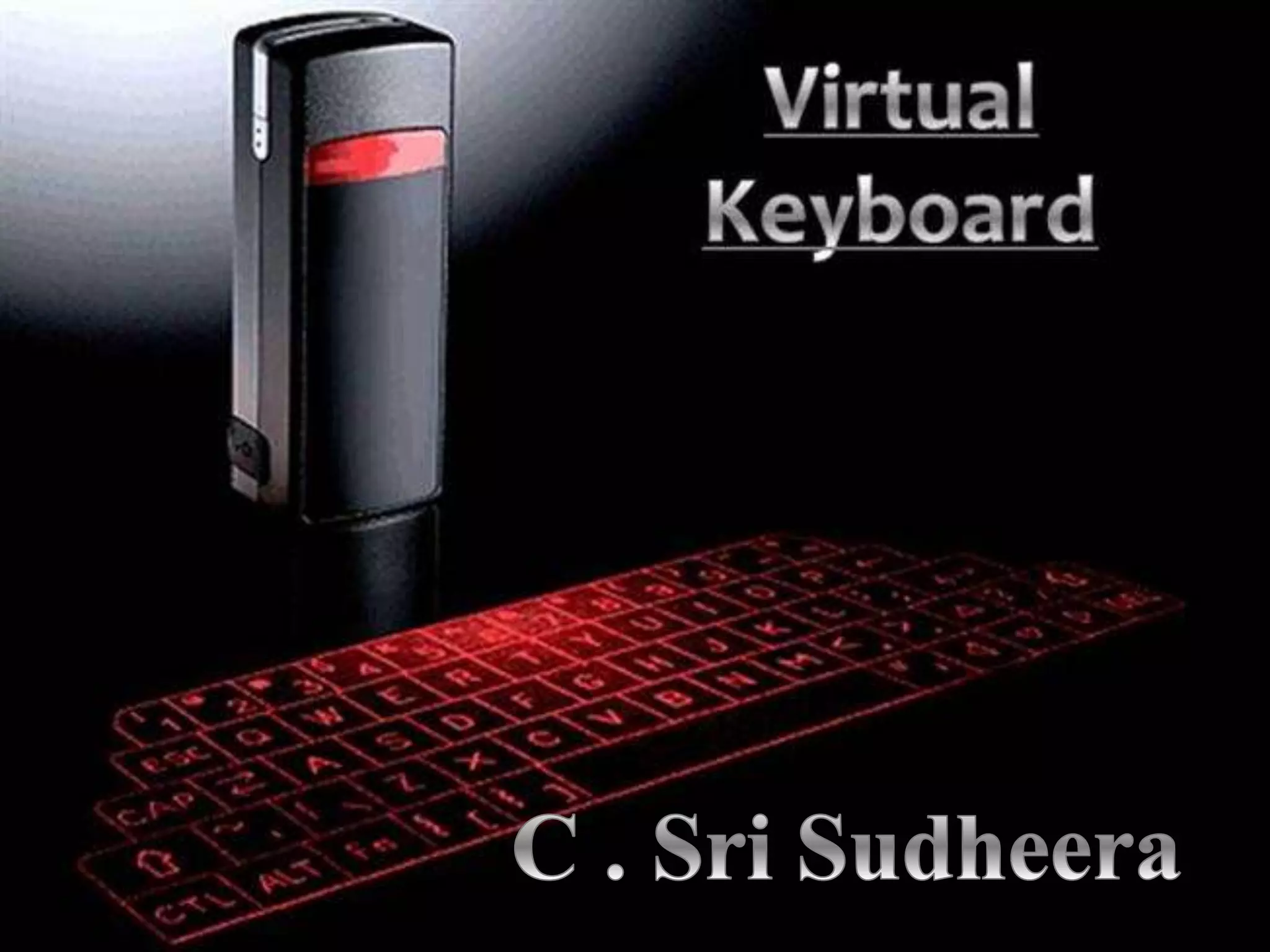
 The aim of this technology
is to develop an
“Augmented Reality”
solution for a handheld
device that enables the
user to write text.
 The first virtual keyboard
was invented by IBM in
1992
Definition:
 A virtual keyboard is a
software component that allows
a user to enter characters.
A virtual keyboard can usually
be operated with multiple input
devices, which may include a
touch screen, an actual
computer keyboard .
 Virtual keyboard is also called
as projection keyboard.
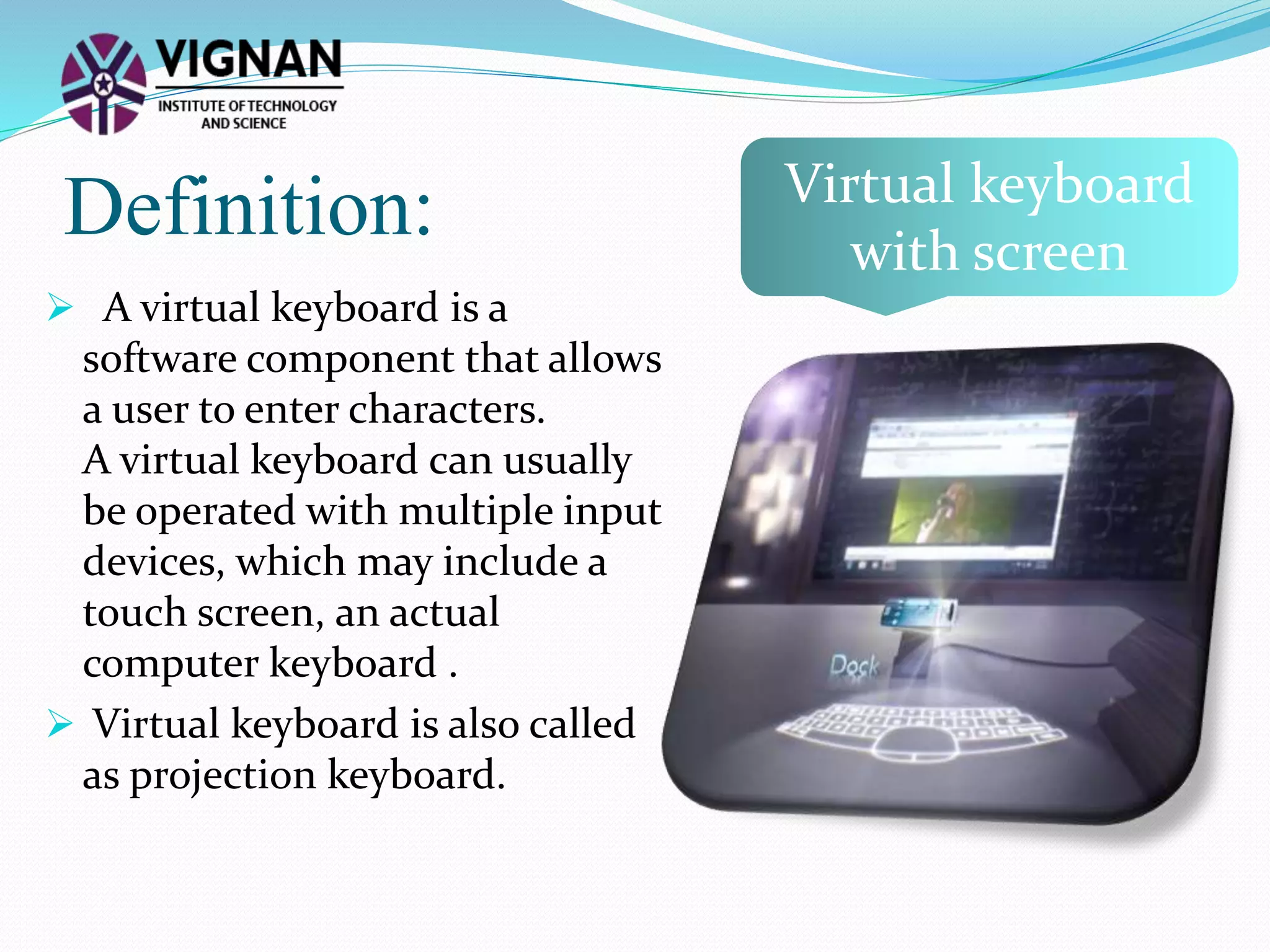
Virtual keyboard
with screen
Virtual keyboard
Features:
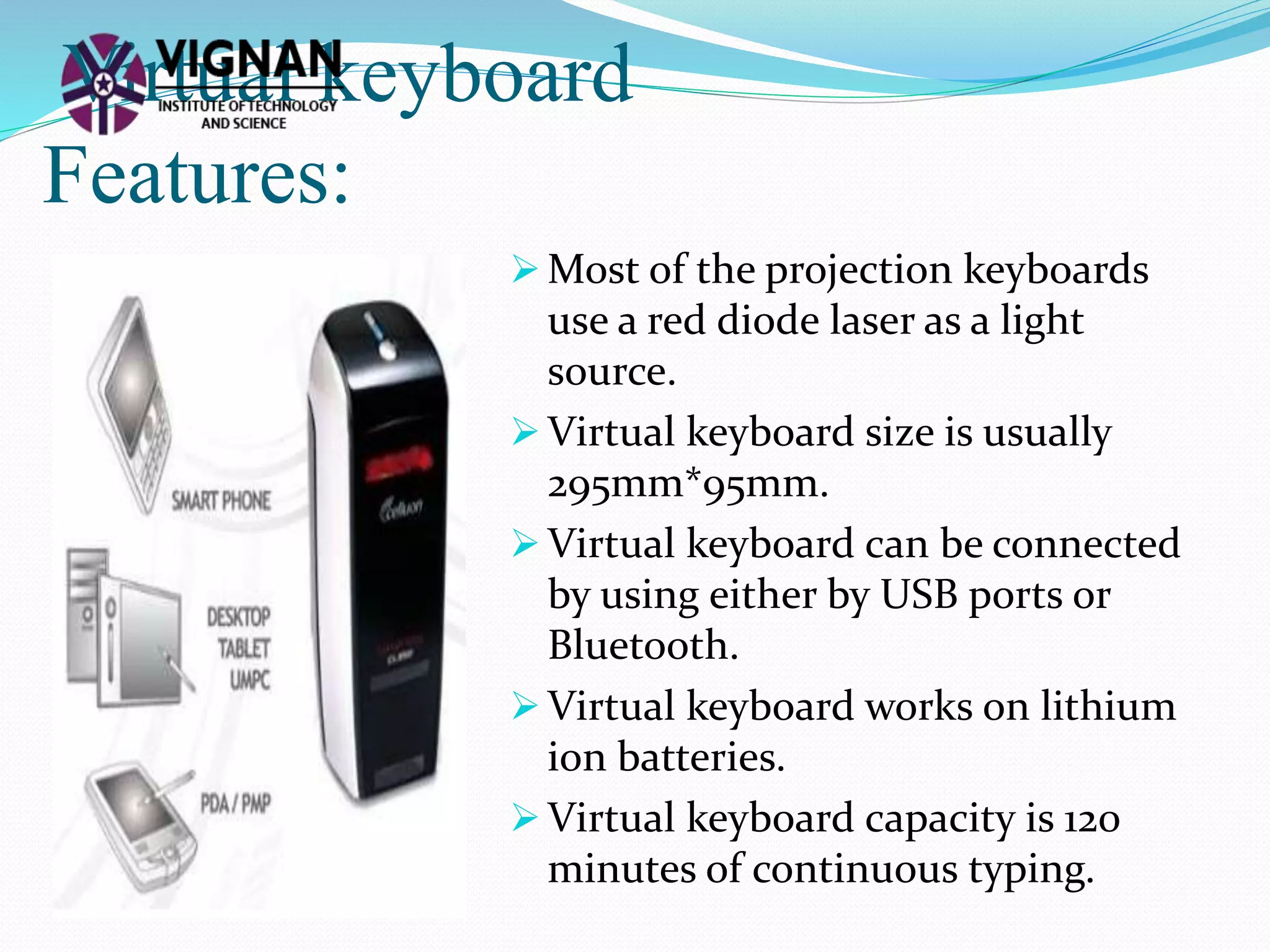
 Most of the projection keyboards
use a red diode laser as a light
source.
 Virtual keyboard size is usually
295mm*95mm.
 Virtual keyboard can be connected
by using either by USB ports or
Bluetooth.
 Virtual keyboard works on lithium
ion batteries.
 Virtual keyboard capacity is 120
minutes of continuous typing.
Virtual keyboard technology:
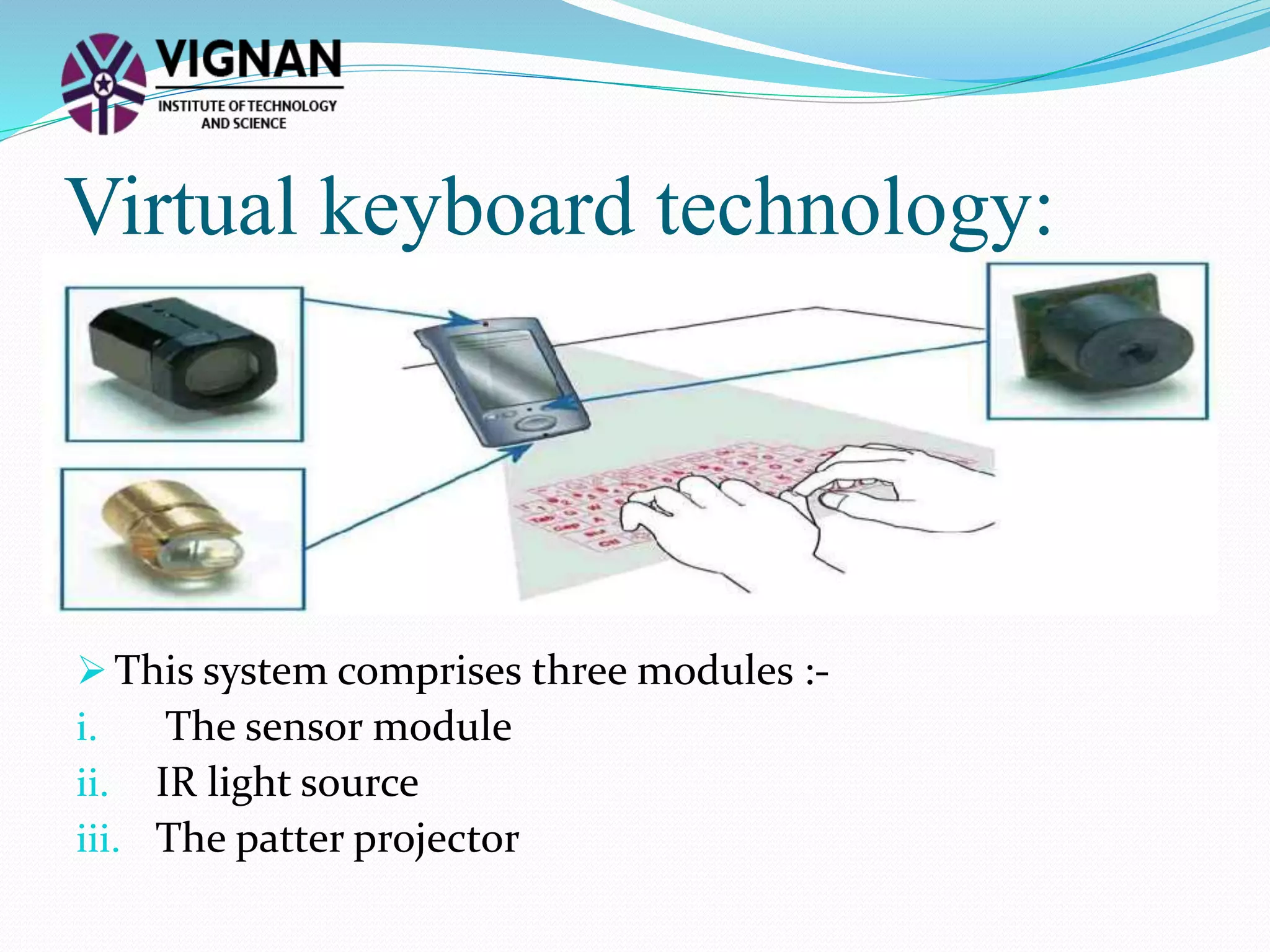
 This system comprises three modules :-
i. The sensor module
ii. IR light source
iii. The patter projector
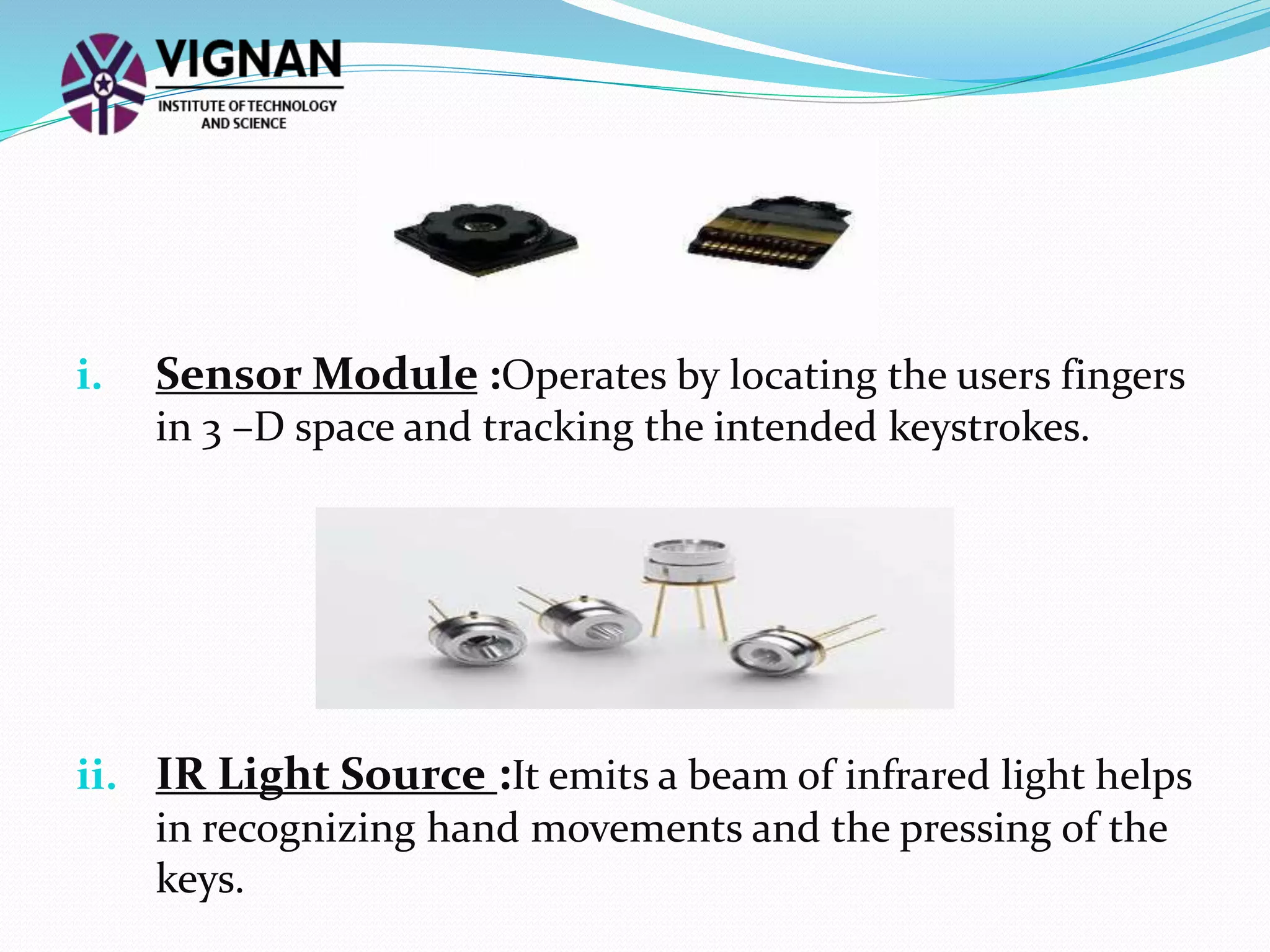
i. Sensor Module :Operates by locating the users fingers
in 3 –D space and tracking the intended keystrokes.
ii. IR Light Source :It emits a beam of infrared light helps
in recognizing hand movements and the pressing of the
keys.
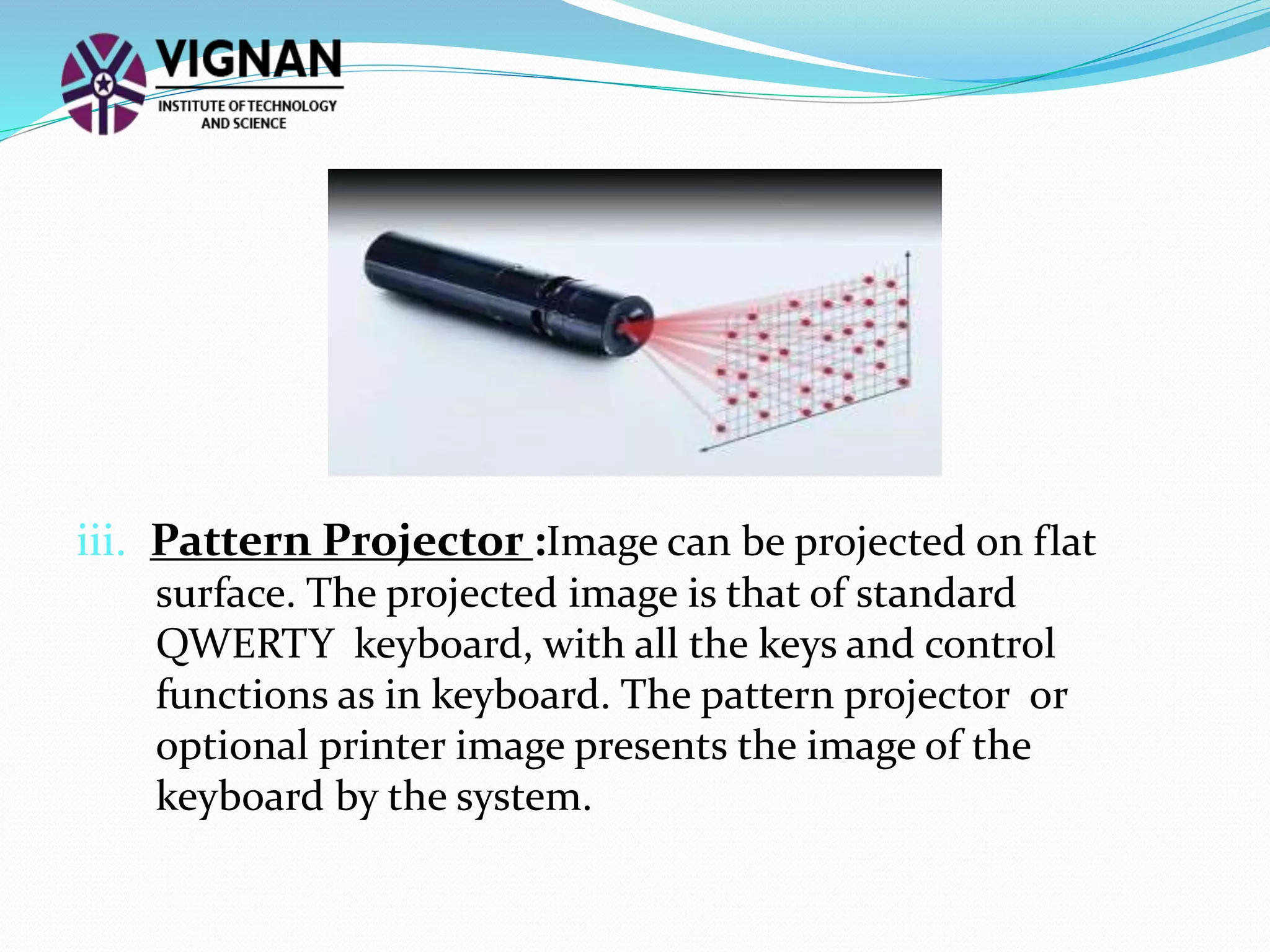
iii. Pattern Projector :Image can be projected on flat
surface. The projected image is that of standard
QWERTY keyboard, with all the keys and control
functions as in keyboard. The pattern projector or
optional printer image presents the image of the
keyboard by the system.
Working Mechanism:
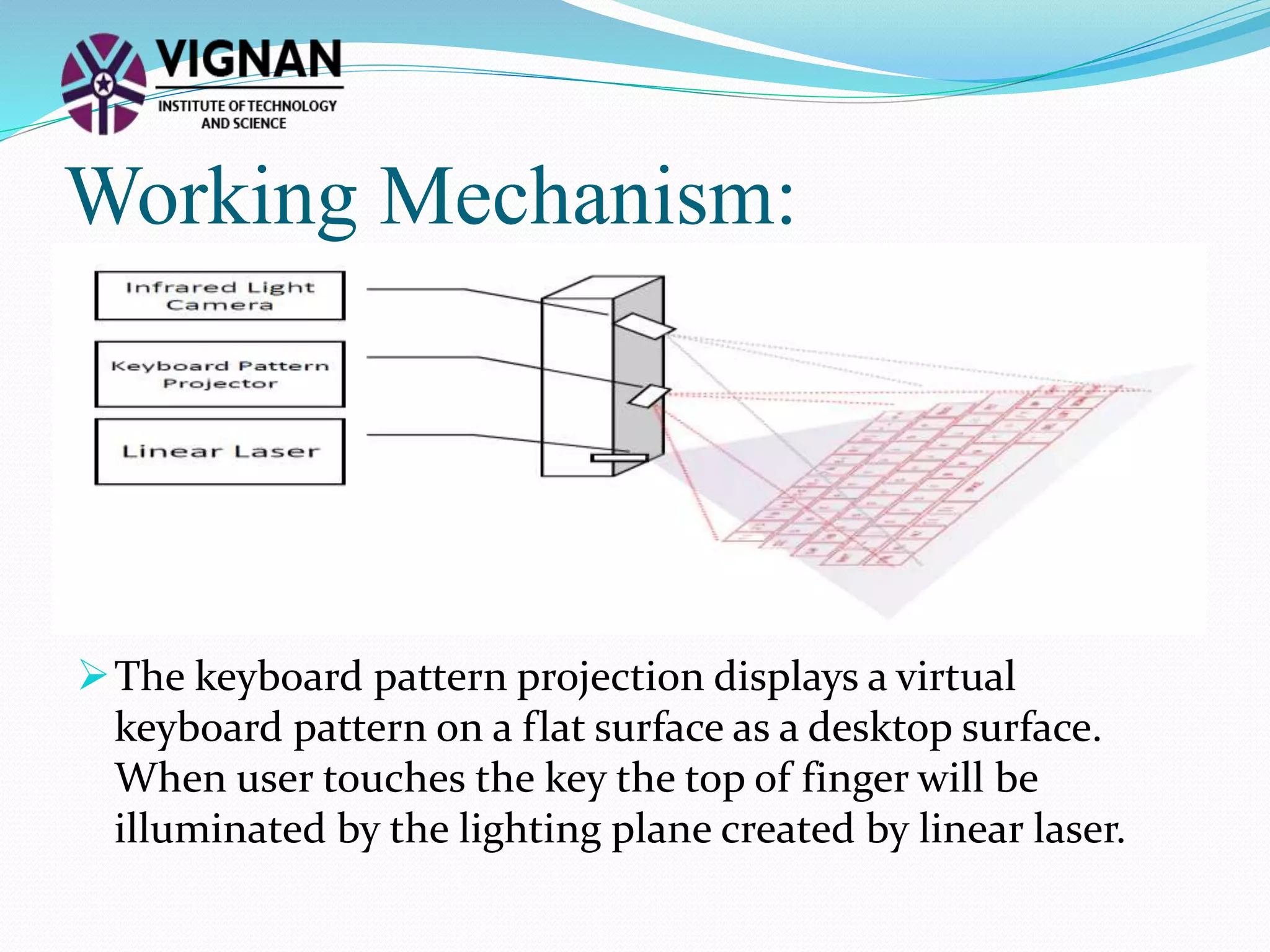
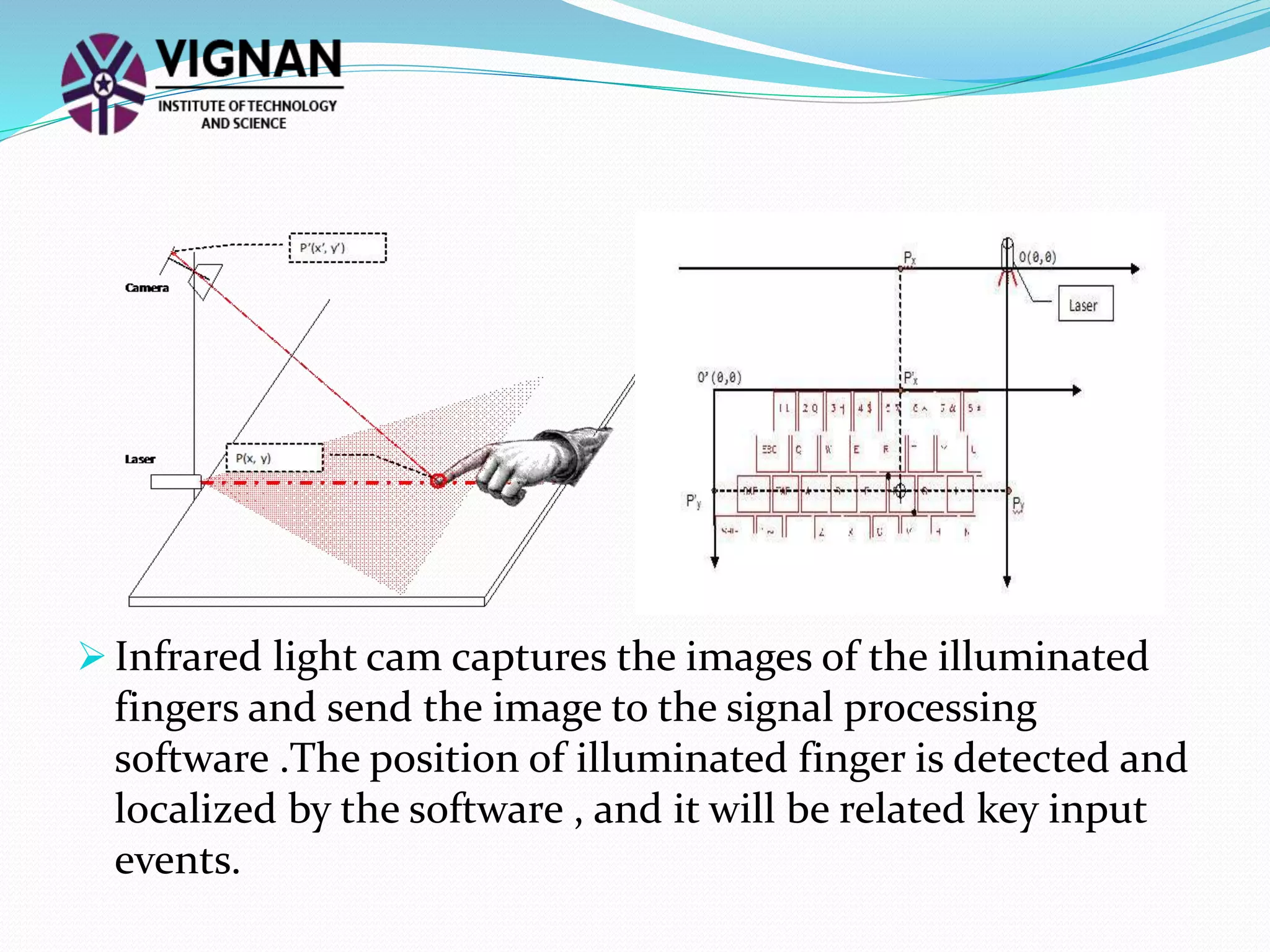
The keyboard pattern projection displays a virtual
keyboard pattern on a flat surface as a desktop surface.
When user touches the key the top of finger will be
illuminated by the lighting plane created by linear laser.
 Infrared light cam captures the images of the illuminated
fingers and send the image to the signal processing
software .The position of illuminated finger is detected and
localized by the software , and it will be related key input
events.
Advantages:
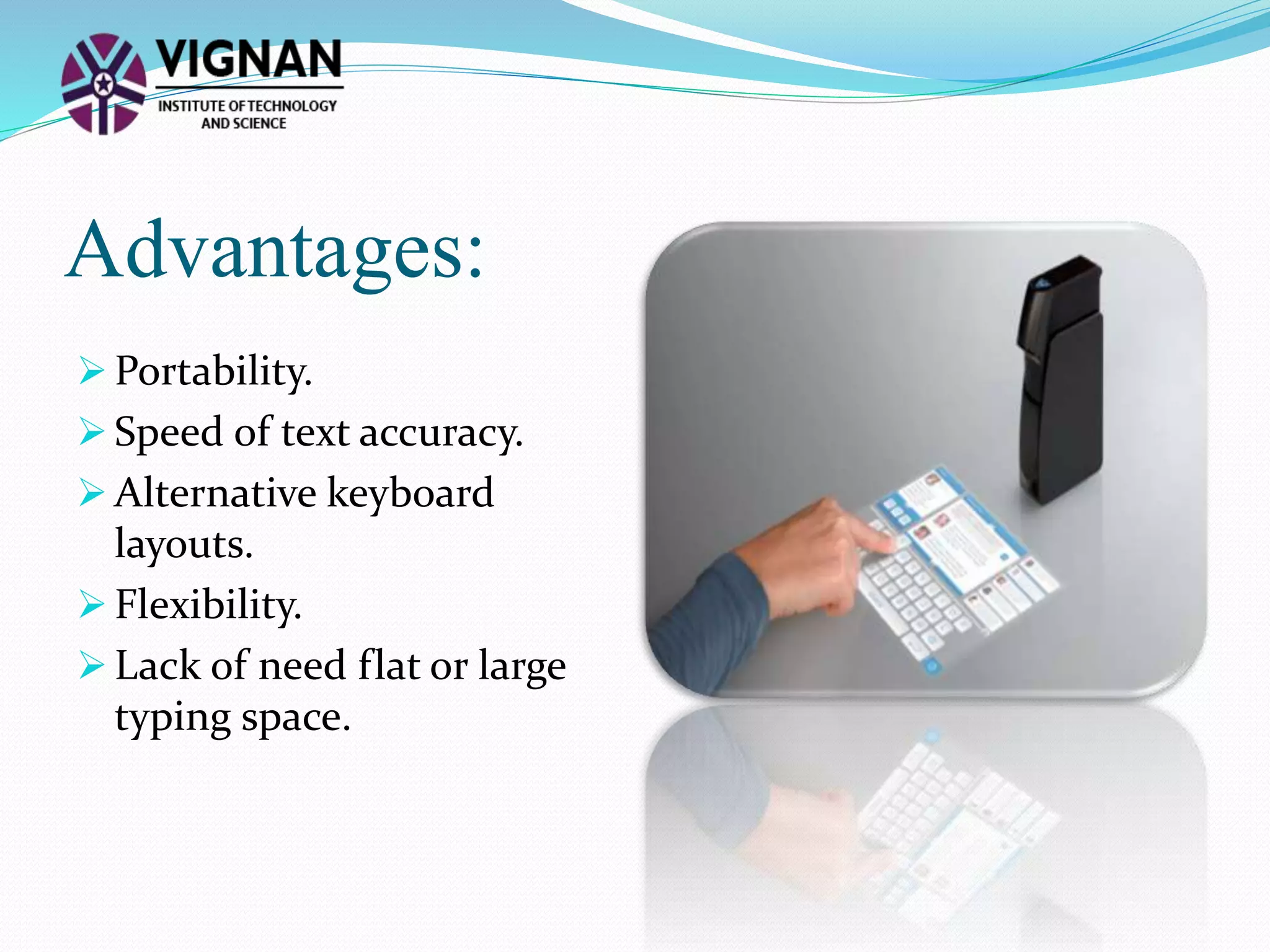
 Portability.
 Speed of text accuracy.
 Alternative keyboard
layouts.
 Flexibility.
 Lack of need flat or large
typing space.
Disadvantages:
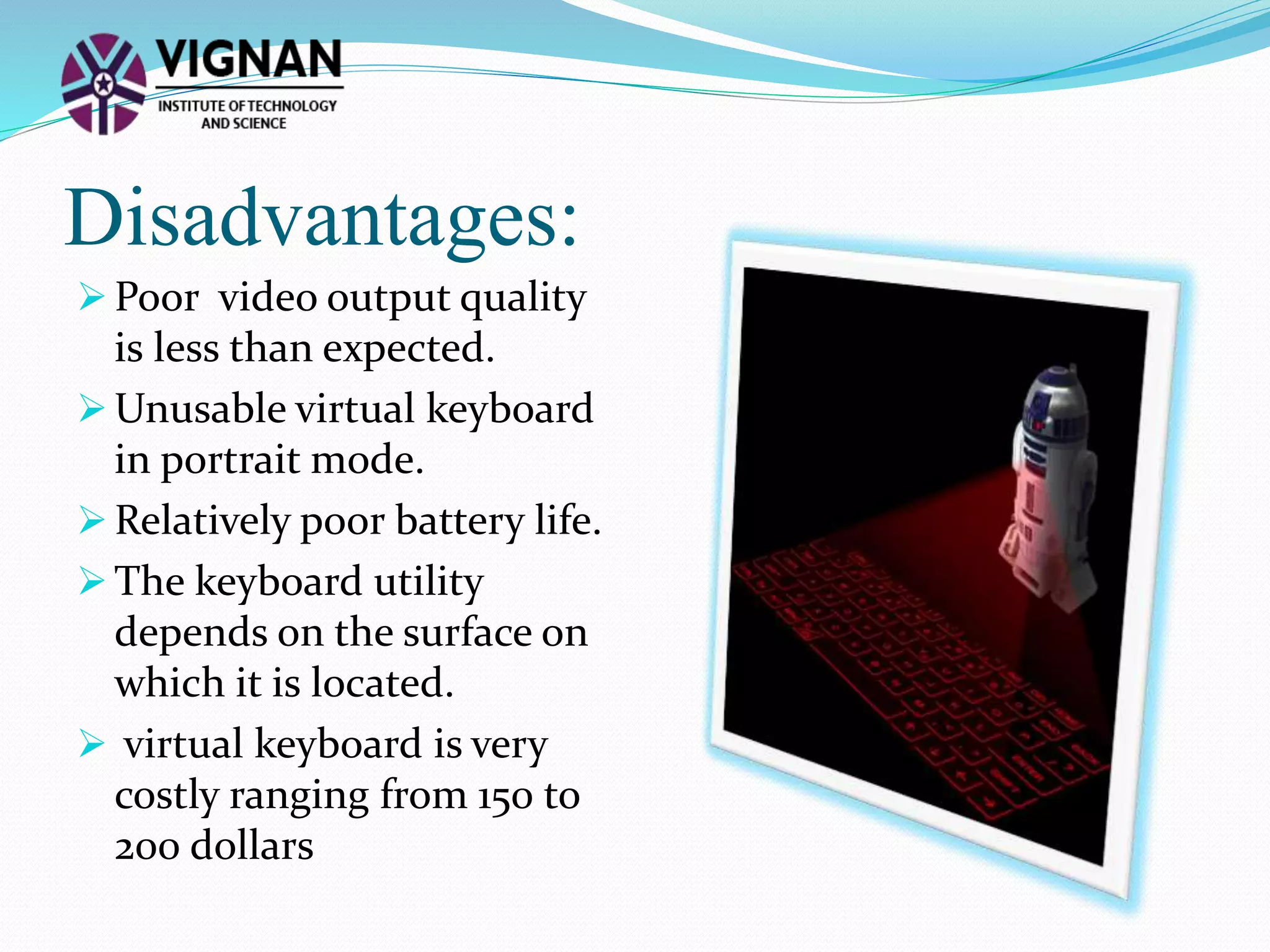
 Poor video output quality
is less than expected.
 Unusable virtual keyboard
in portrait mode.
 Relatively poor battery life.
 The keyboard utility
depends on the surface on
which it is located.
 virtual keyboard is very
costly ranging from 150 to
200 dollars
Conclusion:
 Projection key boards or virtual key boards claim to provide
the convenience of compactness with the advantages of a
full-blown QWERTY keyboard.
 A virtual keyboard based on 3-D optical range camera.
 Virtual Keyboard is also used in 6th sense technology
device in which it is not depends on surface. the feedback
text and/or graphics may be integrated with such projector,
thus enabling truly virtual working area.
 Thus virtual keyboards will make typing easier, faster, and
almost a pleasure.
 http://en.wikipedia.org/wiki/Virtual_keyboard
 http://www.dfrobot.com/wiki/index.php/Laser_Keyboard_
Kit_(SKU:KIT0030)
 http://www.ehow.com/list_5772511_advantages-virtual-
laser-keyboard.html
 http://en.wikipedia.org/wiki/Projection_keyboard#Interpr
etation_and_communication_.28Sensor_module.29
 http://en.wikipedia.org/wiki/Projection_keyboard
 https://www.google.co.in/search?q=virtual+keyboard+ima
ges&biw=800&bih=509&tbm=isch&tbo=u&source=univ&sa
=X&ei=PhsuVIugOY-hugSxpoGQBA&ved=0CBsQsAQ
References:
Virtual keyboard
Virtual keyboard

Virtual keyboard

  • 2.
    Contents: Introduction Definition Virtual Keyboard Features Virtualkeyboard Technology Working Mechanism Advantages Disadvantages Conclusion References
  • 3.
    Introduction:  The aimof this technology is to develop an “Augmented Reality” solution for a handheld device that enables the user to write text.  The first virtual keyboard was invented by IBM in 1992
  • 4.
    Definition:  A virtualkeyboard is a software component that allows a user to enter characters. A virtual keyboard can usually be operated with multiple input devices, which may include a touch screen, an actual computer keyboard .  Virtual keyboard is also called as projection keyboard. Virtual keyboard with screen
  • 5.
    Virtual keyboard Features:  Mostof the projection keyboards use a red diode laser as a light source.  Virtual keyboard size is usually 295mm*95mm.  Virtual keyboard can be connected by using either by USB ports or Bluetooth.  Virtual keyboard works on lithium ion batteries.  Virtual keyboard capacity is 120 minutes of continuous typing.
  • 6.
    Virtual keyboard technology: This system comprises three modules :- i. The sensor module ii. IR light source iii. The patter projector
  • 7.
    i. Sensor Module:Operates by locating the users fingers in 3 –D space and tracking the intended keystrokes. ii. IR Light Source :It emits a beam of infrared light helps in recognizing hand movements and the pressing of the keys.
  • 8.
    iii. Pattern Projector:Image can be projected on flat surface. The projected image is that of standard QWERTY keyboard, with all the keys and control functions as in keyboard. The pattern projector or optional printer image presents the image of the keyboard by the system.
  • 9.
    Working Mechanism: The keyboardpattern projection displays a virtual keyboard pattern on a flat surface as a desktop surface. When user touches the key the top of finger will be illuminated by the lighting plane created by linear laser.
  • 10.
     Infrared lightcam captures the images of the illuminated fingers and send the image to the signal processing software .The position of illuminated finger is detected and localized by the software , and it will be related key input events.
  • 11.
    Advantages:  Portability.  Speedof text accuracy.  Alternative keyboard layouts.  Flexibility.  Lack of need flat or large typing space.
  • 12.
    Disadvantages:  Poor videooutput quality is less than expected.  Unusable virtual keyboard in portrait mode.  Relatively poor battery life.  The keyboard utility depends on the surface on which it is located.  virtual keyboard is very costly ranging from 150 to 200 dollars
  • 13.
    Conclusion:  Projection keyboards or virtual key boards claim to provide the convenience of compactness with the advantages of a full-blown QWERTY keyboard.  A virtual keyboard based on 3-D optical range camera.  Virtual Keyboard is also used in 6th sense technology device in which it is not depends on surface. the feedback text and/or graphics may be integrated with such projector, thus enabling truly virtual working area.  Thus virtual keyboards will make typing easier, faster, and almost a pleasure.
  • 14.
     http://en.wikipedia.org/wiki/Virtual_keyboard  http://www.dfrobot.com/wiki/index.php/Laser_Keyboard_ Kit_(SKU:KIT0030) http://www.ehow.com/list_5772511_advantages-virtual- laser-keyboard.html  http://en.wikipedia.org/wiki/Projection_keyboard#Interpr etation_and_communication_.28Sensor_module.29  http://en.wikipedia.org/wiki/Projection_keyboard  https://www.google.co.in/search?q=virtual+keyboard+ima ges&biw=800&bih=509&tbm=isch&tbo=u&source=univ&sa =X&ei=PhsuVIugOY-hugSxpoGQBA&ved=0CBsQsAQ References: