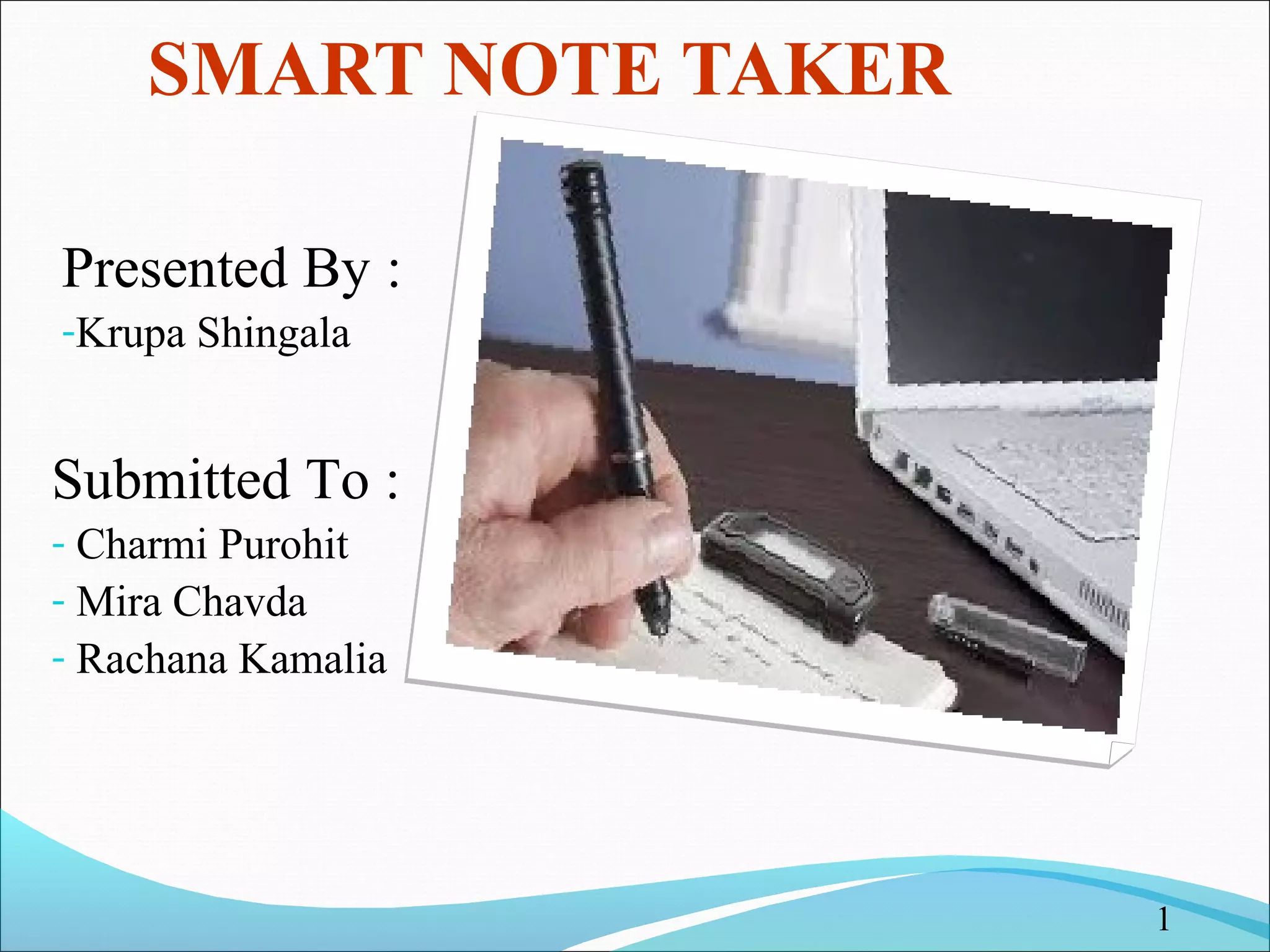
SMART NOTE TAKER 
Presented By : 
-Krupa Shingala 
Submitted To : 
- Charmi Purohit 
- Mira Chavda 
- Rachana Kamalia 
1
Index 
What is Smart Note Taker? 
Features of SNT 
Construction and Component of SNT 
Working Process of SNT 
Current Products 
Advantages & disadvantages of SNT 
Conclusion 
References 
Shingala krupa 2
What is Smart Note Taker? 
Smart note taker is a very useful product that could satisfy the 
needs of people in today's fast and technological life. 
This product can be used in many ways. 
The Smart note taker provides taking fast and easy notes to 
people who are busy with something. 
Shingala krupa 3
Conti… 
With the help of smart note taker people will be able to make 
notes in memory, while being busy with their work. 
The written notes will be stored in the memory chip of the pen 
and will be able to read in digital medium after the job is done. 
This will save time and facilitate life. 
Shingala krupa 4
Features of SNT 
The smart note taker is good and helpful for blinds that think and 
write freely. 
Another place, where our product can play an important role is 
where two people talk on the phone. 
It’s also useful especially for instructors in presentations. The 
instructors may not want to present the lecture in front of the 
board. 
Shingala krupa 5
Conti… 
The drawn figure can be processed and directly sent to the 
server computer in the room. 
The server computer then can broadcast the drawn shape 
through network to all of the computers which are present in the 
room. 
By this way lectures are aimed to be more efficient and fun. 
Shingala krupa 6
Construction and Component of SNT 
Shingala krupa 7
Components: 
SENSORS: 
 Displacement sensors. 
 Senses the displacement of the pen. 
PROCESSOR: 
 Contains Data base system and driver software. 
 Installing JAVA APPLET code. 
MEMORY: 
 Stores the written note in memory. 
Shingala krupa 8
Conti… 
CONTROL PANEL: 
 Controls the mode of operation in SNT. 
BATTERY: 
 Rechargeable Battery is used. 
COMMUNICATION UNIT: 
 Functions like a Communication Port. 
 Used to communicate with PC, laptop etc. 
Shingala krupa 9
Working Process of SNT 
Shingala krupa 10
Displacement sensor senses the displacement of SNT. 
The sensed structure is compared with standard alphabets in 
database. 
The letter with close similarity is stored in the memory. 
By connecting the SNT to a PC we can saw the note. 
Shingala krupa 11
Working Procedure 
WRITE 
UPLOAD 
EDIT 
Shingala krupa 12
Current Products 
Different types of note taker are available in the market like 
 PC note taker 
 Mobile note taker 
Shingala krupa 13
PC Note Taker 
PC Notes Taker is the world's first device that captures natural 
handwriting on any surface onto a PC in real time 
PC Notes Taker displays the user's handwritten notes, memos or 
drawings on the computer, and stores the image for future use. 
Shingala krupa 14
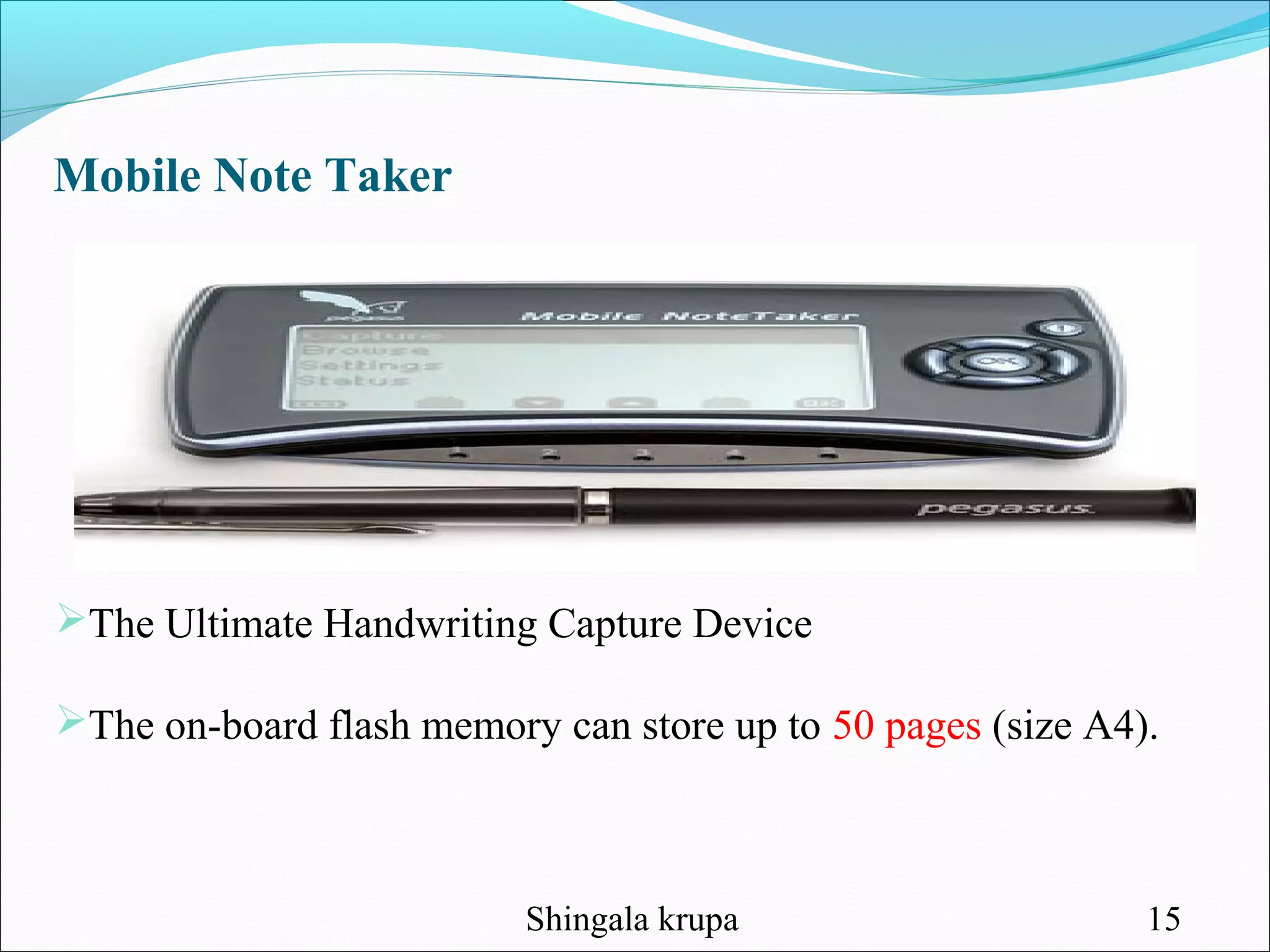
Mobile Note Taker 
The Ultimate Handwriting Capture Device 
The on-board flash memory can store up to 50 pages (size A4). 
Shingala krupa 15
Mobile Note Taker works in two modes :- 
 Mobile mode 
 Connected mode. 
 In mobile mode note taker receiver unit is not connected to a PC 
via USB cable. 
In connected mode the base unit is connected to a PC through 
USB cable. 
A built-in LCD confirms that what you write is saved 
Shingala krupa 16
Advantages 
Easy-to-use wireless connection. 
it is time saving. 
Smart note taker is reliable and powerful. 
It is helpful for blinds that think and write freely. 
It is used along with paint and JAVA graphics so we can 
say this product is compatible with all graphics software. 
Smart note taker is used for instructors in presentations. 
Shingala krupa 17
Disadvantages 
It is very expensive. 
Cannot be used for daily purposes by common man. 
Shingala krupa 18
Conclusion 
It will try to improve a pen, which helps people get rid of 
typing problems on computer by the technology. 
This device will increase the capacity of noting the texts, lessons 
and projects you work on. 
Shingala krupa 19
References: 
http://www.campus-technology.com 
http://www2.smarttech.com/st/enUS/Products/Interactive+Pen 
+Displays 
http://www.ipen4you.com 
Shingala krupa 20
22

Smart note taker

  • 1.
    SMART NOTE TAKER Presented By : -Krupa Shingala Submitted To : - Charmi Purohit - Mira Chavda - Rachana Kamalia 1
  • 2.
    Index What isSmart Note Taker? Features of SNT Construction and Component of SNT Working Process of SNT Current Products Advantages & disadvantages of SNT Conclusion References Shingala krupa 2
  • 3.
    What is SmartNote Taker? Smart note taker is a very useful product that could satisfy the needs of people in today's fast and technological life. This product can be used in many ways. The Smart note taker provides taking fast and easy notes to people who are busy with something. Shingala krupa 3
  • 4.
    Conti… With thehelp of smart note taker people will be able to make notes in memory, while being busy with their work. The written notes will be stored in the memory chip of the pen and will be able to read in digital medium after the job is done. This will save time and facilitate life. Shingala krupa 4
  • 5.
    Features of SNT The smart note taker is good and helpful for blinds that think and write freely. Another place, where our product can play an important role is where two people talk on the phone. It’s also useful especially for instructors in presentations. The instructors may not want to present the lecture in front of the board. Shingala krupa 5
  • 6.
    Conti… The drawnfigure can be processed and directly sent to the server computer in the room. The server computer then can broadcast the drawn shape through network to all of the computers which are present in the room. By this way lectures are aimed to be more efficient and fun. Shingala krupa 6
  • 7.
    Construction and Componentof SNT Shingala krupa 7
  • 8.
    Components: SENSORS: Displacement sensors.  Senses the displacement of the pen. PROCESSOR:  Contains Data base system and driver software.  Installing JAVA APPLET code. MEMORY:  Stores the written note in memory. Shingala krupa 8
  • 9.
    Conti… CONTROL PANEL:  Controls the mode of operation in SNT. BATTERY:  Rechargeable Battery is used. COMMUNICATION UNIT:  Functions like a Communication Port.  Used to communicate with PC, laptop etc. Shingala krupa 9
  • 10.
    Working Process ofSNT Shingala krupa 10
  • 11.
    Displacement sensor sensesthe displacement of SNT. The sensed structure is compared with standard alphabets in database. The letter with close similarity is stored in the memory. By connecting the SNT to a PC we can saw the note. Shingala krupa 11
  • 12.
    Working Procedure WRITE UPLOAD EDIT Shingala krupa 12
  • 13.
    Current Products Differenttypes of note taker are available in the market like  PC note taker  Mobile note taker Shingala krupa 13
  • 14.
    PC Note Taker PC Notes Taker is the world's first device that captures natural handwriting on any surface onto a PC in real time PC Notes Taker displays the user's handwritten notes, memos or drawings on the computer, and stores the image for future use. Shingala krupa 14
  • 15.
    Mobile Note Taker The Ultimate Handwriting Capture Device The on-board flash memory can store up to 50 pages (size A4). Shingala krupa 15
  • 16.
    Mobile Note Takerworks in two modes :-  Mobile mode  Connected mode.  In mobile mode note taker receiver unit is not connected to a PC via USB cable. In connected mode the base unit is connected to a PC through USB cable. A built-in LCD confirms that what you write is saved Shingala krupa 16
  • 17.
    Advantages Easy-to-use wirelessconnection. it is time saving. Smart note taker is reliable and powerful. It is helpful for blinds that think and write freely. It is used along with paint and JAVA graphics so we can say this product is compatible with all graphics software. Smart note taker is used for instructors in presentations. Shingala krupa 17
  • 18.
    Disadvantages It isvery expensive. Cannot be used for daily purposes by common man. Shingala krupa 18
  • 19.
    Conclusion It willtry to improve a pen, which helps people get rid of typing problems on computer by the technology. This device will increase the capacity of noting the texts, lessons and projects you work on. Shingala krupa 19
  • 20.
  • 22.