WEB 2.0  is the proliferation of interconnectivity and interactivity of web-delivered content . SLIDESHARE  is just a part of it...
SLIDESHARE IS…
… THE YOUTUBE FOR POWERPOINT! You can upload your PowerPoint, OpenOffice or PDF files to the Slideshare website You   can embed them as slideshows in your blogs or web sites You can browse others’ presentations You can comment on individual slides And it’s  FREE!!!!!!!!!!!!!!!
As teachers we can: approach teaching and explore learning in a different way  find interesting presentations  create slide casts (adding sound)  find friends and make professional connections (group: education)  join or create groups about things you are interested in
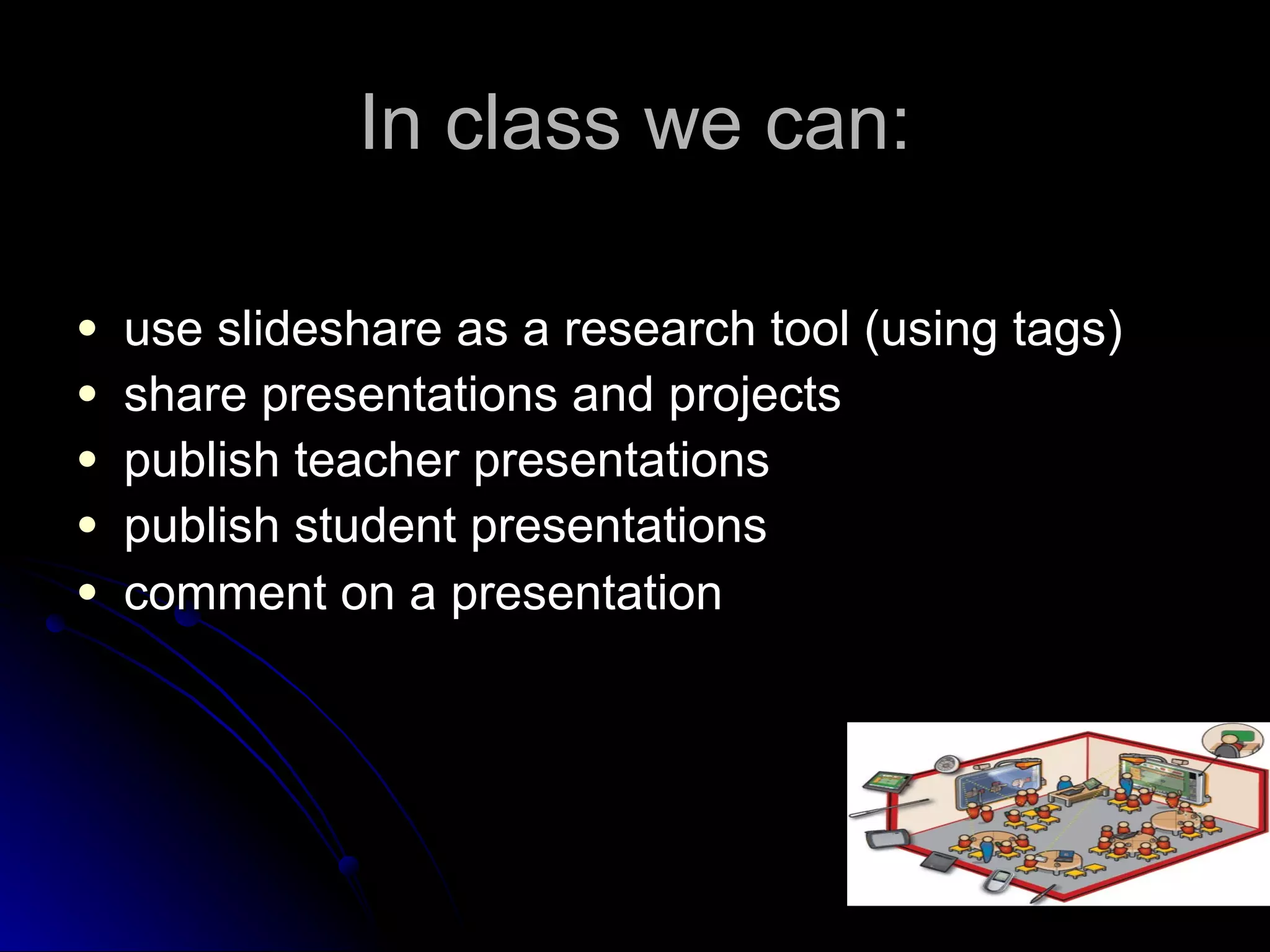
In class we can: use slideshare as a research tool (using tags)  share presentations and projects publish teacher presentations publish student presentations comment on a presentation  
And... create collaborative groups with students from other schools   use slideshows to activate prior knowledge  share privately or publicly (events at school) OBVIOUSLY   for  ENJOYMENT
But... there are limitations...
Inappropriate content can be found Presentations may not be converted perfectly when they contain  very rare or exotic fonts   Slideshare doesn’t support  audio and videos embedded inside presentations   Slide transitions or animations are likely to be lost  
USING SLIDESHARE WITH STUDENTS...
Slideshare for younger children (1 e 2º Ciclos) It allows storytelling. The sounds and images engage children in the natural process of language learning.  It offers children the possibility of drilling naturally, repeating words and having fun. It lets children create their own material and share it with others (under teacher’s guidance to make sure their time and interaction is effective). It encourages children’s digital fluency. It allows the introduction of new vocabulary items, basic sentence structure and the understanding of accurate spelling.
NEVERTHELESS It’s a very teacher based task as they are not in control of Internet language and tools. The outcome seems more important than the process at this stage.
Slideshare for teenagers (3º Ciclo) It promotes teenagers’ creativity. They know their work is accessible online and can be downloaded. Accuracy and imagination can be key words for the success of their presentation. It is a way of sharing personal ideas, tastes and thus stimulate teenagers’ personality development and reinforce self-confidence. It allows teenagers to feel part of a larger community, whether a classroom or the world. Group work encourages them to engage in group socialization, in decision making and problem solving. It invites teenagers to comment on their peers’ work, practising oral and written skills.
AT THIS STAGE Students are learning to be self-confident, creative and independent.  The teacher’s help is still needed in terms of accuracy.
Slideshare for teenagers (Ensino Secundário) It promotes intercultural knowledge. Teenagers know they can share their work and at the same time take electronic field trips that bring to their world ideas from all over the world. It allows real communication. Students can embed their presentation in their own blogs or sites and expect their peers to comment on them. Slideshare keeps track of the times someone views one’s presentation. Information is real and updated.
IN  CONCLUSION Students are more independent, digital fluent and creative. The teacher is the audience, not so much part of the process. Autonomy is encouraged.
But we’ll be here...

SlideShare For You

  • 1.
    WEB 2.0 is the proliferation of interconnectivity and interactivity of web-delivered content . SLIDESHARE is just a part of it...
  • 2.
  • 3.
    … THE YOUTUBEFOR POWERPOINT! You can upload your PowerPoint, OpenOffice or PDF files to the Slideshare website You can embed them as slideshows in your blogs or web sites You can browse others’ presentations You can comment on individual slides And it’s FREE!!!!!!!!!!!!!!!
  • 4.
    As teachers wecan: approach teaching and explore learning in a different way find interesting presentations create slide casts (adding sound) find friends and make professional connections (group: education) join or create groups about things you are interested in
  • 5.
    In class wecan: use slideshare as a research tool (using tags) share presentations and projects publish teacher presentations publish student presentations comment on a presentation  
  • 6.
    And... create collaborativegroups with students from other schools  use slideshows to activate prior knowledge share privately or publicly (events at school) OBVIOUSLY for ENJOYMENT
  • 7.
    But... there arelimitations...
  • 8.
    Inappropriate content canbe found Presentations may not be converted perfectly when they contain very rare or exotic fonts Slideshare doesn’t support audio and videos embedded inside presentations Slide transitions or animations are likely to be lost  
  • 9.
  • 10.
    Slideshare for youngerchildren (1 e 2º Ciclos) It allows storytelling. The sounds and images engage children in the natural process of language learning. It offers children the possibility of drilling naturally, repeating words and having fun. It lets children create their own material and share it with others (under teacher’s guidance to make sure their time and interaction is effective). It encourages children’s digital fluency. It allows the introduction of new vocabulary items, basic sentence structure and the understanding of accurate spelling.
  • 11.
    NEVERTHELESS It’s avery teacher based task as they are not in control of Internet language and tools. The outcome seems more important than the process at this stage.
  • 12.
    Slideshare for teenagers(3º Ciclo) It promotes teenagers’ creativity. They know their work is accessible online and can be downloaded. Accuracy and imagination can be key words for the success of their presentation. It is a way of sharing personal ideas, tastes and thus stimulate teenagers’ personality development and reinforce self-confidence. It allows teenagers to feel part of a larger community, whether a classroom or the world. Group work encourages them to engage in group socialization, in decision making and problem solving. It invites teenagers to comment on their peers’ work, practising oral and written skills.
  • 13.
    AT THIS STAGEStudents are learning to be self-confident, creative and independent. The teacher’s help is still needed in terms of accuracy.
  • 14.
    Slideshare for teenagers(Ensino Secundário) It promotes intercultural knowledge. Teenagers know they can share their work and at the same time take electronic field trips that bring to their world ideas from all over the world. It allows real communication. Students can embed their presentation in their own blogs or sites and expect their peers to comment on them. Slideshare keeps track of the times someone views one’s presentation. Information is real and updated.
  • 15.
    IN CONCLUSIONStudents are more independent, digital fluent and creative. The teacher is the audience, not so much part of the process. Autonomy is encouraged.
  • 16.