SharePoint 2010 Enterprise SearchDeployment and Configuration
About the Speaker...Ágnes Molnár (Ághy)SharePoint ConsultantSharePoint Server MVP, MCITP, MCTS, MCTBooks contributed:Real World SharePoint 2010SharePoint Unleashed 2010Visual Studio 2010 and .NET Framework 4 Six-in-One
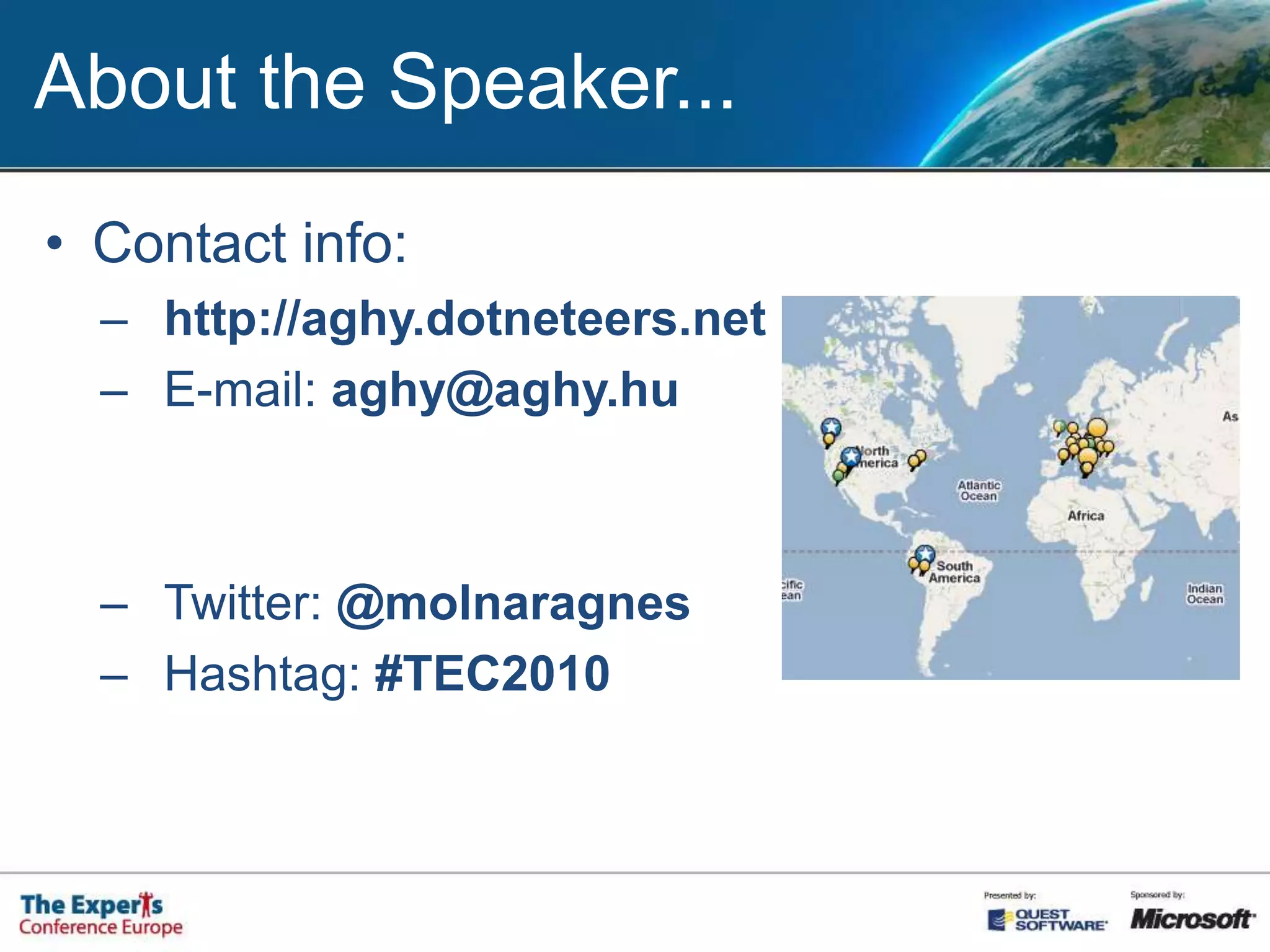
About the Speaker...Contact info:http://aghy.dotneteers.netE-mail: aghy@aghy.huTwitter: @molnaragnesHashtag: #TEC2010
Why Search is so Important?Information OverloadSearch, Find, DiscoverGartner: 8 hours / week / information workerIDC: 9.5 hours / week / information workerImprove Search  Improve Work
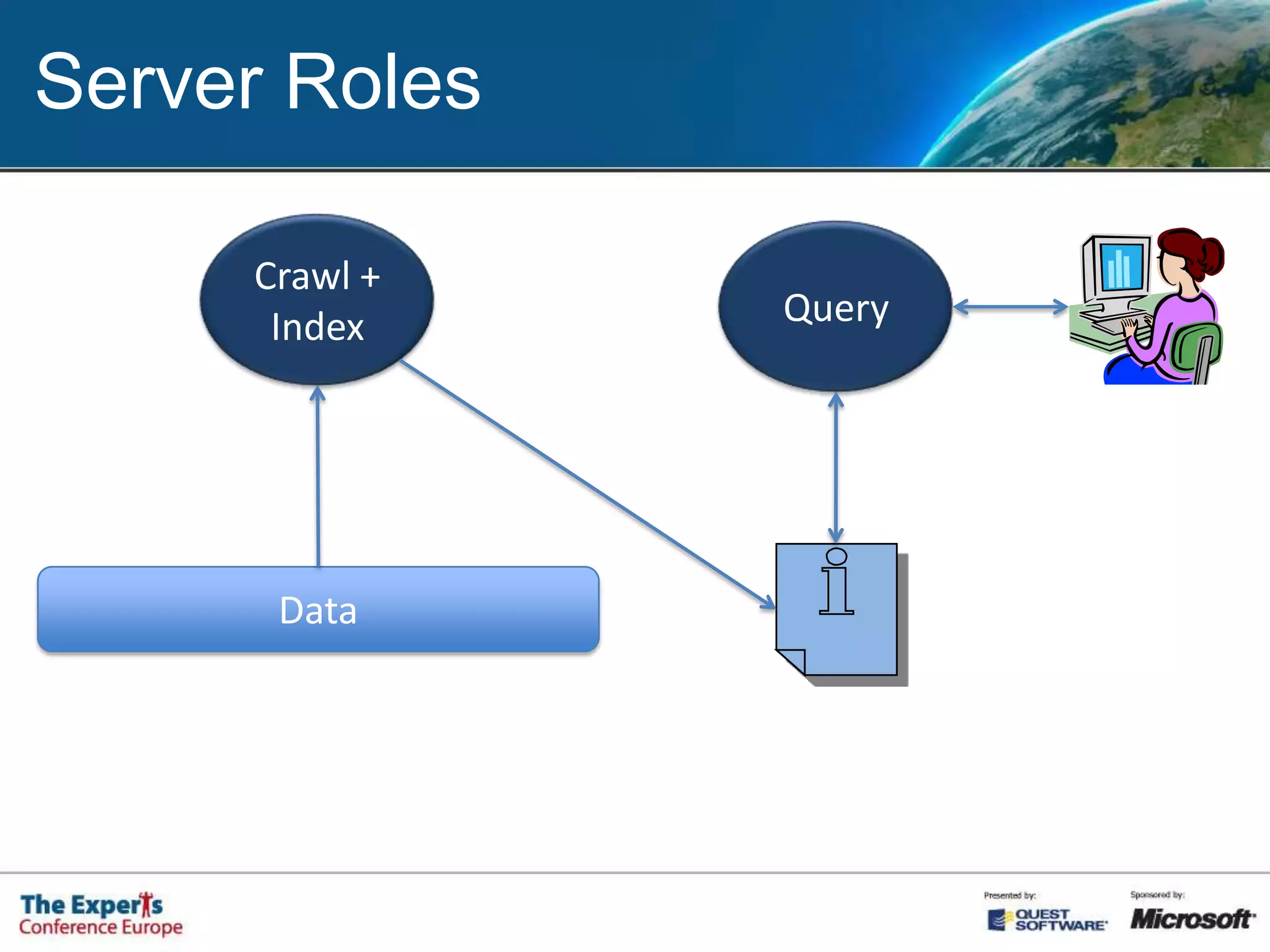
Server RolesCrawl + IndexQueryData
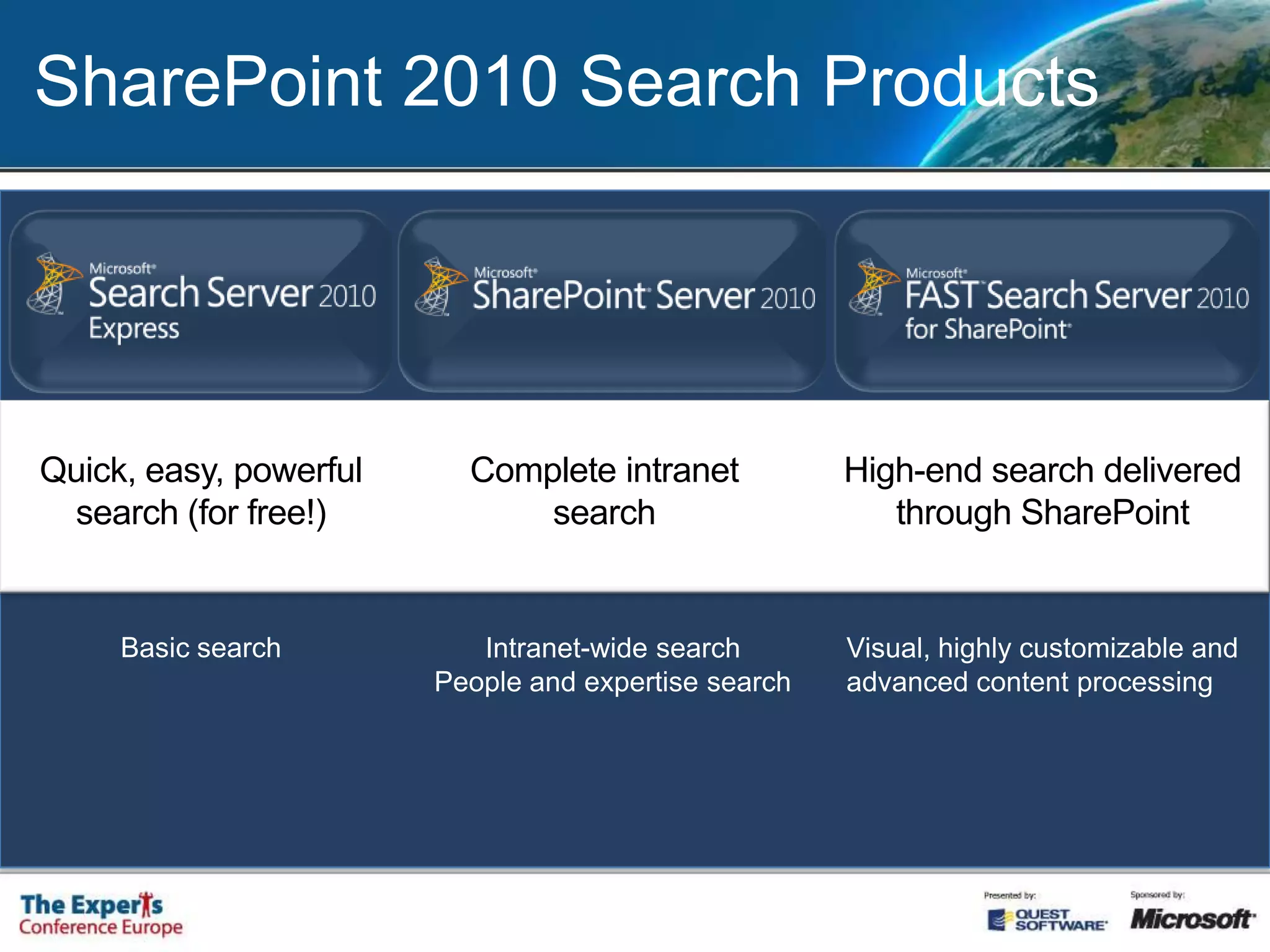
SharePoint 2010 Search ProductsQuick, easy, powerful search (for free!)Complete intranet searchHigh-end search delivered through SharePoint Basic searchIntranet-wide searchPeople and expertise searchVisual, highly customizable and advanced content processing
SP2010 Search ImprovementsArchitecture: Service ApplicationsEnterprise Scale-out (up to 100M docs)Connectors for LOB SystemsPowerShell supportQuery:Boolean Qery SyntaxPrefix MatchingSuggestion while Typing
SP2010 Search ImprovementsResults:New, rich User InterfaceRefinement PanelImproved People SearchEnhanced relevance
SharePoint Search Basics
SP2010 Content SourcesSharePoint sitesFile ShareBusiness DataWebsiteExchange Public FolderLotus Notes database...
SP2010 ScopesRefine the queriesScope RulesWeb addressProperty queryContent sourceAll contentScope operations:IncludeRequireExclude
SP2010 Scopes
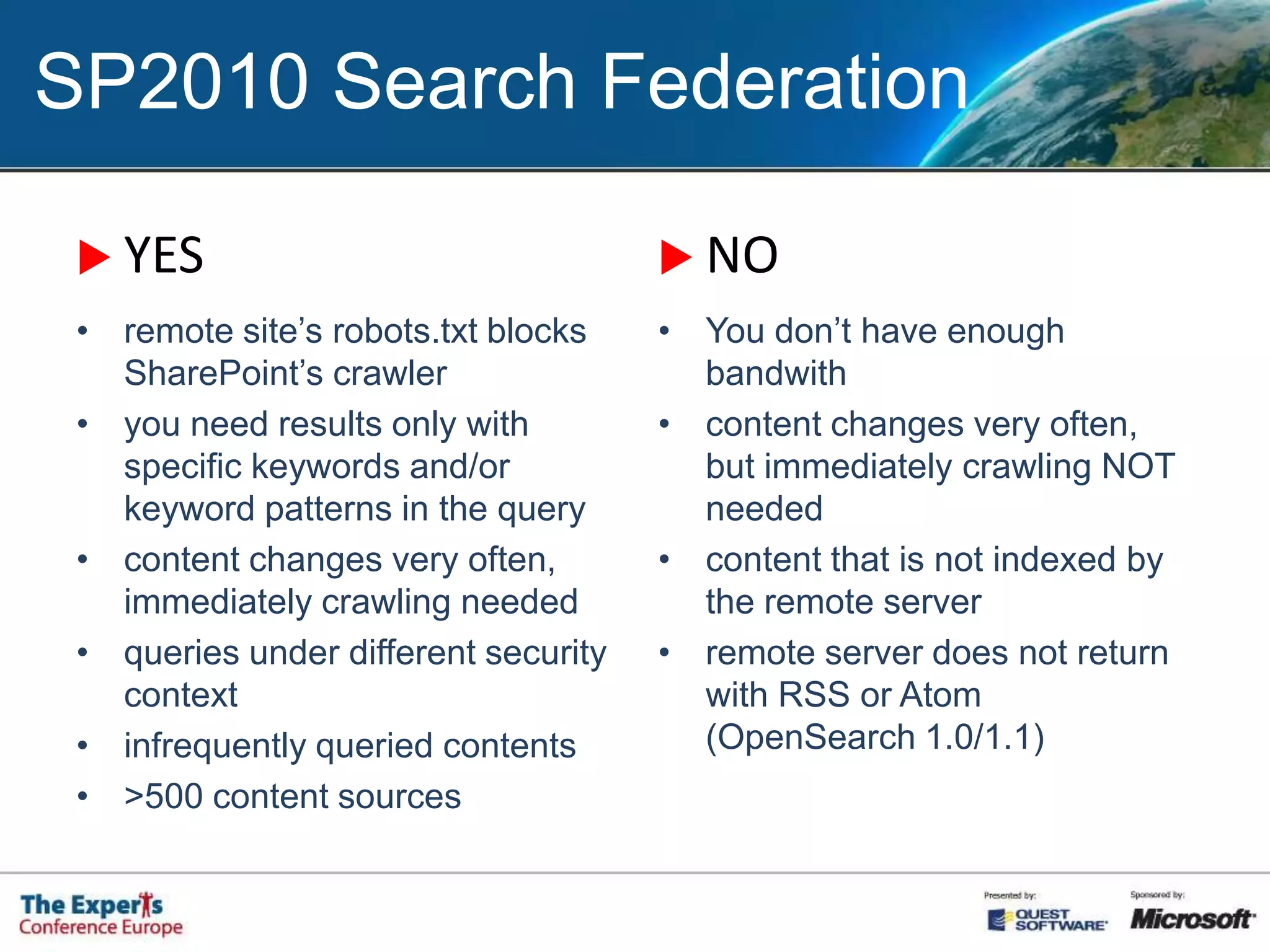
SP2010 Search Federation
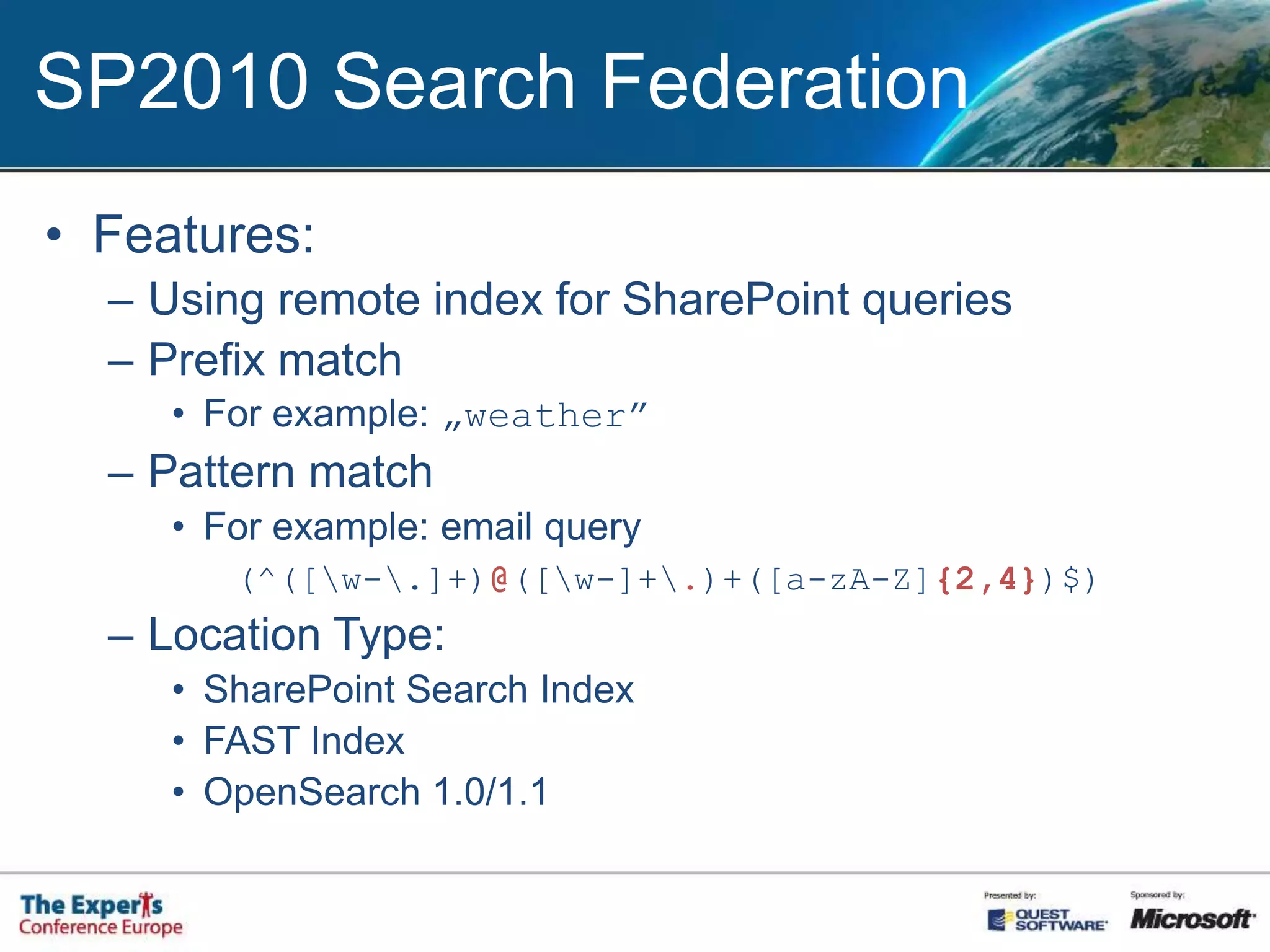
SP2010 Search FederationFeatures:Using remote index for SharePoint queriesPrefix matchFor example: „weather”Pattern matchFor example: email query (^([\w-\.]+)@([\w-]+\.)+([a-zA-Z]{2,4})$)Location Type:SharePoint Search IndexFAST IndexOpenSearch 1.0/1.1
SP2010 Search FederationFeatures (cont.)Query Template{searchTerms} scope:Documents{searchTerms} type:.doc type:.docx type:.docm„More Results” link TemplateResults formatting (XSL)Usage restrictions (for sites)Custom Credentials
SP2010 Search FederationYESNOremote site’s robots.txt blocks SharePoint’s crawleryou need results only with specific keywords and/or keyword patterns in the querycontent changes very often, immediately crawling neededqueries under different security contextinfrequently queried contents>500 content sourcesYou don’t have enough bandwithcontent changes very often, but immediately crawling NOT neededcontent that is not indexed by the remote serverremote server does not return with RSS or Atom (OpenSearch 1.0/1.1)
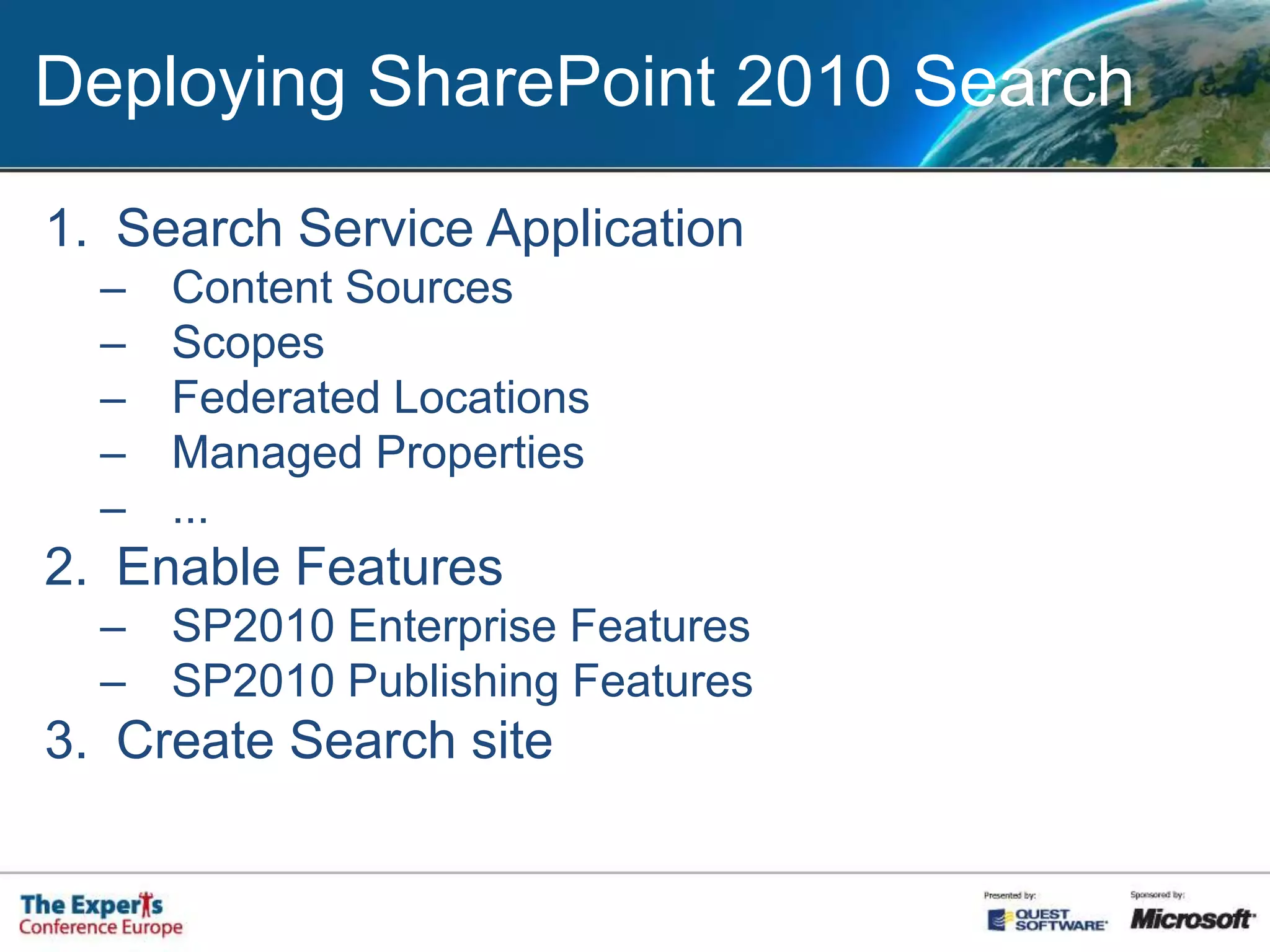
Deploying SharePoint 2010 SearchSearch Service ApplicationContent SourcesScopesFederated LocationsManaged Properties...Enable FeaturesSP2010 Enterprise FeaturesSP2010 Publishing FeaturesCreate Search site
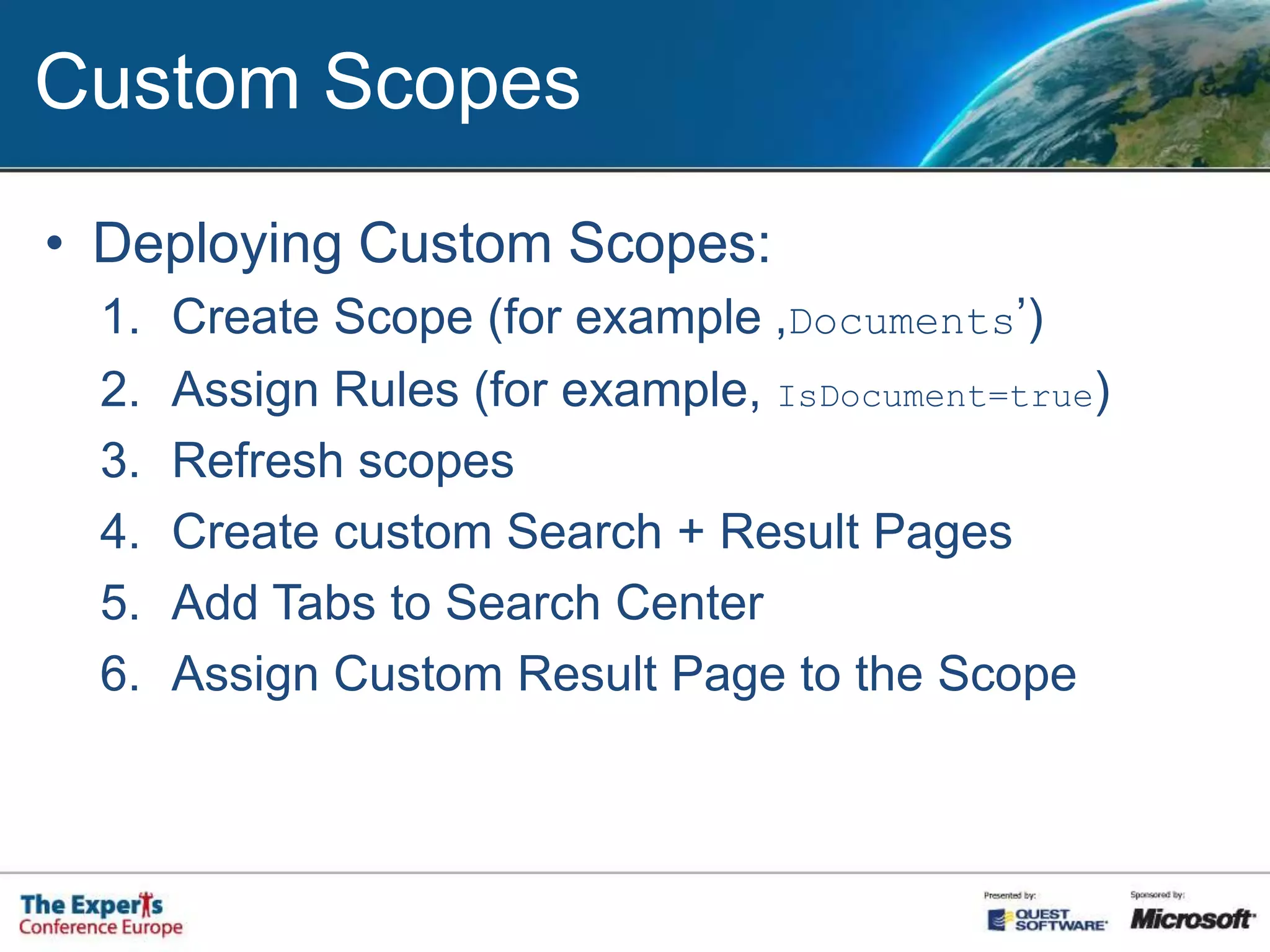
Custom ScopesDeploying Custom Scopes:Create Scope (for example ‚Documents’)Assign Rules (for example, IsDocument=true)Refresh scopesCreate custom Search + Result PagesAdd Tabs to Search CenterAssign Custom Result Page to the Scope
SP2010 Search Federation
FAST Search Server for SharePoint 2010
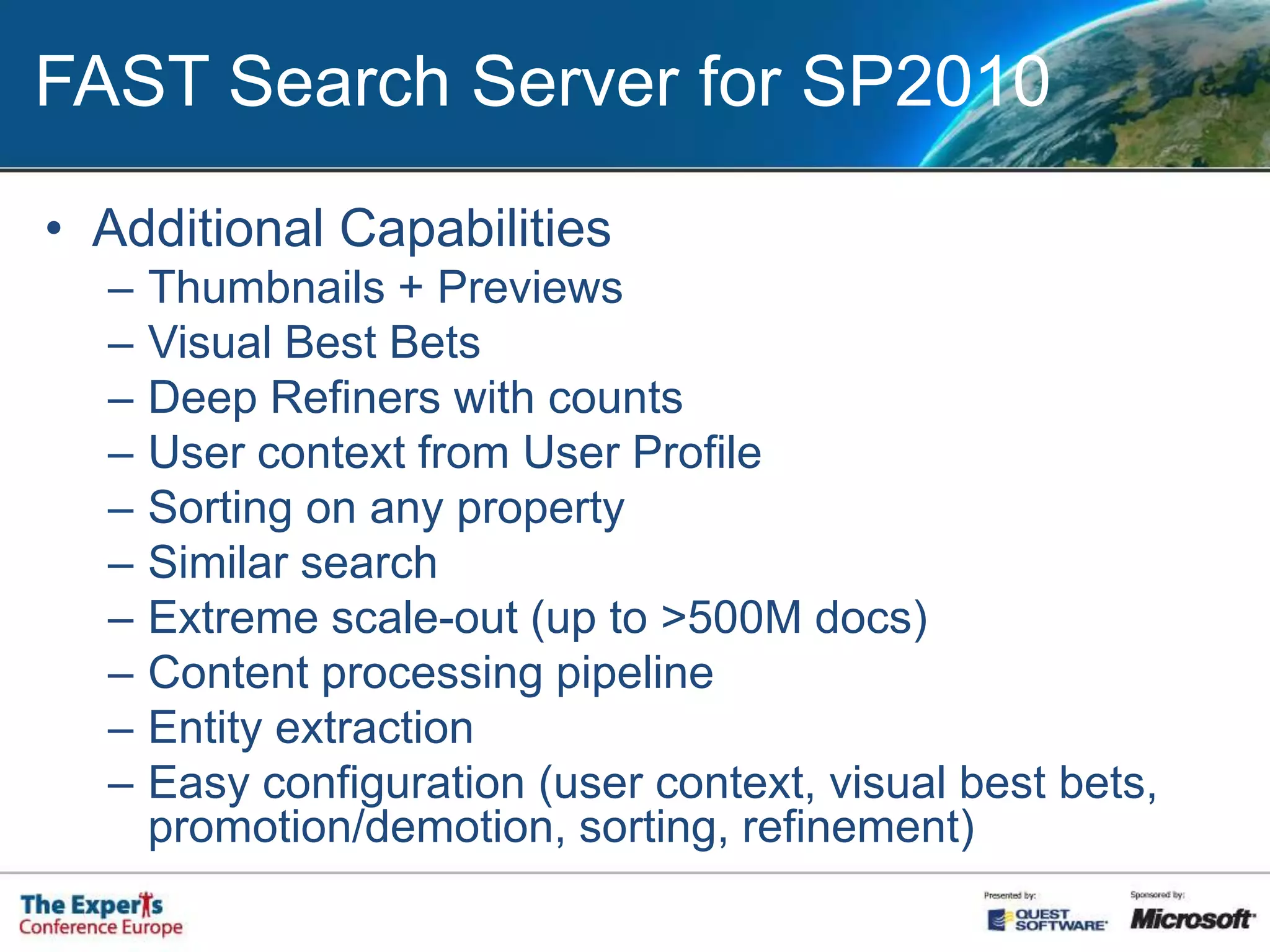
FAST Search Server for SP2010Additional CapabilitiesThumbnails + PreviewsVisual Best BetsDeep Refiners with countsUser context from User ProfileSorting on any propertySimilar searchExtreme scale-out (up to >500M docs)Content processing pipelineEntity extractionEasy configuration (user context, visual best bets, promotion/demotion, sorting, refinement)
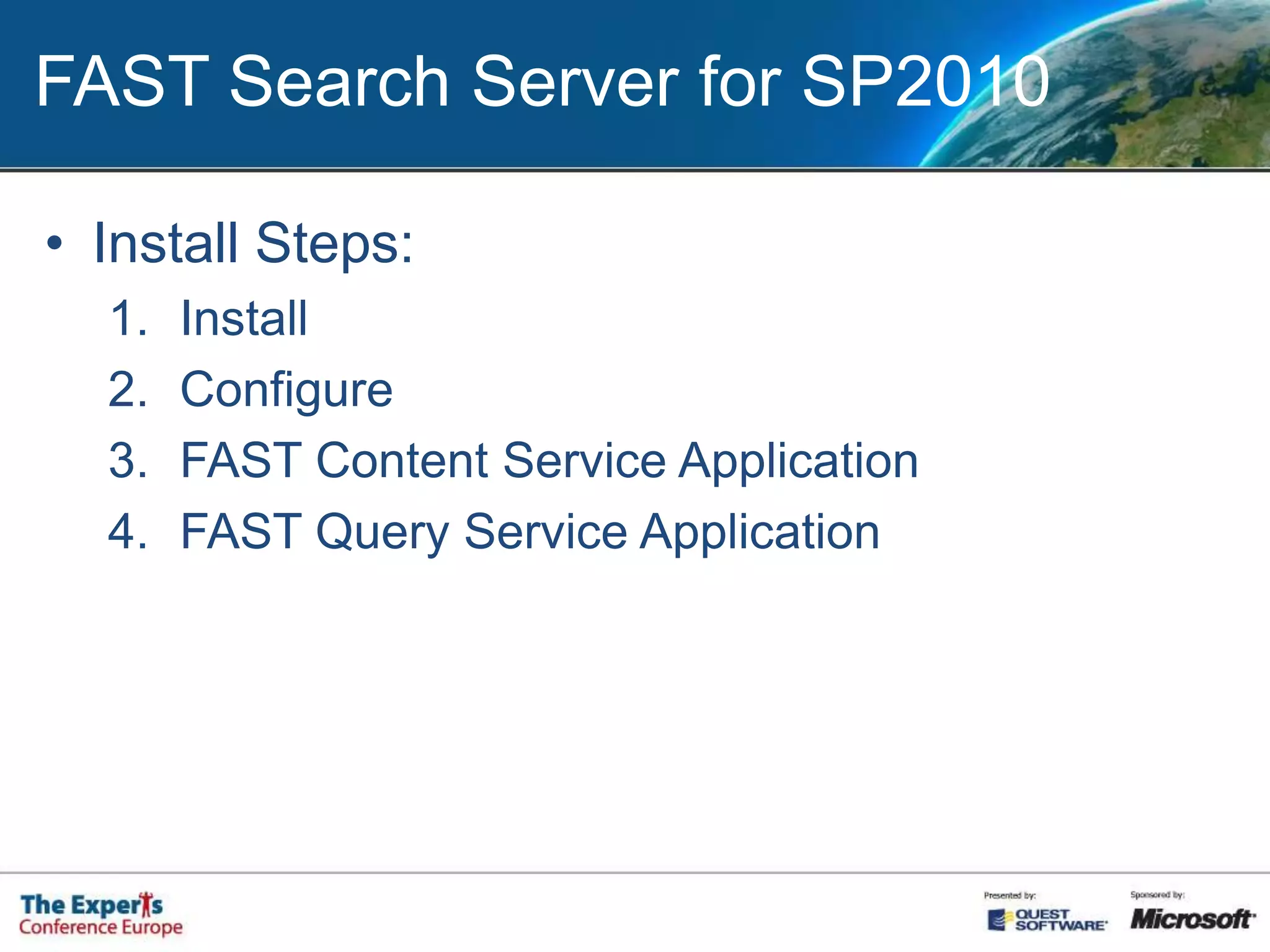
FAST Search Server for SP2010Install Steps:InstallConfigureFAST Content Service ApplicationFAST Query Service Application
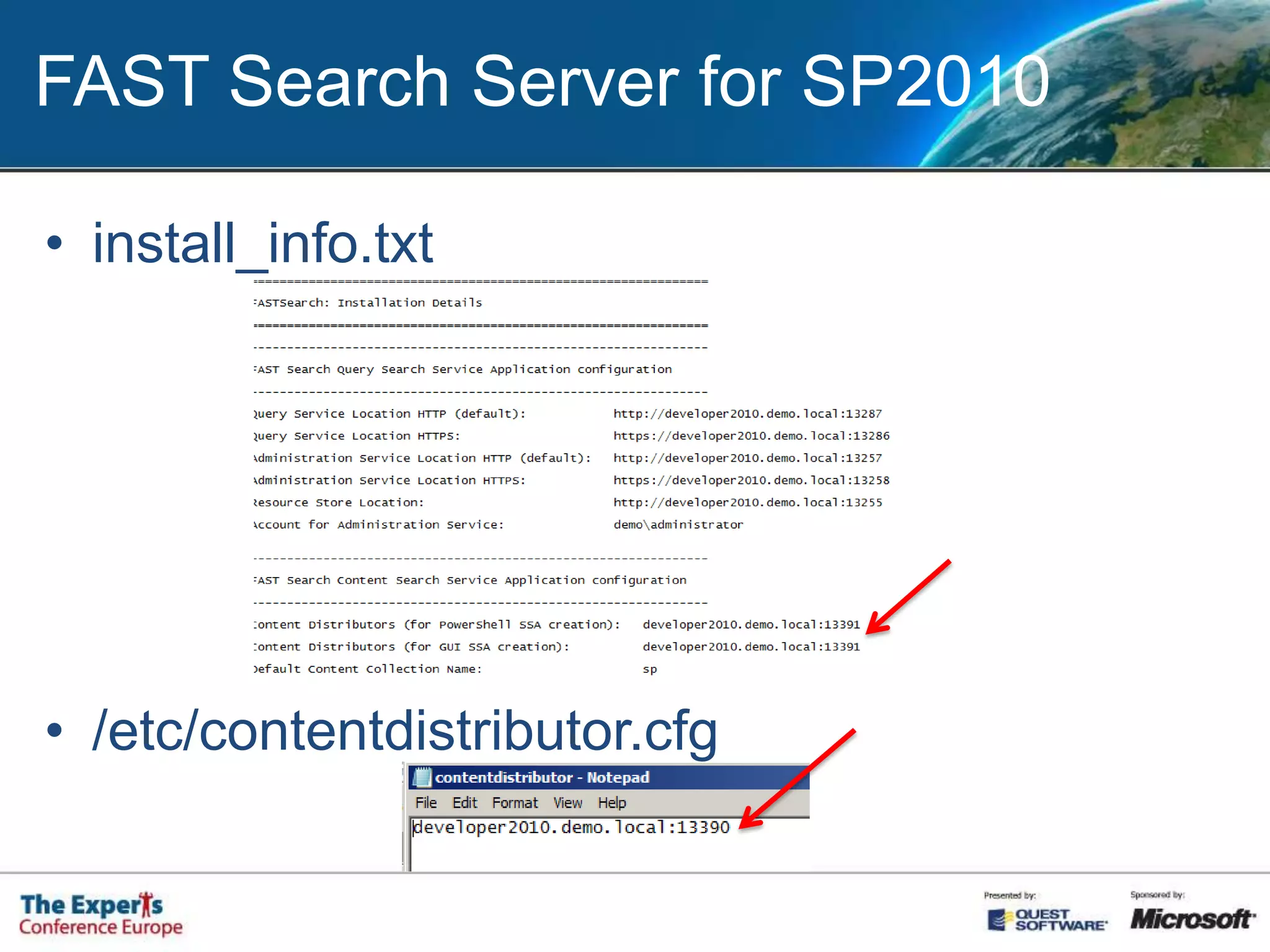
FAST Search Server for SP2010install_info.txt/etc/contentdistributor.cfg
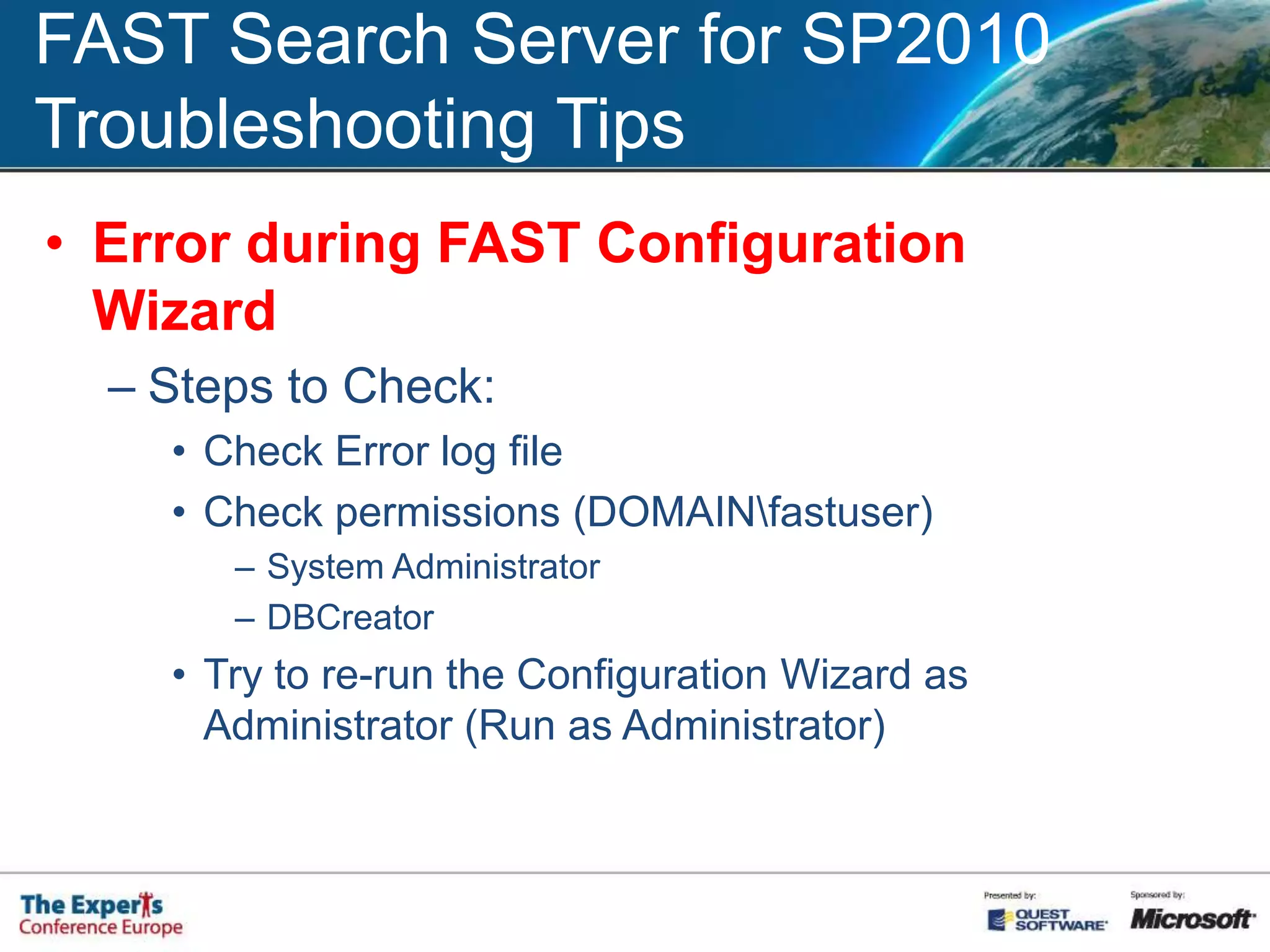
FAST Search Server for SP2010Troubleshooting TipsError during FAST Configuration Wizard Steps to Check:Check Error log fileCheck permissions (DOMAIN\fastuser)System AdministratorDBCreatorTry to re-run the Configuration Wizard as Administrator (Run as Administrator)
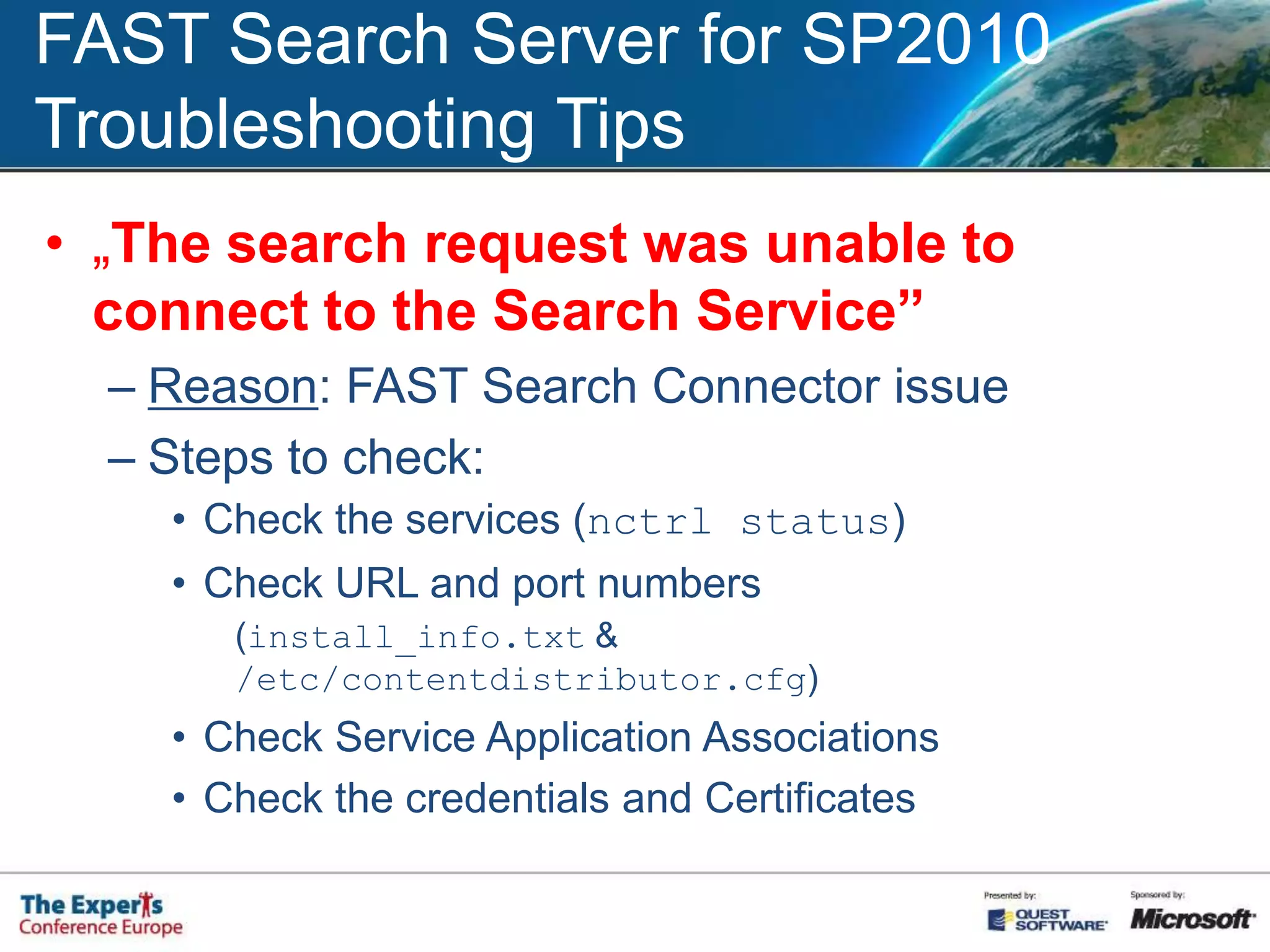
FAST Search Server for SP2010Troubleshooting Tips„The search request was unable to connect to the Search Service”Reason: FAST Search Connector issueSteps to check:Check the services (nctrl status)Check URL and port numbers(install_info.txt & /etc/contentdistributor.cfg)Check Service Application AssociationsCheck the credentials and Certificates
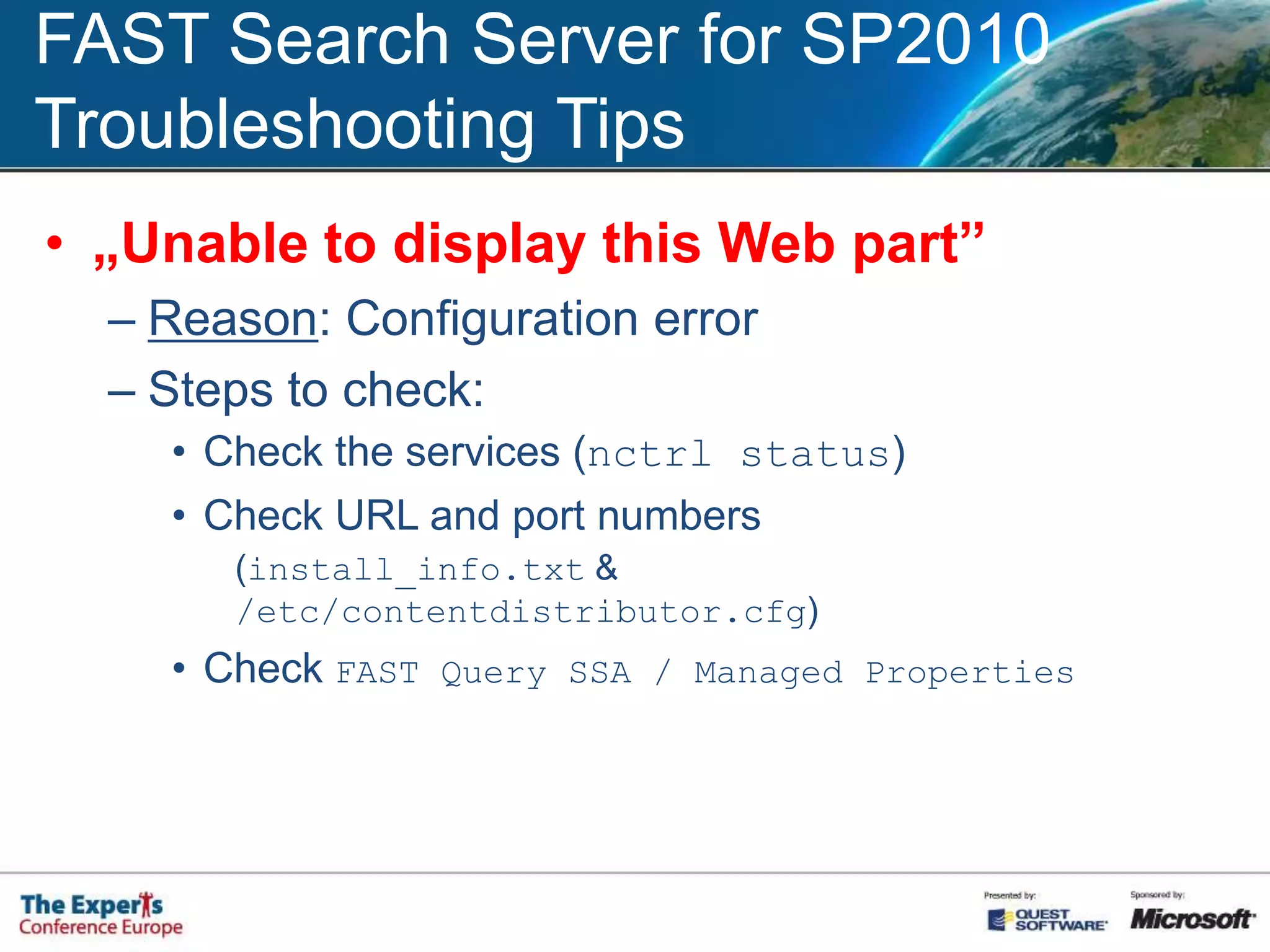
FAST Search Server for SP2010Troubleshooting Tips„Unable to display this Web part”Reason: Configuration errorSteps to check:Check the services (nctrl status)Check URL and port numbers(install_info.txt & /etc/contentdistributor.cfg)Check FAST Query SSA / Managed Properties
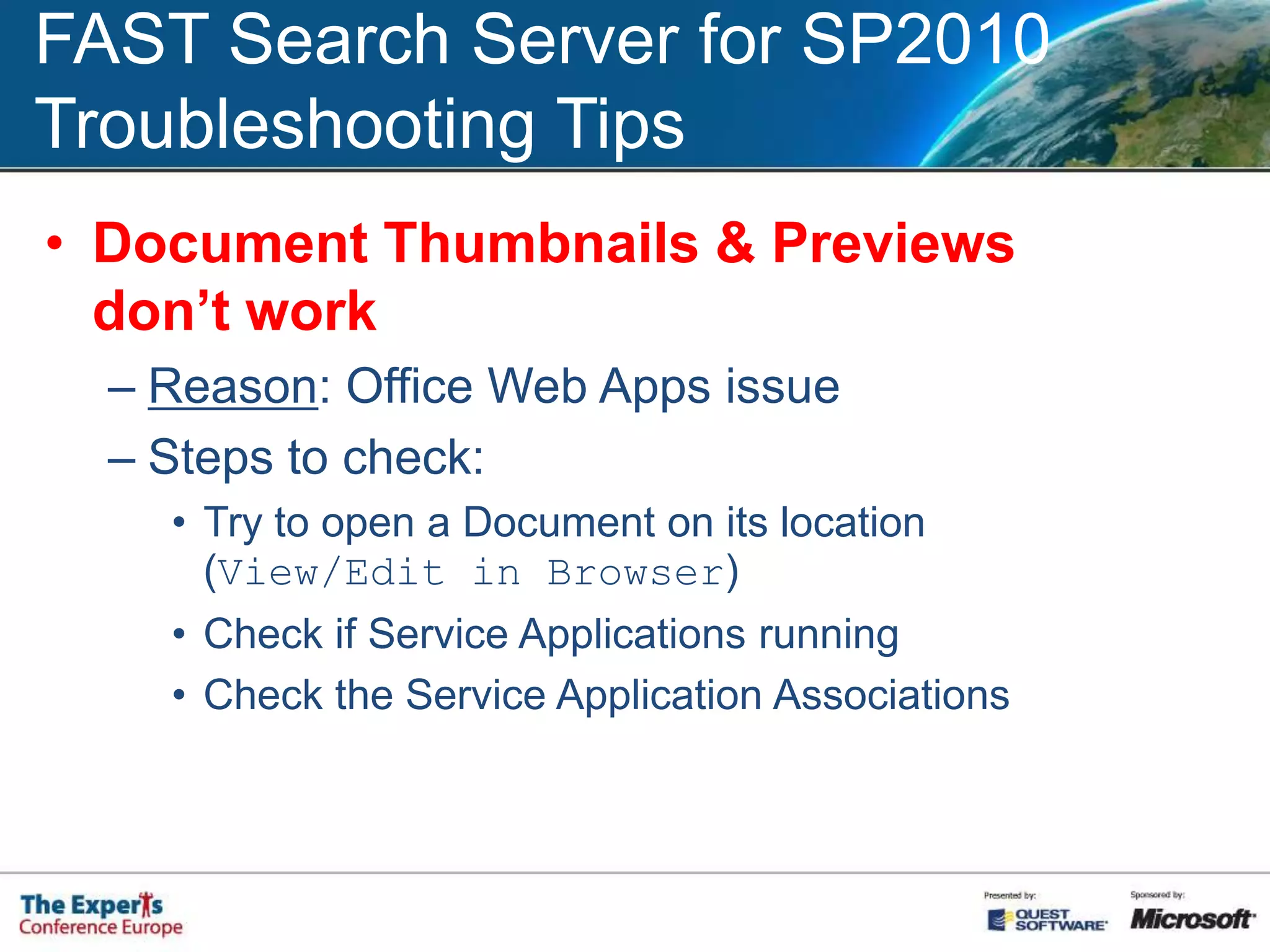
FAST Search Server for SP2010Troubleshooting TipsDocument Thumbnails & Previews don’t workReason: Office Web Apps issueSteps to check:Try to open a Document on its location (View/Edit in Browser)Check if Service Applications runningCheck the Service Application Associations
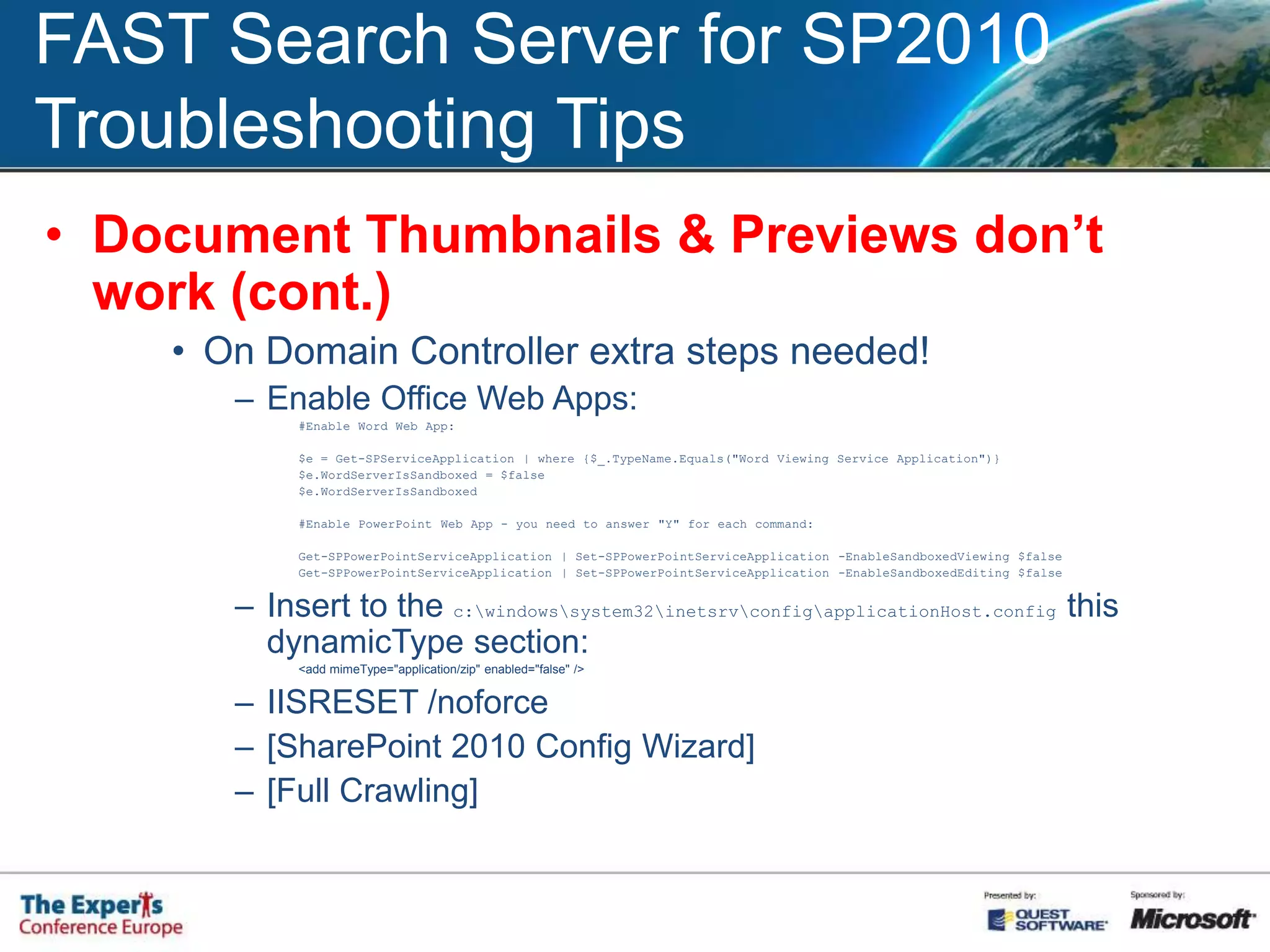
FAST Search Server for SP2010Troubleshooting TipsDocument Thumbnails & Previews don’t work (cont.)On Domain Controller extra steps needed!Enable Office Web Apps:#Enable Word Web App:$e = Get-SPServiceApplication | where {$_.TypeName.Equals("Word Viewing Service Application")}$e.WordServerIsSandboxed = $false$e.WordServerIsSandboxed#Enable PowerPoint Web App - you need to answer "Y" for each command:Get-SPPowerPointServiceApplication | Set-SPPowerPointServiceApplication -EnableSandboxedViewing $falseGet-SPPowerPointServiceApplication | Set-SPPowerPointServiceApplication -EnableSandboxedEditing $falseInsert to the c:\windows\system32\inetsrv\config\applicationHost.config this dynamicType section:<add mimeType="application/zip" enabled="false" />IISRESET /noforce[SharePoint 2010 Config Wizard][Full Crawling]

SharePoint 2010 Enterprise Search

  • 1.
    SharePoint 2010 EnterpriseSearchDeployment and Configuration
  • 2.
    About the Speaker...ÁgnesMolnár (Ághy)SharePoint ConsultantSharePoint Server MVP, MCITP, MCTS, MCTBooks contributed:Real World SharePoint 2010SharePoint Unleashed 2010Visual Studio 2010 and .NET Framework 4 Six-in-One
  • 3.
    About the Speaker...Contactinfo:http://aghy.dotneteers.netE-mail: aghy@aghy.huTwitter: @molnaragnesHashtag: #TEC2010
  • 4.
    Why Search isso Important?Information OverloadSearch, Find, DiscoverGartner: 8 hours / week / information workerIDC: 9.5 hours / week / information workerImprove Search  Improve Work
  • 5.
    Server RolesCrawl +IndexQueryData
  • 6.
    SharePoint 2010 SearchProductsQuick, easy, powerful search (for free!)Complete intranet searchHigh-end search delivered through SharePoint Basic searchIntranet-wide searchPeople and expertise searchVisual, highly customizable and advanced content processing
  • 7.
    SP2010 Search ImprovementsArchitecture:Service ApplicationsEnterprise Scale-out (up to 100M docs)Connectors for LOB SystemsPowerShell supportQuery:Boolean Qery SyntaxPrefix MatchingSuggestion while Typing
  • 8.
    SP2010 Search ImprovementsResults:New,rich User InterfaceRefinement PanelImproved People SearchEnhanced relevance
  • 9.
  • 10.
    SP2010 Content SourcesSharePointsitesFile ShareBusiness DataWebsiteExchange Public FolderLotus Notes database...
  • 11.
    SP2010 ScopesRefine thequeriesScope RulesWeb addressProperty queryContent sourceAll contentScope operations:IncludeRequireExclude
  • 12.
  • 13.
  • 14.
    SP2010 Search FederationFeatures:Usingremote index for SharePoint queriesPrefix matchFor example: „weather”Pattern matchFor example: email query (^([\w-\.]+)@([\w-]+\.)+([a-zA-Z]{2,4})$)Location Type:SharePoint Search IndexFAST IndexOpenSearch 1.0/1.1
  • 15.
    SP2010 Search FederationFeatures(cont.)Query Template{searchTerms} scope:Documents{searchTerms} type:.doc type:.docx type:.docm„More Results” link TemplateResults formatting (XSL)Usage restrictions (for sites)Custom Credentials
  • 16.
    SP2010 Search FederationYESNOremotesite’s robots.txt blocks SharePoint’s crawleryou need results only with specific keywords and/or keyword patterns in the querycontent changes very often, immediately crawling neededqueries under different security contextinfrequently queried contents>500 content sourcesYou don’t have enough bandwithcontent changes very often, but immediately crawling NOT neededcontent that is not indexed by the remote serverremote server does not return with RSS or Atom (OpenSearch 1.0/1.1)
  • 17.
    Deploying SharePoint 2010SearchSearch Service ApplicationContent SourcesScopesFederated LocationsManaged Properties...Enable FeaturesSP2010 Enterprise FeaturesSP2010 Publishing FeaturesCreate Search site
  • 18.
    Custom ScopesDeploying CustomScopes:Create Scope (for example ‚Documents’)Assign Rules (for example, IsDocument=true)Refresh scopesCreate custom Search + Result PagesAdd Tabs to Search CenterAssign Custom Result Page to the Scope
  • 19.
  • 20.
  • 21.
    FAST Search Serverfor SharePoint 2010
  • 22.
    FAST Search Serverfor SP2010Additional CapabilitiesThumbnails + PreviewsVisual Best BetsDeep Refiners with countsUser context from User ProfileSorting on any propertySimilar searchExtreme scale-out (up to >500M docs)Content processing pipelineEntity extractionEasy configuration (user context, visual best bets, promotion/demotion, sorting, refinement)
  • 23.
    FAST Search Serverfor SP2010Install Steps:InstallConfigureFAST Content Service ApplicationFAST Query Service Application
  • 24.
    FAST Search Serverfor SP2010install_info.txt/etc/contentdistributor.cfg
  • 25.
    FAST Search Serverfor SP2010Troubleshooting TipsError during FAST Configuration Wizard Steps to Check:Check Error log fileCheck permissions (DOMAIN\fastuser)System AdministratorDBCreatorTry to re-run the Configuration Wizard as Administrator (Run as Administrator)
  • 26.
    FAST Search Serverfor SP2010Troubleshooting Tips„The search request was unable to connect to the Search Service”Reason: FAST Search Connector issueSteps to check:Check the services (nctrl status)Check URL and port numbers(install_info.txt & /etc/contentdistributor.cfg)Check Service Application AssociationsCheck the credentials and Certificates
  • 27.
    FAST Search Serverfor SP2010Troubleshooting Tips„Unable to display this Web part”Reason: Configuration errorSteps to check:Check the services (nctrl status)Check URL and port numbers(install_info.txt & /etc/contentdistributor.cfg)Check FAST Query SSA / Managed Properties
  • 28.
    FAST Search Serverfor SP2010Troubleshooting TipsDocument Thumbnails & Previews don’t workReason: Office Web Apps issueSteps to check:Try to open a Document on its location (View/Edit in Browser)Check if Service Applications runningCheck the Service Application Associations
  • 29.
    FAST Search Serverfor SP2010Troubleshooting TipsDocument Thumbnails & Previews don’t work (cont.)On Domain Controller extra steps needed!Enable Office Web Apps:#Enable Word Web App:$e = Get-SPServiceApplication | where {$_.TypeName.Equals("Word Viewing Service Application")}$e.WordServerIsSandboxed = $false$e.WordServerIsSandboxed#Enable PowerPoint Web App - you need to answer "Y" for each command:Get-SPPowerPointServiceApplication | Set-SPPowerPointServiceApplication -EnableSandboxedViewing $falseGet-SPPowerPointServiceApplication | Set-SPPowerPointServiceApplication -EnableSandboxedEditing $falseInsert to the c:\windows\system32\inetsrv\config\applicationHost.config this dynamicType section:<add mimeType="application/zip" enabled="false" />IISRESET /noforce[SharePoint 2010 Config Wizard][Full Crawling]
  • 30.
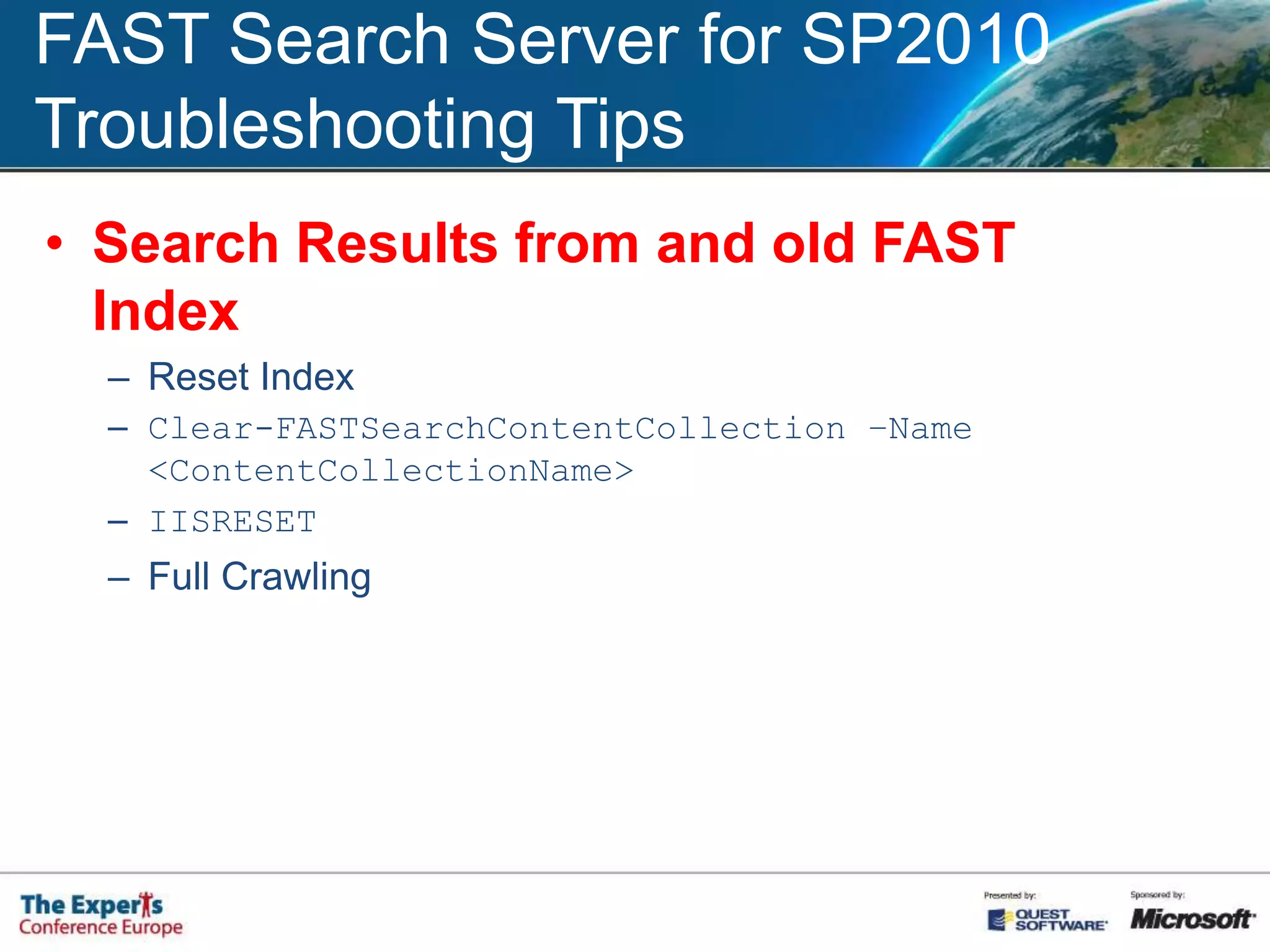
    FAST Search Serverfor SP2010Troubleshooting TipsSearch Results from and old FAST IndexReset IndexClear-FASTSearchContentCollection –Name <ContentCollectionName>IISRESETFull Crawling
  • 31.
  • 32.