Hadoop Developer
Training
Session 04 - PIG
Page 2Classification: Restricted
Agenda
PIG
• Loads in Pig Continued
• Verification
• Filters
• Macros in Pig
Page 3Classification: Restricted
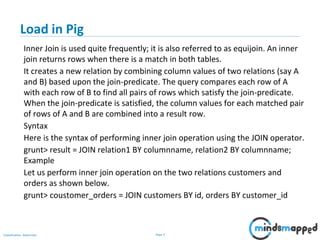
Load in Pig
Inner Join is used quite frequently; it is also referred to as equijoin. An inner
join returns rows when there is a match in both tables.
It creates a new relation by combining column values of two relations (say A
and B) based upon the join-predicate. The query compares each row of A
with each row of B to find all pairs of rows which satisfy the join-predicate.
When the join-predicate is satisfied, the column values for each matched pair
of rows of A and B are combined into a result row.
Syntax
Here is the syntax of performing inner join operation using the JOIN operator.
grunt> result = JOIN relation1 BY columnname, relation2 BY columnname;
Example
Let us perform inner join operation on the two relations customers and
orders as shown below.
grunt> coustomer_orders = JOIN customers BY id, orders BY customer_id
Page 4Classification: Restricted
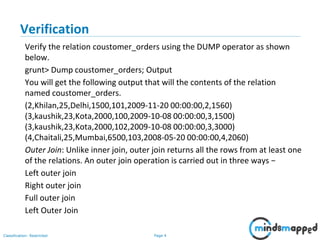
Verification
Verify the relation coustomer_orders using the DUMP operator as shown
below.
grunt> Dump coustomer_orders; Output
You will get the following output that will the contents of the relation
named coustomer_orders.
(2,Khilan,25,Delhi,1500,101,2009-11-20 00:00:00,2,1560)
(3,kaushik,23,Kota,2000,100,2009-10-08 00:00:00,3,1500)
(3,kaushik,23,Kota,2000,102,2009-10-08 00:00:00,3,3000)
(4,Chaitali,25,Mumbai,6500,103,2008-05-20 00:00:00,4,2060)
Outer Join: Unlike inner join, outer join returns all the rows from at least one
of the relations. An outer join operation is carried out in three ways −
Left outer join
Right outer join
Full outer join
Left Outer Join
Page 5Classification: Restricted
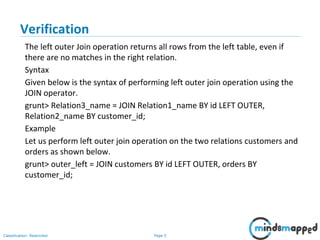
Verification
The left outer Join operation returns all rows from the left table, even if
there are no matches in the right relation.
Syntax
Given below is the syntax of performing left outer join operation using the
JOIN operator.
grunt> Relation3_name = JOIN Relation1_name BY id LEFT OUTER,
Relation2_name BY customer_id;
Example
Let us perform left outer join operation on the two relations customers and
orders as shown below.
grunt> outer_left = JOIN customers BY id LEFT OUTER, orders BY
customer_id;
Page 6Classification: Restricted
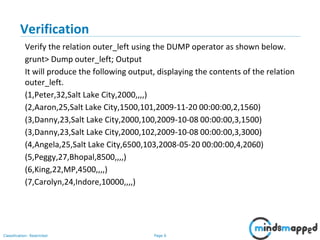
Verification
Verify the relation outer_left using the DUMP operator as shown below.
grunt> Dump outer_left; Output
It will produce the following output, displaying the contents of the relation
outer_left.
(1,Peter,32,Salt Lake City,2000,,,,)
(2,Aaron,25,Salt Lake City,1500,101,2009-11-20 00:00:00,2,1560)
(3,Danny,23,Salt Lake City,2000,100,2009-10-08 00:00:00,3,1500)
(3,Danny,23,Salt Lake City,2000,102,2009-10-08 00:00:00,3,3000)
(4,Angela,25,Salt Lake City,6500,103,2008-05-20 00:00:00,4,2060)
(5,Peggy,27,Bhopal,8500,,,,)
(6,King,22,MP,4500,,,,)
(7,Carolyn,24,Indore,10000,,,,)
Page 7Classification: Restricted
Verification
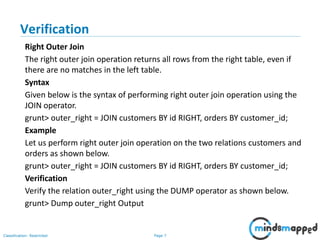
Right Outer Join
The right outer join operation returns all rows from the right table, even if
there are no matches in the left table.
Syntax
Given below is the syntax of performing right outer join operation using the
JOIN operator.
grunt> outer_right = JOIN customers BY id RIGHT, orders BY customer_id;
Example
Let us perform right outer join operation on the two relations customers and
orders as shown below.
grunt> outer_right = JOIN customers BY id RIGHT, orders BY customer_id;
Verification
Verify the relation outer_right using the DUMP operator as shown below.
grunt> Dump outer_right Output
Page 8Classification: Restricted
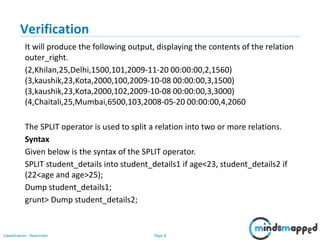
Verification
It will produce the following output, displaying the contents of the relation
outer_right.
(2,Khilan,25,Delhi,1500,101,2009-11-20 00:00:00,2,1560)
(3,kaushik,23,Kota,2000,100,2009-10-08 00:00:00,3,1500)
(3,kaushik,23,Kota,2000,102,2009-10-08 00:00:00,3,3000)
(4,Chaitali,25,Mumbai,6500,103,2008-05-20 00:00:00,4,2060
The SPLIT operator is used to split a relation into two or more relations.
Syntax
Given below is the syntax of the SPLIT operator.
SPLIT student_details into student_details1 if age<23, student_details2 if
(22<age and age>25);
Dump student_details1;
grunt> Dump student_details2;
Page 9Classification: Restricted
Verification
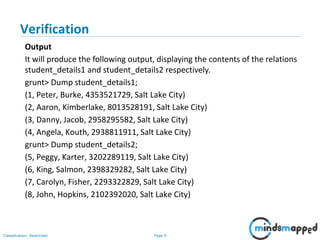
Output
It will produce the following output, displaying the contents of the relations
student_details1 and student_details2 respectively.
grunt> Dump student_details1;
(1, Peter, Burke, 4353521729, Salt Lake City)
(2, Aaron, Kimberlake, 8013528191, Salt Lake City)
(3, Danny, Jacob, 2958295582, Salt Lake City)
(4, Angela, Kouth, 2938811911, Salt Lake City)
grunt> Dump student_details2;
(5, Peggy, Karter, 3202289119, Salt Lake City)
(6, King, Salmon, 2398329282, Salt Lake City)
(7, Carolyn, Fisher, 2293322829, Salt Lake City)
(8, John, Hopkins, 2102392020, Salt Lake City)
Page 10Classification: Restricted
Verification
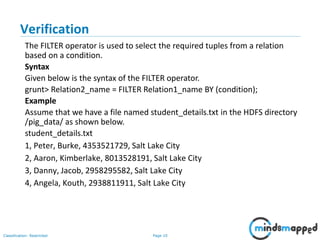
The FILTER operator is used to select the required tuples from a relation
based on a condition.
Syntax
Given below is the syntax of the FILTER operator.
grunt> Relation2_name = FILTER Relation1_name BY (condition);
Example
Assume that we have a file named student_details.txt in the HDFS directory
/pig_data/ as shown below.
student_details.txt
1, Peter, Burke, 4353521729, Salt Lake City
2, Aaron, Kimberlake, 8013528191, Salt Lake City
3, Danny, Jacob, 2958295582, Salt Lake City
4, Angela, Kouth, 2938811911, Salt Lake City
Page 11Classification: Restricted
Verification
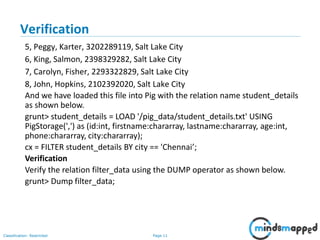
5, Peggy, Karter, 3202289119, Salt Lake City
6, King, Salmon, 2398329282, Salt Lake City
7, Carolyn, Fisher, 2293322829, Salt Lake City
8, John, Hopkins, 2102392020, Salt Lake City
And we have loaded this file into Pig with the relation name student_details
as shown below.
grunt> student_details = LOAD '/pig_data/student_details.txt' USING
PigStorage(',') as (id:int, firstname:chararray, lastname:chararray, age:int,
phone:chararray, city:chararray);
cx = FILTER student_details BY city == 'Chennai’;
Verification
Verify the relation filter_data using the DUMP operator as shown below.
grunt> Dump filter_data;
Page 12Classification: Restricted
Verification
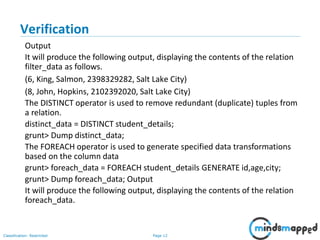
Output
It will produce the following output, displaying the contents of the relation
filter_data as follows.
(6, King, Salmon, 2398329282, Salt Lake City)
(8, John, Hopkins, 2102392020, Salt Lake City)
The DISTINCT operator is used to remove redundant (duplicate) tuples from
a relation.
distinct_data = DISTINCT student_details;
grunt> Dump distinct_data;
The FOREACH operator is used to generate specified data transformations
based on the column data
grunt> foreach_data = FOREACH student_details GENERATE id,age,city;
grunt> Dump foreach_data; Output
It will produce the following output, displaying the contents of the relation
foreach_data.
Page 13Classification: Restricted
Verification
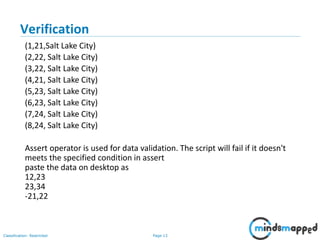
(1,21,Salt Lake City)
(2,22, Salt Lake City)
(3,22, Salt Lake City)
(4,21, Salt Lake City)
(5,23, Salt Lake City)
(6,23, Salt Lake City)
(7,24, Salt Lake City)
(8,24, Salt Lake City)
Assert operator is used for data validation. The script will fail if it doesn't
meets the specified condition in assert
paste the data on desktop as
12,23
23,34
-21,22
Page 14Classification: Restricted
Verification
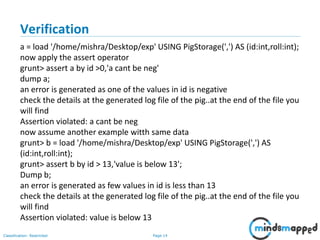
a = load '/home/mishra/Desktop/exp' USING PigStorage(',') AS (id:int,roll:int);
now apply the assert operator
grunt> assert a by id >0,'a cant be neg'
dump a;
an error is generated as one of the values in id is negative
check the details at the generated log file of the pig..at the end of the file you
will find
Assertion violated: a cant be neg
now assume another example witth same data
grunt> b = load '/home/mishra/Desktop/exp' USING PigStorage(',') AS
(id:int,roll:int);
grunt> assert b by id > 13,'value is below 13';
Dump b;
an error is generated as few values in id is less than 13
check the details at the generated log file of the pig..at the end of the file you
will find
Assertion violated: value is below 13
Page 15Classification: Restricted
Macros in Pig
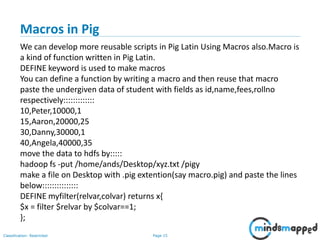
We can develop more reusable scripts in Pig Latin Using Macros also.Macro is
a kind of function written in Pig Latin.
DEFINE keyword is used to make macros
You can define a function by writing a macro and then reuse that macro
paste the undergiven data of student with fields as id,name,fees,rollno
respectively:::::::::::::
10,Peter,10000,1
15,Aaron,20000,25
30,Danny,30000,1
40,Angela,40000,35
move the data to hdfs by:::::
hadoop fs -put /home/ands/Desktop/xyz.txt /pigy
make a file on Desktop with .pig extention(say macro.pig) and paste the lines
below:::::::::::::::
DEFINE myfilter(relvar,colvar) returns x{
$x = filter $relvar by $colvar==1;
};
Page 16Classification: Restricted
Macros in Pig
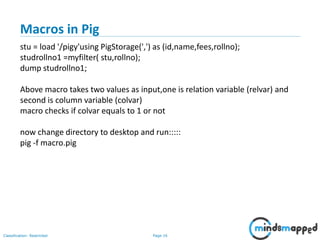
stu = load '/pigy'using PigStorage(',') as (id,name,fees,rollno);
studrollno1 =myfilter( stu,rollno);
dump studrollno1;
Above macro takes two values as input,one is relation variable (relvar) and
second is column variable (colvar)
macro checks if colvar equals to 1 or not
now change directory to desktop and run:::::
pig -f macro.pig
Page 17Classification: Restricted
Topics to be covered in next session
• Sqoop
• Sqoop Installation
• Exporting the data
• Exporting from Hadoop to SQL
Page 18Classification: Restricted
Thank you!

Session 04 -Pig Continued

  • 1.
  • 2.
    Page 2Classification: Restricted Agenda PIG •Loads in Pig Continued • Verification • Filters • Macros in Pig
  • 3.
    Page 3Classification: Restricted Loadin Pig Inner Join is used quite frequently; it is also referred to as equijoin. An inner join returns rows when there is a match in both tables. It creates a new relation by combining column values of two relations (say A and B) based upon the join-predicate. The query compares each row of A with each row of B to find all pairs of rows which satisfy the join-predicate. When the join-predicate is satisfied, the column values for each matched pair of rows of A and B are combined into a result row. Syntax Here is the syntax of performing inner join operation using the JOIN operator. grunt> result = JOIN relation1 BY columnname, relation2 BY columnname; Example Let us perform inner join operation on the two relations customers and orders as shown below. grunt> coustomer_orders = JOIN customers BY id, orders BY customer_id
  • 4.
    Page 4Classification: Restricted Verification Verifythe relation coustomer_orders using the DUMP operator as shown below. grunt> Dump coustomer_orders; Output You will get the following output that will the contents of the relation named coustomer_orders. (2,Khilan,25,Delhi,1500,101,2009-11-20 00:00:00,2,1560) (3,kaushik,23,Kota,2000,100,2009-10-08 00:00:00,3,1500) (3,kaushik,23,Kota,2000,102,2009-10-08 00:00:00,3,3000) (4,Chaitali,25,Mumbai,6500,103,2008-05-20 00:00:00,4,2060) Outer Join: Unlike inner join, outer join returns all the rows from at least one of the relations. An outer join operation is carried out in three ways − Left outer join Right outer join Full outer join Left Outer Join
  • 5.
    Page 5Classification: Restricted Verification Theleft outer Join operation returns all rows from the left table, even if there are no matches in the right relation. Syntax Given below is the syntax of performing left outer join operation using the JOIN operator. grunt> Relation3_name = JOIN Relation1_name BY id LEFT OUTER, Relation2_name BY customer_id; Example Let us perform left outer join operation on the two relations customers and orders as shown below. grunt> outer_left = JOIN customers BY id LEFT OUTER, orders BY customer_id;
  • 6.
    Page 6Classification: Restricted Verification Verifythe relation outer_left using the DUMP operator as shown below. grunt> Dump outer_left; Output It will produce the following output, displaying the contents of the relation outer_left. (1,Peter,32,Salt Lake City,2000,,,,) (2,Aaron,25,Salt Lake City,1500,101,2009-11-20 00:00:00,2,1560) (3,Danny,23,Salt Lake City,2000,100,2009-10-08 00:00:00,3,1500) (3,Danny,23,Salt Lake City,2000,102,2009-10-08 00:00:00,3,3000) (4,Angela,25,Salt Lake City,6500,103,2008-05-20 00:00:00,4,2060) (5,Peggy,27,Bhopal,8500,,,,) (6,King,22,MP,4500,,,,) (7,Carolyn,24,Indore,10000,,,,)
  • 7.
    Page 7Classification: Restricted Verification RightOuter Join The right outer join operation returns all rows from the right table, even if there are no matches in the left table. Syntax Given below is the syntax of performing right outer join operation using the JOIN operator. grunt> outer_right = JOIN customers BY id RIGHT, orders BY customer_id; Example Let us perform right outer join operation on the two relations customers and orders as shown below. grunt> outer_right = JOIN customers BY id RIGHT, orders BY customer_id; Verification Verify the relation outer_right using the DUMP operator as shown below. grunt> Dump outer_right Output
  • 8.
    Page 8Classification: Restricted Verification Itwill produce the following output, displaying the contents of the relation outer_right. (2,Khilan,25,Delhi,1500,101,2009-11-20 00:00:00,2,1560) (3,kaushik,23,Kota,2000,100,2009-10-08 00:00:00,3,1500) (3,kaushik,23,Kota,2000,102,2009-10-08 00:00:00,3,3000) (4,Chaitali,25,Mumbai,6500,103,2008-05-20 00:00:00,4,2060 The SPLIT operator is used to split a relation into two or more relations. Syntax Given below is the syntax of the SPLIT operator. SPLIT student_details into student_details1 if age<23, student_details2 if (22<age and age>25); Dump student_details1; grunt> Dump student_details2;
  • 9.
    Page 9Classification: Restricted Verification Output Itwill produce the following output, displaying the contents of the relations student_details1 and student_details2 respectively. grunt> Dump student_details1; (1, Peter, Burke, 4353521729, Salt Lake City) (2, Aaron, Kimberlake, 8013528191, Salt Lake City) (3, Danny, Jacob, 2958295582, Salt Lake City) (4, Angela, Kouth, 2938811911, Salt Lake City) grunt> Dump student_details2; (5, Peggy, Karter, 3202289119, Salt Lake City) (6, King, Salmon, 2398329282, Salt Lake City) (7, Carolyn, Fisher, 2293322829, Salt Lake City) (8, John, Hopkins, 2102392020, Salt Lake City)
  • 10.
    Page 10Classification: Restricted Verification TheFILTER operator is used to select the required tuples from a relation based on a condition. Syntax Given below is the syntax of the FILTER operator. grunt> Relation2_name = FILTER Relation1_name BY (condition); Example Assume that we have a file named student_details.txt in the HDFS directory /pig_data/ as shown below. student_details.txt 1, Peter, Burke, 4353521729, Salt Lake City 2, Aaron, Kimberlake, 8013528191, Salt Lake City 3, Danny, Jacob, 2958295582, Salt Lake City 4, Angela, Kouth, 2938811911, Salt Lake City
  • 11.
    Page 11Classification: Restricted Verification 5,Peggy, Karter, 3202289119, Salt Lake City 6, King, Salmon, 2398329282, Salt Lake City 7, Carolyn, Fisher, 2293322829, Salt Lake City 8, John, Hopkins, 2102392020, Salt Lake City And we have loaded this file into Pig with the relation name student_details as shown below. grunt> student_details = LOAD '/pig_data/student_details.txt' USING PigStorage(',') as (id:int, firstname:chararray, lastname:chararray, age:int, phone:chararray, city:chararray); cx = FILTER student_details BY city == 'Chennai’; Verification Verify the relation filter_data using the DUMP operator as shown below. grunt> Dump filter_data;
  • 12.
    Page 12Classification: Restricted Verification Output Itwill produce the following output, displaying the contents of the relation filter_data as follows. (6, King, Salmon, 2398329282, Salt Lake City) (8, John, Hopkins, 2102392020, Salt Lake City) The DISTINCT operator is used to remove redundant (duplicate) tuples from a relation. distinct_data = DISTINCT student_details; grunt> Dump distinct_data; The FOREACH operator is used to generate specified data transformations based on the column data grunt> foreach_data = FOREACH student_details GENERATE id,age,city; grunt> Dump foreach_data; Output It will produce the following output, displaying the contents of the relation foreach_data.
  • 13.
    Page 13Classification: Restricted Verification (1,21,SaltLake City) (2,22, Salt Lake City) (3,22, Salt Lake City) (4,21, Salt Lake City) (5,23, Salt Lake City) (6,23, Salt Lake City) (7,24, Salt Lake City) (8,24, Salt Lake City) Assert operator is used for data validation. The script will fail if it doesn't meets the specified condition in assert paste the data on desktop as 12,23 23,34 -21,22
  • 14.
    Page 14Classification: Restricted Verification a= load '/home/mishra/Desktop/exp' USING PigStorage(',') AS (id:int,roll:int); now apply the assert operator grunt> assert a by id >0,'a cant be neg' dump a; an error is generated as one of the values in id is negative check the details at the generated log file of the pig..at the end of the file you will find Assertion violated: a cant be neg now assume another example witth same data grunt> b = load '/home/mishra/Desktop/exp' USING PigStorage(',') AS (id:int,roll:int); grunt> assert b by id > 13,'value is below 13'; Dump b; an error is generated as few values in id is less than 13 check the details at the generated log file of the pig..at the end of the file you will find Assertion violated: value is below 13
  • 15.
    Page 15Classification: Restricted Macrosin Pig We can develop more reusable scripts in Pig Latin Using Macros also.Macro is a kind of function written in Pig Latin. DEFINE keyword is used to make macros You can define a function by writing a macro and then reuse that macro paste the undergiven data of student with fields as id,name,fees,rollno respectively::::::::::::: 10,Peter,10000,1 15,Aaron,20000,25 30,Danny,30000,1 40,Angela,40000,35 move the data to hdfs by::::: hadoop fs -put /home/ands/Desktop/xyz.txt /pigy make a file on Desktop with .pig extention(say macro.pig) and paste the lines below::::::::::::::: DEFINE myfilter(relvar,colvar) returns x{ $x = filter $relvar by $colvar==1; };
  • 16.
    Page 16Classification: Restricted Macrosin Pig stu = load '/pigy'using PigStorage(',') as (id,name,fees,rollno); studrollno1 =myfilter( stu,rollno); dump studrollno1; Above macro takes two values as input,one is relation variable (relvar) and second is column variable (colvar) macro checks if colvar equals to 1 or not now change directory to desktop and run::::: pig -f macro.pig
  • 17.
    Page 17Classification: Restricted Topicsto be covered in next session • Sqoop • Sqoop Installation • Exporting the data • Exporting from Hadoop to SQL
  • 18.