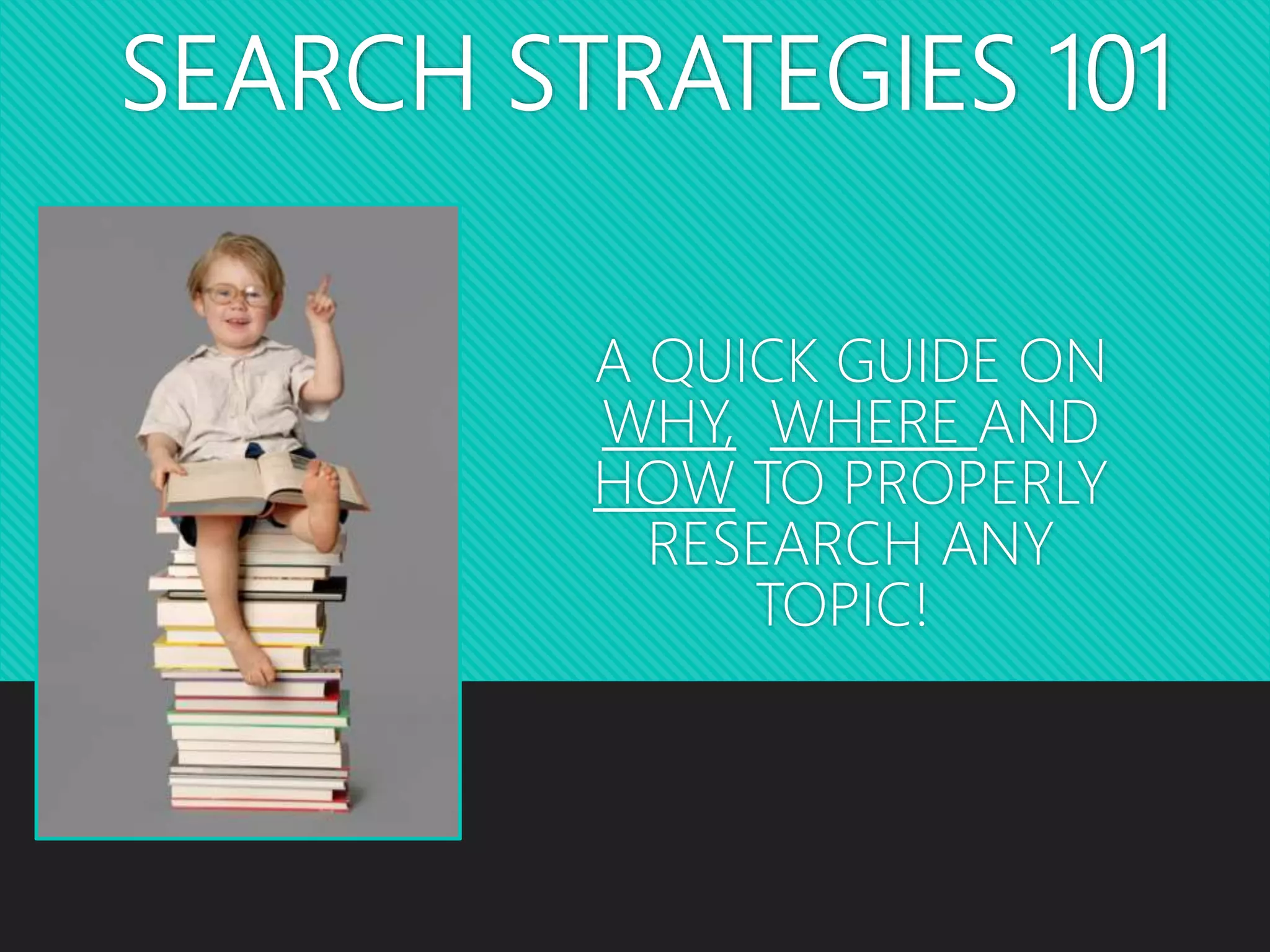
SEARCH STRATEGIES 101
A QUICK GUIDE ON
WHY, WHERE AND
HOW TO PROPERLY
RESEARCH ANY
TOPIC!
WHAT DOES “RESEARCH” MEAN?
Answer the question on our Padlet wall! Go
to the following link:
https://padlet.com/becky_nipper/research
WHY RESEARCH?
 We research because we want to explore
interesting topics by…
Incorporating others’ ideas and
information
Exploring our own thoughts and
opinions in relation to other people’s
 Believe it or not, you were not born an
expert on your topic! Therefore, you
must research and cite your sources.
What will we learn today?
Our essential question
today is:
How do I find and use
information for
research and how do I
cite the information I
find?
Step 1: Choose a Topic
• You need to choose a topic that interests you but that will have
enough information – look for at least 3 sources
• You will develop questions on your topic to help you locate answers to
what you want to know – these are your SUBTOPICS:
• Person: Early life, education, accomplishments
• Place: history, leaders, government, people, economy
• Thing: Who, what, why, where, why/how
• Specific subtopics: Locate in general sources such as
encyclopedias
Step 2: Look for Sources
A source is something you find that has
information about your topic and the
questions you have.
It is anything and everything you use for
information!
 Books, magazines, online databases,
websites, images, videos and more can
all be considered a source
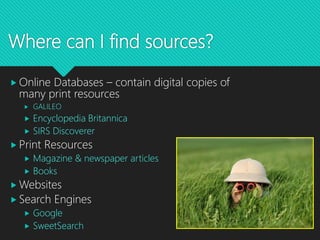
Where can I find sources?
 Online Databases – contain digital copies of
many print resources
 GALILEO
 Encyclopedia Britannica
 SIRS Discoverer
 Print Resources
 Magazine & newspaper articles
 Books
 Websites
 Search Engines
 Google
 SweetSearch
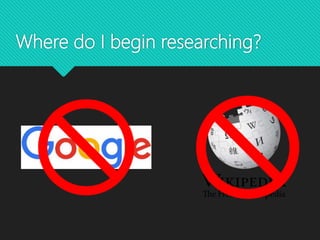
Where do I begin researching?
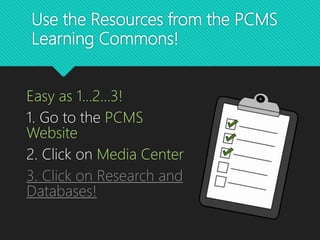
Use the Resources from the PCMS
Learning Commons!
Easy as 1...2...3!
1. Go to the PCMS
Website
2. Click on Media Center
3. Click on Research and
Databases!
Steps 3 & 4: Locate, Access & Use
Information
Read/ Think/Select/Write
• Read or view a “chunk” (about a paragraph) with your pencil down.
• Think about what was read. What was important?
• Select key facts from each “chunk” to match subtopics. (No sentences – only
key words or important facts)
• Write down only the important facts that answer the questions
• Give credit to the source: author, title, copyright date.
Create a “citation.”
Citation? Plagiarism?
 To plagiarize means “to commit literary
theft.”
 “To present as new and original an idea or product
derived from an existing source.”
 If you simply “copy and paste” from a
website, database, book or other source,
you are plagiarizing!
 You must give credit to the “owner” of
the information that you use in your
research, otherwise you are STEALING!
WHAT IS PLAGIARISM?
 Anytime you use a direct quote, or even change
an author’s words, you are using somebody else’s
thoughts.
 Simply changing the wording (paraphrasing) is not
enough; you must cite your sources.
 When in doubt, CITE! It’s better to be safe than
sorry.
CITATIONS
 As you know, in order to prevent plagiarism, we
must cite our sources.
 There is a specific method of citing sources, and
certain “ingredients” are needed, in a specific
order, for the citation to be correct and in MLA
format.
CITATIONS
 Let’s work on writing a citation!
 Use the Intermediate Source Sheet as a guide.
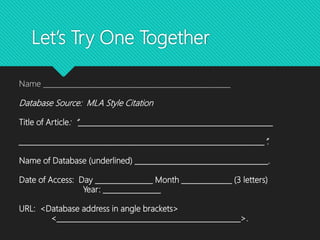
Let’s Try One Together
Name ____________________________________________________
Database Source: MLA Style Citation
Title of Article: “______________________________________________________
____________________________________________________________________”.
Name of Database (underlined) _____________________________________.
Date of Access: Day ________________ Month ______________ (3 letters)
Year: ________________
URL: <Database address in angle brackets>
<___________________________________________________>.
Ticket out the Door!
 When you have located your source, post your information on the Padlet at
the link here:
https://padlet.com/becky_nipper/sweetsearch

Search Strategies and Citing Sources

  • 1.
    SEARCH STRATEGIES 101 AQUICK GUIDE ON WHY, WHERE AND HOW TO PROPERLY RESEARCH ANY TOPIC!
  • 2.
    WHAT DOES “RESEARCH”MEAN? Answer the question on our Padlet wall! Go to the following link: https://padlet.com/becky_nipper/research
  • 3.
    WHY RESEARCH?  Weresearch because we want to explore interesting topics by… Incorporating others’ ideas and information Exploring our own thoughts and opinions in relation to other people’s  Believe it or not, you were not born an expert on your topic! Therefore, you must research and cite your sources.
  • 4.
    What will welearn today? Our essential question today is: How do I find and use information for research and how do I cite the information I find?
  • 5.
    Step 1: Choosea Topic • You need to choose a topic that interests you but that will have enough information – look for at least 3 sources • You will develop questions on your topic to help you locate answers to what you want to know – these are your SUBTOPICS: • Person: Early life, education, accomplishments • Place: history, leaders, government, people, economy • Thing: Who, what, why, where, why/how • Specific subtopics: Locate in general sources such as encyclopedias
  • 6.
    Step 2: Lookfor Sources A source is something you find that has information about your topic and the questions you have. It is anything and everything you use for information!  Books, magazines, online databases, websites, images, videos and more can all be considered a source
  • 7.
    Where can Ifind sources?  Online Databases – contain digital copies of many print resources  GALILEO  Encyclopedia Britannica  SIRS Discoverer  Print Resources  Magazine & newspaper articles  Books  Websites  Search Engines  Google  SweetSearch
  • 8.
    Where do Ibegin researching?
  • 9.
    Use the Resourcesfrom the PCMS Learning Commons! Easy as 1...2...3! 1. Go to the PCMS Website 2. Click on Media Center 3. Click on Research and Databases!
  • 10.
    Steps 3 &4: Locate, Access & Use Information Read/ Think/Select/Write • Read or view a “chunk” (about a paragraph) with your pencil down. • Think about what was read. What was important? • Select key facts from each “chunk” to match subtopics. (No sentences – only key words or important facts) • Write down only the important facts that answer the questions • Give credit to the source: author, title, copyright date. Create a “citation.”
  • 11.
    Citation? Plagiarism?  Toplagiarize means “to commit literary theft.”  “To present as new and original an idea or product derived from an existing source.”  If you simply “copy and paste” from a website, database, book or other source, you are plagiarizing!  You must give credit to the “owner” of the information that you use in your research, otherwise you are STEALING!
  • 12.
    WHAT IS PLAGIARISM? Anytime you use a direct quote, or even change an author’s words, you are using somebody else’s thoughts.  Simply changing the wording (paraphrasing) is not enough; you must cite your sources.  When in doubt, CITE! It’s better to be safe than sorry.
  • 13.
    CITATIONS  As youknow, in order to prevent plagiarism, we must cite our sources.  There is a specific method of citing sources, and certain “ingredients” are needed, in a specific order, for the citation to be correct and in MLA format.
  • 14.
    CITATIONS  Let’s workon writing a citation!  Use the Intermediate Source Sheet as a guide.
  • 15.
    Let’s Try OneTogether Name ____________________________________________________ Database Source: MLA Style Citation Title of Article: “______________________________________________________ ____________________________________________________________________”. Name of Database (underlined) _____________________________________. Date of Access: Day ________________ Month ______________ (3 letters) Year: ________________ URL: <Database address in angle brackets> <___________________________________________________>.
  • 16.
    Ticket out theDoor!  When you have located your source, post your information on the Padlet at the link here: https://padlet.com/becky_nipper/sweetsearch