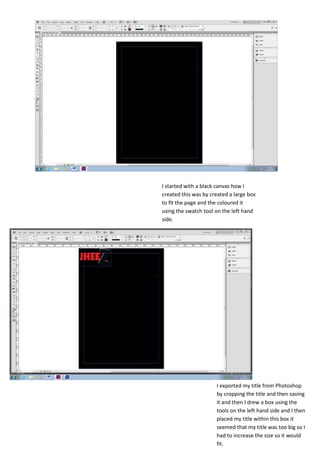
I started with a black canvas how I
created this was by created a large box
to fit the page and the coloured it
using the swatch tool on the left hand
side.


                      I exported my title from Photoshop
                      by cropping the title and then saving
                      it and then I drew a box using the
                      tools on the left hand side and I then
                      placed my title within this box it
                      seemed that my title was too big so I
                      had to increase the size so it would
                      fit.
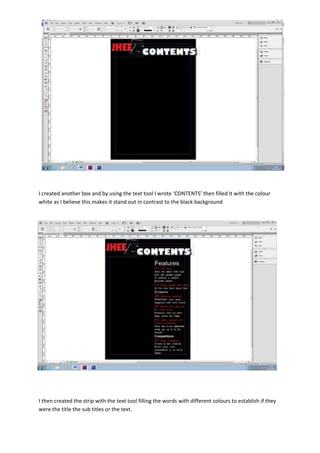
I created another box and by using the text tool I wrote ‘CONTENTS’ then filled it with the colour
white as I believe this makes it stand out in contrast to the black background


I then created the strip with the text tool filling the words with different colours to establish if they
were the title the sub titles or the text.
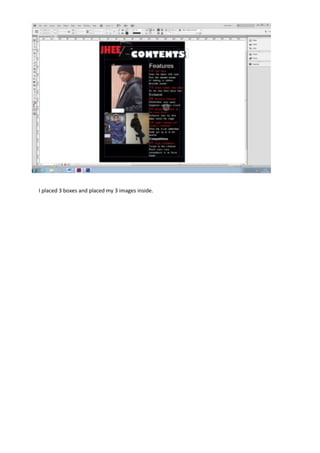
I placed 3 boxes and placed my 3 images inside.

Screenshots2

  • 1.
    I started witha black canvas how I created this was by created a large box to fit the page and the coloured it using the swatch tool on the left hand side. I exported my title from Photoshop by cropping the title and then saving it and then I drew a box using the tools on the left hand side and I then placed my title within this box it seemed that my title was too big so I had to increase the size so it would fit.
  • 2.
    I created anotherbox and by using the text tool I wrote ‘CONTENTS’ then filled it with the colour white as I believe this makes it stand out in contrast to the black background I then created the strip with the text tool filling the words with different colours to establish if they were the title the sub titles or the text.
  • 3.
    I placed 3boxes and placed my 3 images inside.