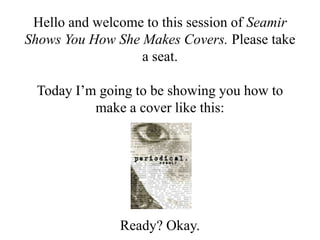
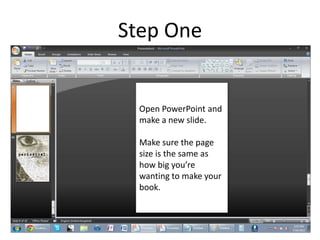
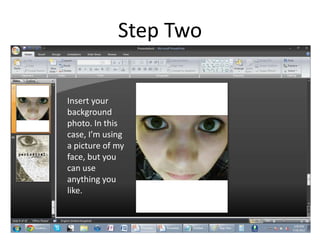
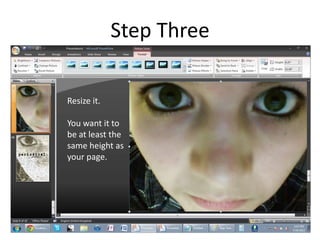
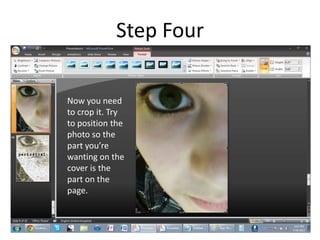
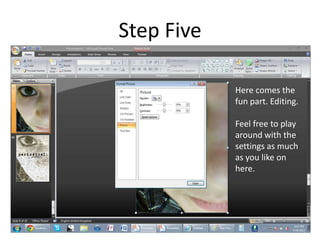
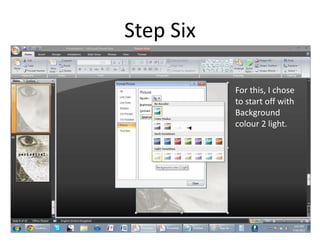
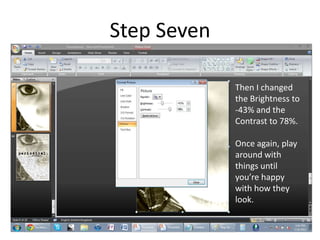
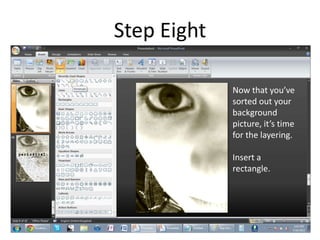
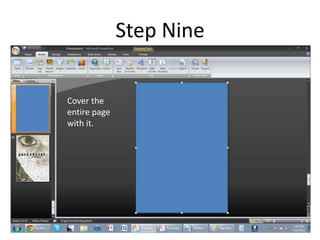
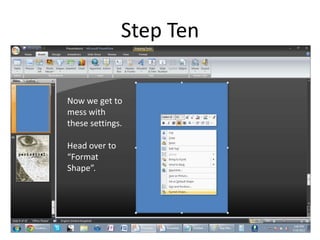
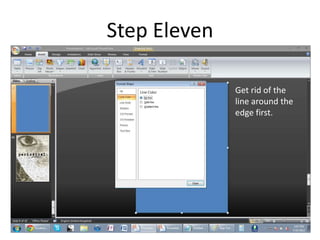
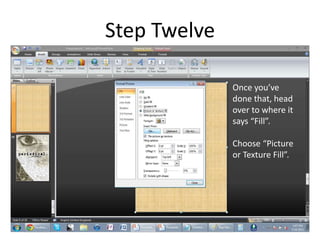
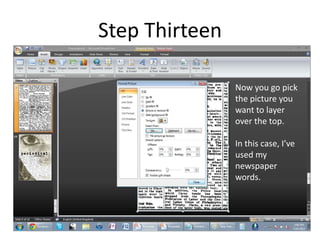
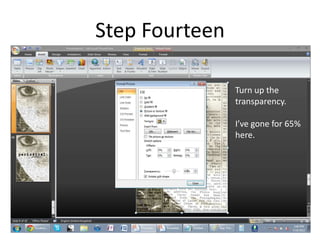
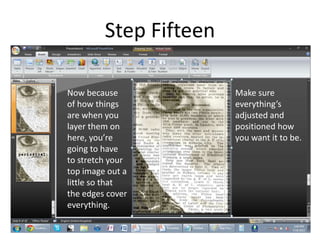
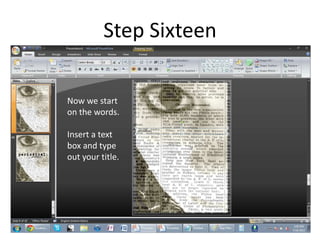
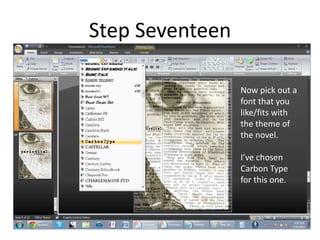
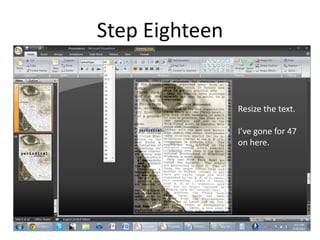
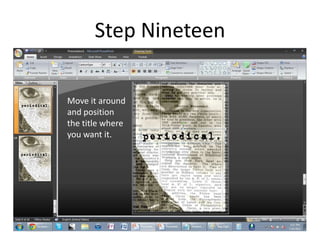
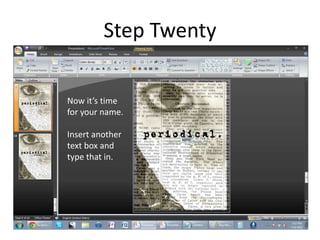
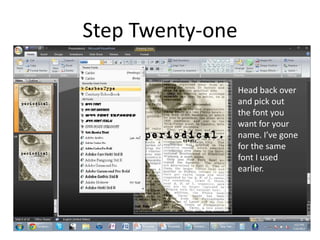
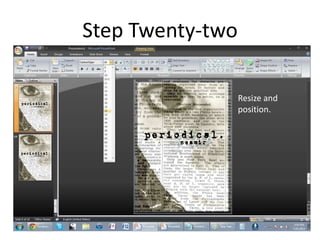
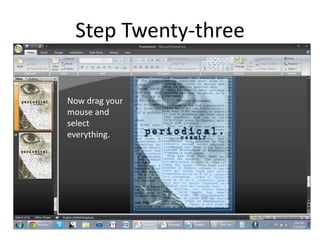
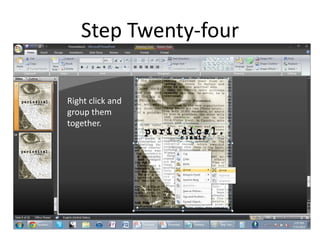
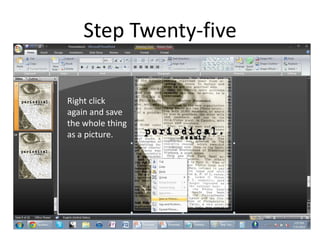
The document provides step-by-step instructions for creating a book cover using PowerPoint. It details 25 steps for setting up the page size, inserting background photos, adding text boxes for the title and author name, editing photos and applying effects like transparency levels. The final steps involve grouping all the elements and saving the completed cover as a picture file. The overall process involves layering background images, adjusting colors and effects, and positioning text to design an original book cover layout.


![Car Car Tips For CA Drivers [Infographic]](https://cdn.slidesharecdn.com/ss_thumbnails/infinitimv-carcaretipsinfographic-160203212810-thumbnail.jpg?width=640&height=640&fit=bounds)


