Download to read offline

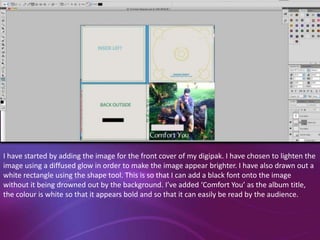
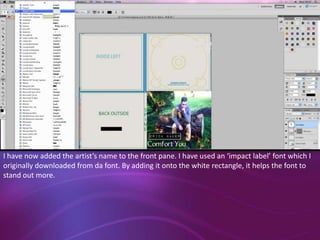
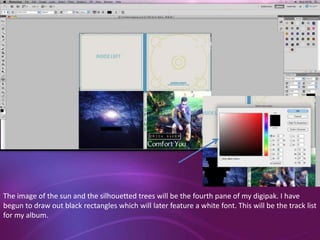
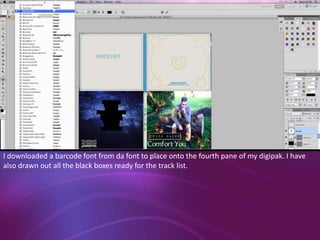
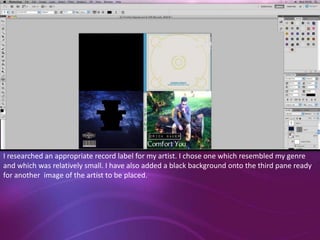
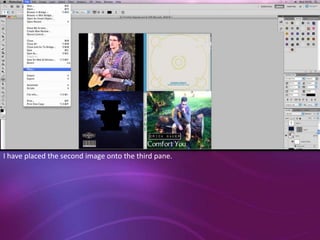
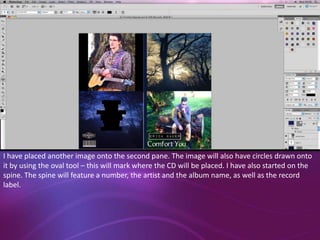
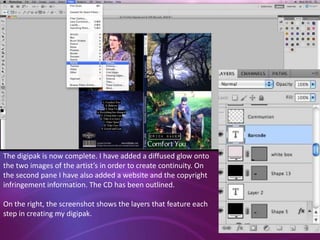

The document describes the steps taken to design a digipak cover in Photoshop. Key details include: lightening an image for the front cover using a glow effect and adding a title in white font on a white rectangle; adding the artist's name in an impact font on the white rectangle of the front pane; beginning work on the fourth pane by drawing black rectangles for the track list and adding a barcode font; choosing a small record label resembling the artist's genre; and placing additional images while drawing circles and starting the spine design with identifying information and the label name.


