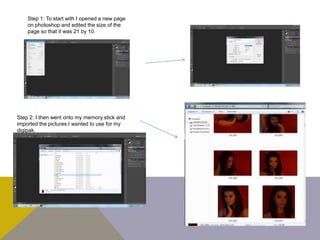
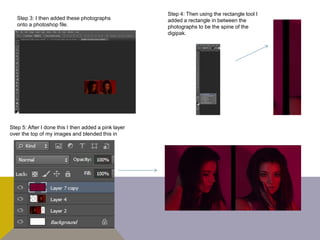
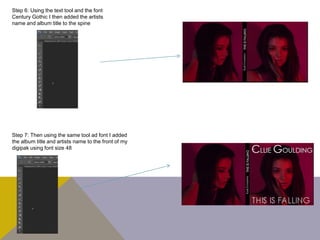
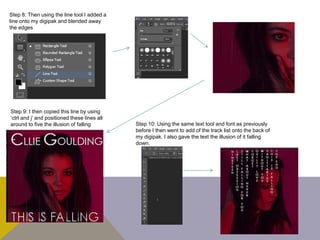
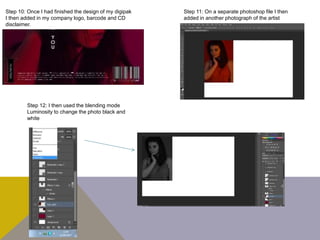
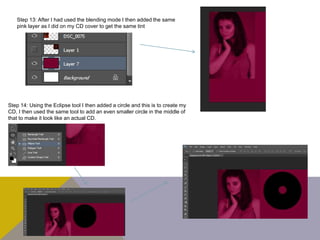
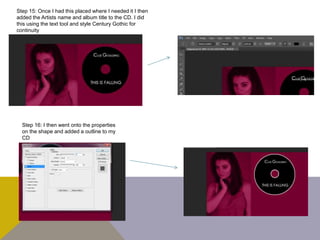
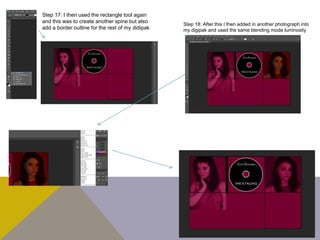
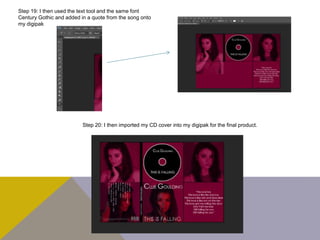
The document outlines 20 steps to design a digipak for an album in Photoshop. It involves importing photographs, adding them to a Photoshop file along with shapes like rectangles and lines to create the spine and borders. Text is added using the Century Gothic font for the artist name, album title, track list and other details. Effects are applied like blending modes and outlines. Multiple layers are used to combine the elements into a final digipak design.