Chapter 12 Separate Compilation and  Namespaces Copyright © 2008 Pearson Addison-Wesley.  All rights reserved.
Overview 12.1    Separate Compilation  12.2  Namespaces Slide 12-
12.1 Separate Compilation Copyright © 2008 Pearson Addison-Wesley.  All rights reserved.
Separate Compilation C++ allows you to divide a program into parts Each part can be stored in a separate file Each part can be compiled separately A class definition can be stored separately from a  program. This allows you to use the class in multiple programs Slide 12-
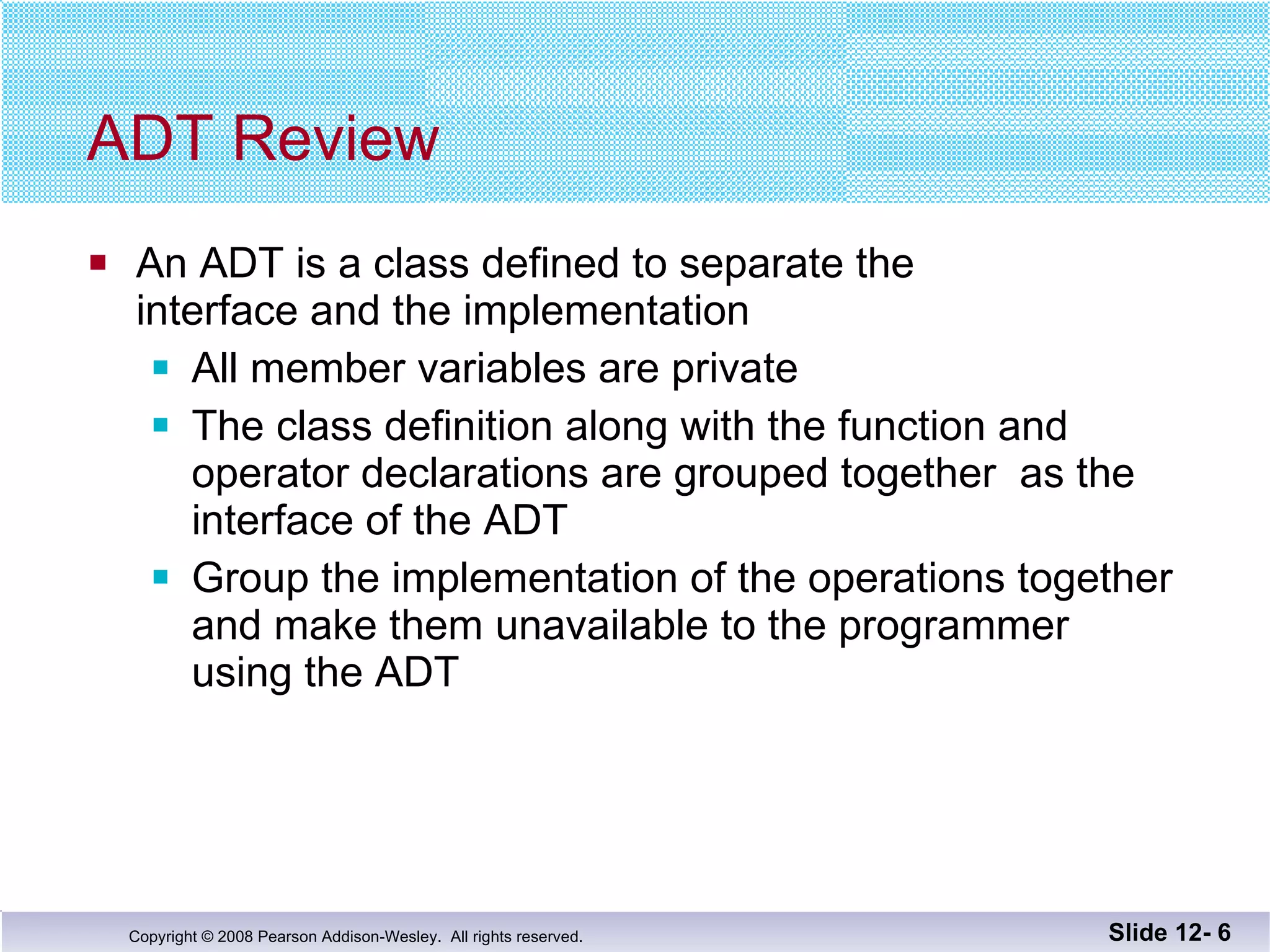
ADT Review An ADT is a class defined to separate the interface and the implementation All member variables are private The class definition along with the function and  operator declarations are grouped together  as the interface of the ADT Group the implementation of the operations together and make them unavailable to the programmer  using the ADT Slide 12-
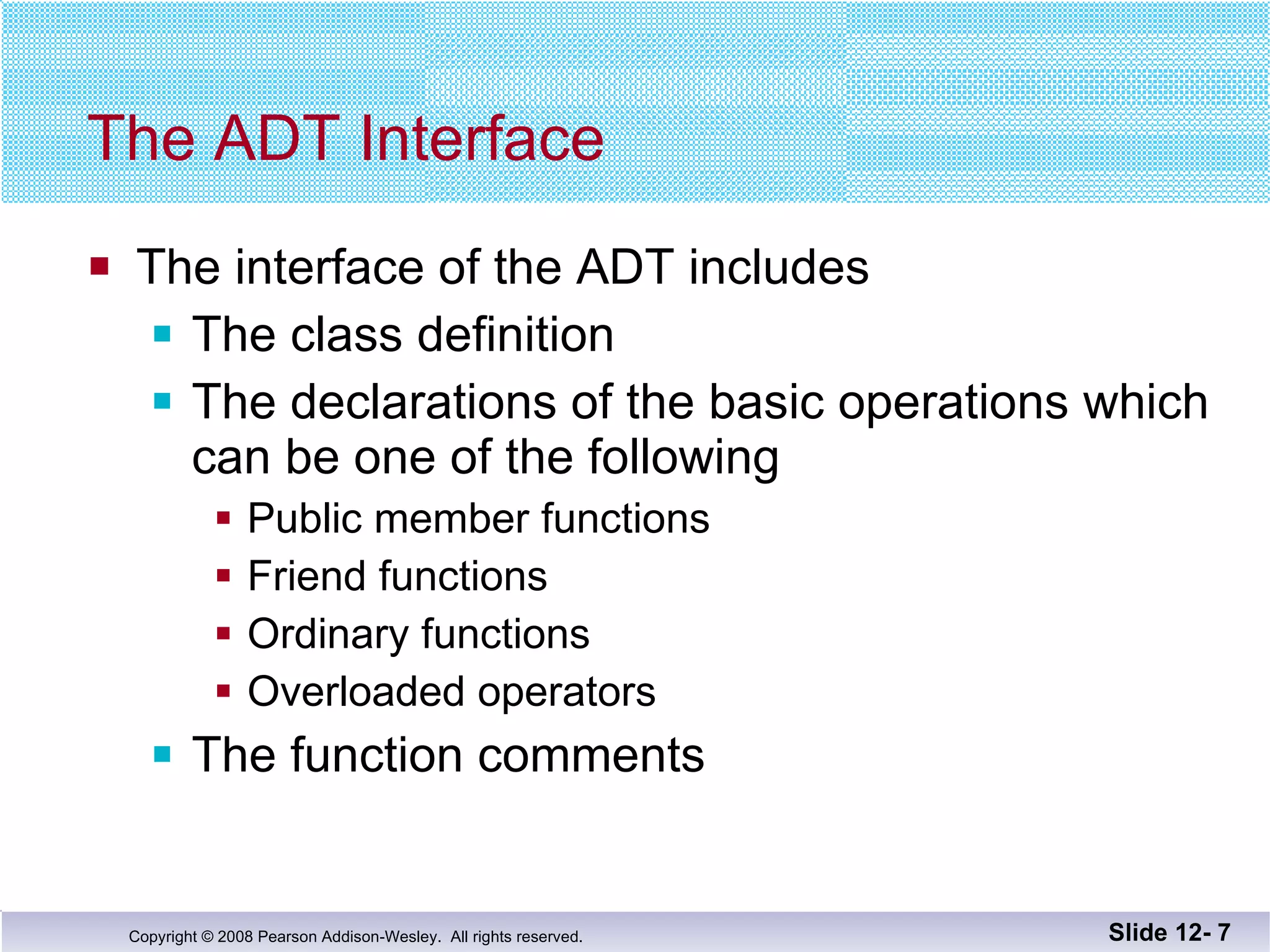
The ADT Interface The interface of the ADT includes The class definition The declarations of the basic operations which can be one of the following Public member functions  Friend functions Ordinary functions Overloaded operators The function comments Slide 12-
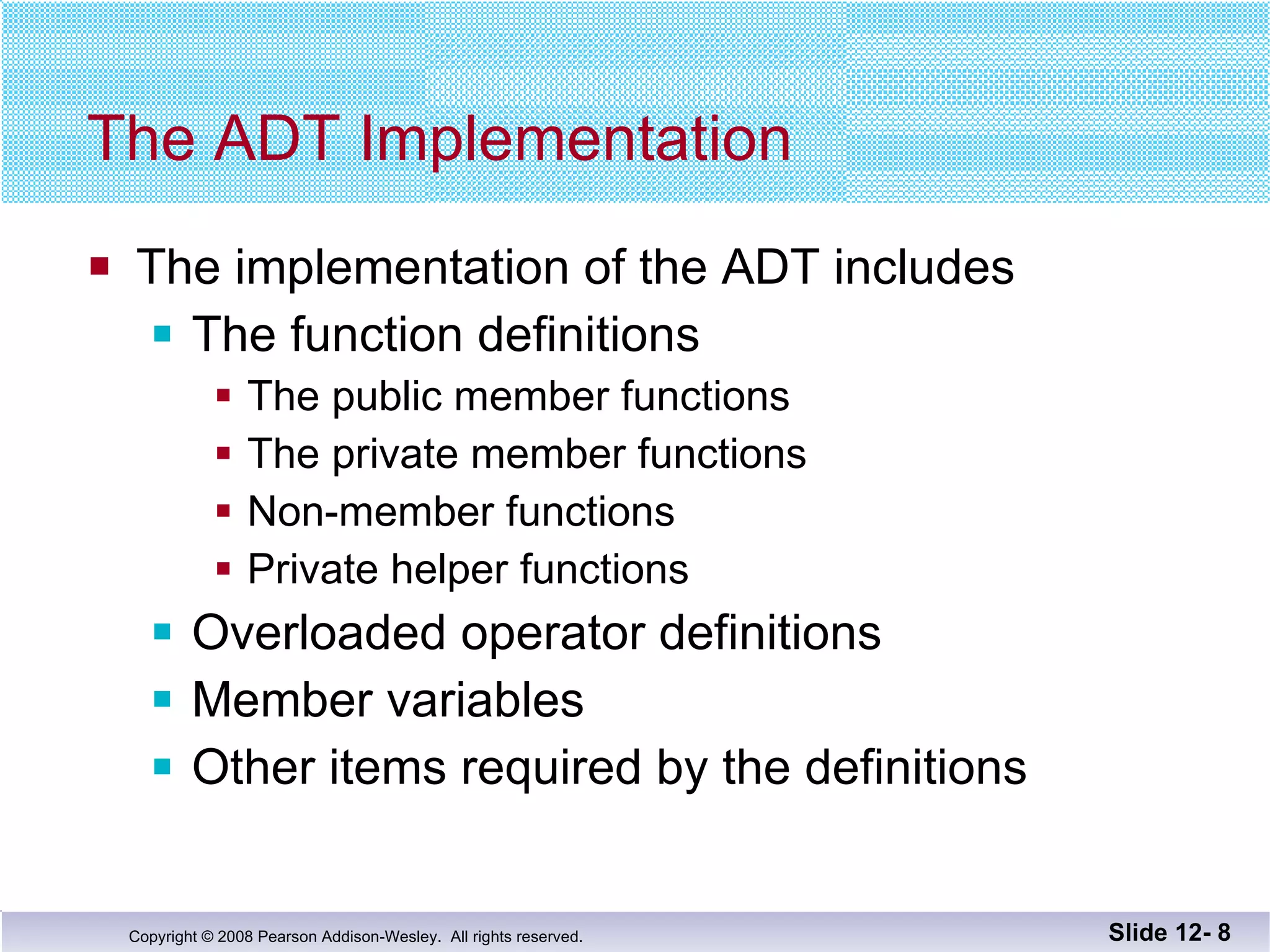
The ADT Implementation The implementation of the ADT includes The function definitions The public member functions The private member functions Non-member functions Private helper functions Overloaded operator definitions Member variables Other items required by the definitions Slide 12-
Separate Files In C++ the ADT interface and implementation  can be stored in separate files The interface file stores the ADT interface The implementation file stores the ADT  implementation Slide 12-
A Minor Compromise The public part of the class definition is part of  the ADT interface The private part of the class definition is part of  the ADT implementation  This would hide it from those using the ADT C++ does not allow splitting the public and private parts of the class definition across files The entire class definition is usually in the  interface file Slide 12-
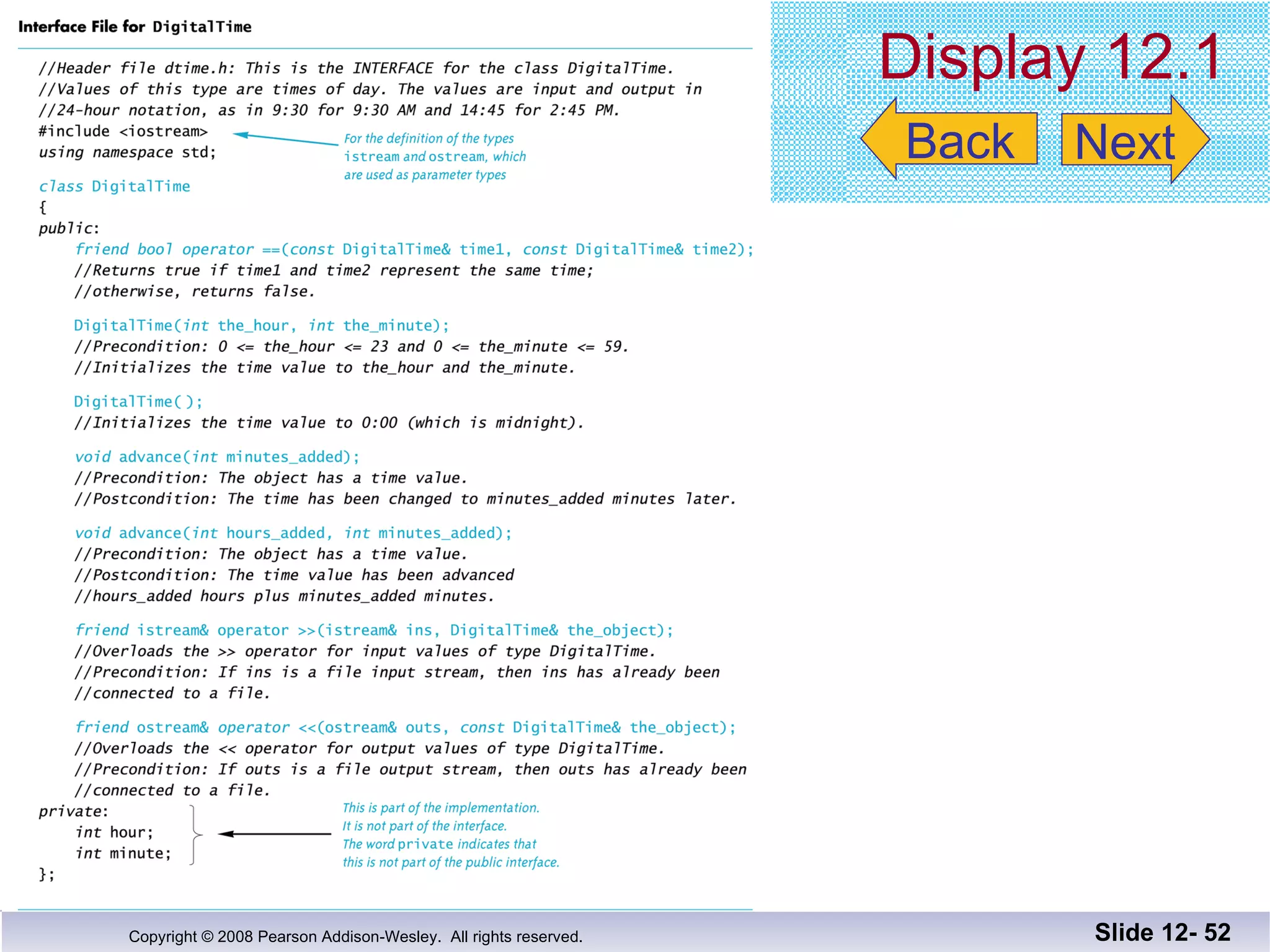
Case Study: DigitalTime The interface file of the DigitalTime  ADT class contains the class definition The values of the class are: Time of day, such as 9:30, in 24 hour notation The public members are part of the interface The private members are part of the implementation The comments in the file should provide all the  details needed to use the ADT Slide 12-
The DigitalTime ADT interface is stored in a  file named dtime.h The .h suffix means this is a header file Interface files are always header files A program using dtime.h must include it using an include directive      #include "dtime.h" Naming The Interface File Slide 12-  Display 12.1
#include &quot; &quot; or < > ? To include a predefined header file use < and >   #include <iostream> < and > tells the compiler to look where the system stores predefined  header files To include a header file you wrote, use &quot; and &quot;   #include &quot;dtime.h&quot; &quot; and &quot; usually cause the compiler to look  in the current directory for the header file Slide 12-
The Implementation File Contains the definitions of the ADT functions Usually has the same name as the header file but a different suffix Since our header file is named dtime.h,  the  implementation file is named dtime.cpp Suffix depends on your system  (some use .cxx or .CPP) Slide 12-
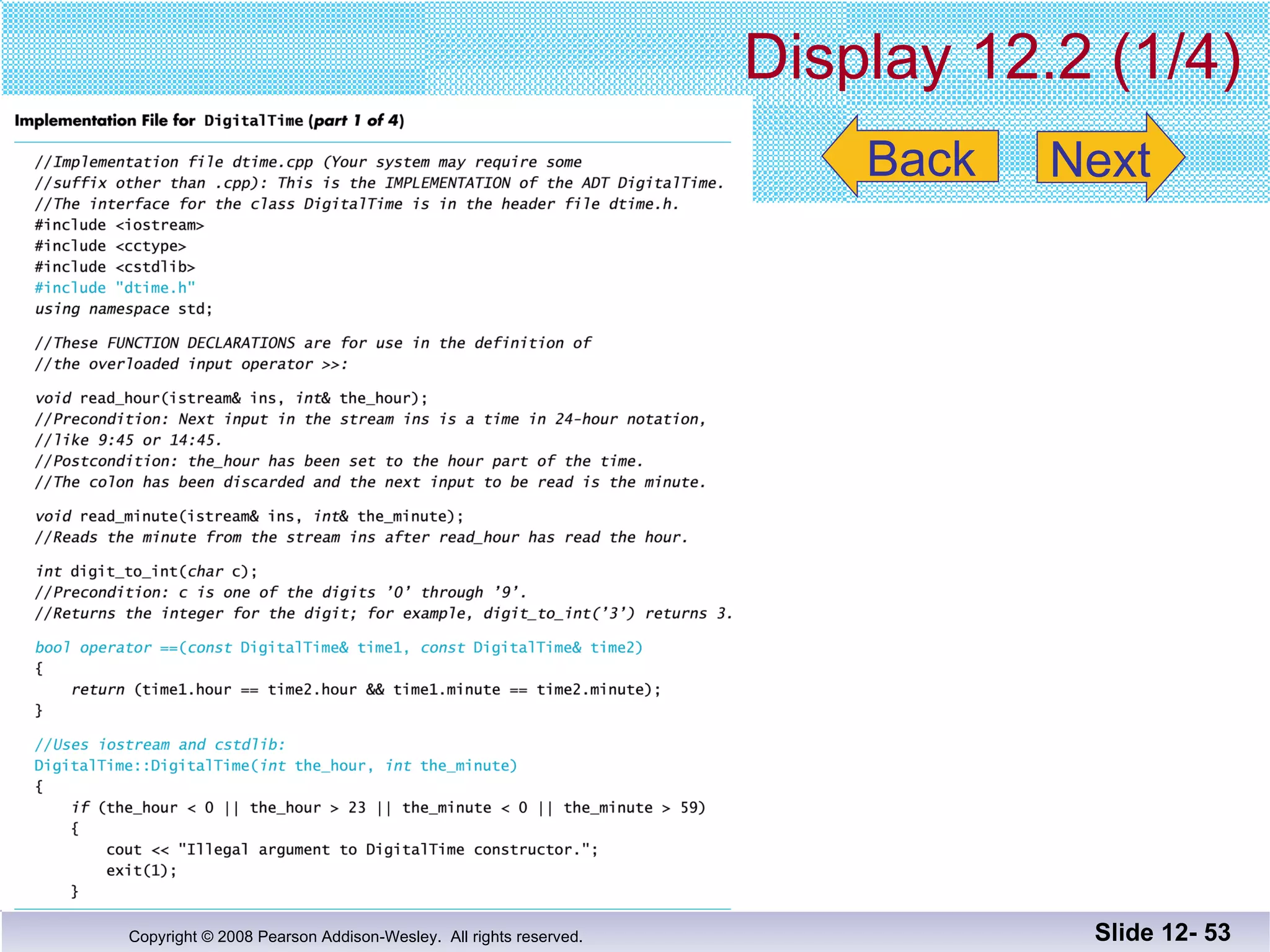
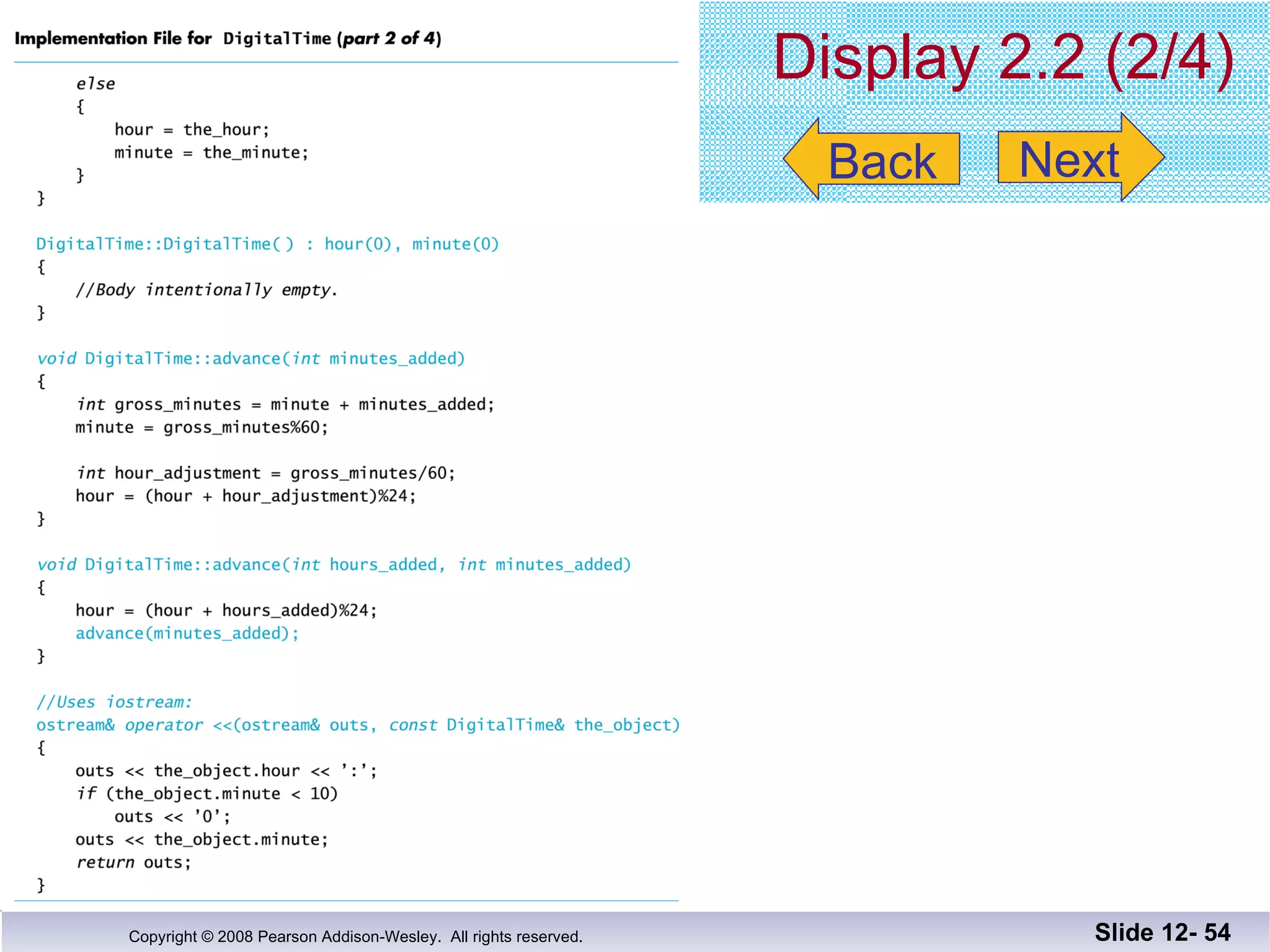
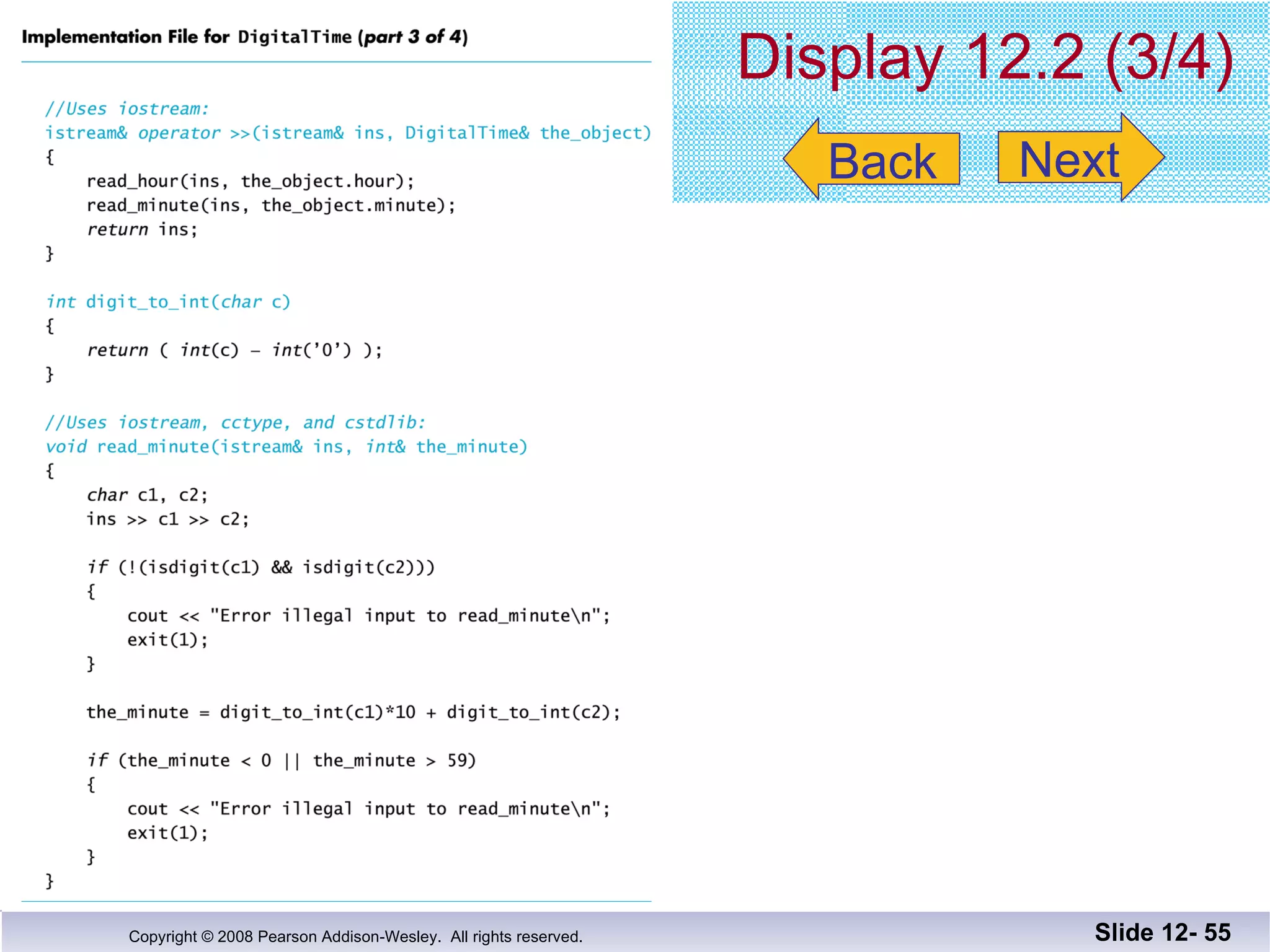
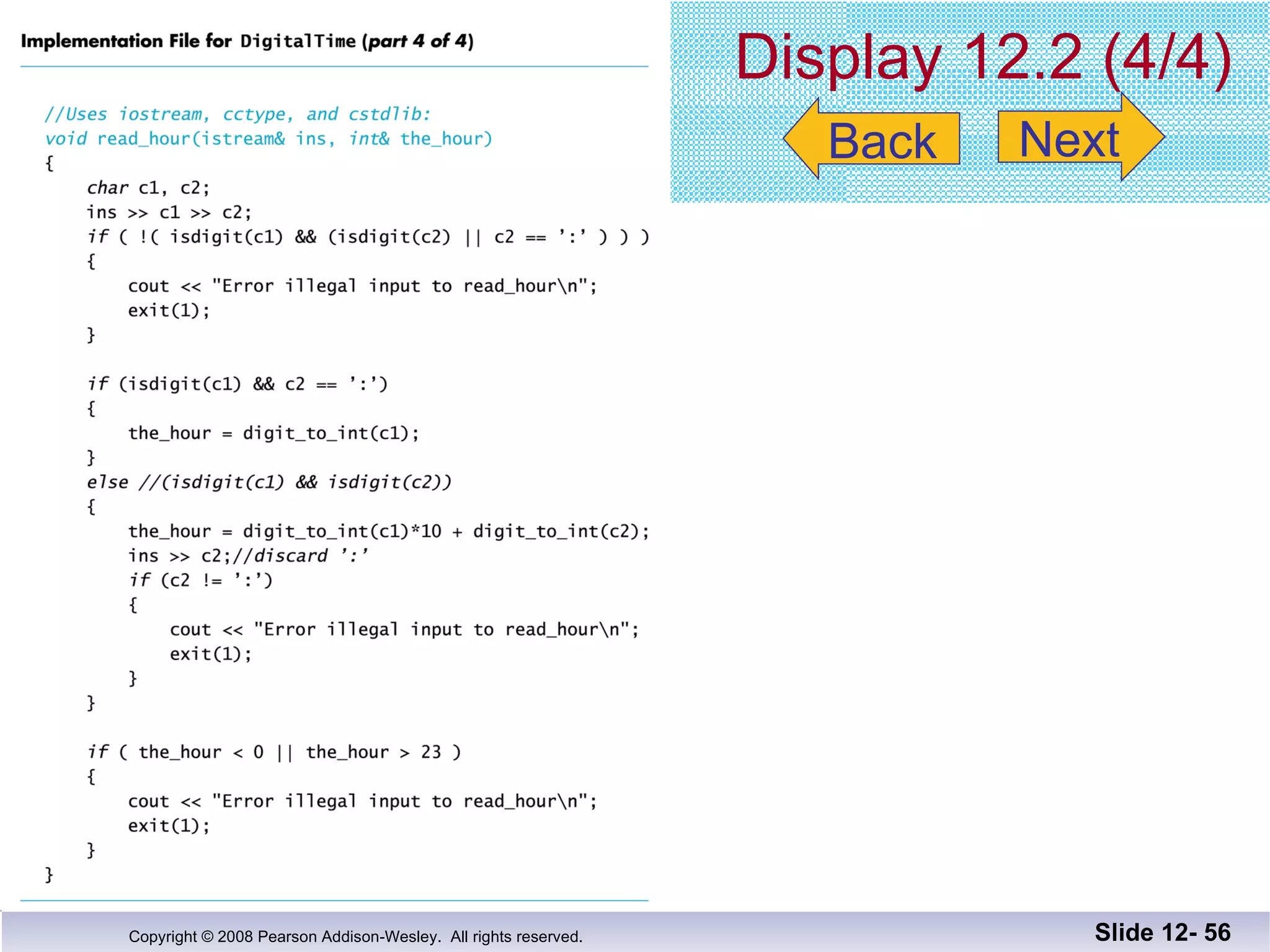
The implementation file requires an include  directive to include the interface file:   #include &quot;dtime.h&quot; #include &quot;dtime.h&quot; Slide 12-  Display 12.2 (1) Display 12.2 (2) Display 12.2 (3) Display 12.2 (4)
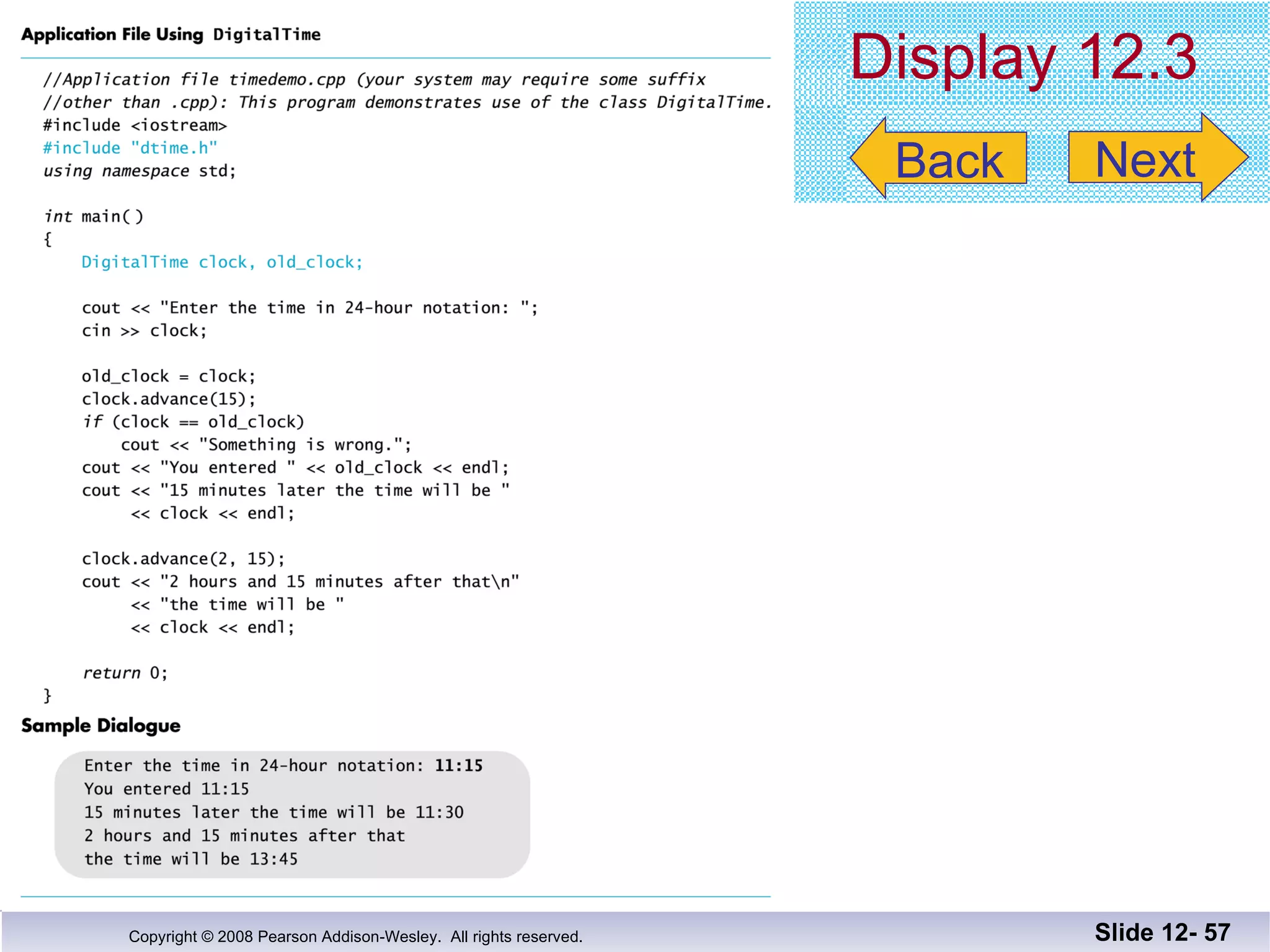
The Application file is the file that contains the  program that uses the ADT It is also called a driver file Must use an include directive to include the  interface file:   #include &quot;dtime.h&quot; The Application File Slide 12-  Display 12.3
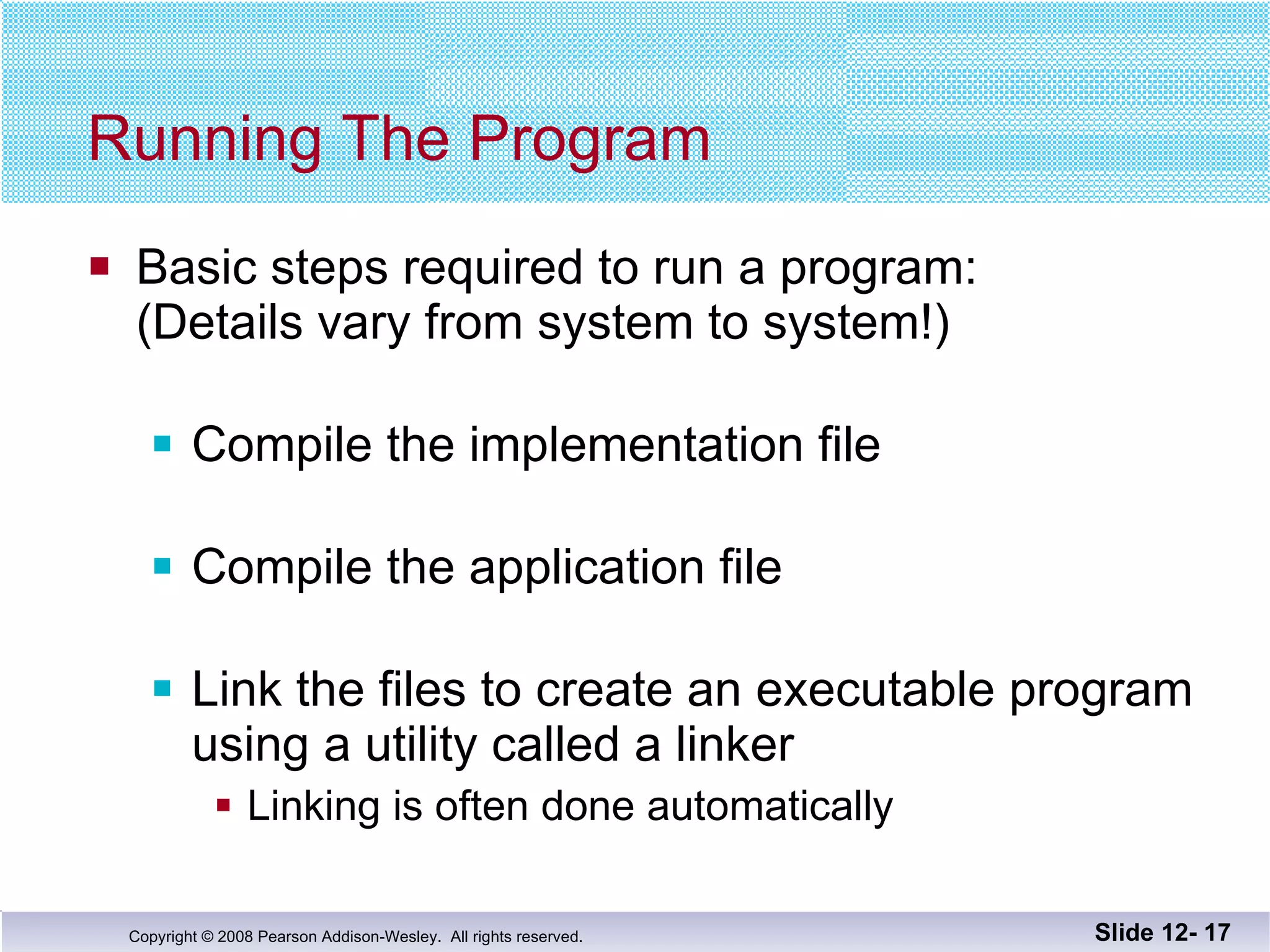
Running The Program Basic steps required to run a program: (Details vary from system to system!) Compile the implementation file Compile the application file Link the files to create an executable program using a utility called a linker Linking is often done automatically Slide 12-
Compile dtime.h ? The interface file is not compiled separately The preprocessor replaces any occurrence of  #include &quot;dtime.h&quot; with the text of dtime.h before compiling  Both the implementation file and the  application file contain #include &quot;dtime.h&quot; The text of dtime.h is seen by the compiler in each of these files There is no need to compile dtime.h separately Slide 12-
Why Three Files? Using separate files permits The ADT to be used in other programs without rewriting the definition of the class for each Implementation file to be compiled once even  if multiple programs use the ADT Changing the implementation file does not  require changing the program using the ADT Slide 12-
Reusable Components An ADT coded in separate files can be used  over and over The reusability of such an ADT class  Saves effort since it does not need to be  Redesigned Recoded Retested Is likely to result in more reliable components Slide 12-
Multiple Classes A program may use several classes Each could be stored in its own interface and  implementation files Some files can &quot;include&quot; other files, that include still others It is possible that the same interface file could be  included in multiple files C++ does not allow multiple declarations of a class The #ifndef directive can be used to prevent  multiple declarations of a class Slide 12-
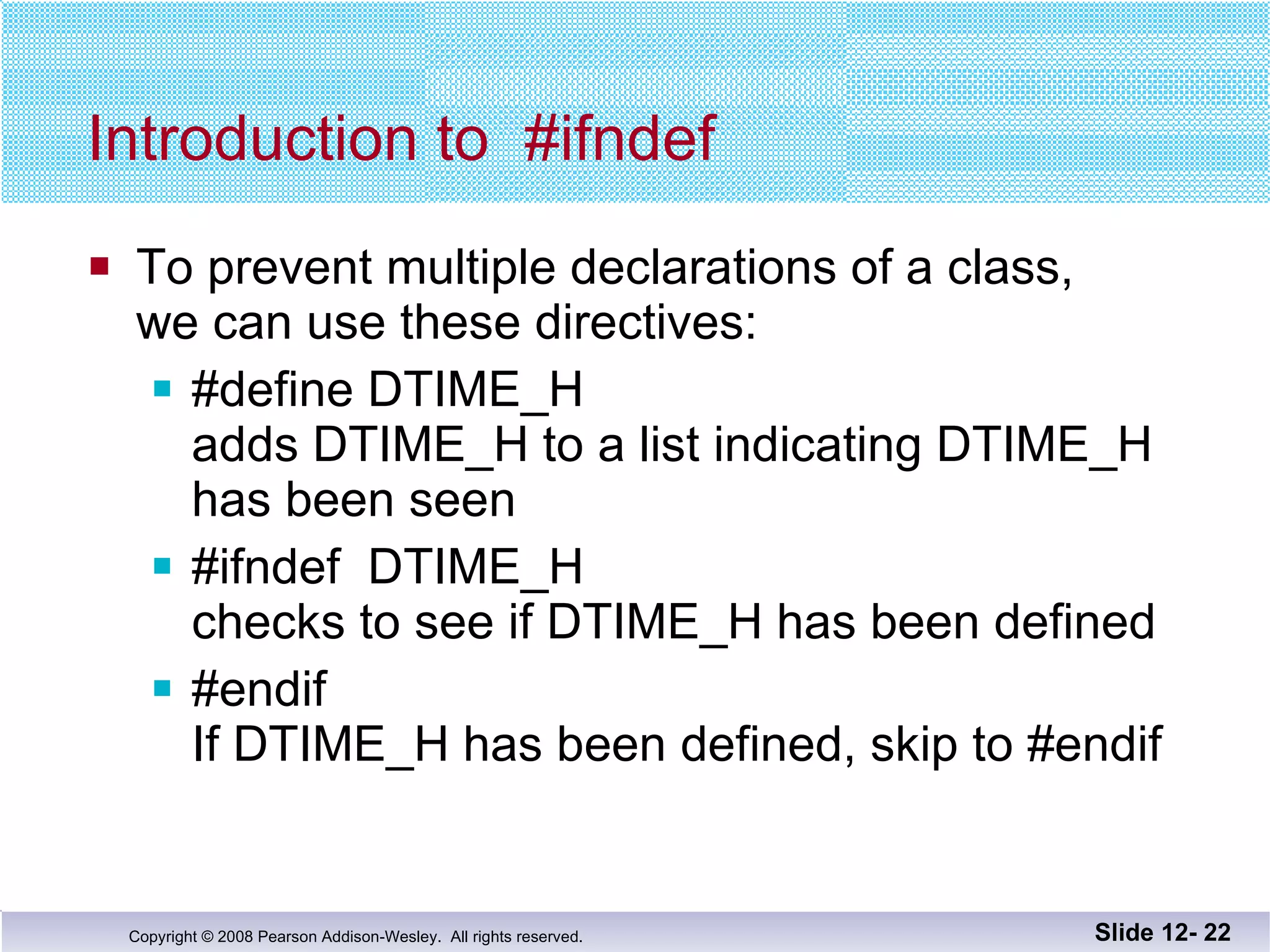
Introduction to  #ifndef To prevent multiple declarations of a class, we can use these directives: #define DTIME_H  adds DTIME_H to a list indicating DTIME_H has been seen #ifndef  DTIME_H  checks to see if DTIME_H has been defined  #endif If DTIME_H has been defined, skip to #endif Slide 12-
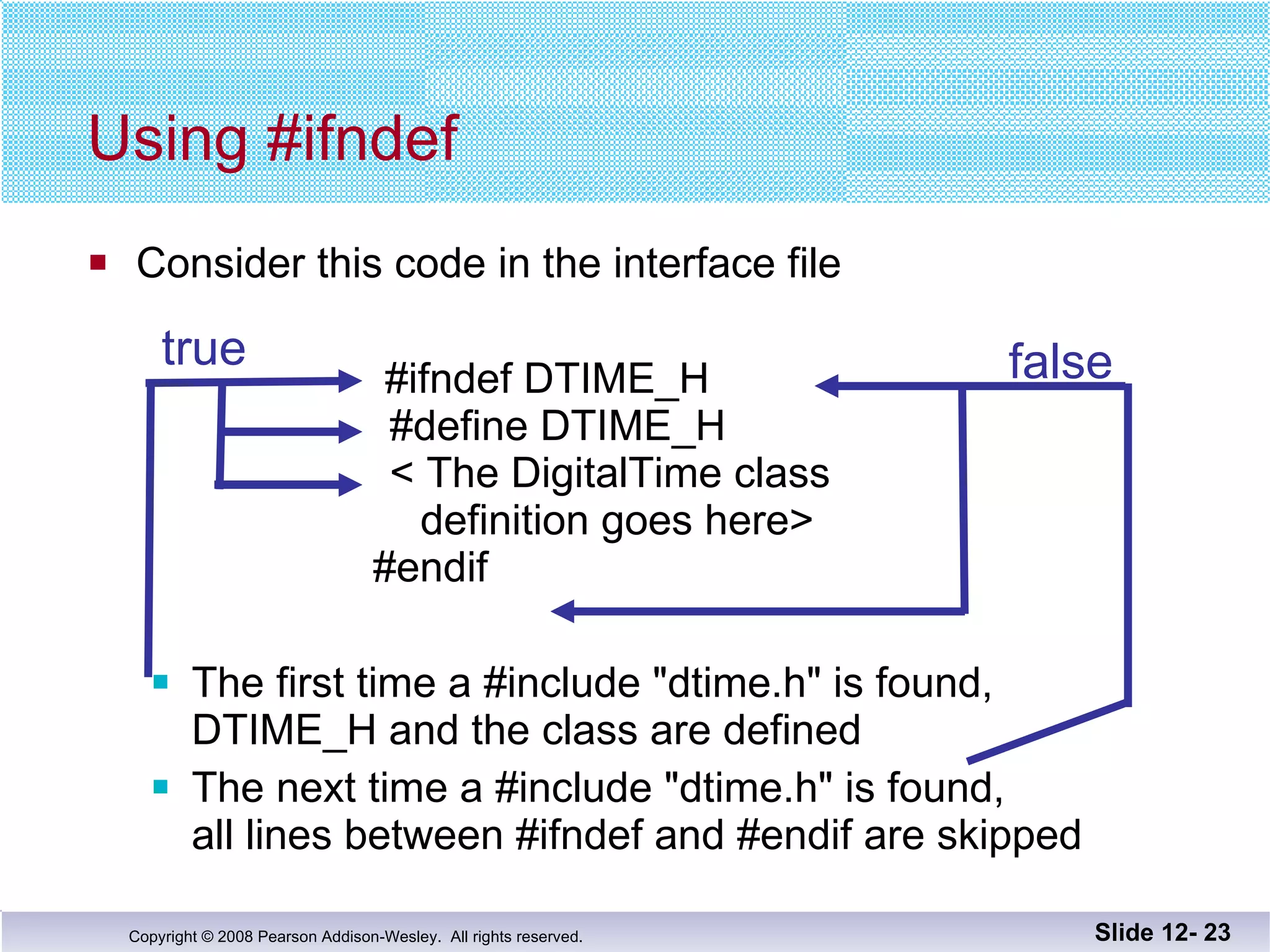
Consider this code in the interface file     #ifndef DTIME_H     #define DTIME_H     < The DigitalTime class   definition goes here>   #endif The first time a #include &quot;dtime.h&quot; is found,  DTIME_H and the class are defined The next time a #include &quot;dtime.h&quot; is found,  all lines between #ifndef and #endif are skipped Using #ifndef Slide 12-  true false
DTIME_H is the normal convention for  creating an identifier to use with ifndef It is the file name in all caps Use ' _ ' instead of ' . ' You may use any other identifier, but will make your code more difficult to read Why DTIME_H? Slide 12-  Display 12.4
Defining Libraries You can create your own libraries of functions You do not have to define a class to use separate files If you have a collection of functions… Declare them in a header file with their comments Define them in an implementation file Use the library files just as you use your class interface and implementation files Slide 12-
Section 12.1 Conclusion Can you Determine which belongs to the interface,  implementation or application files? Class definition Declaration of a non-member function used as an  operation of the ADT Definition of a member function The main part of the program Describe the difference between a C++ class and an ADT? Slide 12-
12.2 Namespaces Copyright © 2008 Pearson Addison-Wesley.  All rights reserved.
Namespaces A namespace is a collection of name definitions, such as class definitions and variable declarations If a program uses classes and functions written by  different programmers, it may be that the same name is used for different things Namespaces help us deal with this problem Slide 12-
The Using Directive #include <iostream> places names such as cin and cout in the std namespace The program does not know about names in the std namespace until you add     using namespace std; (if you do not use the std namespace, you can   define cin and cout to behave differently) Slide 12-
The Global Namespace Code you write is in a namespace it is in the global namespace unless you specify a namespace The global namespace does not require the  using directive Slide 12-
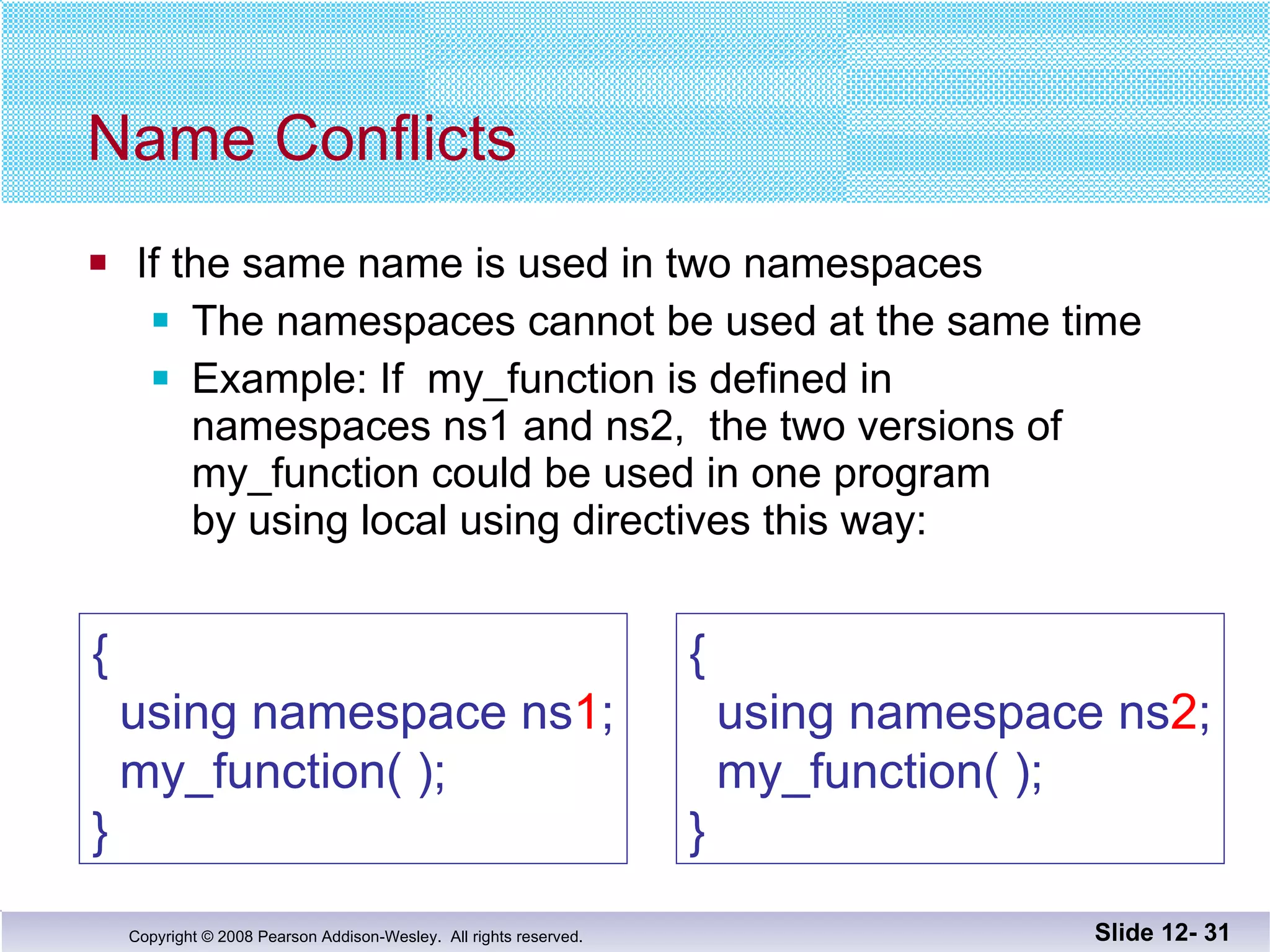
Name Conflicts If the same name is used in two namespaces The namespaces cannot be used at the same time Example: If  my_function is defined in  namespaces ns1 and ns2,  the two versions of  my_function could be used in one program  by using local using directives this way: Slide 12-  {   using namespace ns 1 ;   my_function( ); } {   using namespace ns 2 ;   my_function( ); }
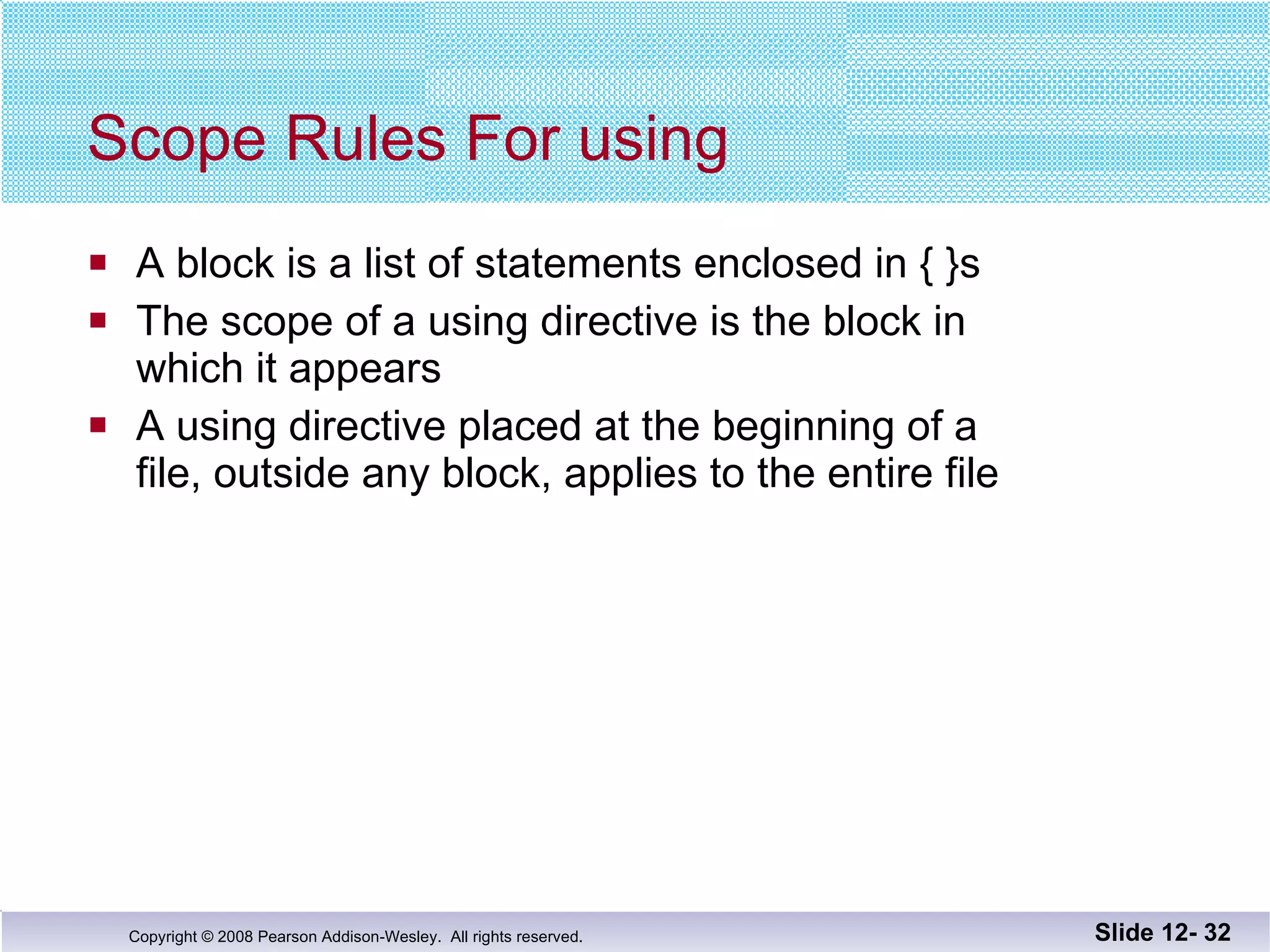
Scope Rules For using A block is a list of statements enclosed in { }s The scope of a using directive is the block in  which it appears A using directive placed at the beginning of a  file, outside any block, applies to the entire file Slide 12-
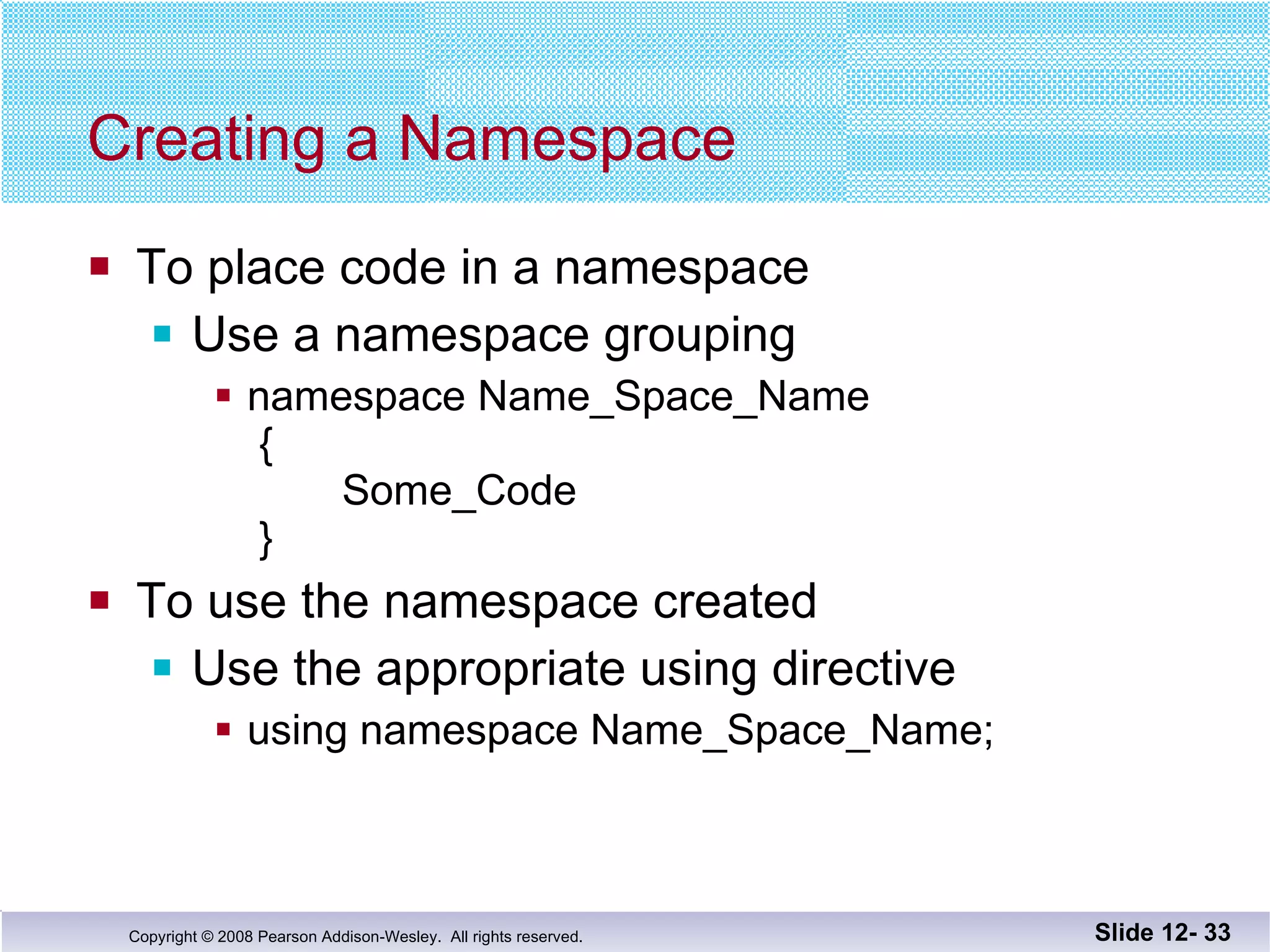
Creating a Namespace To place code in a namespace Use a namespace grouping namespace Name_Space_Name  {   Some_Code  } To use the namespace created Use the appropriate using directive using namespace Name_Space_Name; Slide 12-
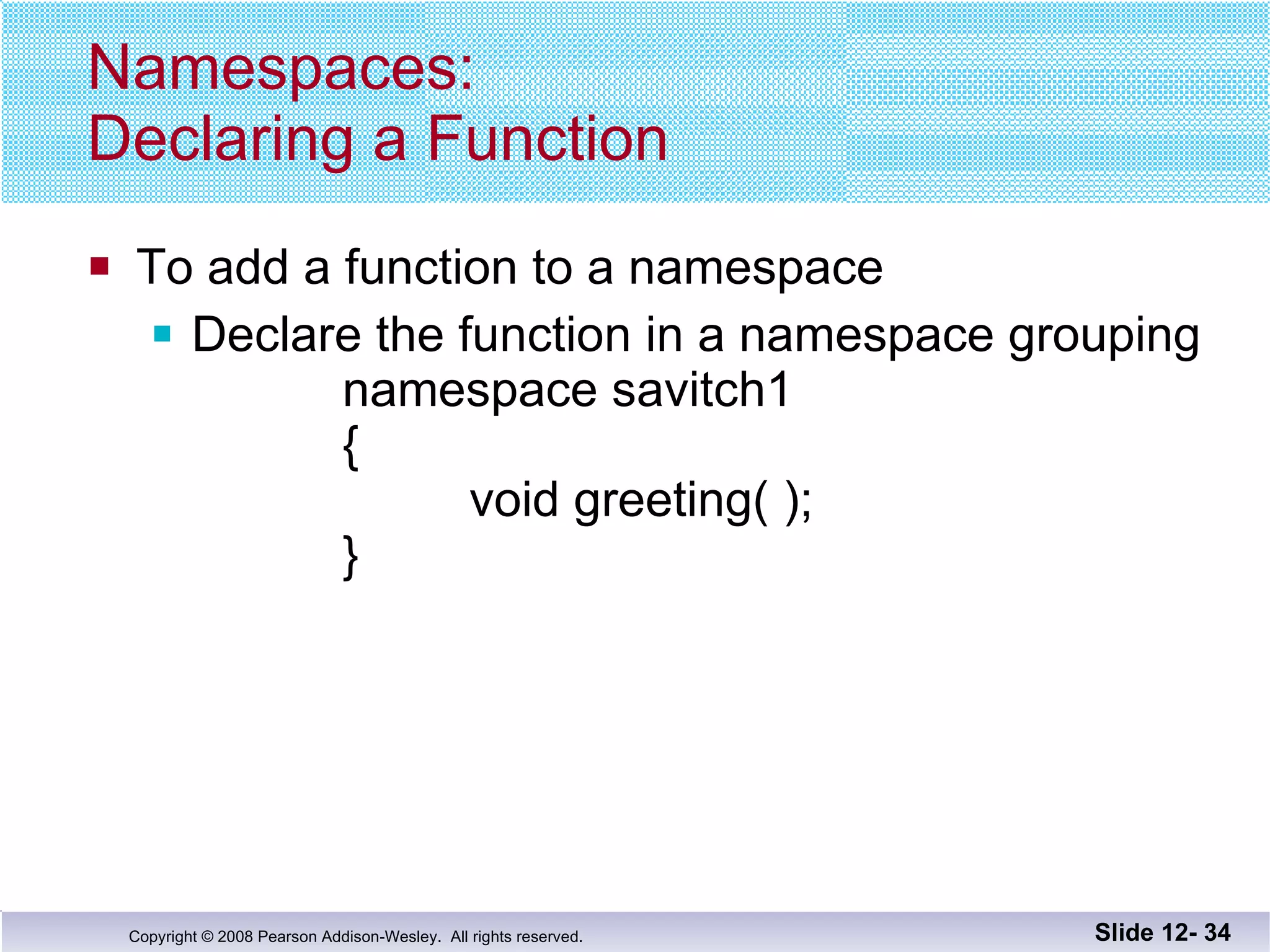
Namespaces: Declaring a Function To add a function to a namespace Declare the function in a namespace grouping namespace savitch1 {   void greeting( ); } Slide 12-
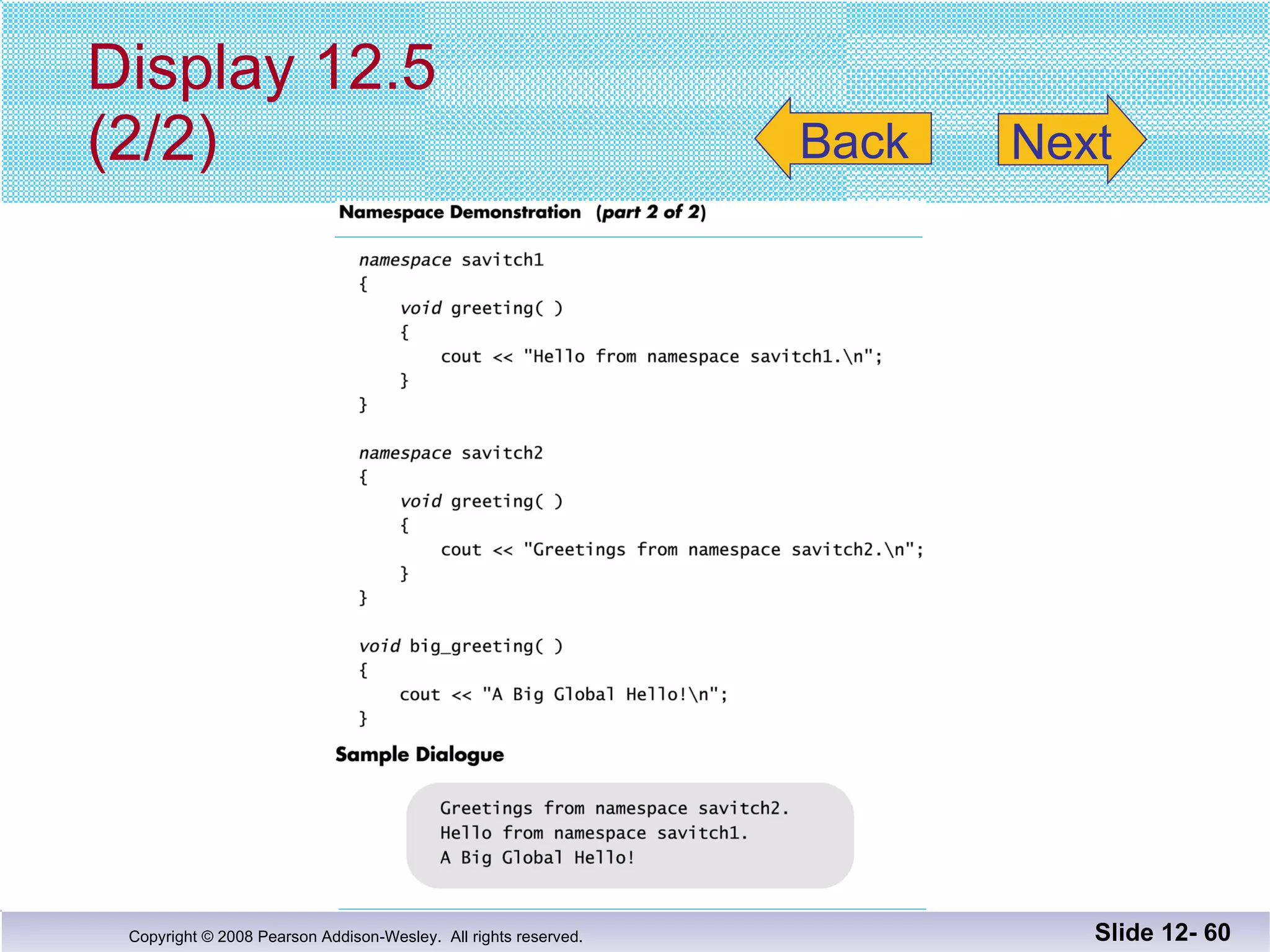
Namespaces: Defining a Function To define a function declared in a namespace Define the function in a namespace grouping   namespace savitch1   {   void greeting( )   {   cout << &quot;Hello from namespace savitch1.\n&quot;;   }   } Slide 12-
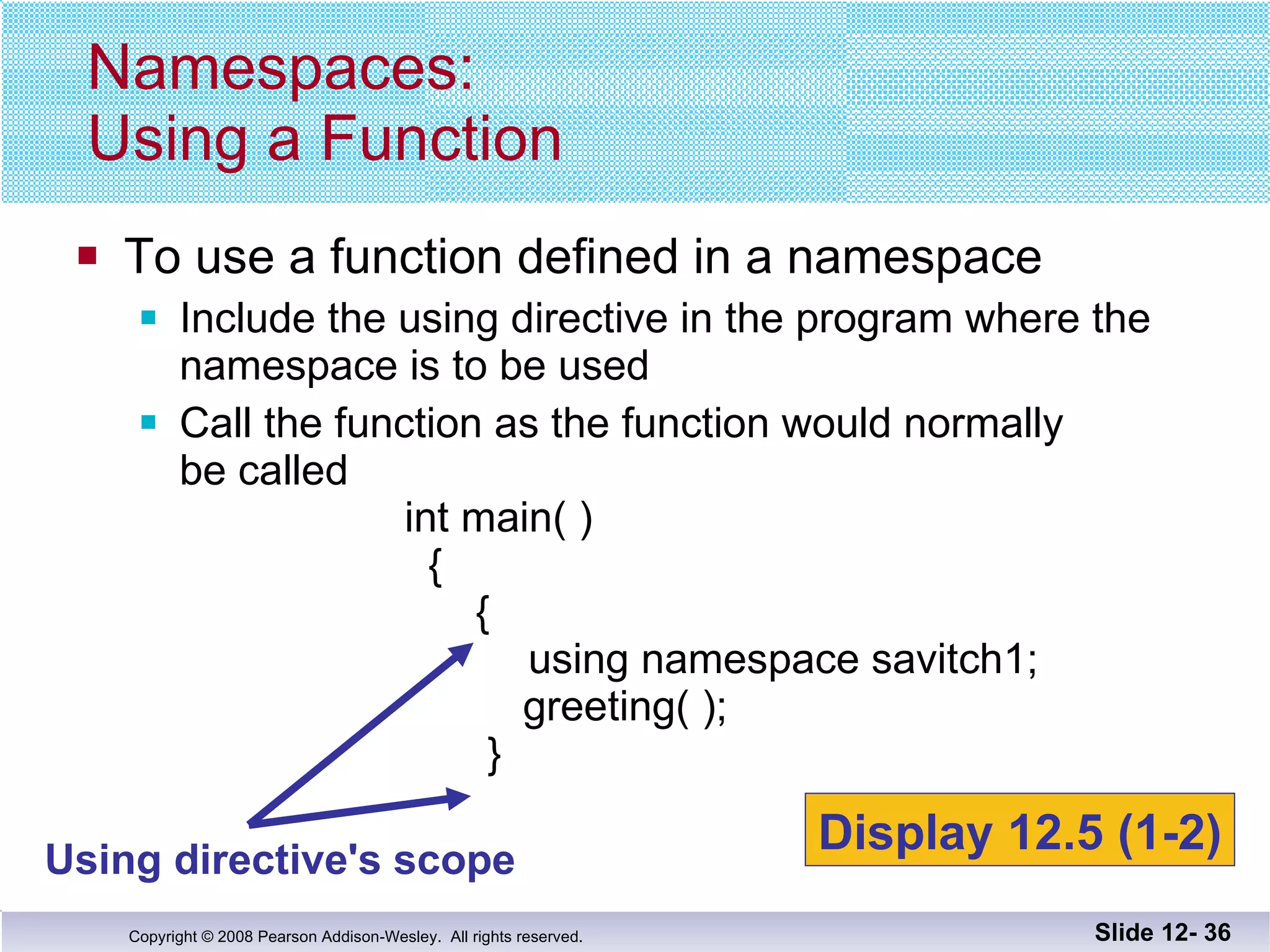
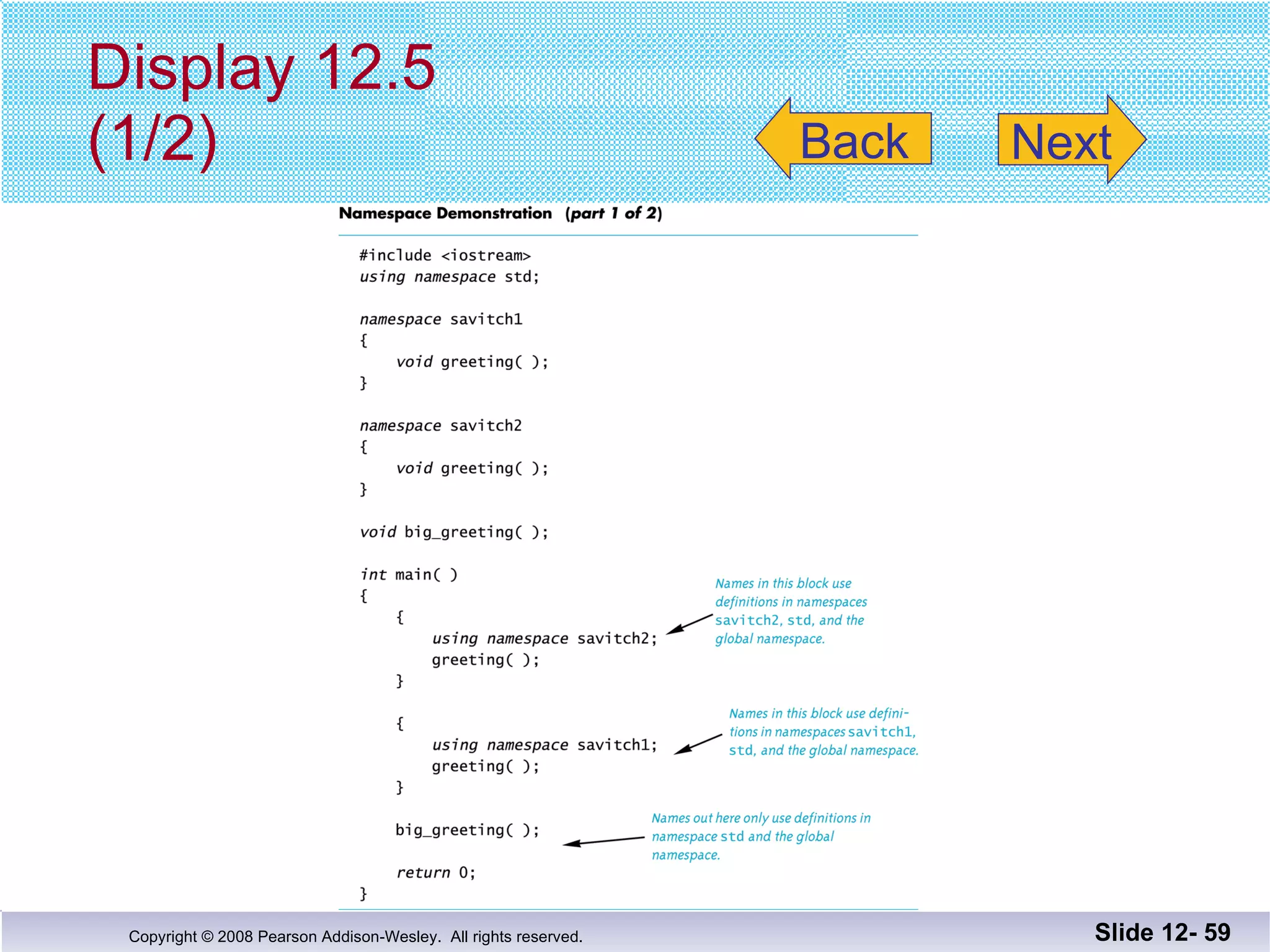
To use a function defined in a namespace Include the using directive in the program where the namespace is to be used Call the function as the function would normally be called   int main( )   {   {    using namespace savitch1;   greeting( );   } Namespaces: Using a Function Slide 12-  Using directive's scope Display 12.5 (1-2)
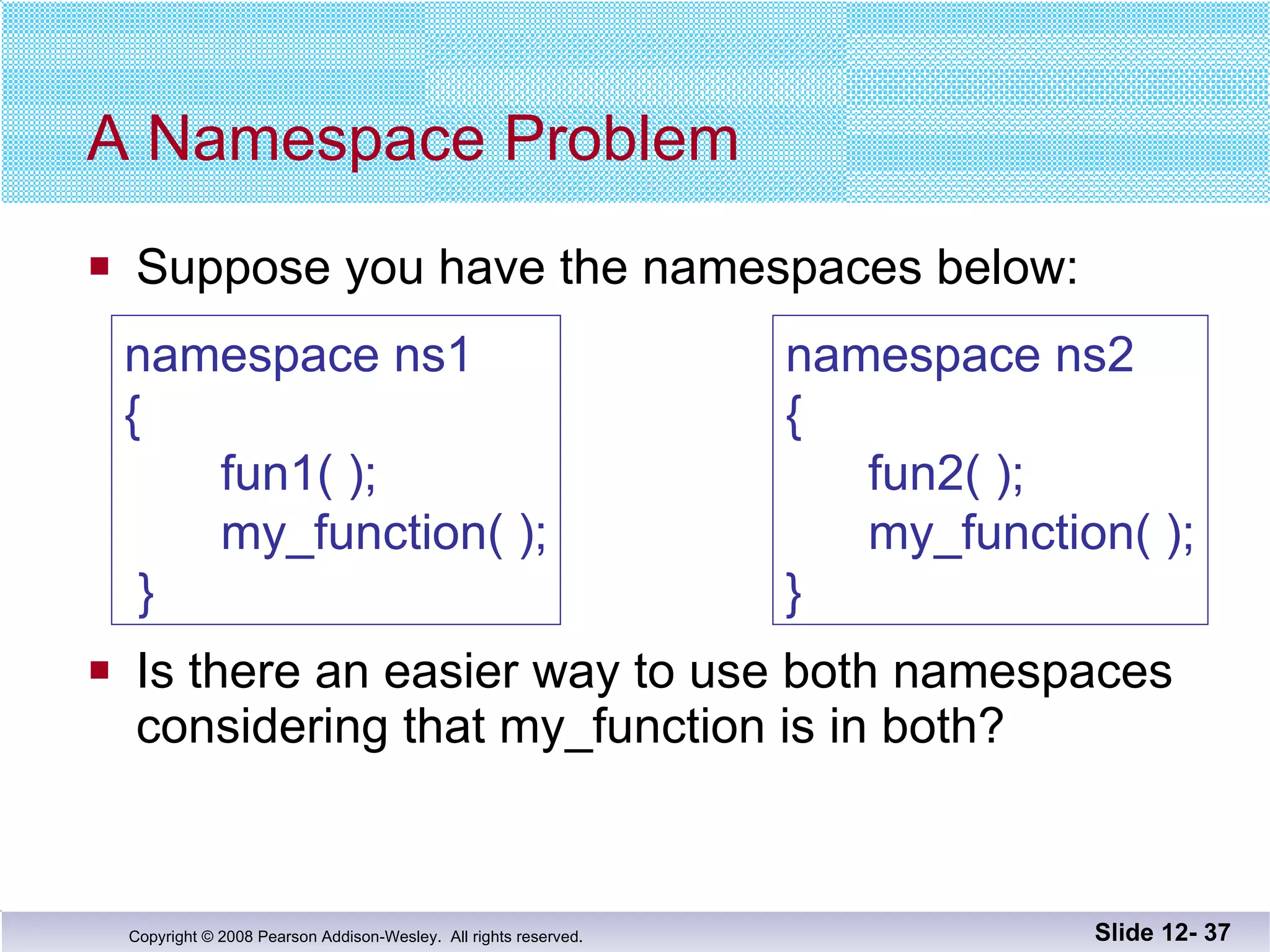
A Namespace Problem Suppose you have the namespaces below: Is there an easier way to use both namespaces considering that my_function is in both? Slide 12-  namespace ns1 {   fun1( );   my_function( );  } namespace ns2 {   fun2( );   my_function( ); }
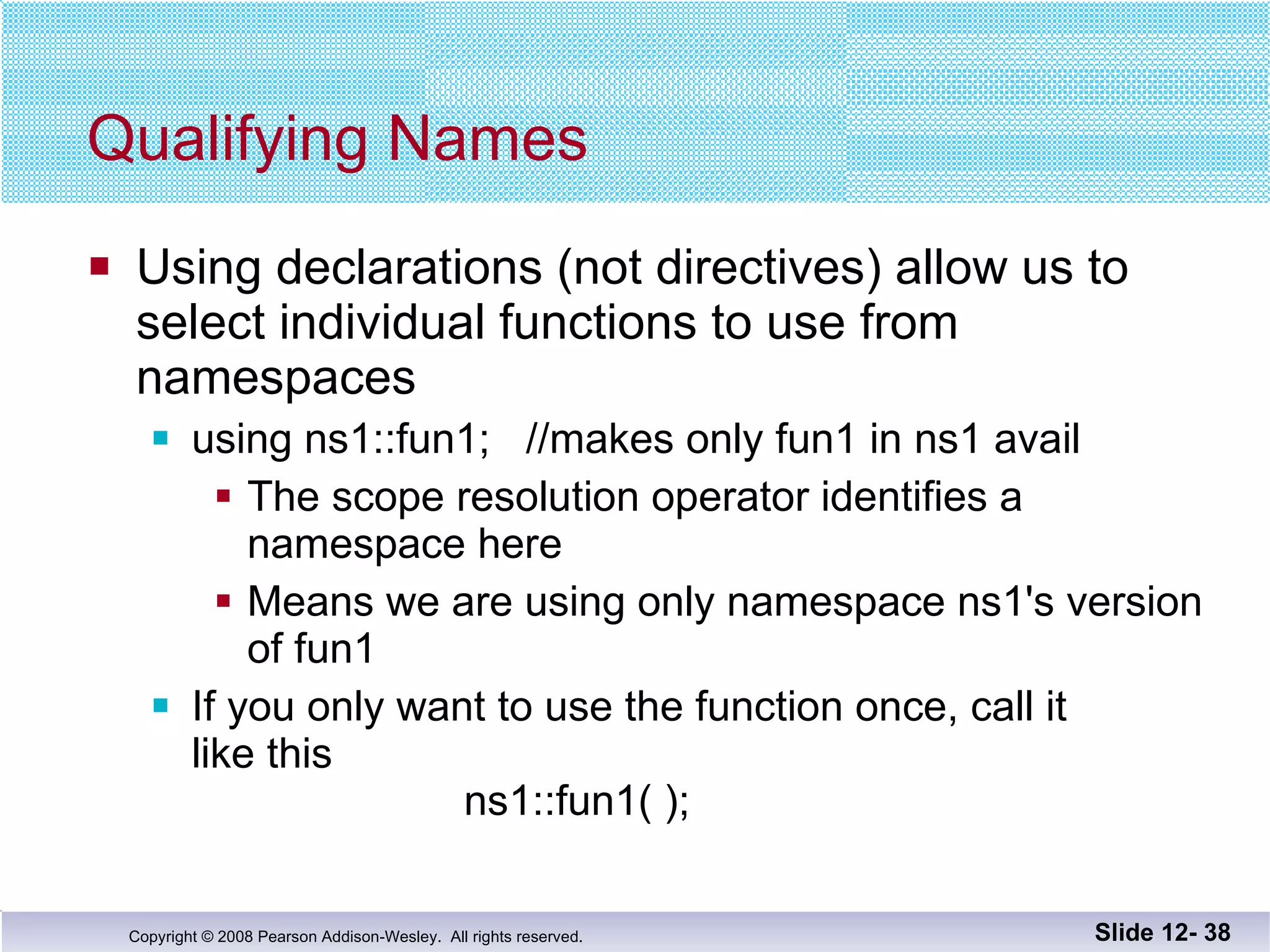
Qualifying Names Using declarations (not directives) allow us to  select individual functions to use from  namespaces using ns1::fun1;  //makes only fun1 in ns1 avail The scope resolution operator identifies a namespace here Means we are using only namespace ns1's version of fun1 If you only want to use the function once, call it  like this   ns1::fun1( ); Slide 12-
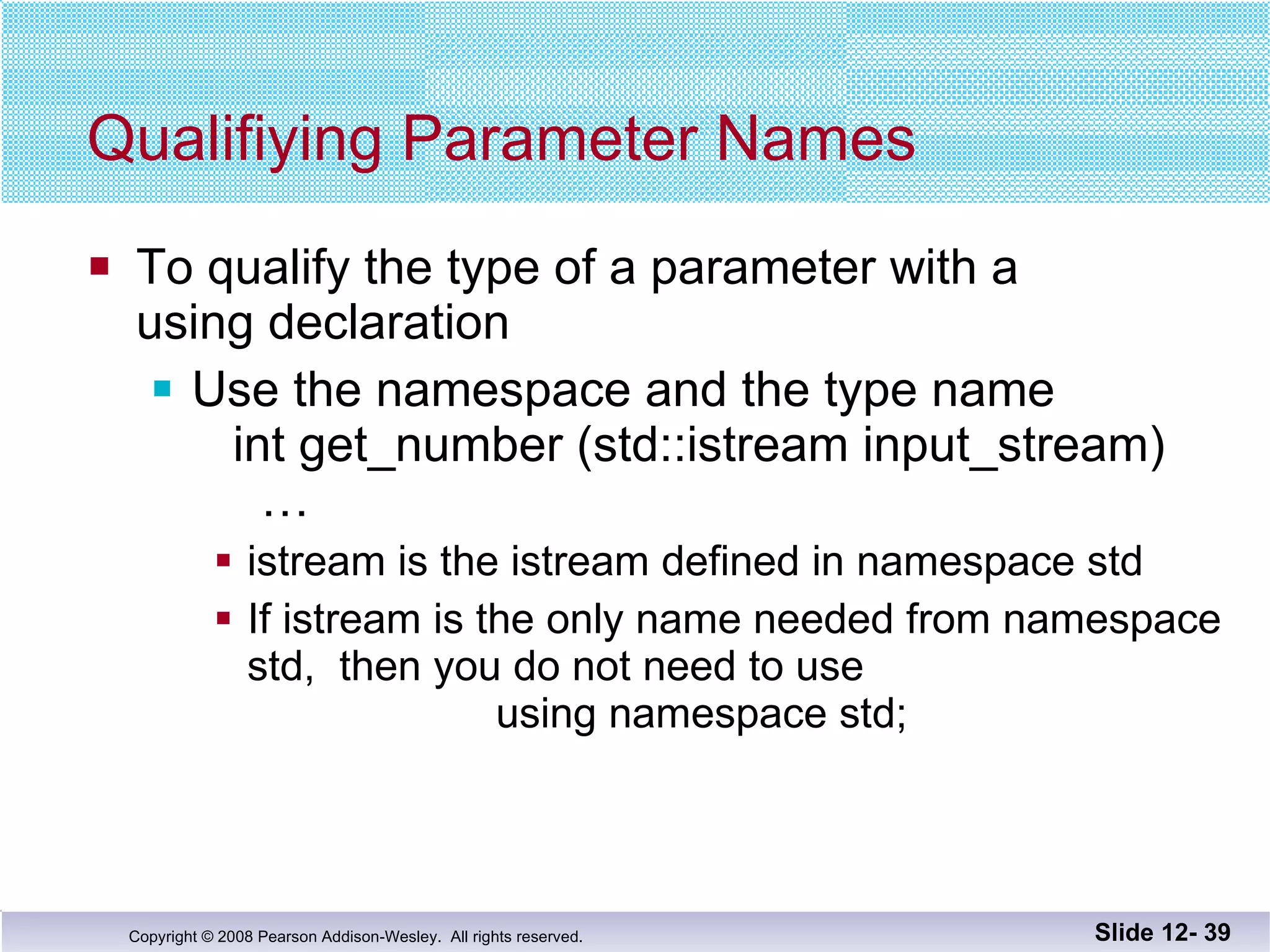
Qualifiying Parameter Names To qualify the type of a parameter with a  using declaration Use the namespace and the type name   int get_number (std::istream input_stream)   … istream is the istream defined in namespace std If istream is the only name needed from namespace std,  then you do not need to use   using namespace std; Slide 12-
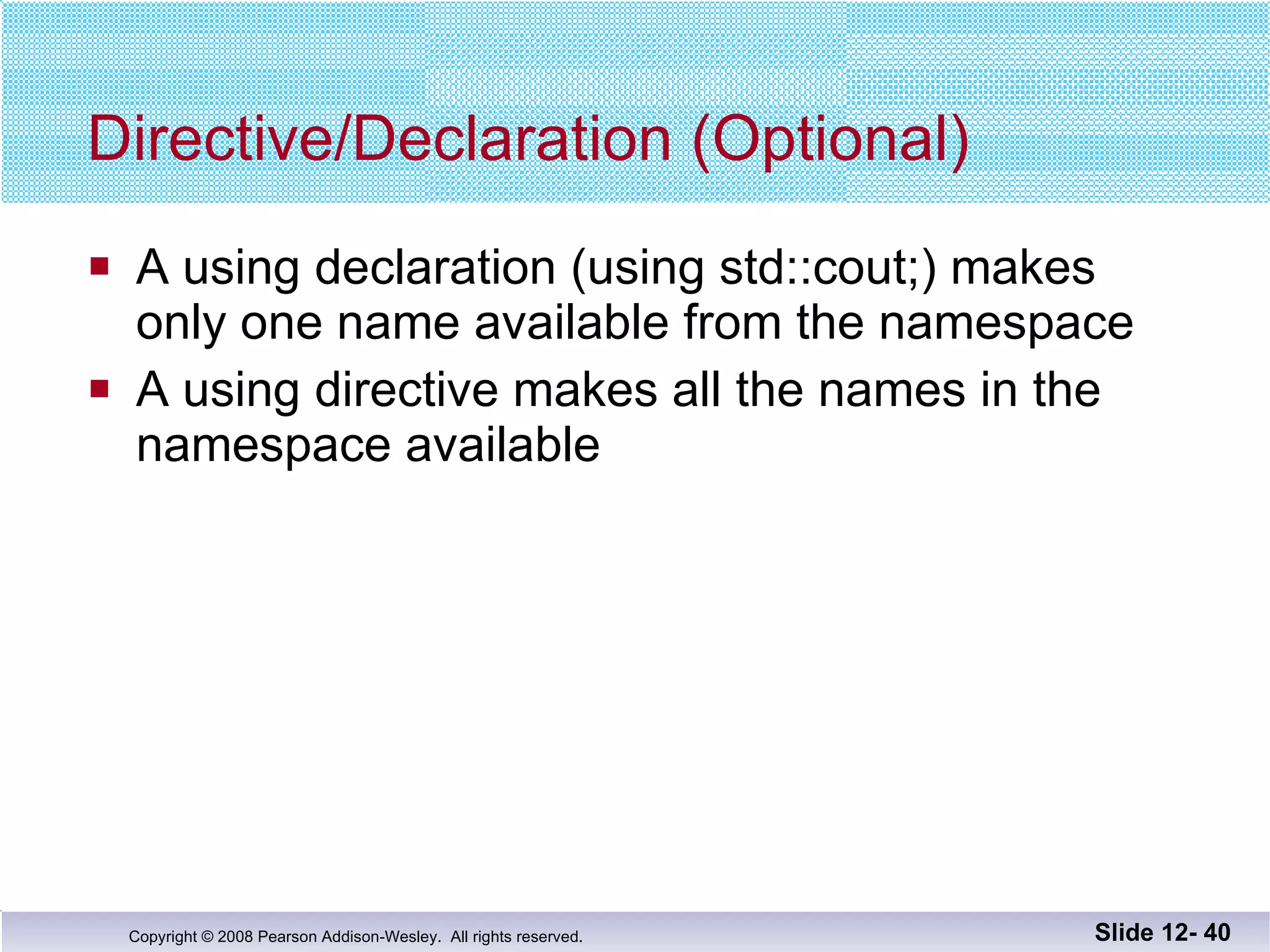
Directive/Declaration (Optional) A using declaration (using std::cout;) makes  only one name available from the namespace A using directive makes all the names in the  namespace available Slide 12-
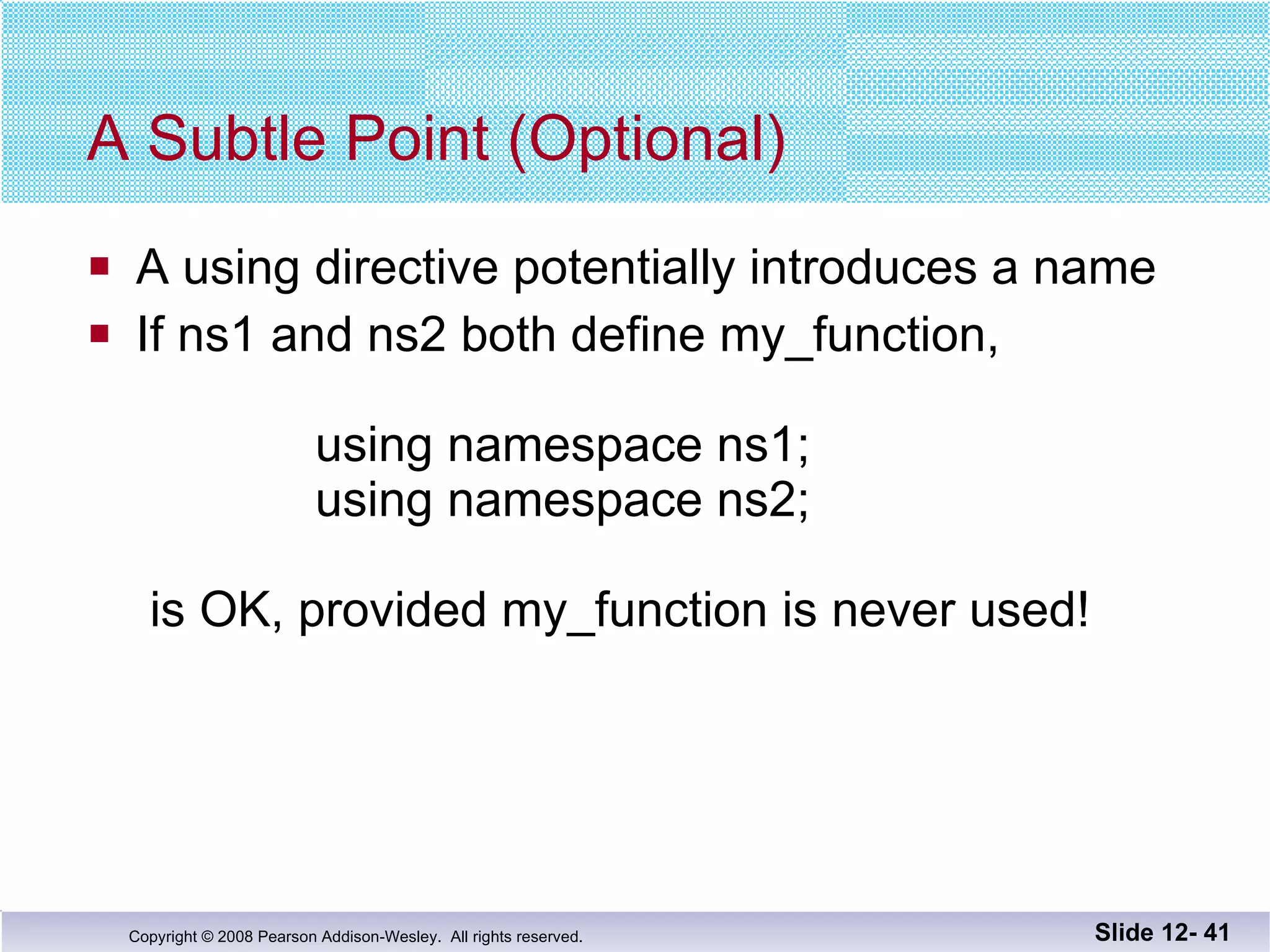
A Subtle Point (Optional) A using directive potentially introduces a name If ns1 and ns2 both define my_function,     using namespace ns1;   using namespace ns2;  is OK, provided my_function is never used! Slide 12-
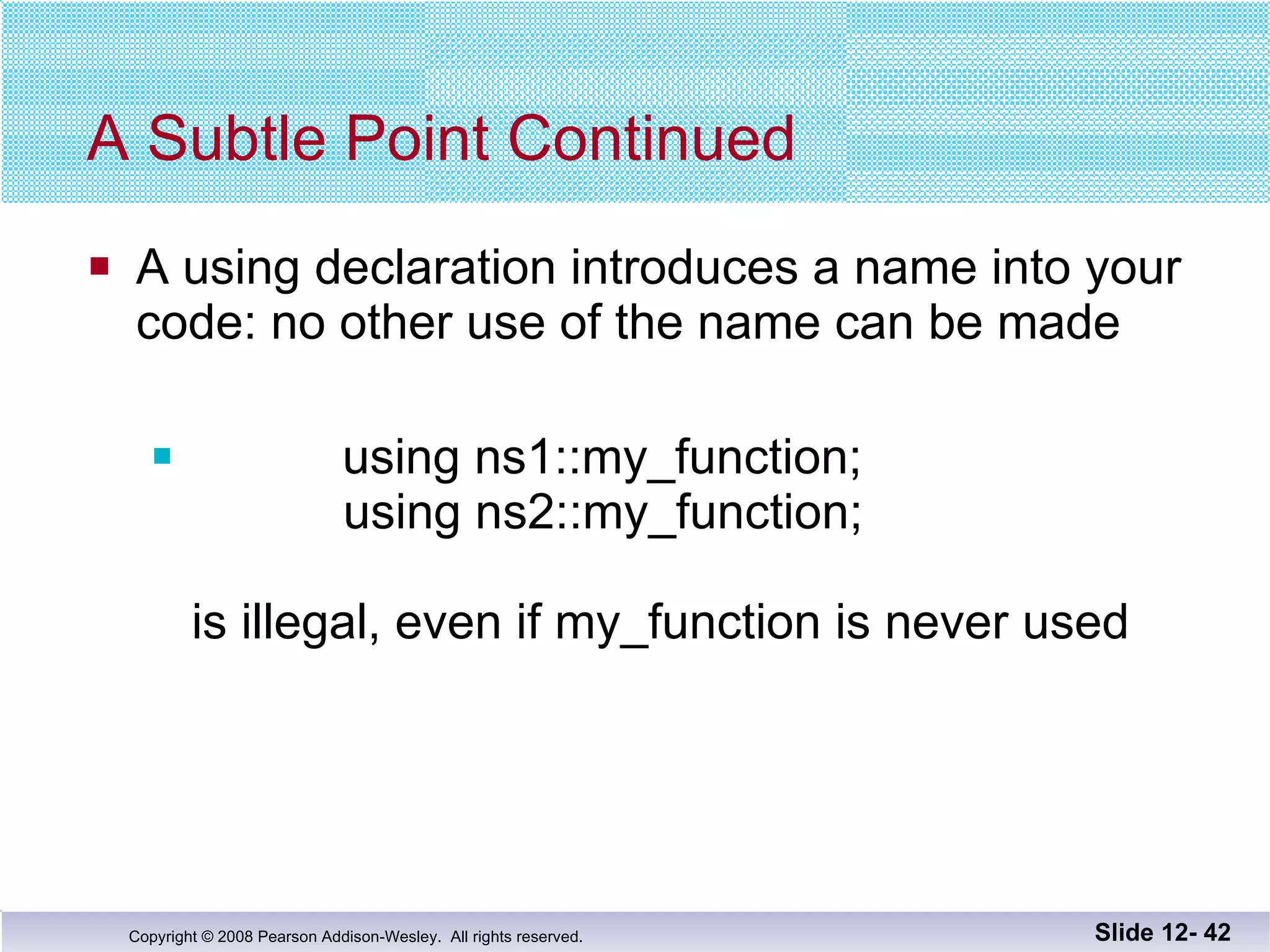
A Subtle Point Continued A using declaration introduces a name into your code: no other use of the name can be made using ns1::my_function;   using ns2::my_function; is illegal, even if my_function is never used Slide 12-
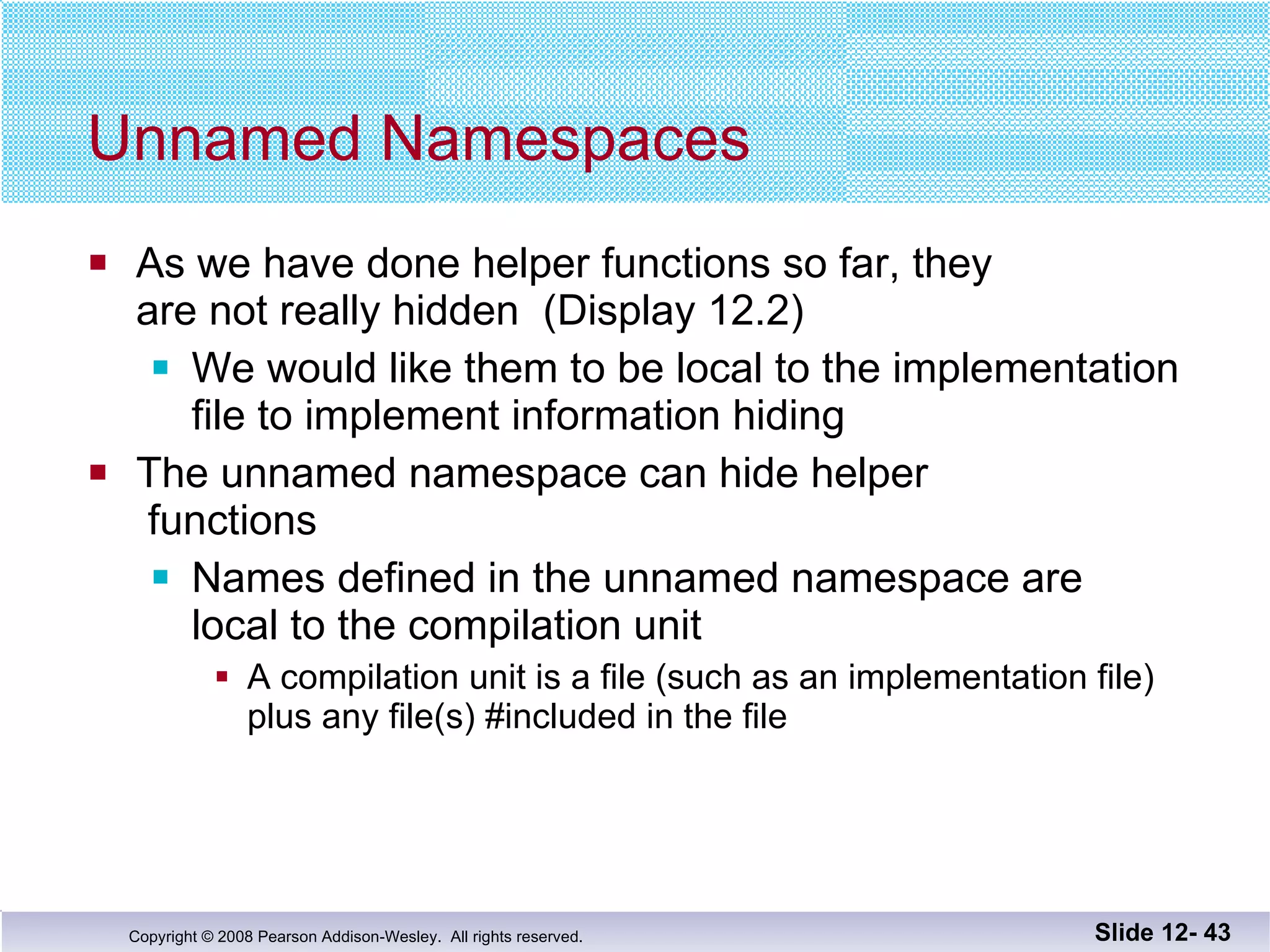
Unnamed Namespaces As we have done helper functions so far, they  are not really hidden  (Display 12.2) We would like them to be local to the implementation file to implement information hiding The unnamed namespace can hide helper  functions Names defined in the unnamed namespace are  local to the compilation unit A compilation unit is a file (such as an implementation file) plus any file(s) #included in the file Slide 12-
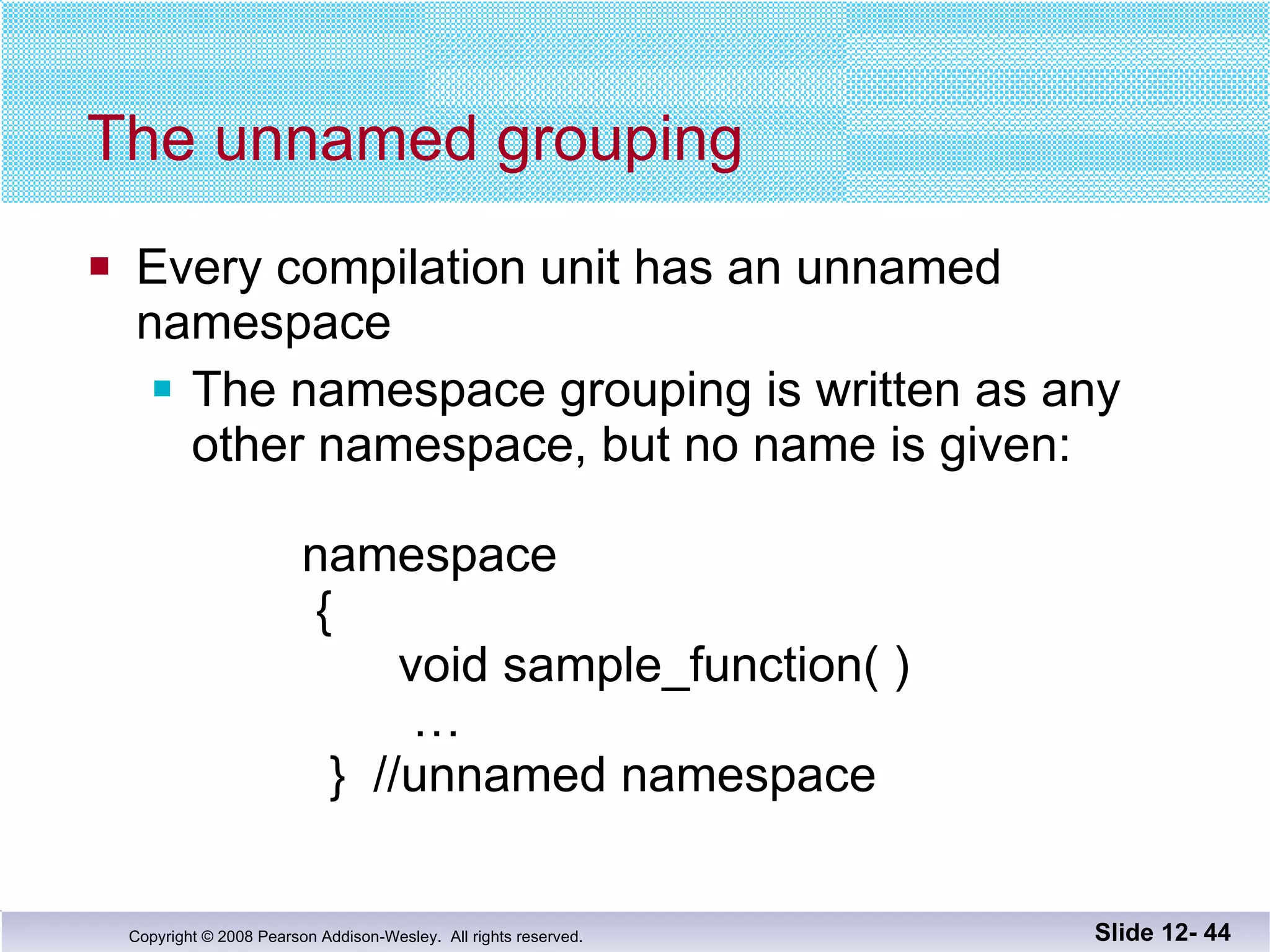
The unnamed grouping Every compilation unit has an unnamed  namespace The namespace grouping is written as any other namespace, but no name is given:   namespace    {   void sample_function( )   …   }  //unnamed namespace Slide 12-
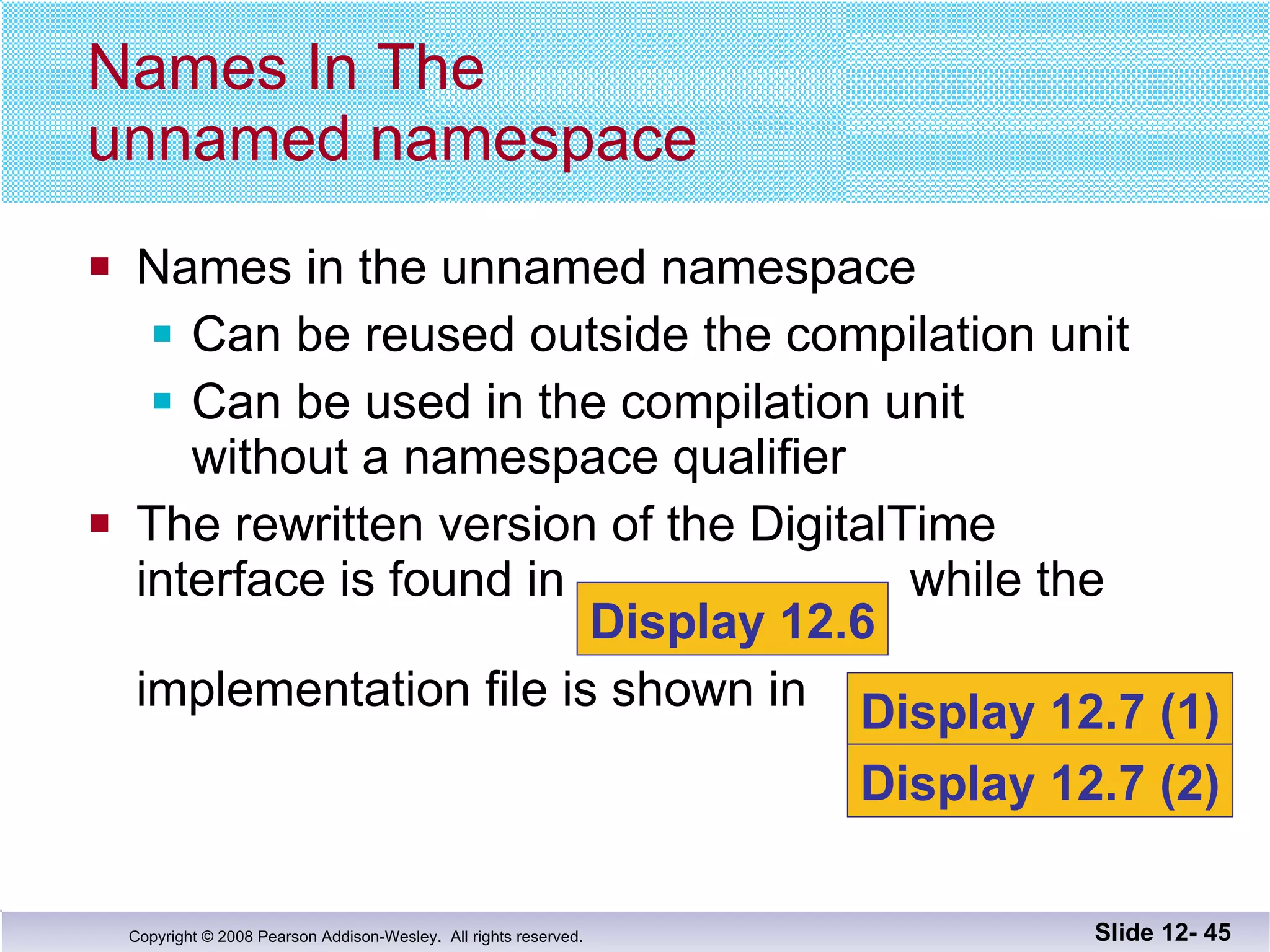
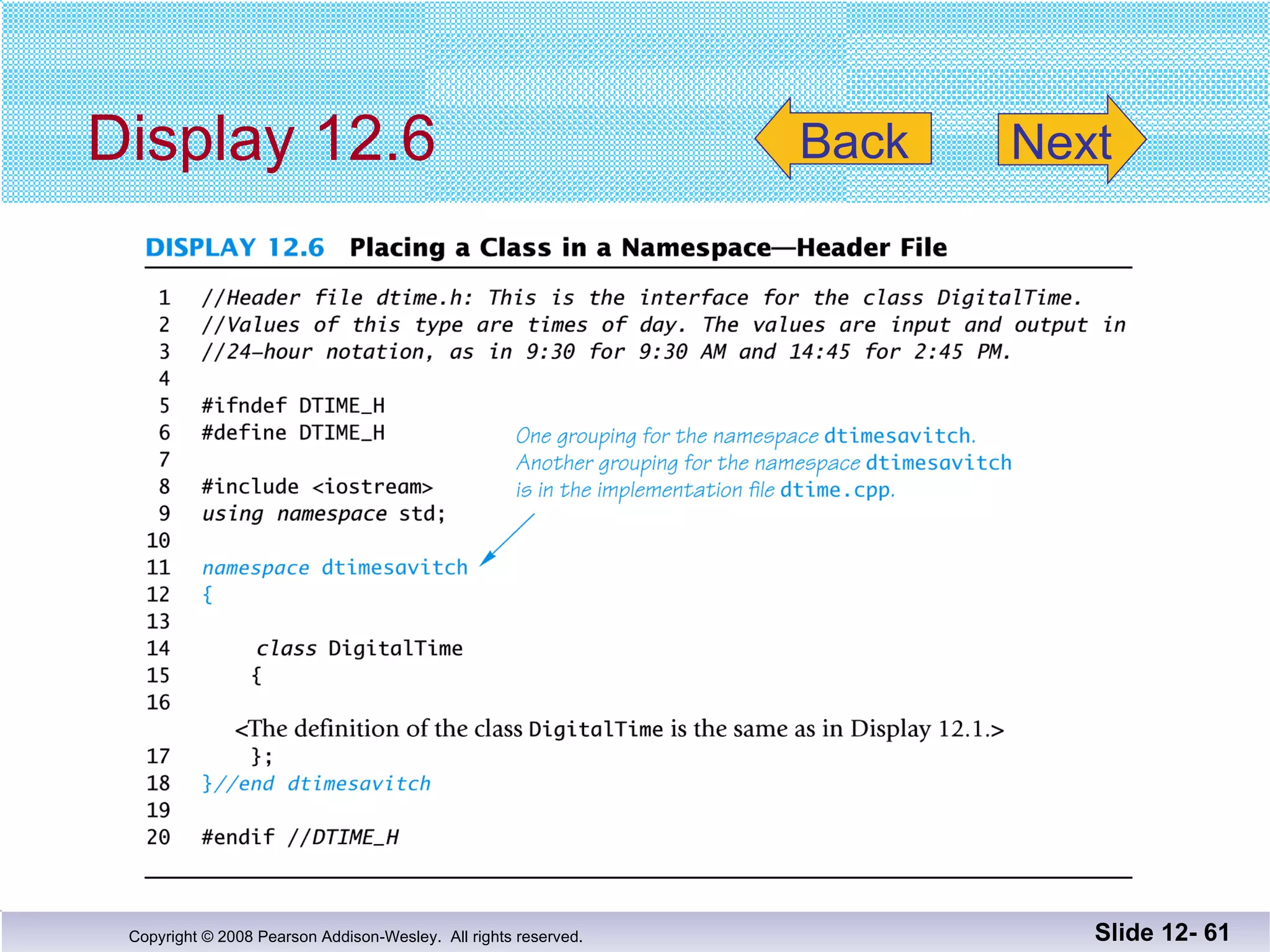
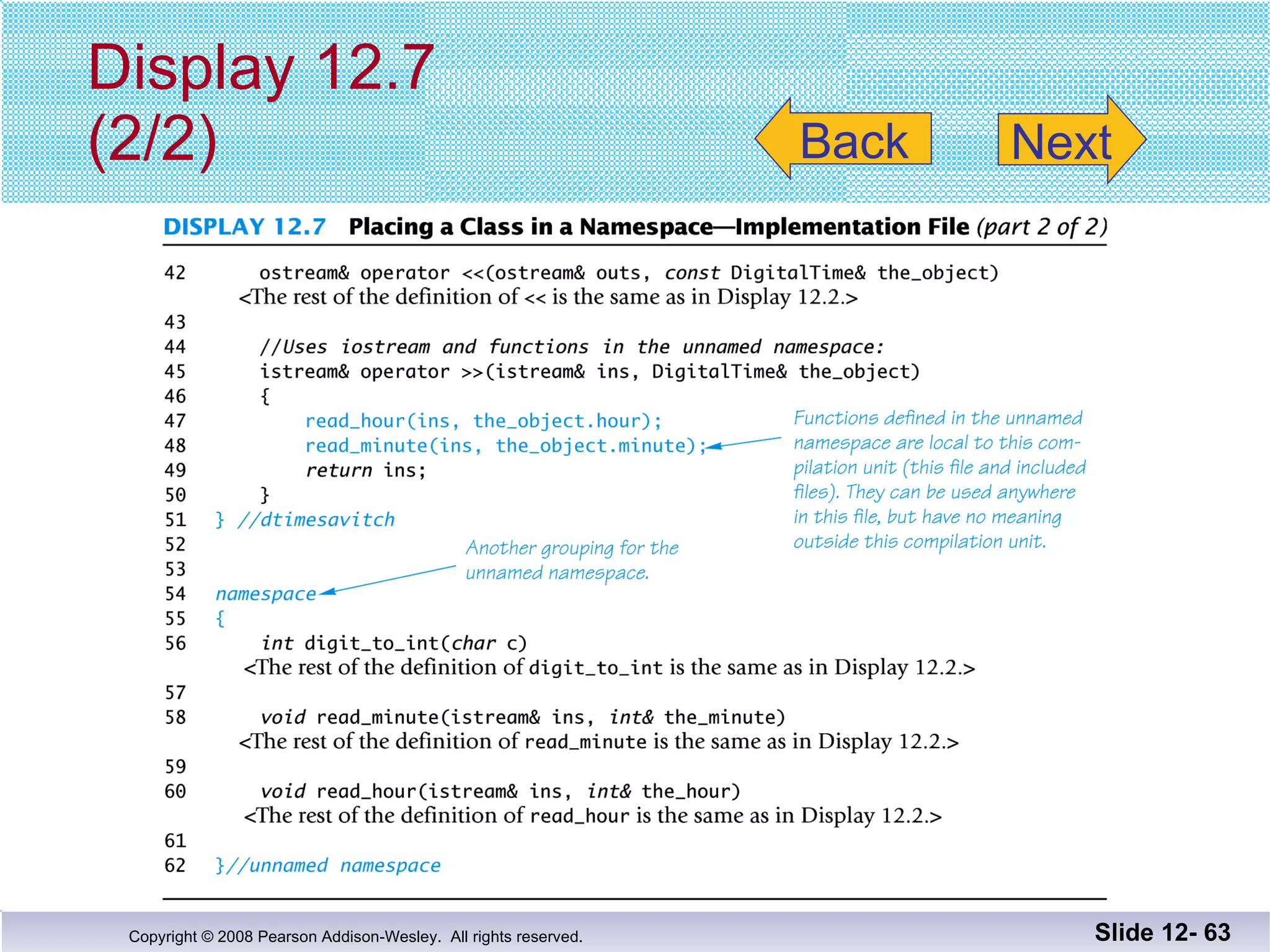
Names in the unnamed namespace Can be reused outside the compilation unit Can be used in the compilation unit  without a namespace qualifier The rewritten version of the DigitalTime interface is found in  while the   implementation file is shown in  Names In The  unnamed namespace Slide 12-  Display 12.6 Display 12.7 (1) Display 12.7 (2)
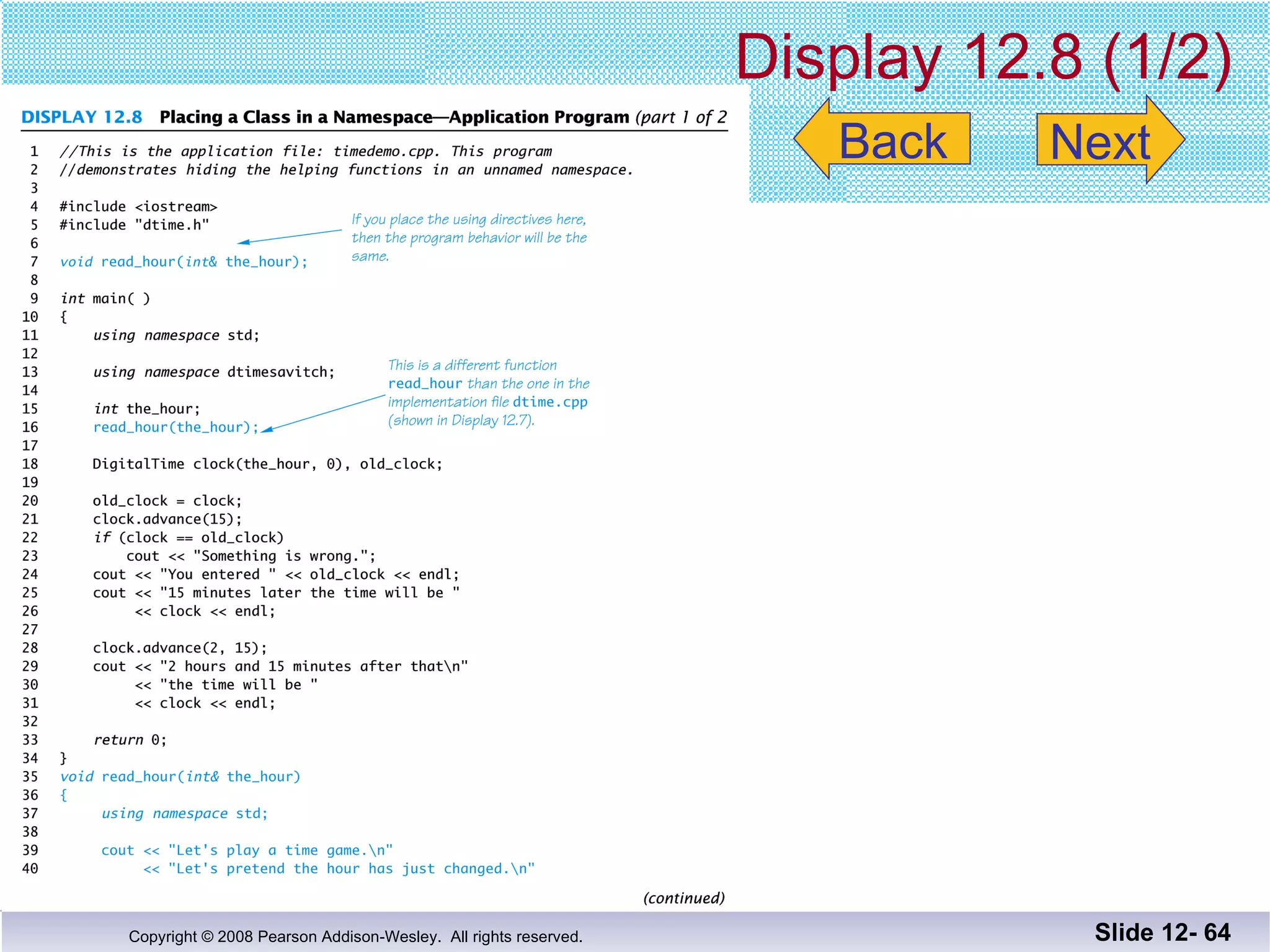
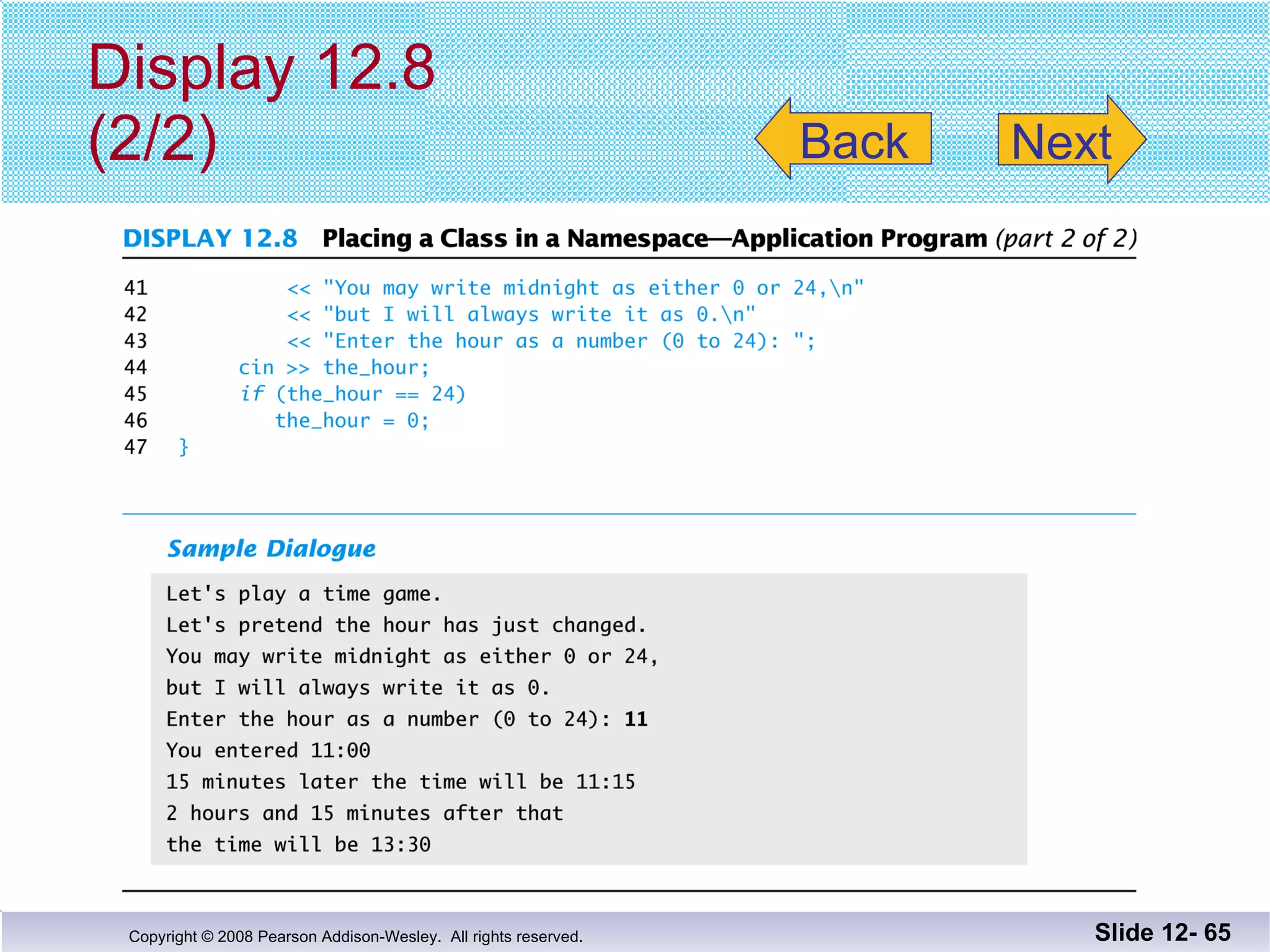
The application file for the DigitalTime ADT is shown in  Namespaces  In An Application Slide 12-  Display 12.8 (1) Display 12.8 (2)
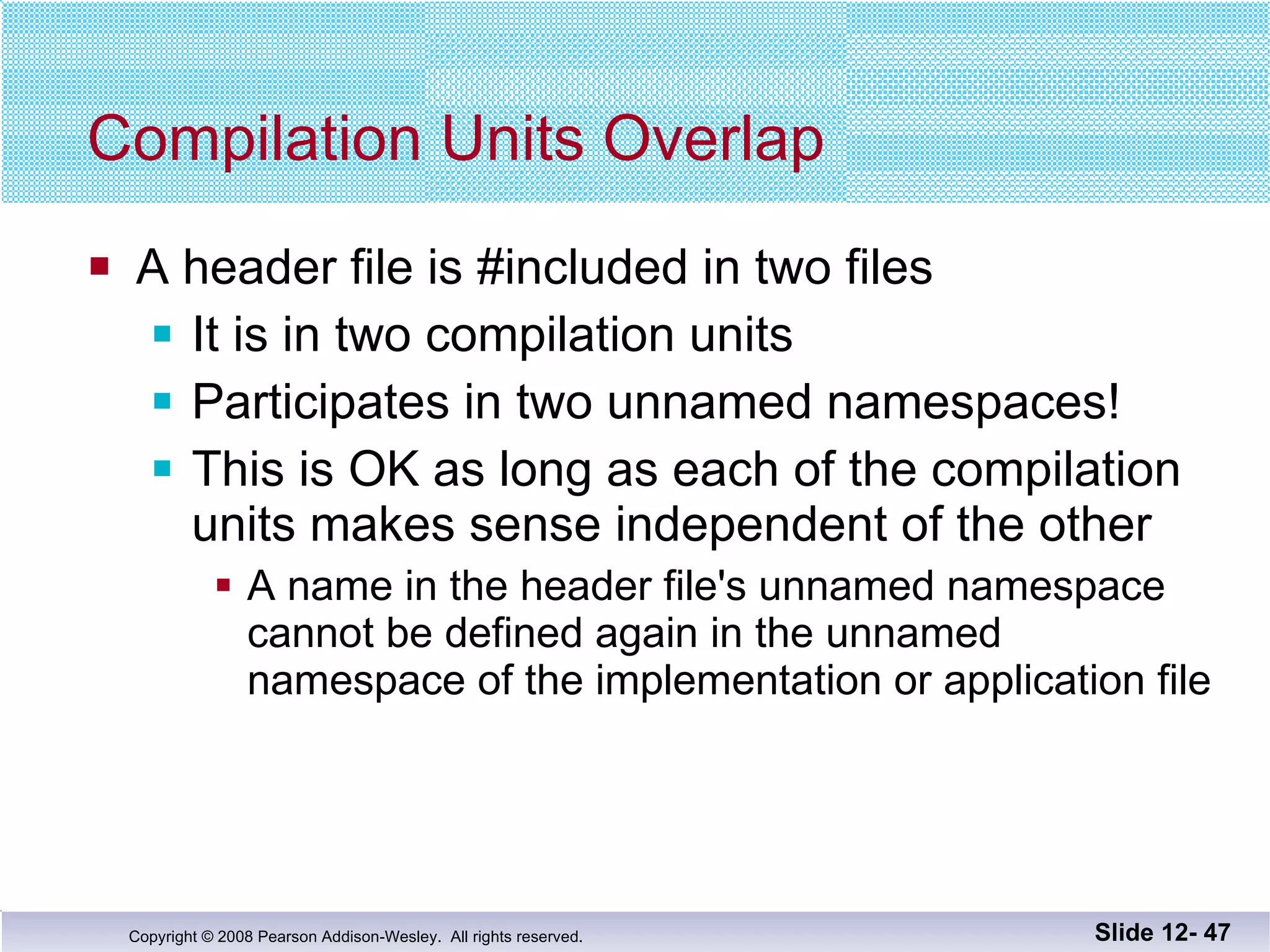
Compilation Units Overlap A header file is #included in two files It is in two compilation units Participates in two unnamed namespaces! This is OK as long as each of the compilation units makes sense independent of the other A name in the header file's unnamed namespace  cannot be defined again in the unnamed namespace of the implementation or application file Slide 12-
Naming Namespaces To avoid choosing a name for a namespace that has already been used Add your last name to the name of the namespace Or, use some other unique string Slide 12-
Global or unnamed? Names in the global namespace have global  scope (all files) They are available without a qualifier to all the  program files Names in the unnamed namespace are local to a compilation unit They are available without a qualifier within the  compilation unit Slide 12-
Section 12.2 Conclusion Can you Explain the purpose of using interface and  implementation files? Describe a namespace? Demonstrate three ways to use the names in a  namespace? Slide 12-
Chapter 12 -- End Slide 12-
Display 12.1   Slide 12-  Back Next
Display 12.2 (1/4) Slide 12-  Back Next
Display 2.2 (2/4) Slide 12-  Back Next
Display 12.2 (3/4) Slide 12-  Back Next
Display 12.2 (4/4) Slide 12-  Back Next
Display 12.3 Slide 12-  Back Next
Display 12.4 Slide 12-  Back Next
Display 12.5 (1/2) Slide 12-  Back Next
Display 12.5 (2/2) Slide 12-  Back Next
Display 12.6 Slide 12-  Back Next
Display 12.7 (1/2) Slide 12-  Back Next
Display 12.7 (2/2) Slide 12-  Back Next
Display 12.8 (1/2) Slide 12-  Back Next
Display 12.8 (2/2) Slide 12-  Back Next

Savitch Ch 12

  • 1.
  • 2.
    Chapter 12 SeparateCompilation and Namespaces Copyright © 2008 Pearson Addison-Wesley. All rights reserved.
  • 3.
    Overview 12.1 Separate Compilation 12.2 Namespaces Slide 12-
  • 4.
    12.1 Separate CompilationCopyright © 2008 Pearson Addison-Wesley. All rights reserved.
  • 5.
    Separate Compilation C++allows you to divide a program into parts Each part can be stored in a separate file Each part can be compiled separately A class definition can be stored separately from a program. This allows you to use the class in multiple programs Slide 12-
  • 6.
    ADT Review AnADT is a class defined to separate the interface and the implementation All member variables are private The class definition along with the function and operator declarations are grouped together as the interface of the ADT Group the implementation of the operations together and make them unavailable to the programmer using the ADT Slide 12-
  • 7.
    The ADT InterfaceThe interface of the ADT includes The class definition The declarations of the basic operations which can be one of the following Public member functions Friend functions Ordinary functions Overloaded operators The function comments Slide 12-
  • 8.
    The ADT ImplementationThe implementation of the ADT includes The function definitions The public member functions The private member functions Non-member functions Private helper functions Overloaded operator definitions Member variables Other items required by the definitions Slide 12-
  • 9.
    Separate Files InC++ the ADT interface and implementation can be stored in separate files The interface file stores the ADT interface The implementation file stores the ADT implementation Slide 12-
  • 10.
    A Minor CompromiseThe public part of the class definition is part of the ADT interface The private part of the class definition is part of the ADT implementation This would hide it from those using the ADT C++ does not allow splitting the public and private parts of the class definition across files The entire class definition is usually in the interface file Slide 12-
  • 11.
    Case Study: DigitalTimeThe interface file of the DigitalTime ADT class contains the class definition The values of the class are: Time of day, such as 9:30, in 24 hour notation The public members are part of the interface The private members are part of the implementation The comments in the file should provide all the details needed to use the ADT Slide 12-
  • 12.
    The DigitalTime ADTinterface is stored in a file named dtime.h The .h suffix means this is a header file Interface files are always header files A program using dtime.h must include it using an include directive #include &quot;dtime.h&quot; Naming The Interface File Slide 12- Display 12.1
  • 13.
    #include &quot; &quot;or < > ? To include a predefined header file use < and > #include <iostream> < and > tells the compiler to look where the system stores predefined header files To include a header file you wrote, use &quot; and &quot; #include &quot;dtime.h&quot; &quot; and &quot; usually cause the compiler to look in the current directory for the header file Slide 12-
  • 14.
    The Implementation FileContains the definitions of the ADT functions Usually has the same name as the header file but a different suffix Since our header file is named dtime.h, the implementation file is named dtime.cpp Suffix depends on your system (some use .cxx or .CPP) Slide 12-
  • 15.
    The implementation filerequires an include directive to include the interface file: #include &quot;dtime.h&quot; #include &quot;dtime.h&quot; Slide 12- Display 12.2 (1) Display 12.2 (2) Display 12.2 (3) Display 12.2 (4)
  • 16.
    The Application fileis the file that contains the program that uses the ADT It is also called a driver file Must use an include directive to include the interface file: #include &quot;dtime.h&quot; The Application File Slide 12- Display 12.3
  • 17.
    Running The ProgramBasic steps required to run a program: (Details vary from system to system!) Compile the implementation file Compile the application file Link the files to create an executable program using a utility called a linker Linking is often done automatically Slide 12-
  • 18.
    Compile dtime.h ?The interface file is not compiled separately The preprocessor replaces any occurrence of #include &quot;dtime.h&quot; with the text of dtime.h before compiling Both the implementation file and the application file contain #include &quot;dtime.h&quot; The text of dtime.h is seen by the compiler in each of these files There is no need to compile dtime.h separately Slide 12-
  • 19.
    Why Three Files?Using separate files permits The ADT to be used in other programs without rewriting the definition of the class for each Implementation file to be compiled once even if multiple programs use the ADT Changing the implementation file does not require changing the program using the ADT Slide 12-
  • 20.
    Reusable Components AnADT coded in separate files can be used over and over The reusability of such an ADT class Saves effort since it does not need to be Redesigned Recoded Retested Is likely to result in more reliable components Slide 12-
  • 21.
    Multiple Classes Aprogram may use several classes Each could be stored in its own interface and implementation files Some files can &quot;include&quot; other files, that include still others It is possible that the same interface file could be included in multiple files C++ does not allow multiple declarations of a class The #ifndef directive can be used to prevent multiple declarations of a class Slide 12-
  • 22.
    Introduction to #ifndef To prevent multiple declarations of a class, we can use these directives: #define DTIME_H adds DTIME_H to a list indicating DTIME_H has been seen #ifndef DTIME_H checks to see if DTIME_H has been defined #endif If DTIME_H has been defined, skip to #endif Slide 12-
  • 23.
    Consider this codein the interface file #ifndef DTIME_H #define DTIME_H < The DigitalTime class definition goes here> #endif The first time a #include &quot;dtime.h&quot; is found, DTIME_H and the class are defined The next time a #include &quot;dtime.h&quot; is found, all lines between #ifndef and #endif are skipped Using #ifndef Slide 12- true false
  • 24.
    DTIME_H is thenormal convention for creating an identifier to use with ifndef It is the file name in all caps Use ' _ ' instead of ' . ' You may use any other identifier, but will make your code more difficult to read Why DTIME_H? Slide 12- Display 12.4
  • 25.
    Defining Libraries Youcan create your own libraries of functions You do not have to define a class to use separate files If you have a collection of functions… Declare them in a header file with their comments Define them in an implementation file Use the library files just as you use your class interface and implementation files Slide 12-
  • 26.
    Section 12.1 ConclusionCan you Determine which belongs to the interface, implementation or application files? Class definition Declaration of a non-member function used as an operation of the ADT Definition of a member function The main part of the program Describe the difference between a C++ class and an ADT? Slide 12-
  • 27.
    12.2 Namespaces Copyright© 2008 Pearson Addison-Wesley. All rights reserved.
  • 28.
    Namespaces A namespaceis a collection of name definitions, such as class definitions and variable declarations If a program uses classes and functions written by different programmers, it may be that the same name is used for different things Namespaces help us deal with this problem Slide 12-
  • 29.
    The Using Directive#include <iostream> places names such as cin and cout in the std namespace The program does not know about names in the std namespace until you add using namespace std; (if you do not use the std namespace, you can define cin and cout to behave differently) Slide 12-
  • 30.
    The Global NamespaceCode you write is in a namespace it is in the global namespace unless you specify a namespace The global namespace does not require the using directive Slide 12-
  • 31.
    Name Conflicts Ifthe same name is used in two namespaces The namespaces cannot be used at the same time Example: If my_function is defined in namespaces ns1 and ns2, the two versions of my_function could be used in one program by using local using directives this way: Slide 12- { using namespace ns 1 ; my_function( ); } { using namespace ns 2 ; my_function( ); }
  • 32.
    Scope Rules Forusing A block is a list of statements enclosed in { }s The scope of a using directive is the block in which it appears A using directive placed at the beginning of a file, outside any block, applies to the entire file Slide 12-
  • 33.
    Creating a NamespaceTo place code in a namespace Use a namespace grouping namespace Name_Space_Name { Some_Code } To use the namespace created Use the appropriate using directive using namespace Name_Space_Name; Slide 12-
  • 34.
    Namespaces: Declaring aFunction To add a function to a namespace Declare the function in a namespace grouping namespace savitch1 { void greeting( ); } Slide 12-
  • 35.
    Namespaces: Defining aFunction To define a function declared in a namespace Define the function in a namespace grouping namespace savitch1 { void greeting( ) { cout << &quot;Hello from namespace savitch1.\n&quot;; } } Slide 12-
  • 36.
    To use afunction defined in a namespace Include the using directive in the program where the namespace is to be used Call the function as the function would normally be called int main( ) { { using namespace savitch1; greeting( ); } Namespaces: Using a Function Slide 12- Using directive's scope Display 12.5 (1-2)
  • 37.
    A Namespace ProblemSuppose you have the namespaces below: Is there an easier way to use both namespaces considering that my_function is in both? Slide 12- namespace ns1 { fun1( ); my_function( ); } namespace ns2 { fun2( ); my_function( ); }
  • 38.
    Qualifying Names Usingdeclarations (not directives) allow us to select individual functions to use from namespaces using ns1::fun1; //makes only fun1 in ns1 avail The scope resolution operator identifies a namespace here Means we are using only namespace ns1's version of fun1 If you only want to use the function once, call it like this ns1::fun1( ); Slide 12-
  • 39.
    Qualifiying Parameter NamesTo qualify the type of a parameter with a using declaration Use the namespace and the type name int get_number (std::istream input_stream) … istream is the istream defined in namespace std If istream is the only name needed from namespace std, then you do not need to use using namespace std; Slide 12-
  • 40.
    Directive/Declaration (Optional) Ausing declaration (using std::cout;) makes only one name available from the namespace A using directive makes all the names in the namespace available Slide 12-
  • 41.
    A Subtle Point(Optional) A using directive potentially introduces a name If ns1 and ns2 both define my_function, using namespace ns1; using namespace ns2; is OK, provided my_function is never used! Slide 12-
  • 42.
    A Subtle PointContinued A using declaration introduces a name into your code: no other use of the name can be made using ns1::my_function; using ns2::my_function; is illegal, even if my_function is never used Slide 12-
  • 43.
    Unnamed Namespaces Aswe have done helper functions so far, they are not really hidden (Display 12.2) We would like them to be local to the implementation file to implement information hiding The unnamed namespace can hide helper functions Names defined in the unnamed namespace are local to the compilation unit A compilation unit is a file (such as an implementation file) plus any file(s) #included in the file Slide 12-
  • 44.
    The unnamed groupingEvery compilation unit has an unnamed namespace The namespace grouping is written as any other namespace, but no name is given: namespace { void sample_function( ) … } //unnamed namespace Slide 12-
  • 45.
    Names in theunnamed namespace Can be reused outside the compilation unit Can be used in the compilation unit without a namespace qualifier The rewritten version of the DigitalTime interface is found in while the implementation file is shown in Names In The unnamed namespace Slide 12- Display 12.6 Display 12.7 (1) Display 12.7 (2)
  • 46.
    The application filefor the DigitalTime ADT is shown in Namespaces In An Application Slide 12- Display 12.8 (1) Display 12.8 (2)
  • 47.
    Compilation Units OverlapA header file is #included in two files It is in two compilation units Participates in two unnamed namespaces! This is OK as long as each of the compilation units makes sense independent of the other A name in the header file's unnamed namespace cannot be defined again in the unnamed namespace of the implementation or application file Slide 12-
  • 48.
    Naming Namespaces Toavoid choosing a name for a namespace that has already been used Add your last name to the name of the namespace Or, use some other unique string Slide 12-
  • 49.
    Global or unnamed?Names in the global namespace have global scope (all files) They are available without a qualifier to all the program files Names in the unnamed namespace are local to a compilation unit They are available without a qualifier within the compilation unit Slide 12-
  • 50.
    Section 12.2 ConclusionCan you Explain the purpose of using interface and implementation files? Describe a namespace? Demonstrate three ways to use the names in a namespace? Slide 12-
  • 51.
    Chapter 12 --End Slide 12-
  • 52.
    Display 12.1 Slide 12- Back Next
  • 53.
    Display 12.2 (1/4)Slide 12- Back Next
  • 54.
    Display 2.2 (2/4)Slide 12- Back Next
  • 55.
    Display 12.2 (3/4)Slide 12- Back Next
  • 56.
    Display 12.2 (4/4)Slide 12- Back Next
  • 57.
    Display 12.3 Slide12- Back Next
  • 58.
    Display 12.4 Slide12- Back Next
  • 59.
    Display 12.5 (1/2)Slide 12- Back Next
  • 60.
    Display 12.5 (2/2)Slide 12- Back Next
  • 61.
    Display 12.6 Slide12- Back Next
  • 62.
    Display 12.7 (1/2)Slide 12- Back Next
  • 63.
    Display 12.7 (2/2)Slide 12- Back Next
  • 64.
    Display 12.8 (1/2)Slide 12- Back Next
  • 65.
    Display 12.8 (2/2)Slide 12- Back Next