Get ready to
earn your
wings! 

You’re about to
fly high on

Linkedin
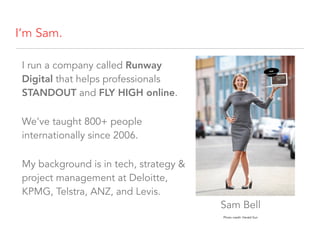
I’m Sam.
I run a company called Runway
Digital that helps professionals
STANDOUT and FLY HIGH online.
We’ve taught 800+ people
internationally since 2006.
My background is in tech, strategy &
project management at Deloitte,
KPMG, Telstra, ANZ, and Levis.
Photo credit: Herald Sun
Sam Bell
Today
Set your intentions for your Linkedin
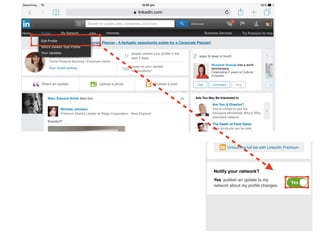
Polish your profile
Great examples
Todo list
Intentions
Who will be reading your Linkedin
profile & who do you wish to attract?


(for you and for Pittwater)


(2 mins… GO!)
Intentions
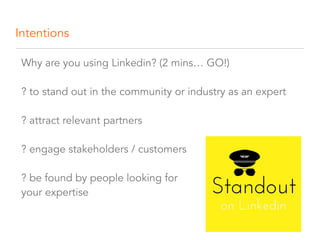
Why are you using Linkedin? (2 mins… GO!)


? to stand out in the community or industry as an expert


? attract relevant partners 


? engage stakeholders / customers 


? be found by people looking for 

your expertise
What do you want people to feel when they see your
profile?
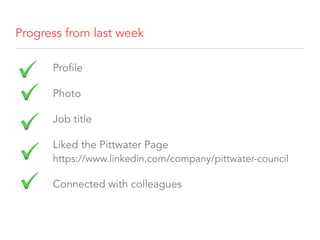
Progress from last week
Profile
Photo
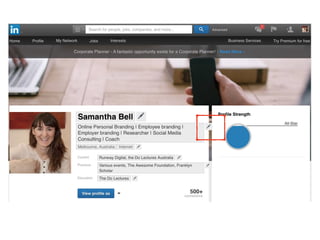
Job title
Liked the Pittwater Page

https://www.linkedin.com/company/pittwater-council
Connected with colleagues
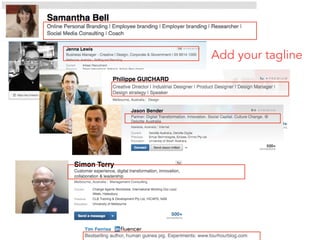
Add your tagline
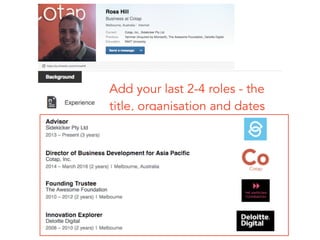
Add your last 2-4 roles - the

title, organisation and dates
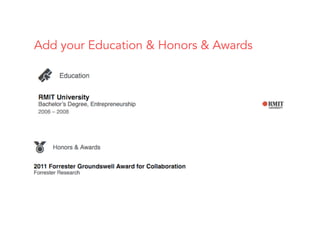
Add your Education & Honors & Awards
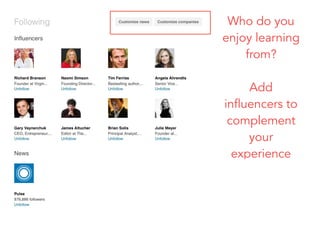
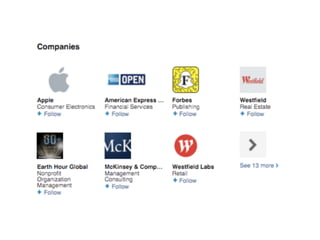
Who do you
enjoy learning
from?
Add
influencers to
complement
your
experience
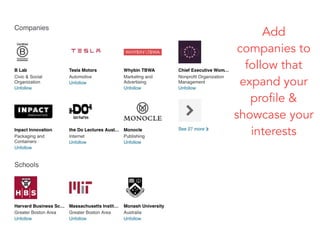
Add
companies to
follow that
expand your
profile &
showcase your
interests
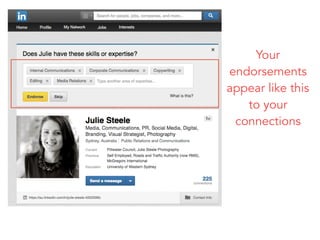
Your
endorsements
appear like this
to your
connections
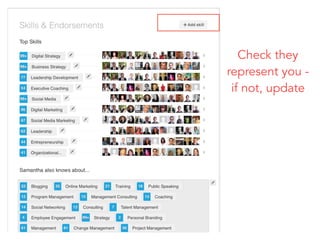
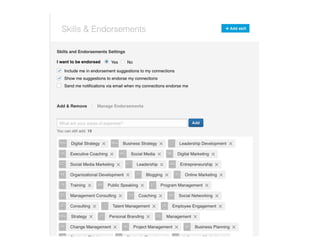
Check they
represent you -
if not, update
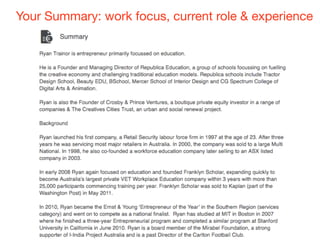
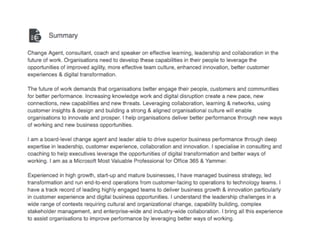
Your Summary: work focus, current role & experience
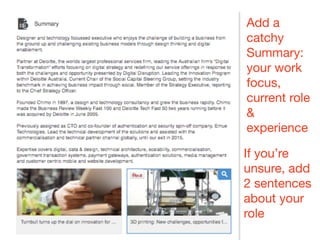
Add a
catchy
Summary: 

your work
focus,
current role
&
experience
If you’re
unsure, add
2 sentences
about your
role
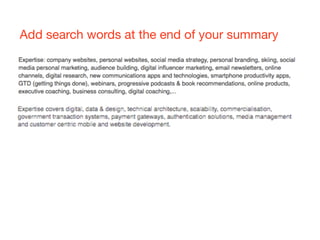
Add search words at the end of your summary
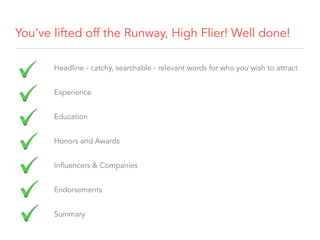
You’ve lifted off the Runway, High Flier! Well done!
Headline - catchy, searchable - relevant words for who you wish to attract
Experience
Education
Honors and Awards
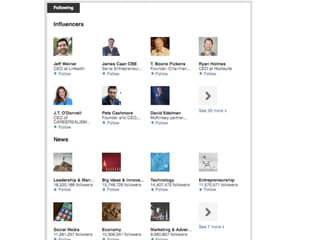
Influencers & Companies
Endorsements
Summary
Questions?
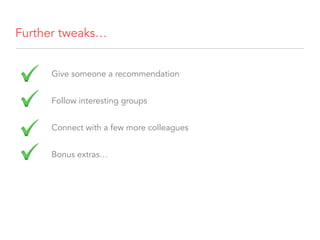
Further tweaks…
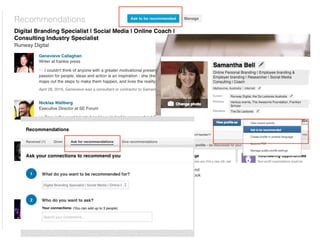
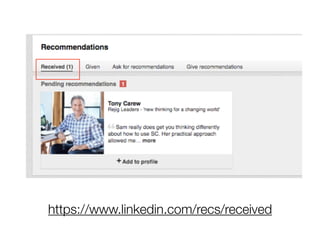
Give someone a recommendation
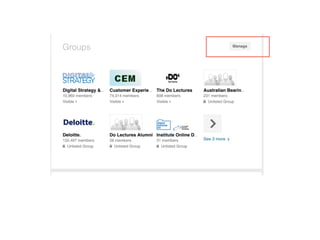
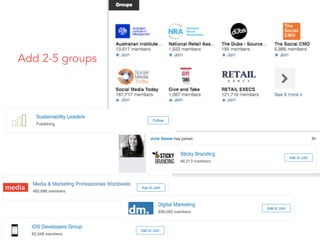
Follow interesting groups
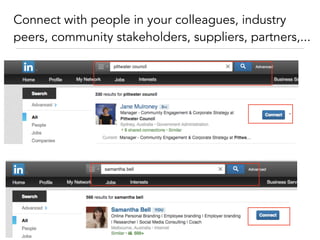
Connect with a few more colleagues
Bonus extras…
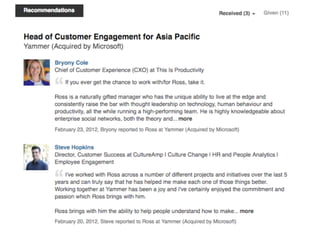
https://www.linkedin.com/recs/received
Add 2-5 groups
Connect with people in your colleagues, industry
peers, community stakeholders, suppliers, partners,...
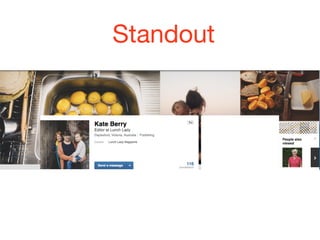
Standout
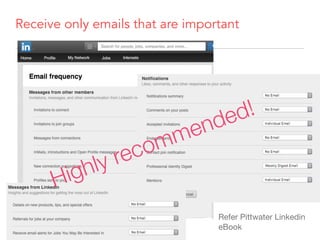
Receive only emails that are important
Refer Pittwater Linkedin
eBook
Highly recommended!
Attract relevant people
Engage with your connections - likes, comments
Search + connect with relevant people
Use clever tech - e.g.
• Rapportive (especially after events)
• Upload emails
Post interesting content
SPELL CHECK
Please!
Questions?
Cull &
prioritise
your action
list!
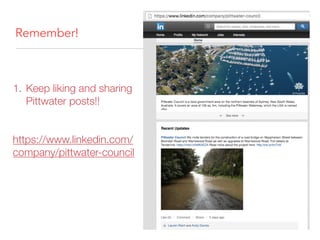
Remember!
1. Keep liking and sharing
Pittwater posts!!


https://www.linkedin.com/
company/pittwater-council
Congratulations
on earning 

your Online
wings!
Standout on
Linkedin!
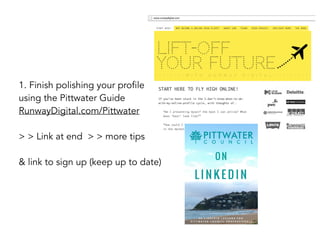
1. Finish polishing your profile
using the Pittwater Guide 

RunwayDigital.com/Pittwater
> > Link at end > > more tips
& link to sign up (keep up to date)
RunwayDigital.com/Pittwater

Runway Digital's Linkedin 201 Course