Ann Larson
aclarson@gmail.com
November 5, 2010
for RIC Hiring Committee
Supporting the use of
Educational Technology in
Teaching and Learning
Moving forward to meet
the needs of Students in a
21st Century Environment
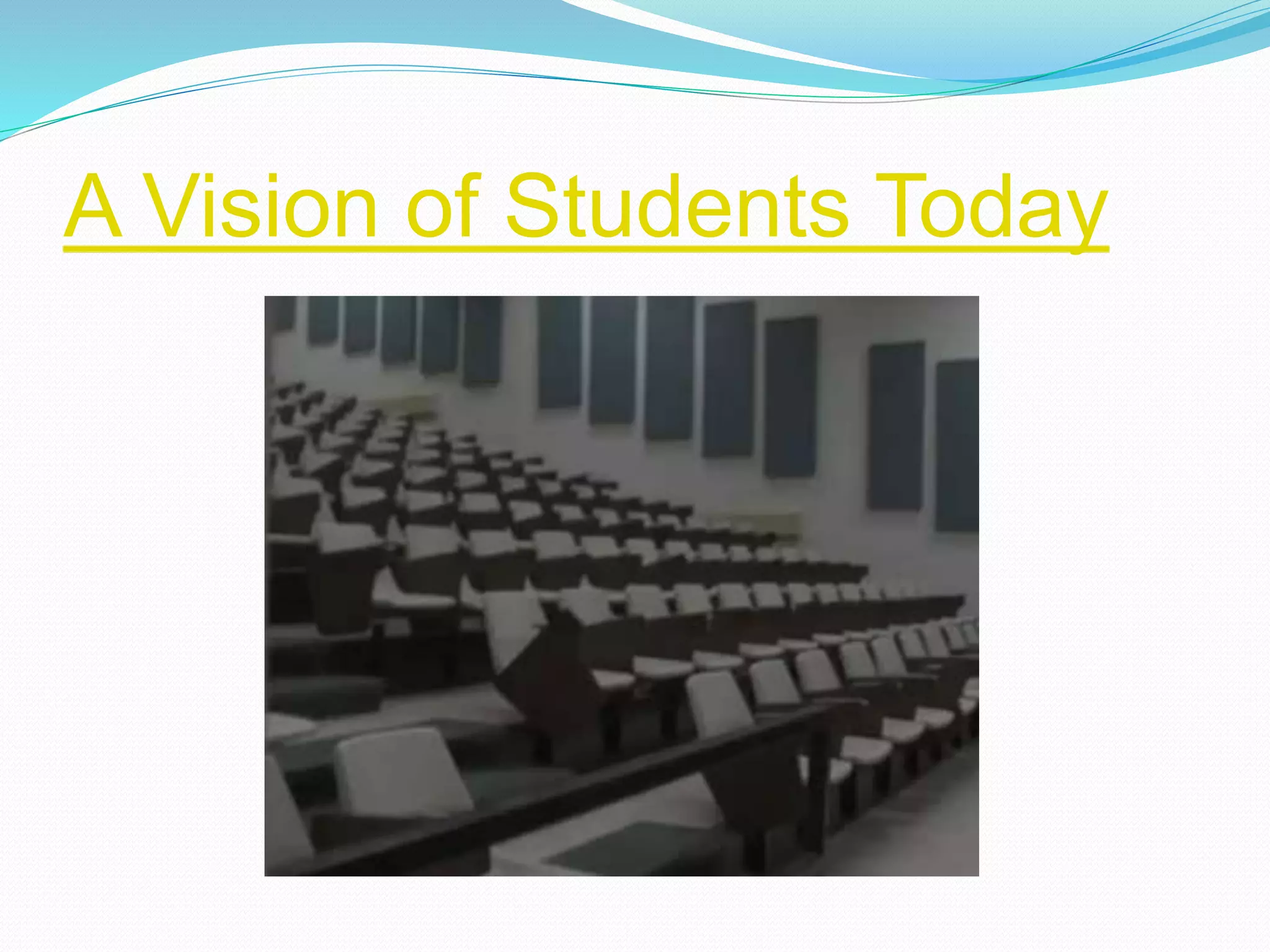
A Vision of Students Today
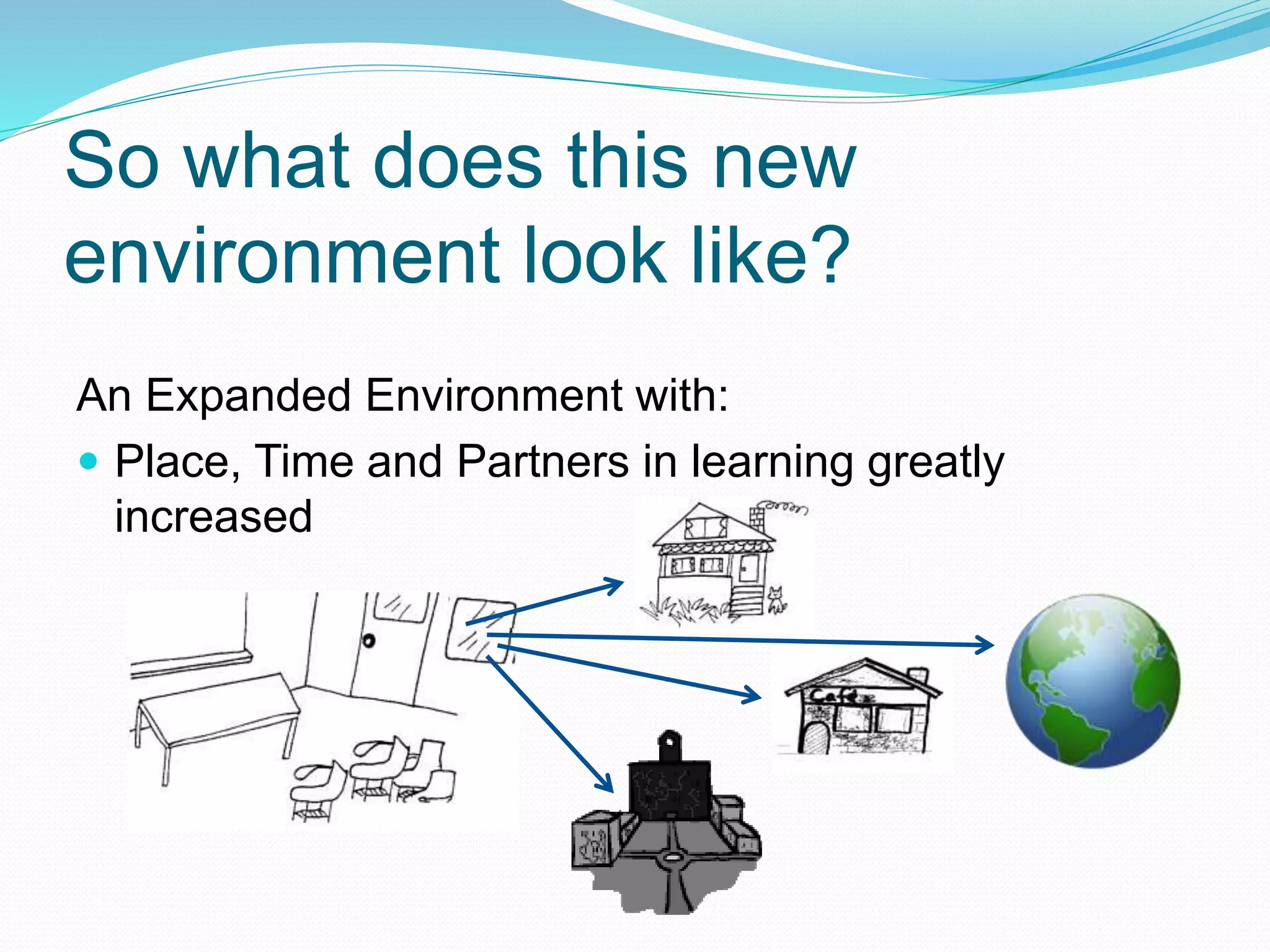
So what does this new
environment look like?
An Expanded Environment with:
 Place, Time and Partners in learning greatly
increased
So what does this new
environment feel like?
 Communication is
Central
 Collaboration is Key
An Expanded Environment where:
Communication is Central
 “pocket and under the arm technologies have
become a prevailing and almost indispensable part
of how we work, play and connect to each other.”
 You see learning that is fueled by questions.
 As students are formulating and asking questions,
they are engaged in conversations… conversing with
classmates, students in other classes, other experts,
the teacher … exchanges with print references .
- David Warlick - from Technology-Transformed Learning
Environments at http://davidwarlick.com/2cents/?p=2294
Collaboration is Key
For both Students and Educators
 Students
 “When we gather to produce, our ideas, talents, and
skills embody our final outcome.”
 “Important for students who will have to work with
others in some capacity to be able to problem solve”
 “Online collaboration is very different than in person
collaboration mainly because we don’t have nonverbal
cues to support our messages.”
Shelly Terrell - teacherbootcamp.edublogs.org
http://teacherbootcamp.edublogs.org/2010/11/02/educators-as-collaborators-25-
resources/?utm_source=feedburner&utm_medium=feed&utm_campaign=Feed%3A+Teac
herBootCamp+%28TeacherBootCamp%29&utm_content=Google+Feedfetcher
Collaboration is Key - continued
For both Students and Educators
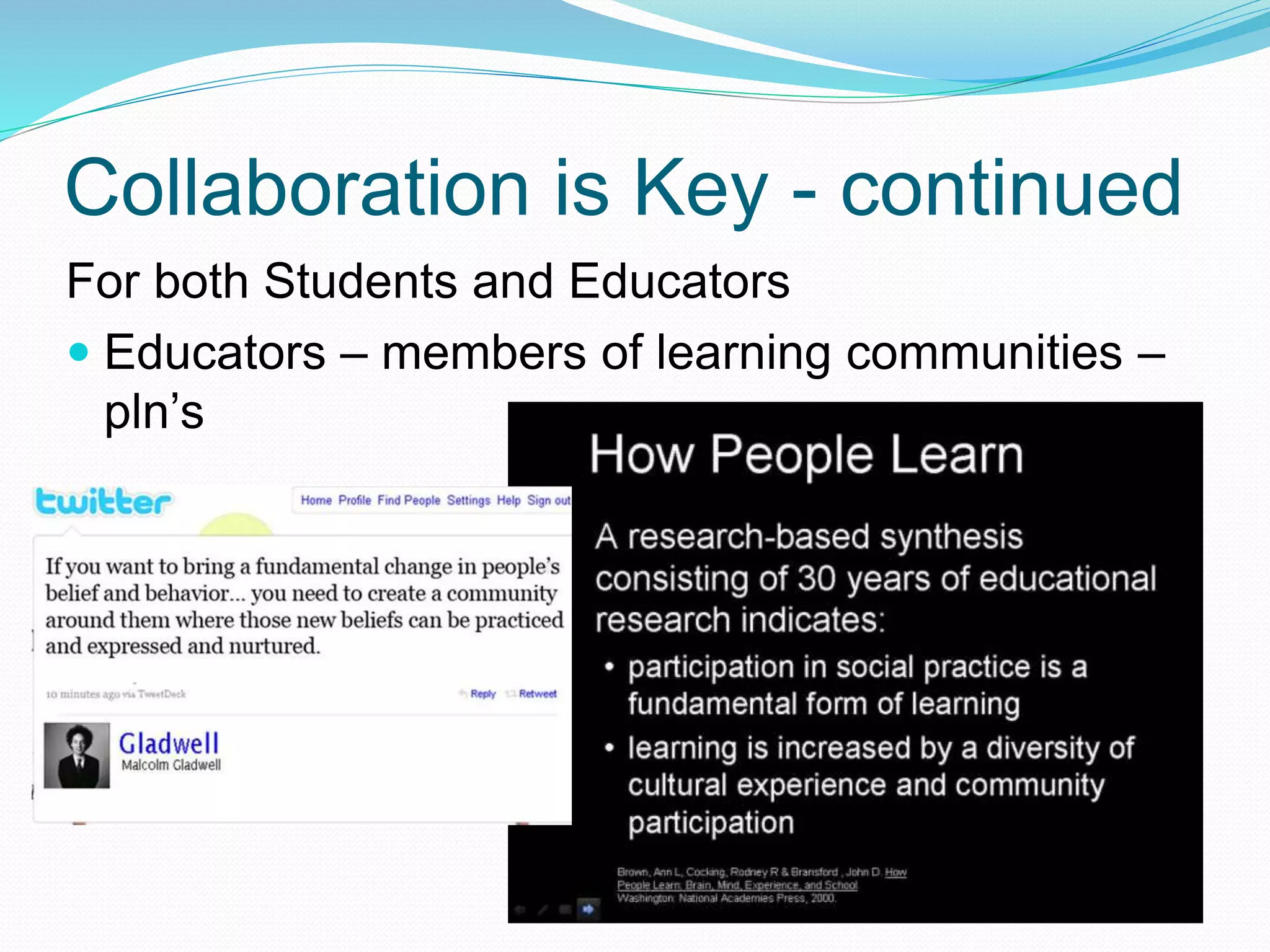
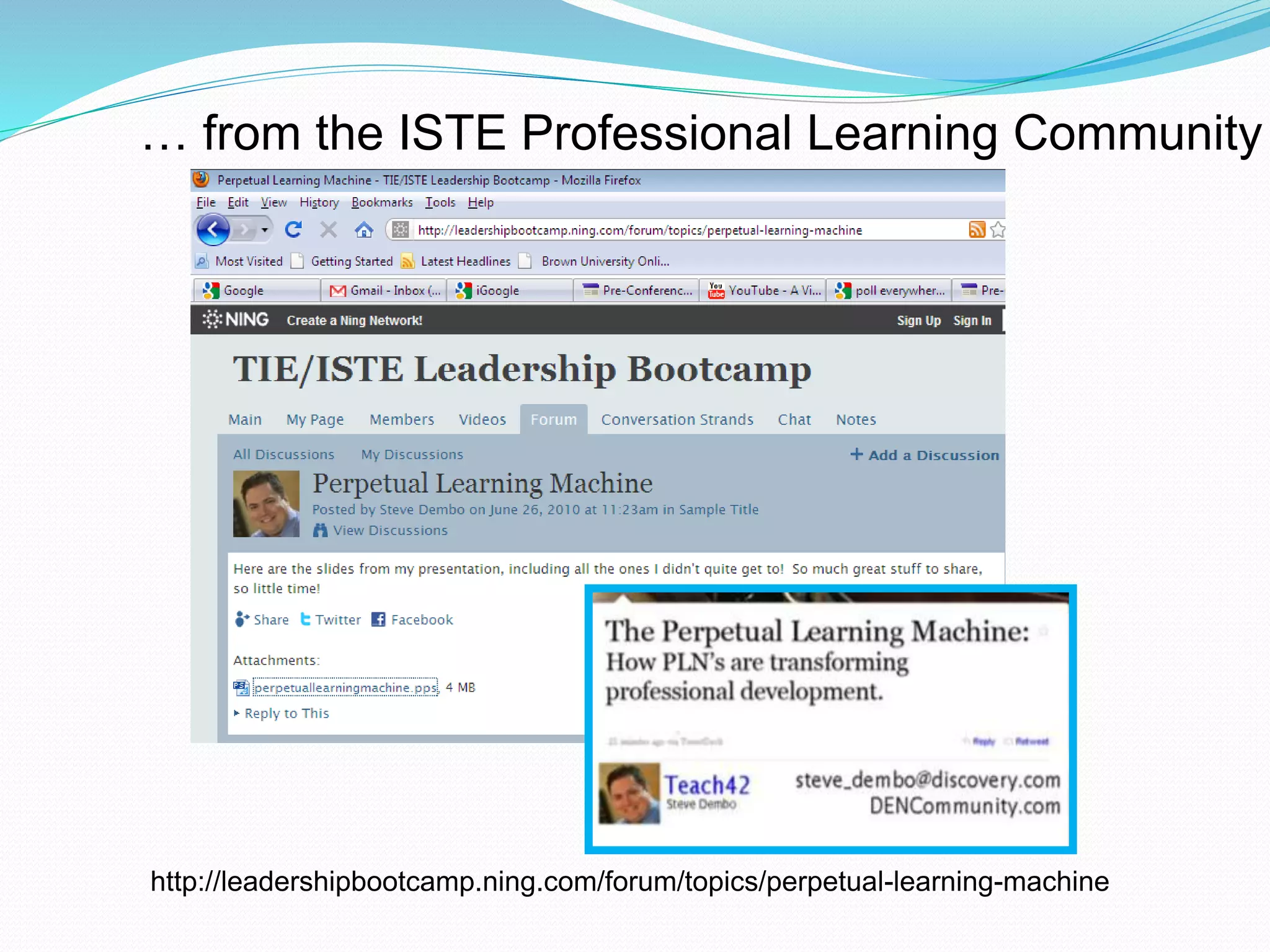
 Educators – members of learning communities –
pln’s
http://leadershipbootcamp.ning.com/forum/topics/perpetual-learning-machine
… from the ISTE Professional Learning Community
In support of student learning:
 Work with faculty to determine the current state
of technology use
 Determine the desire for and strategies for using
technology
 In the classroom
 Through online learning
Working Together
 Expand opportunities for learning through the use
of technology
 Find out the current state of technology use
through conversations: one-on-one and small
group
 Survey faculty (and students)
 Analyze the data collected
 Create a plan based upon conversations and
surveys
 Build upon current practices
Survey
Moving Forward
Start from Where you Are
 Use “early adopter” technology and eLearning
usage as models (and “early adopters” as
resources and promoters)
 Remember: “many instructional strategies for
online learning … are currently used in traditional
classrooms … and can be successfully adapted
for online learning.
Transitioning Strategies for
Online Learning
Traditional Classroom Strategies such as:
 Lecture
 Discussion
 Small group work
 Collaboration
 Case Studies
Are supported by the tools within Blackboard itself
as well as a multitude of Web 2.0 tools such as:
Google Tools, Blogs, Wikis, PollEverywhere
Enhanced Learning with
Blackboard
 Allows for continued conversation (via
discussion boards) and learning after class is
over
 Ease of communication with all students
 Provides a place to hold all course material in
a very organized way (students like classroom
notes and resources online)
 Provides an easy way to add additional
material on the fly
 Ease of assignment “collection”
 Use of online quiz option allows for automatic
Resources Supporting
Transition to Online Learning (or
– no need to start from scratch)
 Blackboard Community
 Illinois Online Learning
 ISTE
 Edutopia
 Elumination
 Nings, Blogs
 Larry Ferlazzo’s Websites of the Day
Other Thoughts
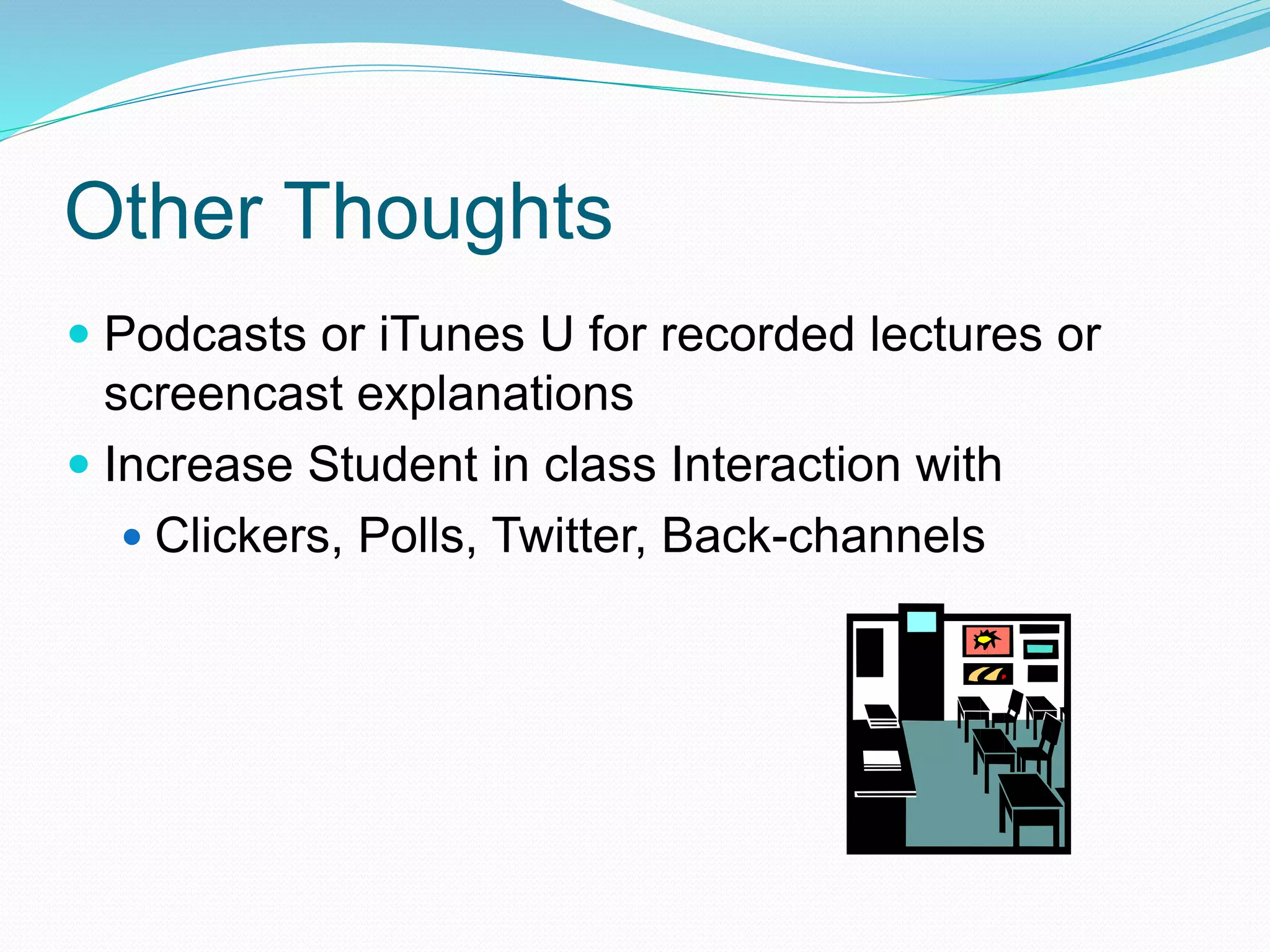
 Podcasts or iTunes U for recorded lectures or
screencast explanations
 Increase Student in class Interaction with
 Clickers, Polls, Twitter, Back-channels
The time is right
 Rich in Content
 Available any where and any time
 Students, educators and community are
active partners
 Communication is Central
 Collaboration is Key
 Learning is personal and meaningful
An Expanded (Technology Infused) Learning Env
Credits
Simple Artwork -
http://tell.fll.purdue.edu/JapanProj//FLClipart/Nouns/building/library.gi
f
Microsoft Office Clipart
Shelly Terrell - http://teacherbootcamp.edublogs.org
David Warlick - http://davidwarlick.com/2cents
Michael Wesch – Kansas State University
youtube video link -
http://www.youtube.com/watch?v=dGCJ46vyR9o
Steve Dembo – steve_dembo@discovery.com
ISTE Ning – leadershipbootcamp.ning.com
Illinois Online Network –
ion.uillonois.edu/resources/tutorials/pedagogy/instructionalstrategies
Video Summary – A Vision of Students
Today
• If these walls could talk ..
• Students talk through a collaborative Google Doc
• Talk about how they work: read 8 books/year, but 2300
web pages; write 42 pages/semester but 500 emails …
• Activities for the day add up to >24 hours – “we are multi-
taskers”
• “We’re lucky” compared with other people in the world
• Out of college they will probably get a job that doesn’t
exist today
• Some have suggested that technology can save us, but
then site that they often use of technology that isn’t
productive to learning
• Writing on a chalkboard: but what is missing? – photos,

Ric technology, teaching and learning

  • 1.
    Ann Larson aclarson@gmail.com November 5,2010 for RIC Hiring Committee
  • 2.
    Supporting the useof Educational Technology in Teaching and Learning Moving forward to meet the needs of Students in a 21st Century Environment
  • 3.
    A Vision ofStudents Today
  • 4.
    So what doesthis new environment look like? An Expanded Environment with:  Place, Time and Partners in learning greatly increased
  • 5.
    So what doesthis new environment feel like?  Communication is Central  Collaboration is Key An Expanded Environment where:
  • 6.
    Communication is Central “pocket and under the arm technologies have become a prevailing and almost indispensable part of how we work, play and connect to each other.”  You see learning that is fueled by questions.  As students are formulating and asking questions, they are engaged in conversations… conversing with classmates, students in other classes, other experts, the teacher … exchanges with print references . - David Warlick - from Technology-Transformed Learning Environments at http://davidwarlick.com/2cents/?p=2294
  • 7.
    Collaboration is Key Forboth Students and Educators  Students  “When we gather to produce, our ideas, talents, and skills embody our final outcome.”  “Important for students who will have to work with others in some capacity to be able to problem solve”  “Online collaboration is very different than in person collaboration mainly because we don’t have nonverbal cues to support our messages.” Shelly Terrell - teacherbootcamp.edublogs.org http://teacherbootcamp.edublogs.org/2010/11/02/educators-as-collaborators-25- resources/?utm_source=feedburner&utm_medium=feed&utm_campaign=Feed%3A+Teac herBootCamp+%28TeacherBootCamp%29&utm_content=Google+Feedfetcher
  • 8.
    Collaboration is Key- continued For both Students and Educators  Educators – members of learning communities – pln’s
  • 9.
  • 10.
    In support ofstudent learning:  Work with faculty to determine the current state of technology use  Determine the desire for and strategies for using technology  In the classroom  Through online learning Working Together
  • 11.
     Expand opportunitiesfor learning through the use of technology  Find out the current state of technology use through conversations: one-on-one and small group  Survey faculty (and students)  Analyze the data collected  Create a plan based upon conversations and surveys  Build upon current practices Survey Moving Forward
  • 12.
    Start from Whereyou Are  Use “early adopter” technology and eLearning usage as models (and “early adopters” as resources and promoters)  Remember: “many instructional strategies for online learning … are currently used in traditional classrooms … and can be successfully adapted for online learning.
  • 13.
    Transitioning Strategies for OnlineLearning Traditional Classroom Strategies such as:  Lecture  Discussion  Small group work  Collaboration  Case Studies Are supported by the tools within Blackboard itself as well as a multitude of Web 2.0 tools such as: Google Tools, Blogs, Wikis, PollEverywhere
  • 14.
    Enhanced Learning with Blackboard Allows for continued conversation (via discussion boards) and learning after class is over  Ease of communication with all students  Provides a place to hold all course material in a very organized way (students like classroom notes and resources online)  Provides an easy way to add additional material on the fly  Ease of assignment “collection”  Use of online quiz option allows for automatic
  • 15.
    Resources Supporting Transition toOnline Learning (or – no need to start from scratch)  Blackboard Community  Illinois Online Learning  ISTE  Edutopia  Elumination  Nings, Blogs  Larry Ferlazzo’s Websites of the Day
  • 16.
    Other Thoughts  Podcastsor iTunes U for recorded lectures or screencast explanations  Increase Student in class Interaction with  Clickers, Polls, Twitter, Back-channels
  • 17.
    The time isright  Rich in Content  Available any where and any time  Students, educators and community are active partners  Communication is Central  Collaboration is Key  Learning is personal and meaningful An Expanded (Technology Infused) Learning Env
  • 18.
    Credits Simple Artwork - http://tell.fll.purdue.edu/JapanProj//FLClipart/Nouns/building/library.gi f MicrosoftOffice Clipart Shelly Terrell - http://teacherbootcamp.edublogs.org David Warlick - http://davidwarlick.com/2cents Michael Wesch – Kansas State University youtube video link - http://www.youtube.com/watch?v=dGCJ46vyR9o Steve Dembo – steve_dembo@discovery.com ISTE Ning – leadershipbootcamp.ning.com Illinois Online Network – ion.uillonois.edu/resources/tutorials/pedagogy/instructionalstrategies
  • 19.
    Video Summary –A Vision of Students Today • If these walls could talk .. • Students talk through a collaborative Google Doc • Talk about how they work: read 8 books/year, but 2300 web pages; write 42 pages/semester but 500 emails … • Activities for the day add up to >24 hours – “we are multi- taskers” • “We’re lucky” compared with other people in the world • Out of college they will probably get a job that doesn’t exist today • Some have suggested that technology can save us, but then site that they often use of technology that isn’t productive to learning • Writing on a chalkboard: but what is missing? – photos,