


Reinventing Writing:
How Transliteracy and EdTech Tools Create Successful
Student Writing Communities
Vicki A. Davis
Teacher, IT Director
@coolcatteacher
www.coolcatteacher.com
Author, Reinventing Writing (June 2014)
Author, Flattening Classrooms, Engaging Minds
Host, Every Classroom Matters (itunes)
2014 BAMMY Award – Best Education Talk Show Host
Coolcatteacher.com/literacypromise
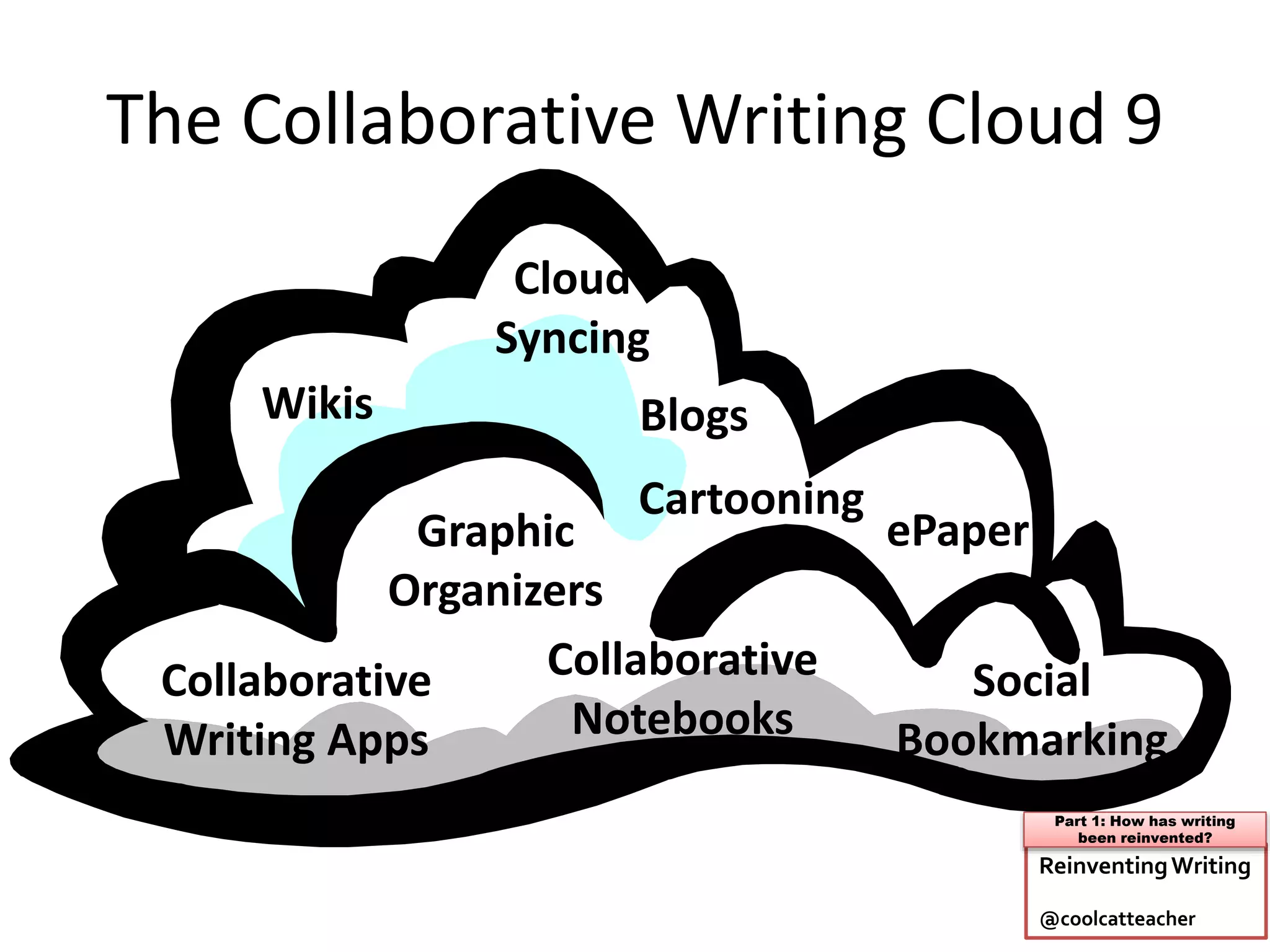
The Collaborative Writing Cloud 9
Wikis
Collaborative
Writing Apps
Blogs
Social
Bookmarking
Graphic
Organizers
Collaborative
Notebooks
ePaper
Cartooning
Cloud
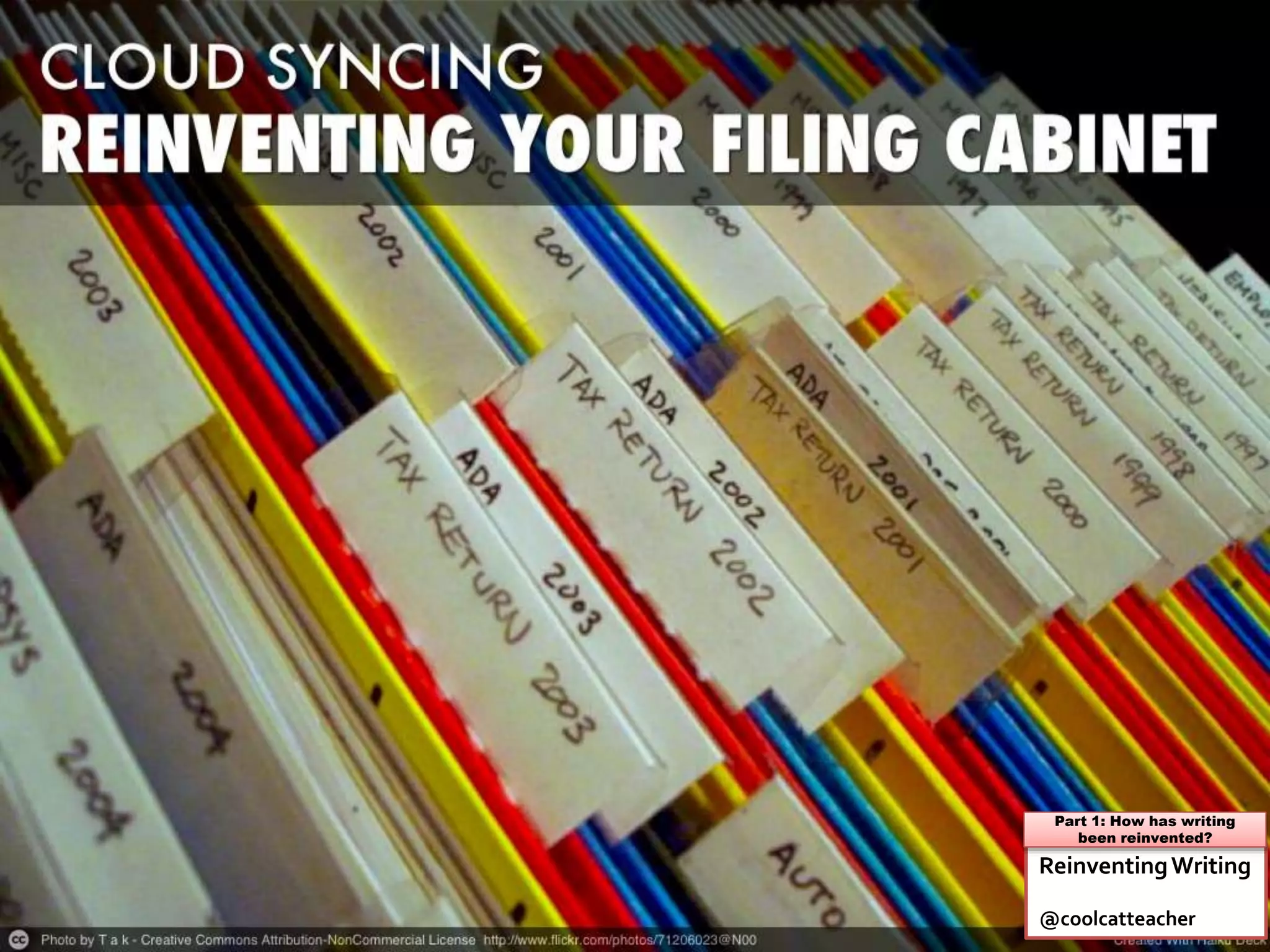
Syncing
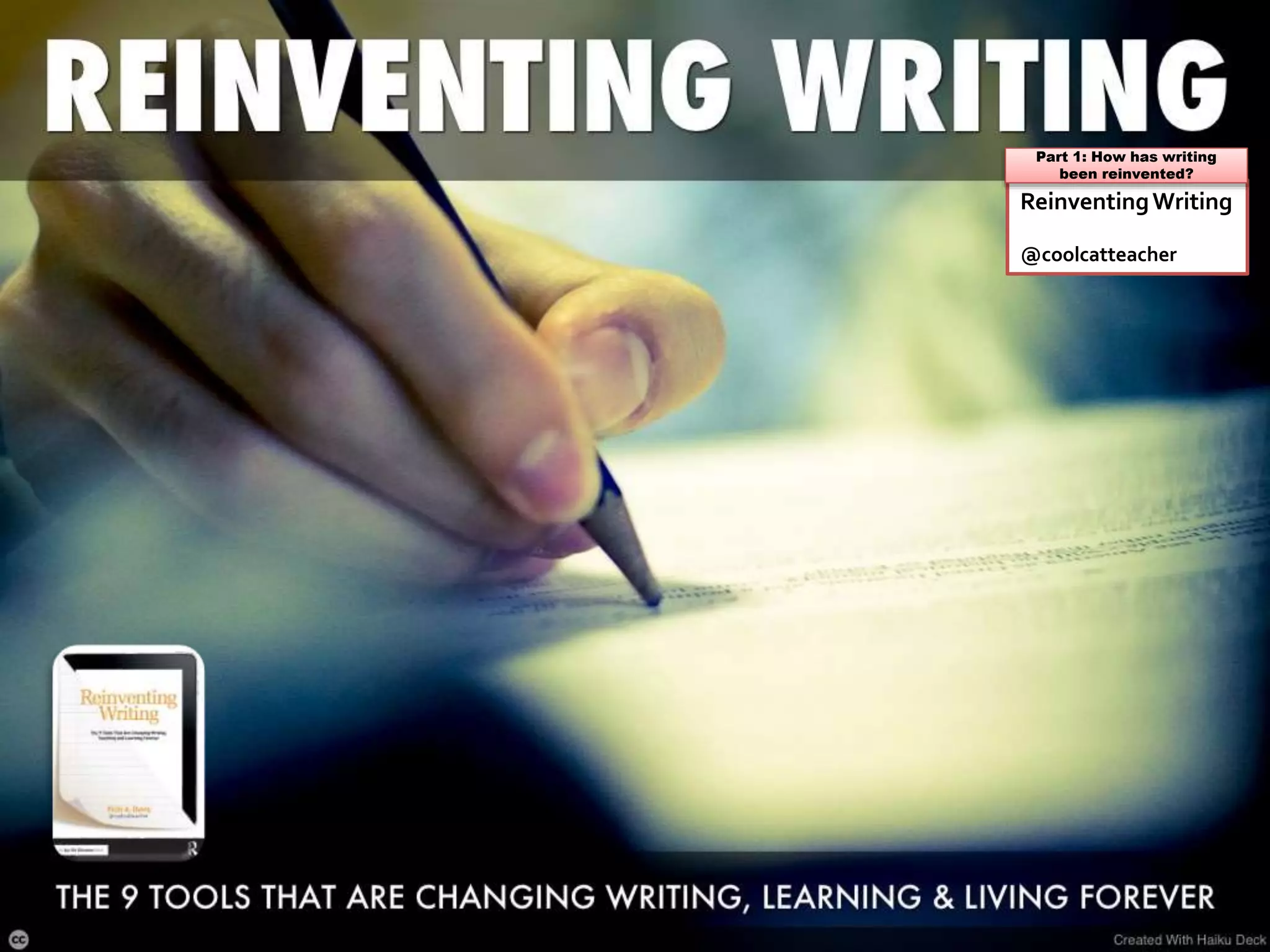
ReinventingWriting
@coolcatteacher
Part 1: How has writing
been reinvented?
Poll: Who are you?
A.Teacher
B.Librarian
C.Curriculum
D.Principal
E.Other administrator
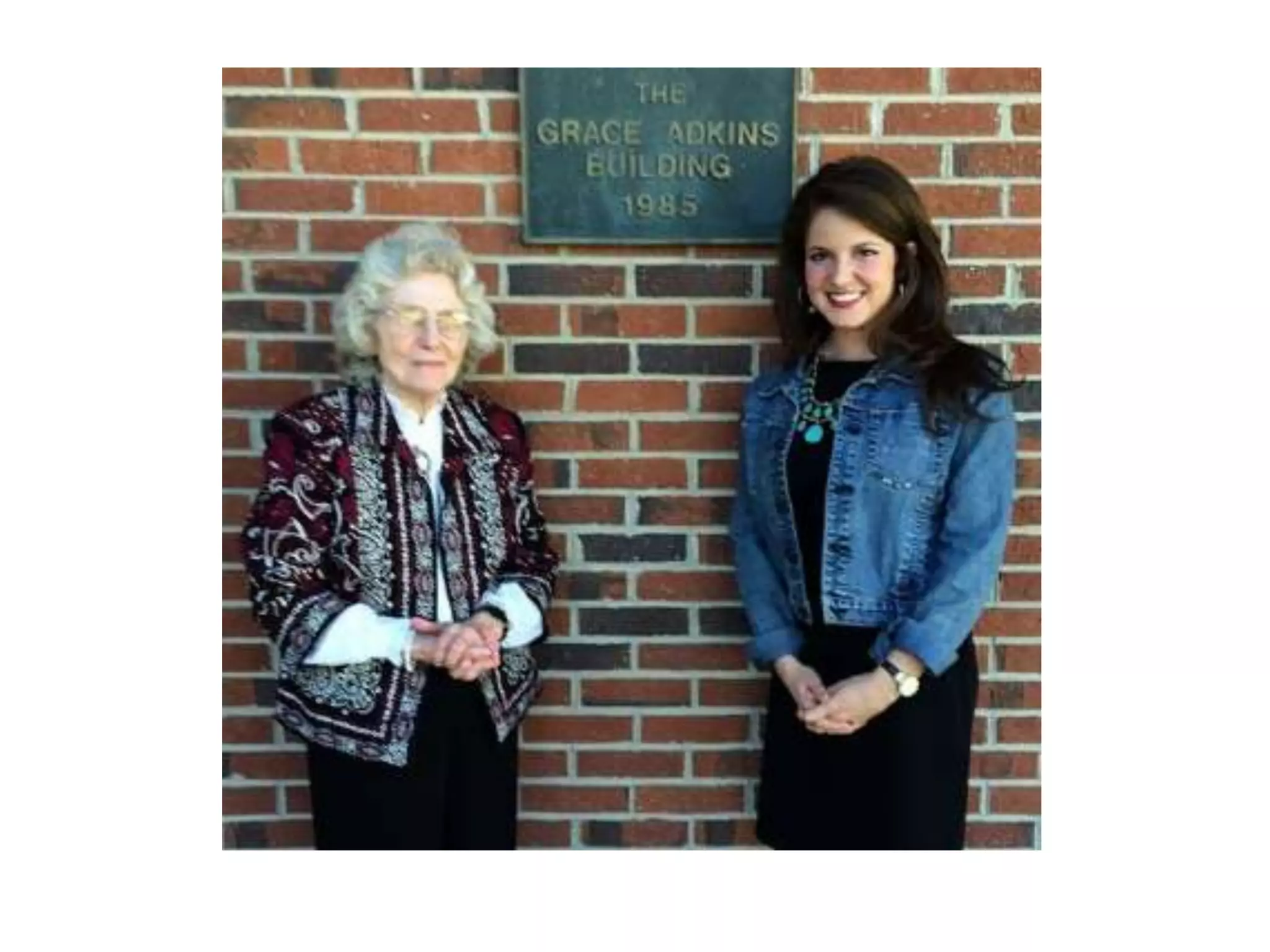
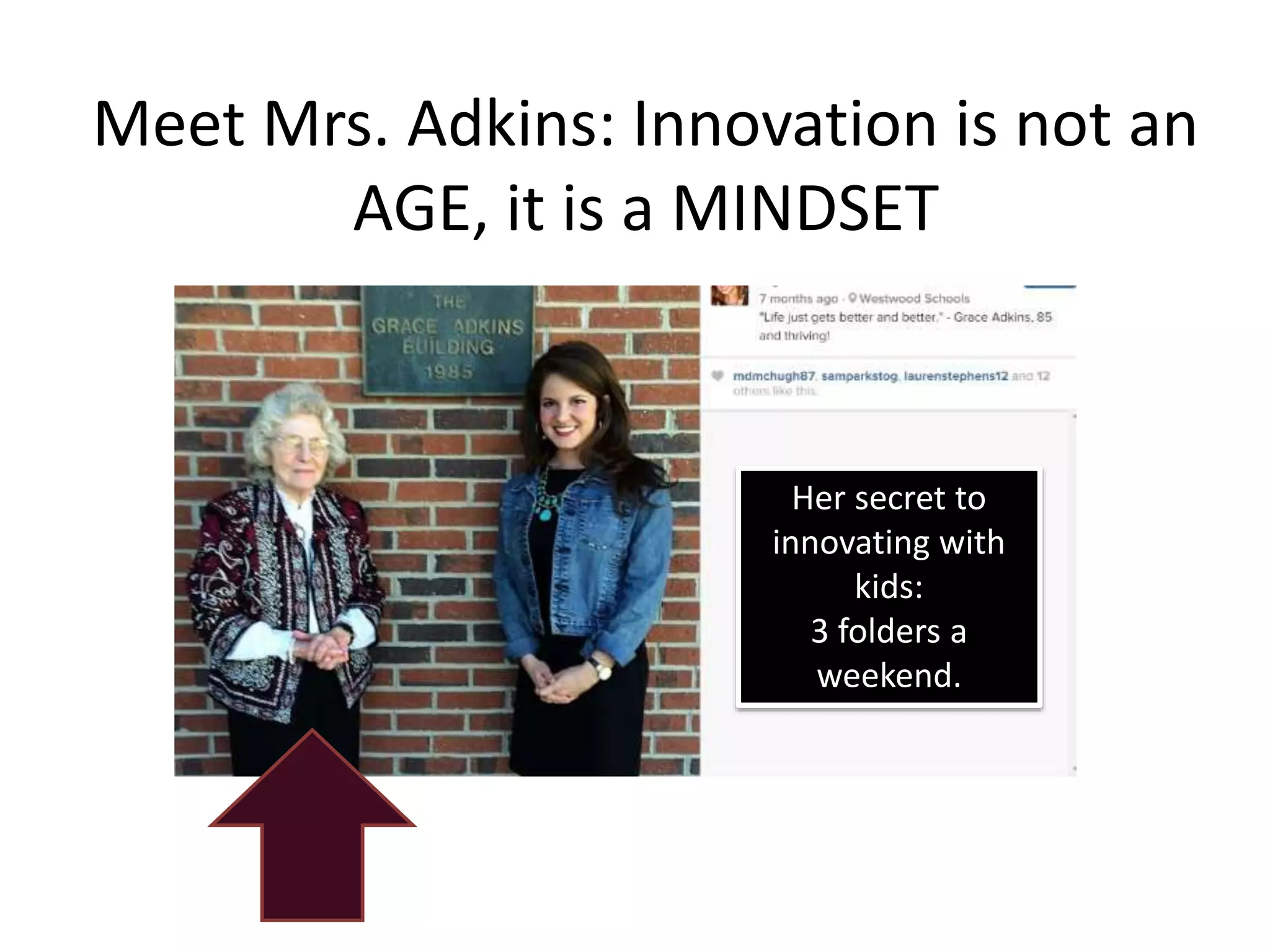
Meet Mrs. Adkins: Innovation is not an
AGE, it is a MINDSET
Her secret to
innovating with
kids:
3 folders a
weekend.
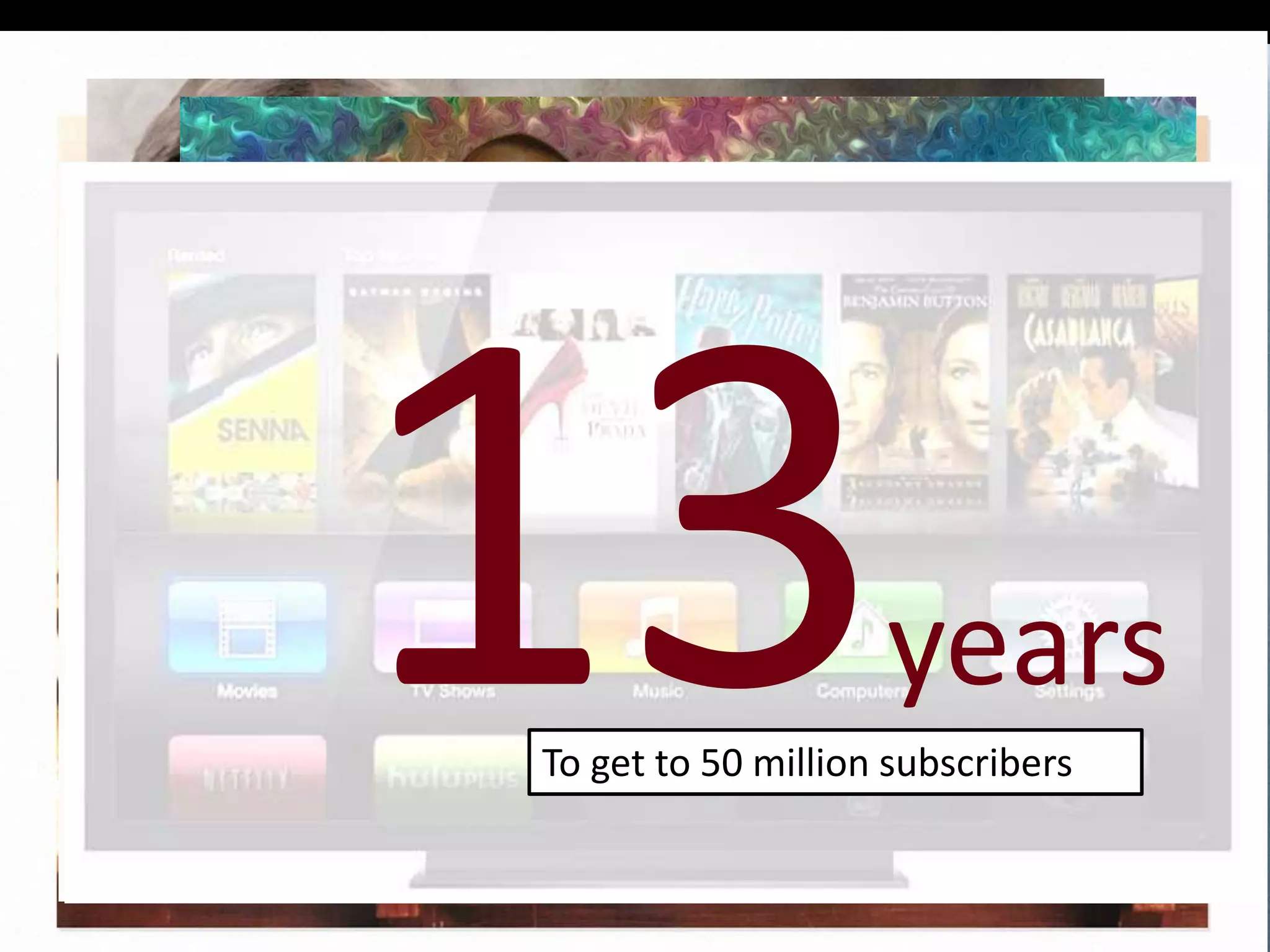
years
To get to 50 million subscribers
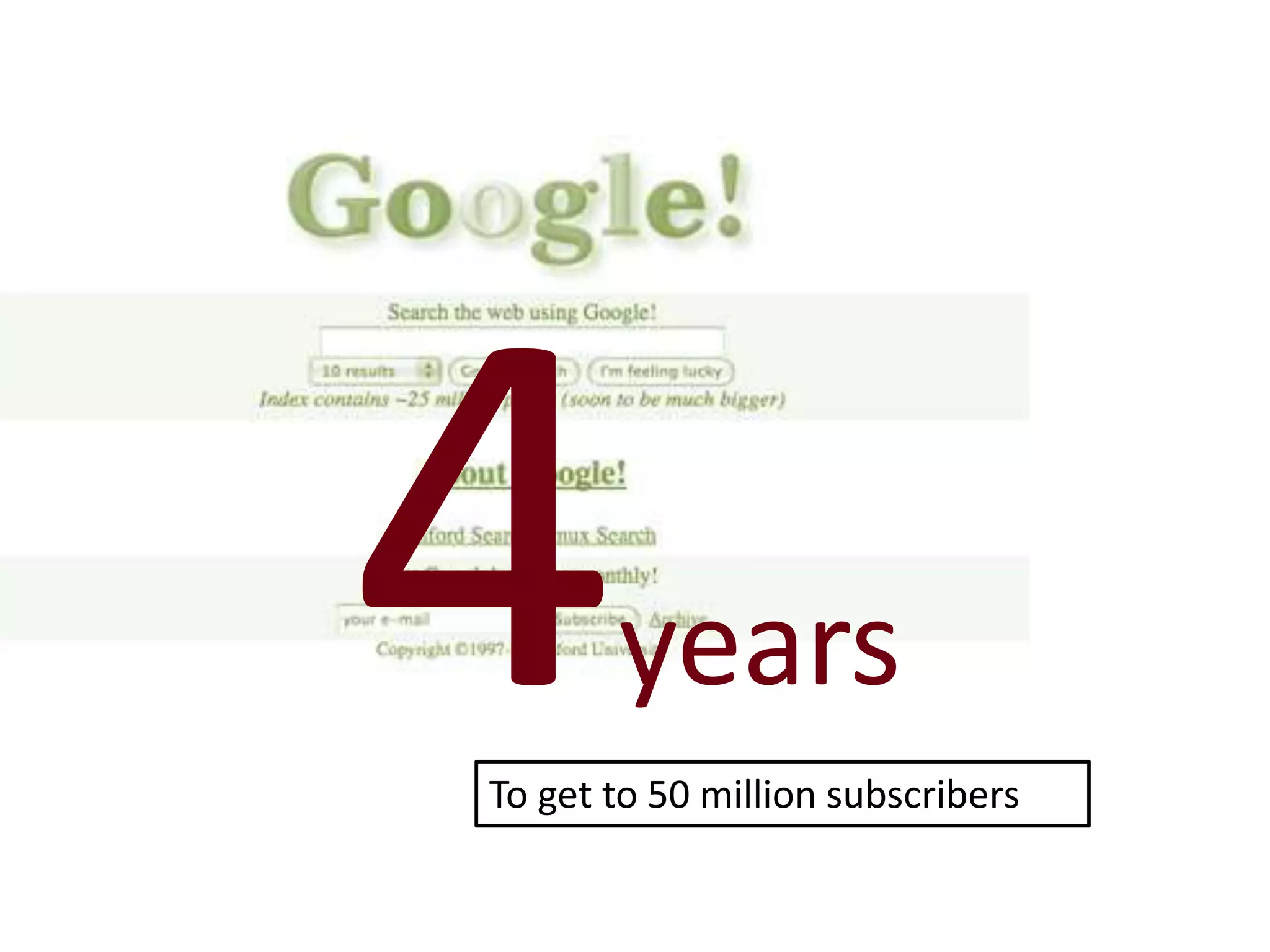
years
To get to 50 million subscribers
years
To get to 50 million subscribers
years
To get to 50 million subscribers
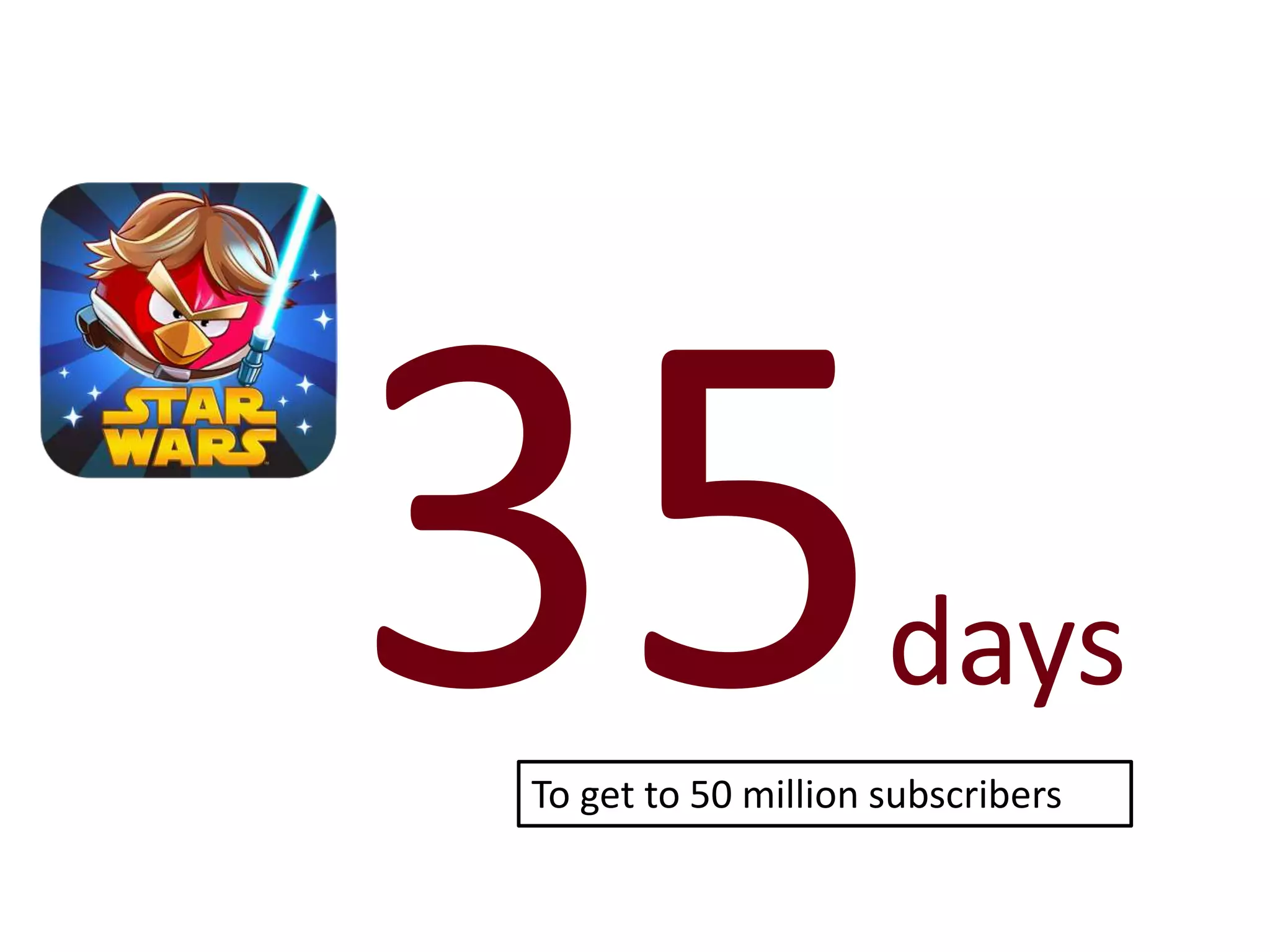
days
To get to 50 million subscribers
Teacher Question:
How can we keep up in the face
of such rapid change?
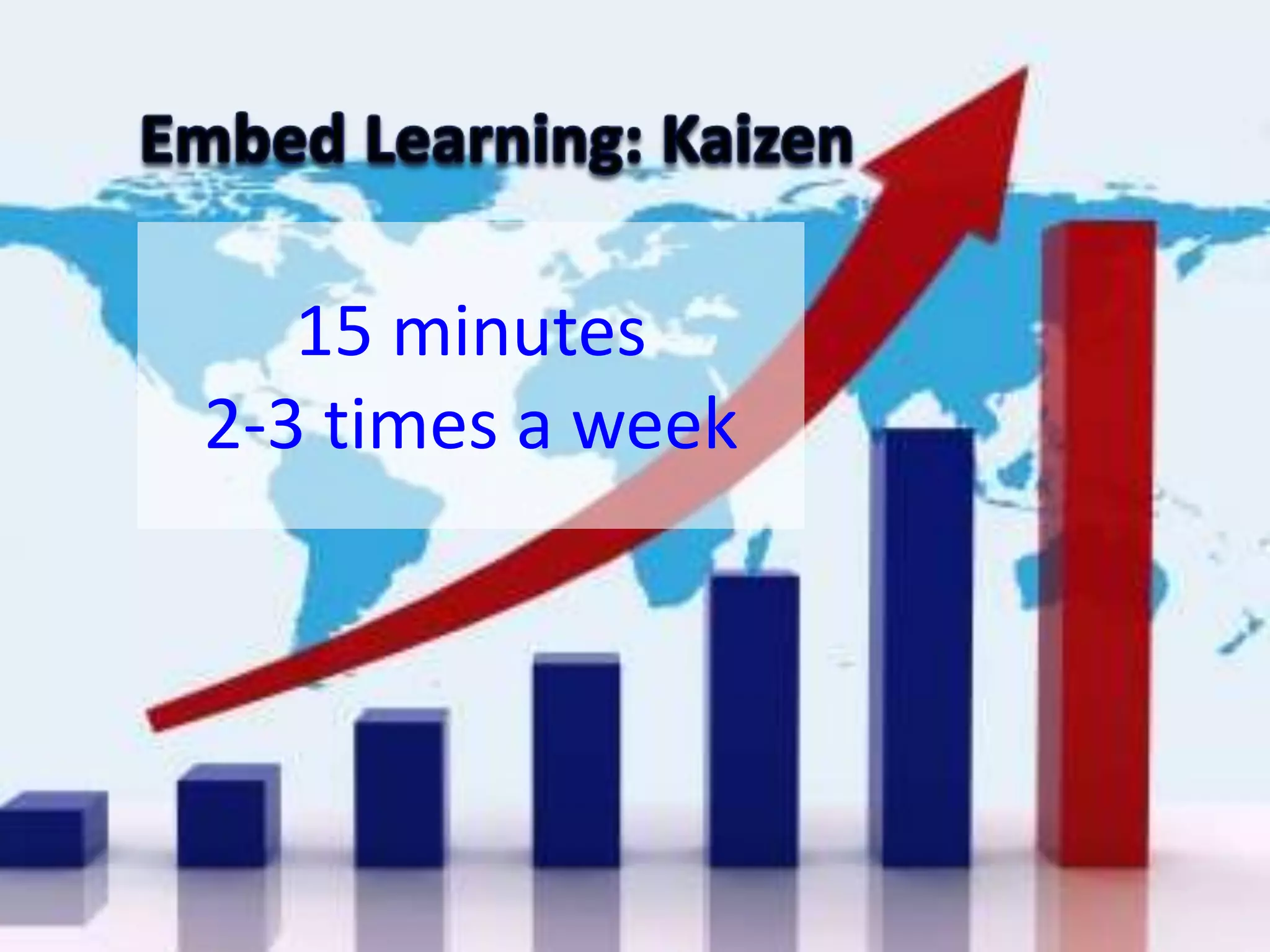
15 minutes
2-3 times a week
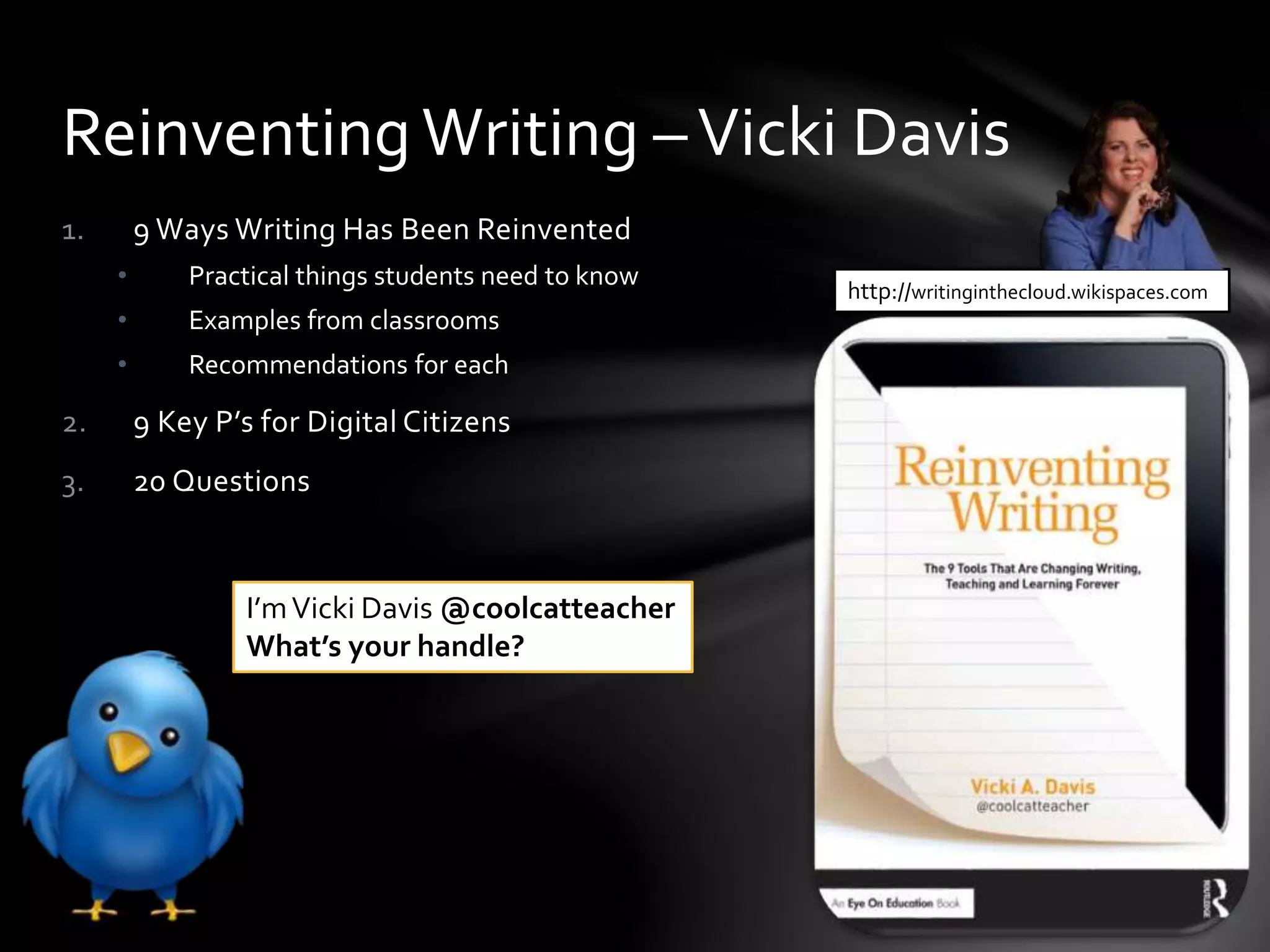
1. 9 Ways Writing Has Been Reinvented
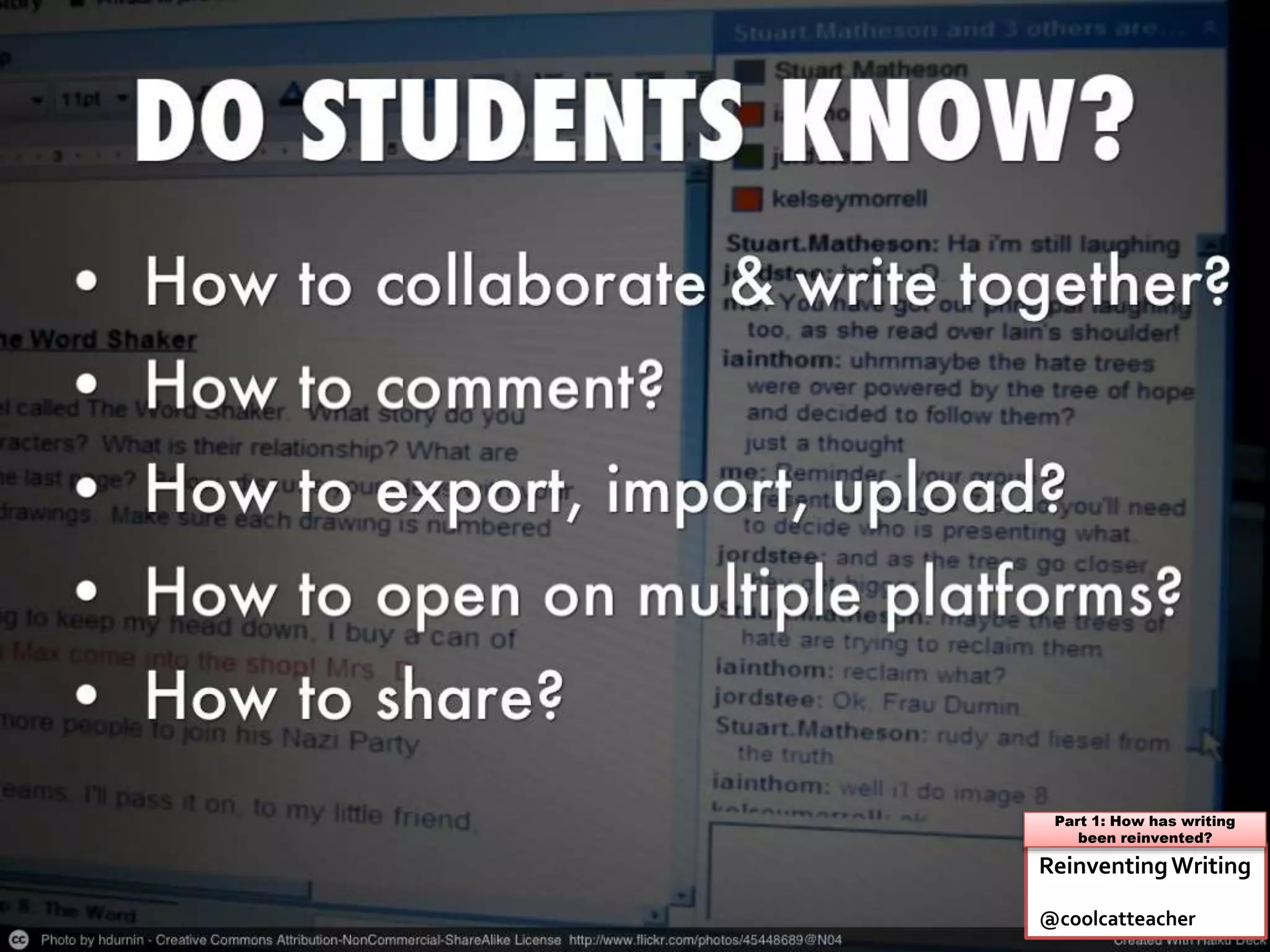
• Practical things students need to know
• Examples from classrooms
• Recommendations for each
2. 9 Key P’s for Digital Citizens
3. 20 Questions
ReinventingWriting –Vicki Davis
http://writinginthecloud.wikispaces.com
I’mVicki Davis @coolcatteacher
What’s your handle?
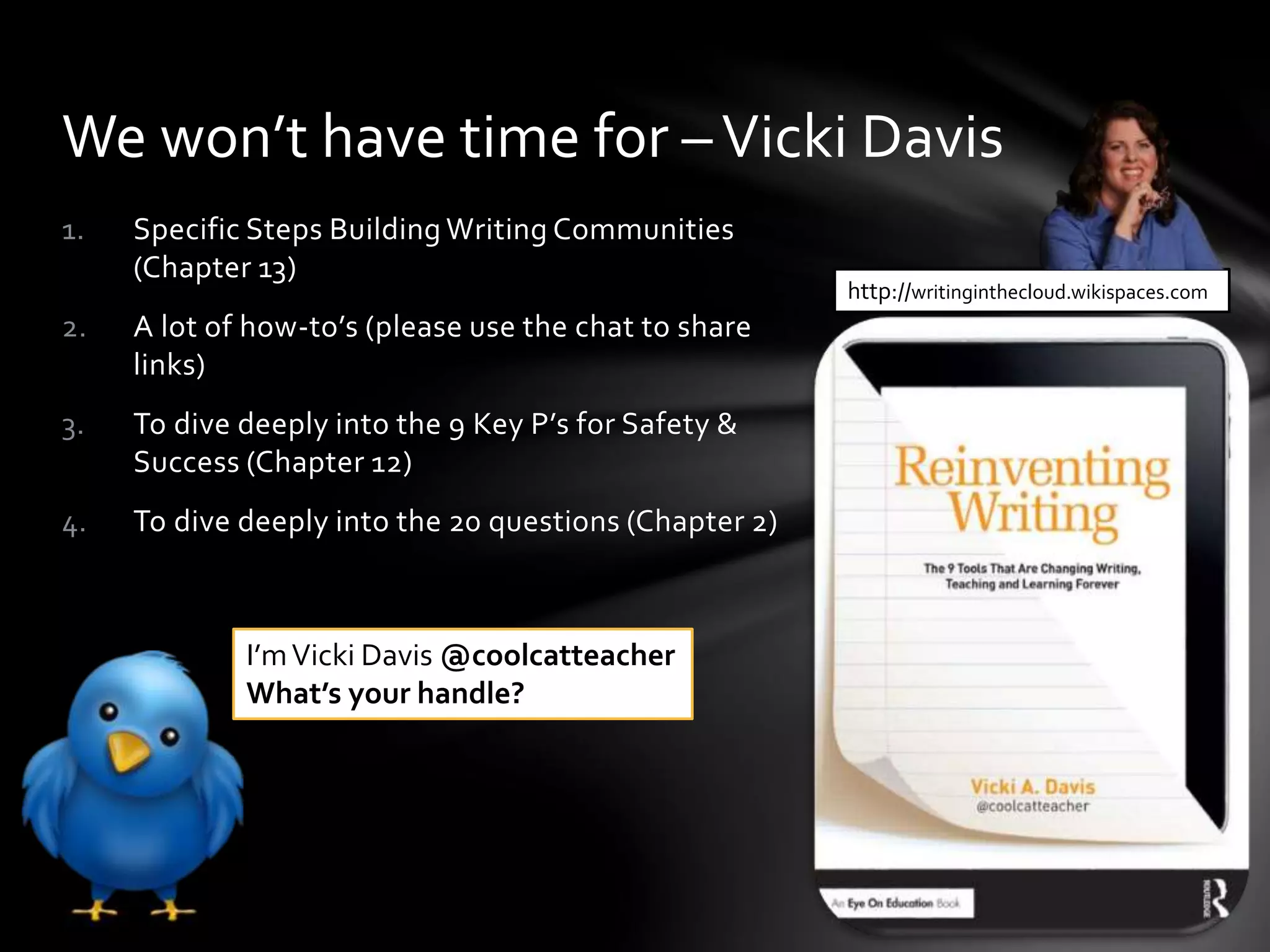
1. Specific Steps Building Writing Communities
(Chapter 13)
2. A lot of how-to’s (please use the chat to share
links)
3. To dive deeply into the 9 Key P’s for Safety &
Success (Chapter 12)
4. To dive deeply into the 20 questions (Chapter 2)
We won’t have time for –Vicki Davis
http://writinginthecloud.wikispaces.com
I’mVicki Davis @coolcatteacher
What’s your handle?
John Seely Brown,Visiting Scholar, University of
Southern California
“…you can’t just drop new
innovations into a classroom
and hope that the instructor
will invent effective ways to
use them.To fully utilize a
new teaching technology, you
often need to invent new
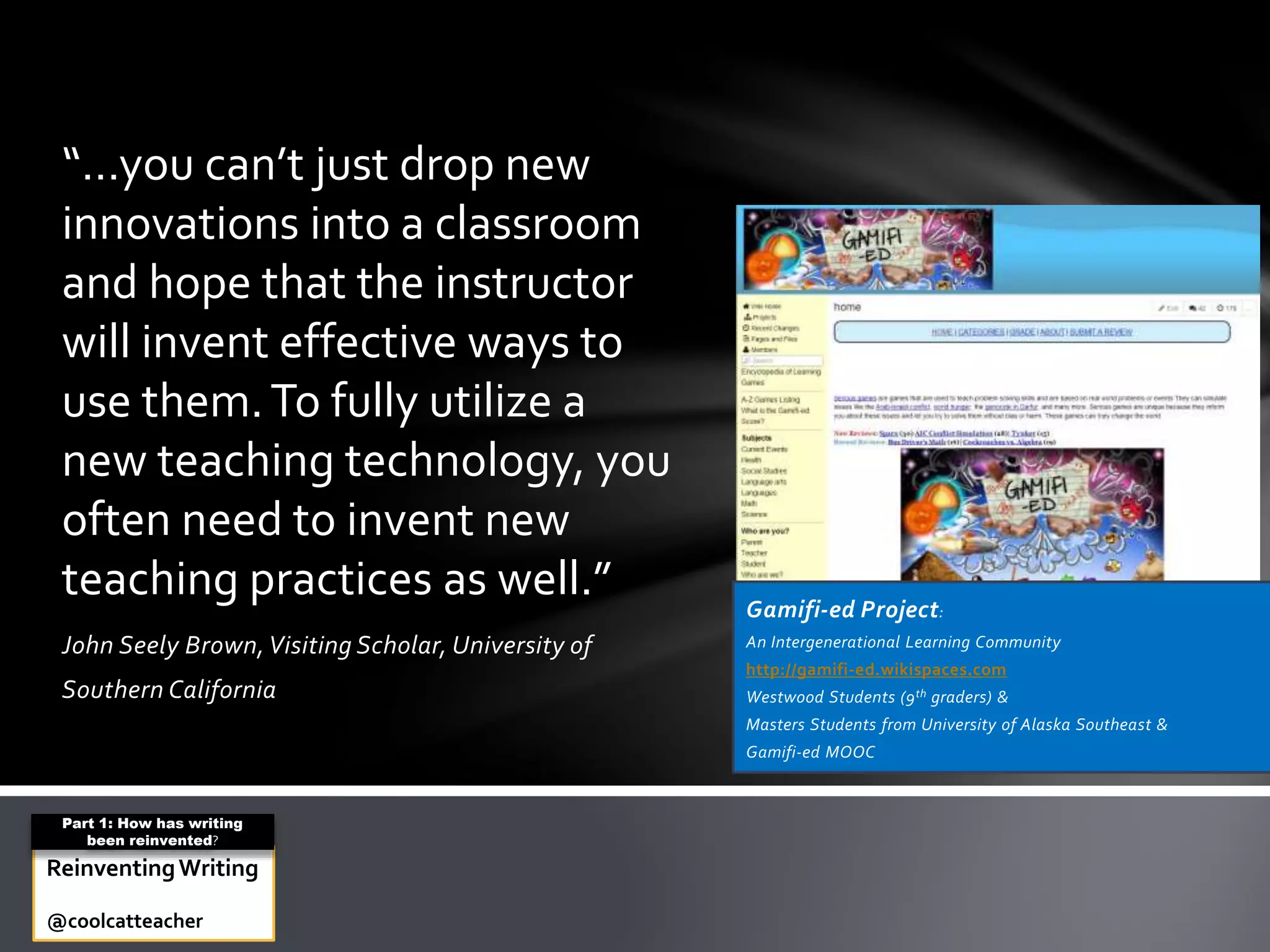
teaching practices as well.” Gamifi-ed Project:
An Intergenerational Learning Community
http://gamifi-ed.wikispaces.com
Westwood Students (9th graders) &
Masters Students from University of Alaska Southeast &
Gamifi-ed MOOC
ReinventingWriting
@coolcatteacher
Part 1: How has writing
been reinvented?
Teacher Question:
Why do we need collaborative
writing? Isn’t plain old writing
good enough?
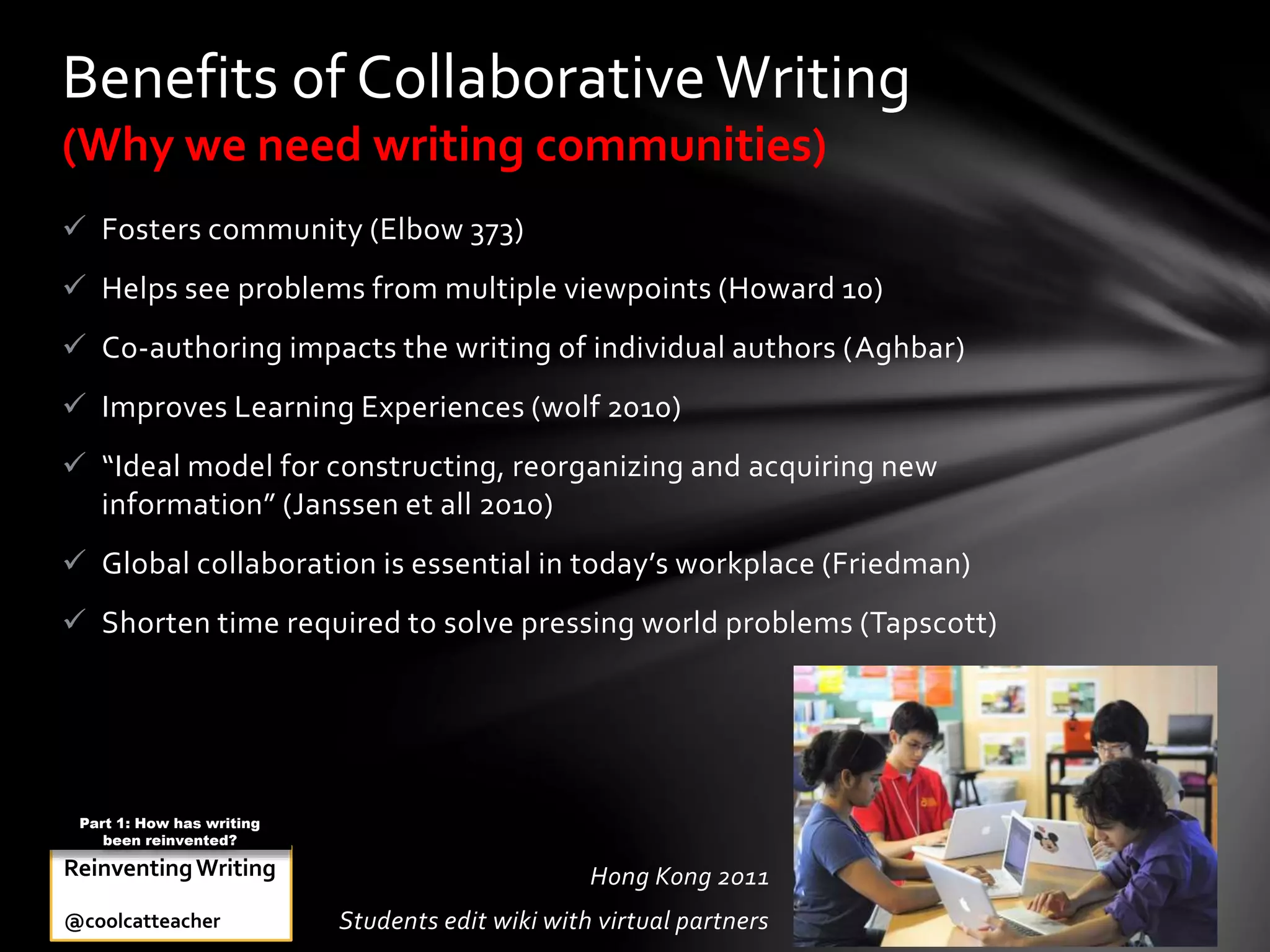
 Fosters community (Elbow 373)
 Helps see problems from multiple viewpoints (Howard 10)
 Co-authoring impacts the writing of individual authors (Aghbar)
 Improves Learning Experiences (wolf 2010)
 “Ideal model for constructing, reorganizing and acquiring new
information” (Janssen et all 2010)
 Global collaboration is essential in today’s workplace (Friedman)
 Shorten time required to solve pressing world problems (Tapscott)
Benefits of CollaborativeWriting
(Why we need writing communities)
Hong Kong 2011
Students edit wiki with virtual partners
ReinventingWriting
@coolcatteacher
Part 1: How has writing
been reinvented?
Teacher Question:
What is “the cloud?”
A LOCATION ON THE INTERNET
WHERE FILES ARE STORED
What is the Cloud?
Reinventing Writing
@coolcatteacher
Part 1: How has writing
been reinvented?
Teacher Question:
But I see a lot of videos, pictures,
and infographics along with writing
on the web, is this part of writing
literacy now?
STUDENTS MUST BE TRANSLITERATE
“Transliterate: The ability to read, write,
and interact across a range of platforms,
tools and media from signing and orality
through handwriting, print, TV, radio and
film to digital networks.”
Transliteracy Research Group
ReinventingWriting
@coolcatteacher
Part 1: How has writing
been reinvented?
Teacher Question:
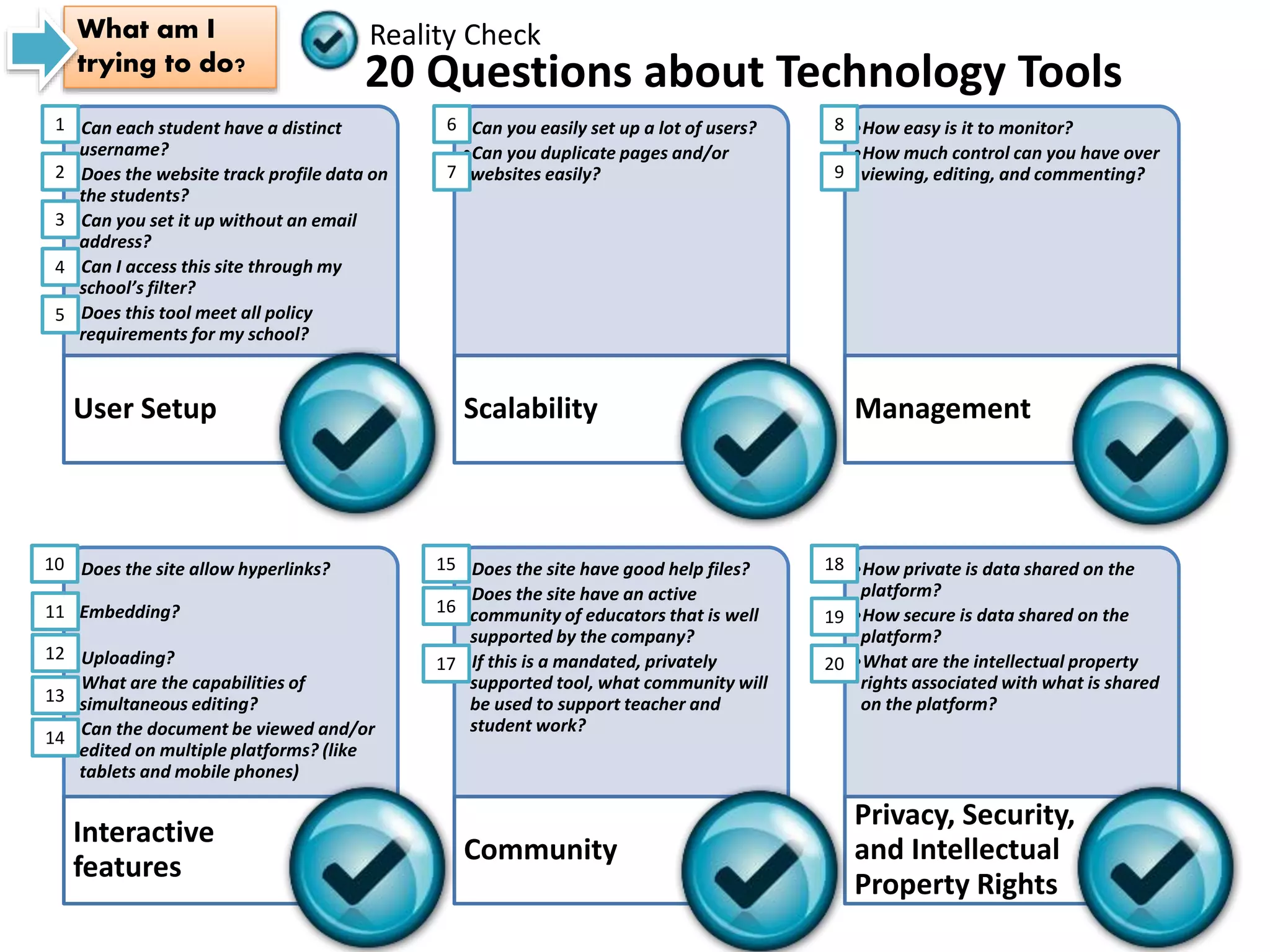
How do I make the decision
about the tools I will use?
•Can each student have a distinct
username?
•Does the website track profile data on
the students?
•Can you set it up without an email
address?
•Can I access this site through my
school’s filter?
•Does this tool meet all policy
requirements for my school?
User Setup
•Can you easily set up a lot of users?
•Can you duplicate pages and/or
websites easily?
Scalability
•How easy is it to monitor?
•How much control can you have over
viewing, editing, and commenting?
Management
•Does the site allow hyperlinks?
Embedding?
•Uploading?
•What are the capabilities of
simultaneous editing?
•Can the document be viewed and/or
edited on multiple platforms? (like
tablets and mobile phones)
Interactive
features
•Does the site have good help files?
•Does the site have an active
community of educators that is well
supported by the company?
•If this is a mandated, privately
supported tool, what community will
be used to support teacher and
student work?
Community
•How private is data shared on the
platform?
•How secure is data shared on the
platform?
•What are the intellectual property
rights associated with what is shared
on the platform?
Privacy, Security,
and Intellectual
Property Rights
20 Questions about Technology Tools
Reality CheckWhat am I
trying to do?
20
19
18
1
2
3
4
5
6
7
8
9
12
11
10
17
16
15
14
13
ReinventingWriting
@coolcatteacher
Part 1: How has writing
been reinvented?
Teacher Question:
What do literacies do students
need to have relating to
ebooks?
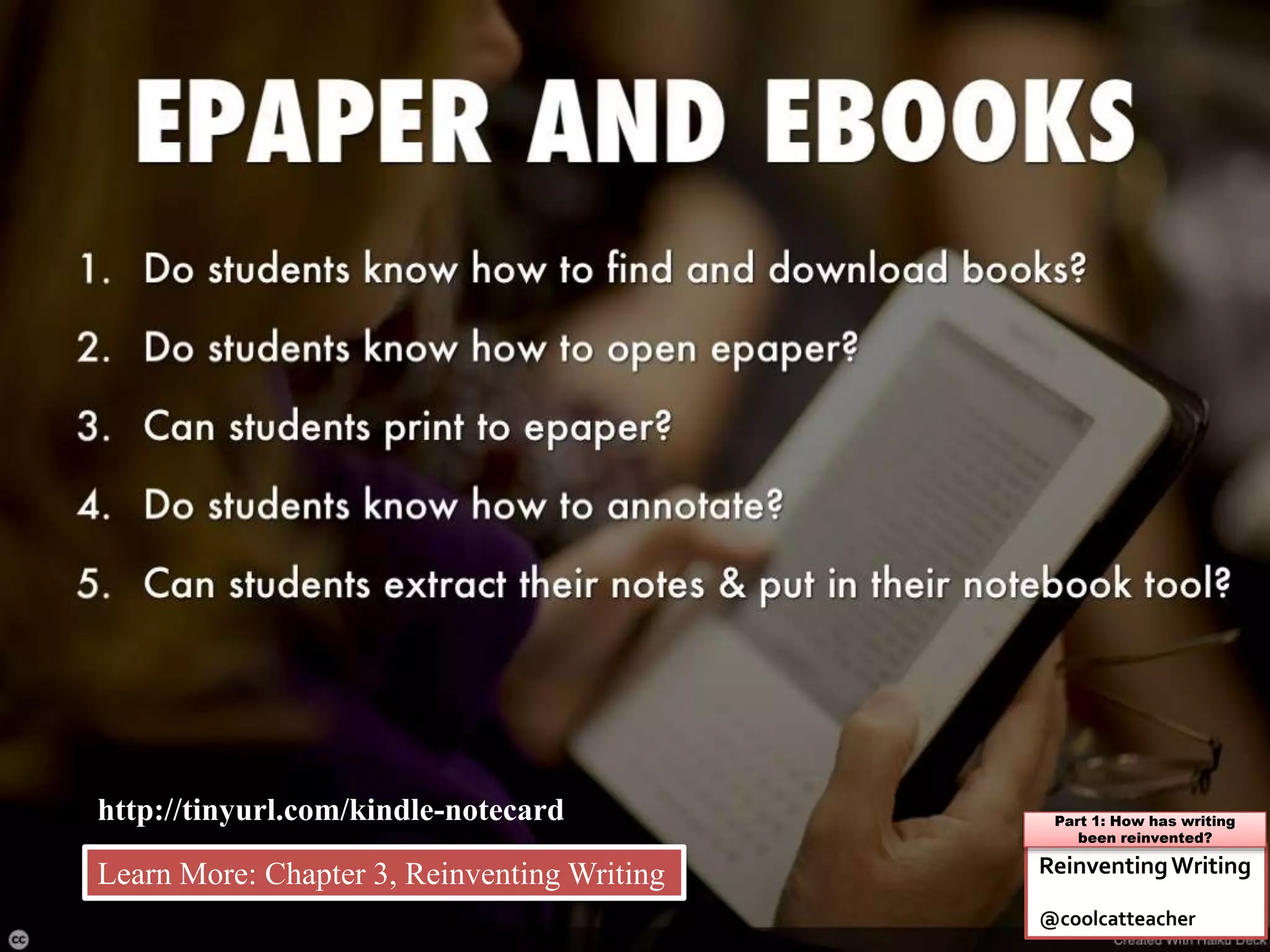
http://tinyurl.com/kindle-notecard
ReinventingWriting
@coolcatteacher
Part 1: How has writing
been reinvented?
Learn More: Chapter 3, Reinventing Writing
Teacher Question:
What are the most frequently
used ebook readers?
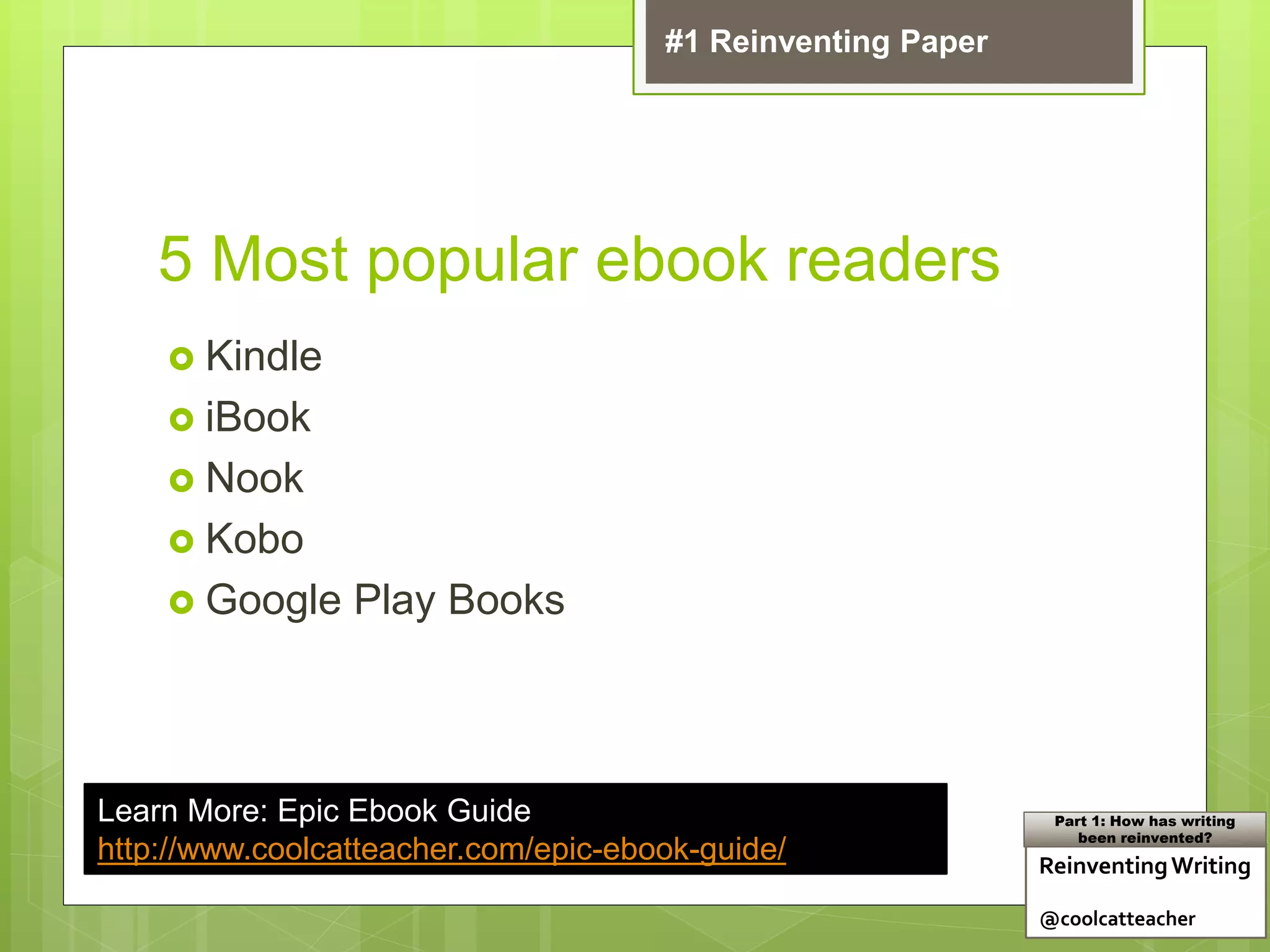
5 Most popular ebook readers
 Kindle
 iBook
 Nook
 Kobo
 Google Play Books
Learn More: Epic Ebook Guide
http://www.coolcatteacher.com/epic-ebook-guide/ ReinventingWriting
@coolcatteacher
Part 1: How has writing
been reinvented?
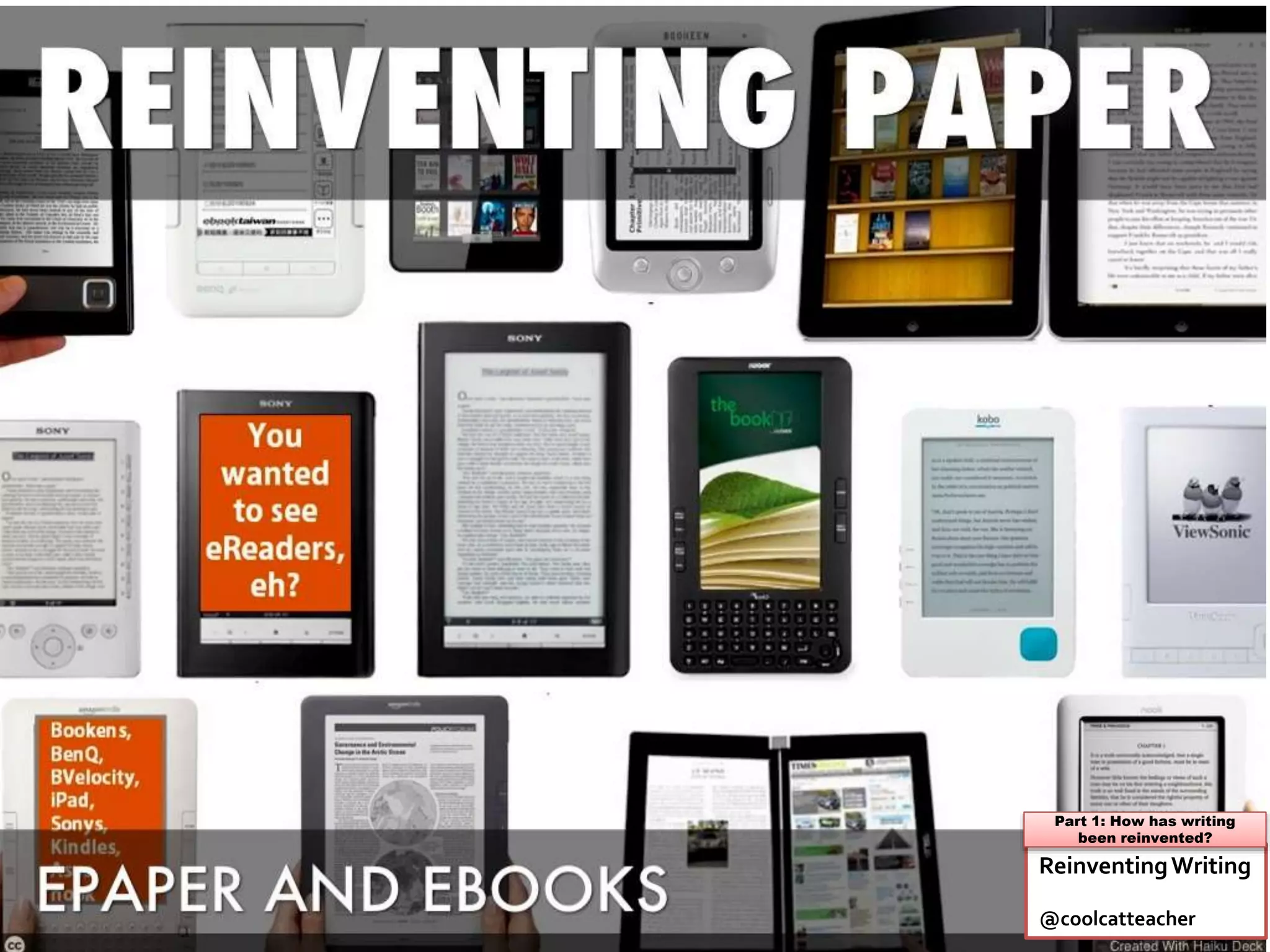
#1 Reinventing Paper
Teacher Question:
Where can I find free ebooks
for me and my students?
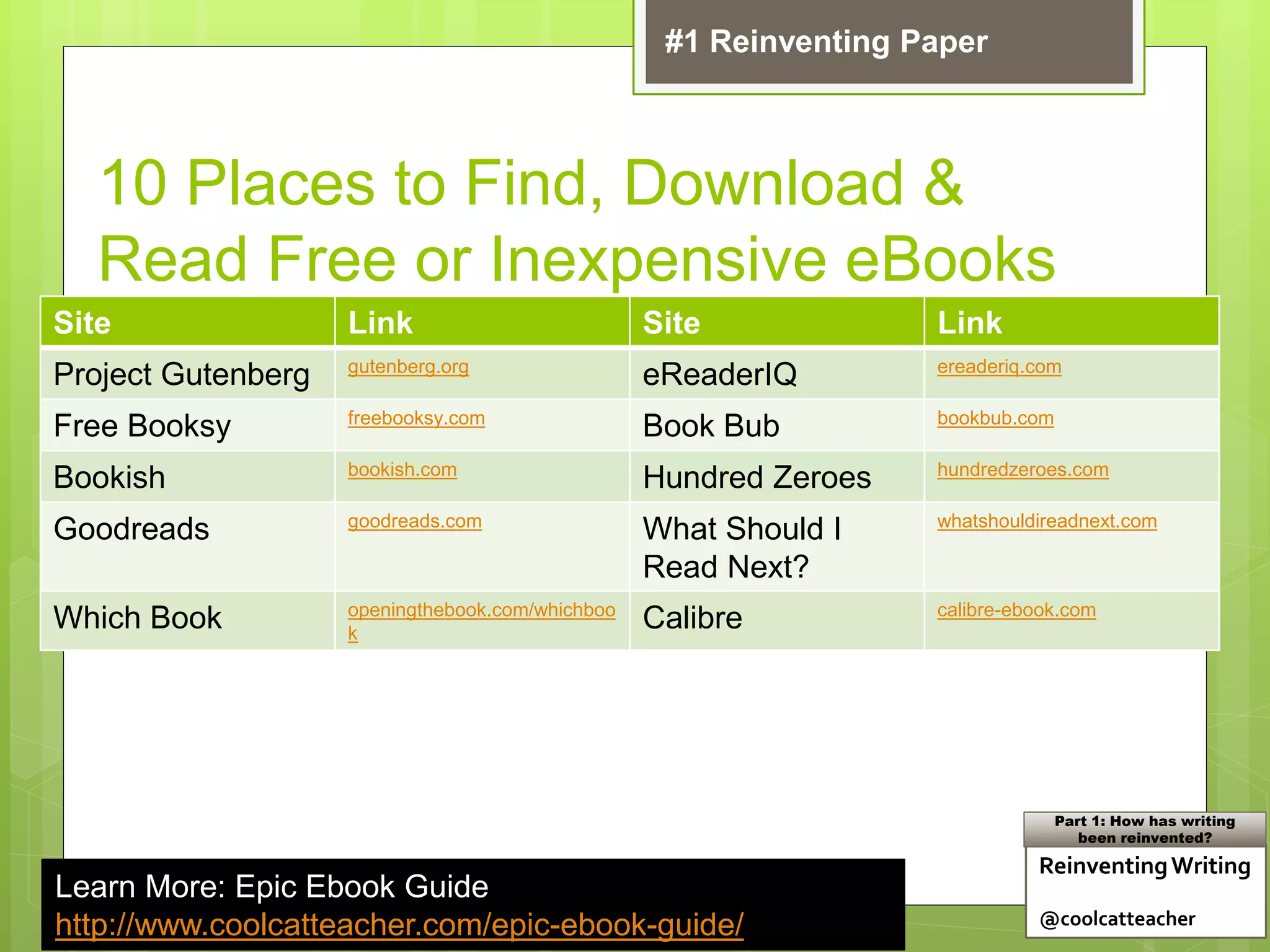
10 Places to Find, Download &
Read Free or Inexpensive eBooks
Site Link Site Link
Project Gutenberg gutenberg.org
eReaderIQ ereaderiq.com
Free Booksy freebooksy.com
Book Bub bookbub.com
Bookish bookish.com
Hundred Zeroes hundredzeroes.com
Goodreads goodreads.com
What Should I
Read Next?
whatshouldireadnext.com
Which Book openingthebook.com/whichboo
k
Calibre calibre-ebook.com
Learn More: Epic Ebook Guide
http://www.coolcatteacher.com/epic-ebook-guide/
ReinventingWriting
@coolcatteacher
Part 1: How has writing
been reinvented?
#1 Reinventing Paper
Teacher Question:
How easy is it to publish ebooks
with students?
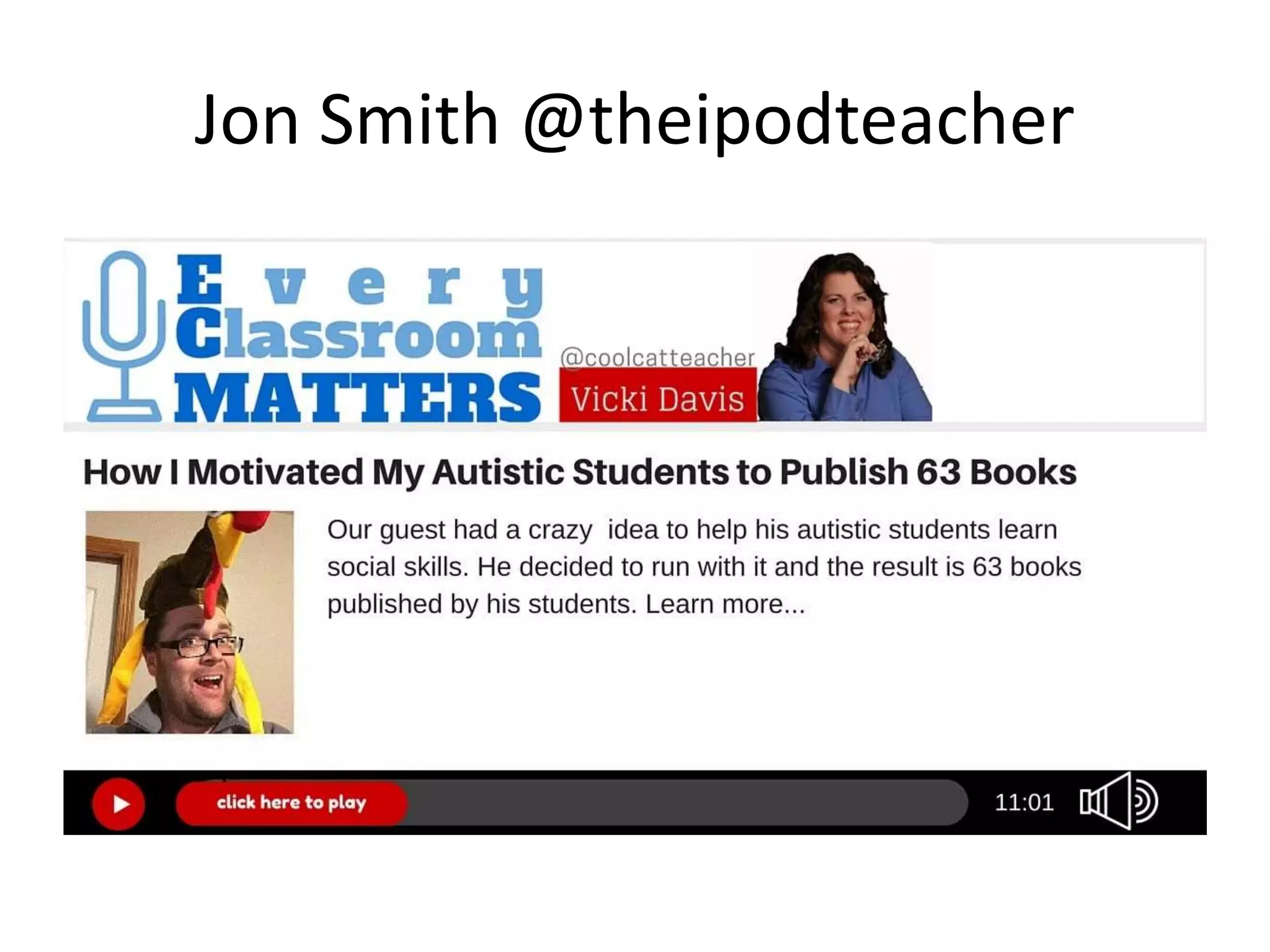
Jon Smith @theipodteacher
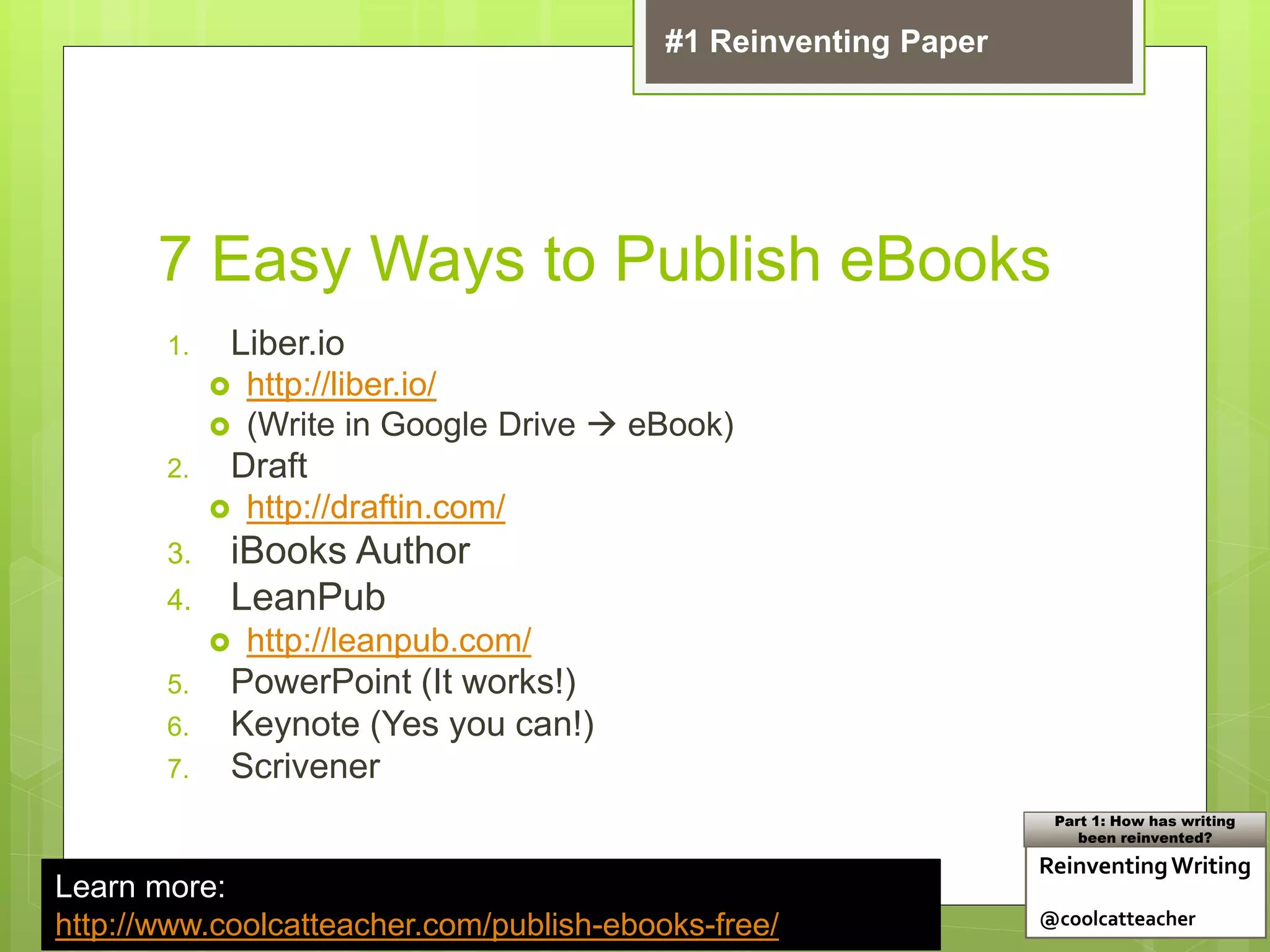
7 Easy Ways to Publish eBooks
1. Liber.io
 http://liber.io/
 (Write in Google Drive  eBook)
2. Draft
 http://draftin.com/
3. iBooks Author
4. LeanPub
 http://leanpub.com/
5. PowerPoint (It works!)
6. Keynote (Yes you can!)
7. Scrivener
Learn more:
http://www.coolcatteacher.com/publish-ebooks-free/
ReinventingWriting
@coolcatteacher
Part 1: How has writing
been reinvented?
#1 Reinventing Paper
Teacher Question:
How can I get the notes I take in
my Kindle or iBooks into Microsoft
Word or something else?
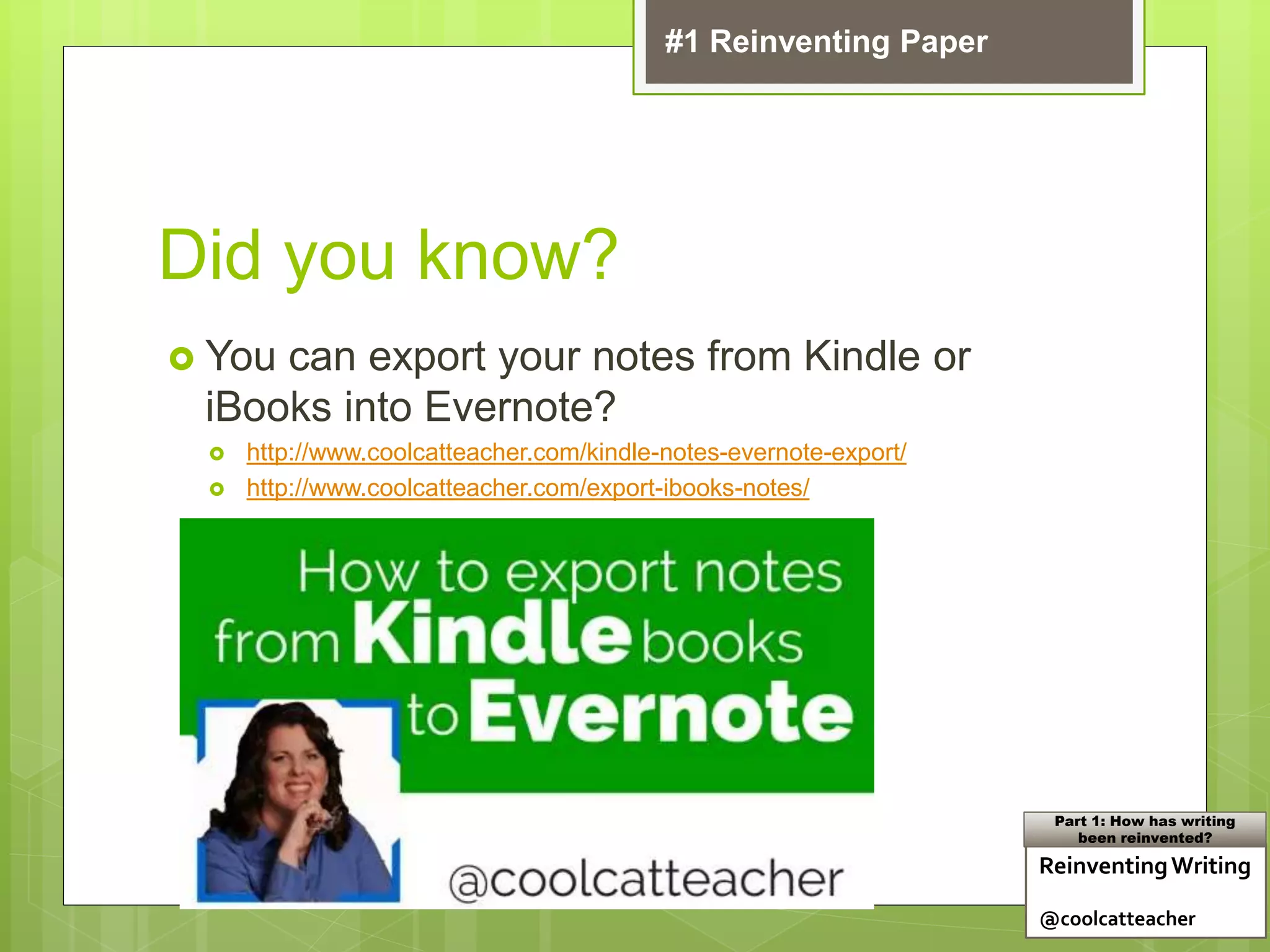
Did you know?
 You can export your notes from Kindle or
iBooks into Evernote?
 http://www.coolcatteacher.com/kindle-notes-evernote-export/
 http://www.coolcatteacher.com/export-ibooks-notes/
ReinventingWriting
@coolcatteacher
Part 1: How has writing
been reinvented?
#1 Reinventing Paper
Teacher Question:
Where can I get all these links in
this presentation?
www.coolcatteacher.com/literacypromise
Teacher Question:
I have a book in one format and
want to convert it to another,
can I do that?
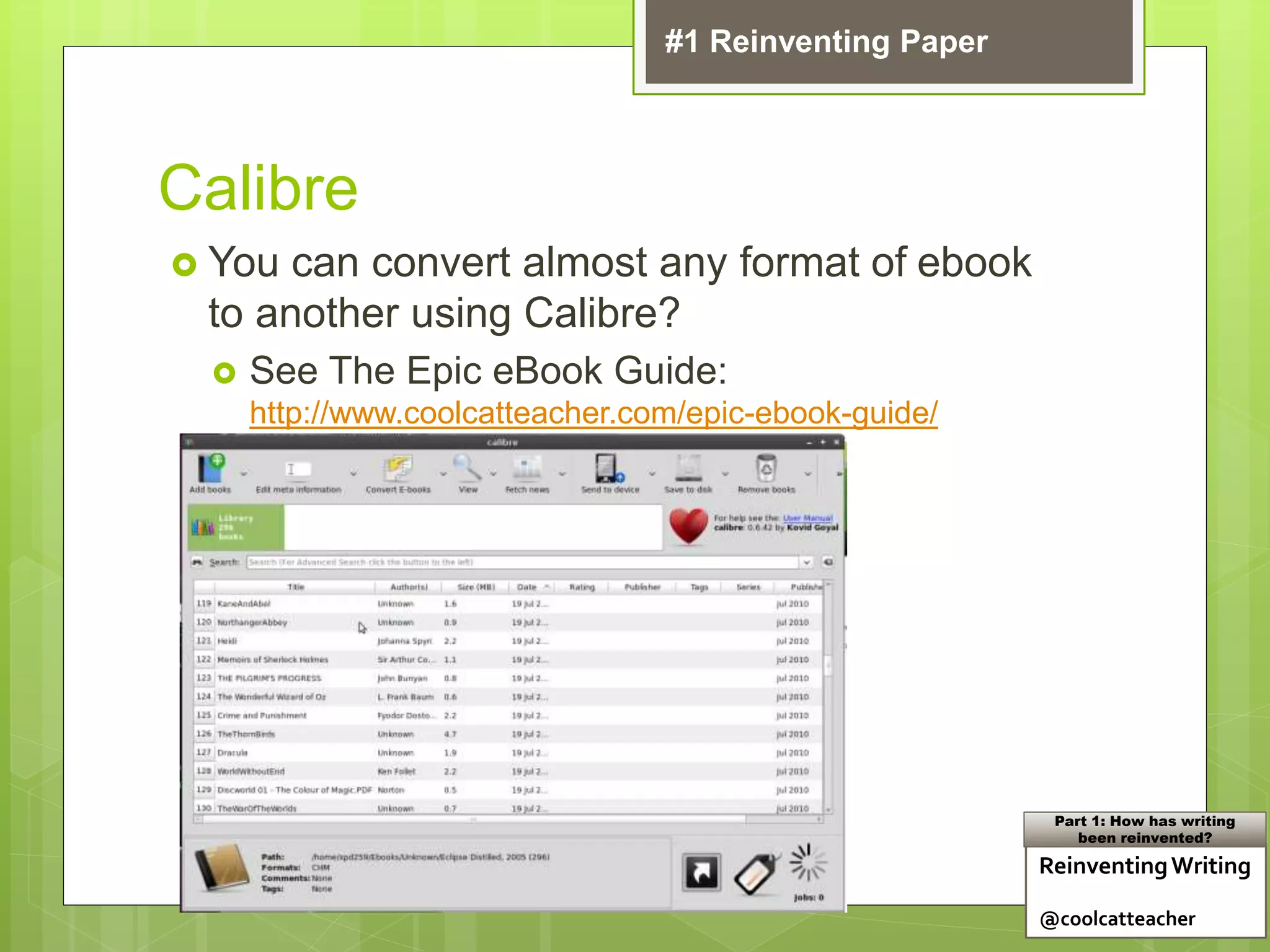
Calibre
 You can convert almost any format of ebook
to another using Calibre?
 See The Epic eBook Guide:
http://www.coolcatteacher.com/epic-ebook-guide/
ReinventingWriting
@coolcatteacher
Part 1: How has writing
been reinvented?
#1 Reinventing Paper
Teacher Question:
Can we easily send pdfs or
other files to someone’s Kindle?
2 Easy Ways to get PDF’s onto a
Kindle
1. Students can set up a kindle email
 Put them in a group and email docs to them (a
small charge will be incurred.)
2. You can drag files onto a Kindle by hooking
it up to the computer with a cable (it looks
just like a thumb drive on the computer)
ReinventingWriting
@coolcatteacher
Part 1: How has writing
been reinvented?
#1 Reinventing Paper
Teacher Question:
What are some
recommendations to take back
to my librarian?
Reinventing Writing
Recommendation
 Evaluate Amazon Whispernet
 Create a place where you can distribute or
link to free ebook content
 Older students set up a profile on
kindle.amazon.com
 Learn to export notes from books
 Make epublishing part of what you do
#1 Reinventing Paper
Learn More: Chapter 3, Reinventing Writing
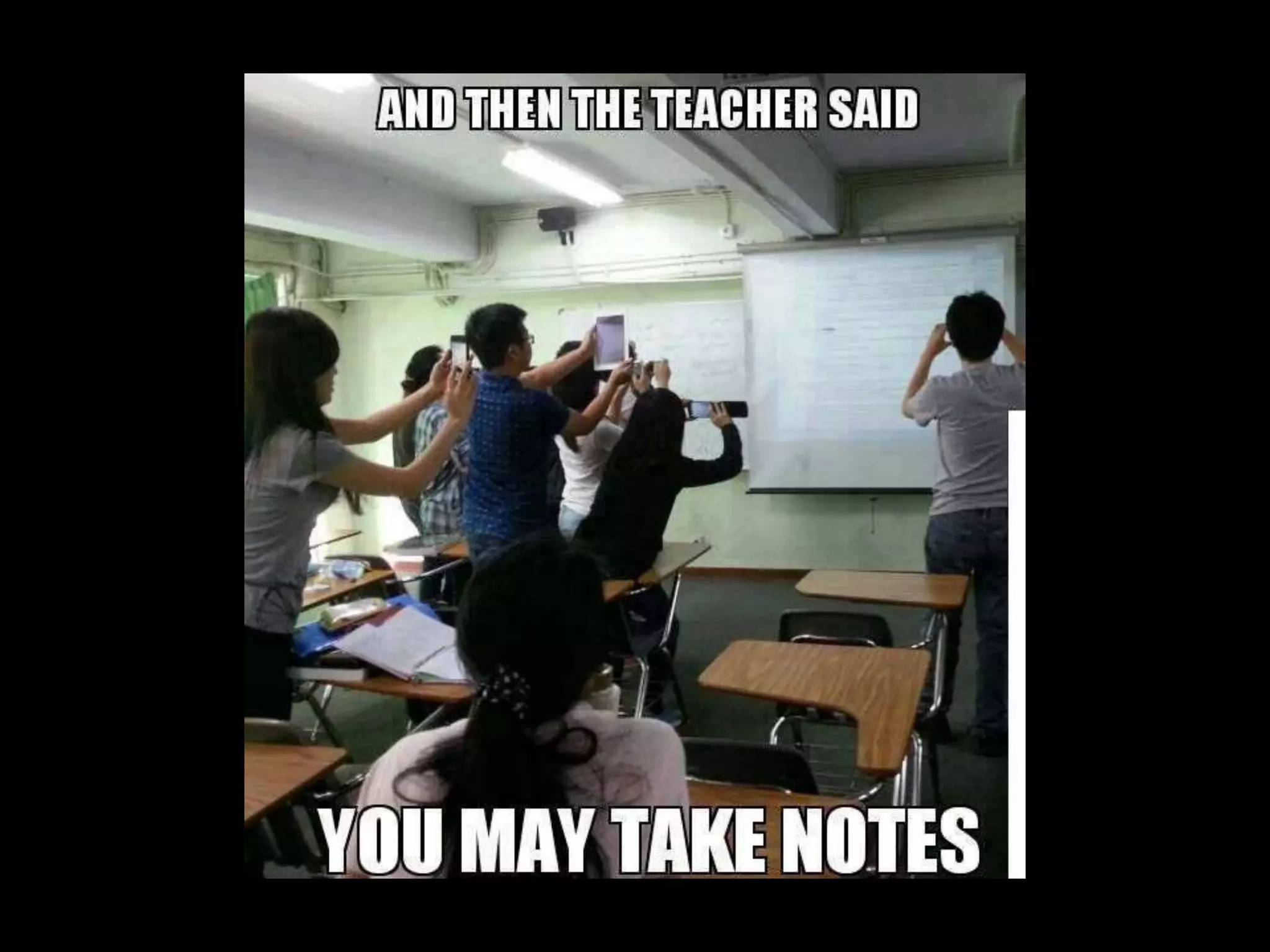
Teacher Question:
How should students be taking
notes today?
ReinventingWriting
@coolcatteacher
Part 1: How has writing
been reinvented?
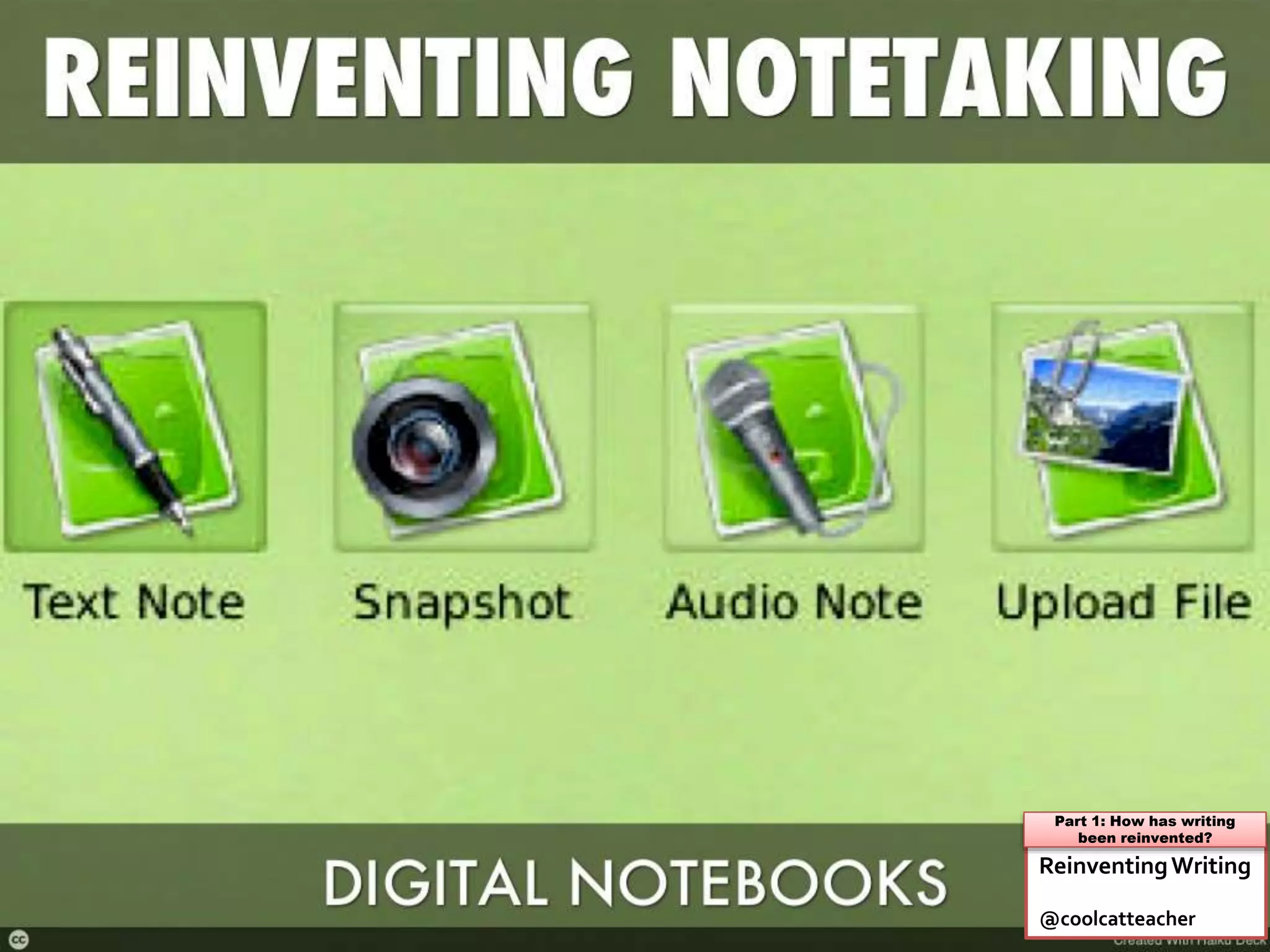
Teacher Question:
How can you find your notes
after you take them?
ReinventingWriting
@coolcatteacher
Part 1: How has writing
been reinvented?
Teacher Question:
What are the popular digital
notebook services today?
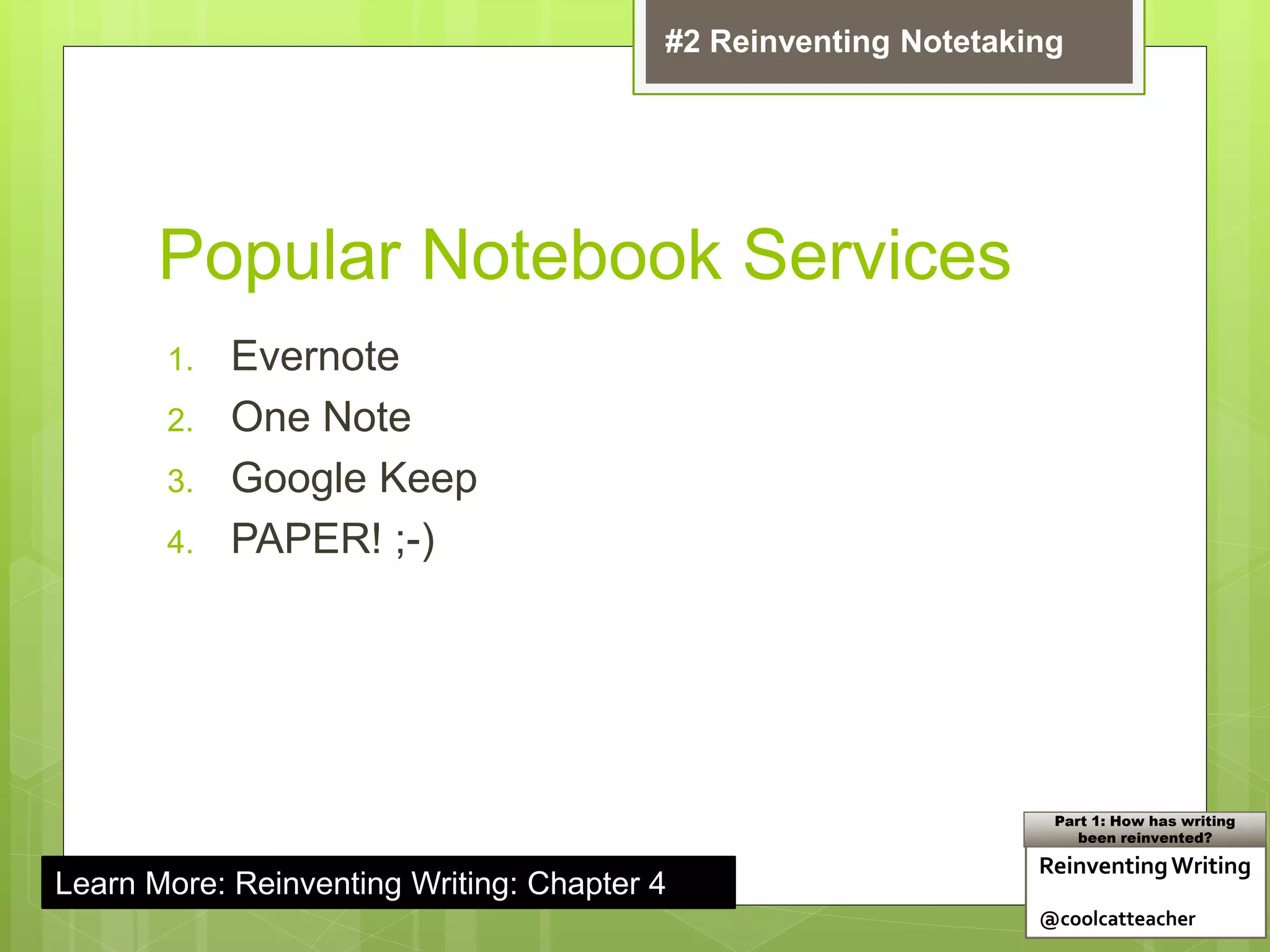
Popular Notebook Services
1. Evernote
2. One Note
3. Google Keep
4. PAPER! ;-)
Learn More: Reinventing Writing: Chapter 4
ReinventingWriting
@coolcatteacher
Part 1: How has writing
been reinvented?
#2 Reinventing Notetaking
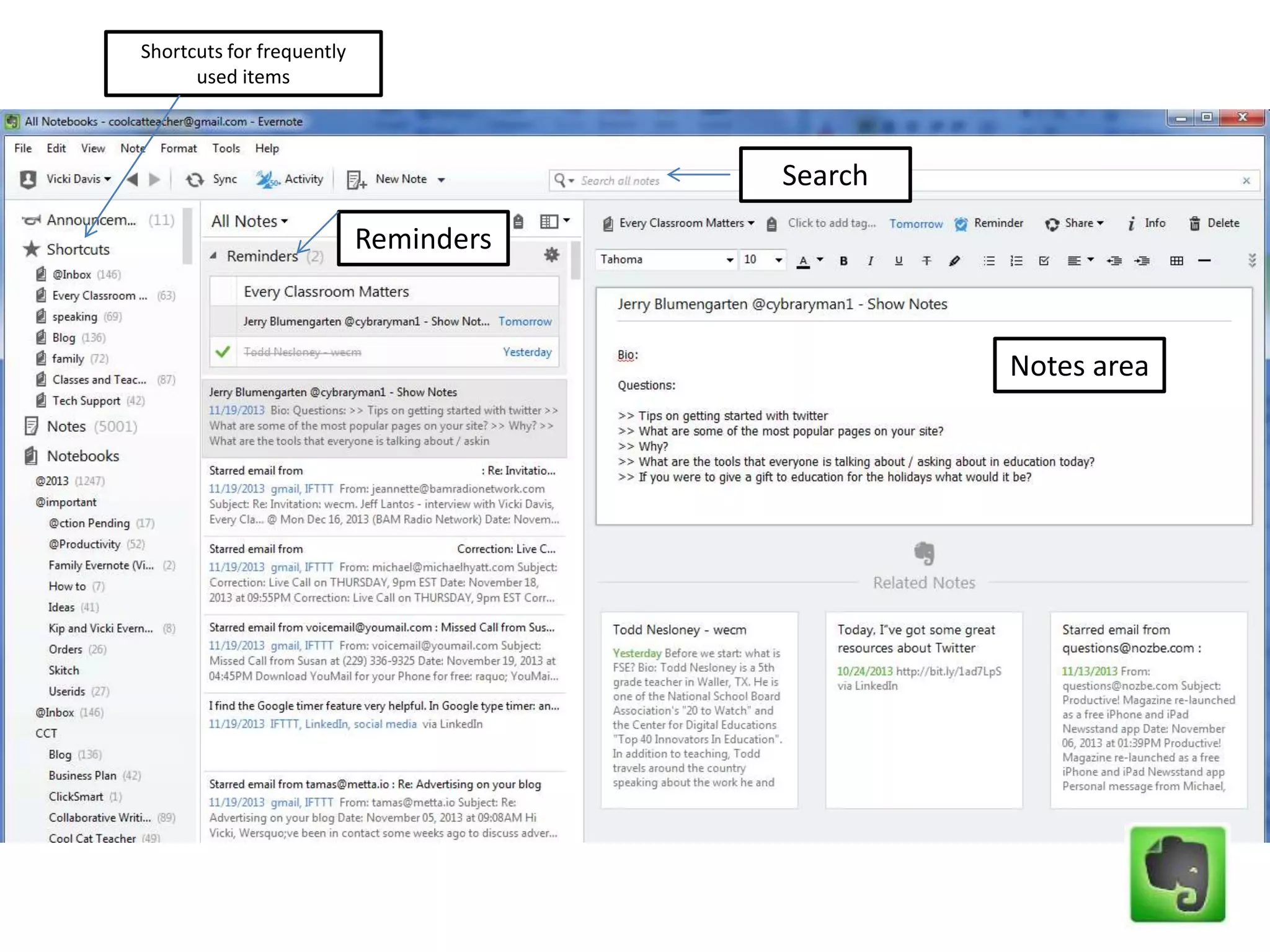
Notes area
Reminders
Search
Shortcuts for frequently
used items
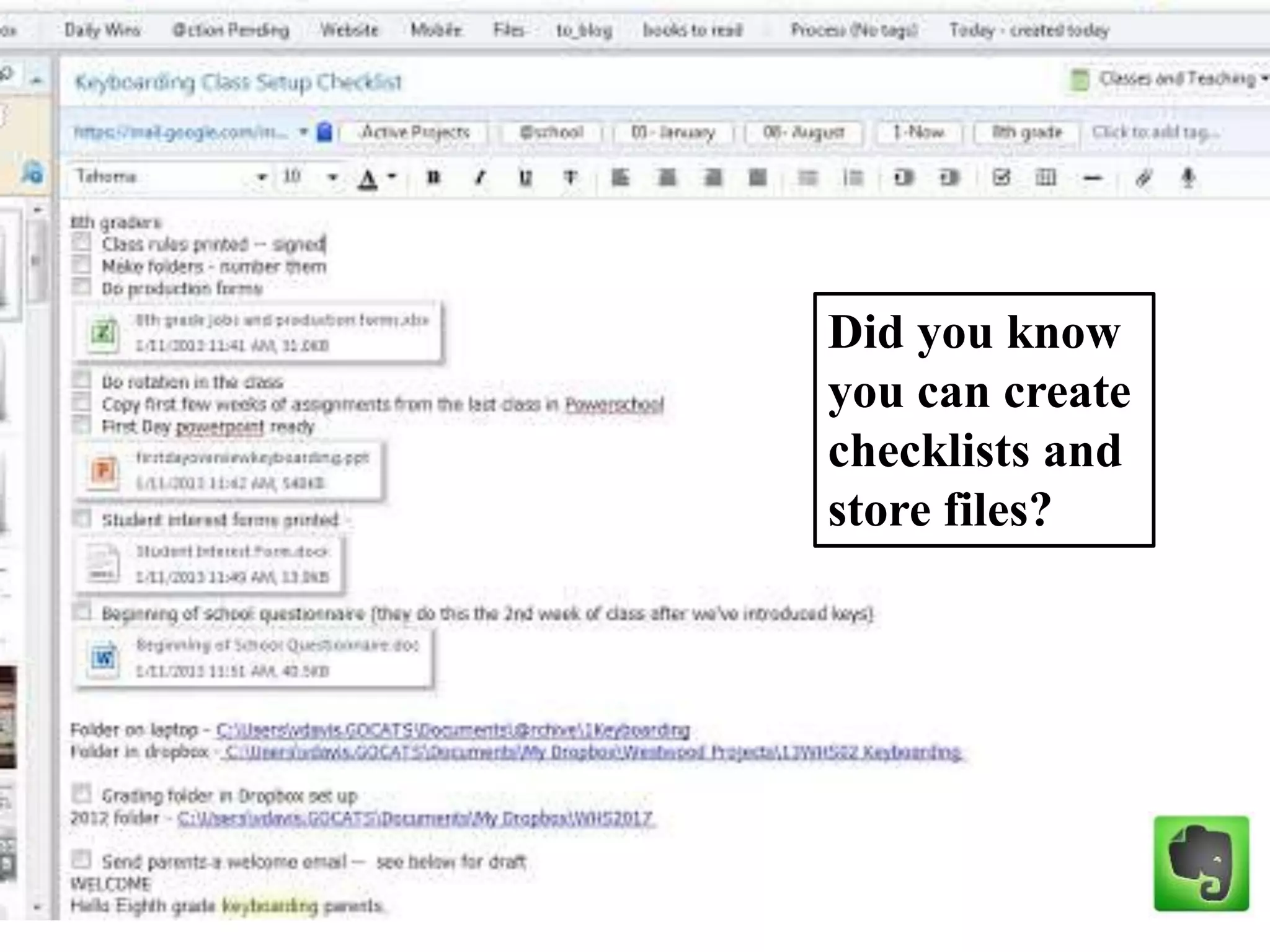
Did you know
you can create
checklists and
store files?
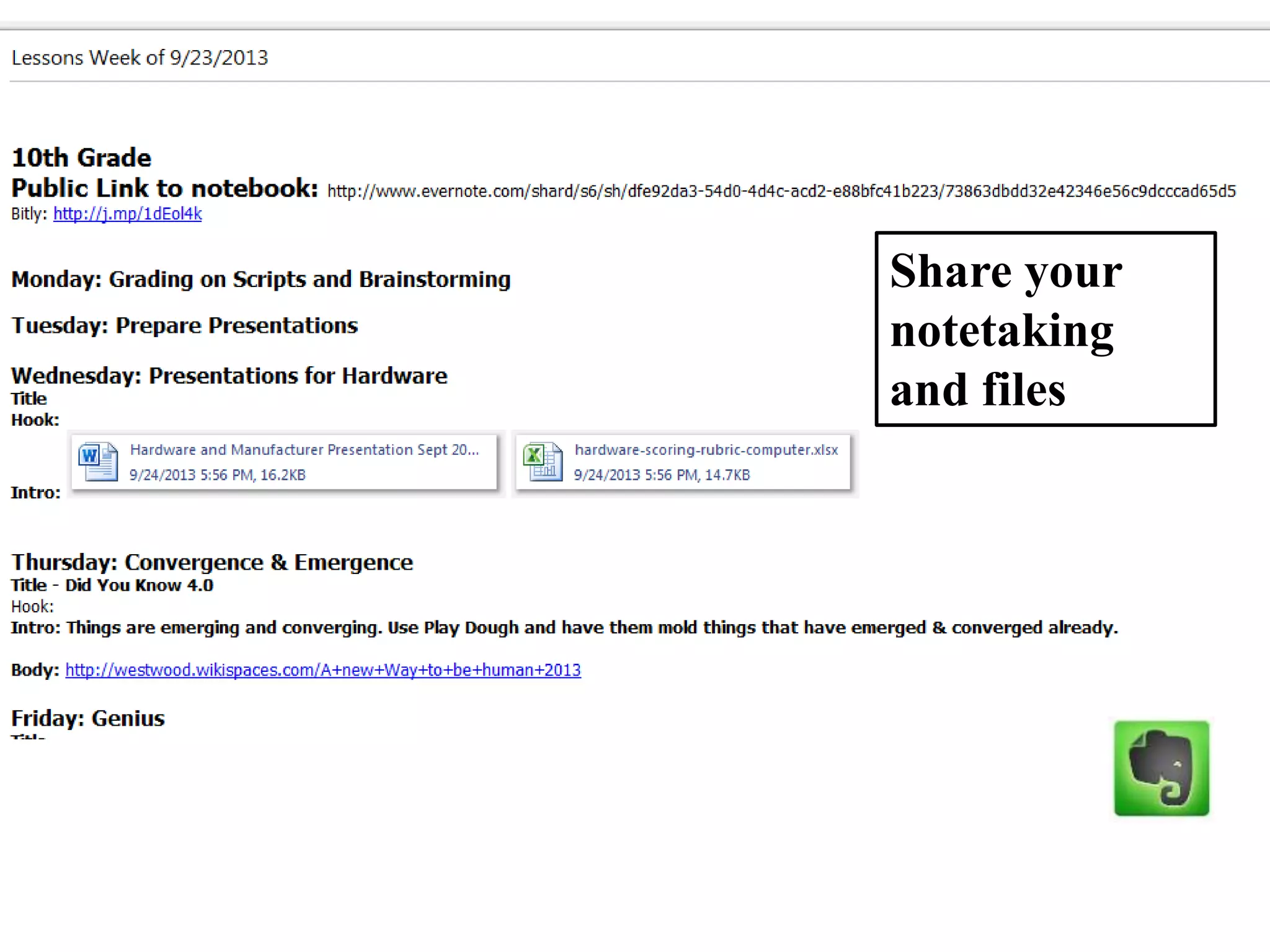
Share your
notetaking
and files
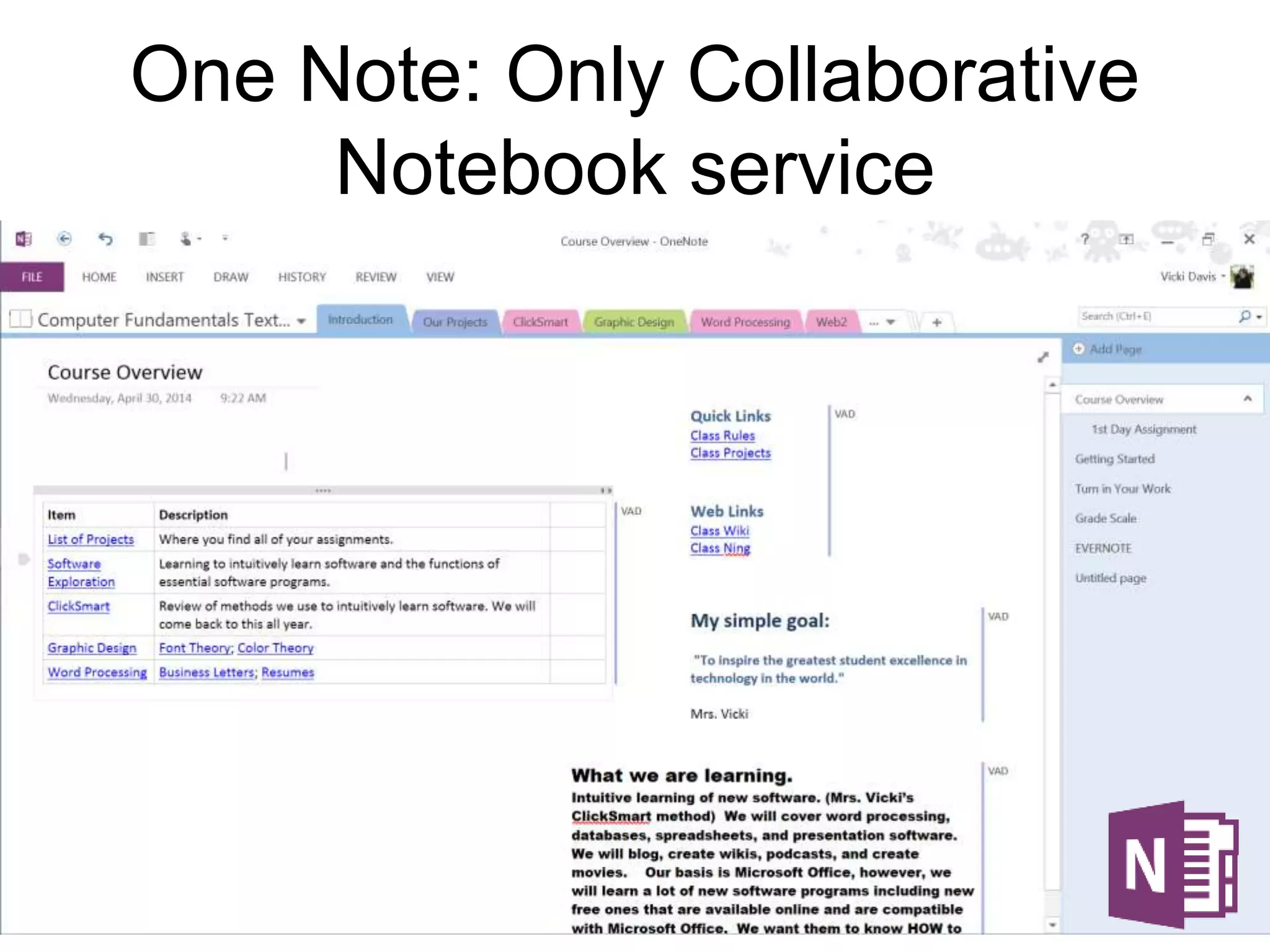
One Note: Only Collaborative
Notebook service
Teacher Question:
Are there times that students
should take notes by hand?
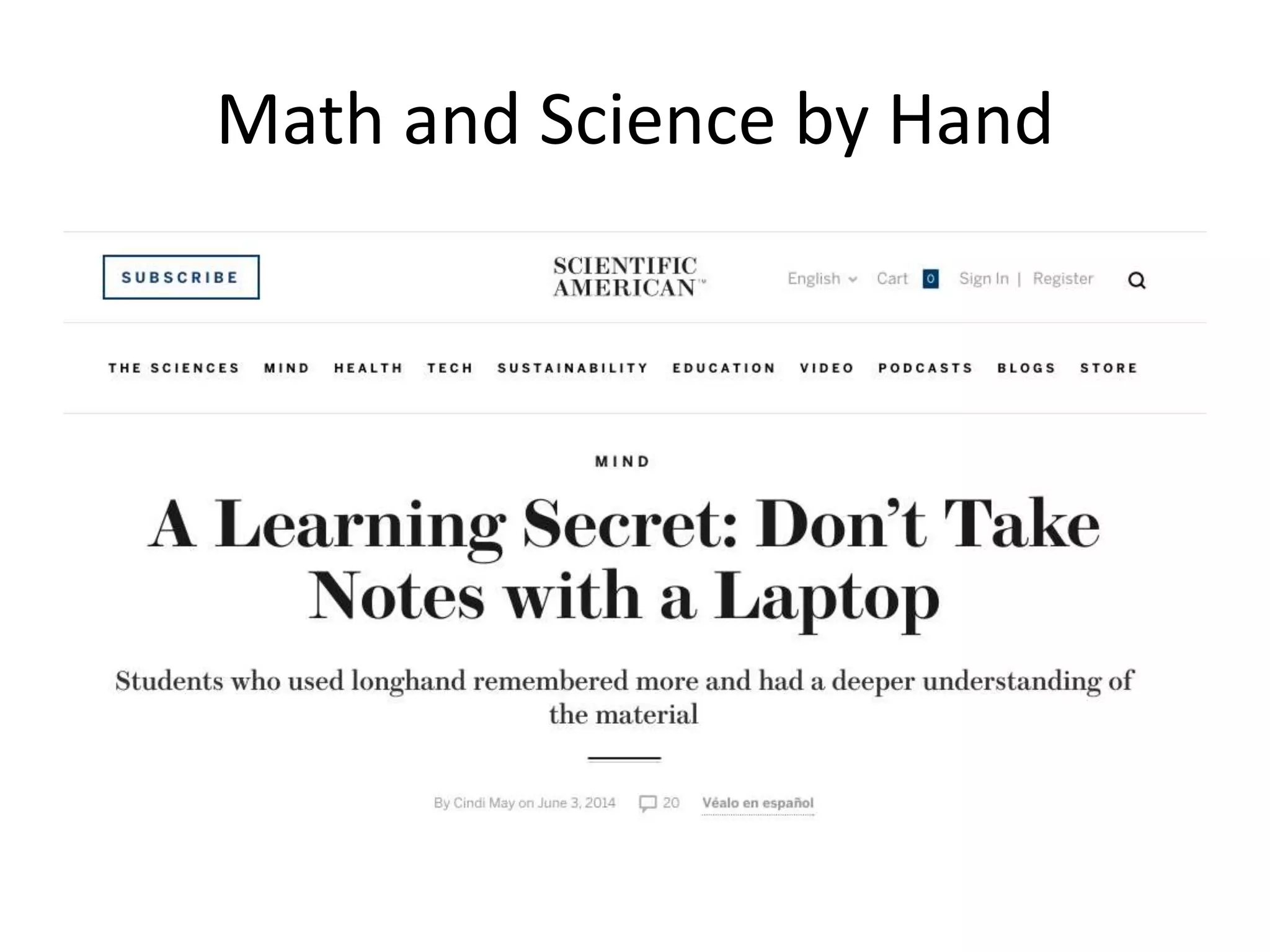
Math and Science by Hand
Teacher Question:
How can I include notes taken by
hand in a digital notebook service
and why would I want to?
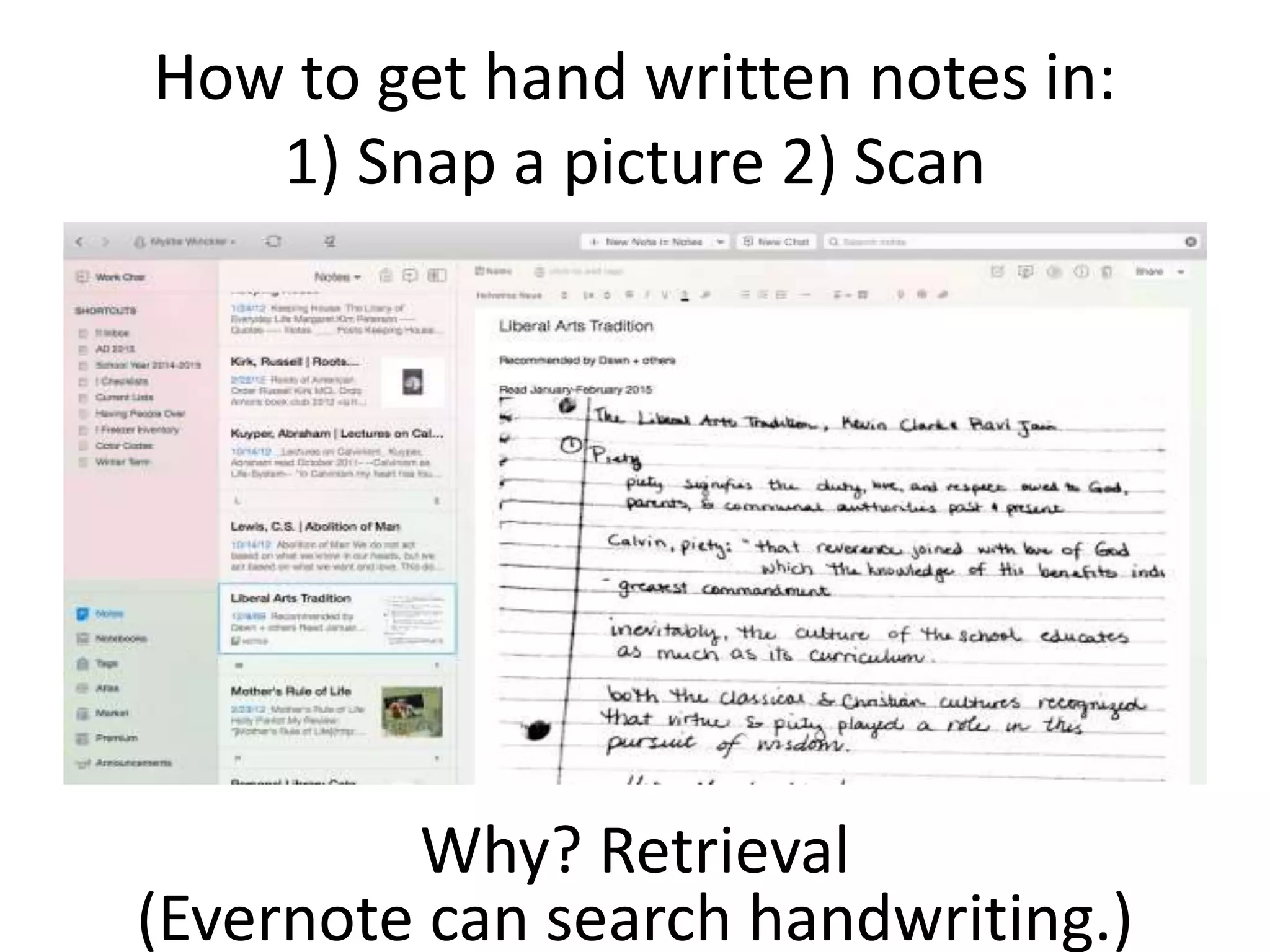
How to get hand written notes in:
1) Snap a picture 2) Scan
Why? Retrieval
(Evernote can search handwriting.)
Teacher Question:
What recommendations should
I take back to my school about
digital notetaking?
Reinventing Writing
Recommendation
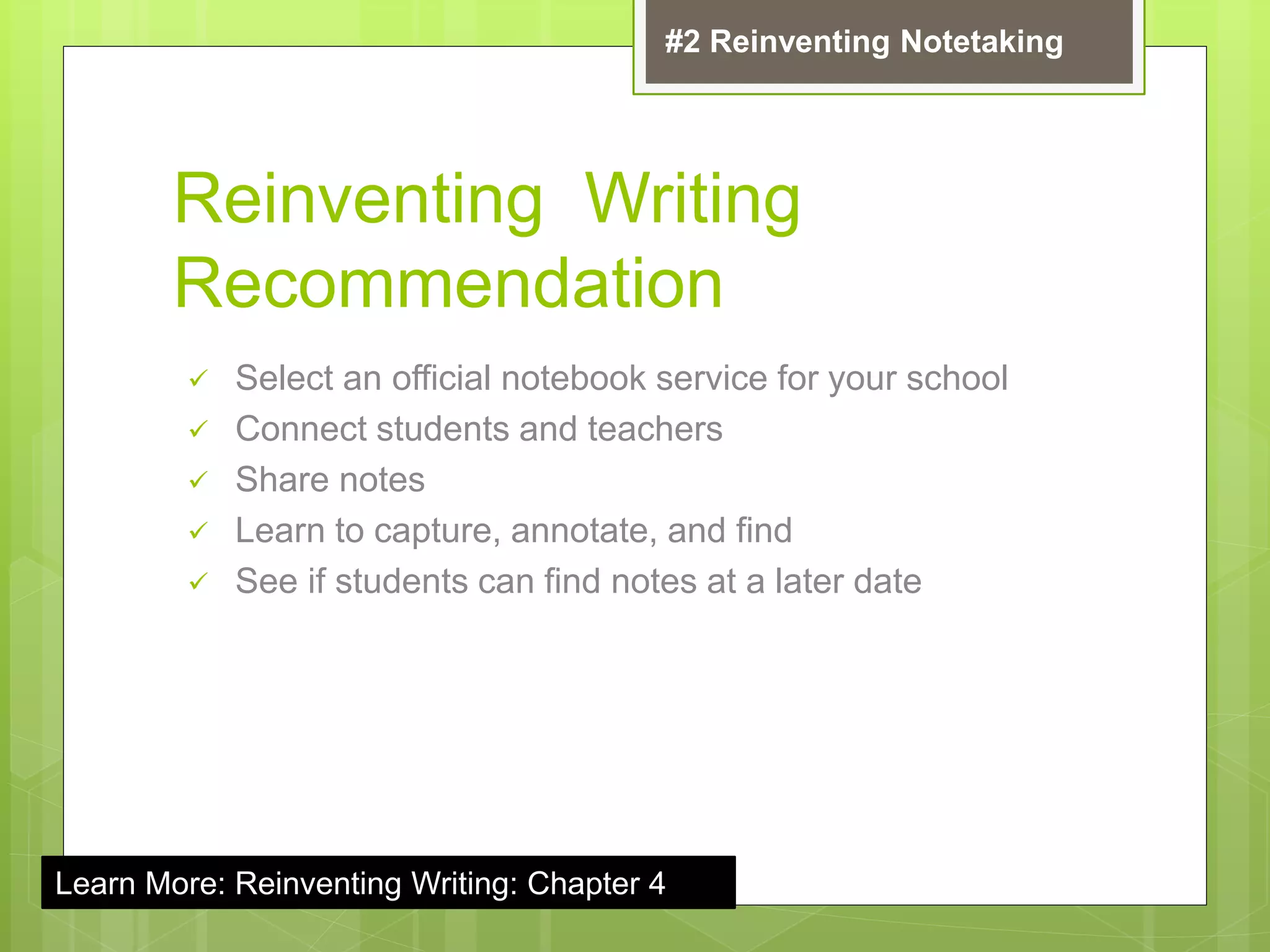
 Select an official notebook service for your school
 Connect students and teachers
 Share notes
 Learn to capture, annotate, and find
 See if students can find notes at a later date
#2 Reinventing Notetaking
Learn More: Reinventing Writing: Chapter 4
Teacher Question:
Is there an easier way to research
for term papers or research
papers?
(And do students really have to
print out a million pages on my
printers?)
ReinventingWriting
@coolcatteacher
Part 1: How has writing
been reinvented?
ReinventingWriting
@coolcatteacher
Part 1: How has writing
been reinvented?
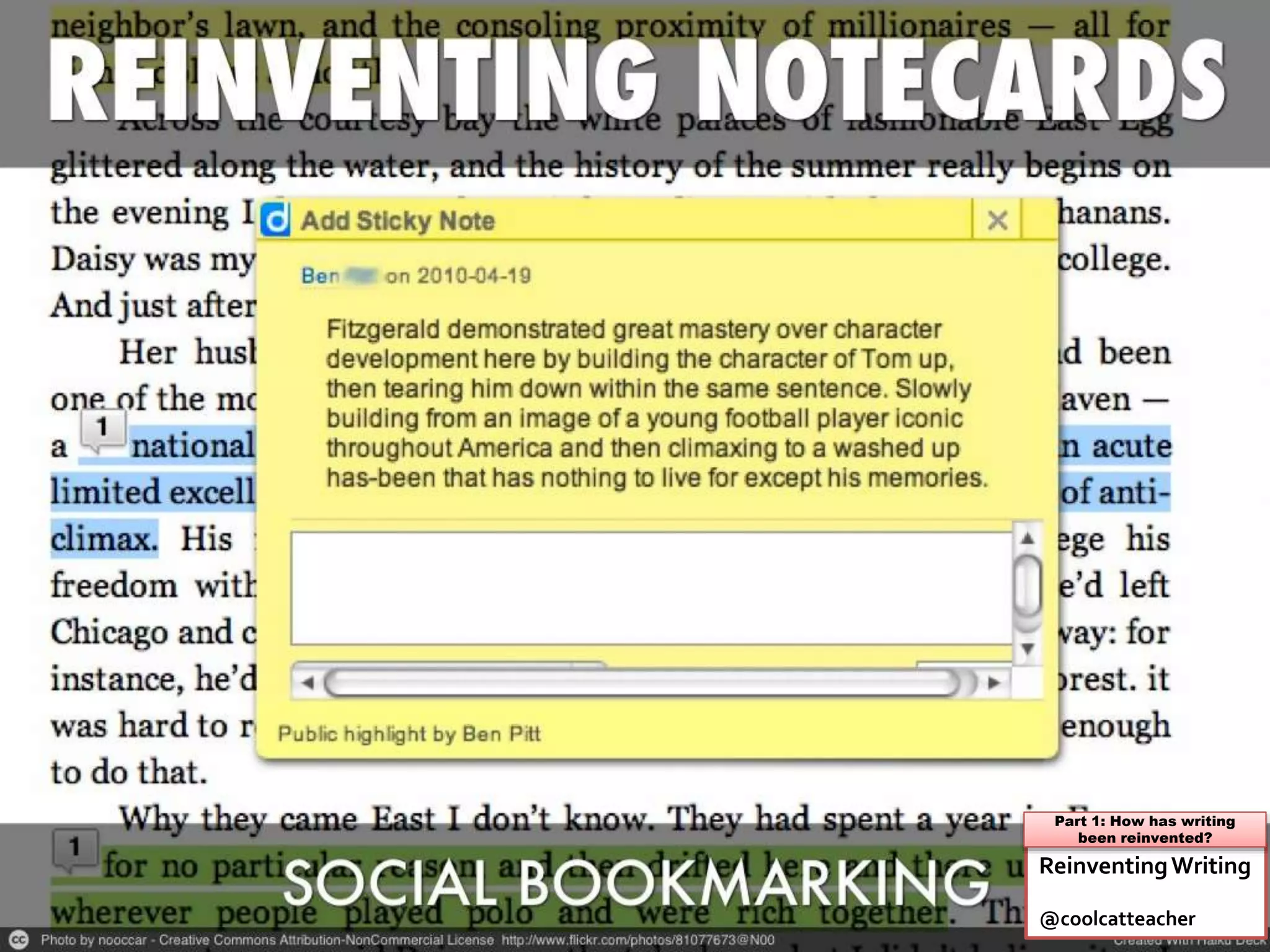
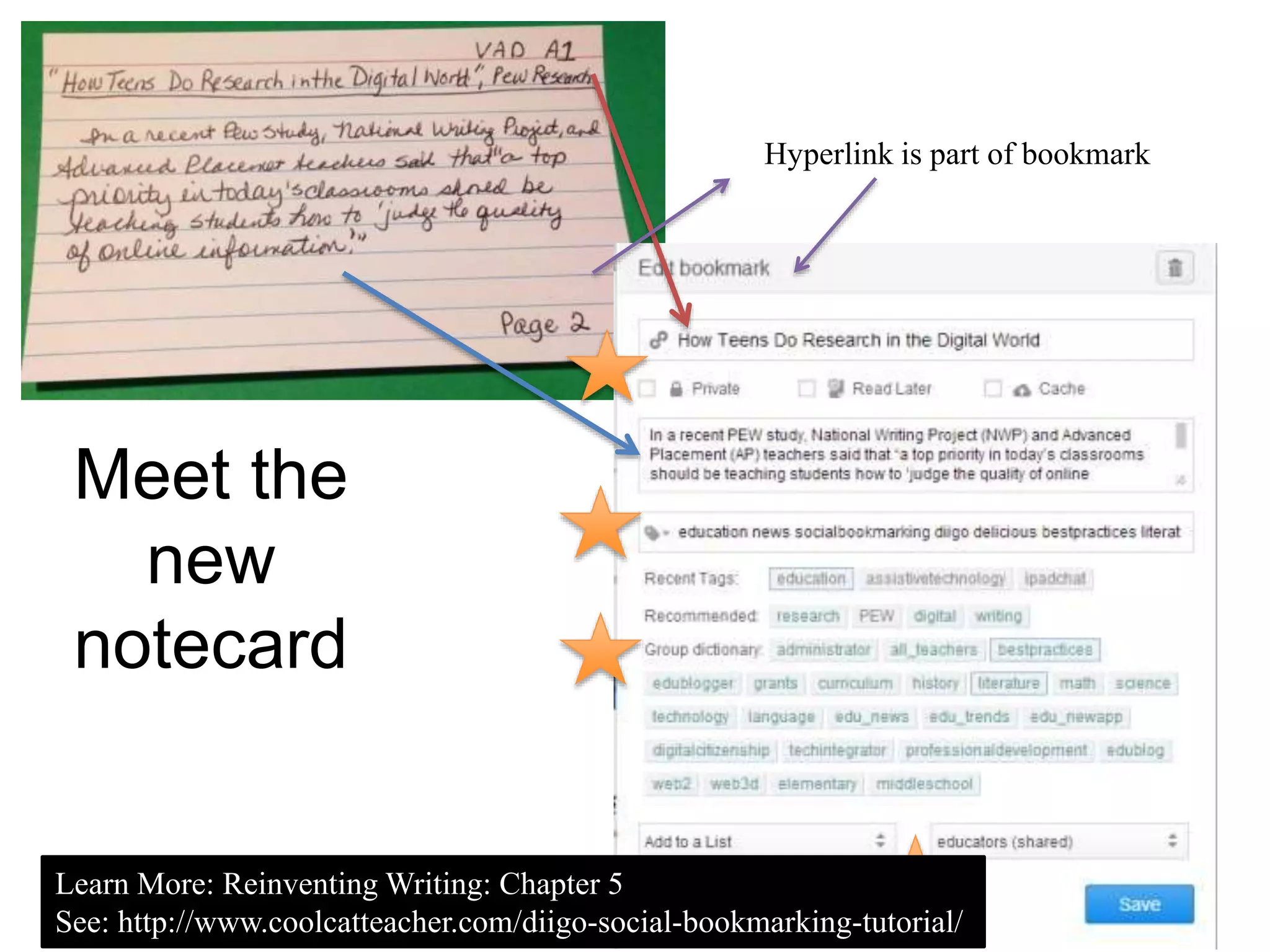
Meet the
new
notecard
Hyperlink is part of bookmark
Learn More: Reinventing Writing: Chapter 5
See: http://www.coolcatteacher.com/diigo-social-bookmarking-tutorial/
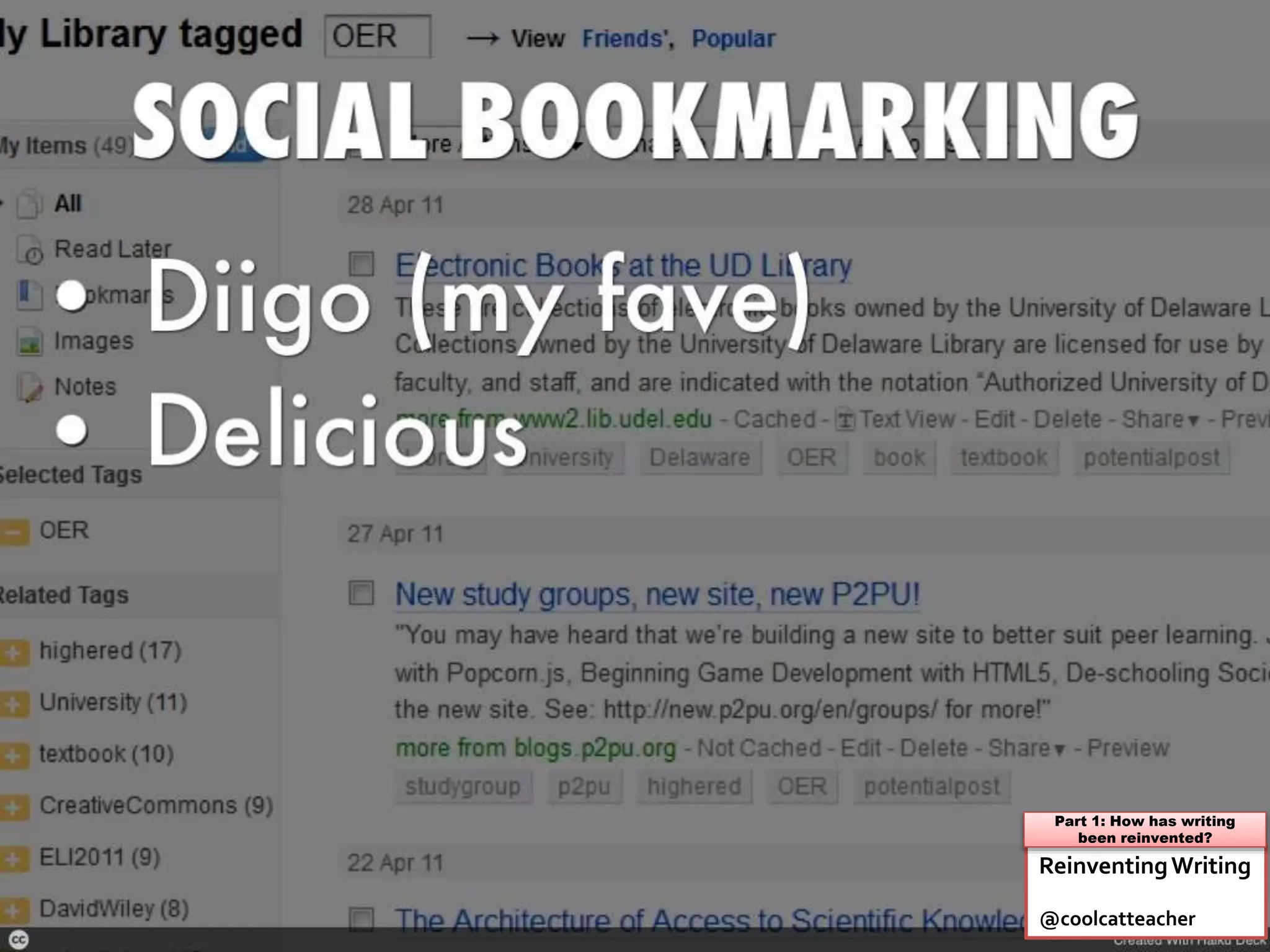
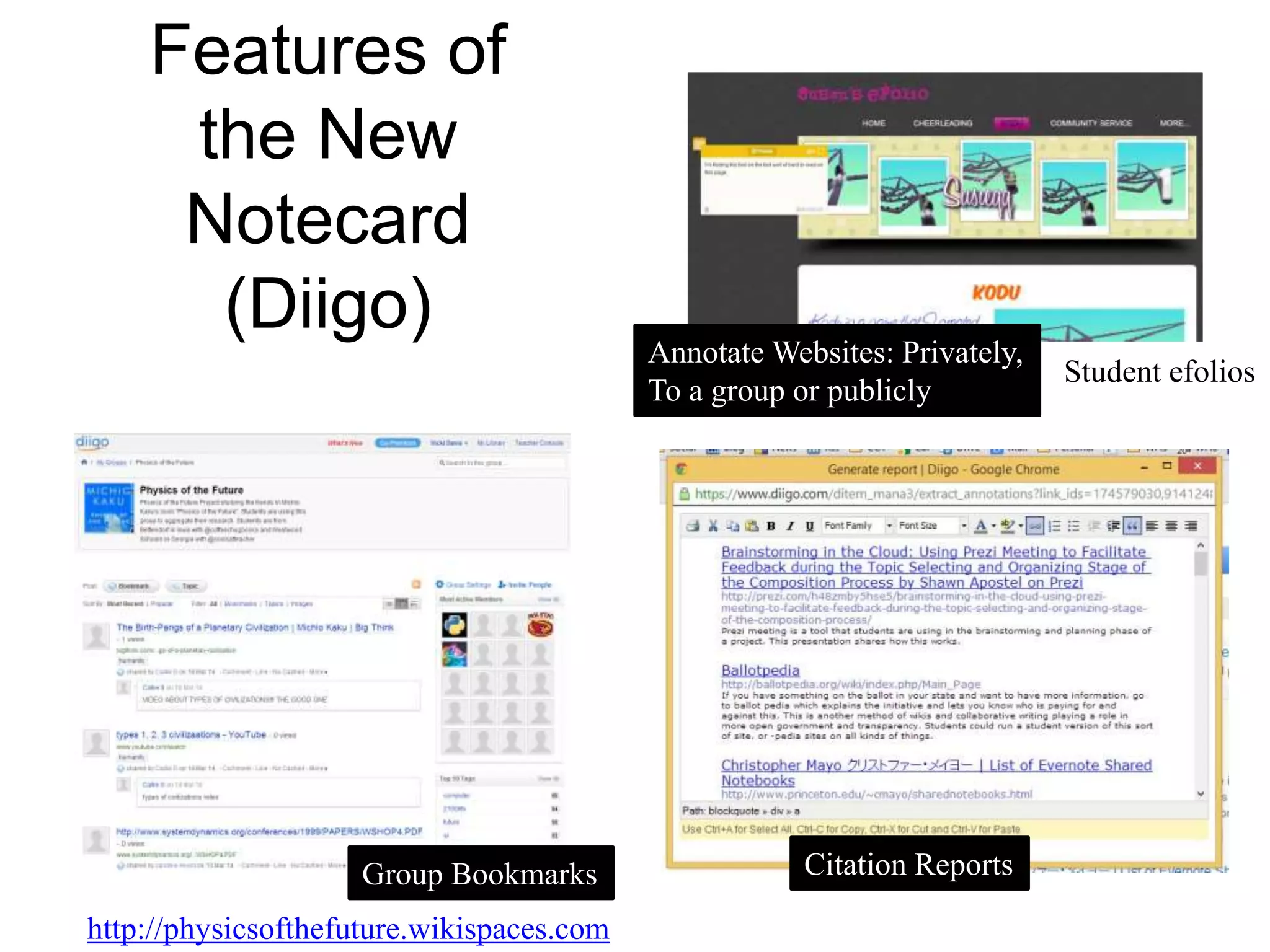
Features of
the New
Notecard
(Diigo) Annotate Websites: Privately,
To a group or publicly
Group Bookmarks
http://physicsofthefuture.wikispaces.com
Student efolios
Citation Reports
Teacher Question:
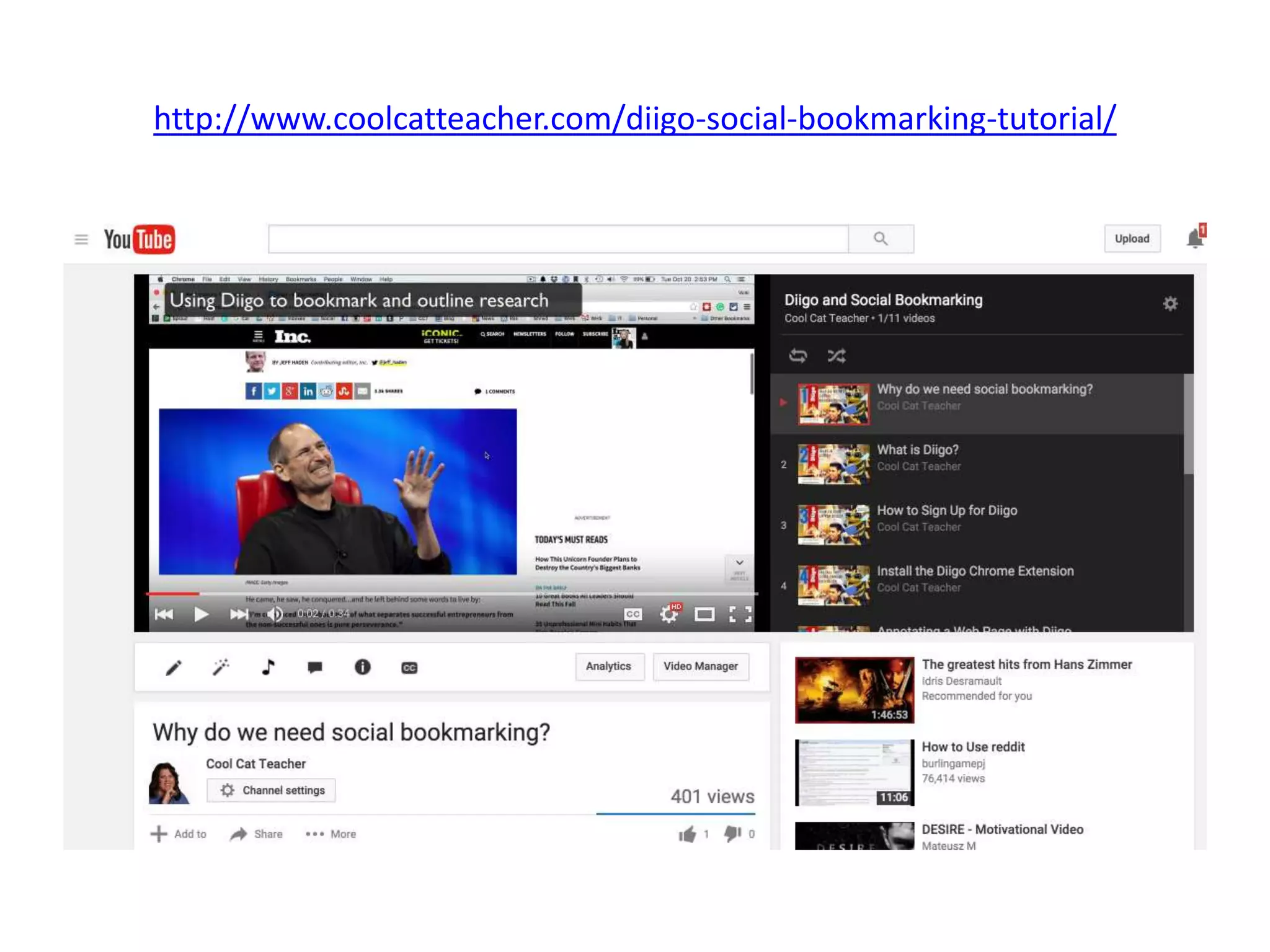
How can I learn about Diigo?
http://www.coolcatteacher.com/diigo-social-bookmarking-tutorial/
Teacher Question:
How can my students share
their research in Diigo?
Reinventing Writing
Recommendation
 Set up a bookmarking group for each class
 Set up a “tag dictionary” for common topics
for the term
 Install the Diigo plug in to add more features
to websites
#3 Reinventing Notecards
Learn More: Reinventing Writing: Chapter 5
Teacher Question:
How can I find my files on
multiple devices?
(computers, smartphones,
tablets)
ReinventingWriting
@coolcatteacher
Part 1: How has writing
been reinvented?
Teacher Question:
What are the most popular
cloud sync services?
ReinventingWriting
@coolcatteacher
Part 1: How has writing
been reinvented?
Dropbox * Google Drive * One Drive
Teacher Question:
What do students need to
know about syncing to the
cloud?
ReinventingWriting
@coolcatteacher
Part 1: How has writing
been reinvented?
Teacher Question:
What if I want to swap cloud
sync services and use a
different one?
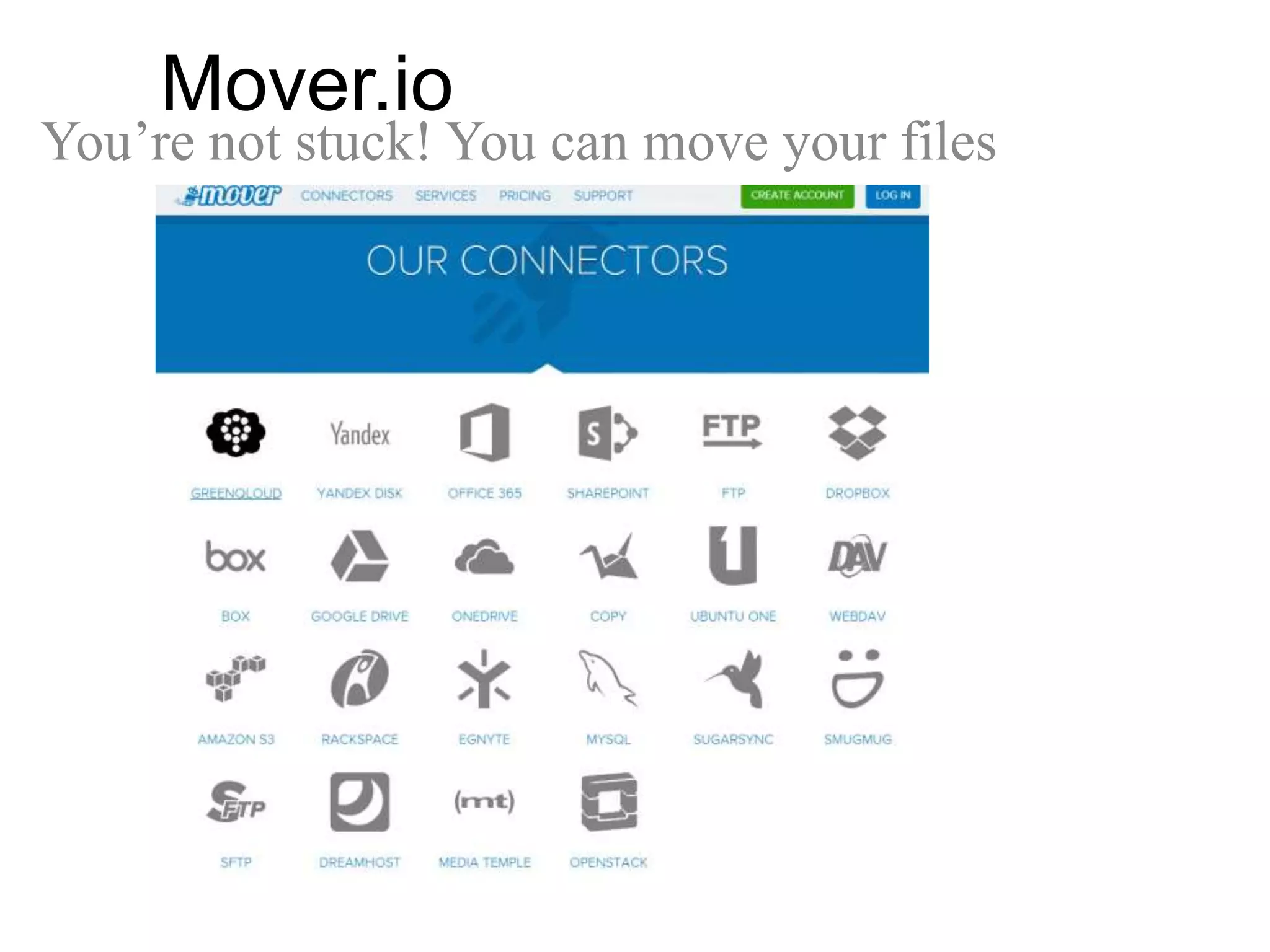
Mover.io
You’re not stuck! You can move your files
Teacher Question:
Are there other things you can
do with cloud services besides
save and share files?
Dropbox: Did you know?
 You can connect to your students and share files
 Dropbox is a great way to share videos
 You can create a folder people can upload to using dropitto.me
 Sortmybox will help you organize and move your dropbox
materials
 Jotform sends forms straight to Dropbox
 Automate Dropbox with IFTTT
 You can create a website from a Dropbox Folder using site44
 My bookmarks of all the things you can do with Dropbox:
https://www.diigo.com/user/coolcatteacher/dropbox
ReinventingWriting
@coolcatteacher
Part 1: How has writing
been reinvented?
#5 Reinventing Filing Cabinets
Google Drive: Did you know?
 You can install Google Drive like a Dropbox
Folder
 You can set up shared class folders
 Google Drive can link with other services (like
wevideo)
 See “Becoming a Google Drive Master”
 http://j.mp/gdrive-master
#5 Reinventing Filing Cabinets
One Drive: Did you know?
 Integrated with Office and Windows 8 (no need to
install)
 If you don’t buy the service, only 3 students can
sign up PER DAY behind a firewall (I give it as a
home assignment/ school supply)
 Free versions of Word/ Excel/ Powerpoint
available online with your files if you use it
 Replaces the “Jump Drive” more easily than
anything else.
#5 Reinventing Filing Cabinets
Teacher Question:
What should my school do
about cloud syncing?
Reinventing Writing
Recommendation
 Create shared places in the cloud for students
and teachers to move files between devices
 Educate everyone on how to use them and
what they are doing (even if you don’t allow
them to use popular services)
 Students need places to share video and
other files!
#5 Reinventing Filing Cabinets
Learn More: Reinventing Writing: Chapter 6
Teacher Question:
How can I have more peer
review in essay writing?
ReinventingWriting
@coolcatteacher
Part 1: How has writing
been reinvented?
ReinventingWriting
@coolcatteacher
Part 1: How has writing
been reinvented?
So much more than the “essay”
- reinventing wordprocessors
Teacher Question:
What are the popular
collaborative essay writing
tools?
ReinventingWriting
@coolcatteacher
Part 1: How has writing
been reinvented?
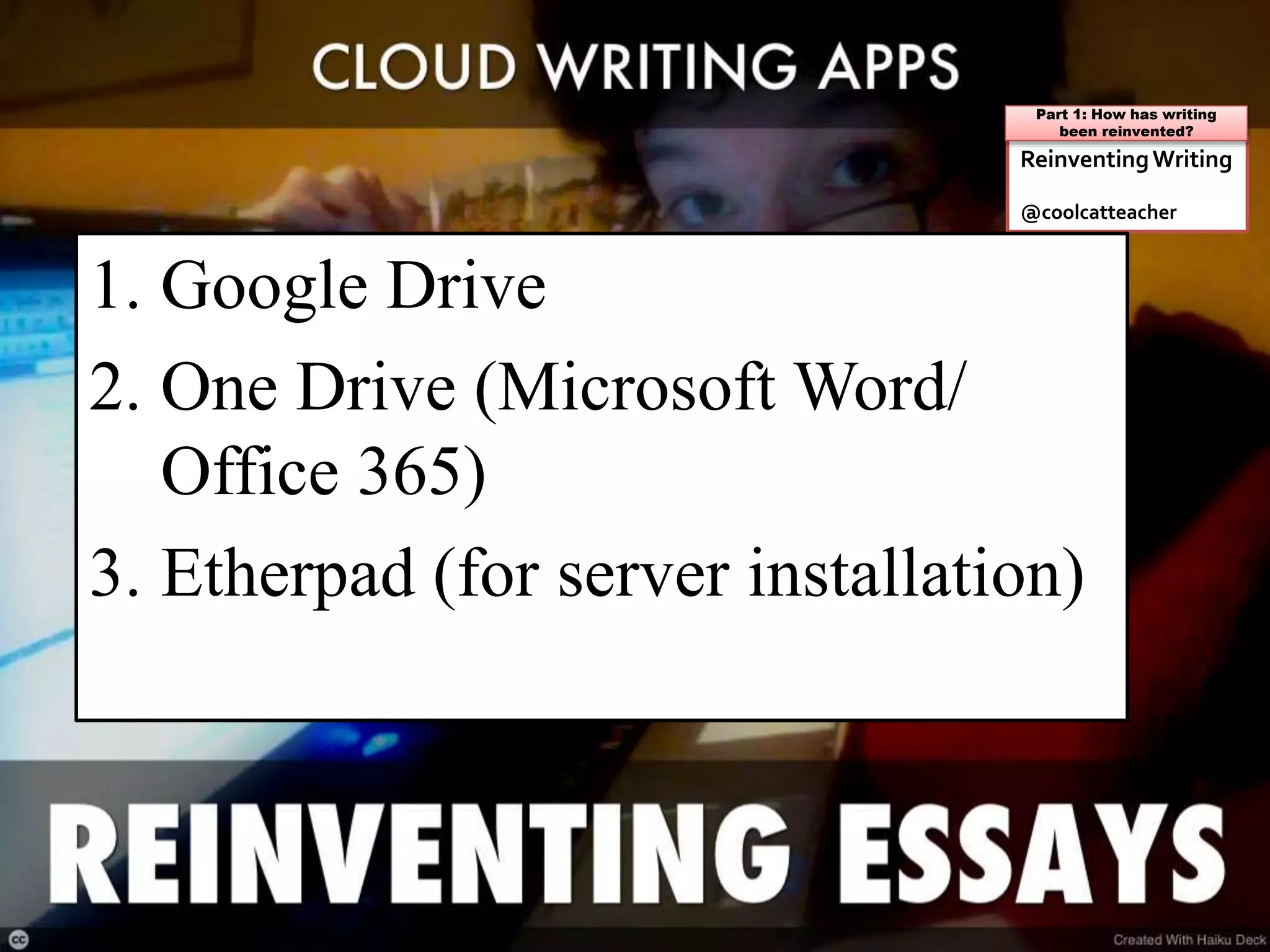
1. Google Drive
2. One Drive (Microsoft Word/
Office 365)
3. Etherpad (for server installation)
Teacher Question:
What do students need to
know about collaborative
writing?
ReinventingWriting
@coolcatteacher
Part 1: How has writing
been reinvented?
Teacher Question:
How can I do less proofreading,
grammar checking, and use
technology to help students
write (and make my job easier?)
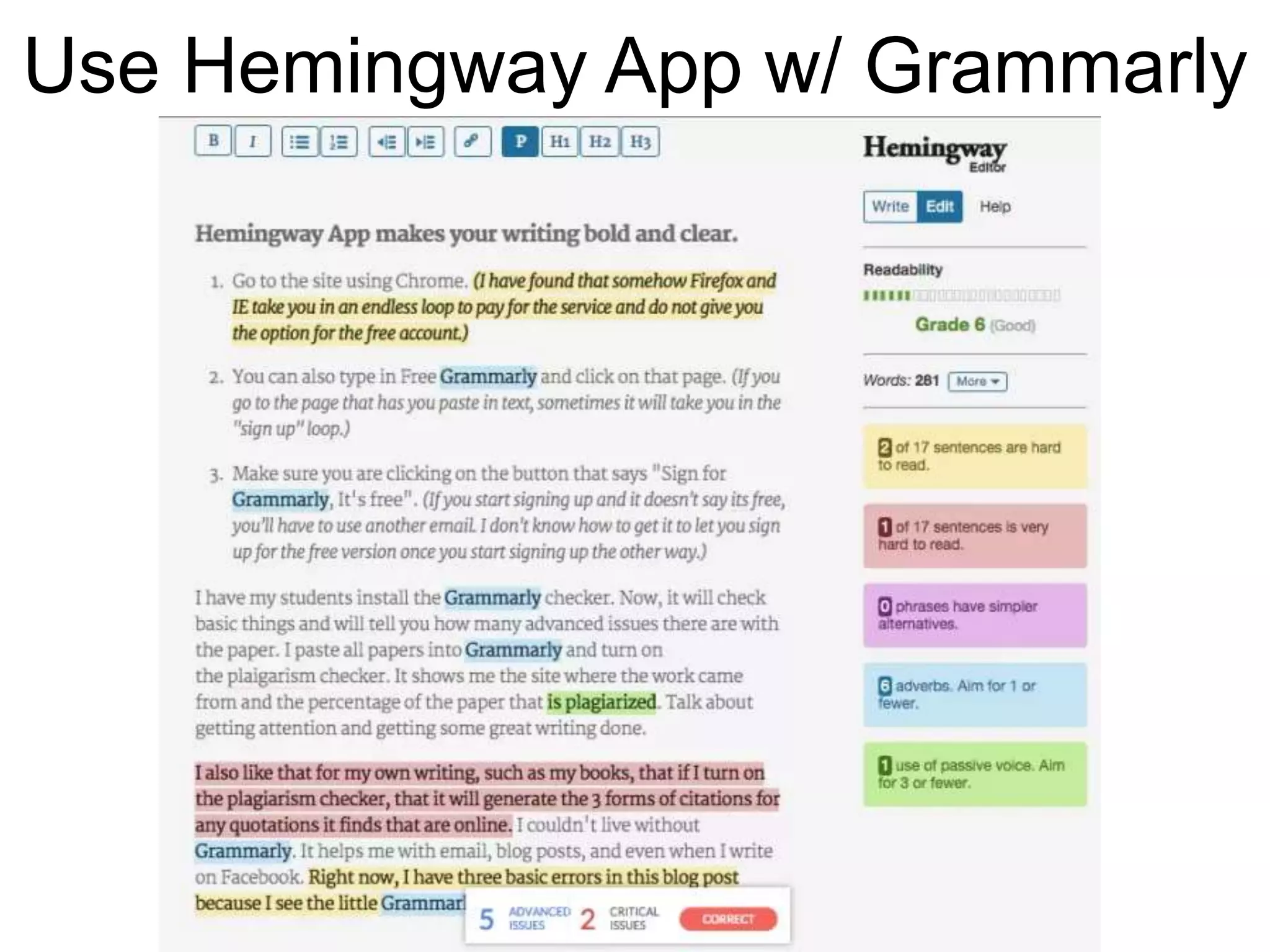
Teacher Question:
How can I coach students in
making writing more concise
and to the point?
Use Hemingway App w/ Grammarly
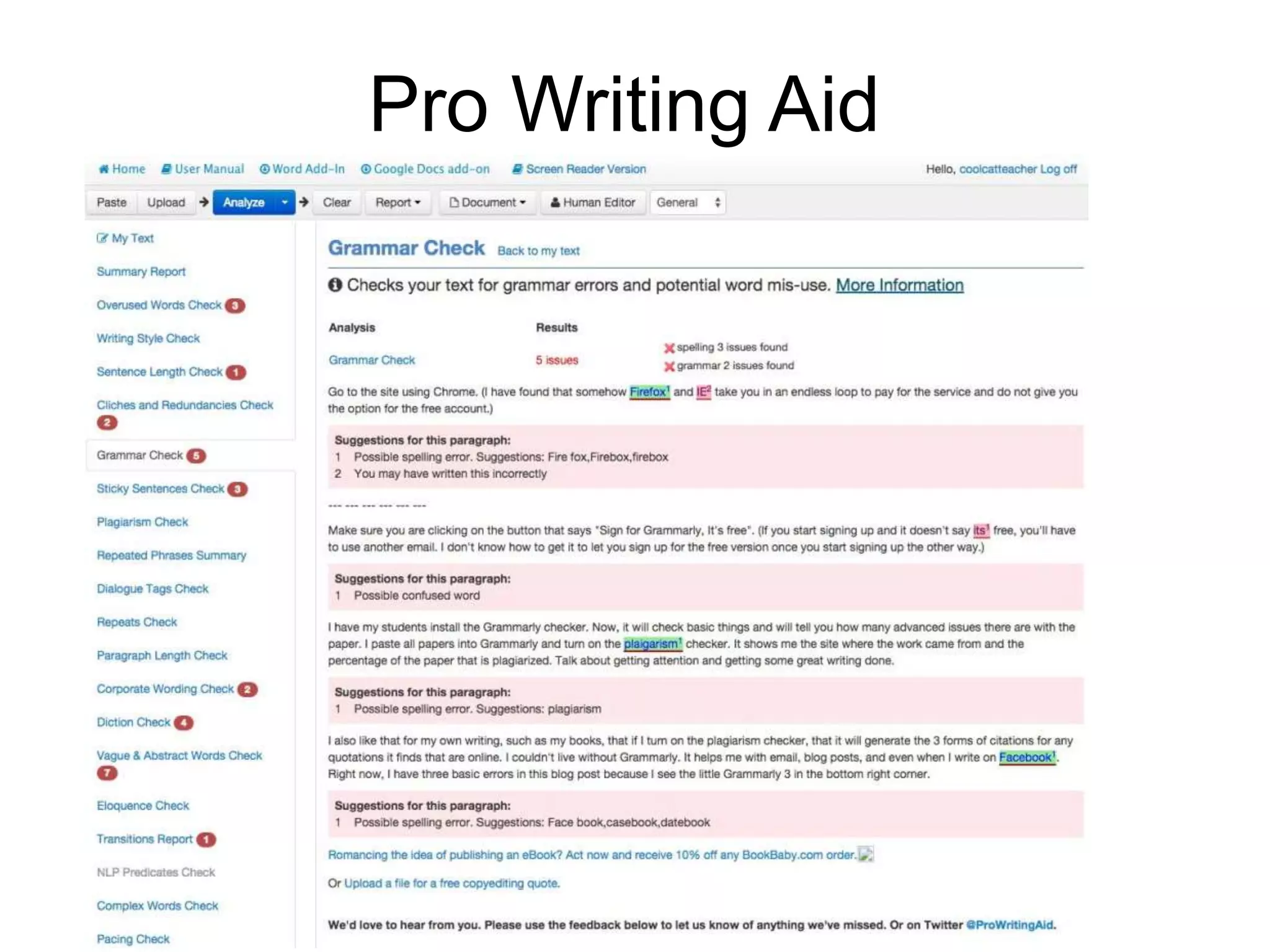
Teacher Question:
Are there advanced tools I can
use to help students with
mechanics?
Pro Writing Aid
Teacher Question:
How can I help students make
their writing easier to read?
(especially in blogging because
no one is reading their work!)
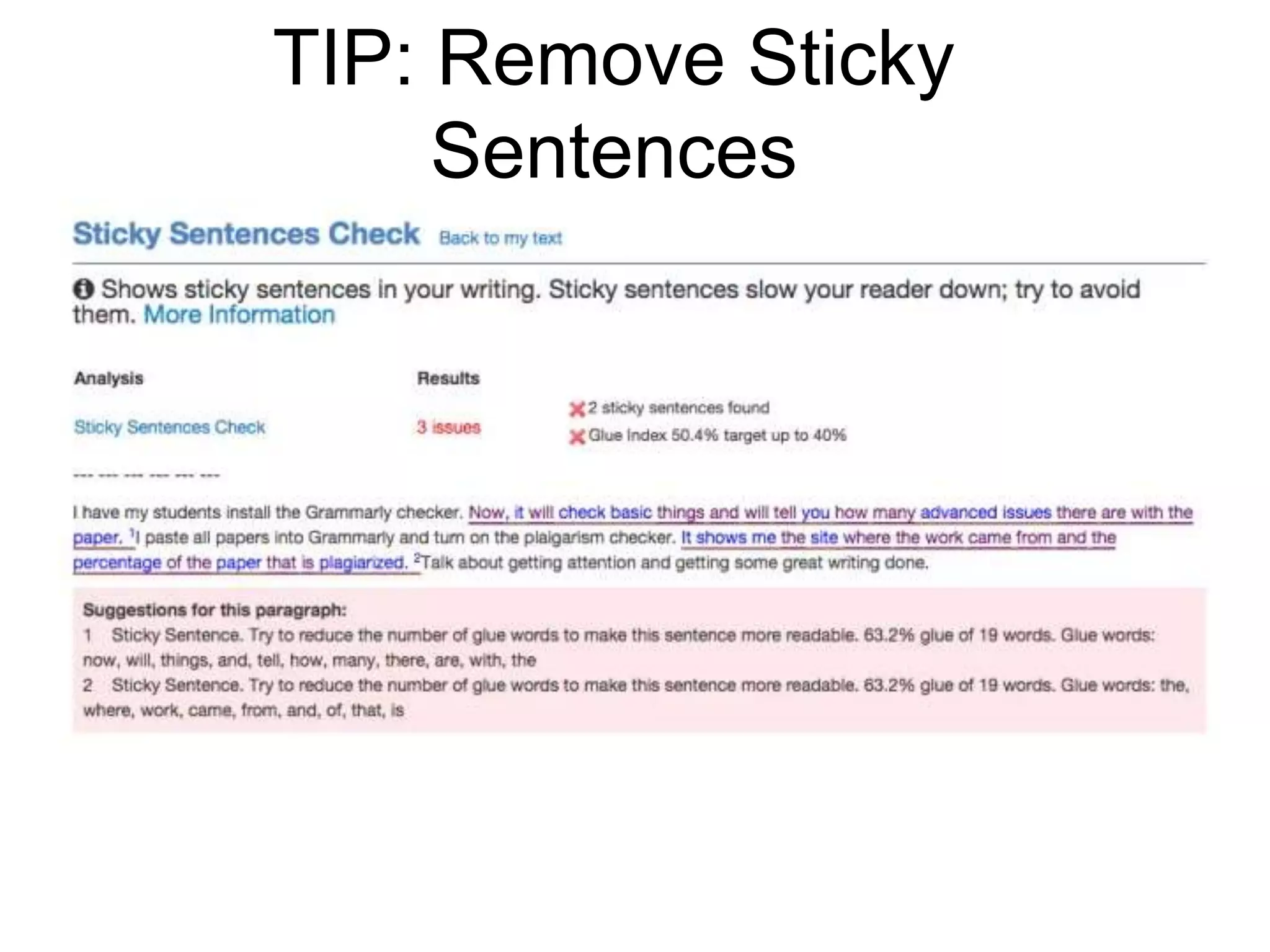
TIP: Remove Sticky
Sentences
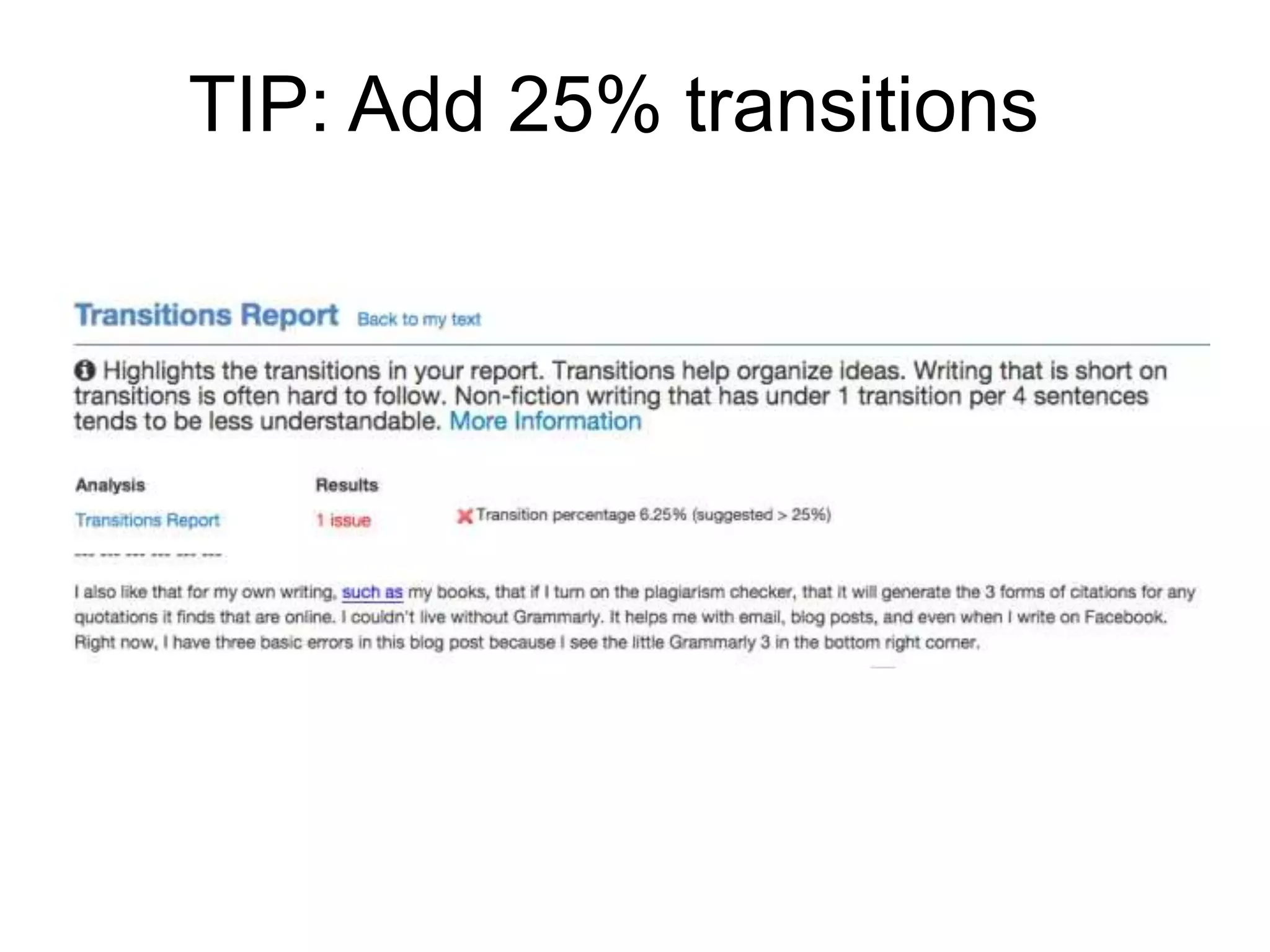
TIP: Add 25% transitions
Teacher Question:
How can I help students who
are slow typists and prefer
writing by hand?
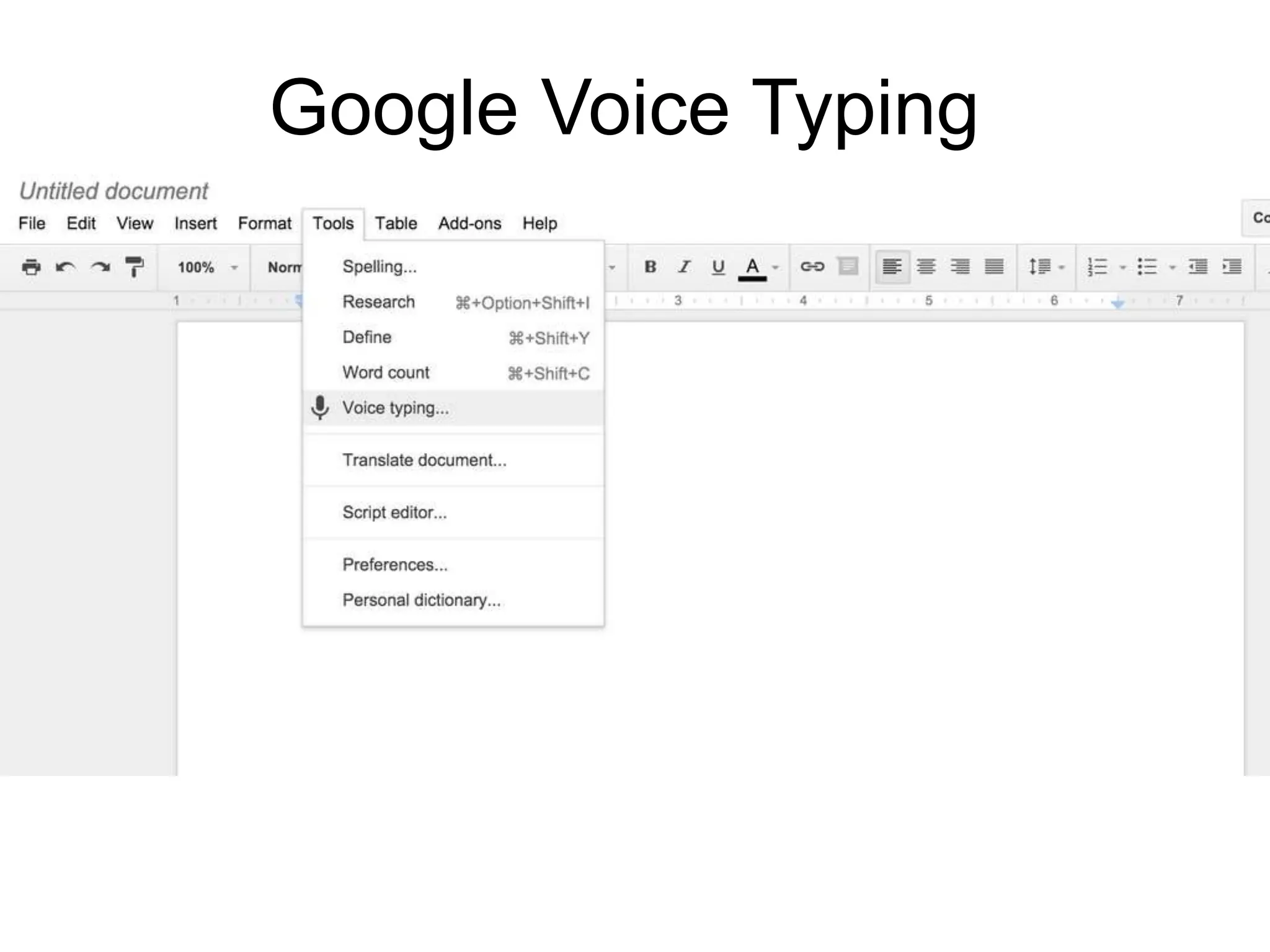
Google Voice Typing
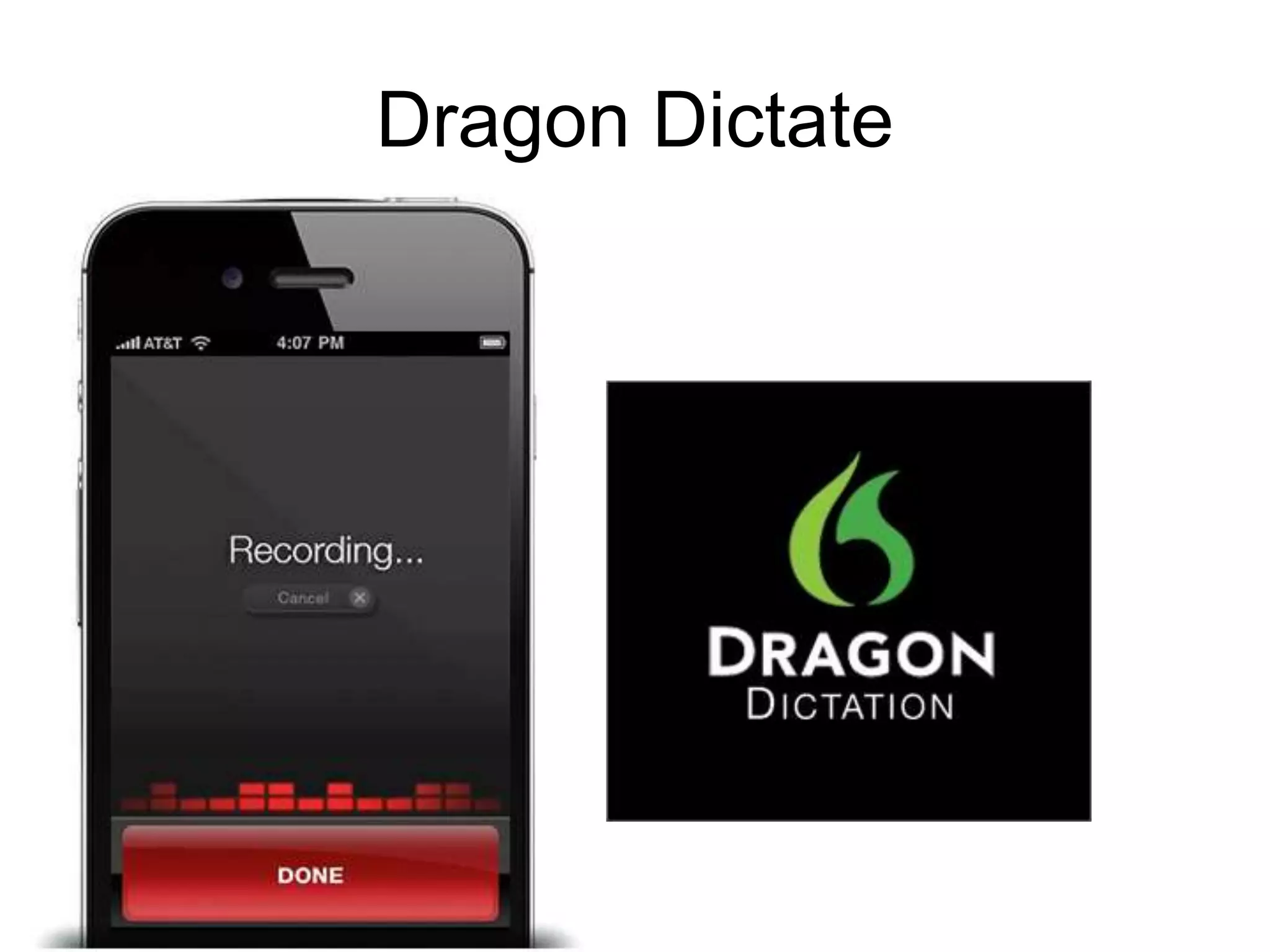
Dragon Dictate
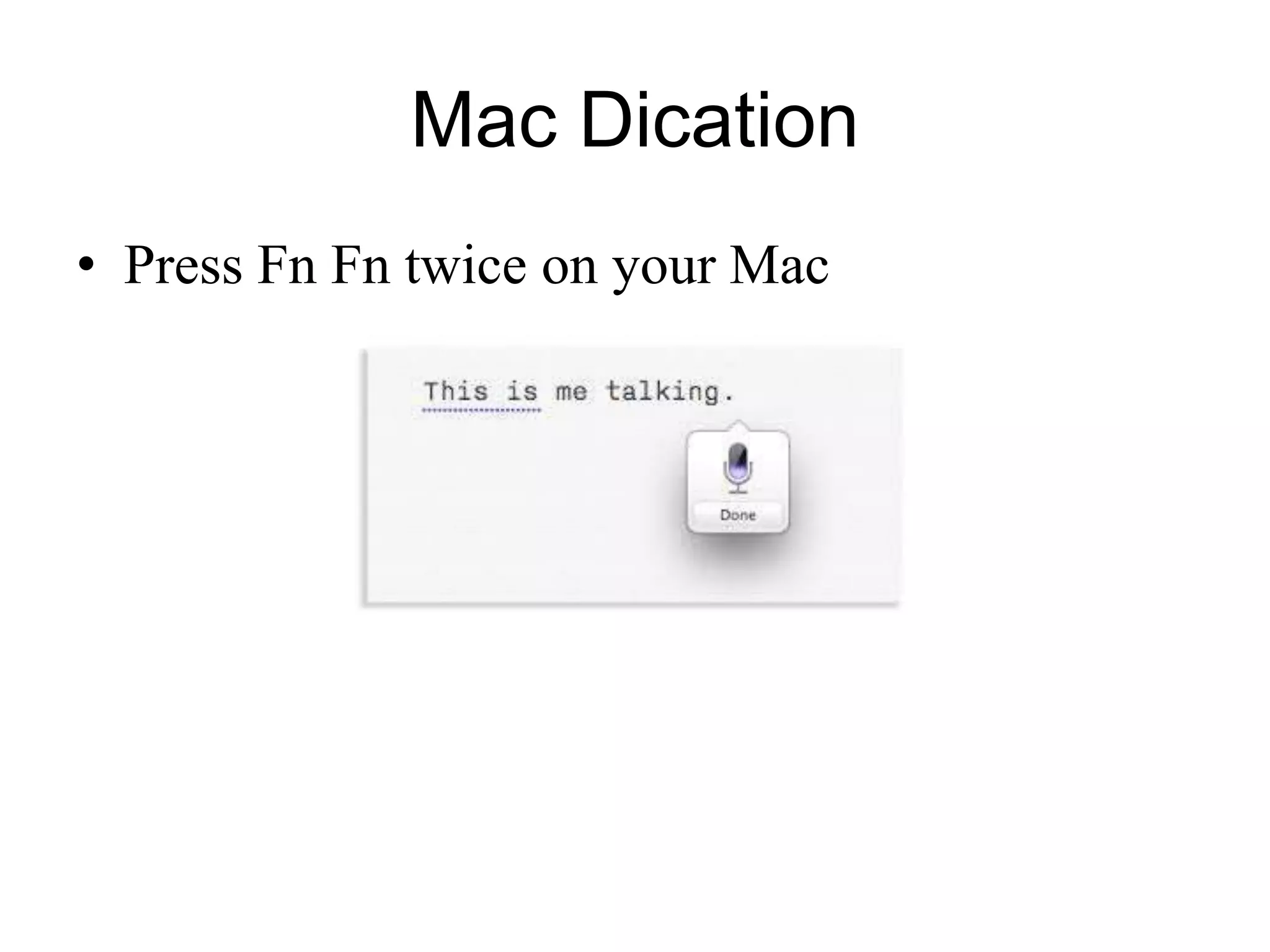
Mac Dication
• Press Fn Fn twice on your Mac
Teacher Question:
How can I give better feedback
both with words and my voice?
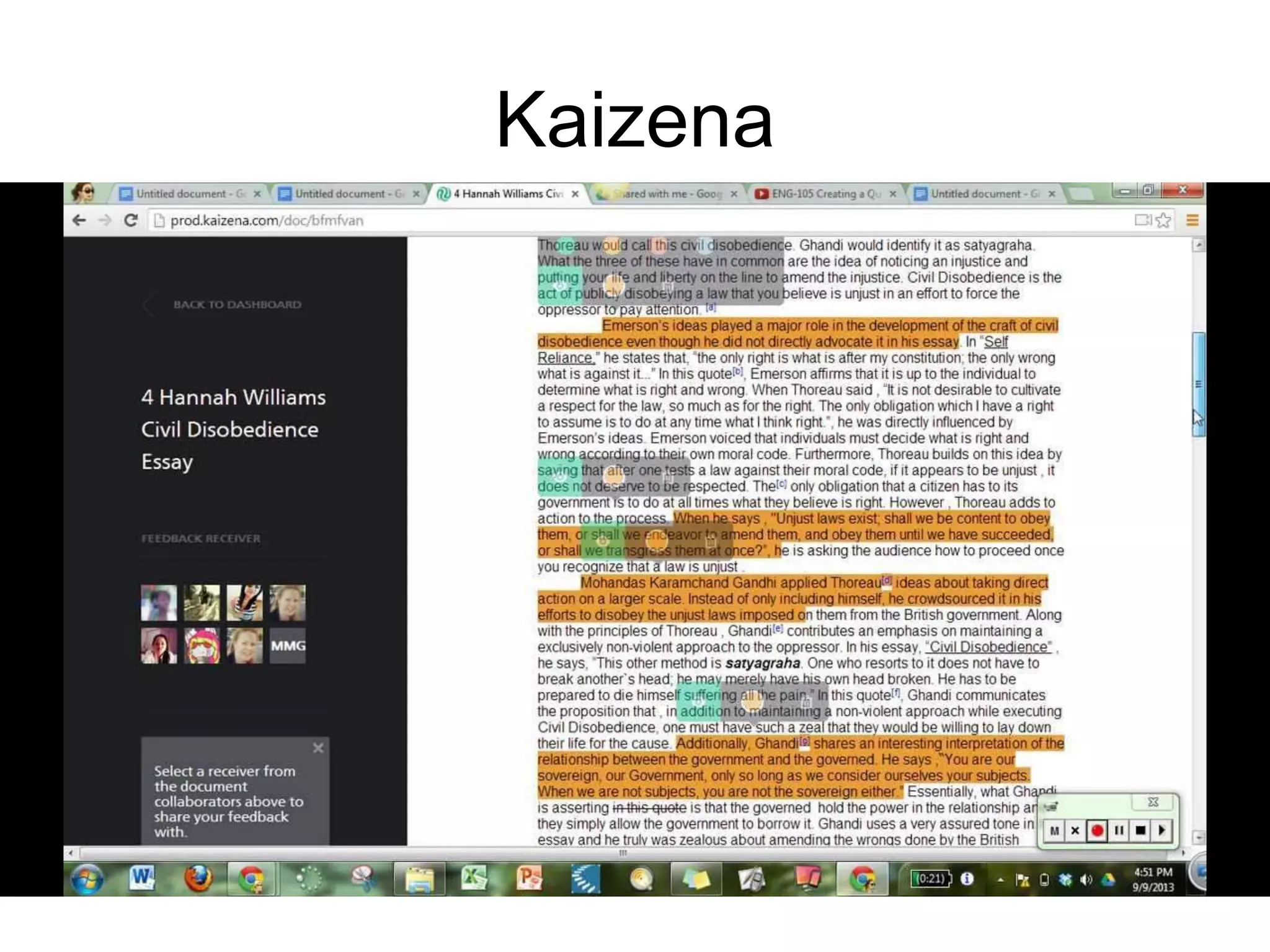
Kaizena
Teacher Question:
Are there other tools I can use
with collaborative writing apps
like Google Docs?
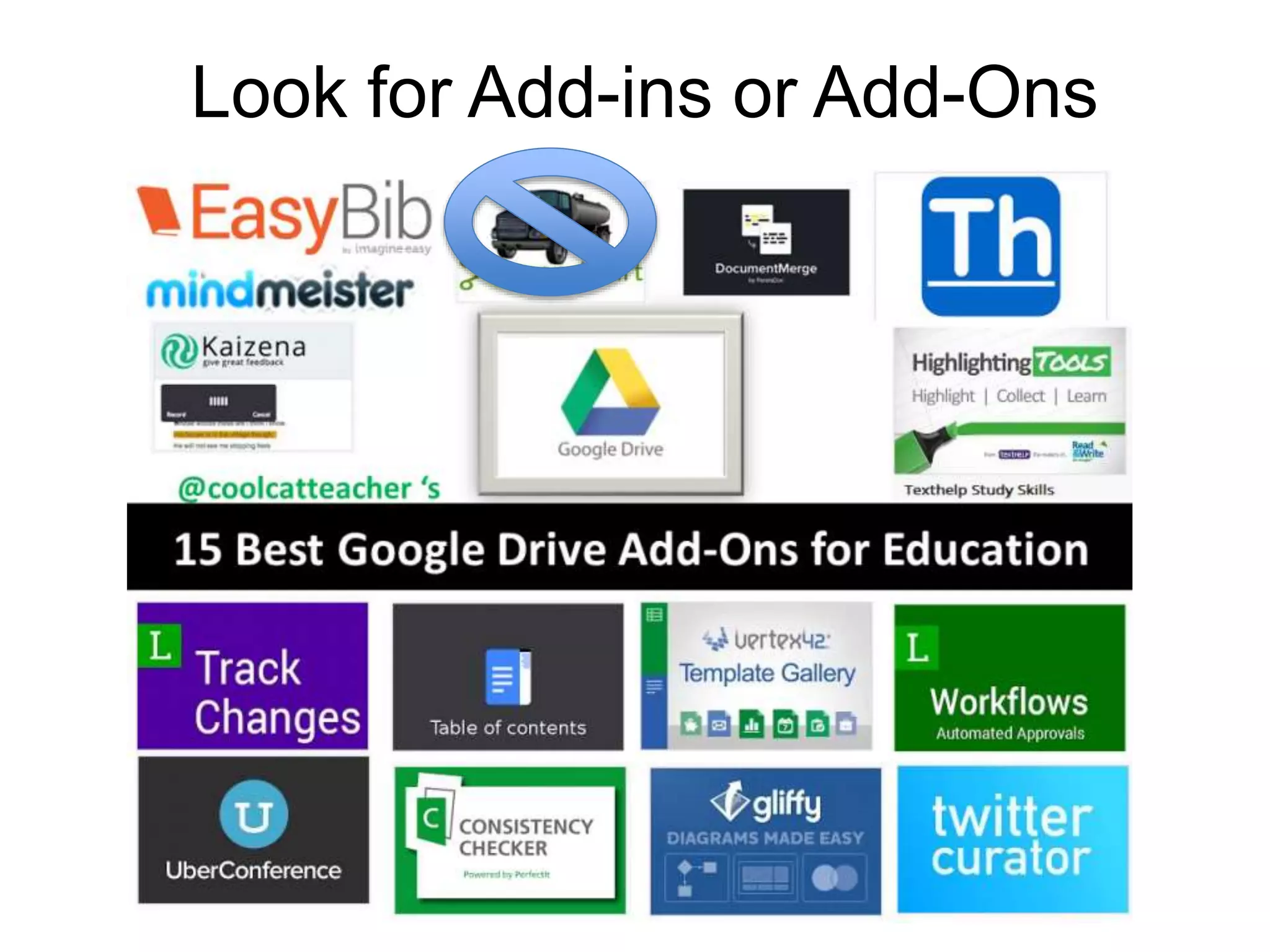
Look for Add-ins or Add-Ons
Extra Features in Microsoft Word
 You can call people and live chat them from
inside Microsoft Word, PowerPoint and Excel
in Office 365?
 You can live edit Microsoft Word now?
 You can get Microsoft Office on the iPad now?
 Microsoft Office has Add Ons too?
 http://office.microsoft.com/en-001/store/
ReinventingWriting
@coolcatteacher
Part 1: How has writing
been reinvented?
#5 Reinventing Word Processors
Teacher Question:
Can I get files from Google Docs
to Word or older word
processors?
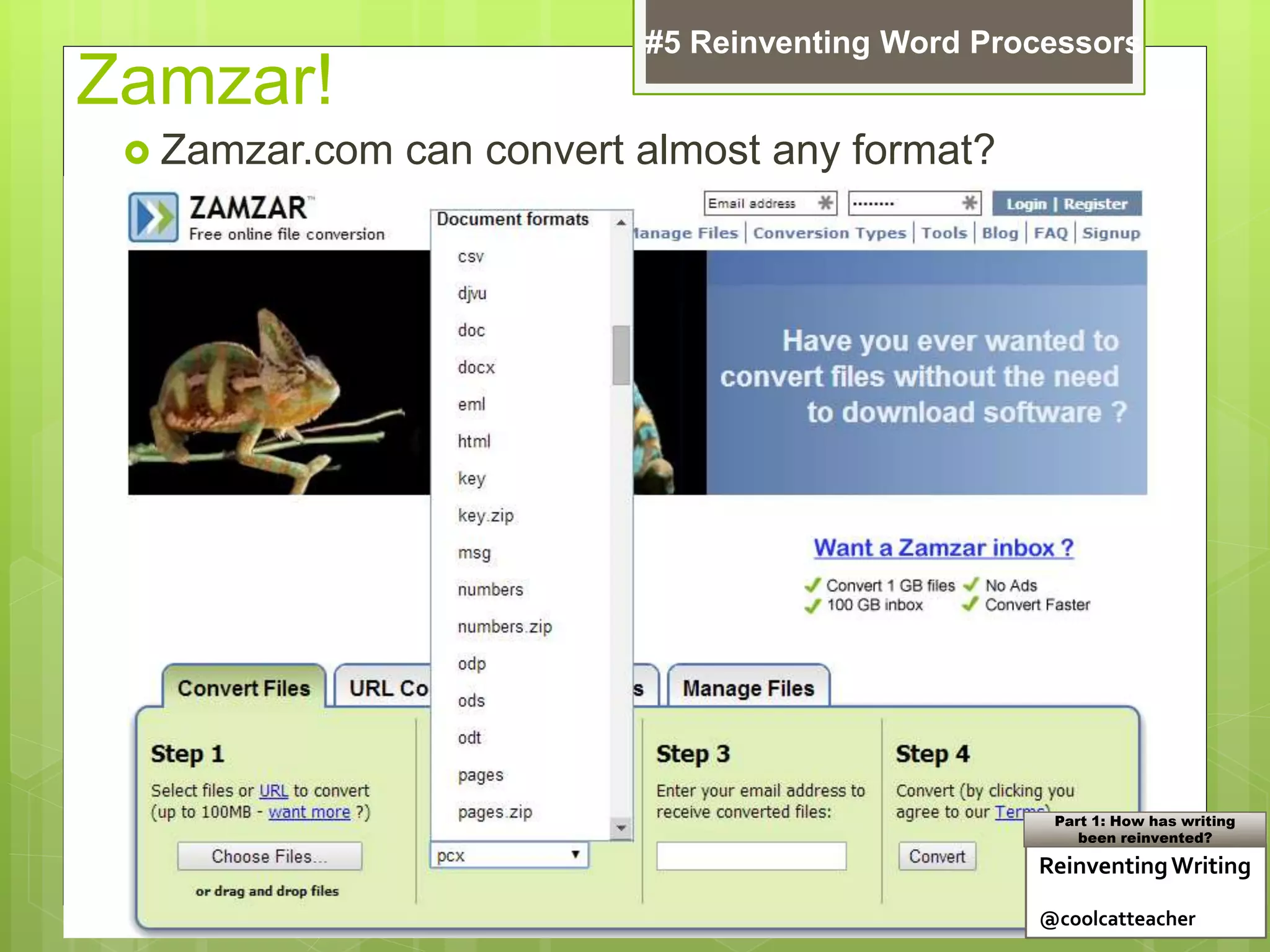
Zamzar!
 Zamzar.com can convert almost any format?
ReinventingWriting
@coolcatteacher
Part 1: How has writing
been reinvented?
#5 Reinventing Word Processors
Teacher Question:
What recommendations do I
need to bring back to my school
about collaborative writing?
Reinventing Writing
Recommendation
 Set up collaborative writing tools
 Make sure teachers know how to give text
and voice feedback
 Empower peer feedback
 Train and connect everyone!
 Teach students (and teachers) to convert files
of all types
#5 Reinventing Word Processors
Learn More: Reinventing Writing: Chapter 7
Teacher Question:
What about blogging and social
media – how has it changed
writing?
ReinventingWriting
@coolcatteacher
Part 1: How has writing
been reinvented?
Teacher Question:
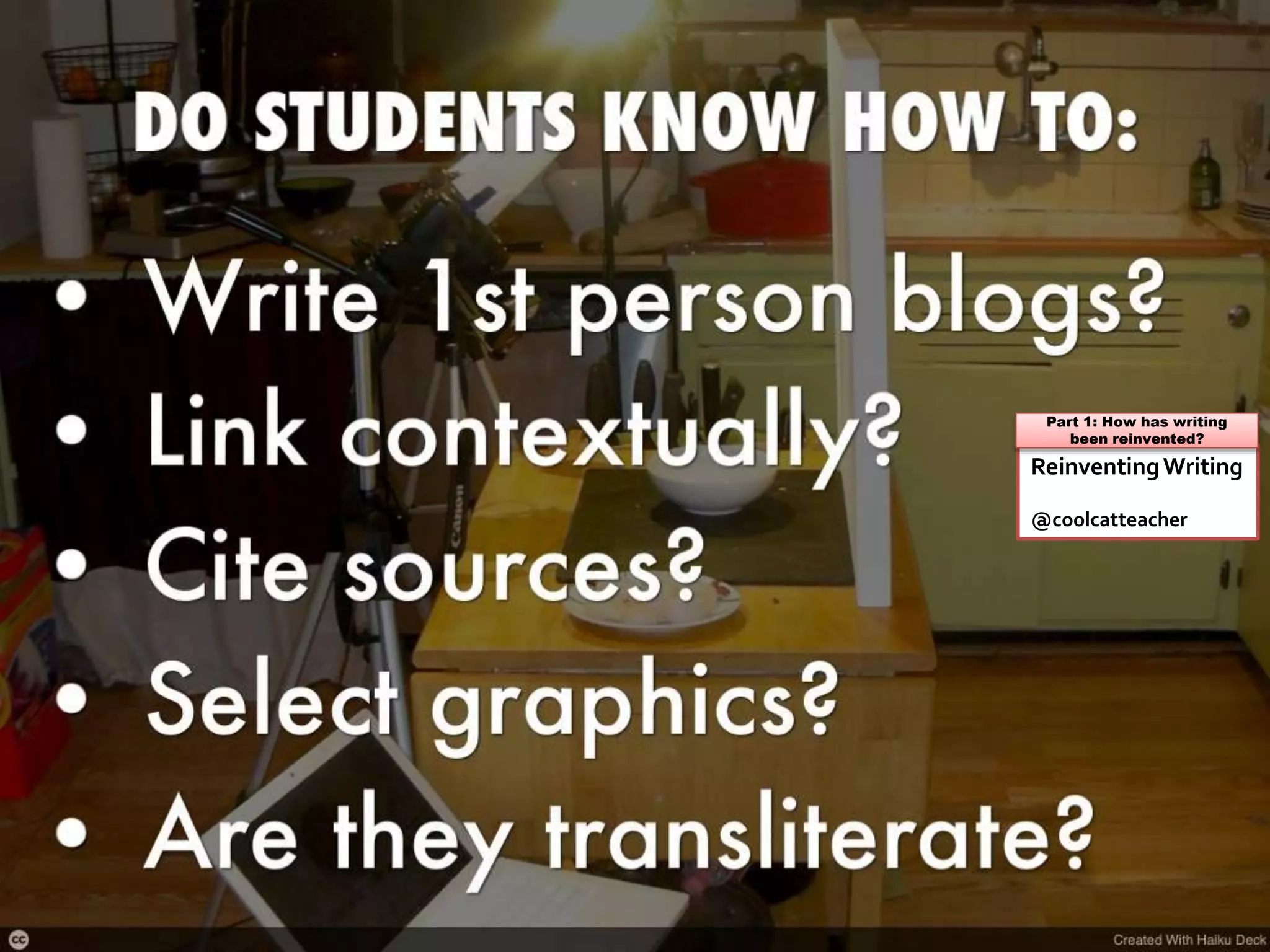
What do students need to
know about blogging?
ReinventingWriting
@coolcatteacher
Part 1: How has writing
been reinvented?
Teacher Question:
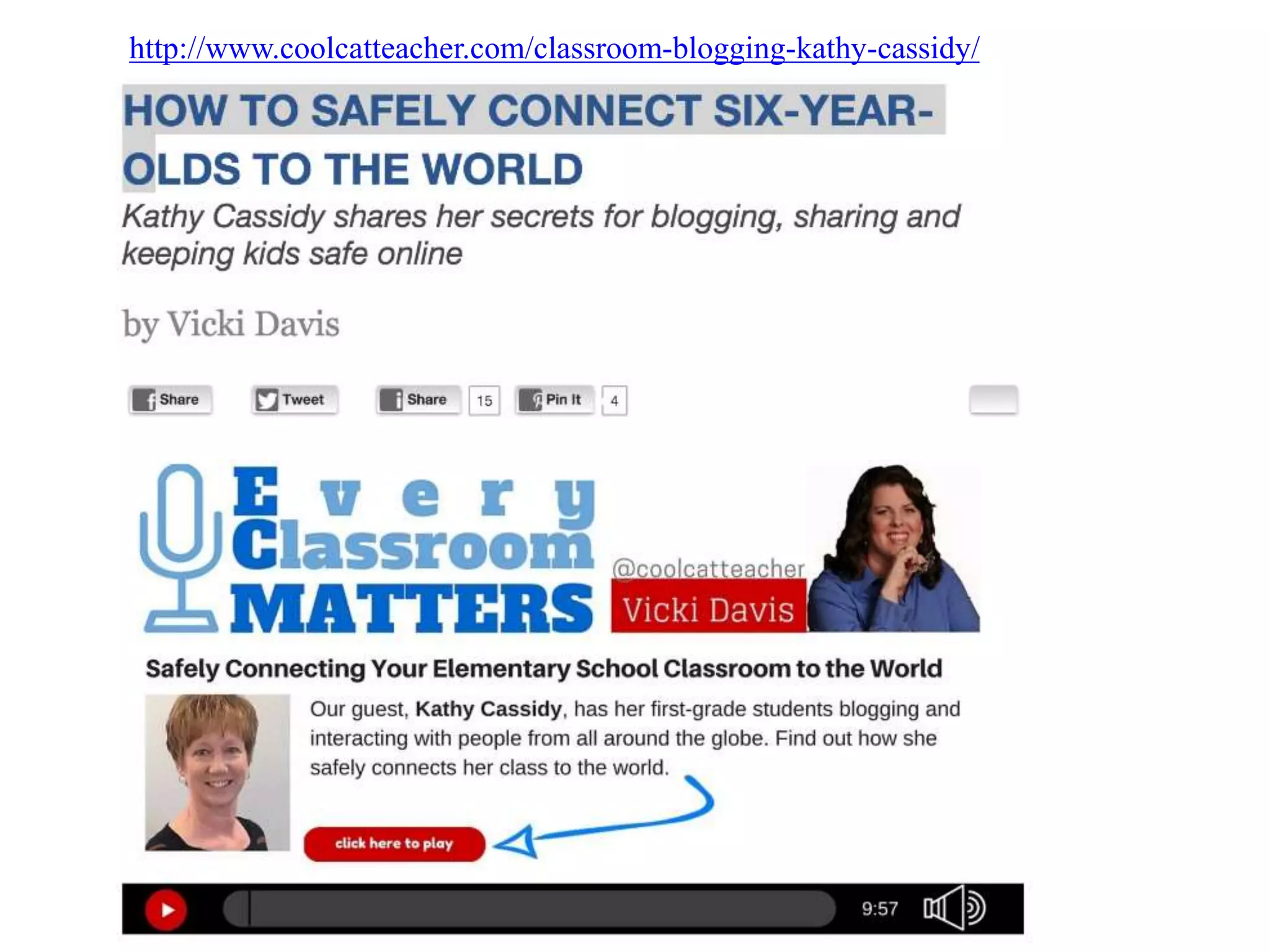
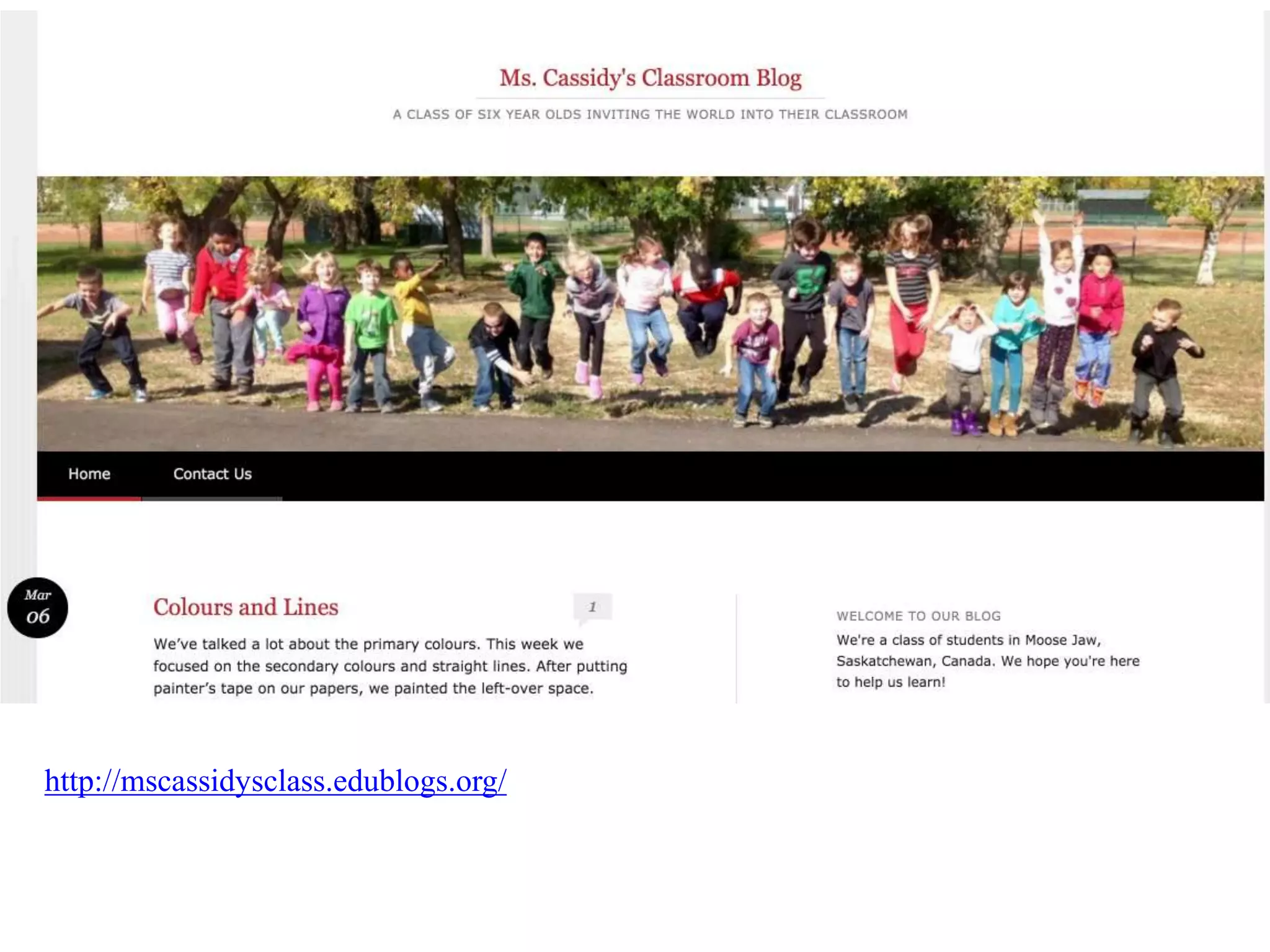
Can young children blog?
http://www.coolcatteacher.com/classroom-blogging-kathy-cassidy/
http://mscassidysclass.edublogs.org/
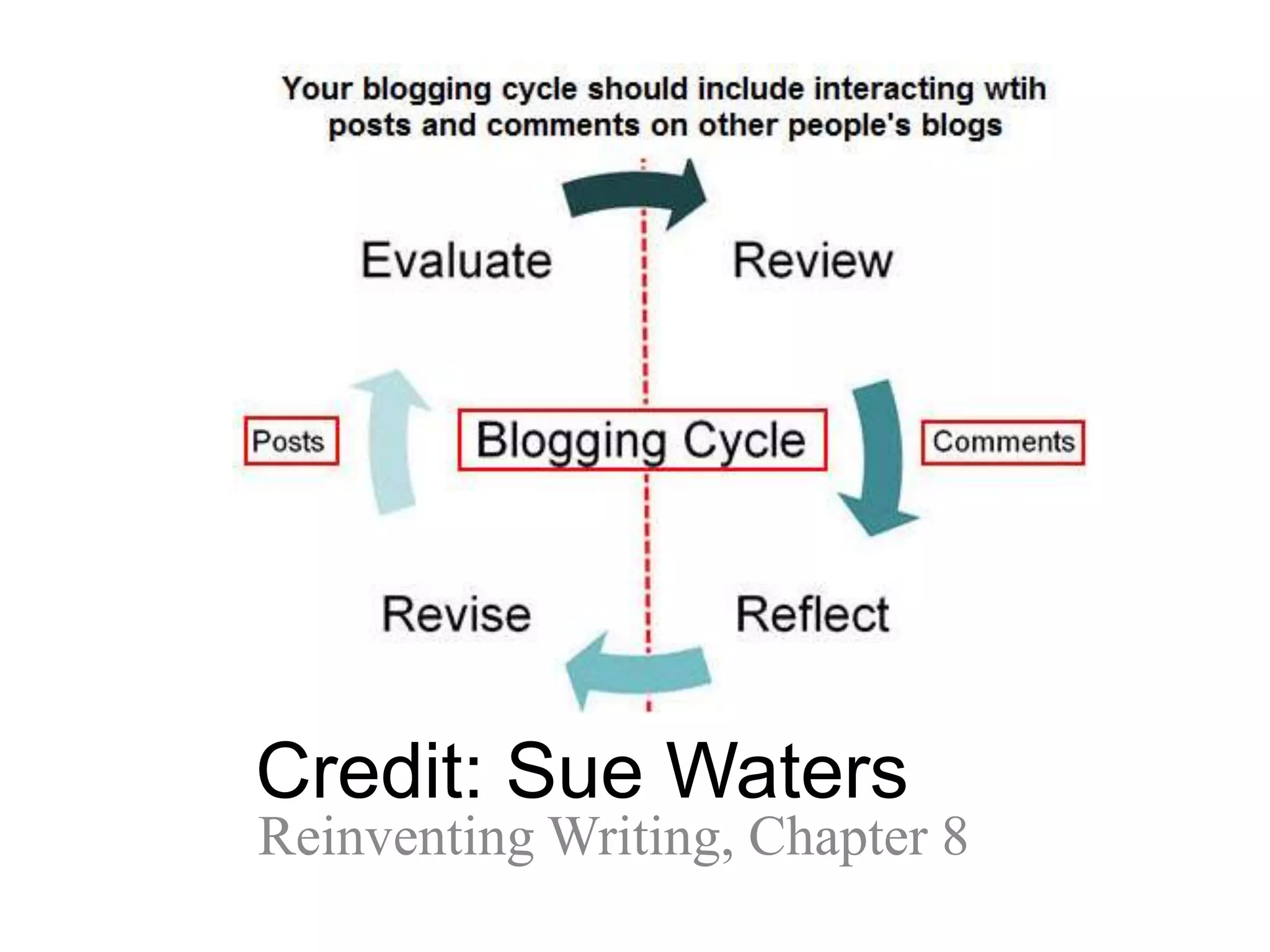
Teacher Question:
What if I can’t get comments on
student blogs?
Credit: Sue Waters
Reinventing Writing, Chapter 8
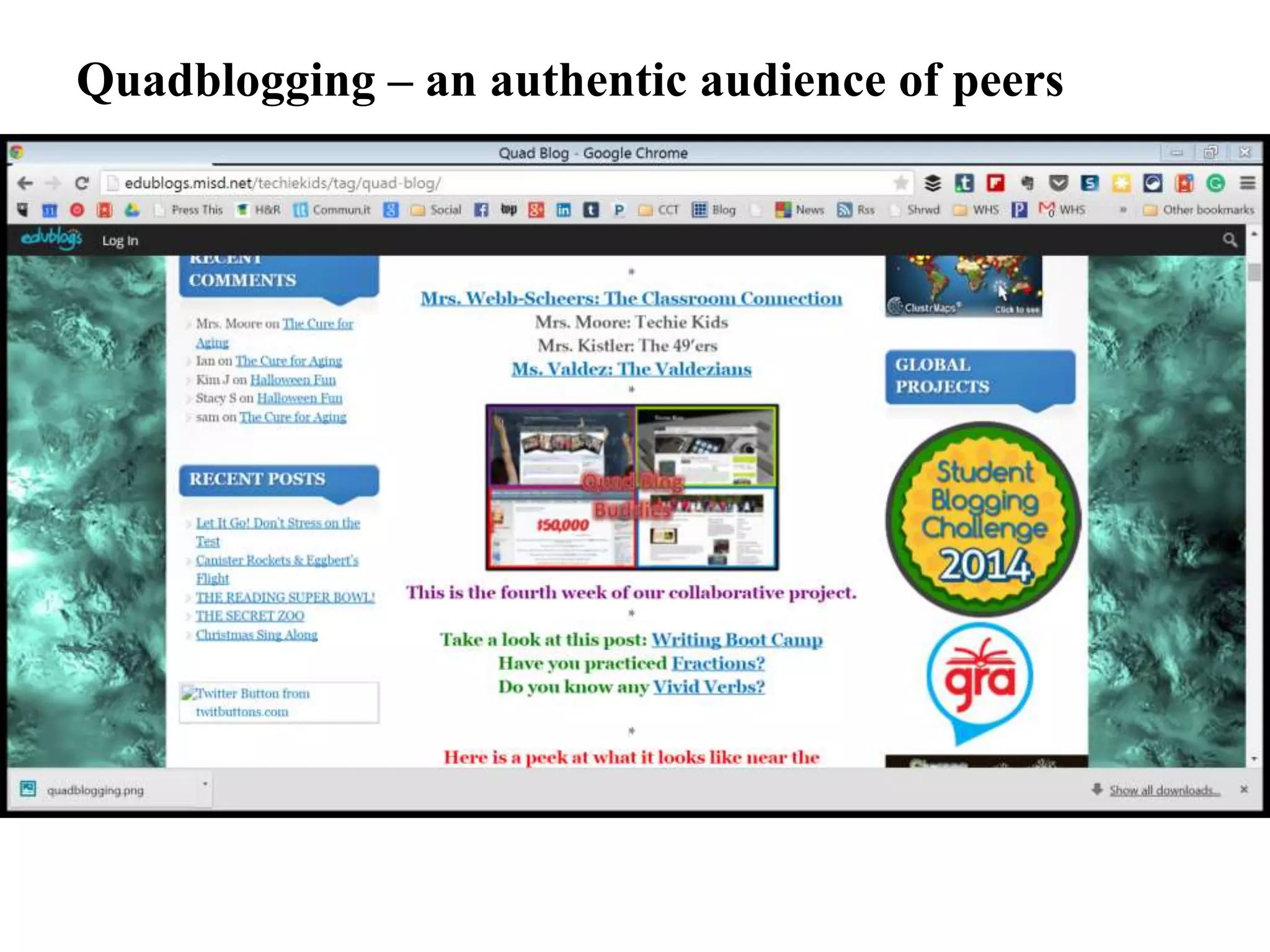
Quadblogging – an authentic audience of peers
Teacher Question:
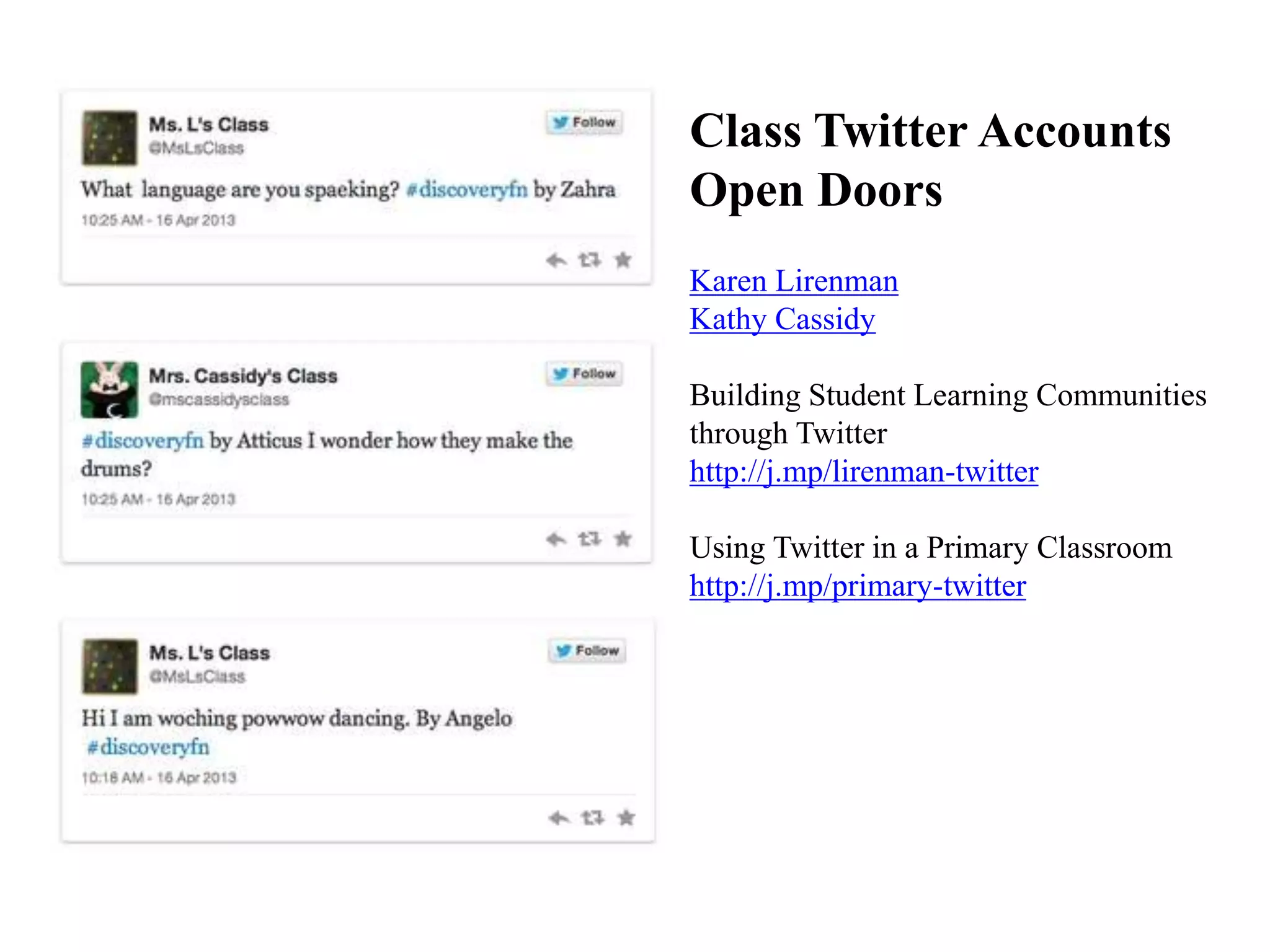
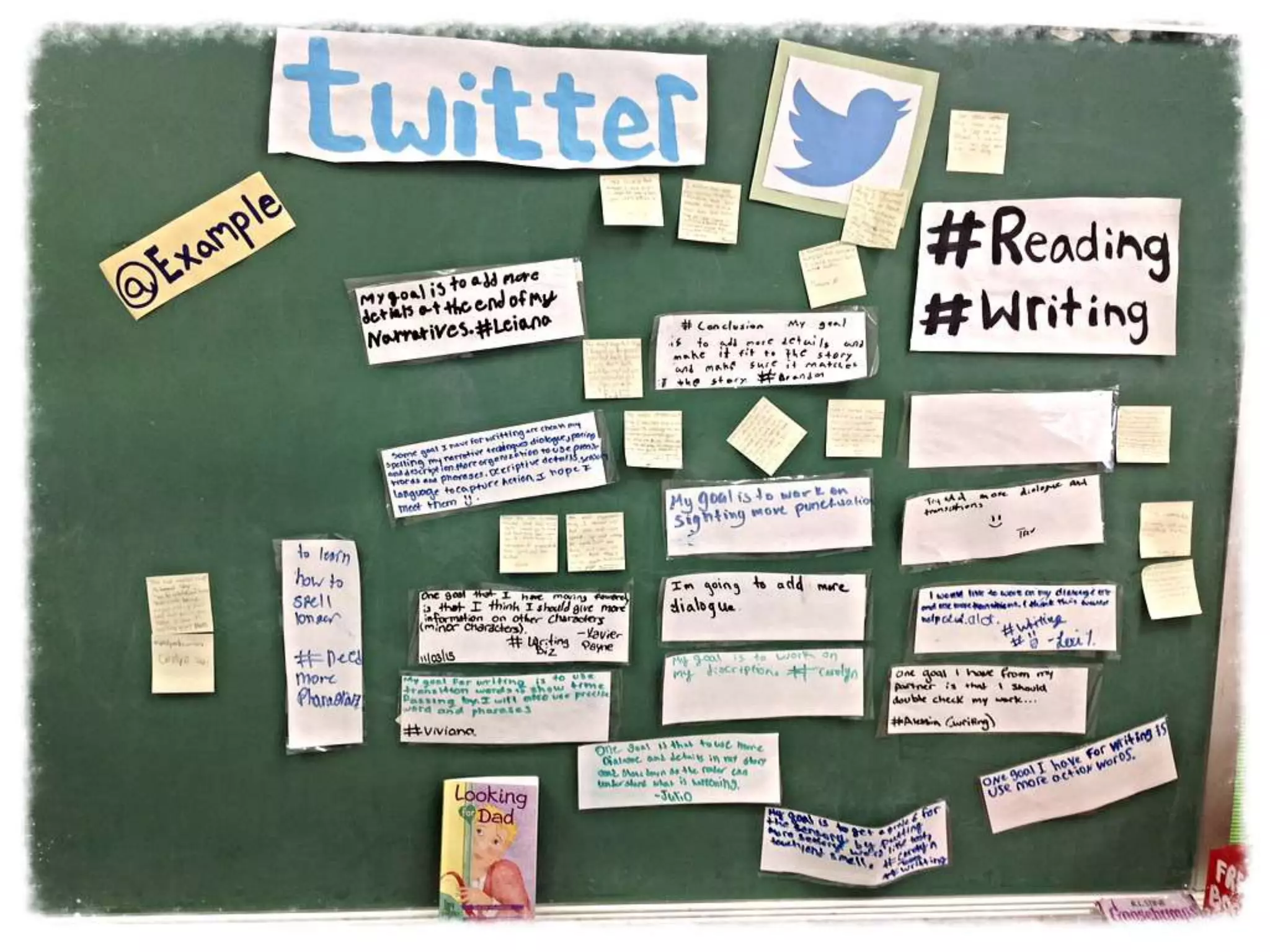
What kind of writing is Twitter?
ReinventingWriting
@coolcatteacher
Part 1: How has writing
been reinvented?
Karen Lirenman
Kathy Cassidy
Building Student Learning Communities
through Twitter
http://j.mp/lirenman-twitter
Using Twitter in a Primary Classroom
http://j.mp/primary-twitter
Class Twitter Accounts
Open Doors
Teacher Question:
What if Twitter is blocked or
not allowed in my school?
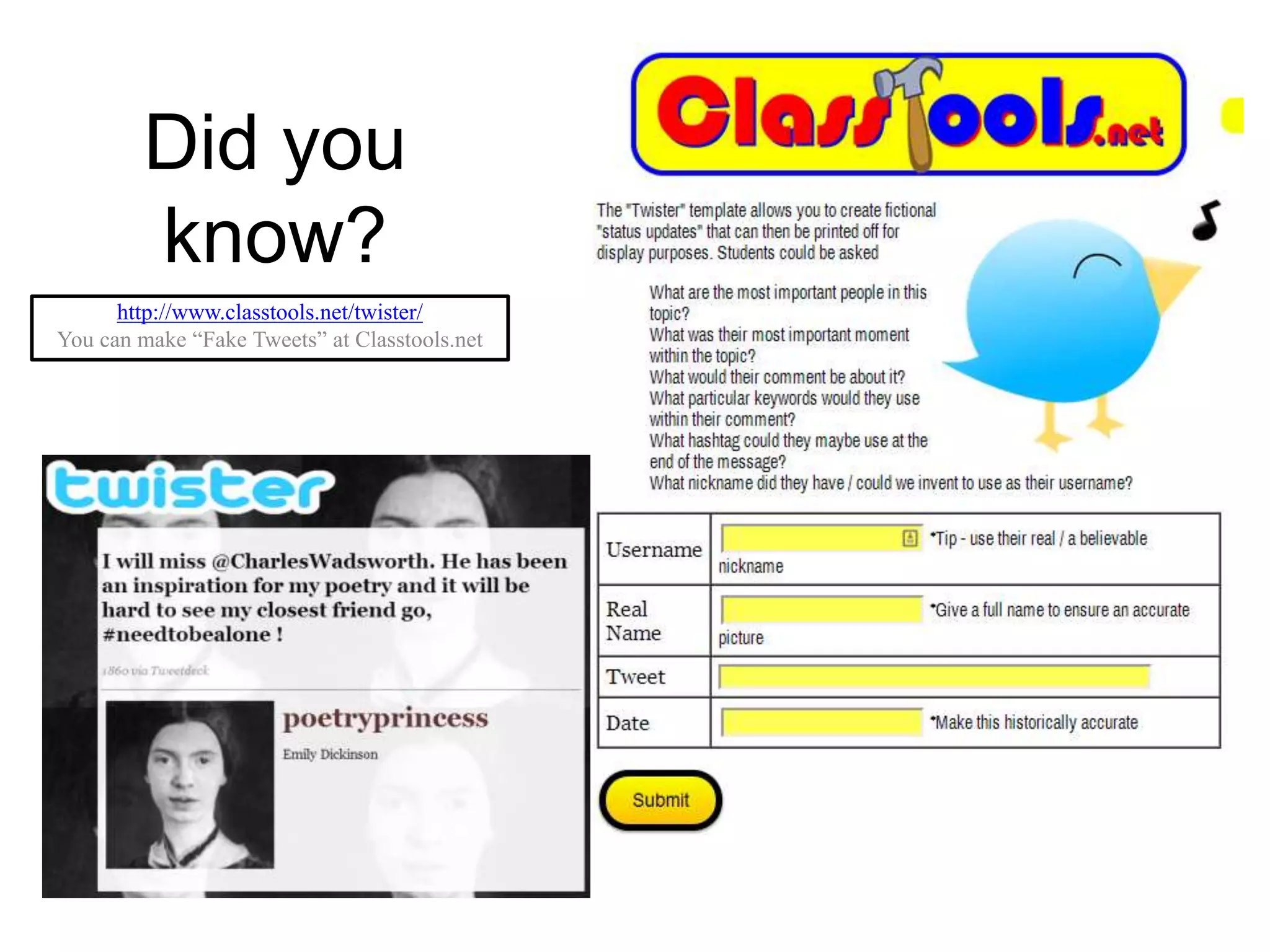
Did you
know?
http://www.classtools.net/twister/
You can make “Fake Tweets” at Classtools.net
Teacher Question:
What recommendations should
I take back for my school about
blogging and microblogging?
Reinventing Writing
Recommendation
 Set up a blogging platform for your students
 Encourage feedback and connection
 Find a Quadblogging Group for every
classroom in your school
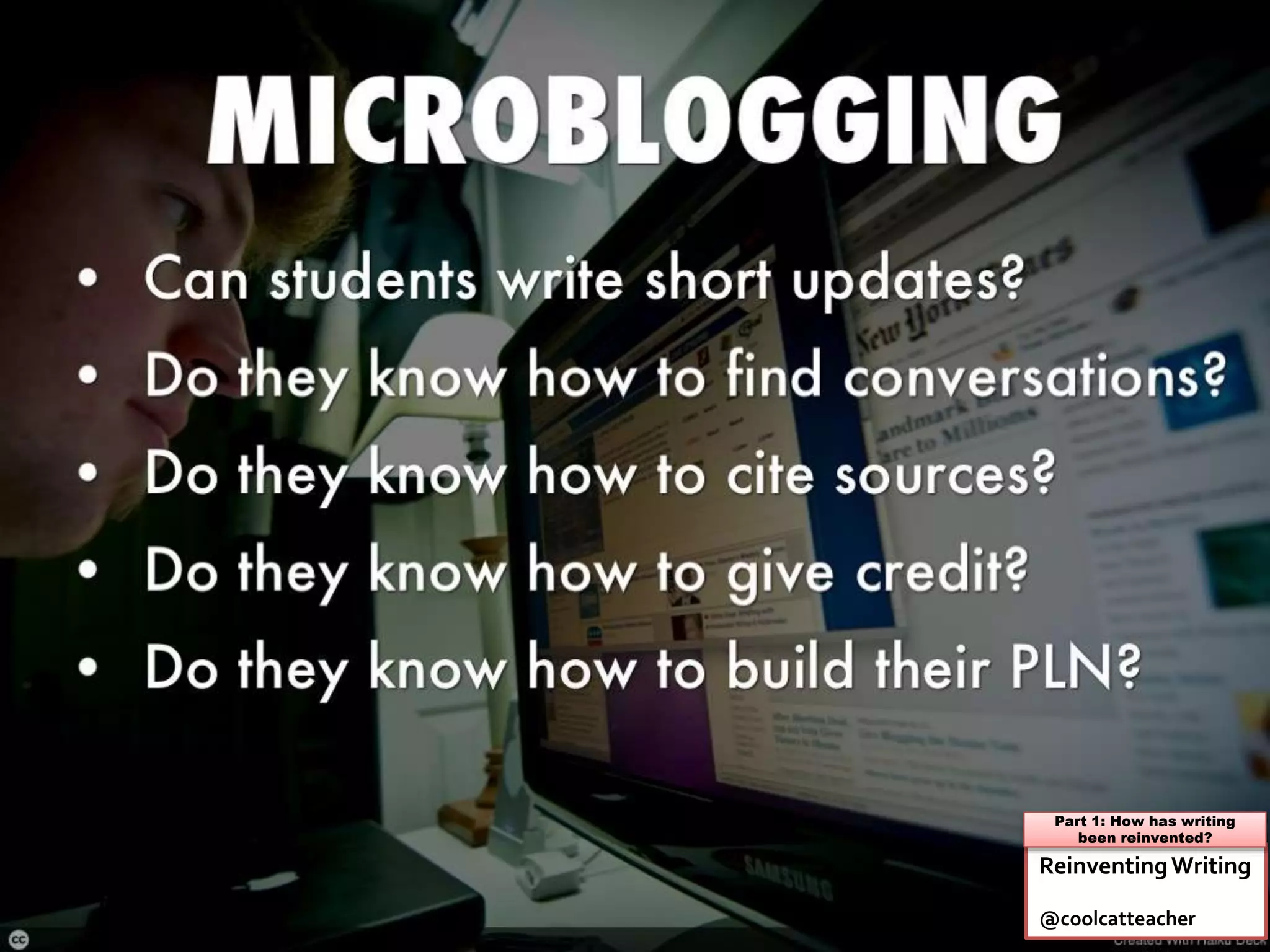
 Use microblogging to communicate and
connect with the world
 Give your classroom a public platform to
share and connect
#6 Reinventing Journals
& Reports
Learn More: Reinventing Writing: Chapter 8
Teacher Question:
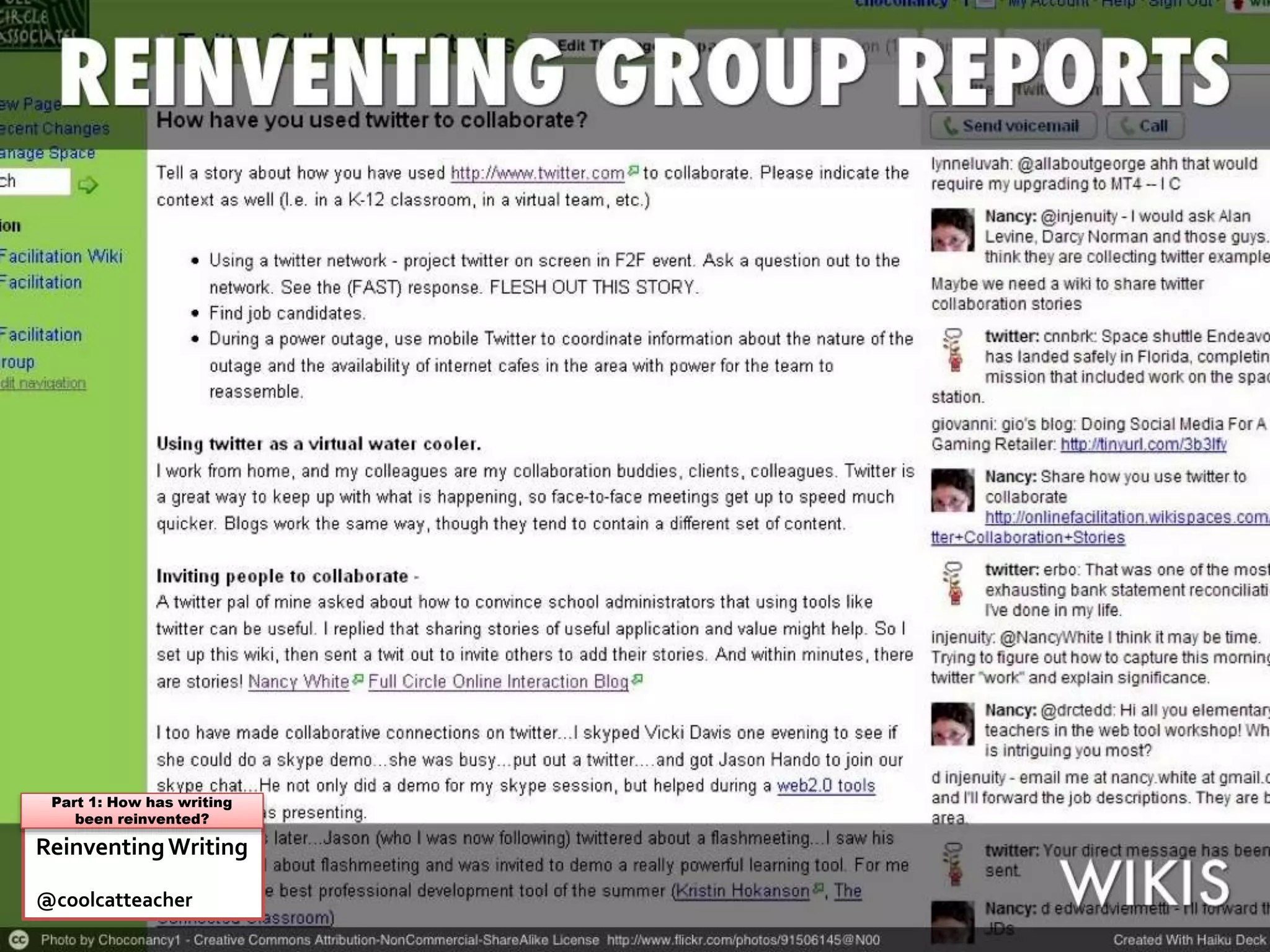
What if my classroom needs to
have a group website where we
all share and write?
ReinventingWriting
@coolcatteacher
Part 1: How has writing
been reinvented?
Teacher Question:
What do students need to
know about wikis?
ReinventingWriting
@coolcatteacher
Part 1: How has writing
been reinvented?
Teacher Question:
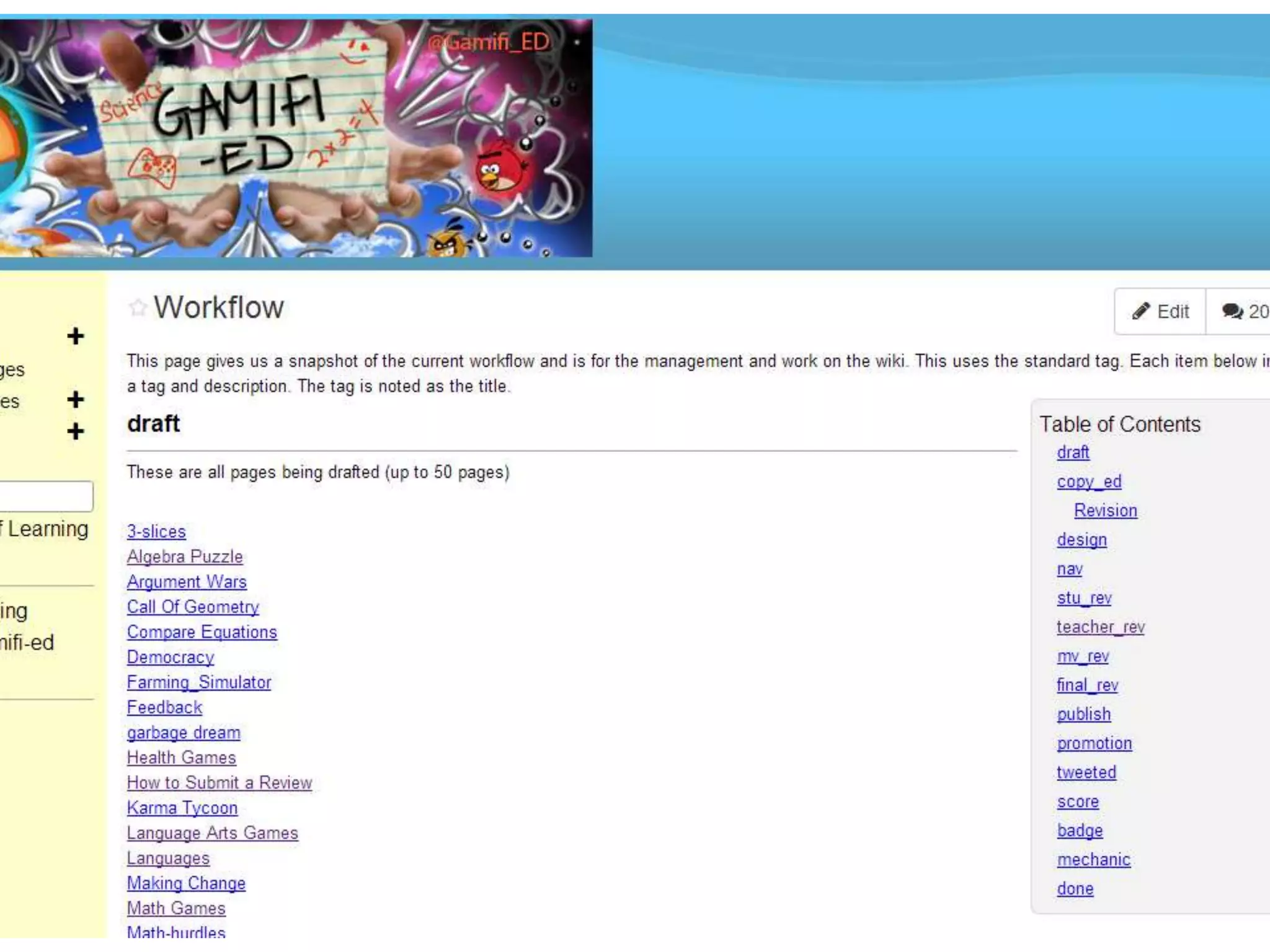
What does a student wiki
project look like?
Teacher Question:
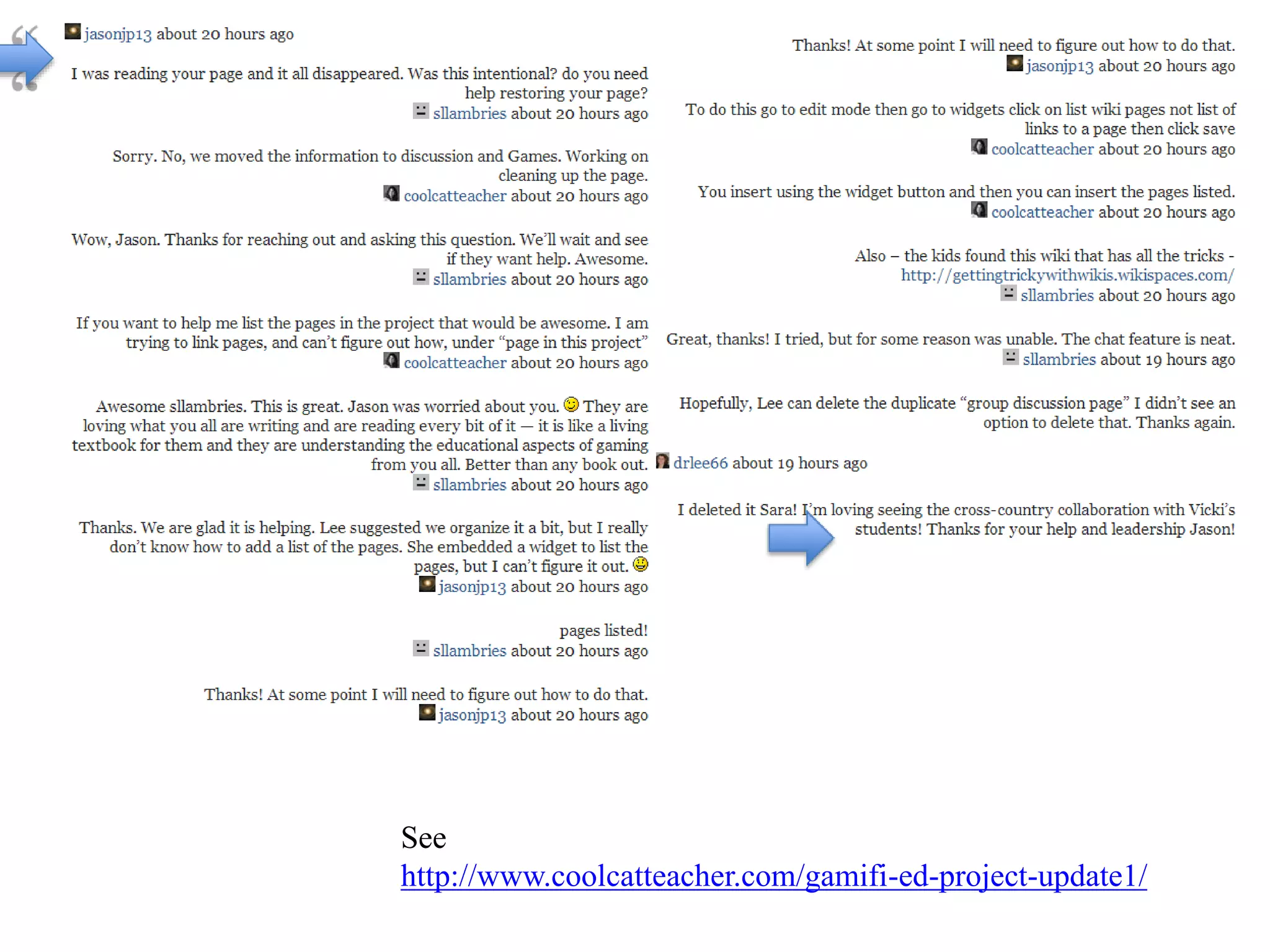
What content goes on the page
and what content goes in the
discussion on a wiki?
See
http://www.coolcatteacher.com/gamifi-ed-project-update1/
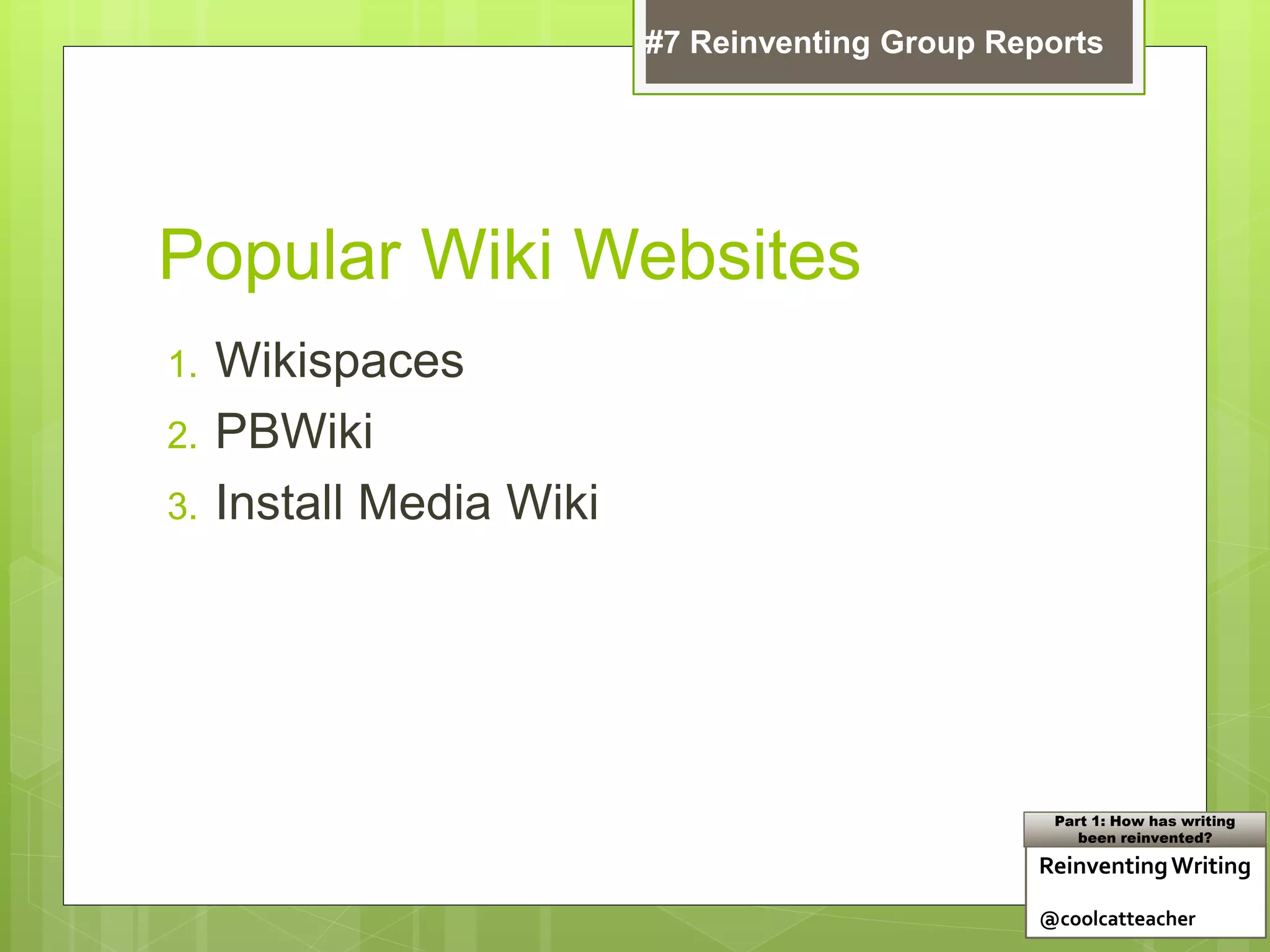
Teacher Question:
What are some popular wiki
websites?
Popular Wiki Websites
1. Wikispaces
2. PBWiki
3. Install Media Wiki
ReinventingWriting
@coolcatteacher
Part 1: How has writing
been reinvented?
#7 Reinventing Group Reports
Teacher Question:
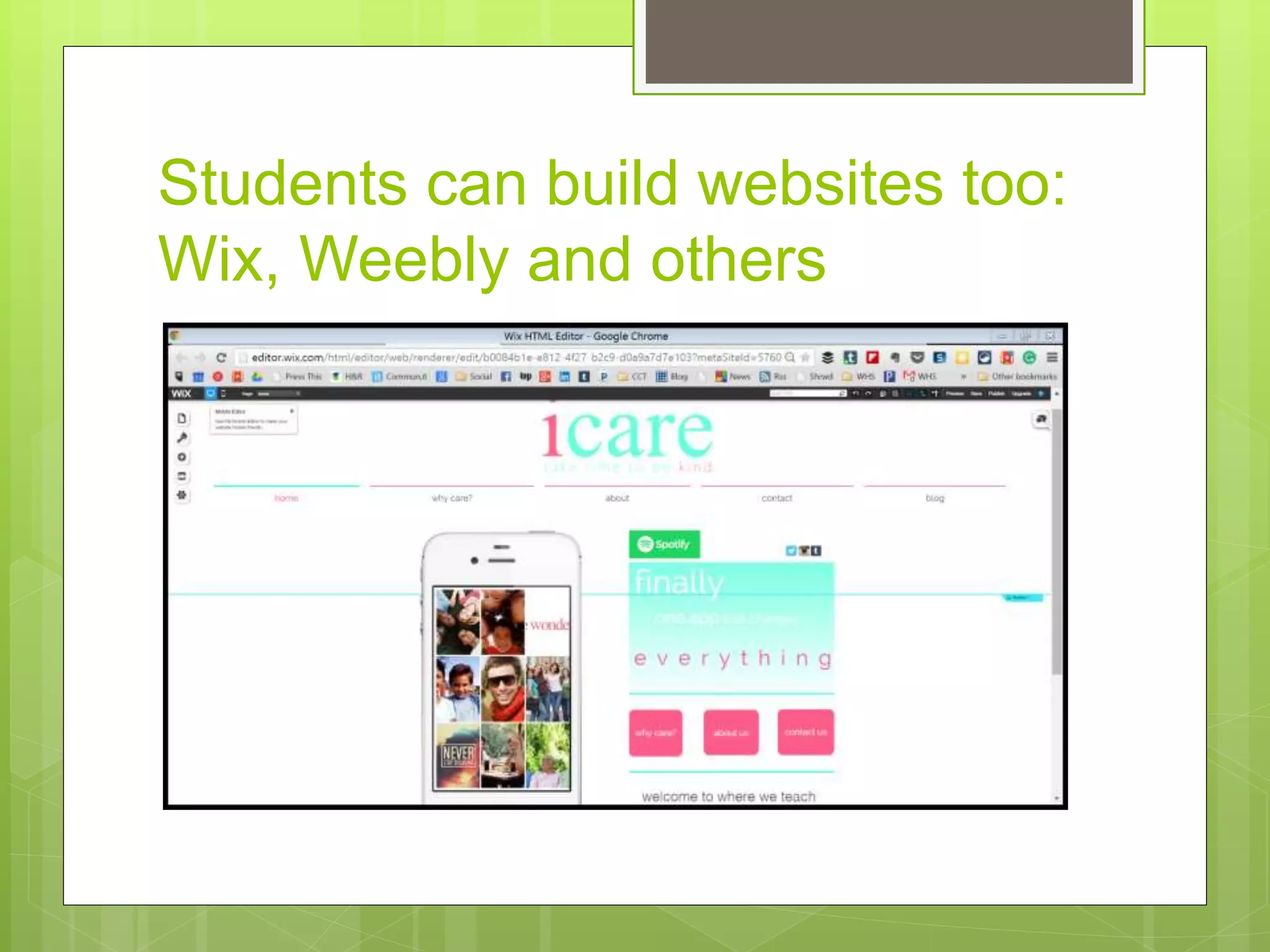
Aren’t there other ways
students can build websites
too?
Students can build websites too:
Wix, Weebly and others
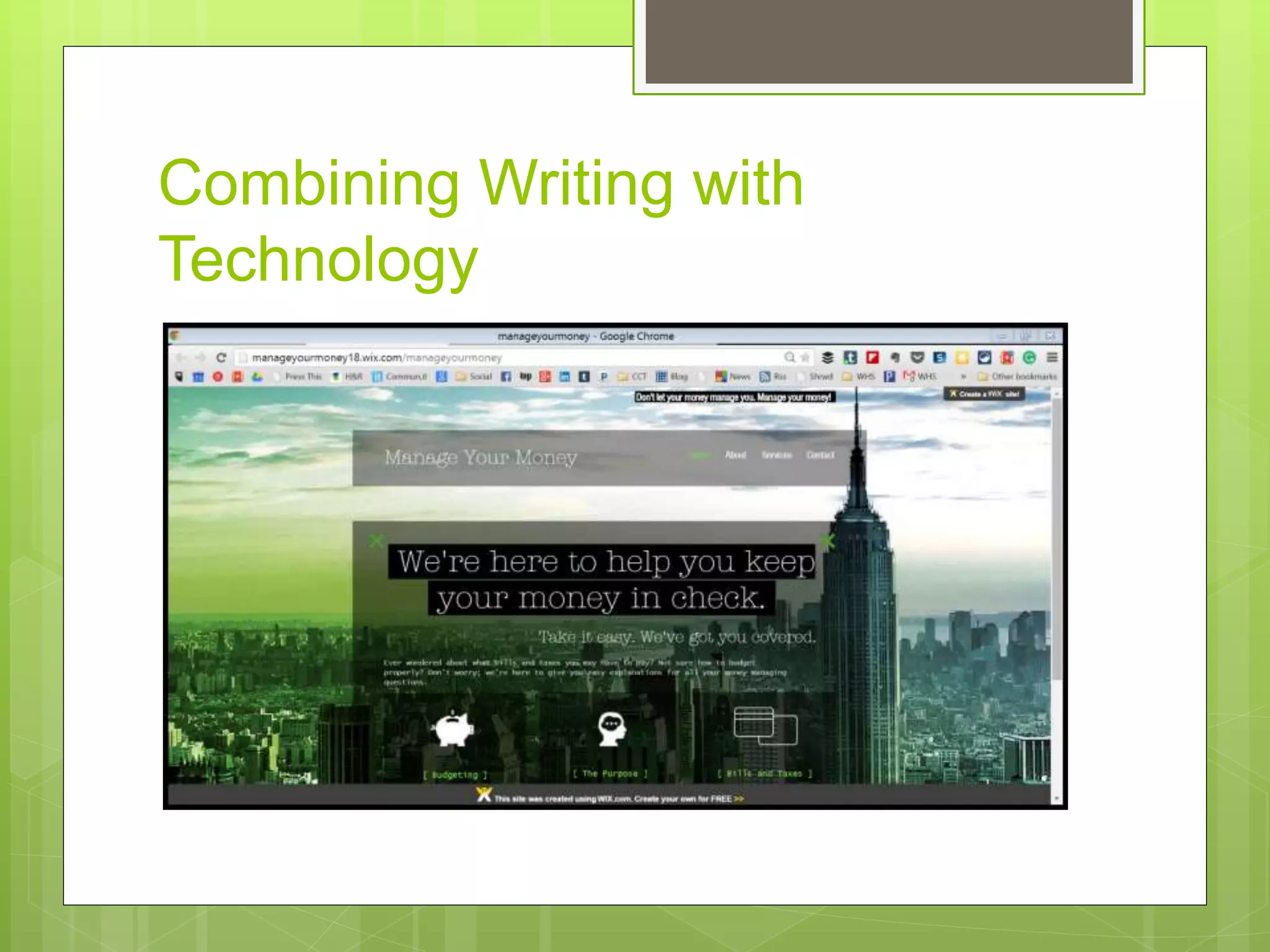
Combining Writing with
Technology
Popular Group Website Creators
1. Weebly
2. Wix
3. Webs
4. Google Sites
ReinventingWriting
@coolcatteacher
Part 1: How has writing
been reinvented?
#7 Reinventing Group Reports
Teacher Question:
What are some things most
educators don’t know about
wikis?
Did you know?
 You can set up private projects on wikispaces even if your
overall wiki is public?
 You can have a free ad-free site if you’re a K12 educator
 See my classroom wiki at http://westwood.wikispaces.com
 You can comment in-line like Google Drive?
 You can use Wikispaces classroom to monitor engagement
live?
ReinventingWriting
@coolcatteacher
Part 1: How has writing
been reinvented?
#7 Reinventing Group Reports
Teacher Question:
What are some
recommendations to take back
to my school about wikis?
Reinventing Writing
Recommendation
 Create a collaborative wiki community
 Write common information together with
others with a different worldview
 Learn to write collaboratively
 Multi age
 Intergenerational
 Within your district
 Create a platform for student efolios
#7 Reinventing Group Reports
Learn More: Reinventing Writing: Chapter 9
Teacher Question:
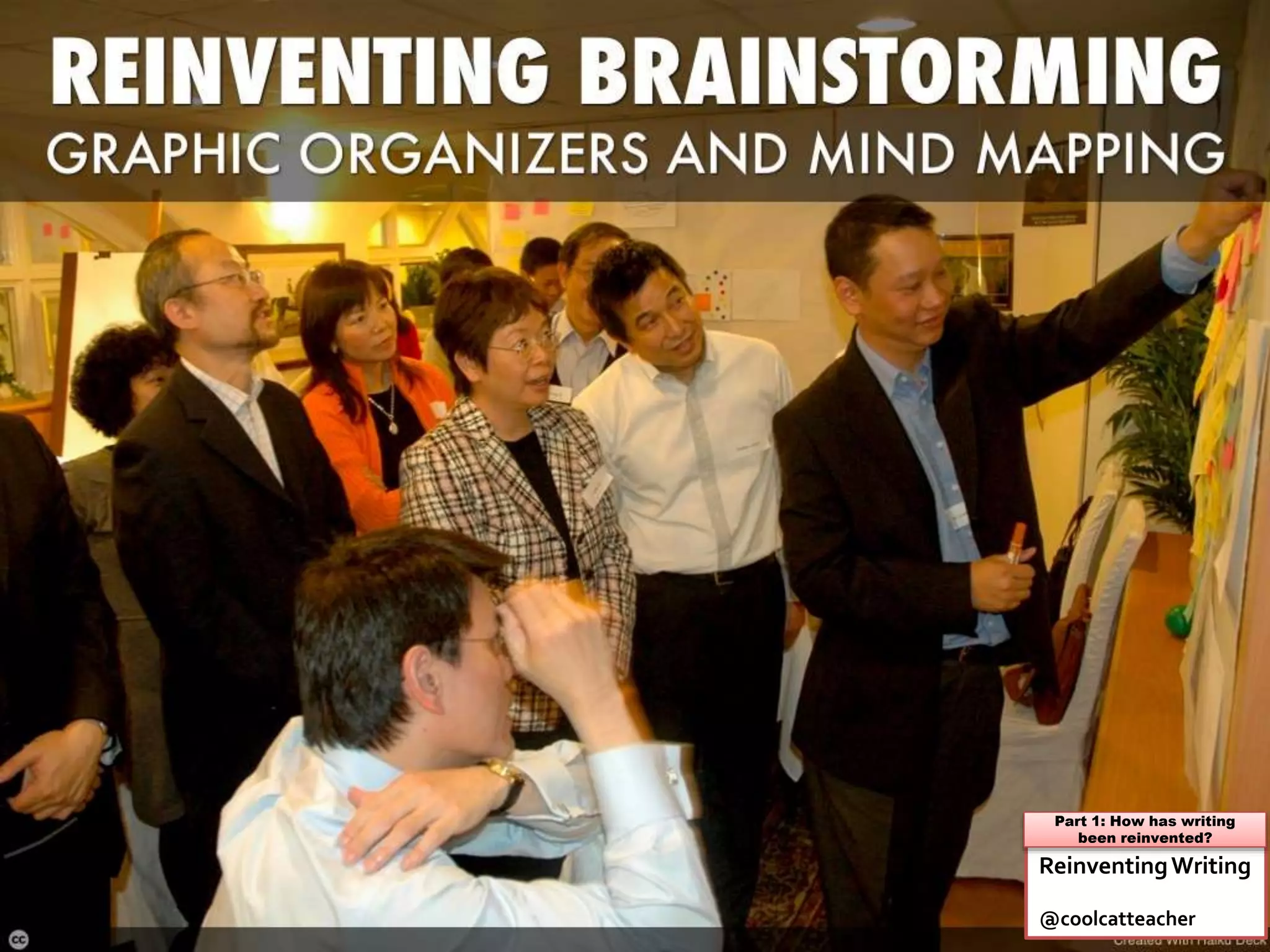
If students are going to write
together, don’t they need to
prewrite together too?
ReinventingWriting
@coolcatteacher
Part 1: How has writing
been reinvented?
Teacher Question:
What are some electronic
brainstorming and prewriting
techniques students need to
know?
ReinventingWriting
@coolcatteacher
Part 1: How has writing
been reinvented?
Teacher Question:
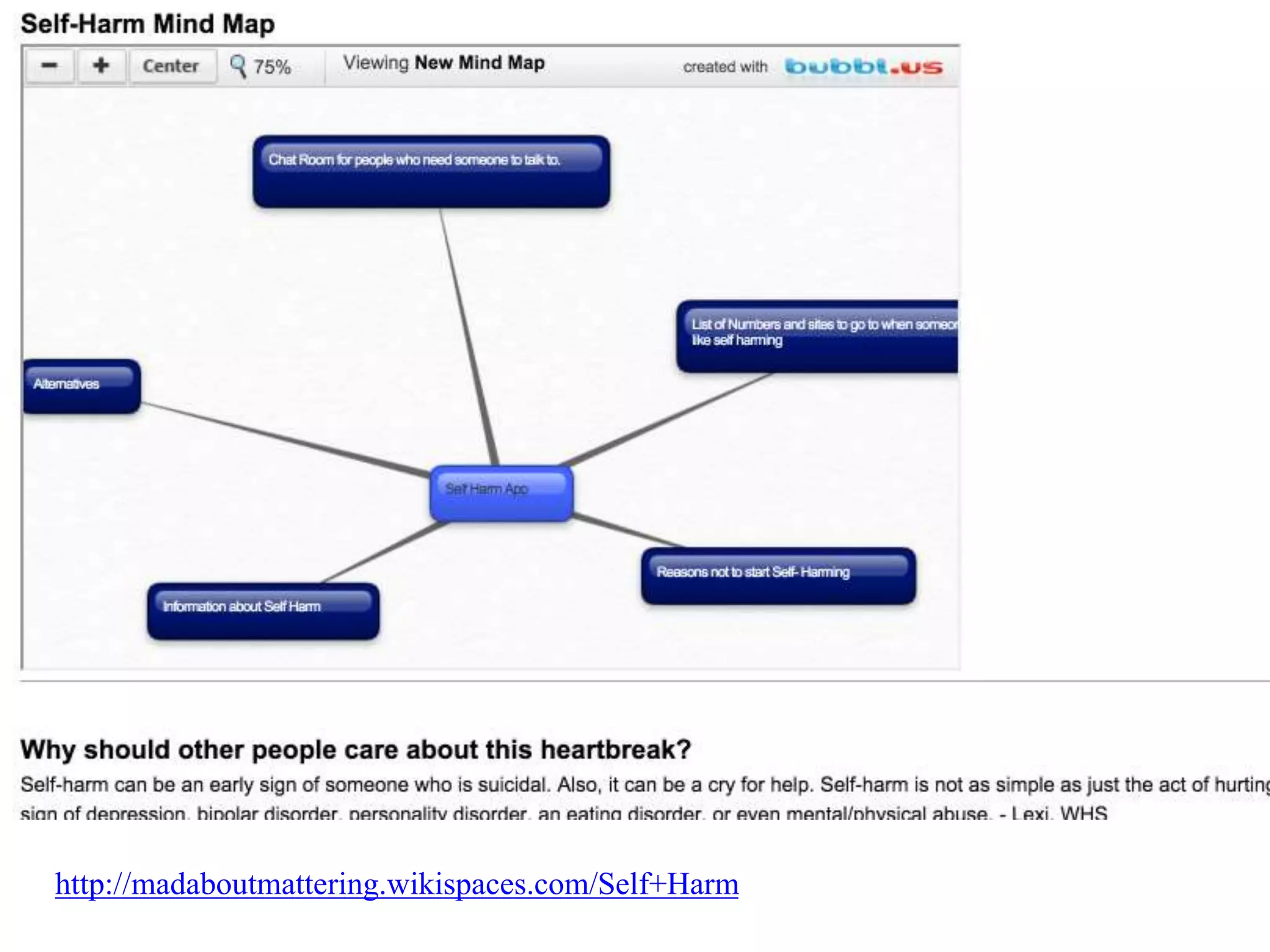
What are some student
samples of mindmapping?
http://madaboutmattering.wikispaces.com/Self+Harm
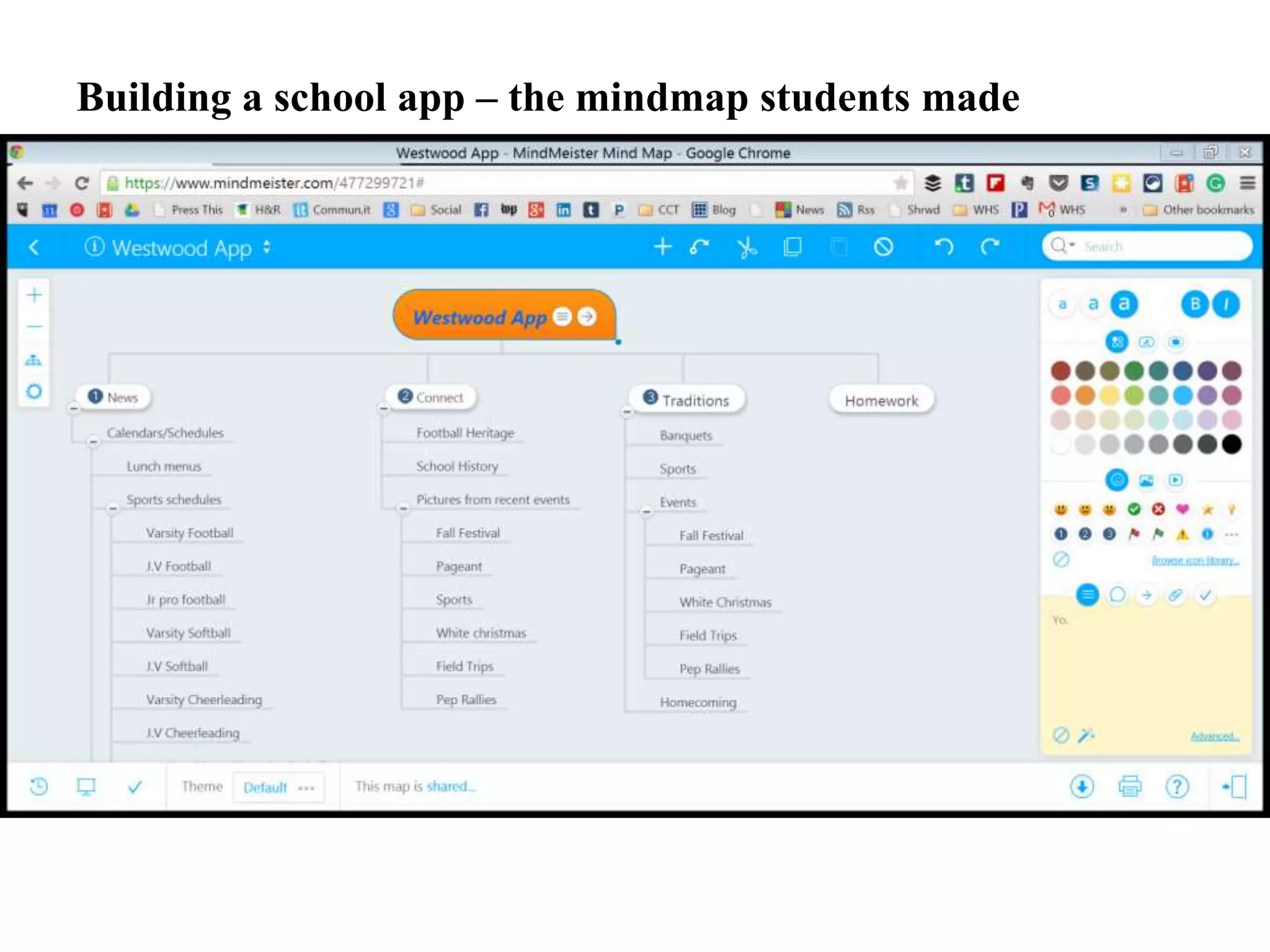
Building a school app – the mindmap students made
Teacher Question:
Do you have to mindmap?
Couldn’t you just outline
together?
Did
you
know?
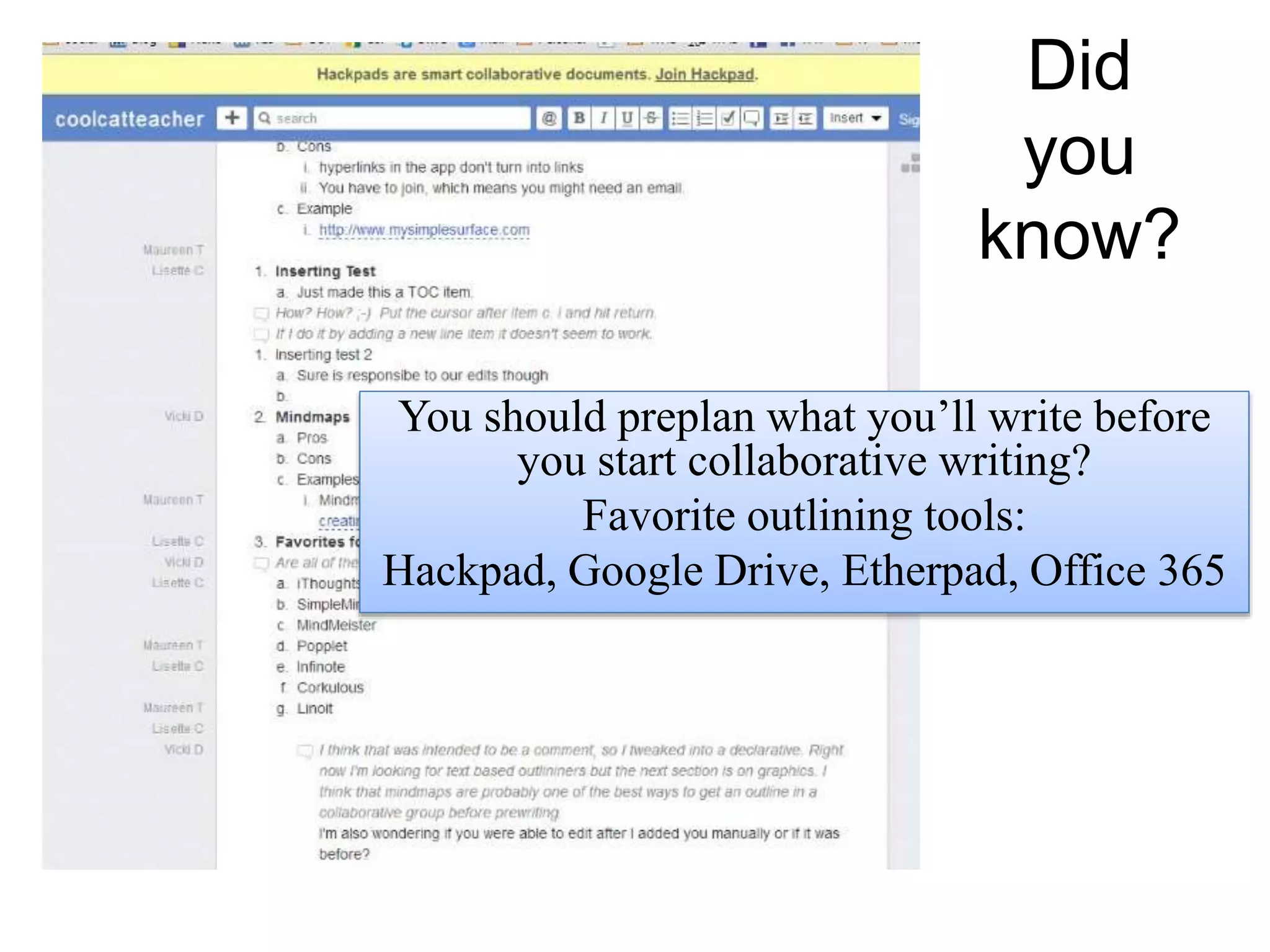
You should preplan what you’ll write before
you start collaborative writing?
Favorite outlining tools:
Hackpad, Google Drive, Etherpad, Office 365
Teacher Question:
What are some
recommendations for
prewriting and mindmapping
for today’s students?
Did you know?
 You can create a mindmap to organize and embed it or link it
from your document to keep the two connected?
 Live chats with documents usually aren’t saved, so you want
to have people use comments instead to include collaborative
partners
 Partners should know how to find past conversations and
revisions
 If you want to collaboratively write – it starts with collaborative
prewriting
ReinventingWriting
@coolcatteacher
Part 1: How has writing
been reinvented?
#8 Reinventing Prewriting
Reinventing Writing
Recommendation
 Teach Prewriting tools and skills
 Teach Collaborative Prewriting methods
 Don’t forget prewriting
 Embed prewriting documents in the final
document
 Include asynchronous partners in your
communications.
#8 Reinventing Prewriting
Learn More: Reinventing Writing: Chapter 10
Teacher Question:
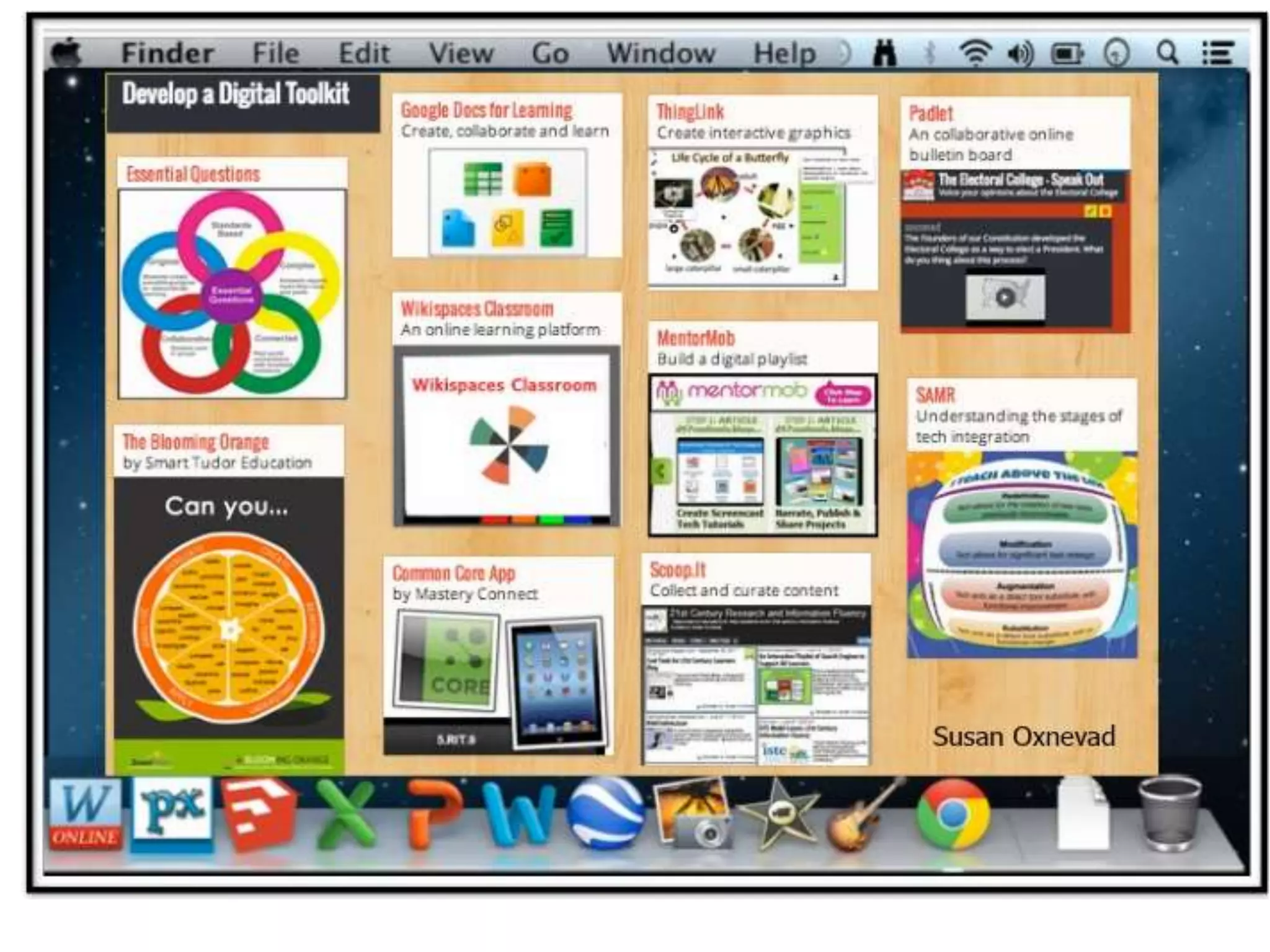
How can we create graphics for
online student work? Aren’t
they important parts of modern
writing?
ReinventingWriting
@coolcatteacher
Part 1: How has writing
been reinvented?
Teacher Question:
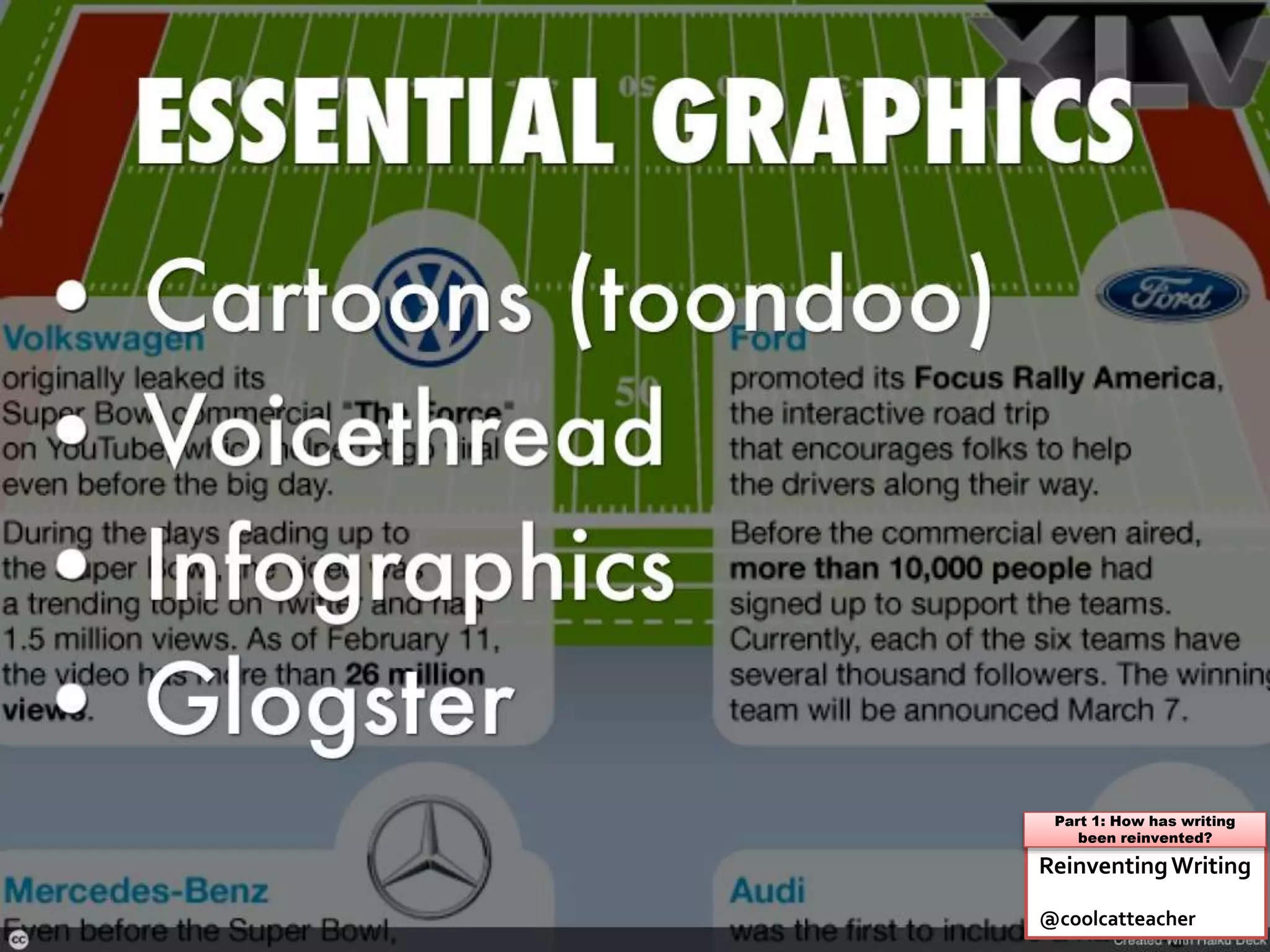
What are commonly used types
of graphics for websites and
online writing?
ReinventingWriting
@coolcatteacher
Part 1: How has writing
been reinvented?
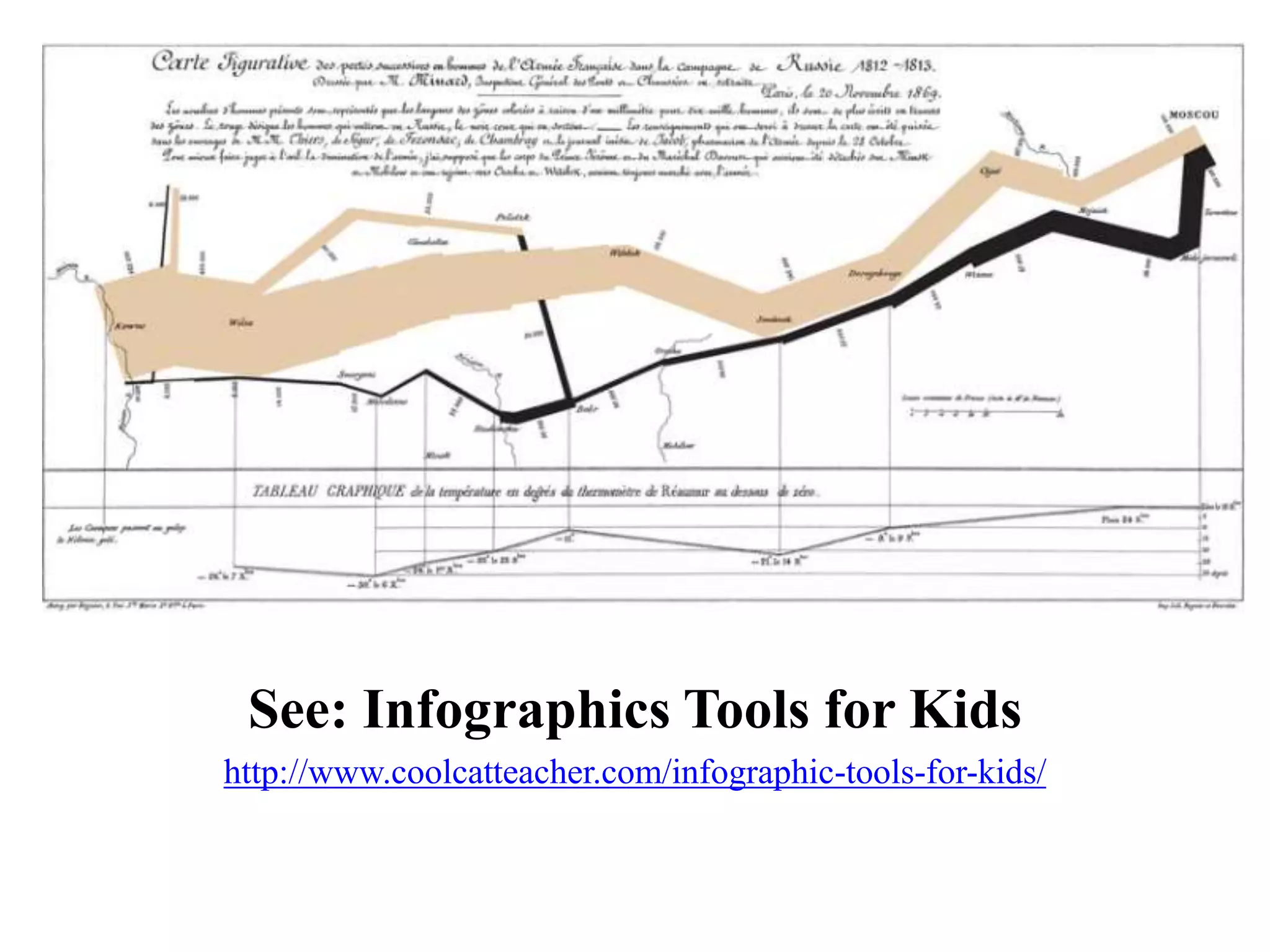
See: Infographics Tools for Kids
http://www.coolcatteacher.com/infographic-tools-for-kids/
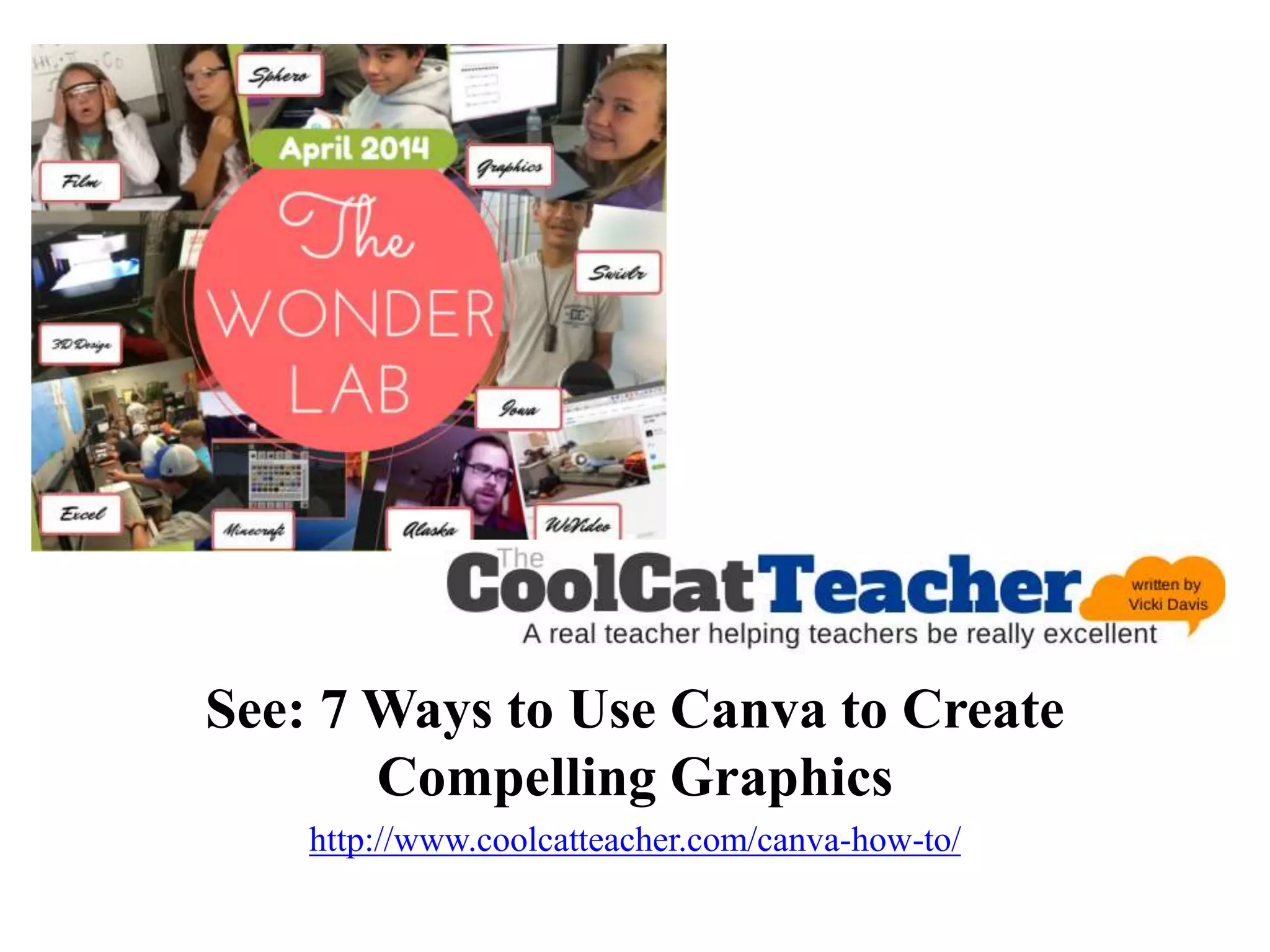
See: 7 Ways to Use Canva to Create
Compelling Graphics
http://www.coolcatteacher.com/canva-how-to/
Teacher Question:
Why are graphics so important
in online writing?
Can they be distracting and
stop people from reading?
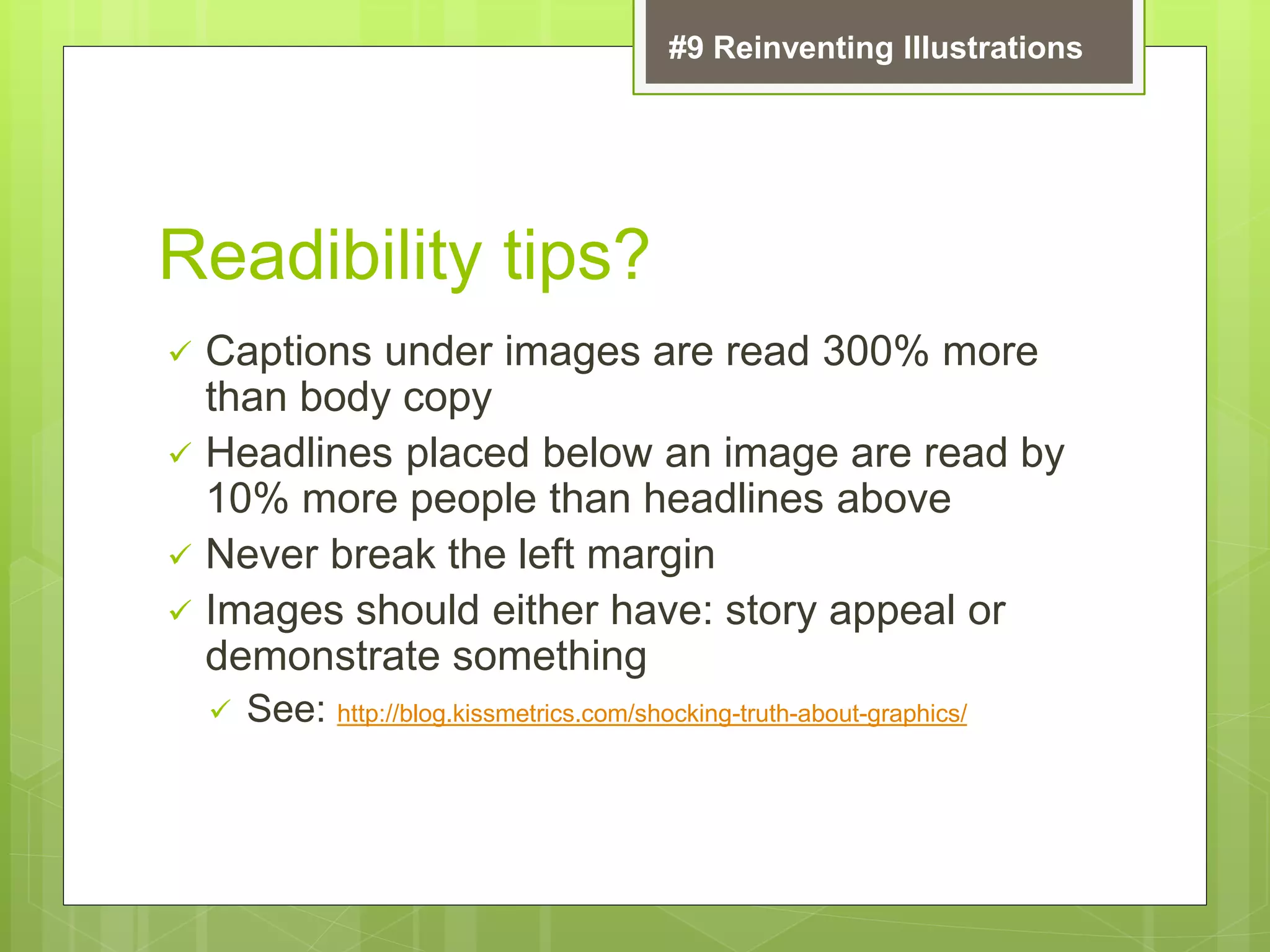
Readibility tips?
 Captions under images are read 300% more
than body copy
 Headlines placed below an image are read by
10% more people than headlines above
 Never break the left margin
 Images should either have: story appeal or
demonstrate something
 See: http://blog.kissmetrics.com/shocking-truth-about-graphics/
#9 Reinventing Illustrations
Teacher Question:
What are some
recommendations for helping
kids get started with graphics?
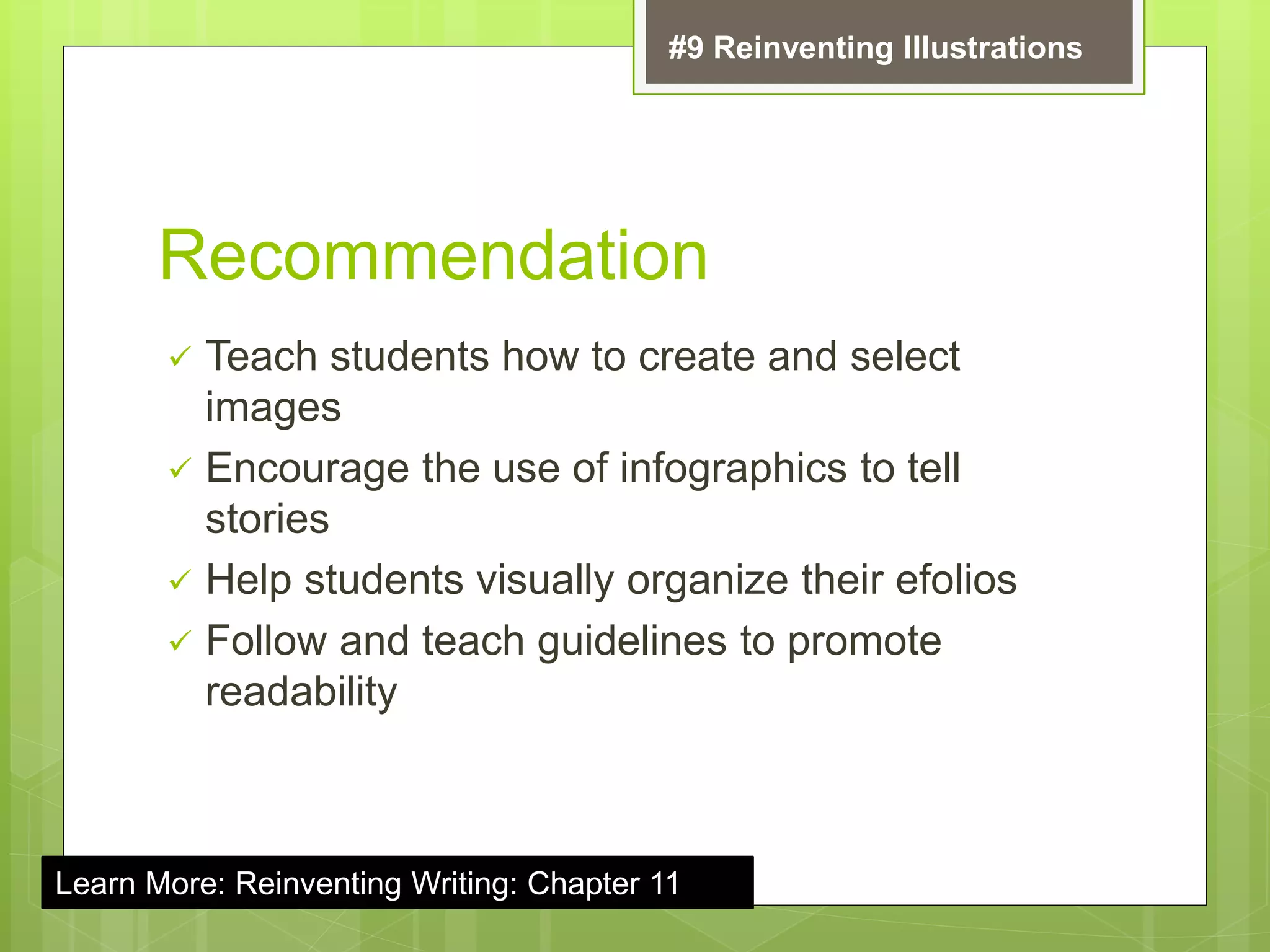
Recommendation
 Teach students how to create and select
images
 Encourage the use of infographics to tell
stories
 Help students visually organize their efolios
 Follow and teach guidelines to promote
readability
#9 Reinventing Illustrations
Learn More: Reinventing Writing: Chapter 11
Teacher Question:
What are the 9 ways writing has
been reinvented?
The Collaborative Writing Cloud 9
Wikis
Collaborative
Writing Apps
Blogs
Social
Bookmarking
Graphic
Organizers
Collaborative
Notebooks
ePaper
Cartooning
Cloud
Syncing
ReinventingWriting
@coolcatteacher
Part 1: How has writing
been reinvented?
Teacher Question:
Are there other ways writing
has been reinvented?
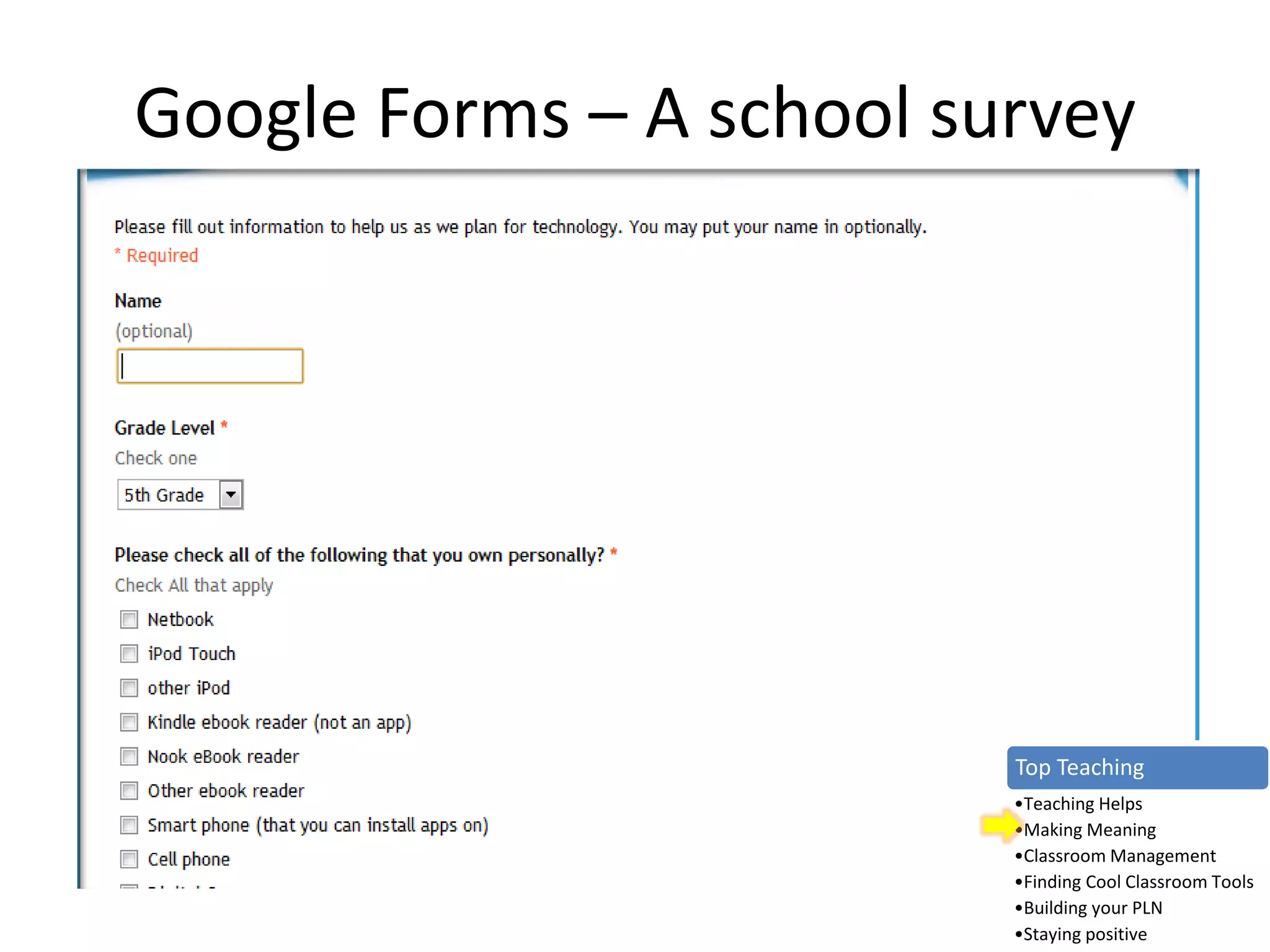
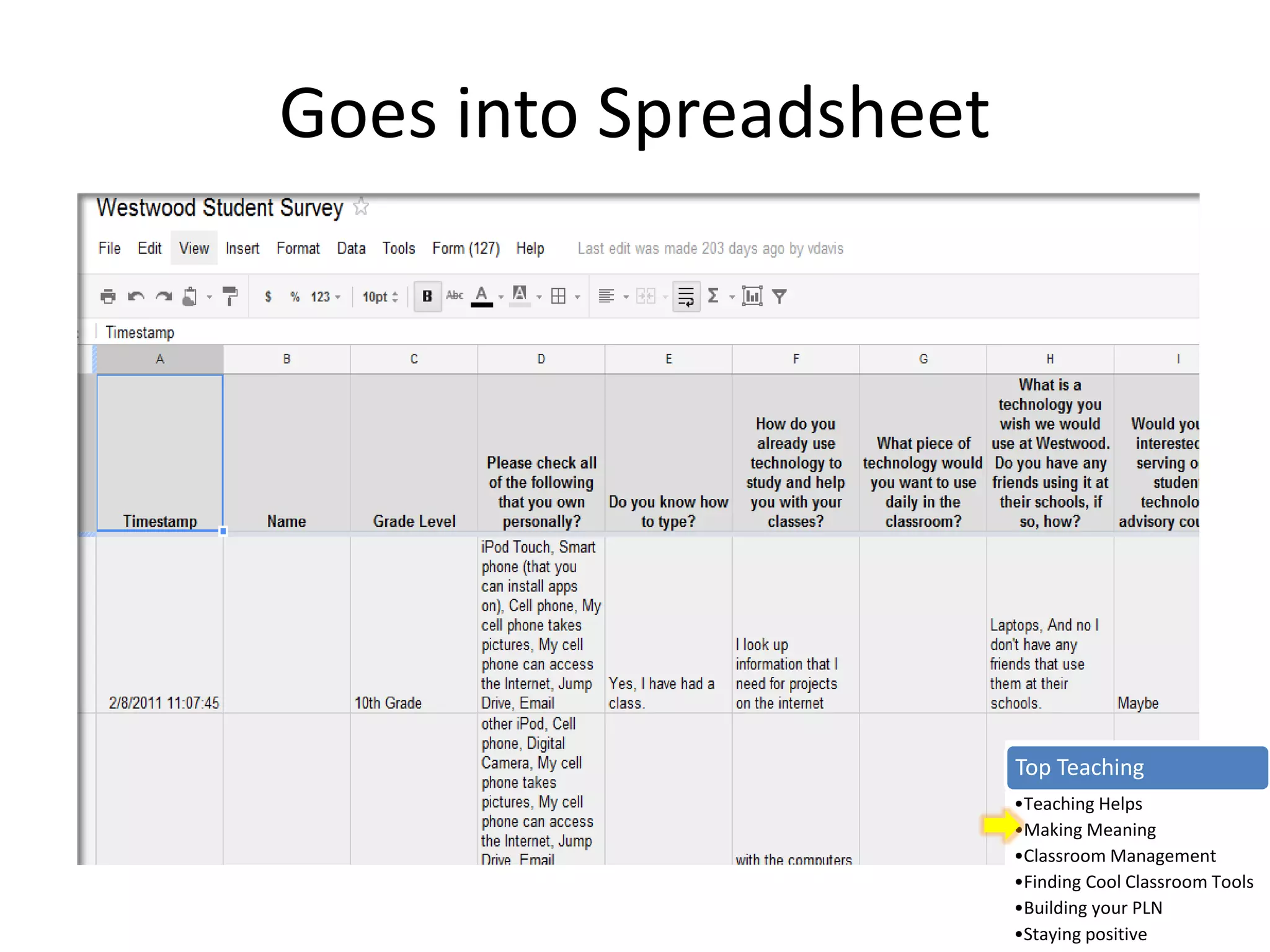
Google Forms – A school survey
Top Teaching
•Teaching Helps
•Making Meaning
•Classroom Management
•Finding Cool Classroom Tools
•Building your PLN
•Staying positive
Goes into Spreadsheet
Top Teaching
•Teaching Helps
•Making Meaning
•Classroom Management
•Finding Cool Classroom Tools
•Building your PLN
•Staying positive
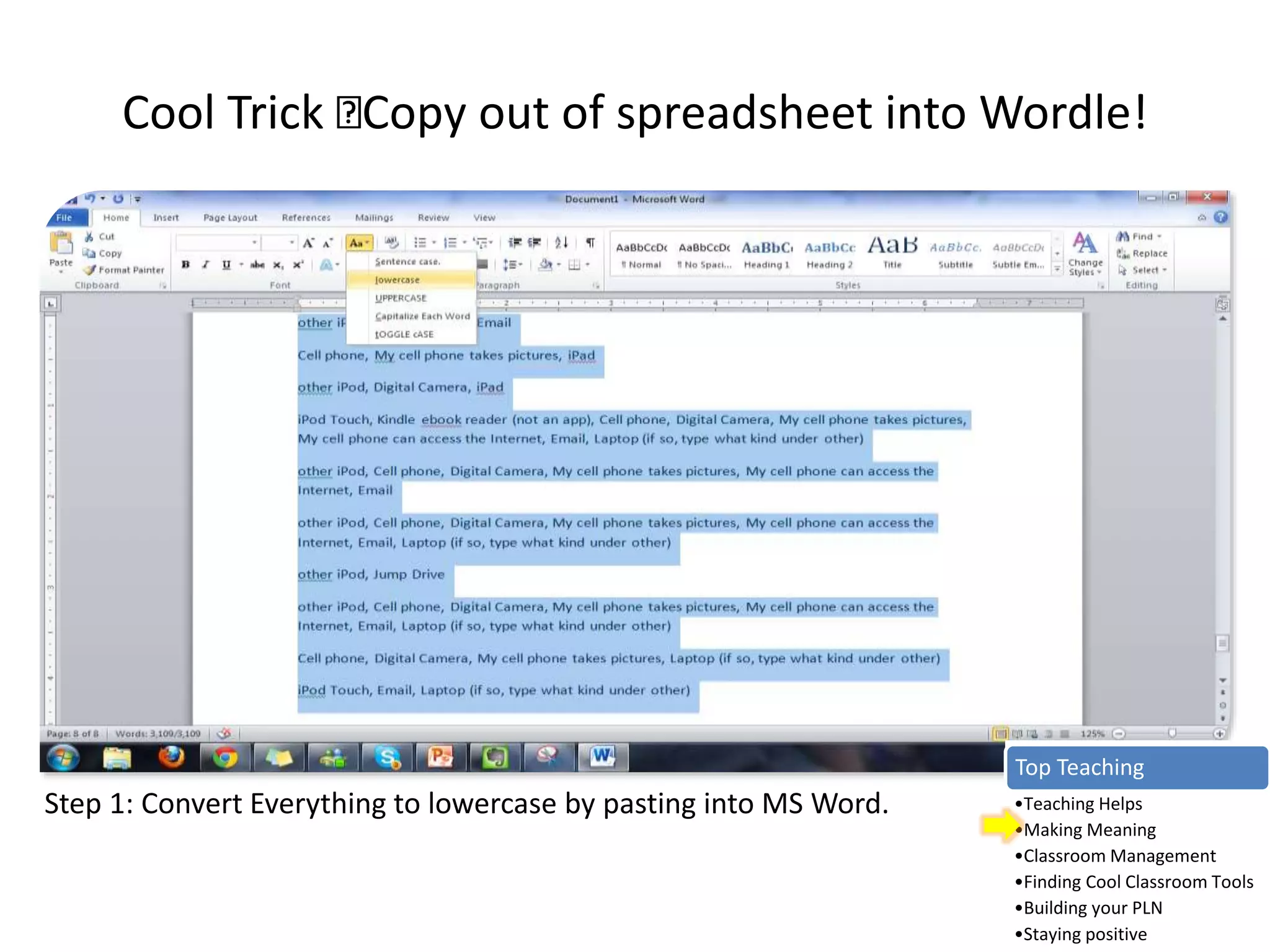
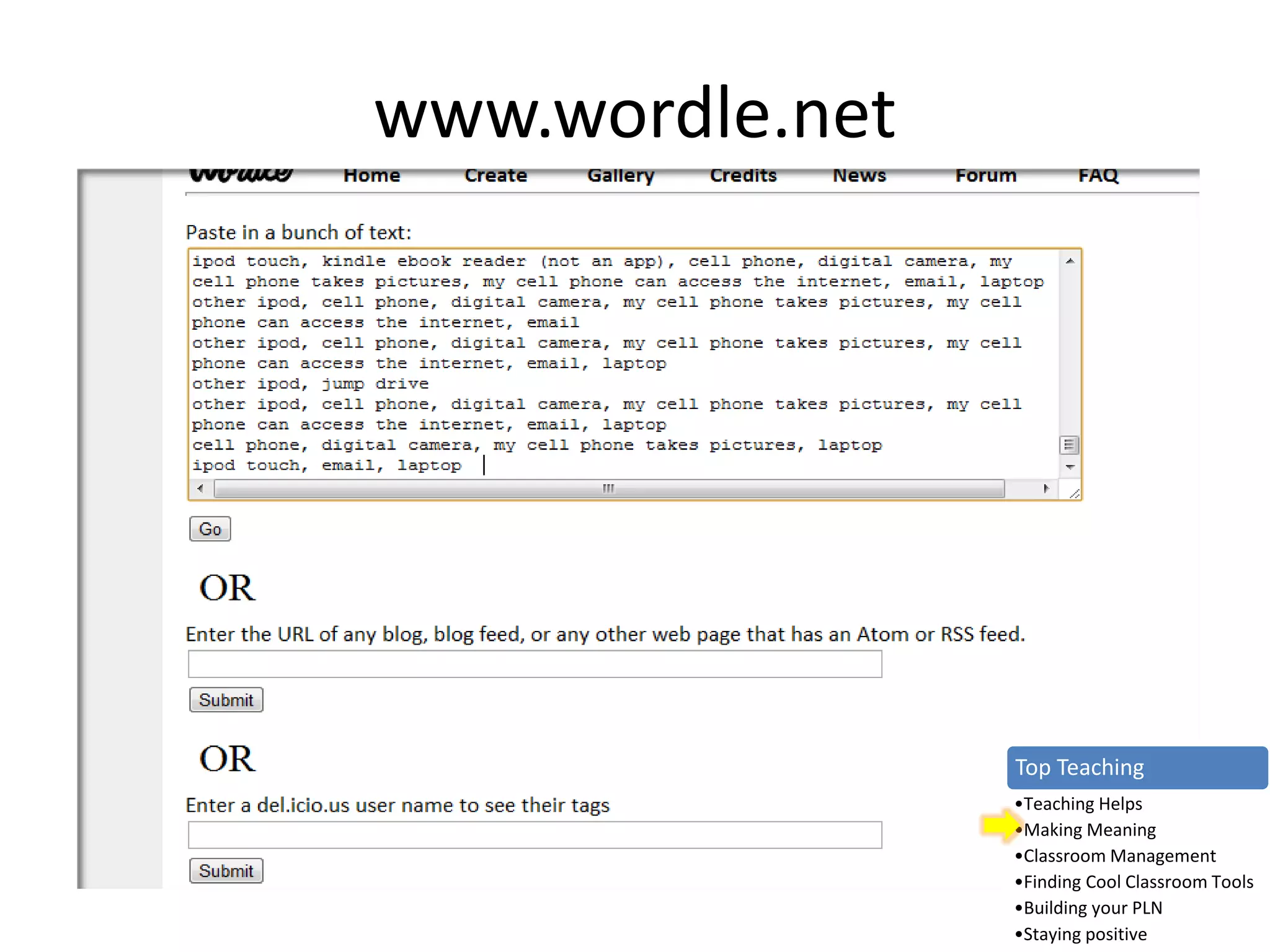
Cool Trick Copy out of spreadsheet into Wordle!
Step 1: Convert Everything to lowercase by pasting into MS Word.
Top Teaching
•Teaching Helps
•Making Meaning
•Classroom Management
•Finding Cool Classroom Tools
•Building your PLN
•Staying positive
www.wordle.net
Top Teaching
•Teaching Helps
•Making Meaning
•Classroom Management
•Finding Cool Classroom Tools
•Building your PLN
•Staying positive
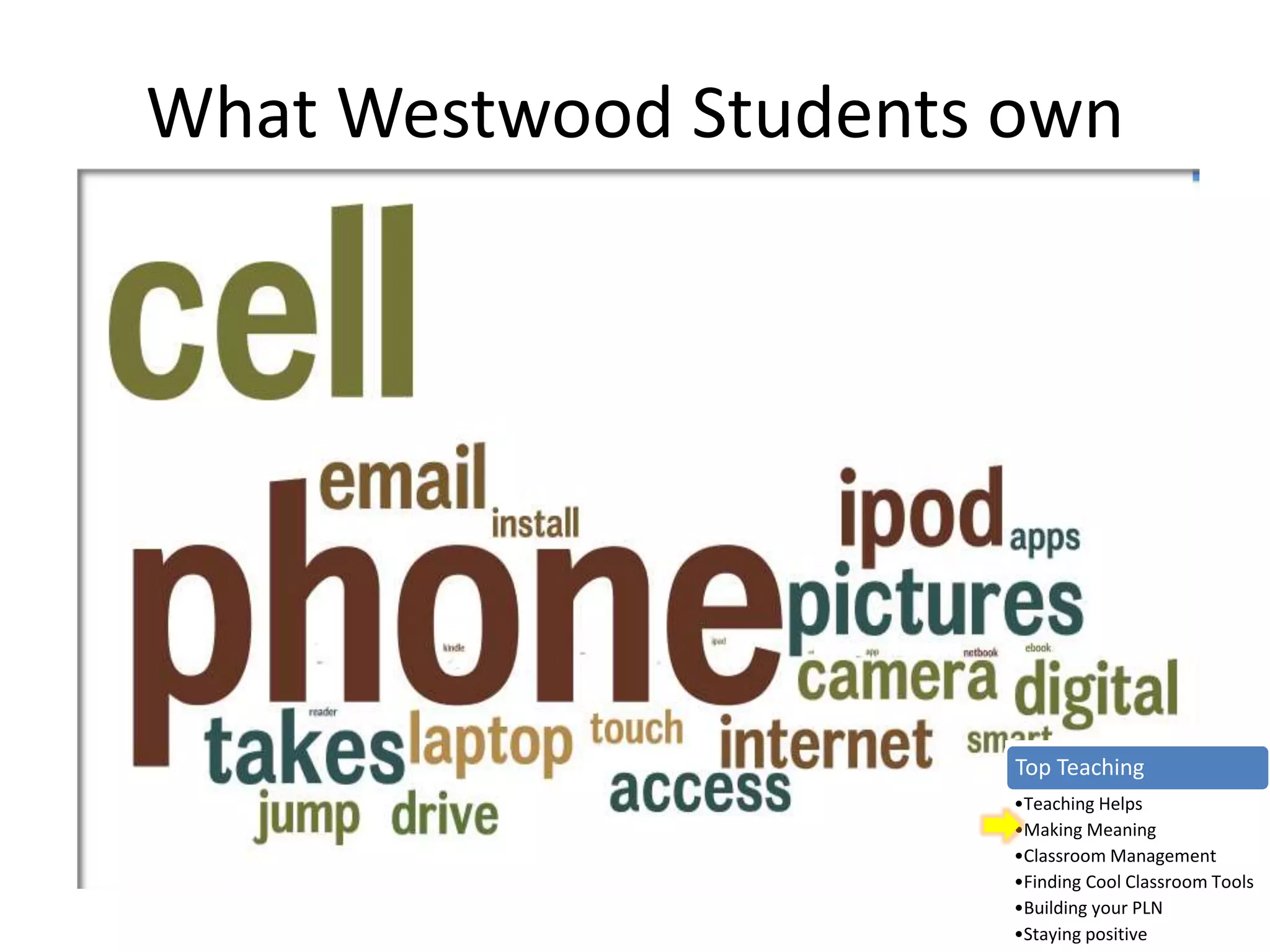
What Westwood Students own
Top Teaching
•Teaching Helps
•Making Meaning
•Classroom Management
•Finding Cool Classroom Tools
•Building your PLN
•Staying positive
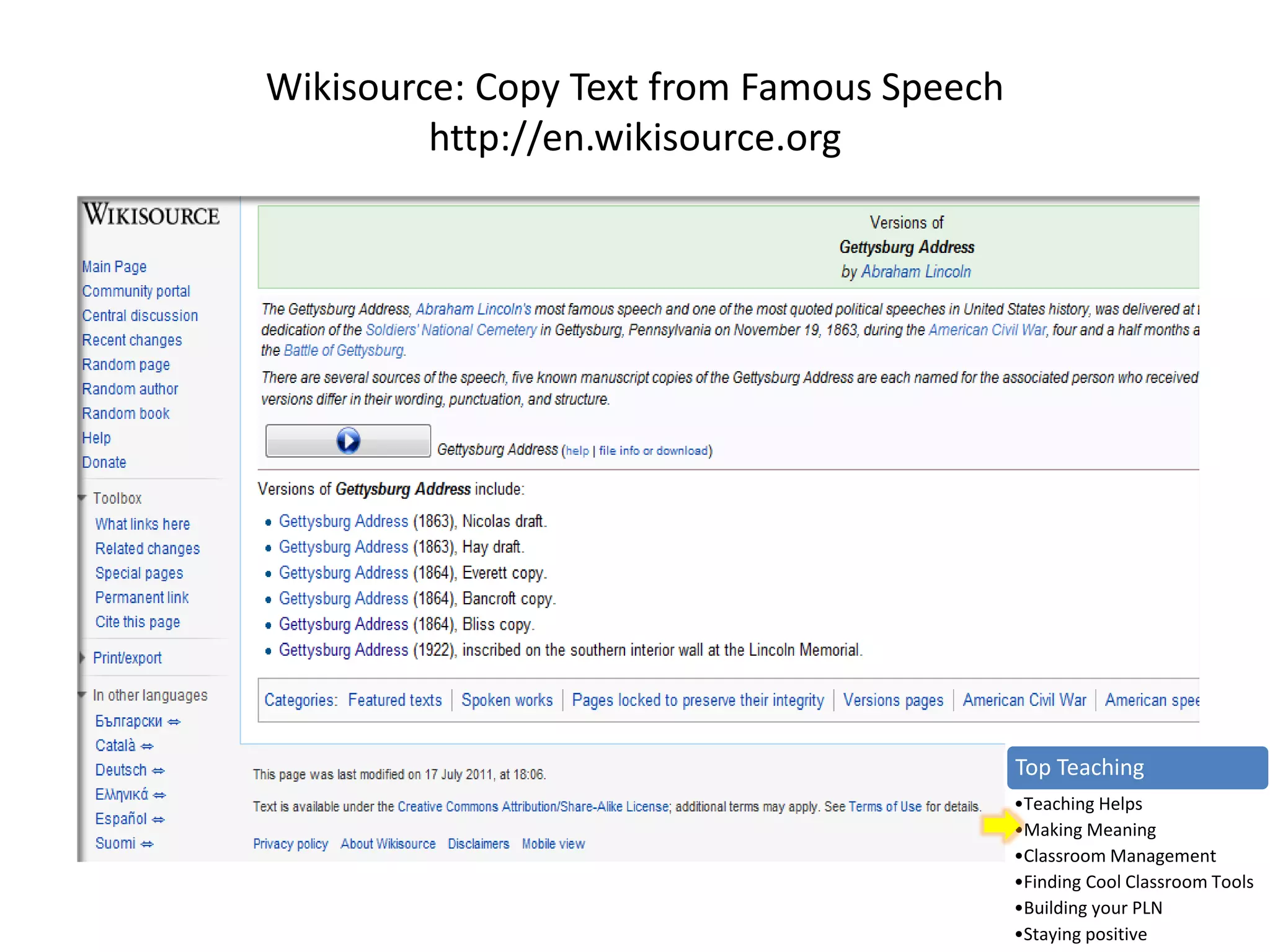
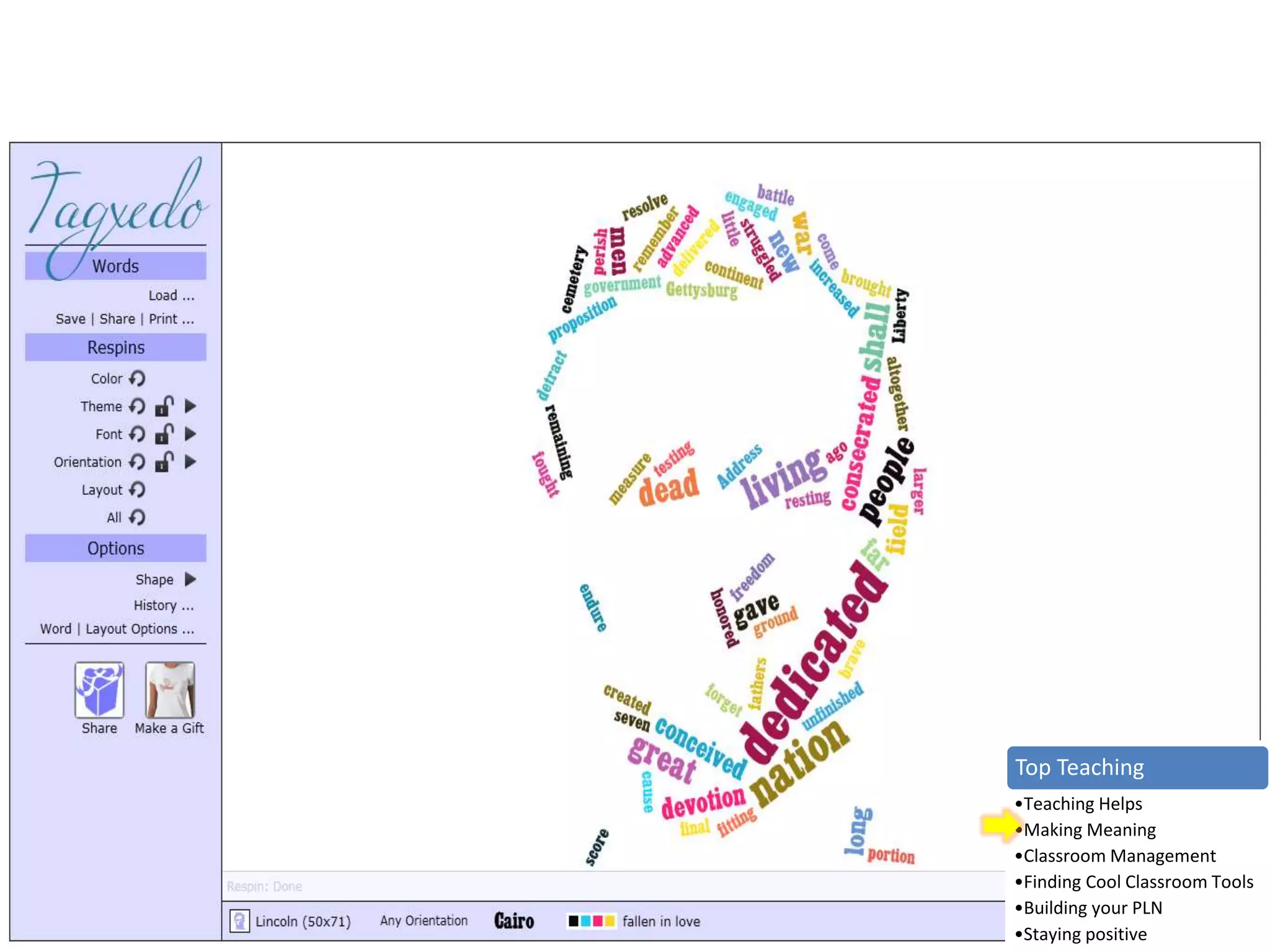
Wikisource: Copy Text from Famous Speech
http://en.wikisource.org
Top Teaching
•Teaching Helps
•Making Meaning
•Classroom Management
•Finding Cool Classroom Tools
•Building your PLN
•Staying positive
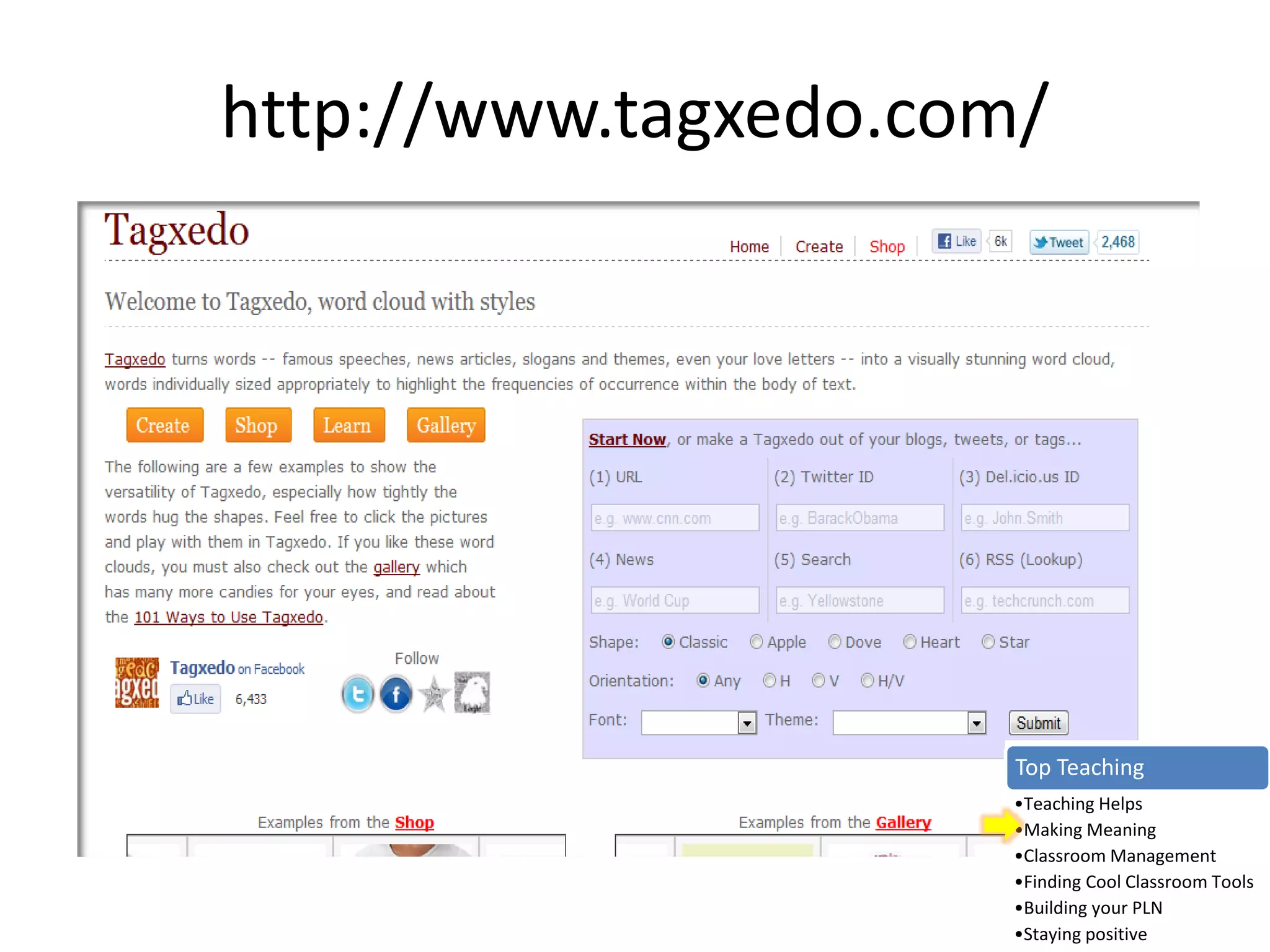
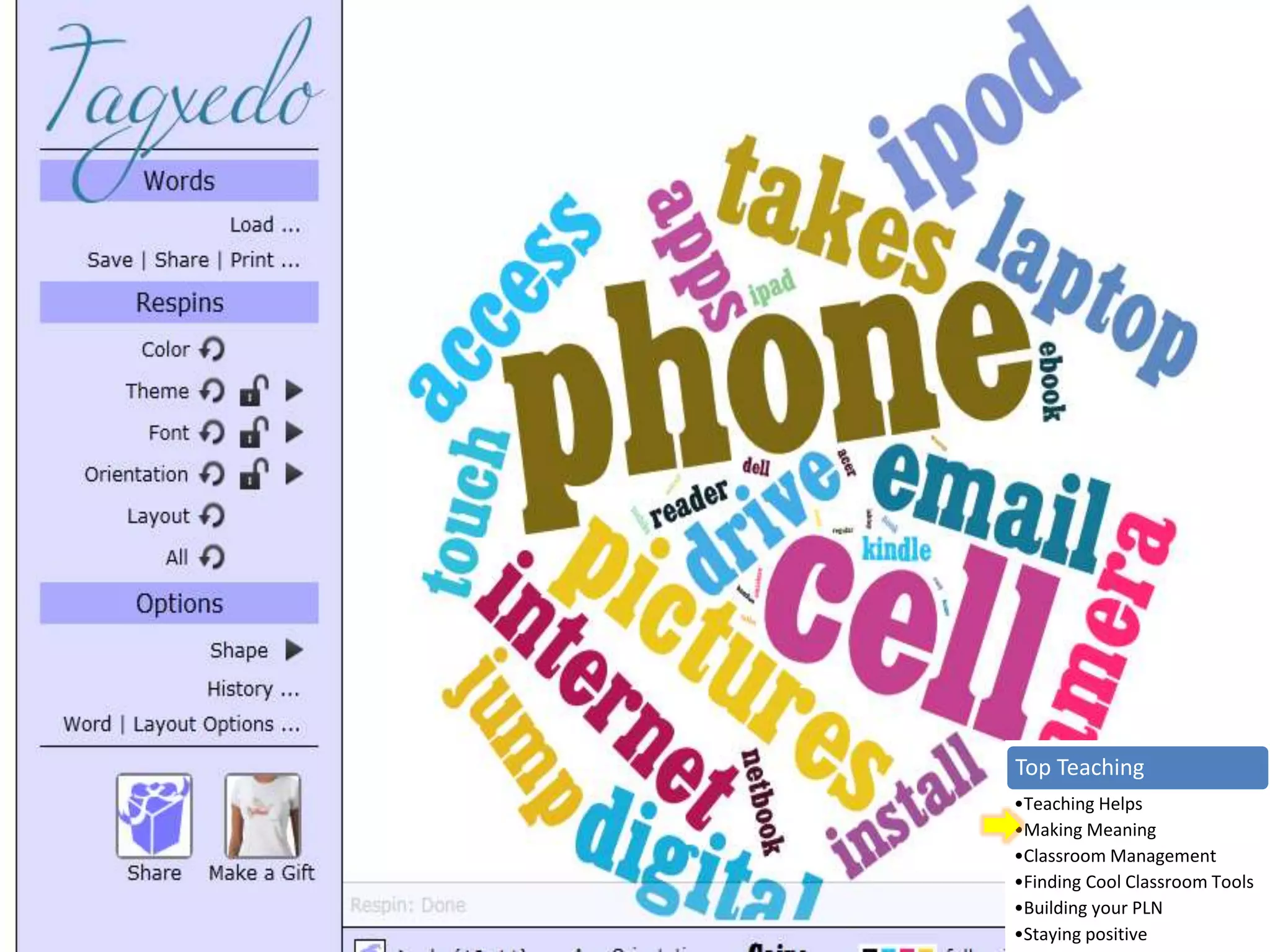
http://www.tagxedo.com/
Top Teaching
•Teaching Helps
•Making Meaning
•Classroom Management
•Finding Cool Classroom Tools
•Building your PLN
•Staying positive
Top Teaching
•Teaching Helps
•Making Meaning
•Classroom Management
•Finding Cool Classroom Tools
•Building your PLN
•Staying positive
Top Teaching
•Teaching Helps
•Making Meaning
•Classroom Management
•Finding Cool Classroom Tools
•Building your PLN
•Staying positive
Teacher Question:
What about online safety and
digital literacy?
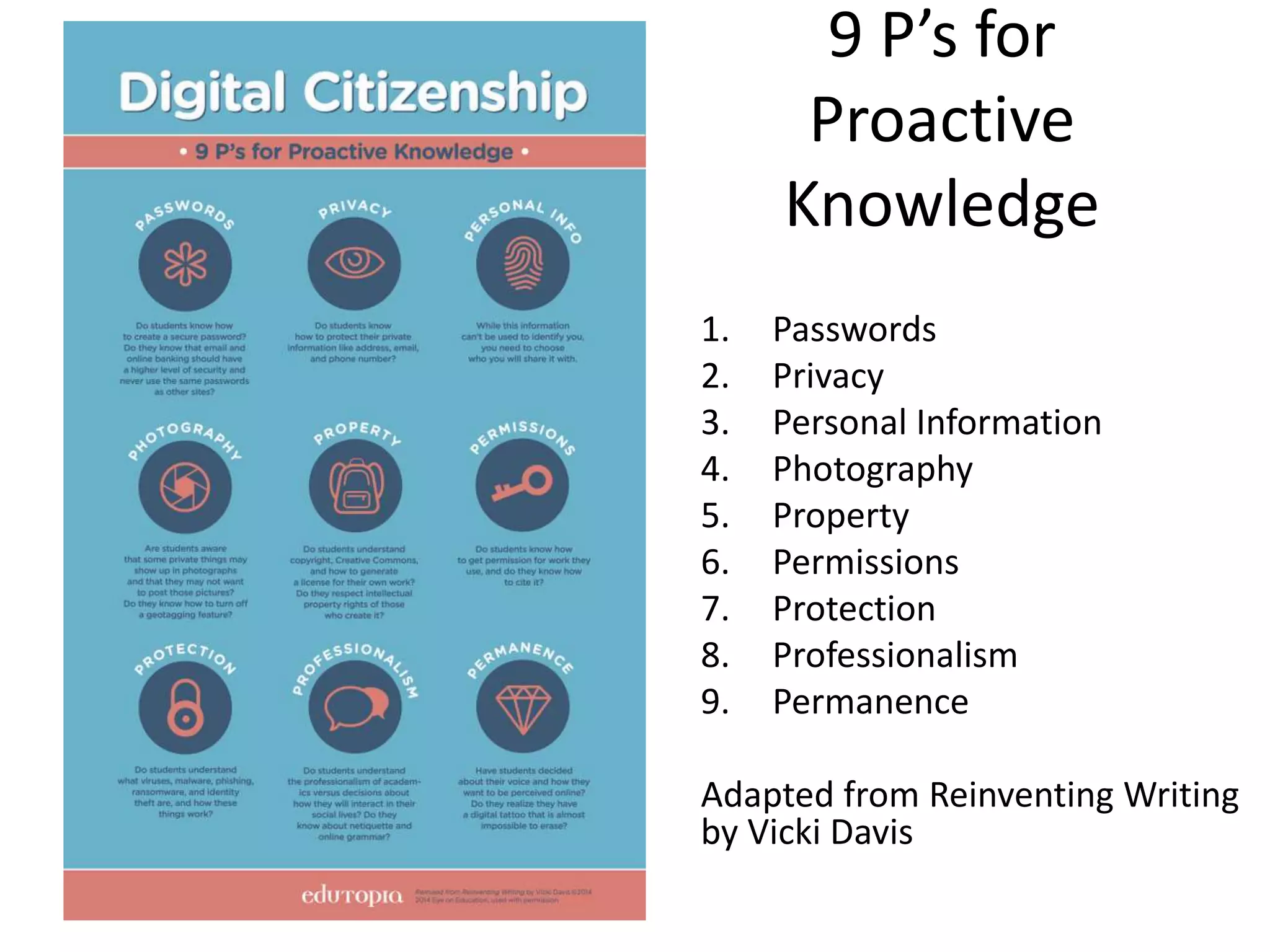
9 P’s for
Proactive
Knowledge
1. Passwords
2. Privacy
3. Personal Information
4. Photography
5. Property
6. Permissions
7. Protection
8. Professionalism
9. Permanence
Adapted from Reinventing Writing
by Vicki Davis
Teacher Question:
Are there habits that students
can develop that will make our
class writing community
stronger?
You can build community
CoP: Community of Practice
“Communities of practice are groups
of people who share a concern or a
passion for something they do and
learn how to do it better as they
interact regularly.”
Ettienne Wegner, Communities of Practice: A Brief
Introduction, 2012.
Reinventing Writing
Learn More: Reinventing Writing: Chapter 13
QUESTIONS?
Teacher Question:
Where can I find this
presentation?
How can we connect?
I’m here to help!
 www.coolcatteacher.com
 Twitter @coolcatteacher
 Facebook www.facebook.com/coolcatteacher
 iTunes: Every Classroom Matters
 This PRESENTATION:
 www.coolcatteacher.com/literacypromise
Let’s connect!
Reinventing Writing:
How Transliteracy and EdTech Tools Create Successful
Student Writing Communities
www.coolcatteacher.com/literacypromise
Vicki A. Davis
Teacher, IT Director
@coolcatteacher
www.coolcatteacher.com
Author, Reinventing Writing (June 2014)
Author, Flattening Classrooms, Engaging Minds
Host, Every Classroom Matters (itunes)
2014 BAMMY Award – Best Education Talk Show Host

Reinventing Writing: 9 Ways Writing Has Been Reinvented and How to Use Them in Schools

  • 1.
    Reinventing Writing: How Transliteracyand EdTech Tools Create Successful Student Writing Communities Vicki A. Davis Teacher, IT Director @coolcatteacher www.coolcatteacher.com Author, Reinventing Writing (June 2014) Author, Flattening Classrooms, Engaging Minds Host, Every Classroom Matters (itunes) 2014 BAMMY Award – Best Education Talk Show Host Coolcatteacher.com/literacypromise
  • 2.
    The Collaborative WritingCloud 9 Wikis Collaborative Writing Apps Blogs Social Bookmarking Graphic Organizers Collaborative Notebooks ePaper Cartooning Cloud Syncing ReinventingWriting @coolcatteacher Part 1: How has writing been reinvented?
  • 3.
    Poll: Who areyou? A.Teacher B.Librarian C.Curriculum D.Principal E.Other administrator
  • 5.
    Meet Mrs. Adkins:Innovation is not an AGE, it is a MINDSET Her secret to innovating with kids: 3 folders a weekend.
  • 6.
    years To get to50 million subscribers
  • 7.
    years To get to50 million subscribers
  • 8.
    years To get to50 million subscribers
  • 9.
    years To get to50 million subscribers
  • 10.
    days To get to50 million subscribers
  • 11.
    Teacher Question: How canwe keep up in the face of such rapid change?
  • 12.
  • 13.
    1. 9 WaysWriting Has Been Reinvented • Practical things students need to know • Examples from classrooms • Recommendations for each 2. 9 Key P’s for Digital Citizens 3. 20 Questions ReinventingWriting –Vicki Davis http://writinginthecloud.wikispaces.com I’mVicki Davis @coolcatteacher What’s your handle?
  • 14.
    1. Specific StepsBuilding Writing Communities (Chapter 13) 2. A lot of how-to’s (please use the chat to share links) 3. To dive deeply into the 9 Key P’s for Safety & Success (Chapter 12) 4. To dive deeply into the 20 questions (Chapter 2) We won’t have time for –Vicki Davis http://writinginthecloud.wikispaces.com I’mVicki Davis @coolcatteacher What’s your handle?
  • 15.
    John Seely Brown,VisitingScholar, University of Southern California “…you can’t just drop new innovations into a classroom and hope that the instructor will invent effective ways to use them.To fully utilize a new teaching technology, you often need to invent new teaching practices as well.” Gamifi-ed Project: An Intergenerational Learning Community http://gamifi-ed.wikispaces.com Westwood Students (9th graders) & Masters Students from University of Alaska Southeast & Gamifi-ed MOOC ReinventingWriting @coolcatteacher Part 1: How has writing been reinvented?
  • 16.
    Teacher Question: Why dowe need collaborative writing? Isn’t plain old writing good enough?
  • 17.
     Fosters community(Elbow 373)  Helps see problems from multiple viewpoints (Howard 10)  Co-authoring impacts the writing of individual authors (Aghbar)  Improves Learning Experiences (wolf 2010)  “Ideal model for constructing, reorganizing and acquiring new information” (Janssen et all 2010)  Global collaboration is essential in today’s workplace (Friedman)  Shorten time required to solve pressing world problems (Tapscott) Benefits of CollaborativeWriting (Why we need writing communities) Hong Kong 2011 Students edit wiki with virtual partners ReinventingWriting @coolcatteacher Part 1: How has writing been reinvented?
  • 18.
    Teacher Question: What is“the cloud?”
  • 19.
    A LOCATION ONTHE INTERNET WHERE FILES ARE STORED What is the Cloud? Reinventing Writing @coolcatteacher Part 1: How has writing been reinvented?
  • 20.
    Teacher Question: But Isee a lot of videos, pictures, and infographics along with writing on the web, is this part of writing literacy now?
  • 21.
    STUDENTS MUST BETRANSLITERATE “Transliterate: The ability to read, write, and interact across a range of platforms, tools and media from signing and orality through handwriting, print, TV, radio and film to digital networks.” Transliteracy Research Group
  • 22.
  • 23.
    Teacher Question: How doI make the decision about the tools I will use?
  • 24.
    •Can each studenthave a distinct username? •Does the website track profile data on the students? •Can you set it up without an email address? •Can I access this site through my school’s filter? •Does this tool meet all policy requirements for my school? User Setup •Can you easily set up a lot of users? •Can you duplicate pages and/or websites easily? Scalability •How easy is it to monitor? •How much control can you have over viewing, editing, and commenting? Management •Does the site allow hyperlinks? Embedding? •Uploading? •What are the capabilities of simultaneous editing? •Can the document be viewed and/or edited on multiple platforms? (like tablets and mobile phones) Interactive features •Does the site have good help files? •Does the site have an active community of educators that is well supported by the company? •If this is a mandated, privately supported tool, what community will be used to support teacher and student work? Community •How private is data shared on the platform? •How secure is data shared on the platform? •What are the intellectual property rights associated with what is shared on the platform? Privacy, Security, and Intellectual Property Rights 20 Questions about Technology Tools Reality CheckWhat am I trying to do? 20 19 18 1 2 3 4 5 6 7 8 9 12 11 10 17 16 15 14 13
  • 25.
  • 26.
    Teacher Question: What doliteracies do students need to have relating to ebooks?
  • 27.
    http://tinyurl.com/kindle-notecard ReinventingWriting @coolcatteacher Part 1: Howhas writing been reinvented? Learn More: Chapter 3, Reinventing Writing
  • 28.
    Teacher Question: What arethe most frequently used ebook readers?
  • 29.
    5 Most popularebook readers  Kindle  iBook  Nook  Kobo  Google Play Books Learn More: Epic Ebook Guide http://www.coolcatteacher.com/epic-ebook-guide/ ReinventingWriting @coolcatteacher Part 1: How has writing been reinvented? #1 Reinventing Paper
  • 30.
    Teacher Question: Where canI find free ebooks for me and my students?
  • 31.
    10 Places toFind, Download & Read Free or Inexpensive eBooks Site Link Site Link Project Gutenberg gutenberg.org eReaderIQ ereaderiq.com Free Booksy freebooksy.com Book Bub bookbub.com Bookish bookish.com Hundred Zeroes hundredzeroes.com Goodreads goodreads.com What Should I Read Next? whatshouldireadnext.com Which Book openingthebook.com/whichboo k Calibre calibre-ebook.com Learn More: Epic Ebook Guide http://www.coolcatteacher.com/epic-ebook-guide/ ReinventingWriting @coolcatteacher Part 1: How has writing been reinvented? #1 Reinventing Paper
  • 32.
    Teacher Question: How easyis it to publish ebooks with students?
  • 33.
  • 34.
    7 Easy Waysto Publish eBooks 1. Liber.io  http://liber.io/  (Write in Google Drive  eBook) 2. Draft  http://draftin.com/ 3. iBooks Author 4. LeanPub  http://leanpub.com/ 5. PowerPoint (It works!) 6. Keynote (Yes you can!) 7. Scrivener Learn more: http://www.coolcatteacher.com/publish-ebooks-free/ ReinventingWriting @coolcatteacher Part 1: How has writing been reinvented? #1 Reinventing Paper
  • 35.
    Teacher Question: How canI get the notes I take in my Kindle or iBooks into Microsoft Word or something else?
  • 36.
    Did you know? You can export your notes from Kindle or iBooks into Evernote?  http://www.coolcatteacher.com/kindle-notes-evernote-export/  http://www.coolcatteacher.com/export-ibooks-notes/ ReinventingWriting @coolcatteacher Part 1: How has writing been reinvented? #1 Reinventing Paper
  • 37.
    Teacher Question: Where canI get all these links in this presentation? www.coolcatteacher.com/literacypromise
  • 38.
    Teacher Question: I havea book in one format and want to convert it to another, can I do that?
  • 39.
    Calibre  You canconvert almost any format of ebook to another using Calibre?  See The Epic eBook Guide: http://www.coolcatteacher.com/epic-ebook-guide/ ReinventingWriting @coolcatteacher Part 1: How has writing been reinvented? #1 Reinventing Paper
  • 40.
    Teacher Question: Can weeasily send pdfs or other files to someone’s Kindle?
  • 41.
    2 Easy Waysto get PDF’s onto a Kindle 1. Students can set up a kindle email  Put them in a group and email docs to them (a small charge will be incurred.) 2. You can drag files onto a Kindle by hooking it up to the computer with a cable (it looks just like a thumb drive on the computer) ReinventingWriting @coolcatteacher Part 1: How has writing been reinvented? #1 Reinventing Paper
  • 42.
    Teacher Question: What aresome recommendations to take back to my librarian?
  • 43.
    Reinventing Writing Recommendation  EvaluateAmazon Whispernet  Create a place where you can distribute or link to free ebook content  Older students set up a profile on kindle.amazon.com  Learn to export notes from books  Make epublishing part of what you do #1 Reinventing Paper Learn More: Chapter 3, Reinventing Writing
  • 44.
    Teacher Question: How shouldstudents be taking notes today?
  • 45.
  • 47.
    Teacher Question: How canyou find your notes after you take them?
  • 48.
  • 49.
    Teacher Question: What arethe popular digital notebook services today?
  • 50.
    Popular Notebook Services 1.Evernote 2. One Note 3. Google Keep 4. PAPER! ;-) Learn More: Reinventing Writing: Chapter 4 ReinventingWriting @coolcatteacher Part 1: How has writing been reinvented? #2 Reinventing Notetaking
  • 51.
  • 52.
    Did you know youcan create checklists and store files?
  • 53.
  • 54.
    One Note: OnlyCollaborative Notebook service
  • 55.
    Teacher Question: Are theretimes that students should take notes by hand?
  • 56.
  • 57.
    Teacher Question: How canI include notes taken by hand in a digital notebook service and why would I want to?
  • 58.
    How to gethand written notes in: 1) Snap a picture 2) Scan Why? Retrieval (Evernote can search handwriting.)
  • 59.
    Teacher Question: What recommendationsshould I take back to my school about digital notetaking?
  • 60.
    Reinventing Writing Recommendation  Selectan official notebook service for your school  Connect students and teachers  Share notes  Learn to capture, annotate, and find  See if students can find notes at a later date #2 Reinventing Notetaking Learn More: Reinventing Writing: Chapter 4
  • 61.
    Teacher Question: Is therean easier way to research for term papers or research papers? (And do students really have to print out a million pages on my printers?)
  • 62.
  • 63.
  • 64.
    Meet the new notecard Hyperlink ispart of bookmark Learn More: Reinventing Writing: Chapter 5 See: http://www.coolcatteacher.com/diigo-social-bookmarking-tutorial/
  • 65.
    Features of the New Notecard (Diigo)Annotate Websites: Privately, To a group or publicly Group Bookmarks http://physicsofthefuture.wikispaces.com Student efolios Citation Reports
  • 66.
    Teacher Question: How canI learn about Diigo?
  • 67.
  • 68.
    Teacher Question: How canmy students share their research in Diigo?
  • 69.
    Reinventing Writing Recommendation  Setup a bookmarking group for each class  Set up a “tag dictionary” for common topics for the term  Install the Diigo plug in to add more features to websites #3 Reinventing Notecards Learn More: Reinventing Writing: Chapter 5
  • 70.
    Teacher Question: How canI find my files on multiple devices? (computers, smartphones, tablets)
  • 71.
  • 72.
    Teacher Question: What arethe most popular cloud sync services?
  • 73.
    ReinventingWriting @coolcatteacher Part 1: Howhas writing been reinvented? Dropbox * Google Drive * One Drive
  • 74.
    Teacher Question: What dostudents need to know about syncing to the cloud?
  • 75.
  • 76.
    Teacher Question: What ifI want to swap cloud sync services and use a different one?
  • 77.
    Mover.io You’re not stuck!You can move your files
  • 78.
    Teacher Question: Are thereother things you can do with cloud services besides save and share files?
  • 79.
    Dropbox: Did youknow?  You can connect to your students and share files  Dropbox is a great way to share videos  You can create a folder people can upload to using dropitto.me  Sortmybox will help you organize and move your dropbox materials  Jotform sends forms straight to Dropbox  Automate Dropbox with IFTTT  You can create a website from a Dropbox Folder using site44  My bookmarks of all the things you can do with Dropbox: https://www.diigo.com/user/coolcatteacher/dropbox ReinventingWriting @coolcatteacher Part 1: How has writing been reinvented? #5 Reinventing Filing Cabinets
  • 80.
    Google Drive: Didyou know?  You can install Google Drive like a Dropbox Folder  You can set up shared class folders  Google Drive can link with other services (like wevideo)  See “Becoming a Google Drive Master”  http://j.mp/gdrive-master #5 Reinventing Filing Cabinets
  • 81.
    One Drive: Didyou know?  Integrated with Office and Windows 8 (no need to install)  If you don’t buy the service, only 3 students can sign up PER DAY behind a firewall (I give it as a home assignment/ school supply)  Free versions of Word/ Excel/ Powerpoint available online with your files if you use it  Replaces the “Jump Drive” more easily than anything else. #5 Reinventing Filing Cabinets
  • 82.
    Teacher Question: What shouldmy school do about cloud syncing?
  • 83.
    Reinventing Writing Recommendation  Createshared places in the cloud for students and teachers to move files between devices  Educate everyone on how to use them and what they are doing (even if you don’t allow them to use popular services)  Students need places to share video and other files! #5 Reinventing Filing Cabinets Learn More: Reinventing Writing: Chapter 6
  • 84.
    Teacher Question: How canI have more peer review in essay writing?
  • 85.
  • 86.
    ReinventingWriting @coolcatteacher Part 1: Howhas writing been reinvented? So much more than the “essay” - reinventing wordprocessors
  • 87.
    Teacher Question: What arethe popular collaborative essay writing tools?
  • 88.
    ReinventingWriting @coolcatteacher Part 1: Howhas writing been reinvented? 1. Google Drive 2. One Drive (Microsoft Word/ Office 365) 3. Etherpad (for server installation)
  • 89.
    Teacher Question: What dostudents need to know about collaborative writing?
  • 90.
  • 91.
    Teacher Question: How canI do less proofreading, grammar checking, and use technology to help students write (and make my job easier?)
  • 93.
    Teacher Question: How canI coach students in making writing more concise and to the point?
  • 94.
    Use Hemingway Appw/ Grammarly
  • 95.
    Teacher Question: Are thereadvanced tools I can use to help students with mechanics?
  • 96.
  • 97.
    Teacher Question: How canI help students make their writing easier to read? (especially in blogging because no one is reading their work!)
  • 98.
  • 99.
    TIP: Add 25%transitions
  • 100.
    Teacher Question: How canI help students who are slow typists and prefer writing by hand?
  • 101.
  • 102.
  • 103.
    Mac Dication • PressFn Fn twice on your Mac
  • 104.
    Teacher Question: How canI give better feedback both with words and my voice?
  • 105.
  • 106.
    Teacher Question: Are thereother tools I can use with collaborative writing apps like Google Docs?
  • 107.
    Look for Add-insor Add-Ons
  • 108.
    Extra Features inMicrosoft Word  You can call people and live chat them from inside Microsoft Word, PowerPoint and Excel in Office 365?  You can live edit Microsoft Word now?  You can get Microsoft Office on the iPad now?  Microsoft Office has Add Ons too?  http://office.microsoft.com/en-001/store/ ReinventingWriting @coolcatteacher Part 1: How has writing been reinvented? #5 Reinventing Word Processors
  • 109.
    Teacher Question: Can Iget files from Google Docs to Word or older word processors?
  • 110.
    Zamzar!  Zamzar.com canconvert almost any format? ReinventingWriting @coolcatteacher Part 1: How has writing been reinvented? #5 Reinventing Word Processors
  • 111.
    Teacher Question: What recommendationsdo I need to bring back to my school about collaborative writing?
  • 112.
    Reinventing Writing Recommendation  Setup collaborative writing tools  Make sure teachers know how to give text and voice feedback  Empower peer feedback  Train and connect everyone!  Teach students (and teachers) to convert files of all types #5 Reinventing Word Processors Learn More: Reinventing Writing: Chapter 7
  • 113.
    Teacher Question: What aboutblogging and social media – how has it changed writing?
  • 114.
  • 115.
    Teacher Question: What dostudents need to know about blogging?
  • 116.
  • 117.
  • 118.
  • 119.
  • 120.
    Teacher Question: What ifI can’t get comments on student blogs?
  • 121.
  • 122.
    Quadblogging – anauthentic audience of peers
  • 123.
    Teacher Question: What kindof writing is Twitter?
  • 124.
  • 125.
    Karen Lirenman Kathy Cassidy BuildingStudent Learning Communities through Twitter http://j.mp/lirenman-twitter Using Twitter in a Primary Classroom http://j.mp/primary-twitter Class Twitter Accounts Open Doors
  • 126.
    Teacher Question: What ifTwitter is blocked or not allowed in my school?
  • 127.
    Did you know? http://www.classtools.net/twister/ You canmake “Fake Tweets” at Classtools.net
  • 129.
    Teacher Question: What recommendationsshould I take back for my school about blogging and microblogging?
  • 130.
    Reinventing Writing Recommendation  Setup a blogging platform for your students  Encourage feedback and connection  Find a Quadblogging Group for every classroom in your school  Use microblogging to communicate and connect with the world  Give your classroom a public platform to share and connect #6 Reinventing Journals & Reports Learn More: Reinventing Writing: Chapter 8
  • 131.
    Teacher Question: What ifmy classroom needs to have a group website where we all share and write?
  • 132.
  • 133.
    Teacher Question: What dostudents need to know about wikis?
  • 134.
  • 135.
    Teacher Question: What doesa student wiki project look like?
  • 137.
    Teacher Question: What contentgoes on the page and what content goes in the discussion on a wiki?
  • 138.
  • 139.
    Teacher Question: What aresome popular wiki websites?
  • 140.
    Popular Wiki Websites 1.Wikispaces 2. PBWiki 3. Install Media Wiki ReinventingWriting @coolcatteacher Part 1: How has writing been reinvented? #7 Reinventing Group Reports
  • 141.
    Teacher Question: Aren’t thereother ways students can build websites too?
  • 142.
    Students can buildwebsites too: Wix, Weebly and others
  • 143.
  • 144.
    Popular Group WebsiteCreators 1. Weebly 2. Wix 3. Webs 4. Google Sites ReinventingWriting @coolcatteacher Part 1: How has writing been reinvented? #7 Reinventing Group Reports
  • 145.
    Teacher Question: What aresome things most educators don’t know about wikis?
  • 146.
    Did you know? You can set up private projects on wikispaces even if your overall wiki is public?  You can have a free ad-free site if you’re a K12 educator  See my classroom wiki at http://westwood.wikispaces.com  You can comment in-line like Google Drive?  You can use Wikispaces classroom to monitor engagement live? ReinventingWriting @coolcatteacher Part 1: How has writing been reinvented? #7 Reinventing Group Reports
  • 147.
    Teacher Question: What aresome recommendations to take back to my school about wikis?
  • 148.
    Reinventing Writing Recommendation  Createa collaborative wiki community  Write common information together with others with a different worldview  Learn to write collaboratively  Multi age  Intergenerational  Within your district  Create a platform for student efolios #7 Reinventing Group Reports Learn More: Reinventing Writing: Chapter 9
  • 149.
    Teacher Question: If studentsare going to write together, don’t they need to prewrite together too?
  • 150.
  • 151.
    Teacher Question: What aresome electronic brainstorming and prewriting techniques students need to know?
  • 152.
  • 153.
    Teacher Question: What aresome student samples of mindmapping?
  • 154.
  • 155.
    Building a schoolapp – the mindmap students made
  • 156.
    Teacher Question: Do youhave to mindmap? Couldn’t you just outline together?
  • 157.
    Did you know? You should preplanwhat you’ll write before you start collaborative writing? Favorite outlining tools: Hackpad, Google Drive, Etherpad, Office 365
  • 158.
    Teacher Question: What aresome recommendations for prewriting and mindmapping for today’s students?
  • 159.
    Did you know? You can create a mindmap to organize and embed it or link it from your document to keep the two connected?  Live chats with documents usually aren’t saved, so you want to have people use comments instead to include collaborative partners  Partners should know how to find past conversations and revisions  If you want to collaboratively write – it starts with collaborative prewriting ReinventingWriting @coolcatteacher Part 1: How has writing been reinvented? #8 Reinventing Prewriting
  • 160.
    Reinventing Writing Recommendation  TeachPrewriting tools and skills  Teach Collaborative Prewriting methods  Don’t forget prewriting  Embed prewriting documents in the final document  Include asynchronous partners in your communications. #8 Reinventing Prewriting Learn More: Reinventing Writing: Chapter 10
  • 161.
    Teacher Question: How canwe create graphics for online student work? Aren’t they important parts of modern writing?
  • 162.
  • 163.
    Teacher Question: What arecommonly used types of graphics for websites and online writing?
  • 164.
  • 166.
    See: Infographics Toolsfor Kids http://www.coolcatteacher.com/infographic-tools-for-kids/
  • 168.
    See: 7 Waysto Use Canva to Create Compelling Graphics http://www.coolcatteacher.com/canva-how-to/
  • 169.
    Teacher Question: Why aregraphics so important in online writing? Can they be distracting and stop people from reading?
  • 170.
    Readibility tips?  Captionsunder images are read 300% more than body copy  Headlines placed below an image are read by 10% more people than headlines above  Never break the left margin  Images should either have: story appeal or demonstrate something  See: http://blog.kissmetrics.com/shocking-truth-about-graphics/ #9 Reinventing Illustrations
  • 171.
    Teacher Question: What aresome recommendations for helping kids get started with graphics?
  • 172.
    Recommendation  Teach studentshow to create and select images  Encourage the use of infographics to tell stories  Help students visually organize their efolios  Follow and teach guidelines to promote readability #9 Reinventing Illustrations Learn More: Reinventing Writing: Chapter 11
  • 173.
    Teacher Question: What arethe 9 ways writing has been reinvented?
  • 174.
    The Collaborative WritingCloud 9 Wikis Collaborative Writing Apps Blogs Social Bookmarking Graphic Organizers Collaborative Notebooks ePaper Cartooning Cloud Syncing ReinventingWriting @coolcatteacher Part 1: How has writing been reinvented?
  • 175.
    Teacher Question: Are thereother ways writing has been reinvented?
  • 176.
    Google Forms –A school survey Top Teaching •Teaching Helps •Making Meaning •Classroom Management •Finding Cool Classroom Tools •Building your PLN •Staying positive
  • 177.
    Goes into Spreadsheet TopTeaching •Teaching Helps •Making Meaning •Classroom Management •Finding Cool Classroom Tools •Building your PLN •Staying positive
  • 178.
    Cool Trick Copyout of spreadsheet into Wordle! Step 1: Convert Everything to lowercase by pasting into MS Word. Top Teaching •Teaching Helps •Making Meaning •Classroom Management •Finding Cool Classroom Tools •Building your PLN •Staying positive
  • 179.
    www.wordle.net Top Teaching •Teaching Helps •MakingMeaning •Classroom Management •Finding Cool Classroom Tools •Building your PLN •Staying positive
  • 180.
    What Westwood Studentsown Top Teaching •Teaching Helps •Making Meaning •Classroom Management •Finding Cool Classroom Tools •Building your PLN •Staying positive
  • 181.
    Wikisource: Copy Textfrom Famous Speech http://en.wikisource.org Top Teaching •Teaching Helps •Making Meaning •Classroom Management •Finding Cool Classroom Tools •Building your PLN •Staying positive
  • 182.
    http://www.tagxedo.com/ Top Teaching •Teaching Helps •MakingMeaning •Classroom Management •Finding Cool Classroom Tools •Building your PLN •Staying positive
  • 183.
    Top Teaching •Teaching Helps •MakingMeaning •Classroom Management •Finding Cool Classroom Tools •Building your PLN •Staying positive
  • 184.
    Top Teaching •Teaching Helps •MakingMeaning •Classroom Management •Finding Cool Classroom Tools •Building your PLN •Staying positive
  • 185.
    Teacher Question: What aboutonline safety and digital literacy?
  • 186.
    9 P’s for Proactive Knowledge 1.Passwords 2. Privacy 3. Personal Information 4. Photography 5. Property 6. Permissions 7. Protection 8. Professionalism 9. Permanence Adapted from Reinventing Writing by Vicki Davis
  • 187.
    Teacher Question: Are therehabits that students can develop that will make our class writing community stronger?
  • 188.
    You can buildcommunity CoP: Community of Practice “Communities of practice are groups of people who share a concern or a passion for something they do and learn how to do it better as they interact regularly.” Ettienne Wegner, Communities of Practice: A Brief Introduction, 2012. Reinventing Writing Learn More: Reinventing Writing: Chapter 13
  • 189.
  • 190.
    Teacher Question: Where canI find this presentation? How can we connect?
  • 191.
    I’m here tohelp!  www.coolcatteacher.com  Twitter @coolcatteacher  Facebook www.facebook.com/coolcatteacher  iTunes: Every Classroom Matters  This PRESENTATION:  www.coolcatteacher.com/literacypromise Let’s connect!
  • 192.
    Reinventing Writing: How Transliteracyand EdTech Tools Create Successful Student Writing Communities www.coolcatteacher.com/literacypromise Vicki A. Davis Teacher, IT Director @coolcatteacher www.coolcatteacher.com Author, Reinventing Writing (June 2014) Author, Flattening Classrooms, Engaging Minds Host, Every Classroom Matters (itunes) 2014 BAMMY Award – Best Education Talk Show Host

Editor's Notes

  • #13 So, I embed my learning and take 15 minutes 2-3 times a week to learn and explore new technologies and this, has been the thing that has led to the complete transformation of my classroom! But you don’t have time – you say.
  • #20 One drop is a drop of water. Many drops of water together make rain. Rain makes the grass grow. One person writing is one workbut multiple people make change. Change can improve our world.
  • #28 Resources: 12 Ways eBooks Can Improve your Life: http://www.coolcatteacher.com/11-reasons-ebooks/
  • #53 Notetaking and Leaerning: A Summary of Research - http://wac.colostate.edu/journal/vol16/boch.pdf
  • #118 Answers: 1:1 Devices of one type 1:1 BYOD Rolling labs of devices Computer Lab Limited access
  • #176 Captions: http://blog.kissmetrics.com/shocking-truth-about-graphics/
  • #178 Captions: http://blog.kissmetrics.com/shocking-truth-about-graphics/