REACT NATIVE
MOJOTECH REACT SYMPOSIUM 2016
WHAT IS
REACT NATIVE?
WHAT IS REACT NATIVE
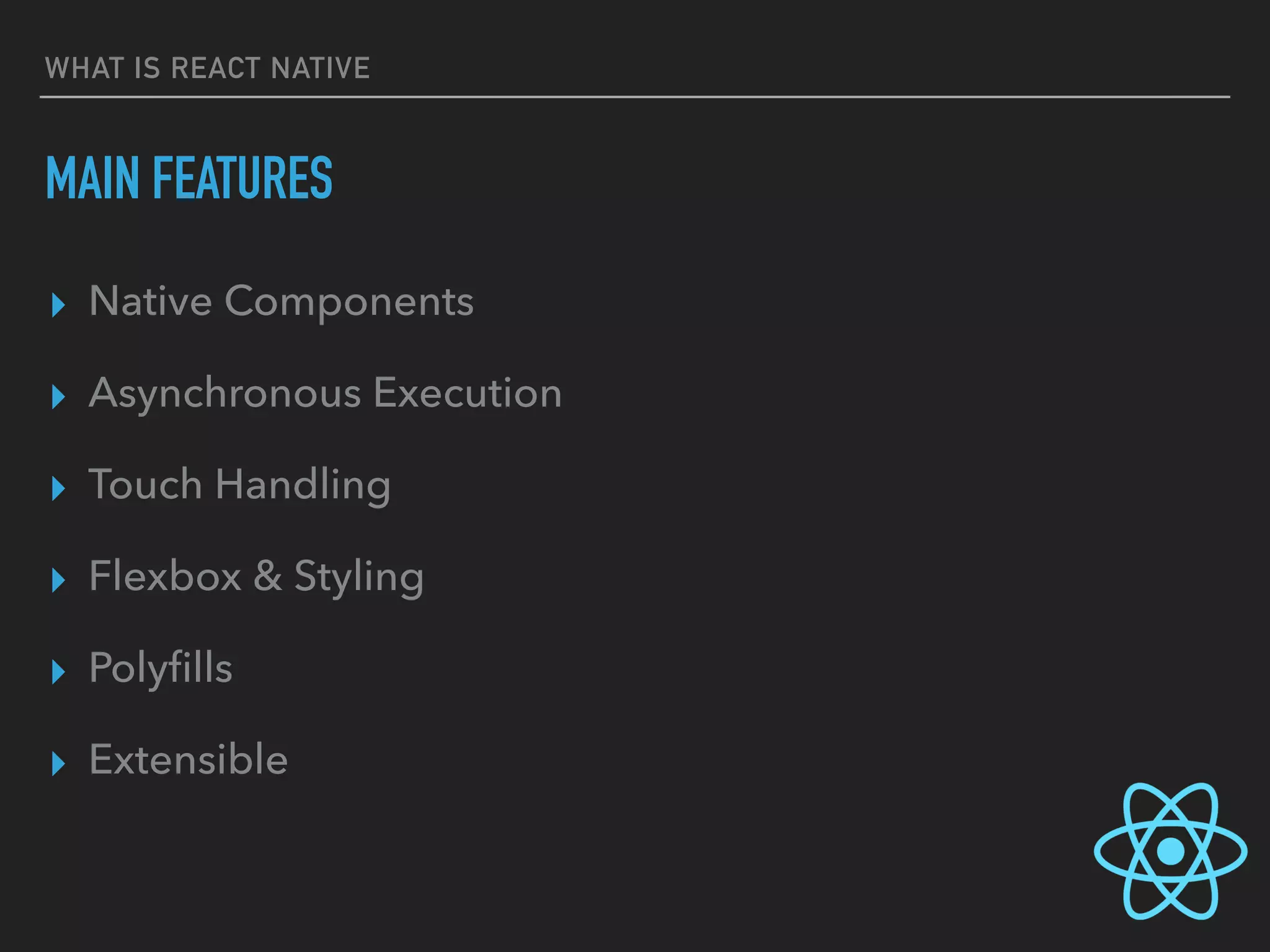
MAIN FEATURES
▸ Native Components
▸ Asynchronous Execution
▸ Touch Handling
▸ Flexbox & Styling
▸ Polyfills
▸ Extensible
GETTING STARTED
GETTING STARTED
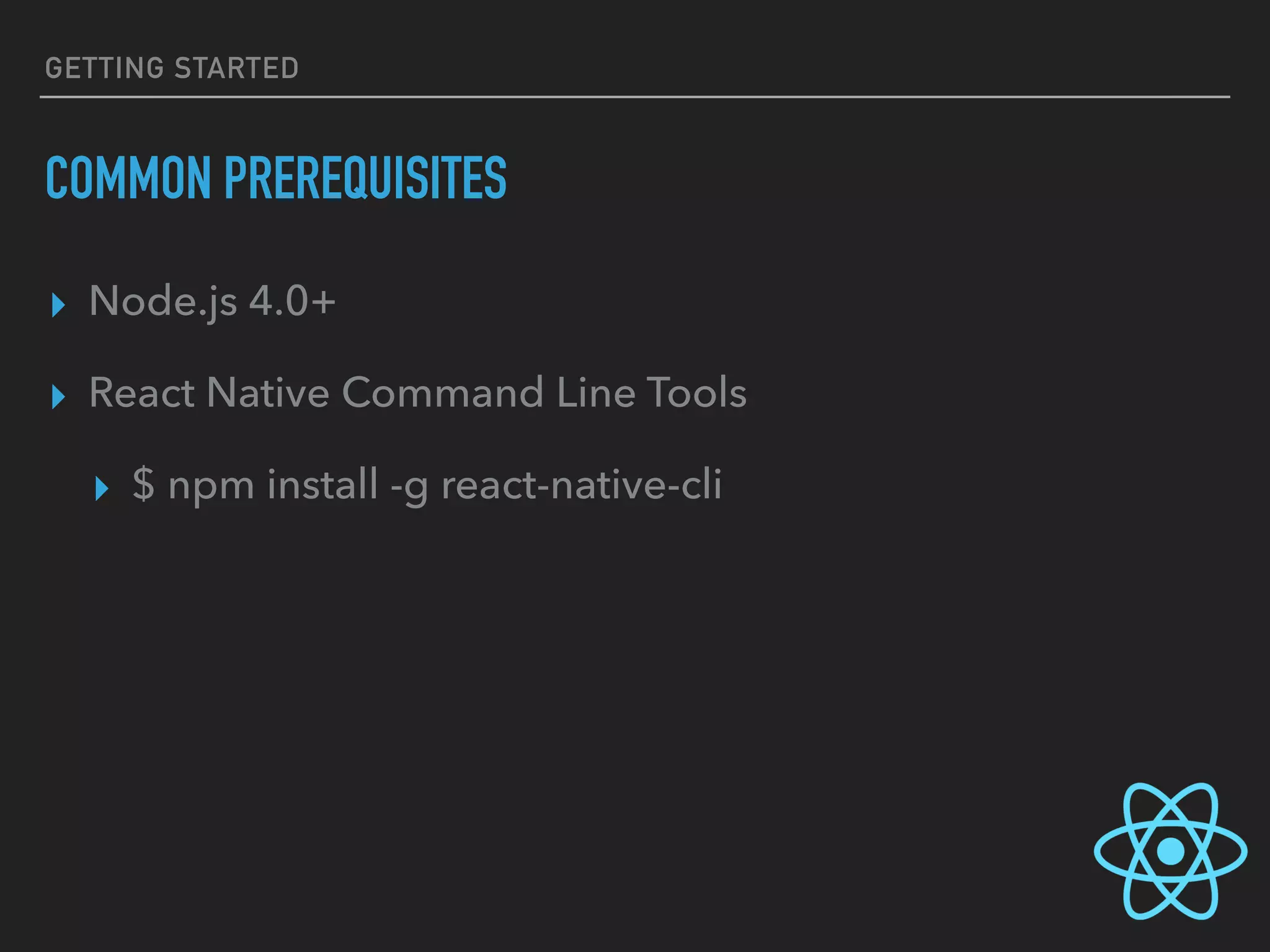
COMMON PREREQUISITES
▸ Node.js 4.0+
▸ React Native Command Line Tools
▸ $ npm install -g react-native-cli
GETTING STARTED
PREREQUISITES FOR IOS APPLICATIONS
▸ Xcode
▸ which means you will need a Mac
GETTING STARTED
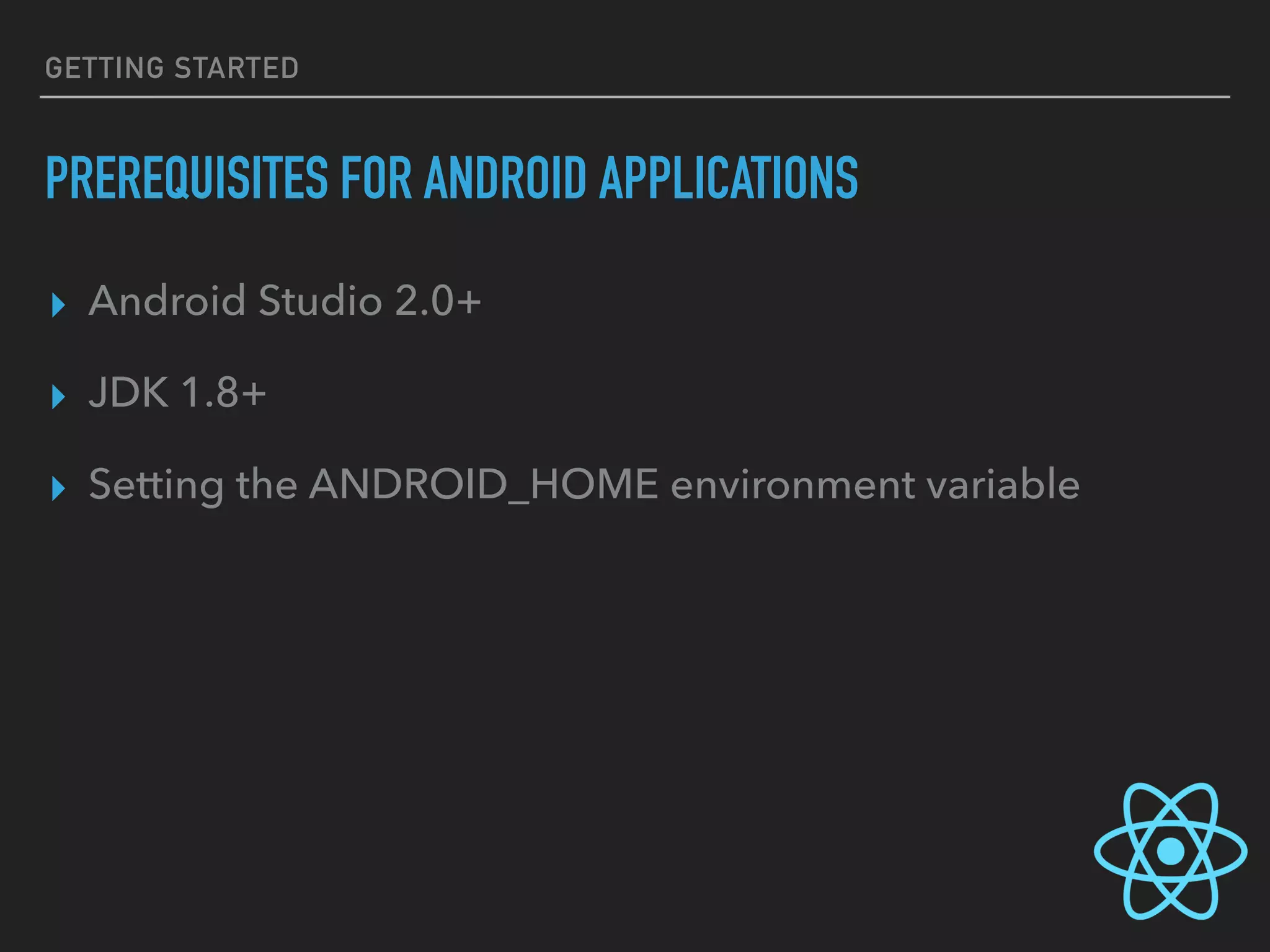
PREREQUISITES FOR ANDROID APPLICATIONS
▸ Android Studio 2.0+
▸ JDK 1.8+
▸ Setting the ANDROID_HOME environment variable
TOOLING AND
DEVELOPMENT
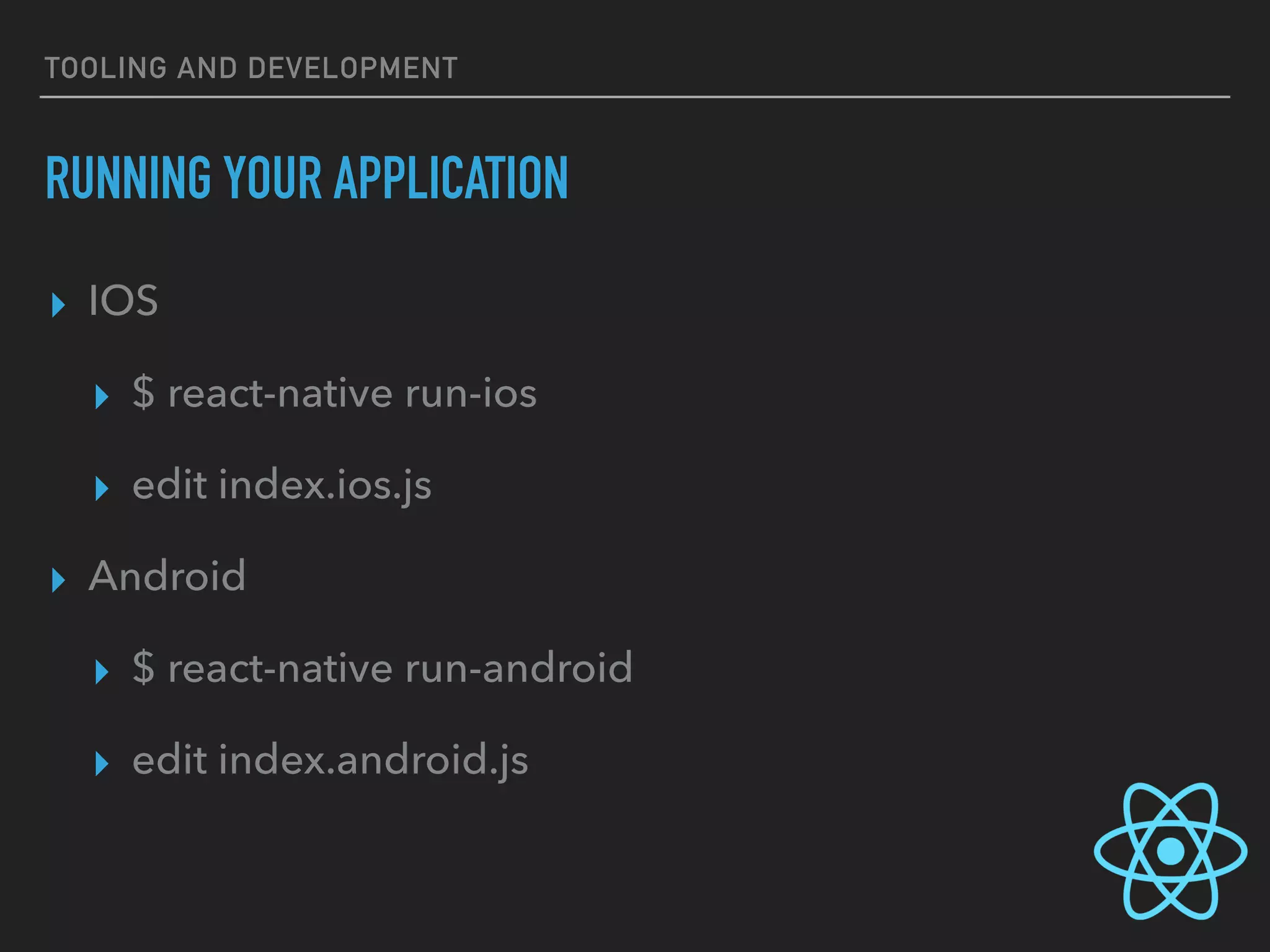
TOOLING AND DEVELOPMENT
RUNNING YOUR APPLICATION
▸ IOS
▸ $ react-native run-ios
▸ edit index.ios.js
▸ Android
▸ $ react-native run-android
▸ edit index.android.js
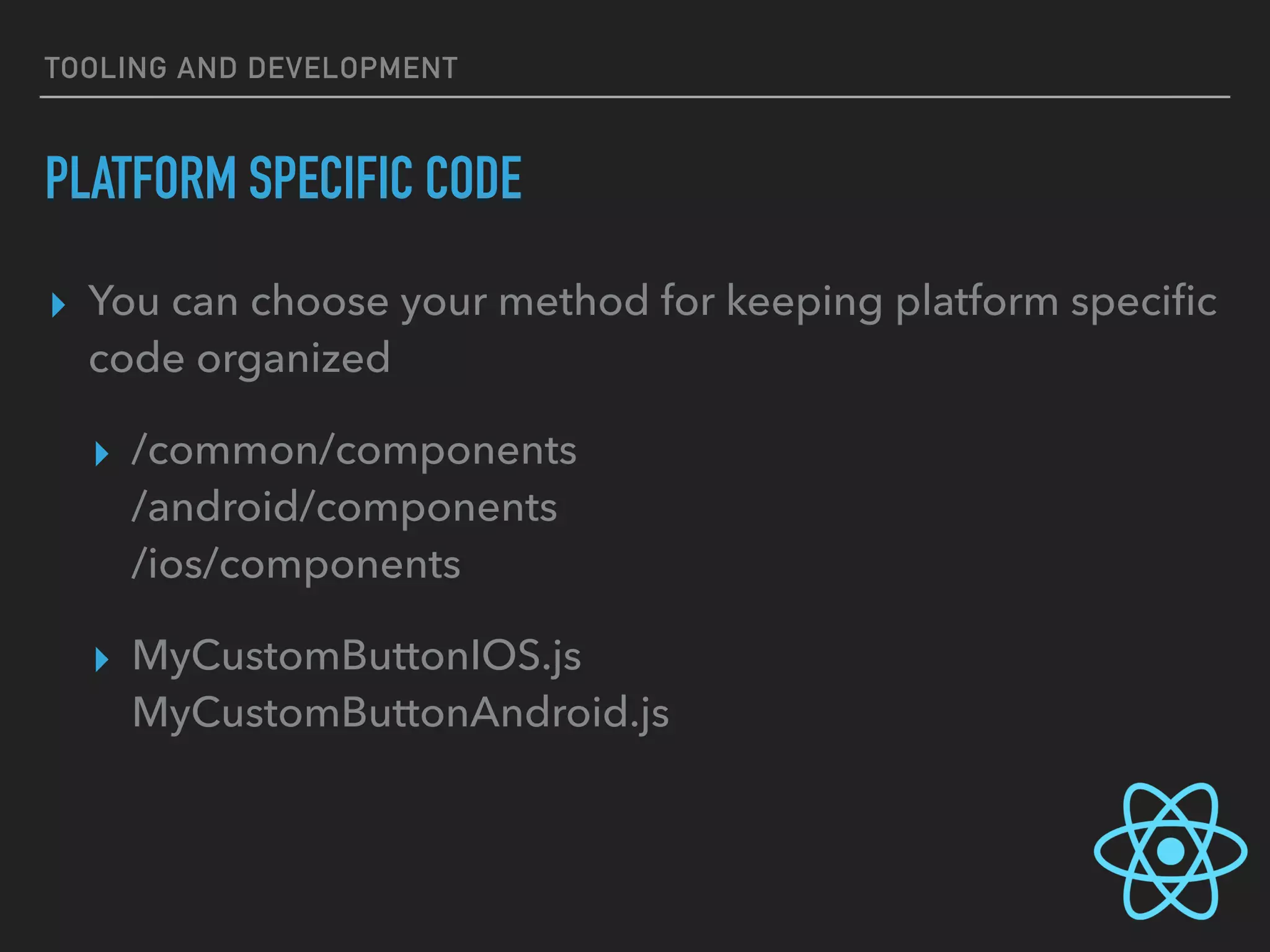
TOOLING AND DEVELOPMENT
PLATFORM SPECIFIC CODE
▸ You can choose your method for keeping platform specific
code organized
▸ /common/components

/android/components

/ios/components
▸ MyCustomButtonIOS.js

MyCustomButtonAndroid.js
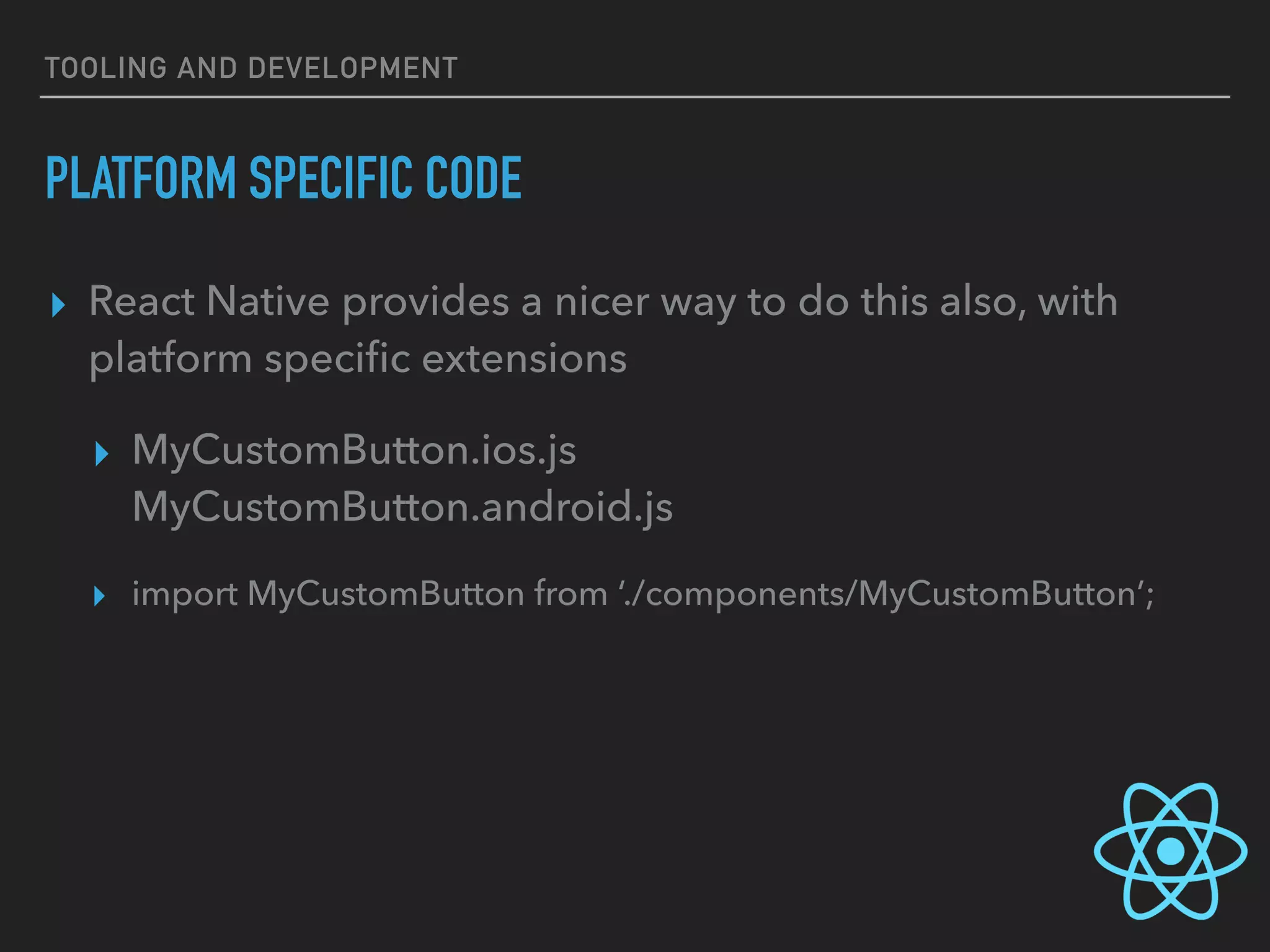
TOOLING AND DEVELOPMENT
PLATFORM SPECIFIC CODE
▸ React Native provides a nicer way to do this also, with
platform specific extensions
▸ MyCustomButton.ios.js

MyCustomButton.android.js
▸ import MyCustomButton from ‘./components/MyCustomButton’;
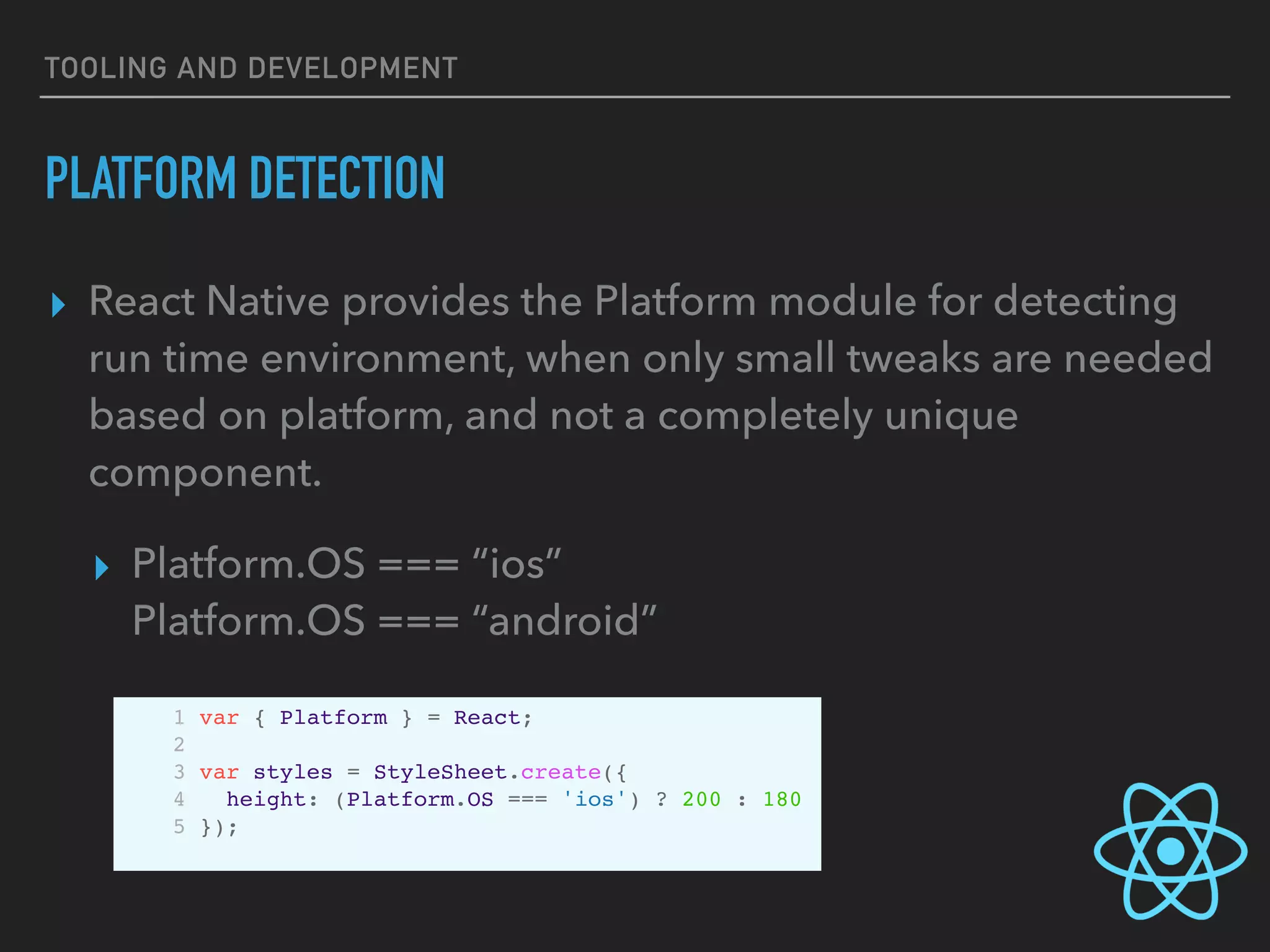
TOOLING AND DEVELOPMENT
PLATFORM DETECTION
▸ React Native provides the Platform module for detecting
run time environment, when only small tweaks are needed
based on platform, and not a completely unique
component.
▸ Platform.OS === “ios” 

Platform.OS === “android”
1 var { Platform } = React;
2
3 var styles = StyleSheet.create({
4 height: (Platform.OS === 'ios') ? 200 : 180
5 });
TOOLING AND DEVELOPMENT
PLATFORM DETECTION
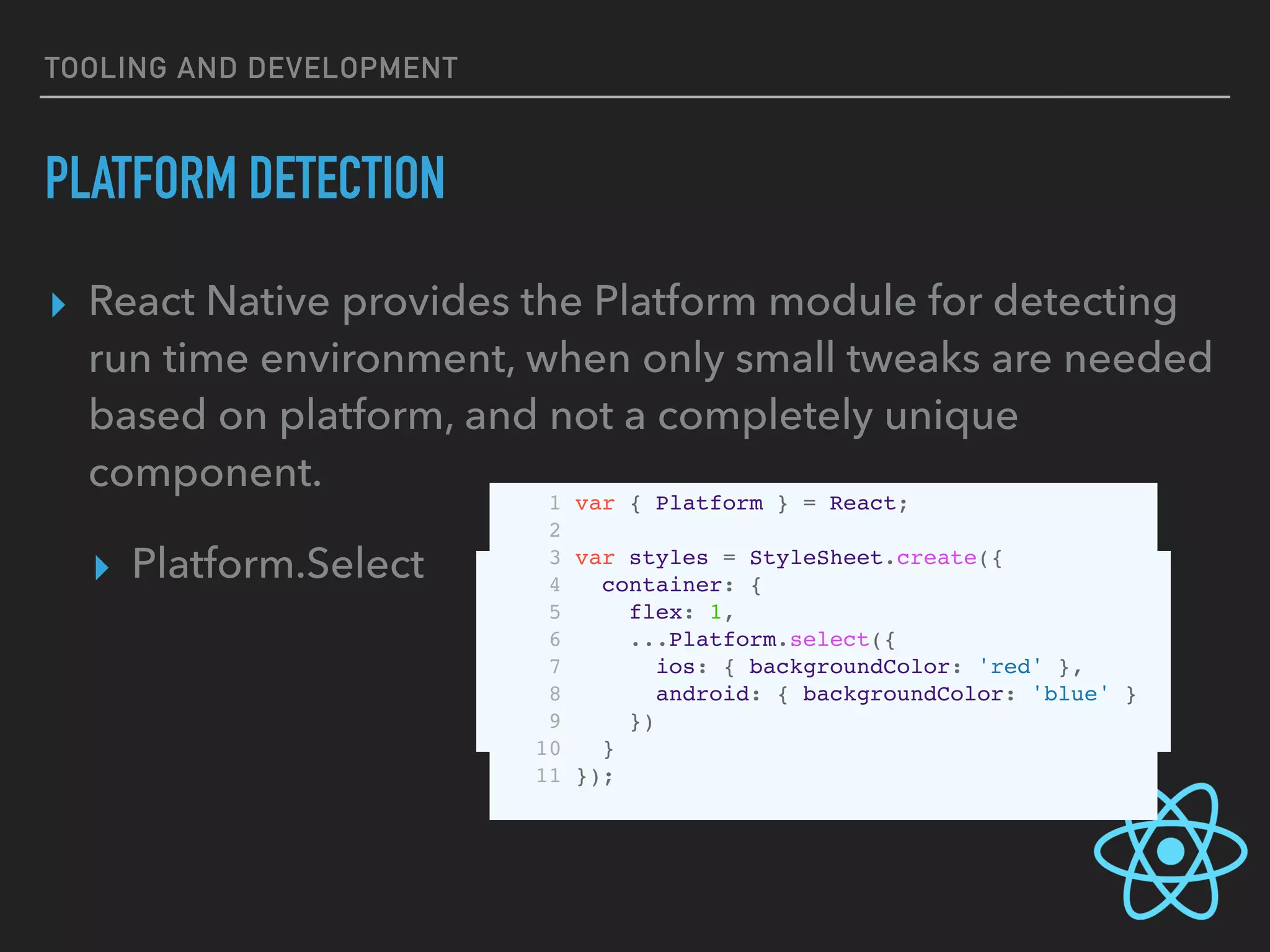
▸ React Native provides the Platform module for detecting
run time environment, when only small tweaks are needed
based on platform, and not a completely unique
component.
▸ Platform.Select 
 1 var Component = Platform.select({
2 ios: () => require('ComponentIOS'),
3 android: () => require('ComponentAndroid')
4 });
5
6 <Component />
1 var { Platform } = React;
2
3 var styles = StyleSheet.create({
4 container: {
5 flex: 1,
6 ...Platform.select({
7 ios: { backgroundColor: 'red' },
8 android: { backgroundColor: 'blue' }
9 })
10 }
11 });
STYLING YOUR
REACT NATIVE APP
STYLING YOUR REACT NATIVE APP
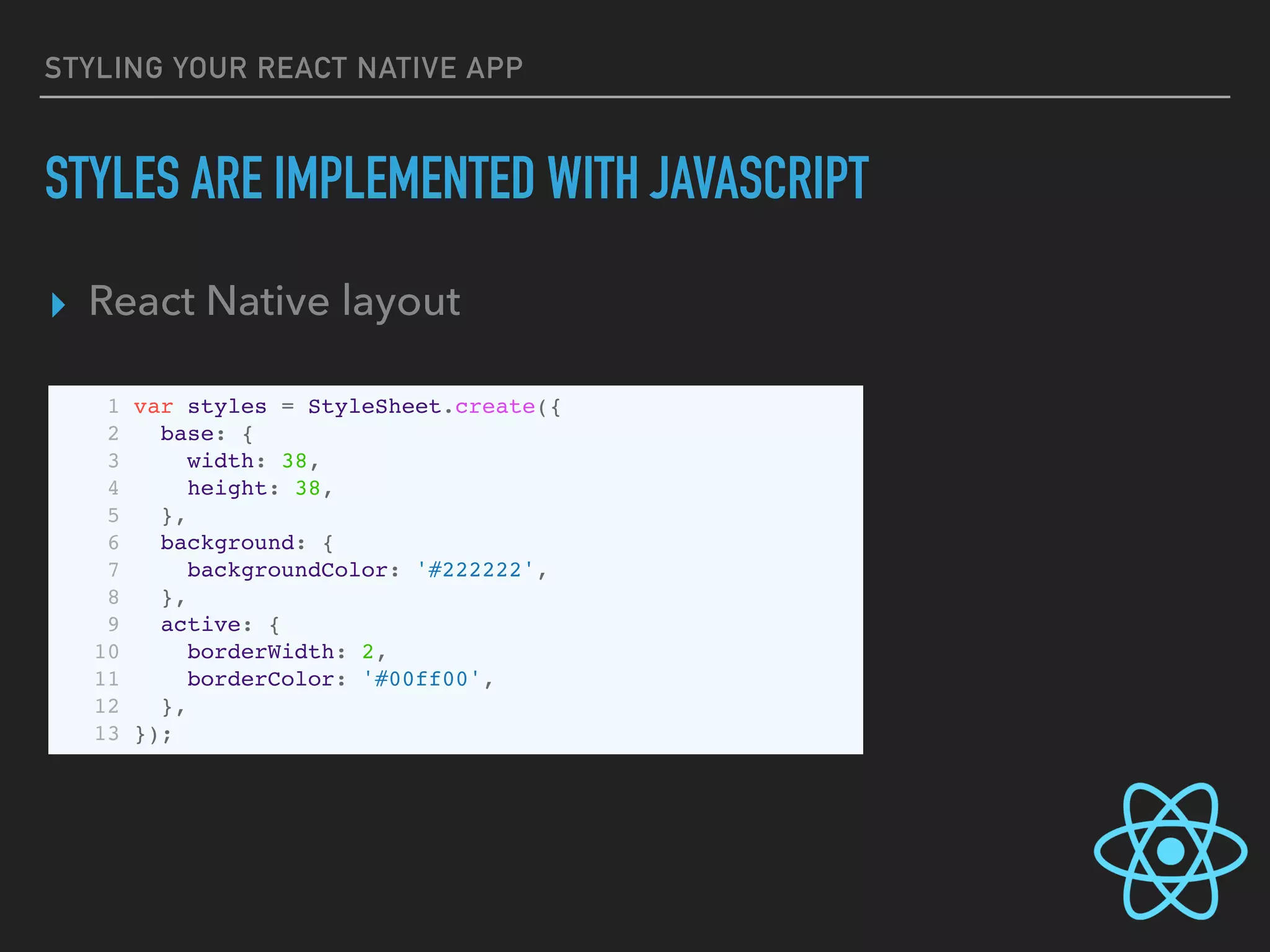
STYLES ARE IMPLEMENTED WITH JAVASCRIPT
▸ React Native layout
1 var styles = StyleSheet.create({
2 base: {
3 width: 38,
4 height: 38,
5 },
6 background: {
7 backgroundColor: '#222222',
8 },
9 active: {
10 borderWidth: 2,
11 borderColor: '#00ff00',
12 },
13 });
STYLING YOUR REACT NATIVE APP
STYLES ARE IMPLEMENTED WITH JAVASCRIPT
▸ All React Native core components accept a `style` attribute
▸ Both a single value or an array of values (mimics
`Object.assign` with the right-most values taking priority)
1 <Text style={styles.base} />
2 <View style={styles.background} />
3
4 <View style={[styles.base, styles.background]} />
5
6 <View style={[styles.base, this.state.active && styles.active]} />
STYLING YOUR REACT NATIVE APP
STYLES CAN BE PASSED AROUND AS PROPS
1 var List = React.createClass({
2 propTypes: {
3 style: View.propTypes.style,
4 elementStyle: View.propTypes.style,
5 },
6 render: function() {
7 return (
8 <View style={this.props.style}>
9 {elements.map((element) =>
10 <View style={[styles.element, this.props.elementStyle]} />
11 )}
12 </View>
13 );
14 }
15 });
16
17 // ... in another file ...
18 <List style={styles.list} elementStyle={styles.listElement} />
APP DEPLOYMENT
YEAH, SO HAVE FUN WITH
THAT…
Craig P Jolicoeur
APP DEPLOYMENT
RECOMMENDATIONS
RECOMMENDATIONS
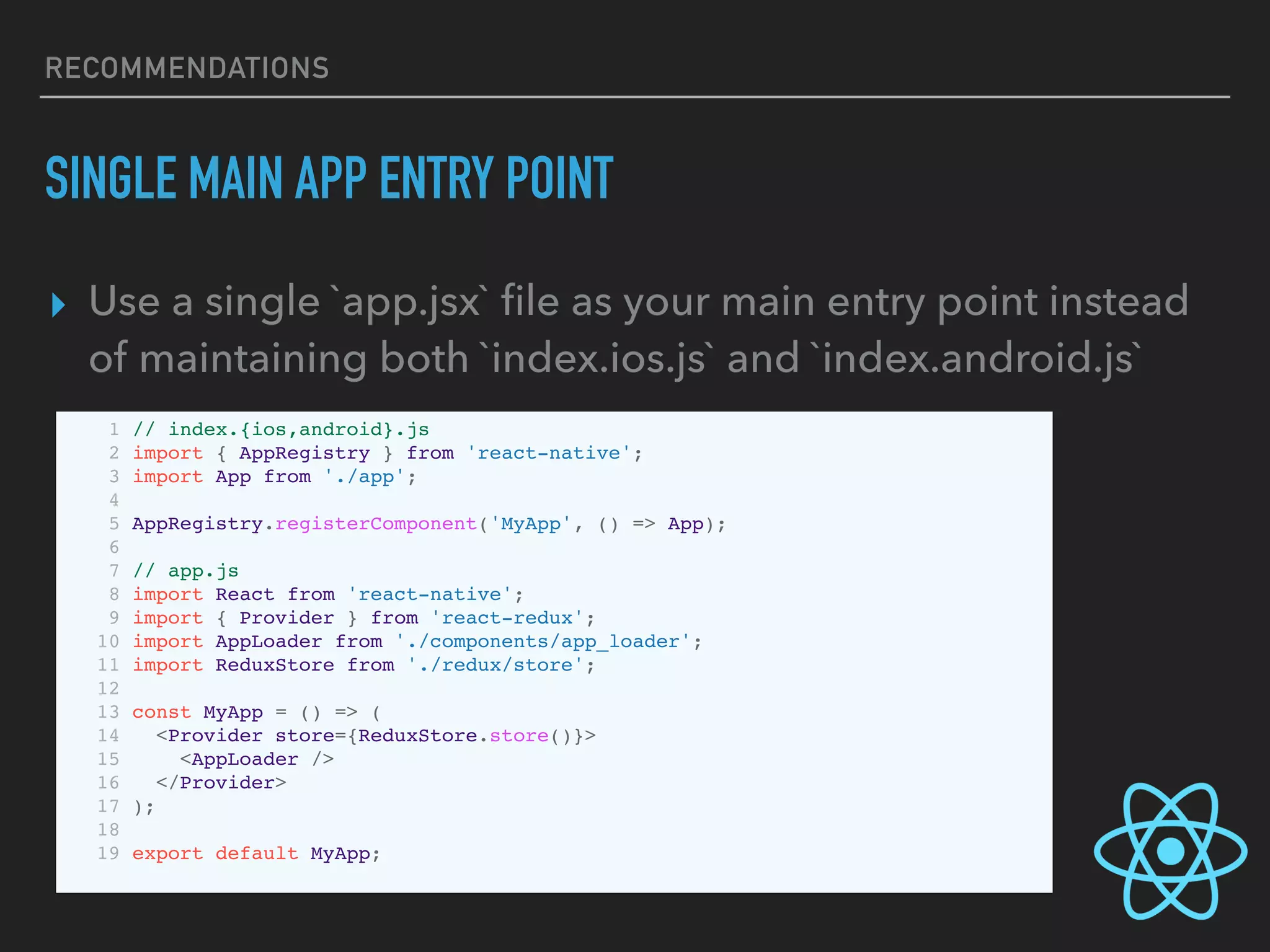
SINGLE MAIN APP ENTRY POINT
▸ Use a single `app.jsx` file as your main entry point instead
of maintaining both `index.ios.js` and `index.android.js`
1 // index.{ios,android}.js
2 import { AppRegistry } from 'react-native';
3 import App from './app';
4
5 AppRegistry.registerComponent('MyApp', () => App);
6
7 // app.js
8 import React from 'react-native';
9 import { Provider } from 'react-redux';
10 import AppLoader from './components/app_loader';
11 import ReduxStore from './redux/store';
12
13 const MyApp = () => (
14 <Provider store={ReduxStore.store()}>
15 <AppLoader />
16 </Provider>
17 );
18
19 export default MyApp;
RECOMMENDATIONS
INTEGRATE FABRIC.IO
▸ Setup on Fabric (Crashlytics) as a custom logger in both iOS and
Android
▸ https://get.fabric.io/
▸ https://github.com/corymsmith/react-native-fabric
▸ https://medium.com/delivery-com-engineering/add-crashlytics-
to-your-react-native-ios-app-69a983a9062a#.35n80bfig
▸ (Android blog post to follow)
RECOMMENDATIONS
GENYMOTION
▸ Use the Genymotion Android Emulator for speed
improvements.
▸ The newer Android Studio 2.0+ emulator is much better
than it’s predecessor for native application dev (code
hot-swapping, etc…) but still behind Genymotion for
React Native development
▸ https://www.genymotion.com/
RECOMMENDATIONS
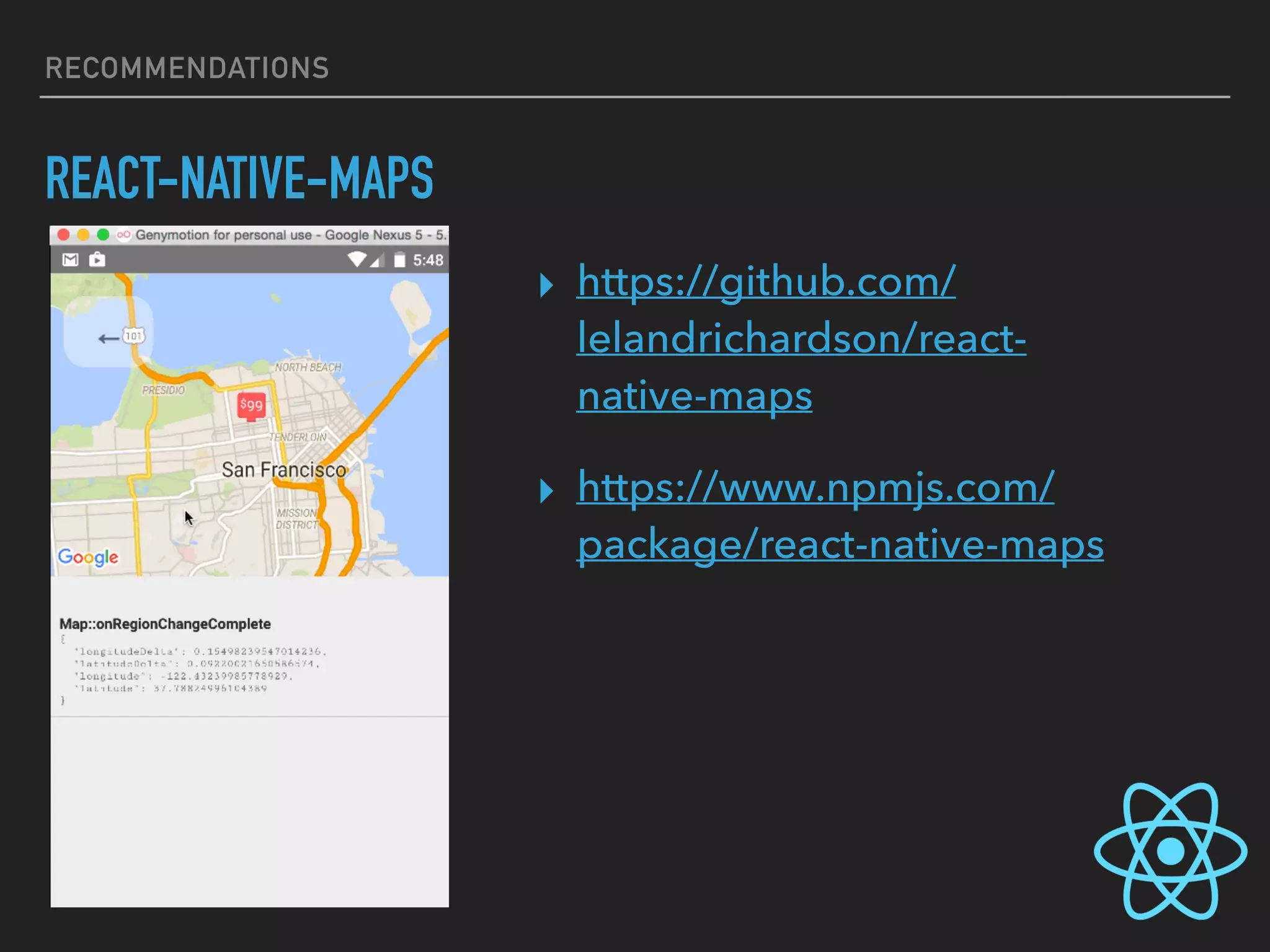
REACT-NATIVE-MAPS
▸ https://github.com/
lelandrichardson/react-
native-maps
▸ https://www.npmjs.com/
package/react-native-maps
RECOMMENDATIONS
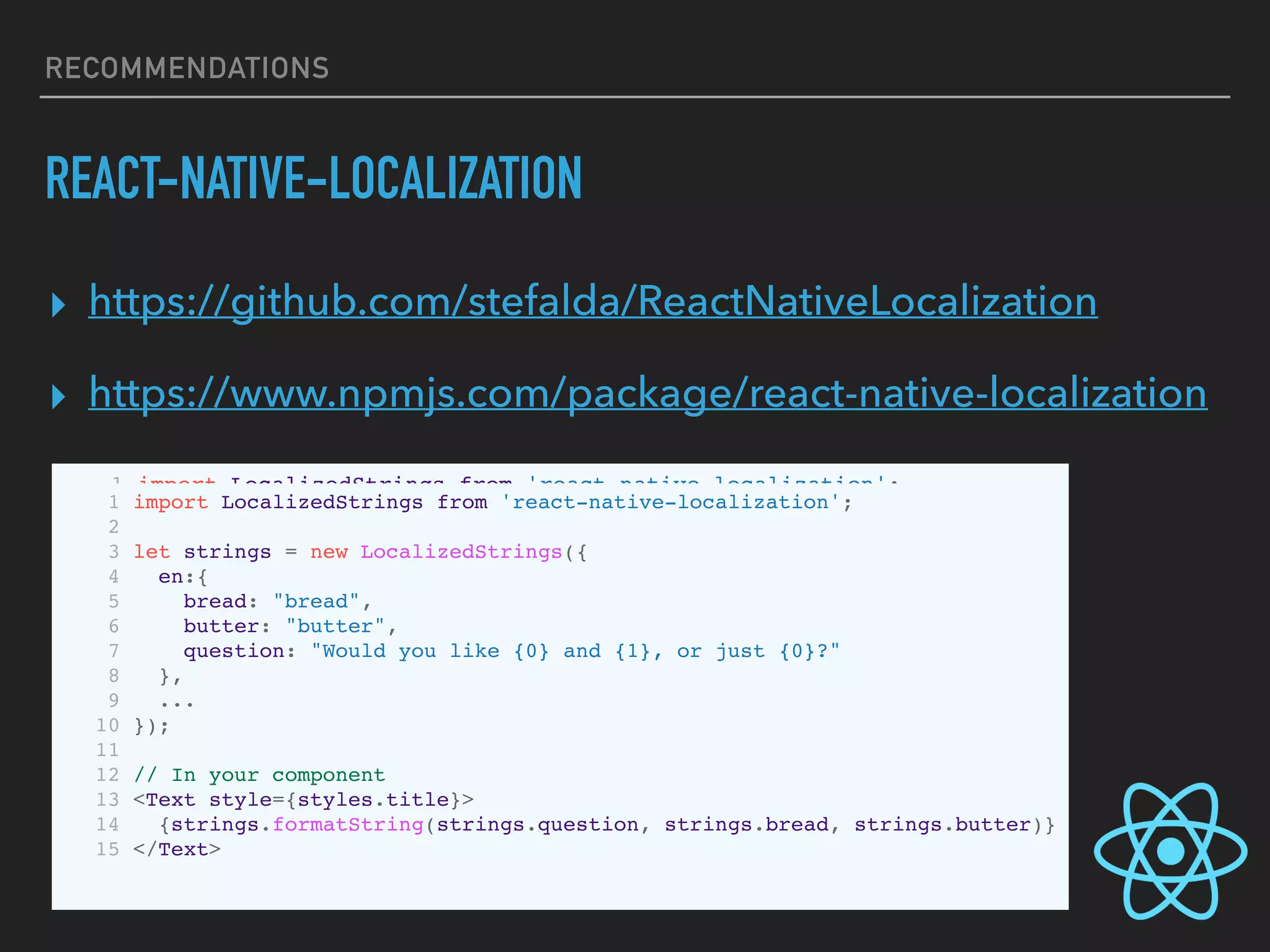
REACT-NATIVE-LOCALIZATION
▸ https://github.com/stefalda/ReactNativeLocalization
▸ https://www.npmjs.com/package/react-native-localization
1 import LocalizedStrings from 'react-native-localization';
2
3 let strings = new LocalizedStrings({
4 en:{
5 how:"How do you want your egg today?",
6 boiledEgg:"Boiled egg"
7 },
8 it: {
9 how:"Come vuoi il tuo uovo oggi?",
10 boiledEgg:"Uovo sodo"
11 }
12 });
13
14 // In your component
15 <Text style={styles.title}>{strings.how}</Text>
1 import LocalizedStrings from 'react-native-localization';
2
3 let strings = new LocalizedStrings({
4 en:{
5 bread: "bread",
6 butter: "butter",
7 question: "Would you like {0} and {1}, or just {0}?"
8 },
9 ...
10 });
11
12 // In your component
13 <Text style={styles.title}>
14 {strings.formatString(strings.question, strings.bread, strings.butter)}
15 </Text>
RECOMMENDATIONS
REACT-NATIVE-RADIO-BUTTONS
▸ https://github.com/ArnaudRinquin/react-native-radio-
buttons
▸ https://www.npmjs.com/package/react-native-radio-
buttons
RECOMMENDATIONS
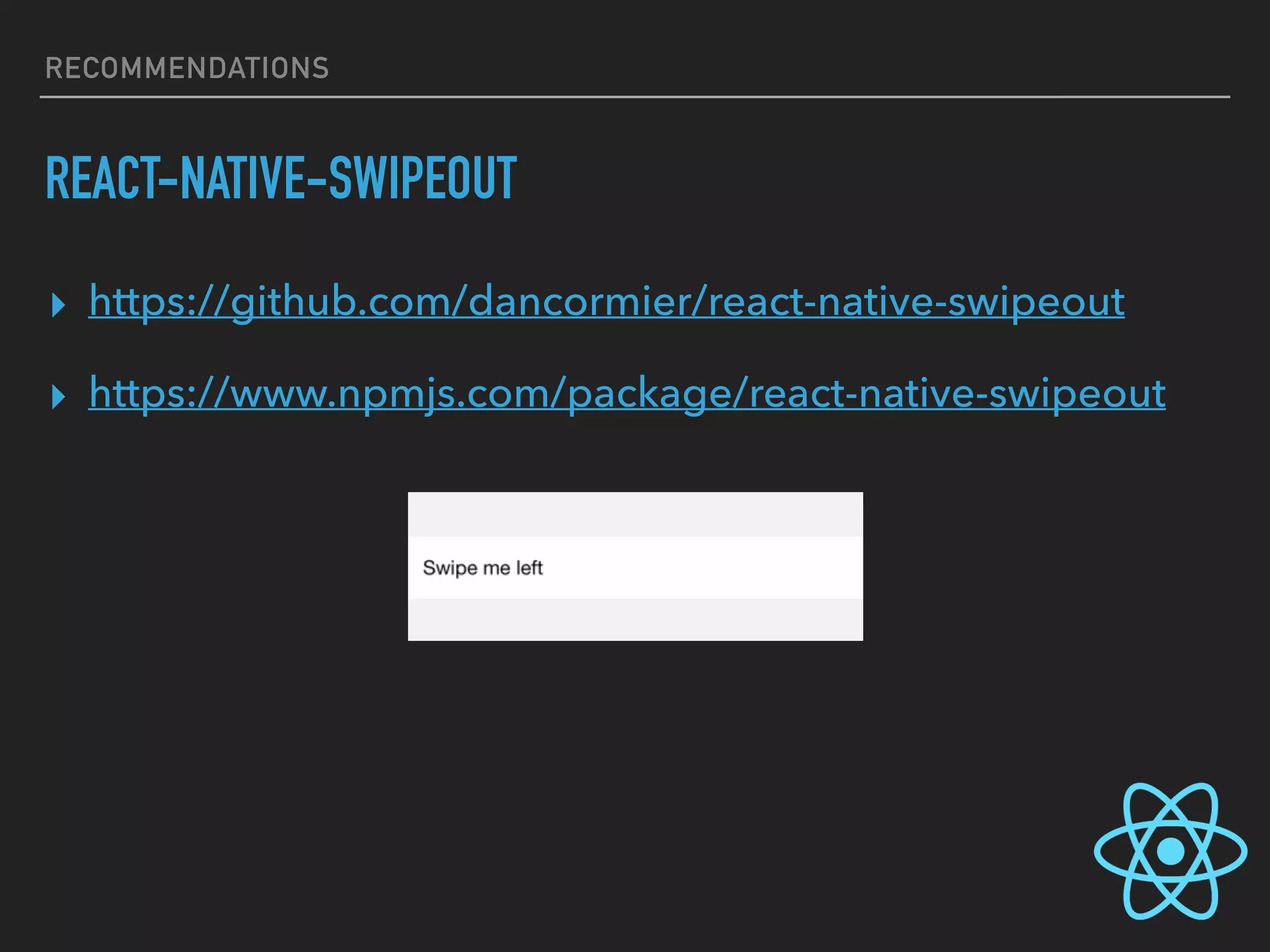
REACT-NATIVE-SWIPEOUT
▸ https://github.com/dancormier/react-native-swipeout
▸ https://www.npmjs.com/package/react-native-swipeout
RECOMMENDATIONS
JS.COACH
▸ https://js.coach/
PROS / CONS
PROS / CONS
THE GOOD
▸ Single unified codebase (less knowledge required, fewer
developers to maintain apps on two platforms)
▸ Single point of incoming errors/failures (only need to
debug one codebase)
▸ Faster development time for teams without experienced
Swift/Objective-C or Android SDK engineers
▸ Potential portability of components between mobile and
web versions of the same React application
PROS / CONS
THE BAD (MAYBE)
▸ Can be harder to add custom components
▸ Not as much control over styling/graphics/animations as on a
purely native platform
▸ Harder to profile performance and finely tune
▸ Not necessarily faster dev cycle then purely native applications.
▸ Project is still under heavy, active development and things
“break” often between releases
▸ Debugging while developing is “unpleasant”
EXTRA TOOLS
EXTRA TOOLS
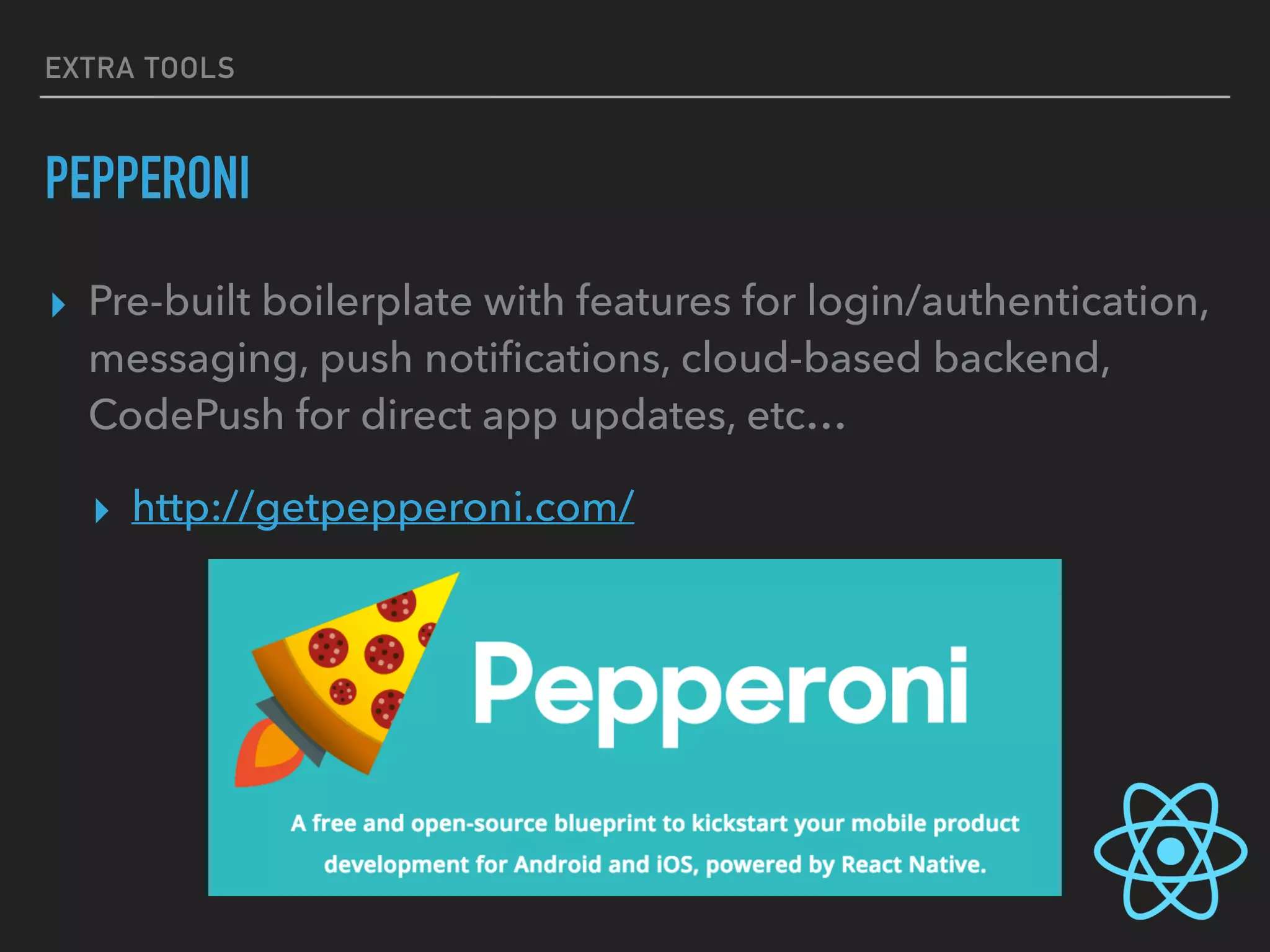
PEPPERONI
▸ Pre-built boilerplate with features for login/authentication,
messaging, push notifications, cloud-based backend,
CodePush for direct app updates, etc…
▸ http://getpepperoni.com/
EXTRA TOOLS
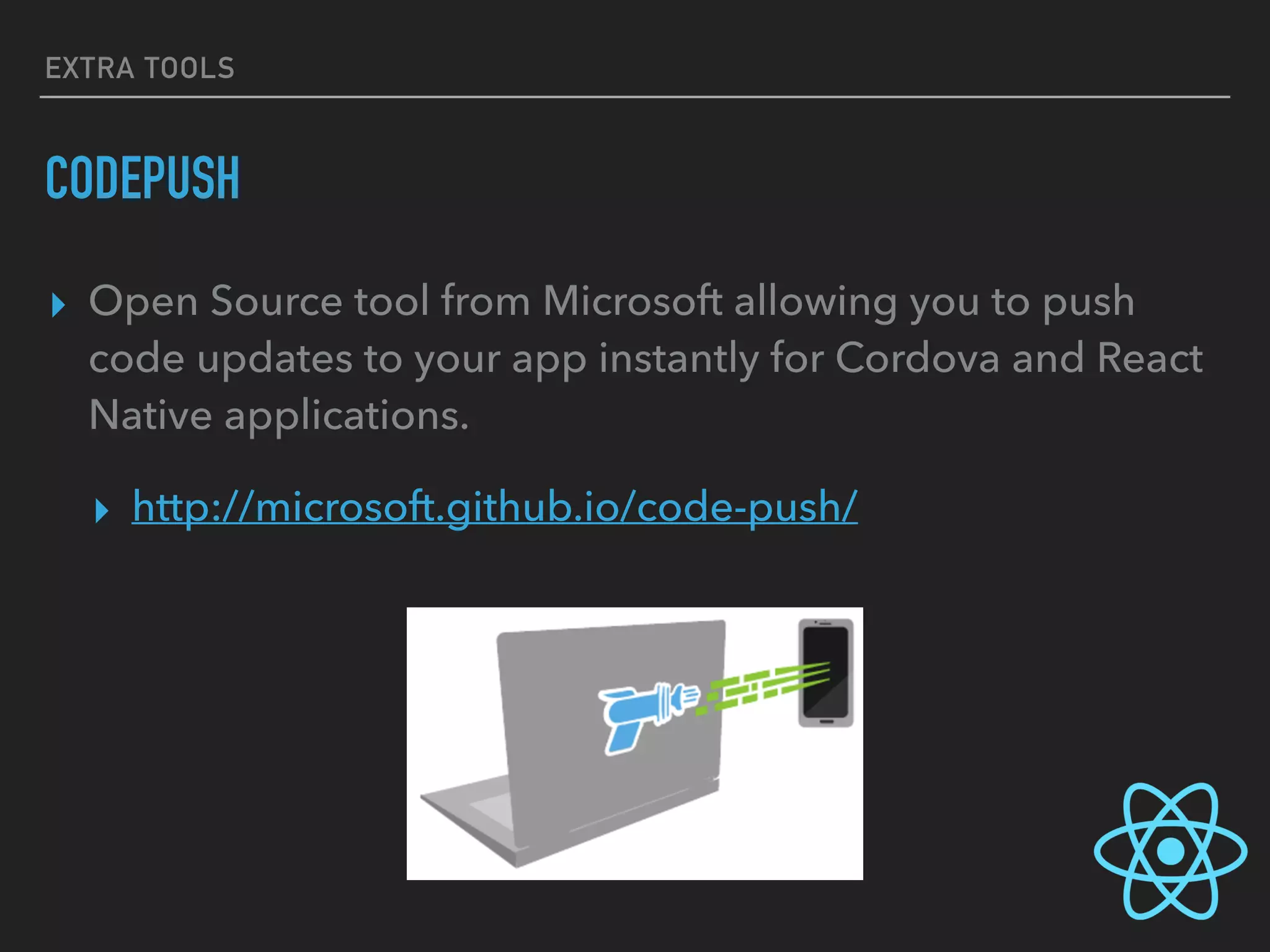
CODEPUSH
▸ Open Source tool from Microsoft allowing you to push
code updates to your app instantly for Cordova and React
Native applications.
▸ http://microsoft.github.io/code-push/
EXTRA TOOLS
FASTLANE
▸ Automation done right (no really). Use this tool for native
development, not only React Native. Ease of deployment,
provisioning, certificate management, beta process, etc…
▸ https://fastlane.tools/
EXTRA TOOLS
RNPM
▸ React Native Package Manager built to ease your daily
React Native development. Inspired by CocoaPods,
Fastlane and react-native link
▸ https://github.com/rnpm/rnpm
EXTRA TOOLS
NUCLIDE
▸ React Native IDE built on top of Atom (by Facebook)
▸ Built in Chrome debugger, remote server access, Hack
language support, etc…
▸ https://nuclide.io/
EXTRA TOOLS
DECO IDE
▸ React Native IDE (OS X only)
▸ Live visual feedback on updates, drag-and-drop
component implementation, new file scaffold
boilerplate
▸ https://github.com/decosoftware/deco-ide

React Native

  • 1.
  • 2.
  • 3.
    WHAT IS REACTNATIVE MAIN FEATURES ▸ Native Components ▸ Asynchronous Execution ▸ Touch Handling ▸ Flexbox & Styling ▸ Polyfills ▸ Extensible
  • 5.
  • 6.
    GETTING STARTED COMMON PREREQUISITES ▸Node.js 4.0+ ▸ React Native Command Line Tools ▸ $ npm install -g react-native-cli
  • 7.
    GETTING STARTED PREREQUISITES FORIOS APPLICATIONS ▸ Xcode ▸ which means you will need a Mac
  • 8.
    GETTING STARTED PREREQUISITES FORANDROID APPLICATIONS ▸ Android Studio 2.0+ ▸ JDK 1.8+ ▸ Setting the ANDROID_HOME environment variable
  • 9.
  • 10.
    TOOLING AND DEVELOPMENT RUNNINGYOUR APPLICATION ▸ IOS ▸ $ react-native run-ios ▸ edit index.ios.js ▸ Android ▸ $ react-native run-android ▸ edit index.android.js
  • 11.
    TOOLING AND DEVELOPMENT PLATFORMSPECIFIC CODE ▸ You can choose your method for keeping platform specific code organized ▸ /common/components
 /android/components
 /ios/components ▸ MyCustomButtonIOS.js
 MyCustomButtonAndroid.js
  • 12.
    TOOLING AND DEVELOPMENT PLATFORMSPECIFIC CODE ▸ React Native provides a nicer way to do this also, with platform specific extensions ▸ MyCustomButton.ios.js
 MyCustomButton.android.js ▸ import MyCustomButton from ‘./components/MyCustomButton’;
  • 13.
    TOOLING AND DEVELOPMENT PLATFORMDETECTION ▸ React Native provides the Platform module for detecting run time environment, when only small tweaks are needed based on platform, and not a completely unique component. ▸ Platform.OS === “ios” 
 Platform.OS === “android” 1 var { Platform } = React; 2 3 var styles = StyleSheet.create({ 4 height: (Platform.OS === 'ios') ? 200 : 180 5 });
  • 14.
    TOOLING AND DEVELOPMENT PLATFORMDETECTION ▸ React Native provides the Platform module for detecting run time environment, when only small tweaks are needed based on platform, and not a completely unique component. ▸ Platform.Select 
 1 var Component = Platform.select({ 2 ios: () => require('ComponentIOS'), 3 android: () => require('ComponentAndroid') 4 }); 5 6 <Component /> 1 var { Platform } = React; 2 3 var styles = StyleSheet.create({ 4 container: { 5 flex: 1, 6 ...Platform.select({ 7 ios: { backgroundColor: 'red' }, 8 android: { backgroundColor: 'blue' } 9 }) 10 } 11 });
  • 15.
  • 16.
    STYLING YOUR REACTNATIVE APP STYLES ARE IMPLEMENTED WITH JAVASCRIPT ▸ React Native layout 1 var styles = StyleSheet.create({ 2 base: { 3 width: 38, 4 height: 38, 5 }, 6 background: { 7 backgroundColor: '#222222', 8 }, 9 active: { 10 borderWidth: 2, 11 borderColor: '#00ff00', 12 }, 13 });
  • 17.
    STYLING YOUR REACTNATIVE APP STYLES ARE IMPLEMENTED WITH JAVASCRIPT ▸ All React Native core components accept a `style` attribute ▸ Both a single value or an array of values (mimics `Object.assign` with the right-most values taking priority) 1 <Text style={styles.base} /> 2 <View style={styles.background} /> 3 4 <View style={[styles.base, styles.background]} /> 5 6 <View style={[styles.base, this.state.active && styles.active]} />
  • 18.
    STYLING YOUR REACTNATIVE APP STYLES CAN BE PASSED AROUND AS PROPS 1 var List = React.createClass({ 2 propTypes: { 3 style: View.propTypes.style, 4 elementStyle: View.propTypes.style, 5 }, 6 render: function() { 7 return ( 8 <View style={this.props.style}> 9 {elements.map((element) => 10 <View style={[styles.element, this.props.elementStyle]} /> 11 )} 12 </View> 13 ); 14 } 15 }); 16 17 // ... in another file ... 18 <List style={styles.list} elementStyle={styles.listElement} />
  • 19.
  • 20.
    YEAH, SO HAVEFUN WITH THAT… Craig P Jolicoeur APP DEPLOYMENT
  • 21.
  • 22.
    RECOMMENDATIONS SINGLE MAIN APPENTRY POINT ▸ Use a single `app.jsx` file as your main entry point instead of maintaining both `index.ios.js` and `index.android.js` 1 // index.{ios,android}.js 2 import { AppRegistry } from 'react-native'; 3 import App from './app'; 4 5 AppRegistry.registerComponent('MyApp', () => App); 6 7 // app.js 8 import React from 'react-native'; 9 import { Provider } from 'react-redux'; 10 import AppLoader from './components/app_loader'; 11 import ReduxStore from './redux/store'; 12 13 const MyApp = () => ( 14 <Provider store={ReduxStore.store()}> 15 <AppLoader /> 16 </Provider> 17 ); 18 19 export default MyApp;
  • 23.
    RECOMMENDATIONS INTEGRATE FABRIC.IO ▸ Setupon Fabric (Crashlytics) as a custom logger in both iOS and Android ▸ https://get.fabric.io/ ▸ https://github.com/corymsmith/react-native-fabric ▸ https://medium.com/delivery-com-engineering/add-crashlytics- to-your-react-native-ios-app-69a983a9062a#.35n80bfig ▸ (Android blog post to follow)
  • 24.
    RECOMMENDATIONS GENYMOTION ▸ Use theGenymotion Android Emulator for speed improvements. ▸ The newer Android Studio 2.0+ emulator is much better than it’s predecessor for native application dev (code hot-swapping, etc…) but still behind Genymotion for React Native development ▸ https://www.genymotion.com/
  • 25.
  • 26.
    RECOMMENDATIONS REACT-NATIVE-LOCALIZATION ▸ https://github.com/stefalda/ReactNativeLocalization ▸ https://www.npmjs.com/package/react-native-localization 1import LocalizedStrings from 'react-native-localization'; 2 3 let strings = new LocalizedStrings({ 4 en:{ 5 how:"How do you want your egg today?", 6 boiledEgg:"Boiled egg" 7 }, 8 it: { 9 how:"Come vuoi il tuo uovo oggi?", 10 boiledEgg:"Uovo sodo" 11 } 12 }); 13 14 // In your component 15 <Text style={styles.title}>{strings.how}</Text> 1 import LocalizedStrings from 'react-native-localization'; 2 3 let strings = new LocalizedStrings({ 4 en:{ 5 bread: "bread", 6 butter: "butter", 7 question: "Would you like {0} and {1}, or just {0}?" 8 }, 9 ... 10 }); 11 12 // In your component 13 <Text style={styles.title}> 14 {strings.formatString(strings.question, strings.bread, strings.butter)} 15 </Text>
  • 27.
  • 28.
  • 29.
  • 30.
  • 31.
    PROS / CONS THEGOOD ▸ Single unified codebase (less knowledge required, fewer developers to maintain apps on two platforms) ▸ Single point of incoming errors/failures (only need to debug one codebase) ▸ Faster development time for teams without experienced Swift/Objective-C or Android SDK engineers ▸ Potential portability of components between mobile and web versions of the same React application
  • 32.
    PROS / CONS THEBAD (MAYBE) ▸ Can be harder to add custom components ▸ Not as much control over styling/graphics/animations as on a purely native platform ▸ Harder to profile performance and finely tune ▸ Not necessarily faster dev cycle then purely native applications. ▸ Project is still under heavy, active development and things “break” often between releases ▸ Debugging while developing is “unpleasant”
  • 33.
  • 34.
    EXTRA TOOLS PEPPERONI ▸ Pre-builtboilerplate with features for login/authentication, messaging, push notifications, cloud-based backend, CodePush for direct app updates, etc… ▸ http://getpepperoni.com/
  • 35.
    EXTRA TOOLS CODEPUSH ▸ OpenSource tool from Microsoft allowing you to push code updates to your app instantly for Cordova and React Native applications. ▸ http://microsoft.github.io/code-push/
  • 36.
    EXTRA TOOLS FASTLANE ▸ Automationdone right (no really). Use this tool for native development, not only React Native. Ease of deployment, provisioning, certificate management, beta process, etc… ▸ https://fastlane.tools/
  • 37.
    EXTRA TOOLS RNPM ▸ ReactNative Package Manager built to ease your daily React Native development. Inspired by CocoaPods, Fastlane and react-native link ▸ https://github.com/rnpm/rnpm
  • 38.
    EXTRA TOOLS NUCLIDE ▸ ReactNative IDE built on top of Atom (by Facebook) ▸ Built in Chrome debugger, remote server access, Hack language support, etc… ▸ https://nuclide.io/
  • 39.
    EXTRA TOOLS DECO IDE ▸React Native IDE (OS X only) ▸ Live visual feedback on updates, drag-and-drop component implementation, new file scaffold boilerplate ▸ https://github.com/decosoftware/deco-ide