1
React-Native
custom
components
2
Who are you?
3
Jeremy Grancher
Front-end developer since 4 years
iOS developer for a year ¯_(ツ)_/¯
Enjoying work at
Loving kittens and Game of Thrones
Holler
http://twitter.com/jgrancher
http://github.com/jgrancher
4
What are you talking about?
The current state of the React-Native components
The need of creating a native component
How to do it
Lessons learned from creating react-native-sketch
5
The {this.state.components}
Good pun, eh?
6
 The growth
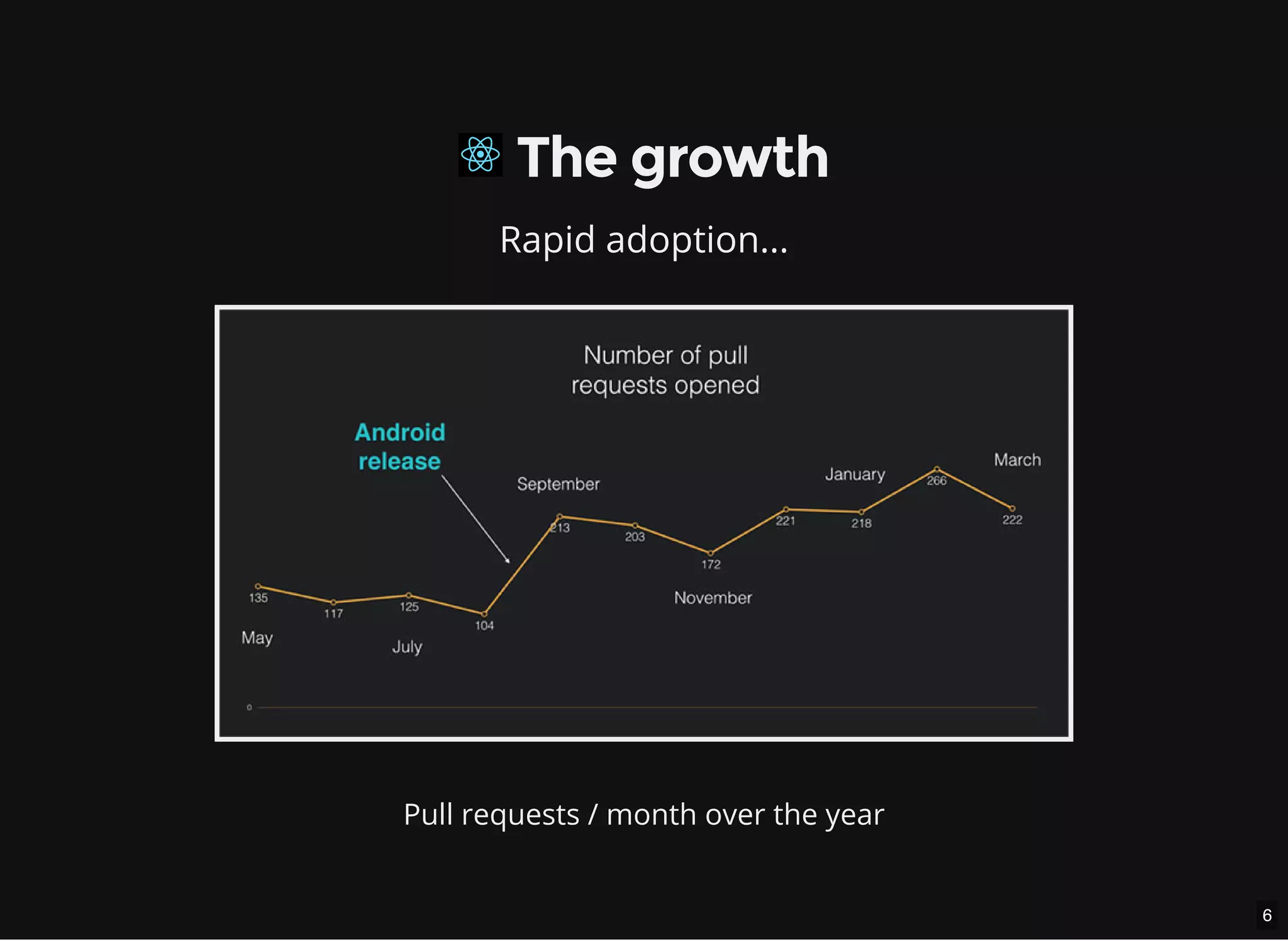
Rapid adoption...
Pull requests / month over the year
7
 The growth
...and still ongoing
The spread doesn't slow down
8
 The growth
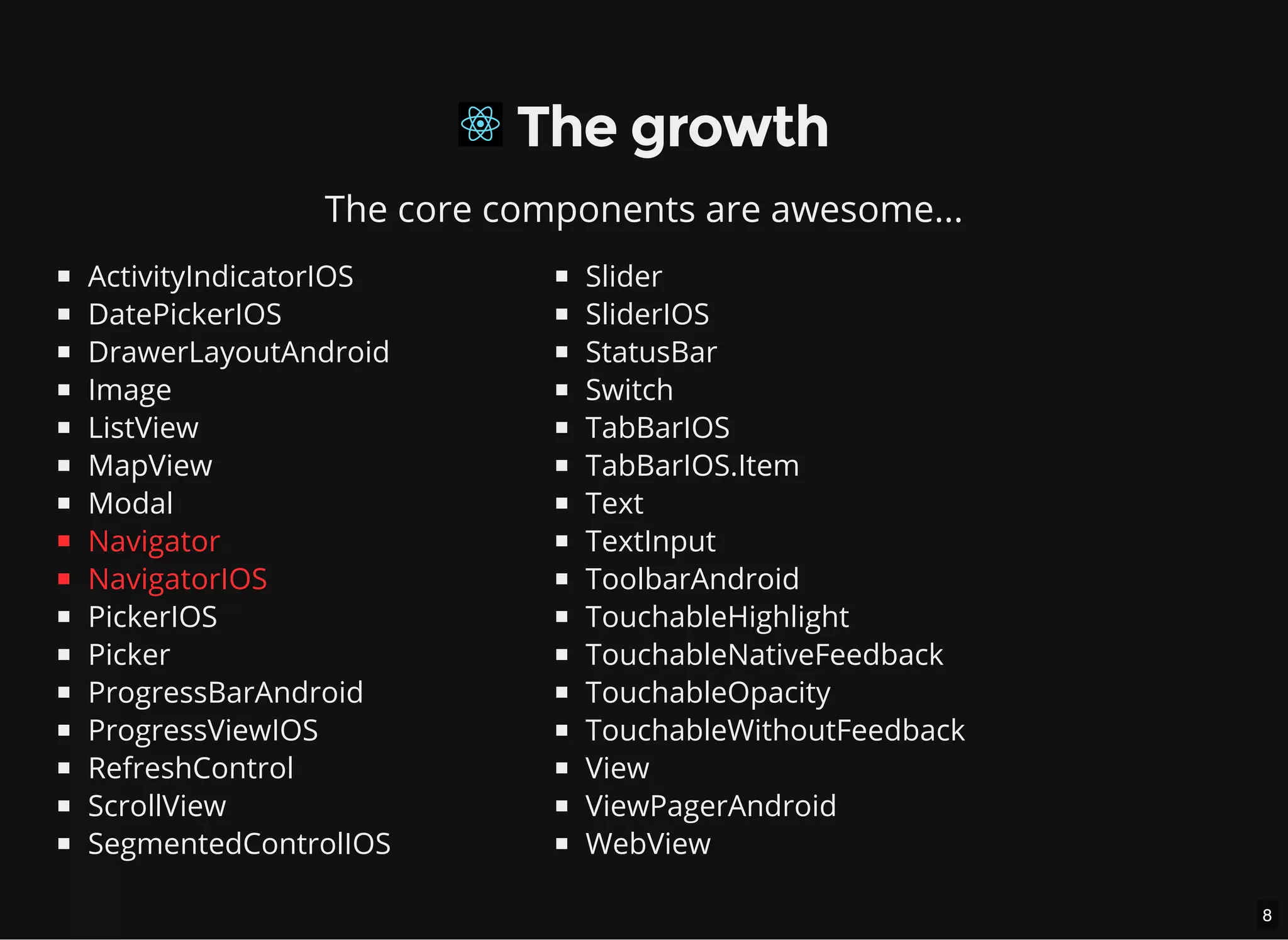
The core components are awesome...
ActivityIndicatorIOS
DatePickerIOS
DrawerLayoutAndroid
Image
ListView
MapView
Modal
Navigator
NavigatorIOS
PickerIOS
Picker
ProgressBarAndroid
ProgressViewIOS
RefreshControl
ScrollView
SegmentedControlIOS
Slider
SliderIOS
StatusBar
Switch
TabBarIOS
TabBarIOS.Item
Text
TextInput
ToolbarAndroid
TouchableHighlight
TouchableNativeFeedback
TouchableOpacity
TouchableWithoutFeedback
View
ViewPagerAndroid
WebView
9
 The Growth
...and still evolving
(╯°□°)╯︵ ┻━┻)
10
 The Growth
Some explanation:
The rst commit code
On the docs: Navigator comparison
First look: React-Native Navigator Experimental
11
 The Growth
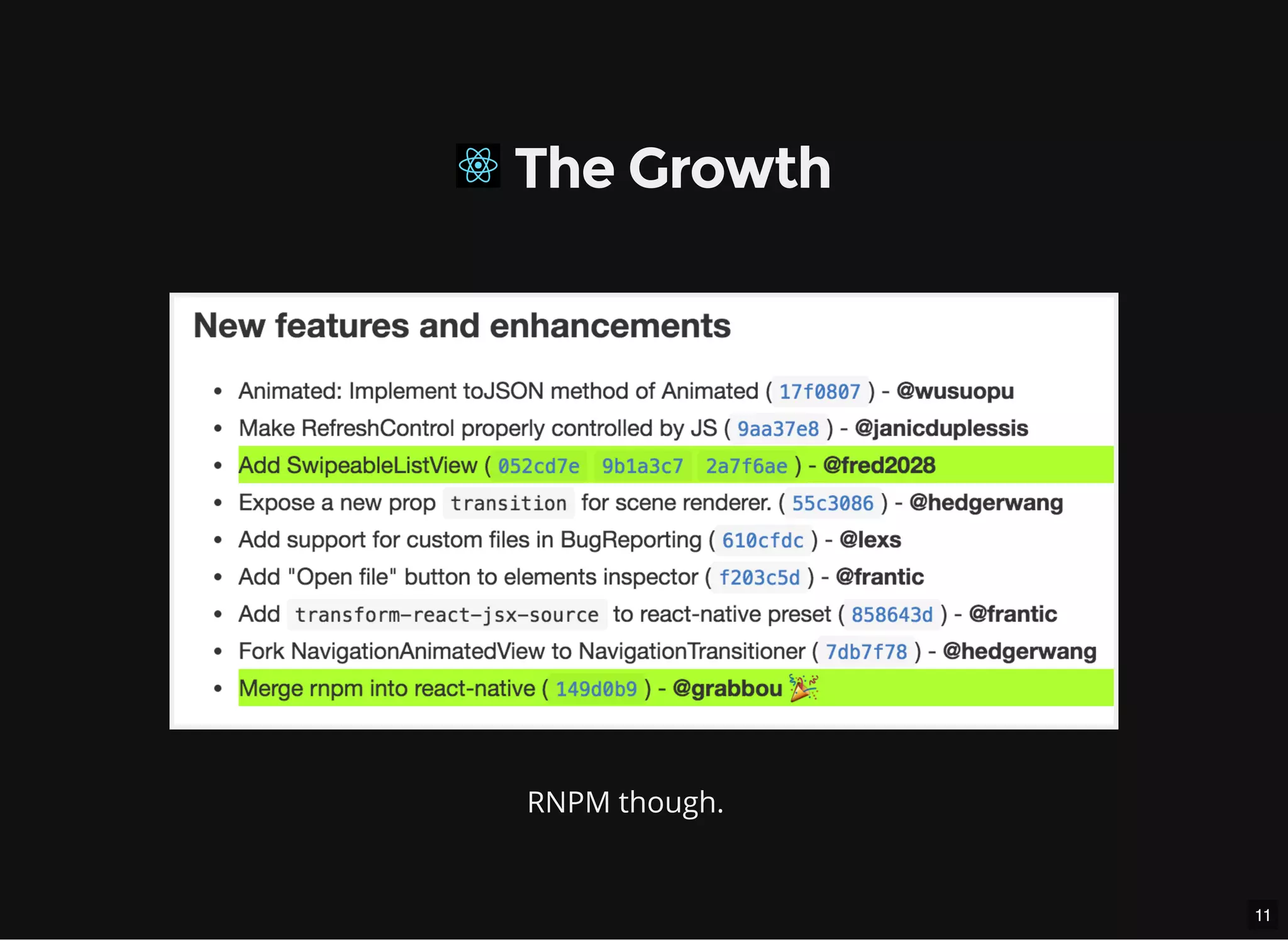
RNPM though.
12
 The Growth
Experimental swipeable list view?
Capture from react-native-swipeable
13
So, I get your point.
React-Native by itself is great.
Solid built-in components list
Overwhelming community
⚡ Moves and evolves quickly
Prioritized features requests in Product Pain
14
But you might need more.
15
 The expansion
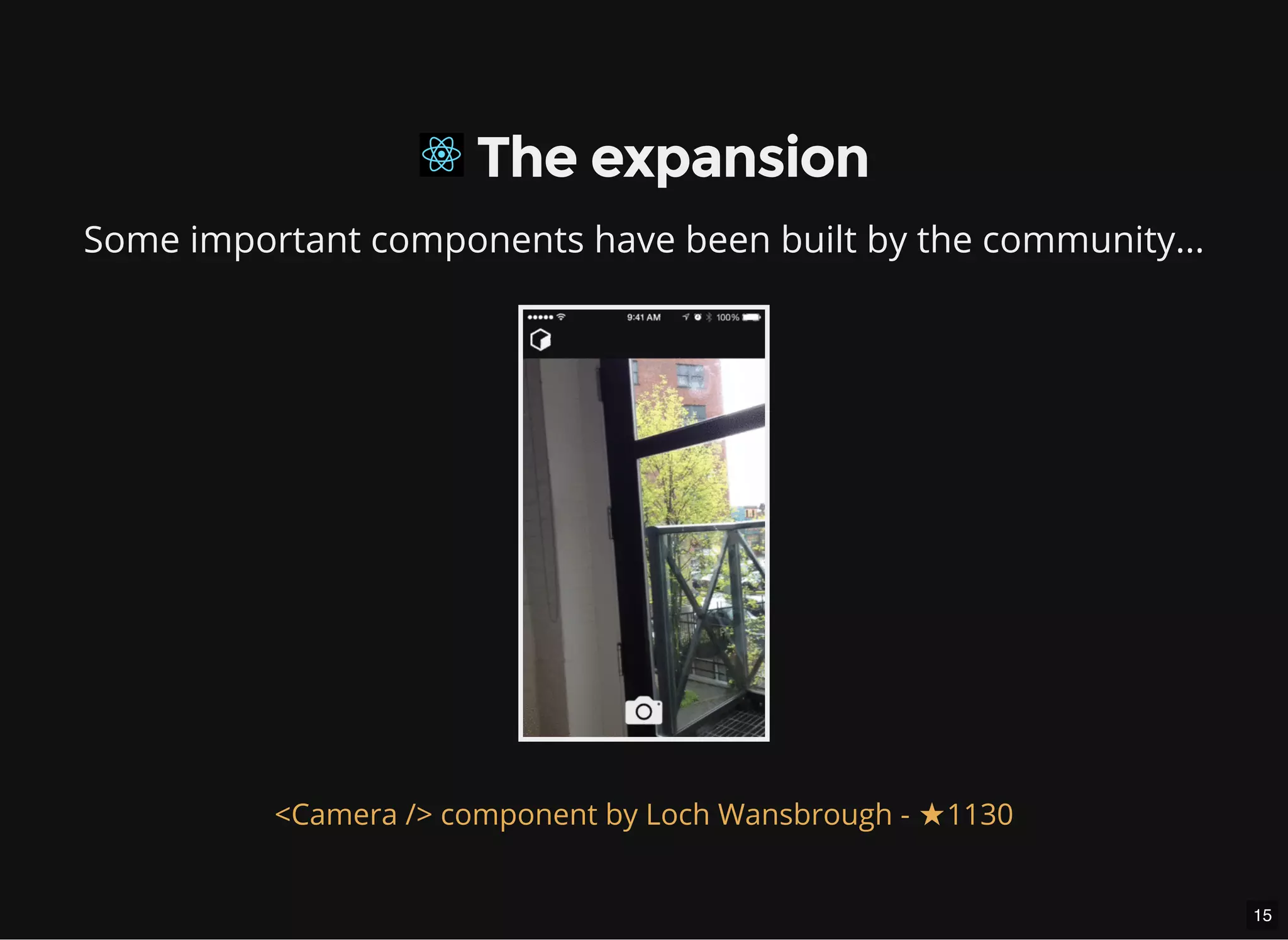
Some important components have been built by the community...
<Camera /> component by Loch Wansbrough - ★1130
16
 The expansion
Some important components have been built by the community...
<Maps /> component by Leland Richardson - ★912
17
 The expansion
Some important components have been built by the community...
<Video /> component by Brent Vatne - ★689
18
 The expansion
Some important components have been built by the community...
var RNFS = require('react-native-fs');
// Create a path you want to write to
var path = RNFS.DocumentDirectoryPath + '/test.txt';
// Write the file
RNFS.writeFile(path, 'Hello React-Native Sydney!', 'utf8')
.then((success) => console.log('Valar Morghulis!'))
.catch((err) => console.log('You know nothing.', err.message));
A le-system access by Johannes Lumpe - ★349
19
 The expansion
...and will stay that way.
¯_(ツ)_/¯
20
So, when will you need
a custom component?
21
 The customisation
When you need a wrapper not found in...
The core components (UIKit classes: View, Button, TabBar...)
The community components (Camera, Maps, ActionSheet,
FileSystem...)
Bad luck.
You'll have to build that logic in Objective-C / Java yourself...
22
Nooooooo
Catelyn Stark didn't know anything about iOS development.
23
 The customisation
... or...
You have built a native iOS / Android component that you want to
use in JS without reimplementing the logic.
Lucky you.
Because react-native will let you create a bridge for it.
24
25
 The customisation
A native component can be...
A "utility" that plays with the platform API (ie. FileSystem)
A "UI component" that renders a native view along with it (ie. Maps)
26
How to create a custom
component?
27
DEMO
28
The iOS code explained
29
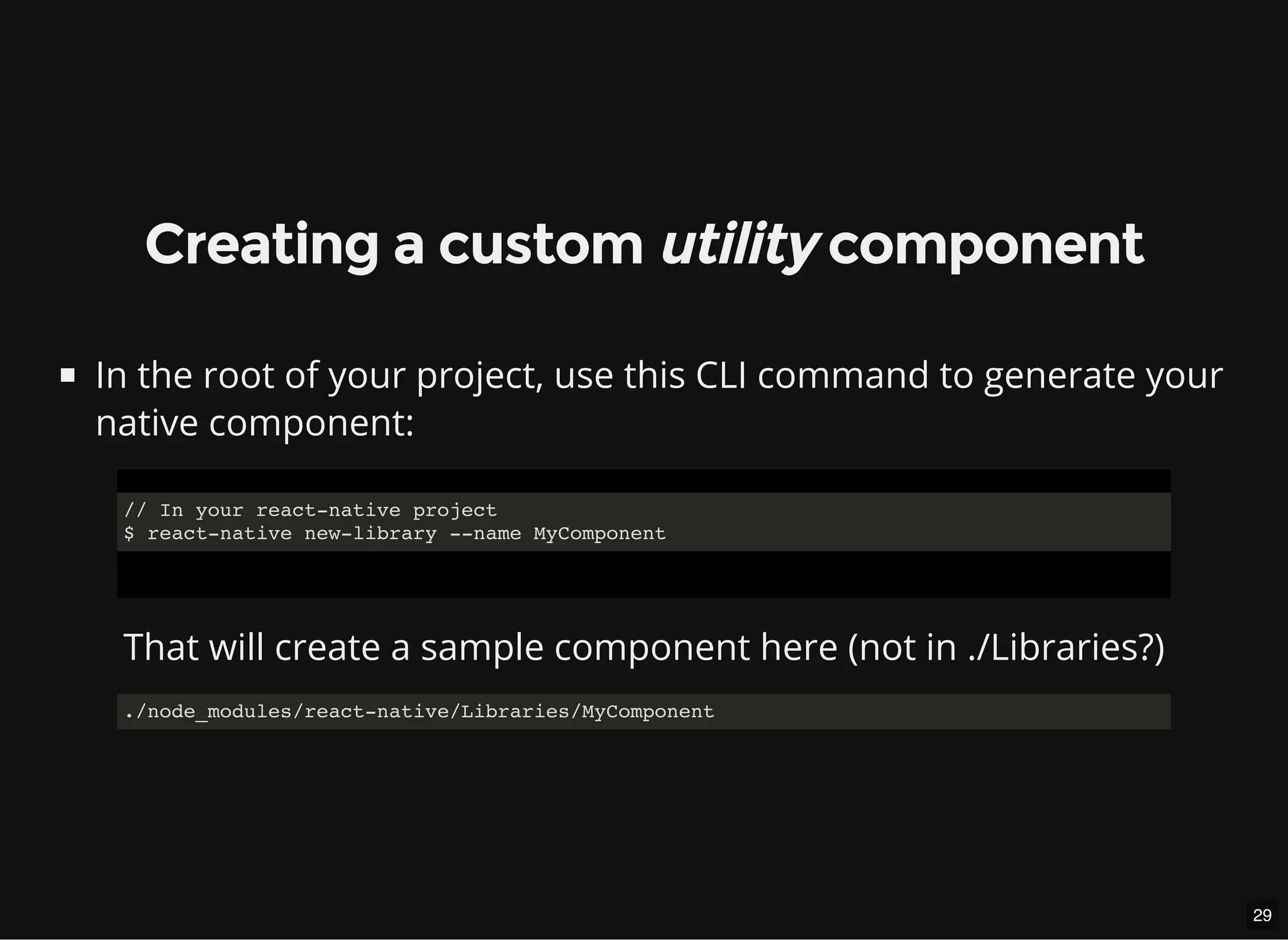
Creating a custom utility component
In the root of your project, use this CLI command to generate your
native component:
// In your react-native project
$ react-native new-library --name MyComponent
That will create a sample component here (not in ./Libraries?)
./node_modules/react-native/Libraries/MyComponent
30
Creating a custom utility component
Then, you need link it to your application:
Drag and drop your component's .xcodeproj le into 'Libraries'
31
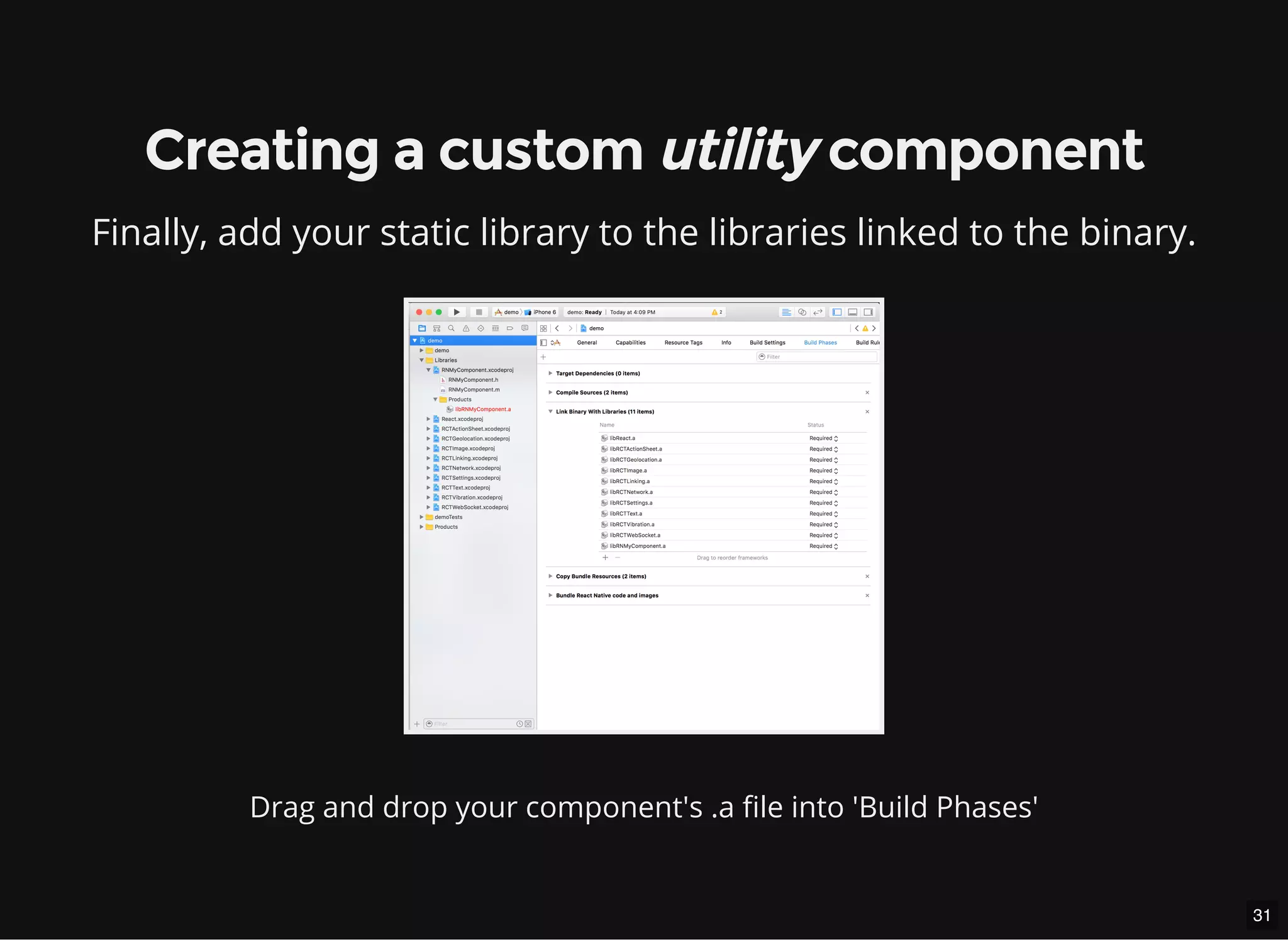
Creating a custom utility component
Finally, add your static library to the libraries linked to the binary.
Drag and drop your component's .a le into 'Build Phases'
32
Creating a custom utility component
The important things:
The class has to extend the protocol:<RCTBridgeModule>
// MyComponent.h
#import "RCTBridgeModule.h"
@interface MyComponent : NSObject <RCTBridgeModule>
@end
That will automagically allow this class to access the React world.
33
Creating a custom utility component
The important things:
The class has to call the RCT_EXPORT_MODULE() macro:
// MyComponent.m
@implementation MyComponent
RCT_EXPORT_MODULE(); // Default module name: Same as class name
@end
That will allow you to access, in JS, the module named:
<MyComponent />
34
Creating a custom utility component
The important things:
The class has to call RCT_EXPORT_METHOD() macro if you want to
call a method from your JS code.
// MyComponent.m
RCT_EXPORT_METHOD(doSomethingWithThatString:(NSString *)string)
{
RCTLogInfo(@"A man needs a string: %@", string);
}
That will allow you to do, in JS:
MyComponent.doSomethingWithThatString('Hello');
35
Creating a custom utility component
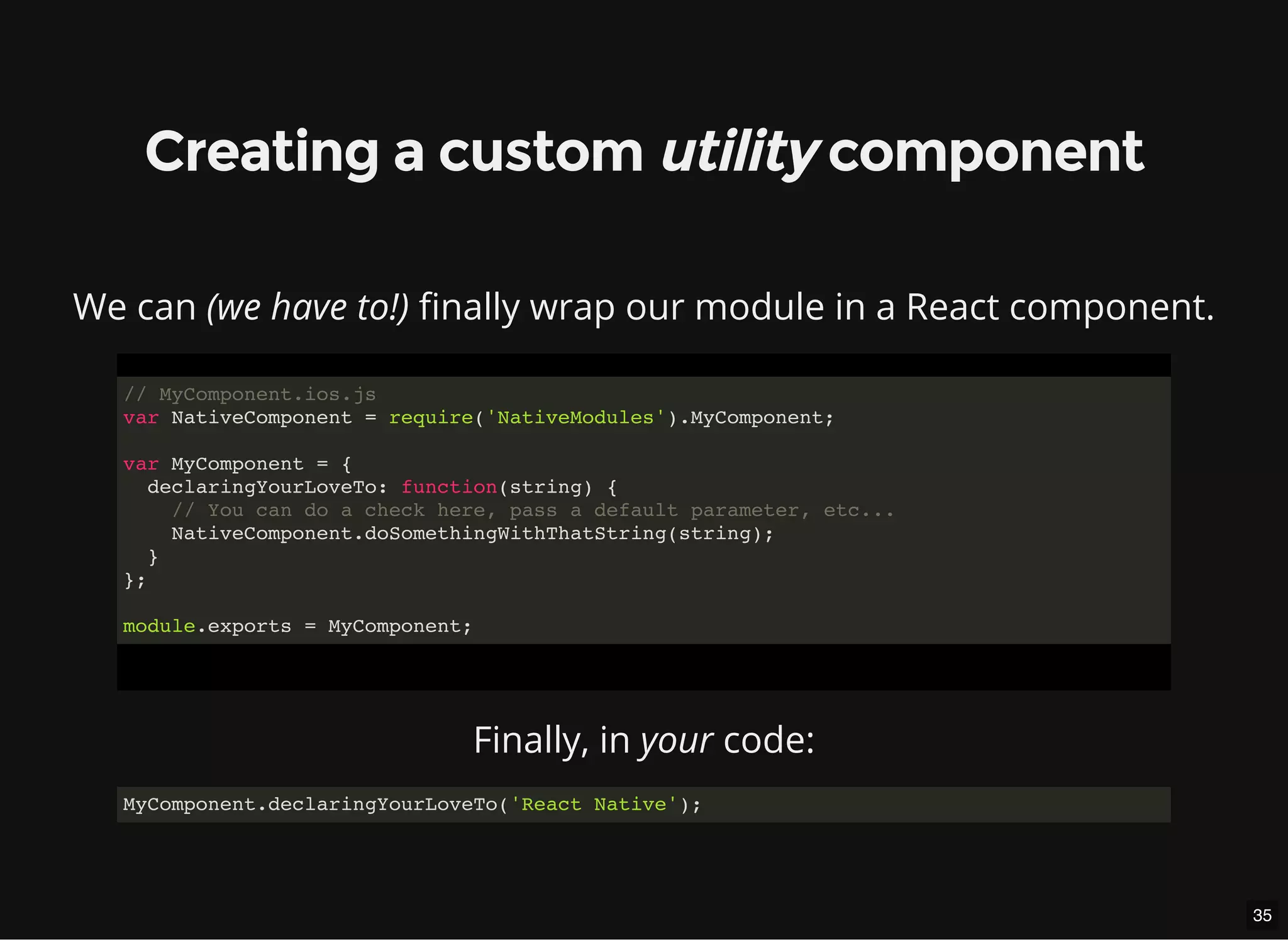
We can (we have to!) nally wrap our module in a React component.
// MyComponent.ios.js
var NativeComponent = require('NativeModules').MyComponent;
var MyComponent = {
declaringYourLoveTo: function(string) {
// You can do a check here, pass a default parameter, etc...
NativeComponent.doSomethingWithThatString(string);
}
};
module.exports = MyComponent;
Finally, in your code:
MyComponent.declaringYourLoveTo('React Native');
36
Creating a custom utility component
A bit more...
RCTConvert is your friend.
#import "RCTConvert.h"
// ...
RCT_EXPORT_METHOD(doSomethingWithThatColor:(NSString *)hexaColor)
{
UIColor *color = [RCTConvert UIColor:hexaColor];
}
That will allow you to do, in JS:
MyComponent.doSomethingWithThatColor('#123456');
37
Creating a custom utility component
A bit more...
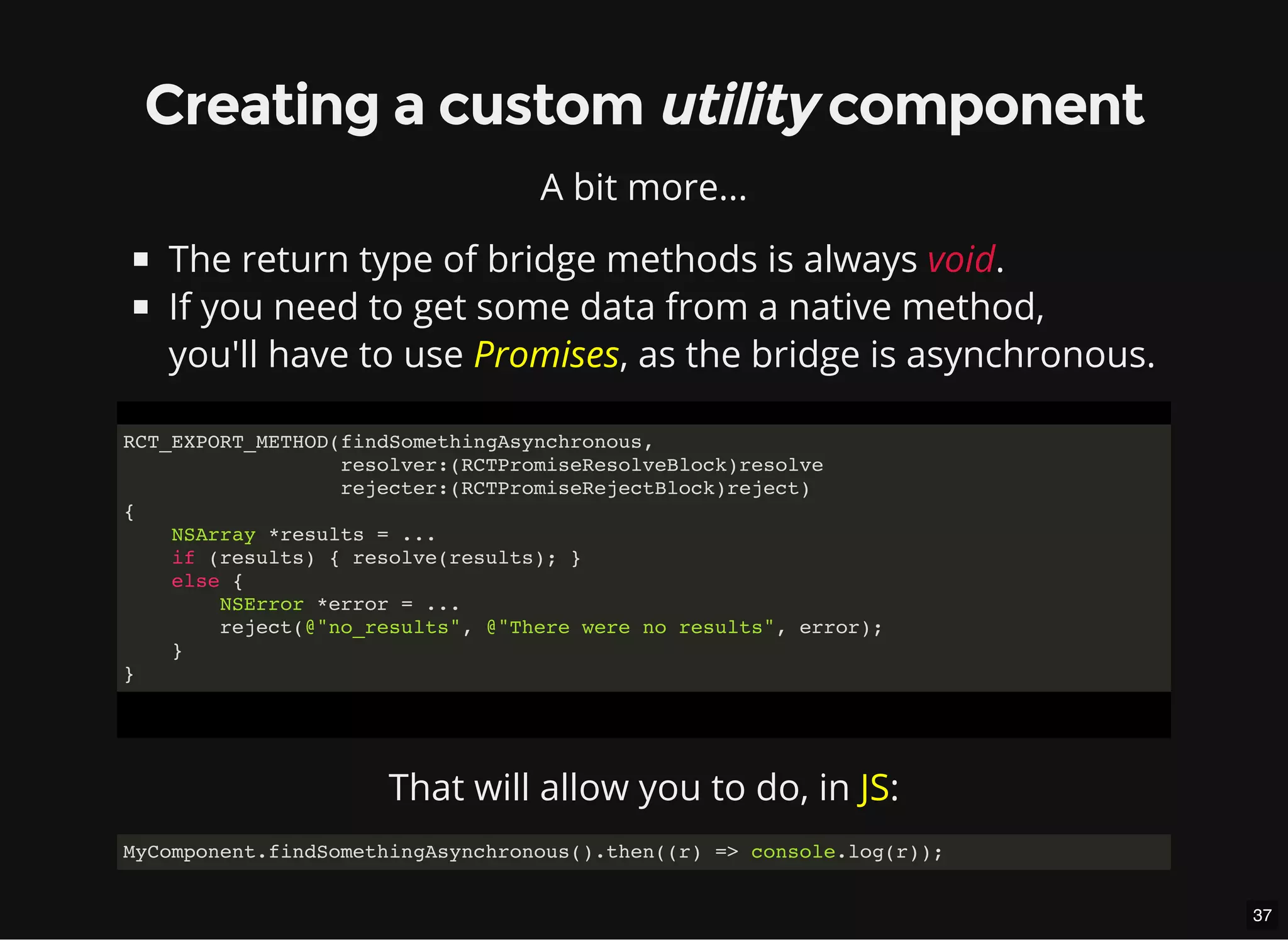
The return type of bridge methods is always void.
If you need to get some data from a native method,
you'll have to use Promises, as the bridge is asynchronous.
RCT_EXPORT_METHOD(findSomethingAsynchronous,
resolver:(RCTPromiseResolveBlock)resolve
rejecter:(RCTPromiseRejectBlock)reject)
{
NSArray *results = ...
if (results) { resolve(results); }
else {
NSError *error = ...
reject(@"no_results", @"There were no results", error);
}
}
That will allow you to do, in JS:
MyComponent.findSomethingAsynchronous().then((r) => console.log(r));
38
Creating a custom utility component
Your module can also..
Specify which thread its methods should be run on
Export constants to JS
Send events to JS
#import "RCTBridge.h"
#import "RCTEventDispatcher.h"
@implementation MyComponent
@synthesize bridge = _bridge;
- (void)methodThatSendsAnEvent
{
[self.bridge.eventDispatcher sendAppEventWithName:@"CheeseReminder"
body:@{@"content": "I love cheese"}];
}
@end
// In JS
NativeAppEventEmitter.addListener('CheeseReminder', (reminder) => {
console.log(reminder.content);
});
39
40
Creating a custom UI component
A UI component is a custom component that renders something.
Same as before, but...
41
Creating a custom UI component
You will create a new class that extends UIView.
Your manager (kind of view controller, but singleton) has now to
be a subclass of RCTViewManager.
// MyComponentManager.h
#import "RCTViewManager.h"
@interface MyComponentManager : RCTViewManager
@end
42
Creating a custom UI component
The manager is responsible of the view.
// MyComponentManager.m
#import "MyComponentManager.h"
#import "MyComponentView.h"
@implementation MyComponentManager
RCT_EXPORT_MODULE()
- (UIView *)view
{
return [[MyComponentView alloc] init];
}
...
// Your other RCT_EXPORT_METHOD methods here...
@end
43
Creating a custom UI component
Use RCT_EXPORT_VIEW_PROPERTY() to set things in your view.
// MyComponentManager.m
RCT_EXPORT_VIEW_PROPERTY(lovingCheese, BOOL)
// MyComponentView.h
@interface MyComponentView: UIView
@property (nonatomic, assign) bool lovingCheese;
@end
// MyComponent.ios.js
MyComponent.propTypes = {
lovingCheese: React.PropTypes.bool,
};
44
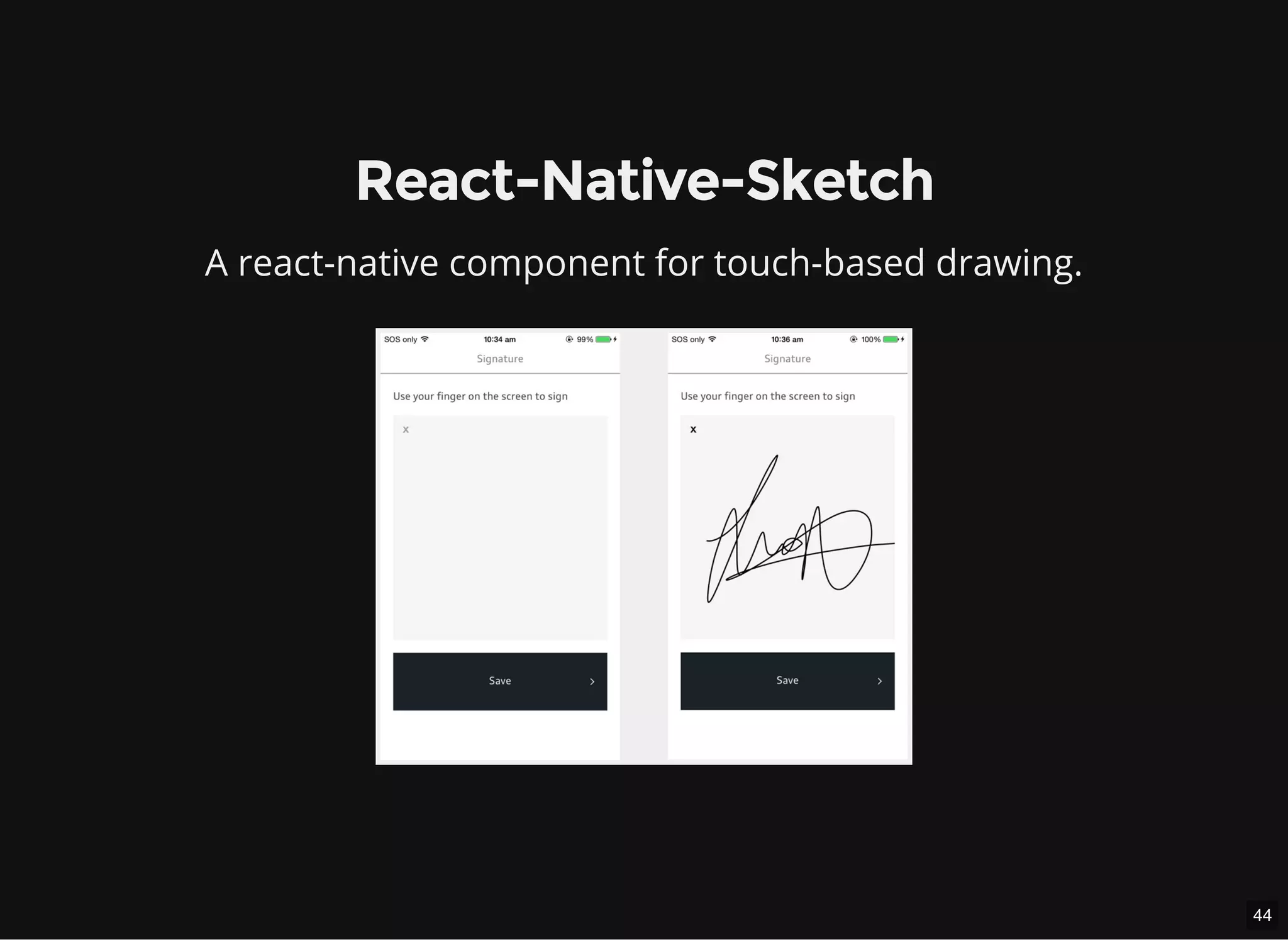
React-Native-Sketch
A react-native component for touch-based drawing.
45
React-Native-Sketch
Lessons learned by creating my own custom component:
It's really cool to publish something to npm
The frequent changes to the API forces you to be reactive
It's harder than I thought to get feedbacks & contributions
46
Conclusion
Custom components can solve a feature request uncovered. Yet.
Facebook has created a great tool to allow us extend their tool.
If you have to build your own, check the docs regularly.
Don't be afraid of native code.
47
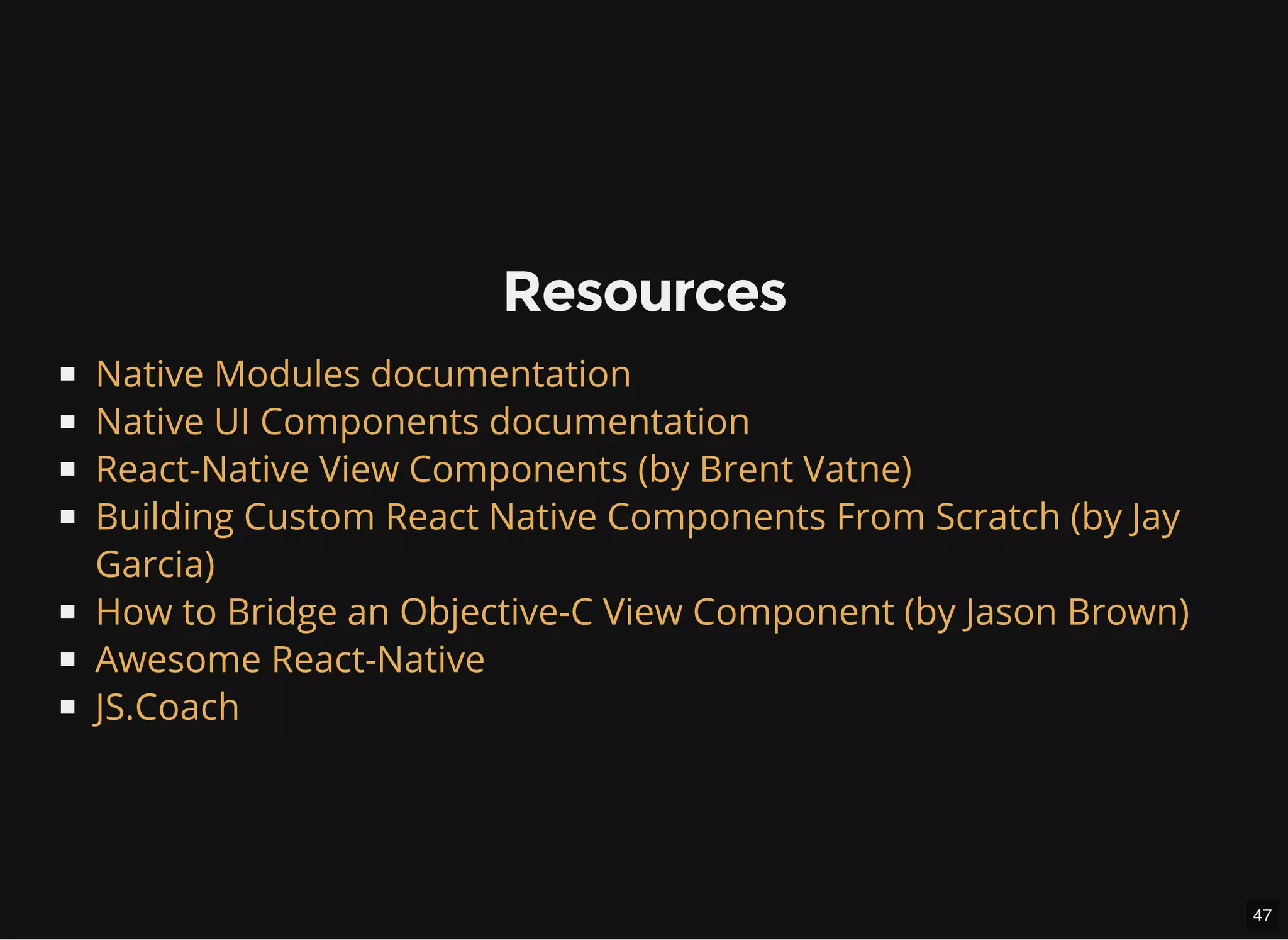
Resources
Native Modules documentation
Native UI Components documentation
React-Native View Components (by Brent Vatne)
Building Custom React Native Components From Scratch (by Jay
Garcia)
How to Bridge an Objective-C View Component (by Jason Brown)
Awesome React-Native
JS.Coach
48
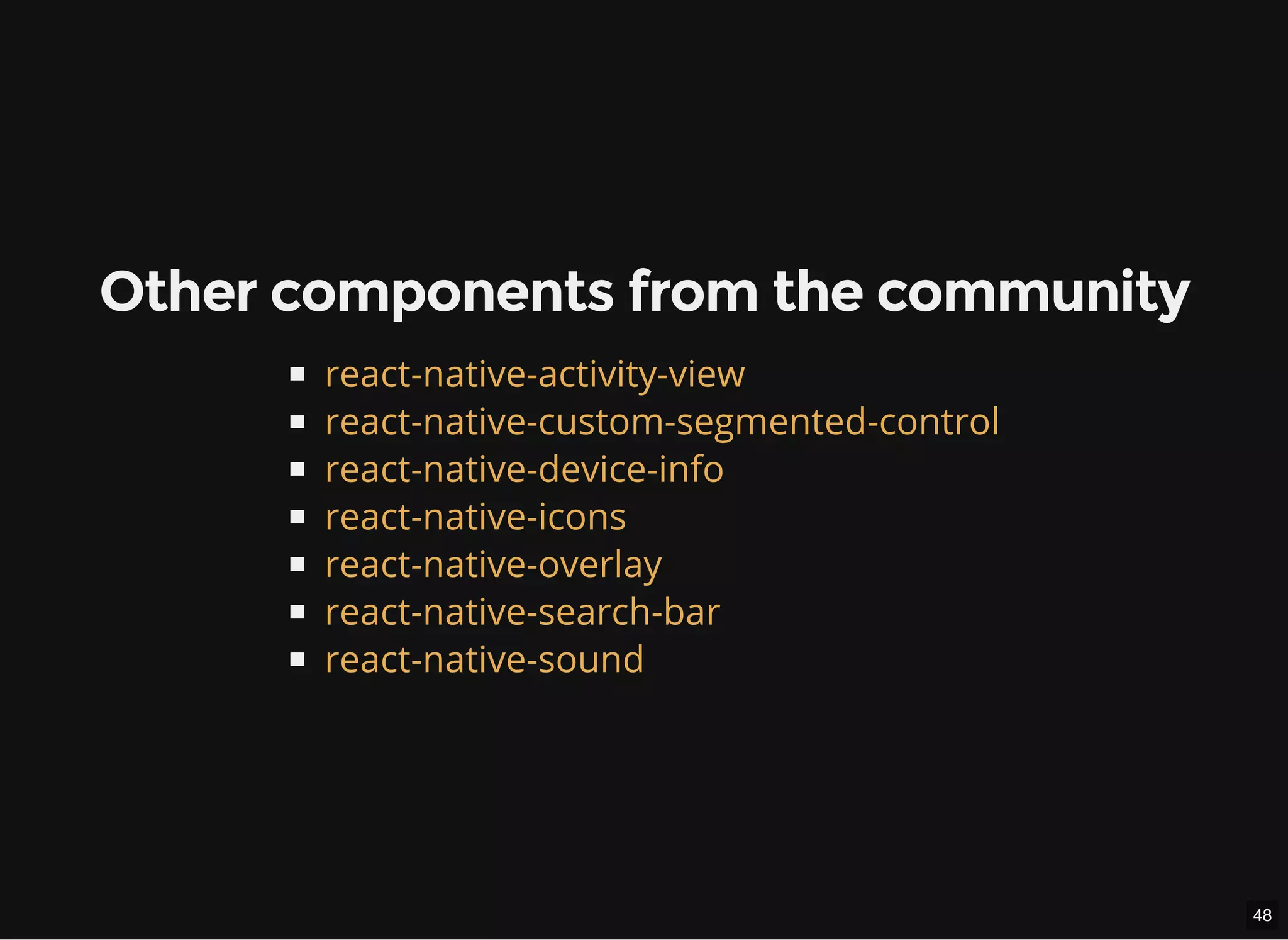
Other components from the community
react-native-activity-view
react-native-custom-segmented-control
react-native-device-info
react-native-icons
react-native-overlay
react-native-search-bar
react-native-sound
49
Merci.
@jgrancher
Link of this presentation: goo.gl/fpmXem
50
Questions?

React Native custom components