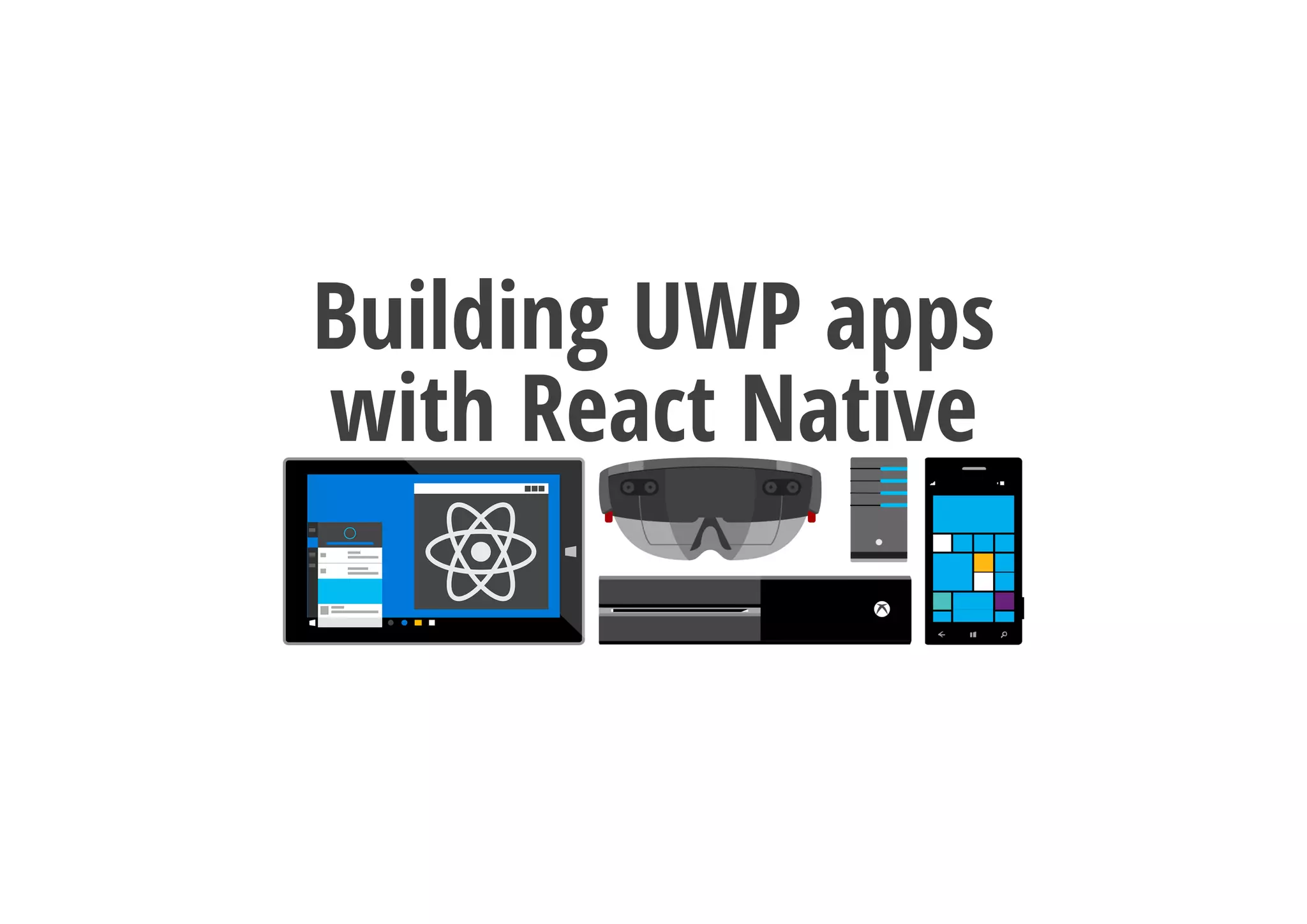
Building UWP apps
with React Native
Who am I?
Maurice de Beijer
The Problem Solver
Microsoft Azure MVP
Freelance developer/instructor
Twitter: @mauricedb & @React_Tutorial
Web: http://www.TheProblemSolver.nl
E-mail: maurice.de.beijer@gmail.com
What are we ging to
cover?
What is React?
What is React Native?
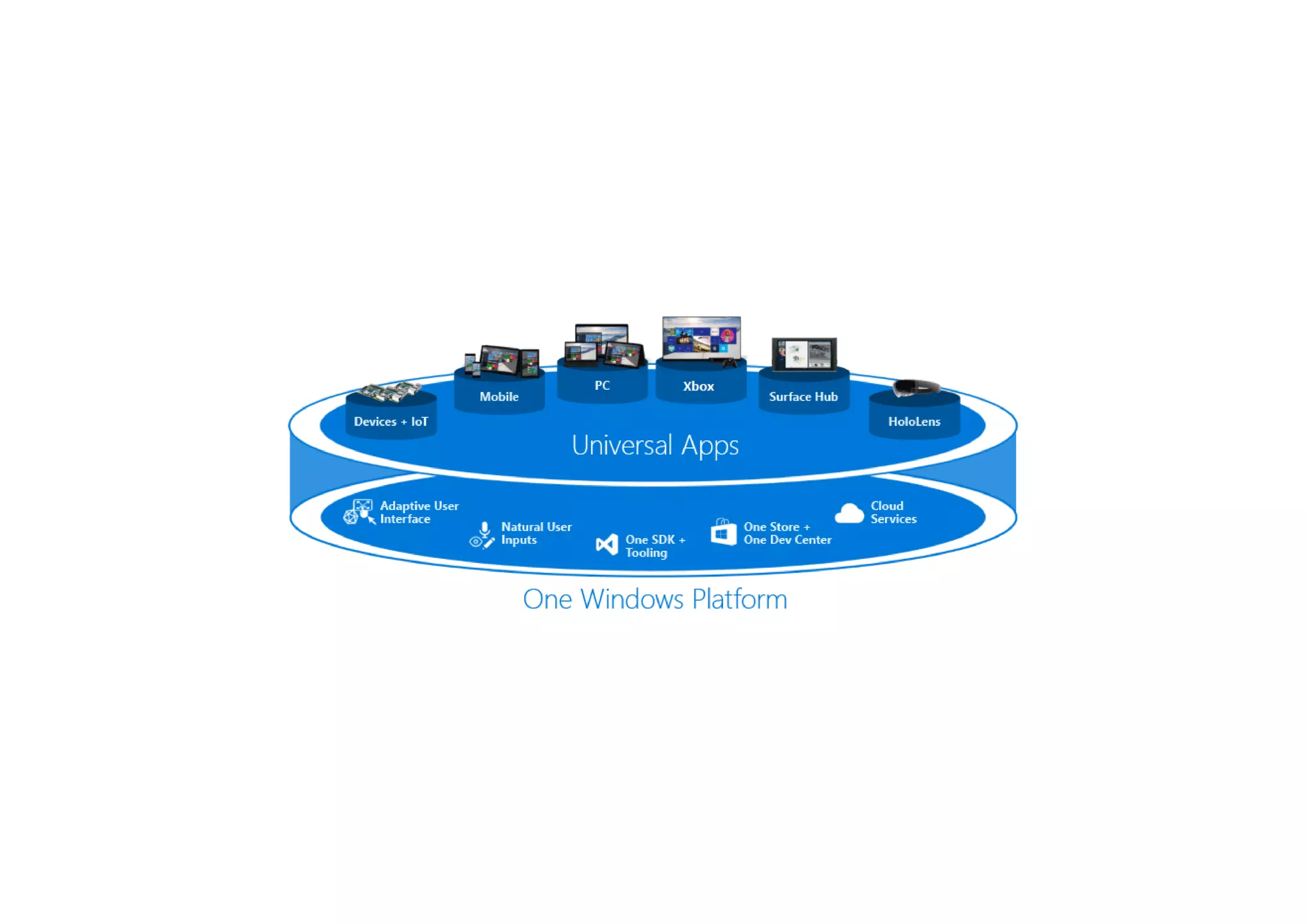
What is the Universal Windows Platform (UWP)?
Building React Native UWP apps
What is React
React is a JavaScript library for creating user interfaces
Runs in the browser
Compose components into the user interface
Declarative
Unidirectional data ຨow
 25. ReactDOM.render(
 26.   <App/>, document.getElementById('root'));
 14. export class App extends Component {
 15.   render() {
 16.     return (
 17.       <div>
 18.         <Hello name={'Maurice'}/>
 19.       </div>
 20.     );
 21.   }
 22. }
 23. 
 24. 
 27. 
Use ReactDOM.render() to run the application
What is React Native
A framework for building native apps using React
Build on top of React
Target mobile devices
Android
IOS
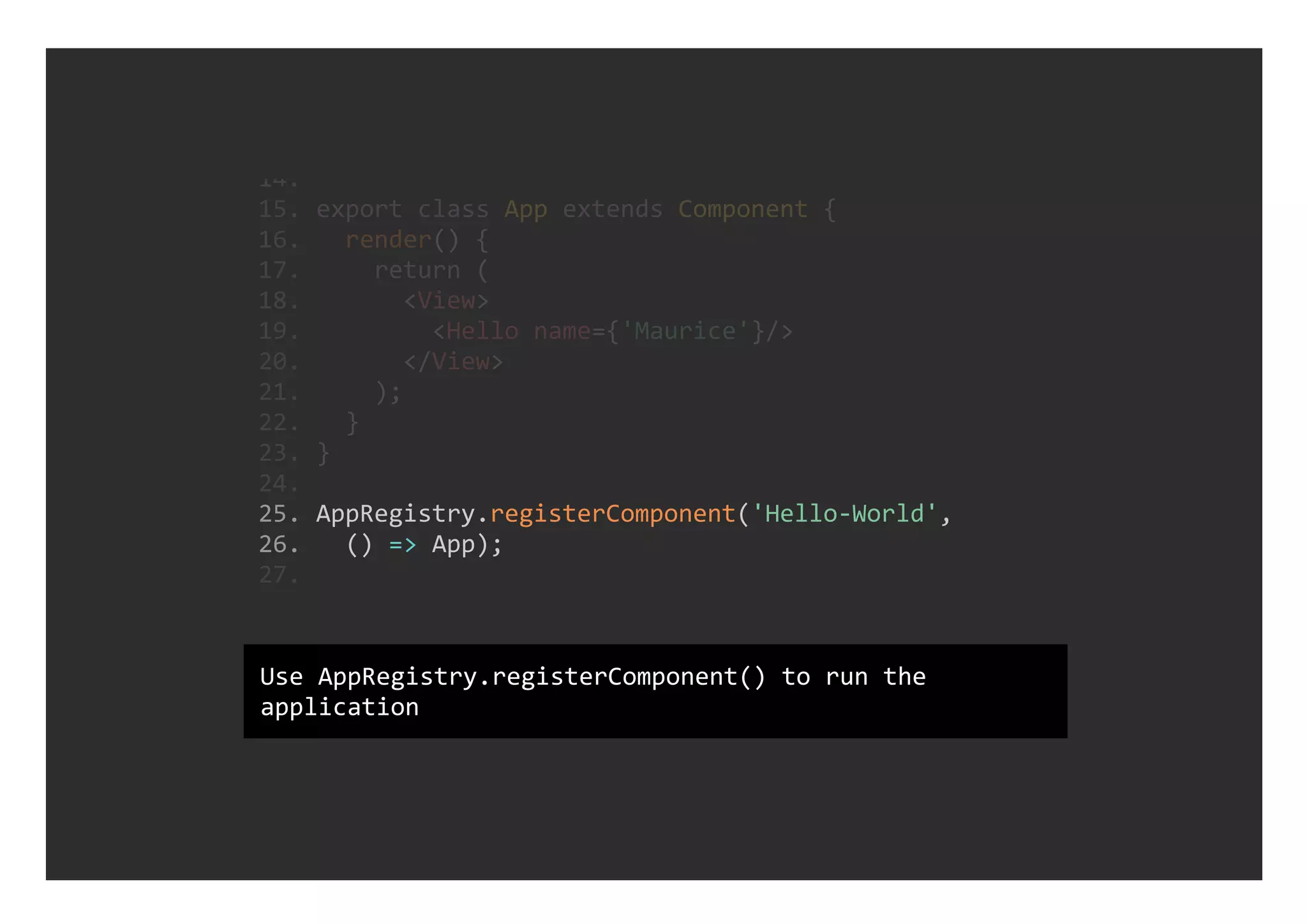
 25. AppRegistry.registerComponent('Hello‐World', 
 26.   () => App);
 14. 
 15. export class App extends Component {
 16.   render() {
 17.     return (
 18.       <View>
 19.         <Hello name={'Maurice'}/>
 20.       </View>
 21.     );
 22.   }
 23. }
 24. 
 27. 
Use AppRegistry.registerComponent() to run the
application
Universal Windows
Platform (UWP)
A common app platform for Windows applications
Targets every Windows 10 device
Create a single app package
One Windows Store targets all devices
React Native & UWP
Contributed as OSS by Microsoft
Announced at Facebooks F8 2016 conference
Windows 10 (Mobile) and Xbox One
Uses ChakraCore as the JavaScript engine
Extensions for Visual Studio Code
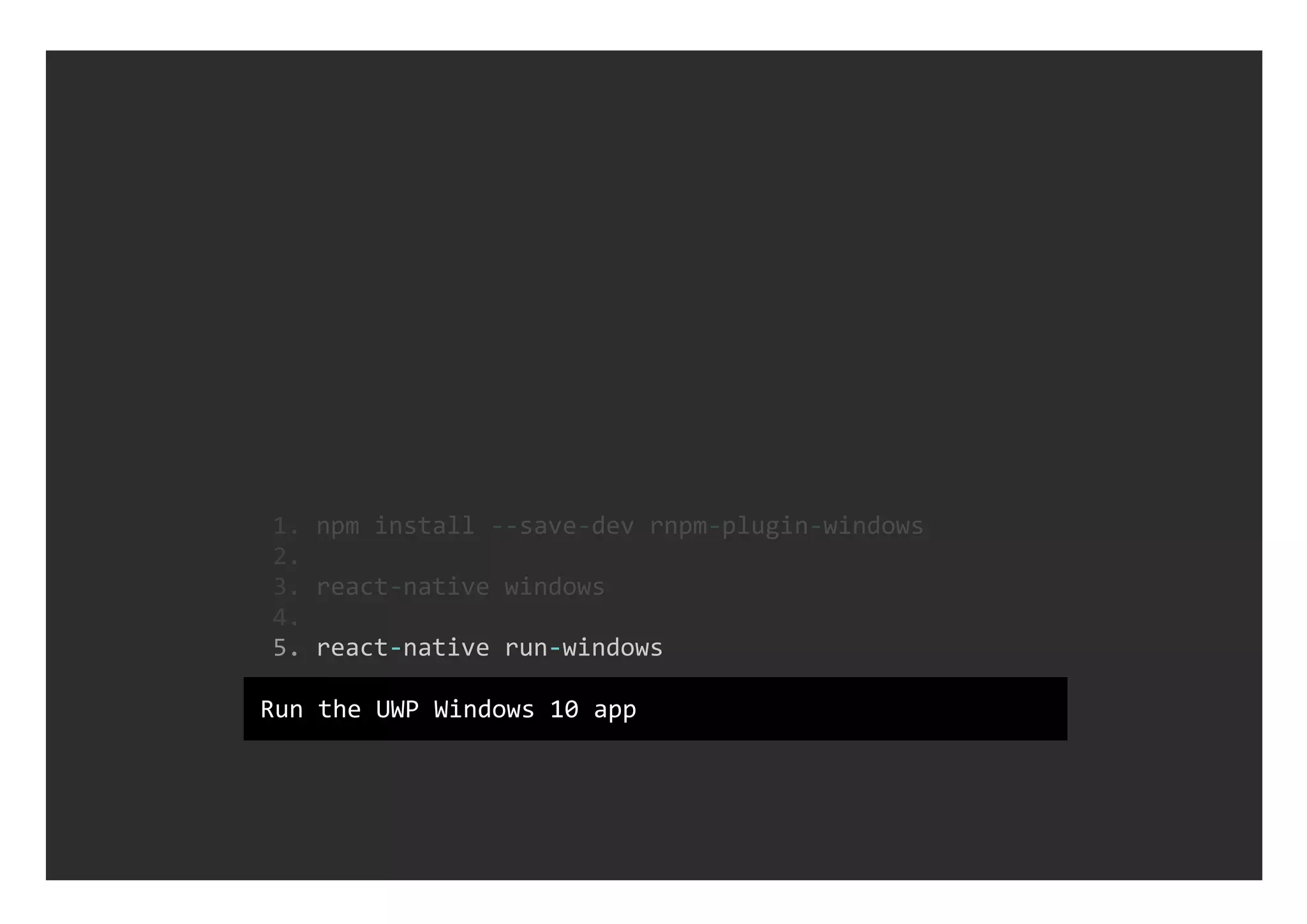
  5. react‐native run‐windows
  1. npm install ‐‐save‐dev rnpm‐plugin‐windows
  2. 
  3. react‐native windows
  4. 
Run the UWP Windows 10 app
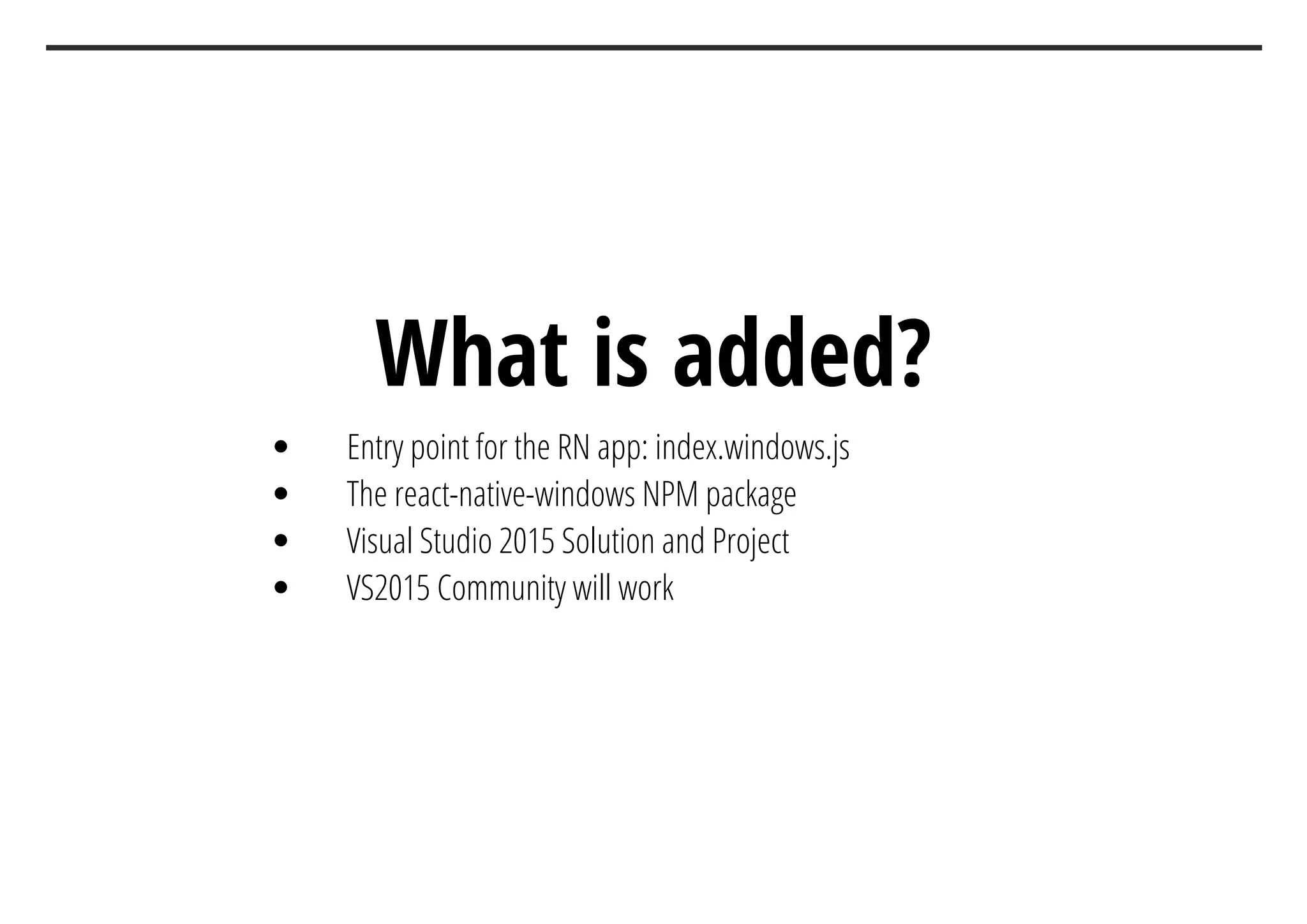
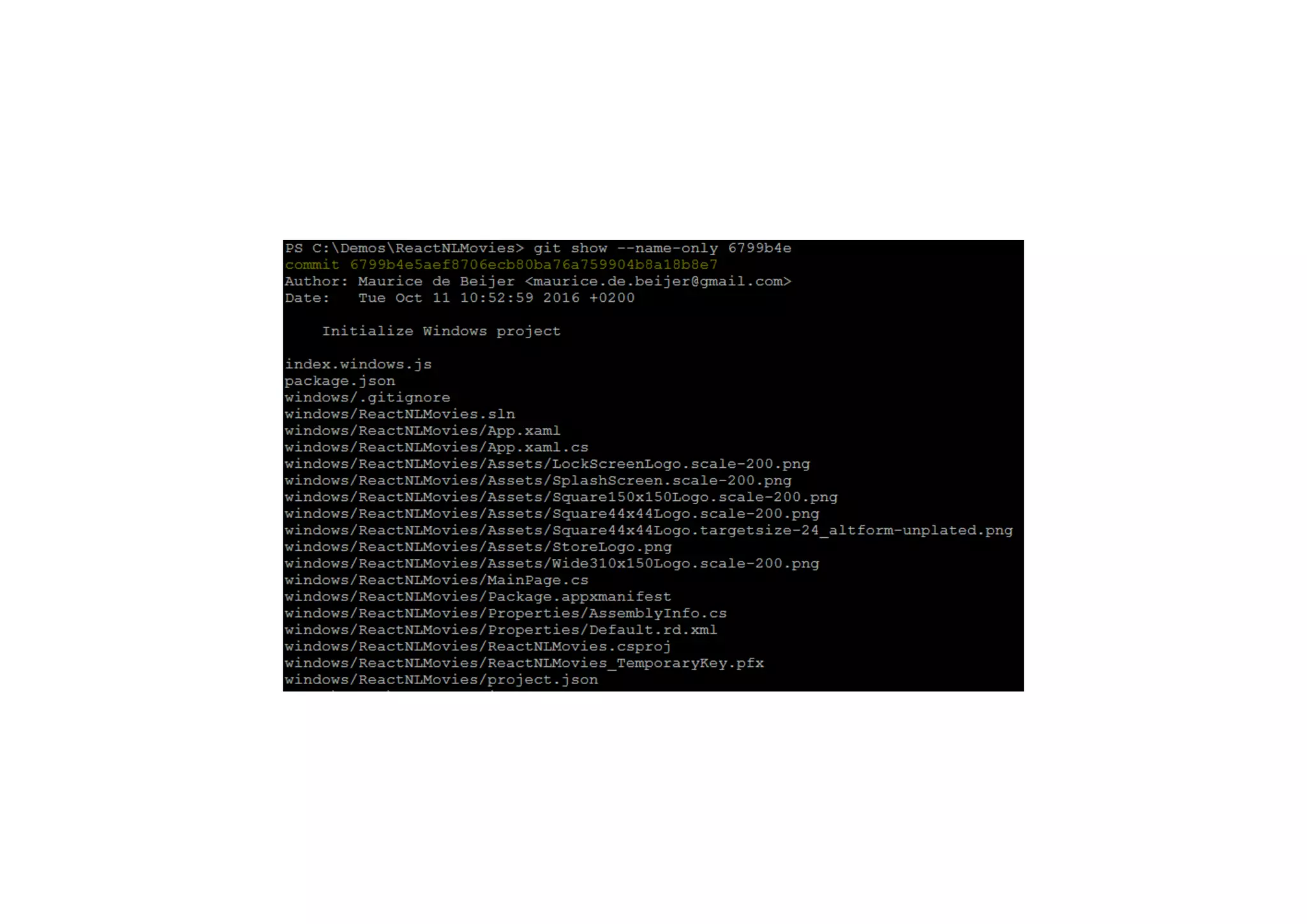
What is added?
Entry point for the RN app: index.windows.js
The react-native-windows NPM package
Visual Studio 2015 Solution and Project
VS2015 Community will work
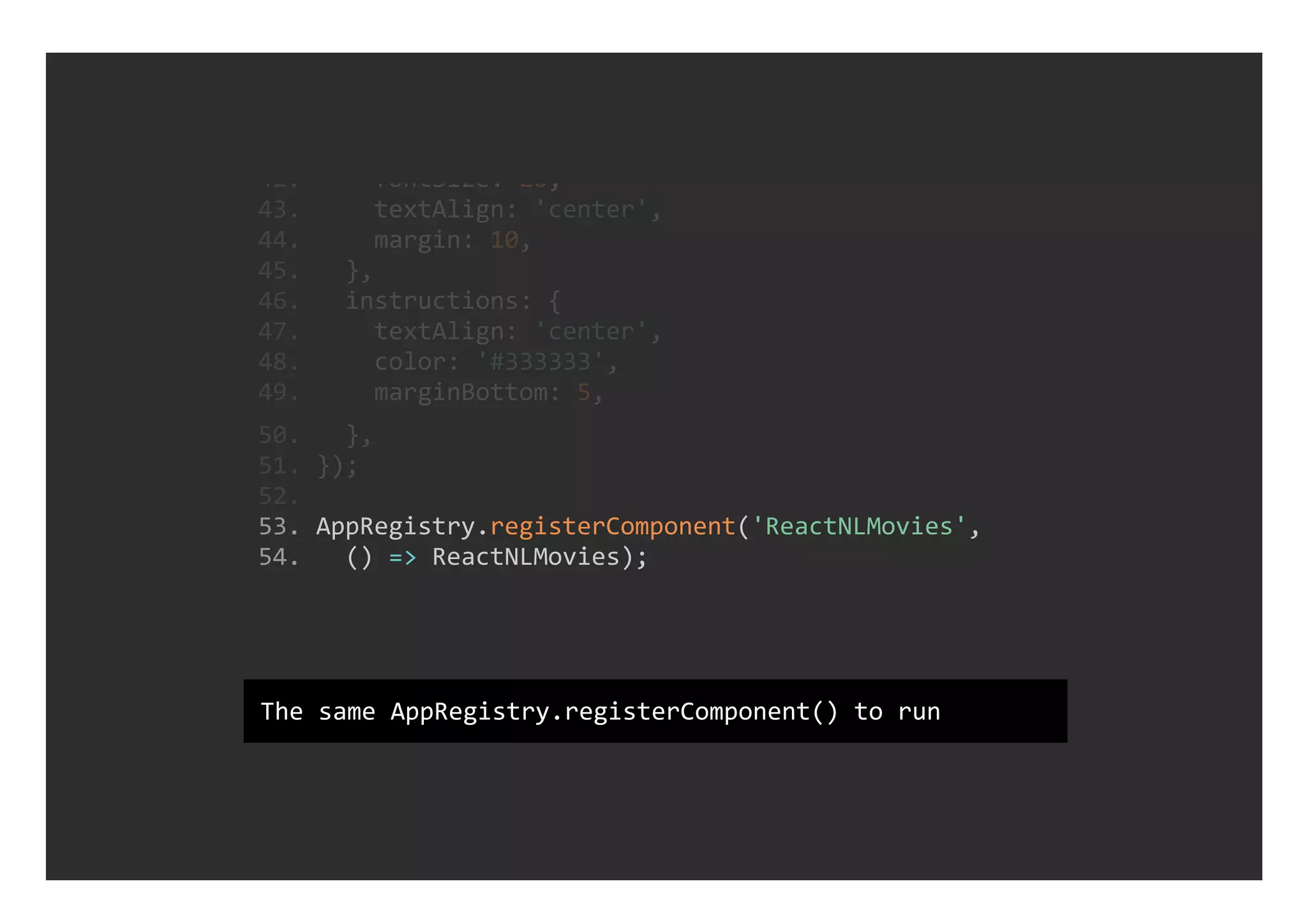
 53. AppRegistry.registerComponent('ReactNLMovies', 
 54.   () => ReactNLMovies);
 42.     fontSize: 20,
 43.     textAlign: 'center',
 44.     margin: 10,
 45.   },
 46.   instructions: {
 47.     textAlign: 'center',
 48.     color: '#333333',
 49.     marginBottom: 5,
 50.   },
 51. });
 52. 
The same AppRegistry.registerComponent() to run
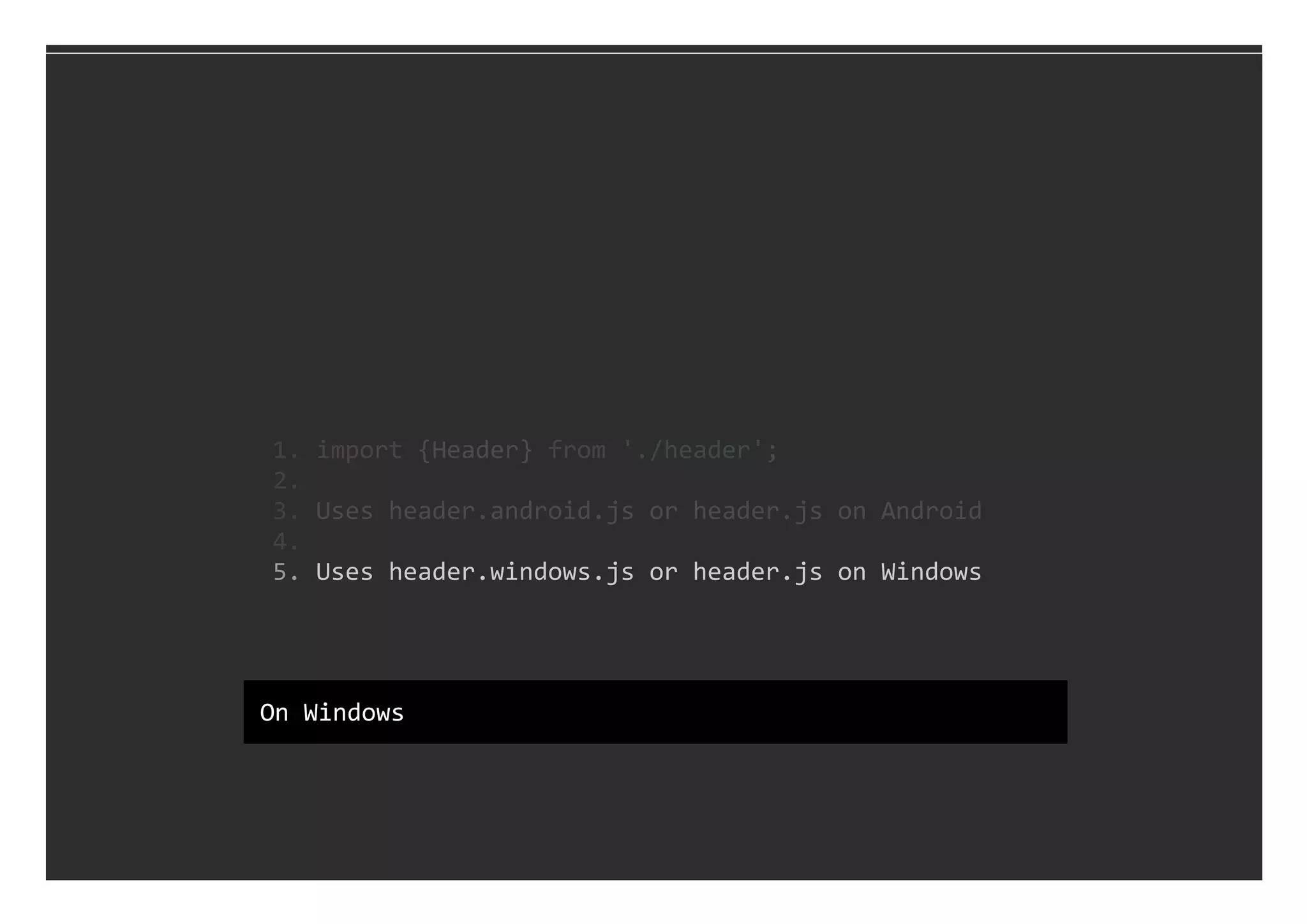
  5. Uses header.windows.js or header.js on Windows
  1. import {Header} from './header';
  2. 
  3. Uses header.android.js or header.js on Android
  4. 
On Windows
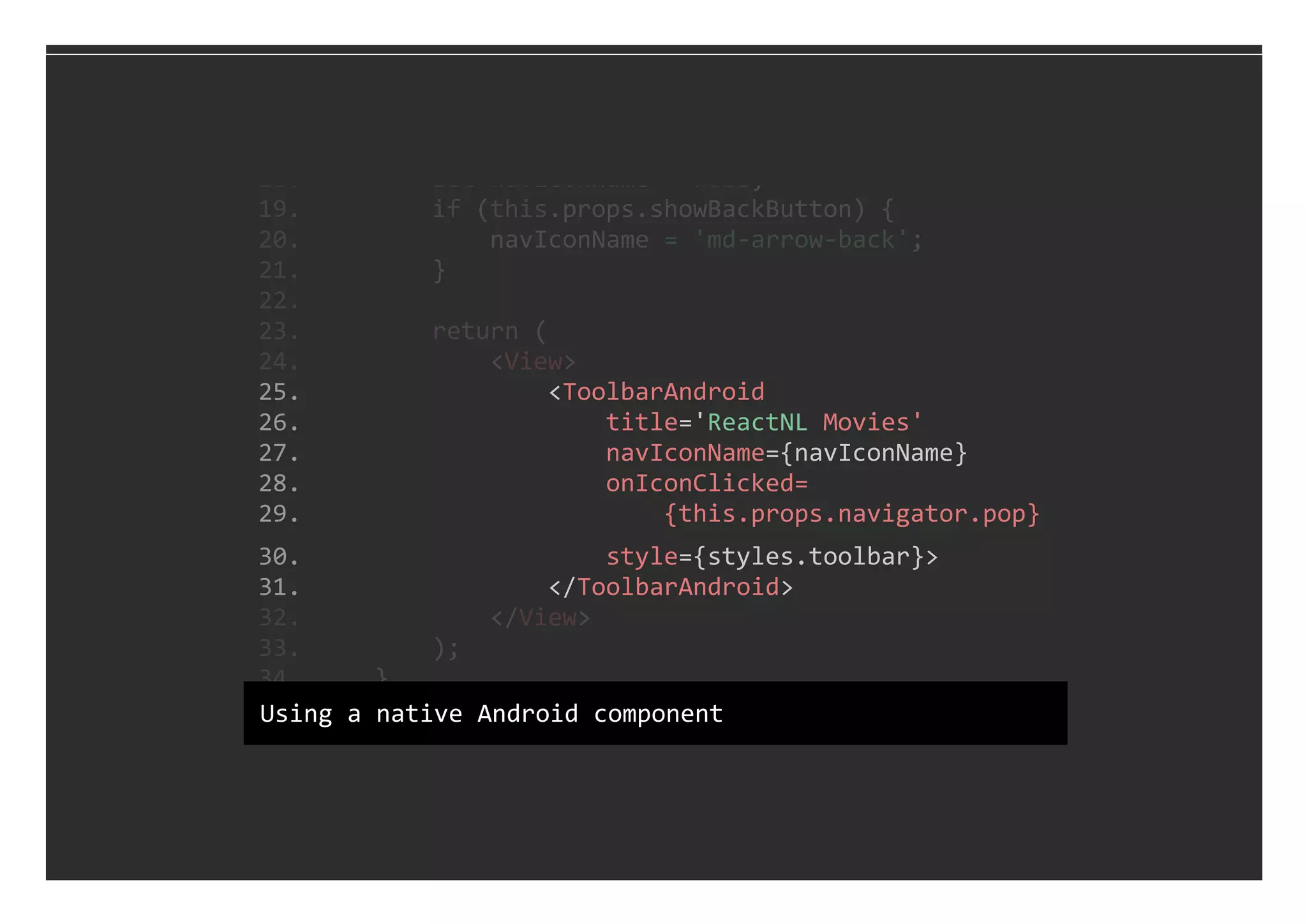
 25.                 <ToolbarAndroid
 26.                     title='ReactNL Movies'
 27.                     navIconName={navIconName}
 28.                     onIconClicked=
 29.                         {this.props.navigator.pop}
 30.                     style={styles.toolbar}>
 31.                 </ToolbarAndroid>
 18.         let navIconName = null;
 19.         if (this.props.showBackButton) {
 20.             navIconName = 'md‐arrow‐back';
 21.         }
 22. 
 23.         return (
 24.             <View>
 32.             </View>
 33.         );
 34.     }
 35. }Using a native Android component
 30.                 <View style={styles.toolbar}>
 31.                     {navIcon}
 32.                     <Text style={styles.header}>
 33.                         ReactNL Movies
 34.                     </Text>
 35.                 </View>
 24.                             onPress=
{this.props.navigator.pop}>ᾆ
 25.             </Text>
 26.         }
 27. 
 28.         return (
 29.             <View>
 36.             </View>
 37.         );
 38. 
 39.         //
 40.     }
 41. }
Using a cross platfom component
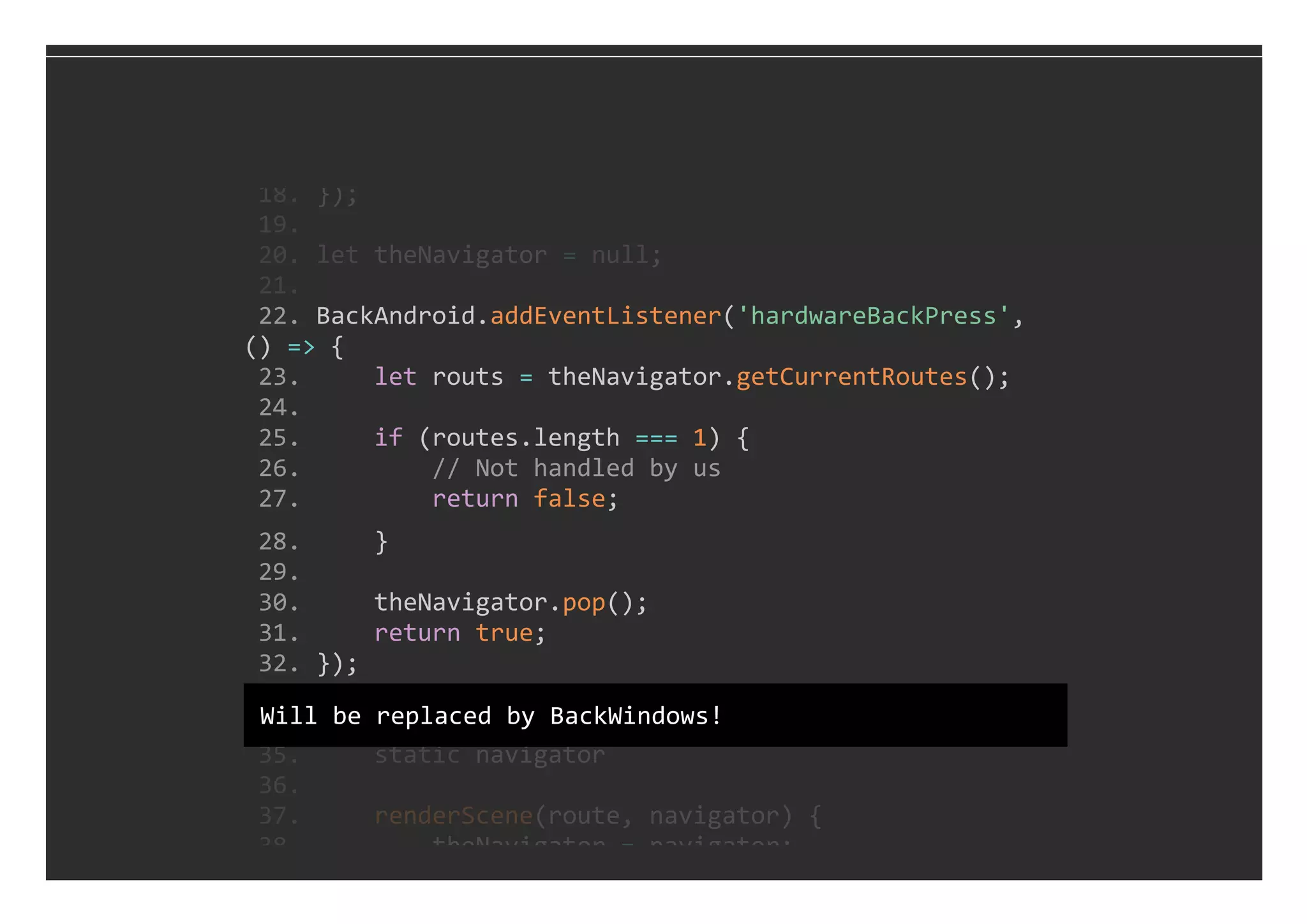
 22. BackAndroid.addEventListener('hardwareBackPress', 
() => {
 23.     let routs = theNavigator.getCurrentRoutes();
 24. 
 25.     if (routes.length === 1) {
 26.         // Not handled by us
 27.         return false;
 28.     }
 29. 
 30.     theNavigator.pop();
 31.     return true;
 32. });
 18. });
 19. 
 20. let theNavigator = null;
 21. 
 33. 
 34. export class MainWindow extends Component {
 35.     static navigator
 36. 
 37.     renderScene(route, navigator) {
 38.         theNavigator = navigator;
Will be replaced by BackWindows!
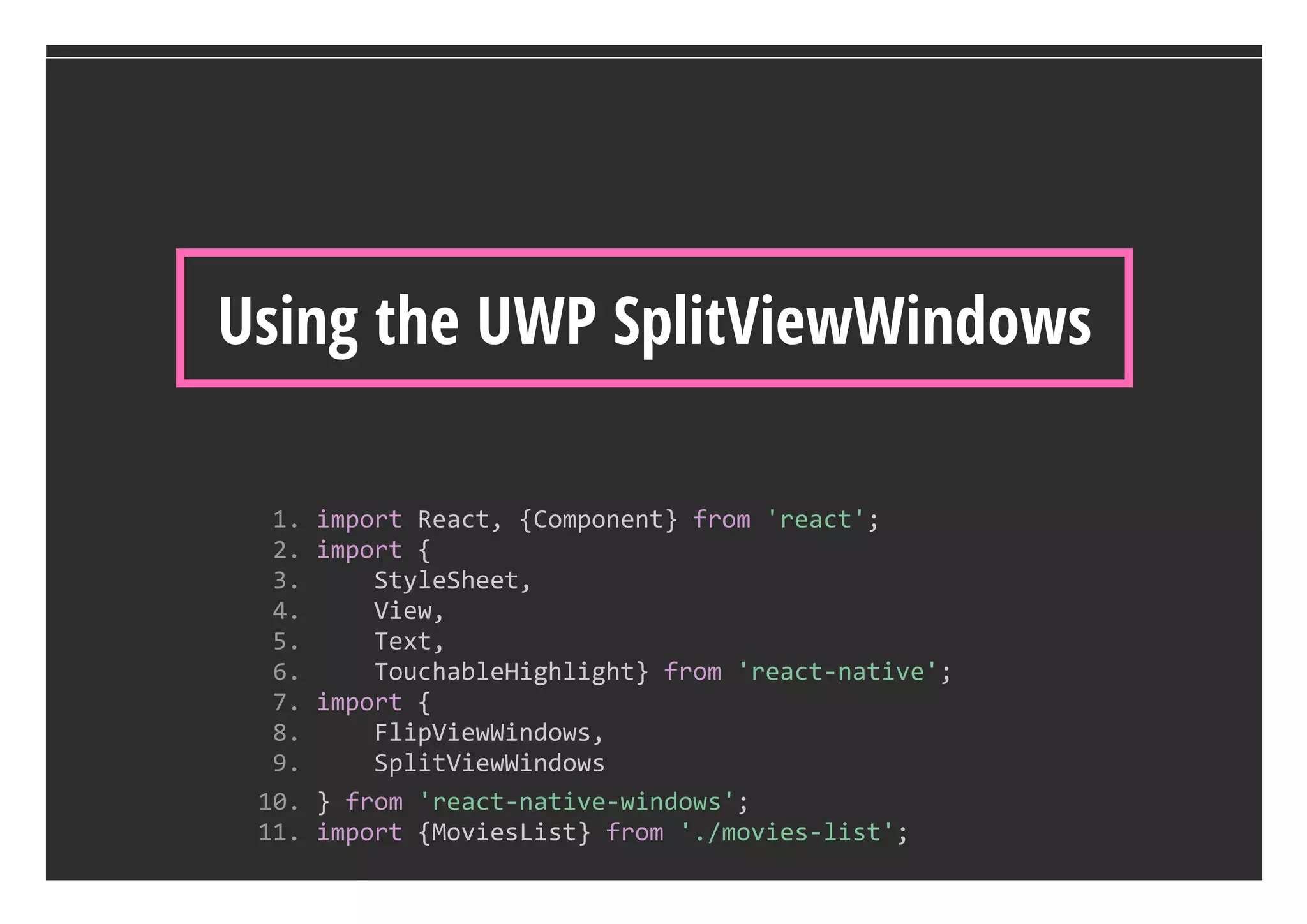
Using the UWP SplitViewWindows
  1. import React, {Component} from 'react';
  2. import {
  3.     StyleSheet, 
  4.     View, 
  5.     Text, 
  6.     TouchableHighlight} from 'react‐native';
  7. import {
  8.     FlipViewWindows, 
  9.     SplitViewWindows
 10. } from 'react‐native‐windows';
 11. import {MoviesList} from './movies‐list';
Maurice de Beijer - @mauricedb
Building UWP apps with React-Native

Building UWP apps with React-Native