SOCIAL MEDIA & WEB 101


 Pre-Conference Workshop
      PSEWEB 2011
ABOUT ME

• First website in „97
• Hons BA, Media & Public Interest „06
  University of Western Ontario
• Academica Group
• Richard Ivey School of Business
• PSEWEB & Lunch Break Media Ltd.
AGENDA
1. Web
  − Fundamentals, Technologies
2. Search
  − Organic, Paid
3. Social Media
  − Email, Blogs, Social Networks
4. MultiMedia
  − Video, Images, YouTube, Flickr
5. Mobile
  − Apps, Websites, Geo-Location
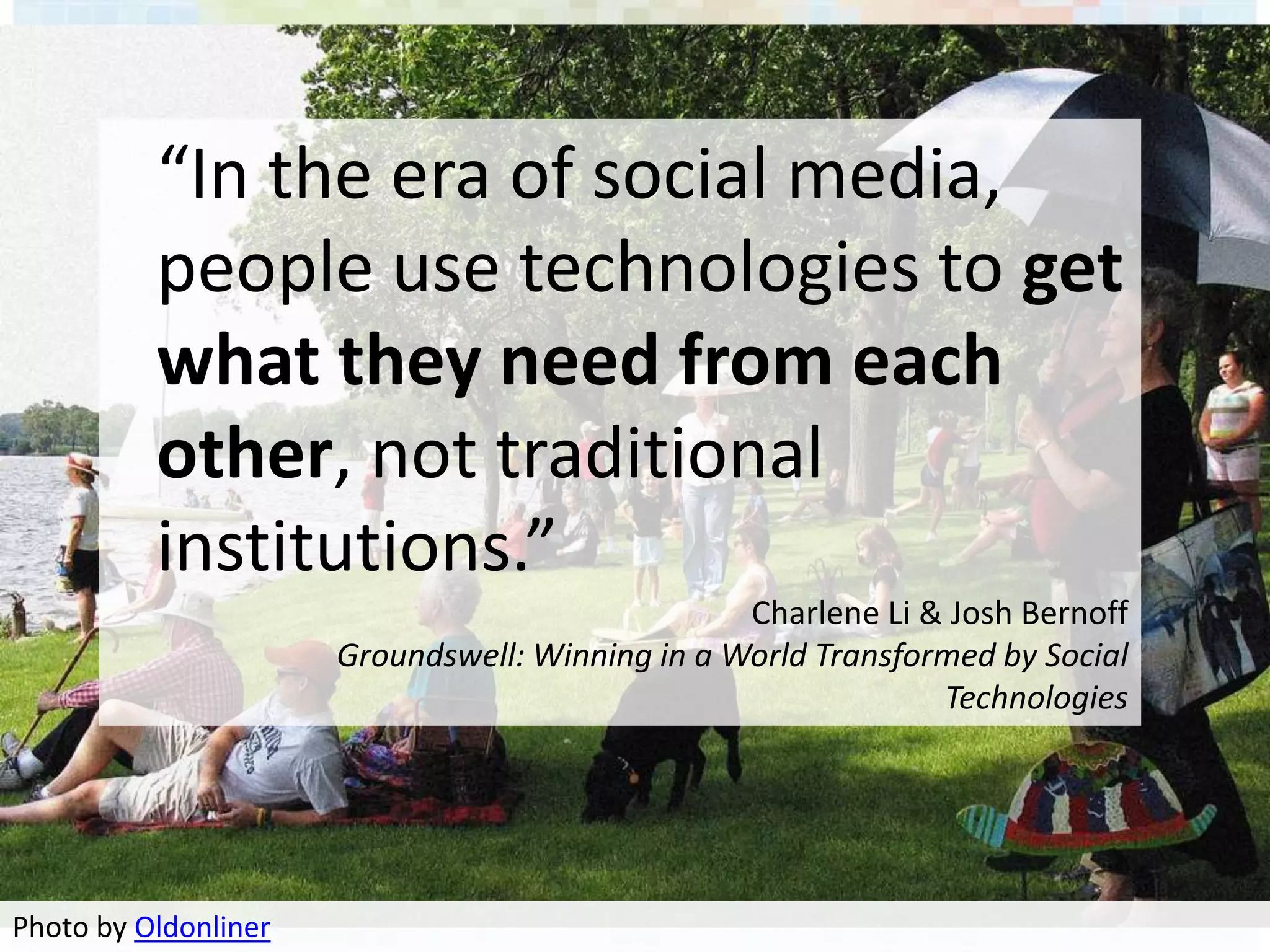
“In the era of social media,
          people use technologies to get
          what they need from each
          other, not traditional
          institutions.”
                                                 Charlene Li & Josh Bernoff
                      Groundswell: Winning in a World Transformed by Social
                                                              Technologies


Photo by Oldonliner
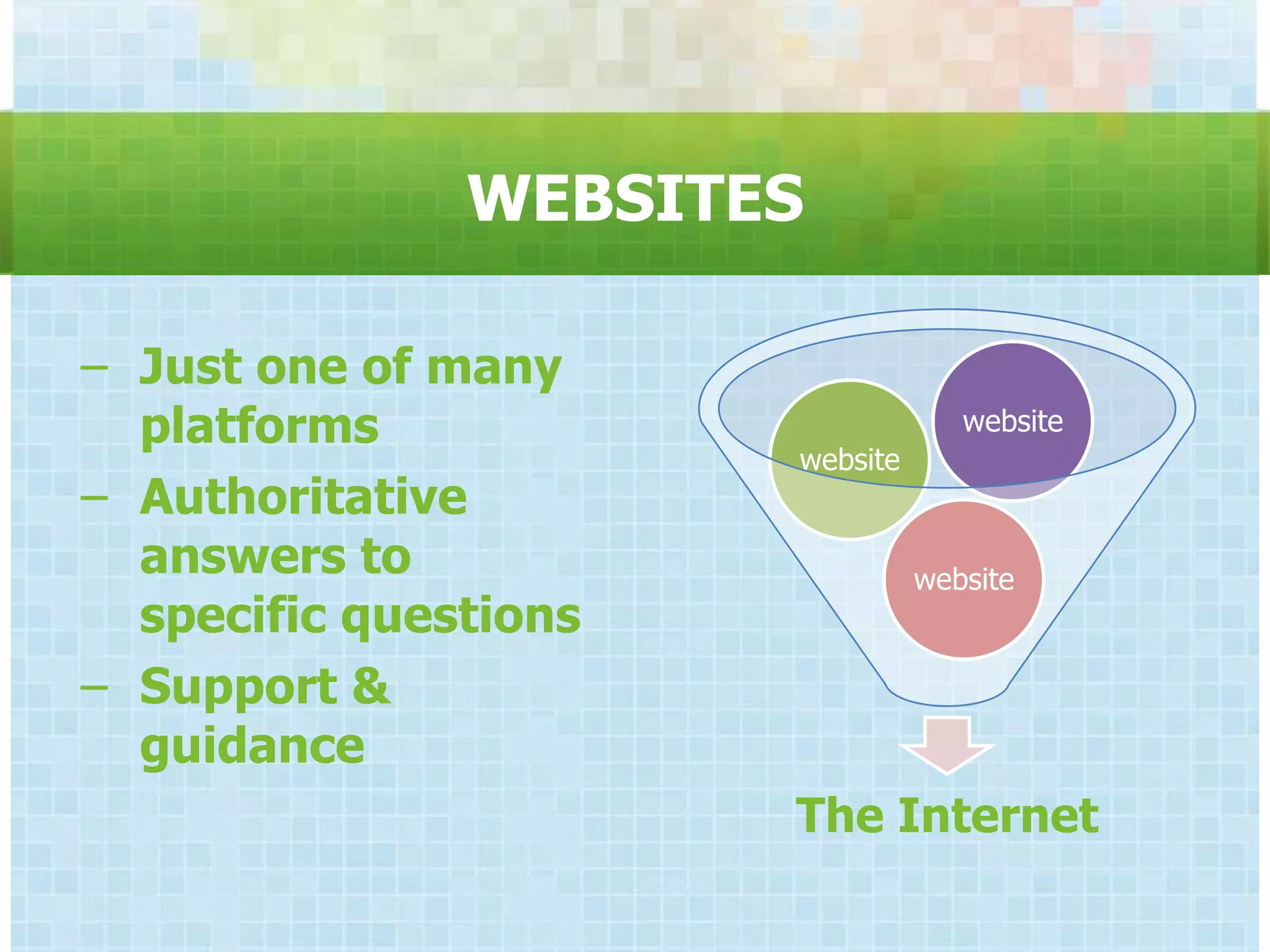
WEBSITES

− Just one of many
  platforms                         website
                       website
− Authoritative
  answers to                     website
  specific questions
− Support &
  guidance
                       The Internet
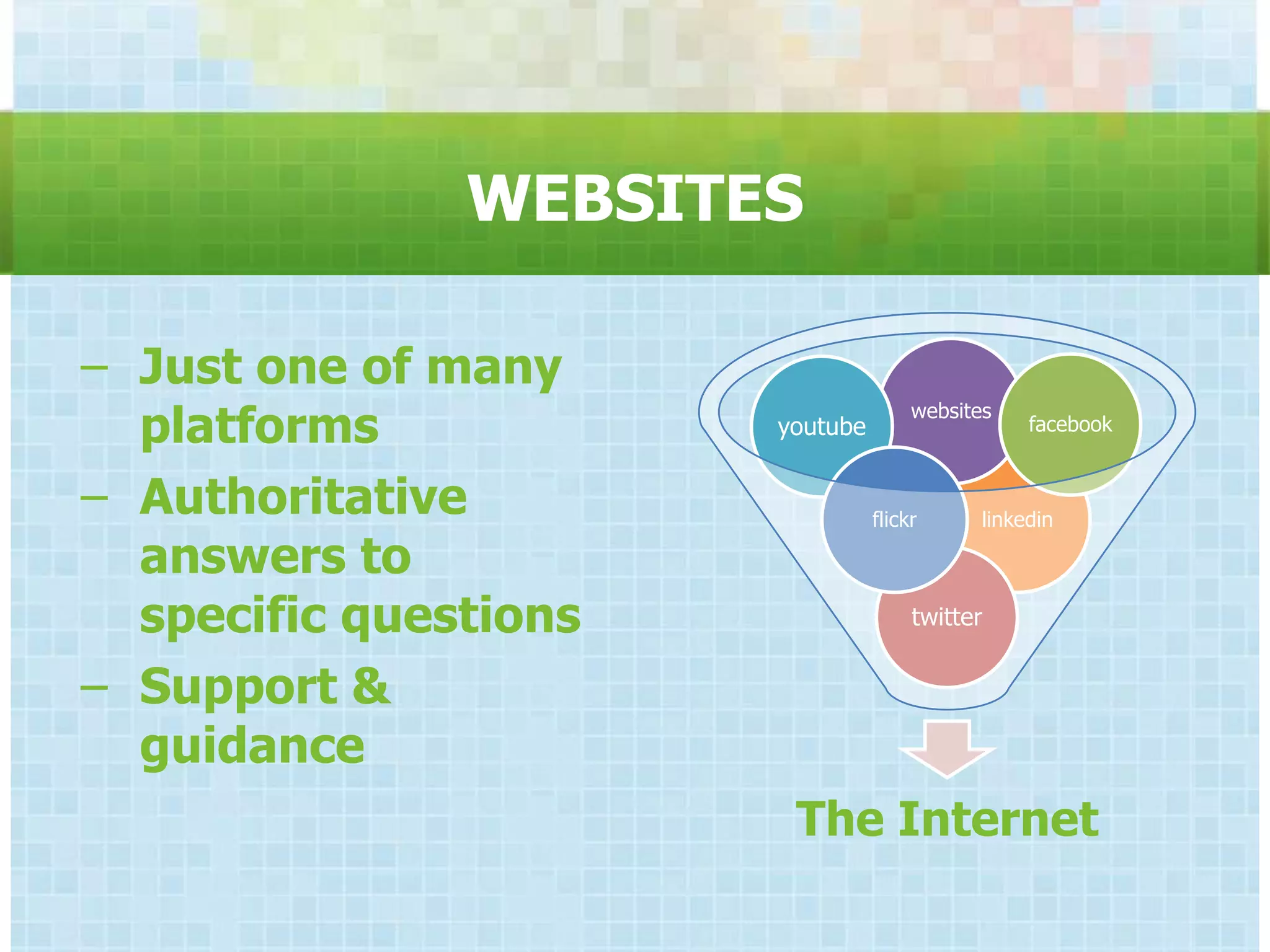
WEBSITES

− Just one of many
  platforms            youtube
                                      websites
                                                  facebook


− Authoritative                  flickr      linkedin

  answers to
  specific questions                  twitter


− Support &
  guidance
                        The Internet
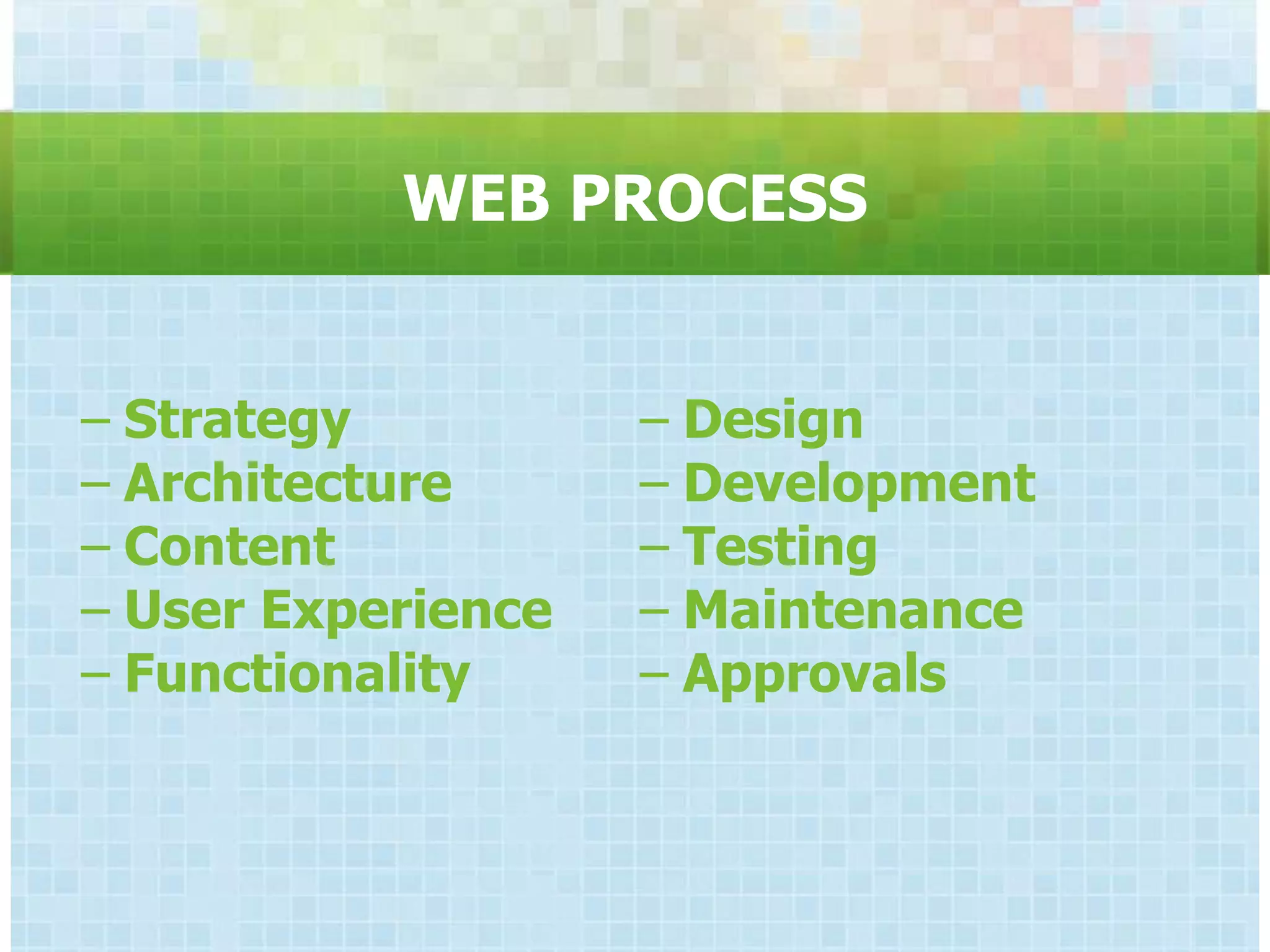
WEB PROCESS


− Strategy          − Design
− Architecture      − Development
− Content           − Testing
− User Experience   − Maintenance
− Functionality     − Approvals
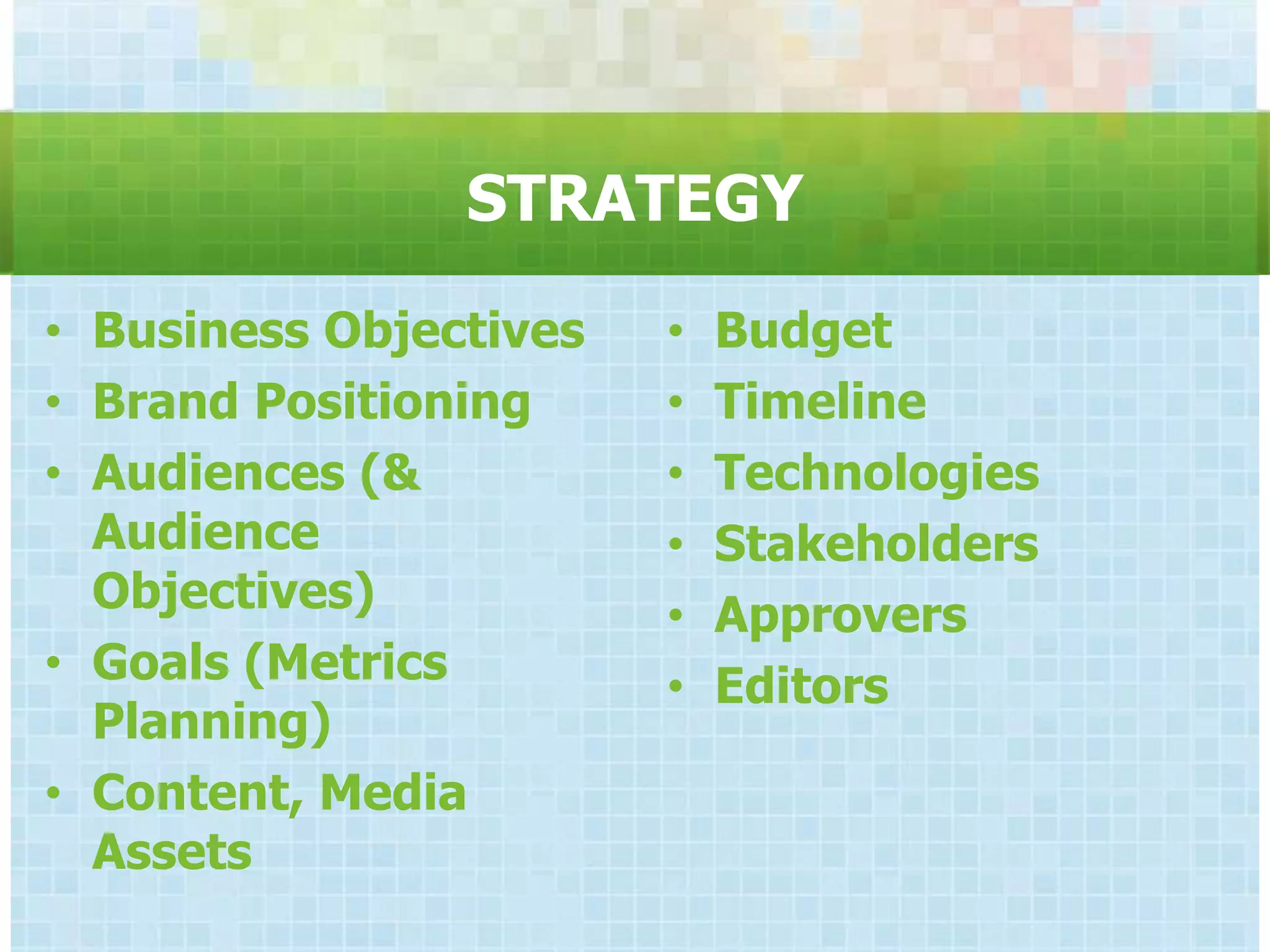
STRATEGY
• Business Objectives   •   Budget
• Brand Positioning     •   Timeline
• Audiences (&          •   Technologies
  Audience              •   Stakeholders
  Objectives)           •   Approvers
• Goals (Metrics        •   Editors
  Planning)
• Content, Media
  Assets
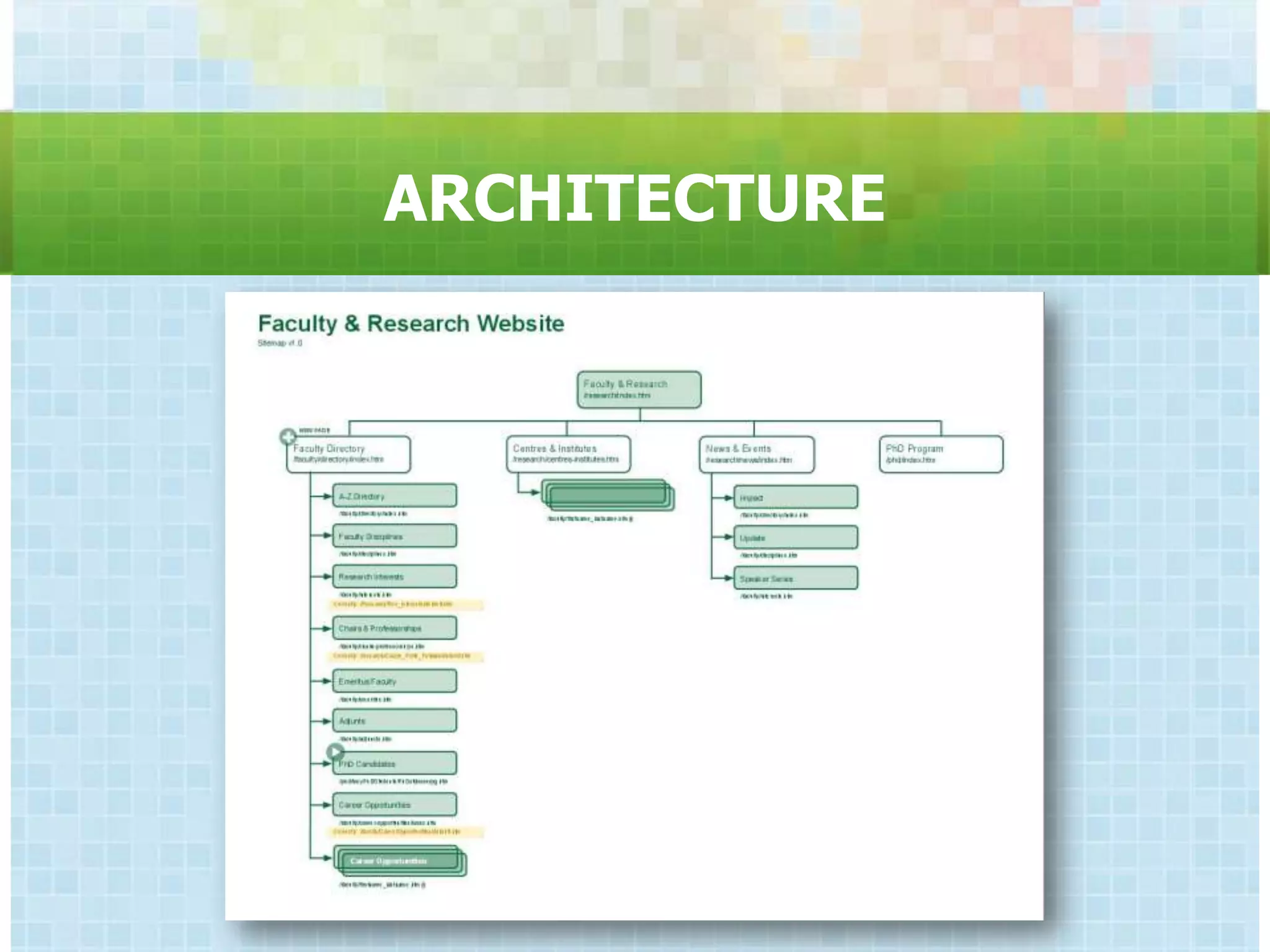
ARCHITECTURE
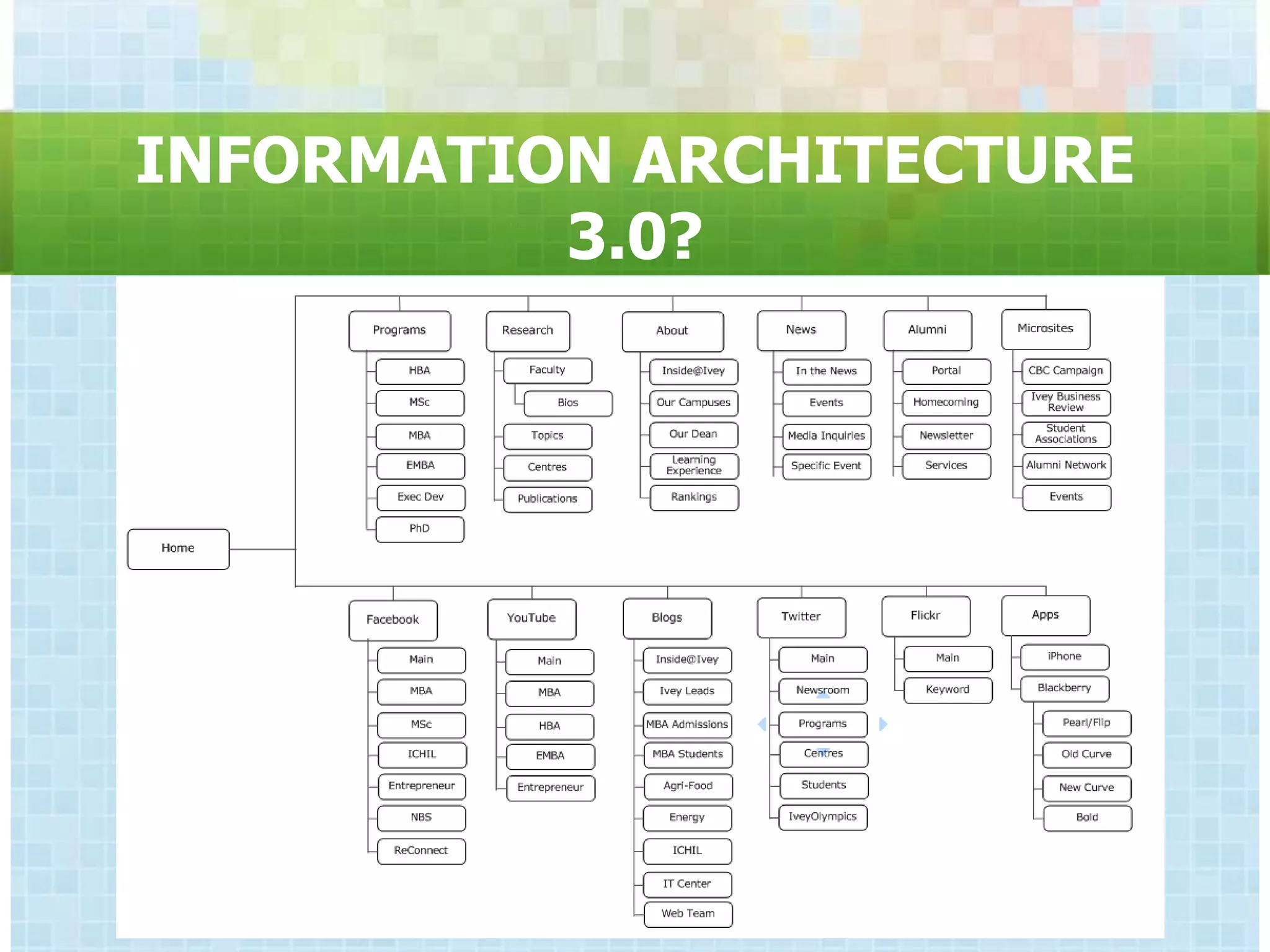
INFORMATION ARCHITECTURE
          3.0?
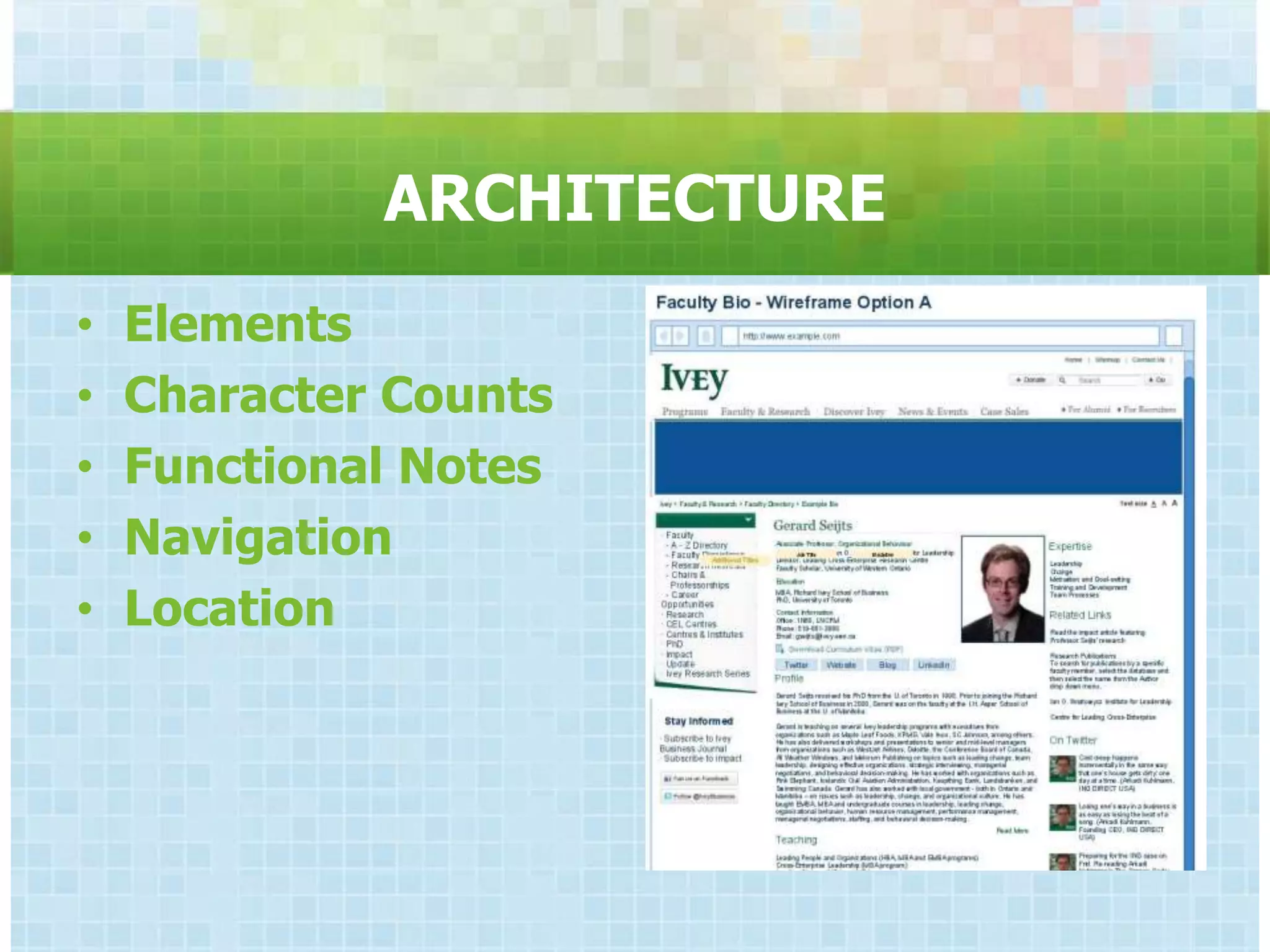
ARCHITECTURE
•   Elements
•   Character Counts
•   Functional Notes
•   Navigation
•   Location
ARCHITECTURE
•   Elements
•   Character Counts
•   Functional Notes
•   Navigation
•   Location
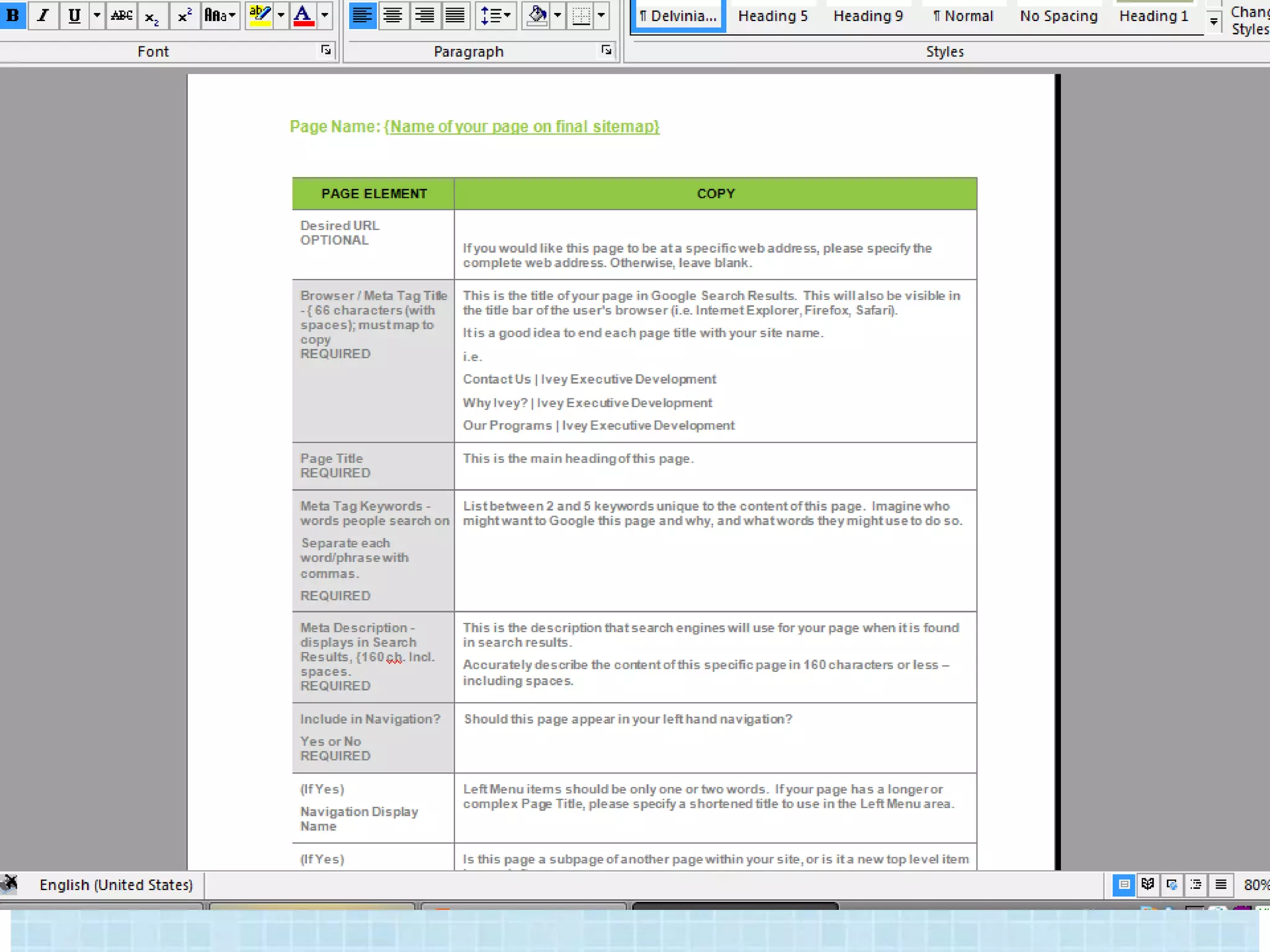
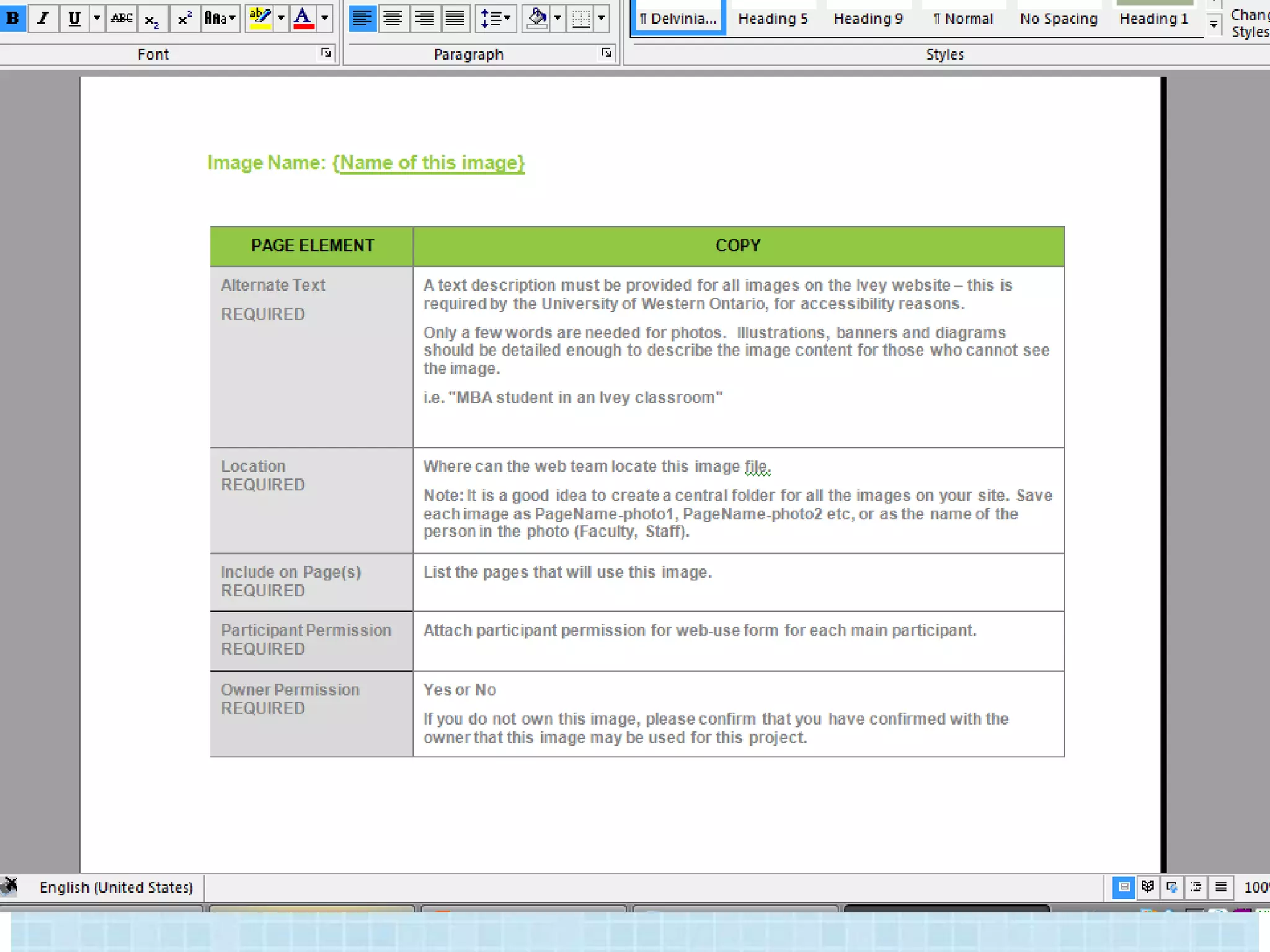
CONTENT


•   Copy           • Downloads
•   Images         • Metadata
•   Video          • Links
•   Animation
USER EXPERIENCE

•   Navigation
•   Accessibility
•   Performance
•   Testing
    – Interviews
    – Groups
    – Click tracking
AKA CONVERSIONS?

•   Navigation
•   Accessibility
•   Performance
•   Testing
    – Interviews
    – Groups
    – Click tracking
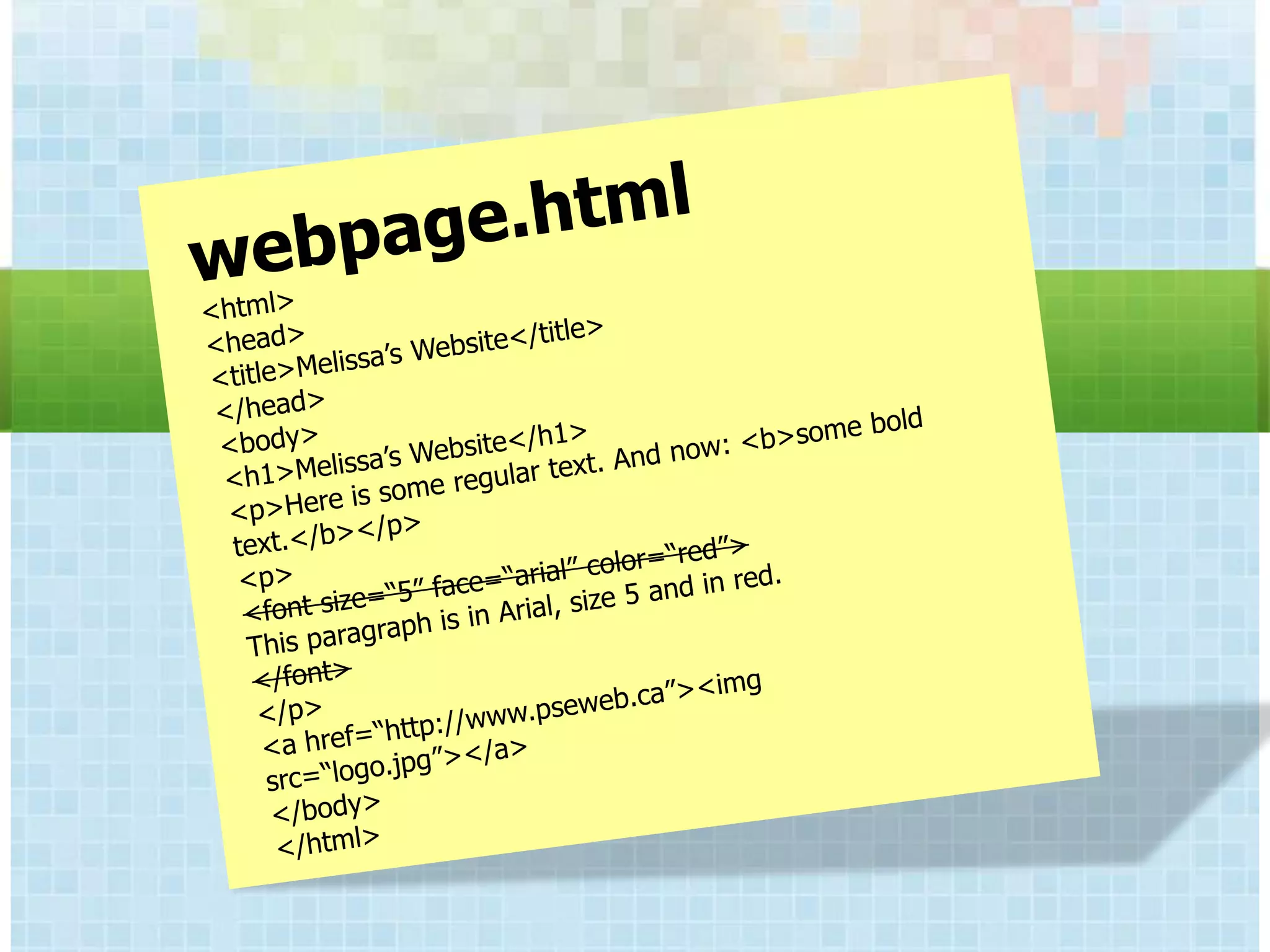
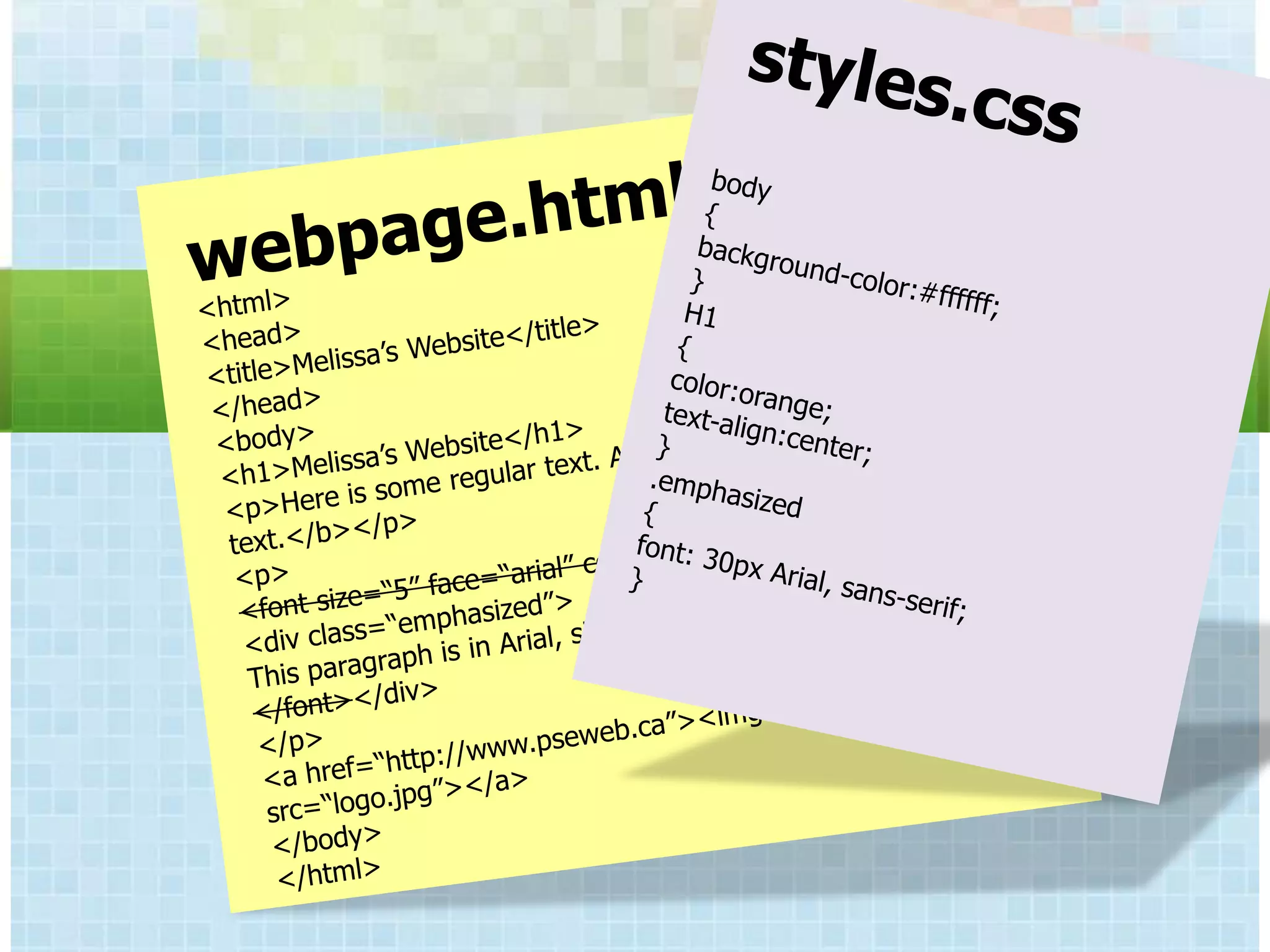
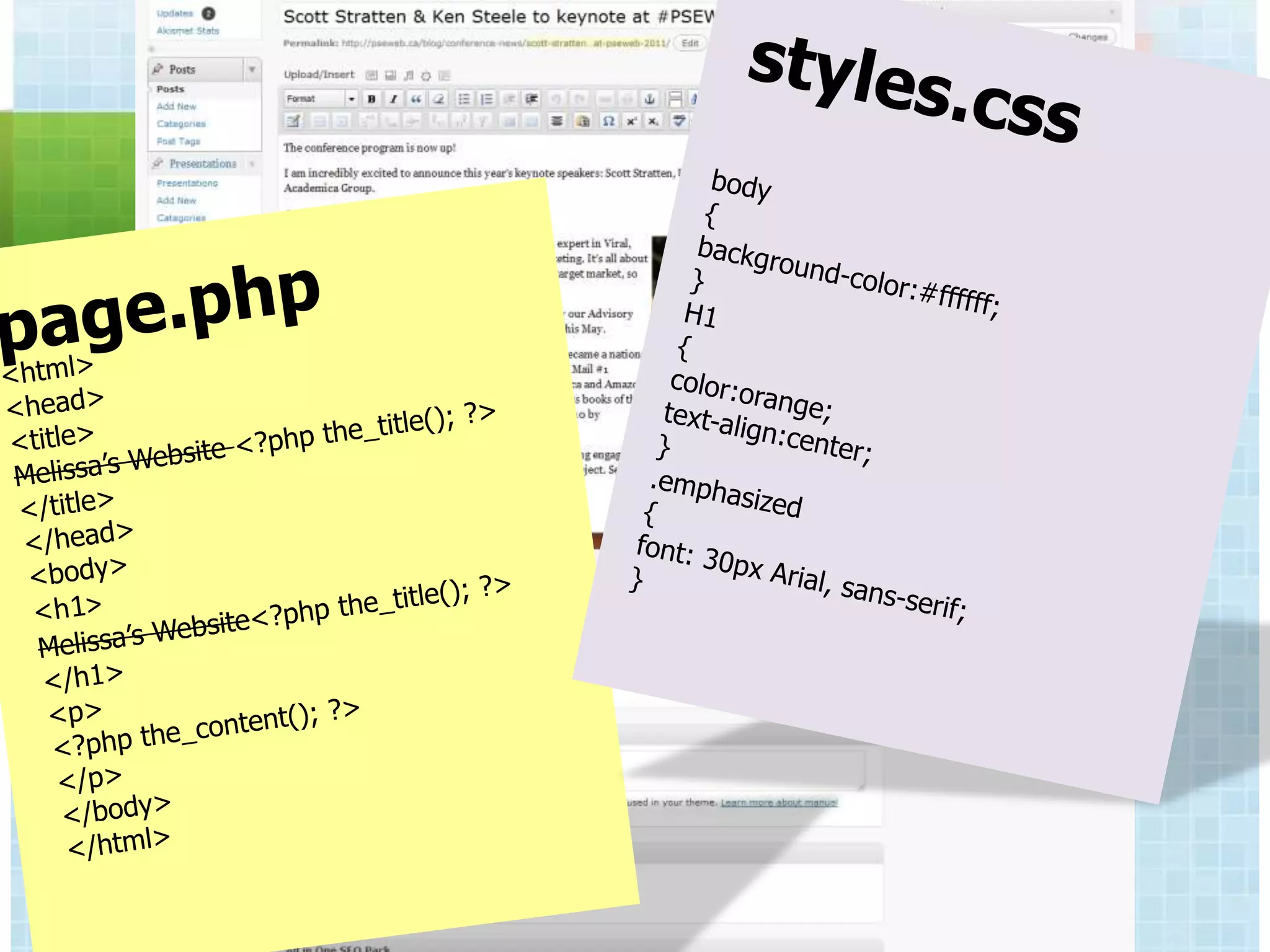
CONTENT VS DESIGN


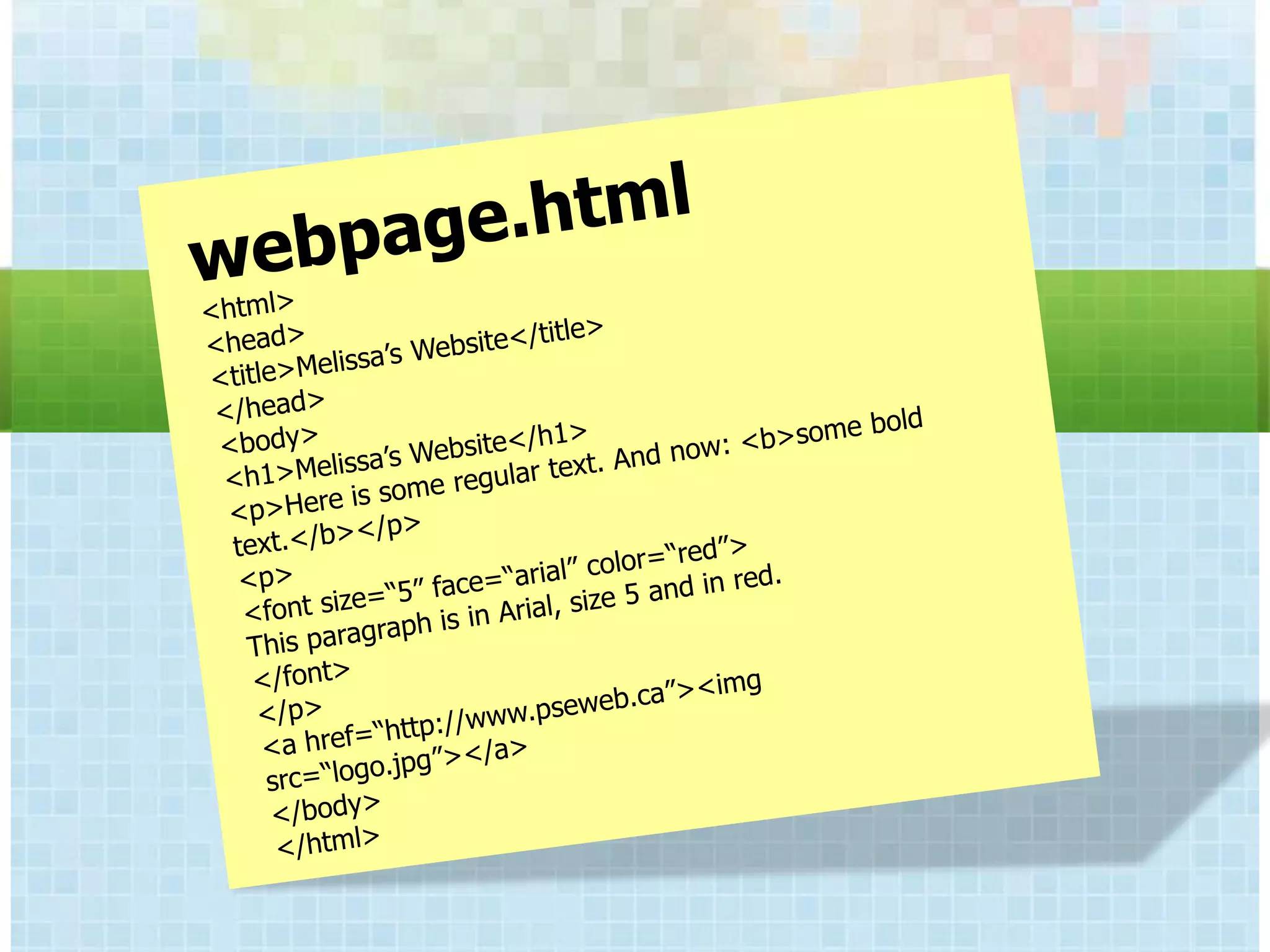
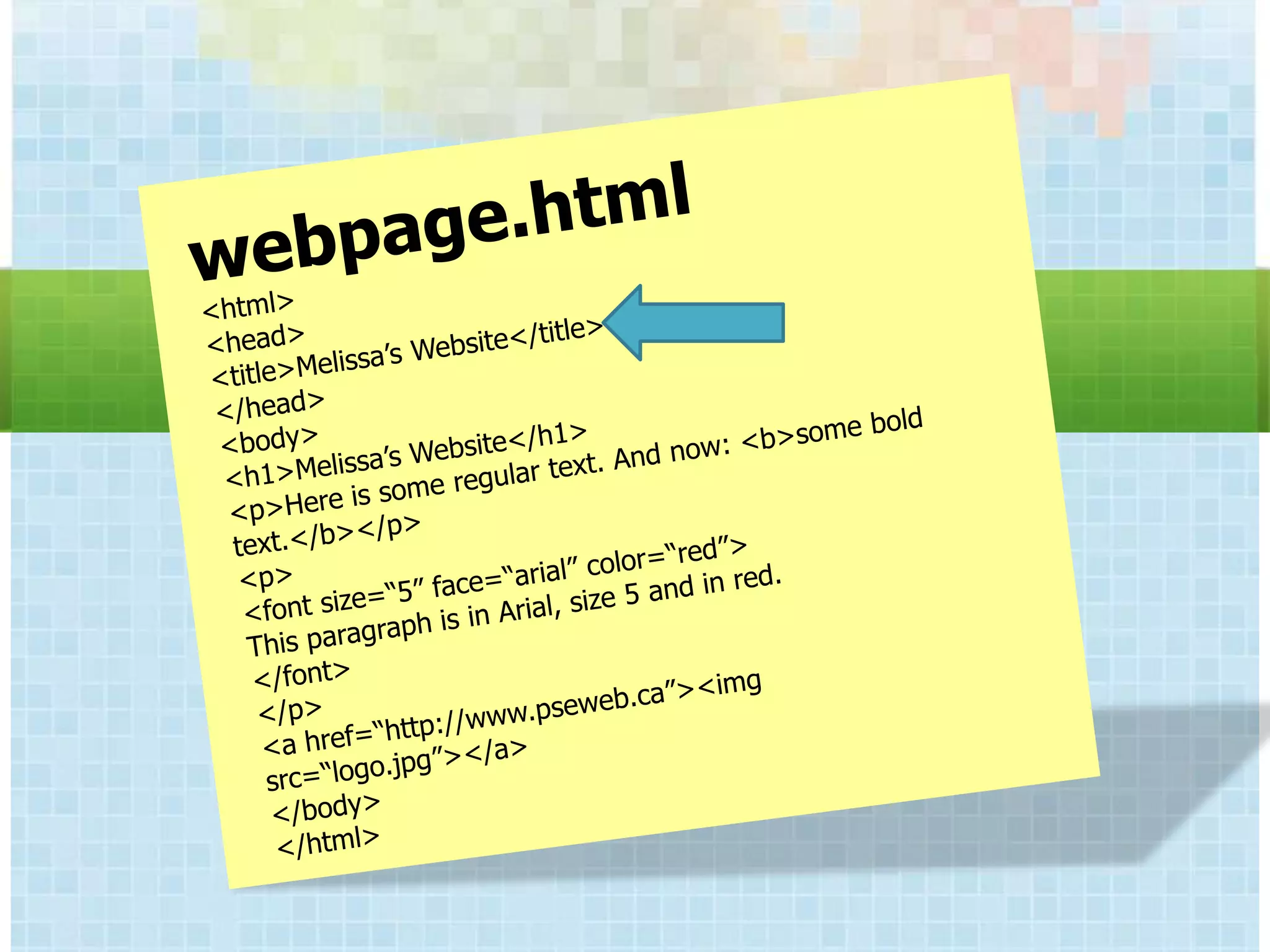
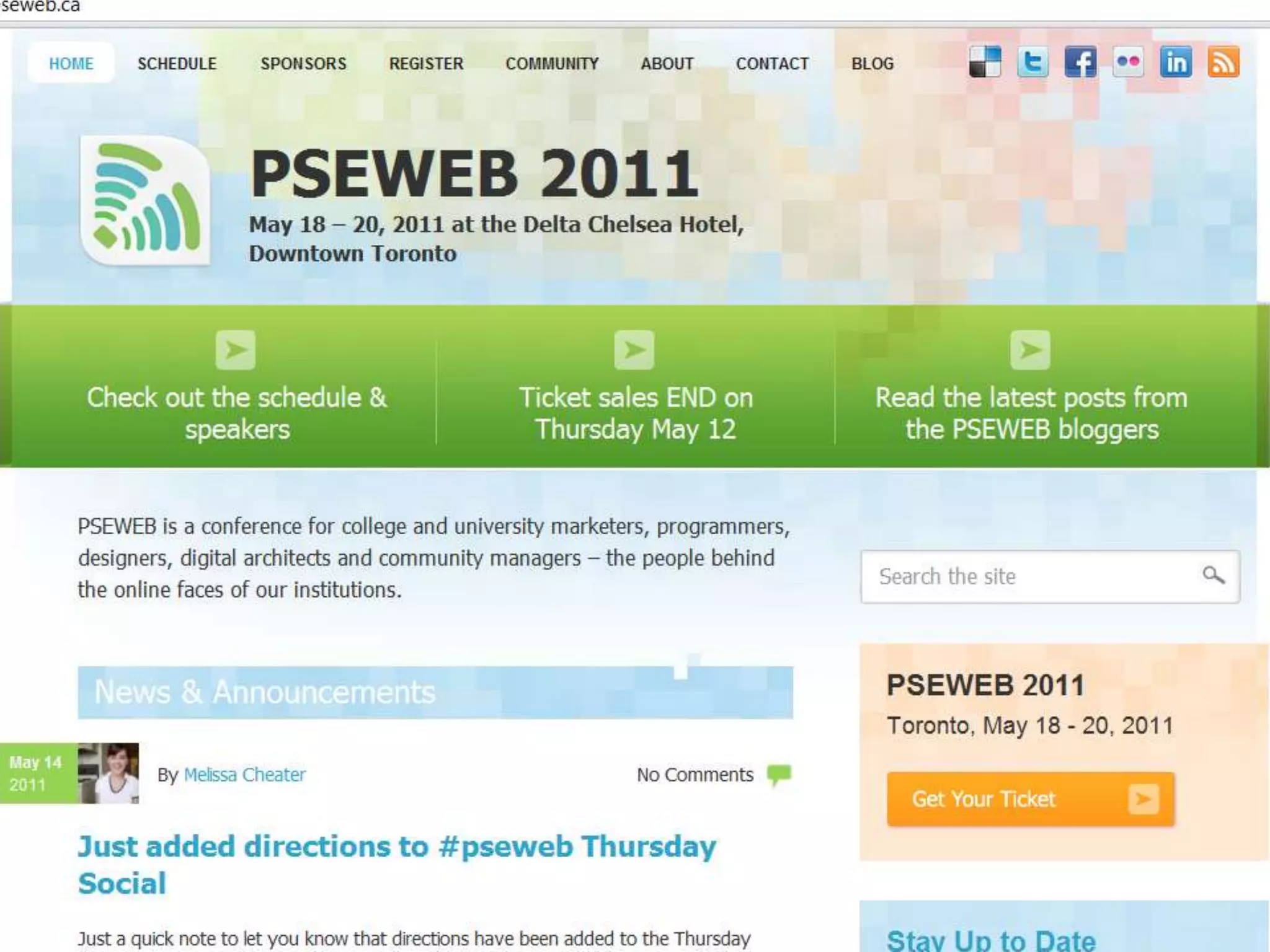
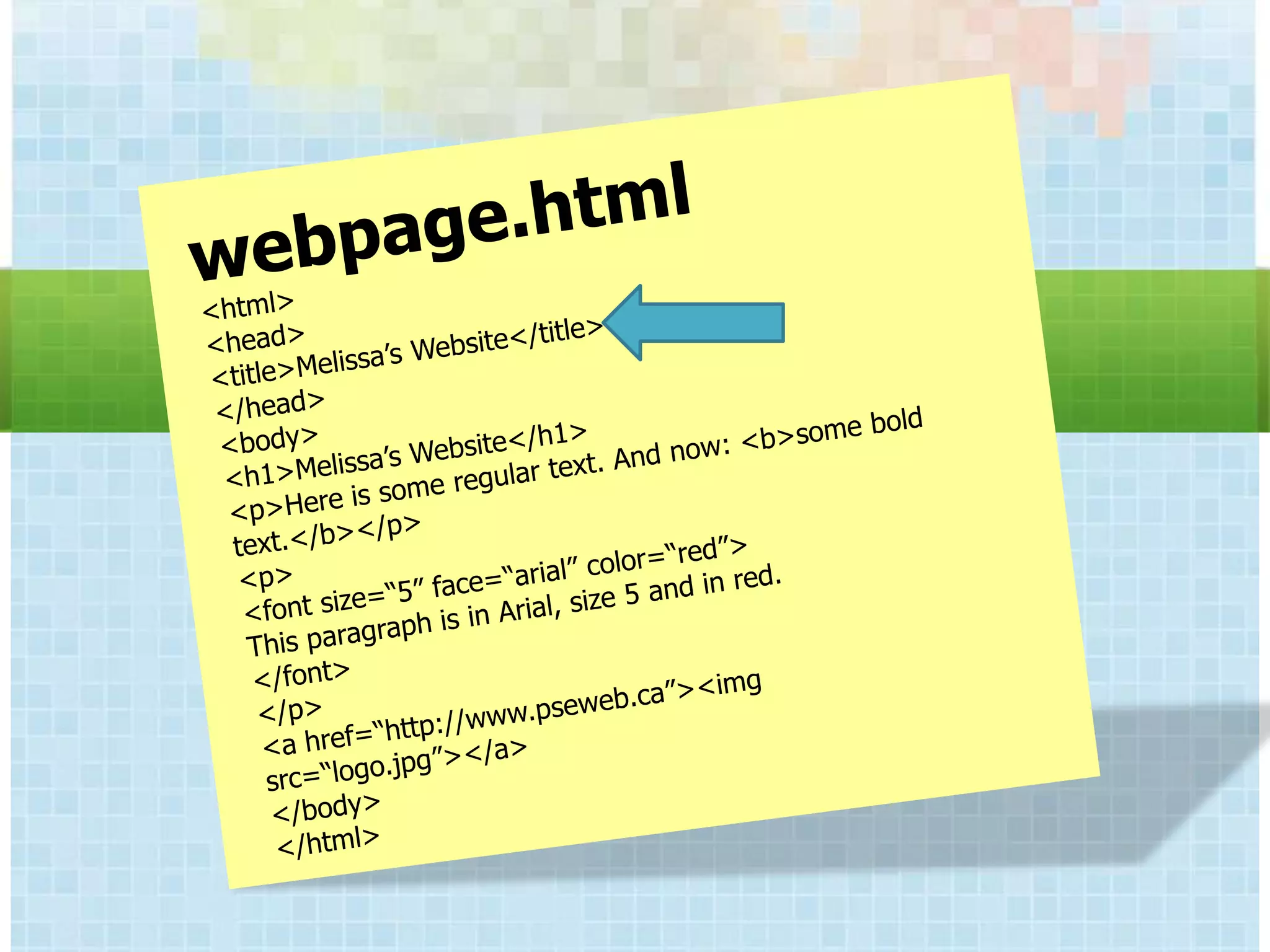
CSS, XHTML & Javascript
CONTENT VS DESIGN


CSS, XHTML & Javascript
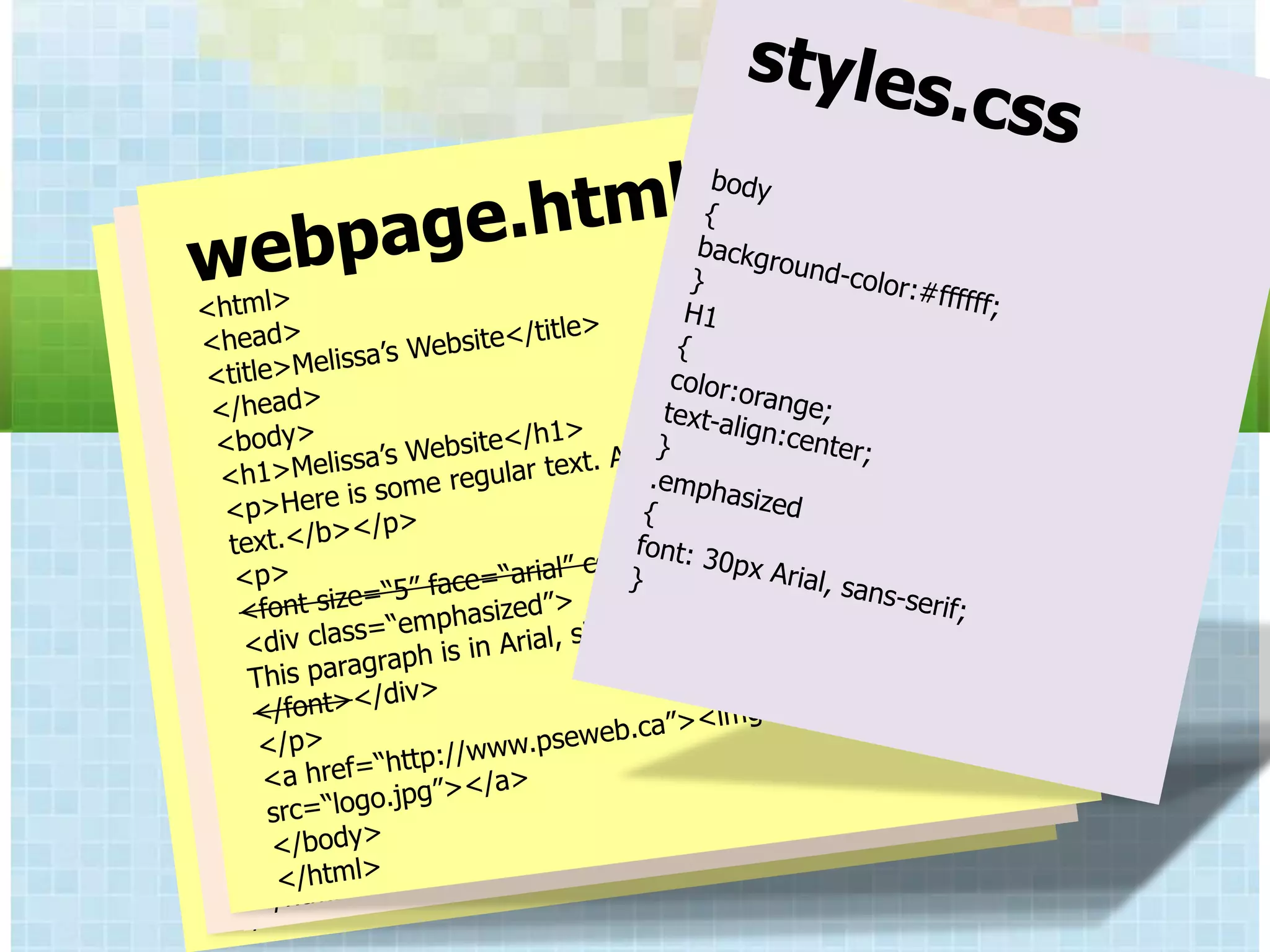
CONTENT VS DESIGN


CSS, XHTML & Javascript
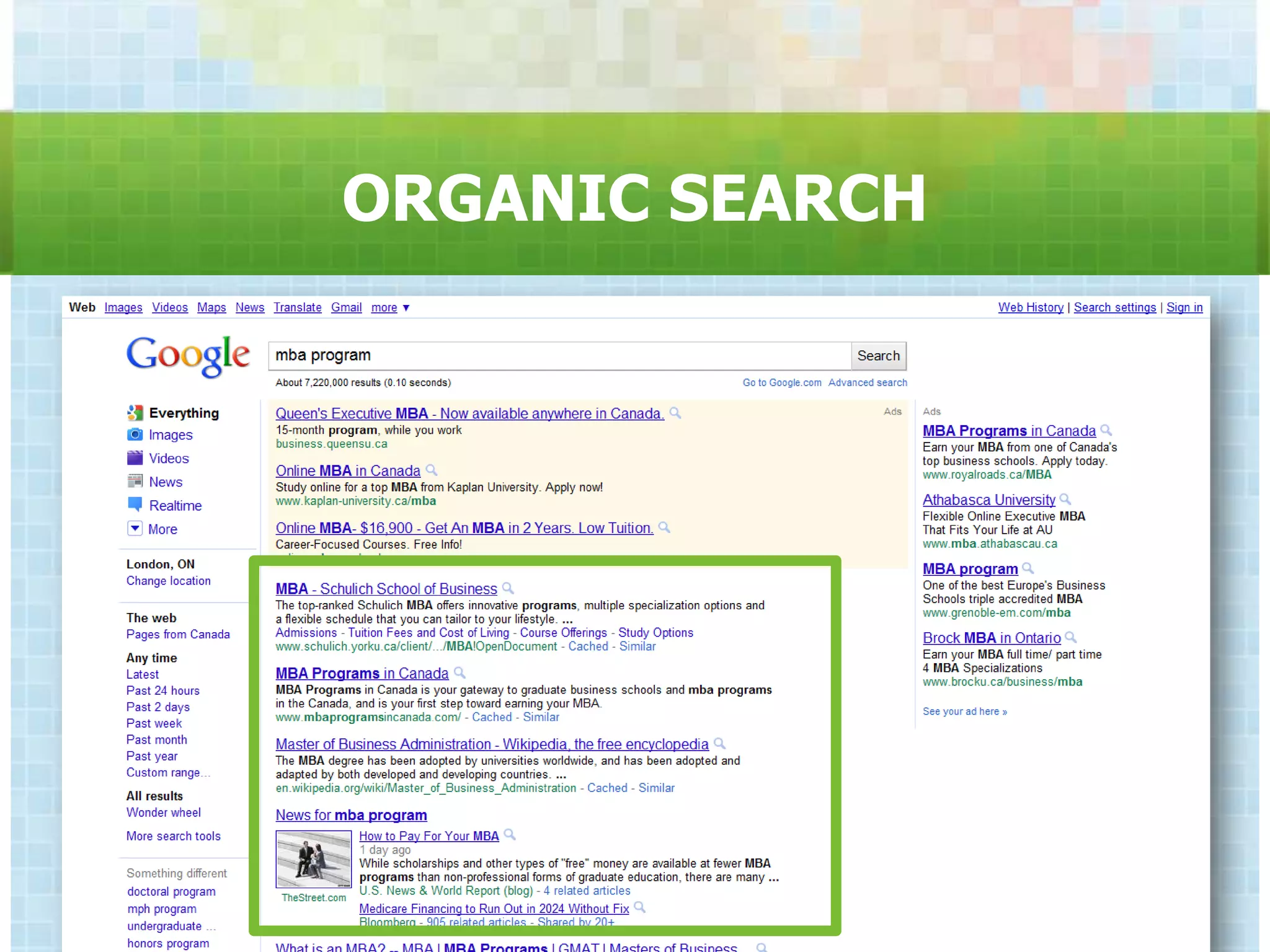
ORGANIC SEARCH
CONTENT VS DESIGN


CSS, XHTML & Javascript
CONTENT VS DESIGN


CSS, XHTML & Javascript
CONTENT VS DESIGN


CSS, XHTML & Javascript
CONTENT VS DESIGN


CSS, XHTML & Javascript
CONTENT VS DESIGN


CSS, XHTML & Javascript
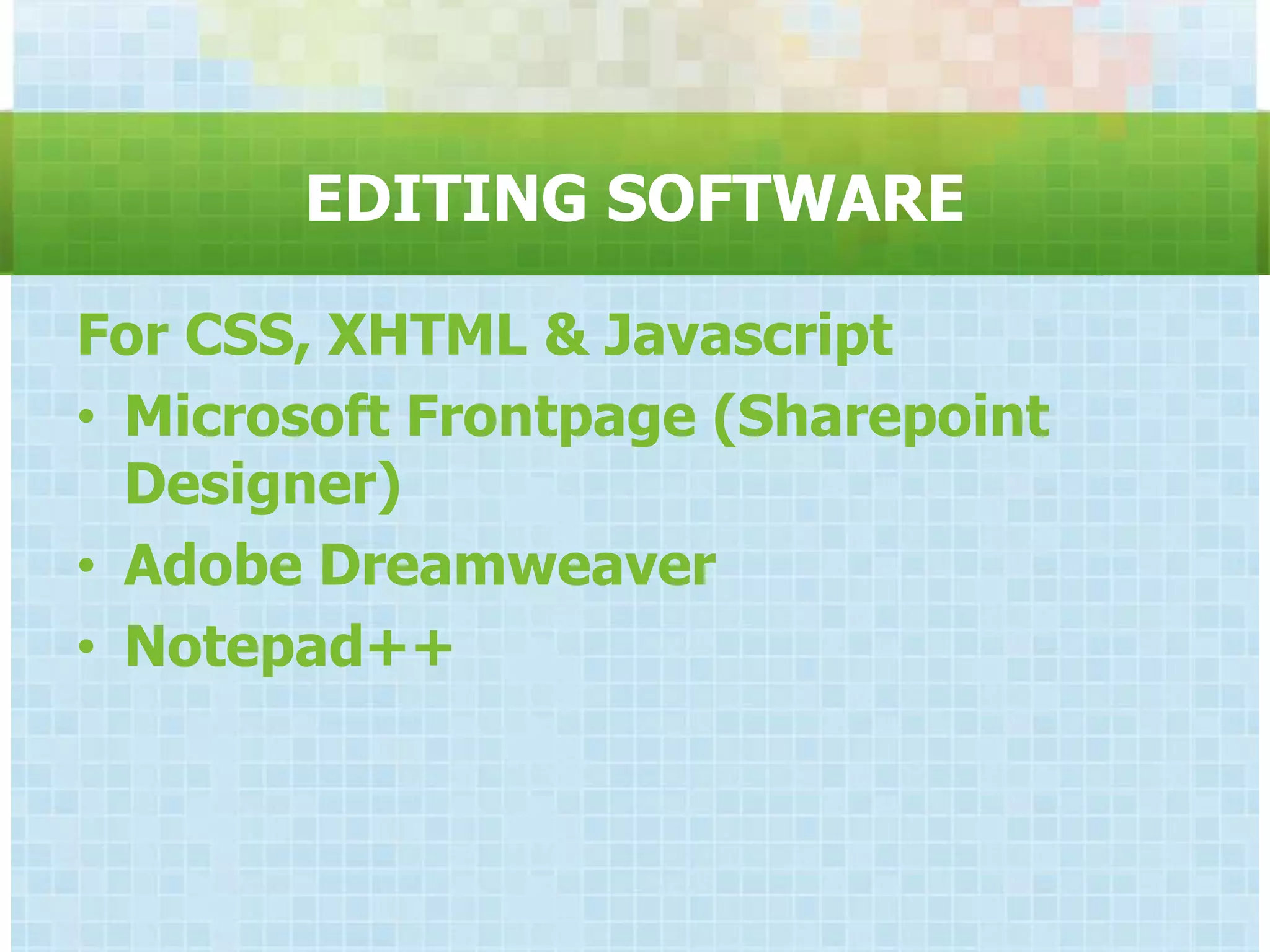
EDITING SOFTWARE

For CSS, XHTML & Javascript
• Microsoft Frontpage (Sharepoint
  Designer)
• Adobe Dreamweaver
• Notepad++
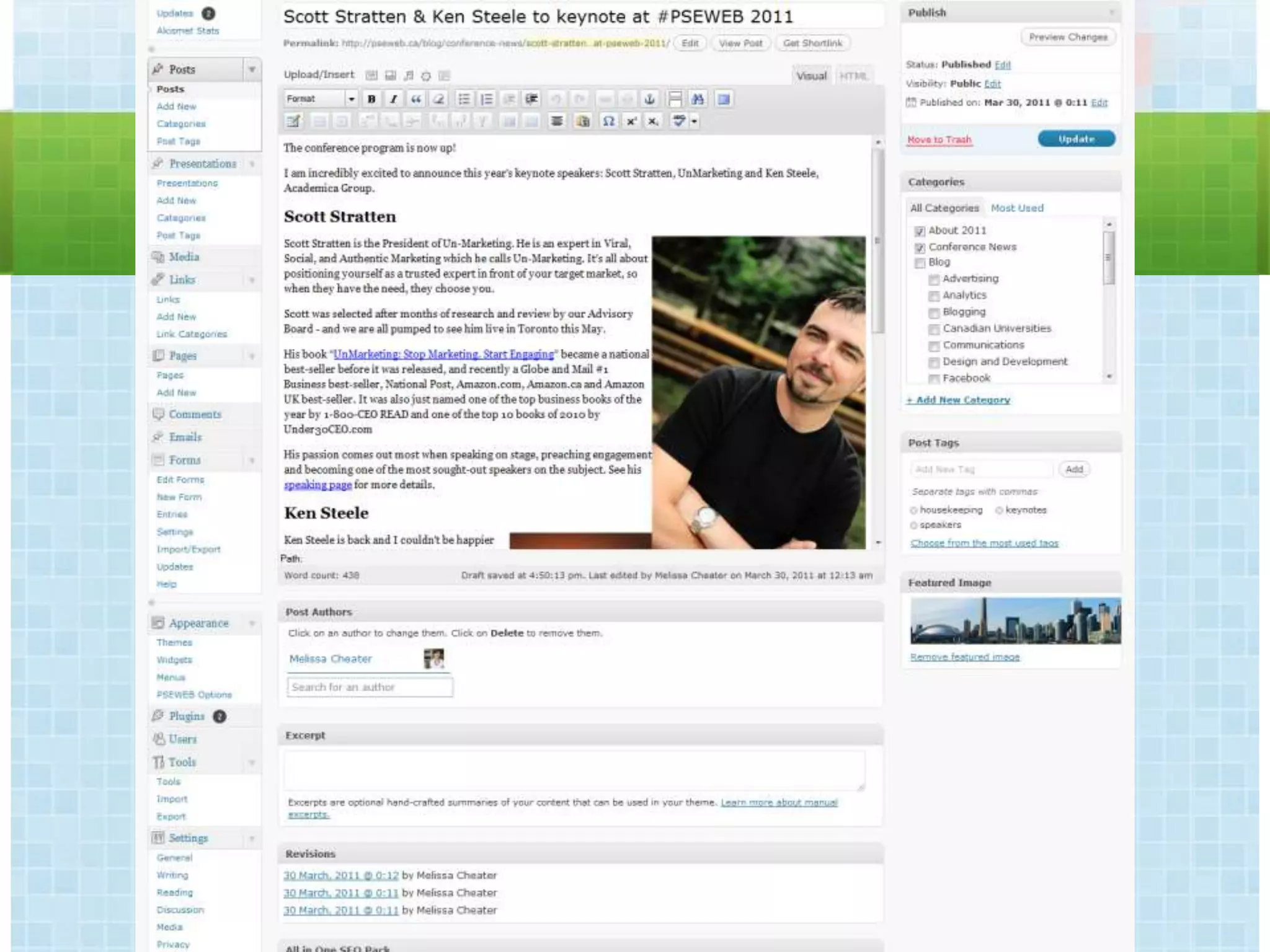
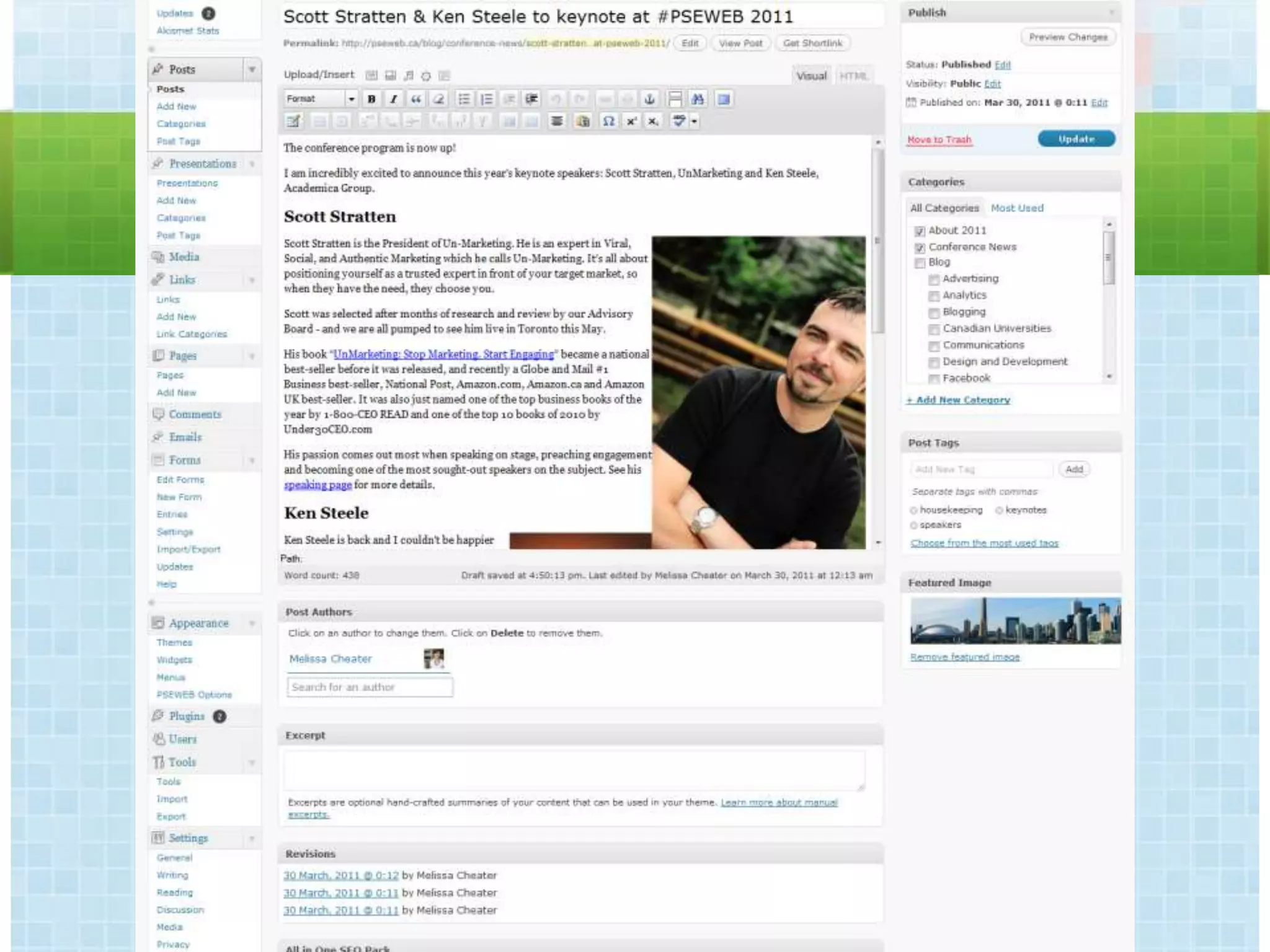
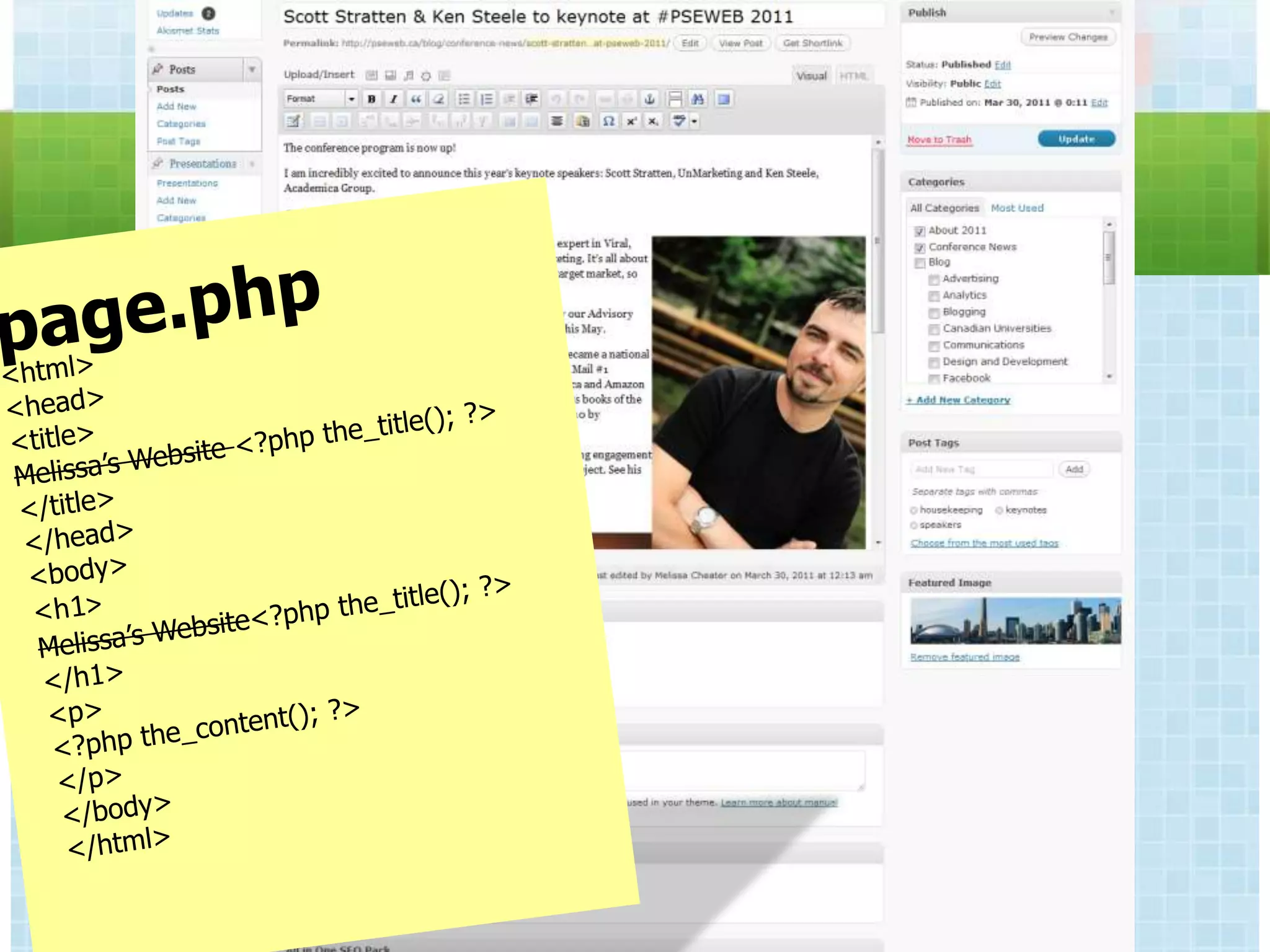
CONTENT MANAGEMENT SYSTEMS


Design, Content & Structure are separated.
          Consistent look & feel.
   User types, permissions & workflow.
          Often database driven.
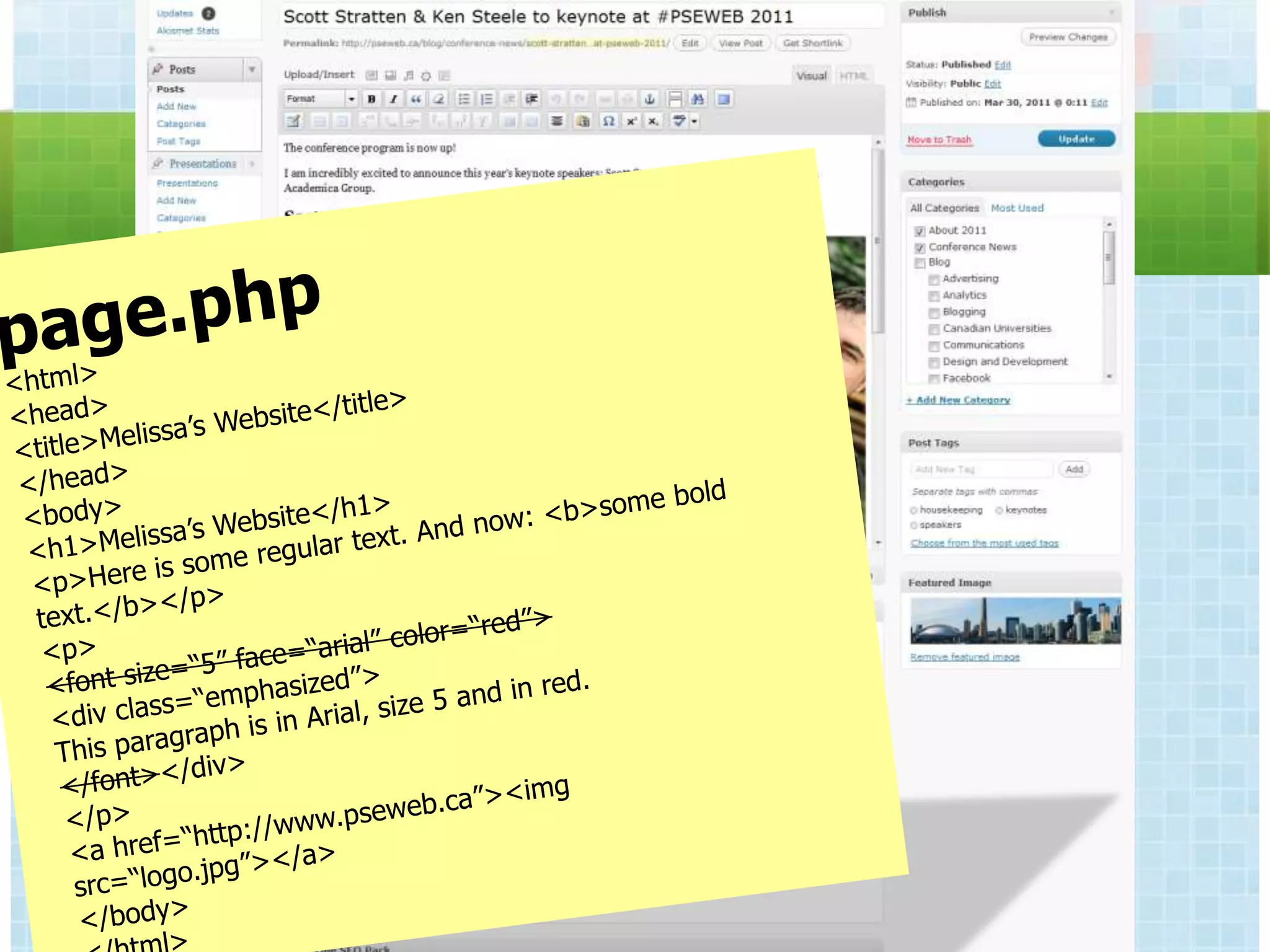
CONTENT MANAGEMENT SYSTEMS


Custom/Internal   .NET
  Proprietary     PHP
  Open Source     Java
                  XSLT
CONTENT MANAGEMENT SYSTEMS

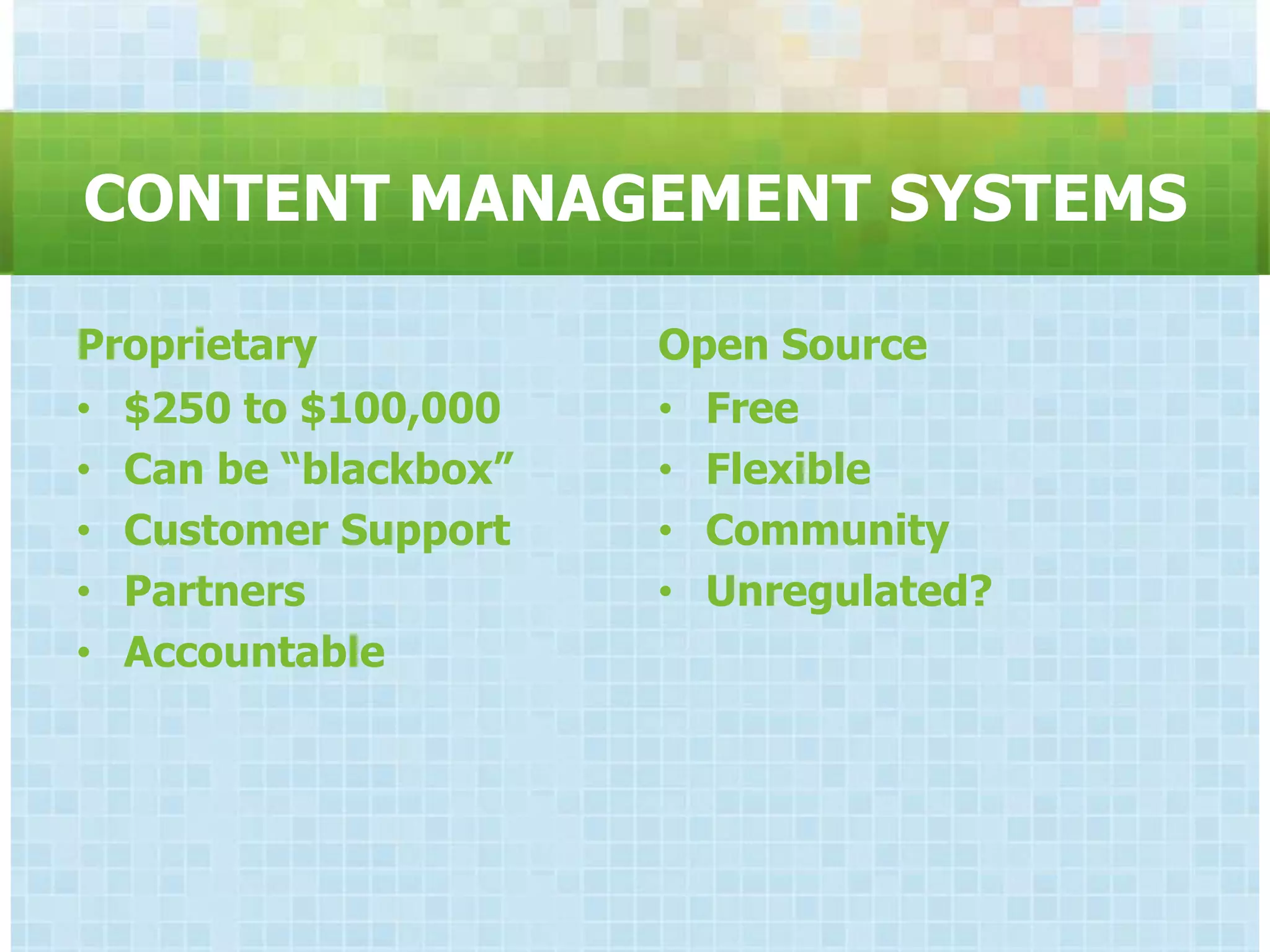
Proprietary             Open Source
• Hannon Hill Cascade   • Drupal
  Server                • Joomla
• TERMINALFOUR          • Wordpress
• OmniUpdate            • Umbraco
• SiteCore
• Expression Engine
• Ektron
CONTENT MANAGEMENT SYSTEMS

Proprietary           Open Source
• $250 to $100,000    • Free
• Can be “blackbox”   • Flexible
• Customer Support    • Community
• Partners            • Unregulated?
• Accountable
LANGUAGES

•   PHP          • Java
•   .NET         • Javascript
•   HTML/XHTML     (jQuery)
•   XML          • Flash
WEB PROCESS


− Strategy          − Design
− Architecture        www.edustyle.net
− Content           − Development
− User Experience   − Testing
− Functionality     − Maintenance
                    − Approvals
MEDIA


Hosting, Accessibility, Opportunities
ALT/TITLE ATTRIBUTES


    Required by Ontario Disabilities Act
          Communicate the image
Correct spelling, punctuation, capitalization
PHOTO SOFTWARE REQUIRED


   Images must be sized to the actual
display size before they are uploaded to
    prevent distortion & to improve
              performance.
PHOTO SOFTWARE REQUIRED


     Adobe Photoshop
   www.pixlr.com/express
IMAGE STYLING
FLICKR

• RSS > Webpages, Blogs, Microsites
• Push to Twitter
• Email photo submission
VIDEO


  Hosting
Accessibility
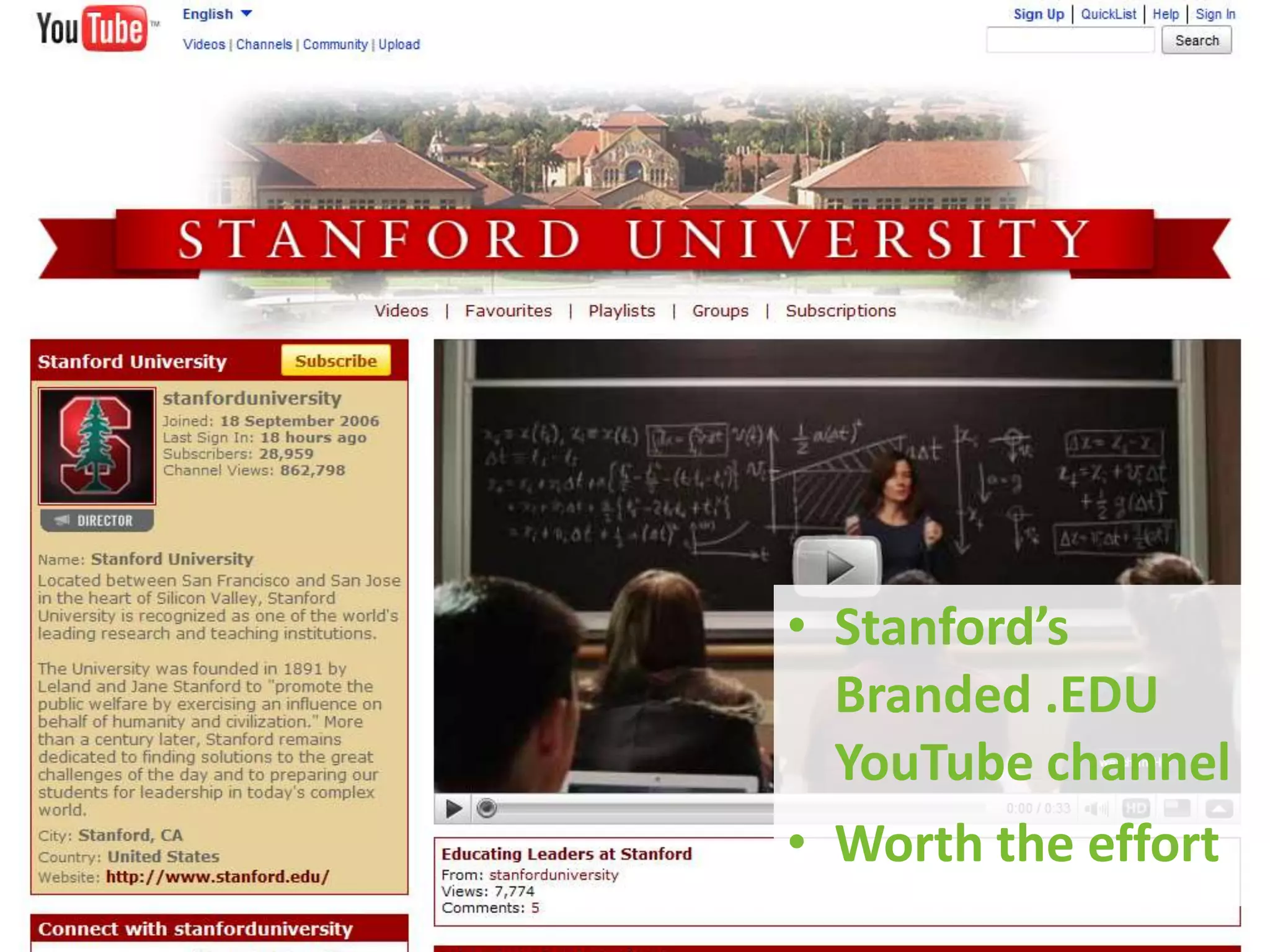
YOUTUBE

• Free for Educational Institutions
    – Including EDU channel with branding
•   iPhone/Mobile Friendly
•   Embed on any website
•   Supports HD
•   Play Metrics
•   Supports auto-publishing to Twitter,
    Facebook
SEARCH


Organic vs Sponsored
    Tricks & Tips
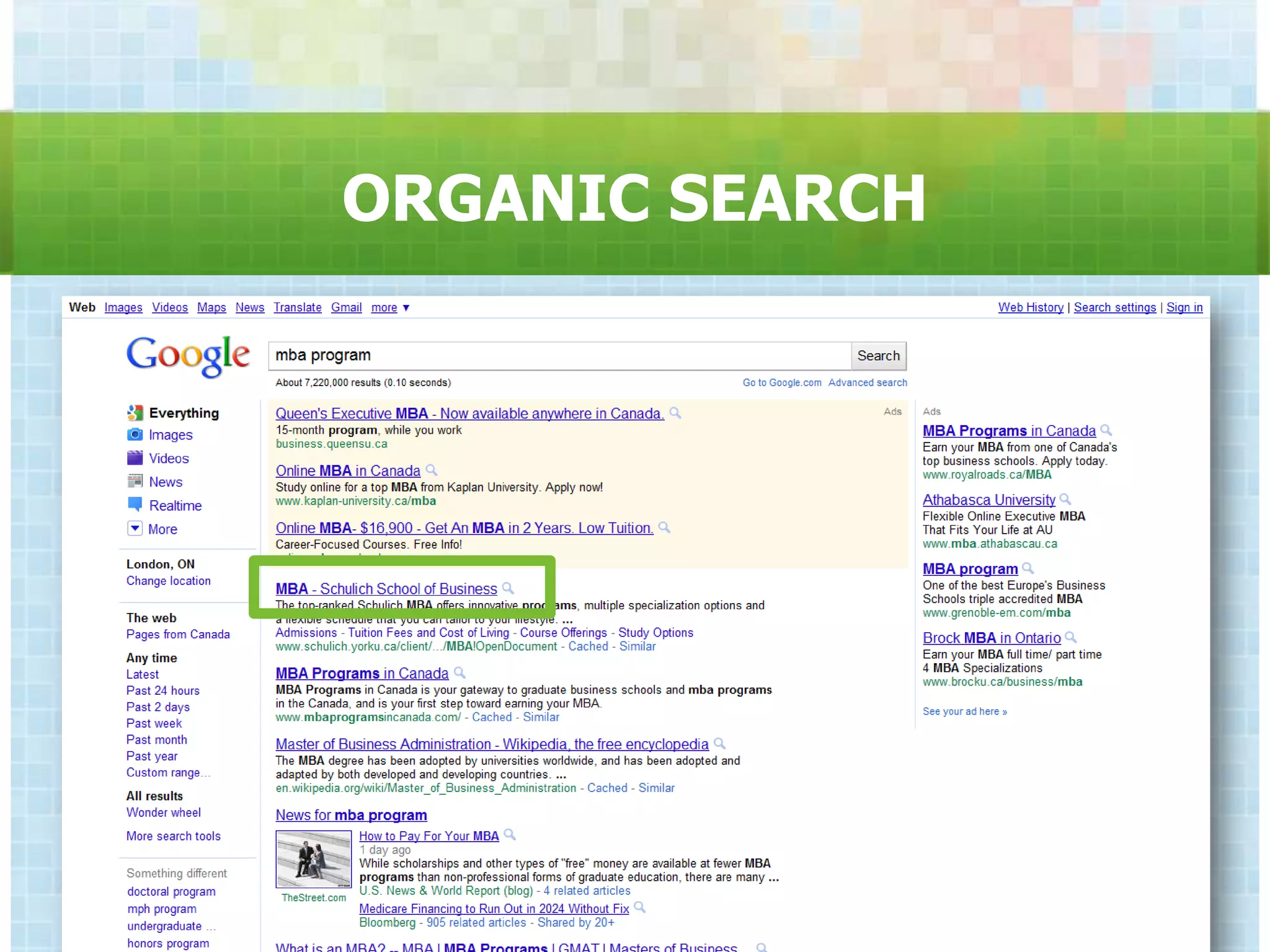
ORGANIC SEARCH
ORGANIC SEARCH

• Metadata
  – Keywords, Description, Title
• Social Media & RSS
• Links from sites with authority
• Content
  – Headings, Links, Images, Copy
• XML Sitemaps
• Media Relations/Brand Positioning
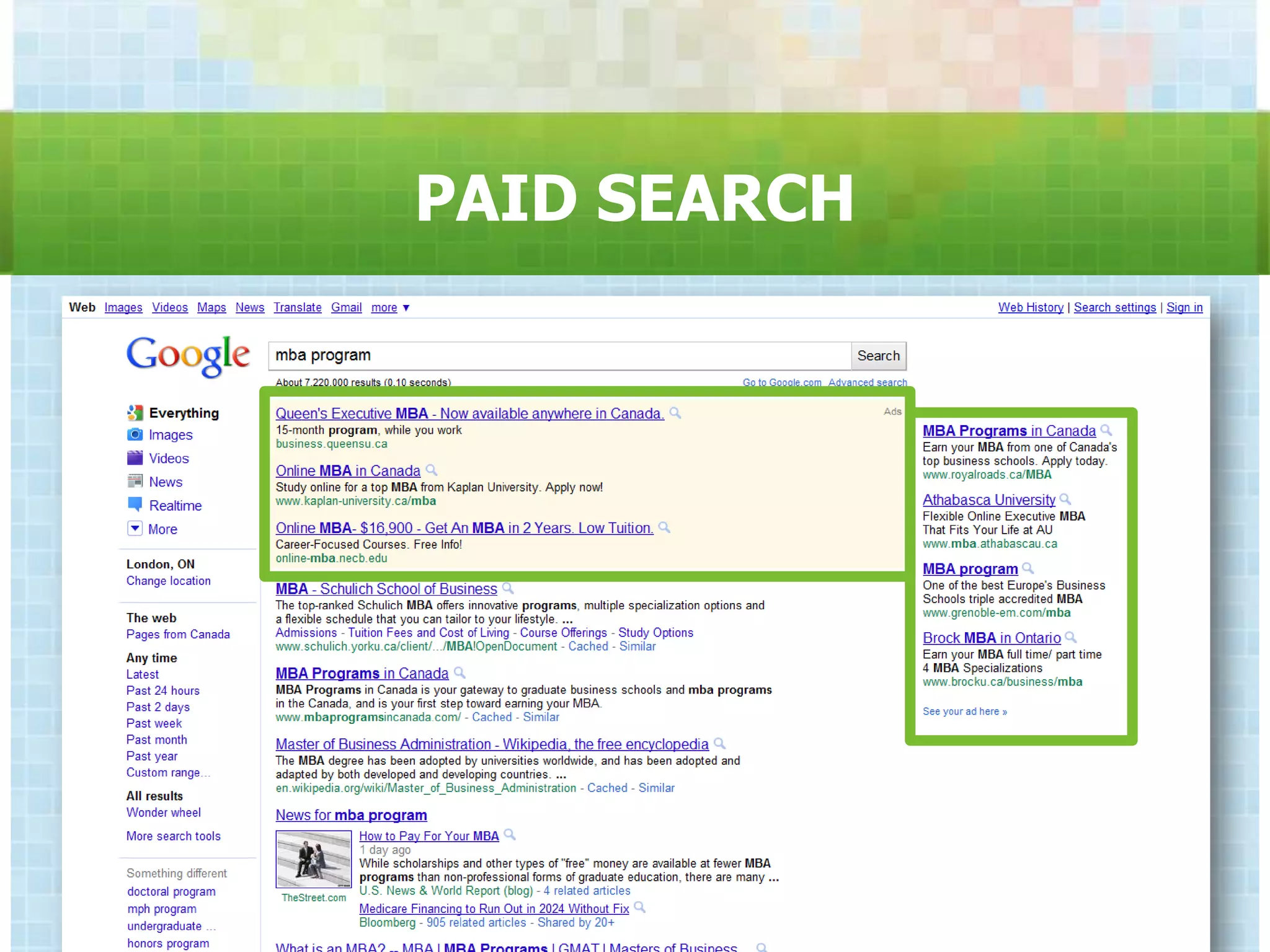
PAID SEARCH
PAID SEARCH

•   Pay-per-click
•   Auction Environment
•   Unlimited copy/creative variations
•   Target by region, language, keyword
•   Social referral
TIPS & TRICKS
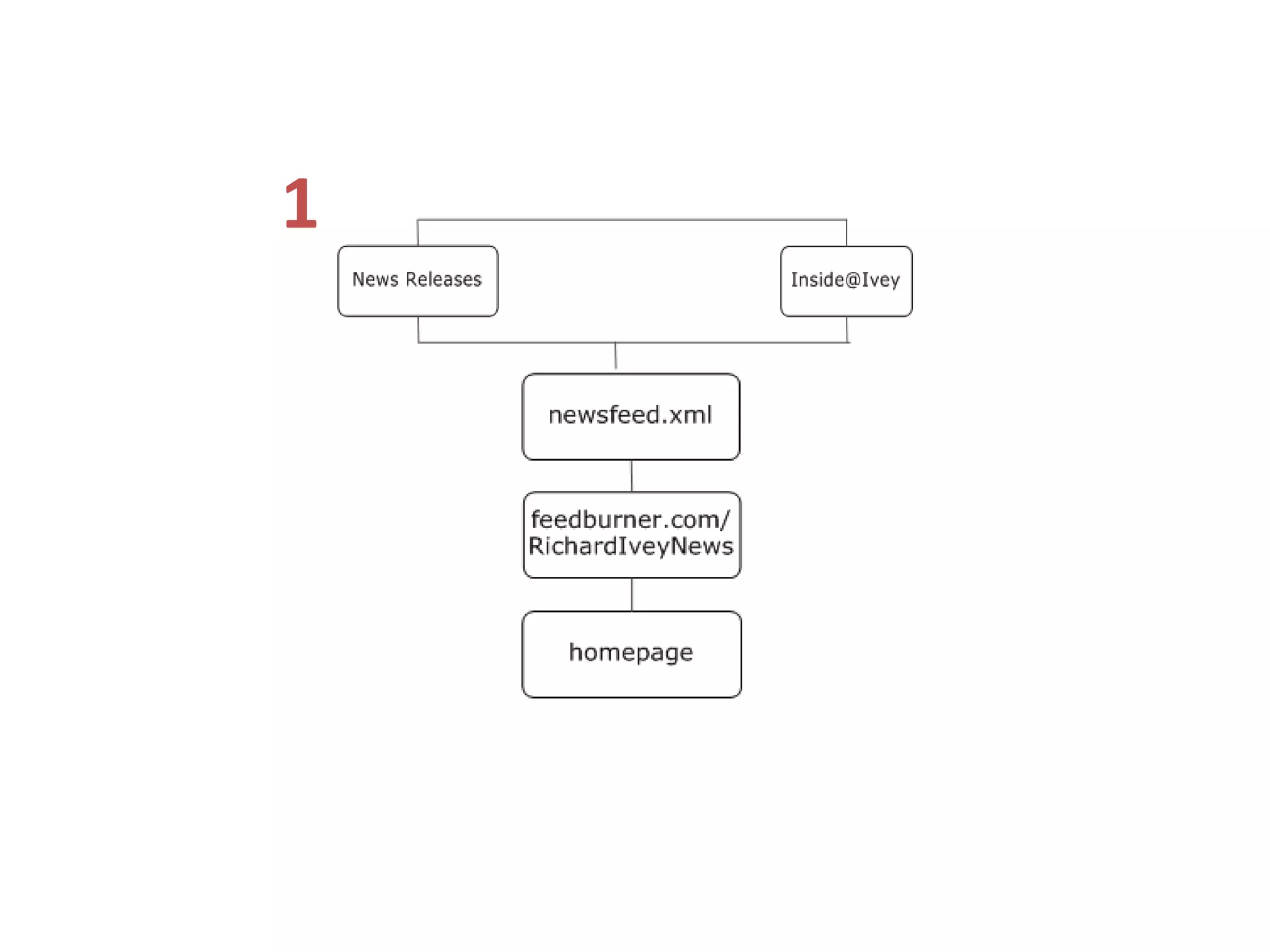
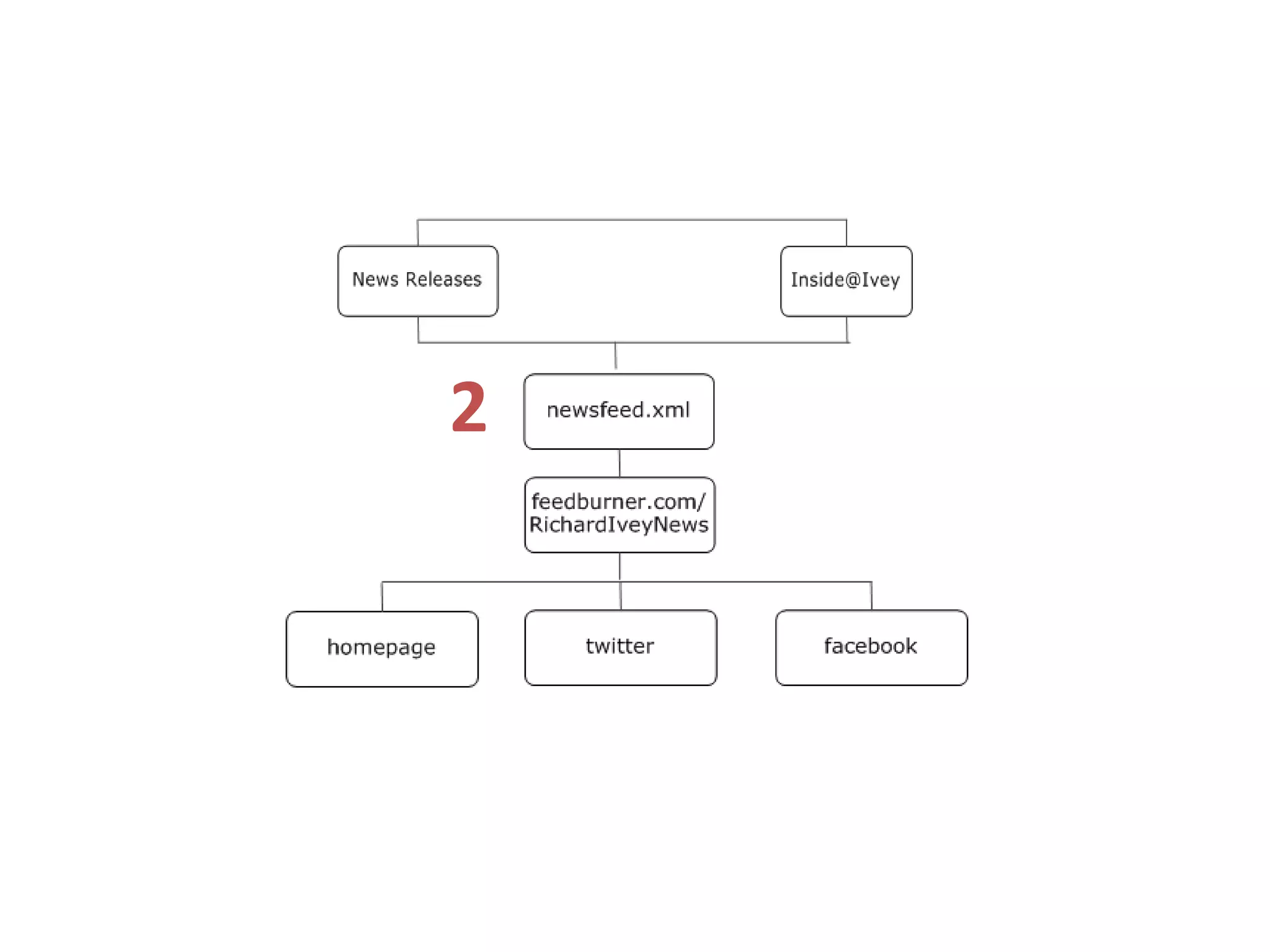
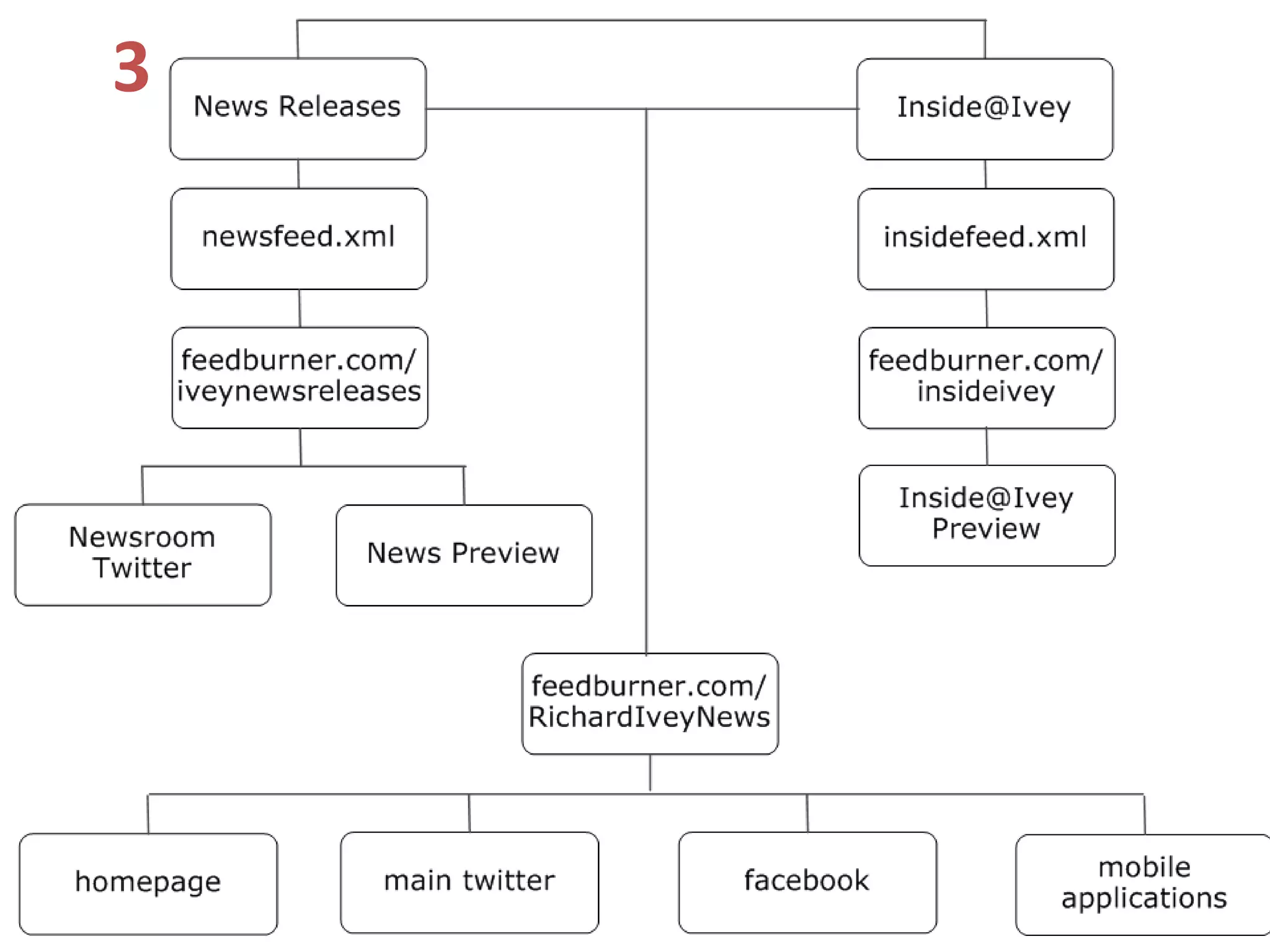
RSS: REALLY SIMPLE SYNDICATION


     One desk, five hundred
    sites, minimal migraines.
1
2
2
3
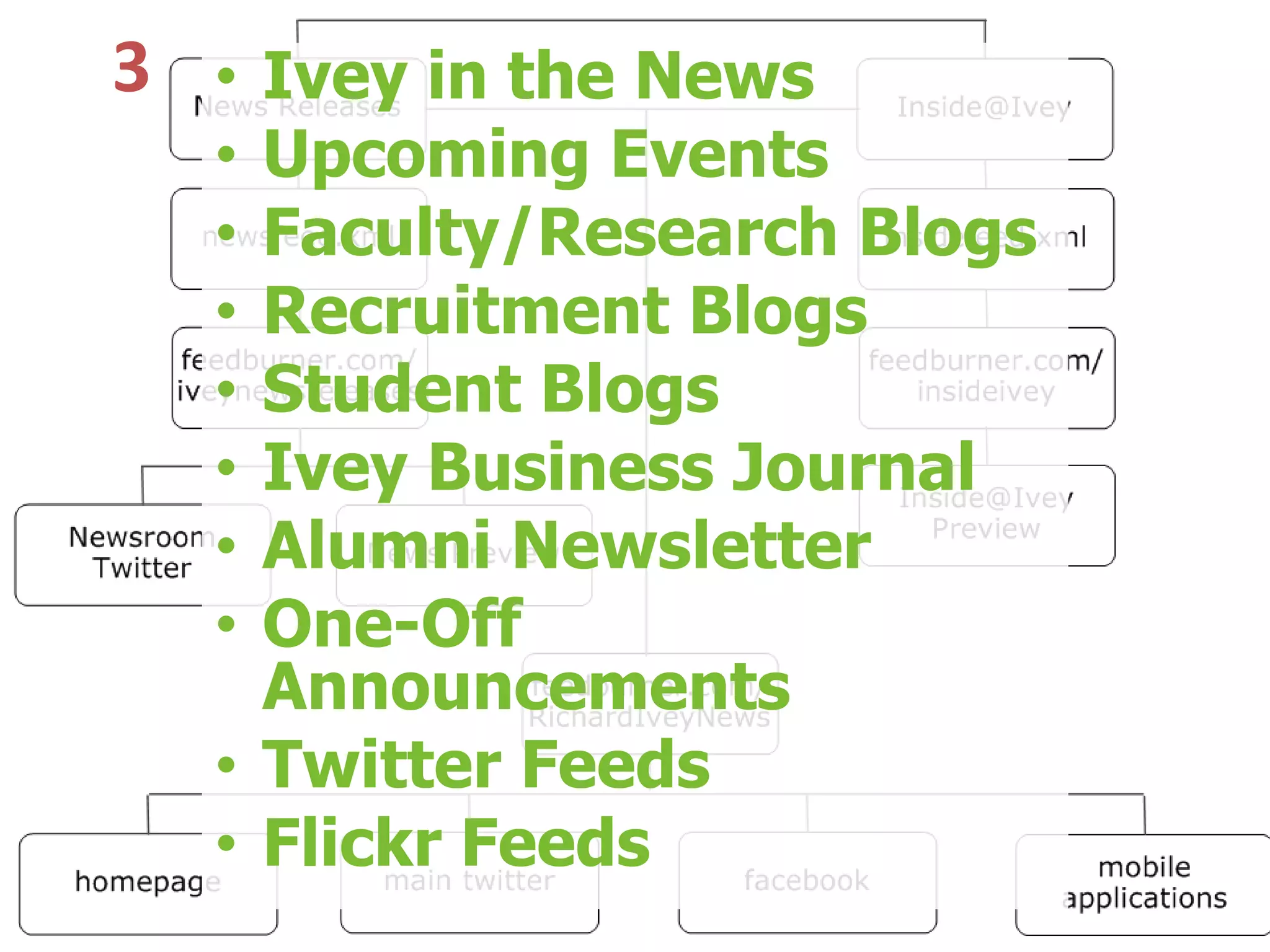
3 • Ivey in the News
  • Upcoming Events
  • Faculty/Research Blogs
  • Recruitment Blogs
  • Student Blogs
  • Ivey Business Journal
  • Alumni Newsletter
  • One-Off
    Announcements
  • Twitter Feeds
  • Flickr Feeds
MAKE YOUR OWN RSS

• Delicious.com or Google Reader
  Account
• Browser Bookmark (IE/Firefox)
• Connect resulting RSS to
  website, facebook, twitter, etc.
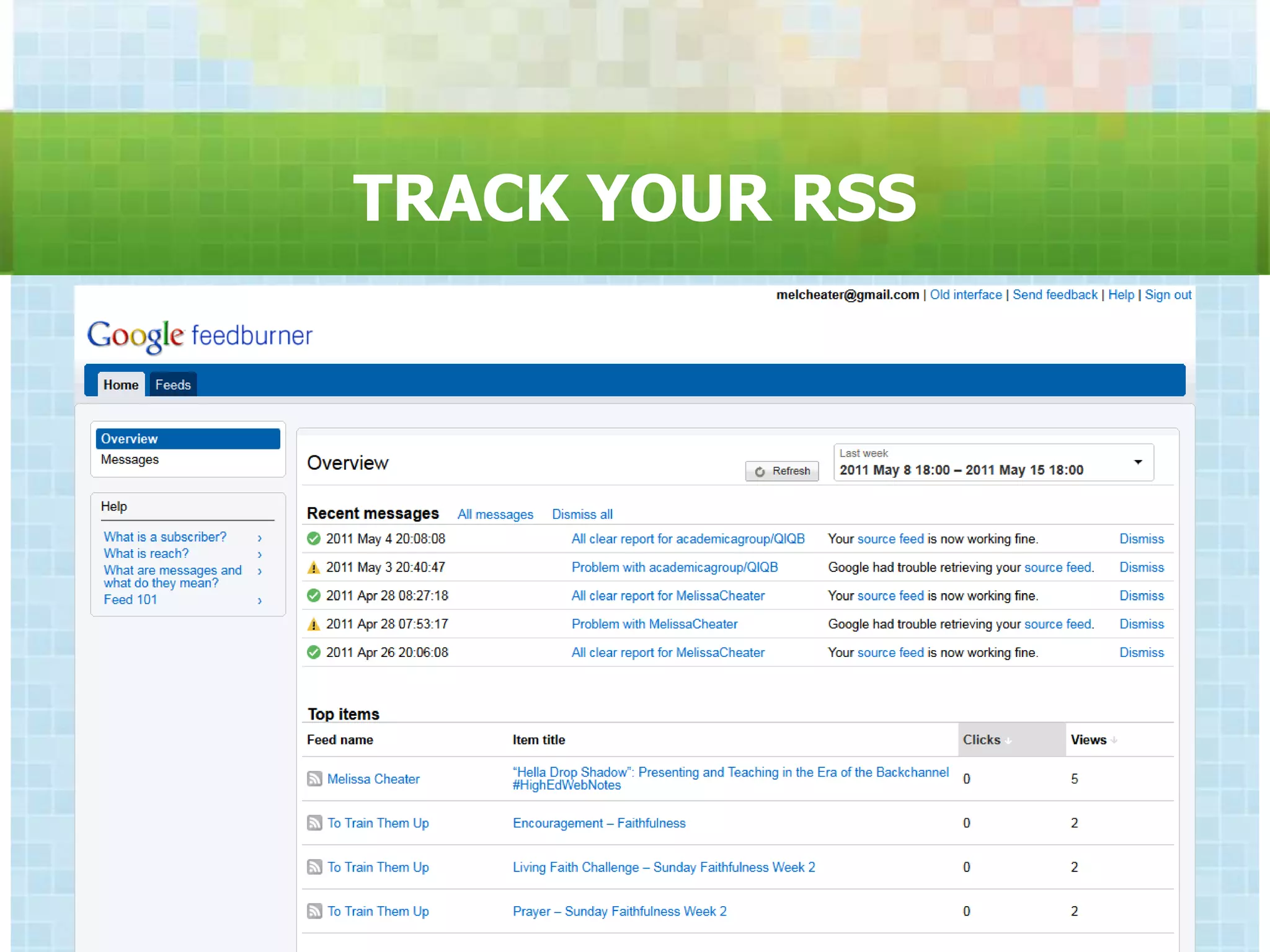
TRACK YOUR RSS
ALLOW EMAIL SUBSCRIPTION
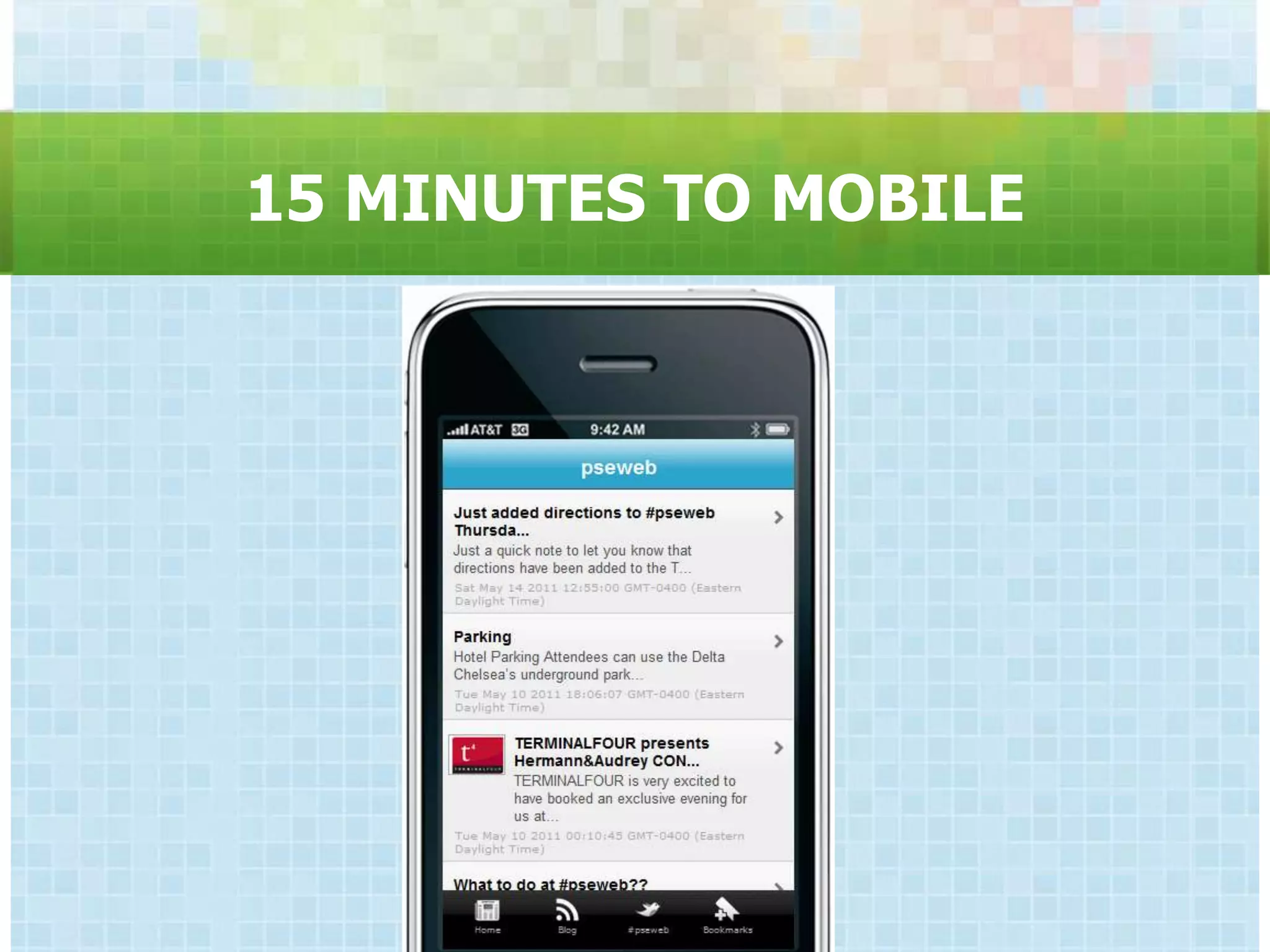
15 MINUTES TO MOBILE
THE SOCIAL WEB


The Internet is by definition “social” and
           always has been.
THE SOCIAL WEB

  Online social networks are technology‟s
   response to a network-based society,
providing tools for creating and maintaining
                connections.
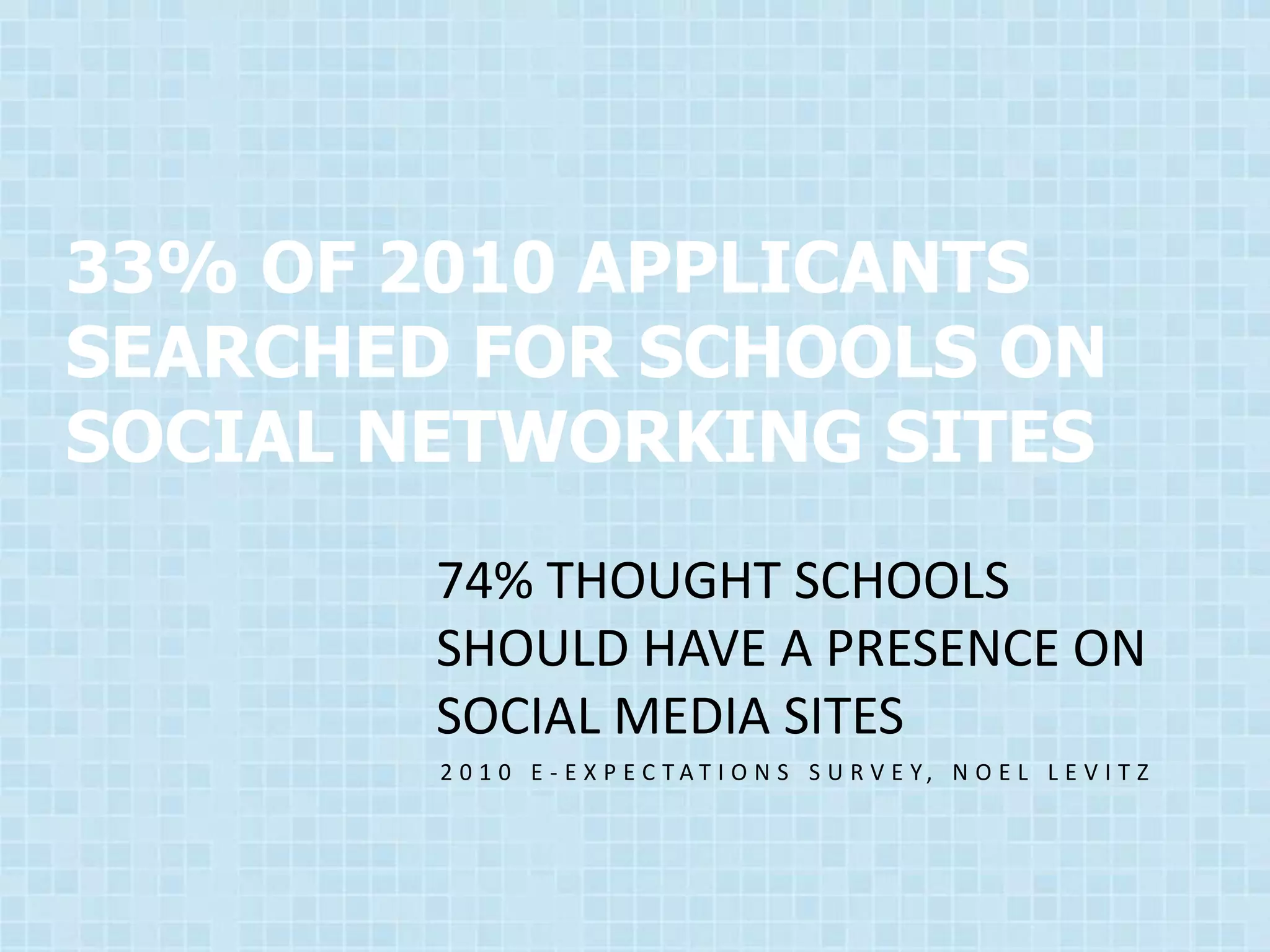
33% OF 2010 APPLICANTS
SEARCHED FOR SCHOOLS ON
SOCIAL NETWORKING SITES
        74% THOUGHT SCHOOLS
        SHOULD HAVE A PRESENCE ON
        SOCIAL MEDIA SITES
        2 0 1 0 E - E X P E C TAT I O N S S U R V E Y, N O E L L E V I T Z
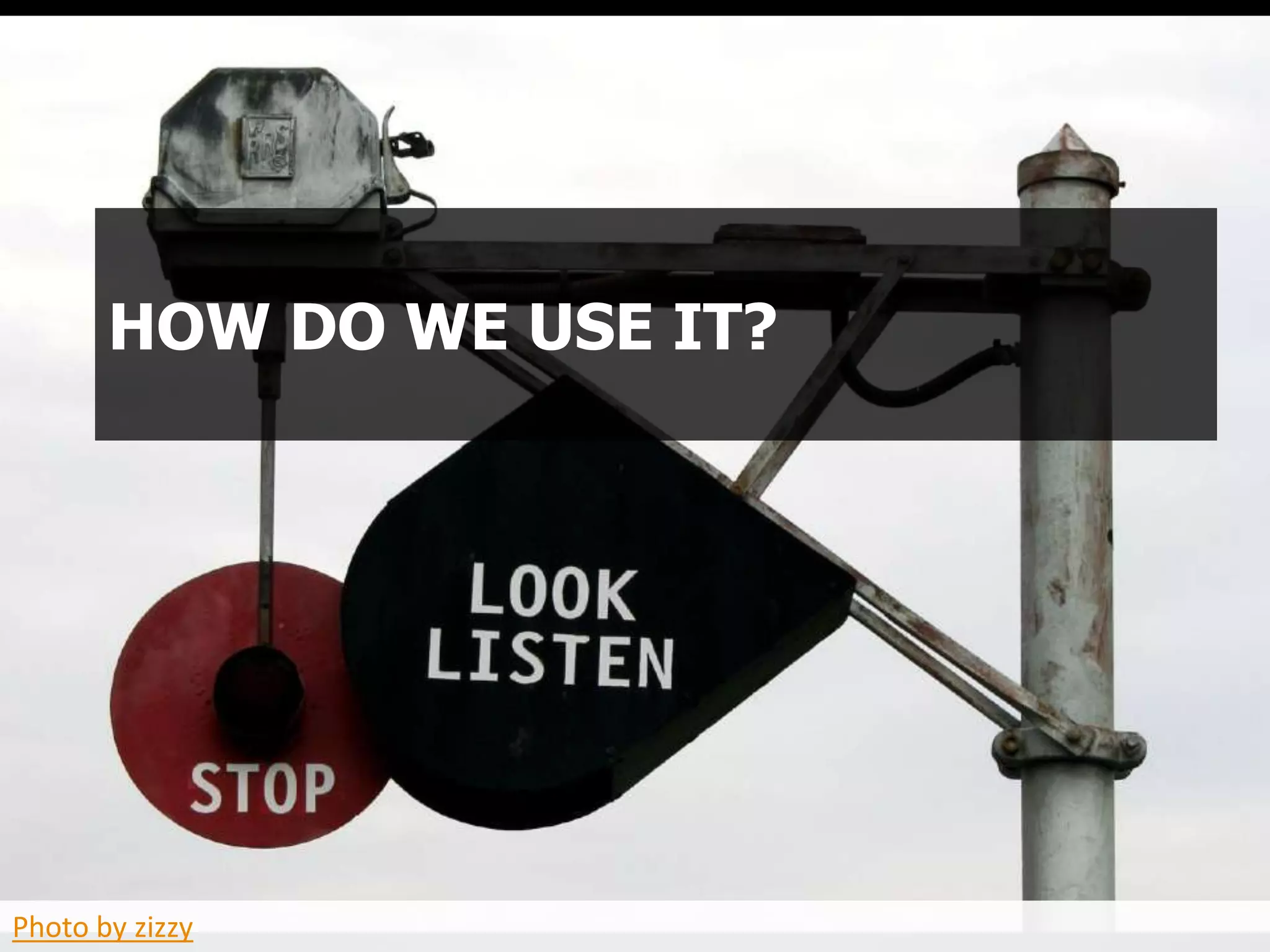
HOW DO WE USE IT?


Photo by zizzy
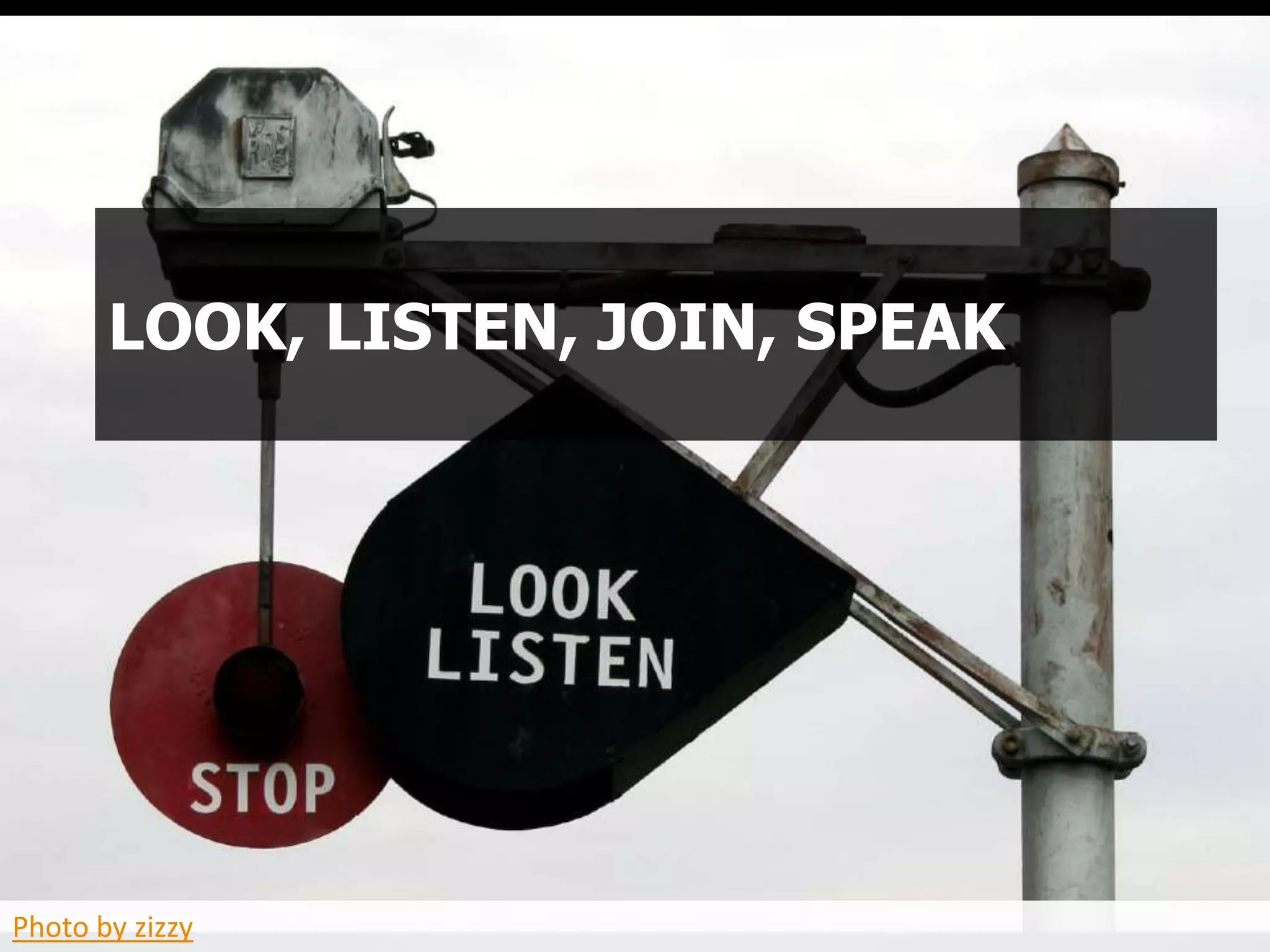
LOOK, LISTEN, JOIN, SPEAK


Photo by zizzy
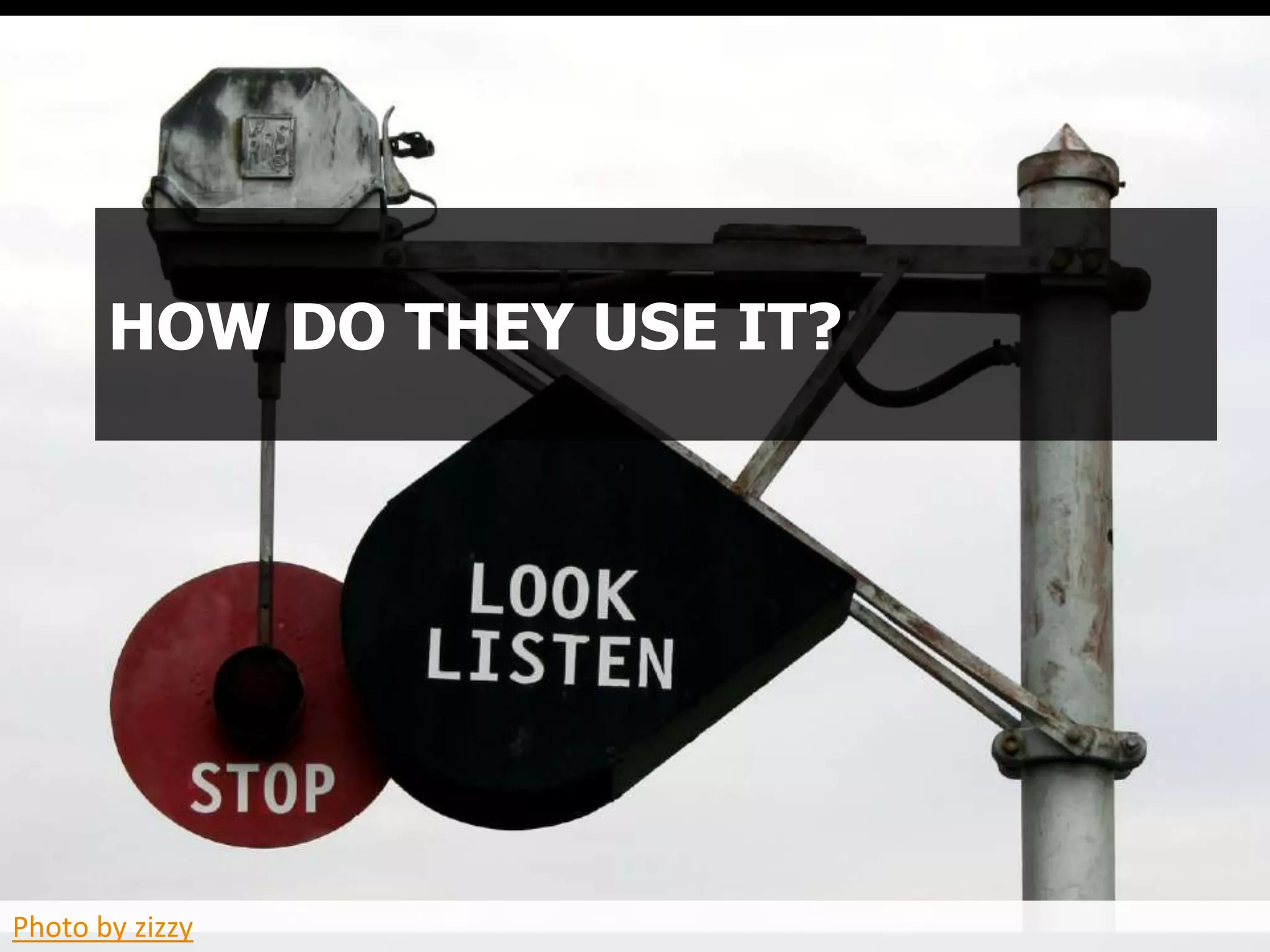
HOW DO THEY USE IT?


Photo by zizzy
Create:
                               Blog Posts
                                 Videos
                               Animation
                              Photography
                                 News


Photo by wonderfullycomplex
CONNECT
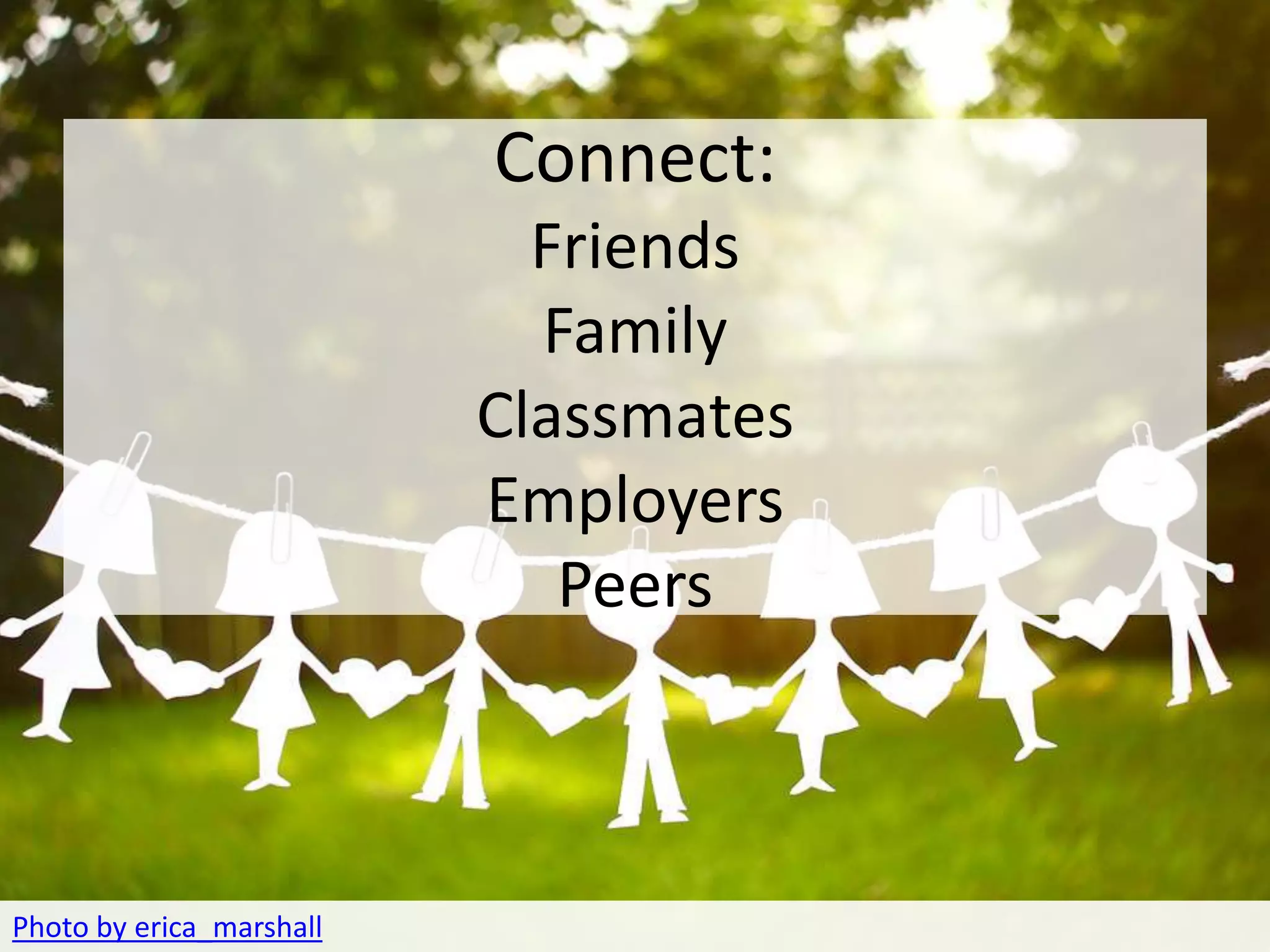
                        Connect:
                            Friends
                            Family
                          Classmates
                          Employers
                             Peers


Photo by erica_marshall
COLLABORATE
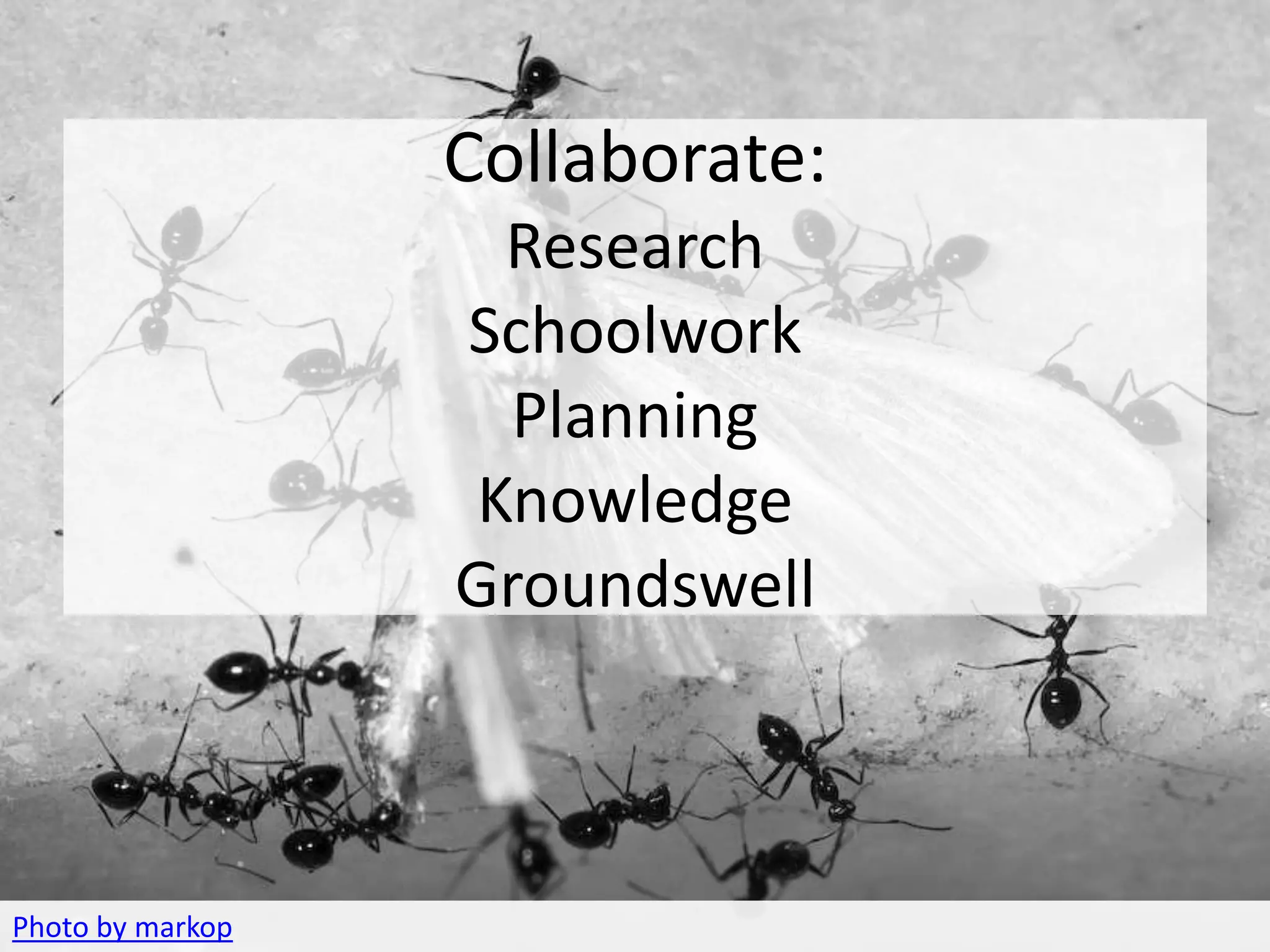
               Collaborate:
                   Research
                  Schoolwork
                    Planning
                  Knowledge
                  Groundswell


Photo by markop
REACT
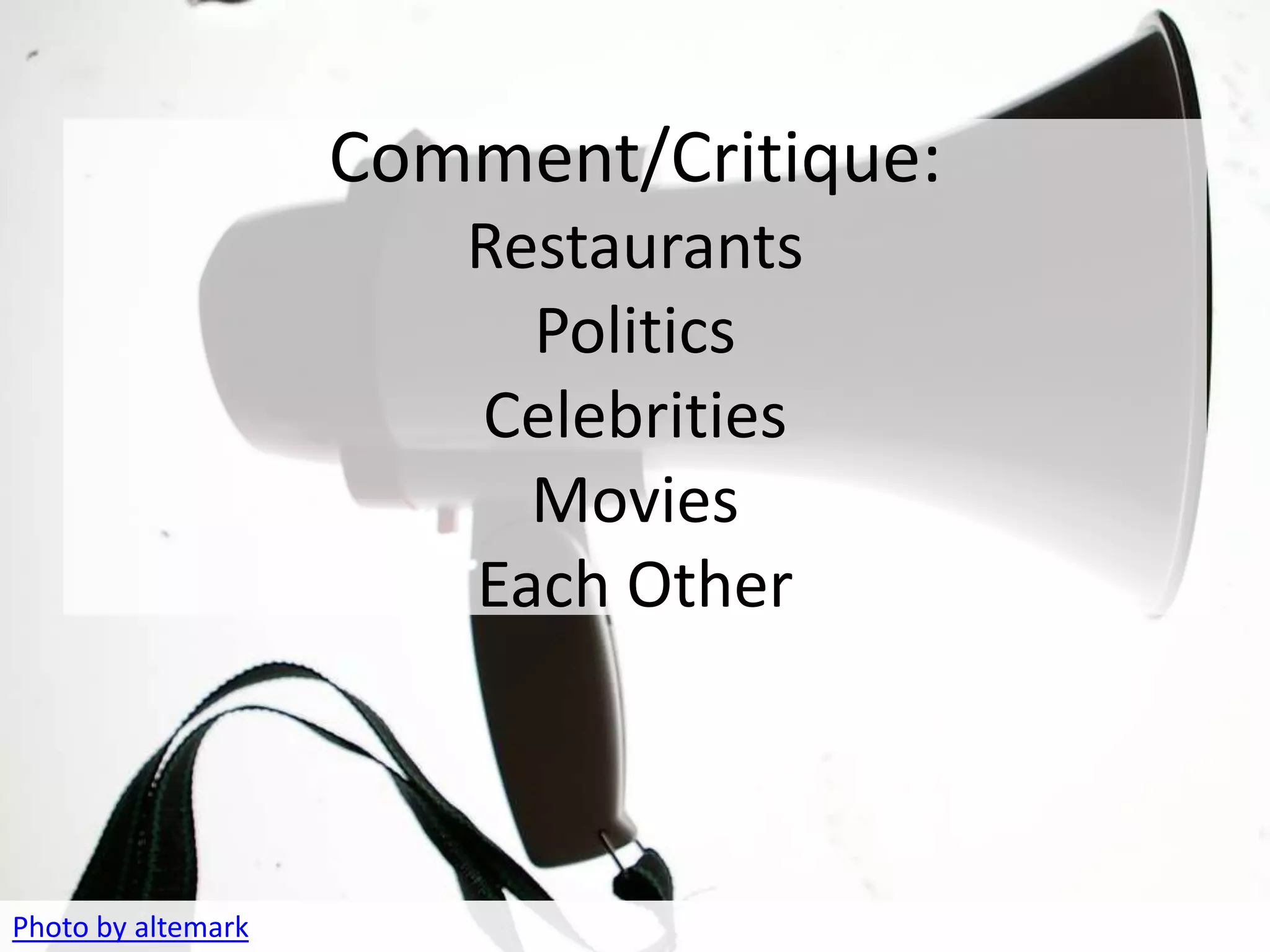
                    Comment/Critique:
                       Restaurants
                         Politics
                       Celebrities
                         Movies
                       Each Other


Photo by altemark
ORGANIZE
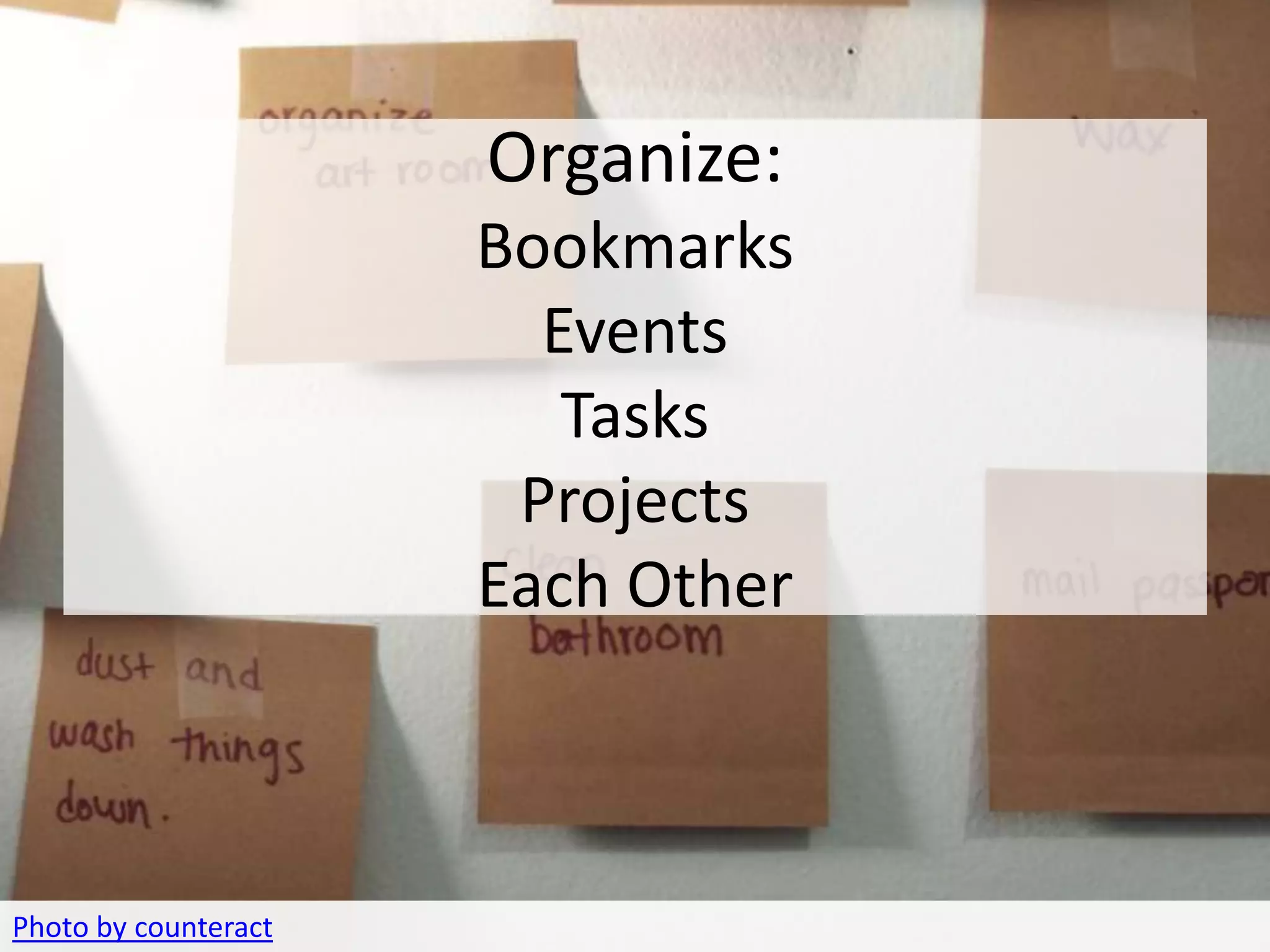
                         Organize:
                         Bookmarks
                           Events
                            Tasks
                          Projects
                         Each Other


Photo by counteract
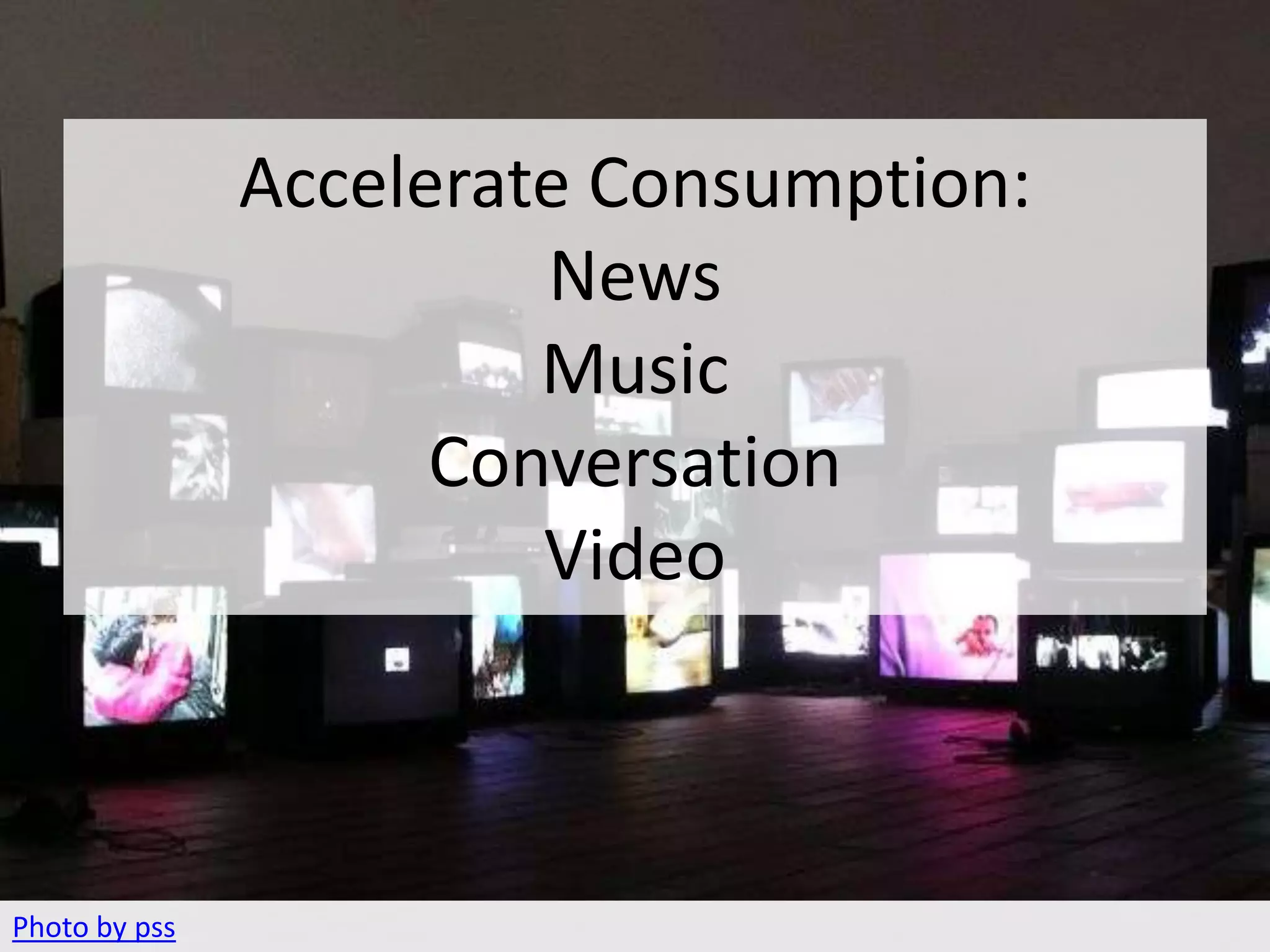
CONSUMPTION
               Accelerate Consumption:
                        News
                        Music
                     Conversation
                        Video


Photo by pss
CONNECT
                      Now we will discuss:
                            -Blogs
                       -Social Networks
                         -Rich Media
                           -Mobile


Photo by erica_marshall
BLOGS

– Syndicated Content
– Presented in Reverse
  Chronological
– Powered by RSS
– Comments
WITHOUT COMMENTS, YOU DO
    NOT HAVE A BLOG.
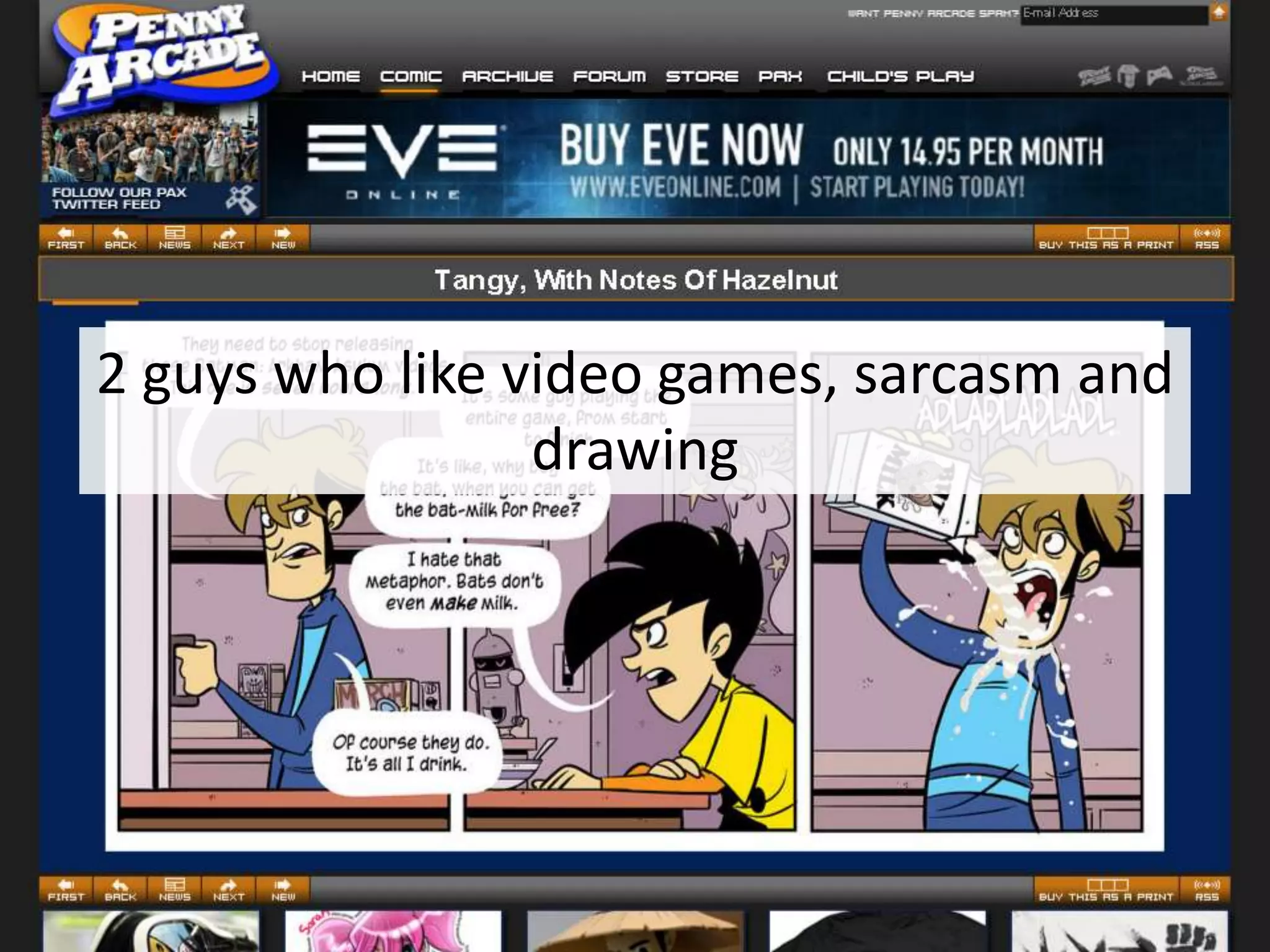
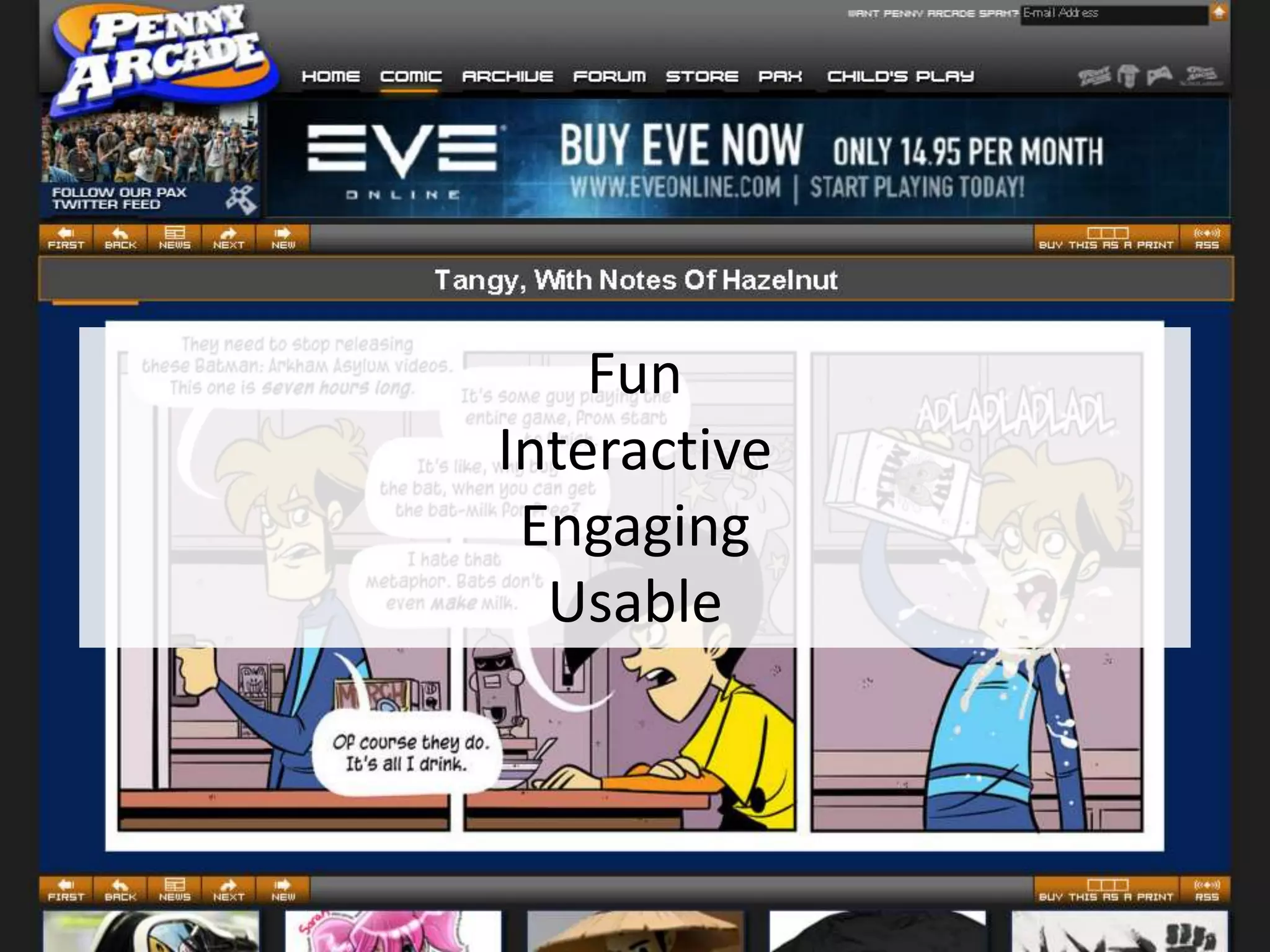
2 guys who like video games, sarcasm and
                 drawing
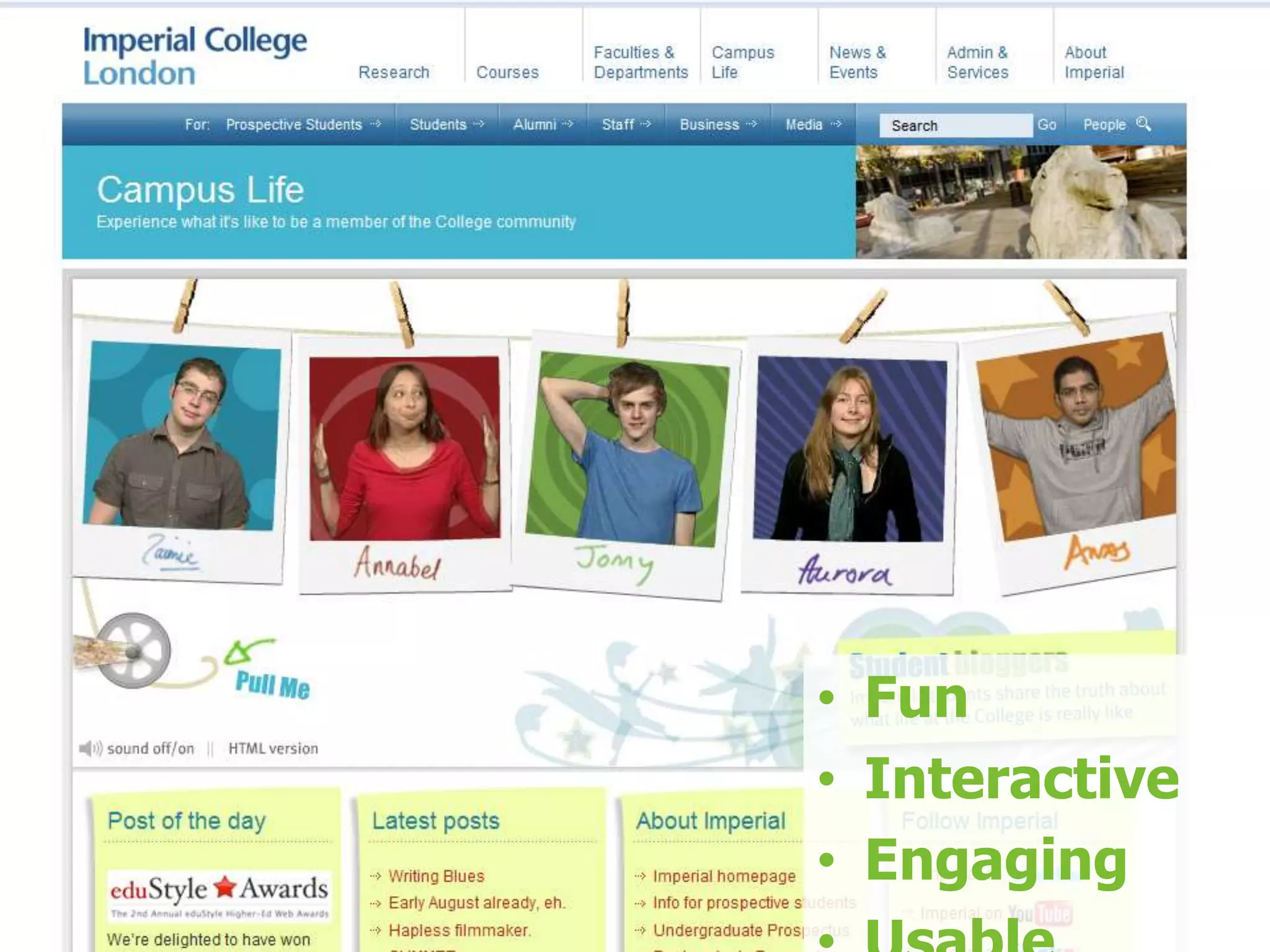
Fun
Interactive
 Engaging
  Usable
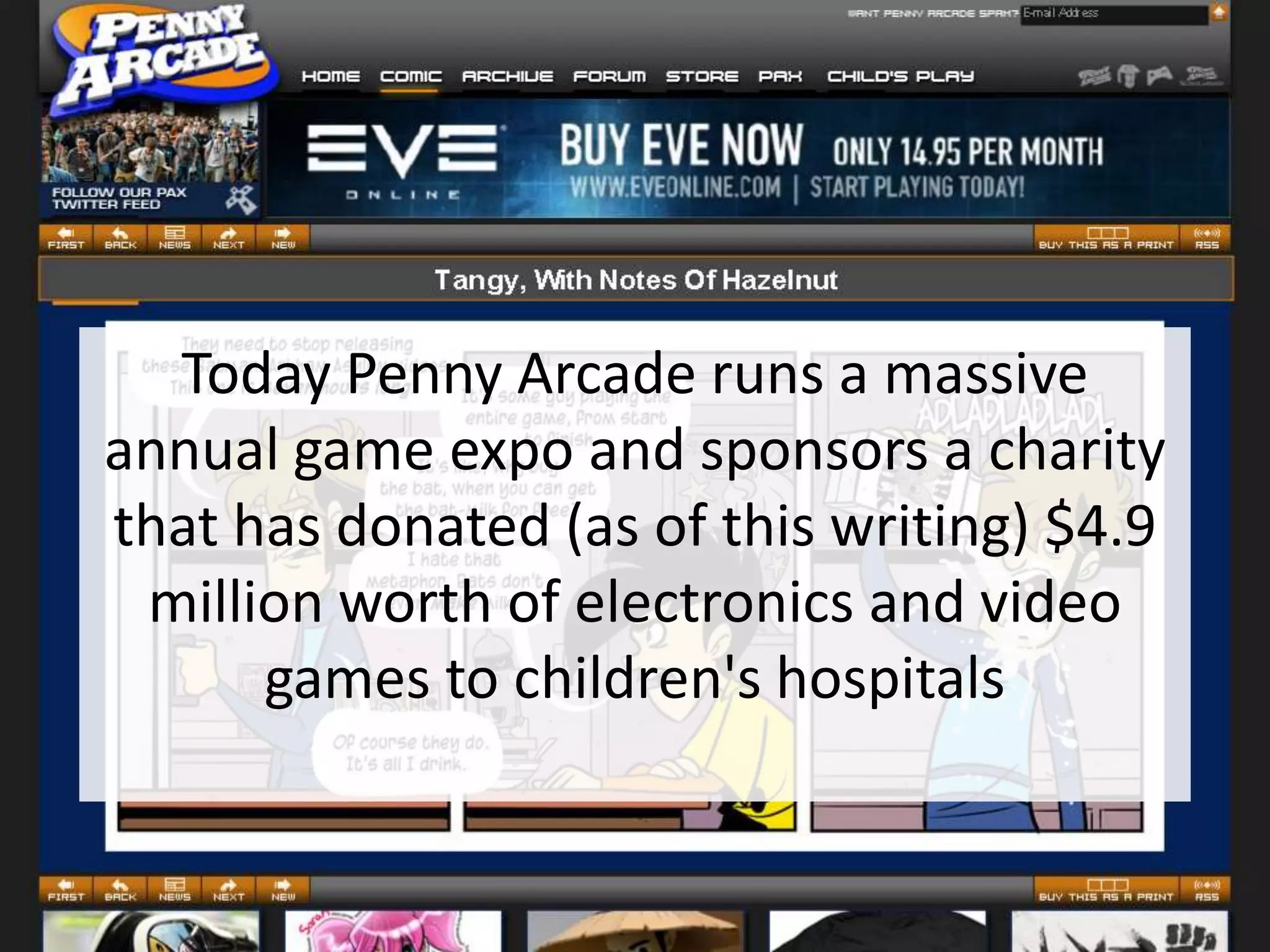
Today Penny Arcade runs a massive
annual game expo and sponsors a charity
that has donated (as of this writing) $4.9
 million worth of electronics and video
      games to children's hospitals
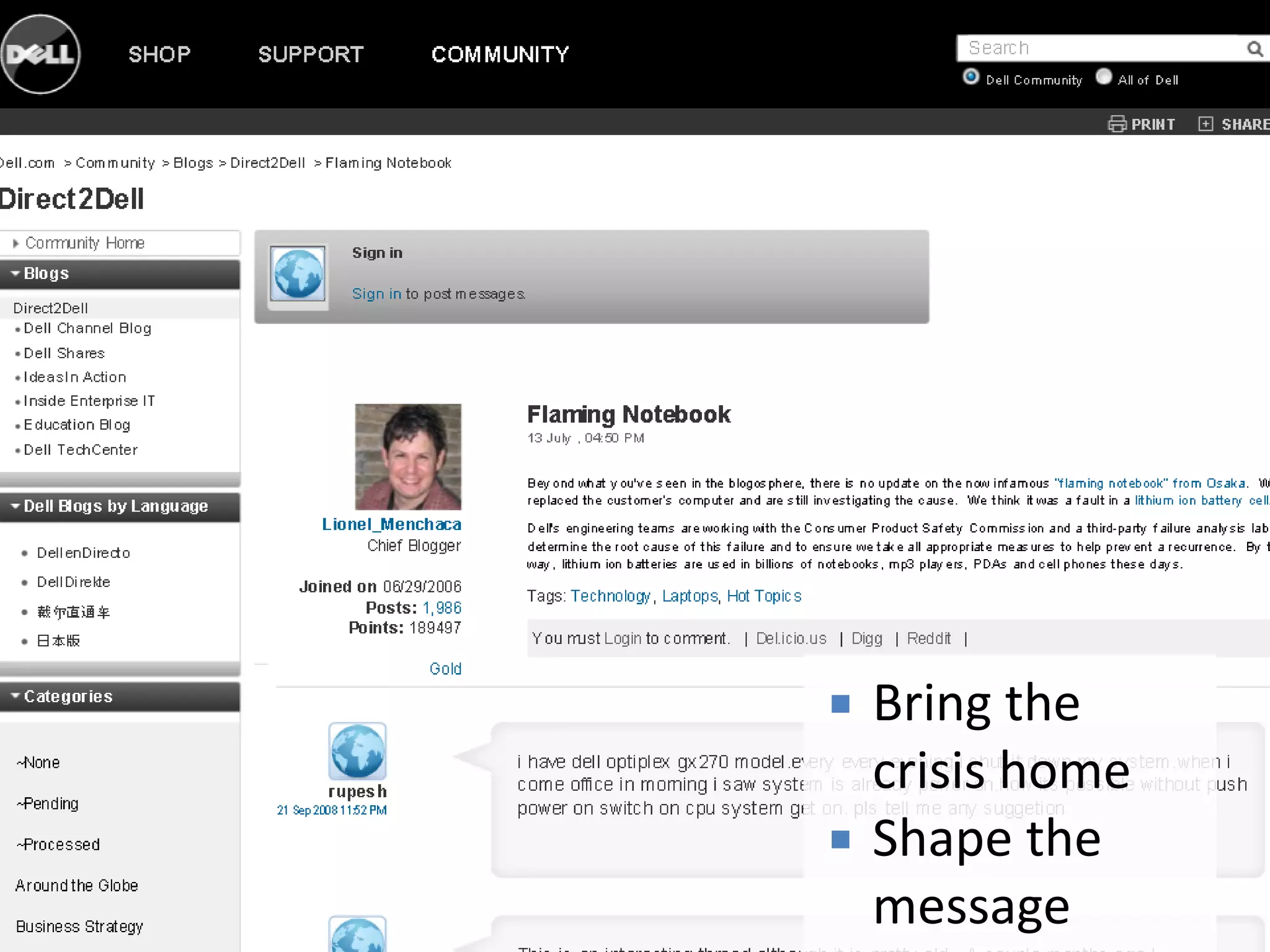
   Bring the
    crisis home
   Shape the
    message
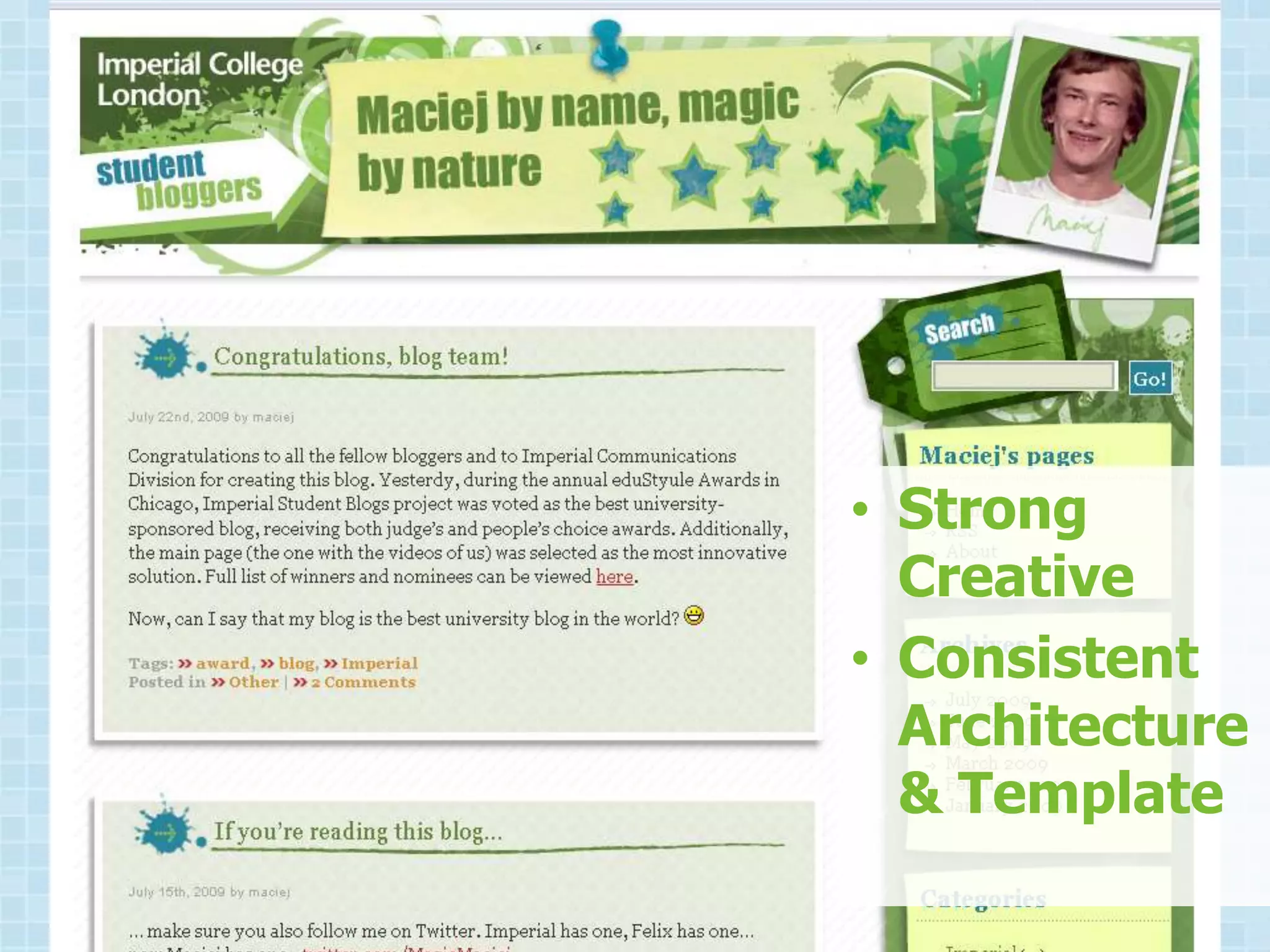
• Fun
• Interactive
• Engaging
• Strong
  Creative
• Consistent
  Architecture
  & Template
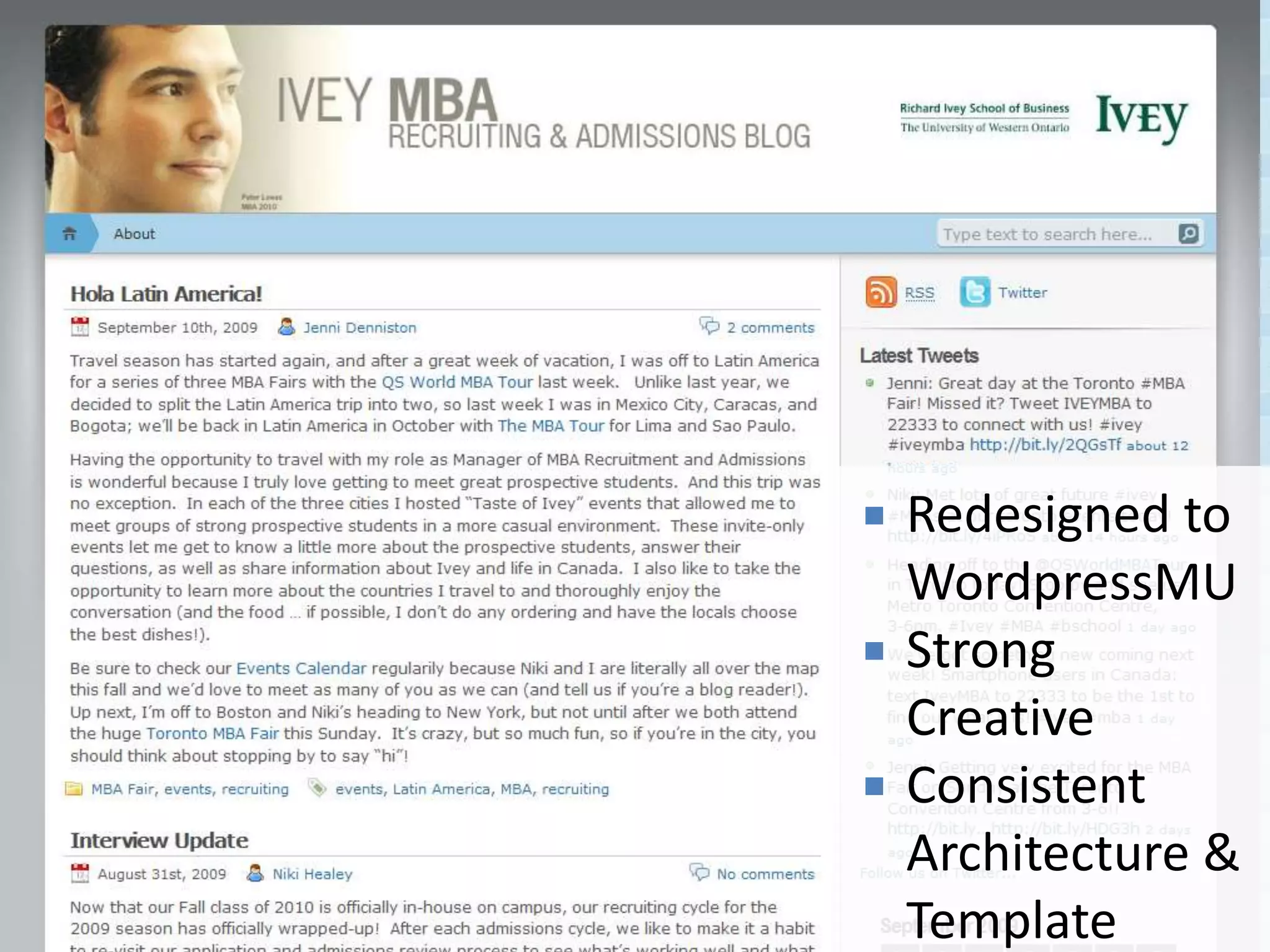
   Redesigned to
    WordpressMU
   Strong
    Creative
   Consistent
    Architecture &
    Template
BLOGGING BEST PRACTICES:

– Enthusiastic Content
  Providers
– Engaged Readers
– Syndicate Your Content
– Comment Policy
– Invest in Design
BLOG OPPORTUNITIES

– Engage
– Inform
– Brand
– Soapbox
SOCIAL NETWORKS

– Online Community
– Individual Profiles
– Autobiographical
– Interaction
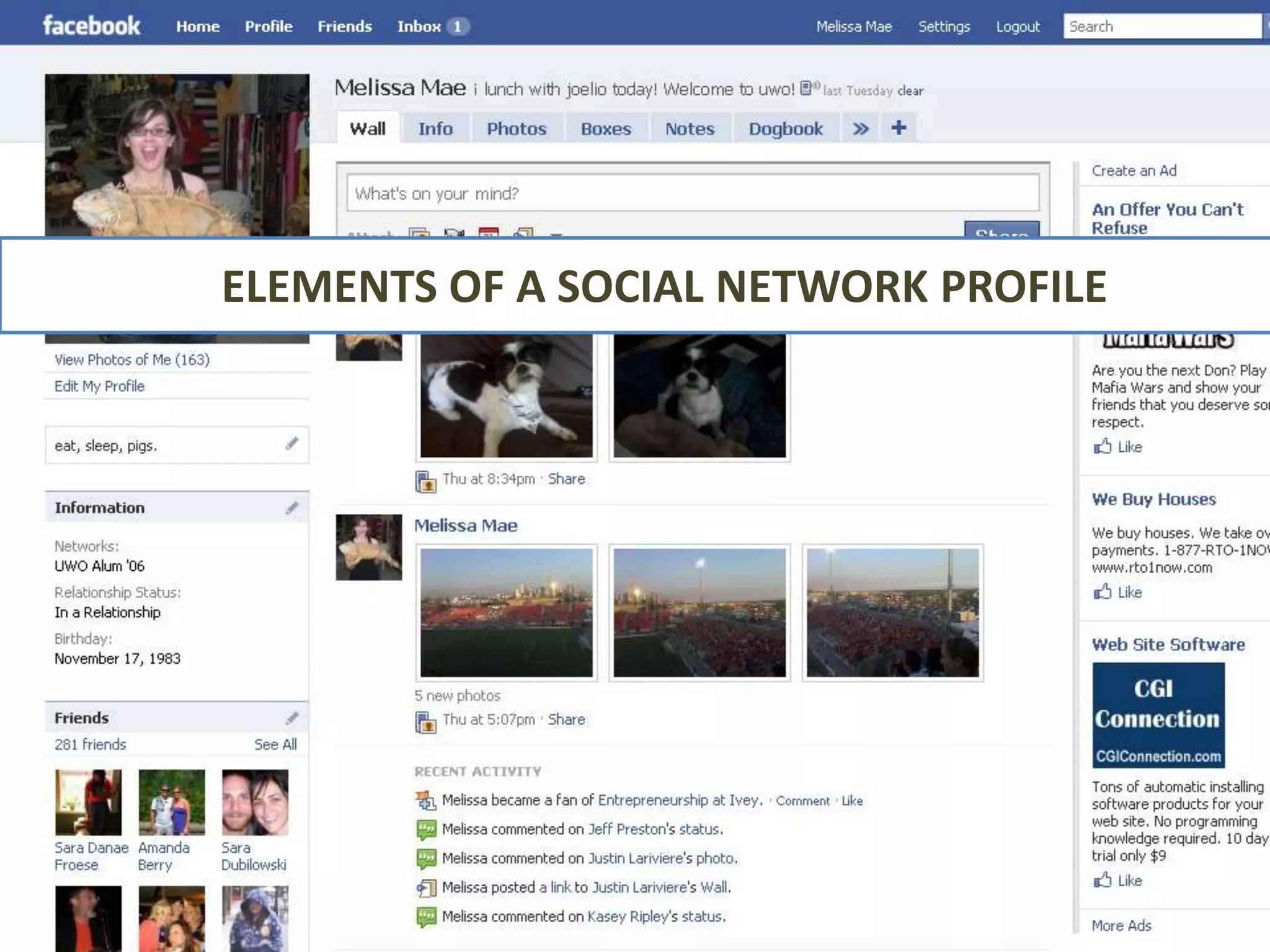
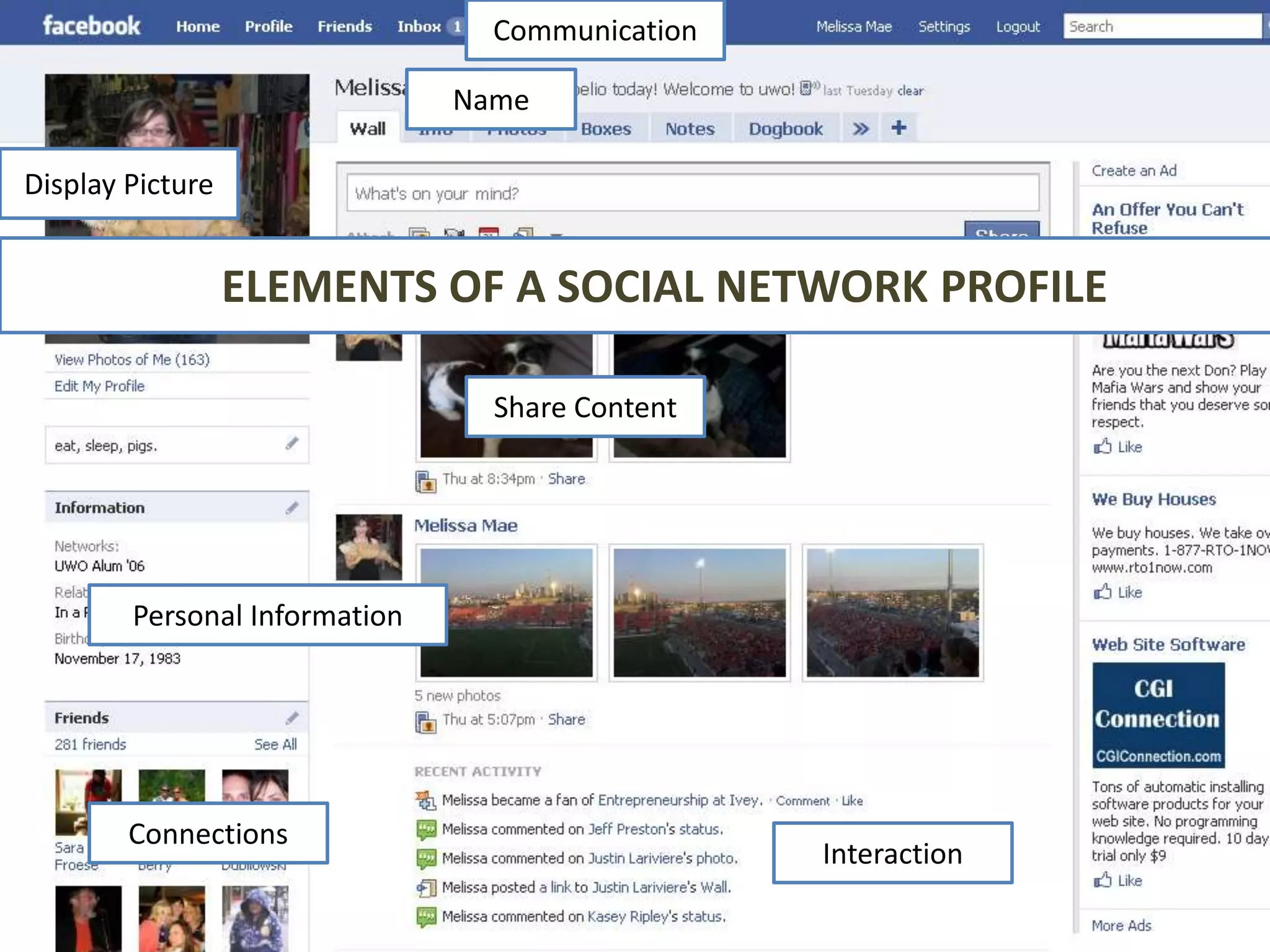
ELEMENTS OF A SOCIAL NETWORK PROFILE
Communication

                               Name

Display Picture


                  ELEMENTS OF A SOCIAL NETWORK PROFILE

                                 Share Content


        Personal Information


        Connections
                                                 Interaction
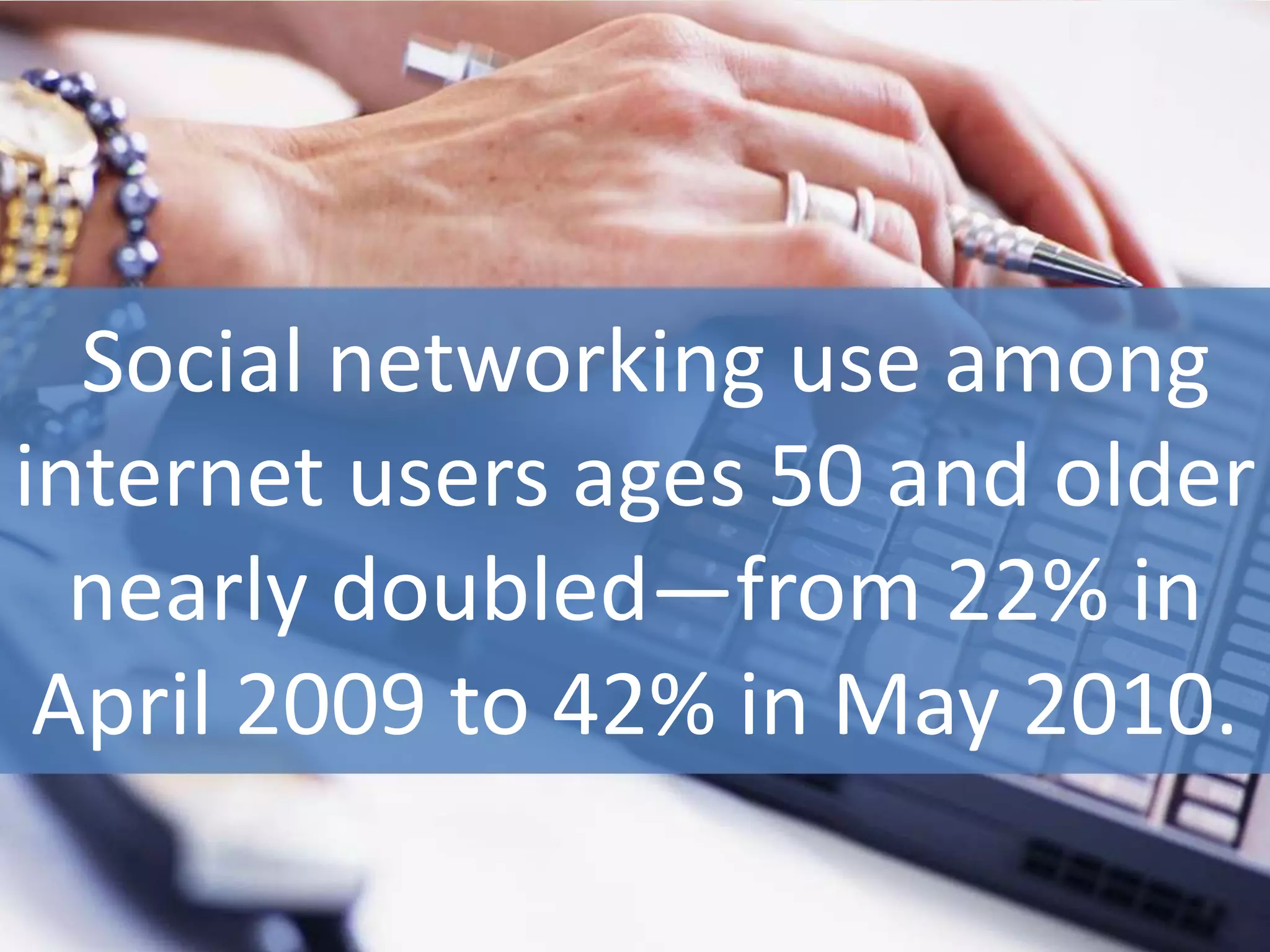
Social networking use among
internet users ages 50 and older
  nearly doubled—from 22% in
 April 2009 to 42% in May 2010.
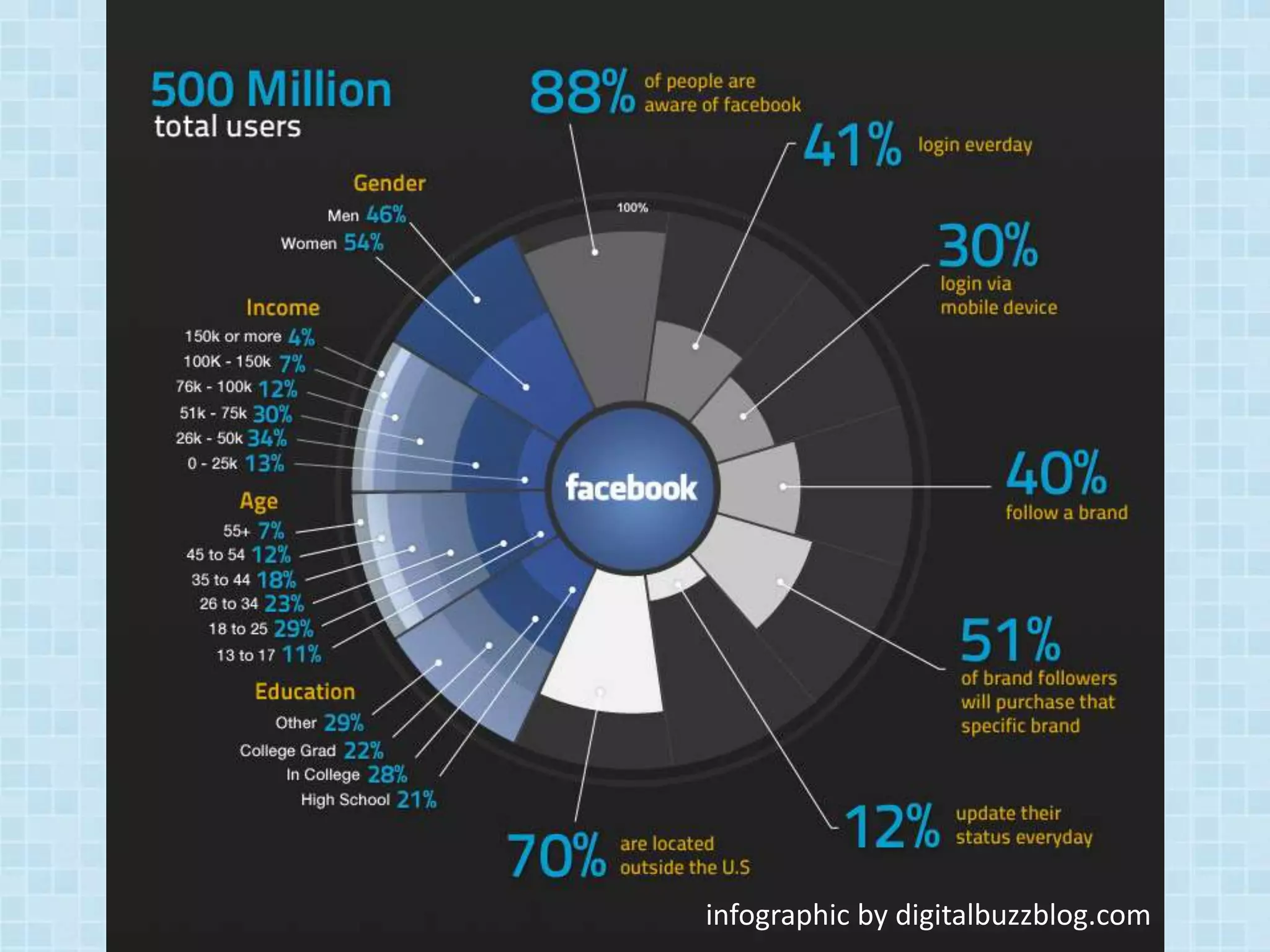
FACEBOOK
infographic by digitalbuzzblog.com
SO WHAT IS FACEBOOK?

•   Founded in higher education
•   Very Canadian
•   Based on the real-world
•   Mobile
•   Affordable and targeted
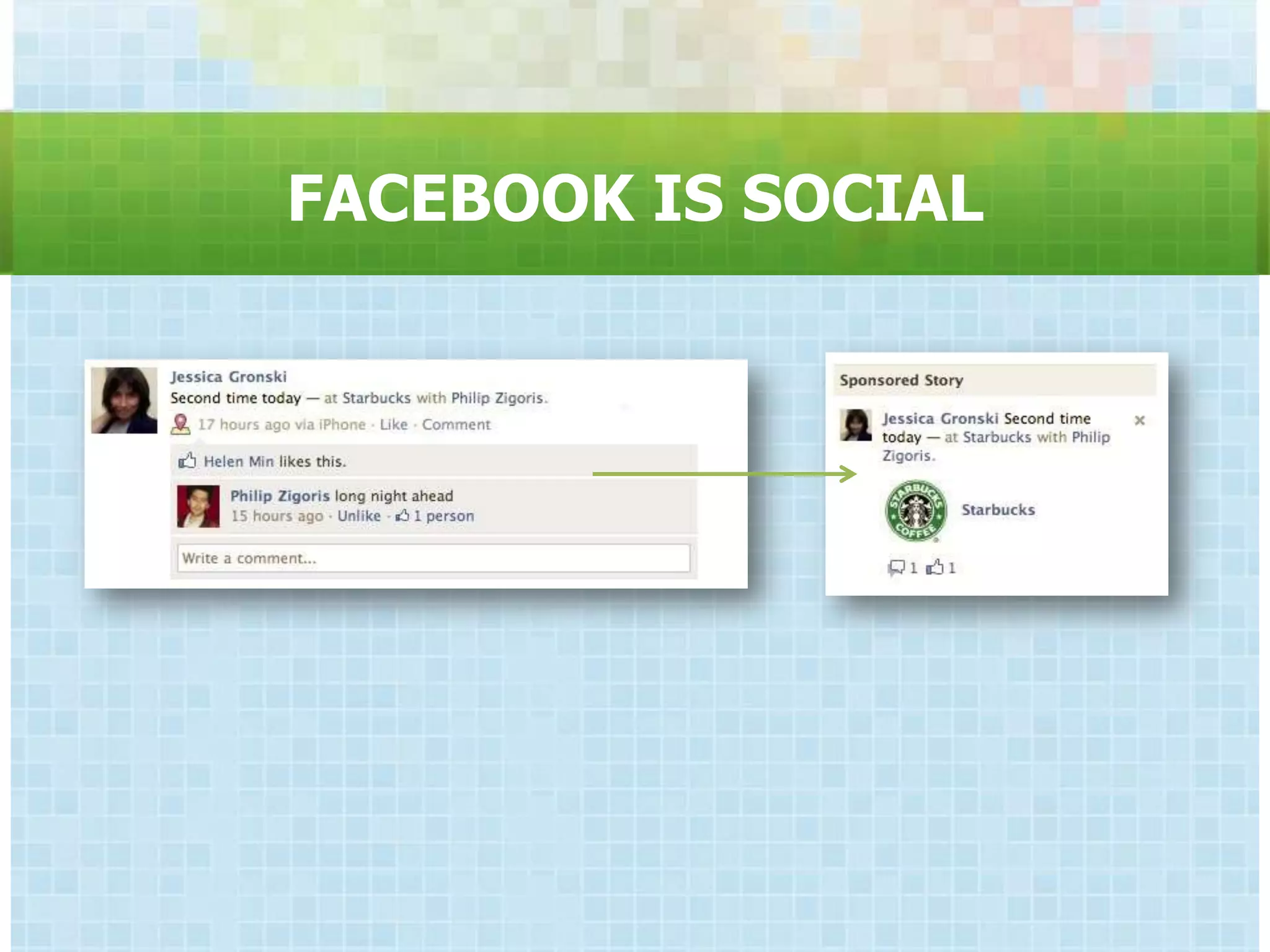
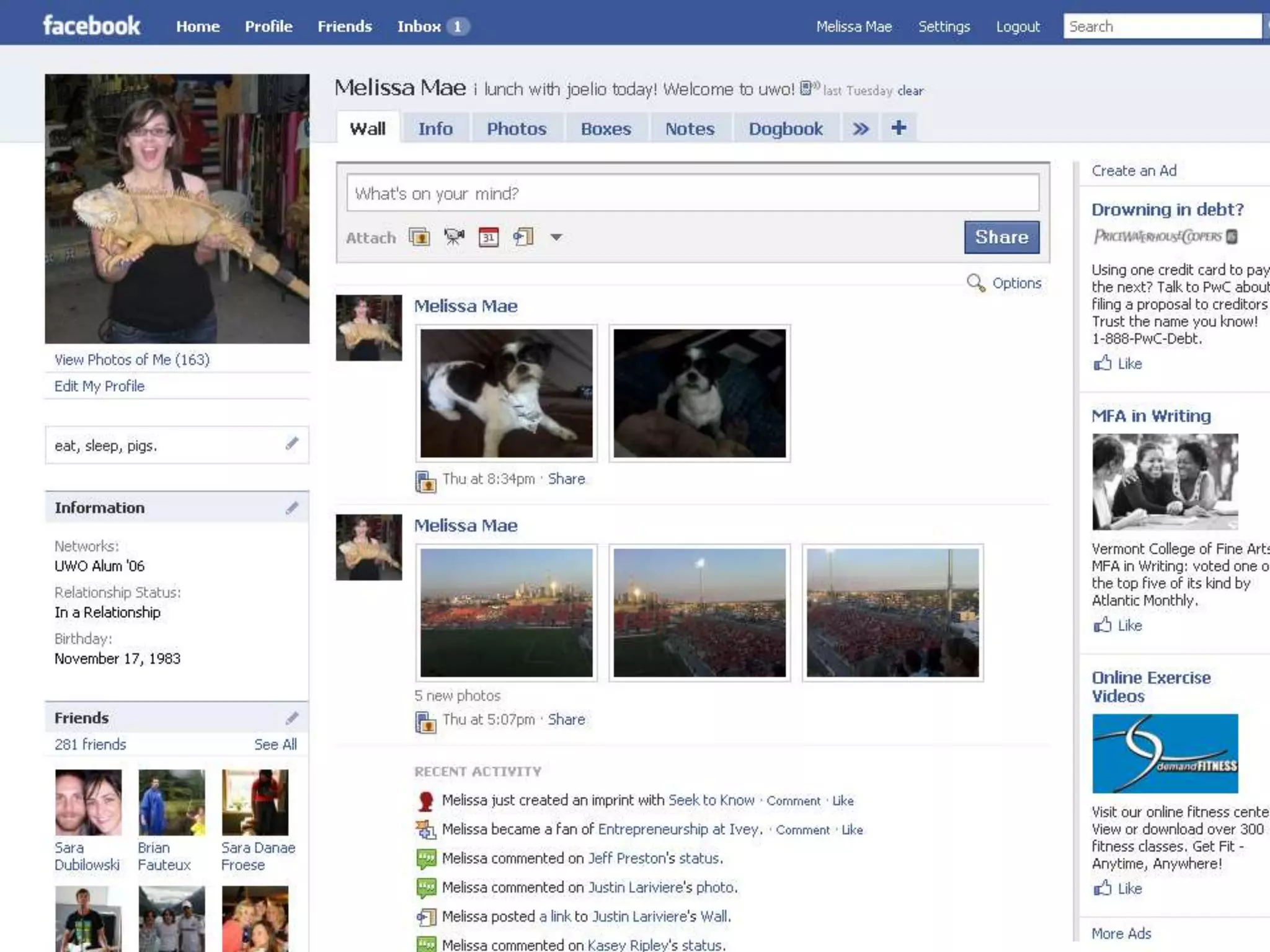
FACEBOOK IS SOCIAL
melissacheater.com © 2009
GLOSSARY
•   Profile        •   Fan
•   Friend         •   Poke
•   Wall           •   Newsfeed
•   Status         •   Groups/Pages
•   Applications
•   Like
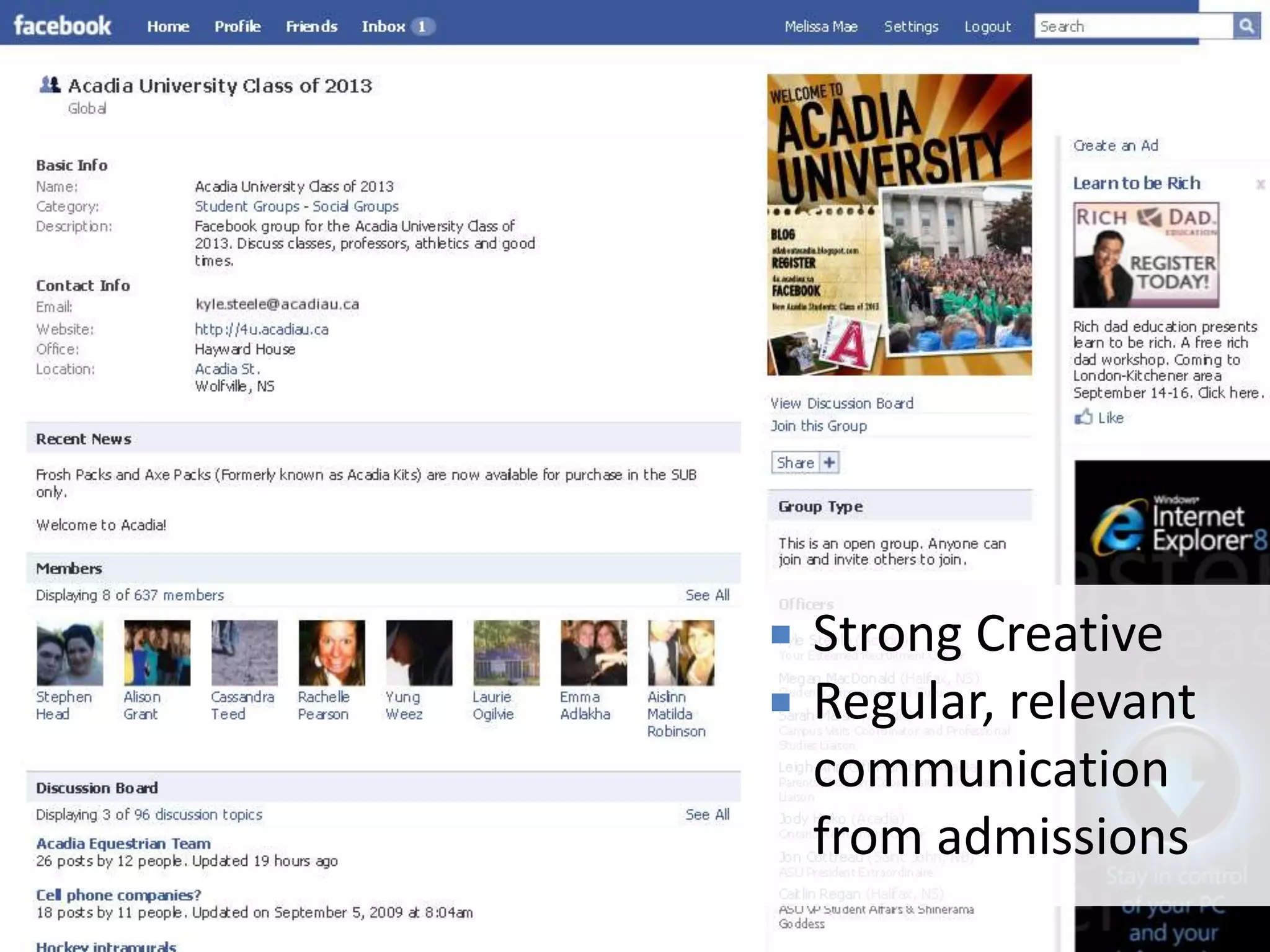
FACEBOOK GROUPS

Bring people together within the larger
               network.
   Strong Creative
   Regular, relevant
    communication
    from admissions
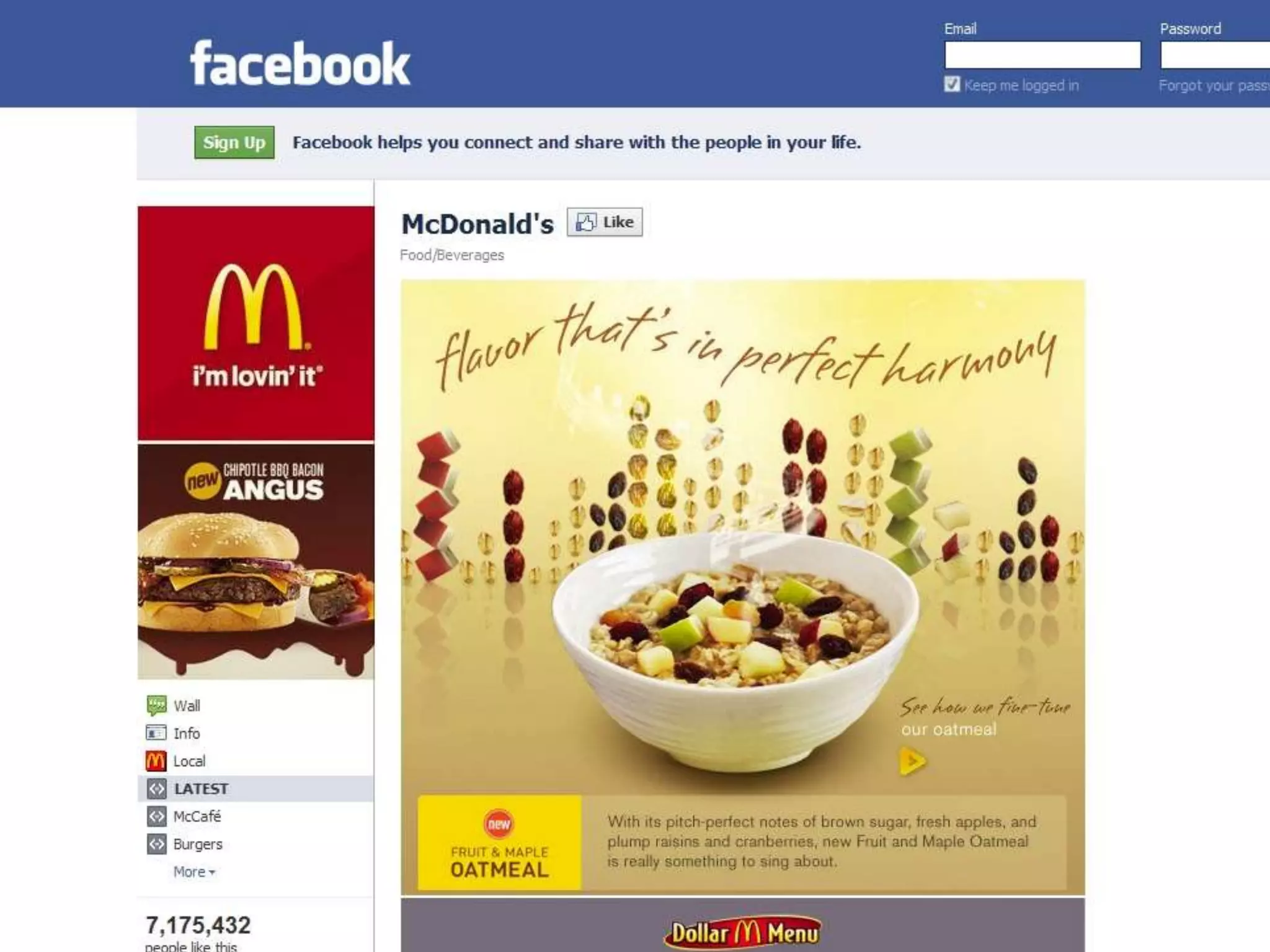
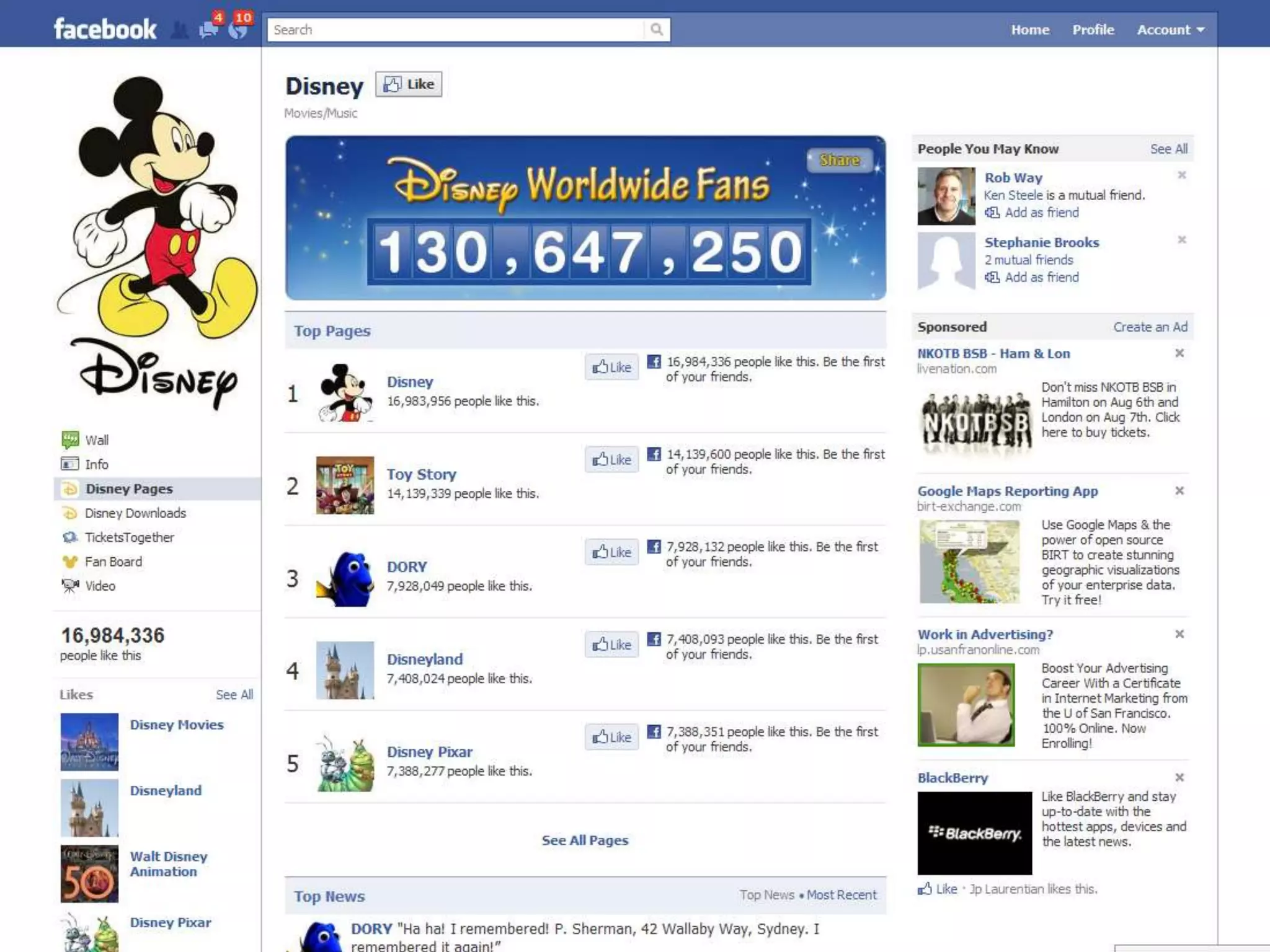
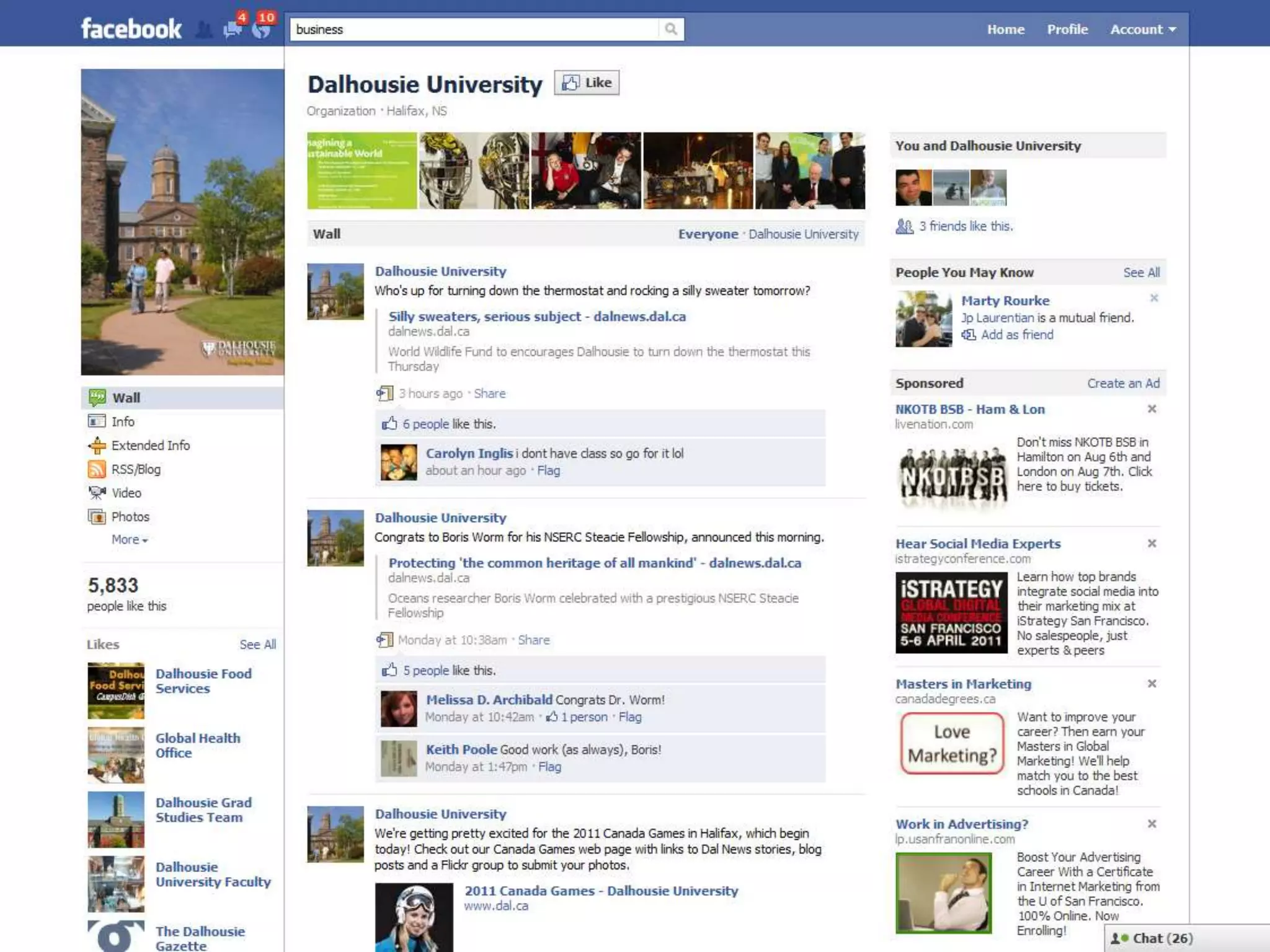
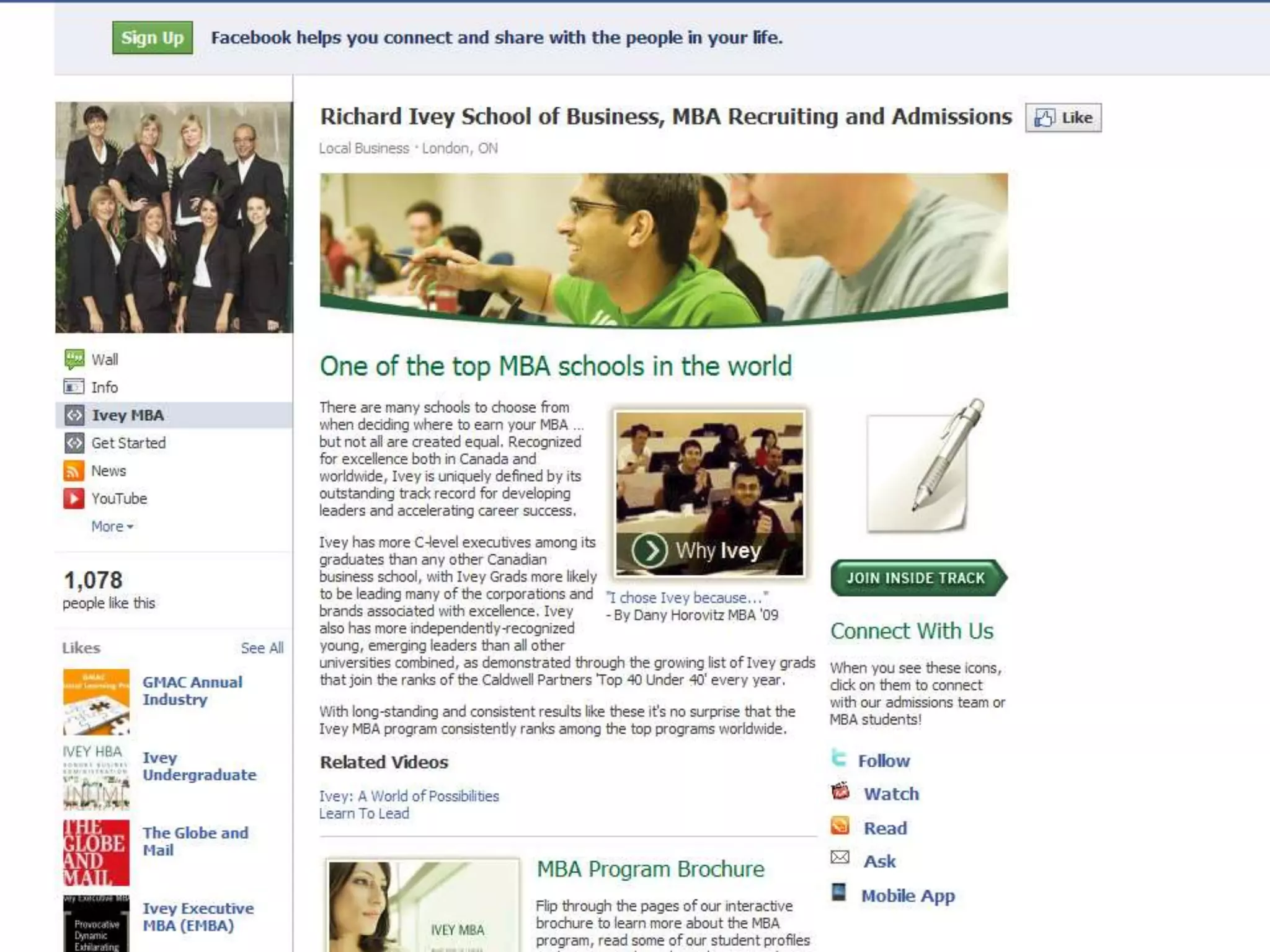
FACEBOOK PAGES

Your Facebook page is your homepage
           on Facebook.
melissacheater.com © 2009
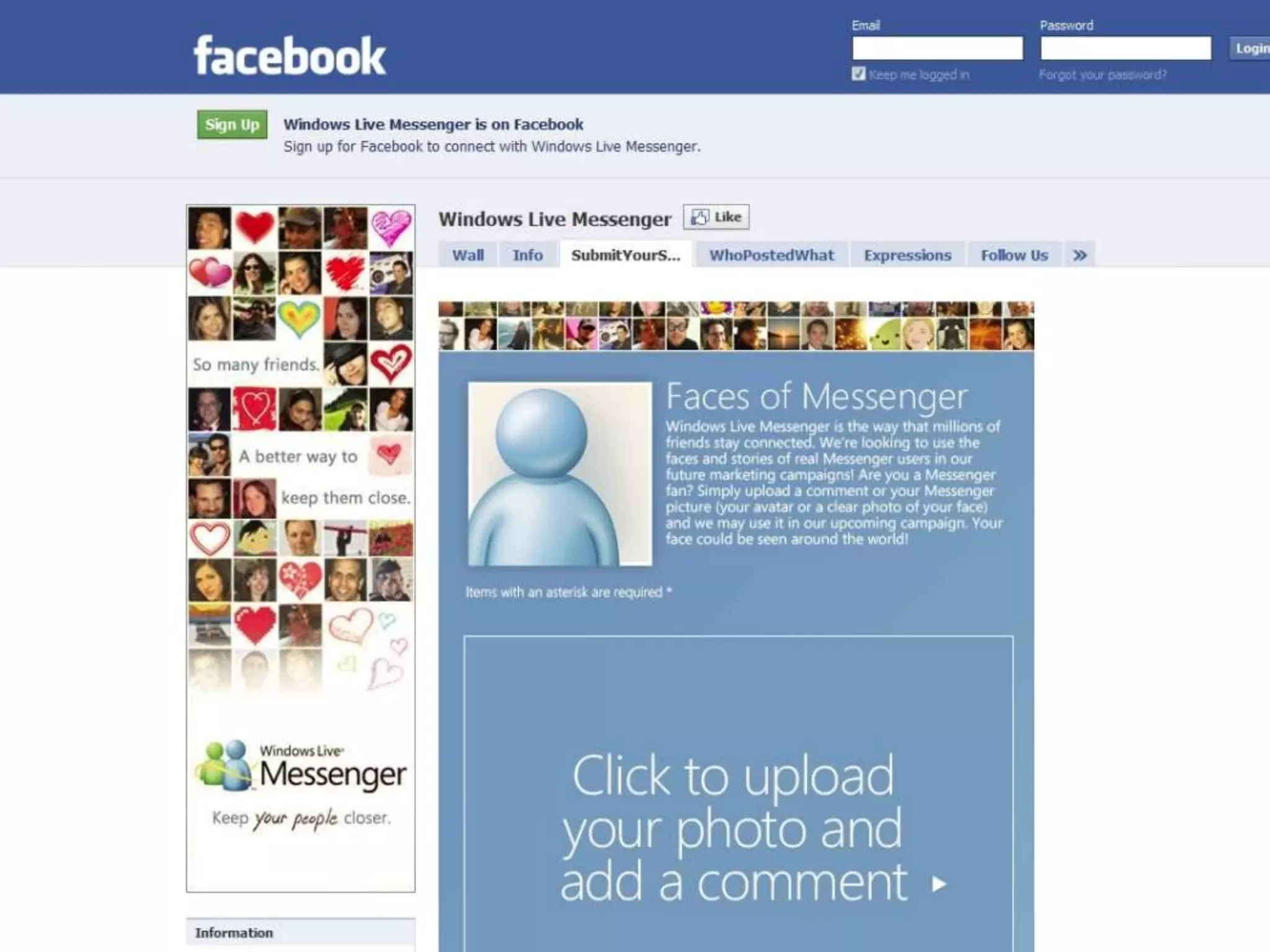
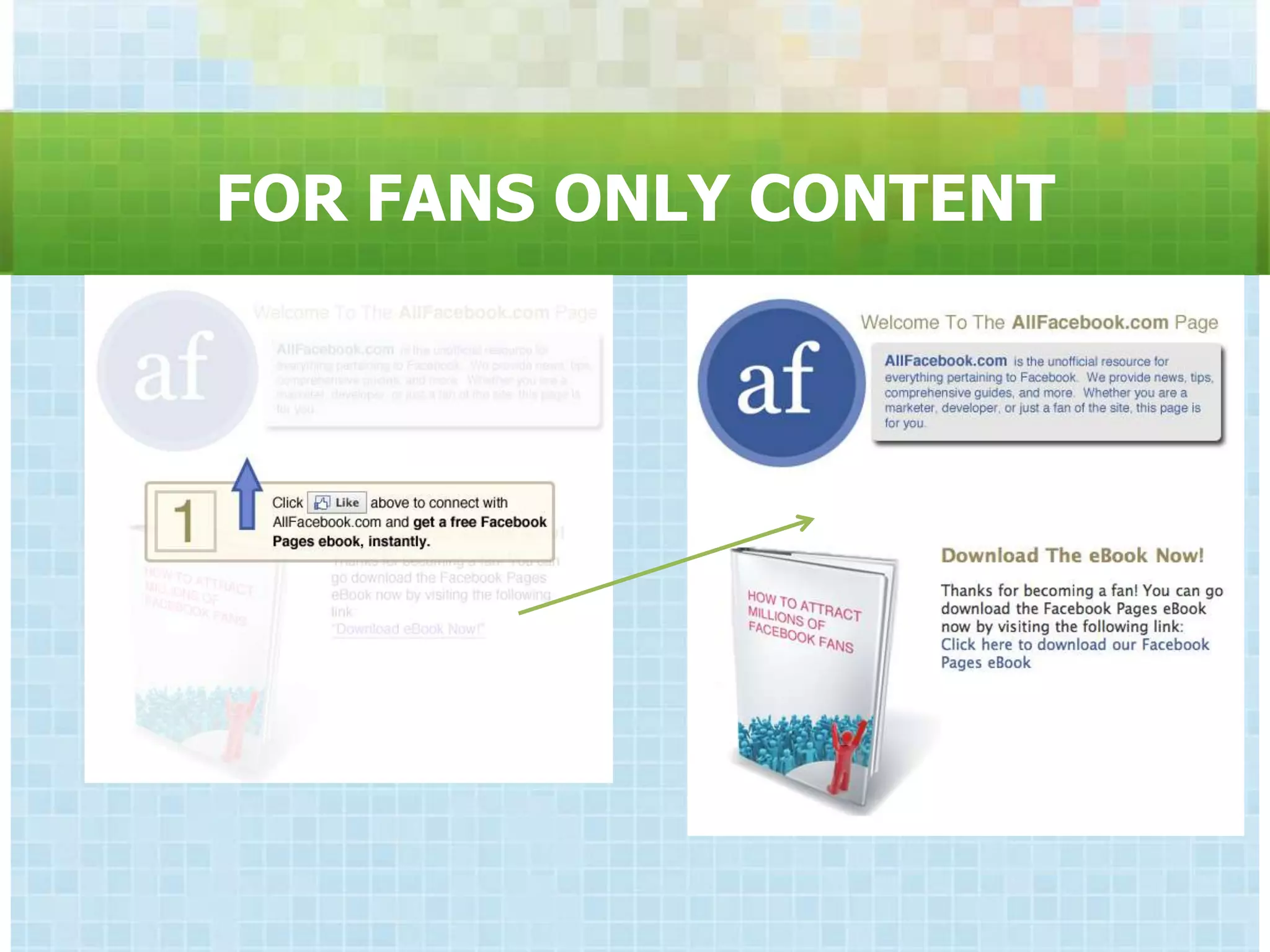
FOR FANS ONLY CONTENT
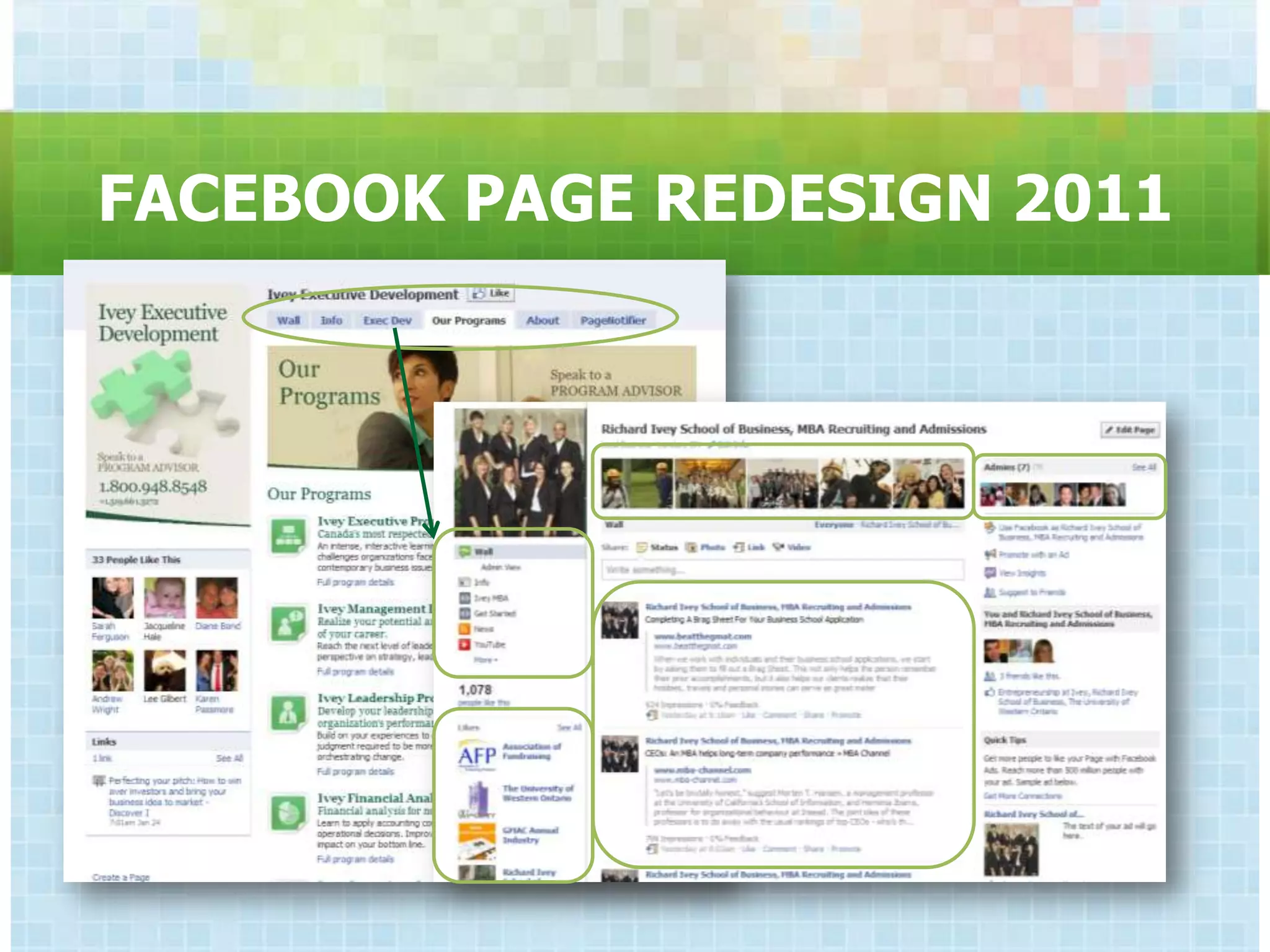
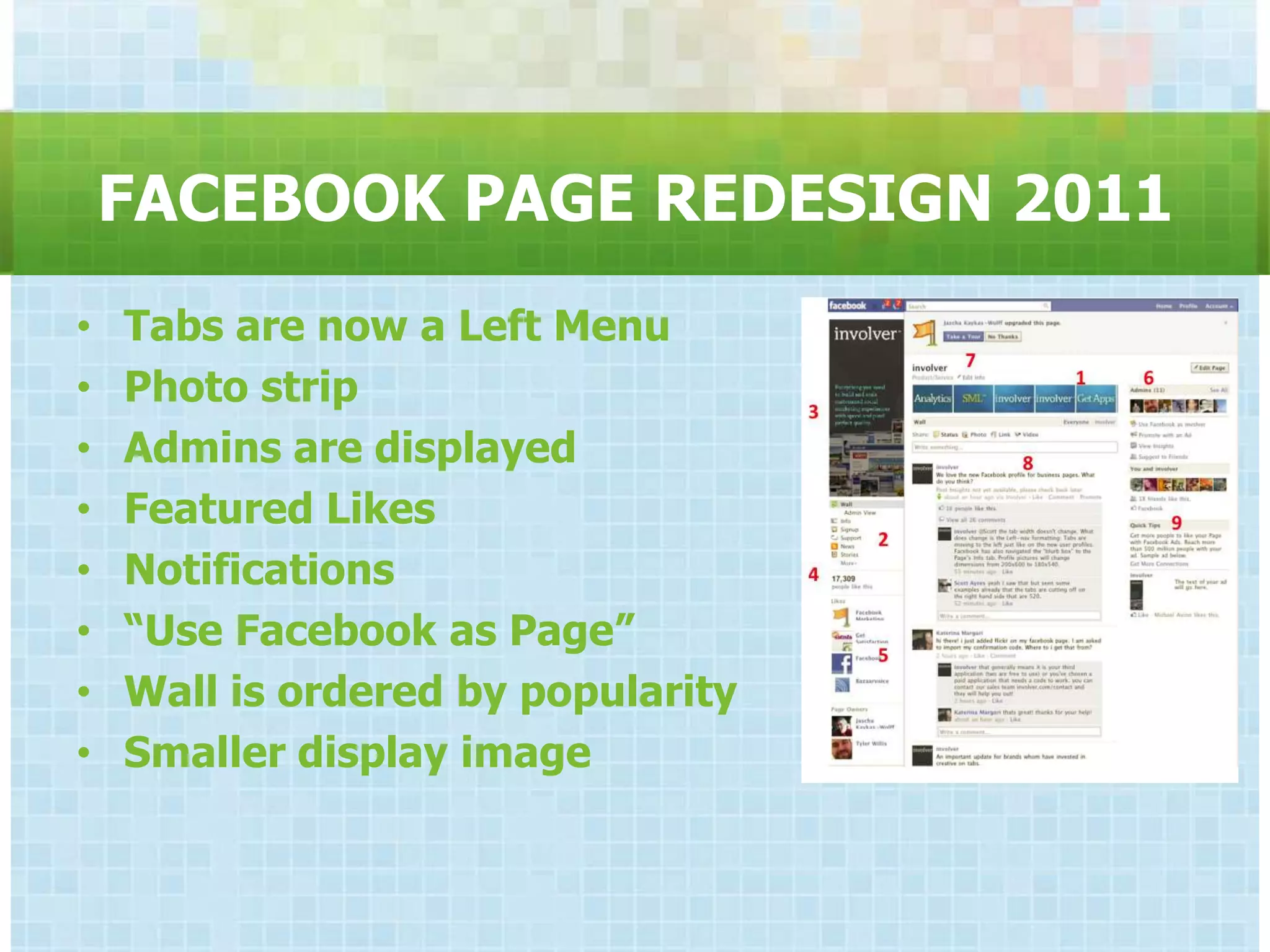
FACEBOOK PAGE REDESIGN 2011
•   Tabs are now a Left Menu
•   Photo strip
•   Admins are displayed
•   Featured Likes
•   Notifications
•   “Use Facebook as Page”
•   Wall is ordered by popularity
•   Smaller display image
FACEBOOK BEST PRACTICES

-   Invest in creative
-   Consider a work in progress
-   Respond within 24 hours
-   Link to syndicated content
-   Set & Publish Content
    Guidelines
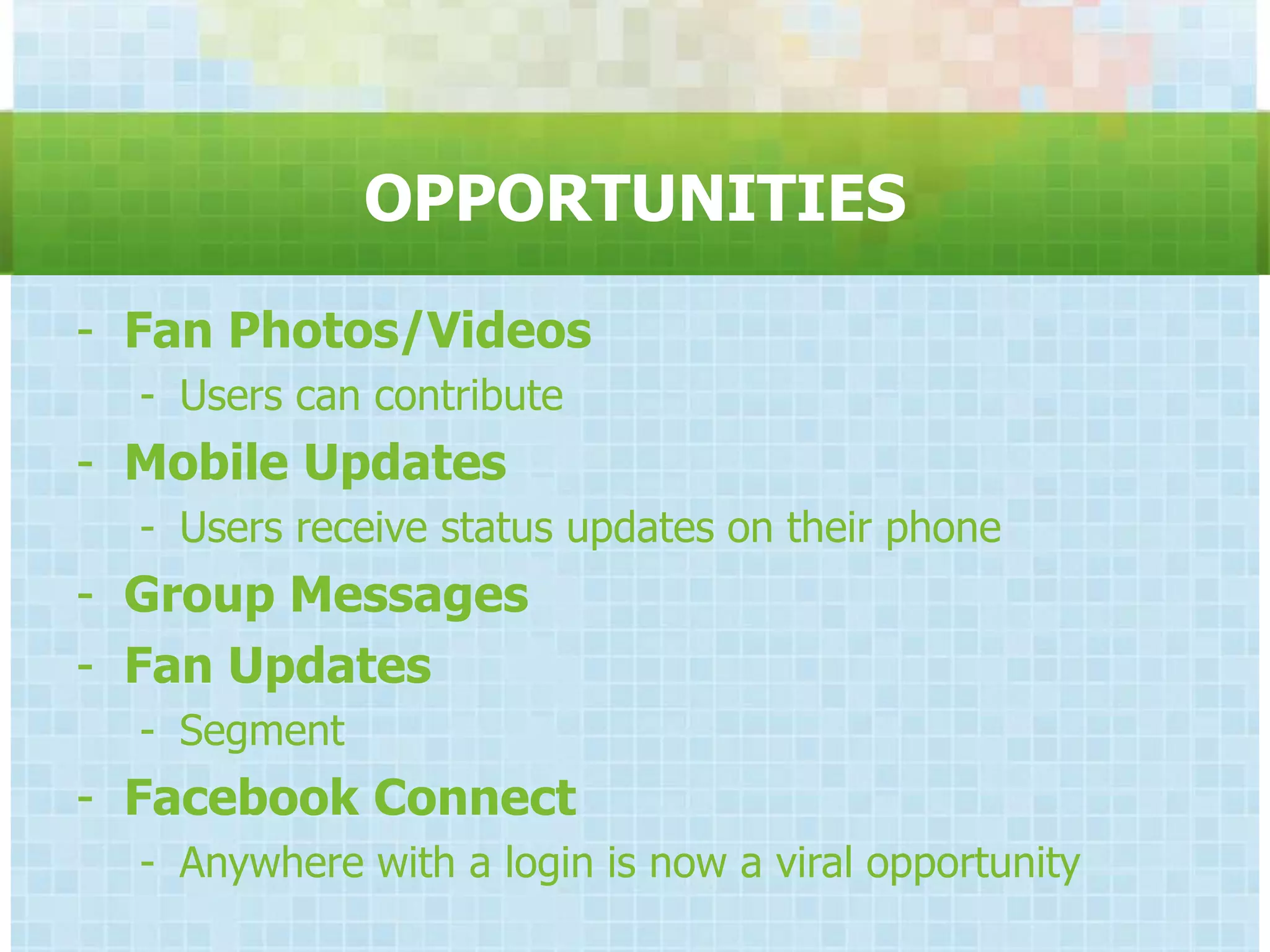
OPPORTUNITIES
- Fan Photos/Videos
  - Users can contribute
- Mobile Updates
  - Users receive status updates on their phone
- Group Messages
- Fan Updates
  - Segment
- Facebook Connect
  - Anywhere with a login is now a viral opportunity
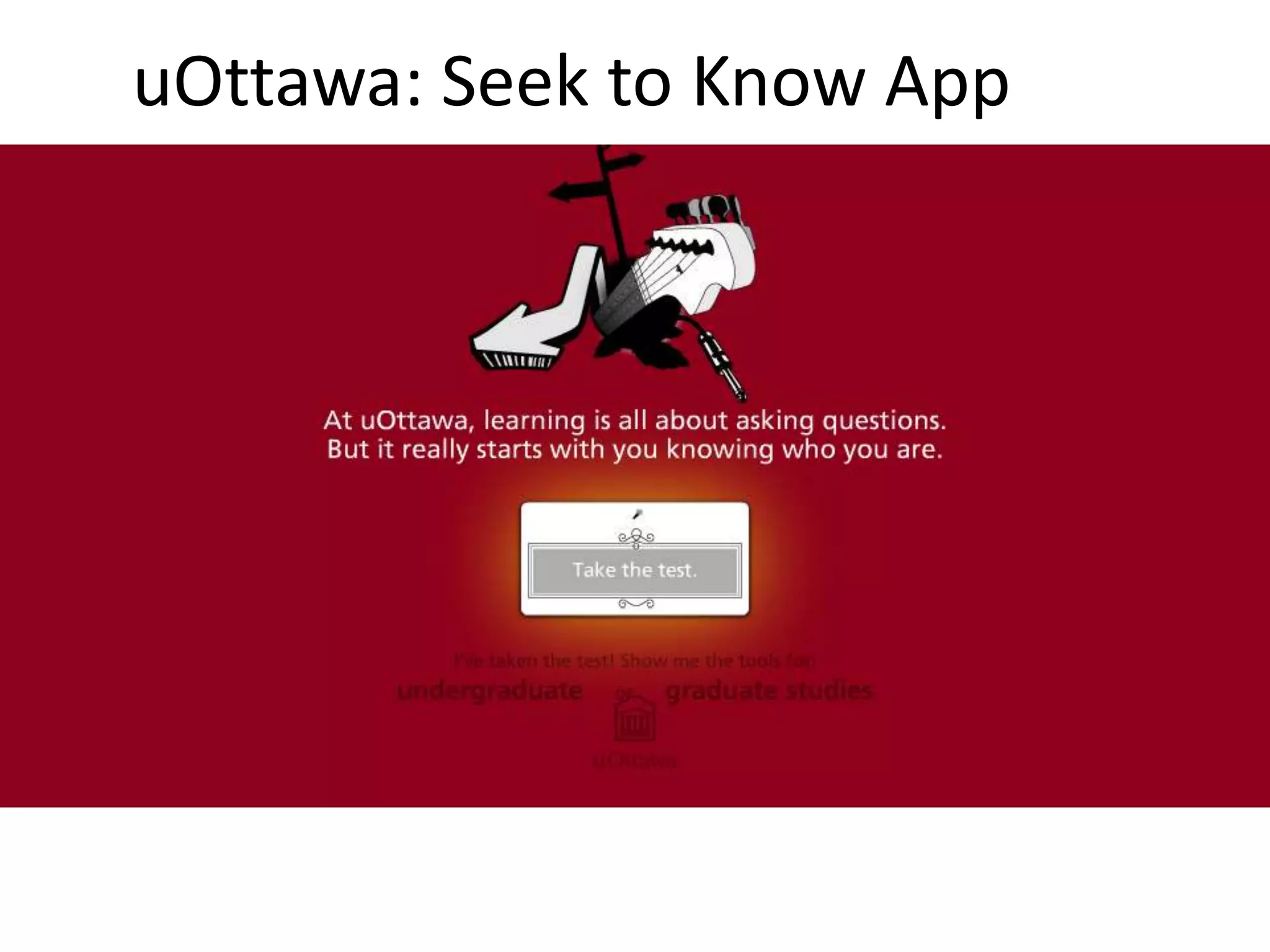
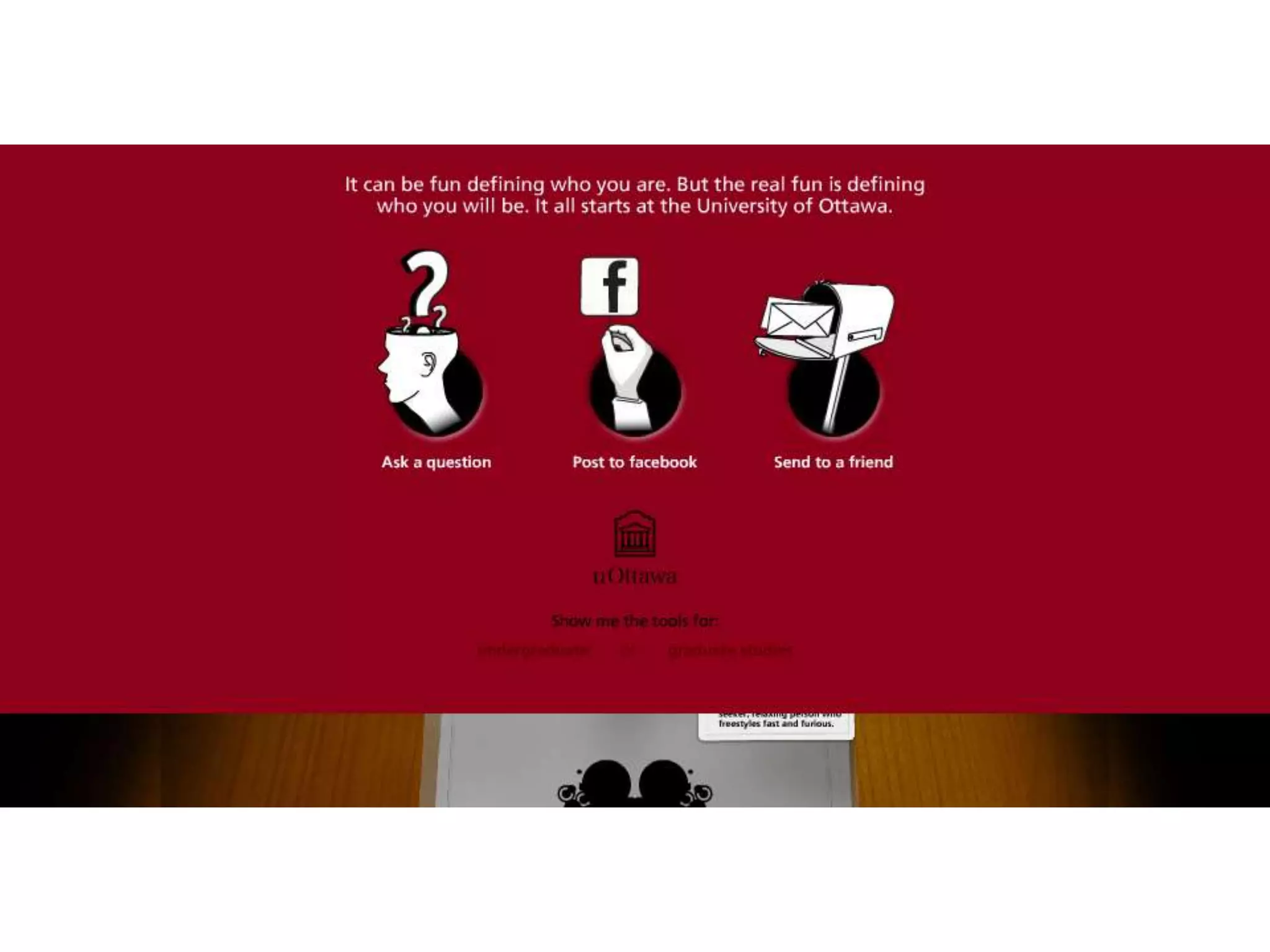
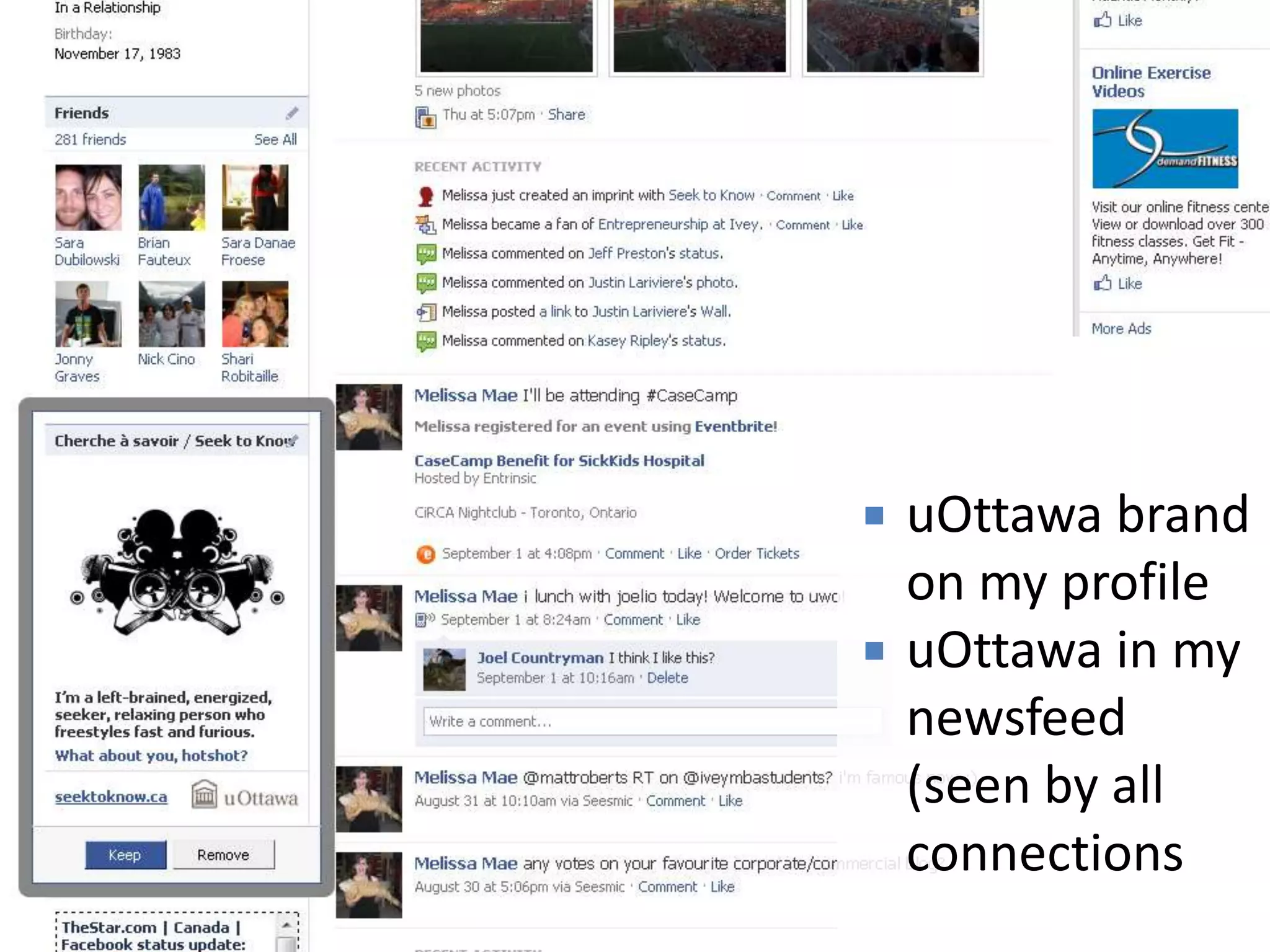
uOttawa: Seek to Know App
   uOttawa brand
    on my profile
   uOttawa in my
    newsfeed
    (seen by all
    connections
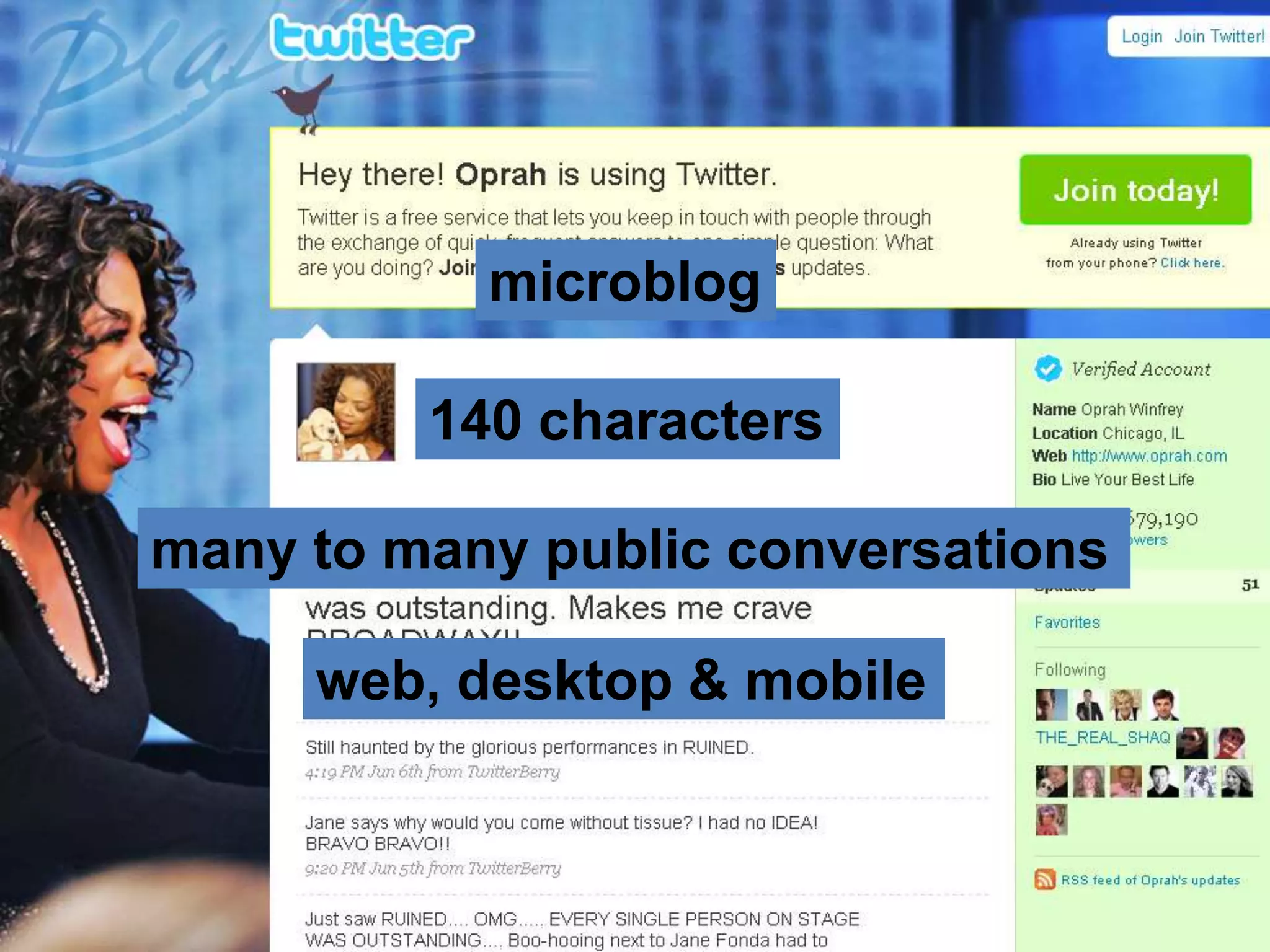
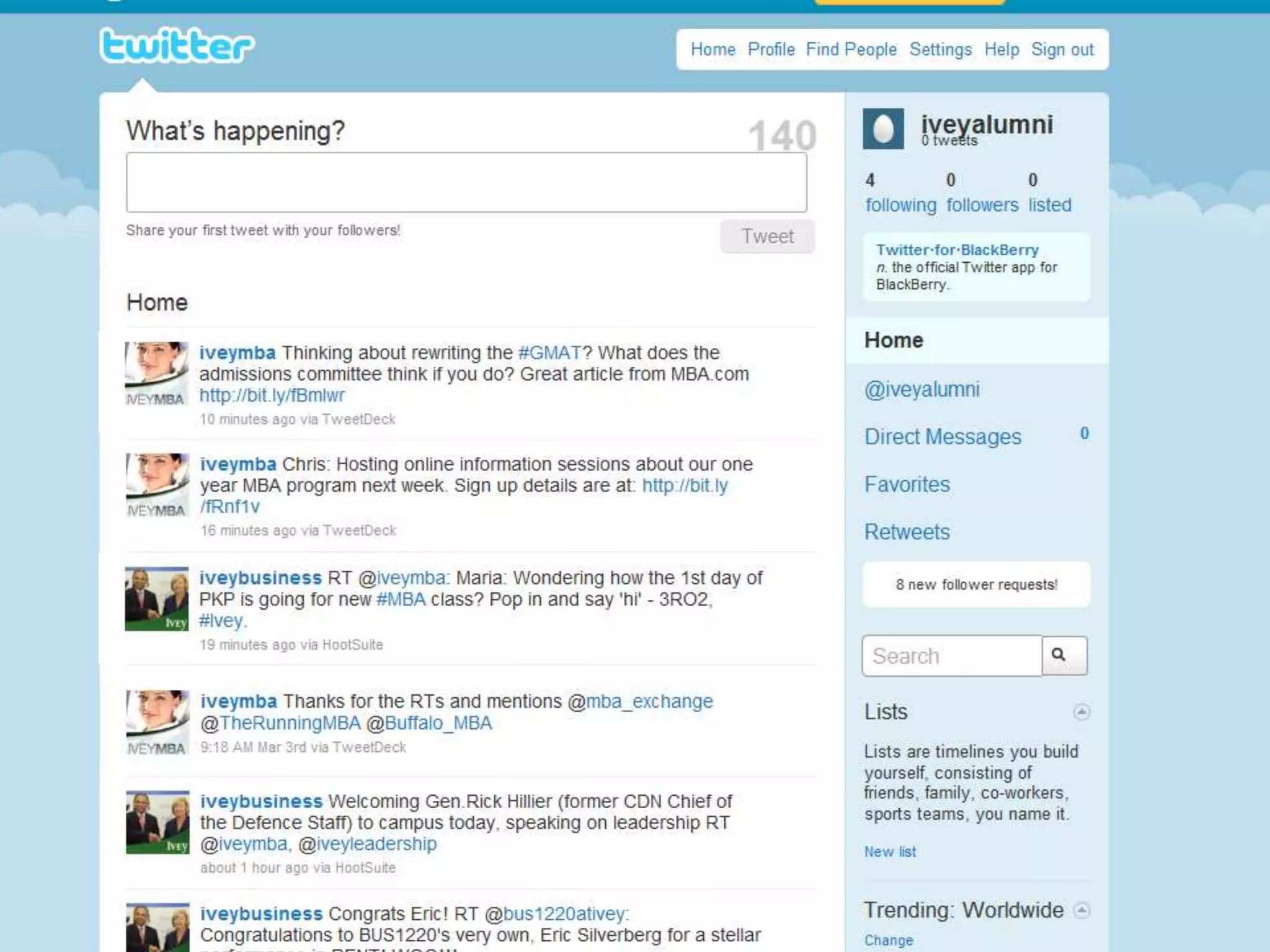
TWITTER
microblog

         140 characters

many to many public conversations

     web, desktop & mobile
CHARACTERISTICS OF TWITTER

-   Anything you would tell anyone
-   Real-time or schedule
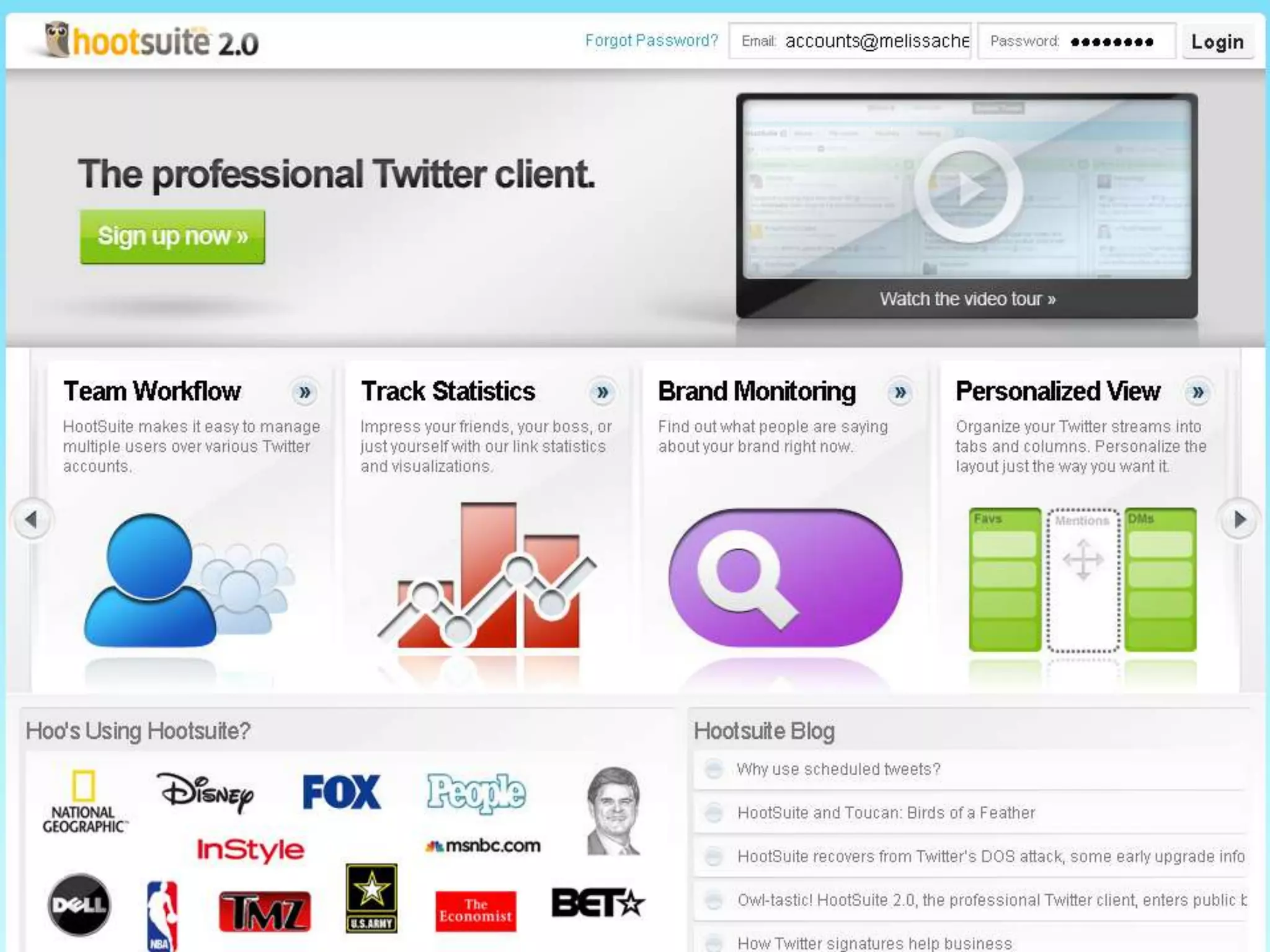
-   Manual or automatic
-   Person or brand
-   Information or insight
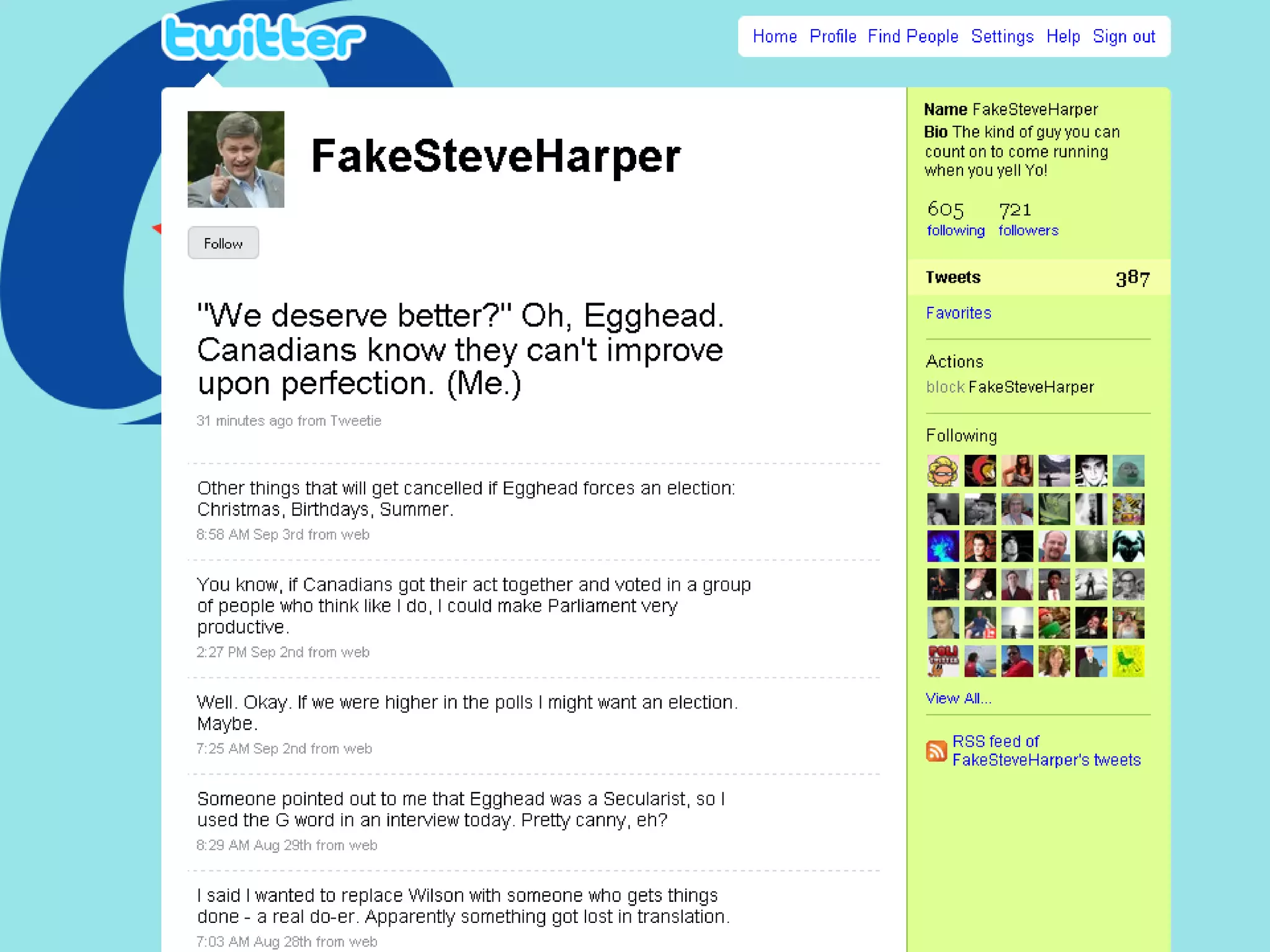
-   Real or Fake
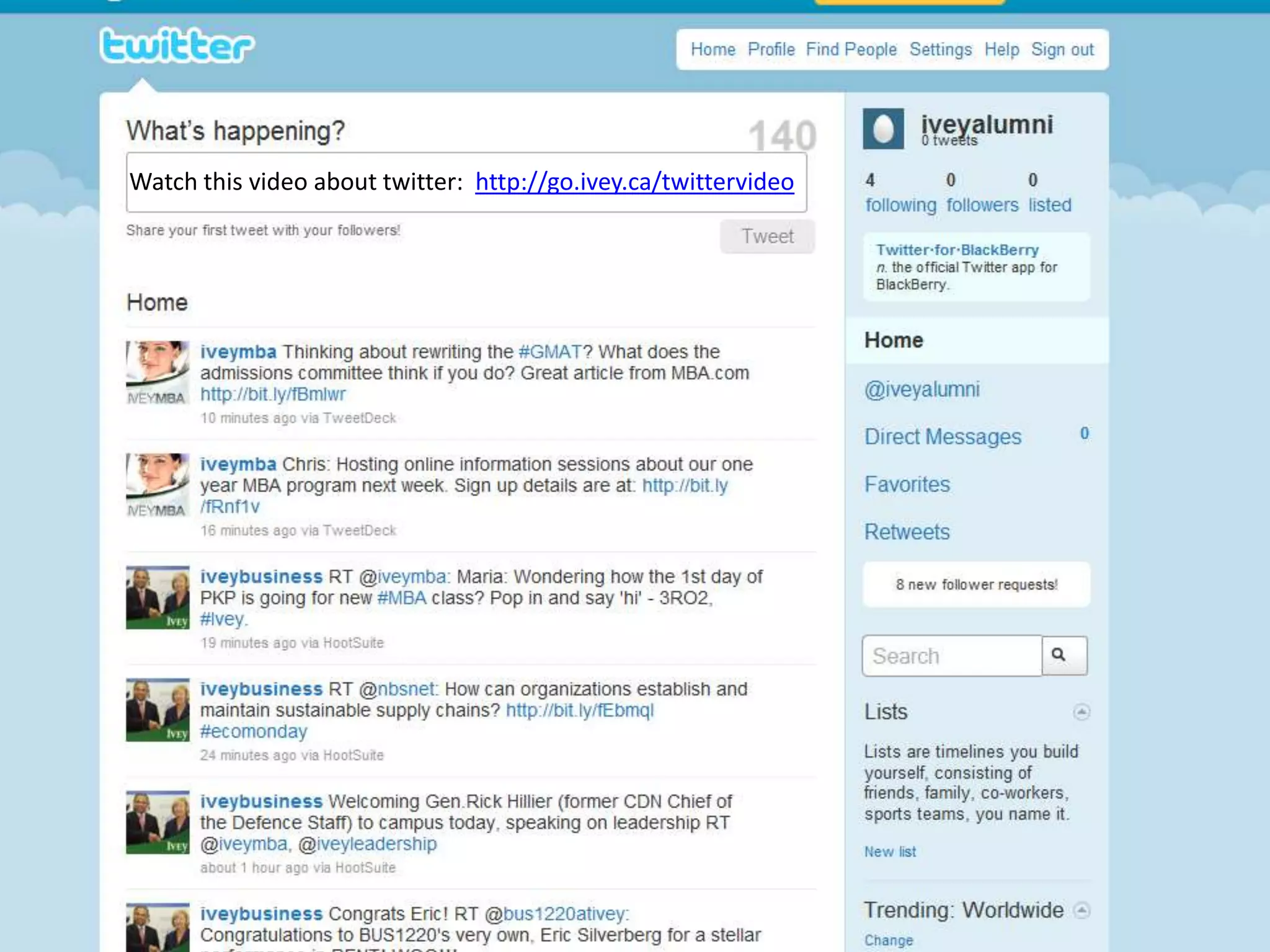
Watch this video about twitter: http://go.ivey.ca/twittervideo
public
casual
responsive
real time
GLOSSARY

•   Retweet (RT)
•   Mention (@)
•   Hashtag (#)
•   Trend (#)
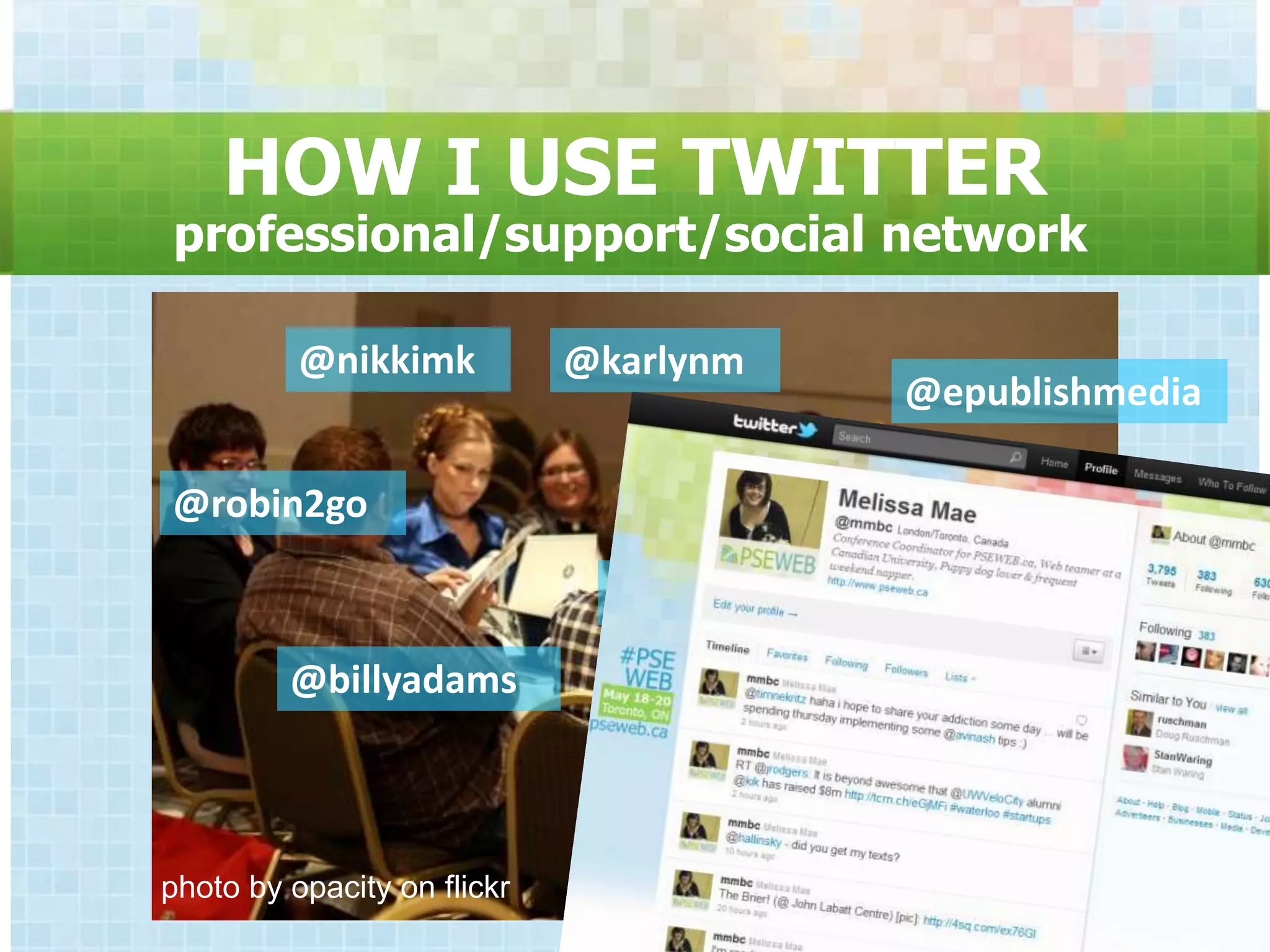
HOW I USE TWITTER
professional/support/social network

          @nikkimk           @karlynm
                                        @epublishmedia

@robin2go

                               @mmbc

         @billyadams


photo by opacity on flickr
the privacy myth
PLACEHOLDER ACCOUNTS
• Create the account
• Set as Private Account
 –Find under Settings once you are
  logged in
• Allow no followers
• Only post direct messages
                                     *
TIPS FOR TWITTER SUCCESS

• Be conversational
• Follow people back
• Be a person
  – With a face and a name
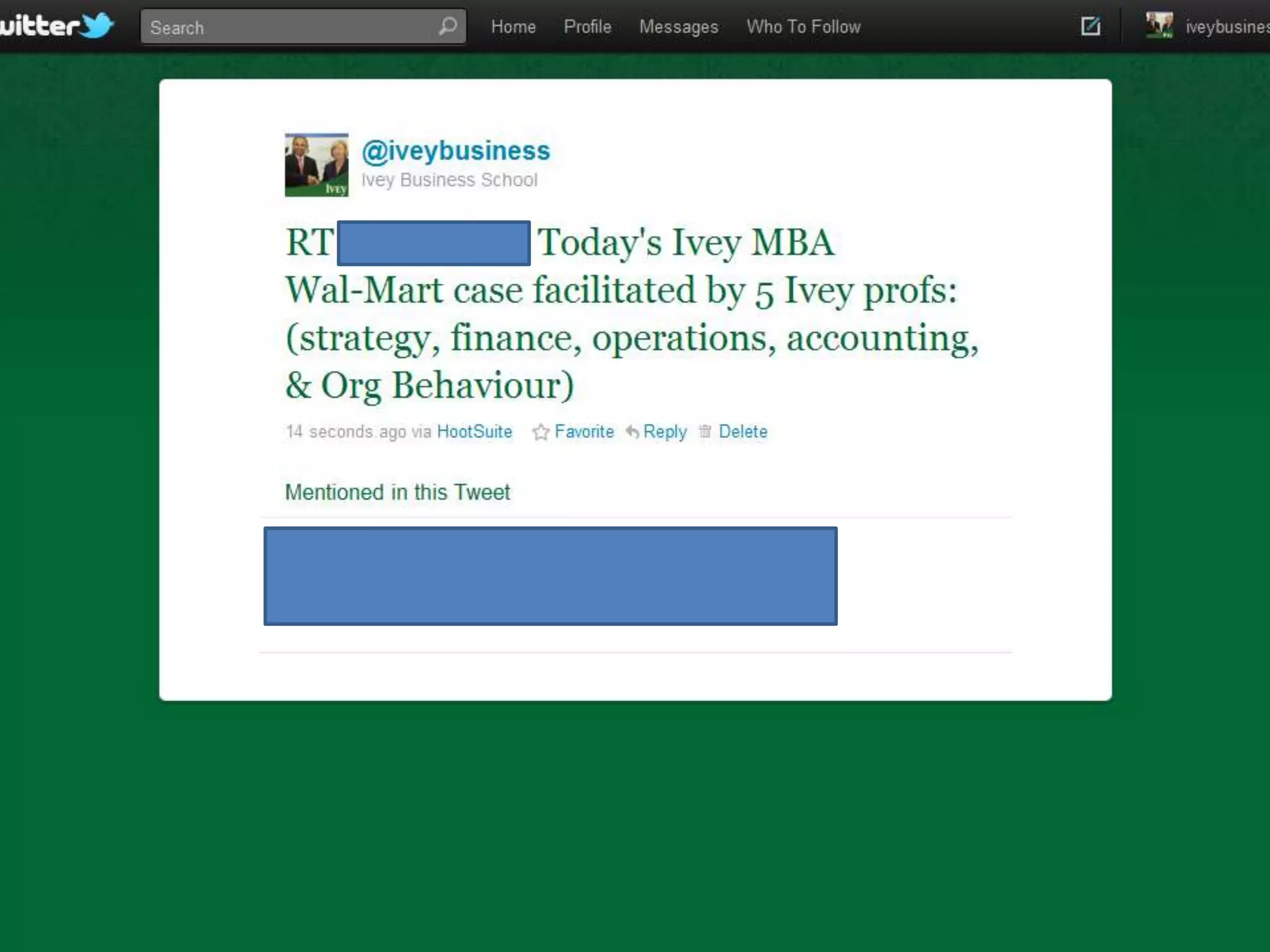
• Be retweetable
• Leverage lists as CRM
CHARACTER COUNTER

• http://bit.ly/140counter
 –Use to keep your tweets under
  140 characters
SHORTEN URL‟S
• http://bit.ly/
 –Use to create short, trackable
  versions of URL’s
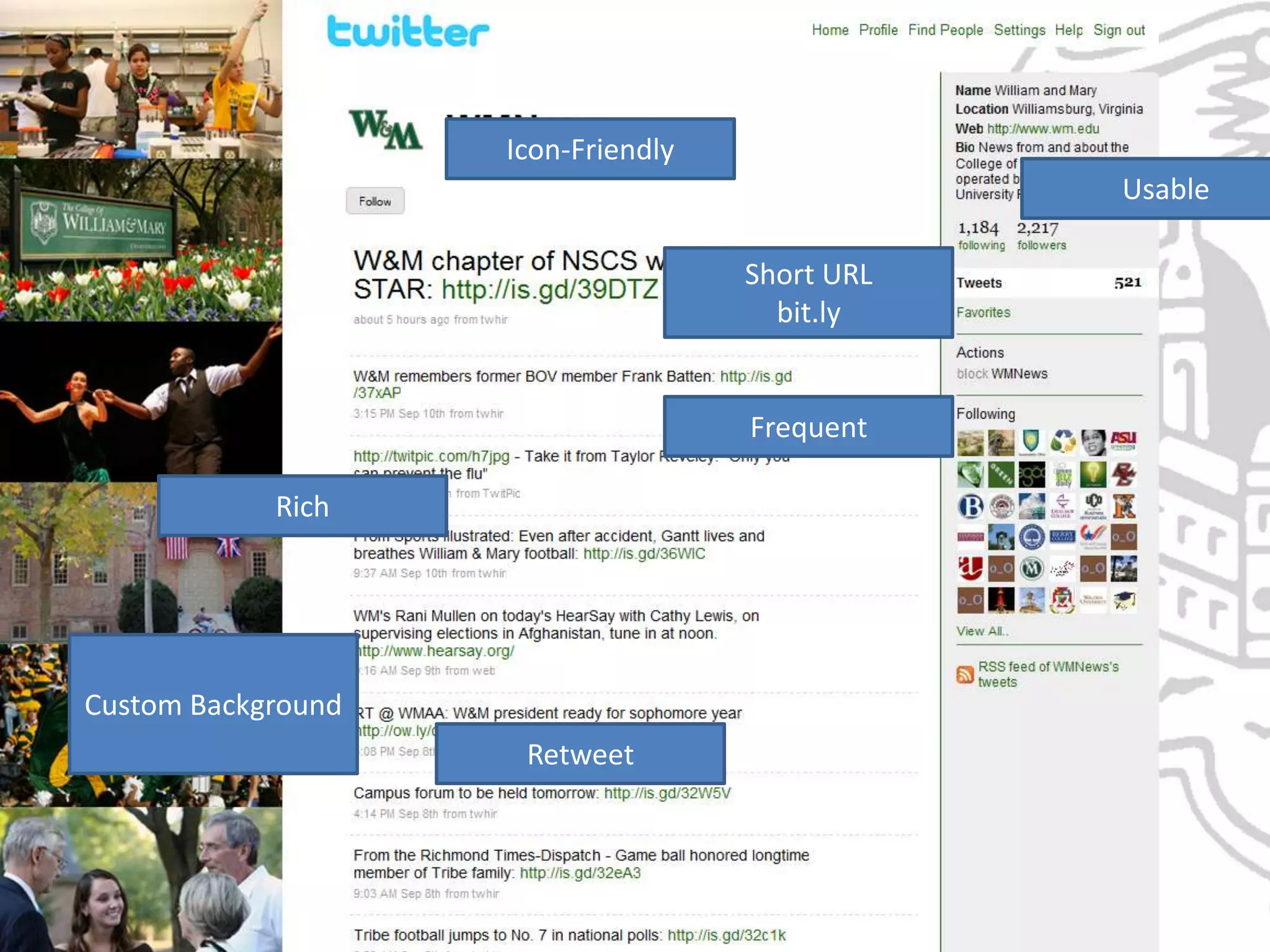
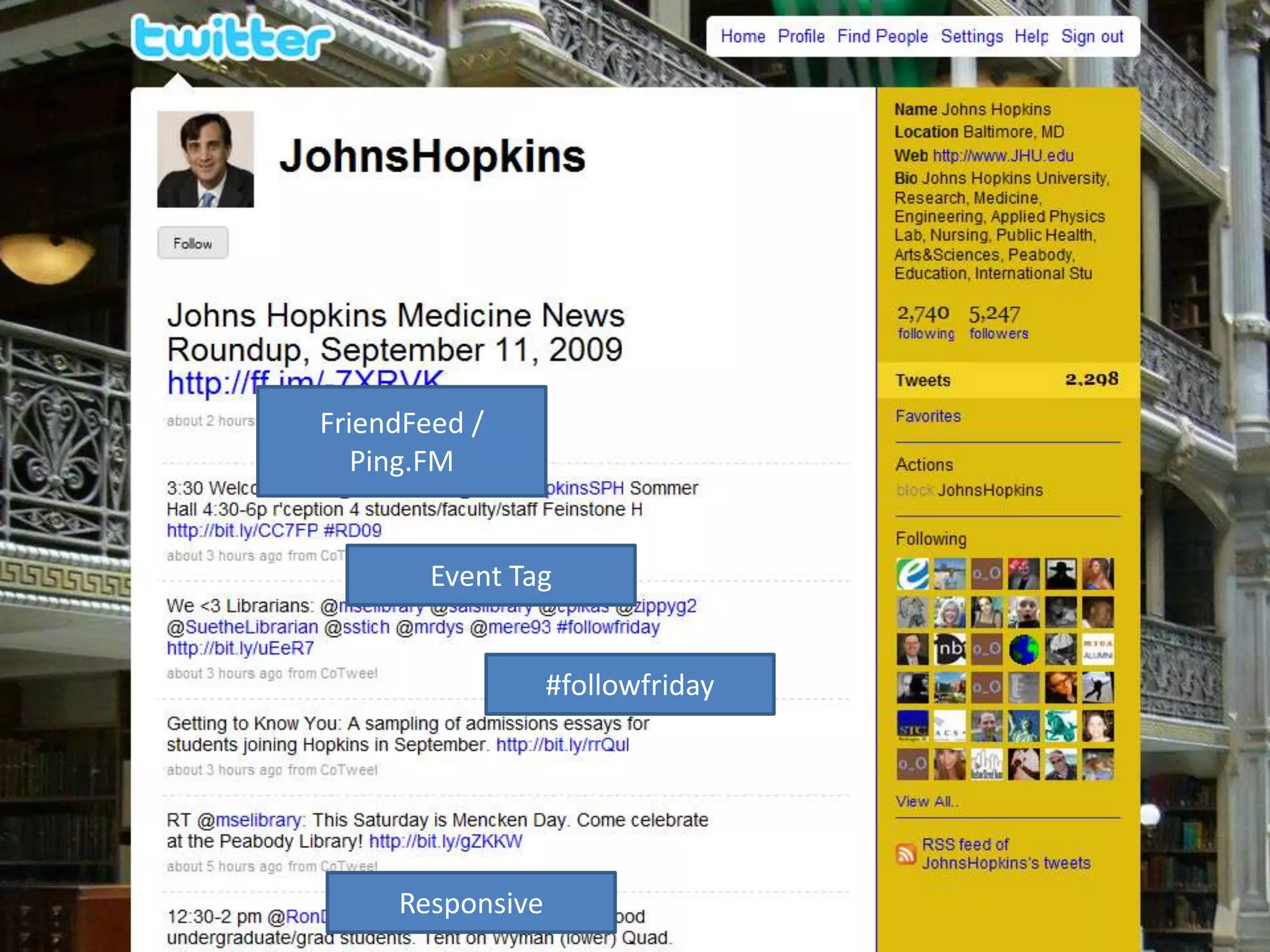
1 – 2 "best in class" college/higher
        education examples
                Icon-Friendly
                                          Usable

                              Short URL
                                bit.ly


                              Frequent

            Rich


Custom Background
                    Retweet
FriendFeed /
   Ping.FM


        Event Tag


                  #followfriday


     Responsive
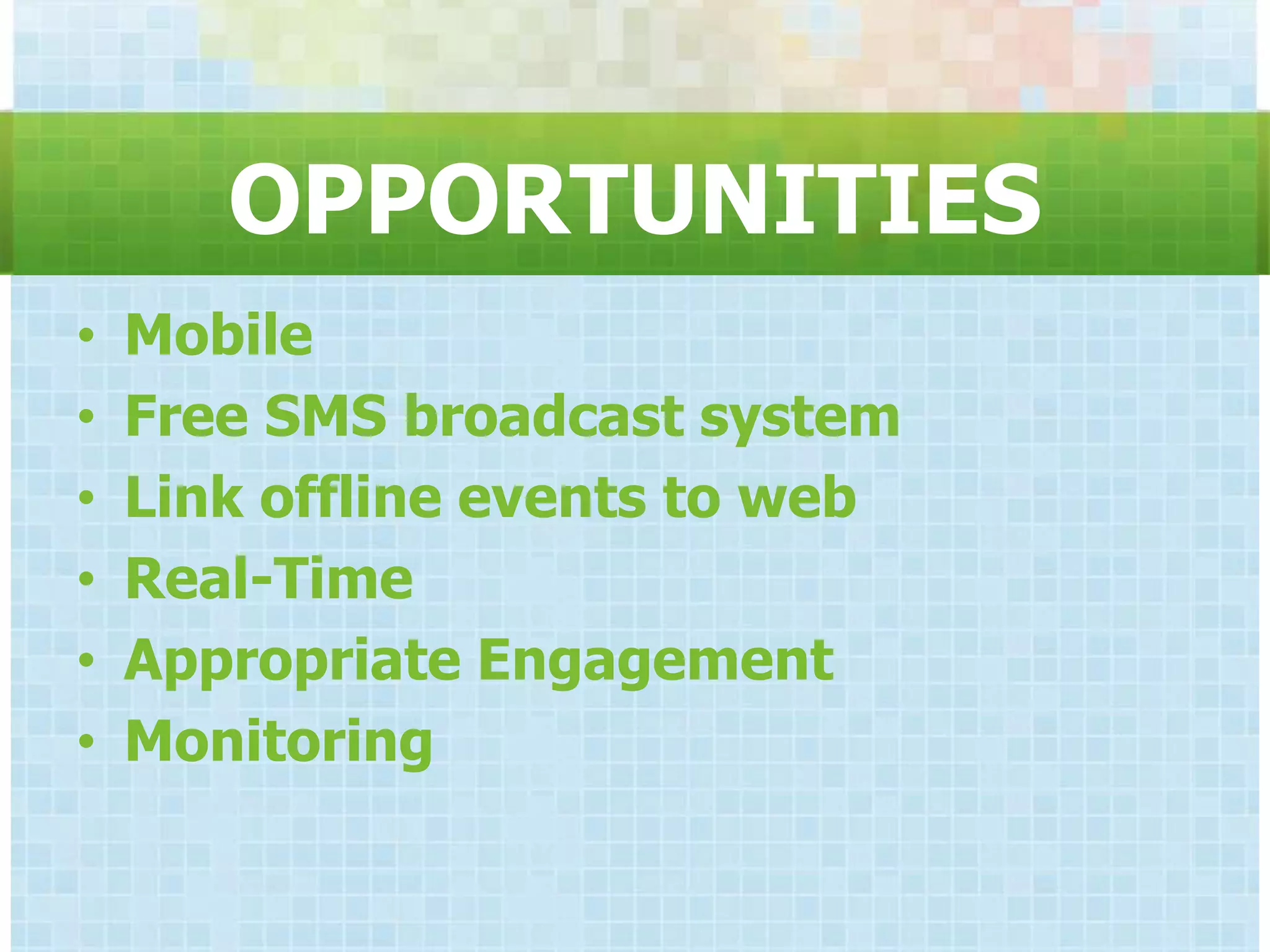
OPPORTUNITIES
•   Mobile
•   Free SMS broadcast system
•   Link offline events to web
•   Real-Time
•   Appropriate Engagement
•   Monitoring
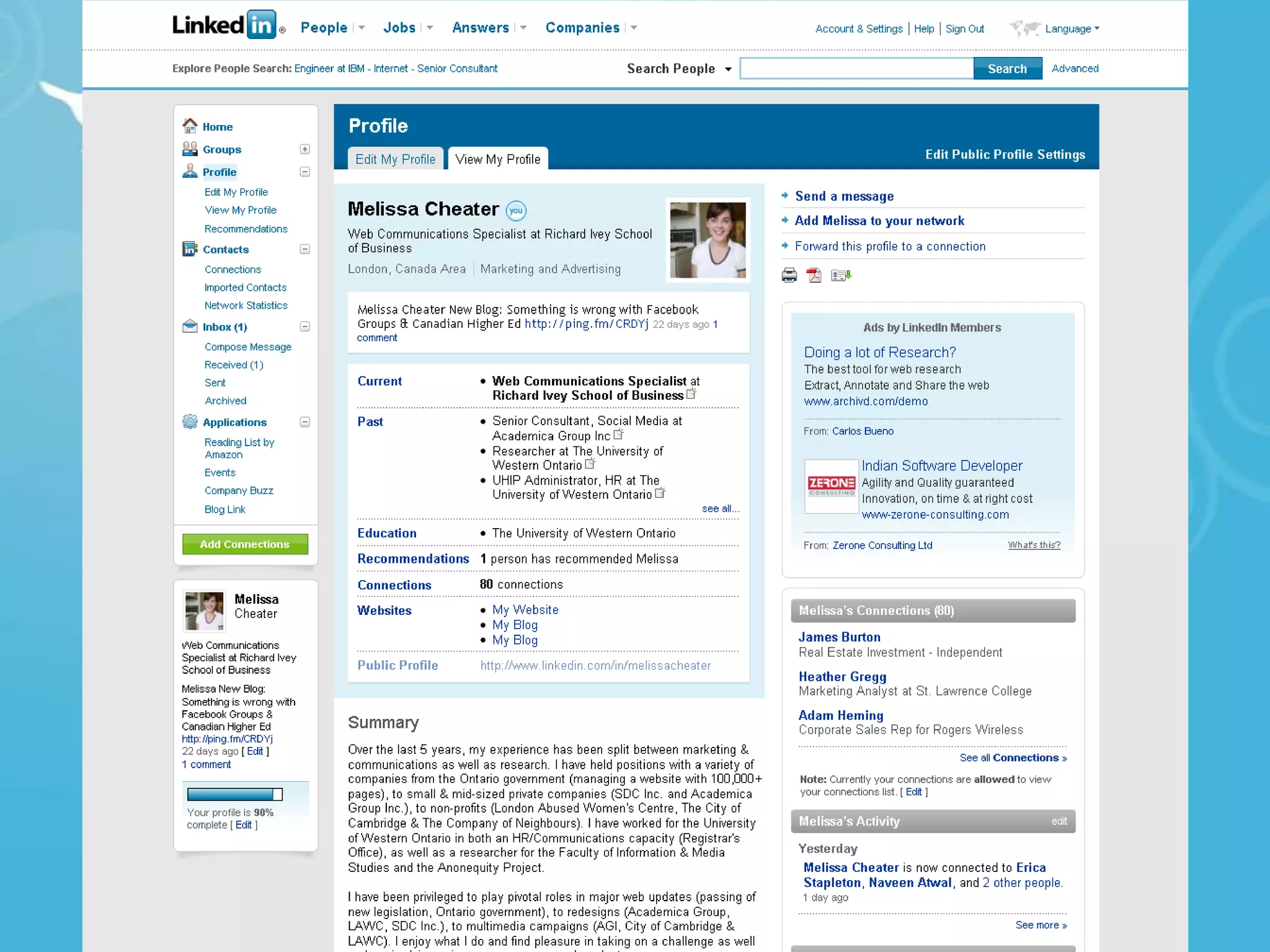
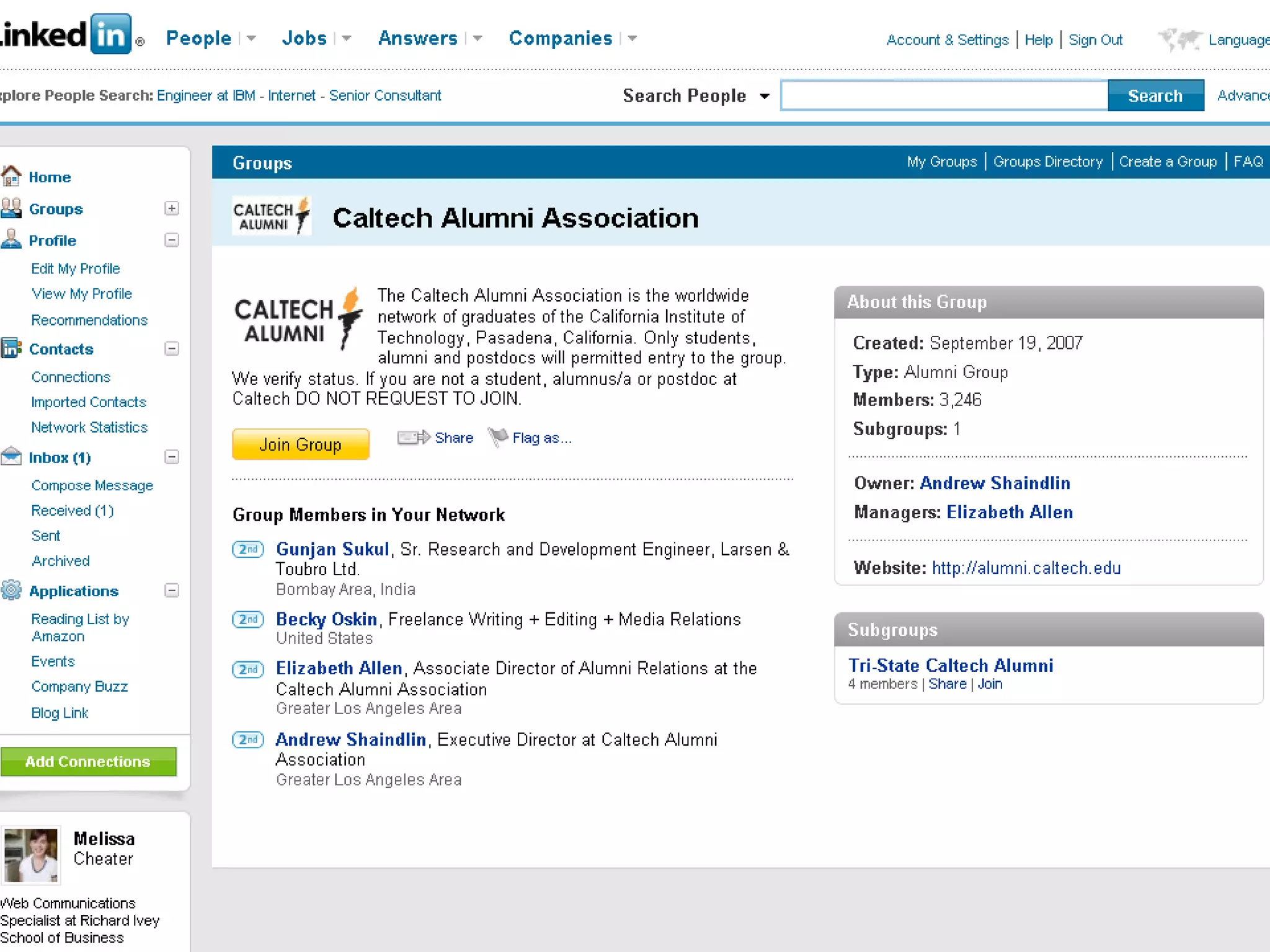
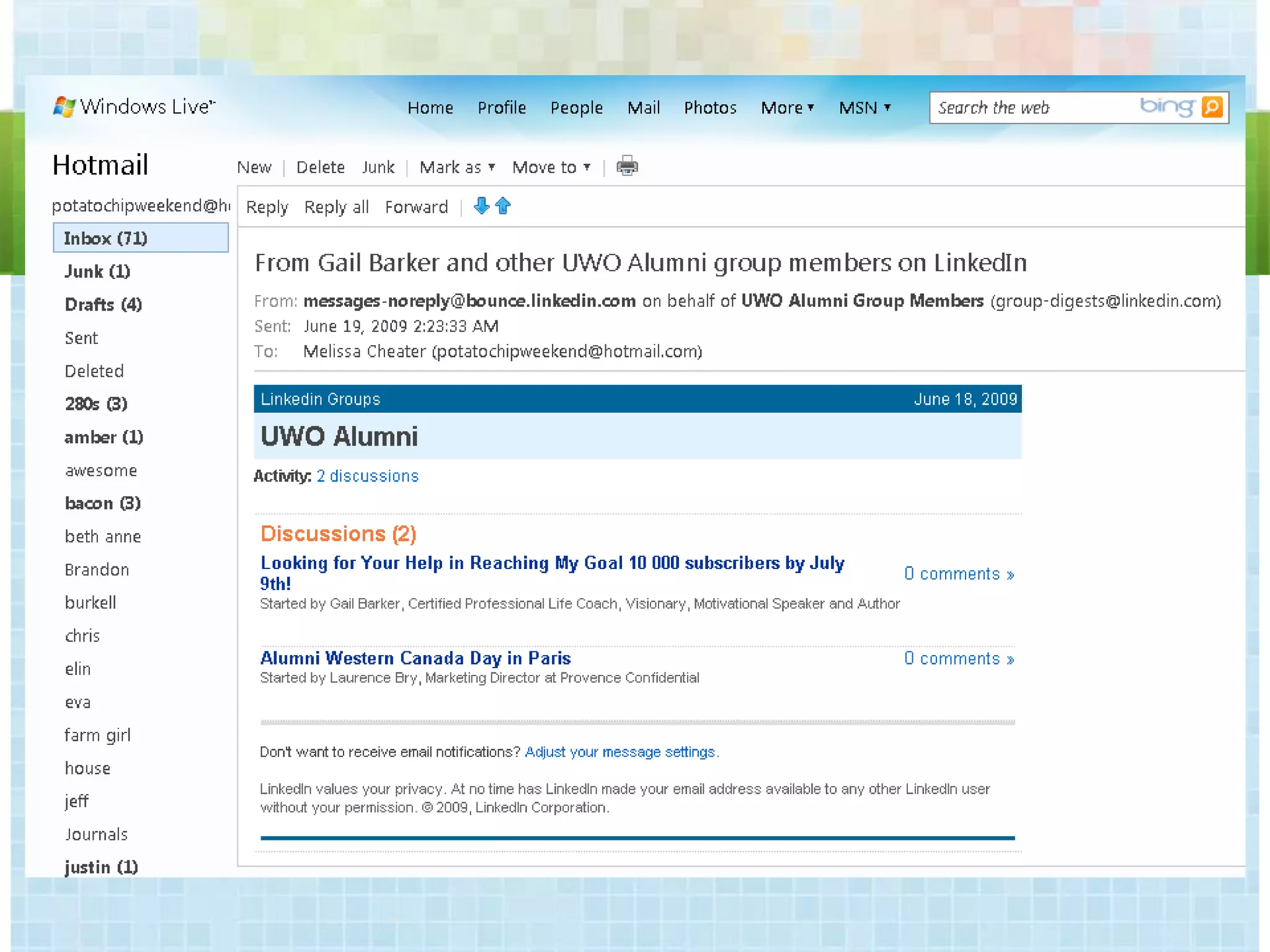
LINKEDIN
• Profiles are positioned as resumes
• Users do not post back and forth on
  each others profiles
• Users can post “references” of each
  other – one per relationship.
• Tone throughout the network is
  professional
• Not relevant for direct from HS market
• Closed to most external sites
SOCIAL NETWORK BP:
            BE PRESENT
• Where your stakeholders want
  you
 – Facebook Page/Public Profile
 – 2013 Groups
 – Twitter Account
BEST PRACTICES

• Observe and adapt
• Provide Relevant Content
• Be Responsive
• Stay Dynamic (Repurpose)
• Use Commercial Channels when
  available
• Integrate with www homepage
RICH MEDIA

• Photos
  – Flickr
  – Photobucket
  – Facebook
• Video
  – YouTube
  – uStream
  – Longtail/Brightcove
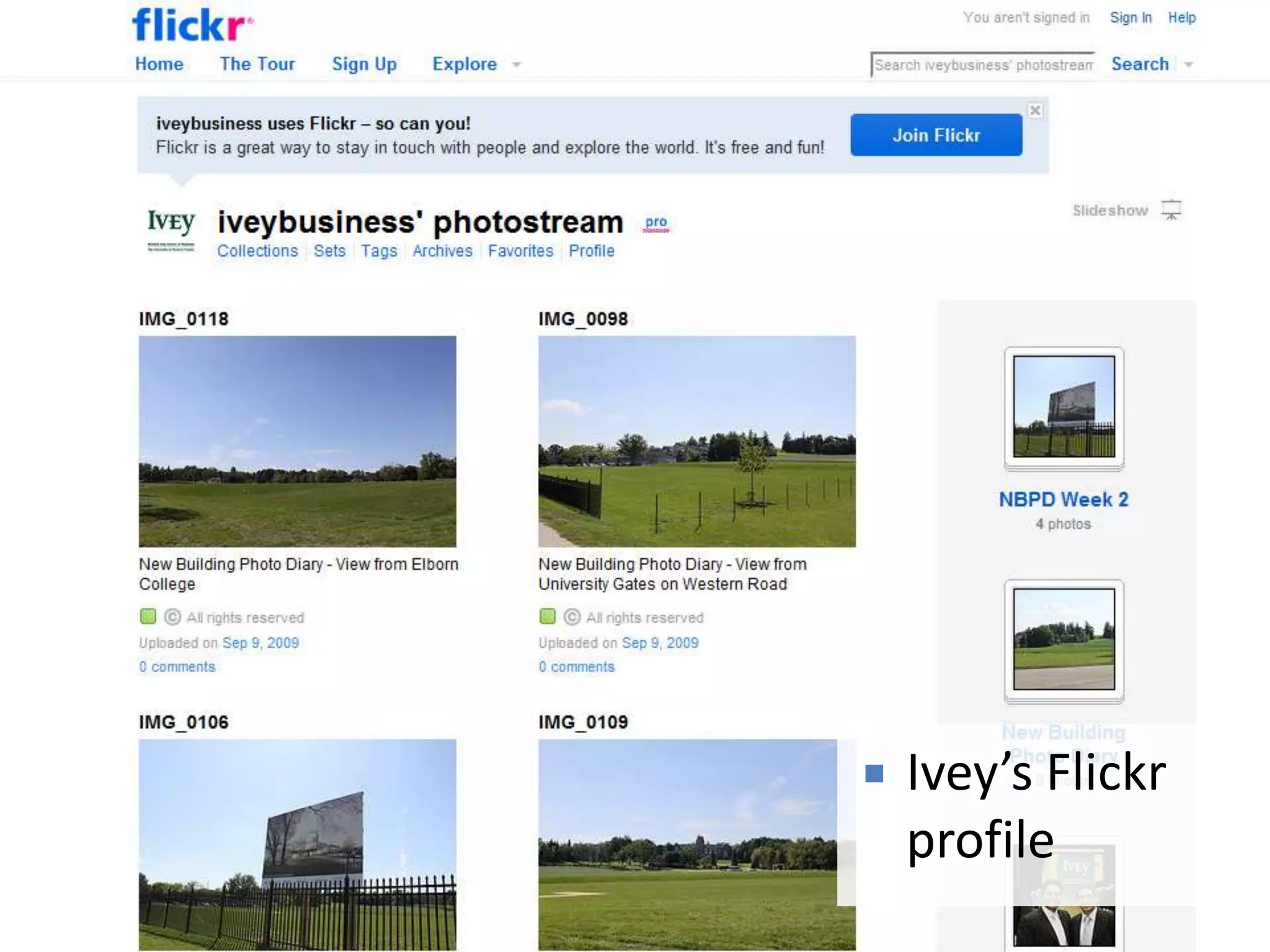
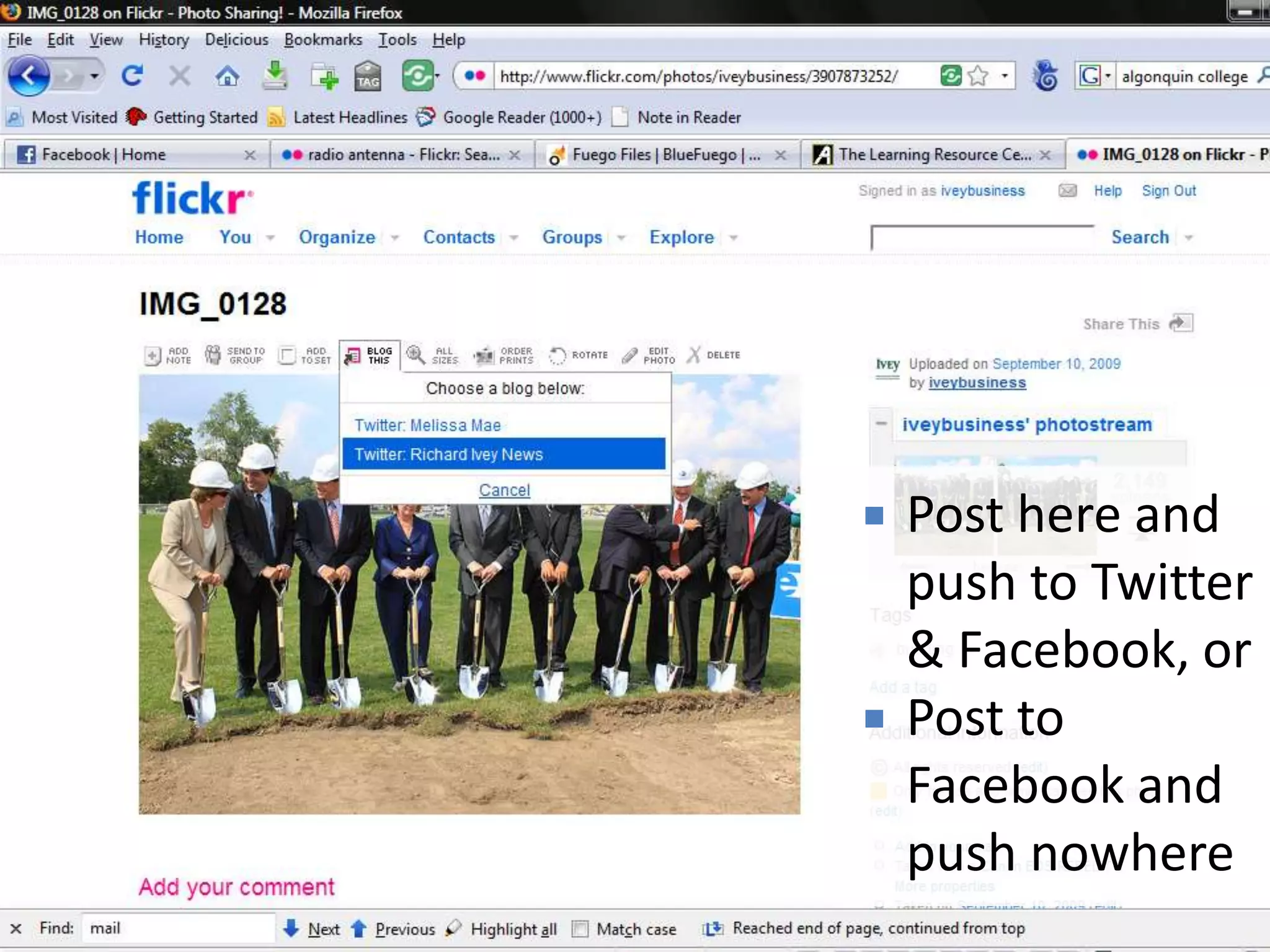
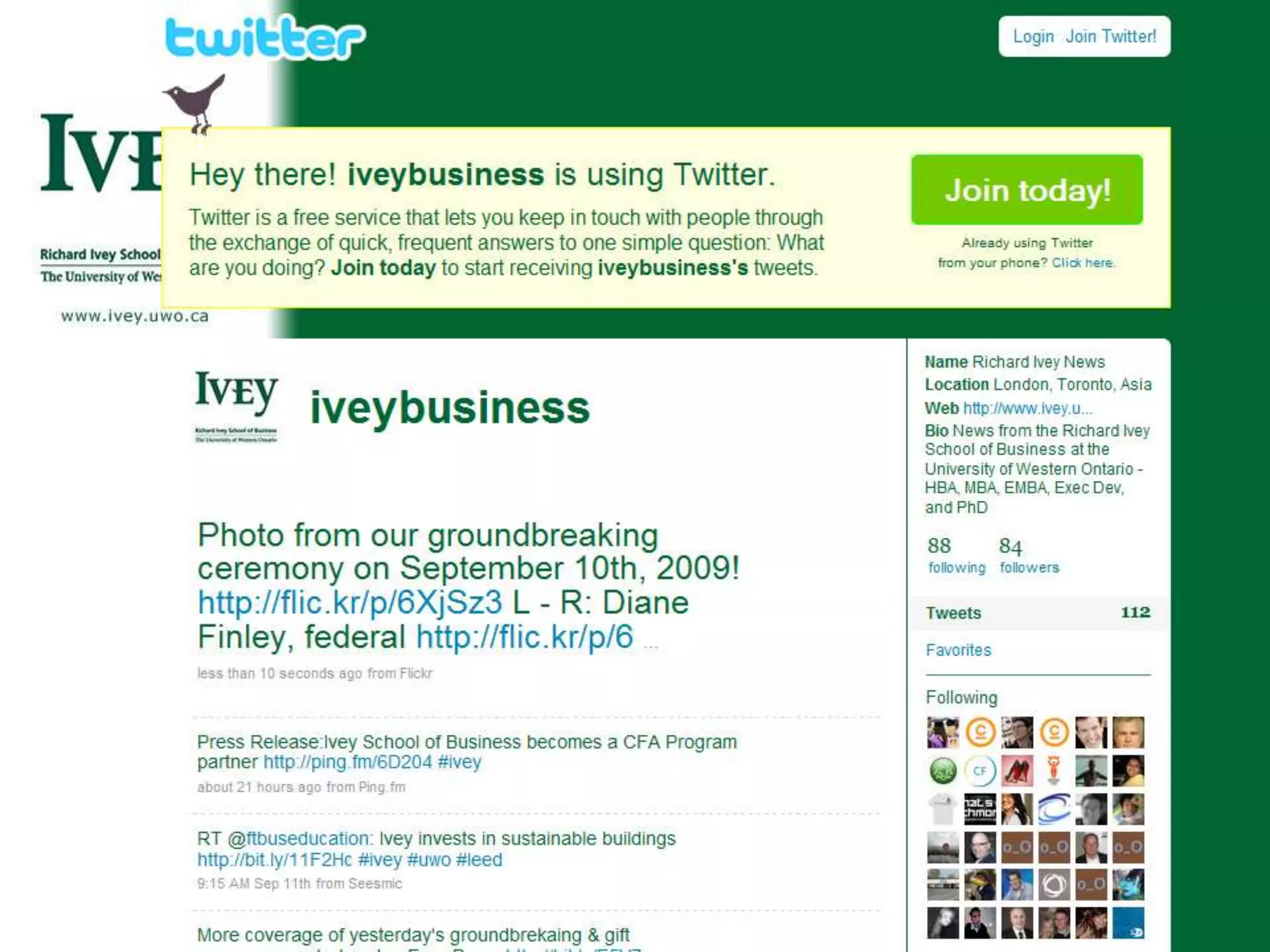
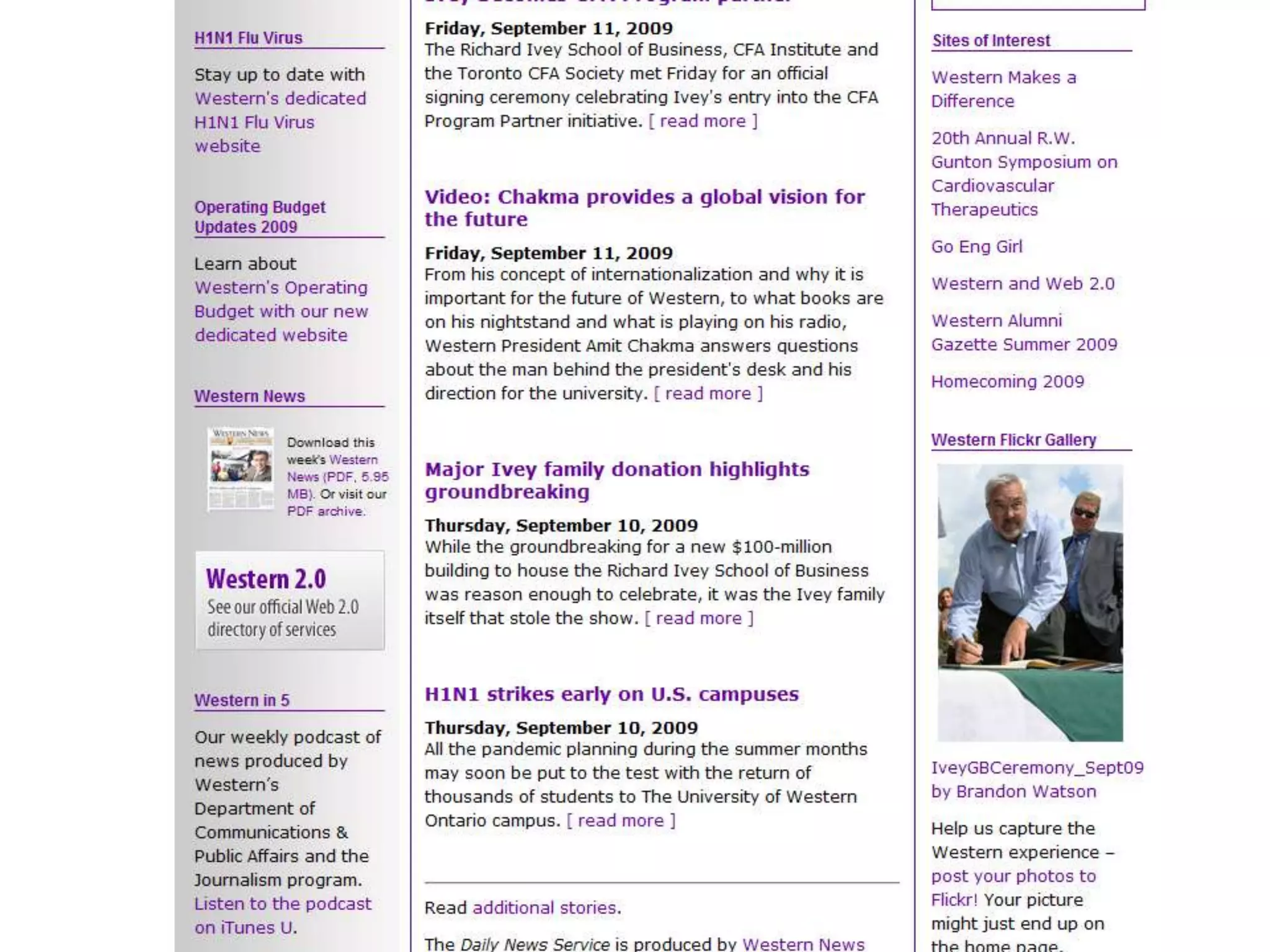
   Ivey’s Flickr
    profile
   Post here and
    push to Twitter
    & Facebook, or
   Post to
    Facebook and
    push nowhere
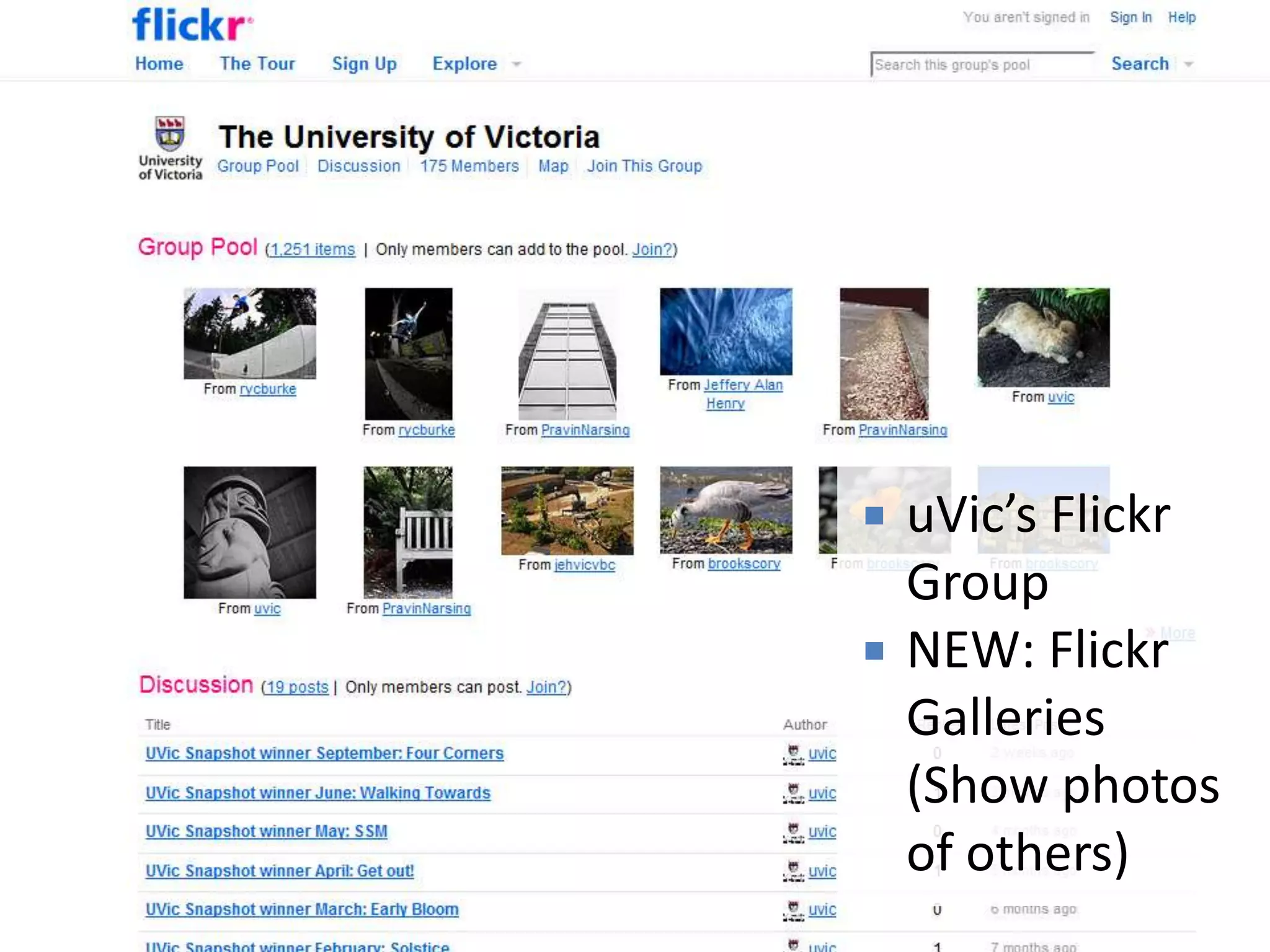
   uVic’s Flickr
    Group
   NEW: Flickr
    Galleries
    (Show photos
    of others)
• Stanford’s
  Branded .EDU
  YouTube channel
• Worth the effort
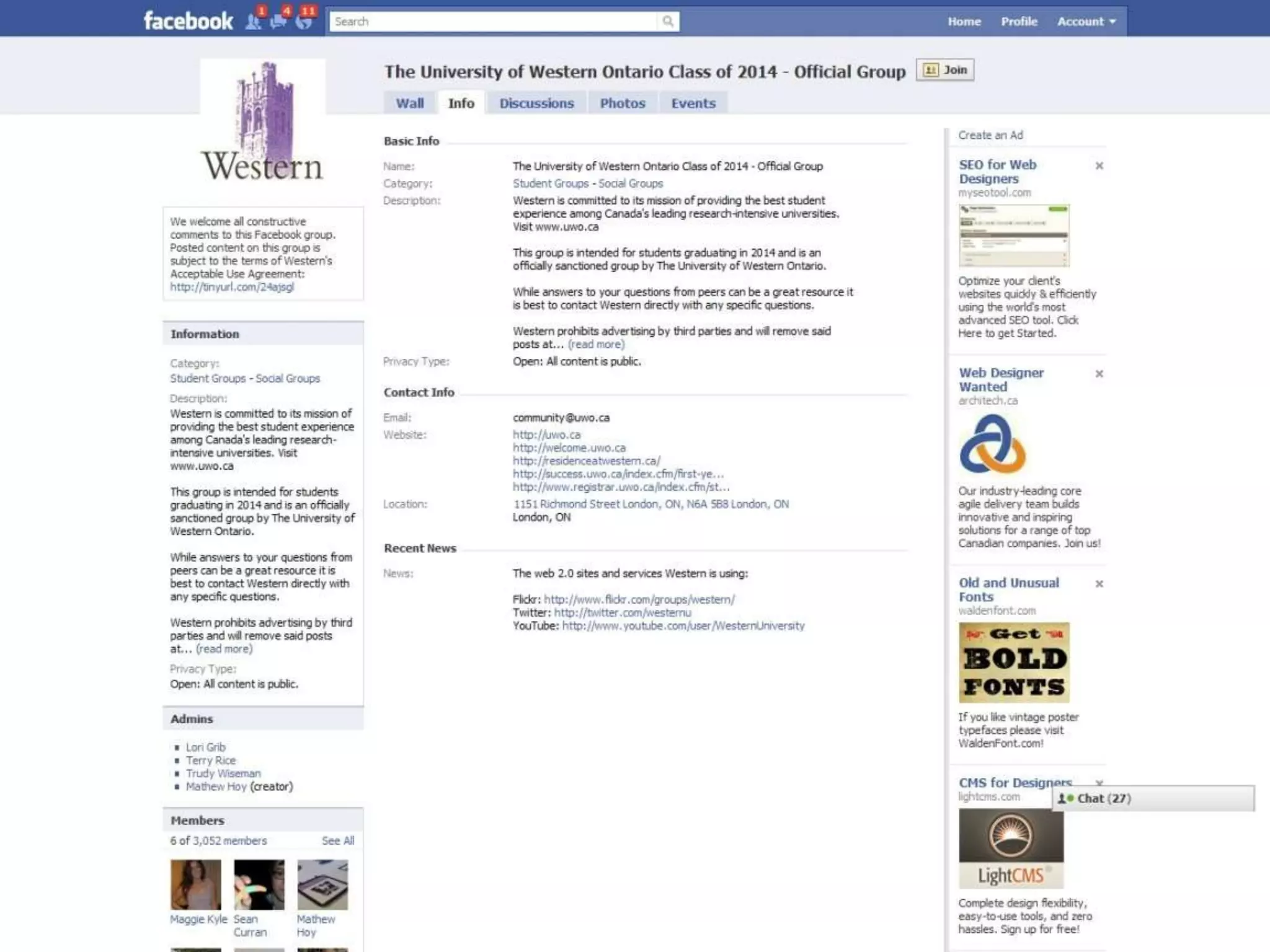
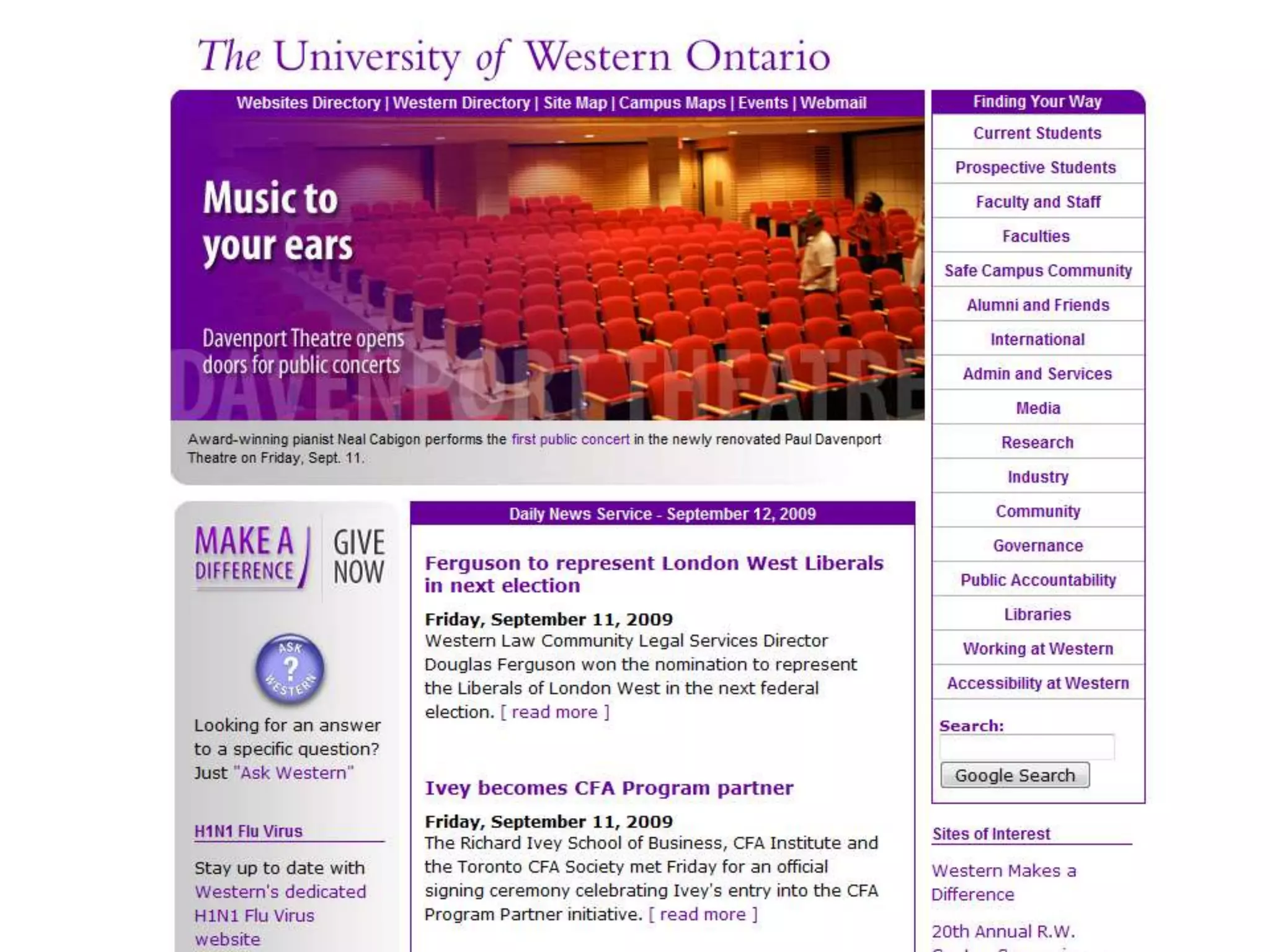
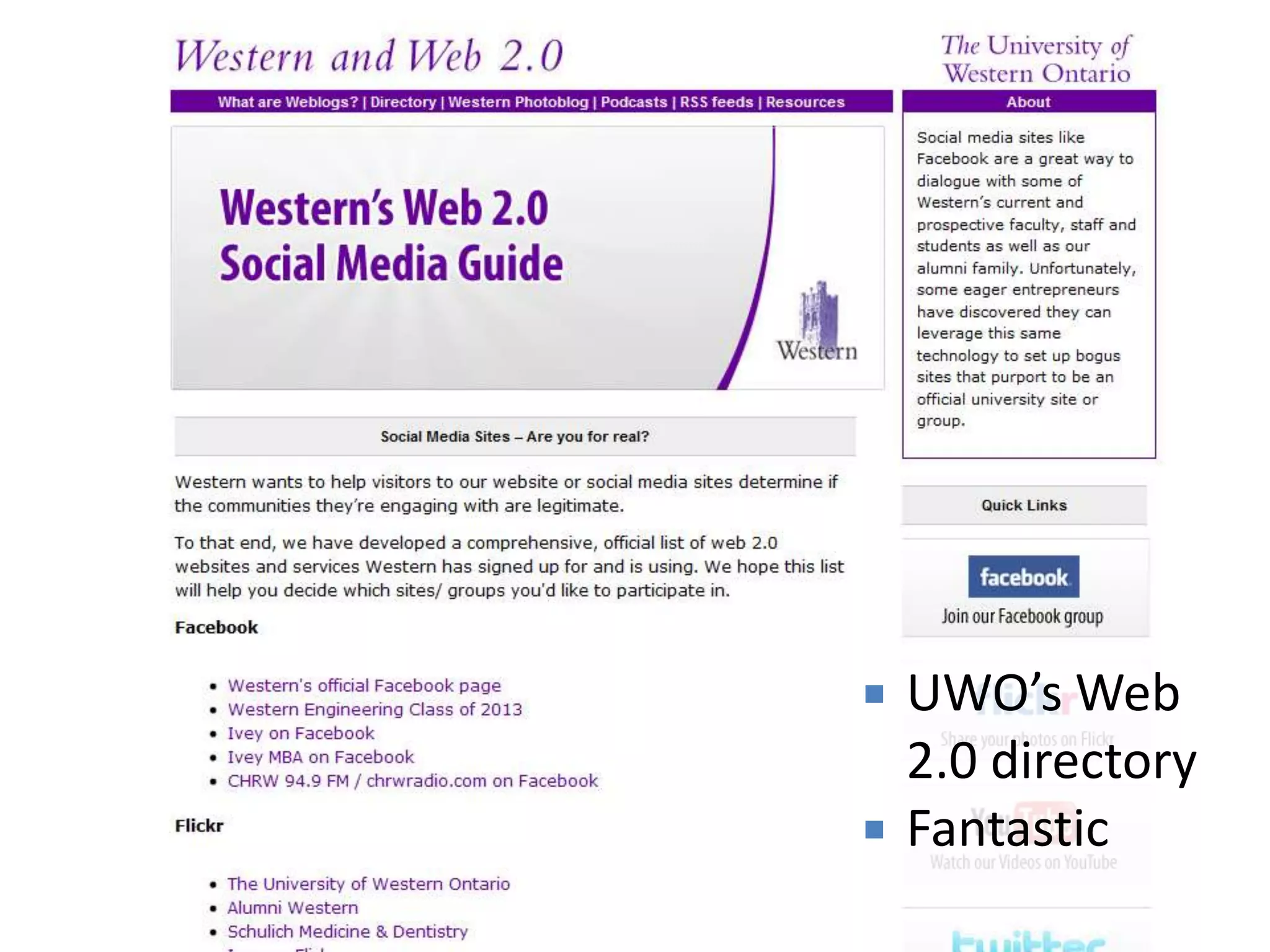
   UWO’s Web
    2.0 directory
   Fantastic
Mobile
Better Phones

Faster Networks

Richer Content
Mobile (7 slides)
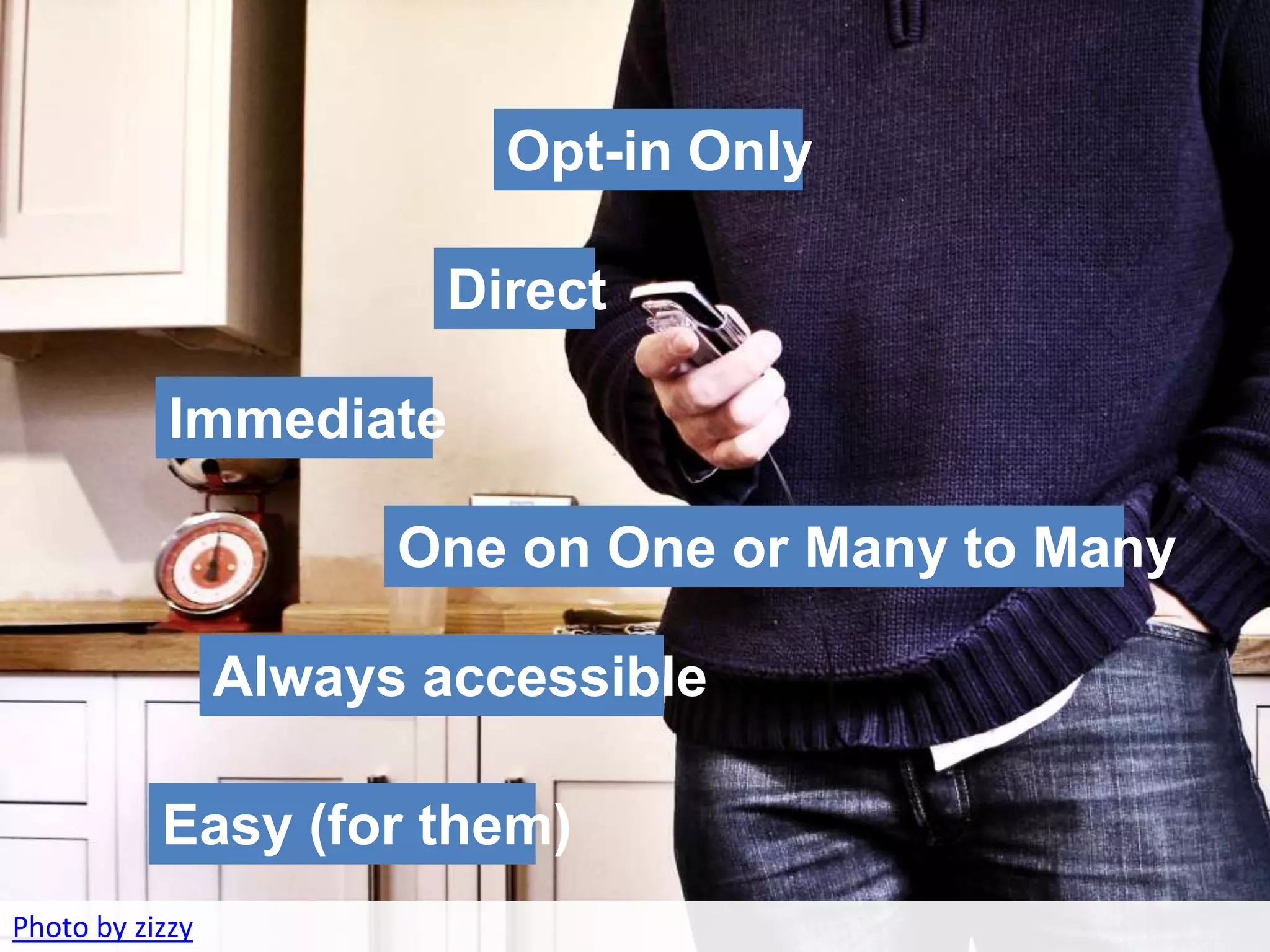
                          Opt-in Only
    • Opportunities & Current Statistics
                         Direct

            Immediate

                       One on One or Many to Many

                 Always accessible

           Easy (for them)
Photo by zizzy
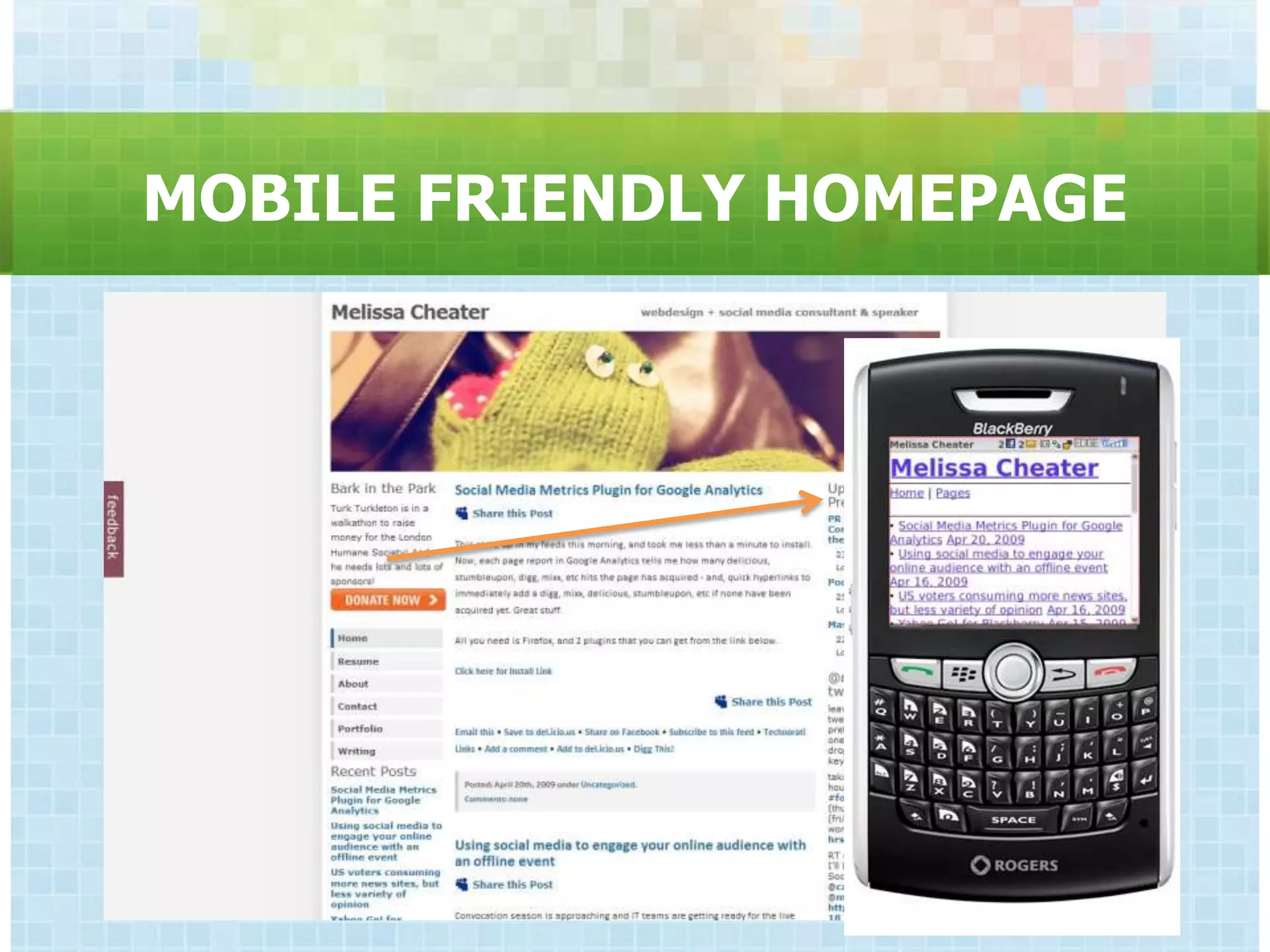
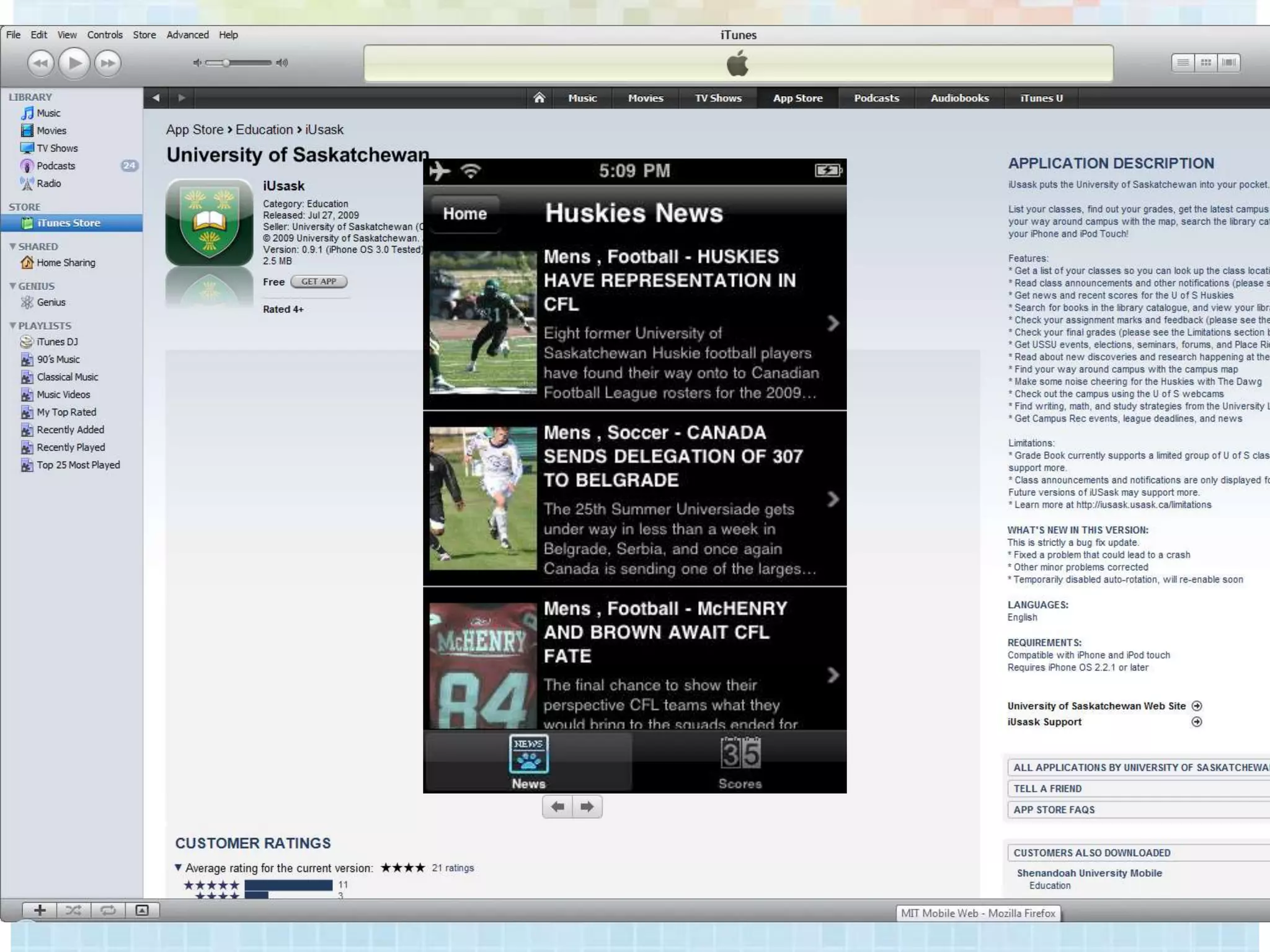
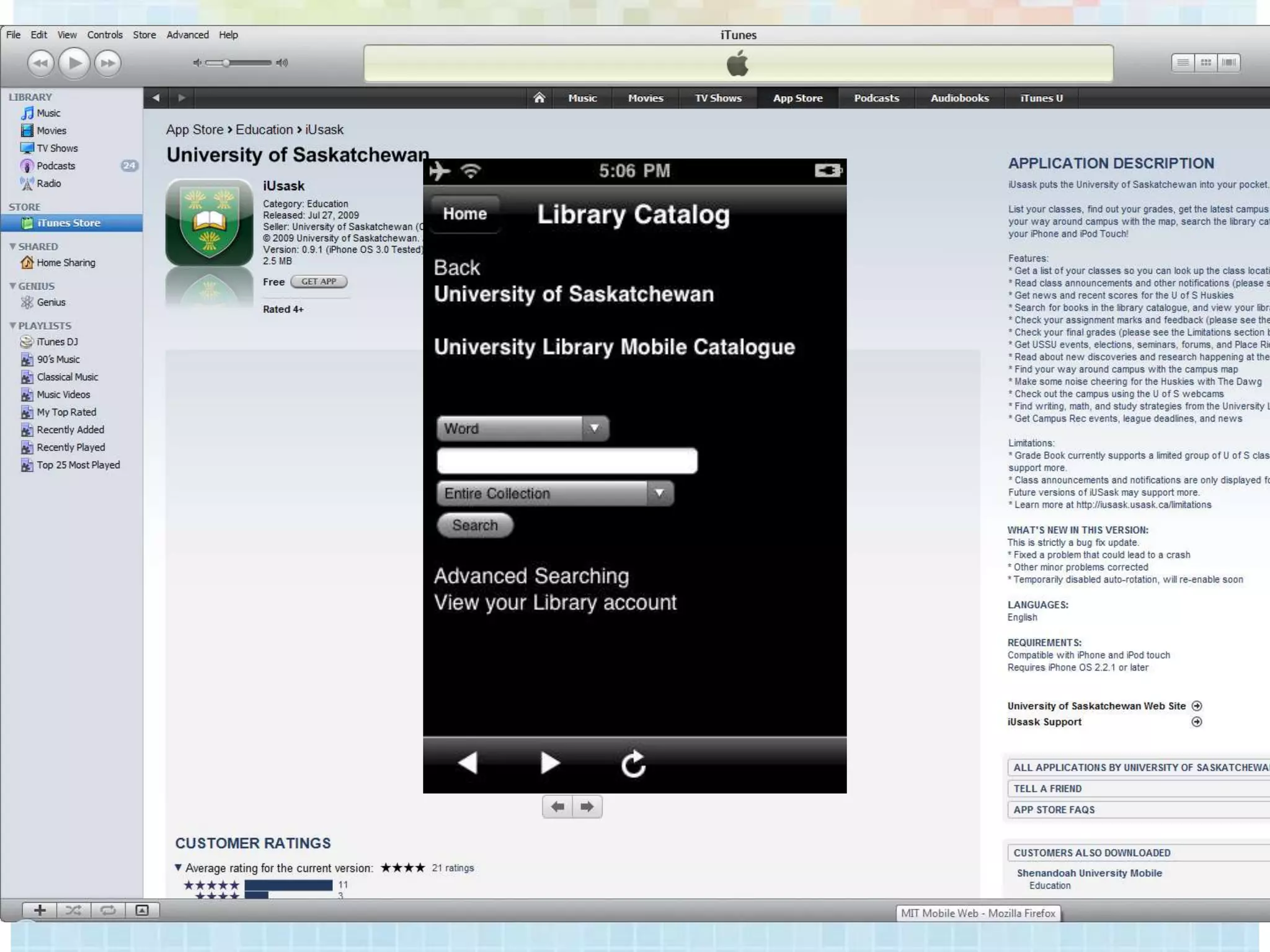
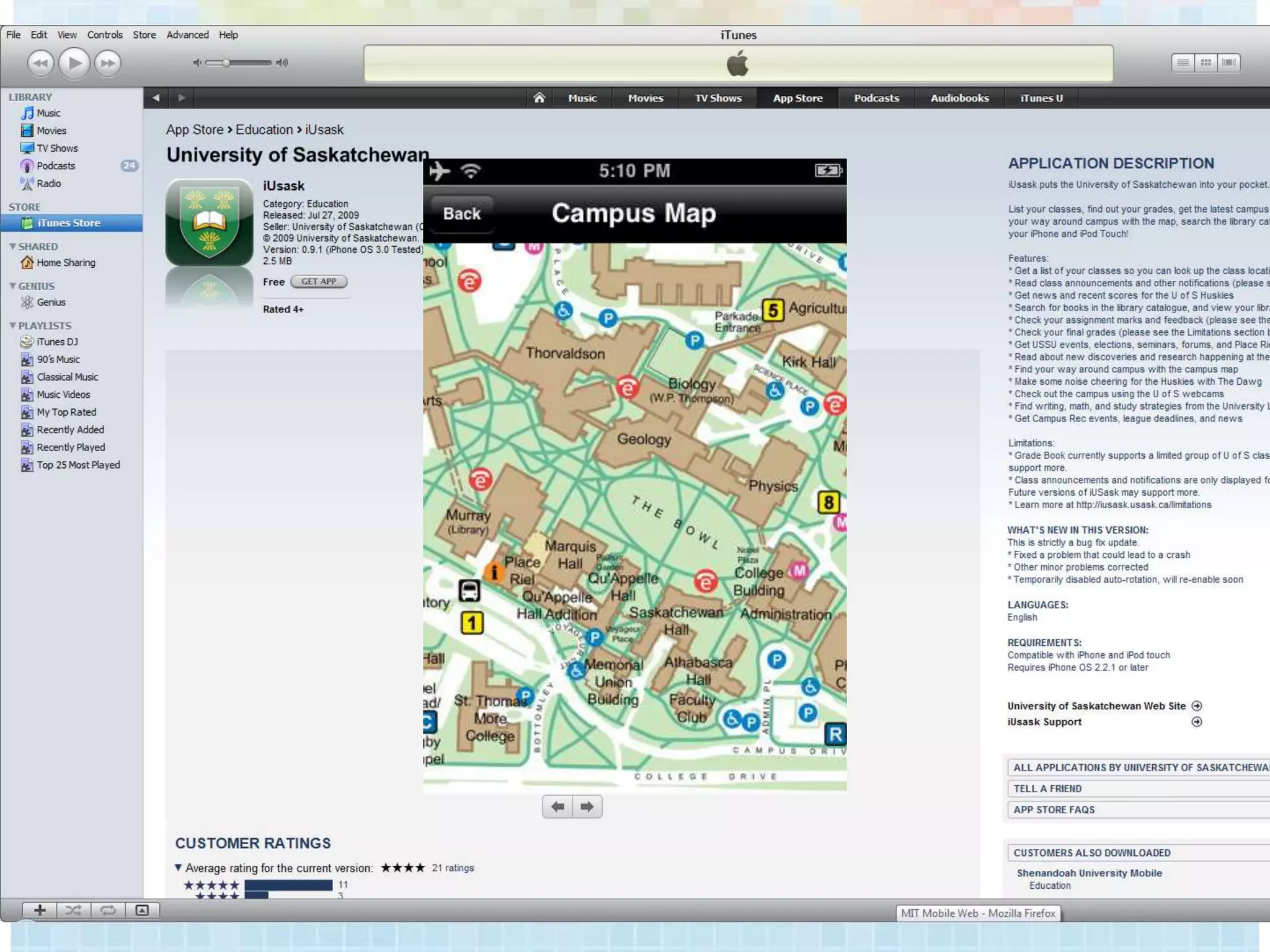
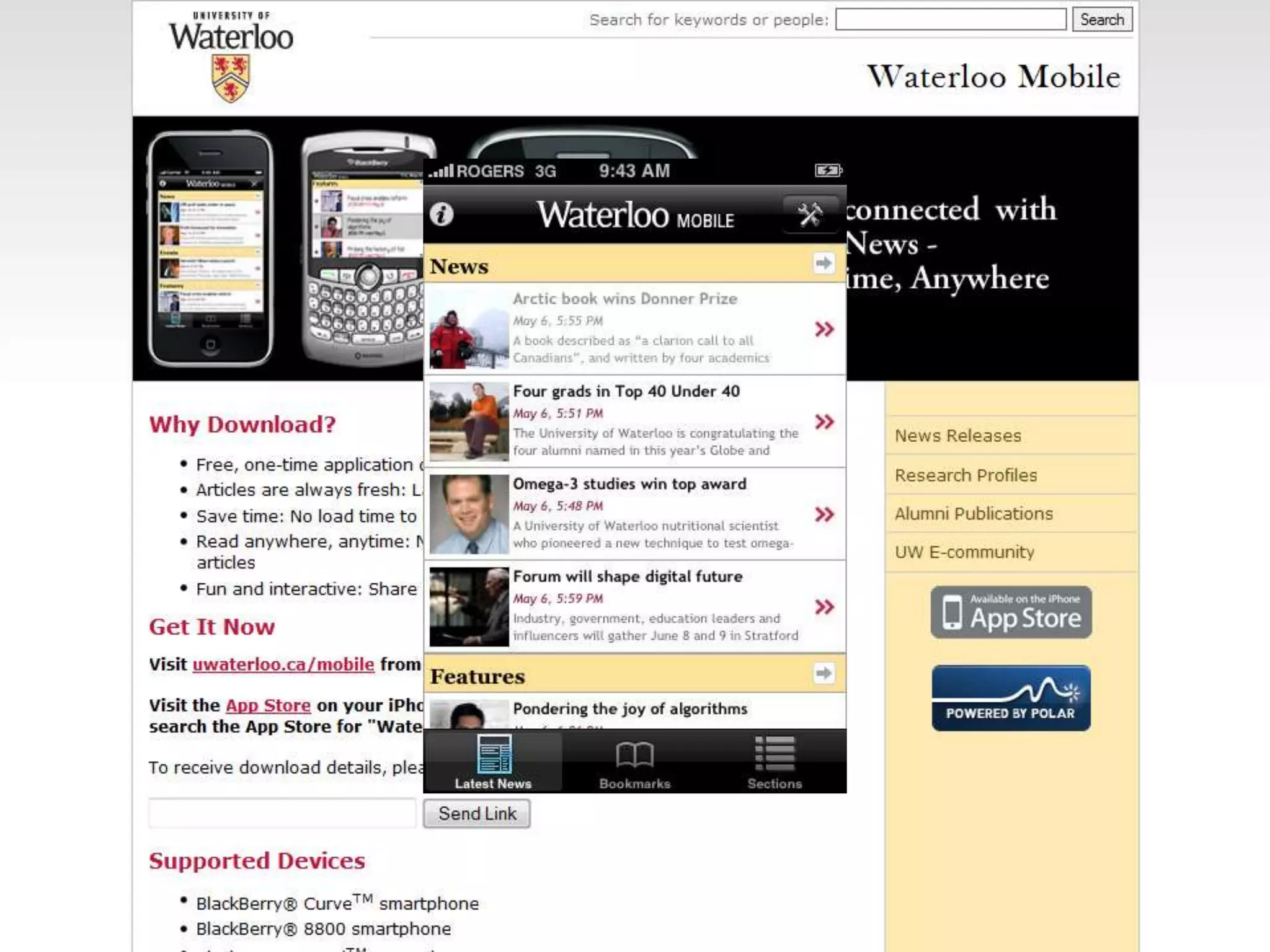
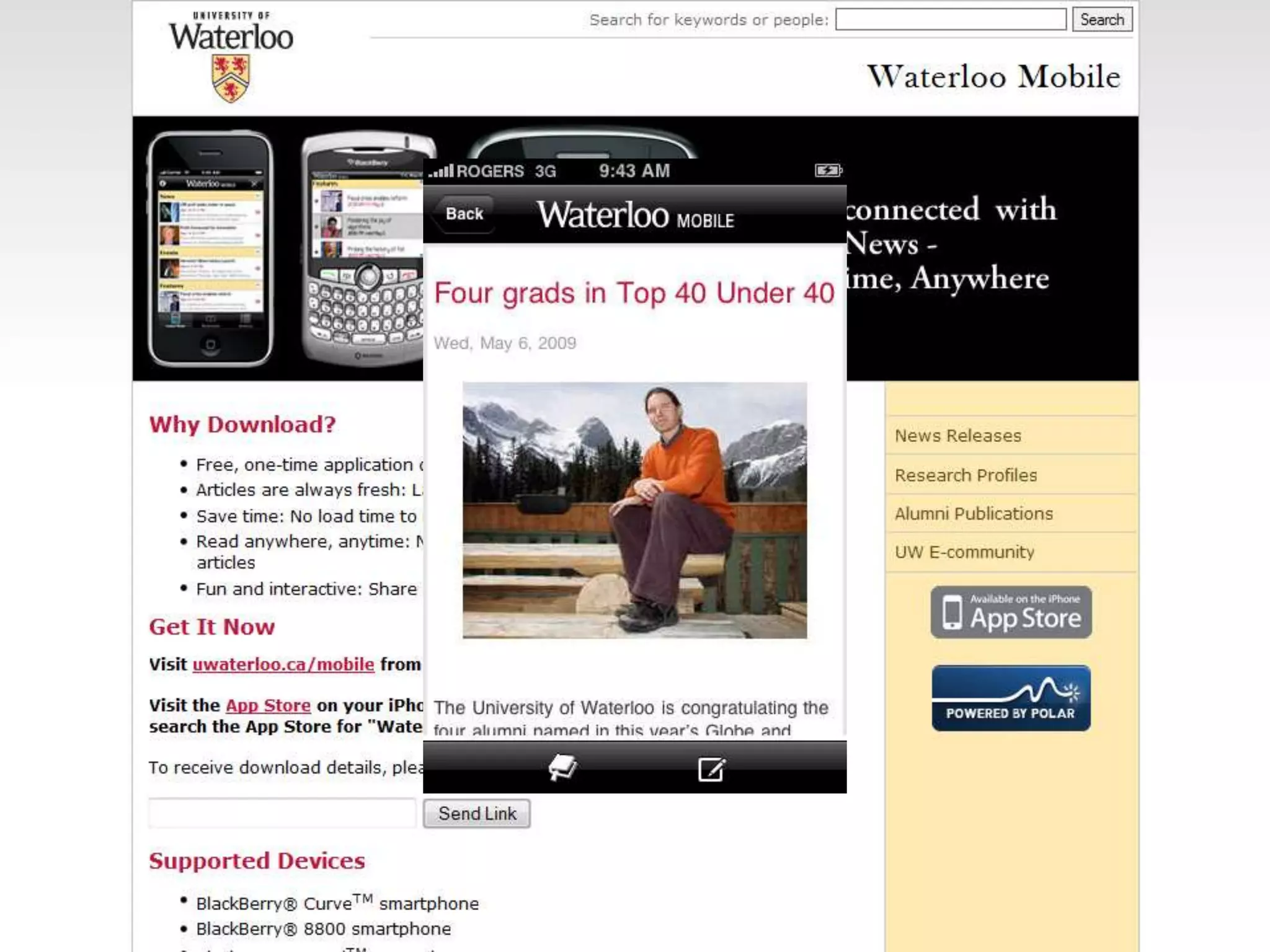
MOBILE FRIENDLY HOMEPAGE
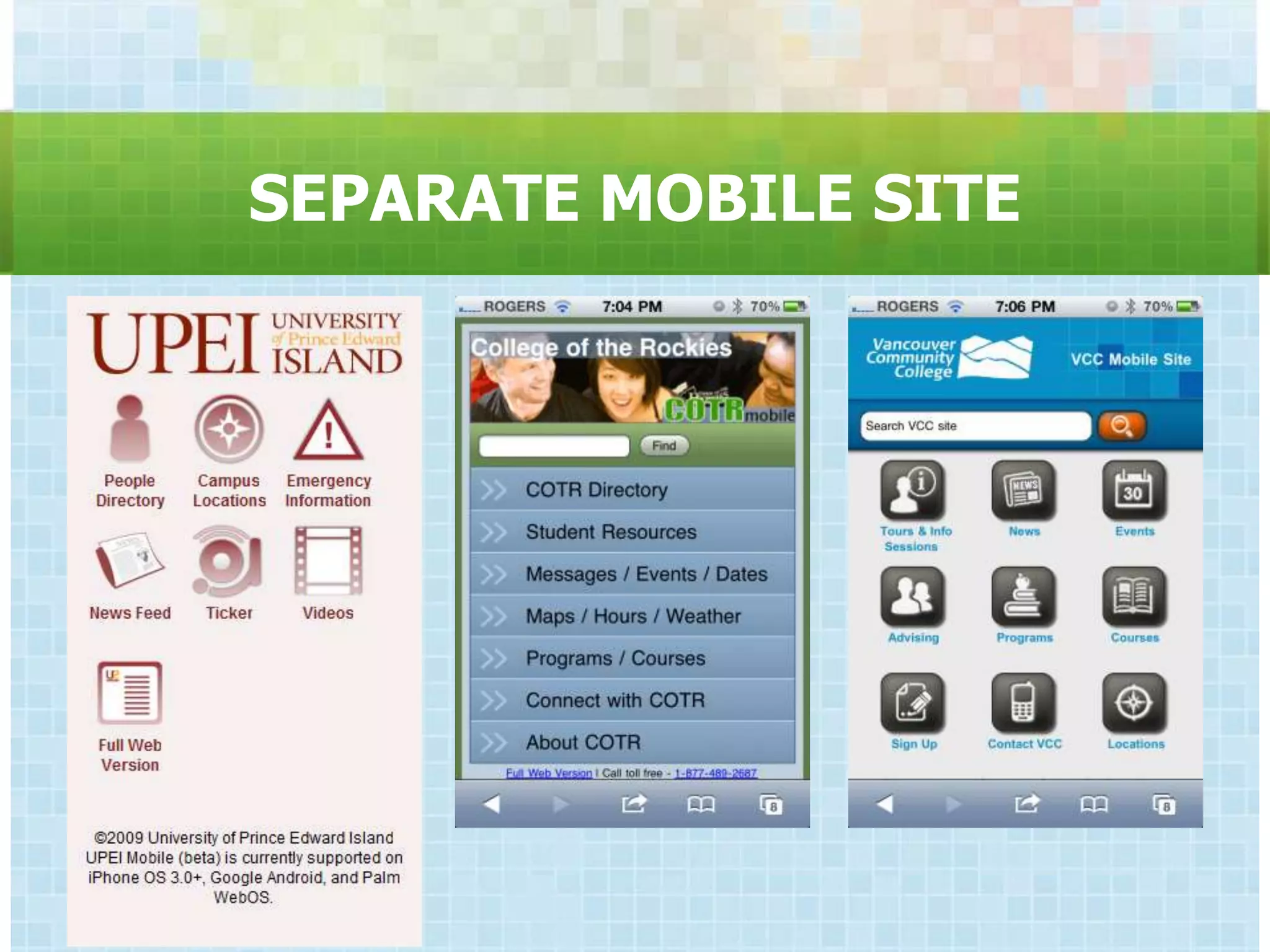
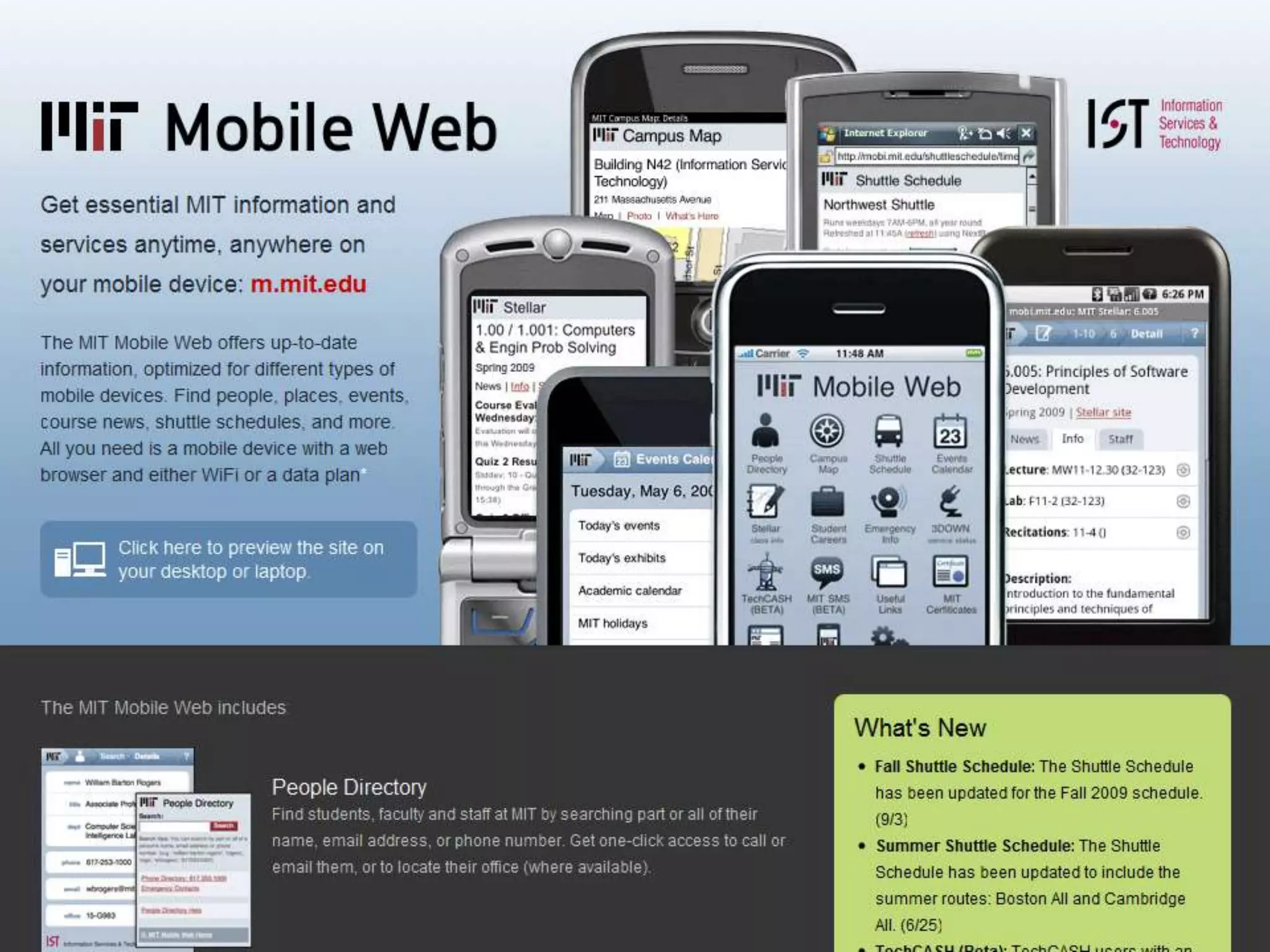
SEPARATE MOBILE SITE
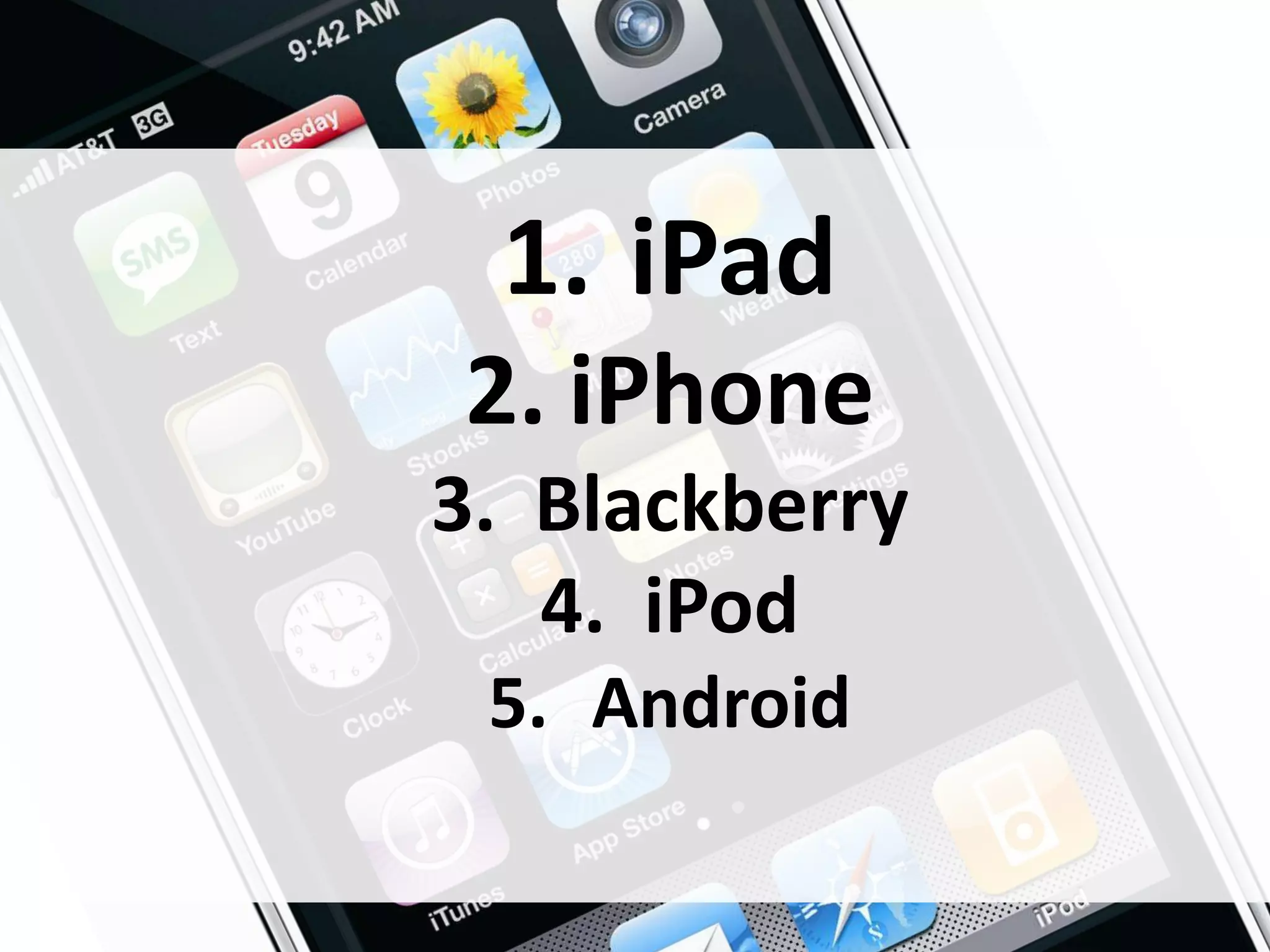
1. iPad
2. iPhone
3. Blackberry
   4. iPod
 5. Android
LISTEN
• Google Alerts
    –   Web
    –   Blog
    –   News
    –   Site Specific
•   SocialOomph
•   CoTweet
•   Notifications (Email, RSS, SMS)
•   Daily Checks
PLAY WITH SOCIAL MEDIA

•   Build a Facebook profile
•   Watch most-watched YouTube videos
•   Share pics with Flickr or PhotoBucket
•   Tag with Del.icio.us
•   Find some blogs that interest you
    (why?)
RECOMMENDATIONS
• Facebook Page
• Twitter Account
• Sharing widgets
• Adapt for Mobile
• Do nothing just because it‟s always
  been done
• Communicate across all relevant
  channels
• Watch …
THANK YOU


melissa@lunchbreakmedia.com
www.twitter.com/mmbc
www.linkedin.com/in/melissacheater
www.facebook.com/melissacheater

www.melissacheater.com

PSEWEB: Pre-Conference Web & Social Media 101/Crash Course

Editor's Notes

  • #5 <div xmlns:cc="http://creativecommons.org/ns#" about="http://www.flickr.com/photos/oldonliner/182839989/"><a rel="cc:attributionURL" href="http://www.flickr.com/photos/oldonliner/">http://www.flickr.com/photos/oldonliner/</a> / <a rel="license" href="http://creativecommons.org/licenses/by-nc-nd/2.0/">CC BY-NC-ND 2.0</a></div>
  • #72 <div xmlns:cc="http://creativecommons.org/ns#" about="http://www.flickr.com/photos/zizzy/128710299/"><a rel="cc:attributionURL" href="http://www.flickr.com/photos/zizzy/">http://www.flickr.com/photos/zizzy/</a> / <a rel="license" href="http://creativecommons.org/licenses/by-nc/2.0/">CC BY-NC 2.0</a></div>
  • #73 Look: Take the time to evaluate new technologies – even if they immediately seem easy to disregard.Listen: Watch how the technology is being used – look for the opportunity and evaluate it. Based on observation, it may be appropriate for you to join/speak.Join: If observation and community ettiquette indicate that it is appropriate to do so, you can join the community.Speak: Similar to join, if appropriate, you can contribute to the community. <div xmlns:cc="http://creativecommons.org/ns#" about="http://www.flickr.com/photos/zizzy/128710299/"><a rel="cc:attributionURL" href="http://www.flickr.com/photos/zizzy/">http://www.flickr.com/photos/zizzy/</a> / <a rel="license" href="http://creativecommons.org/licenses/by-nc/2.0/">CC BY-NC 2.0</a></div>
  • #74 The next section will go through the major uses of social media technologies: Create, Connect, Collaborate, Comment/Critique,Organize, Accelerate Consumption.<div xmlns:cc="http://creativecommons.org/ns#" about="http://www.flickr.com/photos/zizzy/128710299/"><a rel="cc:attributionURL" href="http://www.flickr.com/photos/zizzy/">http://www.flickr.com/photos/zizzy/</a> / <a rel="license" href="http://creativecommons.org/licenses/by-nc/2.0/">CC BY-NC 2.0</a></div>
  • #75 <div xmlns:cc="http://creativecommons.org/ns#" about="http://www.flickr.com/photos/wonderfullycomplex/3352954780/"><a rel="cc:attributionURL" href="http://www.flickr.com/photos/wonderfullycomplex/">http://www.flickr.com/photos/wonderfullycomplex/</a> / <a rel="license" href="http://creativecommons.org/licenses/by-nc/2.0/">CC BY-NC 2.0</a></div>
  • #76 <div xmlns:cc="http://creativecommons.org/ns#" about="http://www.flickr.com/photos/erica_marshall/2885783824/"><a rel="cc:attributionURL" href="http://www.flickr.com/photos/erica_marshall/">http://www.flickr.com/photos/erica_marshall/</a> / <a rel="license" href="http://creativecommons.org/licenses/by-nc-sa/2.0/">CC BY-NC-SA 2.0</a></div>25% of online Americans visit a social network at least monthly 22% of teenagers check dailyVictoria's Secret has more than 250,000 Facebook friends
  • #77 <div xmlns:cc="http://creativecommons.org/ns#" about="http://www.flickr.com/photos/markop/2523825358/"><a rel="cc:attributionURL" href="http://www.flickr.com/photos/markop/">http://www.flickr.com/photos/markop/</a> / <a rel="license" href="http://creativecommons.org/licenses/by-nc-nd/2.0/">CC BY-NC-ND 2.0</a></div>22% use a wiki at least monthly (p.25)
  • #78 <div xmlns:cc="http://creativecommons.org/ns#" about="http://www.flickr.com/photos/altemark/337248947/"><a rel="cc:attributionURL" href="http://www.flickr.com/photos/altemark/">http://www.flickr.com/photos/altemark/</a> / <a rel="license" href="http://creativecommons.org/licenses/by/2.0/">CC BY 2.0</a></div>20% read reviews (Groundswell p.27)
  • #79 <div xmlns:cc="http://creativecommons.org/ns#" about="http://www.flickr.com/photos/counteract/3208201211/"><a rel="cc:attributionURL" href="http://www.flickr.com/photos/counteract/">http://www.flickr.com/photos/counteract/</a> / <a rel="license" href="http://creativecommons.org/licenses/by-nc-nd/2.0/">CC BY-NC-ND 2.0</a></div>7% of online Americans use tags (p.29)
  • #80 <div xmlns:cc="http://creativecommons.org/ns#" about="http://www.flickr.com/photos/pss/259619723/"><a rel="cc:attributionURL" href="http://www.flickr.com/photos/pss/">http://www.flickr.com/photos/pss/</a> / <a rel="license" href="http://creativecommons.org/licenses/by/2.0/">CC BY 2.0</a></div>
  • #81 <div xmlns:cc="http://creativecommons.org/ns#" about="http://www.flickr.com/photos/erica_marshall/2885783824/"><a rel="cc:attributionURL" href="http://www.flickr.com/photos/erica_marshall/">http://www.flickr.com/photos/erica_marshall/</a> / <a rel="license" href="http://creativecommons.org/licenses/by-nc-sa/2.0/">CC BY-NC-SA 2.0</a></div>
  • #82 <div xmlns:cc="http://creativecommons.org/ns#" about="http://www.flickr.com/photos/anniemole/85515856/"><a rel="cc:attributionURL" href="http://www.flickr.com/photos/anniemole/">http://www.flickr.com/photos/anniemole/</a> / <a rel="license" href="http://creativecommons.org/licenses/by/2.0/">CC BY 2.0</a></div>
  • #83 <div xmlns:cc="http://creativecommons.org/ns#" about="http://www.flickr.com/photos/anniemole/85515856/"><a rel="cc:attributionURL" href="http://www.flickr.com/photos/anniemole/">http://www.flickr.com/photos/anniemole/</a> / <a rel="license" href="http://creativecommons.org/licenses/by/2.0/">CC BY 2.0</a></div>
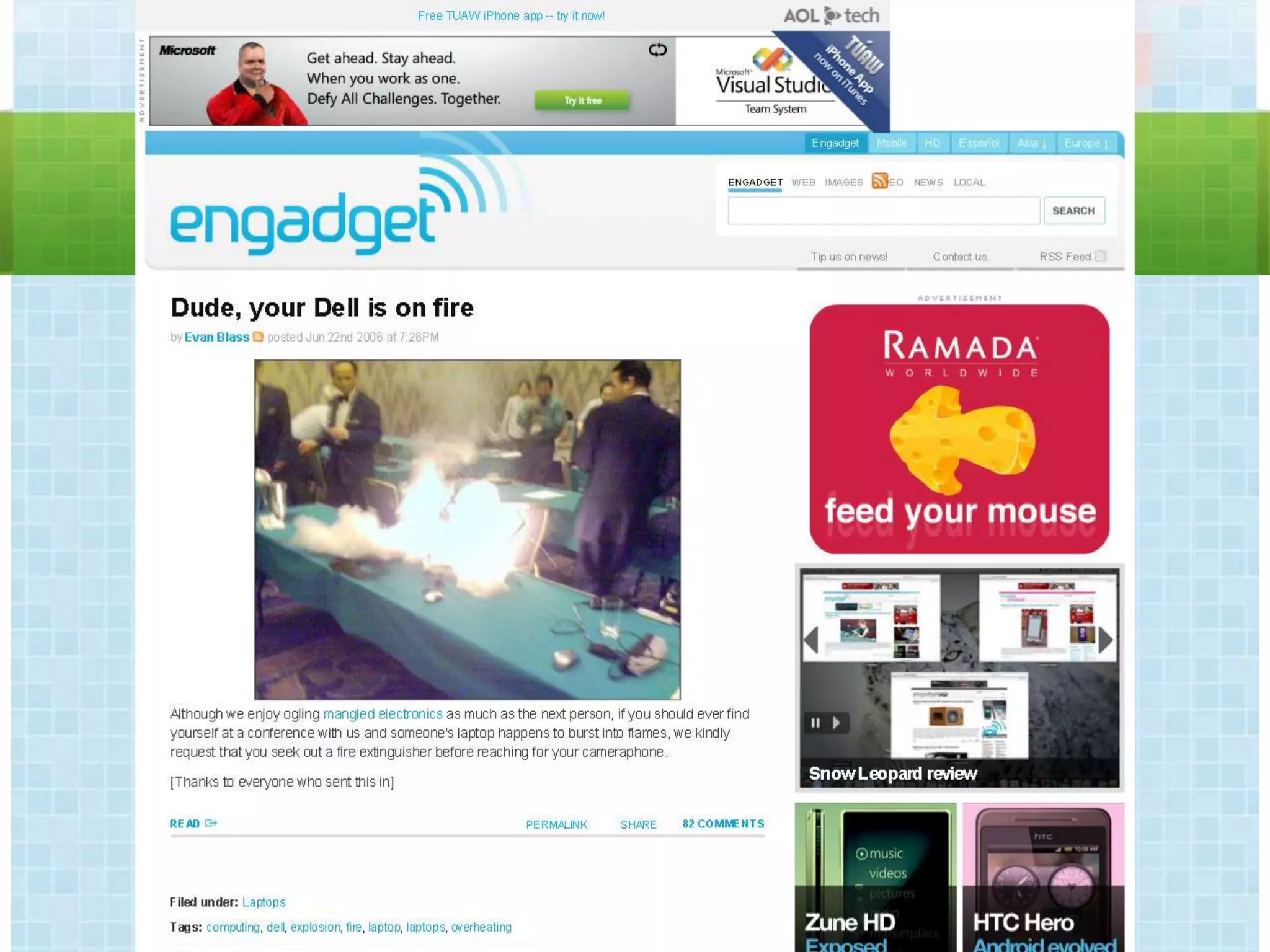
  • #87 http://www.engadget.com/2006/06/22/dude-your-dell-is-on-fire/
  • #88 http://en.community.dell.com/blogs/direct2dell/archive/2006/07/13/431.aspx
  • #92 <div xmlns:cc="http://creativecommons.org/ns#" about="http://www.flickr.com/photos/anniemole/85515856/"><a rel="cc:attributionURL" href="http://www.flickr.com/photos/anniemole/">http://www.flickr.com/photos/anniemole/</a> / <a rel="license" href="http://creativecommons.org/licenses/by/2.0/">CC BY 2.0</a></div>
  • #93 <div xmlns:cc="http://creativecommons.org/ns#" about="http://www.flickr.com/photos/anniemole/85515856/"><a rel="cc:attributionURL" href="http://www.flickr.com/photos/anniemole/">http://www.flickr.com/photos/anniemole/</a> / <a rel="license" href="http://creativecommons.org/licenses/by/2.0/">CC BY 2.0</a></div>
  • #94 <div xmlns:cc="http://creativecommons.org/ns#" about="http://www.flickr.com/photos/anniemole/85515856/"><a rel="cc:attributionURL" href="http://www.flickr.com/photos/anniemole/">http://www.flickr.com/photos/anniemole/</a> / <a rel="license" href="http://creativecommons.org/licenses/by/2.0/">CC BY 2.0</a></div>
  • #100 We are one of the most wired countries in the world, with 84.3% of our population online. (Wikipedia) (March 2010)16.8M Canadians on Facebook (33.7M total population) – 49.85% of CDN population (Feb 14, 2011)Up from 13.4M (33.3M – 40.2%) // At the same time, US was 36.2%; 38.2% in UK; (March 2010)http://www.google.com/publicdata?ds=wb-wdi&met=sp_pop_totl&idim=country:CAN&dl=en&hl=en&q=canada%27s+populationhttp://www.shinyshiny.tv/2010/03/facebook_penetration.htmlFounded on firstname + last nameVery different from previous social networks that were based on display names, usernames, nick namesRooted in your real offline network – you must be who you really areFacebook PhoneFacebook PlacesMobile = International
  • #101 Opportunities for people to share and endorse your brandAlso for them to voice any complaintsWe can’t stop this but we can bring it home, bring it where we can see it, and answer it.Facebook is a conversation – people expect responses – from each other and from brands.Answer within 24 hours – Facebook now supports notifications for pages!
  • #116 <div xmlns:cc="http://creativecommons.org/ns#" about="http://www.flickr.com/photos/pshab/498122926/"><a rel="cc:attributionURL" href="http://www.flickr.com/photos/pshab/">http://www.flickr.com/photos/pshab/</a> / <a rel="license" href="http://creativecommons.org/licenses/by-nc/2.0/">CC BY-NC 2.0</a></div>
  • #117 <div xmlns:cc="http://creativecommons.org/ns#" about="http://www.flickr.com/photos/pshab/498122926/"><a rel="cc:attributionURL" href="http://www.flickr.com/photos/pshab/">http://www.flickr.com/photos/pshab/</a> / <a rel="license" href="http://creativecommons.org/licenses/by-nc/2.0/">CC BY-NC 2.0</a></div>
  • #123 Twitter.com is a micro-blog platform – similar to a mini social network or blog community. Community is a key word. Twitter users have a profile made of an avatar (or display picture), username, short biography, homepage link and their personal "timeline." Users can change the appearance of their profile by choosing from a gallery of background images and colour schemes, or by uploading their own background image.A timeline is a reverse-chronological listing of the user's "tweets" or "posts" to the service. Each post is a maximum of 140 characters. Posts were initially meant to answer the question "What are you doing?" but are now being used to publish, promote and discuss without limits. Many bloggers make a habit of announcing new blog posts they have written via the service. Many brands post major announcements or accomplishments. Individuals use the service to comment outloud about anything that crosses their mind, and to respond to the comments of others.Twitter users can both follow and be followed. The user's homepage is a reverse-chronological listing of all the posts made by Twitter users that they have chosen to follow. A user's "followers" see all of his or her posts on their own homepage. For example, if I have 22 followers and am following 18 users, 22 receive everything that I post and I receive all the posts of the 18 people I follow.
  • #124 1382% growth
  • #141 1382% growth
  • #145 * Between the two sites, Facebook dominates with an average of 80% of the group using Facebook exclusively. * 25-44 is the sweet spot for Linkedin with the site attracting more than 20% of both groups. These two age groups were also the most likely to be active on both Linkedin and Facebook, with around 12% of both groups showing overlap. * 1+1=900%: While the dramatic growth of the segment of users visiting both sites (as well as the growth in Linkedin exclusive visitors) is partially due to site growth, the 900% growth in the percentage of users visiting both sites seems to indicate that these sites are more complimentary than competitive.With online services like Twitter and Friendfeed continuing to blur the line between casual and business, the ability to use a single site as both a personal and professional networking tool becomes more realistic. But whether the "Poke" will ever make it into a sales strategy is still anyone's guess.Facebook vs. Linkedin - Network, Socialize, Be Professional? (25 June 2009) http://blog.compete.com/2008/07/22/facebook-vs-linkedin-traffic-demographics/ http://snipurl.com/kvp10
  • #146 <div xmlns:cc="http://creativecommons.org/ns#" about="http://www.flickr.com/photos/mic_n_2_sugars/564570276/"><a rel="cc:attributionURL" href="http://www.flickr.com/photos/mic_n_2_sugars/">http://www.flickr.com/photos/mic_n_2_sugars/</a> / <a rel="license" href="http://creativecommons.org/licenses/by-nc-nd/2.0/">CC BY-NC-ND 2.0</a></div>
  • #160 <div xmlns:cc="http://creativecommons.org/ns#" about="http://www.flickr.com/photos/timcaynes/2343474728/"><a rel="cc:attributionURL" href="http://www.flickr.com/photos/timcaynes/">http://www.flickr.com/photos/timcaynes/</a> / <a rel="license" href="http://creativecommons.org/licenses/by-nc/2.0/">CC BY-NC 2.0</a></div>