Oral Presentation Techniques
Oral Presentation Techniques: Objectives To introduce the key factors for successful presentation delivery To prepare effective visual aids To deliver successful presentations To evaluate presentation delivery
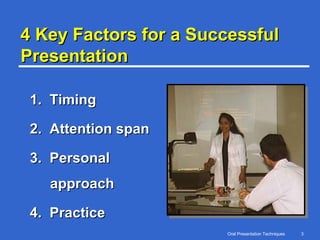
4 Key Factors for a Successful Presentation 1.  Timing 2.  Attention span 3.  Personal approach 4.  Practice
1. Timing Do not ramble on during a   presentation Remember: One Minute per Slide as Guideline
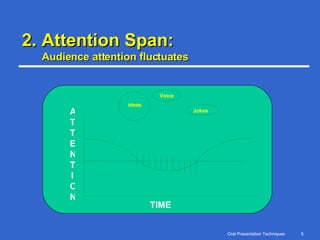
2. Attention Span:  Audience attention fluctuates TIME Repeat  key  ideas Voice Jokes ATTENTION
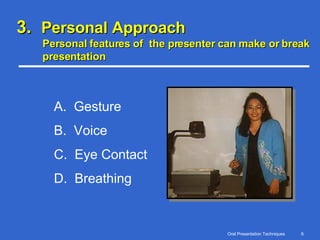
3.  Personal Approach Personal features of  the presenter can make or break presentation A.  Gesture B.  Voice C.  Eye Contact D.  Breathing
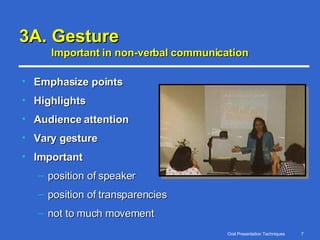
3A. Gesture Important in non-verbal communication Emphasize points Highlights Audience attention Vary gesture Important     position of speaker position of transparencies not to much movement
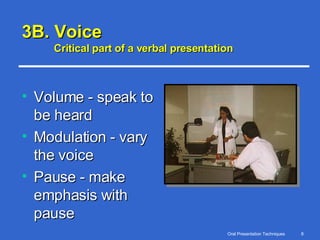
3B. Voice Critical part of a verbal presentation Volume - speak to be heard Modulation - vary the voice Pause - make emphasis with pause
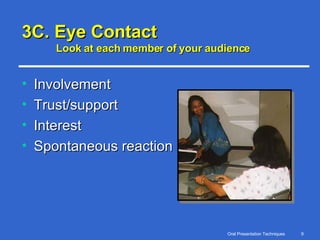
3C. Eye Contact Look at each member of your audience Involvement Trust/support Interest Spontaneous reaction
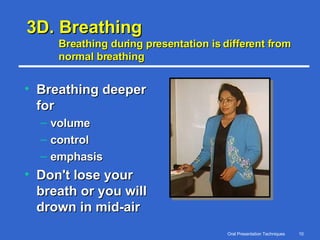
3D. Breathing Breathing during presentation is different from normal breathing  Breathing deeper for volume control emphasis Don't lose your breath or you will drown in mid-air
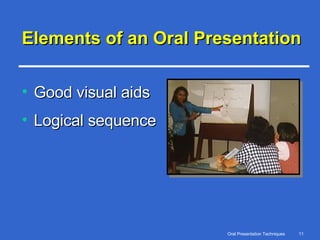
Elements of an Oral Presentation Good visual aids Logical sequence
Why we need visual aids ? crystallize ideas keep speaker on track generate interest help information retention Use visual aids to maximize the effectiveness of your presentation
Visual Aid Rules Keep it simple Minimize words Use large fonts List key points Use exact phrasing Use color Prepare handouts
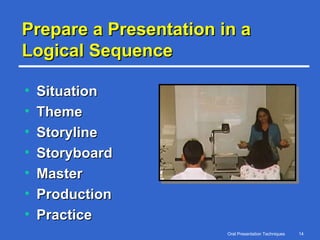
Prepare a Presentation in a Logical Sequence Situation Theme Storyline Storyboard Master Production Practice
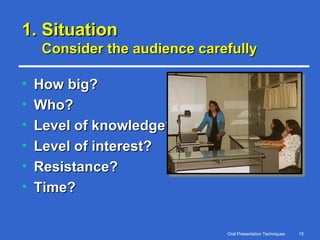
1. Situation Consider the audience carefully How big? Who? Level of knowledge? Level of interest? Resistance? Time?
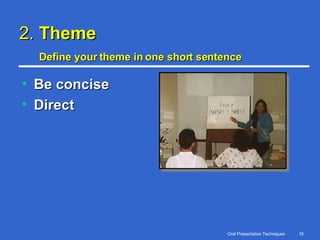
2.  Theme Define your theme in one short sentence   Be concise Direct
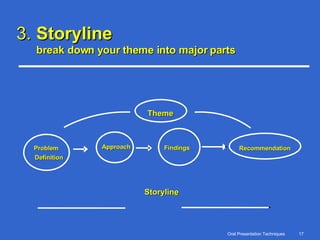
3.  Storyline break down your theme into major parts Storylin e Theme Problem Definition Approach Findings Recommendation
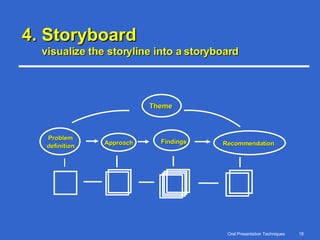
4. Storyboard visualize the storyline into a storyboard Theme Problem  definition Approach Findings Recommendation
5. Master finalize the flow of the presentation Finalize data Sketch all diagrams—clarity Conclusion Check for logic Consultation Rehearsal
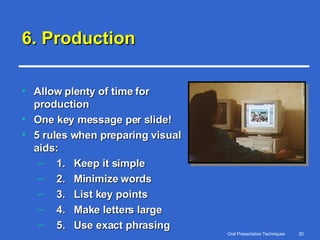
6. Production Allow plenty of time for production One key message per slide! 5 rules when preparing visual aids: 1.  Keep it simple 2.  Minimize words 3.  List key points 4.  Make letters large 5.  Use exact phrasing
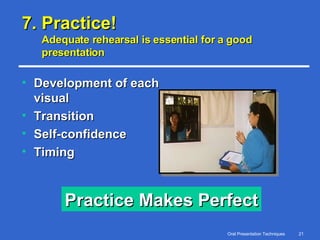
7. Practice! Adequate rehearsal is essential for a good presentation Development of each visual Transition Self-confidence Timing Practice Makes Perfect
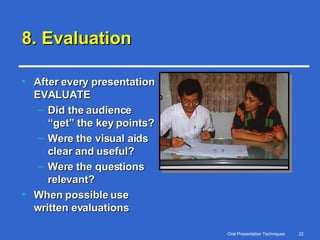
8. Evaluation After every presentation EVALUATE Did the audience “get” the key points? Were the visual aids clear and useful? Were the questions relevant? When possible use written evaluations
Conclusion Any professional can become an effective presenter. Knowledge is not enough. Being able to communicate is equally important. Investing time and effort in improving presentation skills is “always rewarded”.

Presentation

  • 1.
  • 2.
    Oral Presentation Techniques:Objectives To introduce the key factors for successful presentation delivery To prepare effective visual aids To deliver successful presentations To evaluate presentation delivery
  • 3.
    4 Key Factorsfor a Successful Presentation 1. Timing 2. Attention span 3. Personal approach 4. Practice
  • 4.
    1. Timing Donot ramble on during a presentation Remember: One Minute per Slide as Guideline
  • 5.
    2. Attention Span: Audience attention fluctuates TIME Repeat key ideas Voice Jokes ATTENTION
  • 6.
    3. PersonalApproach Personal features of the presenter can make or break presentation A. Gesture B. Voice C. Eye Contact D. Breathing
  • 7.
    3A. Gesture Importantin non-verbal communication Emphasize points Highlights Audience attention Vary gesture Important   position of speaker position of transparencies not to much movement
  • 8.
    3B. Voice Criticalpart of a verbal presentation Volume - speak to be heard Modulation - vary the voice Pause - make emphasis with pause
  • 9.
    3C. Eye ContactLook at each member of your audience Involvement Trust/support Interest Spontaneous reaction
  • 10.
    3D. Breathing Breathingduring presentation is different from normal breathing Breathing deeper for volume control emphasis Don't lose your breath or you will drown in mid-air
  • 11.
    Elements of anOral Presentation Good visual aids Logical sequence
  • 12.
    Why we needvisual aids ? crystallize ideas keep speaker on track generate interest help information retention Use visual aids to maximize the effectiveness of your presentation
  • 13.
    Visual Aid RulesKeep it simple Minimize words Use large fonts List key points Use exact phrasing Use color Prepare handouts
  • 14.
    Prepare a Presentationin a Logical Sequence Situation Theme Storyline Storyboard Master Production Practice
  • 15.
    1. Situation Considerthe audience carefully How big? Who? Level of knowledge? Level of interest? Resistance? Time?
  • 16.
    2. ThemeDefine your theme in one short sentence Be concise Direct
  • 17.
    3. Storylinebreak down your theme into major parts Storylin e Theme Problem Definition Approach Findings Recommendation
  • 18.
    4. Storyboard visualizethe storyline into a storyboard Theme Problem definition Approach Findings Recommendation
  • 19.
    5. Master finalizethe flow of the presentation Finalize data Sketch all diagrams—clarity Conclusion Check for logic Consultation Rehearsal
  • 20.
    6. Production Allowplenty of time for production One key message per slide! 5 rules when preparing visual aids: 1. Keep it simple 2. Minimize words 3. List key points 4. Make letters large 5. Use exact phrasing
  • 21.
    7. Practice! Adequaterehearsal is essential for a good presentation Development of each visual Transition Self-confidence Timing Practice Makes Perfect
  • 22.
    8. Evaluation Afterevery presentation EVALUATE Did the audience “get” the key points? Were the visual aids clear and useful? Were the questions relevant? When possible use written evaluations
  • 23.
    Conclusion Any professionalcan become an effective presenter. Knowledge is not enough. Being able to communicate is equally important. Investing time and effort in improving presentation skills is “always rewarded”.