Download to read offline


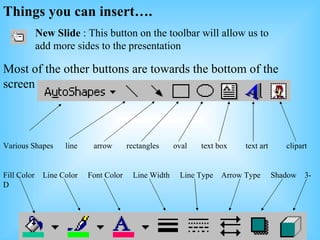


This document provides a short tutorial on getting started with Microsoft PowerPoint. It explains the basic interface elements like the toolbar buttons for creating, opening, and saving presentations. It describes the tools for cutting, copying, and pasting content within a presentation. It also outlines different objects that can be inserted into slides like shapes, text boxes, clipart, and options for formatting elements. It concludes by pointing out how to view slide names by hovering over icons and how to access slide show features.


