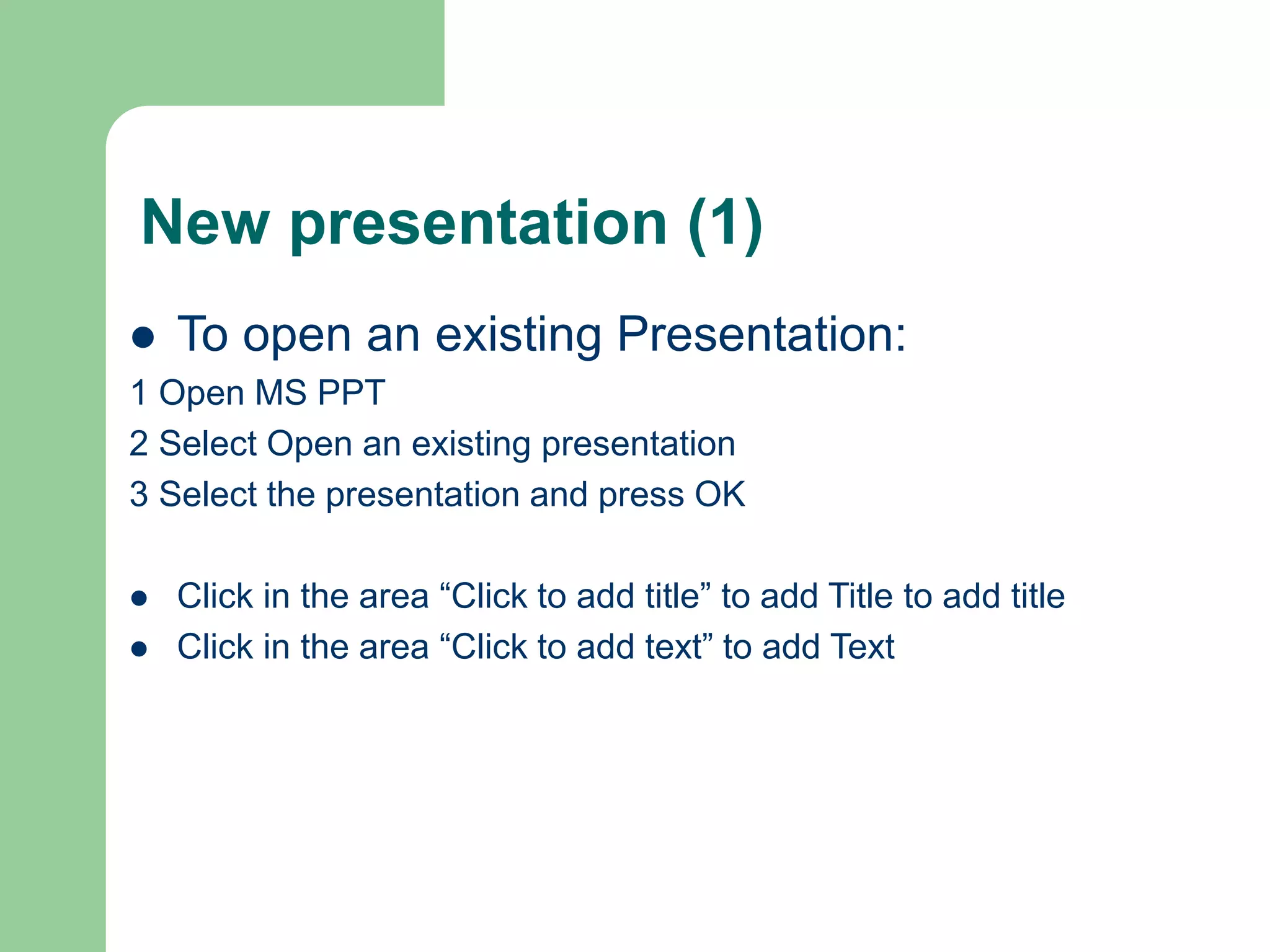
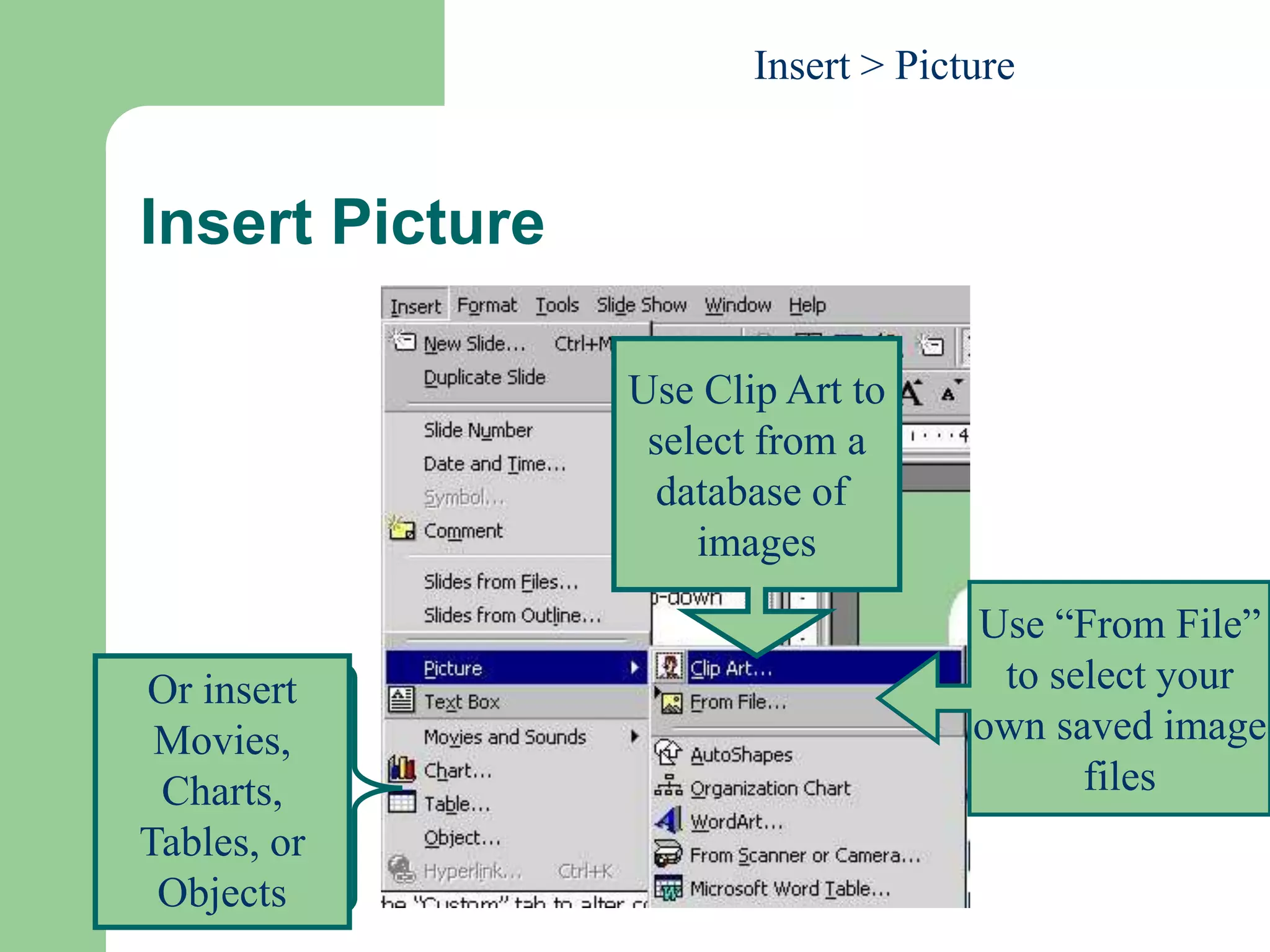
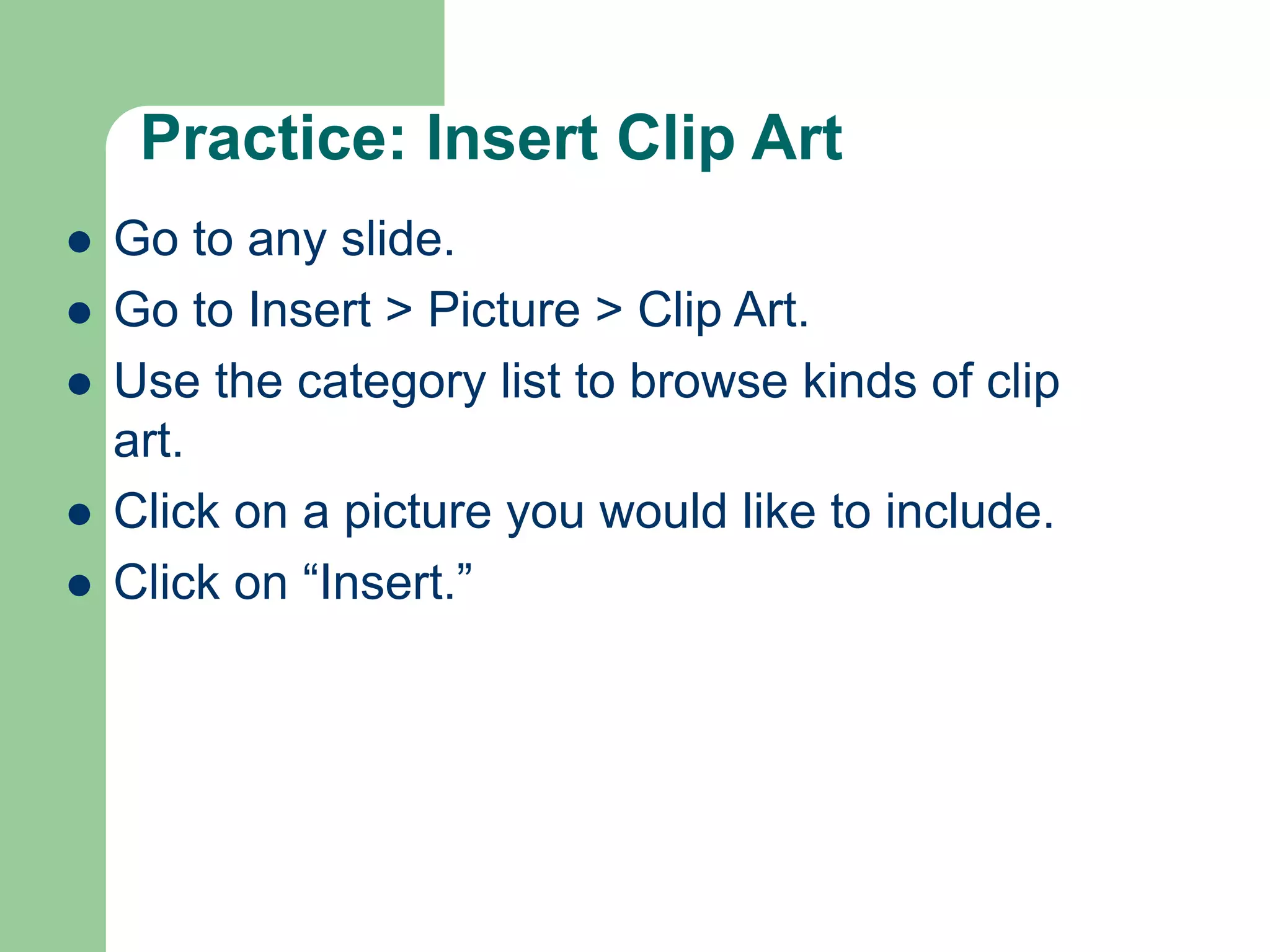
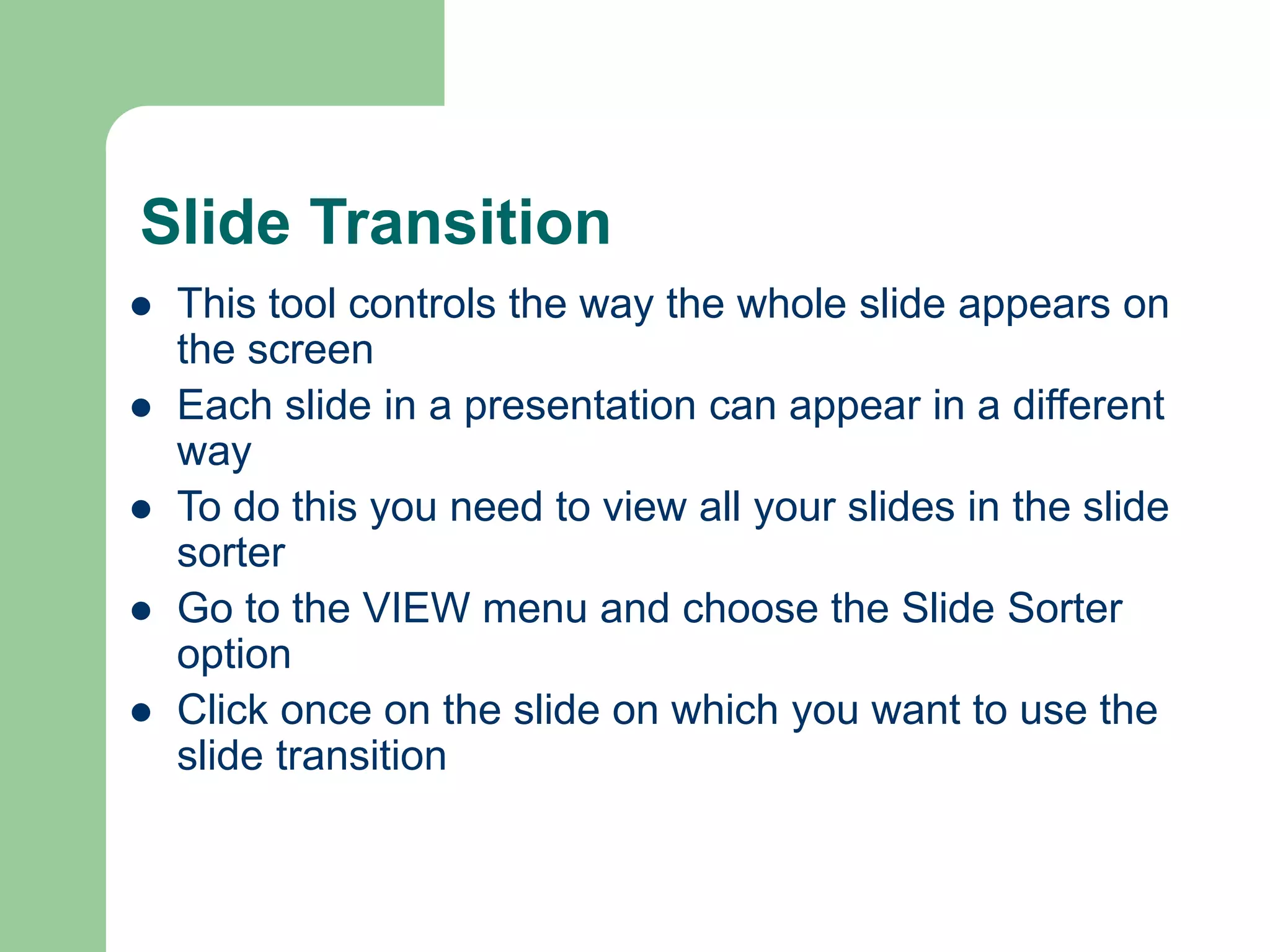
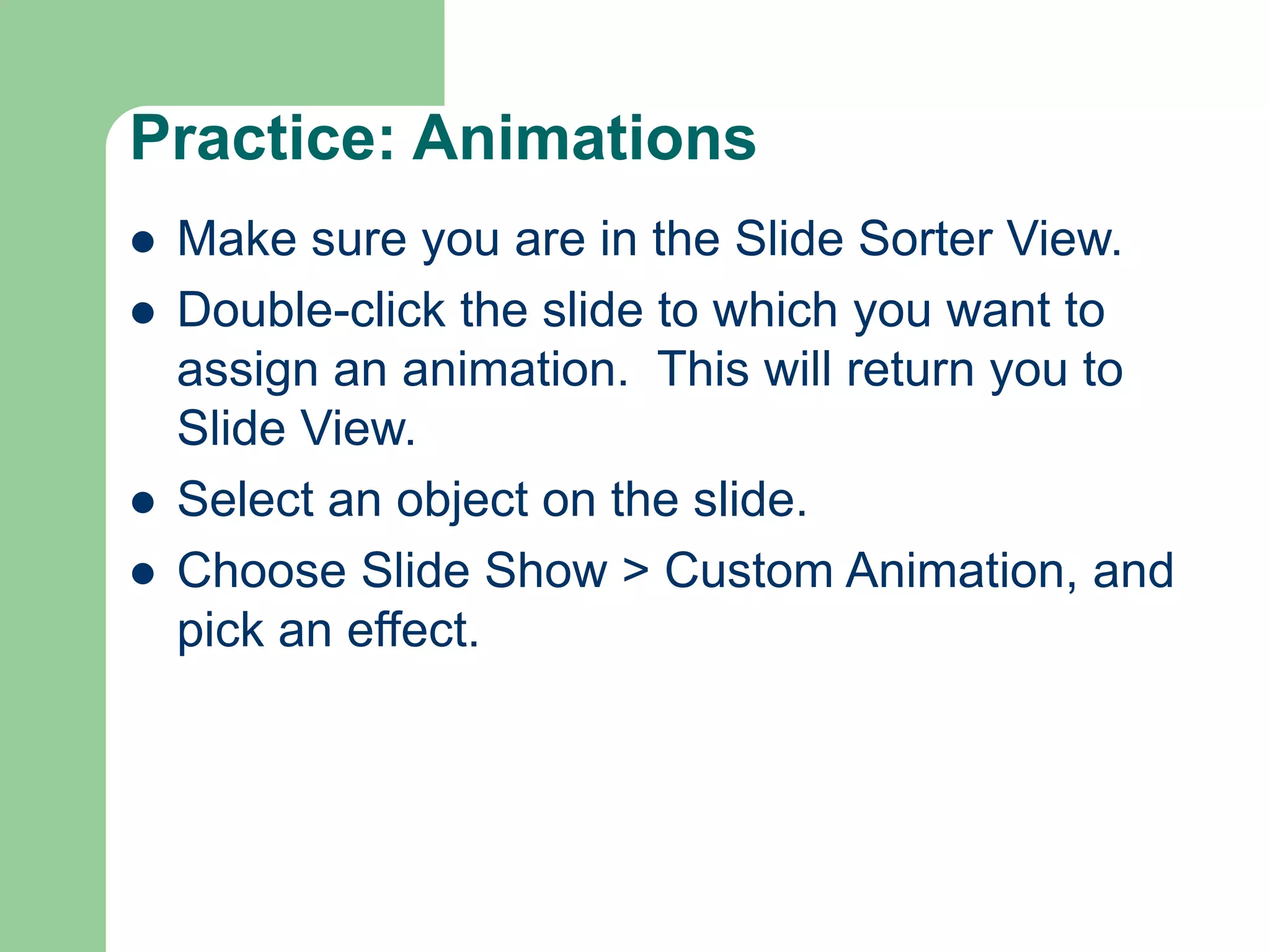
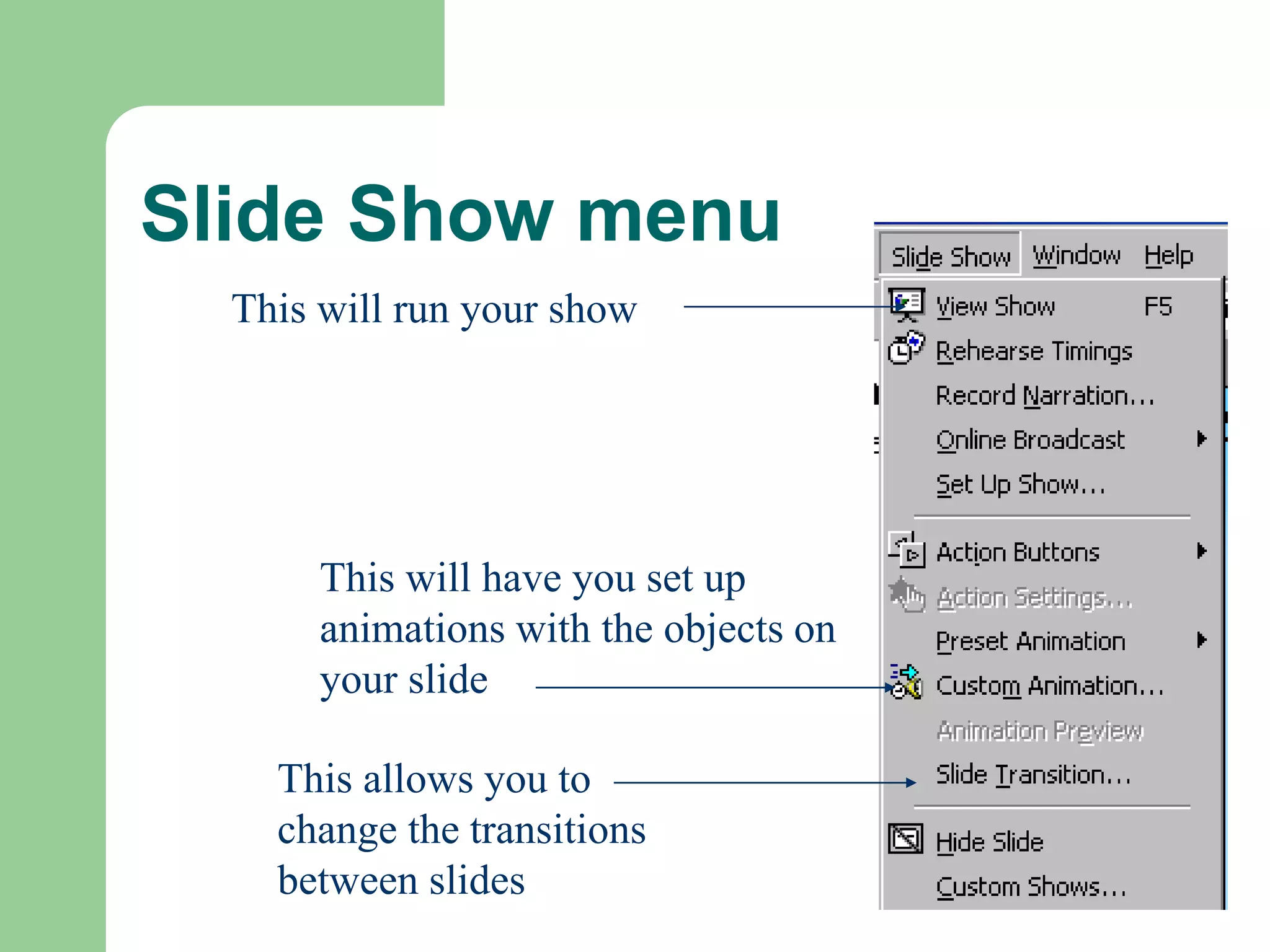
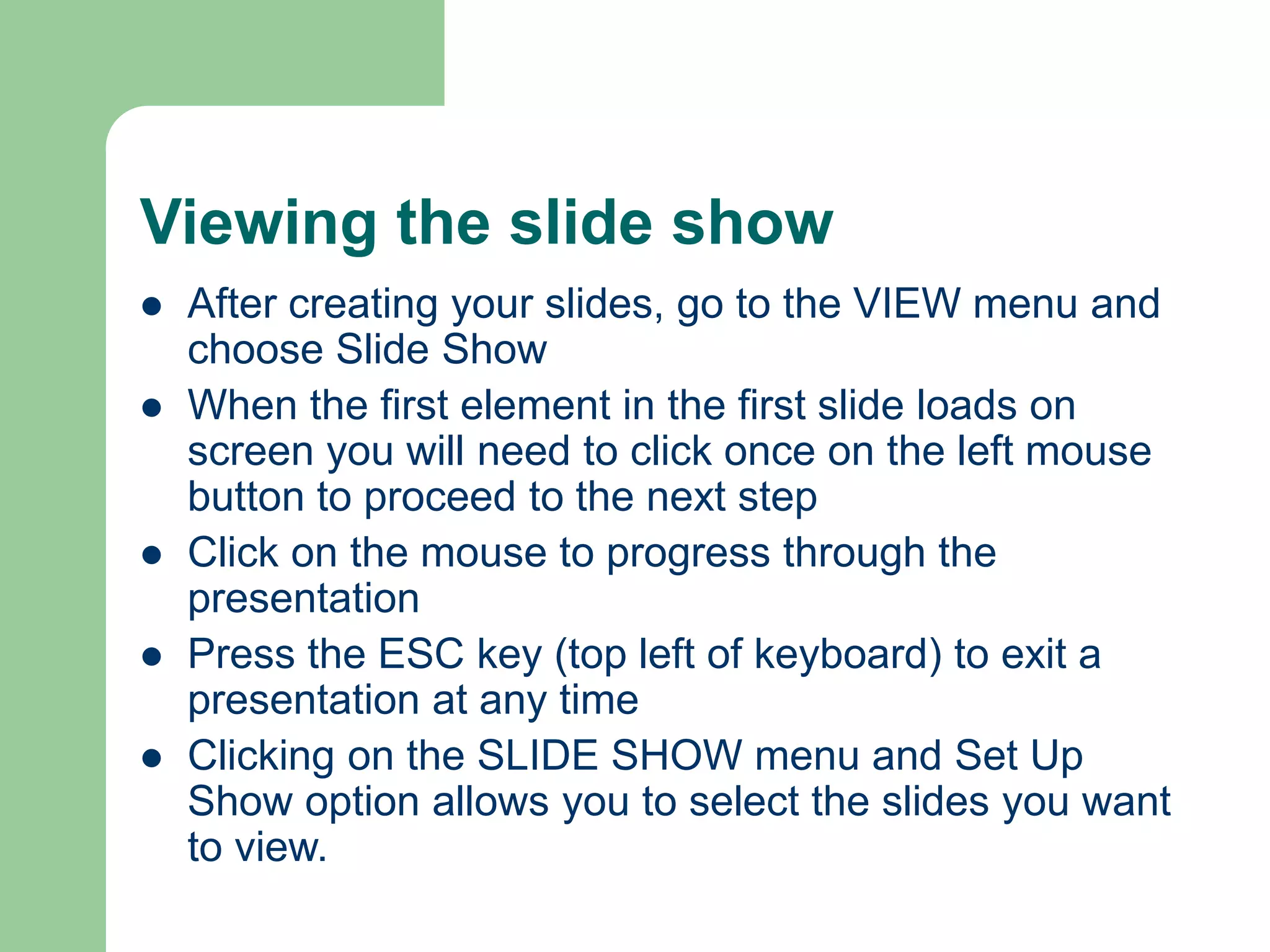
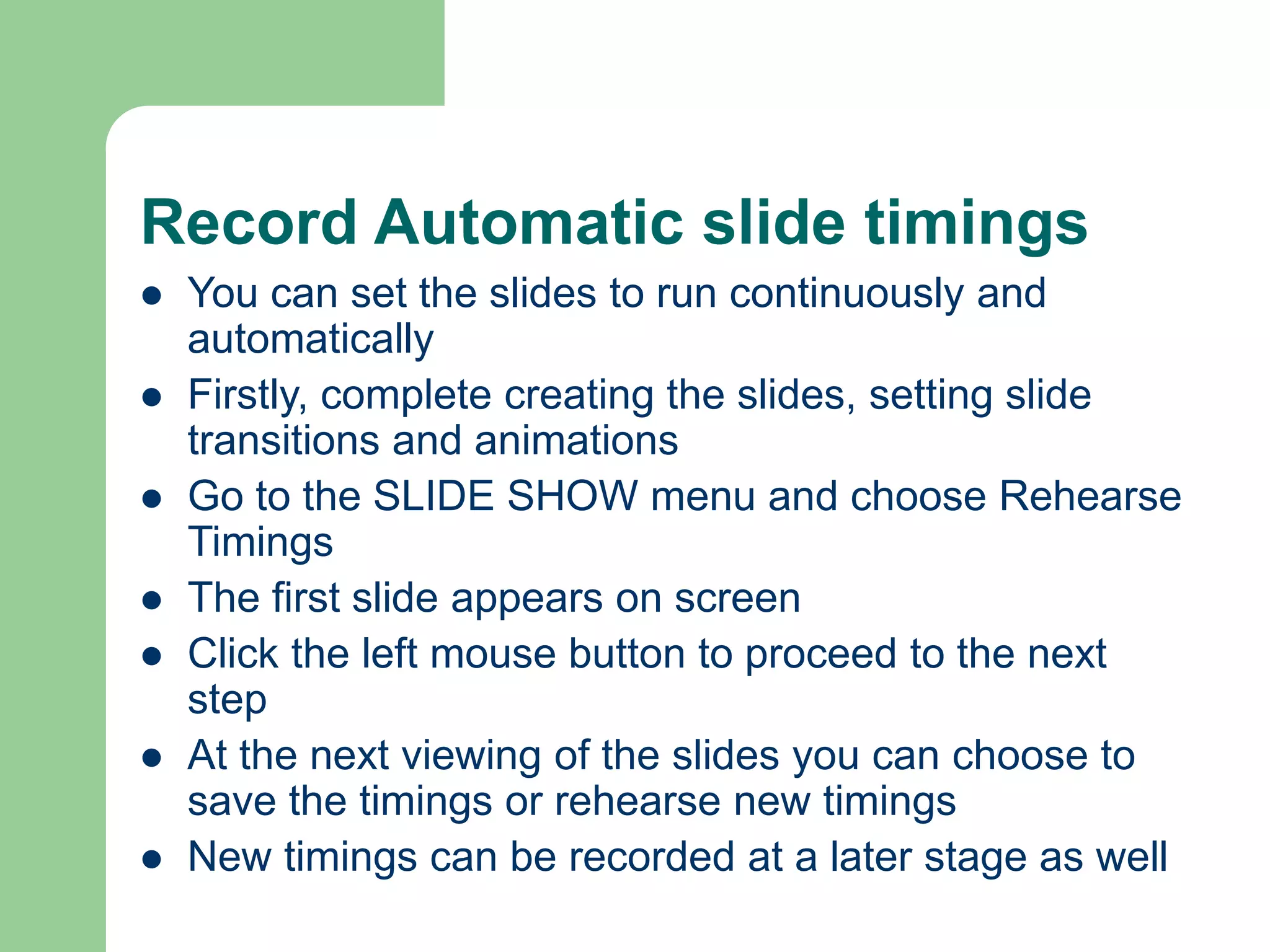
This document provides an introduction and overview of using PowerPoint for mid-fidelity prototyping. It discusses how to create and format slides, including inserting text, pictures, backgrounds, colors and transitions. The document demonstrates how to add and manipulate objects on slides, as well as how to view and run slide shows. It provides guidance on animating slides using preset and custom animations.
![Mid-Fidelity Prototyping (MFP)
Please read the following text as an
introduction in mid-fi[delity] prototyping using
PowerPoint [URL]
Example-1: Dr Health Hospital [URL]
Example-2: E-Commerce [URL]
Example-3: CD-player [URL]](https://image.slidesharecdn.com/idlecture-71-221007061846-8e943135/75/ID-lecture-7-1-PPT-2-2048.jpg)
![Useful links to relevant information
Introduction to Power Point [URL]
Other Power Point Tutorials [URL]
STEVEN BELL'S PowerPoint and
Presentation Skills Resource Page [URL]
If this tutorial does not provide sufficient information to you,
please try one of the following references...](https://image.slidesharecdn.com/idlecture-71-221007061846-8e943135/75/ID-lecture-7-1-PPT-58-2048.jpg)