

Which Tool to Use When
PowerApps, Forms, and Flow, oh my!
About Me –
April Dunnam
• Microsoft MVP
• Owner & Lead Developer at ThriveFast
• Active blogger and speaker
• President of Oklahoma PowerApps & Flow User Group
• Concert junkie and karaoke queen
• You can find me at :
Twitter: @aprildunnam
Blog: www.SharePointSiren.com
April.Dunnam@thrivefast.com
Agenda
• Features
• Gaps
Overview of PowerApps, Forms & Flow
• Use Cases
Which Tool to Use When
Terrific Trio of Business Apps
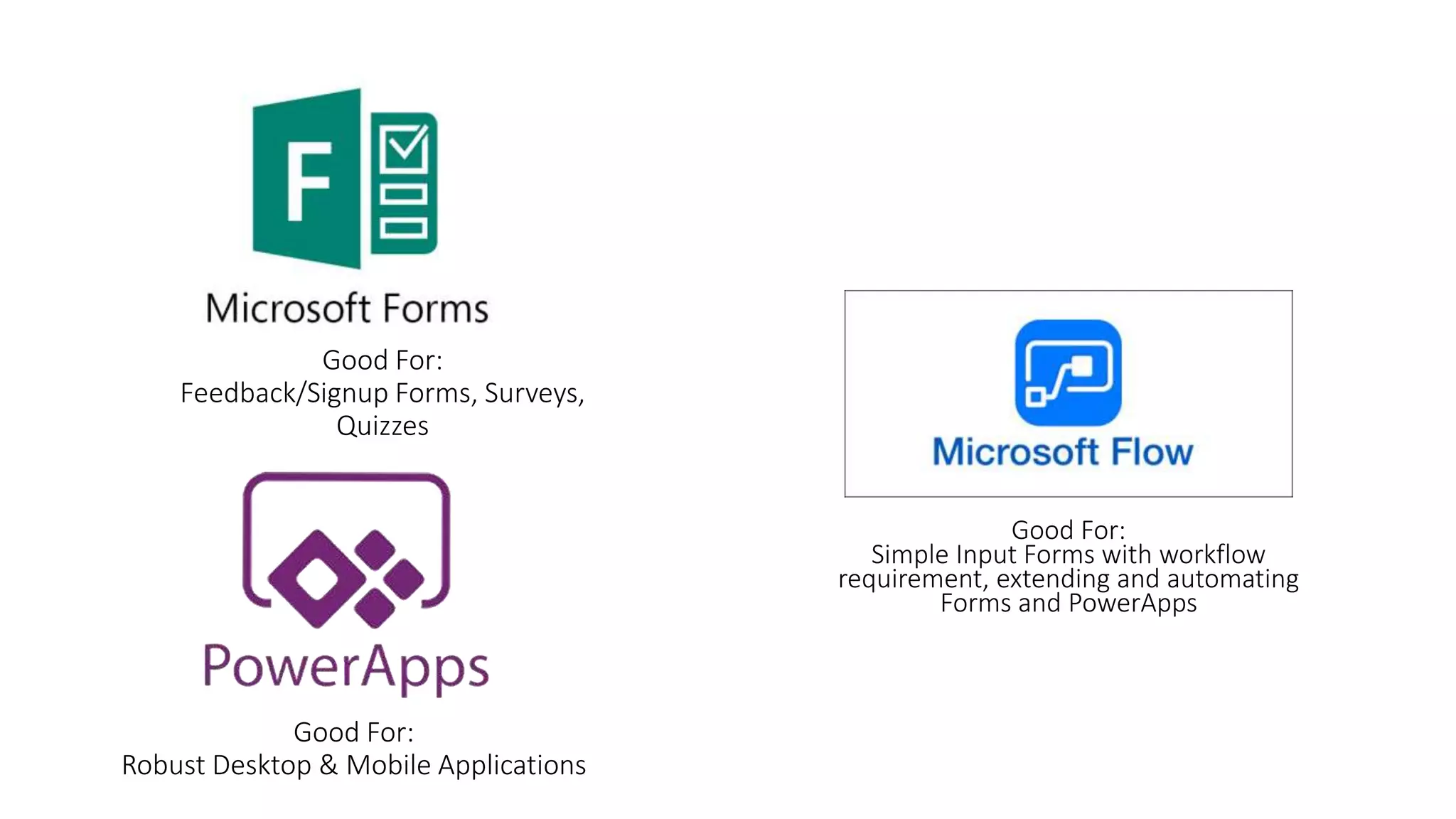
Good For:
Feedback/Signup Forms, Surveys,
Quizzes
Good For:
Robust Desktop & Mobile Applications
Good For:
Simple Input Forms with workflow
requirement, extending and automating
Forms and PowerApps
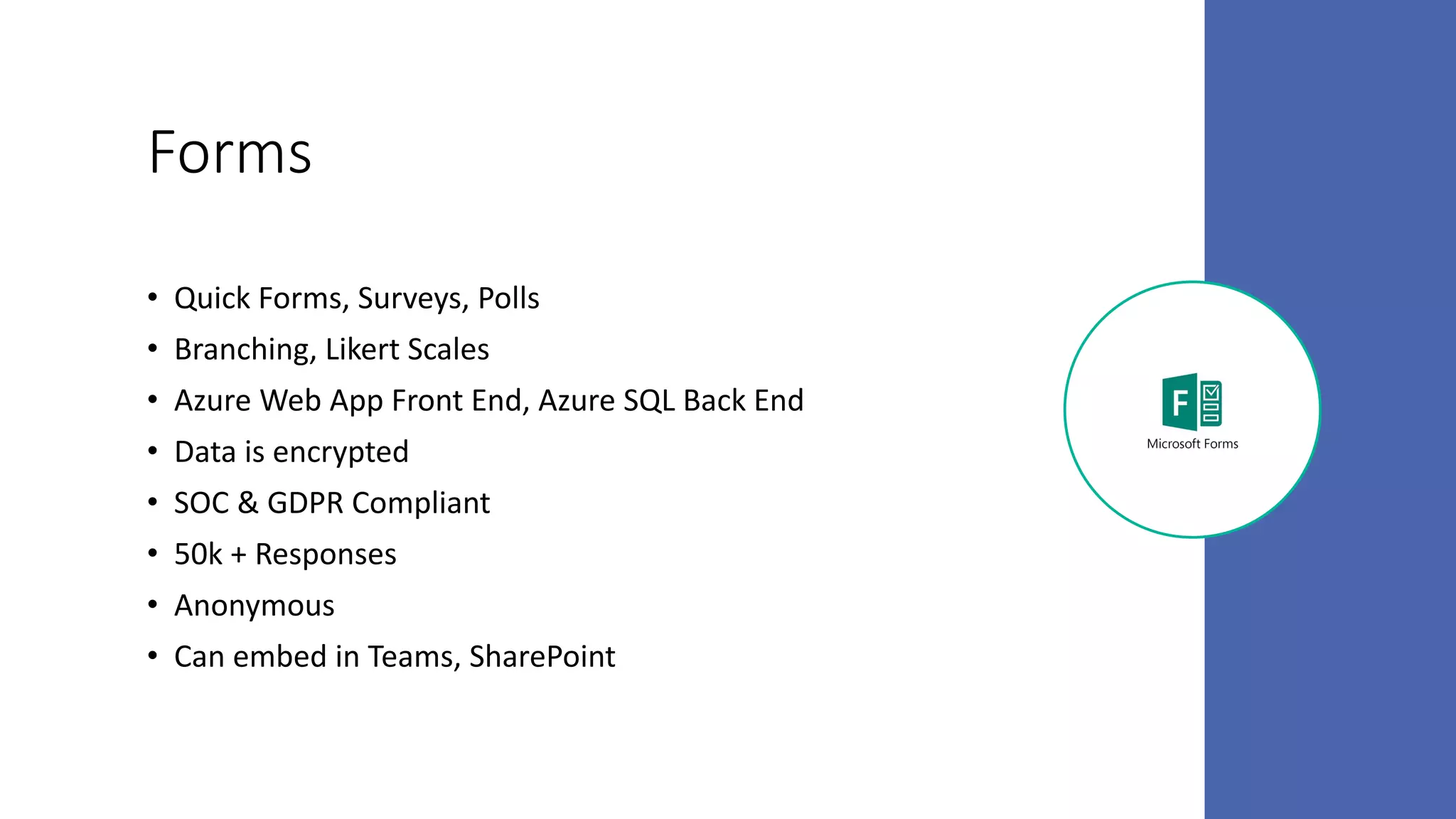
Forms
• Quick Forms, Surveys, Polls
• Branching, Likert Scales
• Azure Web App Front End, Azure SQL Back End
• Data is encrypted
• SOC & GDPR Compliant
• 50k + Responses
• Anonymous
• Can embed in Teams, SharePoint
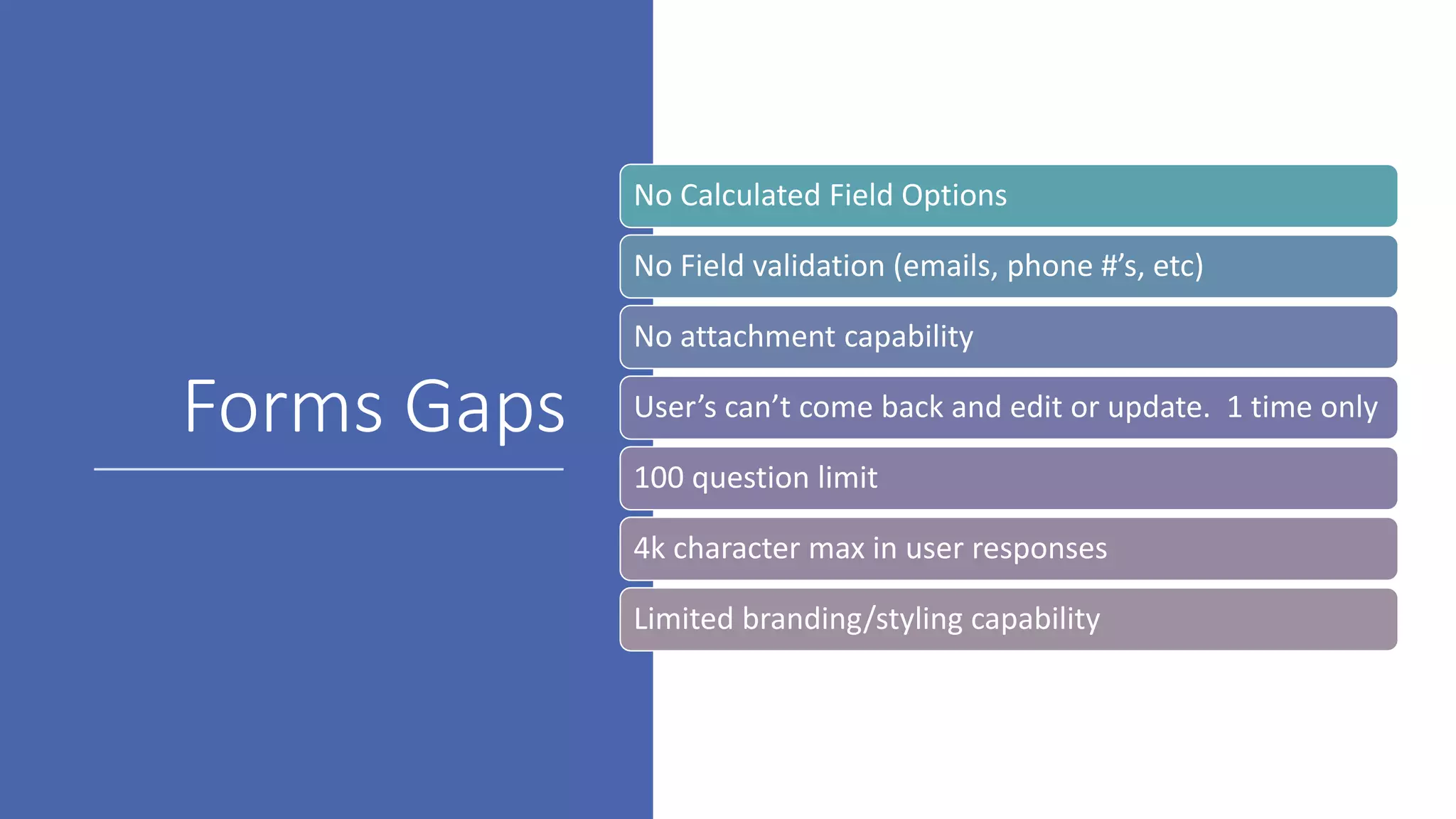
Forms Gaps
No Calculated Field Options
No Field validation (emails, phone #’s, etc)
No attachment capability
User’s can’t come back and edit or update. 1 time only
100 question limit
4k character max in user responses
Limited branding/styling capability
Forms Pro
• New! – Released in February
• All the features of Forms plus
• Additional insights and dashboards to analyze
responses
• Ability to distribute forms via Flow
• Embed a Forms Pro form in PowerApps
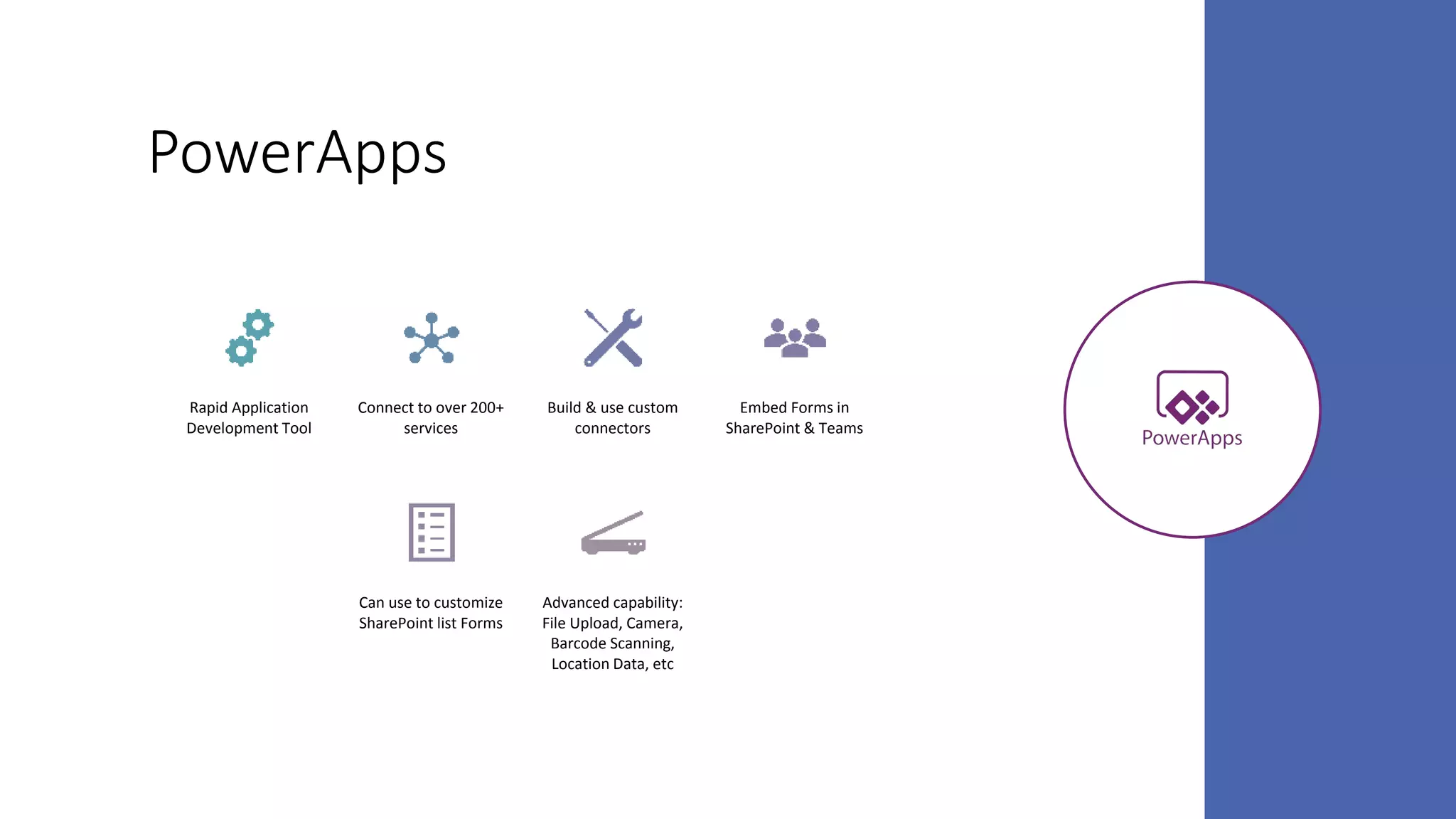
PowerApps
Rapid Application
Development Tool
Connect to over 200+
services
Build & use custom
connectors
Embed Forms in
SharePoint & Teams
Can use to customize
SharePoint list Forms
Advanced capability:
File Upload, Camera,
Barcode Scanning,
Location Data, etc
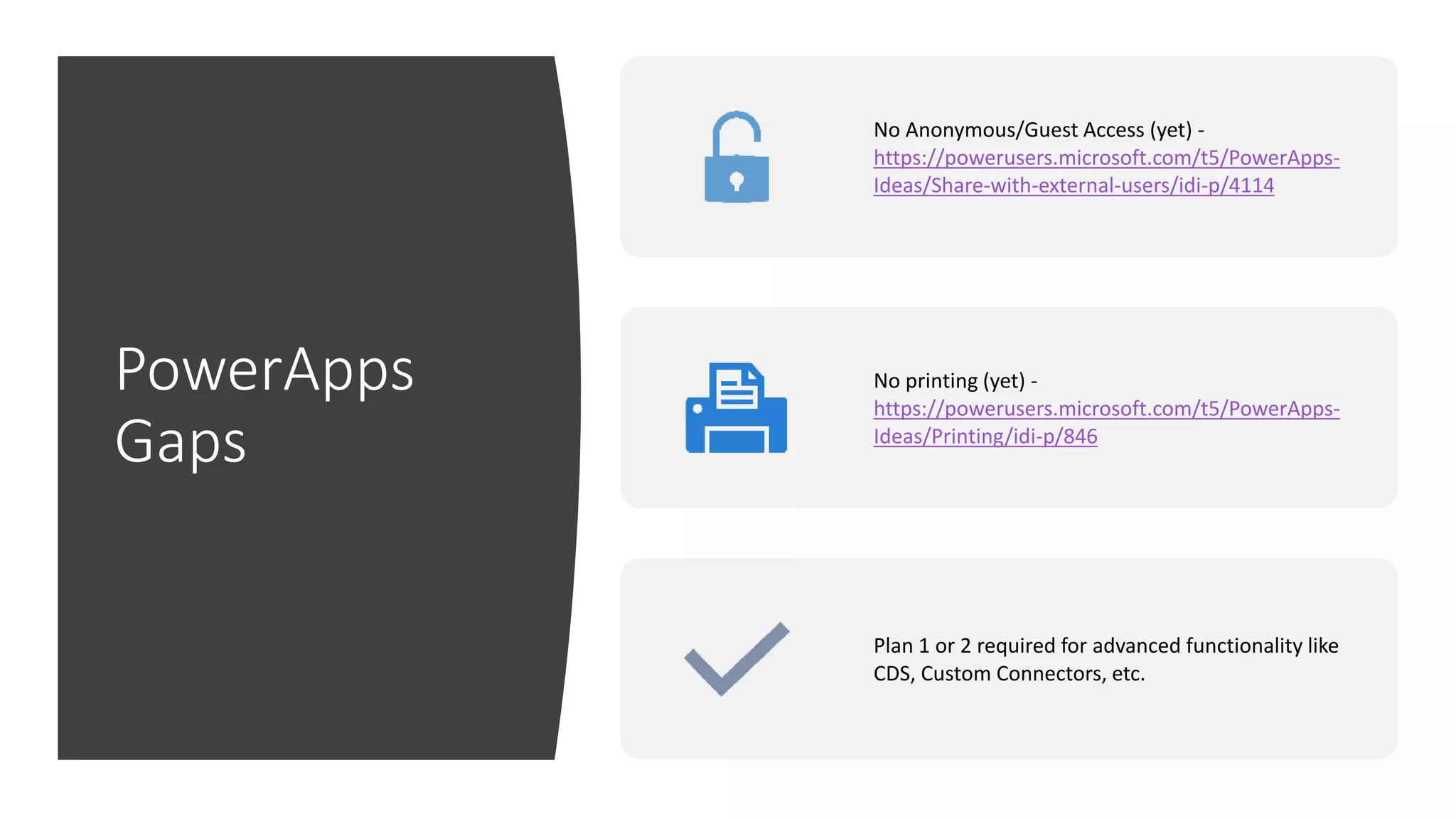
PowerApps
Gaps
No Anonymous/Guest Access (yet) -
https://powerusers.microsoft.com/t5/PowerApps-
Ideas/Share-with-external-users/idi-p/4114
No printing (yet) -
https://powerusers.microsoft.com/t5/PowerApps-
Ideas/Printing/idi-p/846
Plan 1 or 2 required for advanced functionality like
CDS, Custom Connectors, etc.
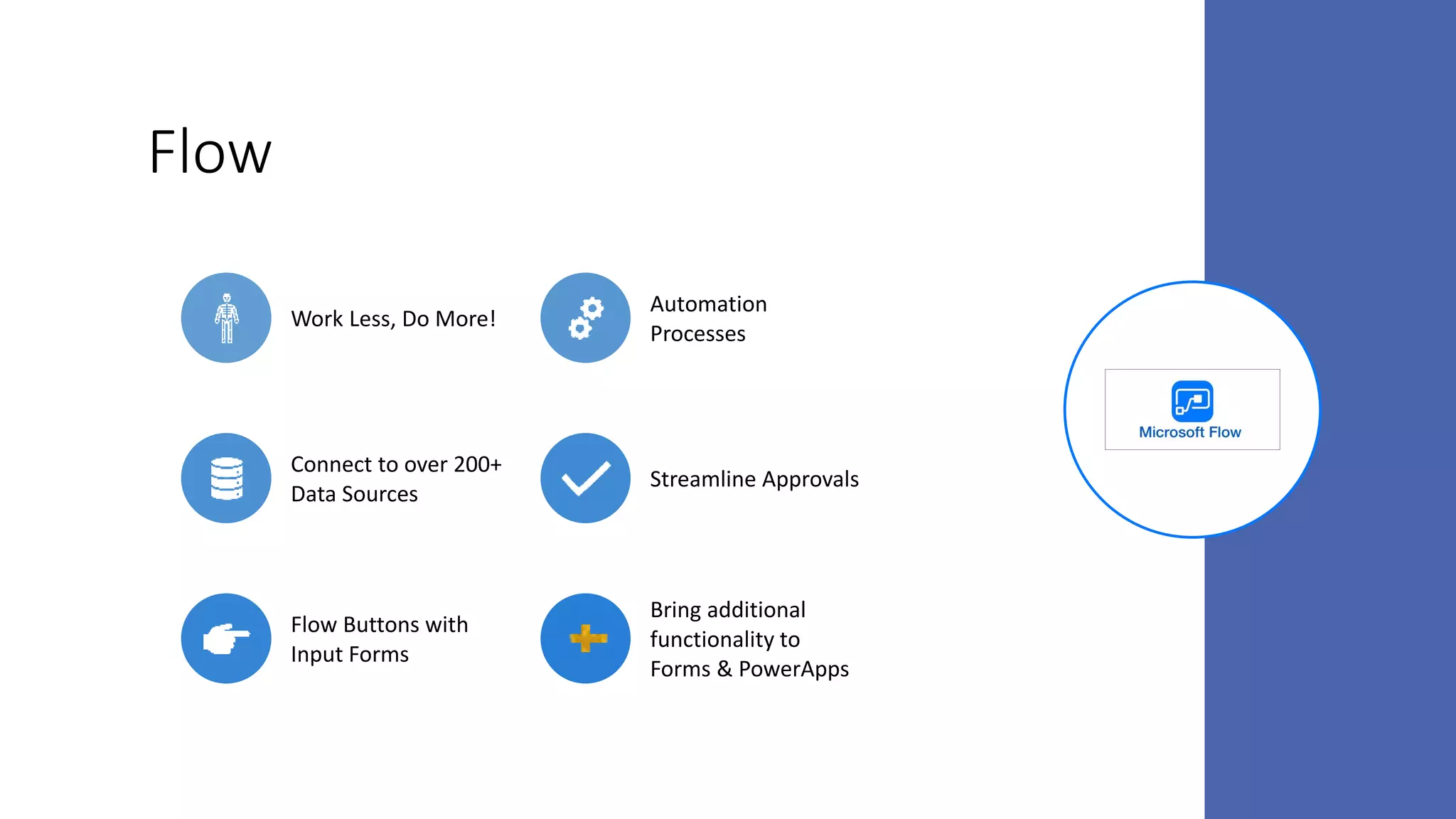
Flow
Work Less, Do More!
Automation
Processes
Connect to over 200+
Data Sources
Streamline Approvals
Flow Buttons with
Input Forms
Bring additional
functionality to
Forms & PowerApps
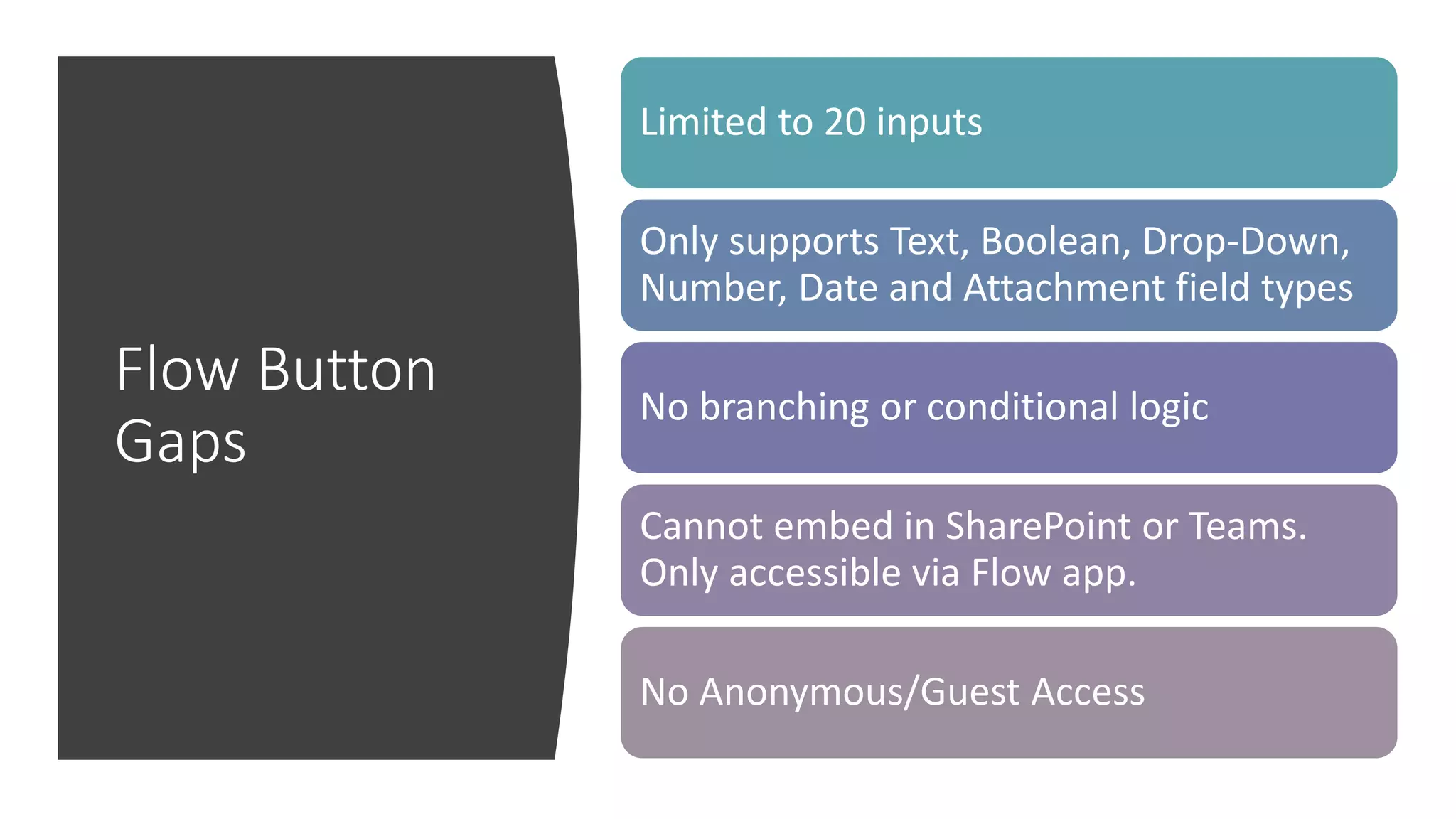
Flow Button
Gaps
Limited to 20 inputs
Only supports Text, Boolean, Drop-Down,
Number, Date and Attachment field types
No branching or conditional logic
Cannot embed in SharePoint or Teams.
Only accessible via Flow app.
No Anonymous/Guest Access
Scenario 1: Employee
Feedback Form
• Requirements:
• Input form with 5 – 10 questions
• Need mixture of text inputs, multiple
choice and Likert scale options
• Want entries to be anonymous
• Want to be able to embed the form in a
SharePoint page
• Users only need to be able to submit an
entry, do not want to allow them to go
back in and change their feedback
Scenario 2: Contact
Management Solution
• Requirements:
• Need an efficient way to quickly add a new
Contact
• Will require a form to enter name, phone, email,
etc. Possibly a way to upload a picture of the
contact’s business card
• Need to be able to input a new Contact from a
mobile device
• When a contact is inputted in the form, want to
automatically add that contact as a contact in
Outlook and into a SharePoint contacts list
Scenario 3: Company Store
App
• Requirements:
• Need an app to allow users to browse list of items,
add items to a chart and go through a checkout
process.
• Users need to be able to go back into the app to
either start another order or track the status of
existing orders
• Will need to access via both desktop and mobile
• Want the data stored in a SharePoint list
• Bonus: Need a workflow to route orders to
manager for approval and update user on order
status
Questions?

PowerApps, Forms, Flow, oh my!

  • 1.
    Which Tool toUse When PowerApps, Forms, and Flow, oh my!
  • 2.
    About Me – AprilDunnam • Microsoft MVP • Owner & Lead Developer at ThriveFast • Active blogger and speaker • President of Oklahoma PowerApps & Flow User Group • Concert junkie and karaoke queen • You can find me at : Twitter: @aprildunnam Blog: www.SharePointSiren.com April.Dunnam@thrivefast.com
  • 3.
    Agenda • Features • Gaps Overviewof PowerApps, Forms & Flow • Use Cases Which Tool to Use When
  • 4.
    Terrific Trio ofBusiness Apps
  • 5.
    Good For: Feedback/Signup Forms,Surveys, Quizzes Good For: Robust Desktop & Mobile Applications Good For: Simple Input Forms with workflow requirement, extending and automating Forms and PowerApps
  • 6.
    Forms • Quick Forms,Surveys, Polls • Branching, Likert Scales • Azure Web App Front End, Azure SQL Back End • Data is encrypted • SOC & GDPR Compliant • 50k + Responses • Anonymous • Can embed in Teams, SharePoint
  • 7.
    Forms Gaps No CalculatedField Options No Field validation (emails, phone #’s, etc) No attachment capability User’s can’t come back and edit or update. 1 time only 100 question limit 4k character max in user responses Limited branding/styling capability
  • 8.
    Forms Pro • New!– Released in February • All the features of Forms plus • Additional insights and dashboards to analyze responses • Ability to distribute forms via Flow • Embed a Forms Pro form in PowerApps
  • 9.
    PowerApps Rapid Application Development Tool Connectto over 200+ services Build & use custom connectors Embed Forms in SharePoint & Teams Can use to customize SharePoint list Forms Advanced capability: File Upload, Camera, Barcode Scanning, Location Data, etc
  • 10.
    PowerApps Gaps No Anonymous/Guest Access(yet) - https://powerusers.microsoft.com/t5/PowerApps- Ideas/Share-with-external-users/idi-p/4114 No printing (yet) - https://powerusers.microsoft.com/t5/PowerApps- Ideas/Printing/idi-p/846 Plan 1 or 2 required for advanced functionality like CDS, Custom Connectors, etc.
  • 11.
    Flow Work Less, DoMore! Automation Processes Connect to over 200+ Data Sources Streamline Approvals Flow Buttons with Input Forms Bring additional functionality to Forms & PowerApps
  • 12.
    Flow Button Gaps Limited to20 inputs Only supports Text, Boolean, Drop-Down, Number, Date and Attachment field types No branching or conditional logic Cannot embed in SharePoint or Teams. Only accessible via Flow app. No Anonymous/Guest Access
  • 13.
    Scenario 1: Employee FeedbackForm • Requirements: • Input form with 5 – 10 questions • Need mixture of text inputs, multiple choice and Likert scale options • Want entries to be anonymous • Want to be able to embed the form in a SharePoint page • Users only need to be able to submit an entry, do not want to allow them to go back in and change their feedback
  • 14.
    Scenario 2: Contact ManagementSolution • Requirements: • Need an efficient way to quickly add a new Contact • Will require a form to enter name, phone, email, etc. Possibly a way to upload a picture of the contact’s business card • Need to be able to input a new Contact from a mobile device • When a contact is inputted in the form, want to automatically add that contact as a contact in Outlook and into a SharePoint contacts list
  • 15.
    Scenario 3: CompanyStore App • Requirements: • Need an app to allow users to browse list of items, add items to a chart and go through a checkout process. • Users need to be able to go back into the app to either start another order or track the status of existing orders • Will need to access via both desktop and mobile • Want the data stored in a SharePoint list • Bonus: Need a workflow to route orders to manager for approval and update user on order status
  • 16.

Editor's Notes

  • #7 Google Forms Competitor.
  • #8 Think about the case of an event sign up. Someone fills out a form to RSVP. With Forms, they cannot come back later and change their RSVP. It’s a one time only