PowerPoint Microsoft
M icrosoft  O ffice  P ower P oint   is a presentation program developed by  Microsoft .   Persuasion technology   C reated by  Bob Gaskins  and  Dennis Austin
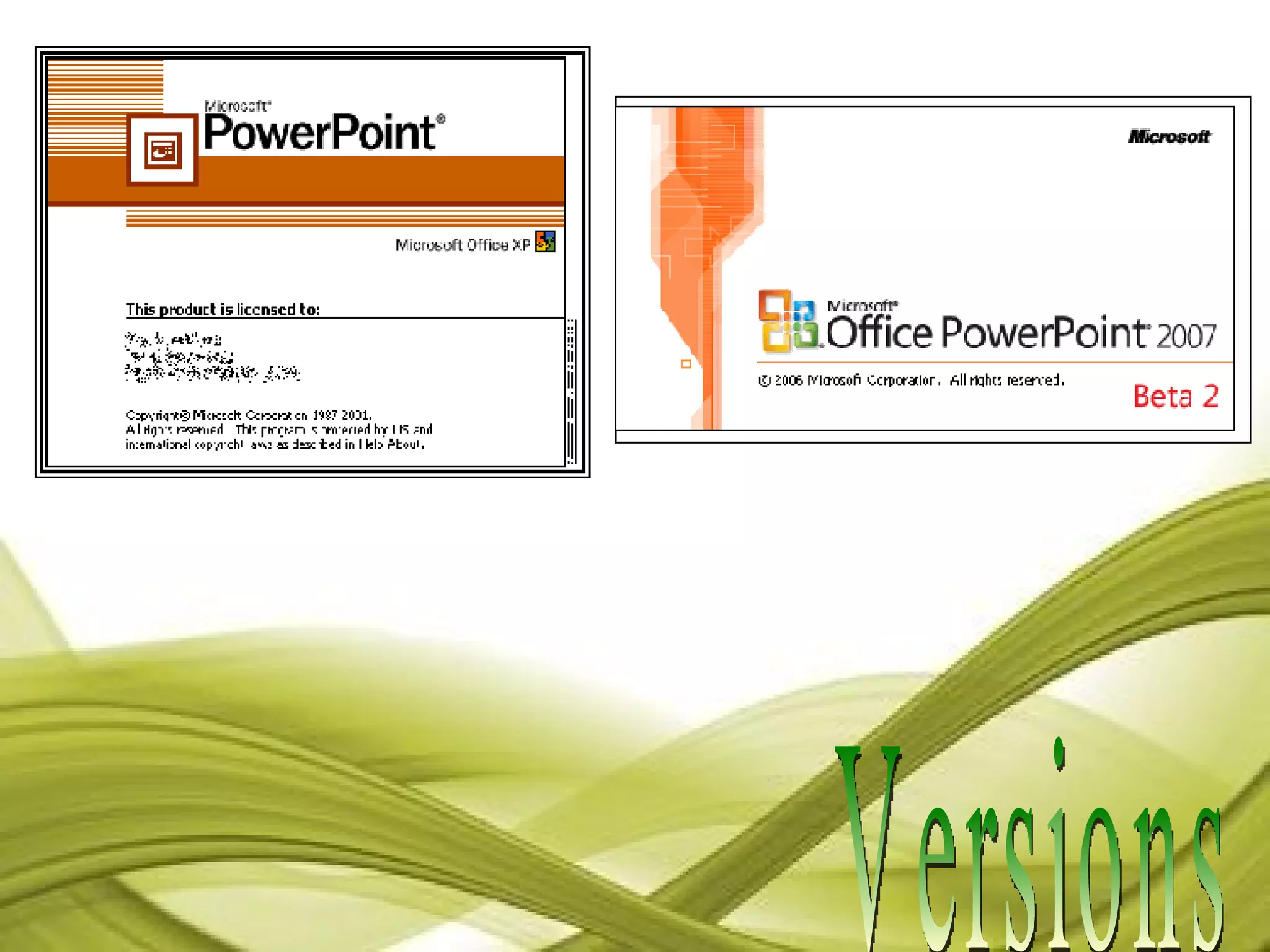
Versions
PowerPoint  In the Classroom
 
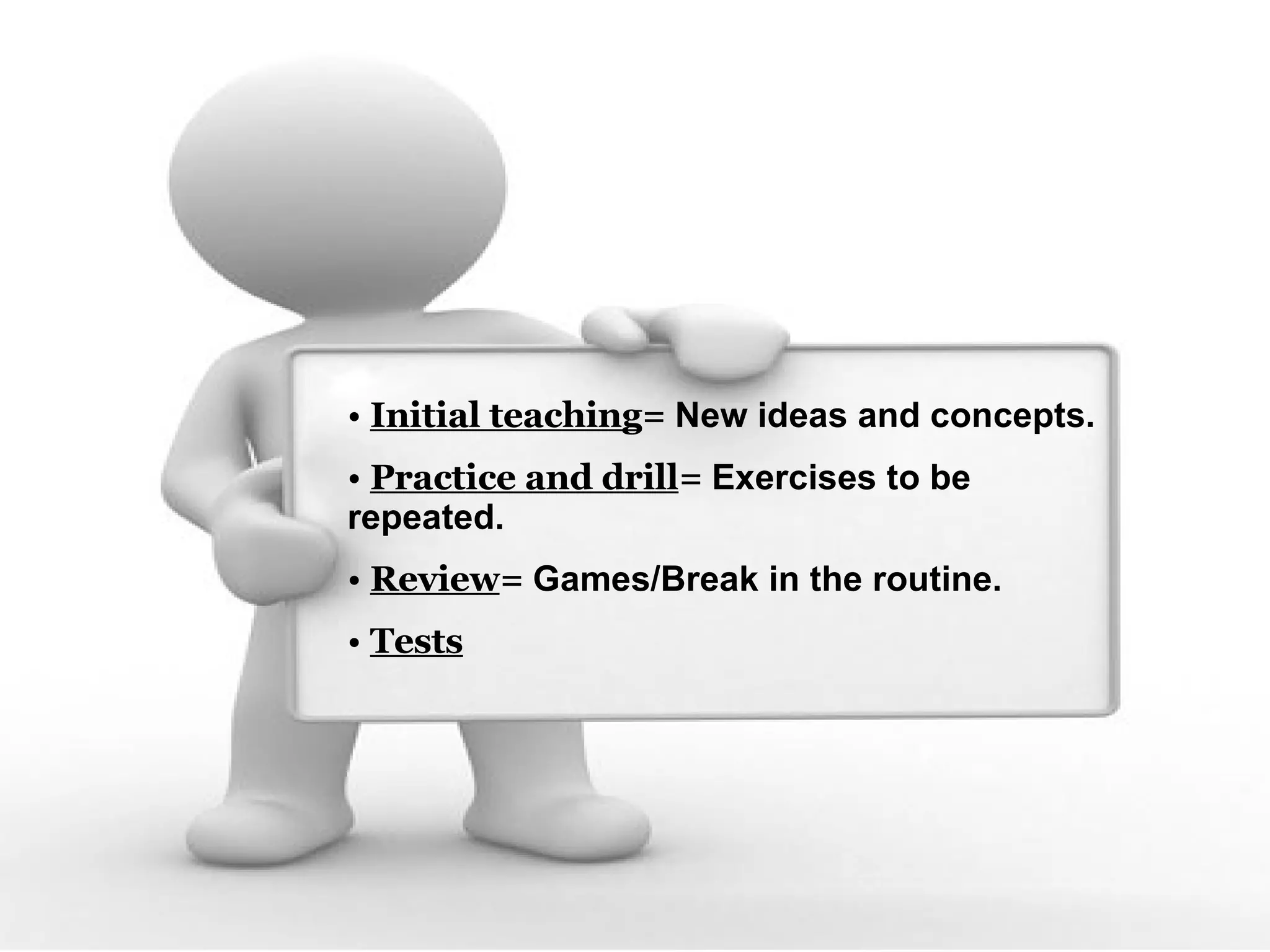
Initial teaching =  New ideas and concepts. Practice and drill =  Exercises to be repeated. Review =  Games/Break in the routine. Tests
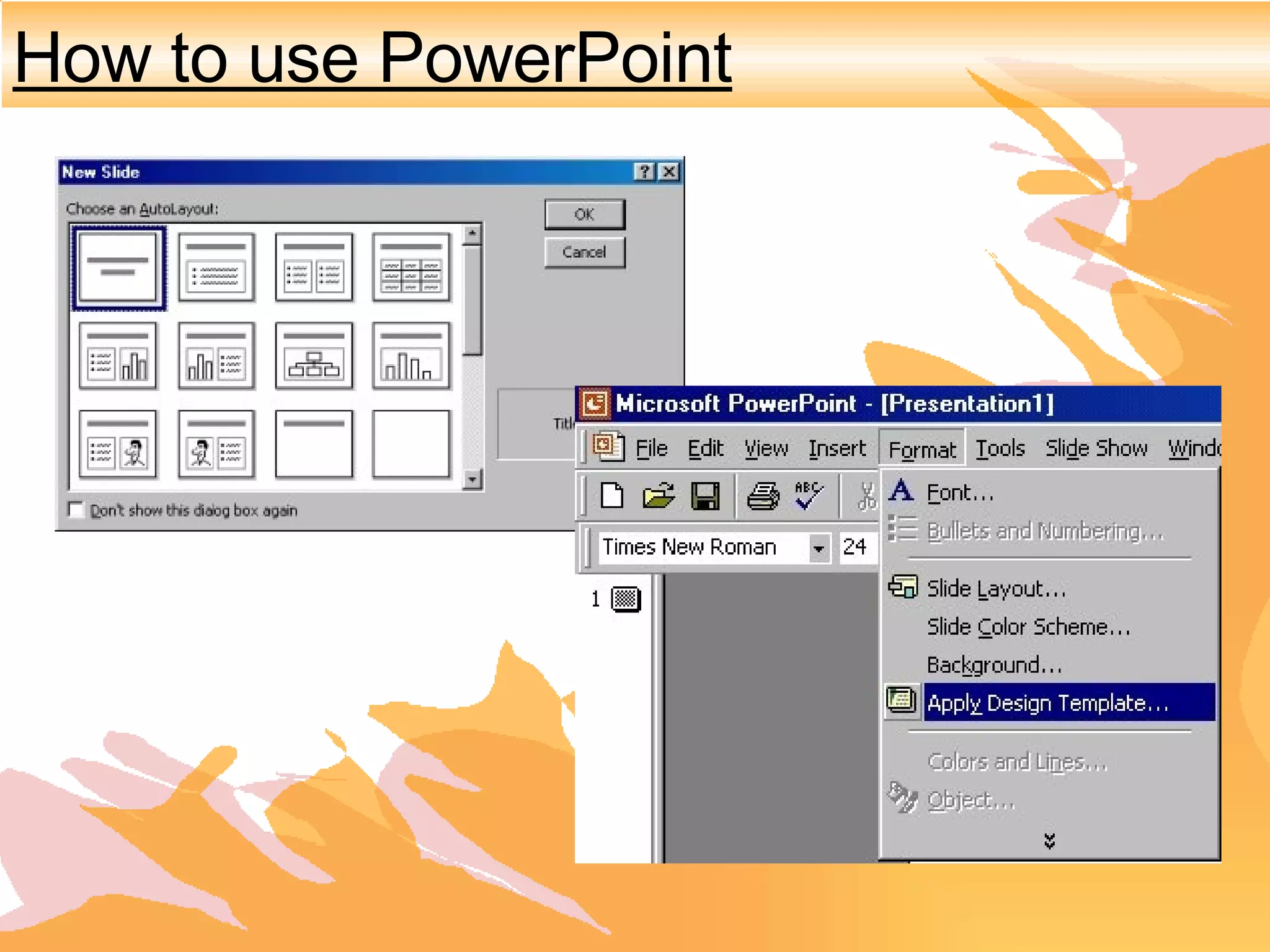
How to use PowerPoint
Static text Texts in motion Appearing  texts Sound effects Images Videos
It has a spell-check function.   It motivates students when used in moderation.  PowerPoint is not hard to learn.  What's Good About PowerPoint?
What's Bad About PowerPoint? Overuse can bore learners. Classrooms need large monitors or projectors to display presentations. Always have a back-up plan!
Things that people should avoid doing when using PowerPoint.
Most common PowerPoint Mistakes 1. People tend to put every word they are going to say on their powerpoint slides. Although this eliminates the need to memorize your talk, ultimately this makes your presentation crowded, wordy and boring. You will lose your audience’s attention before you even reach the bottom of your first slide.
Most common PowerPoint mistakes 2. Many people do not run spel chick bifor their presentations–  BIG MISTAK!!!!  Nothing makes you look stupider than spelling erors
Most common PowerPoint mistakes Avoid Excesive Bullet Pointing Only Bullet Key Points Too Many Bullet points And Your Key Message Will NOT Stand Out
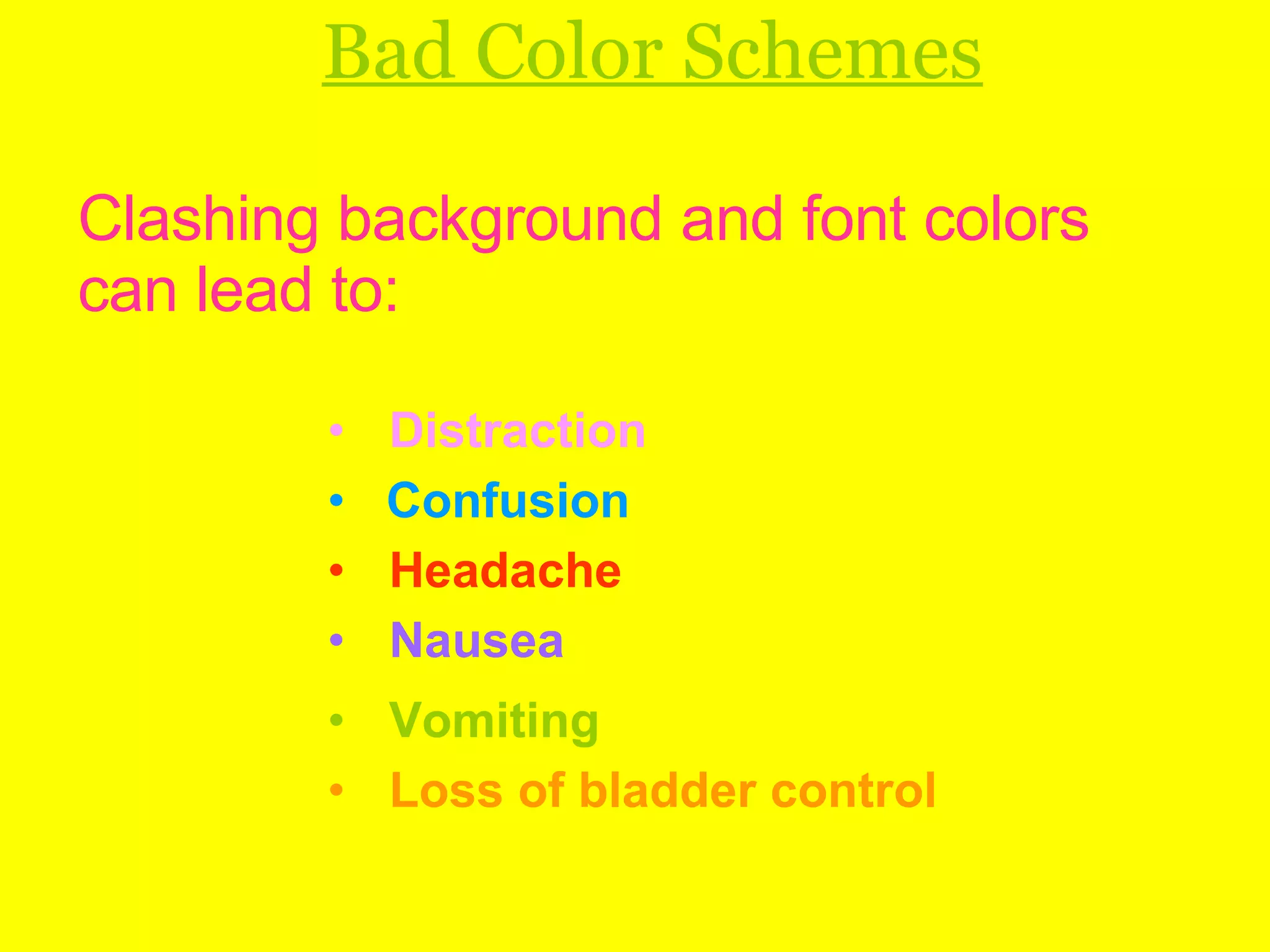
Bad Color Schemes Clashing background and font colors can lead to: Distraction Confusion Headache Nausea Vomiting Loss of bladder control
Font Analysis Courier New Organized and Structured Monotype Corsiva Artistic Times New Roman Lazy, apathetic, unimaginative and always use the default. *How NOT To Use Powerpoint By Comedian Don McMillan

Power Point

  • 1.
  • 2.
    M icrosoft O ffice P ower P oint is a presentation program developed by Microsoft . Persuasion technology C reated by Bob Gaskins and Dennis Austin
  • 3.
  • 4.
    PowerPoint Inthe Classroom
  • 5.
  • 6.
    Initial teaching = New ideas and concepts. Practice and drill = Exercises to be repeated. Review = Games/Break in the routine. Tests
  • 7.
    How to usePowerPoint
  • 8.
    Static text Textsin motion Appearing texts Sound effects Images Videos
  • 9.
    It has aspell-check function. It motivates students when used in moderation. PowerPoint is not hard to learn. What's Good About PowerPoint?
  • 10.
    What's Bad AboutPowerPoint? Overuse can bore learners. Classrooms need large monitors or projectors to display presentations. Always have a back-up plan!
  • 11.
    Things that peopleshould avoid doing when using PowerPoint.
  • 12.
    Most common PowerPointMistakes 1. People tend to put every word they are going to say on their powerpoint slides. Although this eliminates the need to memorize your talk, ultimately this makes your presentation crowded, wordy and boring. You will lose your audience’s attention before you even reach the bottom of your first slide.
  • 13.
    Most common PowerPointmistakes 2. Many people do not run spel chick bifor their presentations– BIG MISTAK!!!! Nothing makes you look stupider than spelling erors
  • 14.
    Most common PowerPointmistakes Avoid Excesive Bullet Pointing Only Bullet Key Points Too Many Bullet points And Your Key Message Will NOT Stand Out
  • 15.
    Bad Color SchemesClashing background and font colors can lead to: Distraction Confusion Headache Nausea Vomiting Loss of bladder control
  • 16.
    Font Analysis CourierNew Organized and Structured Monotype Corsiva Artistic Times New Roman Lazy, apathetic, unimaginative and always use the default. *How NOT To Use Powerpoint By Comedian Don McMillan