The More Powerful PowerPointNew Trends in PowerPointWith Denise Wright
WARNING
It’s time you were warned
A bad PowerPoint can cause a slow and painful
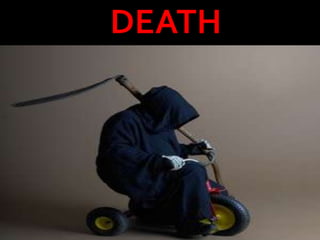
DEATH
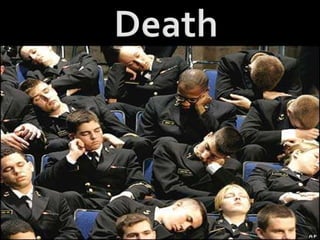
Death
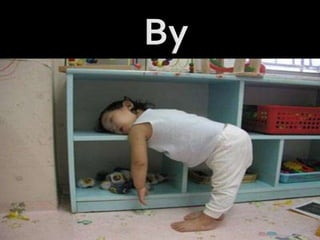
By
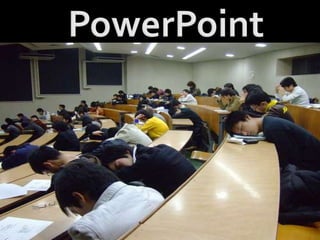
PowerPoint
Can Be Prevented
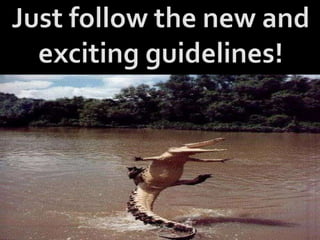
Just follow the new and exciting guidelines!
Guideline Number One
The problem is that most people speak at
150 WPM
Yet most people read at
250 WPM
Guideline Number Two
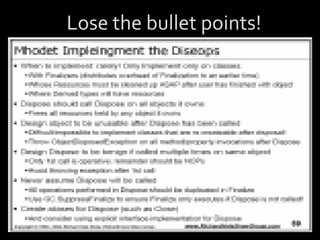
Ditch the Bullet Points
Examples
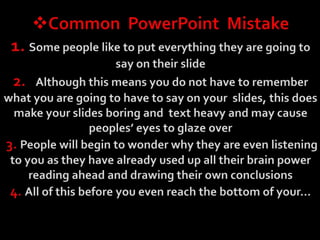
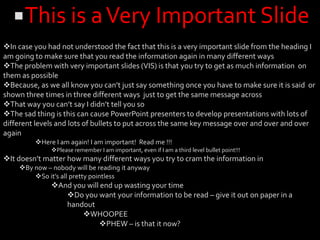
Common  PowerPoint  Mistake1. Some people like to put everything they are going to say on their slide2.   Although this means you do not have to remember what you are going to have to say on your  slides, this does make your slides boring and  text heavy and may cause peoples’ eyes to glaze over3. People will begin to wonder why they are even listening to you as they have already used up all their brain power reading ahead and drawing their own conclusions4. All of this before you even reach the bottom of your…This is a Very Important SlideIn case you had not understood the fact that this is a very important slide from the heading I am going to make sure that you read the information again in many different ways
The problem with very important slides (VIS) is that you try to get as much information  on them as possible
Because, as we all know you can’t just say something once you have to make sure it is said  or shown three times in three different ways  just to get the same message across
That way you can’t say I didn’t tell you so
The sad thing is this can cause PowerPoint presenters to develop presentations with lots of different levels and lots of bullets to put across the same key message over and over and over again
Here I am again! I am important!  Read me !!!
Please remember I am important, even if I am a third level bullet point!!!
It doesn’t matter how many different ways you try to cram the information in
By now – nobody will be reading it anyway
So it’s all pretty pointless
And you will end up wasting your time
Do you want your information to be read – give it out on paper in a handout
WHOOPEE
PHEW – is that it now?Not exactly exciting is it?
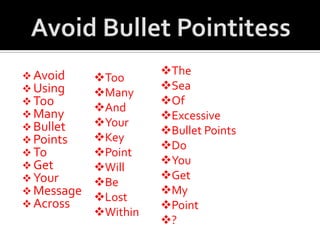
Avoid Bullet PointitessToo
Many
And
Your
Key
Point
Will
Be
Lost
Within
The
Sea
Of
Excessive
Bullet Points
Do
You
Get
My
Point
?
Avoid
Using
Too
Many
Bullet
Points
To
Get
Your
Message
AcrossGuideline Number Three
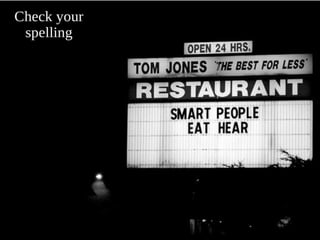
Spell Checks
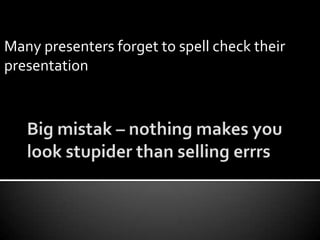
Big mistak – nothing makes you look stupider than selling errrsMany presenters forget to spell check their presentation
Guideline Number Four
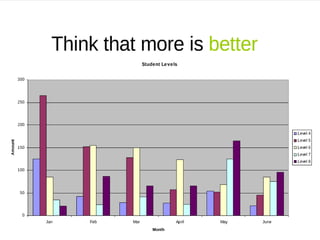
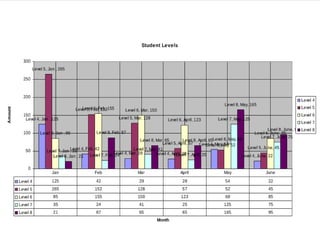
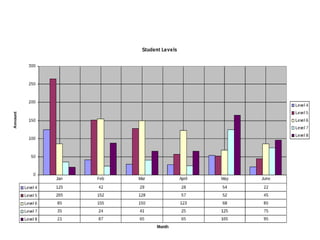
More Data
Less Effectiveness
Let’s demonstrate this
By adding more!
In some desperate attempt
To convince you of their point
Guideline NumberFive
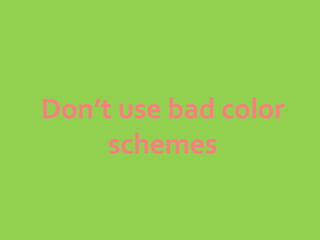
Avoid Bad Color SchemesClashing backgrounds and font colors can lead to- Thumping Headache	- Motion sickness	- Distraction	- Unexplained rash	- Mental Confusion	- Continual fidgeting
Guideline Number Six
Animation
Can be good
For visual learners
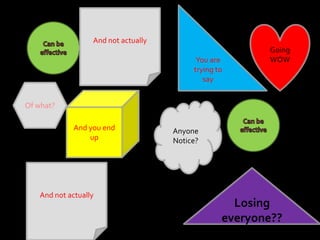
You are trying to sayAnd not actuallyCan be effectiveGoing WOWOf what?And you end upCan be effectiveAnyoneNotice?And not actuallyLosing everyone??
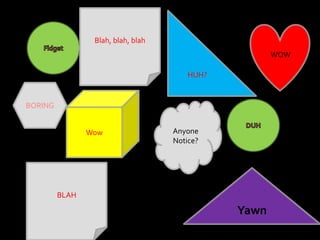
And your PowerPoint becomes this
Blah, blah, blahHUH?Fidget WOWBORINGWowDUHAnyoneNotice?BLAHYawn
More Animation
Less Effectiveness
So how do you avoid mindless texts and bullets?
We’ve all heard the proverb
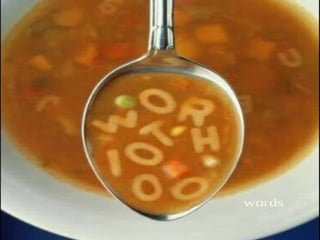
A picture is
Example of an ineffective PowerPoint slide
Does it make you feel like this?
PowerPoint It!