Download to read offline



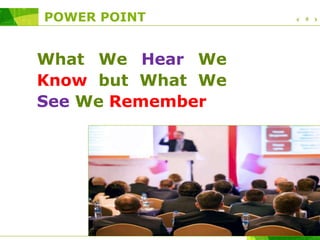
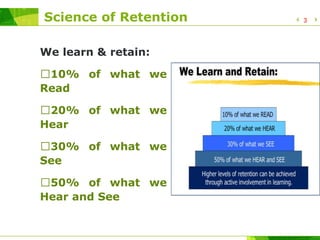
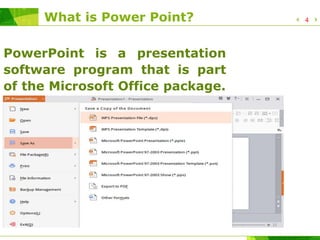

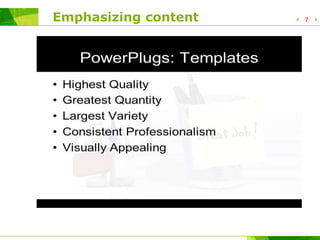
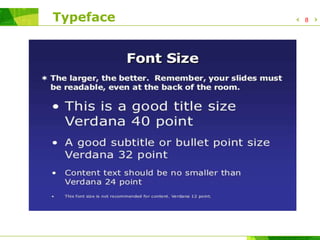
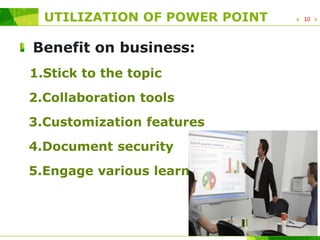
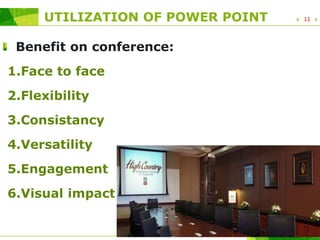
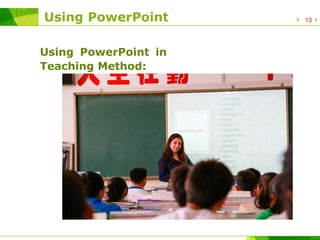

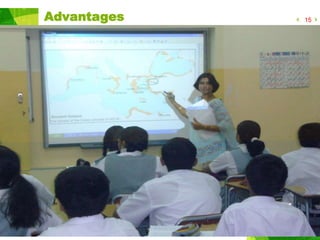
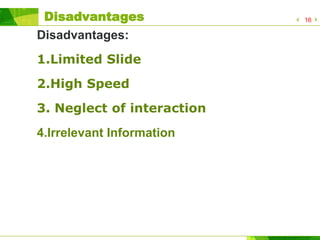


PowerPoint can be an effective presentation tool when used properly. It allows presenters to convey information visually, which helps audiences retain information better compared to solely oral or written methods. When creating PowerPoint slides, presenters should emphasize key points, use clear typefaces and graphics to reinforce messages, and customize slides to engage different learning styles and hold audience attention. PowerPoint also enables collaboration and consistency across presentations. However, overreliance on animation and text-heavy slides can limit audience interaction and speed of information transfer. Presenters must be educated on proper PowerPoint design and exploration of new techniques.


![Teaching+With+Powerpoint! 1 [1]](https://cdn.slidesharecdn.com/ss_thumbnails/teachingwithpowerpoint11-091212184516-phpapp02-thumbnail.jpg?width=640&height=640&fit=bounds)


