

Philanthropy 2.0


28
What We’ll Cover
•       Web 1.0 & Web 2.0
•       Web 2.0 Tools
    o     Blogs
    o     Social Networking
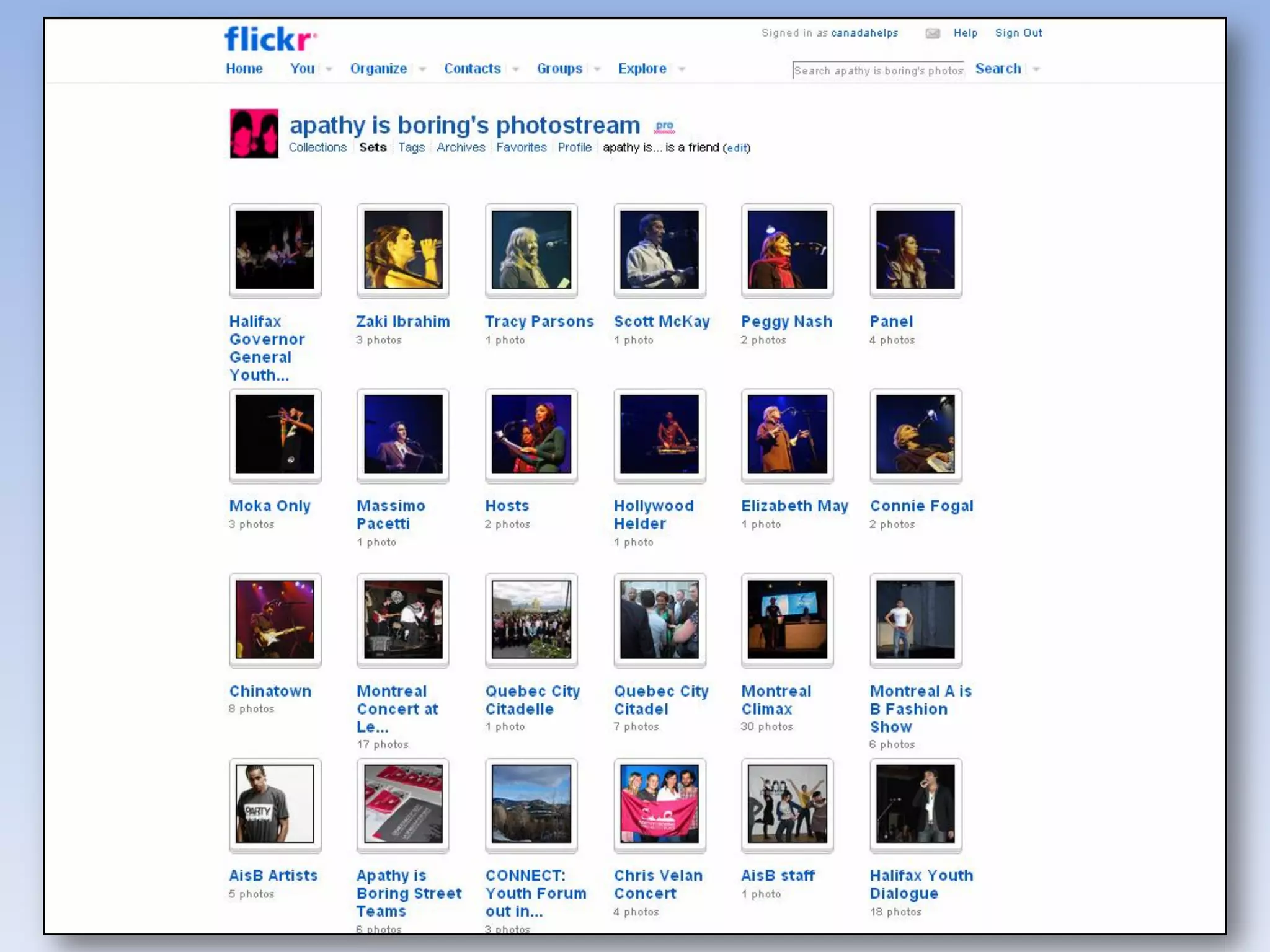
    o     Flickr
    o     YouTube
    o     Giving Pages
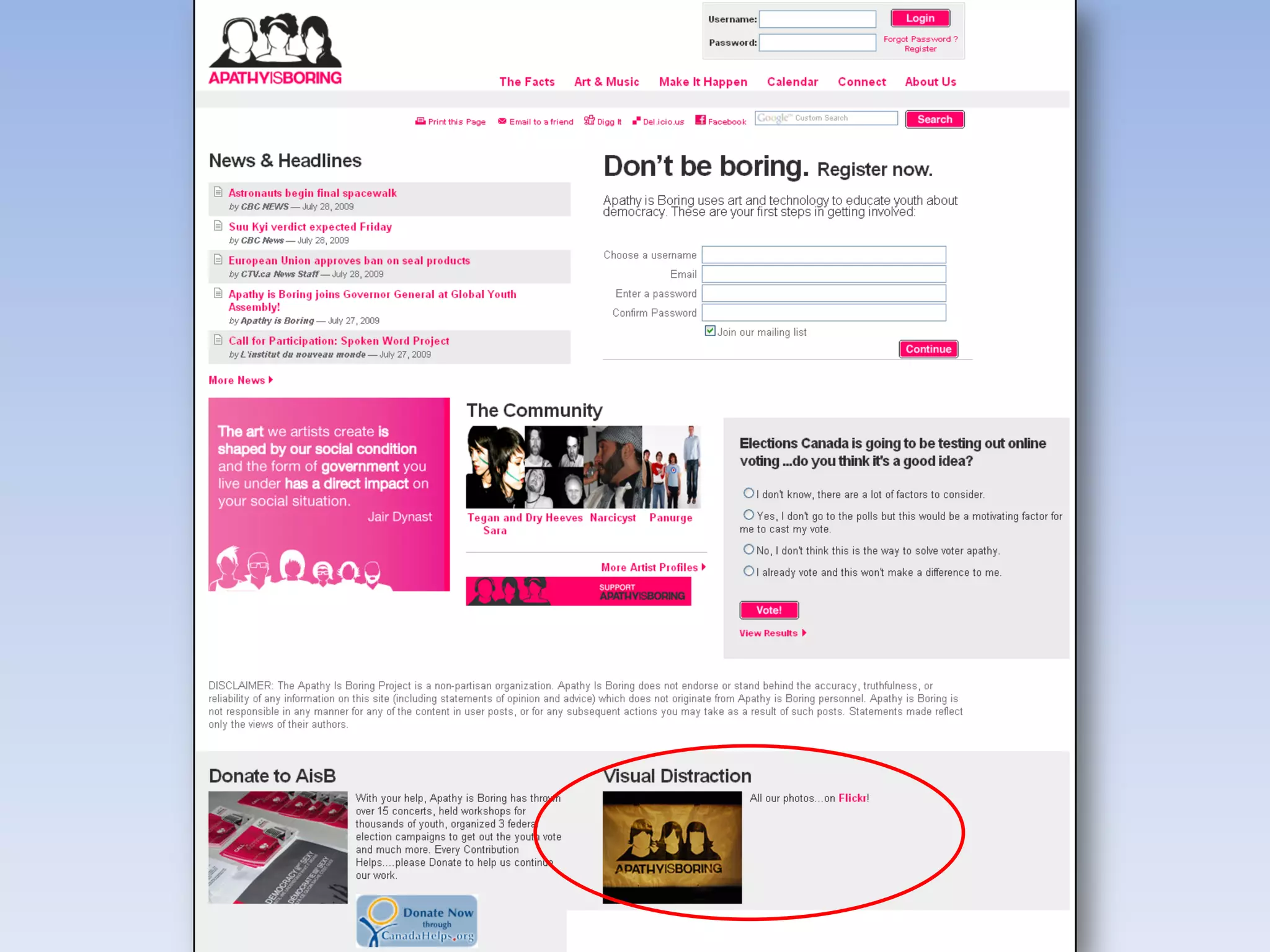
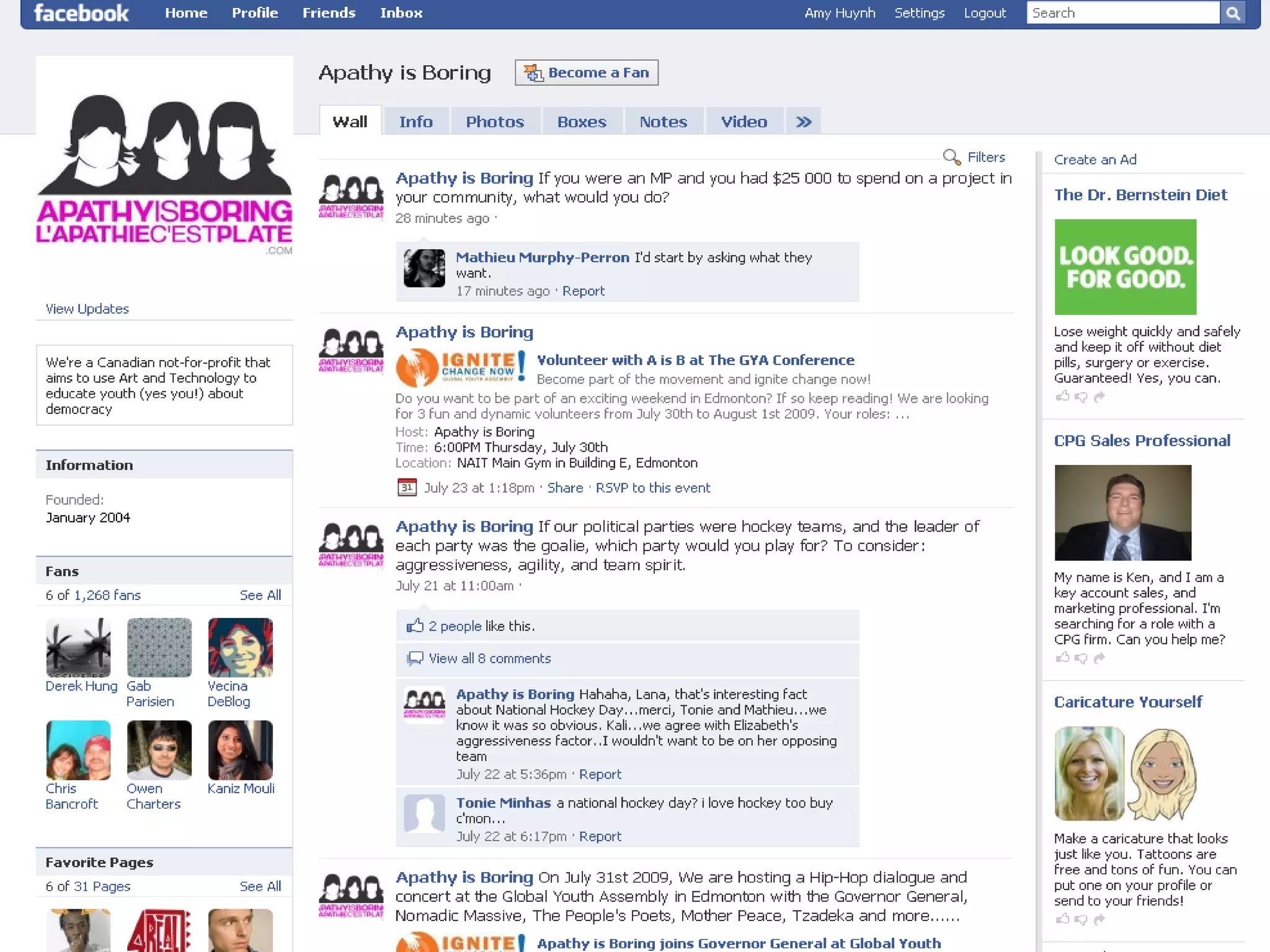
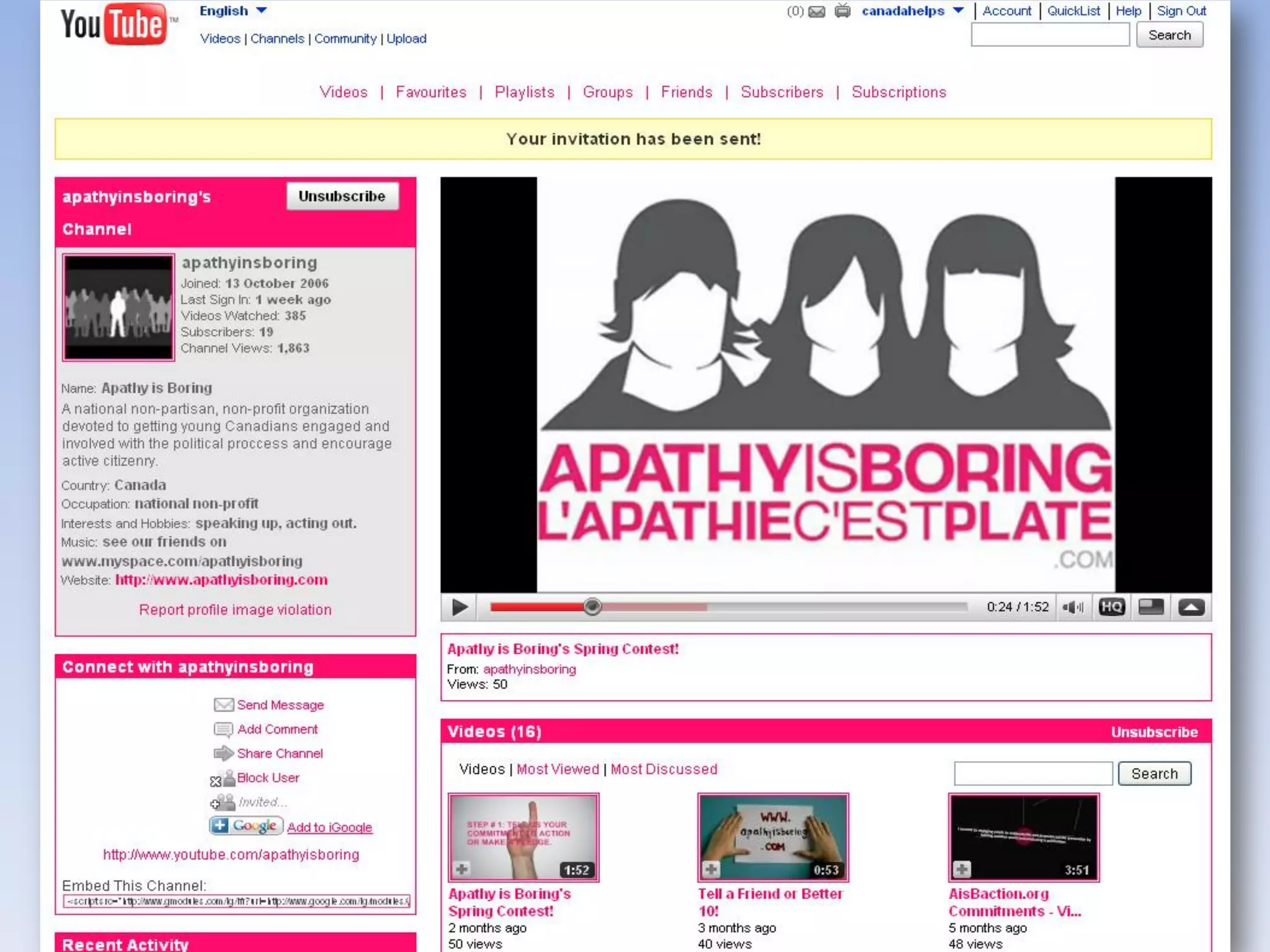
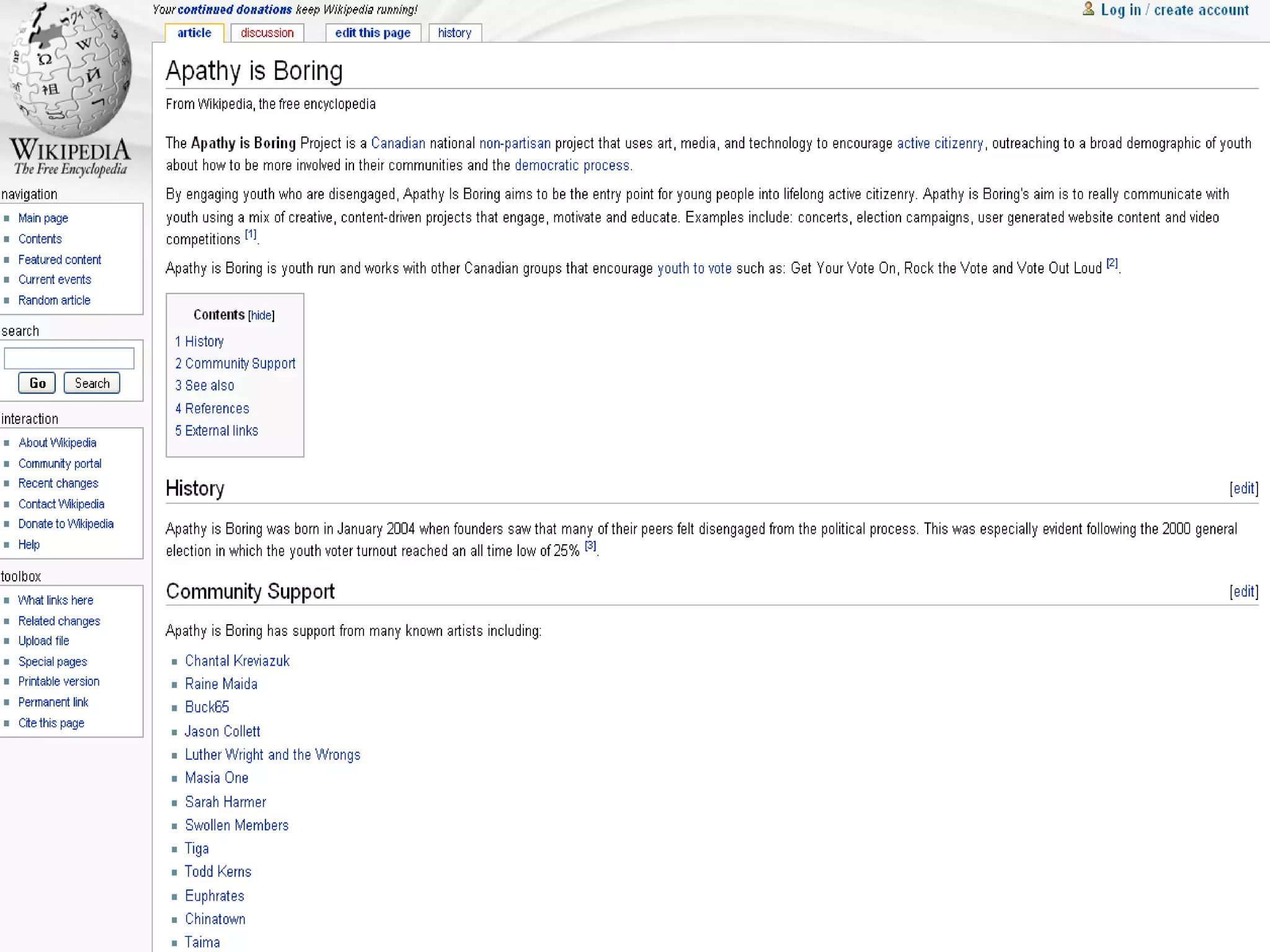
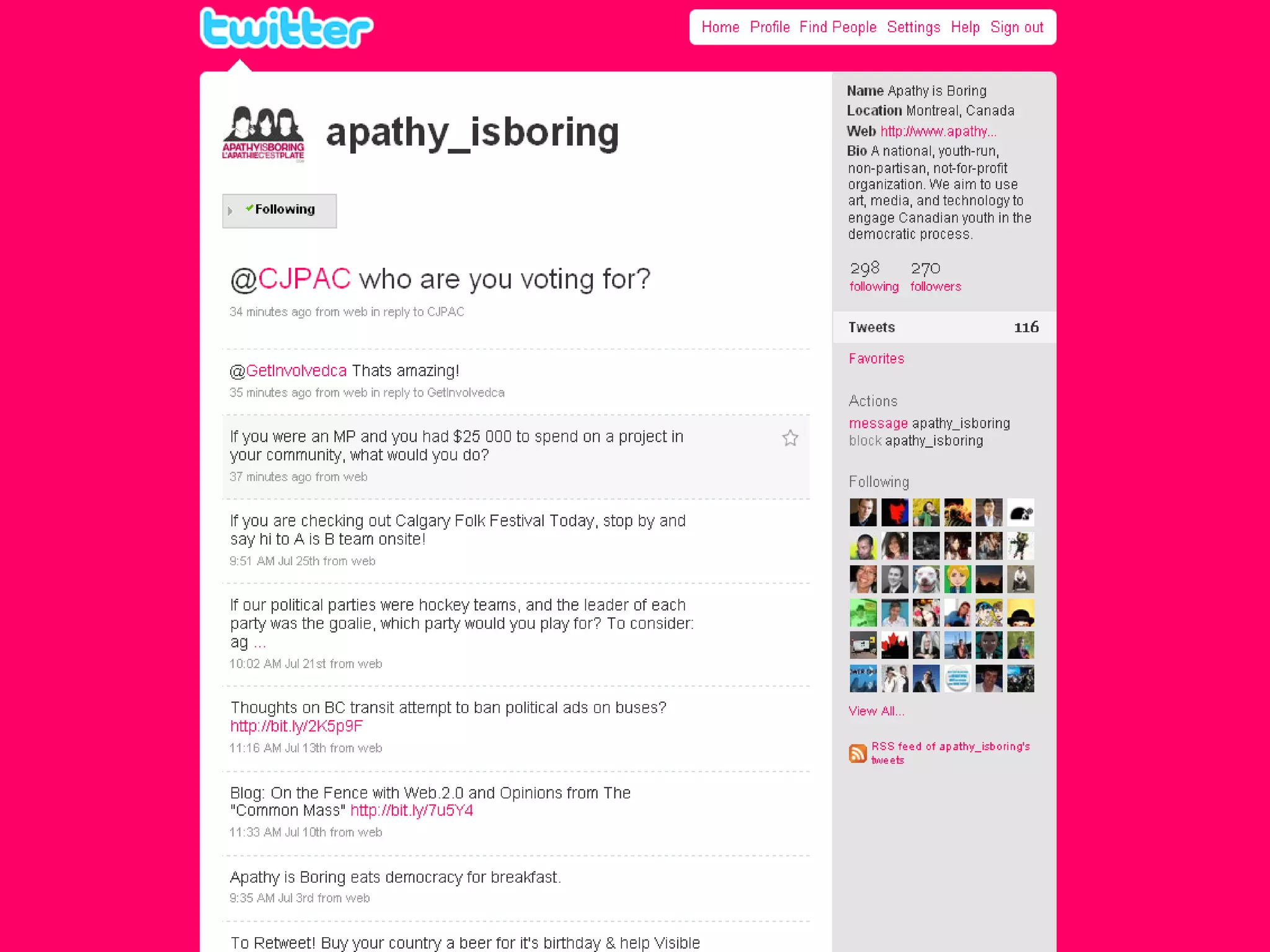
•       Case Study: Apathy is Boring
•       Debunking Web 2.0 Myths
•       Keep in Mind
Web 1.0 and Web 2.0
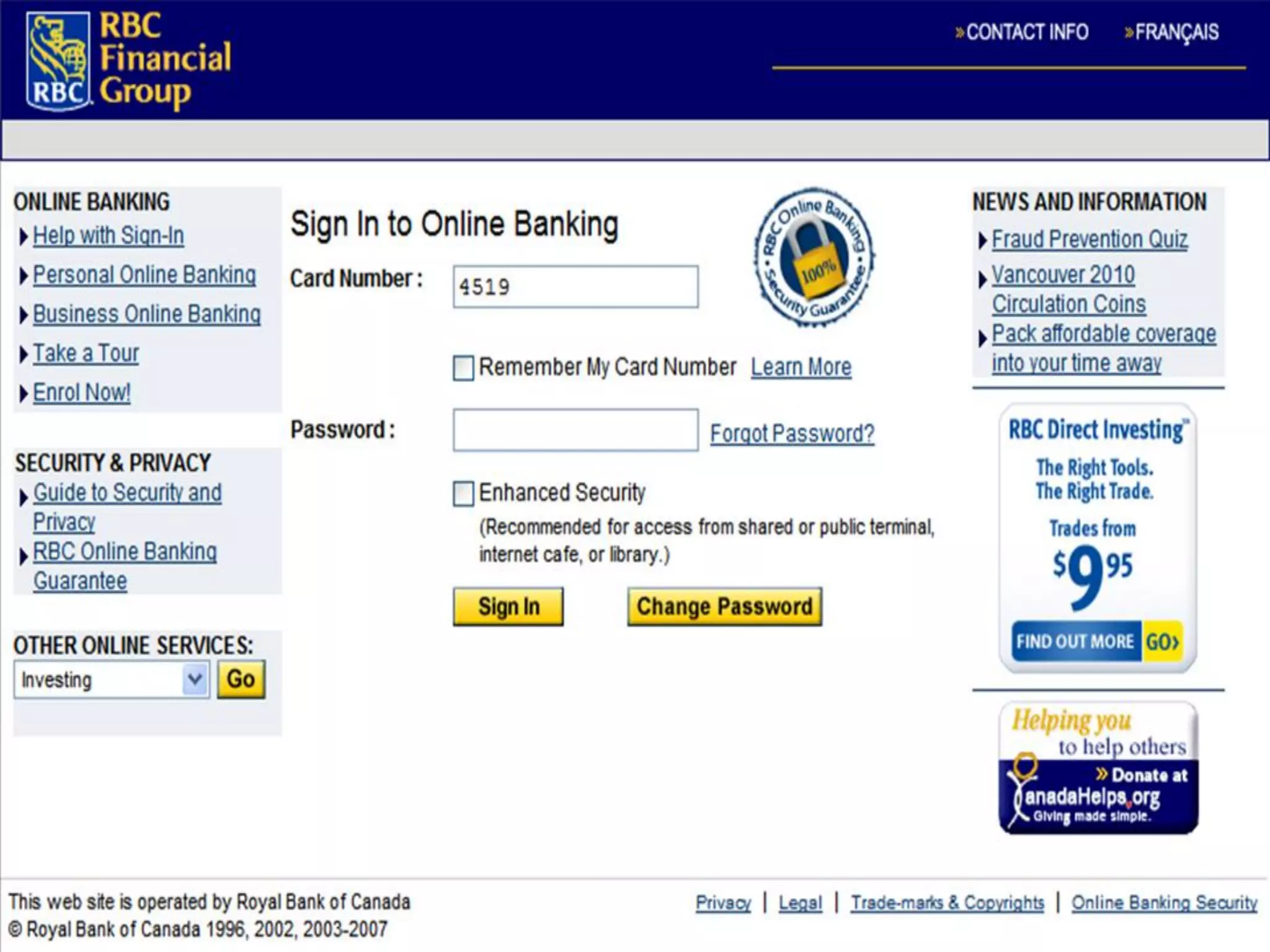
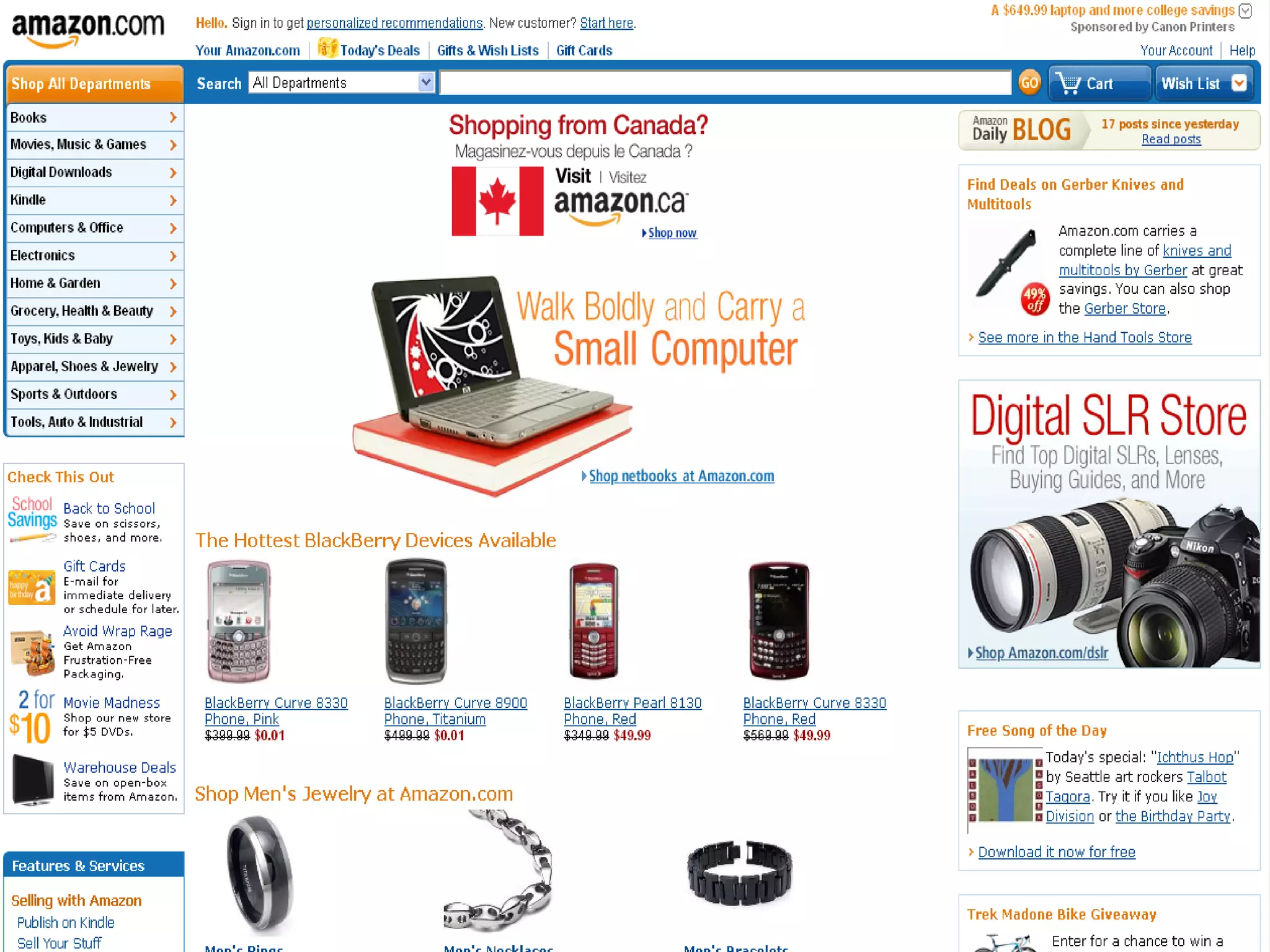
Web 1.0
• The ability to disseminate information
  electronically: to display and promote an
  organization, person, or idea on the
  internet
• To be good at Web 1.0, your website has to
  have good design and content
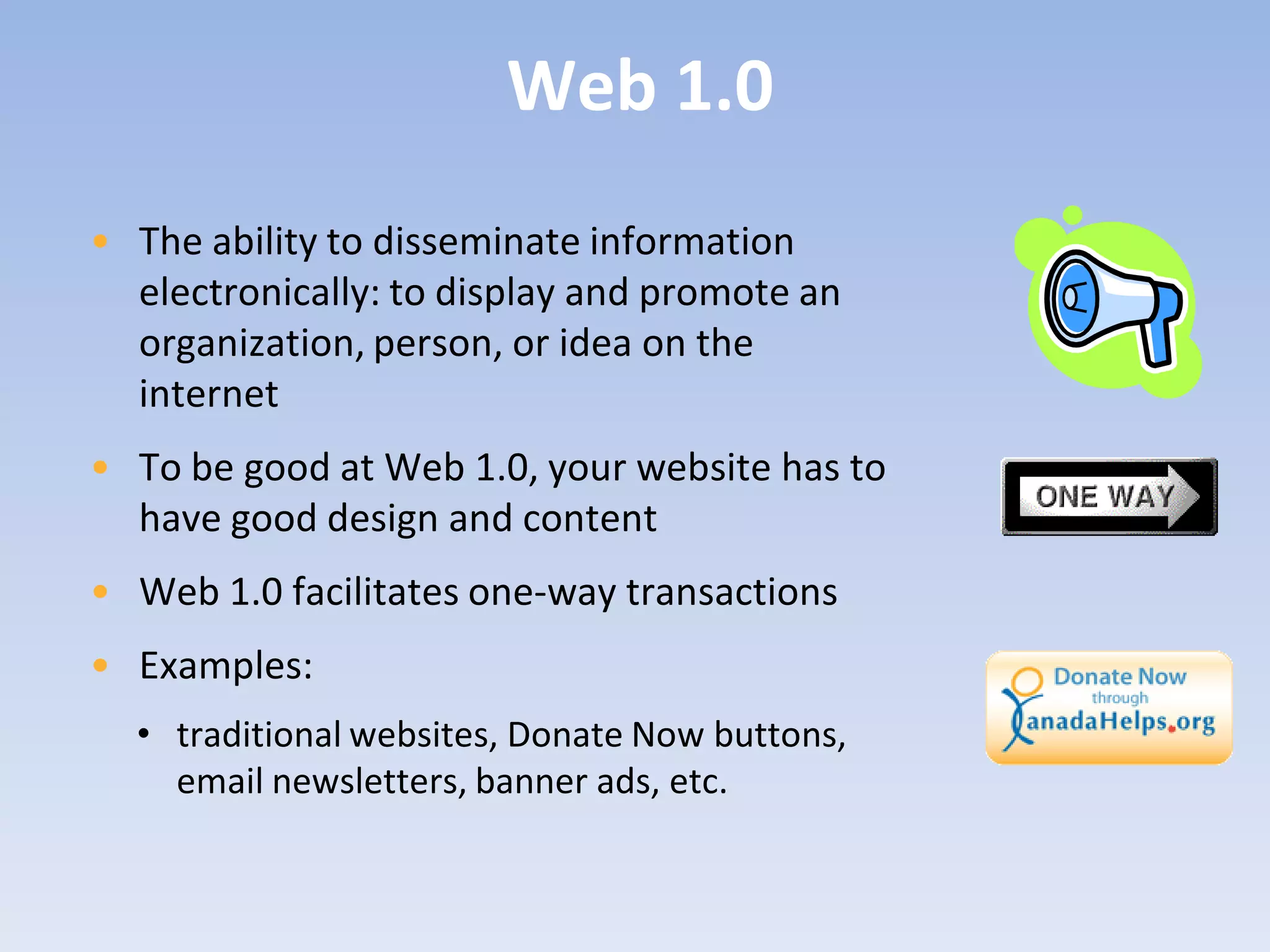
• Web 1.0 facilitates one-way transactions
• Examples:
  • traditional websites, Donate Now buttons,
    email newsletters, banner ads, etc.
32
33
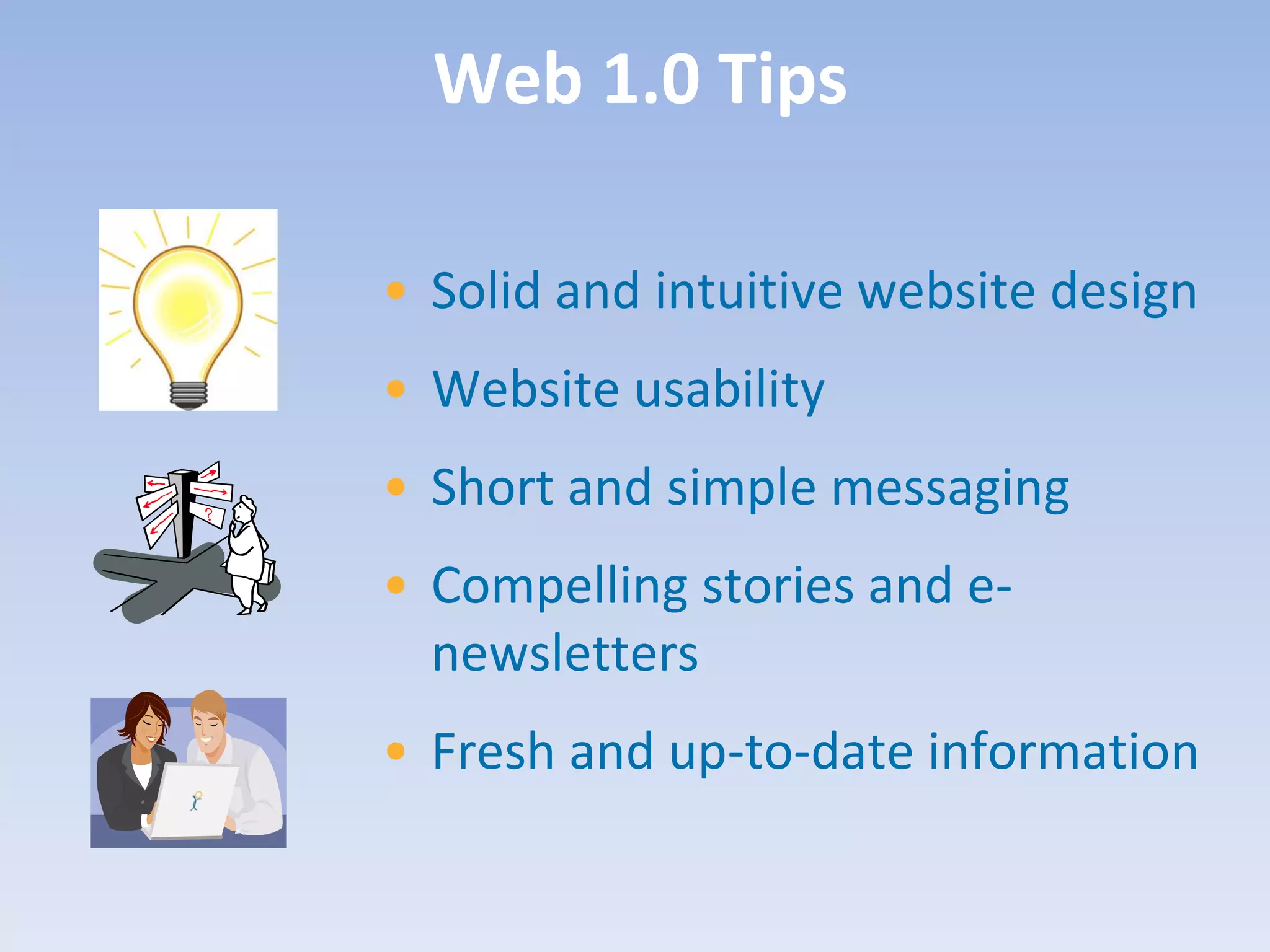
Web 1.0 Tips

• Solid and intuitive website design
• Website usability
• Short and simple messaging
• Compelling stories and e-
  newsletters
• Fresh and up-to-date information
Web 2.0

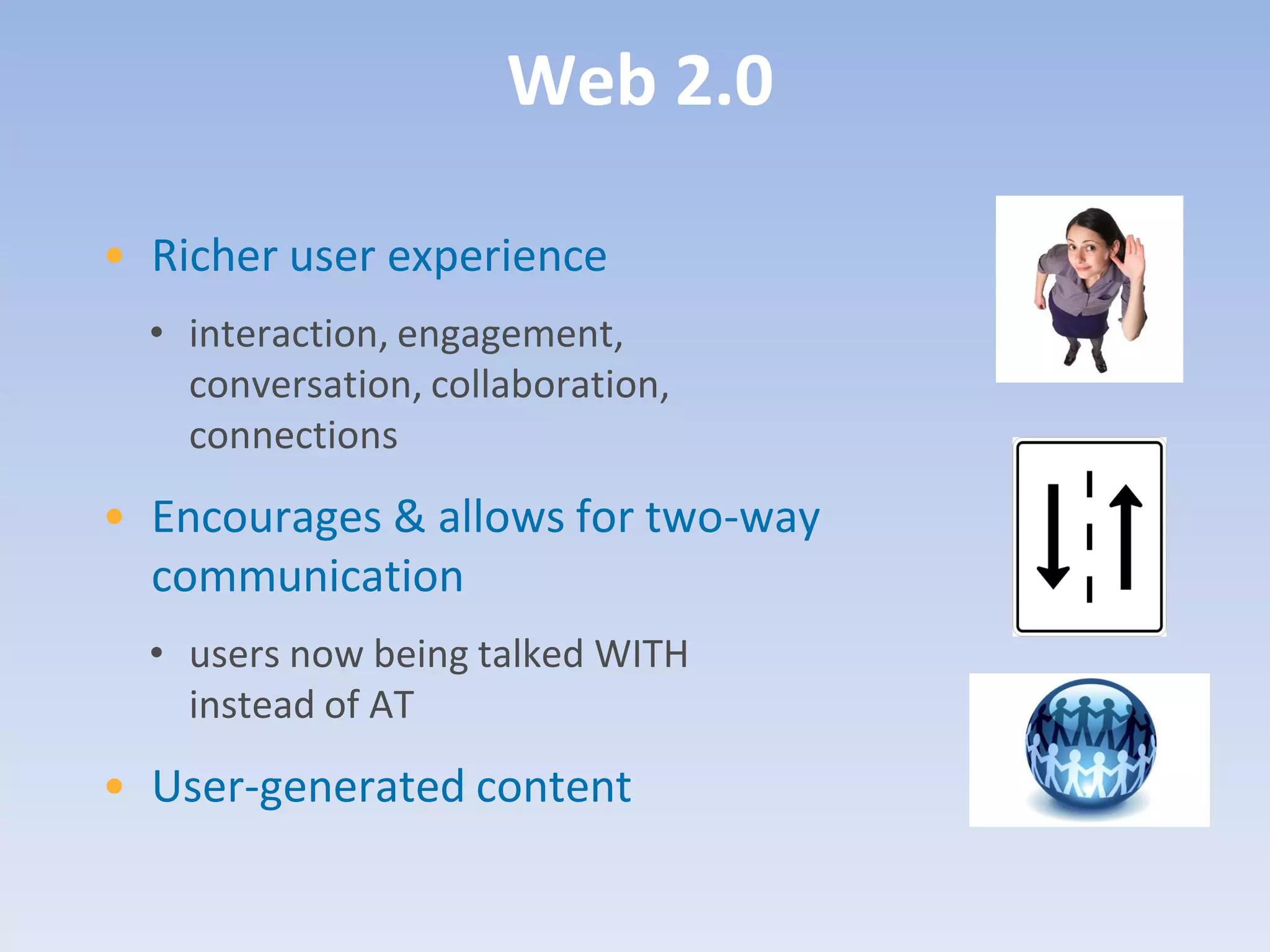
• Richer user experience
  • interaction, engagement,
    conversation, collaboration,
    connections
• Encourages & allows for two-way
  communication
  • users now being talked WITH
    instead of AT
• User-generated content
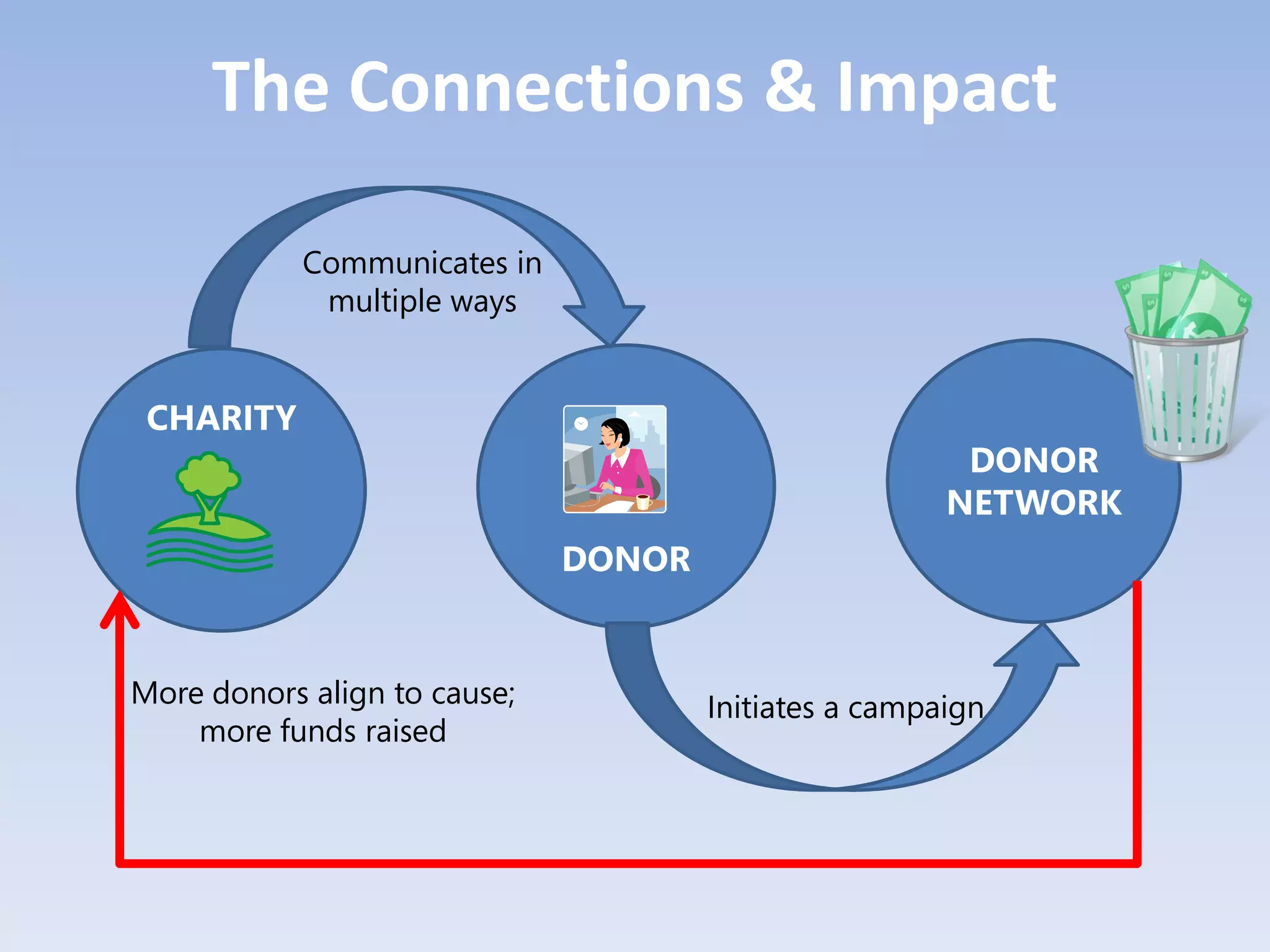
The Connections & Impact

            Communicates in
             multiple ways


 CHARITY
                                                        DONOR
                                                       NETWORK
                              DONOR


More donors align to cause;           Initiates a campaign
    more funds raised
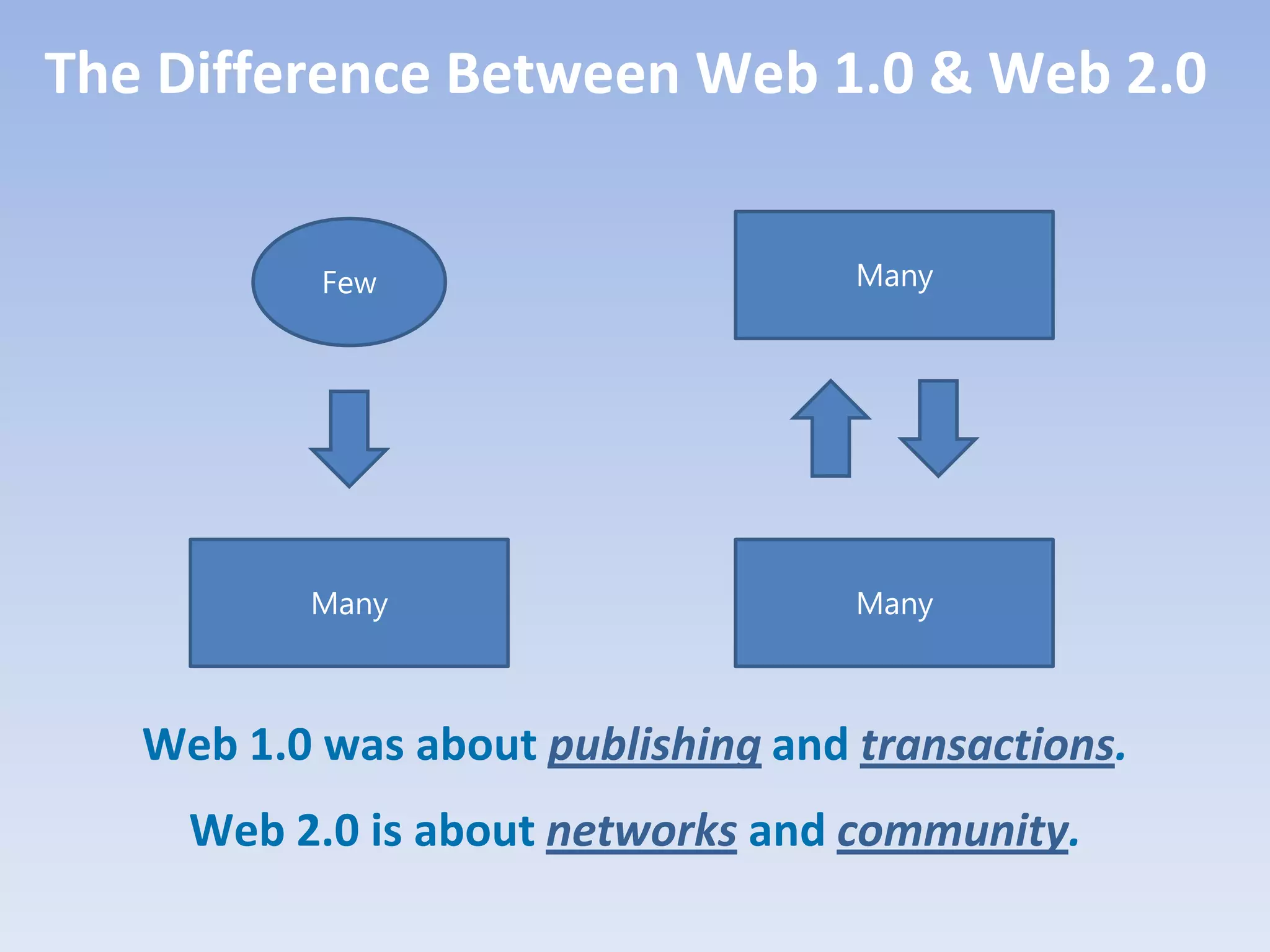
The Difference Between Web 1.0 & Web 2.0


           Few                      Many


          Many                      Many


   Web 1.0 was about publishing and transactions.
     Web 2.0 is about networks and community.
39
Some Web 2.0 Tools
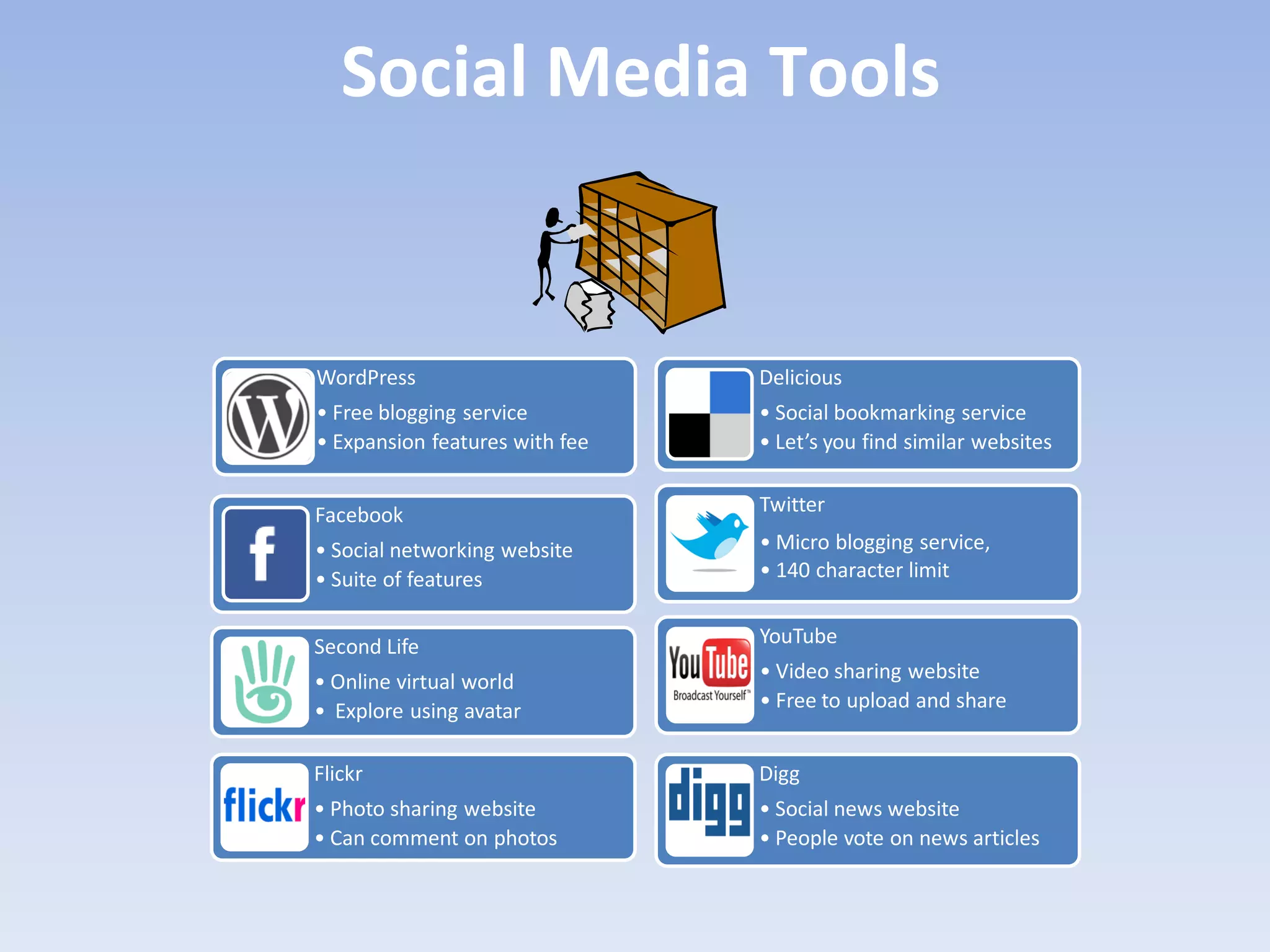
Social Media Tools


WordPress                       Delicious
• Free blogging service         • Social bookmarking service
• Expansion features with fee   • Let’s you find similar websites


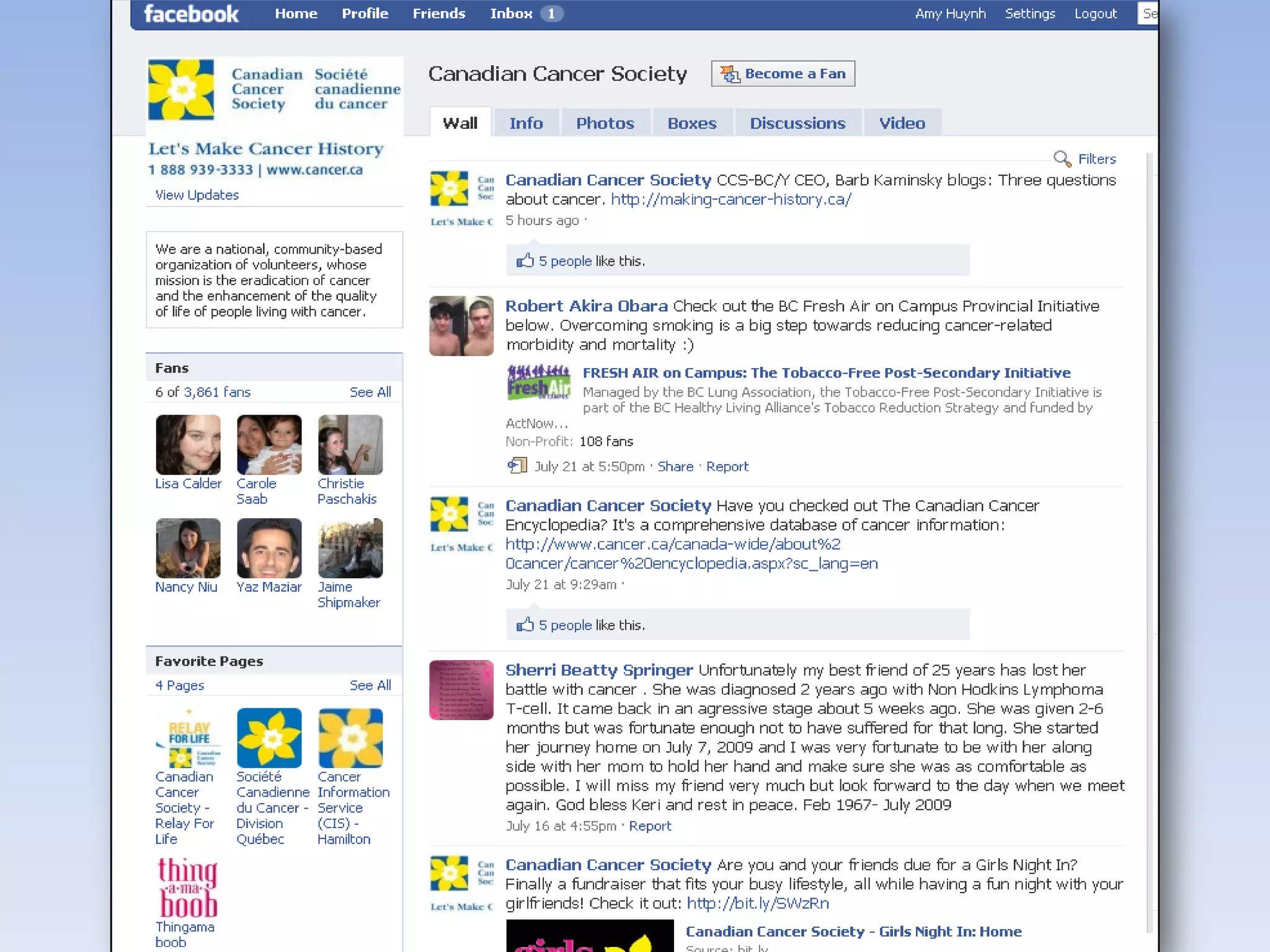
Facebook                        Twitter

• Social networking website     • Micro blogging service,
• Suite of features             • 140 character limit


Second Life                     YouTube

• Online virtual world          • Video sharing website
• Explore using avatar          • Free to upload and share


Flickr                          Digg
• Photo sharing website         • Social news website
• Can comment on photos         • People vote on news articles
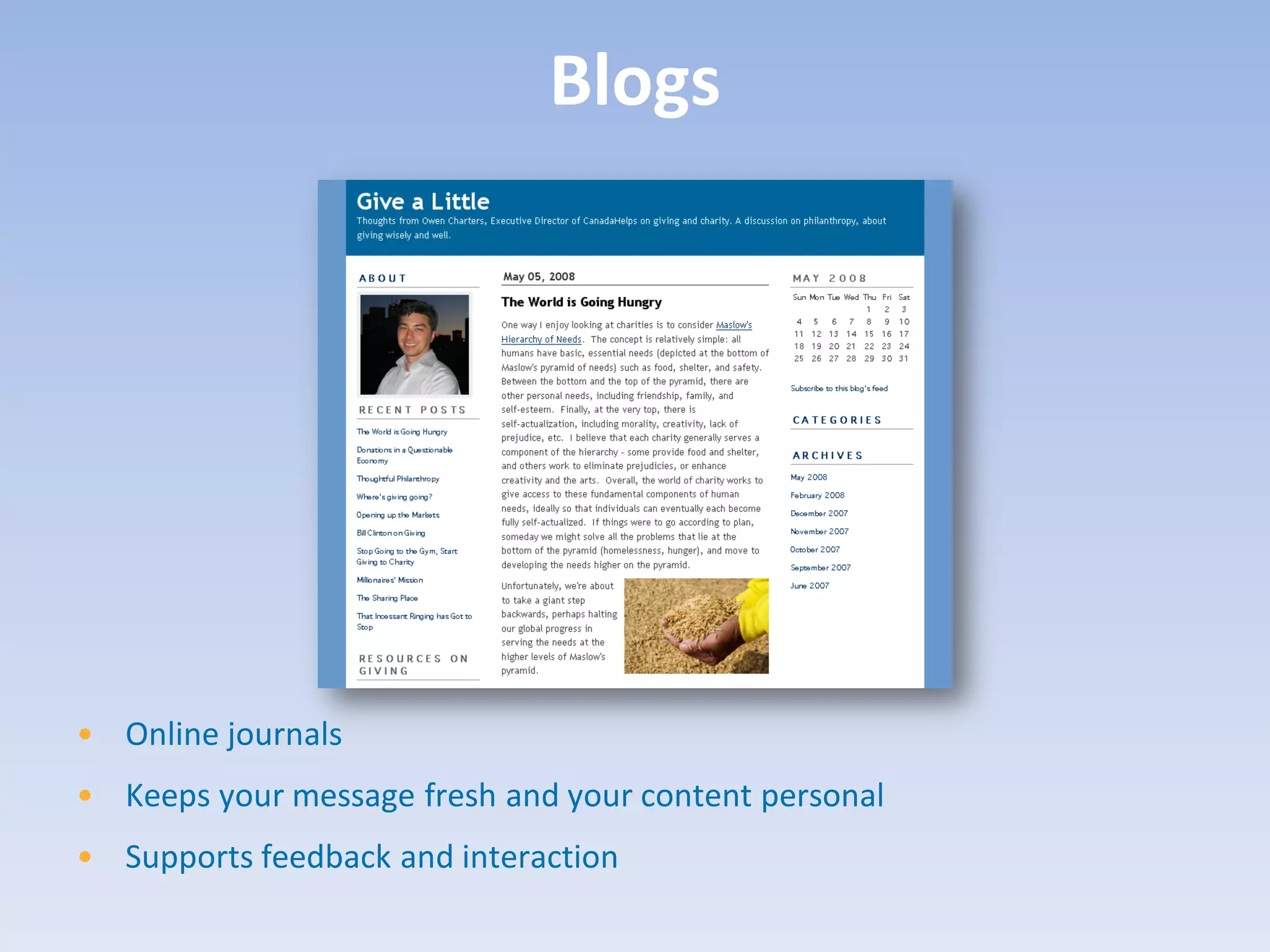
Blogs


• Online journals
• Keeps your message fresh and your content personal
• Supports feedback and interaction
43
Blogging Tips
• The best blogs create a sense of
  community and commitment to
  a cause
• Use your blog to tell your
  charity’s story
• Make it personal
• Reply to comments you receive
  – listen and learn!
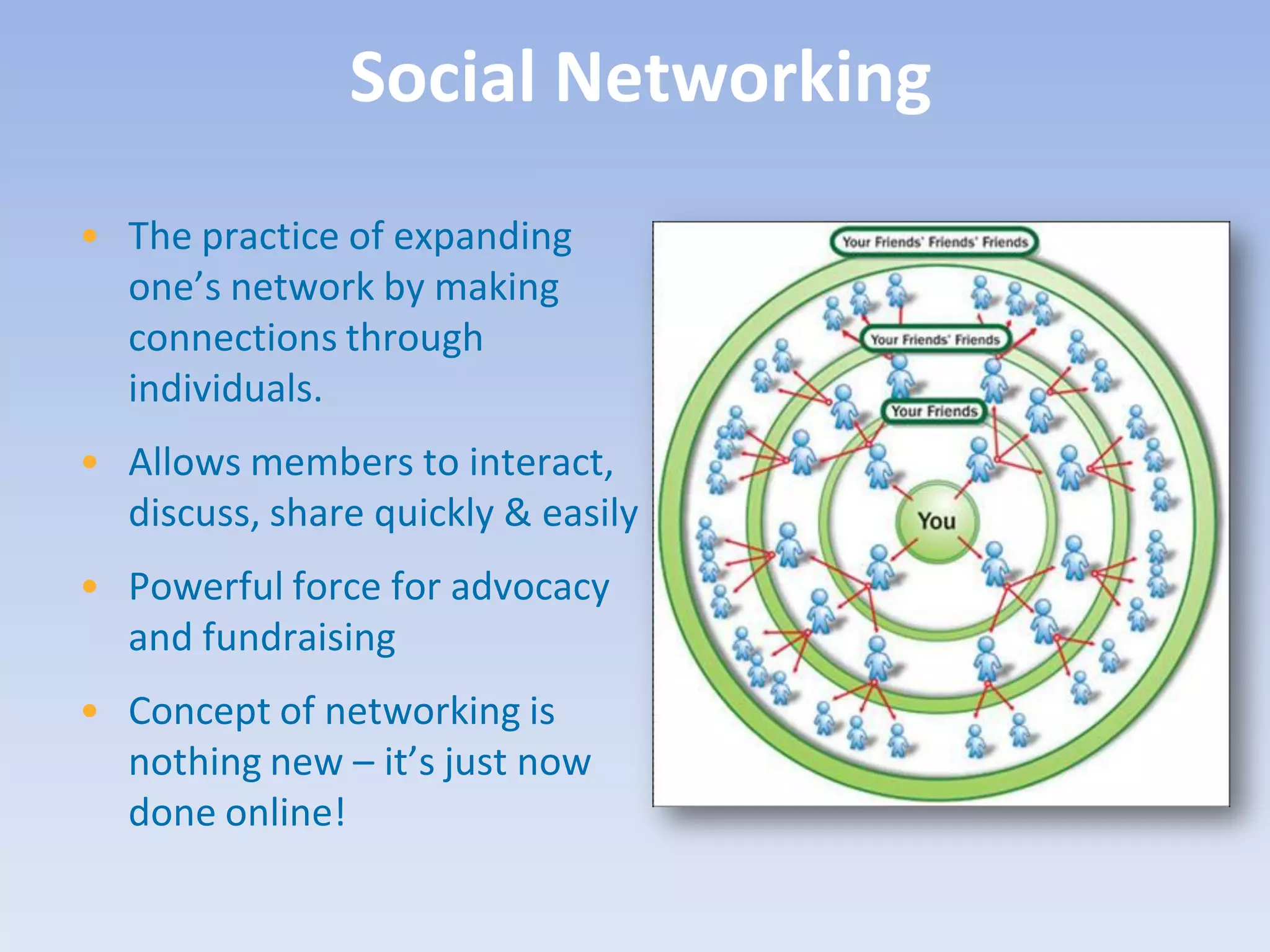
Social Networking
• The practice of expanding
  one’s network by making
  connections through
  individuals.
• Allows members to interact,
  discuss, share quickly & easily
• Powerful force for advocacy
  and fundraising
• Concept of networking is
  nothing new – it’s just now
  done online!
48
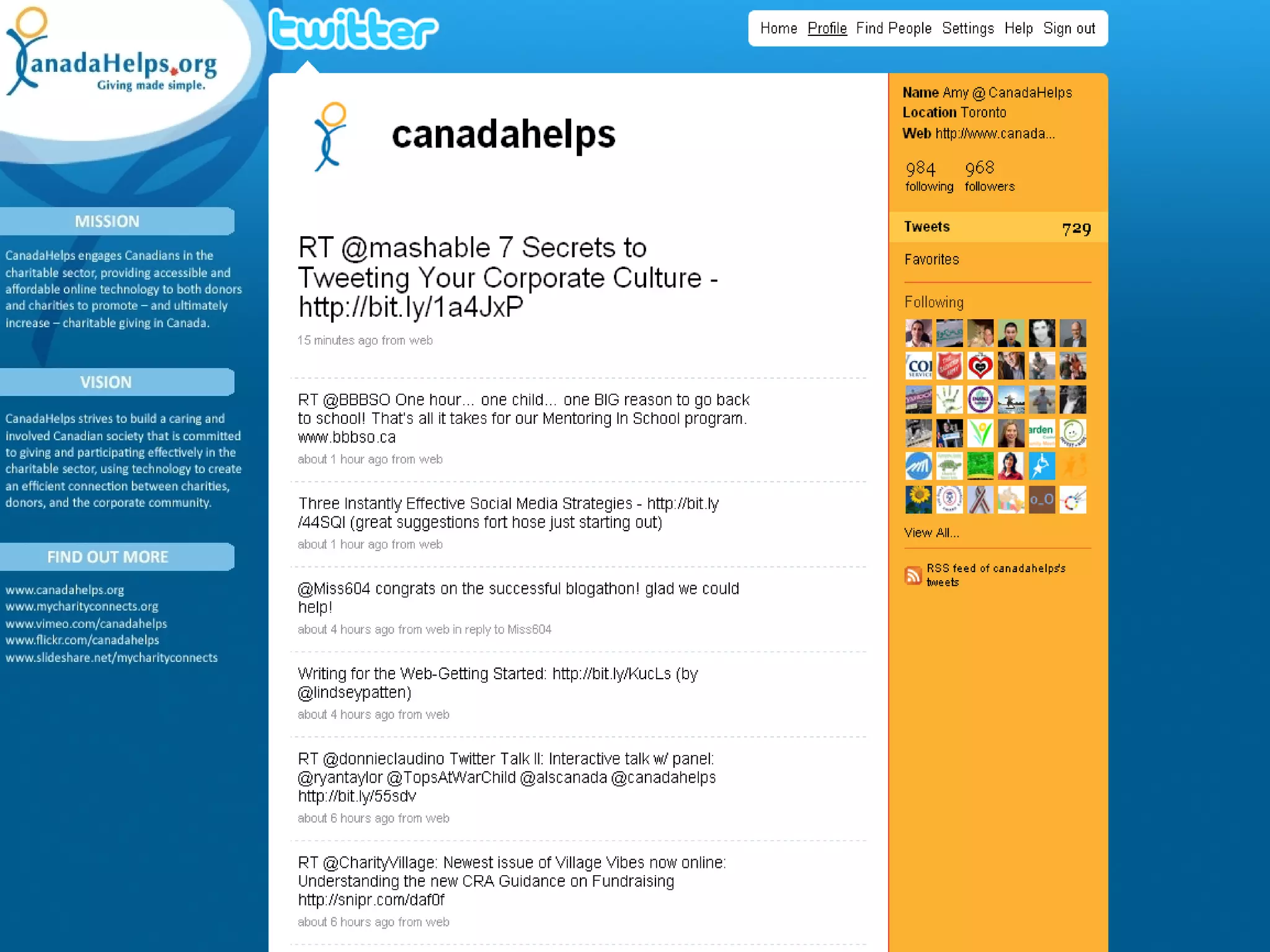
Social Networking Tips

• Start with one tool at a time
• Be find-able!
• Remember it’s a conversation
  – listening is just as important
  as talking
• Engage, encourage, empower
• Present opportunities to take
  action
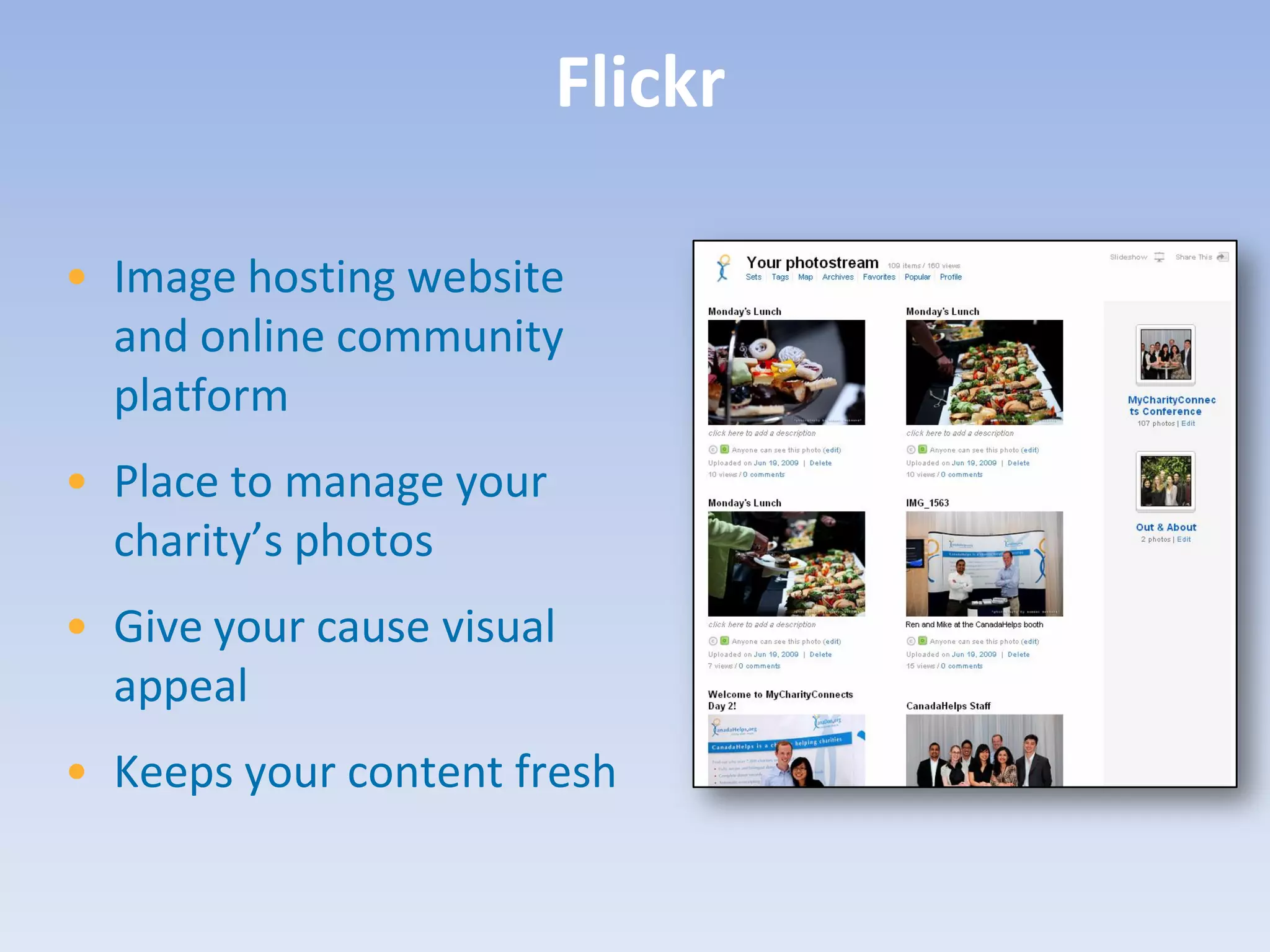
Flickr

• Image hosting website
  and online community
  platform
• Place to manage your
  charity’s photos
• Give your cause visual
  appeal
• Keeps your content fresh
51
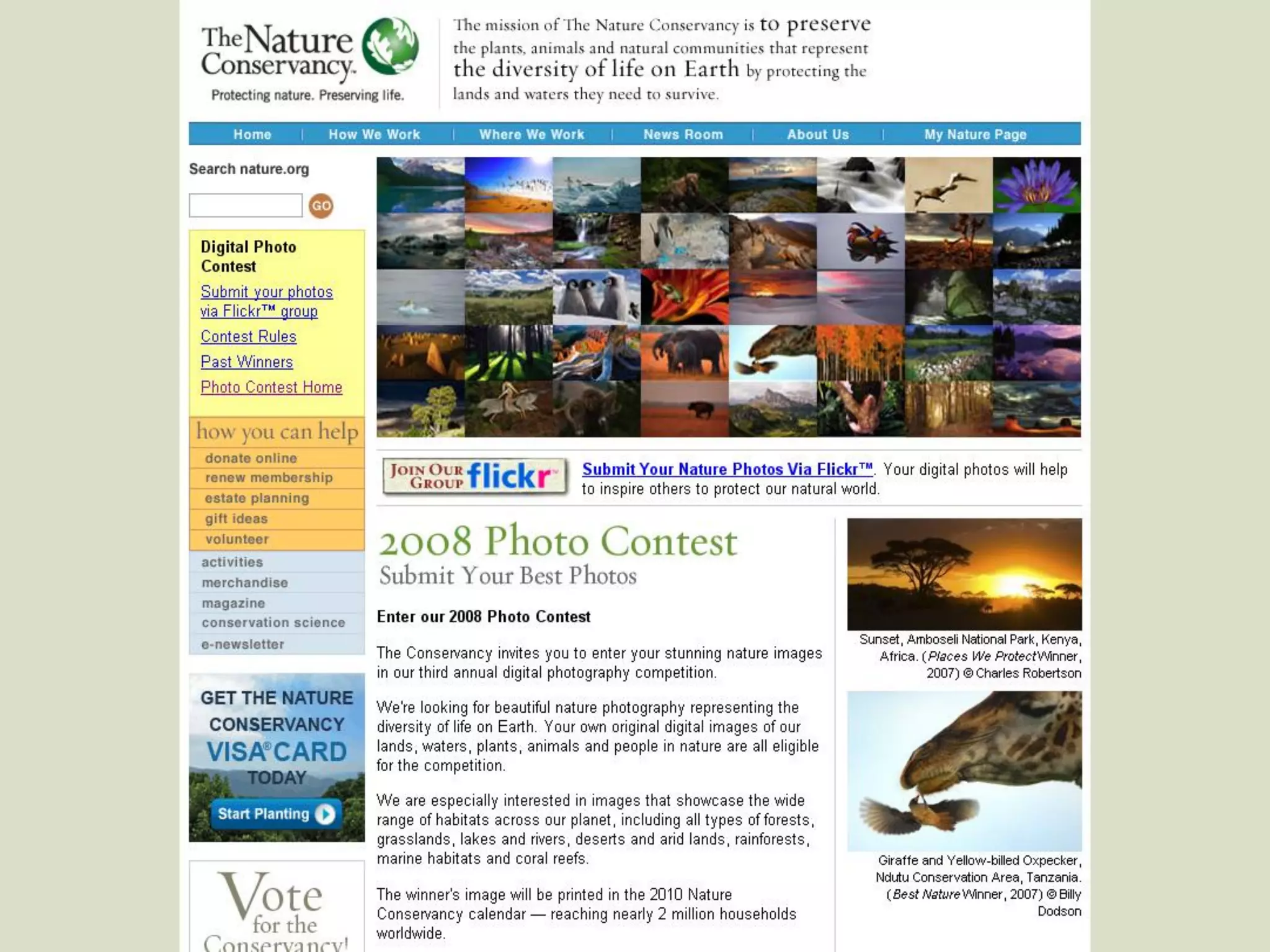
Flickr Tips

  • Encourage people to take
    photos
  • Tag and title strategically
  • Interact with users
  • Make use of the tools on Flickr
  • Create a group for your specific
    event or contest
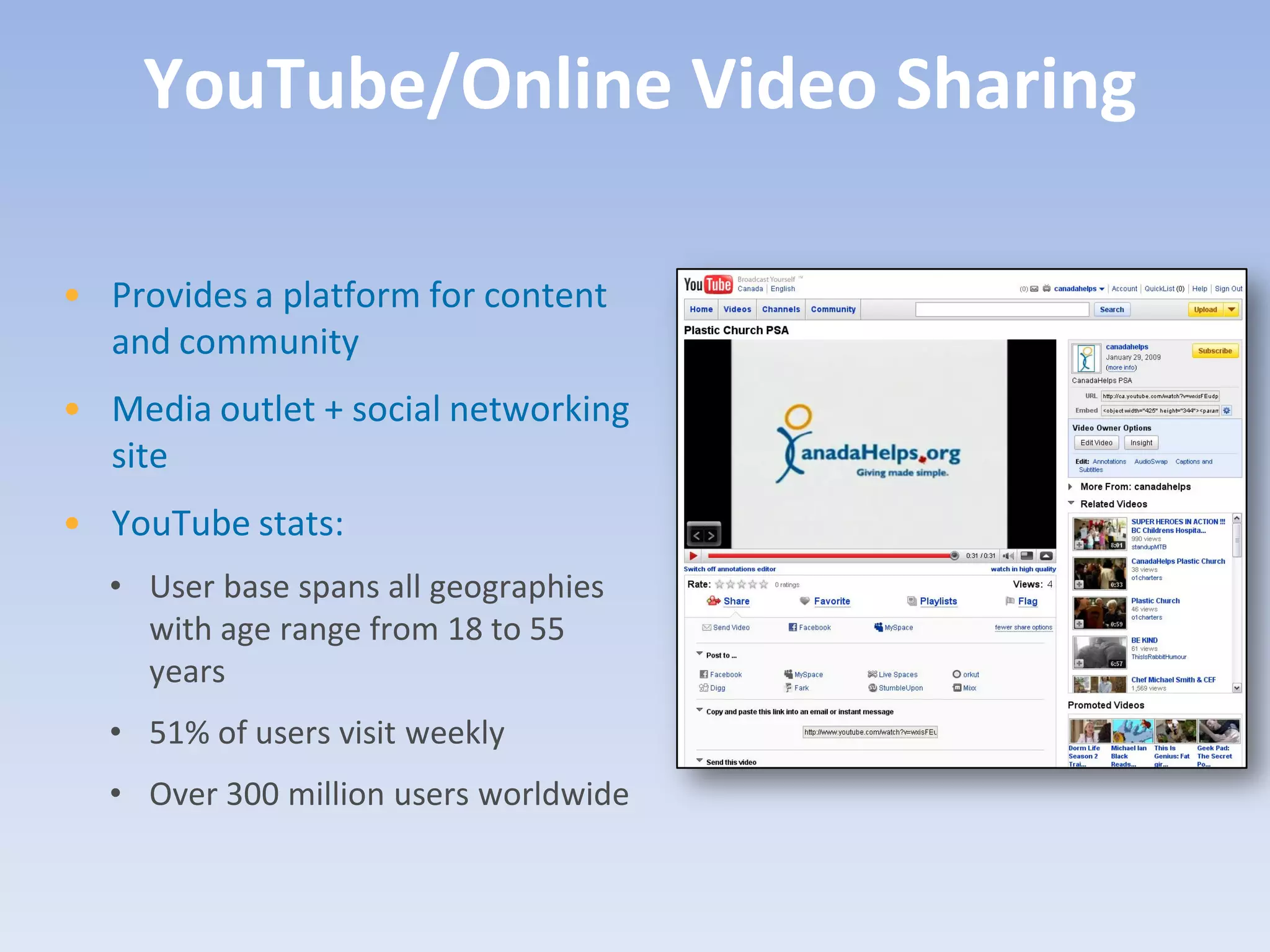
YouTube/Online Video Sharing

• Provides a platform for content
  and community
• Media outlet + social networking
  site
• YouTube stats:
  • User base spans all geographies
    with age range from 18 to 55
    years
  • 51% of users visit weekly
  • Over 300 million users worldwide
54
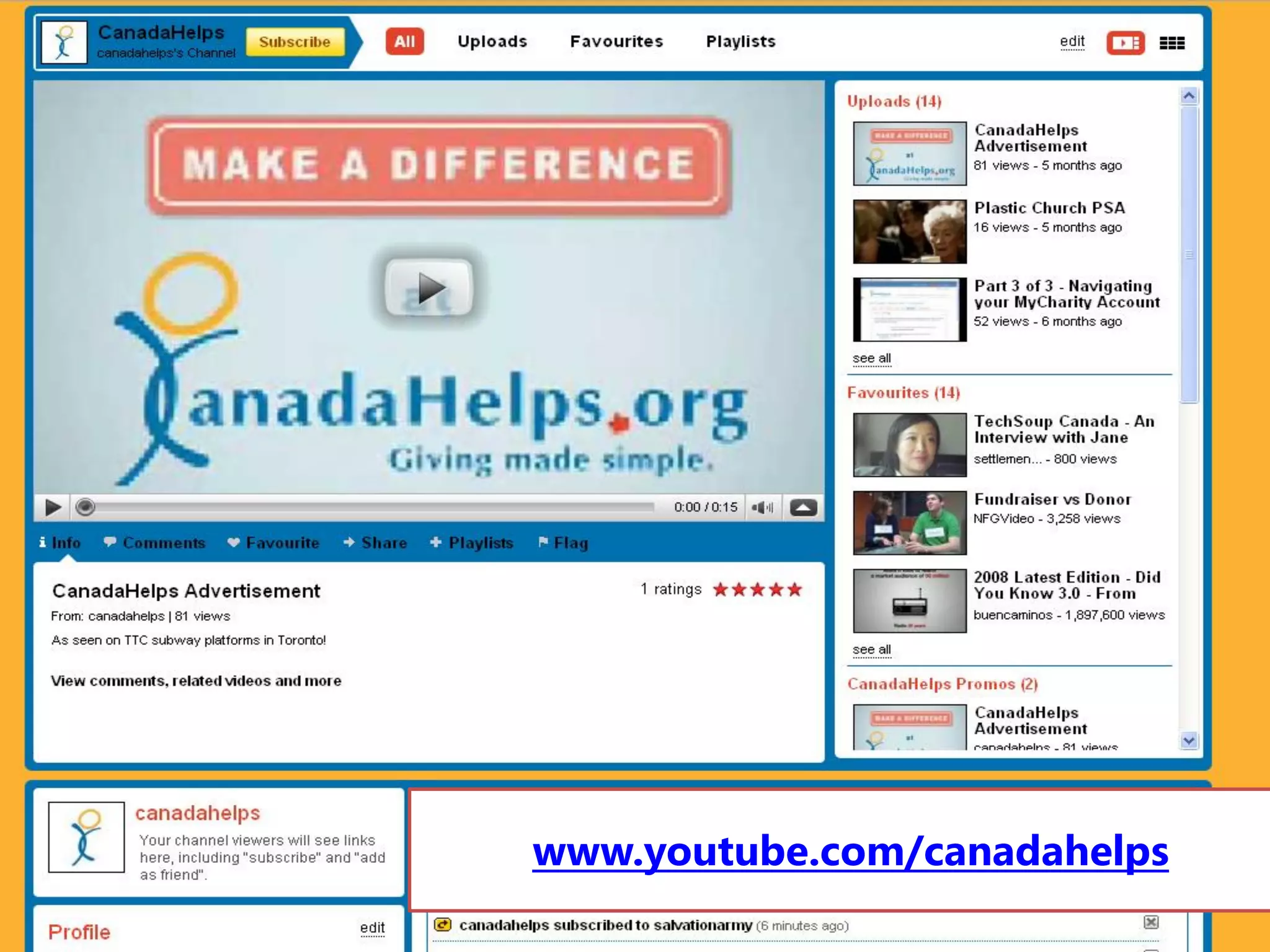
www.youtube.com/canadahelps
55
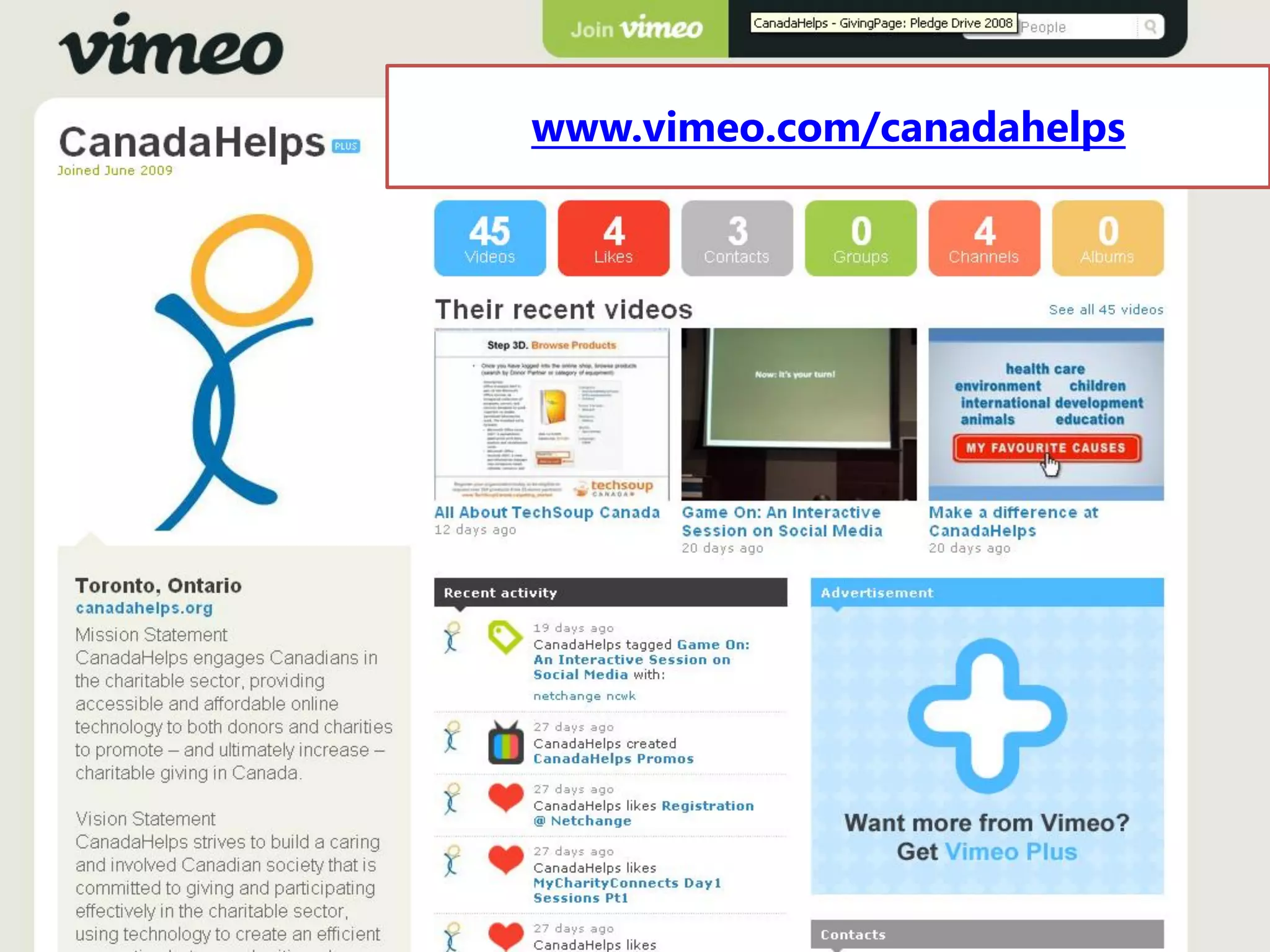
www.vimeo.com/canadahelps


56
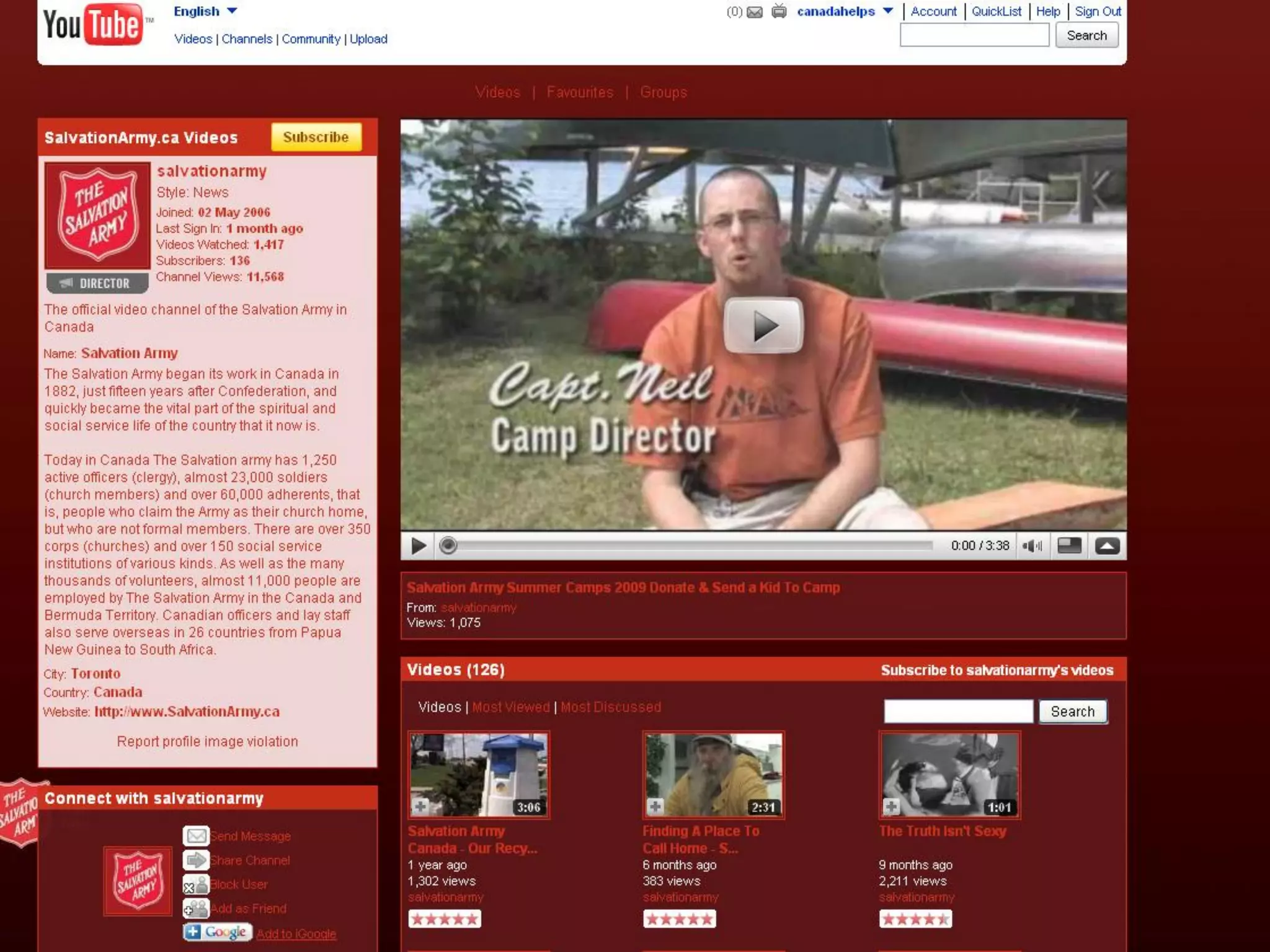
YouTube Tips
• You don’t have to be Martin Scorsese
  • Check out www.animoto.com to
    create compelling video quickly and
    easily!
• Keep it short and sweet
• Share your video: embed into your
  website/blog, email the unique URL to
  supporters and friends
• Connect with your viewers. Ask for
  feedback!
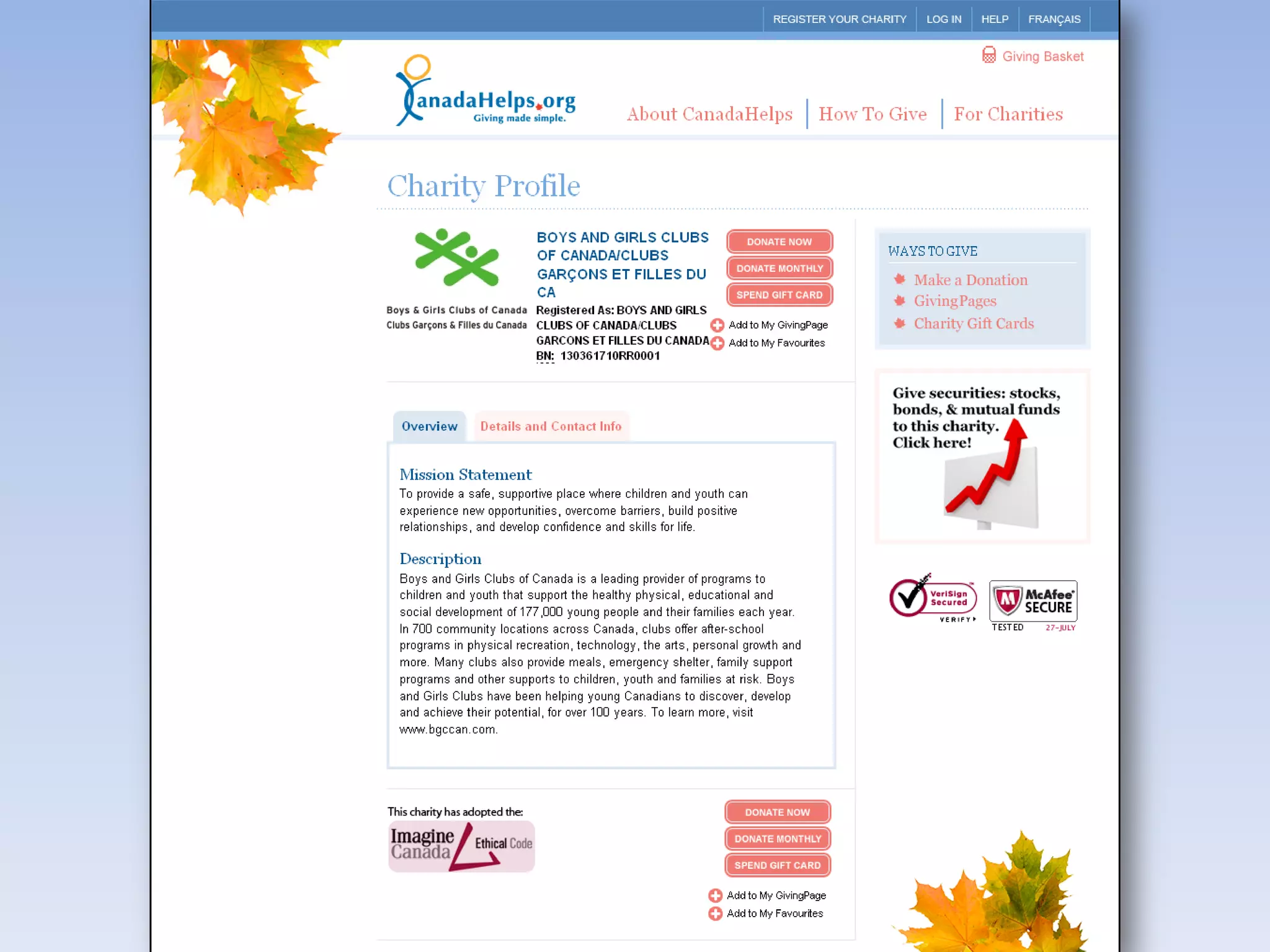
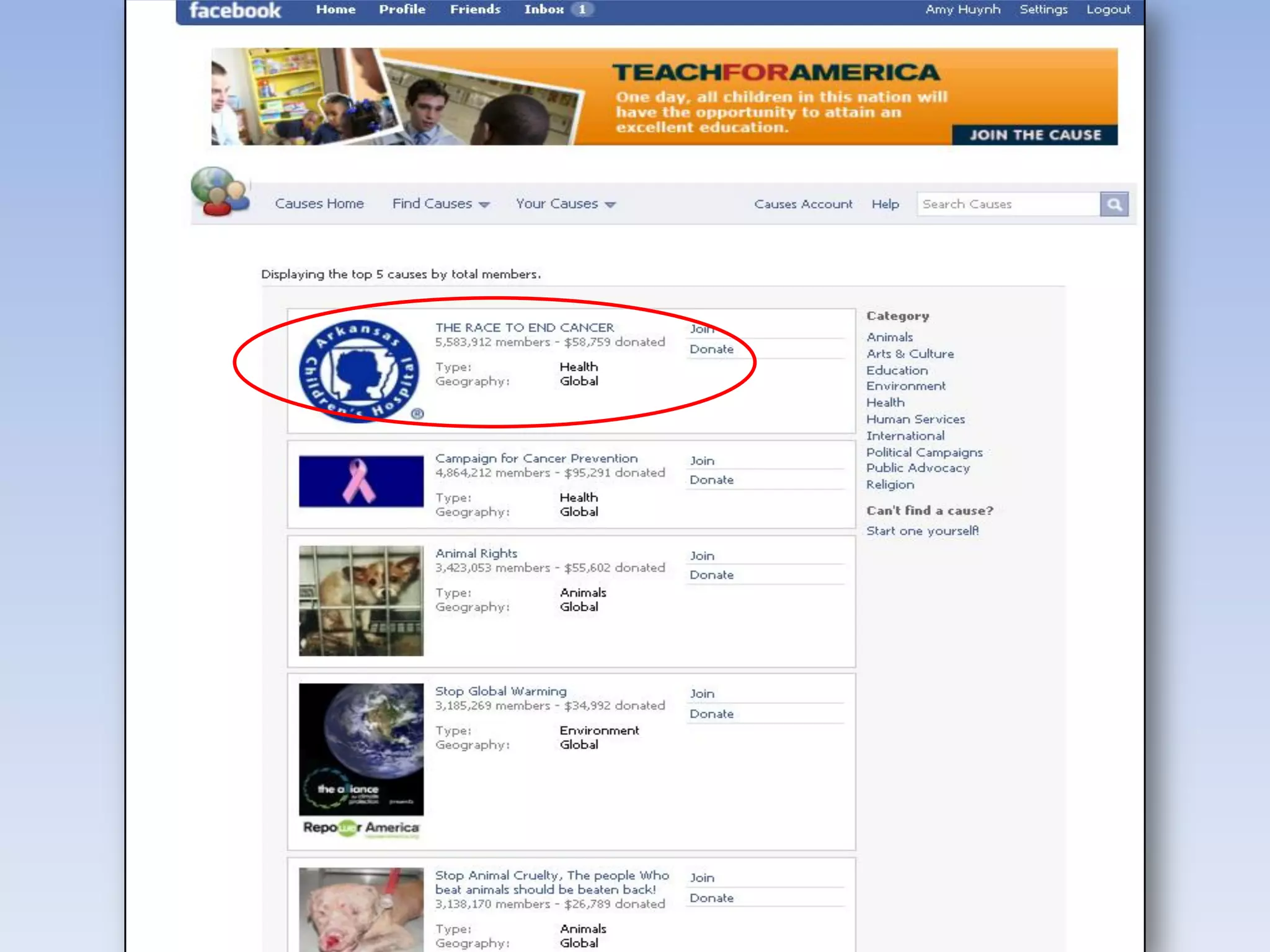
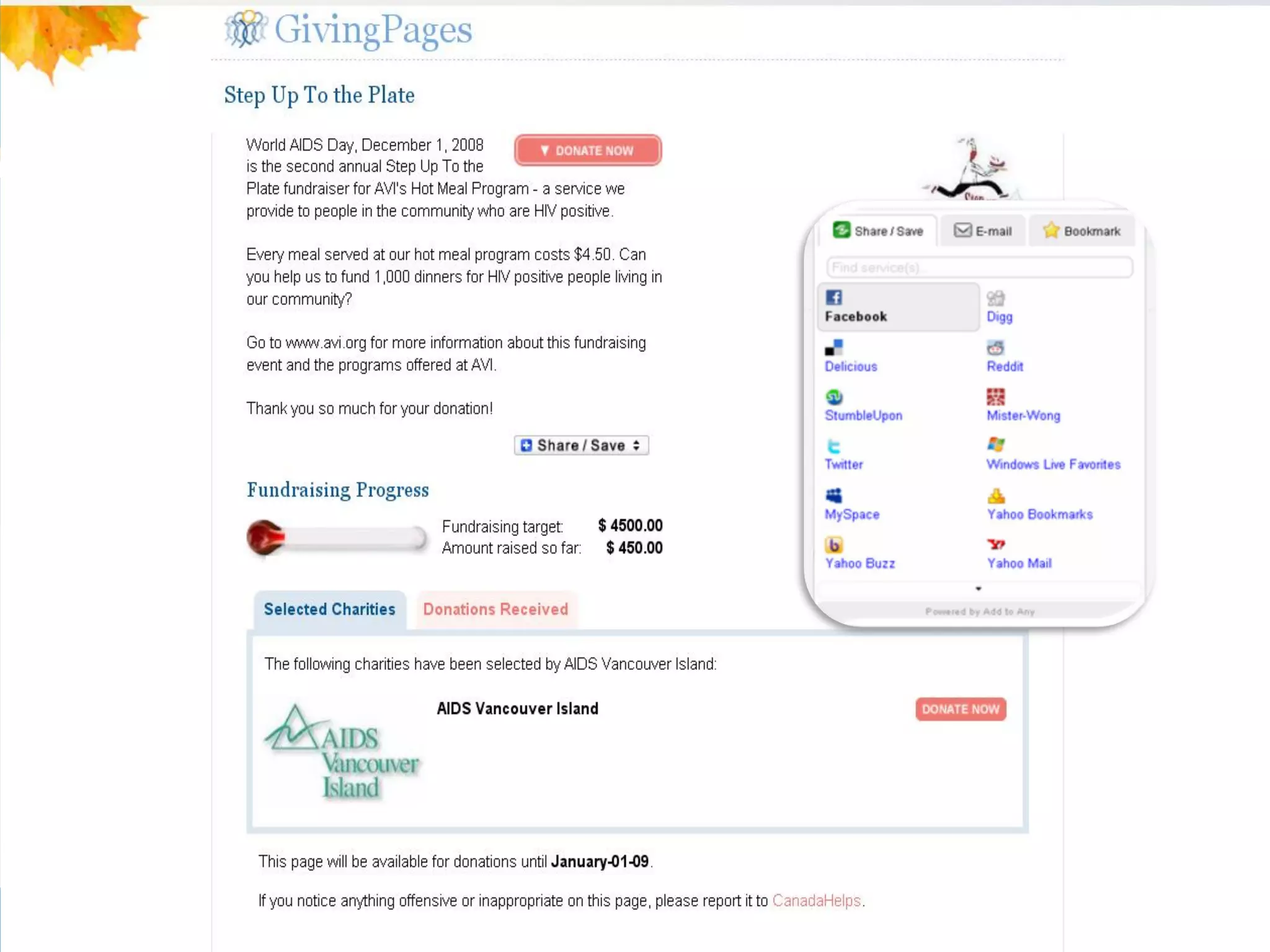
GivingPages

• Micro-giving sites
• Allows individuals to raise funds
  for their charity or charities of
  choice
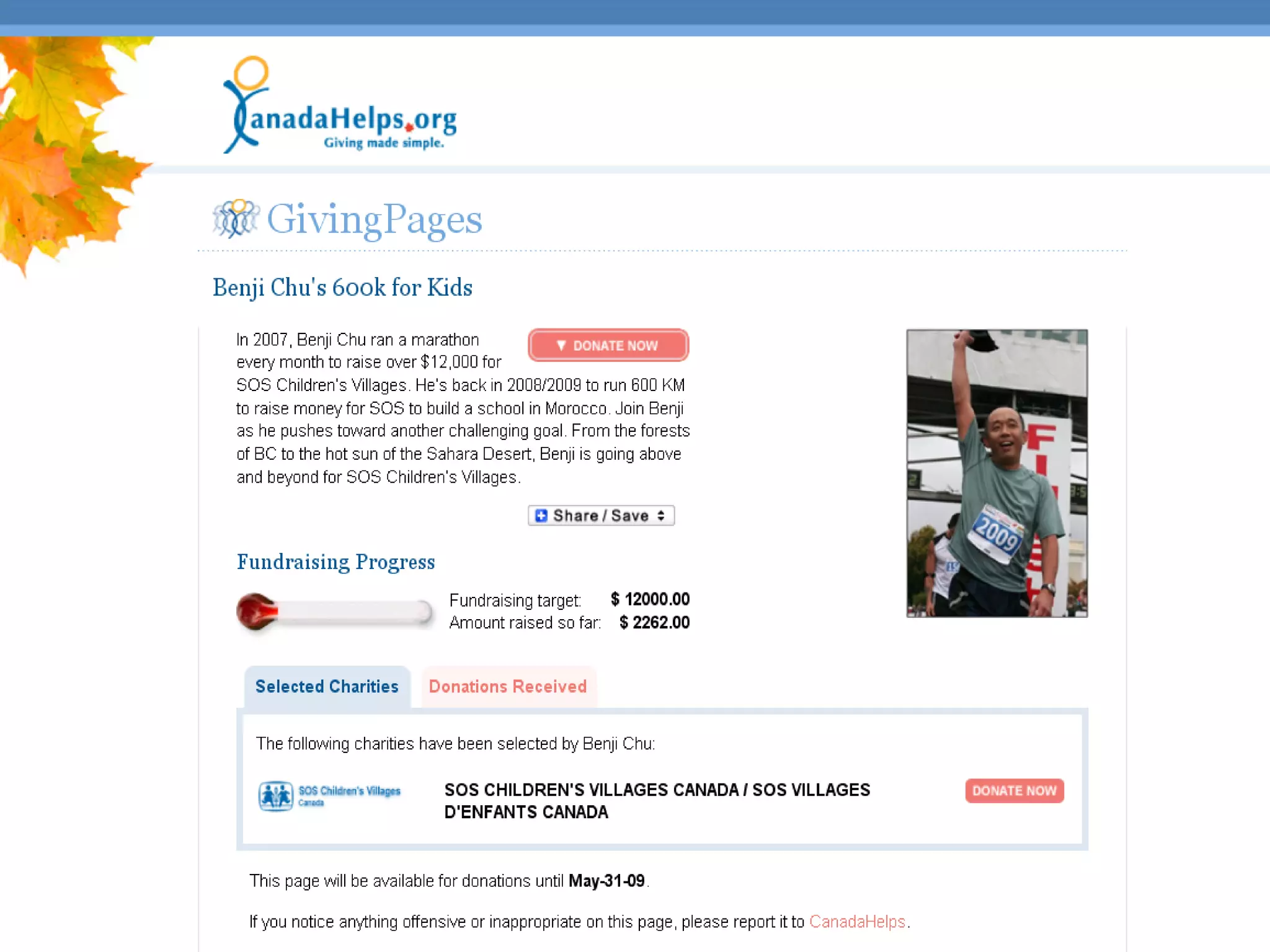
• Allows charities to create a
  unique space to highlight specific
  fundraising campaigns (i.e.
  pledge events)
• Anyone can create and manage
  one
59
60
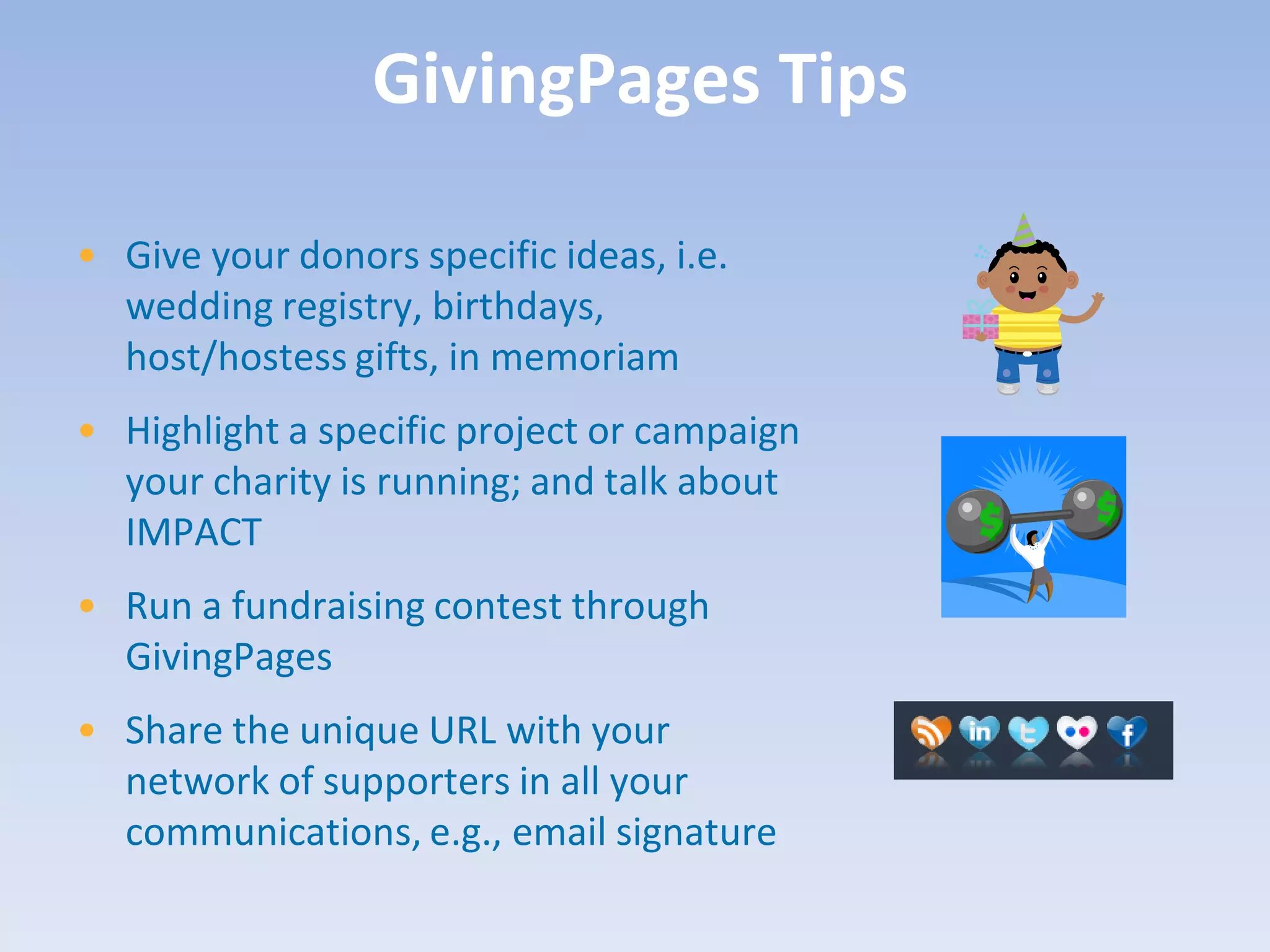
GivingPages Tips

• Give your donors specific ideas, i.e.
  wedding registry, birthdays,
  host/hostess gifts, in memoriam
• Highlight a specific project or campaign
  your charity is running; and talk about
  IMPACT
• Run a fundraising contest through
  GivingPages
• Share the unique URL with your
  network of supporters in all your
  communications, e.g., email signature
The CanadaHelps Great Canadian Giving Challenge is a 4-week long
  competition that gets Canadians to use the power of social
  networking to help their favourite charity. Joining the challenge is
  easy.
Participants set up a CanadaHelps GivingPage between November
  23rd and December 20th to raise funds for any Canadian charity.
  Using their existing contacts, friends and social media networks,
  participants promote their GivingPage and raise funds online.
The top fundraisers not only raise much needed donations for their
  favourite cause but can win up to an additional $5,000 for their
  charity.
Case Study:
65
67
68
Debunking Web 2.0 Myths
“It’s expensive.”


• Basic accounts are free and really all you need!
• Free blog tools:
   www.blogger.com       www.wordpress.com
“It’s only for young people.”


• “Young” is a relative term
• Almost everyone can get online!
“It’s hard to do.”


• It’s just a matter of time and practice.
• These tools are designed to be user-friendly!
“It’s only a fad.”


• Some tools may be a fad, but the concept behind Web 2.0 is not
• Social networking and engaging your donor base will never go out
  of style!
“I need to do it because
          everyone else is.”


• Focus on Web 1.0 first
• Walk before you run
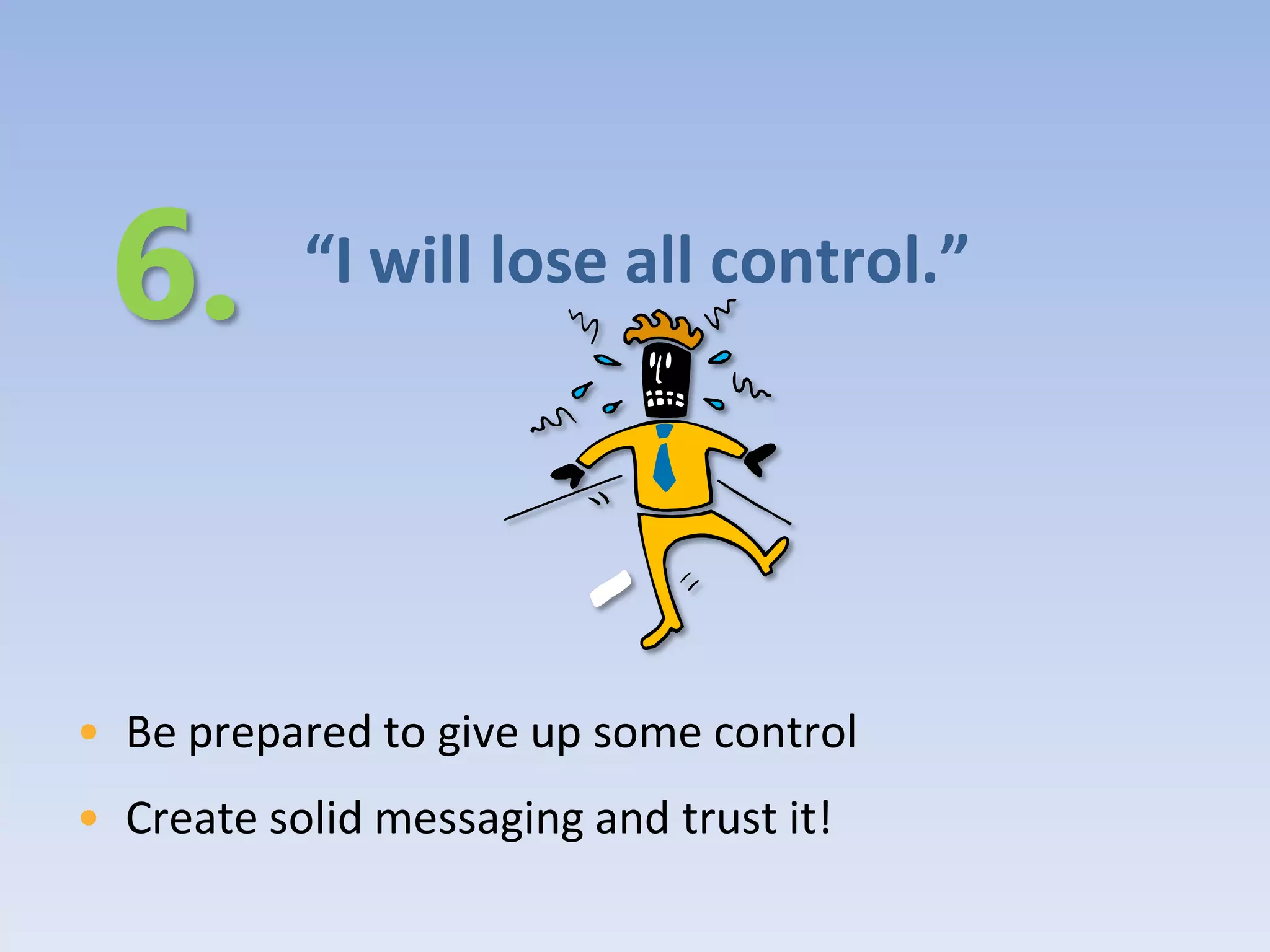
“I will lose all control.”


• Be prepared to give up some control
• Create solid messaging and trust it!
Keep in Mind…
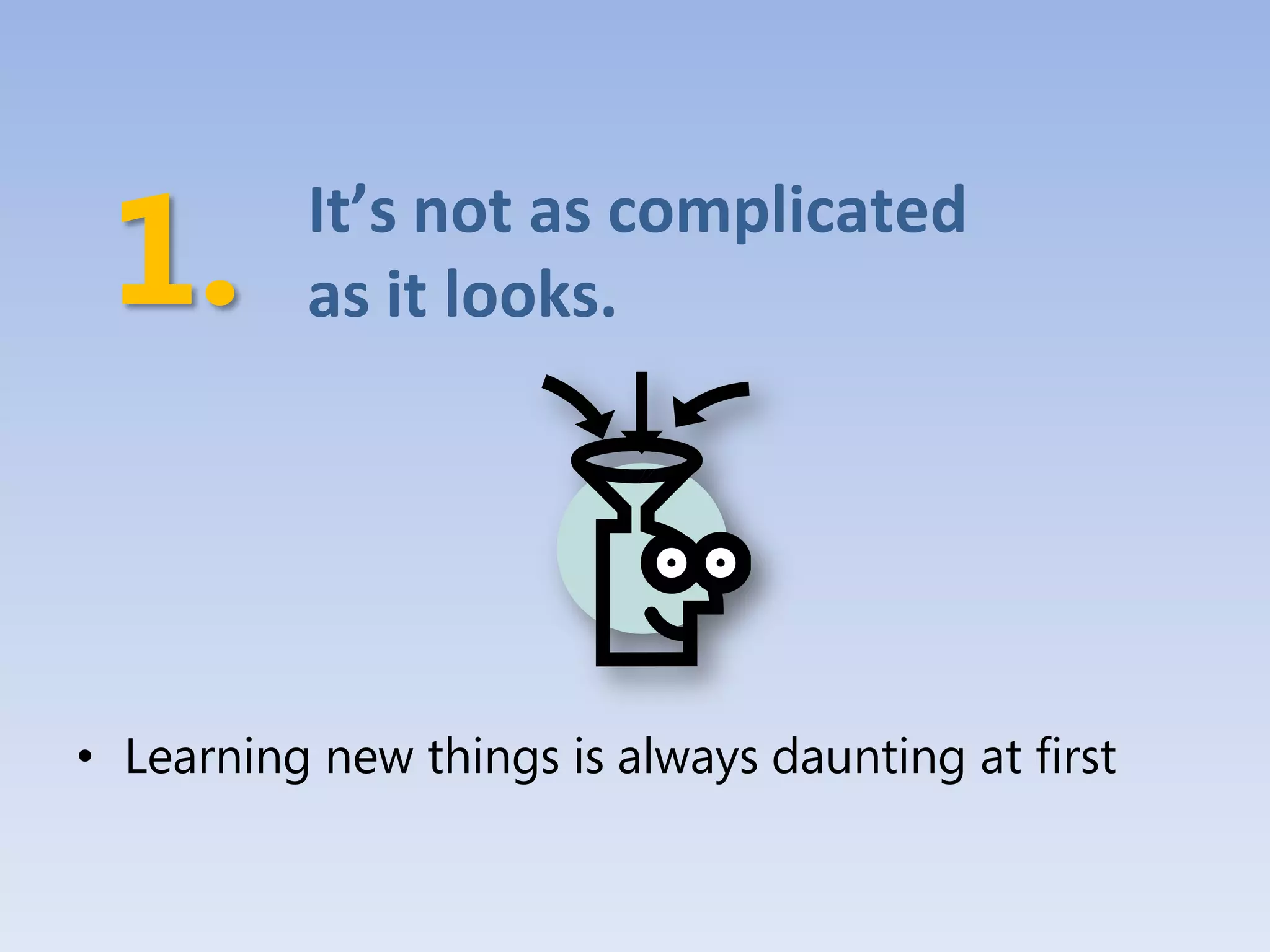
It’s not as complicated
          as it looks.


• Learning new things is always daunting at first
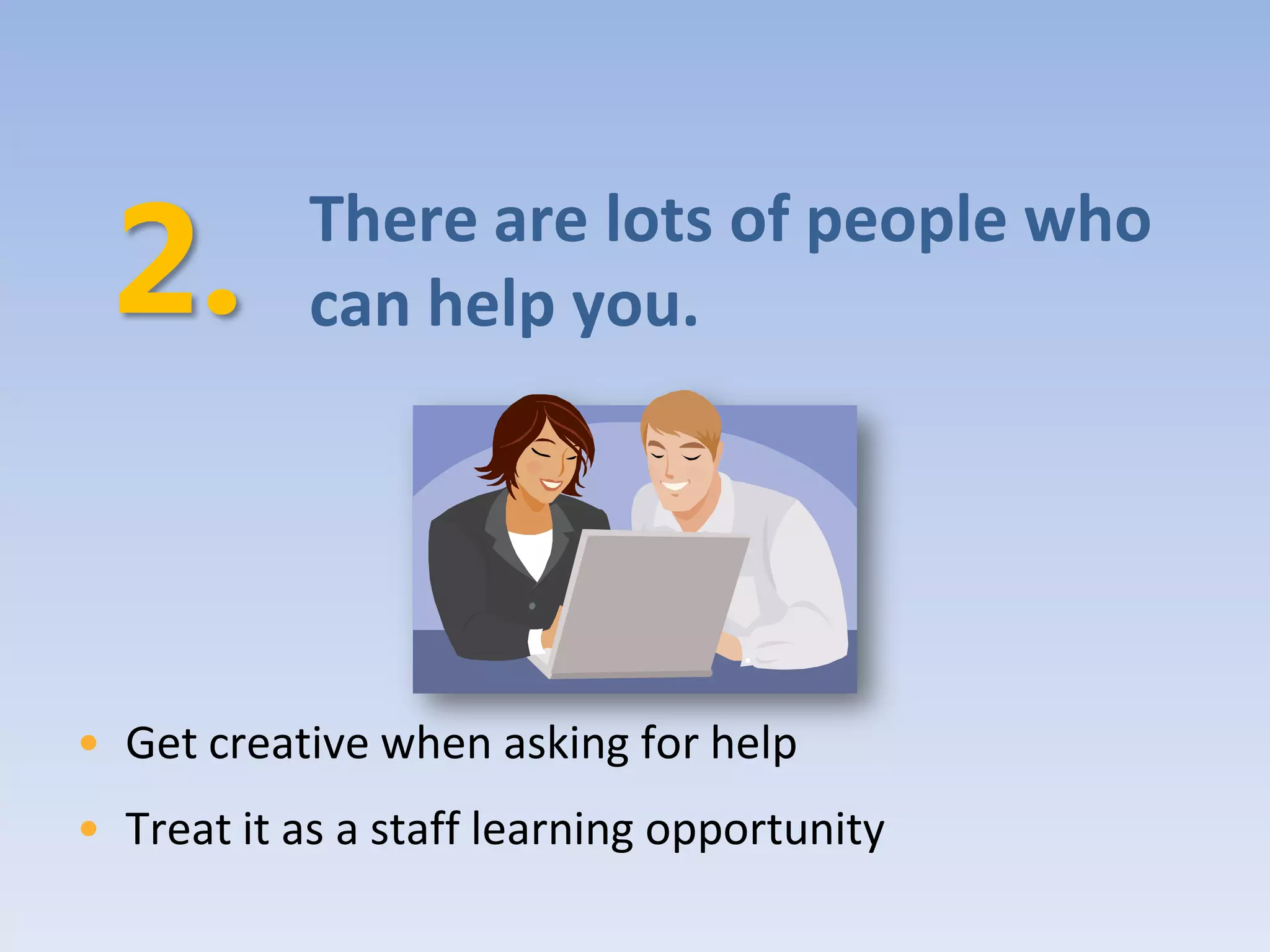
There are lots of people who
            can help you.


• Get creative when asking for help
• Treat it as a staff learning opportunity
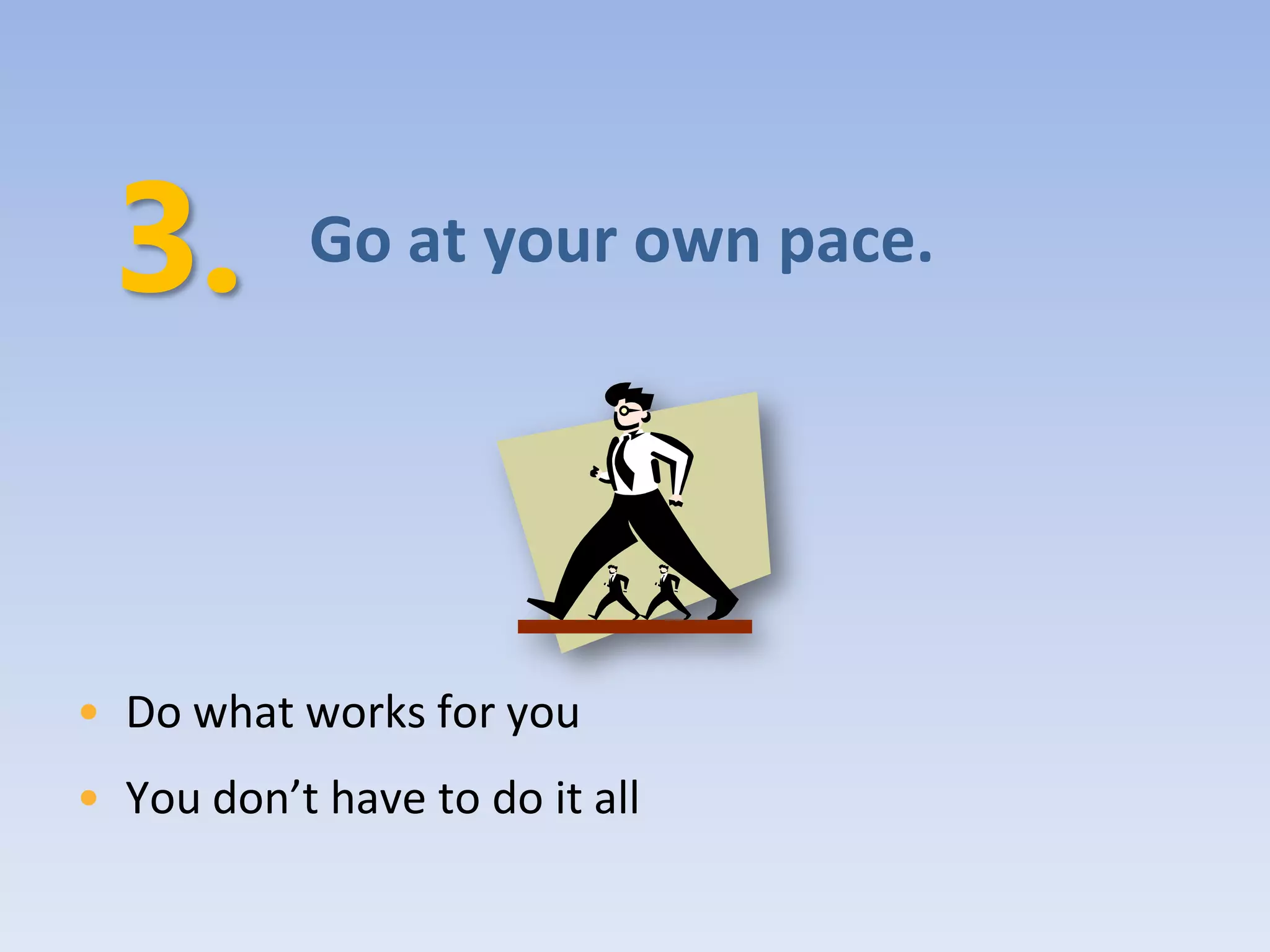
Go at your own pace.


• Do what works for you
• You don’t have to do it all
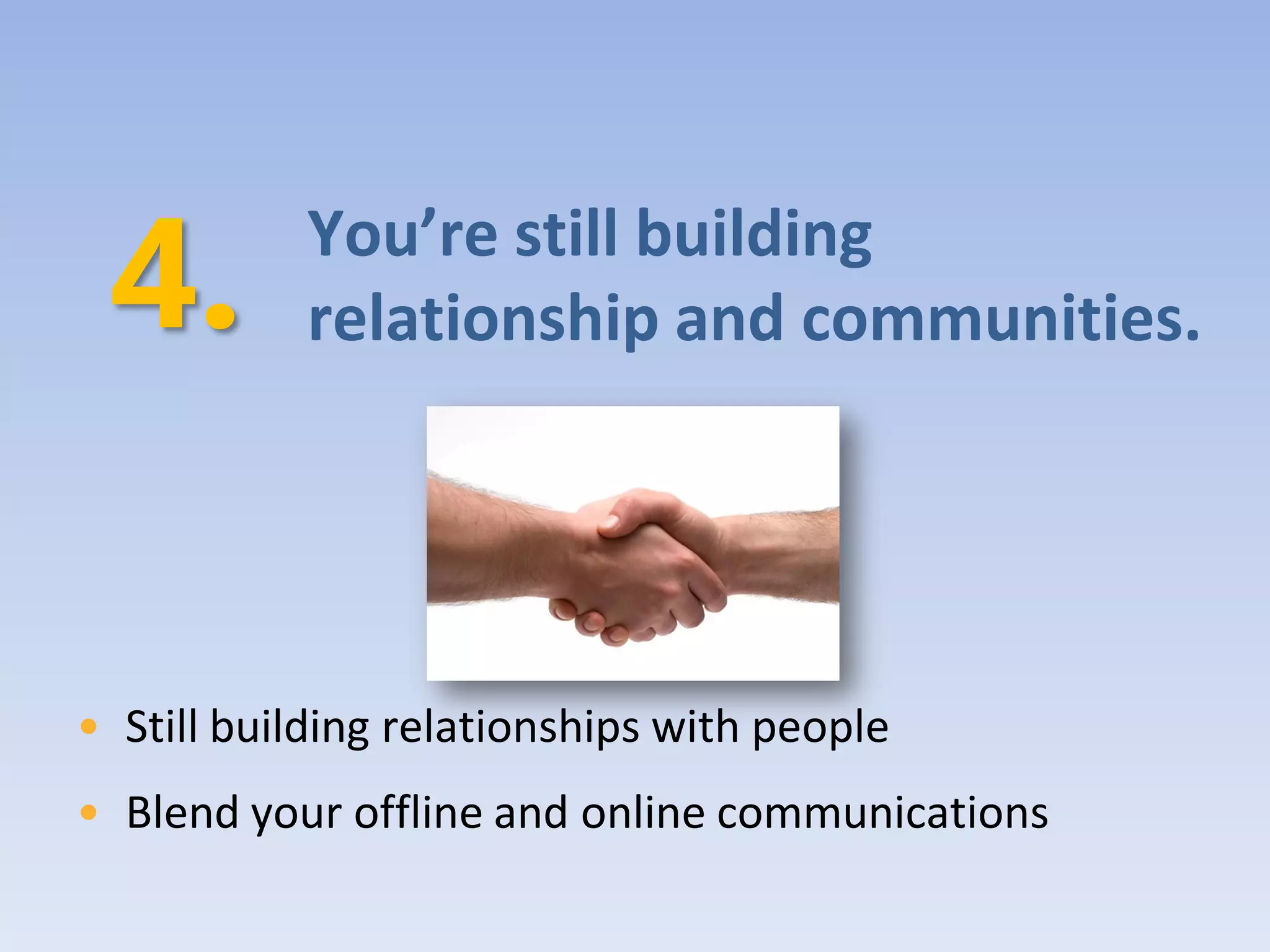
You’re still building
           relationship and communities.


• Still building relationships with people
• Blend your offline and online communications
You don’t have to be good at
            the technology.


• Just be good at telling your charity’s story
Your
turn

Alberta 2009 - Philanthrophy 2.0

  • 1.
  • 2.
    What We’ll Cover • Web 1.0 & Web 2.0 • Web 2.0 Tools o Blogs o Social Networking o Flickr o YouTube o Giving Pages • Case Study: Apathy is Boring • Debunking Web 2.0 Myths • Keep in Mind
  • 3.
    Web 1.0 andWeb 2.0
  • 4.
    Web 1.0 • Theability to disseminate information electronically: to display and promote an organization, person, or idea on the internet • To be good at Web 1.0, your website has to have good design and content • Web 1.0 facilitates one-way transactions • Examples: • traditional websites, Donate Now buttons, email newsletters, banner ads, etc.
  • 5.
  • 6.
  • 8.
    Web 1.0 Tips •Solid and intuitive website design • Website usability • Short and simple messaging • Compelling stories and e- newsletters • Fresh and up-to-date information
  • 9.
    Web 2.0 • Richeruser experience • interaction, engagement, conversation, collaboration, connections • Encourages & allows for two-way communication • users now being talked WITH instead of AT • User-generated content
  • 10.
    The Connections &Impact Communicates in multiple ways CHARITY DONOR NETWORK DONOR More donors align to cause; Initiates a campaign more funds raised
  • 11.
    The Difference BetweenWeb 1.0 & Web 2.0 Few Many Many Many Web 1.0 was about publishing and transactions. Web 2.0 is about networks and community.
  • 12.
  • 13.
  • 14.
    Social Media Tools WordPress Delicious • Free blogging service • Social bookmarking service • Expansion features with fee • Let’s you find similar websites Facebook Twitter • Social networking website • Micro blogging service, • Suite of features • 140 character limit Second Life YouTube • Online virtual world • Video sharing website • Explore using avatar • Free to upload and share Flickr Digg • Photo sharing website • Social news website • Can comment on photos • People vote on news articles
  • 15.
    Blogs • Online journals •Keeps your message fresh and your content personal • Supports feedback and interaction
  • 16.
  • 17.
    Blogging Tips • Thebest blogs create a sense of community and commitment to a cause • Use your blog to tell your charity’s story • Make it personal • Reply to comments you receive – listen and learn!
  • 18.
    Social Networking • Thepractice of expanding one’s network by making connections through individuals. • Allows members to interact, discuss, share quickly & easily • Powerful force for advocacy and fundraising • Concept of networking is nothing new – it’s just now done online!
  • 21.
  • 22.
    Social Networking Tips •Start with one tool at a time • Be find-able! • Remember it’s a conversation – listening is just as important as talking • Engage, encourage, empower • Present opportunities to take action
  • 23.
    Flickr • Image hostingwebsite and online community platform • Place to manage your charity’s photos • Give your cause visual appeal • Keeps your content fresh
  • 24.
  • 25.
    Flickr Tips • Encourage people to take photos • Tag and title strategically • Interact with users • Make use of the tools on Flickr • Create a group for your specific event or contest
  • 26.
    YouTube/Online Video Sharing •Provides a platform for content and community • Media outlet + social networking site • YouTube stats: • User base spans all geographies with age range from 18 to 55 years • 51% of users visit weekly • Over 300 million users worldwide
  • 27.
  • 28.
  • 29.
  • 30.
    YouTube Tips • Youdon’t have to be Martin Scorsese • Check out www.animoto.com to create compelling video quickly and easily! • Keep it short and sweet • Share your video: embed into your website/blog, email the unique URL to supporters and friends • Connect with your viewers. Ask for feedback!
  • 31.
    GivingPages • Micro-giving sites •Allows individuals to raise funds for their charity or charities of choice • Allows charities to create a unique space to highlight specific fundraising campaigns (i.e. pledge events) • Anyone can create and manage one
  • 32.
  • 33.
  • 34.
    GivingPages Tips • Giveyour donors specific ideas, i.e. wedding registry, birthdays, host/hostess gifts, in memoriam • Highlight a specific project or campaign your charity is running; and talk about IMPACT • Run a fundraising contest through GivingPages • Share the unique URL with your network of supporters in all your communications, e.g., email signature
  • 35.
    The CanadaHelps GreatCanadian Giving Challenge is a 4-week long competition that gets Canadians to use the power of social networking to help their favourite charity. Joining the challenge is easy. Participants set up a CanadaHelps GivingPage between November 23rd and December 20th to raise funds for any Canadian charity. Using their existing contacts, friends and social media networks, participants promote their GivingPage and raise funds online. The top fundraisers not only raise much needed donations for their favourite cause but can win up to an additional $5,000 for their charity.
  • 36.
  • 38.
  • 40.
  • 41.
  • 43.
  • 44.
    “It’s expensive.” • Basicaccounts are free and really all you need! • Free blog tools: www.blogger.com www.wordpress.com
  • 45.
    “It’s only foryoung people.” • “Young” is a relative term • Almost everyone can get online!
  • 46.
    “It’s hard todo.” • It’s just a matter of time and practice. • These tools are designed to be user-friendly!
  • 47.
    “It’s only afad.” • Some tools may be a fad, but the concept behind Web 2.0 is not • Social networking and engaging your donor base will never go out of style!
  • 48.
    “I need todo it because everyone else is.” • Focus on Web 1.0 first • Walk before you run
  • 49.
    “I will loseall control.” • Be prepared to give up some control • Create solid messaging and trust it!
  • 50.
  • 51.
    It’s not ascomplicated as it looks. • Learning new things is always daunting at first
  • 52.
    There are lotsof people who can help you. • Get creative when asking for help • Treat it as a staff learning opportunity
  • 53.
    Go at yourown pace. • Do what works for you • You don’t have to do it all
  • 54.
    You’re still building relationship and communities. • Still building relationships with people • Blend your offline and online communications
  • 55.
    You don’t haveto be good at the technology. • Just be good at telling your charity’s story
  • 56.