Paperless Business Process with DocuSign eSignatureMike Borozdin – DocuSign
SynopsiseSignatures are transforming business processes all over the world.  What are the most effective ways to keep agreements in the cloud?  We will go through the patterns for implementation and deployment on Sales Cloud and force.com platform.
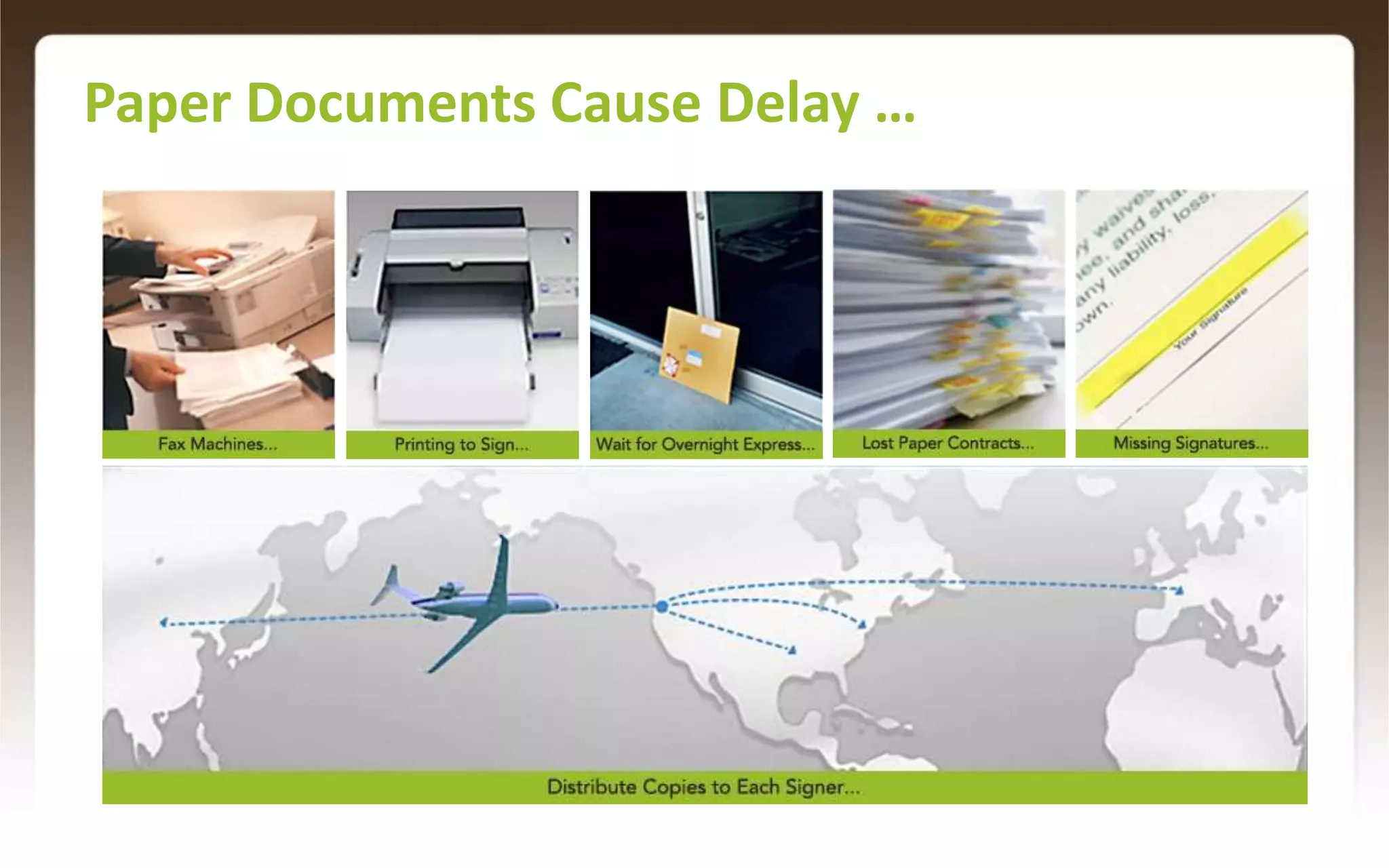
Paper Documents Cause Delay …3
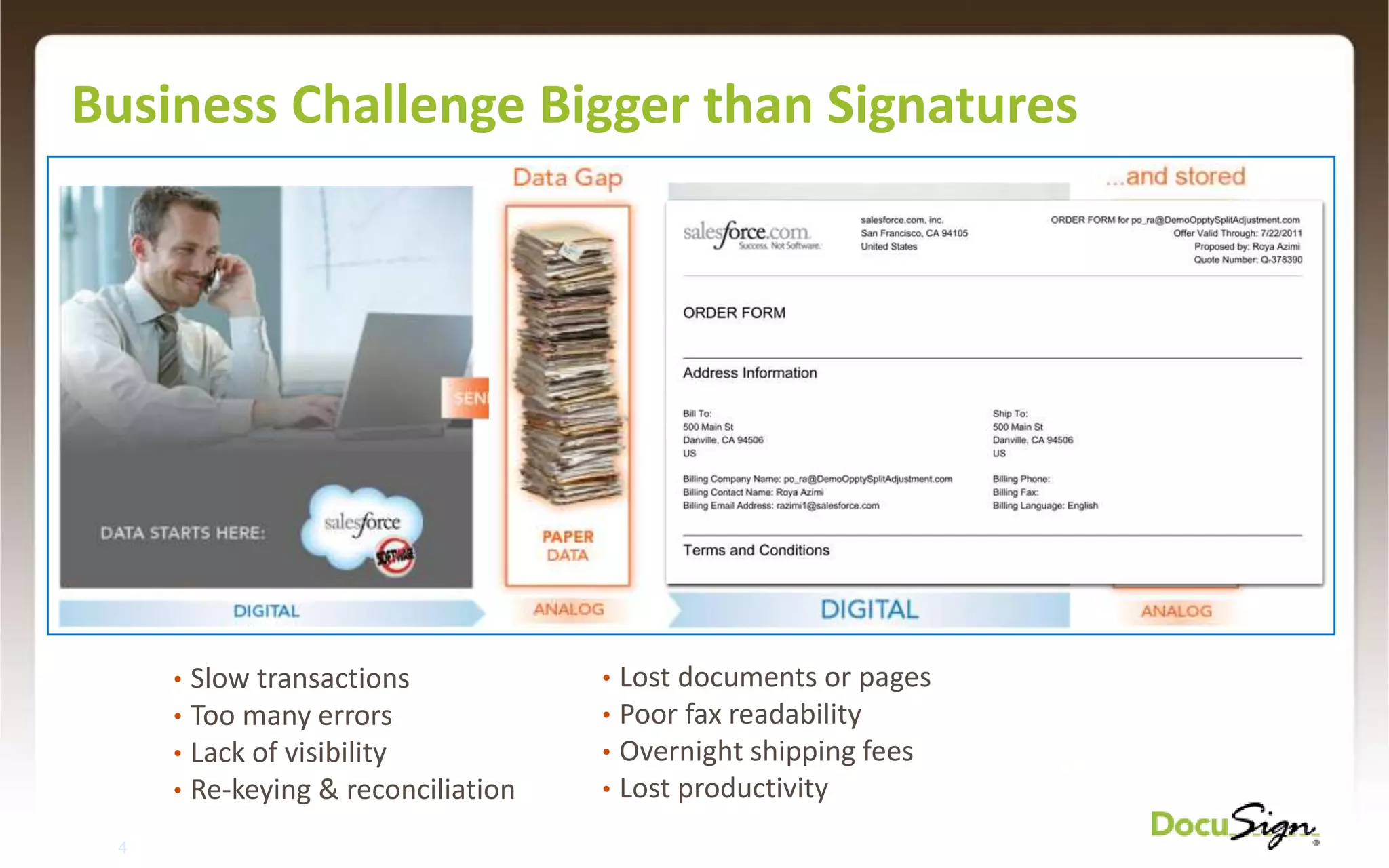
Business Challenge Bigger than SignaturesLost documents or pages
Poor fax readability
Overnight shipping fees
Lost productivity
Slow transactions
Too many errors
Lack of visibility
Re-keying & reconciliation4
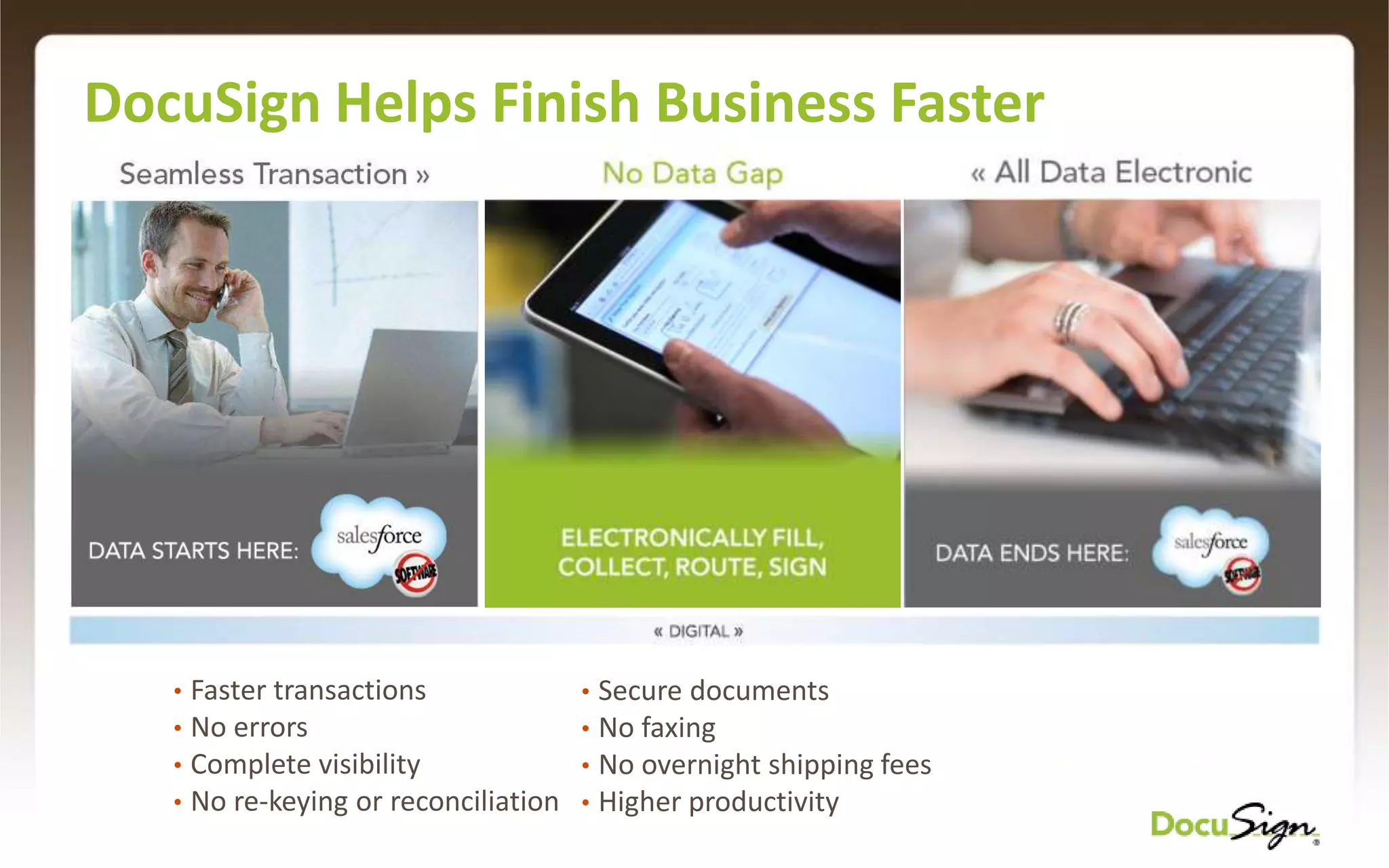
DocuSign Helps Finish Business FasterFaster transactions
No errors
Complete visibility
No re-keying or reconciliation
Secure documents
No faxing
No overnight shipping fees
Higher productivityDocuSign In Action
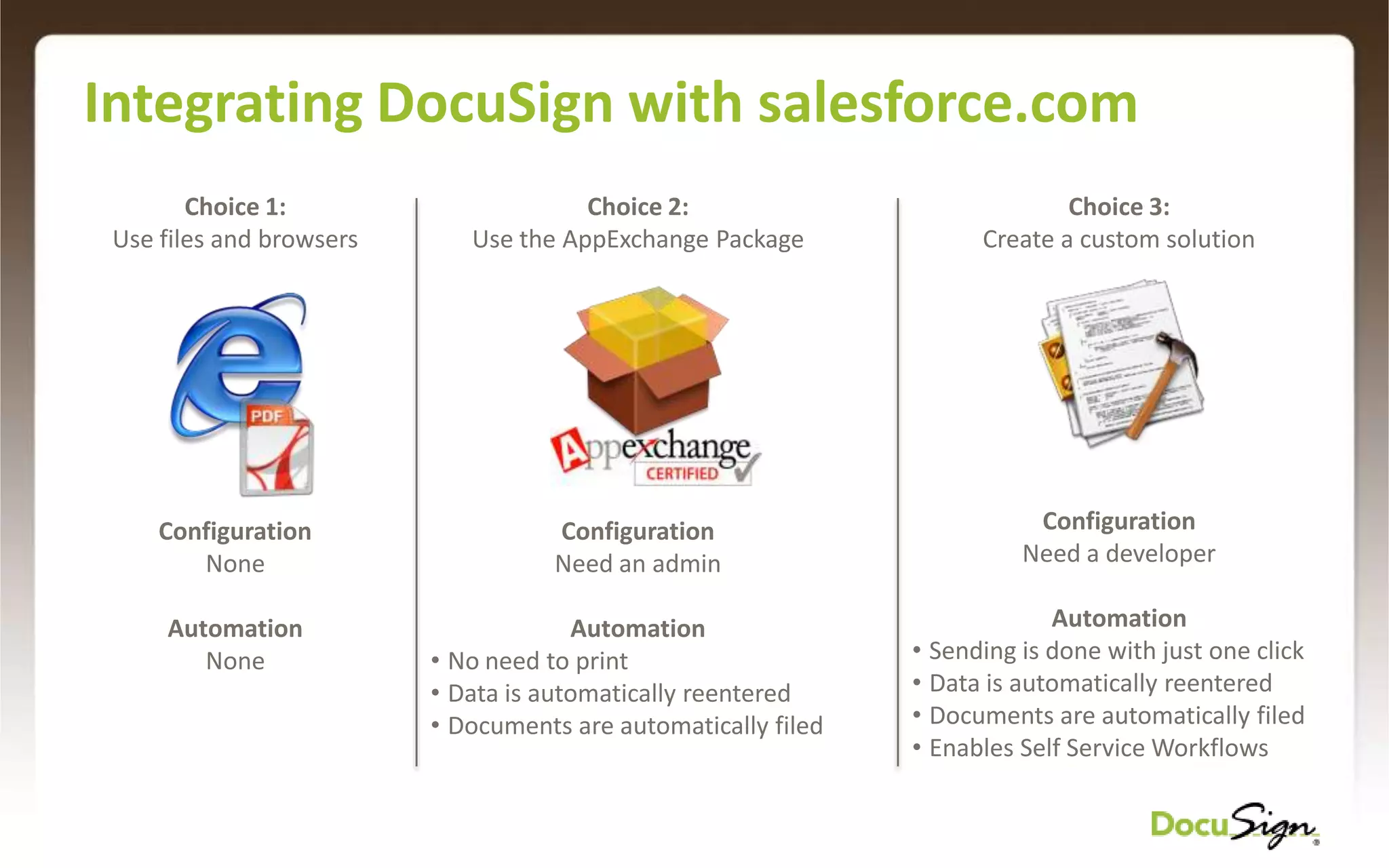
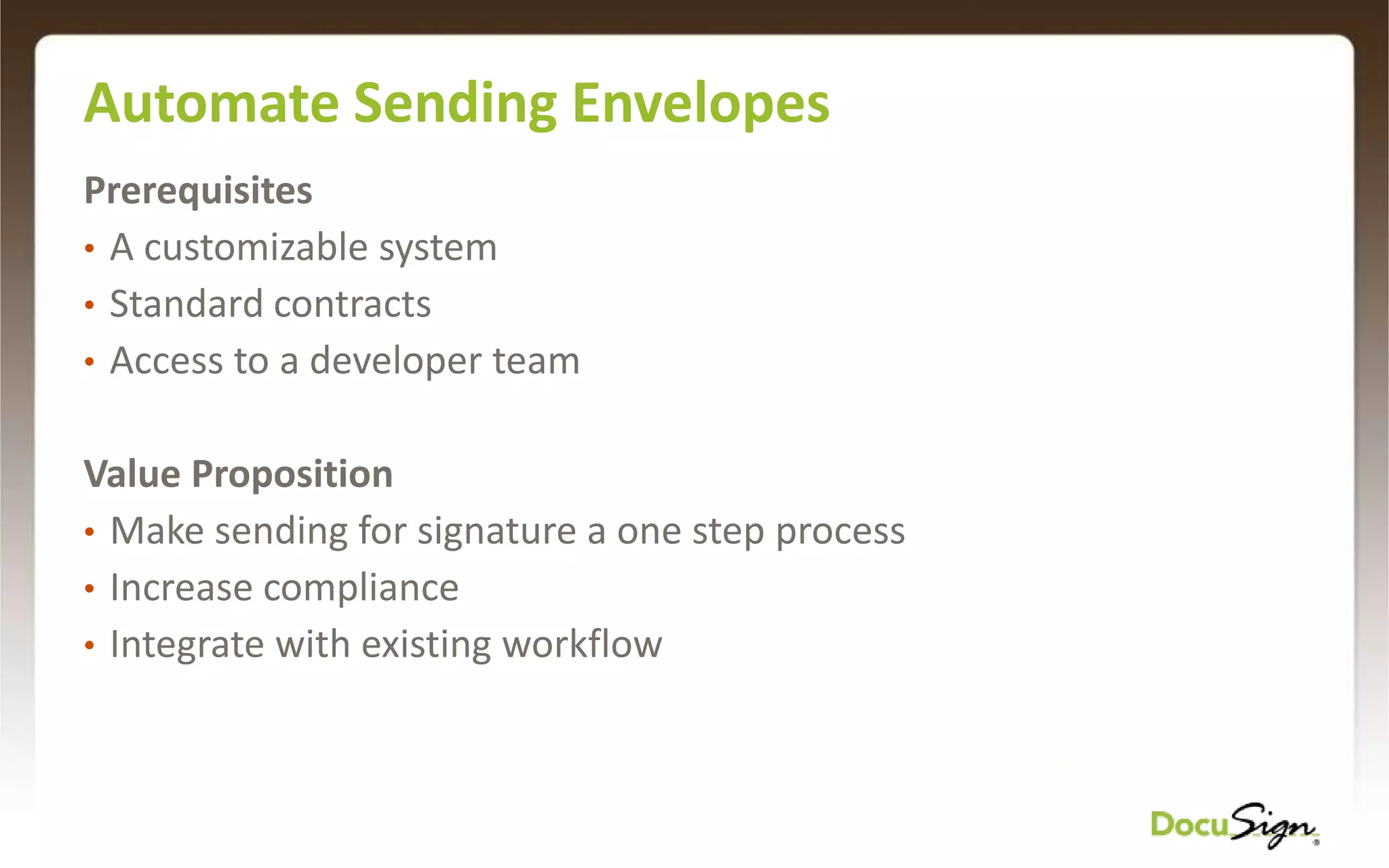
Integrating DocuSign with salesforce.comChoice 1: Use files and browsersChoice 2: Use the AppExchange PackageChoice 3: Create a custom solution ConfigurationNeed a developerAutomationSending is done with just one click
Data is automatically reentered

Paperless business process with DocuSign esignature v2

Editor's Notes

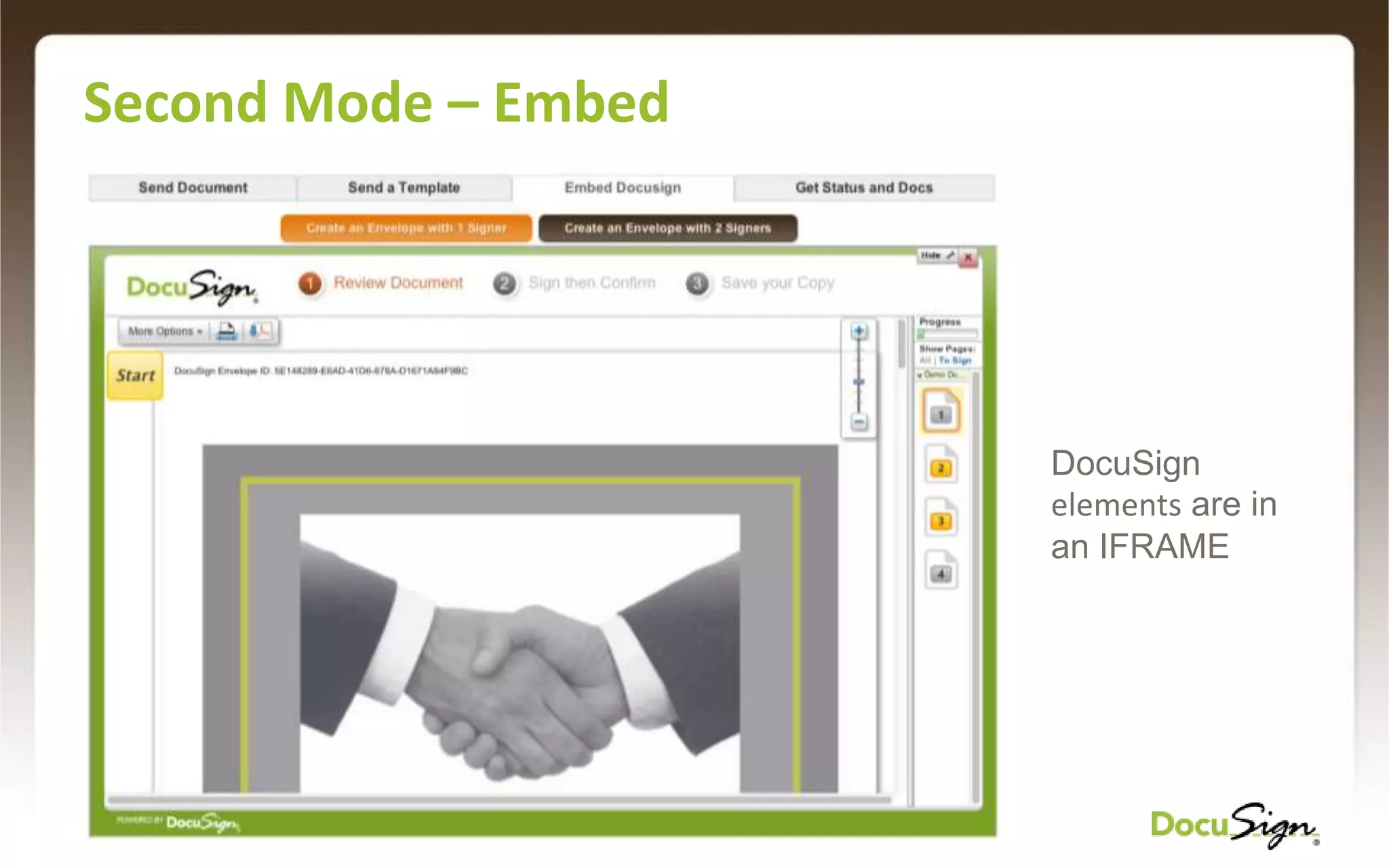
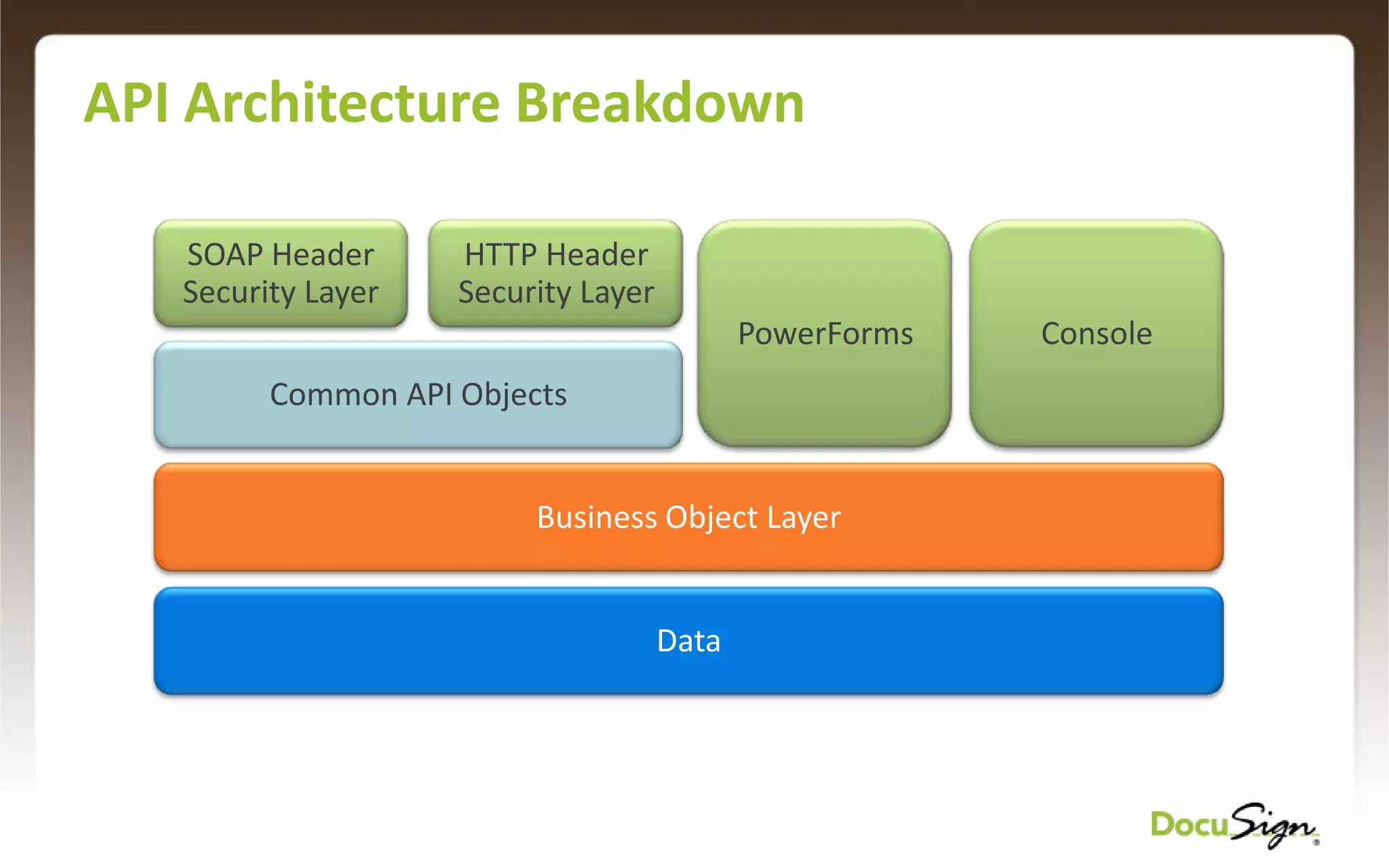
  • #11 All the API and UI goes to the same business objectsAll the data is normalized by DocuSign CoreYou can start the transaction with one entry point and then use a different interface to manage and retrieve
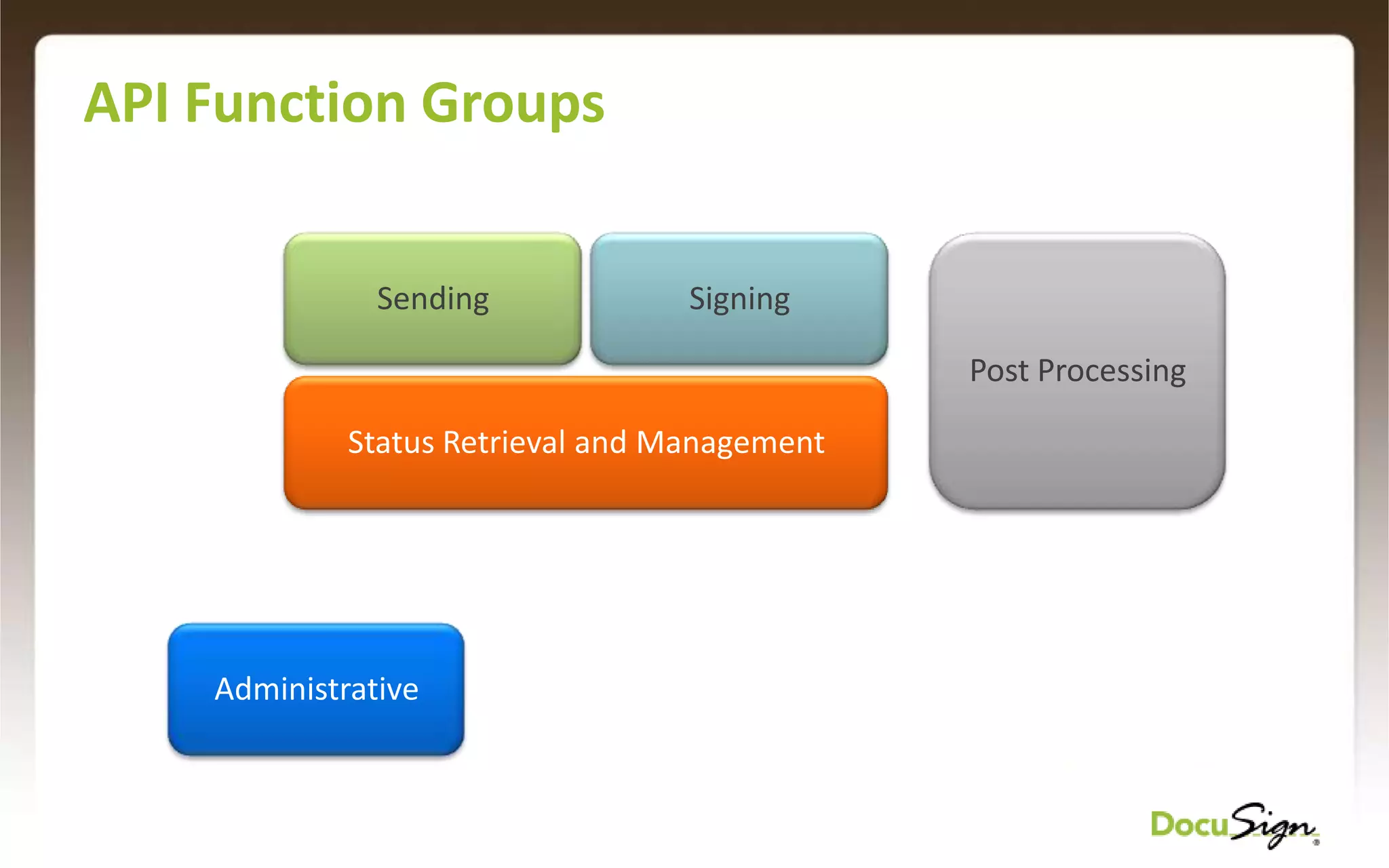
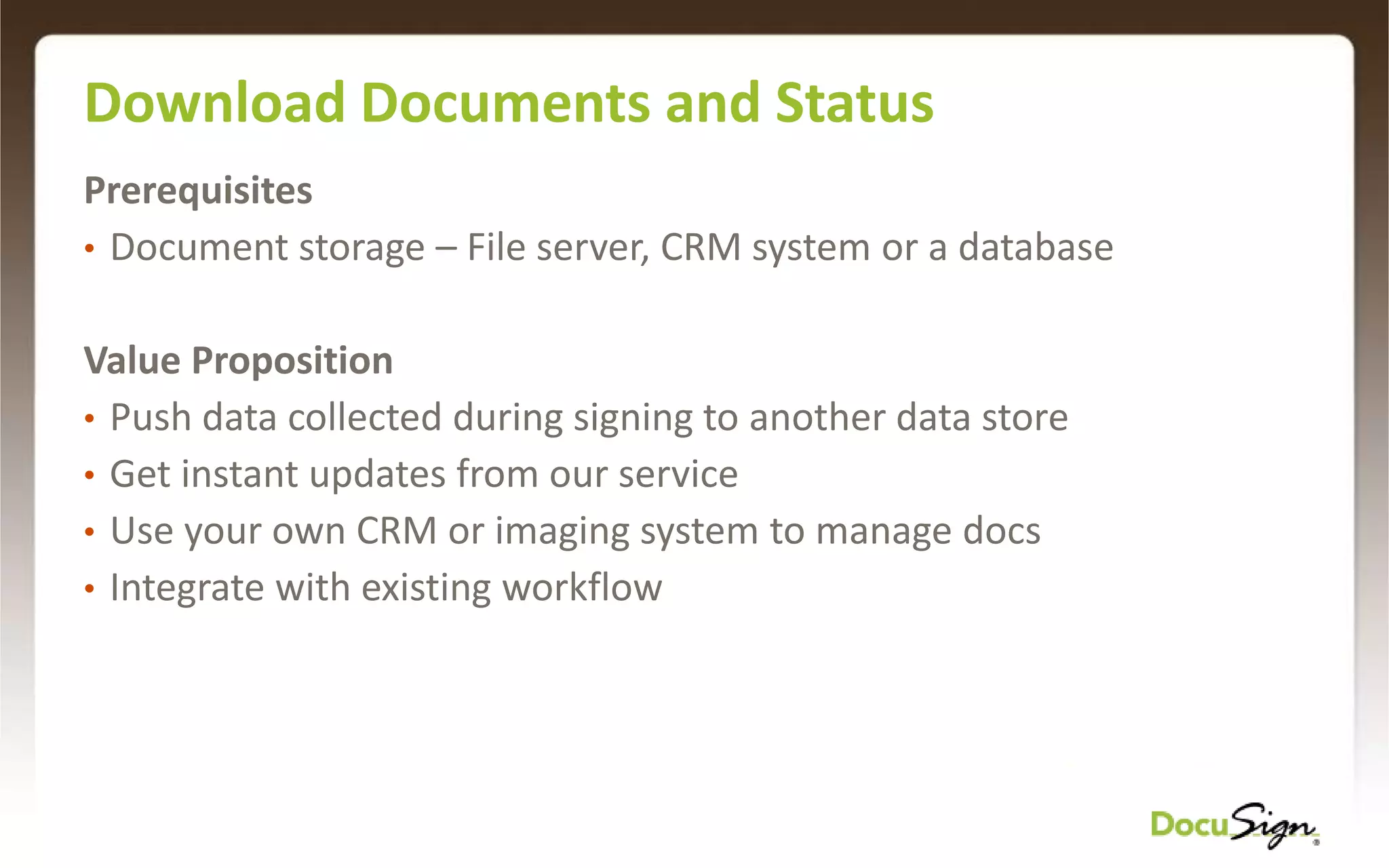
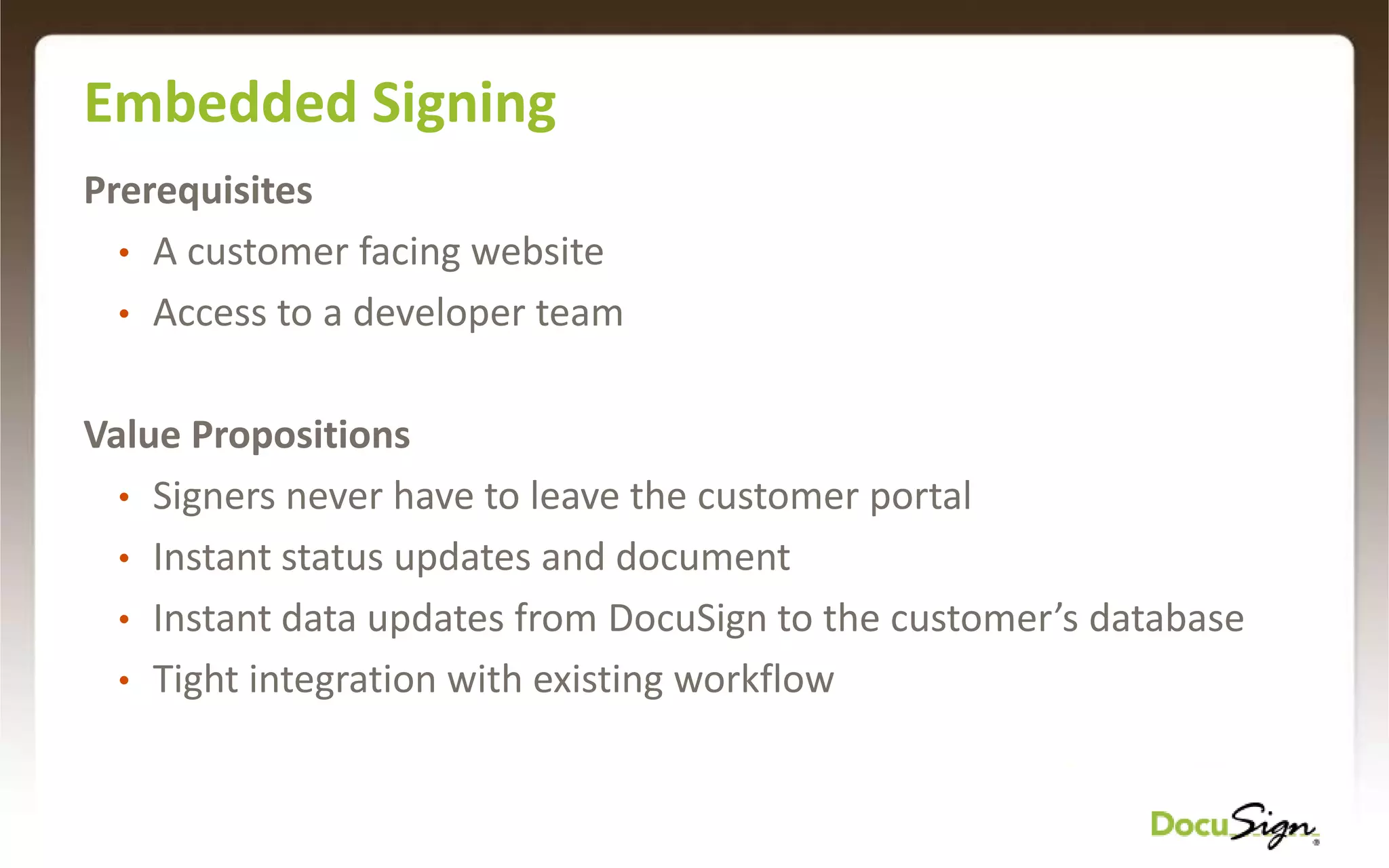
  • #12 - Sending and Signing function groups work together – you cannot use the signing group without the sending groupAll other function groups may be used independently to manage different parts of the DocuSign processCommon patterns are…
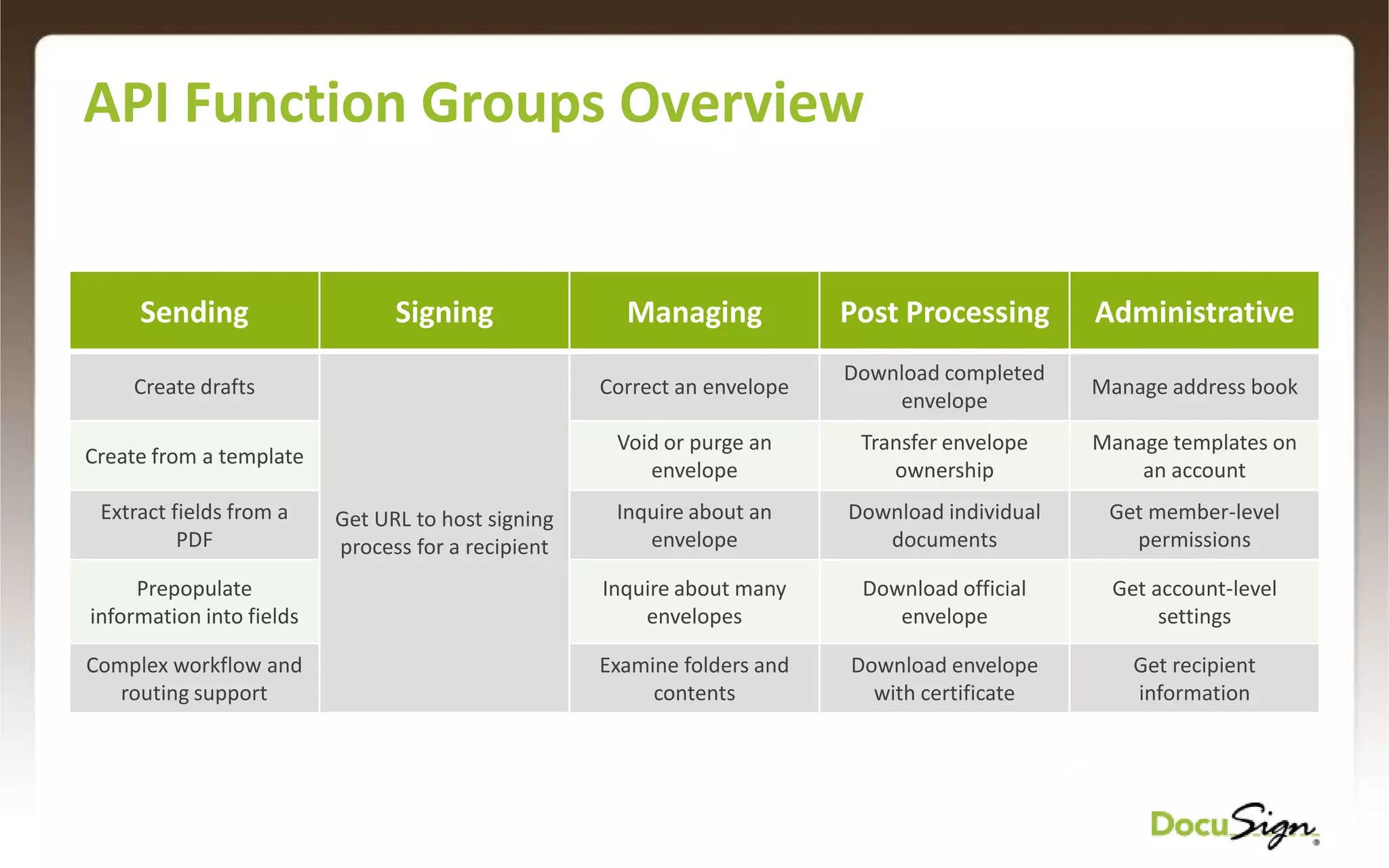
  • #13 Call out the ability to create drafts and why this would be desirable (embedded sending)Note how the managing function group is one of the most powerful but most neglectedEmphasize post-processing capabilities and implications on guidelines (multiple downloads)Talk about administrative function group and applicable scenarios
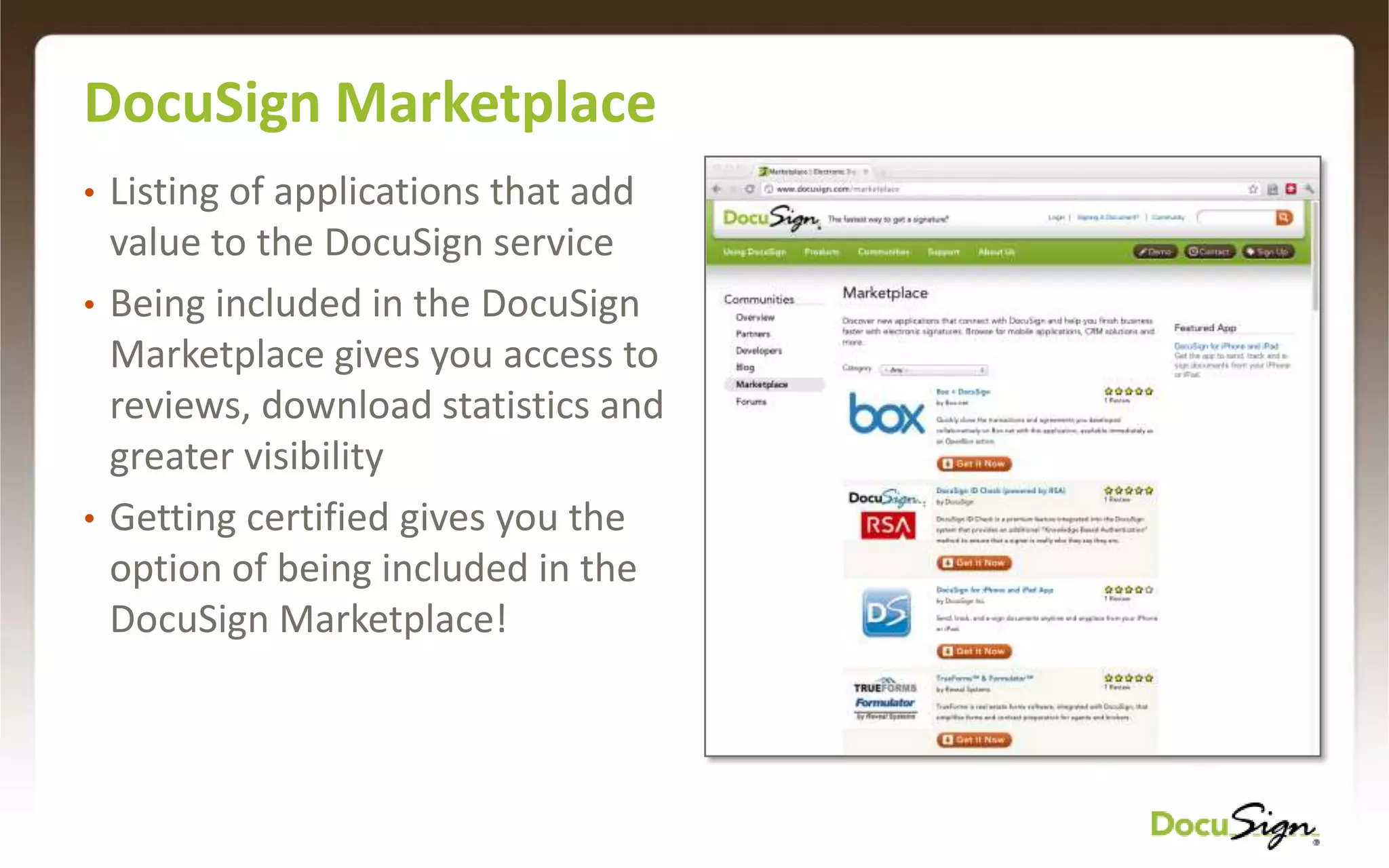
  • #18 Marketplace is the list of "Certified Applications" that's a benefit of having your application certified. Get exposure to the full set of DocuSign usersGet reviews and ratings from users on the world’s only eSignature marketplace
  • #19 Some of the common questions are: "but my application is really tiny, why do I need to certify?" "my application is just for me, can I just use it on my account?"