
Agenda- The DocuSign Process- Delivering Business Results- DocuSign Company- DocuSign for Salesforce- Current document completion process- The Cloud Universe - Different ways to integrate DocuSign with Salesforce.com- First Mode - Connect- Second Mode - Embedd- Getting DocuSign AppExchange package- Setting up a DocuSign account- Setting up data feeds.- Adding DocuSign buttons- Sending with DocuSign for Salesforce- Lessons Learned- Complete Path to Success- Sales Channel and Promotion- Q&A
321Fast. Simple.Complete. The Leader.
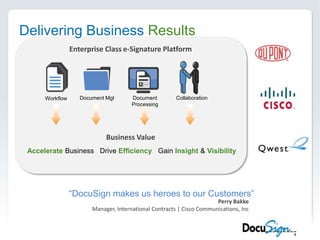
Delivering Business ResultsEnterprise Class e-Signature PlatformDocument MgtDocument ProcessingCollaborationWorkflowBusiness ValueAccelerate Business   Drive Efficiency   Gain Insight &Visibility“DocuSign makes us heroes to our Customers”Perry BakkeManager, International Contracts | Cisco Communications, Inc
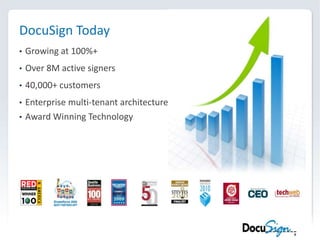
DocuSign TodayGrowing at 100%+
Over 8M active signers
40,000+ customers
Enterprise multi-tenant architecture
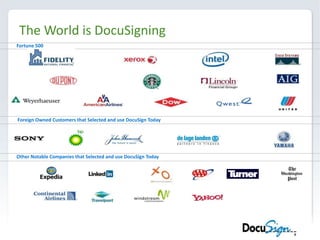
Award Winning TechnologyThe World is DocuSigningFortune 500Foreign Owned Customers that Selected and use DocuSign TodayOther Notable Companies that Selected and use DocuSign Today
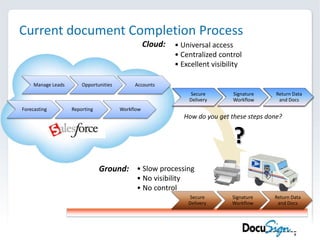
Current document Completion ProcessCloud: Universal access
 Centralized control
 Excellent visibilityHow do you get these steps done??Ground: Slow processing
 No visibility
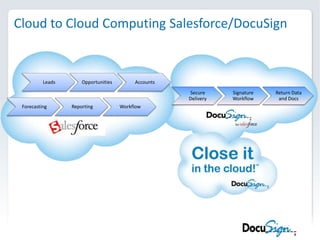
 No controlCloud to Cloud ComputingSalesforce/DocuSign
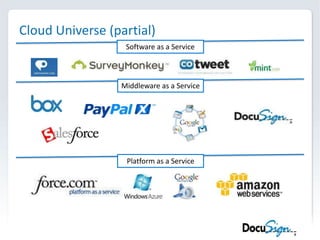
Cloud Universe (partial)Software as a ServiceMiddleware as a ServicePlatform as a Service
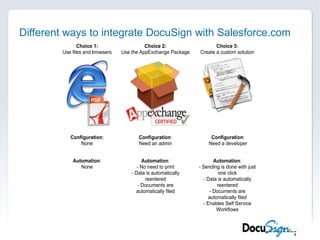
Different ways to integrate DocuSign with Salesforce.com
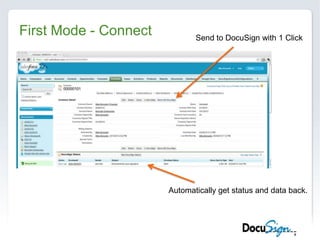
First Mode - ConnectSend to DocuSign with 1 ClickAutomatically get status and data back.
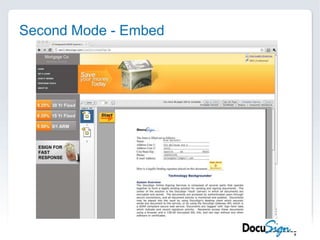
Second Mode - Embed
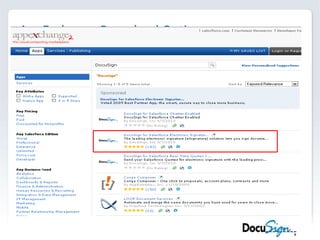
AppExchange Download Options
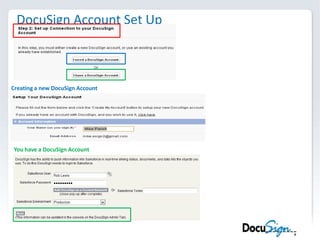
DocuSign Account Set UpCreating a new DocuSign AccountYou have a DocuSign Account
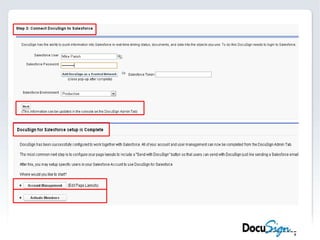
Connecting DocuSign with Salesforce
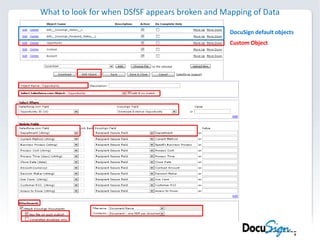
What to look for when DSfSF appears broken and Mapping of DataDocuSign default objectsCustom Object
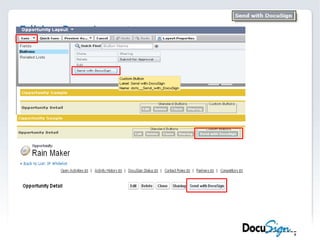
Editing Page Layouts
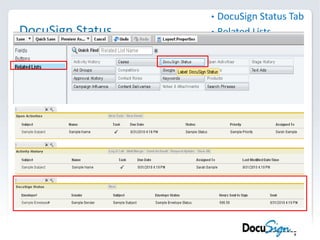
DocuSign StatusDocuSign Status TabRelated Lists
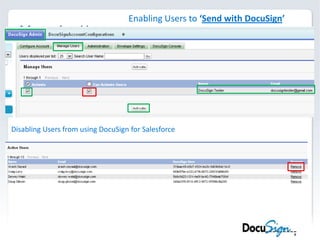
Managing UsersEnabling Users to ‘Send with DocuSign’Disabling Users from using DocuSign for Salesforce
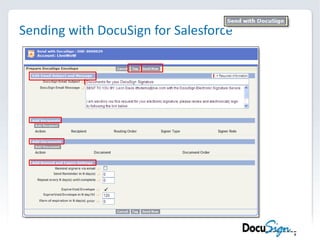
Sending with DocuSign for Salesforce

DocuSign Cloudstock Session 2 - No Code

Editor's Notes

  • #9 Today, most of you use Salesforce to accelerate your business. But what about CLOSING the transaction?