Overcoming the Obstacles: A Case
Study of a 1:1 Computing Initiative
in a Rural High School
Mike Nantais, Ph.D. (@MikeN_BU)
Jackie Kirk, Ph.D. (@Jackie007_41)
The purpose of the study was to investigate the
case of a rural high school’s implementation of
a 1:1 computing initiative – the process of
implementation, the successes, and the
challenges – from the perspective of the
administration, the teachers, the students, and
the parents.
Methodology & Data Sources
• Descriptive case study (Merriam, 2009)
• Data sources
• Interviews (admin, teachers)
• Focus Group (teachers, parents, students)
• Survey (parents, students)
• Class observations
• Documents
“A new medium does
not add something; it
changes everything”
(Postman, 1998)
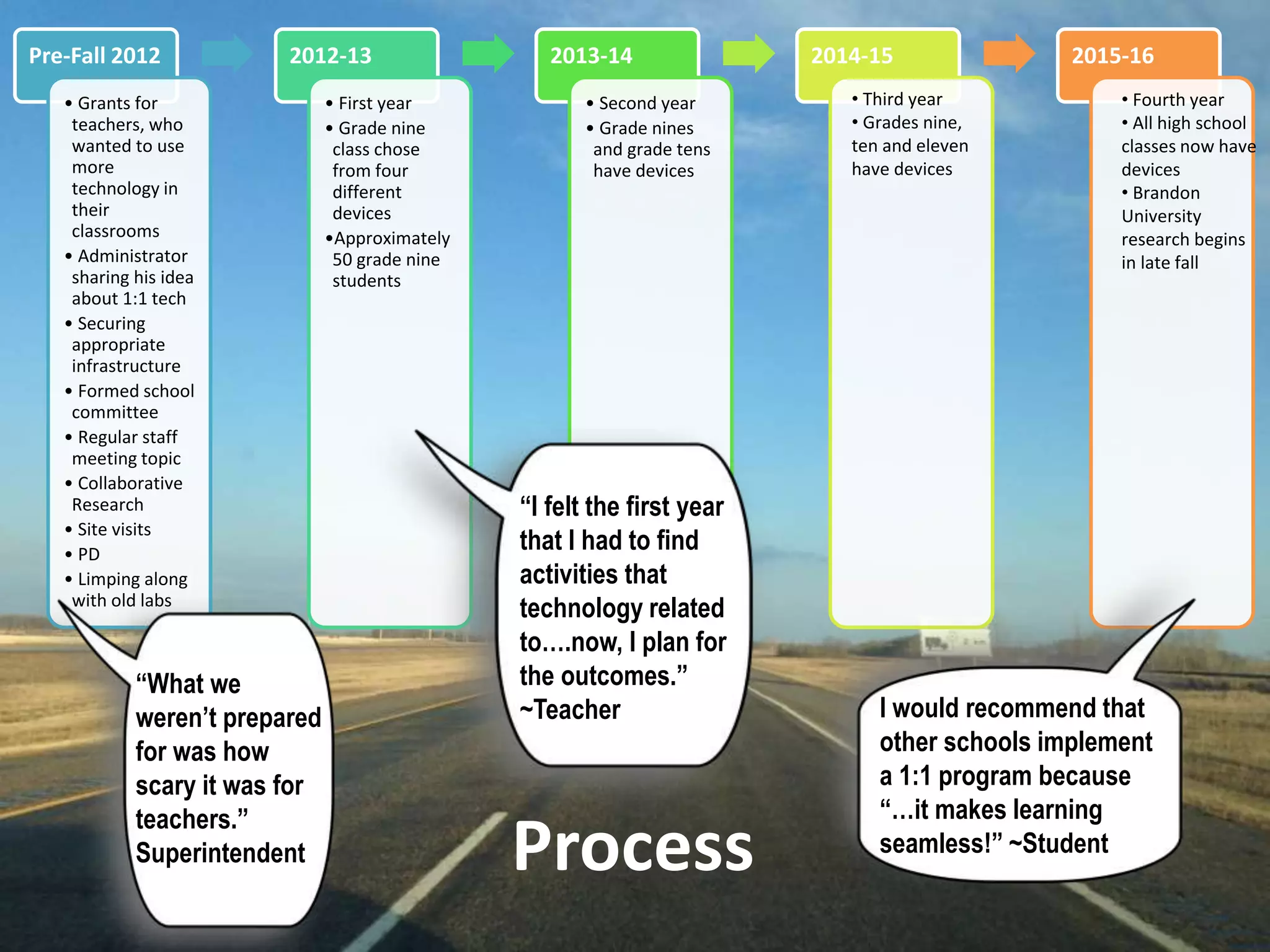
The 1:1 Process
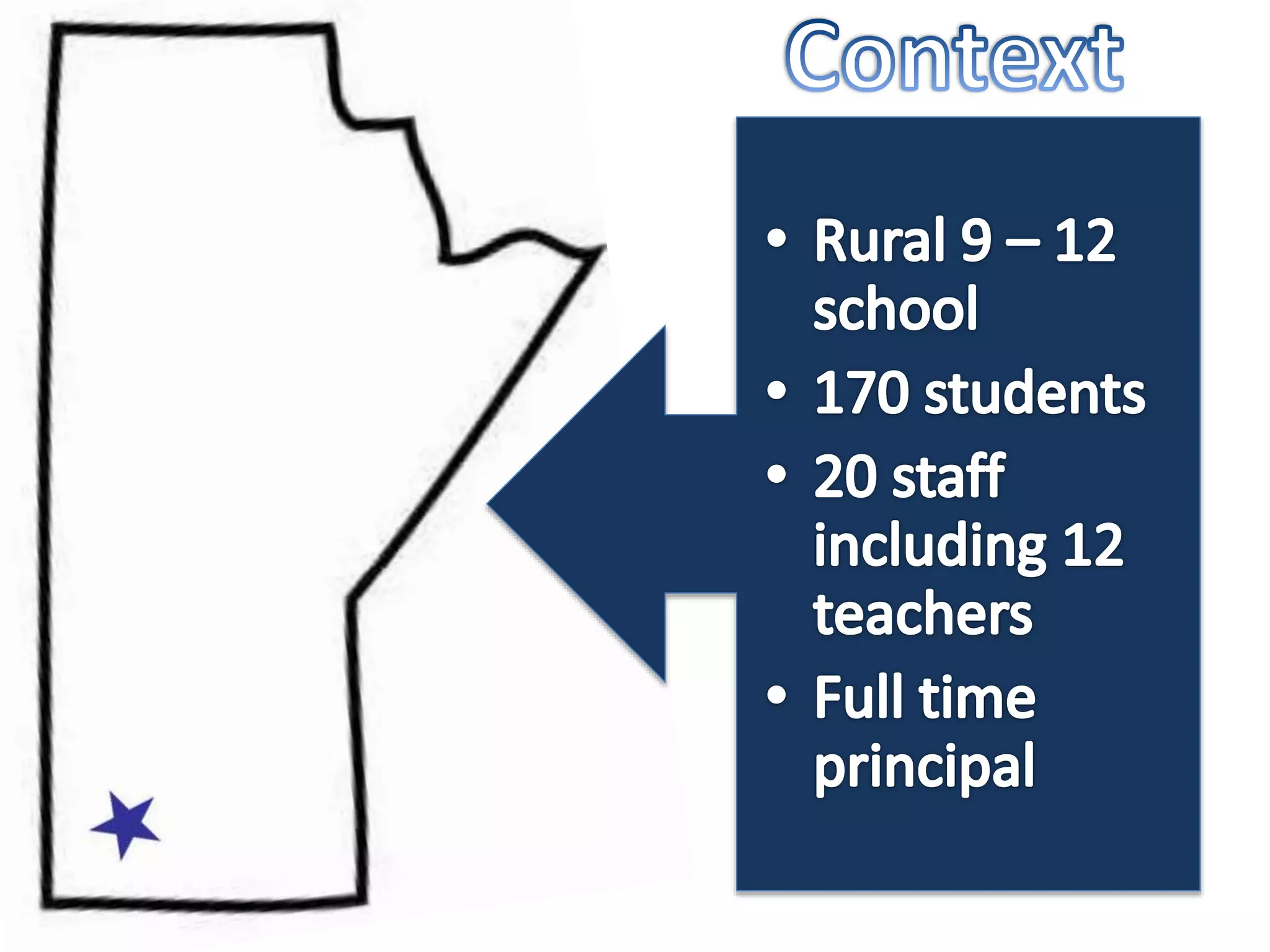
Pre-Fall 2012
• Grants for
teachers, who
wanted to use
more
technology in
their
classrooms
• Administrator
sharing his idea
about 1:1 tech
• Securing
appropriate
infrastructure
• Formed school
committee
• Regular staff
meeting topic
• Collaborative
Research
• Site visits
• PD
• Limping along
with old labs
2012-13
• First year
• Grade nine
class chose
from four
different
devices
•Approximately
50 grade nine
students
2013-14
• Second year
• Grade nines
and grade tens
have devices
2014-15 2015-16
• Third year
• Grades nine,
ten and eleven
have devices
• Fourth year
• All high school
classes now have
devices
• Brandon
University
research begins
in late fall
“What we
weren’t prepared
for was how
scary it was for
teachers.”
Superintendent
“I felt the first year
that I had to find
activities that
technology related
to….now, I plan for
the outcomes.”
~Teacher I would recommend that
other schools implement
a 1:1 program because
“…it makes learning
seamless!” ~Student
Process
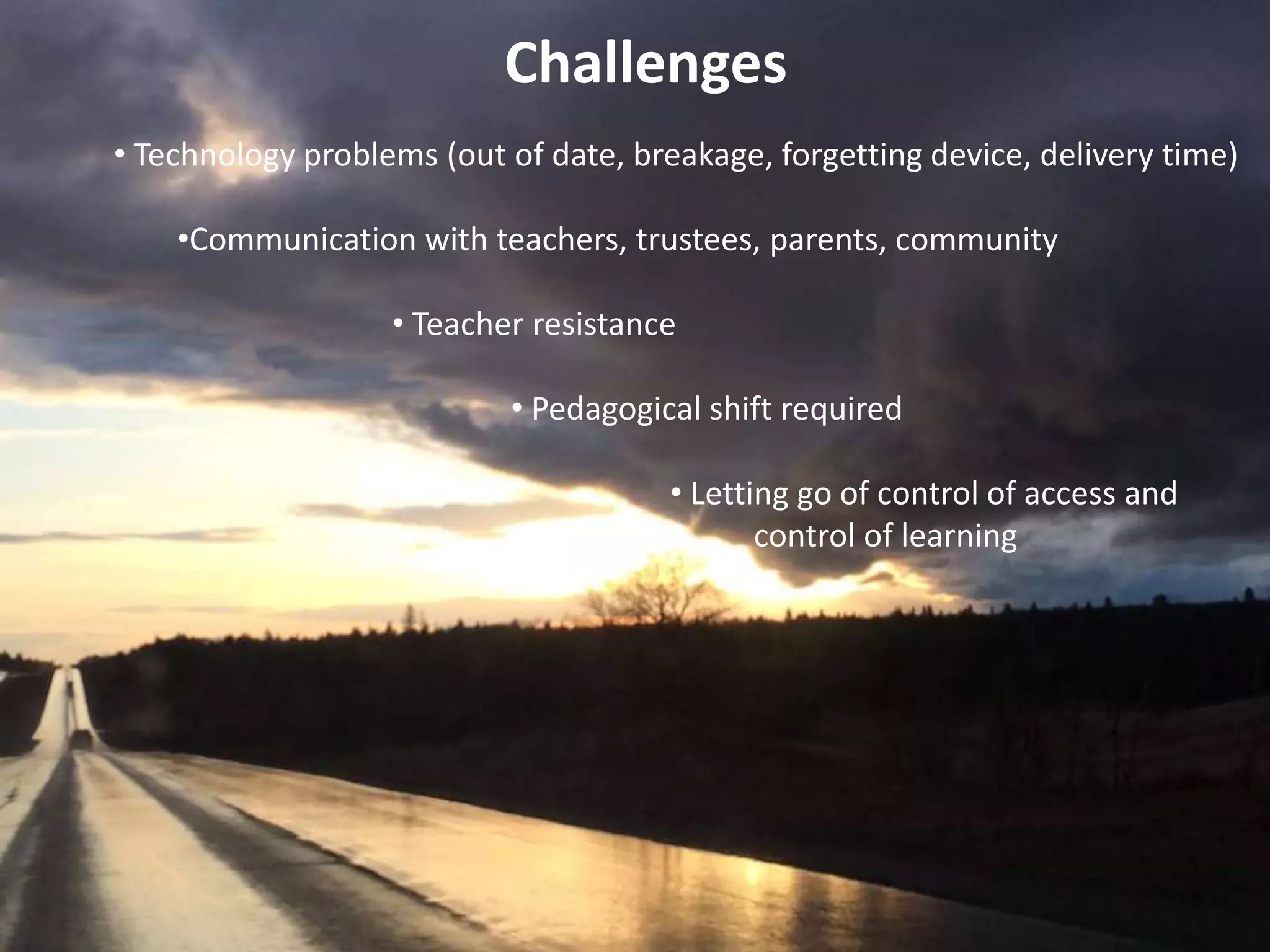
Challenges
• Technology problems (out of date, breakage, forgetting device, delivery time)
•Communication with teachers, trustees, parents, community
• Teacher resistance
• Pedagogical shift required
• Letting go of control of access and
• control of learning
Challenge – Spend More Time with Teachers…trustees, and parents
Teacher – “There was no clear vision for me as to what it should look like in
my classroom and when I was asking questions no one was giving
me answers and it was really, really frustrating.”
Principal – “We had a lot of dialogue at staff meetings about the fact that
[teachers] could not be the experts on four different devices.”
Superintendent – “If I had it all to do over again, I would probably
spend…more time preparing the teachers.”
Challenge – Developing an Understanding of Cost Effectiveness
Superintendent – “We’re spending $400 on your child to have a piece of
technology with them every single minute of every single
day in every classroom for the next four years. If your
child is on the volleyball team, we spend that in
transportation in one year…it costs way more to
put a tuba in your son’s hands…and we
spend exorbitant amounts of
money in a shops
program….
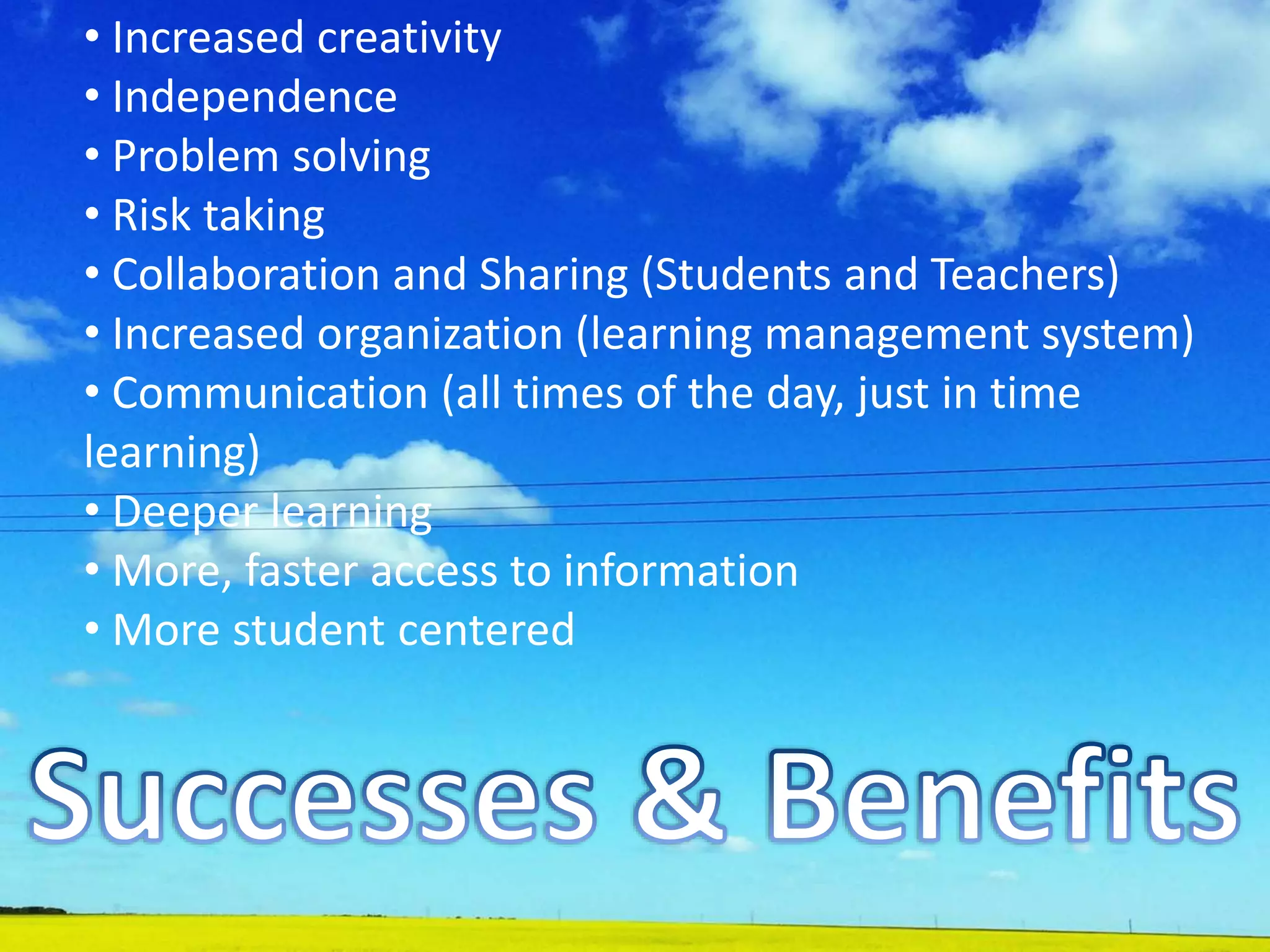
• Increased creativity
• Independence
• Problem solving
• Risk taking
• Collaboration and Sharing (Students and Teachers)
• Increased organization (learning management system)
• Communication (all times of the day, just in time
learning)
• Deeper learning
• More, faster access to information
• More student centered
“To me, the biggest successes are seeing students
demonstrating learning in ways we couldn’t have imagined
before.” ~ Principal
“In some ways, I think technology enables us to build a
classroom [that is] more willing to play around and to take
risks…so, I think it can build a culture of collaboration in the
room.” ~ Teacher
“Kids have more interest in doing homework on a laptop than
on paper and textbooks. It's easier to get homework done
when not at home, especially on a long drive.” ~ Parent
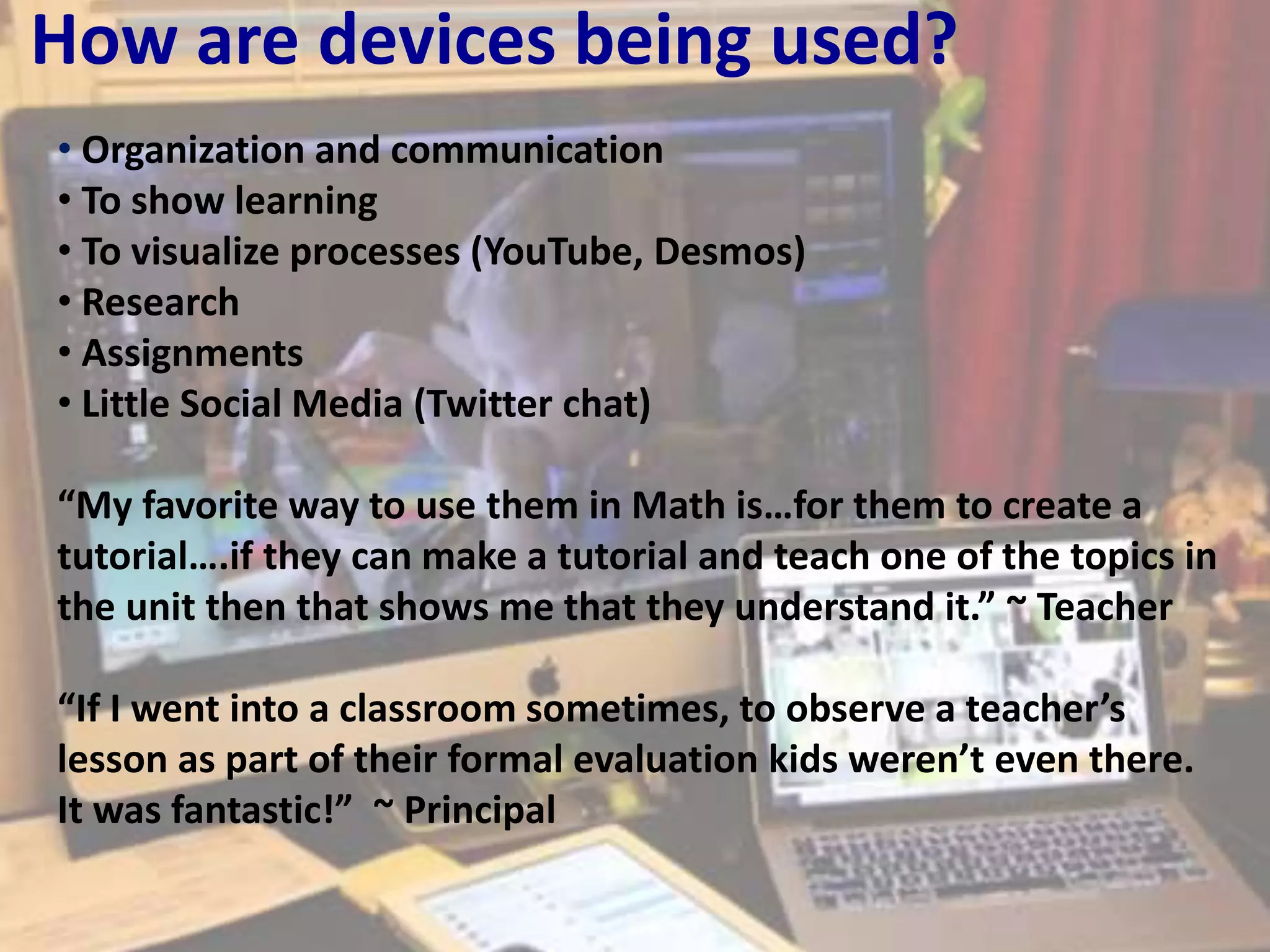
How are devices being used?
• Organization and communication
• To show learning
• To visualize processes (YouTube, Desmos)
• Research
• Assignments
• Little Social Media (Twitter chat)
“My favorite way to use them in Math is…for them to create a
tutorial….if they can make a tutorial and teach one of the topics in
the unit then that shows me that they understand it.” ~ Teacher
“If I went into a classroom sometimes, to observe a teacher’s
lesson as part of their formal evaluation kids weren’t even there.
It was fantastic!” ~ Principal
Change?
• Pedagogy – “I think the biggest shift in my
mindset was that it wasn’t about technology, it
was about learning and how I needed to rethink
learning, redefine what learning meant in my
classroom, I guess.” ~ Teacher
• Supervision – “It changed my walk-through
approach,…I’d deliberately go into every room [in
the school] because there was probably
somebody….It wasn’t like walking into a
traditional class.” ~Principal
Advice About Trying It
• Go slowly
• Do site visits
• Communicate with trustees, teachers, and
parents
• Ensure the infrastructure is in place
• Encourage risk taking, allow failure
Final thoughts …
“…students are capable of amazing things, if we give them the space to be
amazing. I think it sounds super over the top and cheesy but there were
pivotal moments that I can remember, sitting at my computer marking,
that changed the way I thought about everything that I have ever done in
education….even thinking back to them now, they are almost
emotional…aha moments.”
Final thoughts …
“Mostly just not to be afraid….Try it and you’ll be surprised at the wonderful
things that are going to happen….people will assume they are going to use it
inappropriately, they are going to do this and they are going to do that. They
are so small compared to the benefits of having devices. If we think of what
we are trying to do with students as far as being critical thinkers and
collaborative learners, those things come so much faster and easier in a 1:1
classroom than in a traditional classroom.”
Thank You!!
This slide deck can be found on Slideshare: http://slidesha.re/1l4FBDO

Overcoming the Obstacles: A Case Study of a 1:1 Computing Initiative in a Rural High School.

  • 1.
    Overcoming the Obstacles:A Case Study of a 1:1 Computing Initiative in a Rural High School Mike Nantais, Ph.D. (@MikeN_BU) Jackie Kirk, Ph.D. (@Jackie007_41)
  • 2.
    The purpose ofthe study was to investigate the case of a rural high school’s implementation of a 1:1 computing initiative – the process of implementation, the successes, and the challenges – from the perspective of the administration, the teachers, the students, and the parents.
  • 3.
    Methodology & DataSources • Descriptive case study (Merriam, 2009) • Data sources • Interviews (admin, teachers) • Focus Group (teachers, parents, students) • Survey (parents, students) • Class observations • Documents
  • 5.
    “A new mediumdoes not add something; it changes everything” (Postman, 1998)
  • 6.
    The 1:1 Process Pre-Fall2012 • Grants for teachers, who wanted to use more technology in their classrooms • Administrator sharing his idea about 1:1 tech • Securing appropriate infrastructure • Formed school committee • Regular staff meeting topic • Collaborative Research • Site visits • PD • Limping along with old labs 2012-13 • First year • Grade nine class chose from four different devices •Approximately 50 grade nine students 2013-14 • Second year • Grade nines and grade tens have devices 2014-15 2015-16 • Third year • Grades nine, ten and eleven have devices • Fourth year • All high school classes now have devices • Brandon University research begins in late fall “What we weren’t prepared for was how scary it was for teachers.” Superintendent “I felt the first year that I had to find activities that technology related to….now, I plan for the outcomes.” ~Teacher I would recommend that other schools implement a 1:1 program because “…it makes learning seamless!” ~Student Process
  • 7.
    Challenges • Technology problems(out of date, breakage, forgetting device, delivery time) •Communication with teachers, trustees, parents, community • Teacher resistance • Pedagogical shift required • Letting go of control of access and • control of learning
  • 8.
    Challenge – SpendMore Time with Teachers…trustees, and parents Teacher – “There was no clear vision for me as to what it should look like in my classroom and when I was asking questions no one was giving me answers and it was really, really frustrating.” Principal – “We had a lot of dialogue at staff meetings about the fact that [teachers] could not be the experts on four different devices.” Superintendent – “If I had it all to do over again, I would probably spend…more time preparing the teachers.”
  • 9.
    Challenge – Developingan Understanding of Cost Effectiveness Superintendent – “We’re spending $400 on your child to have a piece of technology with them every single minute of every single day in every classroom for the next four years. If your child is on the volleyball team, we spend that in transportation in one year…it costs way more to put a tuba in your son’s hands…and we spend exorbitant amounts of money in a shops program….
  • 10.
    • Increased creativity •Independence • Problem solving • Risk taking • Collaboration and Sharing (Students and Teachers) • Increased organization (learning management system) • Communication (all times of the day, just in time learning) • Deeper learning • More, faster access to information • More student centered
  • 11.
    “To me, thebiggest successes are seeing students demonstrating learning in ways we couldn’t have imagined before.” ~ Principal “In some ways, I think technology enables us to build a classroom [that is] more willing to play around and to take risks…so, I think it can build a culture of collaboration in the room.” ~ Teacher “Kids have more interest in doing homework on a laptop than on paper and textbooks. It's easier to get homework done when not at home, especially on a long drive.” ~ Parent
  • 12.
    How are devicesbeing used? • Organization and communication • To show learning • To visualize processes (YouTube, Desmos) • Research • Assignments • Little Social Media (Twitter chat) “My favorite way to use them in Math is…for them to create a tutorial….if they can make a tutorial and teach one of the topics in the unit then that shows me that they understand it.” ~ Teacher “If I went into a classroom sometimes, to observe a teacher’s lesson as part of their formal evaluation kids weren’t even there. It was fantastic!” ~ Principal
  • 13.
    Change? • Pedagogy –“I think the biggest shift in my mindset was that it wasn’t about technology, it was about learning and how I needed to rethink learning, redefine what learning meant in my classroom, I guess.” ~ Teacher • Supervision – “It changed my walk-through approach,…I’d deliberately go into every room [in the school] because there was probably somebody….It wasn’t like walking into a traditional class.” ~Principal
  • 14.
    Advice About TryingIt • Go slowly • Do site visits • Communicate with trustees, teachers, and parents • Ensure the infrastructure is in place • Encourage risk taking, allow failure
  • 15.
    Final thoughts … “…studentsare capable of amazing things, if we give them the space to be amazing. I think it sounds super over the top and cheesy but there were pivotal moments that I can remember, sitting at my computer marking, that changed the way I thought about everything that I have ever done in education….even thinking back to them now, they are almost emotional…aha moments.”
  • 16.
    Final thoughts … “Mostlyjust not to be afraid….Try it and you’ll be surprised at the wonderful things that are going to happen….people will assume they are going to use it inappropriately, they are going to do this and they are going to do that. They are so small compared to the benefits of having devices. If we think of what we are trying to do with students as far as being critical thinkers and collaborative learners, those things come so much faster and easier in a 1:1 classroom than in a traditional classroom.”
  • 17.
    Thank You!! This slidedeck can be found on Slideshare: http://slidesha.re/1l4FBDO