Running multiple hypervisors
in your OpenStack Cloud
Vincent Untz <vuntz@suse.com>
Project Manager, SUSE

OpenStack in Action 4 ! - Paris – 5th December 2013
OpenStack & Hypervisor
• “OpenStack is a global collaboration of developers and cloud computing

technologists producing the ubiquitous open source cloud computing platform
for public and private clouds.”
http://www.openstack.org/

• “A hypervisor or virtual machine monitor (VMM) is a piece of computer

software, firmware or hardware that creates and runs virtual machines.”
http://en.wikipedia.org/wiki/Hypervisor

OpenStack in Action 4 ! - Paris – 5th December 2013
OpenStack: “Ubiquitous”, “Open”
• Perceived as the “Linux of the cloud”
• Hypervisor-agnostic approach
– Support as many hypervisors as possible
– Support running multiple hypervisors in the same cloud

• Impact on the non-compute components of the project

OpenStack in Action 4 ! - Paris – 5th December 2013
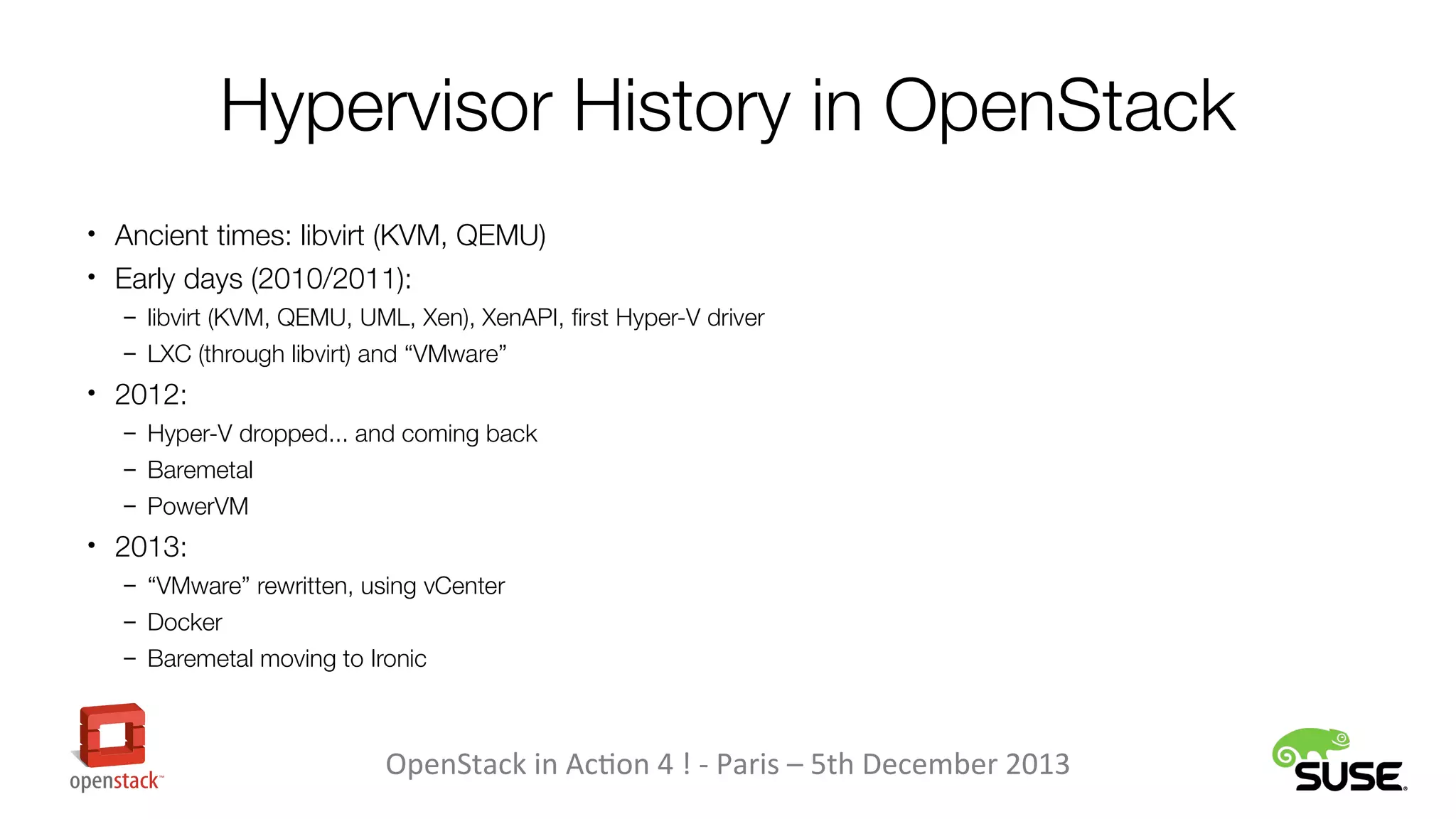
Hypervisor History in OpenStack
• Ancient times: libvirt (KVM, QEMU)
• Early days (2010/2011):
– libvirt (KVM, QEMU, UML, Xen), XenAPI, first Hyper-V driver
– LXC (through libvirt) and “VMware”

• 2012:
– Hyper-V dropped... and coming back
– Baremetal
– PowerVM

• 2013:
– “VMware” rewritten, using vCenter
– Docker
– Baremetal moving to Ironic

OpenStack in Action 4 ! - Paris – 5th December 2013
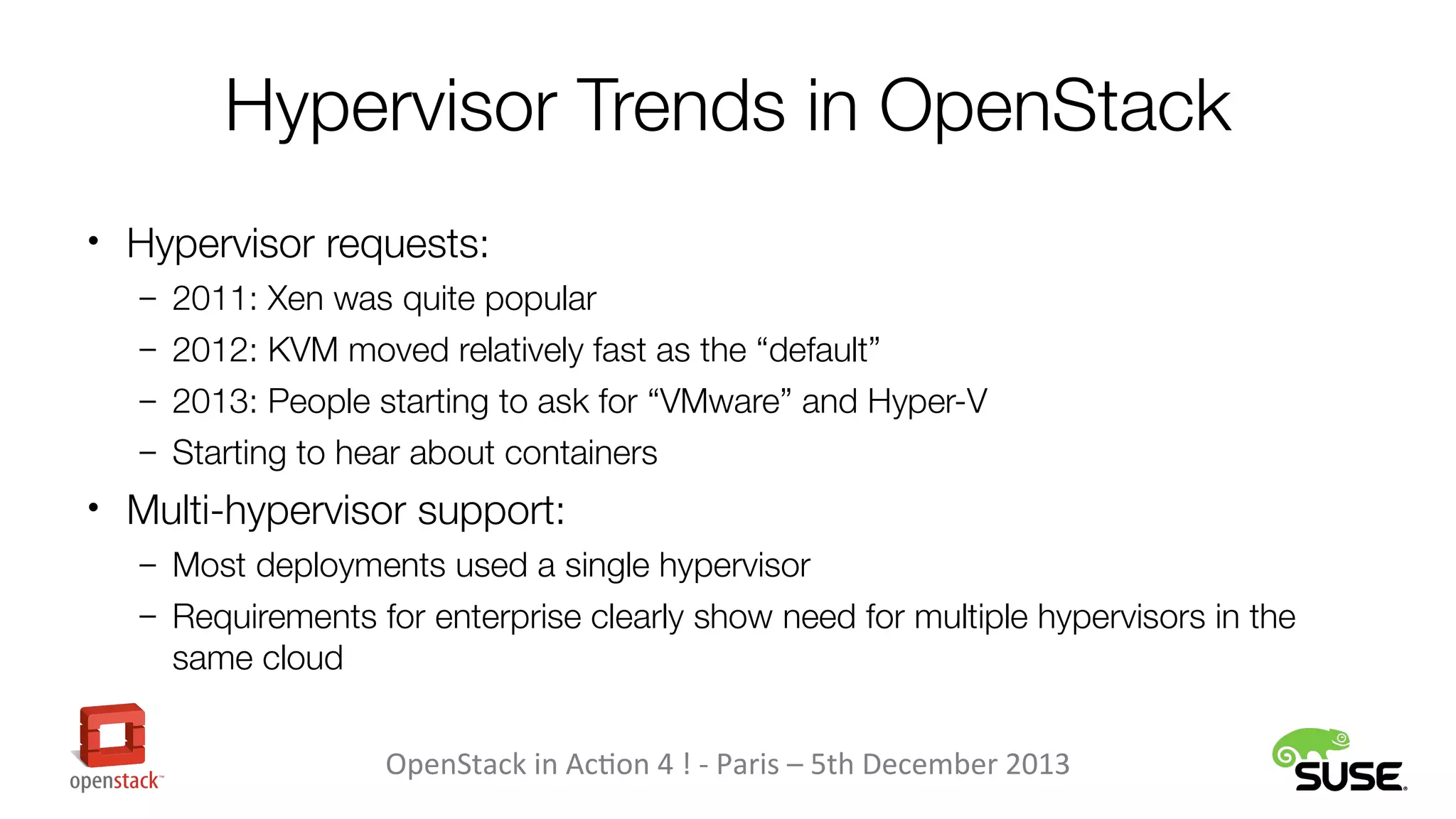
Hypervisor Trends in OpenStack
• Hypervisor requests:
– 2011: Xen was quite popular
– 2012: KVM moved relatively fast as the “default”
– 2013: People starting to ask for “VMware” and Hyper-V
– Starting to hear about containers

• Multi-hypervisor support:
– Most deployments used a single hypervisor
– Requirements for enterprise clearly show need for multiple hypervisors in the

same cloud
OpenStack in Action 4 ! - Paris – 5th December 2013
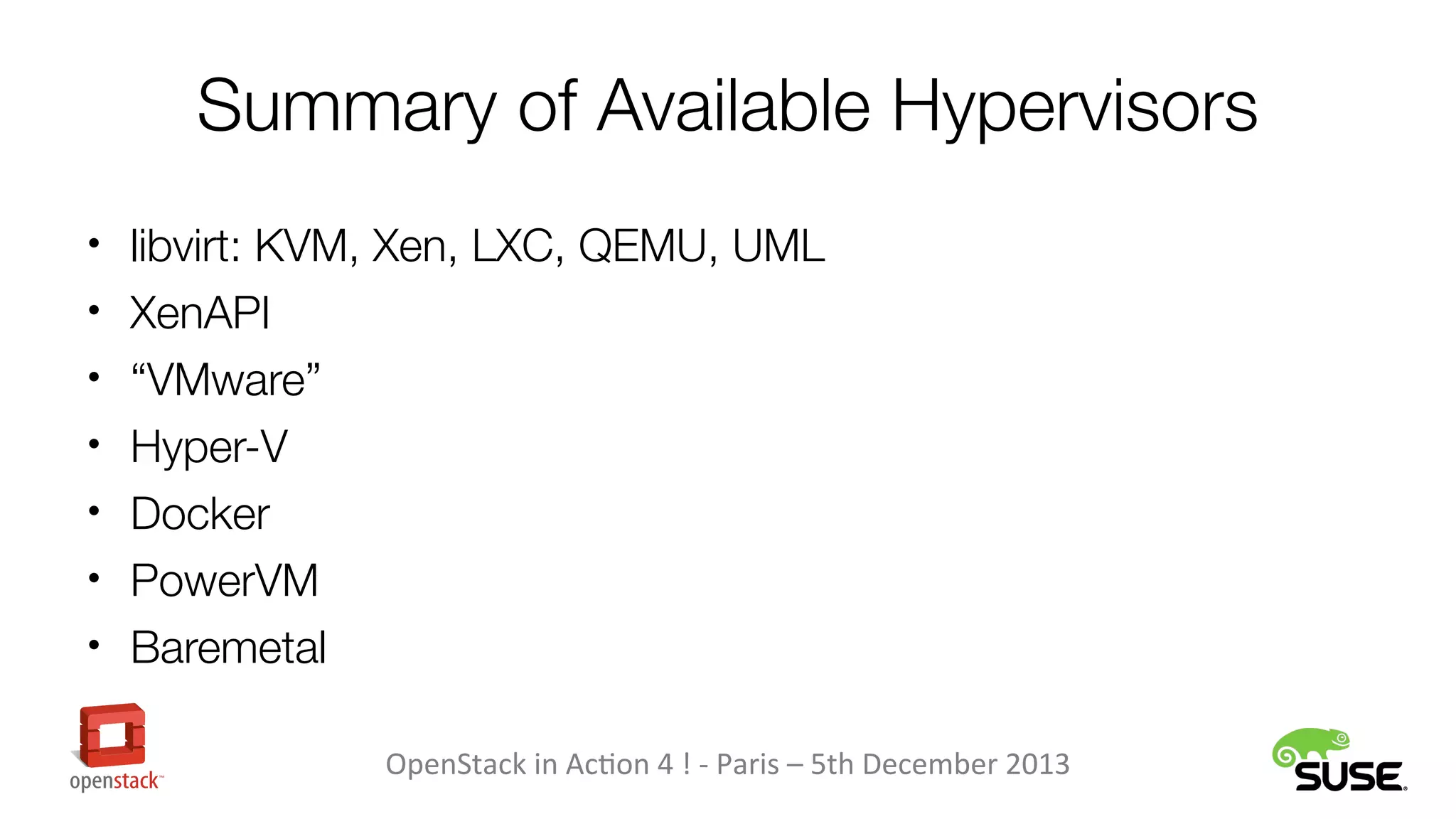
Summary of Available Hypervisors
• libvirt: KVM, Xen, LXC, QEMU, UML
• XenAPI
• “VMware”
• Hyper-V
• Docker
• PowerVM
• Baremetal
OpenStack in Action 4 ! - Paris – 5th December 2013
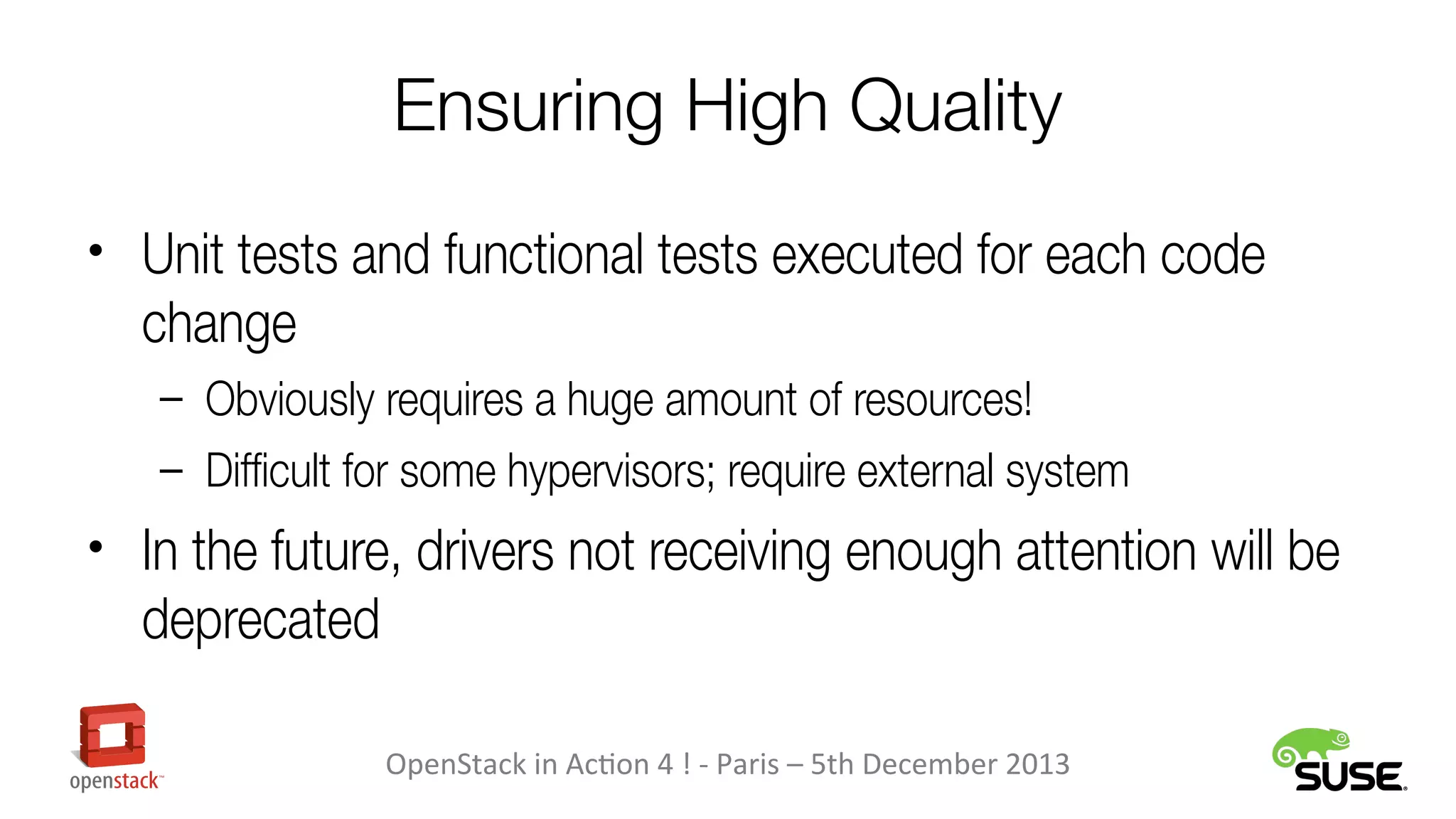
Ensuring High Quality
• Unit tests and functional tests executed for each code

change
– Obviously requires a huge amount of resources!
– Difficult for some hypervisors; require external system

• In the future, drivers not receiving enough attention will be

deprecated
OpenStack in Action 4 ! - Paris – 5th December 2013
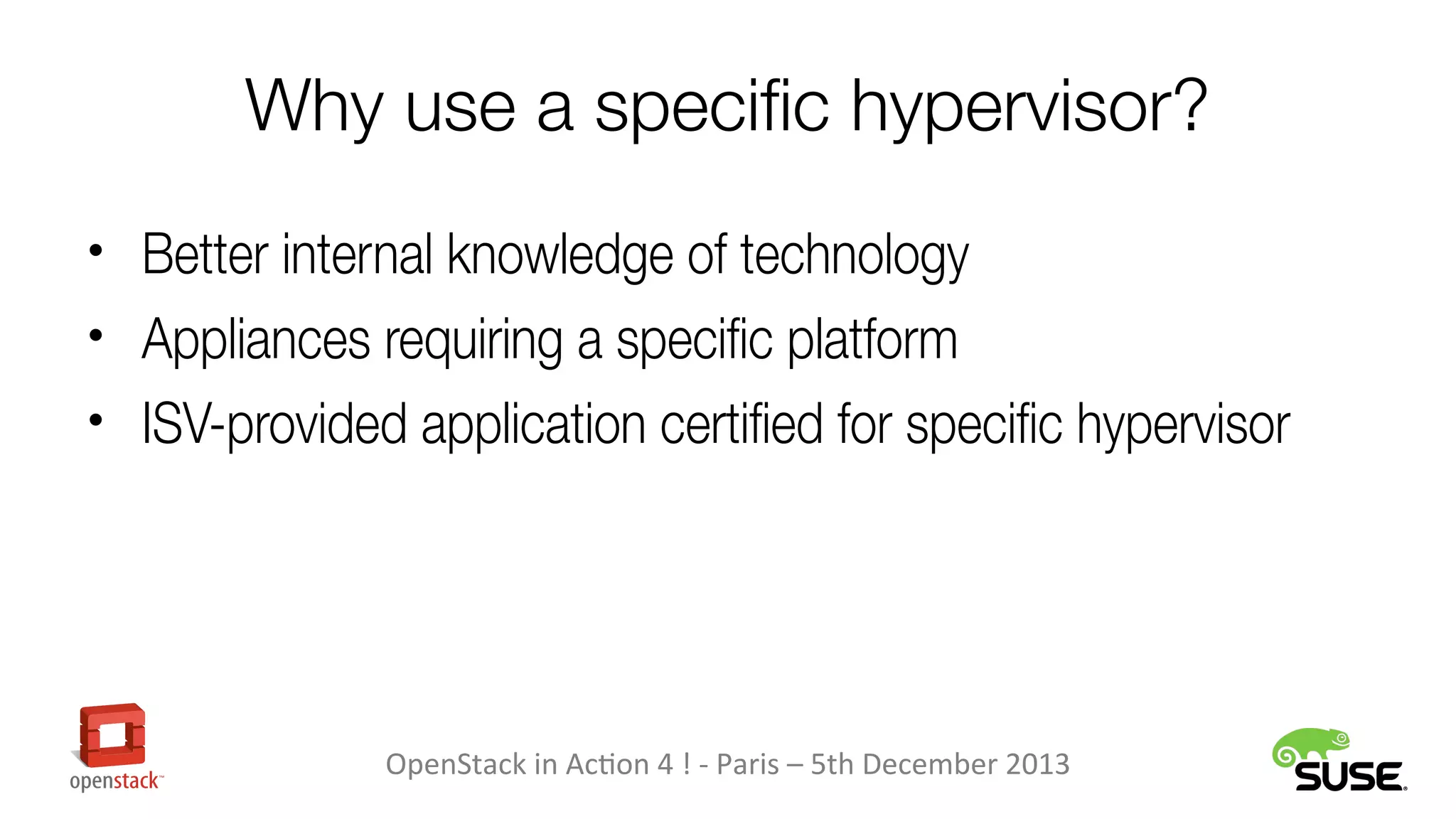
Why use a specific hypervisor?
• Better internal knowledge of technology
• Appliances requiring a specific platform
• ISV-provided application certified for specific hypervisor

OpenStack in Action 4 ! - Paris – 5th December 2013
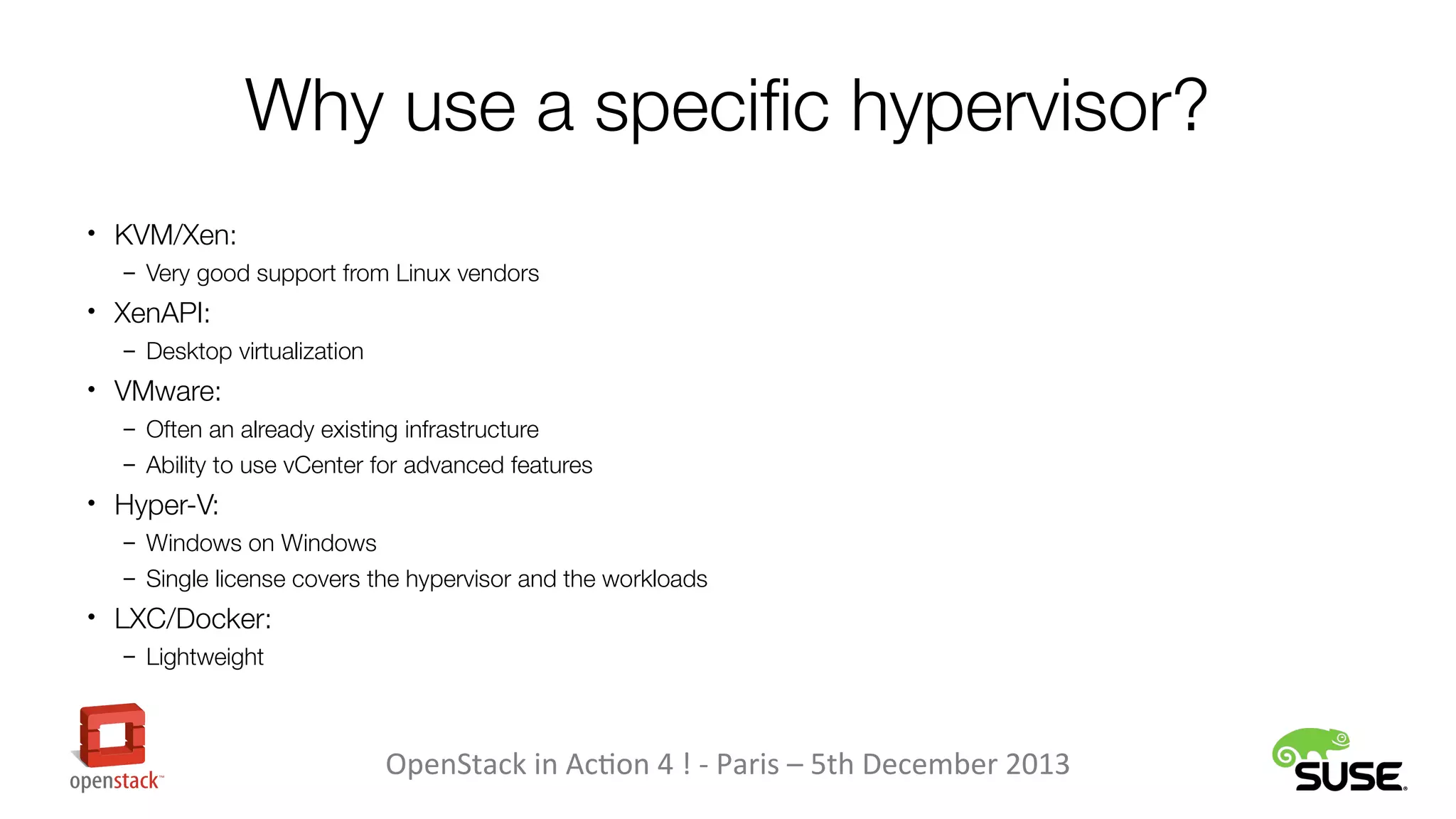
Why use a specific hypervisor?
• KVM/Xen:
– Very good support from Linux vendors

• XenAPI:
– Desktop virtualization

• VMware:
– Often an already existing infrastructure
– Ability to use vCenter for advanced features

• Hyper-V:
– Windows on Windows
– Single license covers the hypervisor and the workloads

• LXC/Docker:
– Lightweight

OpenStack in Action 4 ! - Paris – 5th December 2013
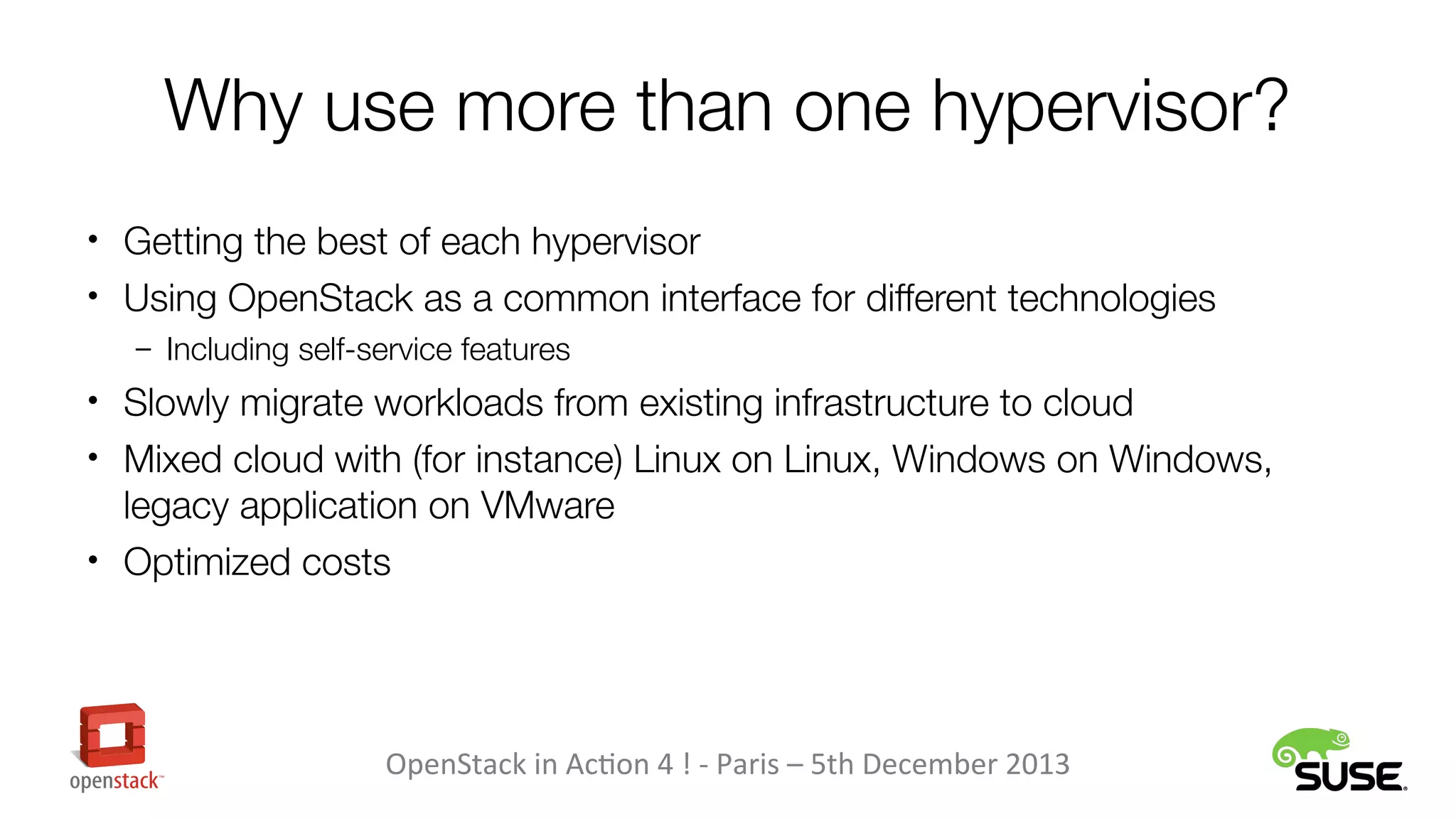
Why use more than one hypervisor?
• Getting the best of each hypervisor
• Using OpenStack as a common interface for different technologies
– Including self-service features

• Slowly migrate workloads from existing infrastructure to cloud
• Mixed cloud with (for instance) Linux on Linux, Windows on Windows,

legacy application on VMware
• Optimized costs

OpenStack in Action 4 ! - Paris – 5th December 2013
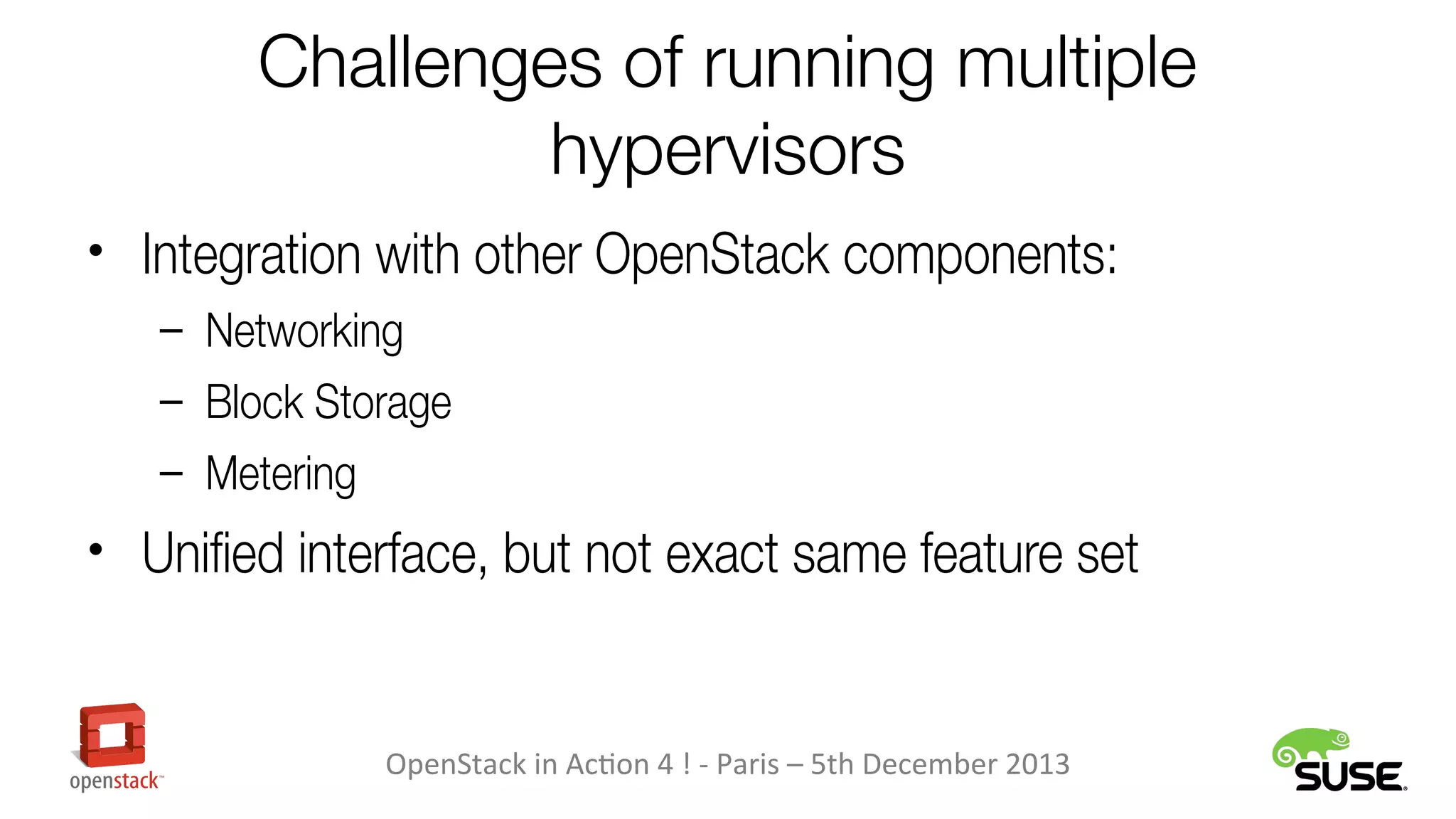
Challenges of running multiple
hypervisors
• Integration with other OpenStack components:
– Networking
– Block Storage
– Metering

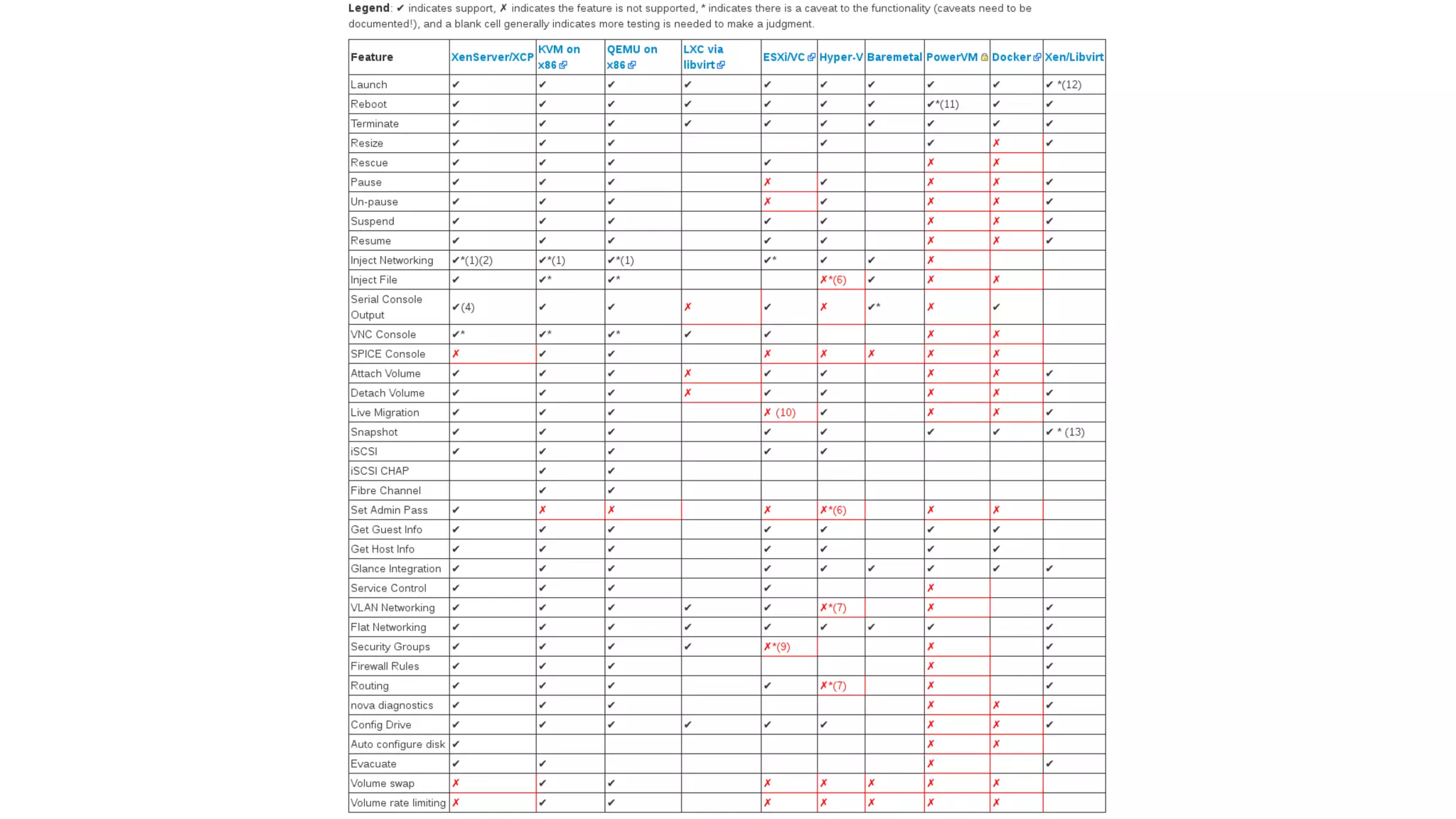
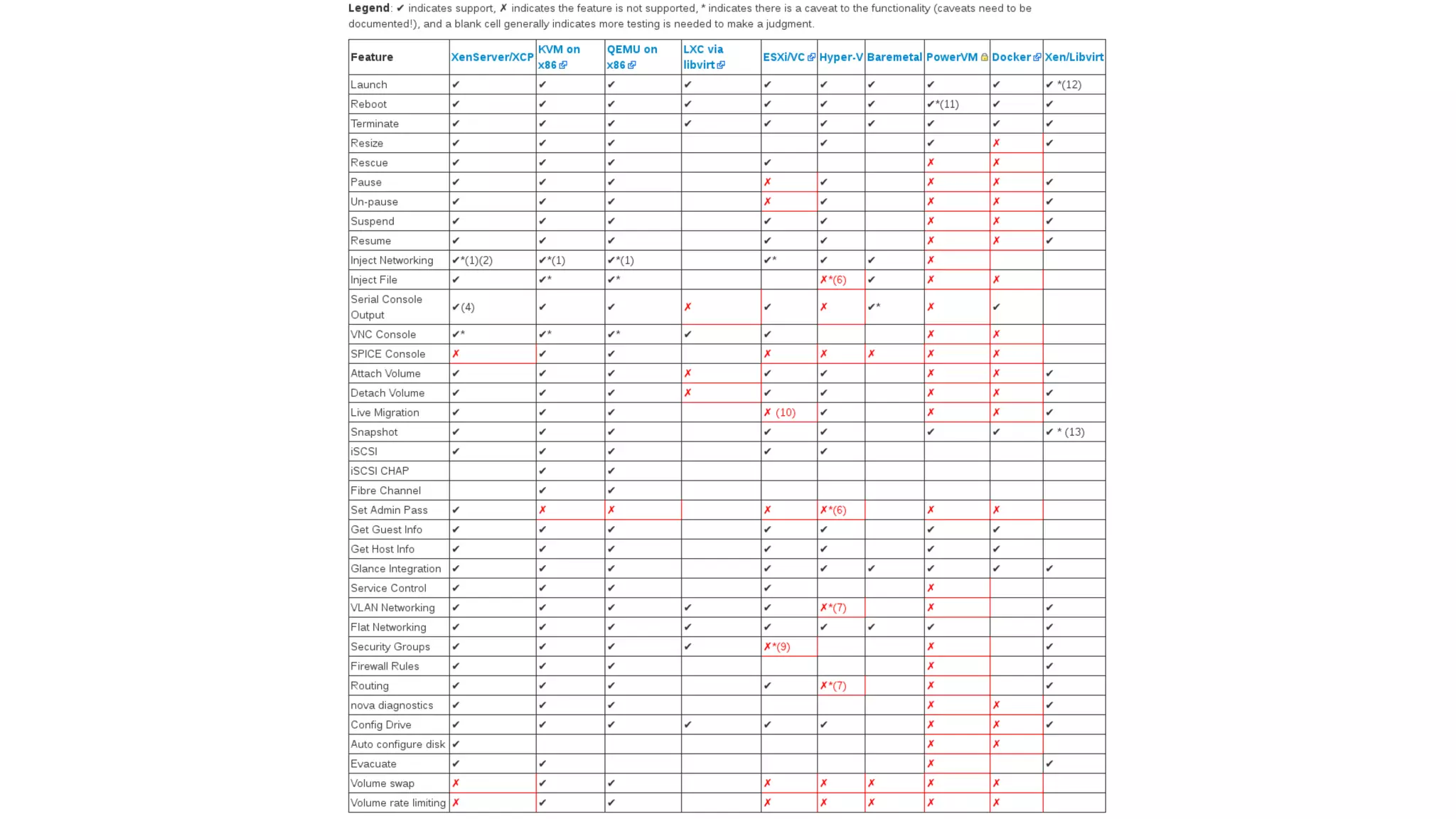
• Unified interface, but not exact same feature set

OpenStack in Action 4 ! - Paris – 5th December 2013
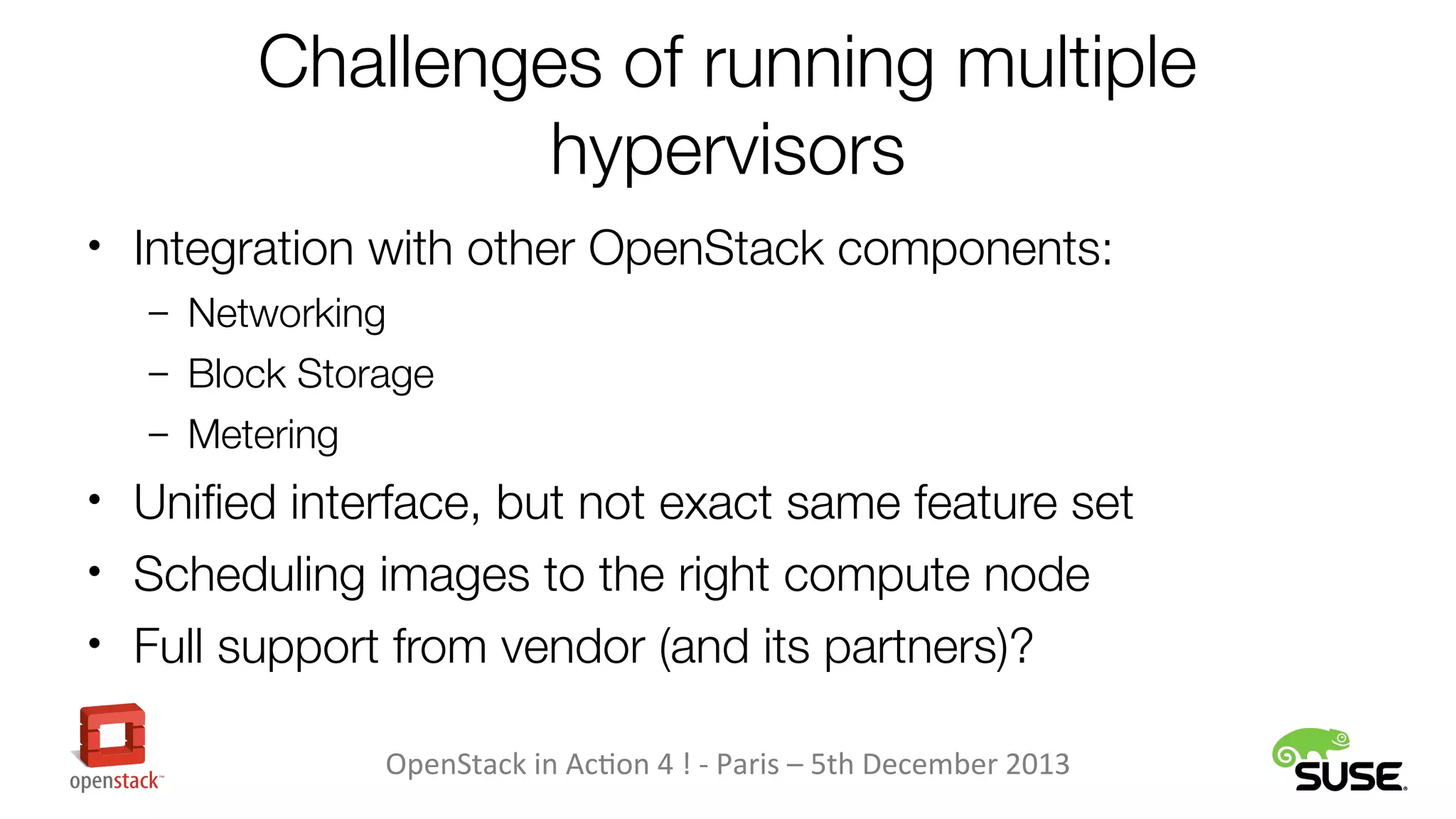
Challenges of running multiple
hypervisors
• Integration with other OpenStack components:
– Networking
– Block Storage
– Metering

• Unified interface, but not exact same feature set
• Scheduling images to the right compute node
• Full support from vendor (and its partners)?
OpenStack in Action 4 ! - Paris – 5th December 2013
The end user point of view
• No easy way to do all this from the OpenStack Dashboard
• Choosing hypervisor while uploading an image:
– hypervisor_type property:
glance image-create --property hypervisor_type=kvm […]

– vm_mode property. For Xen:
vm_mode=xen, vm_mode=hvm

• Choosing hypervisor while booting an instance:
– Picking a specific host for the instance:
nova boot --availability_zone zone:host […]

OpenStack in Action 4 ! - Paris – 5th December 2013
The end user point of view
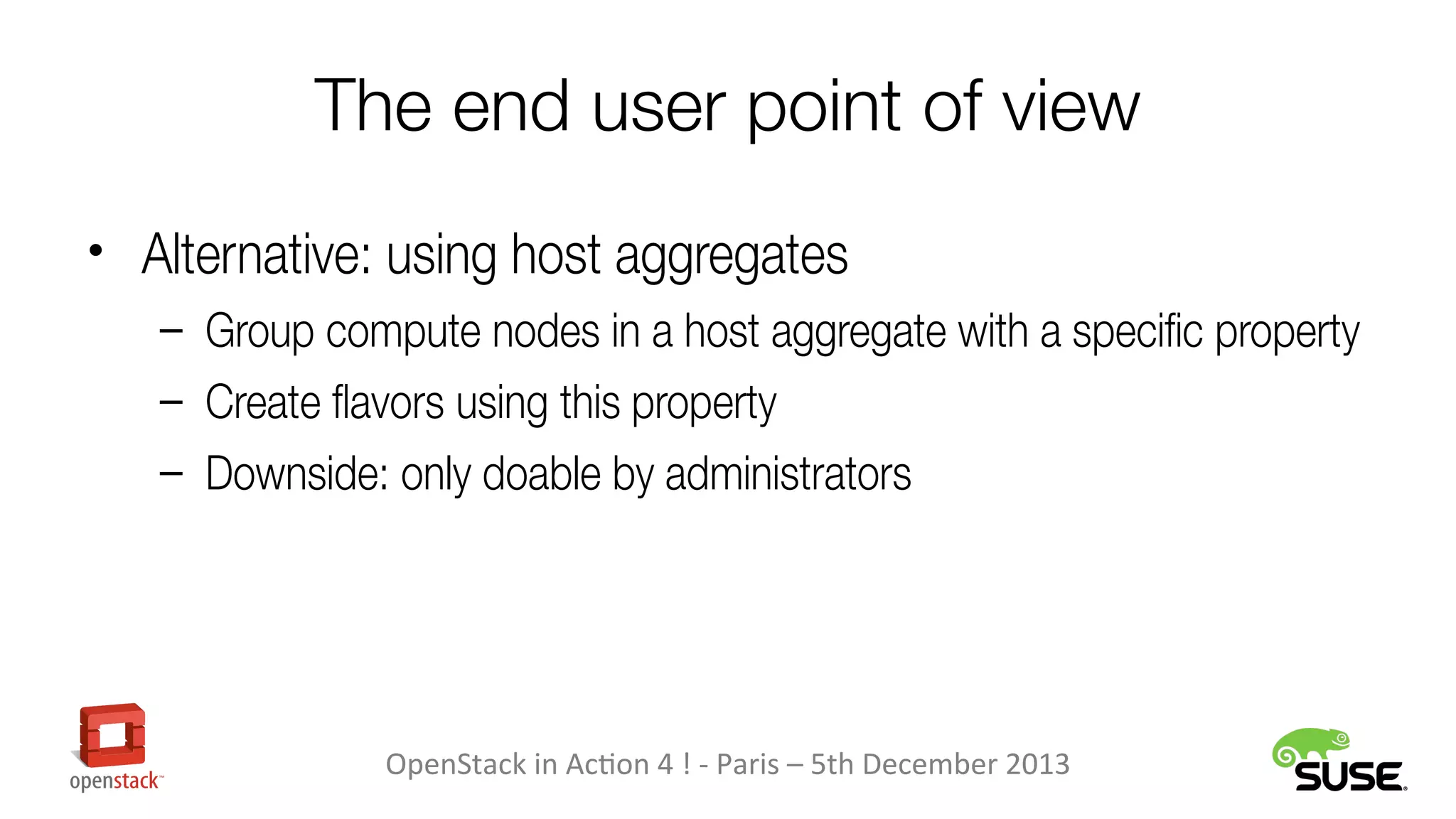
• Alternative: using host aggregates
– Group compute nodes in a host aggregate with a specific property
– Create favors using this property
– Downside: only doable by administrators

OpenStack in Action 4 ! - Paris – 5th December 2013
vCenter (“VMware”)
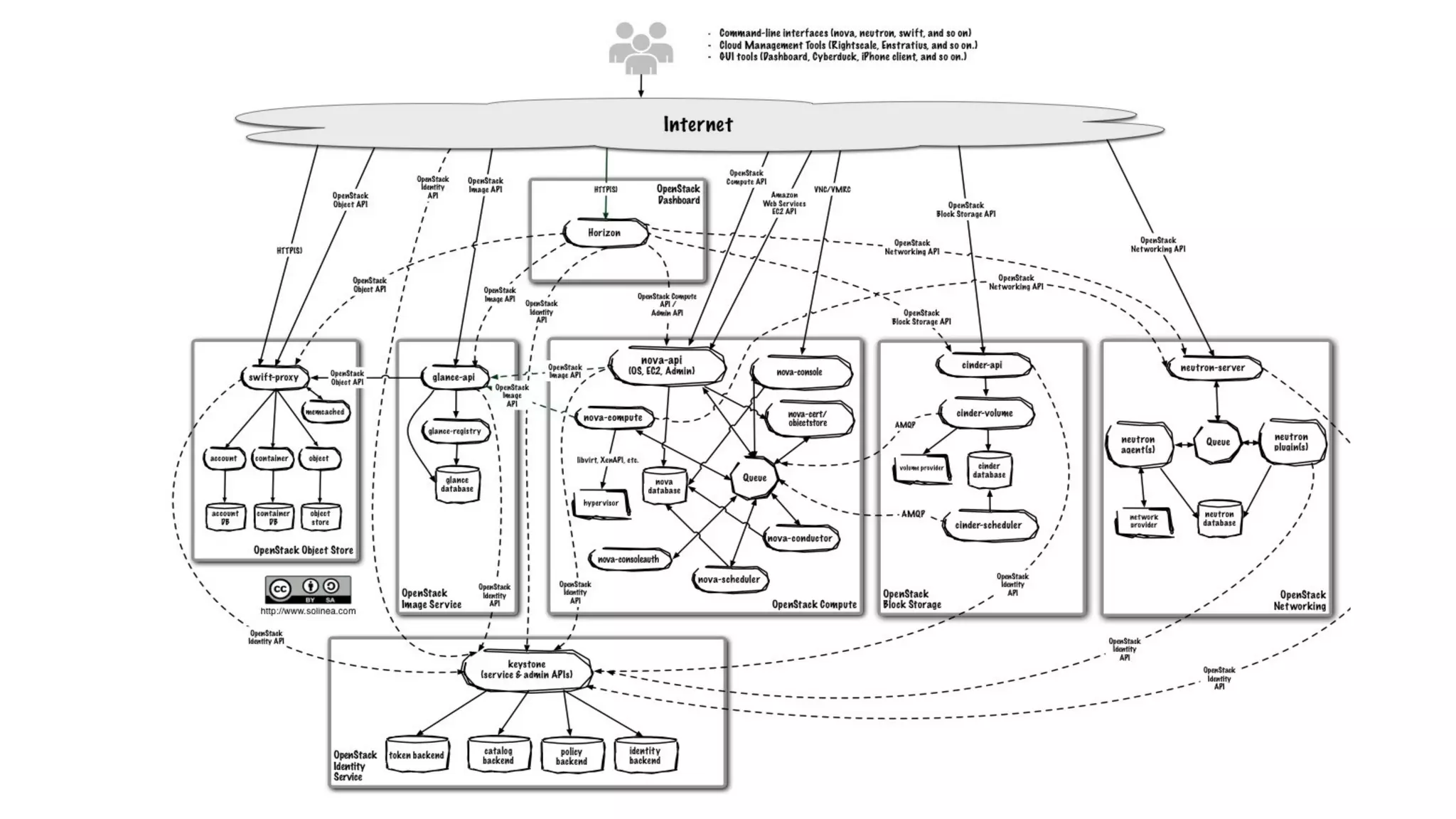
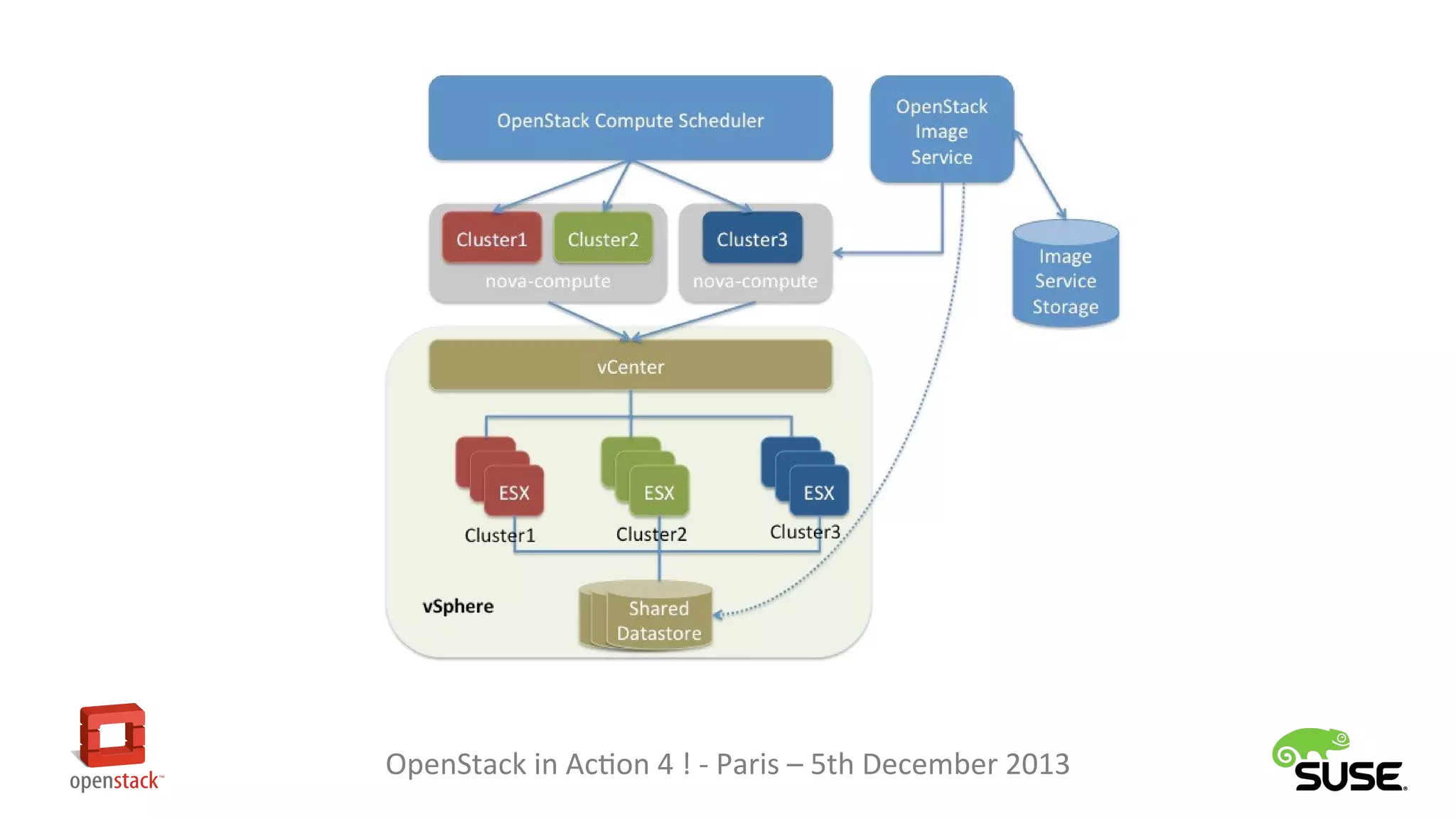
• Compute host communicates with vCenter
– Enables the use of features such as vMotion, High Availability,

Dynamic Resource Scheduling (DRS)

• A cluster of ESX hosts is seen as one hypervisor entity
– vCenter uses DRS to schedule inside the cluster

• One compute host can manage several clusters
OpenStack in Action 4 ! - Paris – 5th December 2013
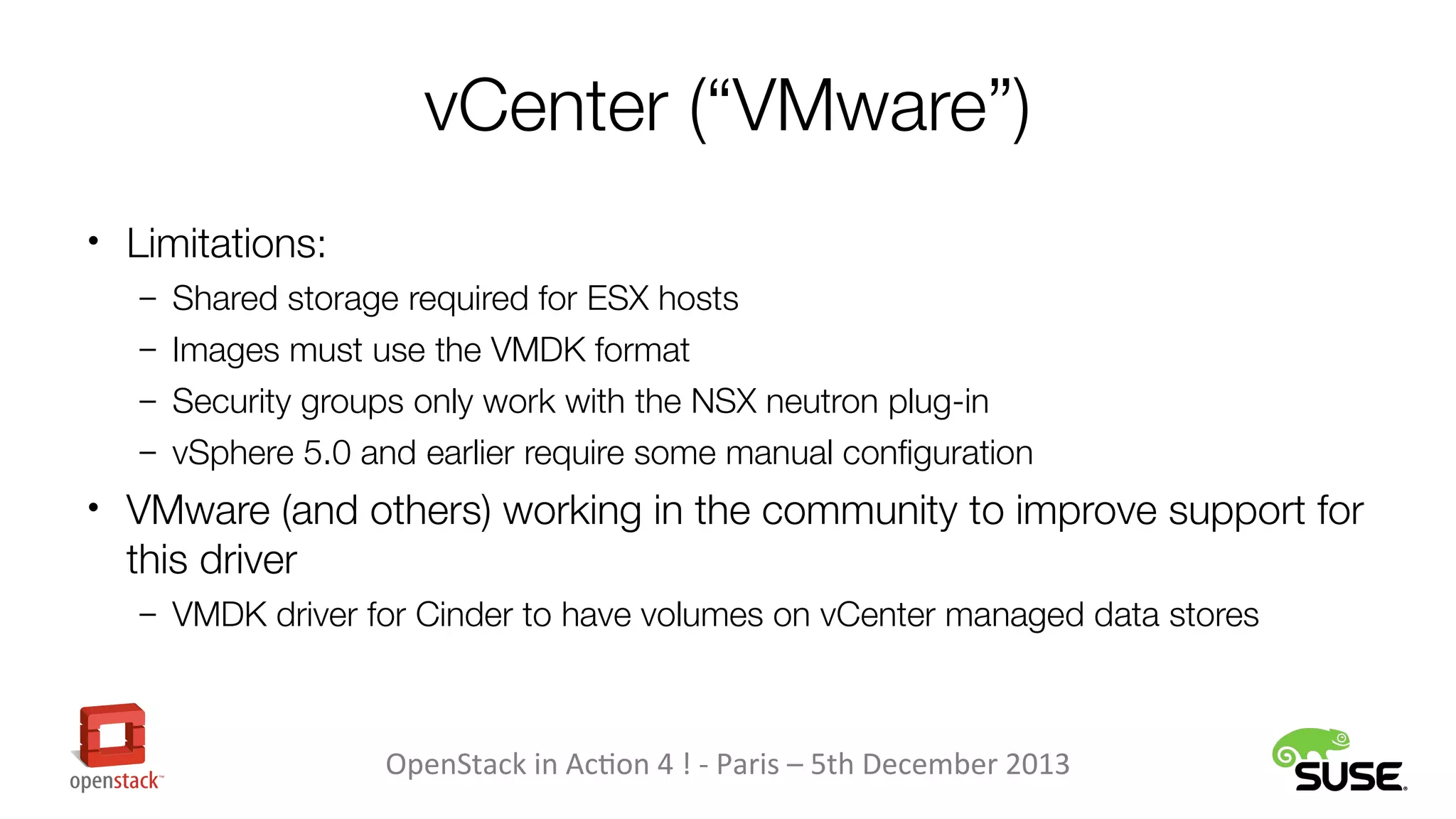
vCenter (“VMware”)
• Limitations:
– Shared storage required for ESX hosts
– Images must use the VMDK format
– Security groups only work with the NSX neutron plug-in
– vSphere 5.0 and earlier require some manual configuration

• VMware (and others) working in the community to improve support for

this driver
– VMDK driver for Cinder to have volumes on vCenter managed data stores

OpenStack in Action 4 ! - Paris – 5th December 2013
Hyper-V
• Integration architecture with OpenStack is rather simple: a

Windows node will be a compute node
• Manual setup of Windows as compute node is not trivial,
though. Solutions:
– Cloudbase provides an installer
– SUSE Cloud automates this step
OpenStack in Action 4 ! - Paris – 5th December 2013
Hyper-V
• Windows Server 2012 recommended
– Hyper-V Server can be used for free

• Limitations:
– Images must use the VHD/VHDX format
– Does not work with all neutron plug-ins

• Development is going well. Changes in Havana include:
– Support for Windows Server 2012 R2
– Support of VHDX format
– Ephemeral storage
– Dynamic memory
– Integration with Ceilometer

OpenStack in Action 4 ! - Paris – 5th December 2013
Hyper-V
• Session from Alessandro Pilotti (Cloudbase) at 15:20 in the

business track:
“OpenStack, Hyper-V and Windows”

OpenStack in Action 4 ! - Paris – 5th December 2013
What about deployment?
• “Simply” a matter of configuring all compute nodes the

way you want
• Need to be careful about networking technology used
– ML2 plug-in in Havana does help

• Most deployment tools are targeting the one hypervisor

use case, though
OpenStack in Action 4 ! - Paris – 5th December 2013
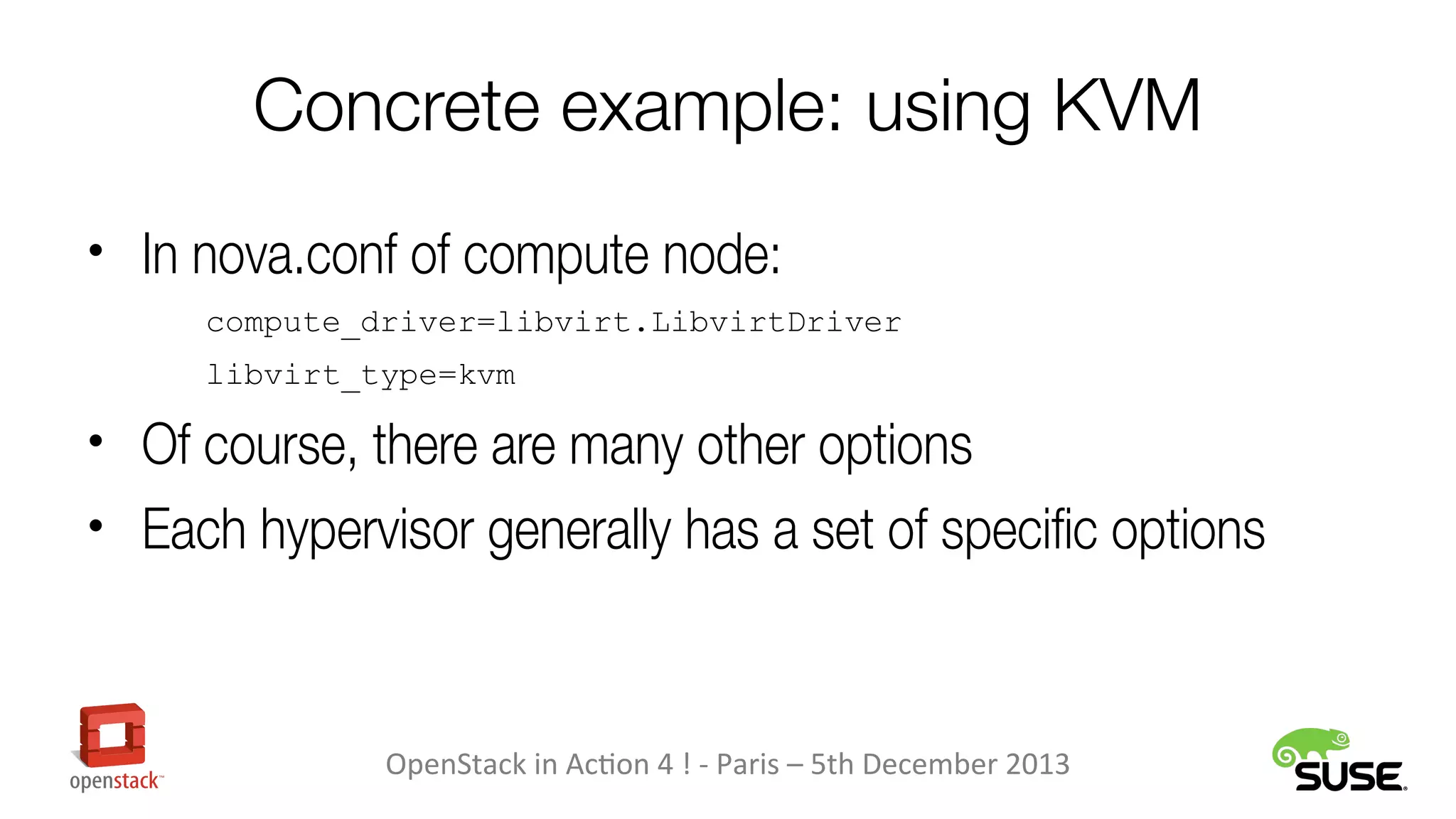
Concrete example: using KVM
• In nova.conf of compute node:
compute_driver=libvirt.LibvirtDriver
libvirt_type=kvm

• Of course, there are many other options
• Each hypervisor generally has a set of specific options

OpenStack in Action 4 ! - Paris – 5th December 2013
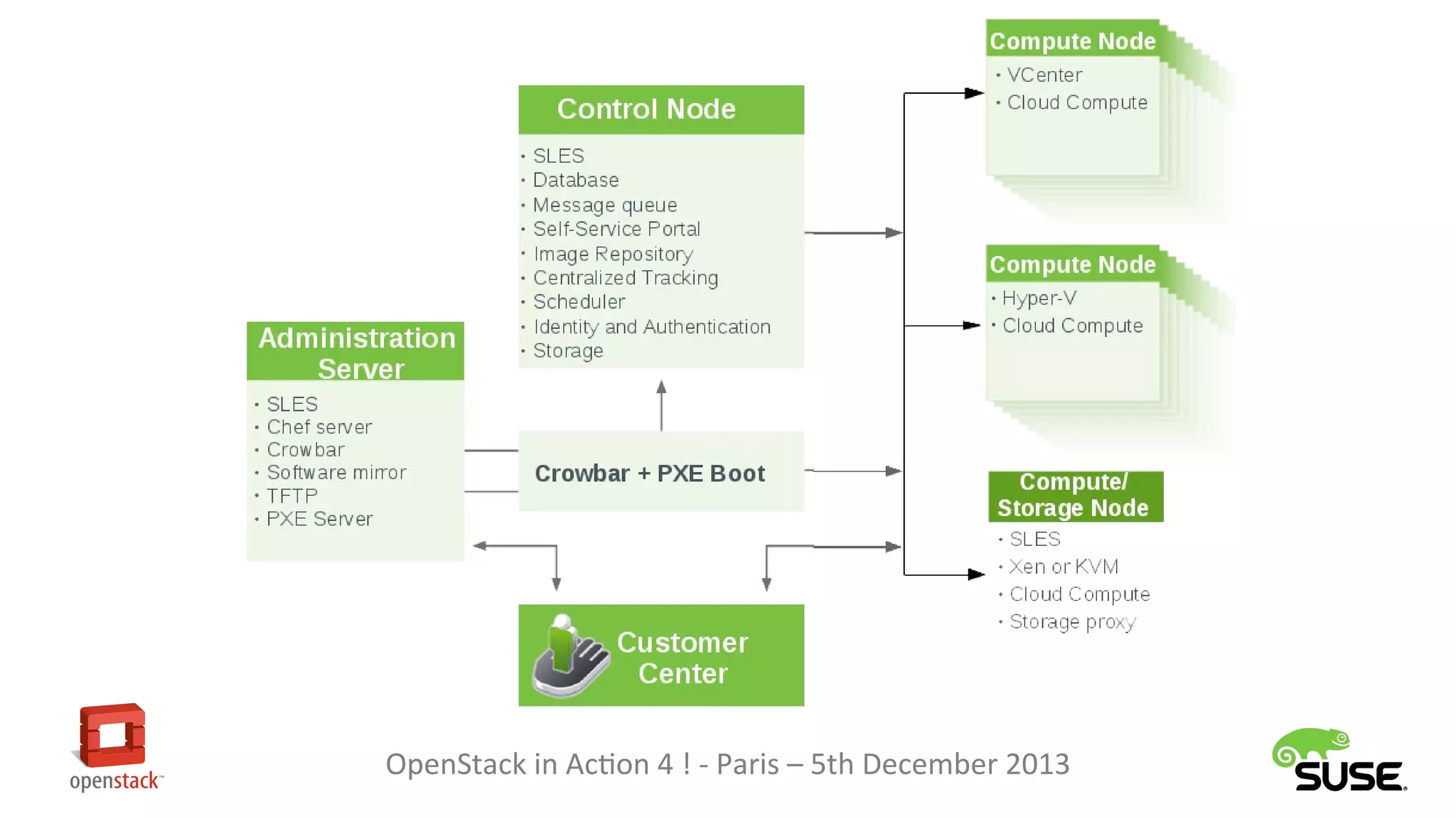
Multiple Hypervisors with
SUSE Cloud
• Support for:
– KVM
– Xen
– Hyper-V

• Tech preview for:
– VMware vCenter

• All in the same cloud!
• Install from baremetal for KVM, Xen and Hyper-V compute nodes
OpenStack in Action 4 ! - Paris – 5th December 2013
Thank you!

Vincent Untz <vuntz@suse.com>

OpenStack in Action 4 ! - Paris – 5th December 2013

OpenStack in Action 4! Vincent Untz - Running multiple hypervisors in your OpenStack cloud

  • 1.
    Running multiple hypervisors inyour OpenStack Cloud Vincent Untz <vuntz@suse.com> Project Manager, SUSE OpenStack in Action 4 ! - Paris – 5th December 2013
  • 2.
    OpenStack & Hypervisor •“OpenStack is a global collaboration of developers and cloud computing technologists producing the ubiquitous open source cloud computing platform for public and private clouds.” http://www.openstack.org/ • “A hypervisor or virtual machine monitor (VMM) is a piece of computer software, firmware or hardware that creates and runs virtual machines.” http://en.wikipedia.org/wiki/Hypervisor OpenStack in Action 4 ! - Paris – 5th December 2013
  • 4.
    OpenStack: “Ubiquitous”, “Open” •Perceived as the “Linux of the cloud” • Hypervisor-agnostic approach – Support as many hypervisors as possible – Support running multiple hypervisors in the same cloud • Impact on the non-compute components of the project OpenStack in Action 4 ! - Paris – 5th December 2013
  • 5.
    Hypervisor History inOpenStack • Ancient times: libvirt (KVM, QEMU) • Early days (2010/2011): – libvirt (KVM, QEMU, UML, Xen), XenAPI, first Hyper-V driver – LXC (through libvirt) and “VMware” • 2012: – Hyper-V dropped... and coming back – Baremetal – PowerVM • 2013: – “VMware” rewritten, using vCenter – Docker – Baremetal moving to Ironic OpenStack in Action 4 ! - Paris – 5th December 2013
  • 6.
    Hypervisor Trends inOpenStack • Hypervisor requests: – 2011: Xen was quite popular – 2012: KVM moved relatively fast as the “default” – 2013: People starting to ask for “VMware” and Hyper-V – Starting to hear about containers • Multi-hypervisor support: – Most deployments used a single hypervisor – Requirements for enterprise clearly show need for multiple hypervisors in the same cloud OpenStack in Action 4 ! - Paris – 5th December 2013
  • 7.
    Summary of AvailableHypervisors • libvirt: KVM, Xen, LXC, QEMU, UML • XenAPI • “VMware” • Hyper-V • Docker • PowerVM • Baremetal OpenStack in Action 4 ! - Paris – 5th December 2013
  • 9.
    Ensuring High Quality •Unit tests and functional tests executed for each code change – Obviously requires a huge amount of resources! – Difficult for some hypervisors; require external system • In the future, drivers not receiving enough attention will be deprecated OpenStack in Action 4 ! - Paris – 5th December 2013
  • 10.
    Why use aspecific hypervisor? • Better internal knowledge of technology • Appliances requiring a specific platform • ISV-provided application certified for specific hypervisor OpenStack in Action 4 ! - Paris – 5th December 2013
  • 11.
    Why use aspecific hypervisor? • KVM/Xen: – Very good support from Linux vendors • XenAPI: – Desktop virtualization • VMware: – Often an already existing infrastructure – Ability to use vCenter for advanced features • Hyper-V: – Windows on Windows – Single license covers the hypervisor and the workloads • LXC/Docker: – Lightweight OpenStack in Action 4 ! - Paris – 5th December 2013
  • 12.
    Why use morethan one hypervisor? • Getting the best of each hypervisor • Using OpenStack as a common interface for different technologies – Including self-service features • Slowly migrate workloads from existing infrastructure to cloud • Mixed cloud with (for instance) Linux on Linux, Windows on Windows, legacy application on VMware • Optimized costs OpenStack in Action 4 ! - Paris – 5th December 2013
  • 13.
    Challenges of runningmultiple hypervisors • Integration with other OpenStack components: – Networking – Block Storage – Metering • Unified interface, but not exact same feature set OpenStack in Action 4 ! - Paris – 5th December 2013
  • 15.
    Challenges of runningmultiple hypervisors • Integration with other OpenStack components: – Networking – Block Storage – Metering • Unified interface, but not exact same feature set • Scheduling images to the right compute node • Full support from vendor (and its partners)? OpenStack in Action 4 ! - Paris – 5th December 2013
  • 16.
    The end userpoint of view • No easy way to do all this from the OpenStack Dashboard • Choosing hypervisor while uploading an image: – hypervisor_type property: glance image-create --property hypervisor_type=kvm […] – vm_mode property. For Xen: vm_mode=xen, vm_mode=hvm • Choosing hypervisor while booting an instance: – Picking a specific host for the instance: nova boot --availability_zone zone:host […] OpenStack in Action 4 ! - Paris – 5th December 2013
  • 17.
    The end userpoint of view • Alternative: using host aggregates – Group compute nodes in a host aggregate with a specific property – Create favors using this property – Downside: only doable by administrators OpenStack in Action 4 ! - Paris – 5th December 2013
  • 18.
    vCenter (“VMware”) • Computehost communicates with vCenter – Enables the use of features such as vMotion, High Availability, Dynamic Resource Scheduling (DRS) • A cluster of ESX hosts is seen as one hypervisor entity – vCenter uses DRS to schedule inside the cluster • One compute host can manage several clusters OpenStack in Action 4 ! - Paris – 5th December 2013
  • 19.
    OpenStack in Action4 ! - Paris – 5th December 2013
  • 20.
    vCenter (“VMware”) • Limitations: –Shared storage required for ESX hosts – Images must use the VMDK format – Security groups only work with the NSX neutron plug-in – vSphere 5.0 and earlier require some manual configuration • VMware (and others) working in the community to improve support for this driver – VMDK driver for Cinder to have volumes on vCenter managed data stores OpenStack in Action 4 ! - Paris – 5th December 2013
  • 21.
    Hyper-V • Integration architecturewith OpenStack is rather simple: a Windows node will be a compute node • Manual setup of Windows as compute node is not trivial, though. Solutions: – Cloudbase provides an installer – SUSE Cloud automates this step OpenStack in Action 4 ! - Paris – 5th December 2013
  • 22.
    Hyper-V • Windows Server2012 recommended – Hyper-V Server can be used for free • Limitations: – Images must use the VHD/VHDX format – Does not work with all neutron plug-ins • Development is going well. Changes in Havana include: – Support for Windows Server 2012 R2 – Support of VHDX format – Ephemeral storage – Dynamic memory – Integration with Ceilometer OpenStack in Action 4 ! - Paris – 5th December 2013
  • 23.
    Hyper-V • Session fromAlessandro Pilotti (Cloudbase) at 15:20 in the business track: “OpenStack, Hyper-V and Windows” OpenStack in Action 4 ! - Paris – 5th December 2013
  • 24.
    What about deployment? •“Simply” a matter of configuring all compute nodes the way you want • Need to be careful about networking technology used – ML2 plug-in in Havana does help • Most deployment tools are targeting the one hypervisor use case, though OpenStack in Action 4 ! - Paris – 5th December 2013
  • 25.
    Concrete example: usingKVM • In nova.conf of compute node: compute_driver=libvirt.LibvirtDriver libvirt_type=kvm • Of course, there are many other options • Each hypervisor generally has a set of specific options OpenStack in Action 4 ! - Paris – 5th December 2013
  • 26.
    Multiple Hypervisors with SUSECloud • Support for: – KVM – Xen – Hyper-V • Tech preview for: – VMware vCenter • All in the same cloud! • Install from baremetal for KVM, Xen and Hyper-V compute nodes OpenStack in Action 4 ! - Paris – 5th December 2013
  • 27.
    OpenStack in Action4 ! - Paris – 5th December 2013
  • 28.
    Thank you! Vincent Untz<vuntz@suse.com> OpenStack in Action 4 ! - Paris – 5th December 2013