Microsoft OneNote
The Best Kept Secret
Mary Kuterbach, St. Patrick Catholic School
That’s me!
Mary E Kuterbach
St. Patrick Catholic School
Dallas, Texas
mkuterbach@spsdallas.org
Tailwaggertech.com
OneNote
This presentation can be found on
techdogsrun.weebly.com
and at tailwaggertech.com
* How OneNote increases organizational skills for
teachers and students.
Learner Outcomes
OneNote
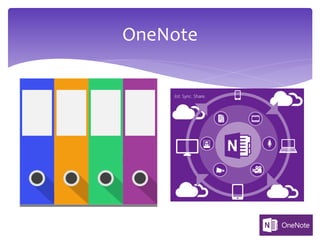
All of your files
All of your notes
All of your lessons
All of your content
All of your devices
ONE place
OneNote
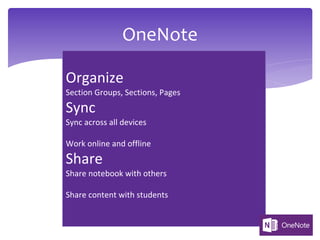
Organize
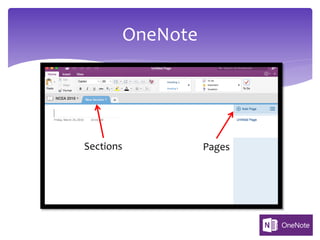
Section Groups, Sections, Pages
Sync
Sync across all devices
Work online and offline
Share
Share notebook with others
Share content with students
How do I get One Note?
* OneNote is a FREE from Microsoft and comes with
Windows 10
* Yes, there is a version for Mac
* Microsoft Account is needed- also FREE
* You do not need an Office365 account to get or use
OneNote (although you will need it to download the
desktop version)
How do I get OneNote?
* Adjusting to the interface
* Understanding the differences between different
platforms: Desktop, App, Online, Phone
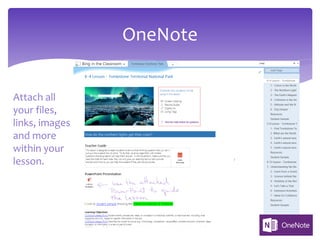
* Attaching files to pages
OneNote
Challenges for New Users
Bonus for New Users
* Familiar editing ribbon like all Office products
* Familiar formatting tools
OneNote
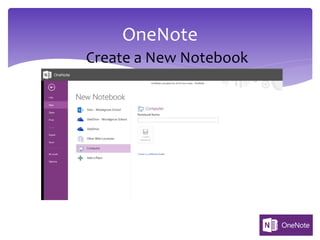
Create a New Notebook
OneNote
Sections Pages
OneNote
Attach all
your files,
links, images
and more
within your
lesson.
OneNote
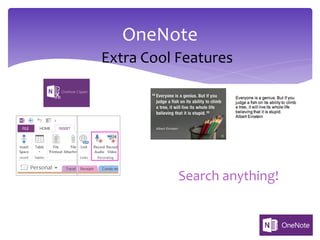
Extra Cool Features
Search anything!
OneNote
Getting Your Students to Use
OneNote
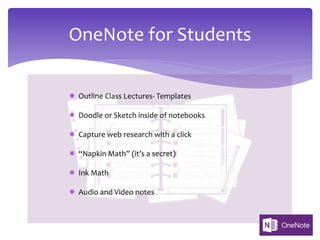
OneNote for Students
­ Outline Class Lectures- Templates
­ Doodle or Sketch inside of notebooks
­ Capture web research with a click
­ “Napkin Math” (it’s a secret)
­ Ink Math
­ Audio and Video notes
Thank you for coming.
Please complete the session evaluation
to receive your certificate.
OneNote
http://bit.do/summerOneNote
OneNote
Class Notebook
Office 365 Users Only
* How OneNote increases organizational skills for
teachers and students.
* How OneNote can enhance collaboration in the
classroom.
Learner Outcomes
* An Office 365 subscription for Education that includes
OneDrive for Business. If you're not sure you have
this, please contact your IT admin to verify.
* An organizational account for yourself (the teacher)
with permissions to use the OneNote Class Notebook
app to create the class notebooks.
* Your students must have an Office 365 organizational
account.
* Class Notebook Teacher Walkthrough
What you’ll need:
OneNote
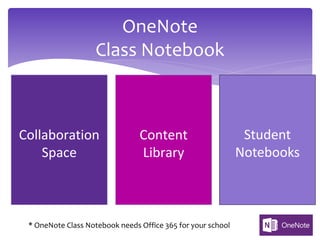
Class Notebook
Collaboration
Space
Content
Library
Student
Notebooks
* OneNote Class Notebook needs Office 365 for your school
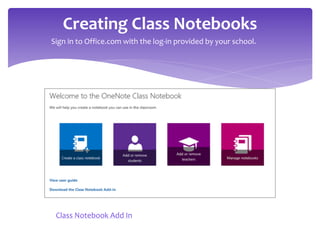
Creating Class Notebooks
Class Notebook Add In
Sign in to Office.com with the log-in provided by your school.
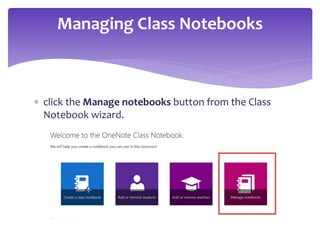
* click the Manage notebooks button from the Class
Notebook wizard.
Managing Class Notebooks
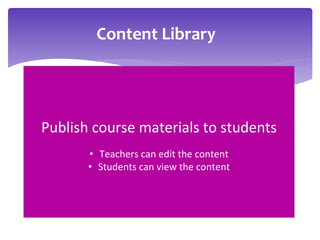
Content Library
Publish course materials to students
• Teachers can edit the content
• Students can view the content
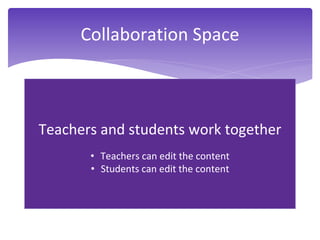
Teachers and students work together
• Teachers can edit the content
• Students can edit the content
Collaboration Space
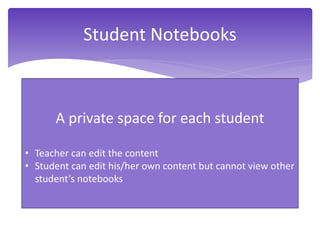
Student Notebooks
A private space for each student
• Teacher can edit the content
• Student can edit his/her own content but cannot view other
student’s notebooks
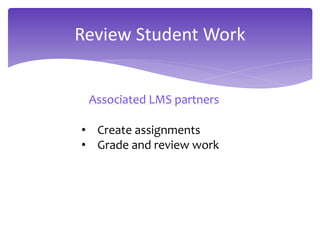
Review Student Work
Associated LMS partners
• Create assignments
• Grade and review work
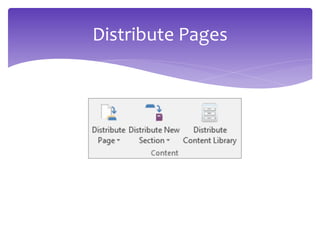
Distribute Pages
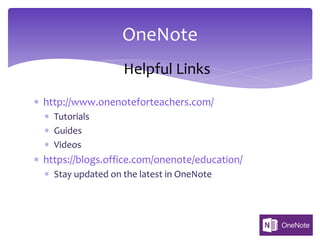
* http://www.onenoteforteachers.com/
* Tutorials
* Guides
* Videos
* https://blogs.office.com/onenote/education/
* Stay updated on the latest in OneNote
OneNote
Helpful Links
* http://www.ubergizmo.com/articles/onenote-tips-
and-tricks/ 12 OneNote Tips and Tricks
* http://www.makeuseof.com/tag/use-onenote-school-
10-tips-students-teachers/
* https://www.365ninja.com/10-tips-tricks-that-will-
make-you-a-onenote-ninja/
OneNote
Links continued
OneNote
Stay connected with
Microsoft in Education
• Follow Microsoft!
@Microsoft_EDU
Microsoft in Education
• Monthly Newsletter:
http://aka.ms/usnewsletter
Thank you for coming.
Please complete the session evaluation
to receive your certificate.
OneNote
http://bit.do/summerClassNotebook

One note the best kept secret