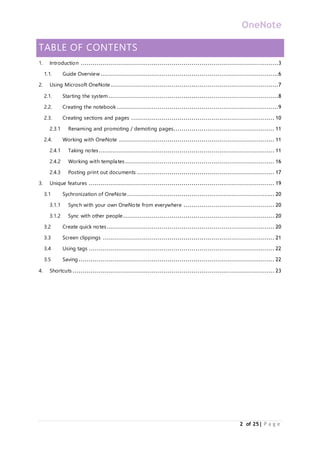
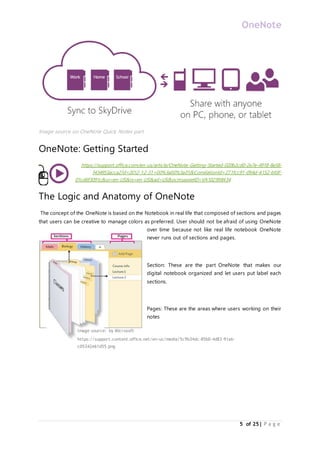
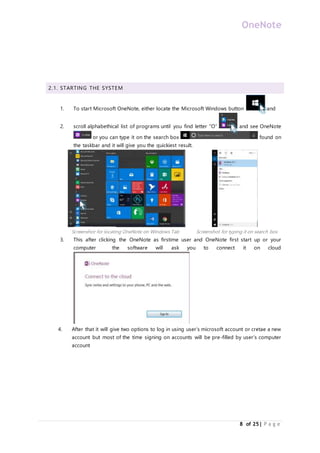
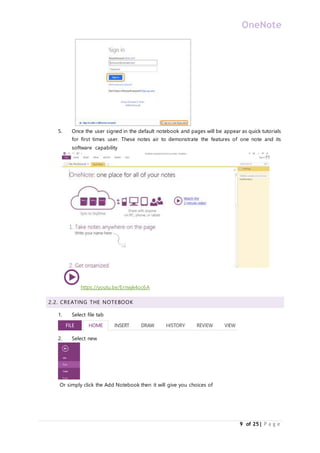
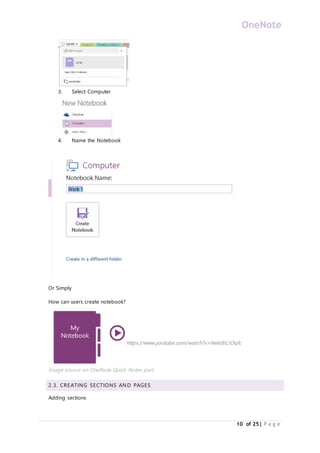
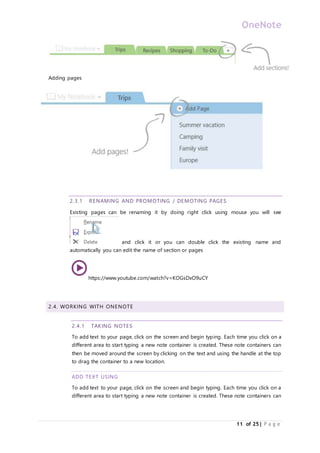
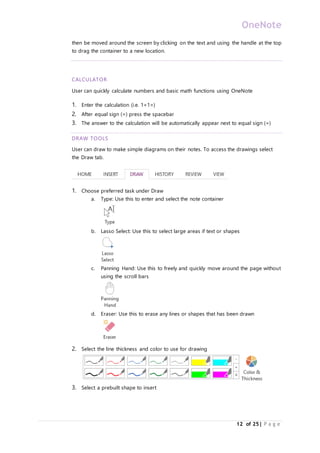
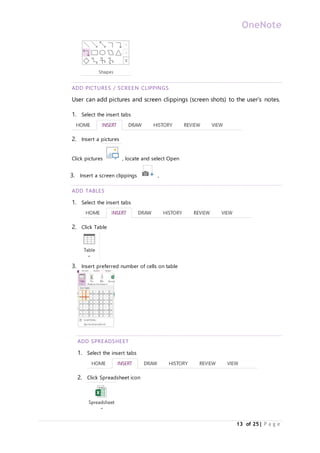
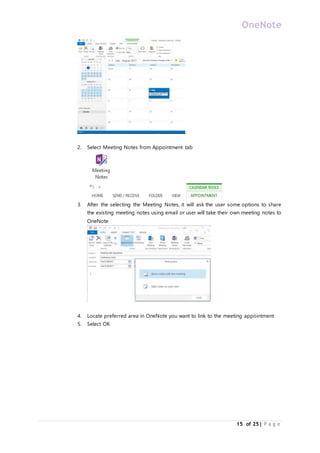
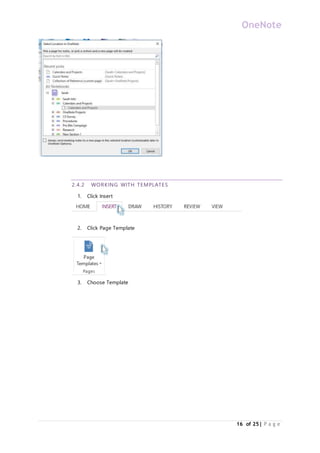
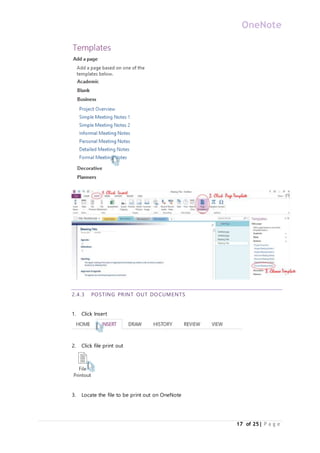
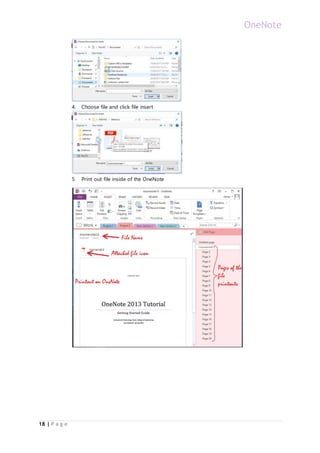
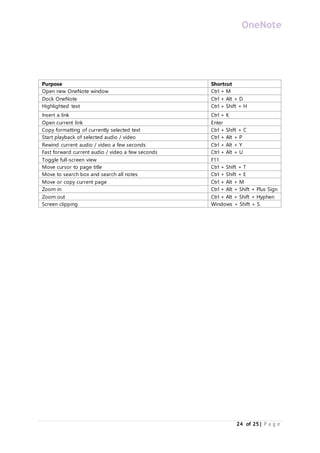
This guide discusses how to use Microsoft OneNote. It provides instructions, screenshots and video links to demonstrate OneNote's capabilities. The guide covers how to start OneNote, create notebooks and sections, take notes, add images, tables and spreadsheets. It also explains unique features like synchronization, quick notes, screen clippings and tags to help users learn OneNote's most powerful tools.