1 MOBILE/SCHOOL
Steve Vosloo
mLab Southern Africa


USAID m4Ed4Dev Seminar, 14 April 2011
About me
mLearning practitioner from South Africa
Focus on mobiles and literacy – see www.yozaproject.com

Now Mobile Impact Evangelist at mLab Southern Africa, a brand new
incubator for mobile apps and content in the region
www.twitter.com/mlabsa
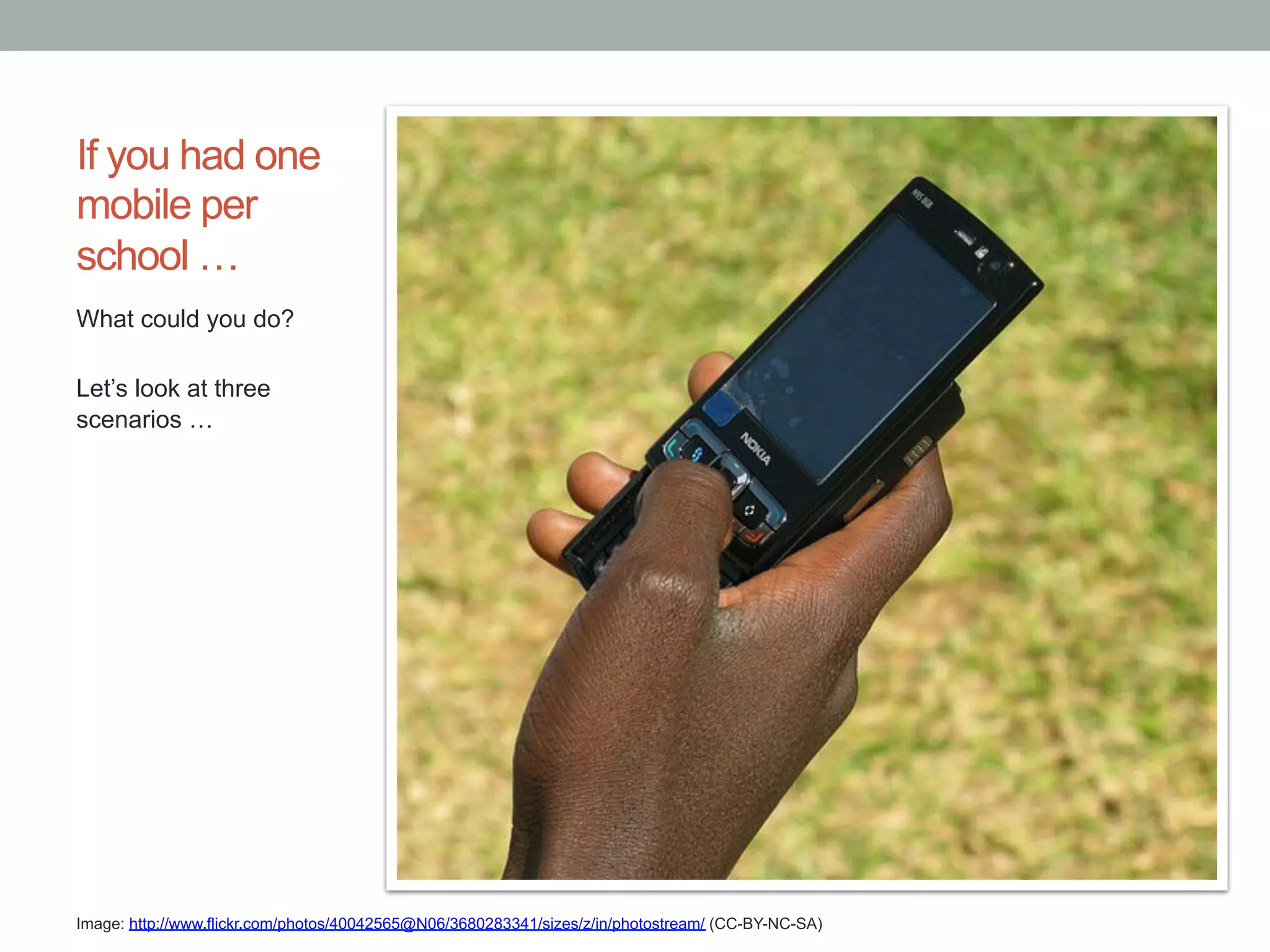
If you had one
mobile per
school …
What could you do?

Let’s look at three
scenarios …


Image: http://www.flickr.com/photos/40042565@N06/3680283341/sizes/z/in/photostream/ (CC-BY-NC-SA)
1 Mobile/school: Scraping the barrel

The worst case scenario ….

•  1 Basic phone
•  SIM card with no money
•  Very small memory for storing content
•  Intermittent electricity
•  No mobile data coverage (voice, SMS and USSD only)


•  Voice, SMS and USSD is expensive to use
1 Mobile/school: Scraping the barrel

Things you could do:
•  Regional “system strengthening” activities:
  •  Education Dept broadcasting updates to headmasters and
    teachers
•  School “system strengthening” activities:
   •  If a school can send cheap or free SMSes it can use FrontlineSMS
      or SchoolTool in South Africa to:
    •  SMS broadcast to teachers: admin updates, timetable changes,
       motivational messages, etc.
    •  SMS teacher and student attendance back to Education Dept
    •  SMS broadcast to parents
1 Mobile/school: Scraping the barrel
Things you could do:
•  Classroom activities:
     •  SMS dictionary lookup
     •  Wikipedia lookup using
        MobileAudiowiki
        (mobiled.uiah.fi)
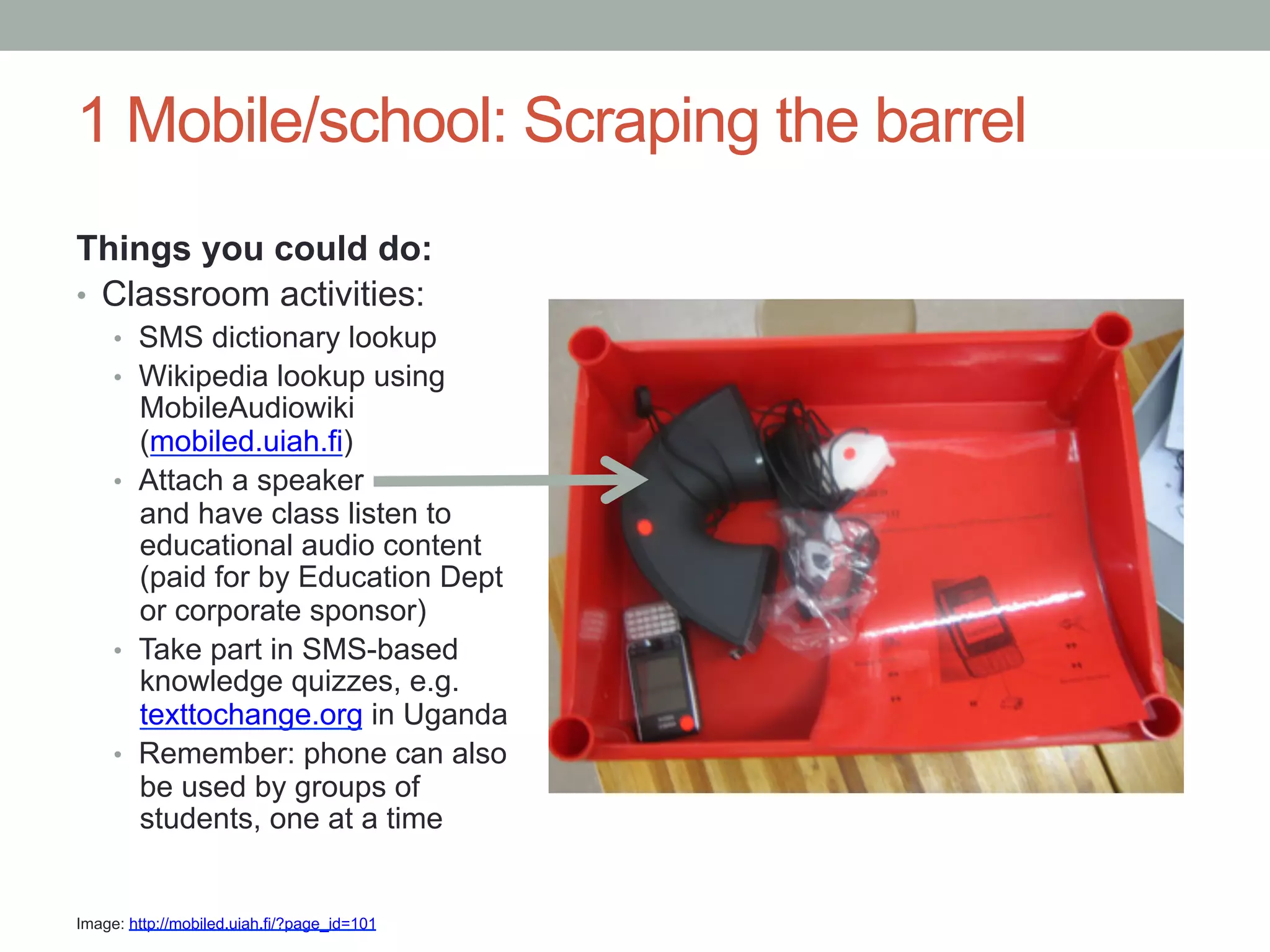
     •  Attach a speaker
        and have class listen to
        educational audio content
        (paid for by Education Dept
        or corporate sponsor)
     •  Take part in SMS-based
        knowledge quizzes, e.g.
        texttochange.org in Uganda
     •  Remember: phone can also
        be used by groups of
        students, one at a time


Image: http://mobiled.uiah.fi/?page_id=101
1 Mobile/school: Looking better
A much better scenario ….

•  1 Feature phone with camera
•  SIM card with not much money
•  Small memory for storing content
•  Intermittent electricity
•  Only GPRS mobile data coverage


•  At least one of voice, SMS or mobile data is relatively
 cheap, e.g. in South Africa mobile data is cheap, in India
 SMS is very cheap
1 Mobile/school: Looking better

Things you could do:
•  All of the above, plus …
•  “System strengthening” of Education Administration
  •  Education Dept publishes info on mobisite which headmasters and
    teachers can access
•  Classroom activities:
   •  Take/share photos, e.g. of plants for Biology project
   •  Record audio and video and share via Bluetooth, e.g.
      Dissections for All project in South Africa (mobile phones used to
      create short videos of frog dissections and shared)
   •  Access web: m.wikipedia.org, m.dictionary.com, m.google.com, etc.
   •  Read m-novels aloud from www.yoza.mobi
1 Mobile/school: Looking better

Things you could do:
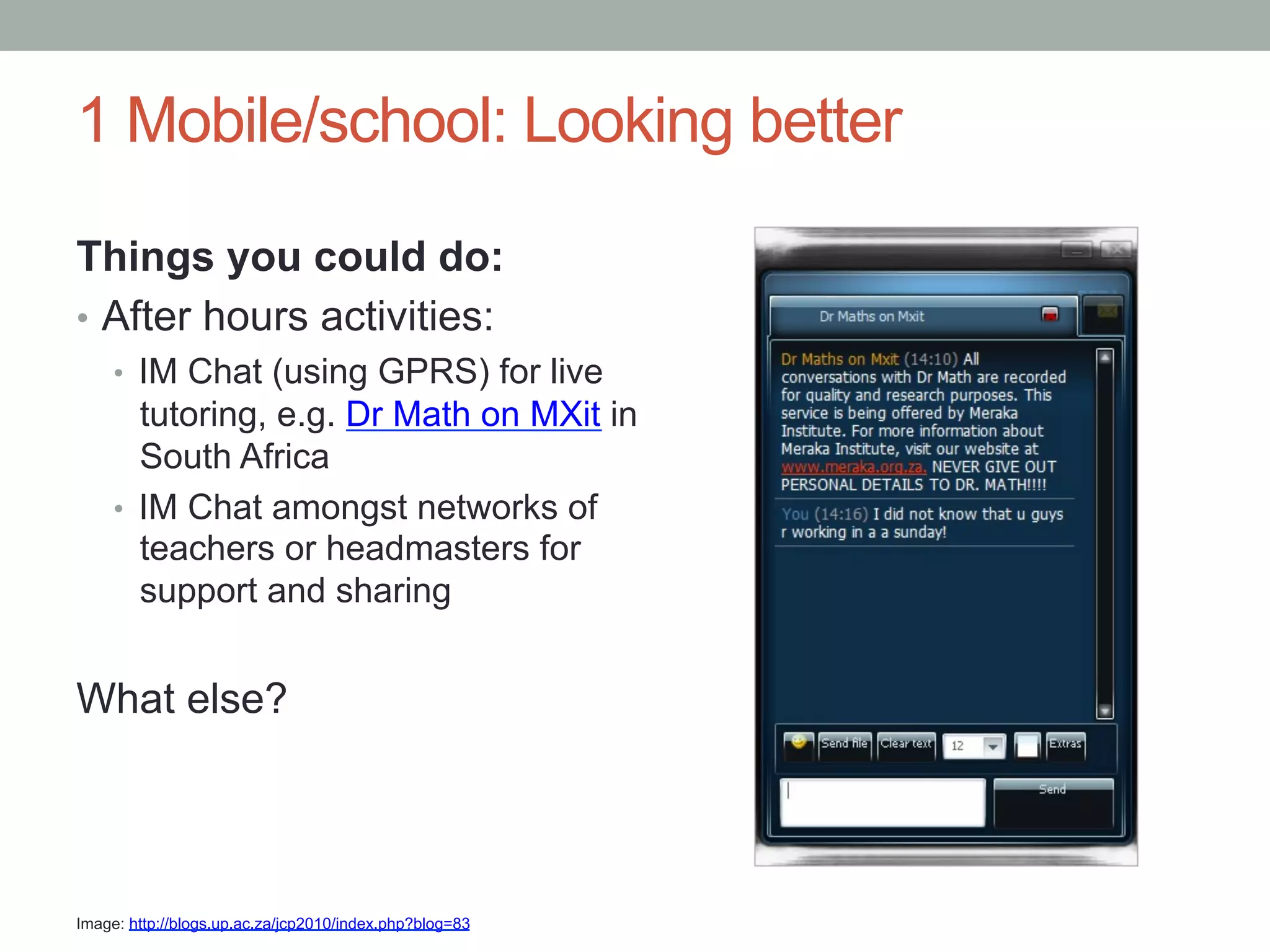
•  After hours activities:
     •  IM Chat (using GPRS) for live
        tutoring, e.g. Dr Math on MXit in
        South Africa
     •  IM Chat amongst networks of
        teachers or headmasters for
        support and sharing


What else?


Image: http://blogs.up.ac.za/jcp2010/index.php?blog=83
1 Mobile/school: Ideal world
The ideal scenario ….

•  1 Smart phone
•  1 Pico projector
•  SIM card, loaded with money
•  Memory card loaded with educational content
•  Constant electricity
•  3G coverage


•  Subsidised for educational use
     •  Free/low cost calls
     •  Free SMSes
     •  “Zero rated” (free) mobile data browsing
1 Mobile/school: Ideal world
Things you could do:
•  All of the above, plus …
•  Classroom utilities:
  •  Play educational videos from phone through Pico projector/TV, e.g.
       Text2Teach project in Philippines and Tanzania
  •    Download and share mlearning educational resources
  •    Collaborate with other schools on projects, e.g. via a Facebook
       page
  •    Blog, Facebook, Twitter
  •    Download streaming video from, e.g. Khan Academy on Youtube


What else?
But maybe we should ask:
What is “mobile”?
•  Is an MP3 player which is connected to speakers and
   broadcasting an audio lesson on English or math
   considered a mobile device?
•  How about a flash drive with educational content
   accessed from a nearby telecenter/cybercafé and used
   in a classroom by a teacher with a small projector to
   project learning materials for an entire class?

•  Comments?
Barriers to use
•  Cost!
•  mLearning content
•  Lack of awareness of how mobiles can support
     educational ecosystem
•    Lack of school “acceptable use policies” – many just ban
     mobile phones
•    Uneven access
•    Electricity (although people mostly “find a way”)
•    Privacy issues
mLab Southern Africa newsletter
We will publish news about mobile usage, mlearning and
other mobile related issues, e.g. mhealth, from southern
Africa

To subscribe: www.tinyurl.com/joinmlabsa
Thank you
steve@mlab.co.za
twitter.com/mlabsa


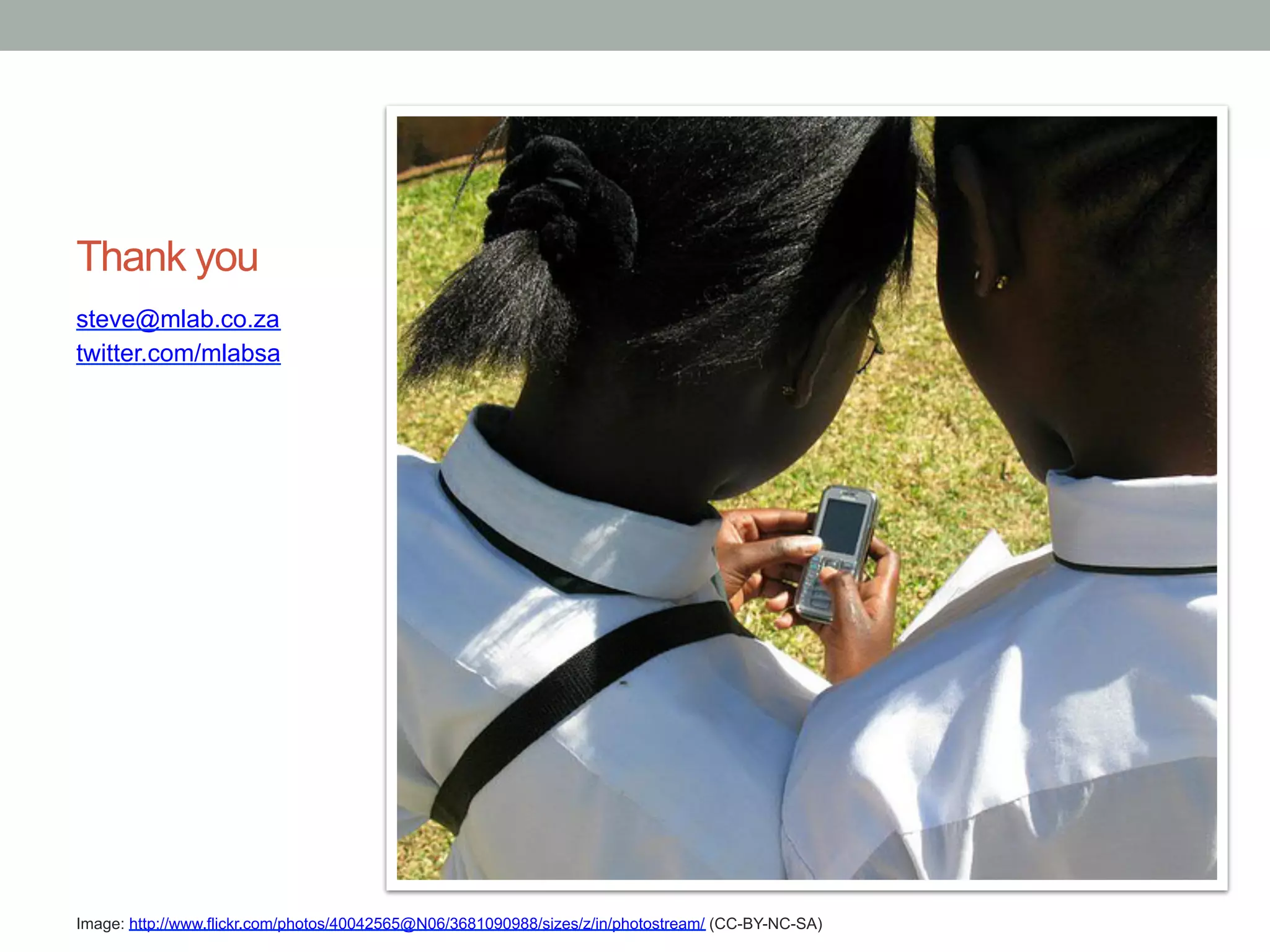
Image: http://www.flickr.com/photos/40042565@N06/3681090988/sizes/z/in/photostream/ (CC-BY-NC-SA)

One Mobile per School

  • 1.
    1 MOBILE/SCHOOL Steve Vosloo mLabSouthern Africa USAID m4Ed4Dev Seminar, 14 April 2011
  • 2.
    About me mLearning practitionerfrom South Africa Focus on mobiles and literacy – see www.yozaproject.com Now Mobile Impact Evangelist at mLab Southern Africa, a brand new incubator for mobile apps and content in the region www.twitter.com/mlabsa
  • 3.
    If you hadone mobile per school … What could you do? Let’s look at three scenarios … Image: http://www.flickr.com/photos/40042565@N06/3680283341/sizes/z/in/photostream/ (CC-BY-NC-SA)
  • 4.
    1 Mobile/school: Scrapingthe barrel The worst case scenario …. •  1 Basic phone •  SIM card with no money •  Very small memory for storing content •  Intermittent electricity •  No mobile data coverage (voice, SMS and USSD only) •  Voice, SMS and USSD is expensive to use
  • 5.
    1 Mobile/school: Scrapingthe barrel Things you could do: •  Regional “system strengthening” activities: •  Education Dept broadcasting updates to headmasters and teachers •  School “system strengthening” activities: •  If a school can send cheap or free SMSes it can use FrontlineSMS or SchoolTool in South Africa to: •  SMS broadcast to teachers: admin updates, timetable changes, motivational messages, etc. •  SMS teacher and student attendance back to Education Dept •  SMS broadcast to parents
  • 6.
    1 Mobile/school: Scrapingthe barrel Things you could do: •  Classroom activities: •  SMS dictionary lookup •  Wikipedia lookup using MobileAudiowiki (mobiled.uiah.fi) •  Attach a speaker and have class listen to educational audio content (paid for by Education Dept or corporate sponsor) •  Take part in SMS-based knowledge quizzes, e.g. texttochange.org in Uganda •  Remember: phone can also be used by groups of students, one at a time Image: http://mobiled.uiah.fi/?page_id=101
  • 7.
    1 Mobile/school: Lookingbetter A much better scenario …. •  1 Feature phone with camera •  SIM card with not much money •  Small memory for storing content •  Intermittent electricity •  Only GPRS mobile data coverage •  At least one of voice, SMS or mobile data is relatively cheap, e.g. in South Africa mobile data is cheap, in India SMS is very cheap
  • 8.
    1 Mobile/school: Lookingbetter Things you could do: •  All of the above, plus … •  “System strengthening” of Education Administration •  Education Dept publishes info on mobisite which headmasters and teachers can access •  Classroom activities: •  Take/share photos, e.g. of plants for Biology project •  Record audio and video and share via Bluetooth, e.g. Dissections for All project in South Africa (mobile phones used to create short videos of frog dissections and shared) •  Access web: m.wikipedia.org, m.dictionary.com, m.google.com, etc. •  Read m-novels aloud from www.yoza.mobi
  • 9.
    1 Mobile/school: Lookingbetter Things you could do: •  After hours activities: •  IM Chat (using GPRS) for live tutoring, e.g. Dr Math on MXit in South Africa •  IM Chat amongst networks of teachers or headmasters for support and sharing What else? Image: http://blogs.up.ac.za/jcp2010/index.php?blog=83
  • 10.
    1 Mobile/school: Idealworld The ideal scenario …. •  1 Smart phone •  1 Pico projector •  SIM card, loaded with money •  Memory card loaded with educational content •  Constant electricity •  3G coverage •  Subsidised for educational use •  Free/low cost calls •  Free SMSes •  “Zero rated” (free) mobile data browsing
  • 11.
    1 Mobile/school: Idealworld Things you could do: •  All of the above, plus … •  Classroom utilities: •  Play educational videos from phone through Pico projector/TV, e.g. Text2Teach project in Philippines and Tanzania •  Download and share mlearning educational resources •  Collaborate with other schools on projects, e.g. via a Facebook page •  Blog, Facebook, Twitter •  Download streaming video from, e.g. Khan Academy on Youtube What else?
  • 12.
    But maybe weshould ask: What is “mobile”? •  Is an MP3 player which is connected to speakers and broadcasting an audio lesson on English or math considered a mobile device? •  How about a flash drive with educational content accessed from a nearby telecenter/cybercafé and used in a classroom by a teacher with a small projector to project learning materials for an entire class? •  Comments?
  • 13.
    Barriers to use • Cost! •  mLearning content •  Lack of awareness of how mobiles can support educational ecosystem •  Lack of school “acceptable use policies” – many just ban mobile phones •  Uneven access •  Electricity (although people mostly “find a way”) •  Privacy issues
  • 14.
    mLab Southern Africanewsletter We will publish news about mobile usage, mlearning and other mobile related issues, e.g. mhealth, from southern Africa To subscribe: www.tinyurl.com/joinmlabsa
  • 15.