Unleashing the Power of MS Office: Tools for Struggling Students Wendy S. Homlish Bonnie N. Young Assistive Technology Consultants Carbon Lehigh IU 21 Schnecksville, PA
 
Universal Design for Learning or Assistive Technology? Students with or without IEPs and 504s Differentiated instruction Learning styles and multiple intelligences
Using MS Office Applications to Address: Writing  Learning and Studying Reading
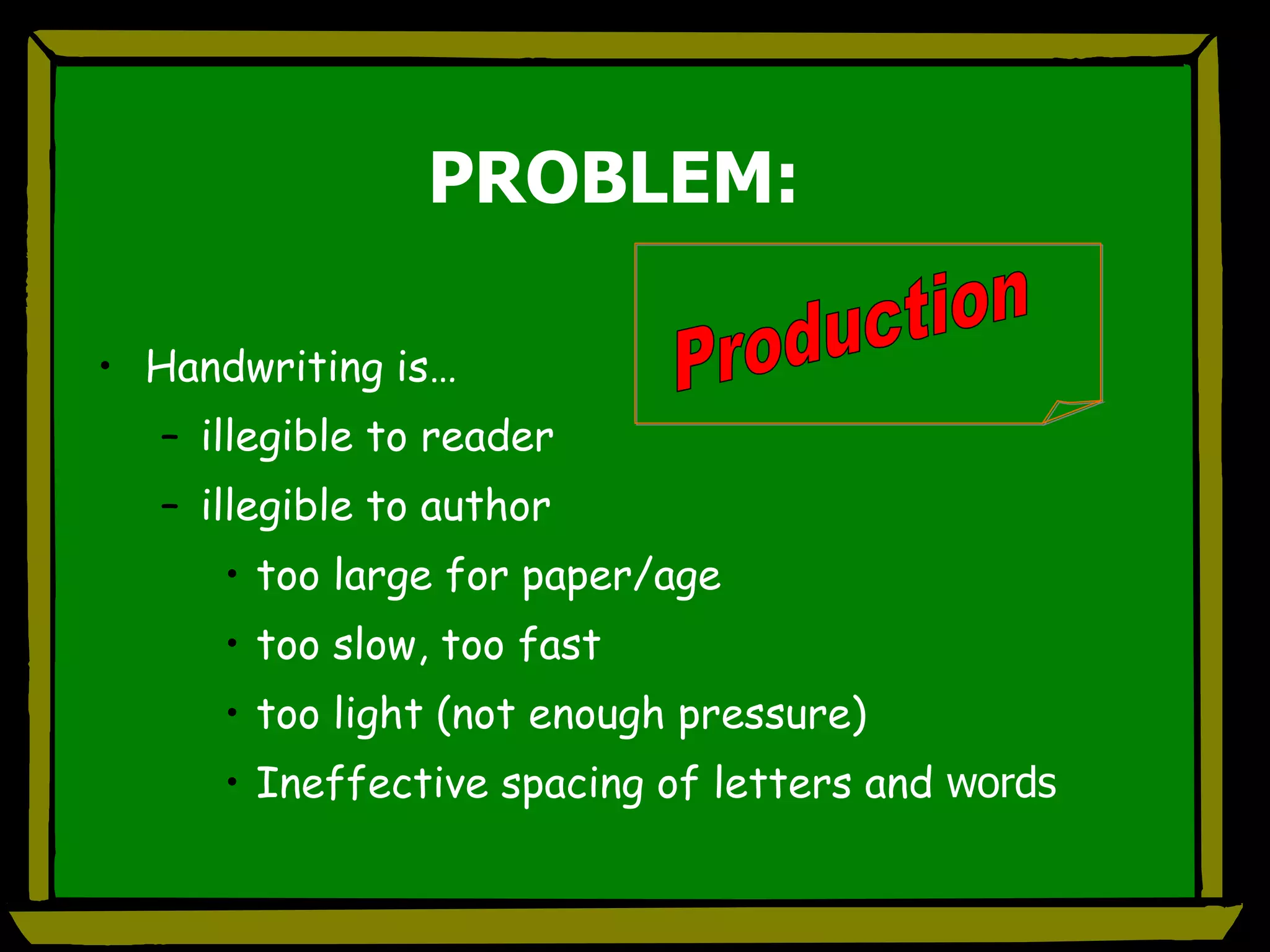
PROBLEM: Handwriting is… illegible to reader illegible to author too large for paper/age too slow, too fast too light (not enough pressure) Ineffective spacing of letters and  words Production
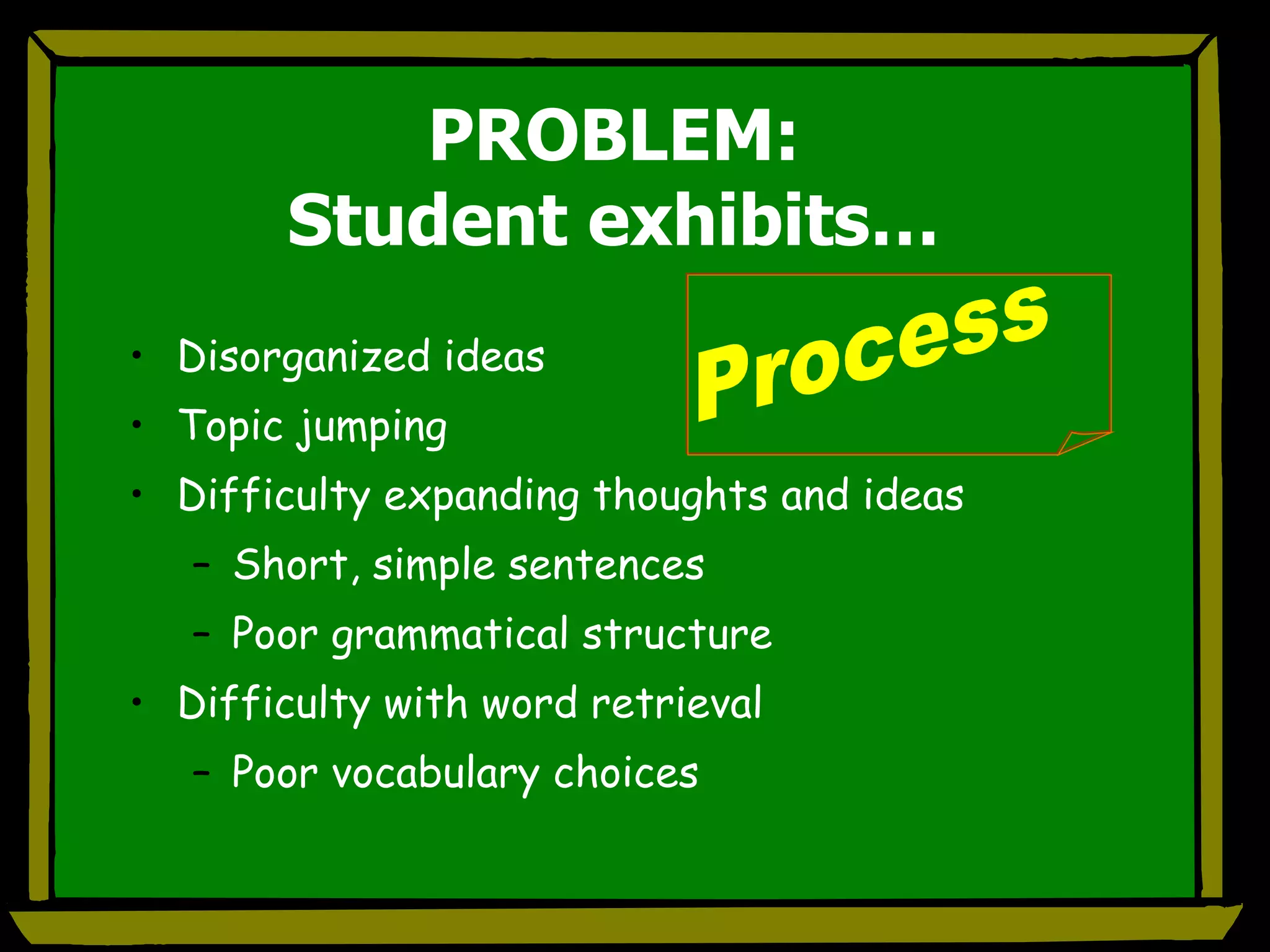
PROBLEM: Student exhibits… Disorganized ideas Topic jumping Difficulty expanding thoughts and ideas Short, simple sentences Poor grammatical structure Difficulty with word retrieval Poor vocabulary choices Process
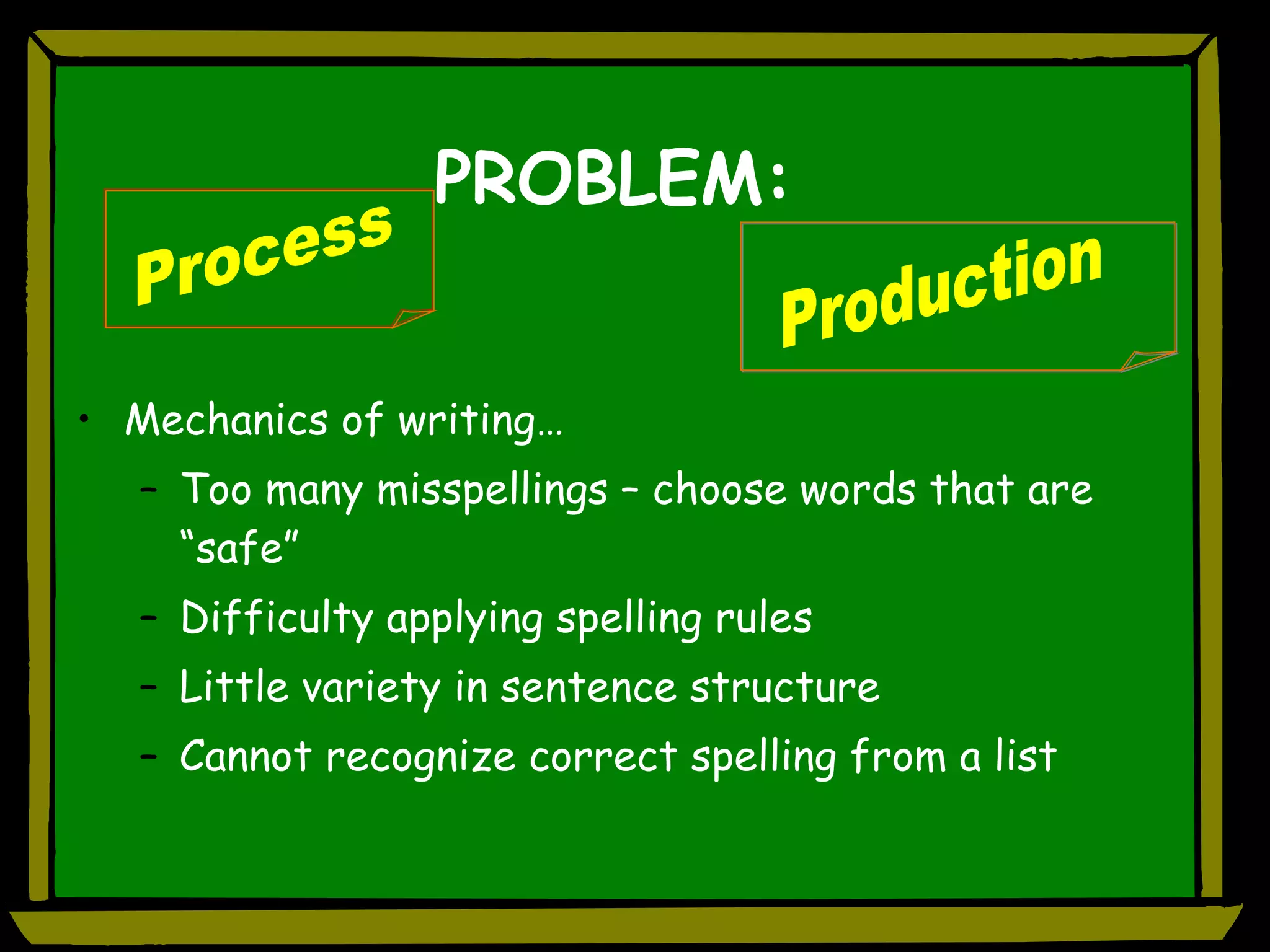
PROBLEM: Mechanics of writing… Too many misspellings – choose words that are “safe” Difficulty applying spelling rules Little variety in sentence structure Cannot recognize correct spelling from a list Production Process
MS Office Supports for Writers
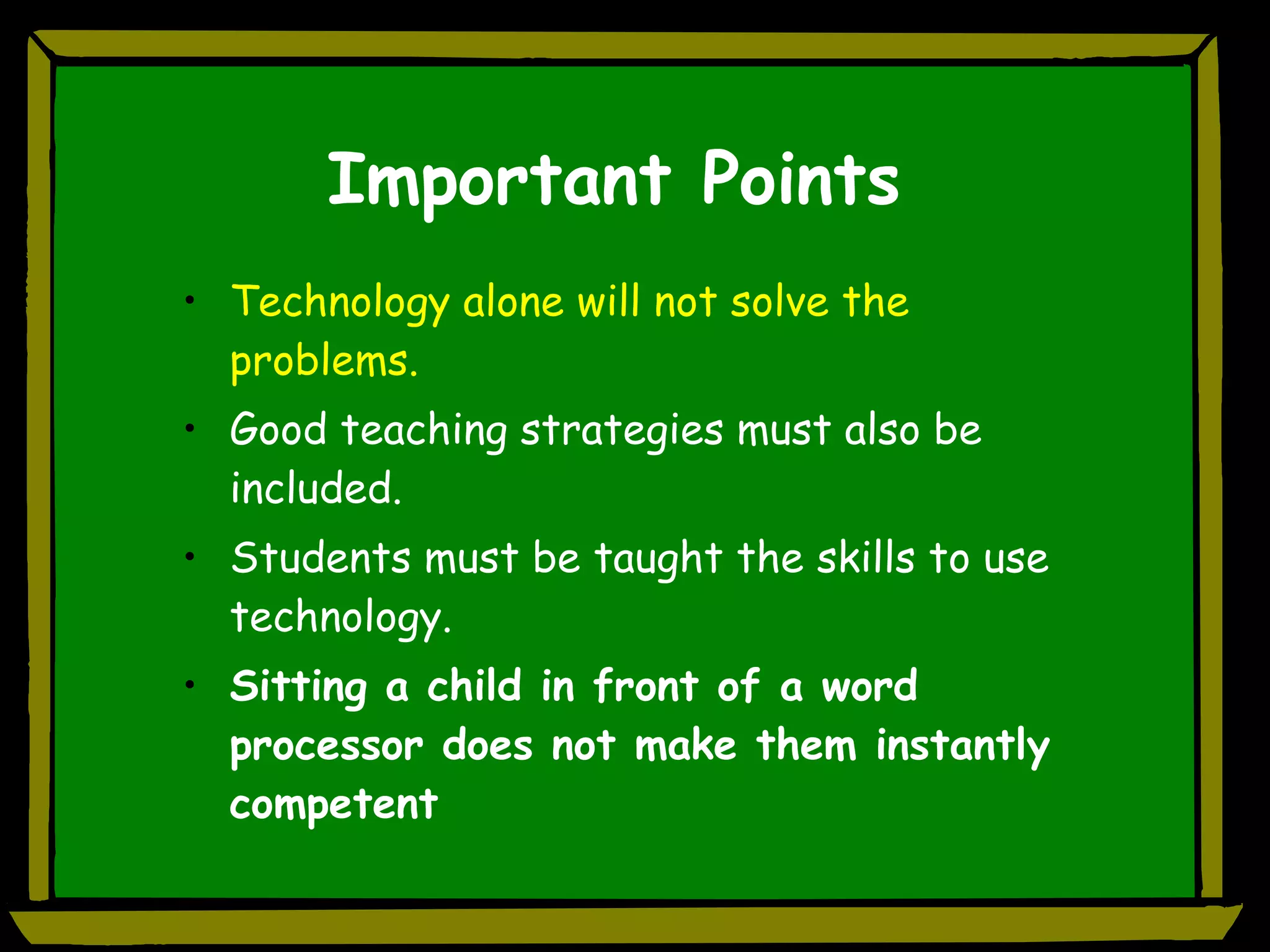
Important Points Technology alone will not solve the problems. Good teaching strategies must also be included. Students must be taught the skills to use technology. Sitting a child in front of a word processor does not make them instantly competent
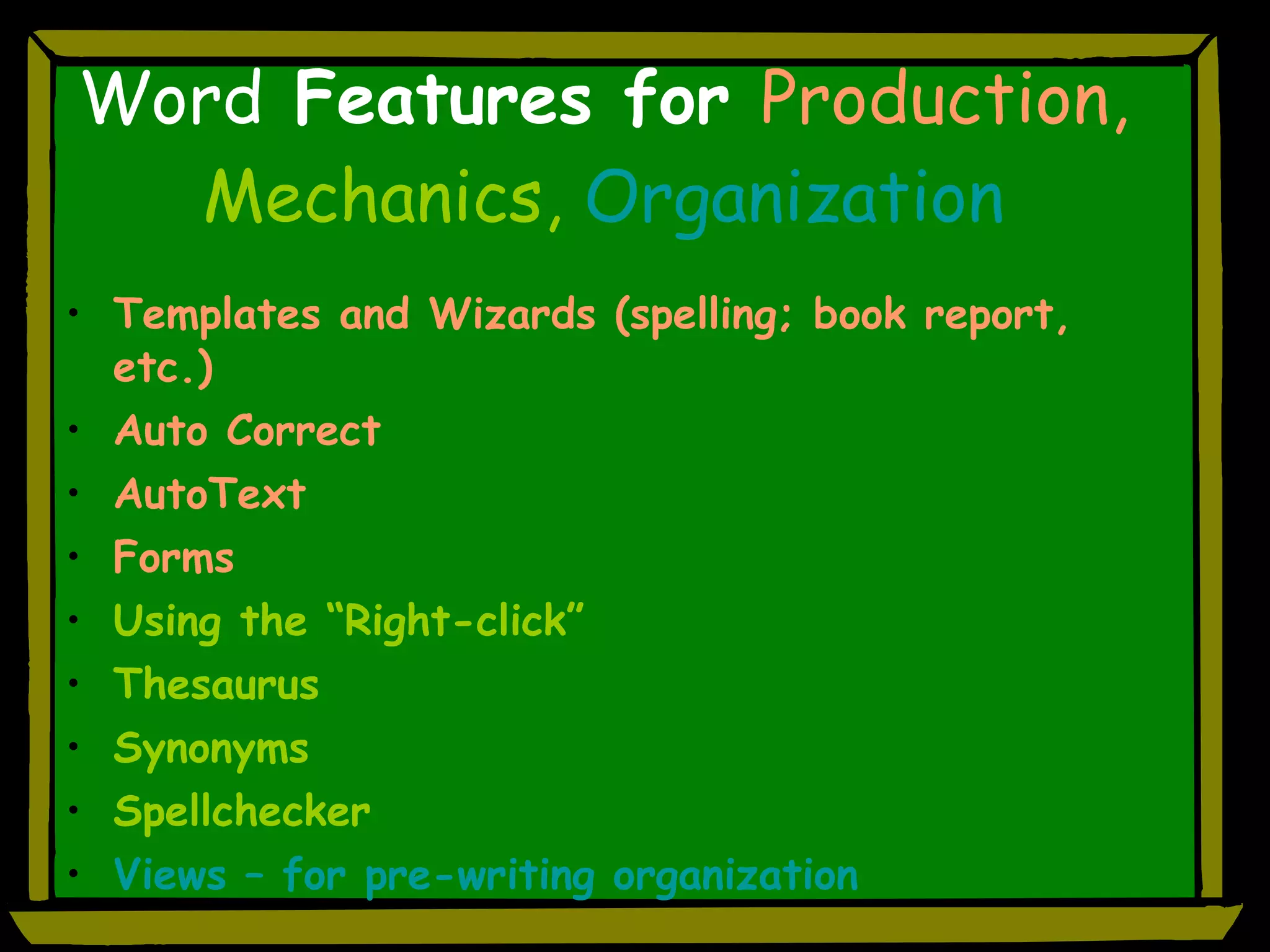
Word  Features for  Production,  Mechanics,  Organization Templates and Wizards (spelling; book report, etc.) Auto Correct AutoText Forms Using the “Right-click” Thesaurus Synonyms Spellchecker Views – for pre-writing organization
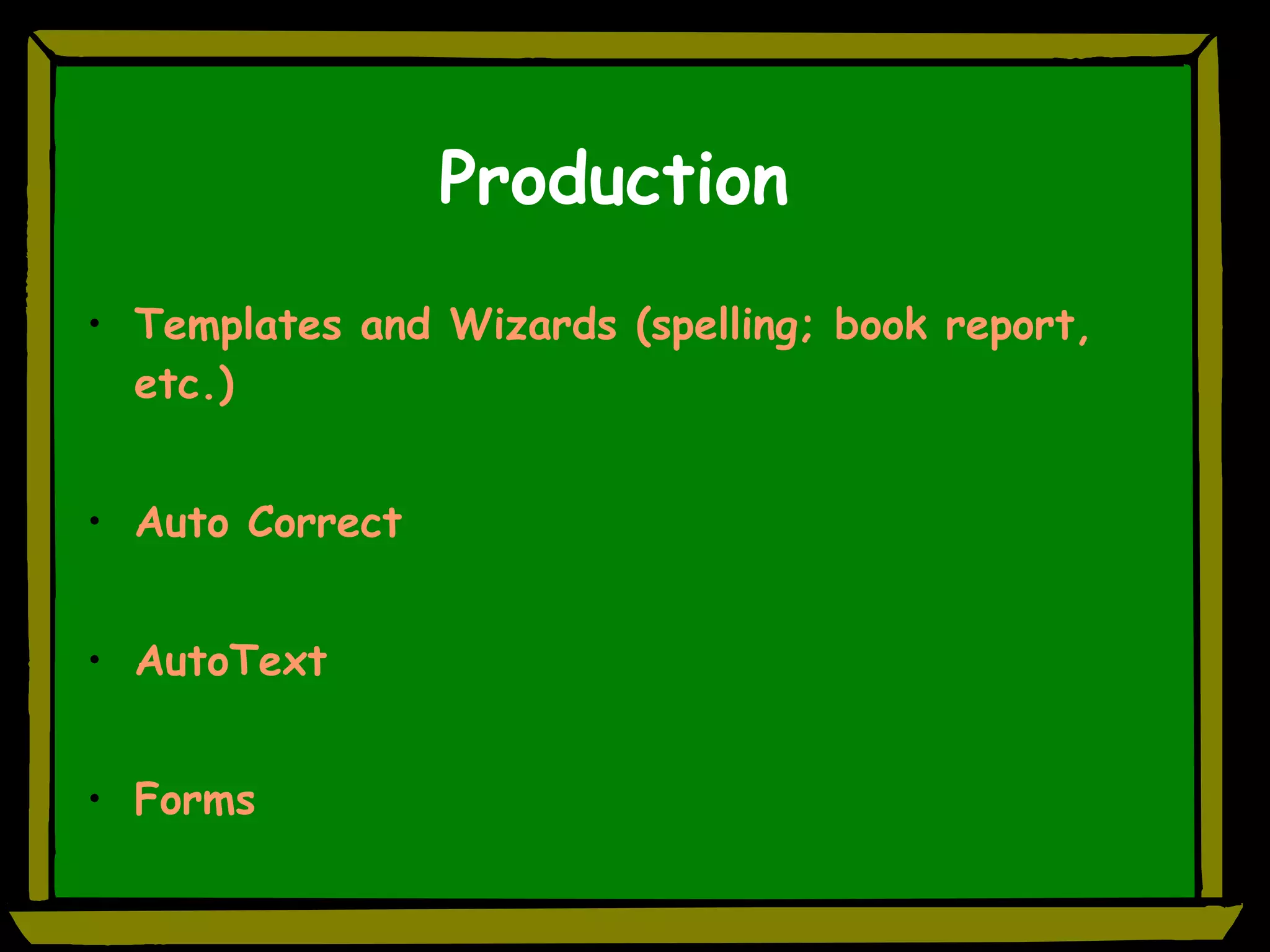
Production Templates and Wizards (spelling; book report, etc.) Auto Correct AutoText Forms
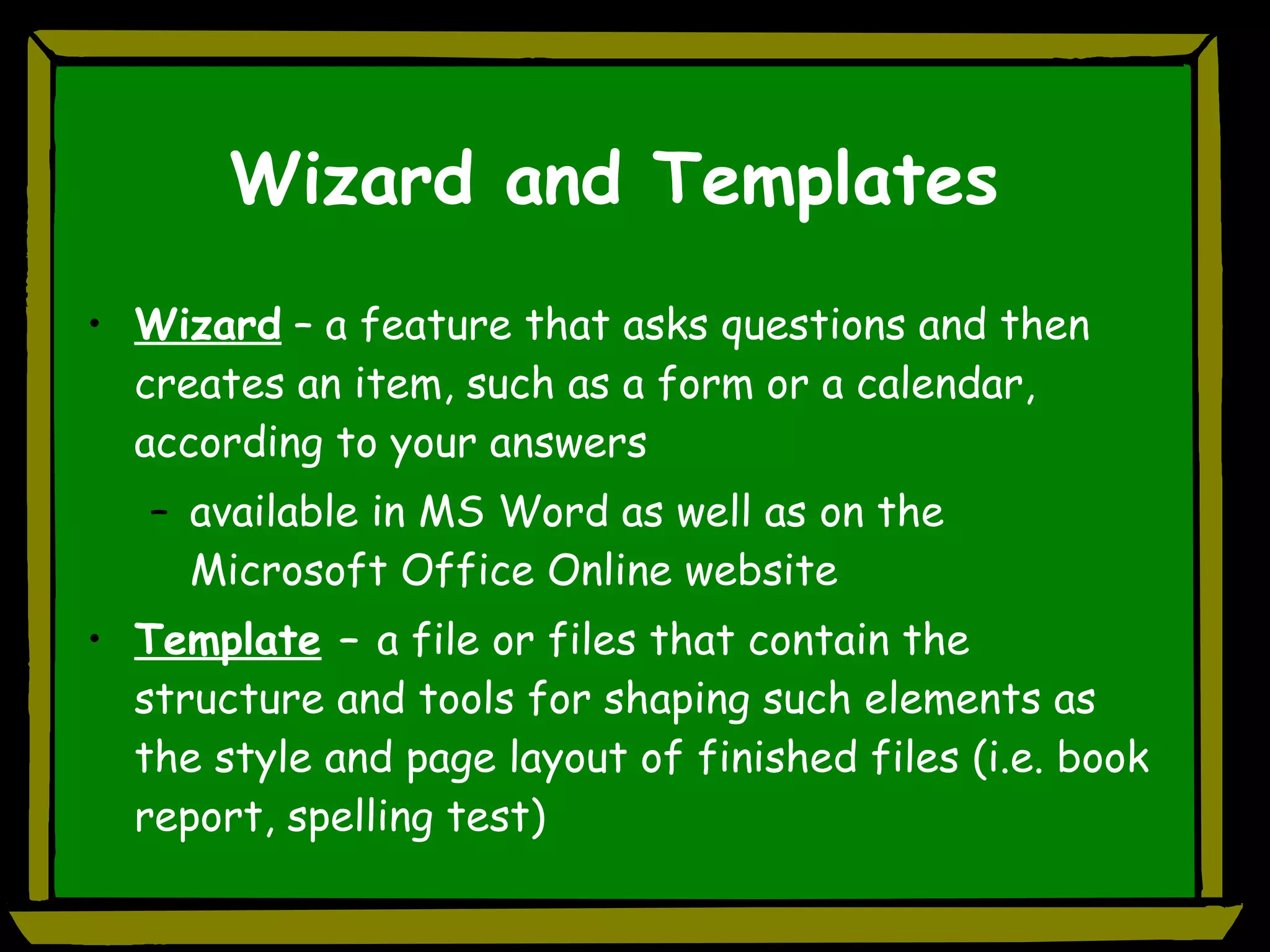
Wizard and Templates Wizard  – a feature that asks questions and then creates an item, such as a form or a calendar, according to your answers available in MS Word as well as on the Microsoft Office Online website Template  –  a file or files that contain the structure and tools for shaping such elements as the style and page layout of finished files (i.e. book report, spelling test)
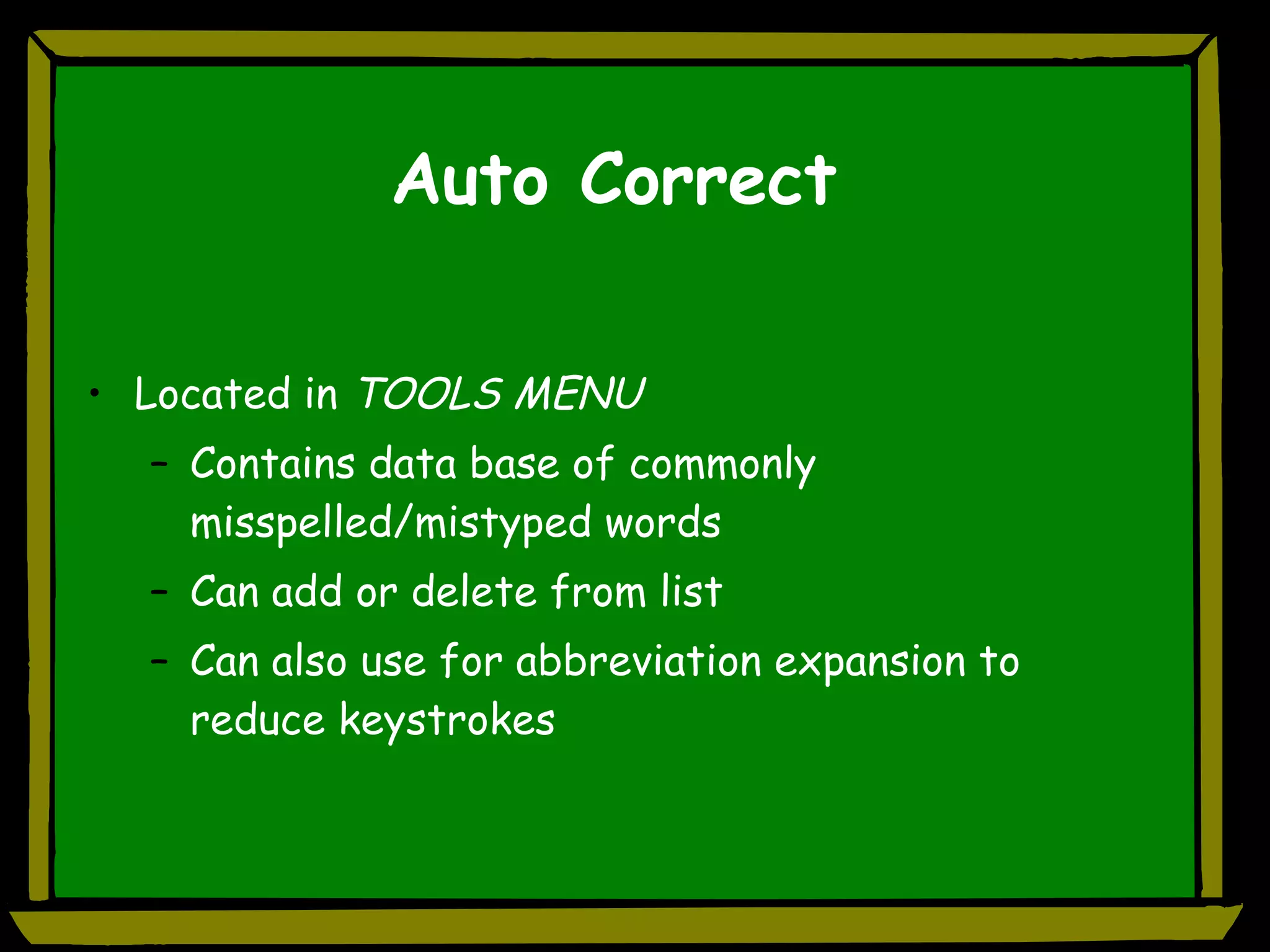
Auto Correct Located in  TOOLS MENU Contains data base of commonly misspelled/mistyped words Can add or delete from list Can also use for abbreviation expansion to reduce keystrokes
Auto Text Decrease keyboarding effort Increase efficiency Text pops up above typing & is inserted on “enter”  (example)
Forms Feature Forms toolbar How to create Examples of use
Moveable Word Banks Create  text boxes  for use in a  fill-in-the blank activity (word bank) Save as…. Student clicks and moves text box rather than writing/typing the answer (Example)
Mechanics Using the “Right-click” Thesaurus Synonyms Spellchecker
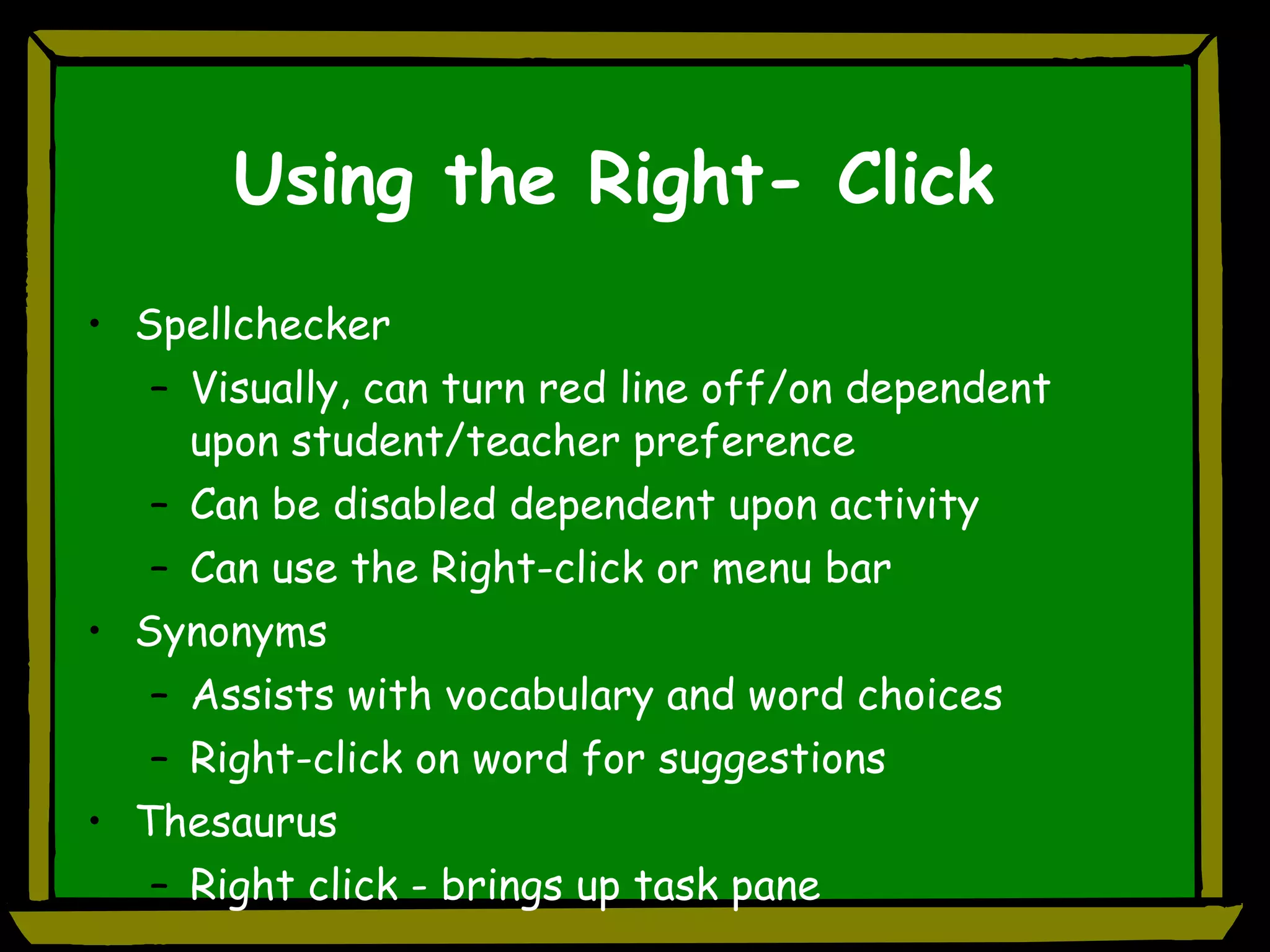
Using the Right- Click Spellchecker Visually, can turn red line off/on dependent upon student/teacher preference Can be disabled dependent upon activity Can use the Right-click or menu bar Synonyms Assists with vocabulary and word choices Right-click on word for suggestions Thesaurus Right click - brings up task pane
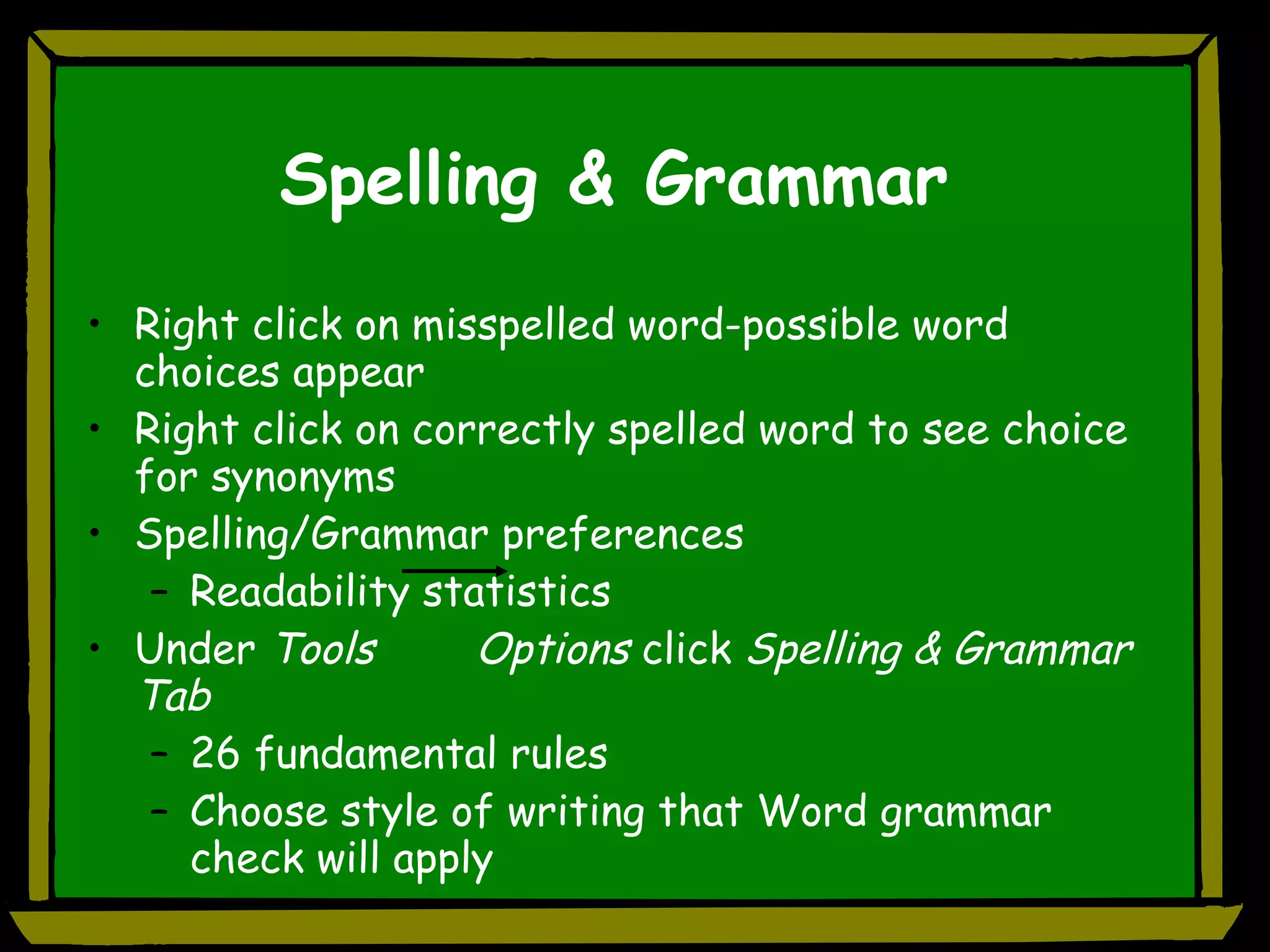
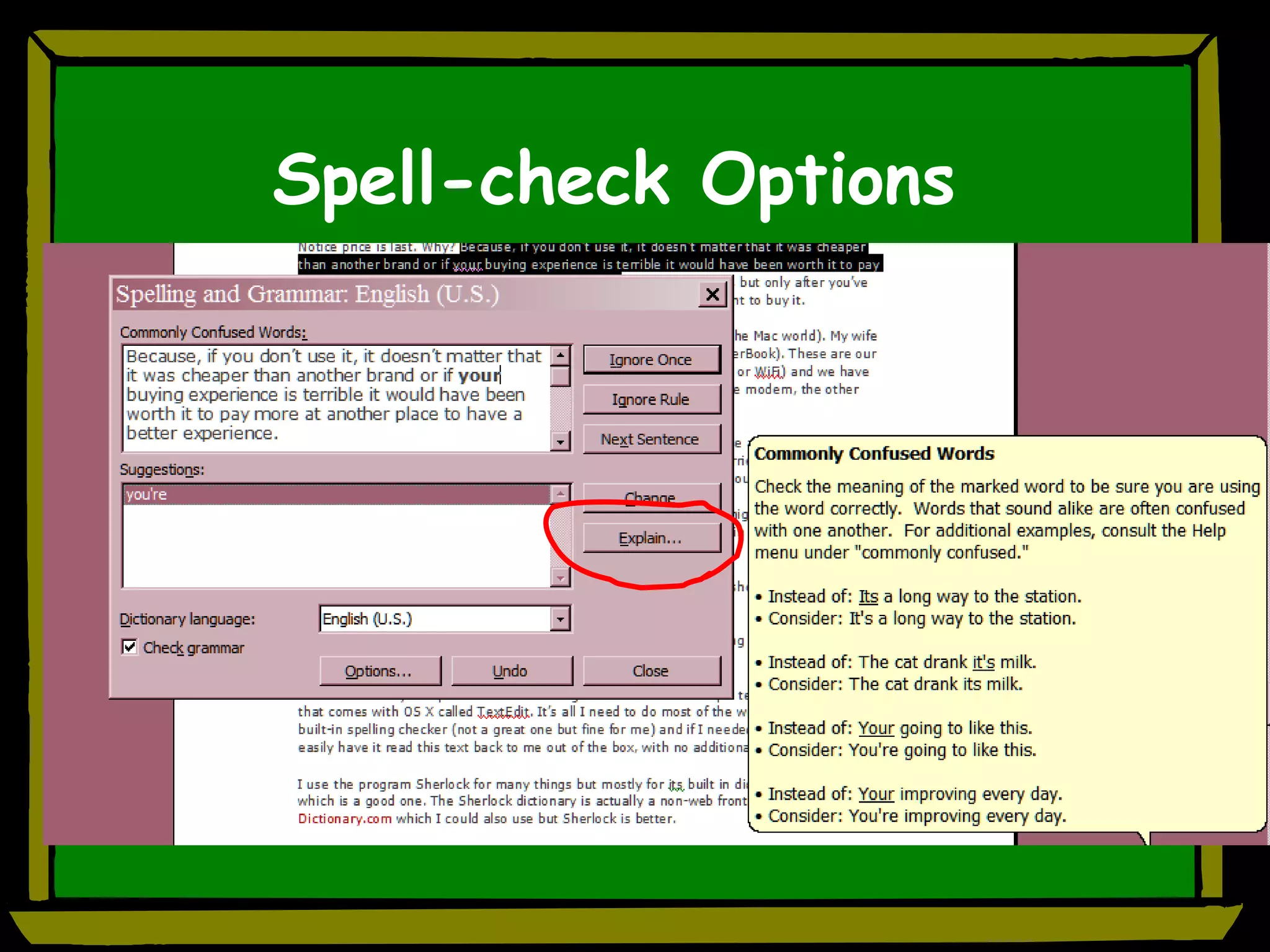
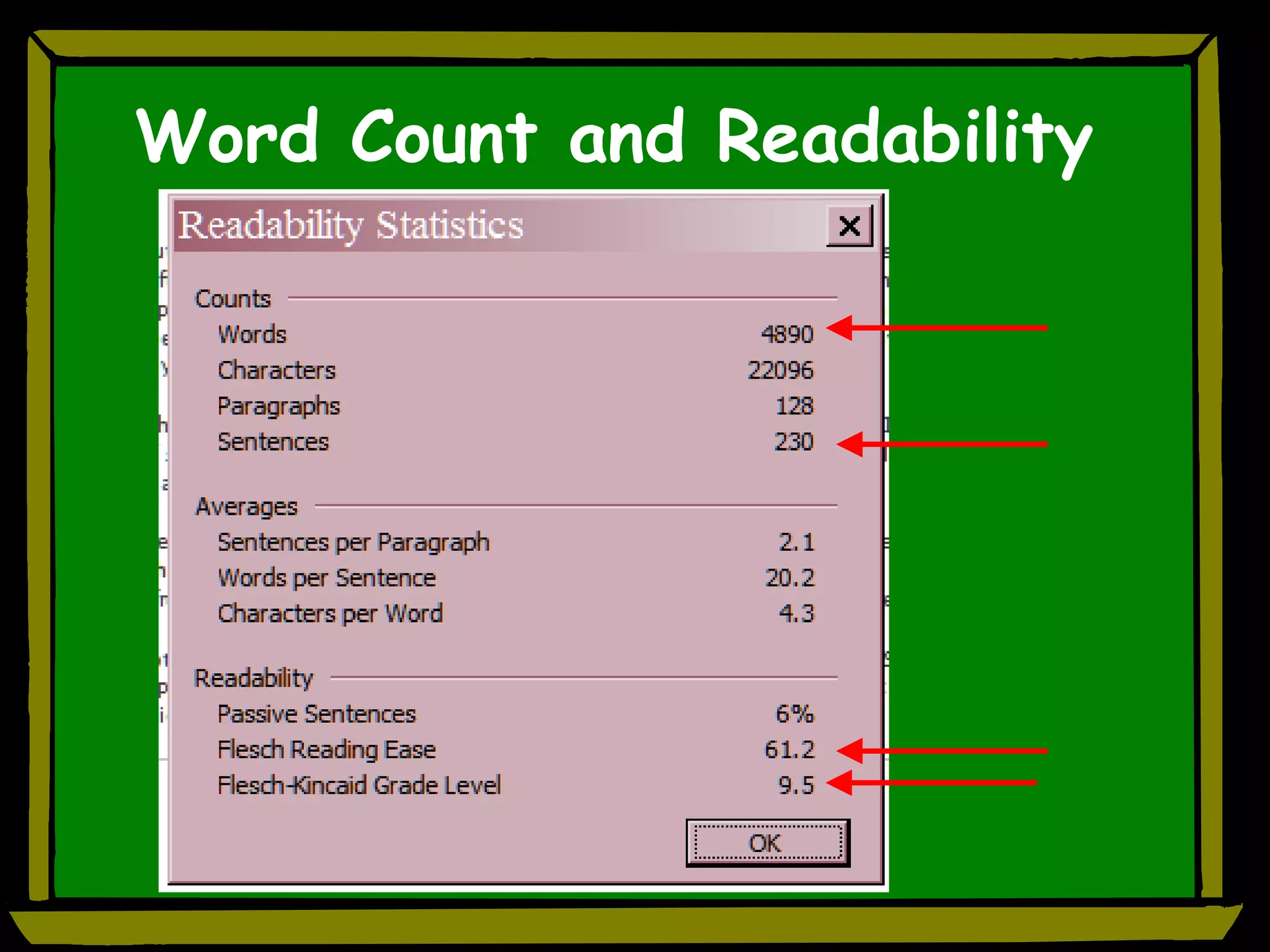
Spelling & Grammar Right click on misspelled word-possible word choices appear Right click on correctly spelled word to see choice for synonyms Spelling/Grammar preferences Readability statistics Under  Tools   Options  click  Spelling & Grammar Tab   26 fundamental rules Choose style of writing that Word grammar check will apply
Spell-check Options
Organization Organize for pre-writing Power Point Word
Brainstorming Create outline  quickly  in PowerPoint Get ideas down quickly Use  slide layout  with title and bulleted text  Go to Outline View for more “traditional” layout/view
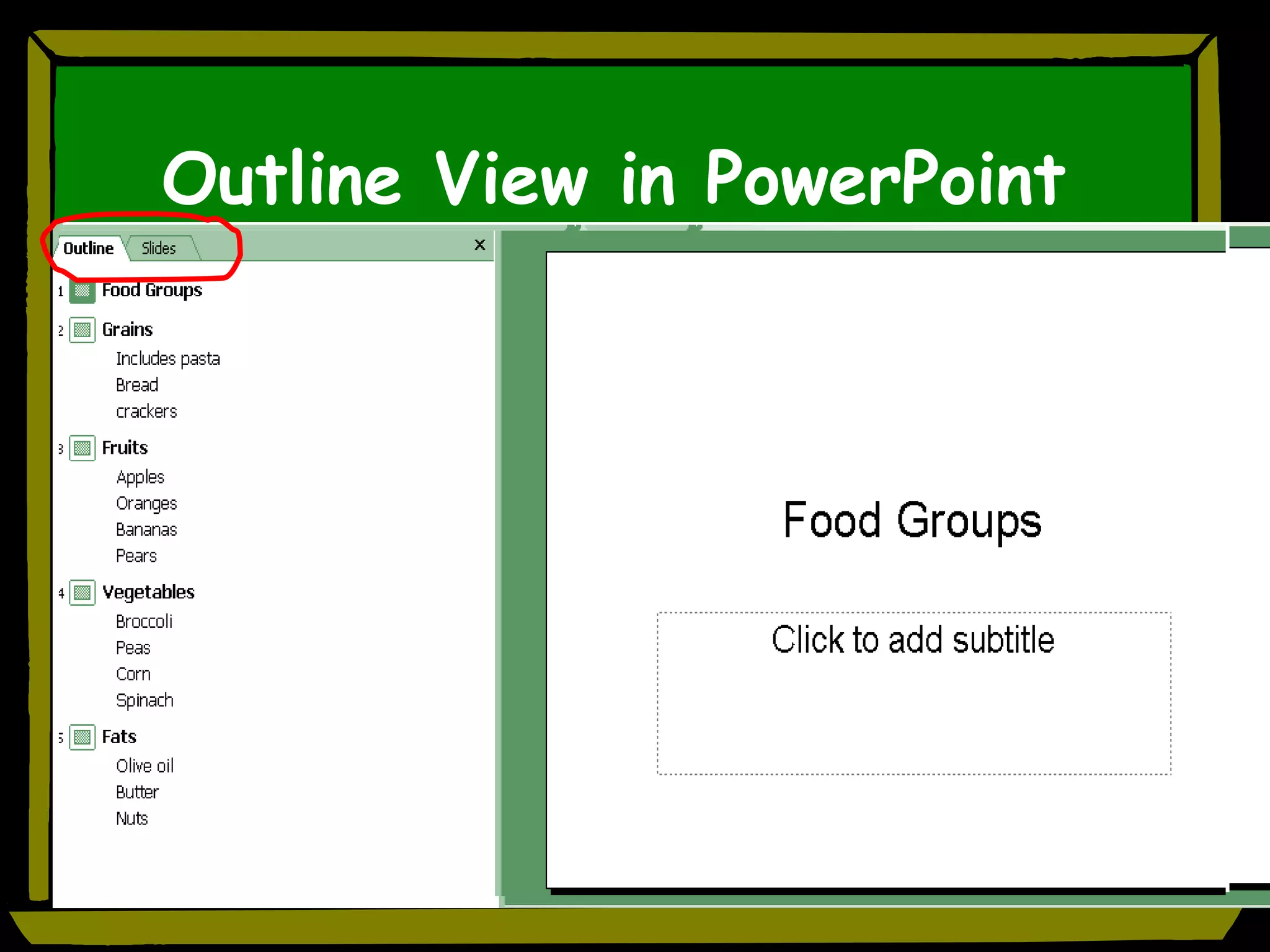
Outline View in PowerPoint
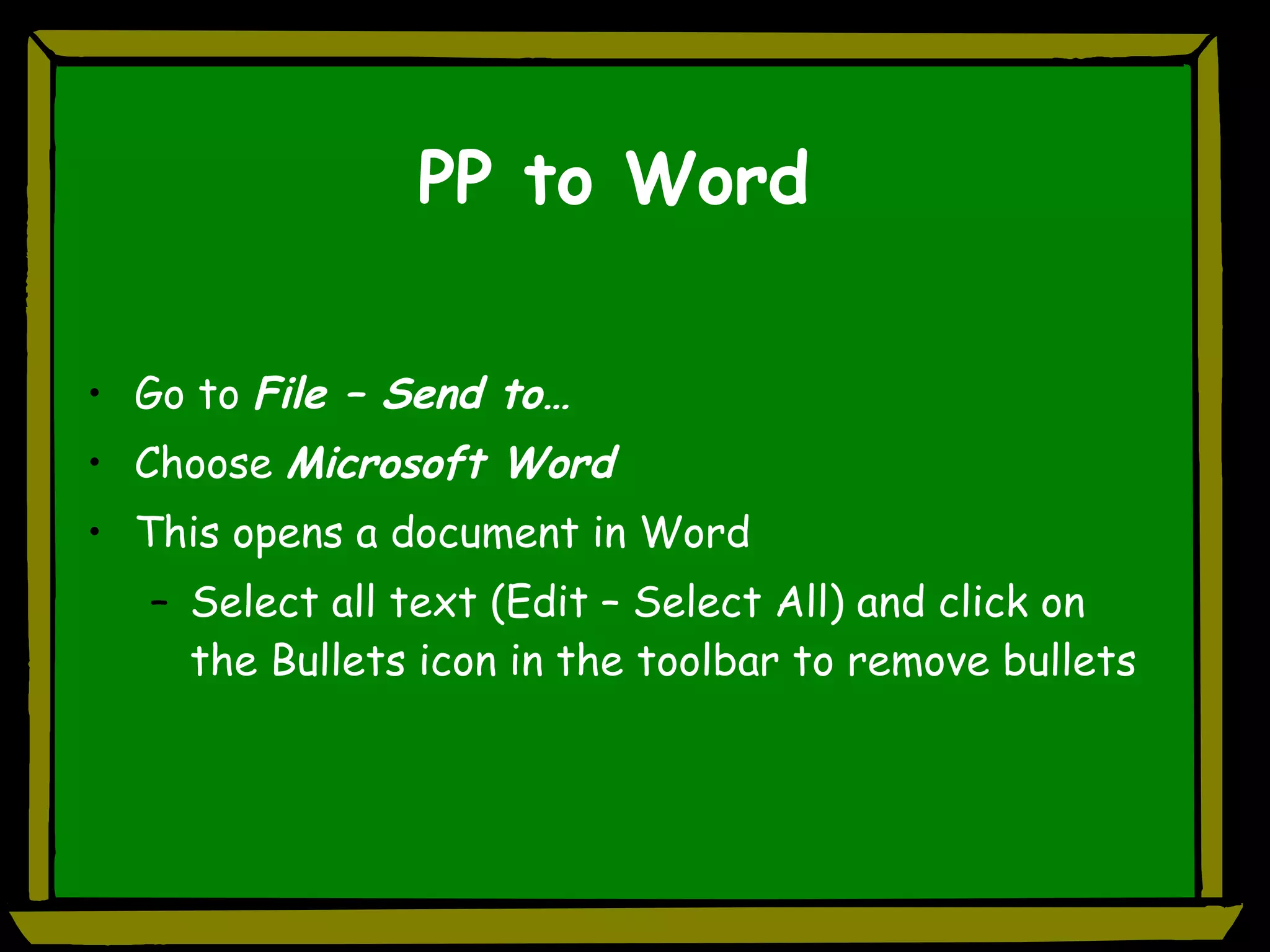
PP to Word Go to  File – Send to… Choose  Microsoft Word This opens a document in Word Select all text (Edit – Select All) and click on the Bullets icon in the toolbar to remove bullets
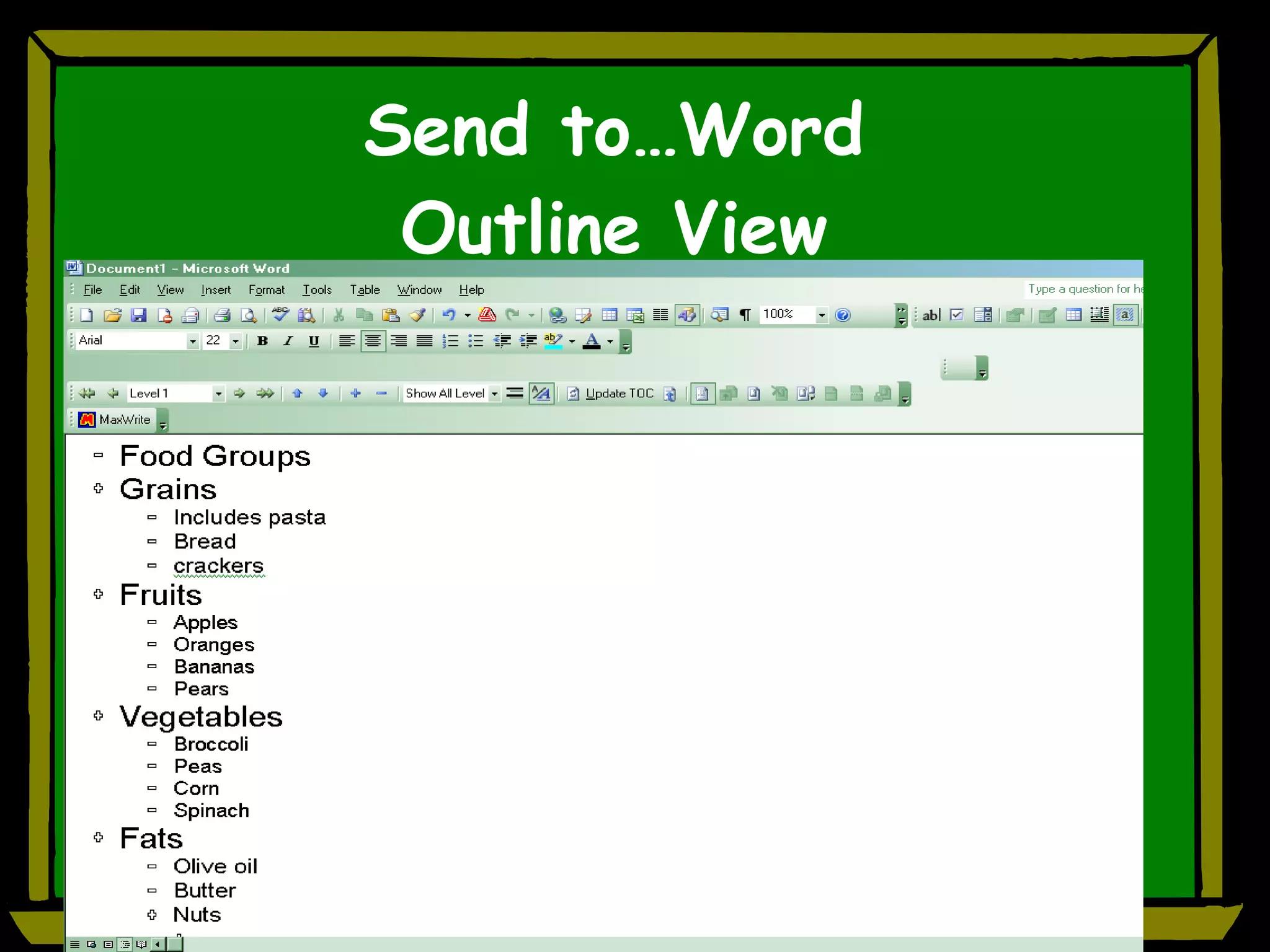
Send to…Word Outline View
Outlining in Word Why use? Organize, reorganize Quick overview of bigger picture Can move large blocks of text easily Collapse view to reduce clutter Electronic studying Found in View – Outline Students need  instruction  in using these tools! “Cheat sheets” at computer?
Learning and Studying
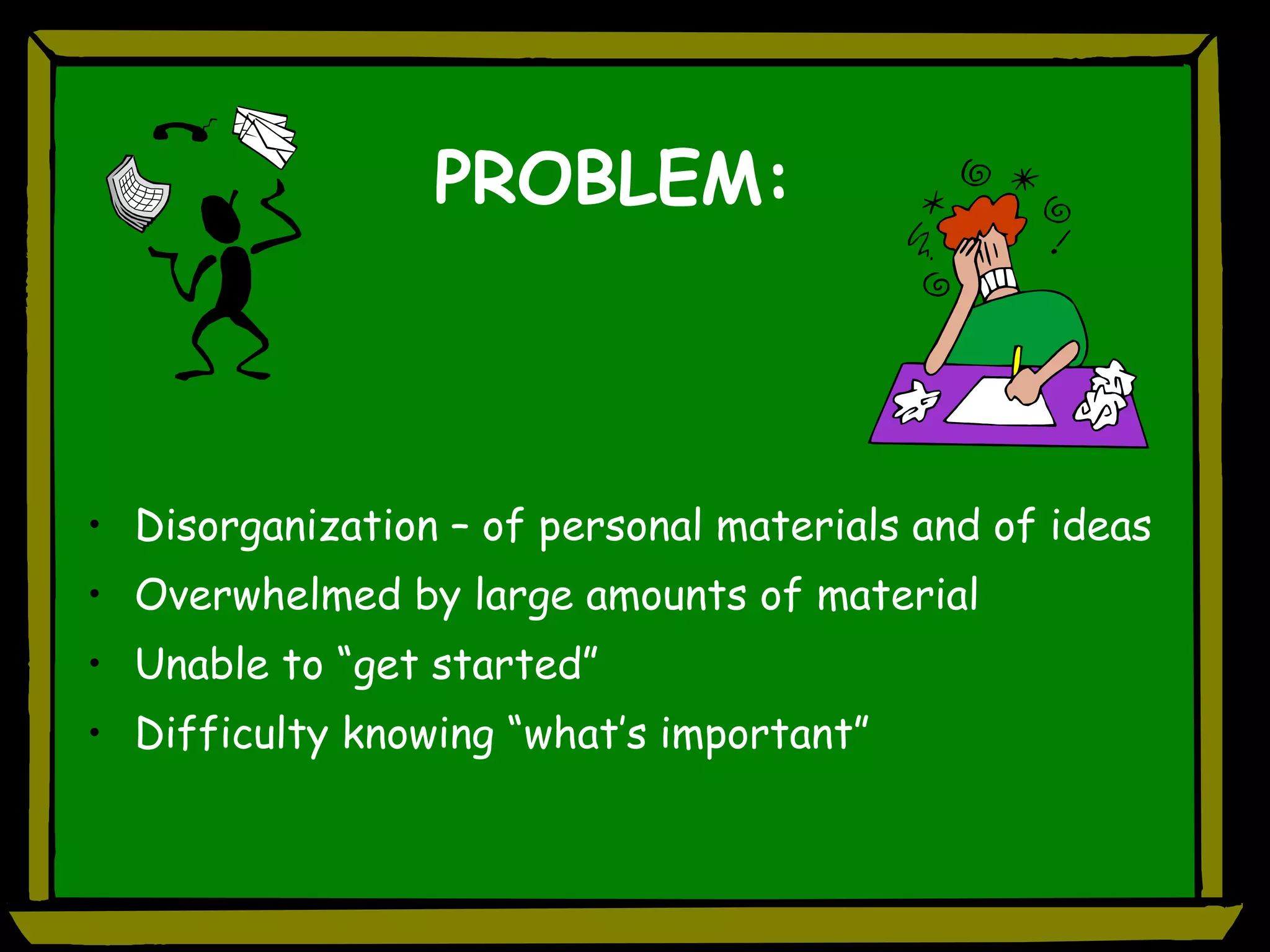
PROBLEM: Disorganization – of personal materials and of ideas Overwhelmed by large amounts of material Unable to “get started” Difficulty knowing “what’s important”
Word Features That Support Research and Studying Task Panes AutoSummarize   Outline Features
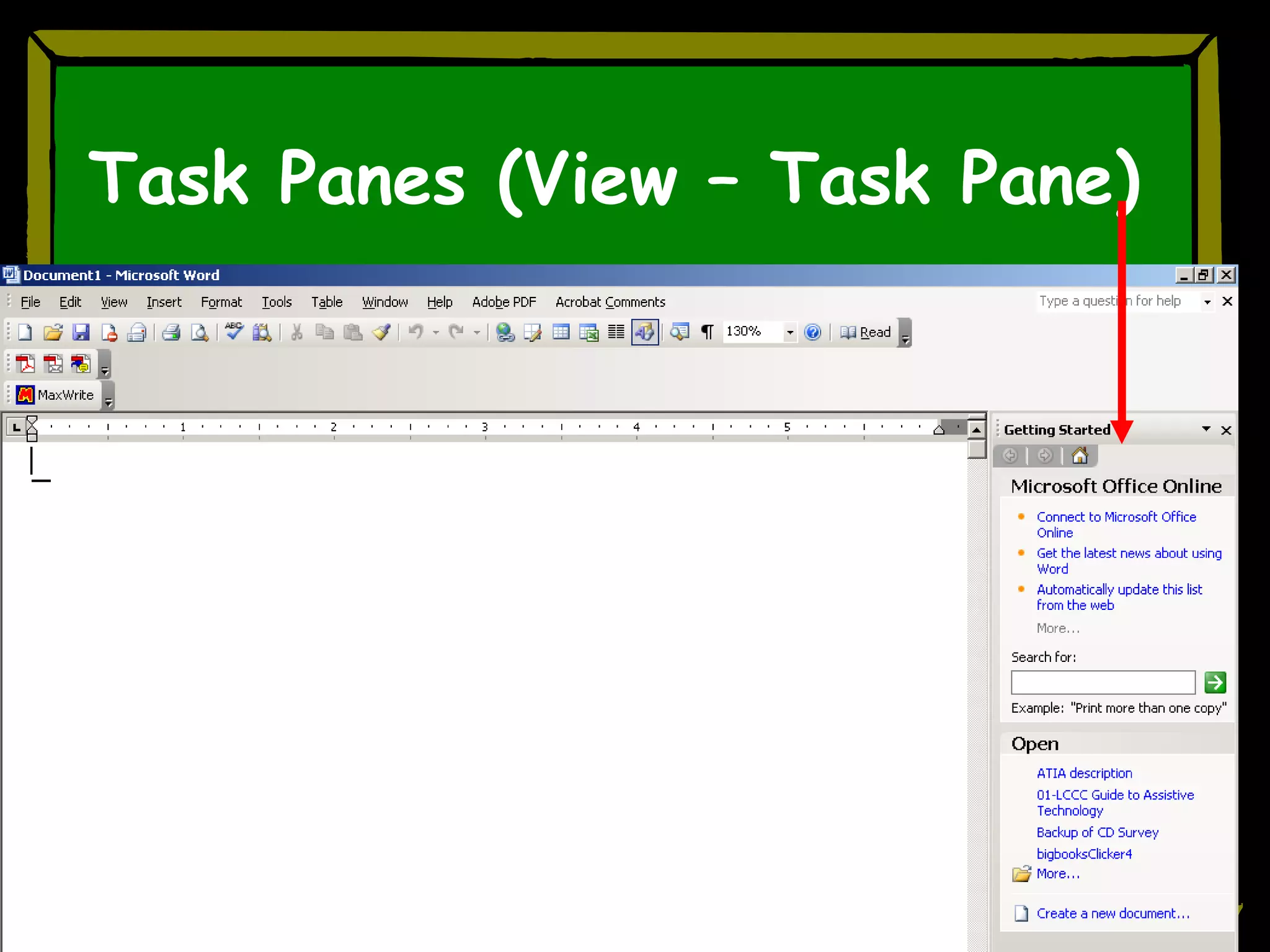
Task Panes (View – Task Pane)
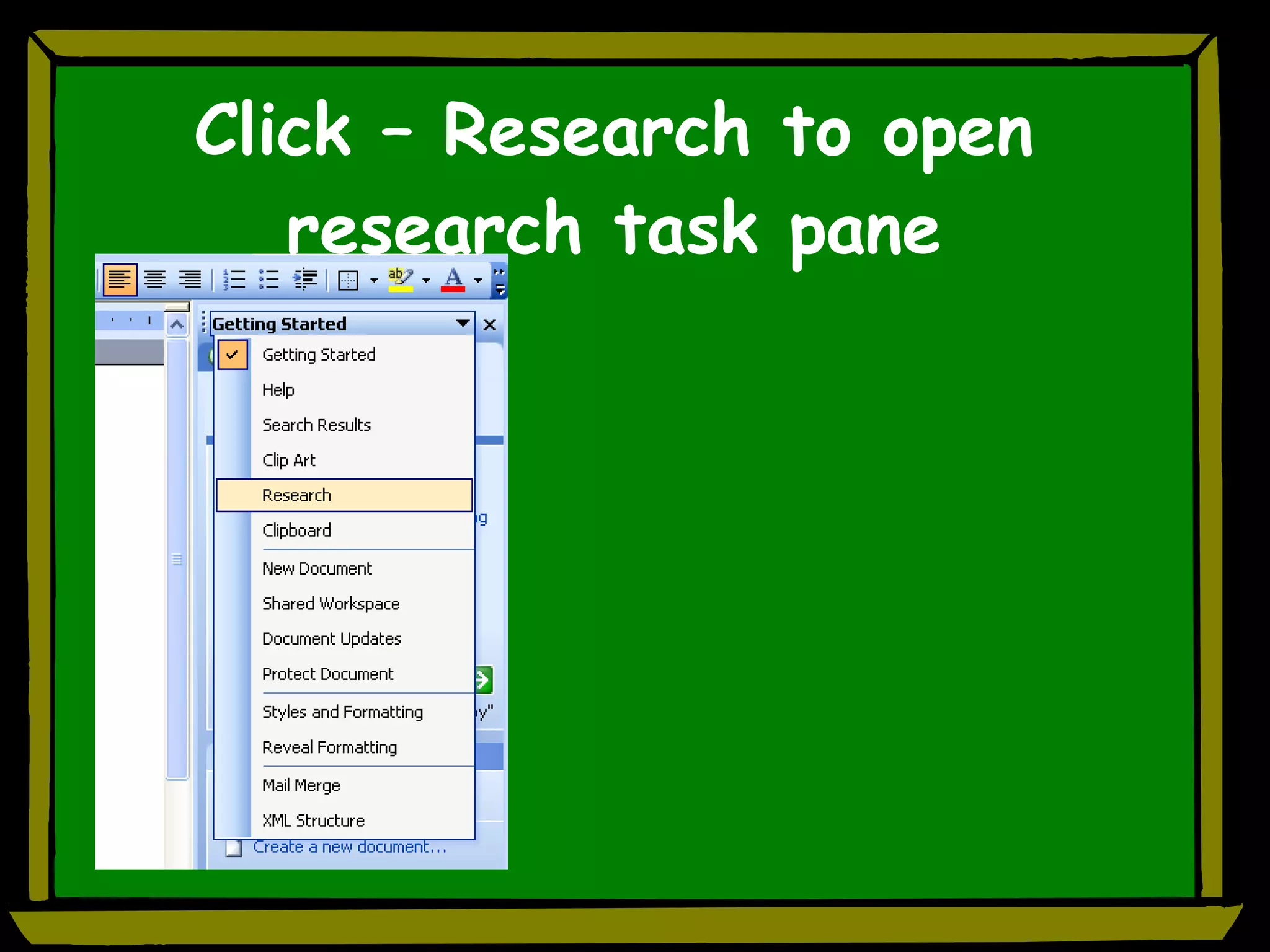
Click – Research to open research task pane
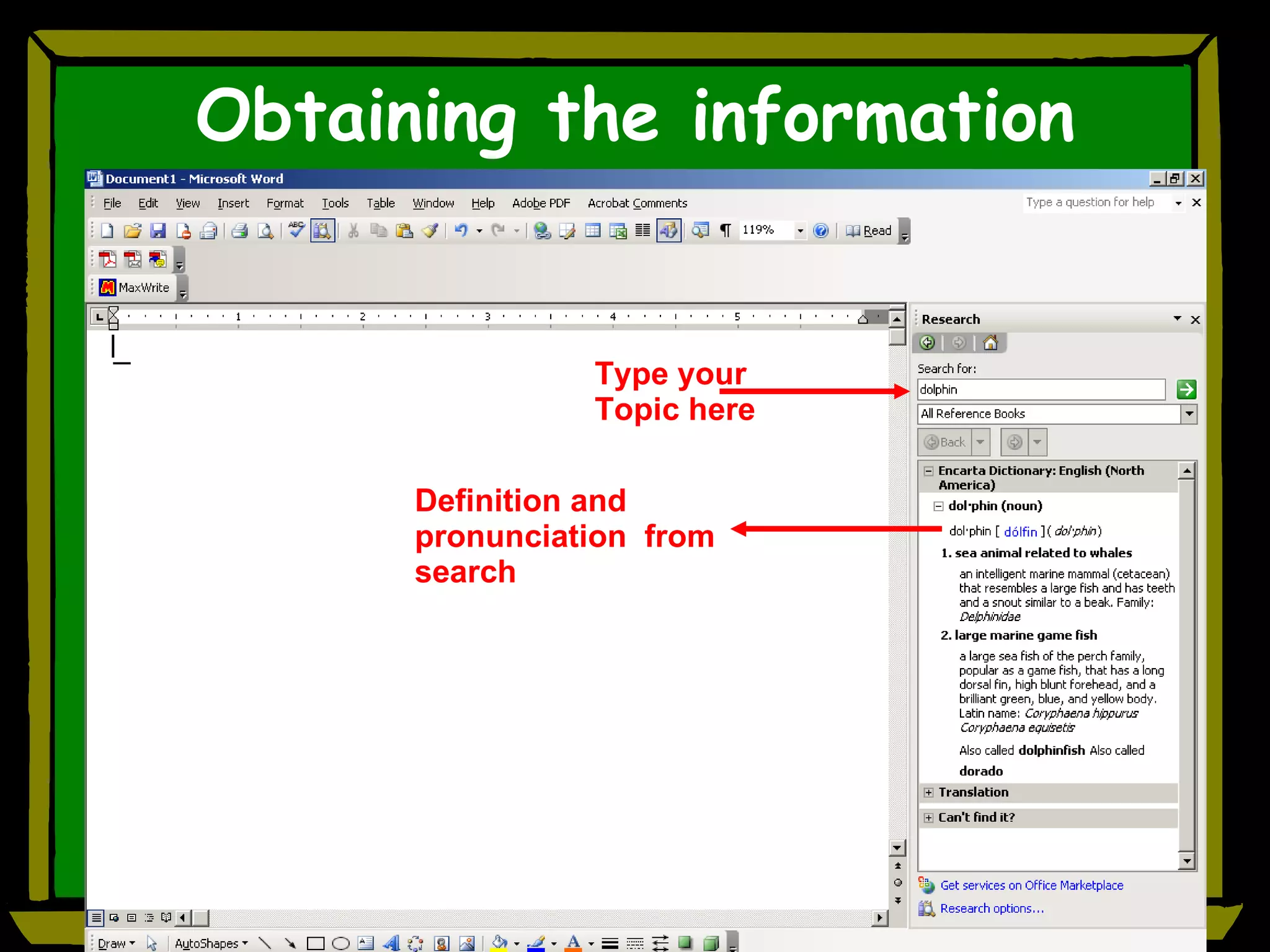
Obtaining the information Type your Topic here   Definition and pronunciation  from search
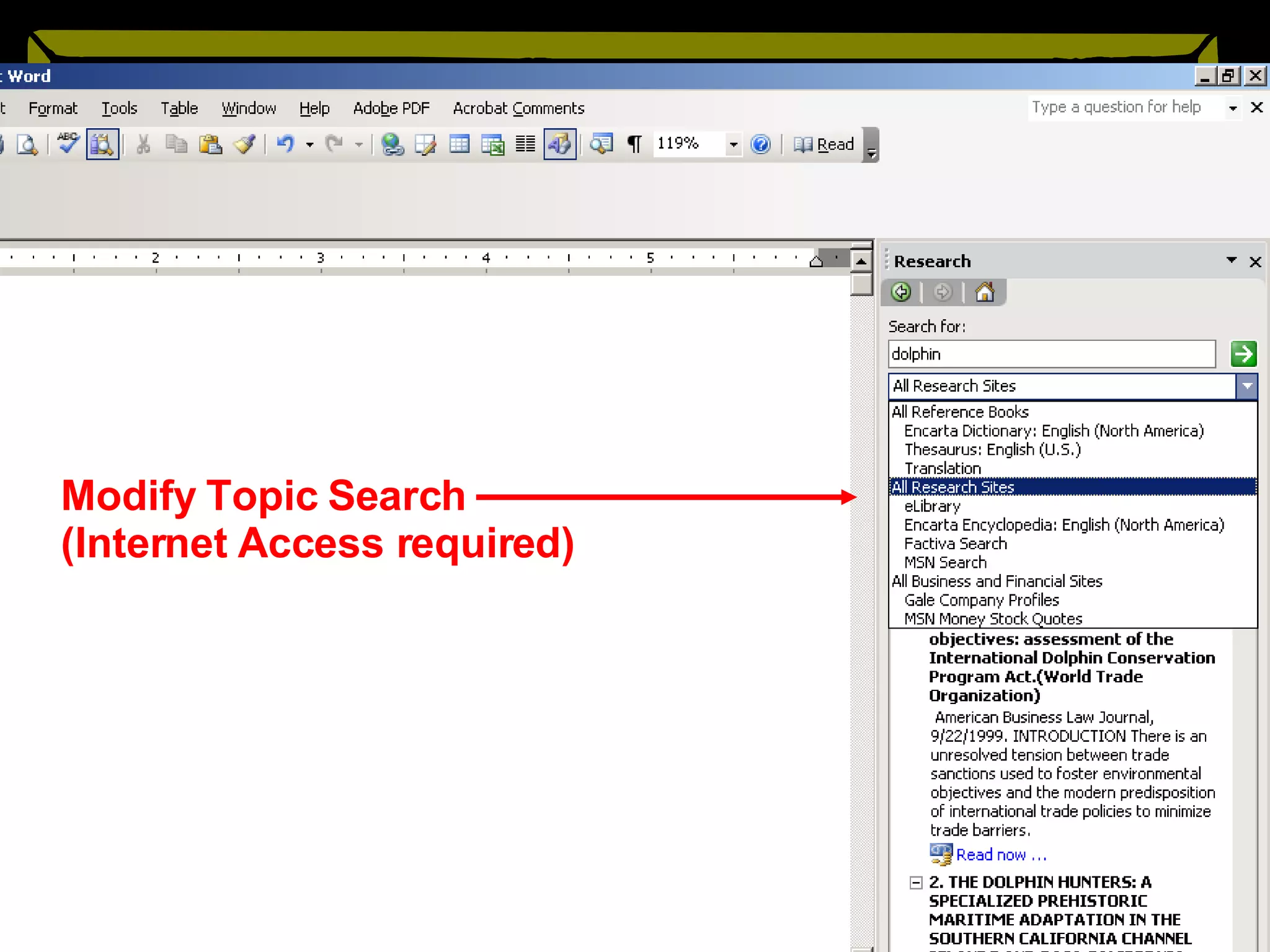
Modify Topic Search (Internet Access required)
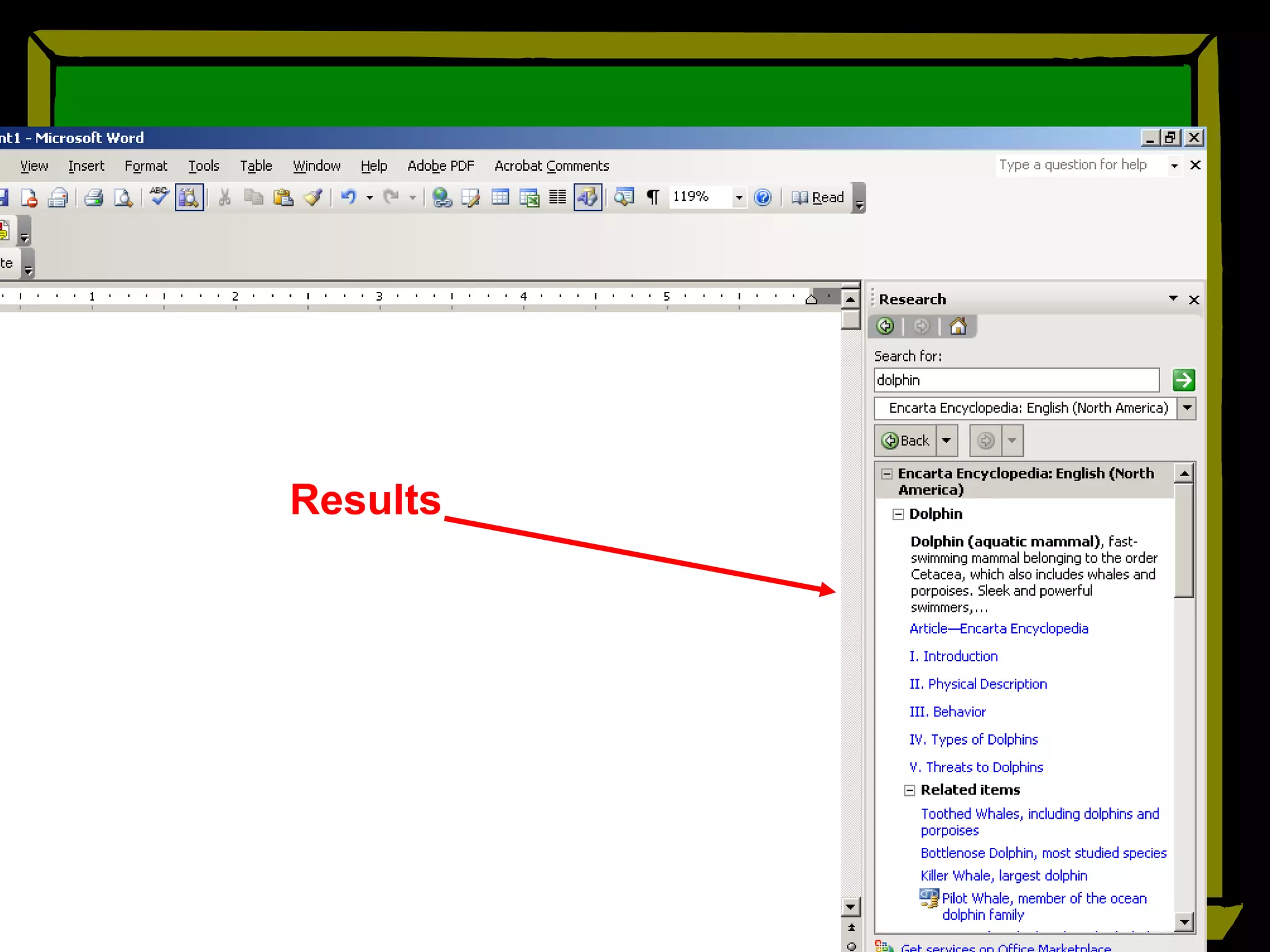
Results
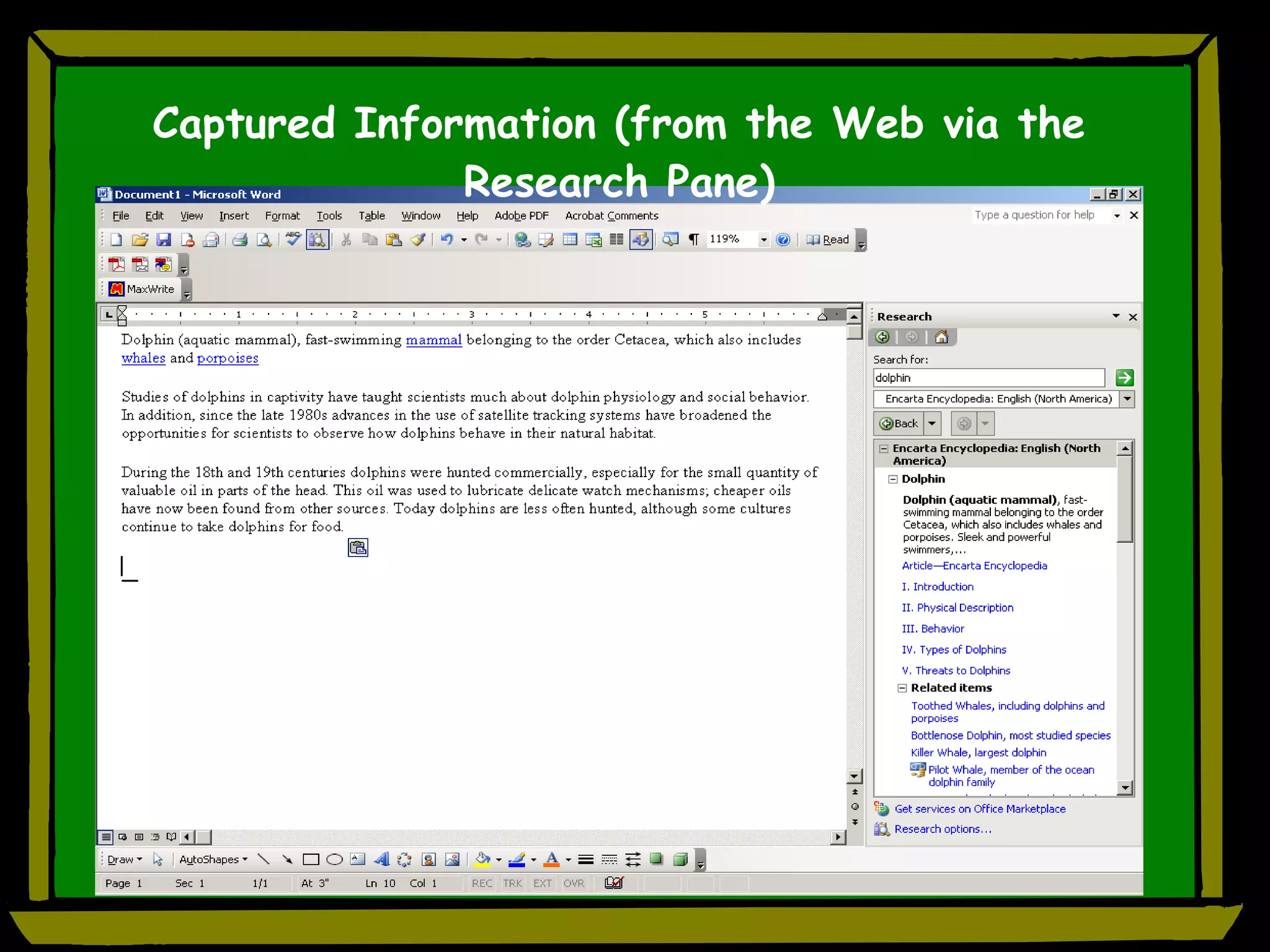
Captured Information (from the Web via the Research Pane)
AutoSummarize Looks for  keywords  in document Can produce a  summary  or abstract Does well with reports, articles, scientific papers Doesn’t do well on fiction, correspondence Go to  TOOLS  menu to  AutoSummarize You can determine type of summary and length
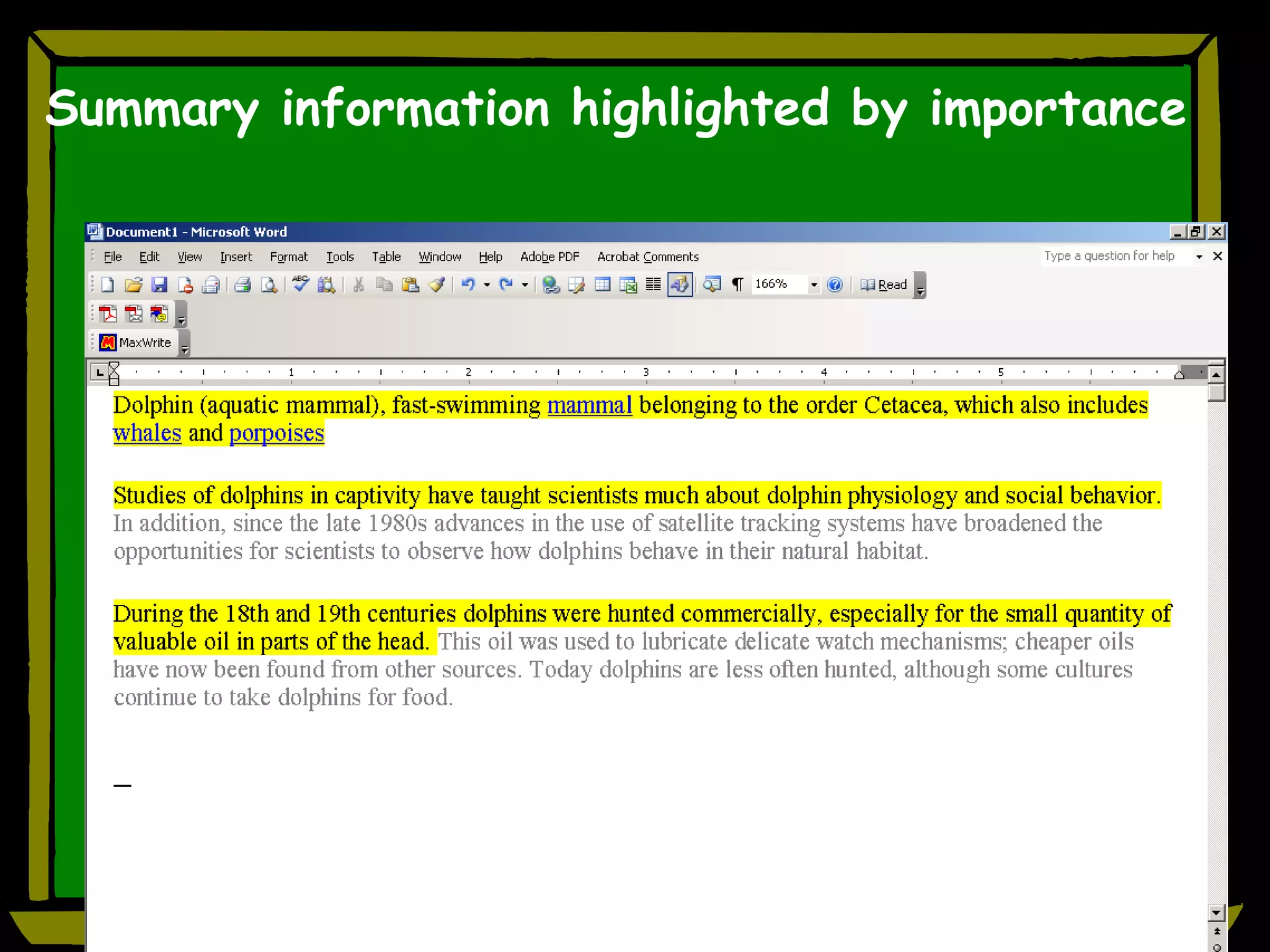
Summary information highlighted by importance
PowerPoint Flashcards for studying Electronic bulletin board Make learning fun! Role playing Test reviews Q and A
PowerPoint Flashcards for Studying Use flashcard template or create your own Type in question and answer (teacher or student) – one per slide Use for test review, studying, independence Example
Electronic Bulletin Board Visual representation of: daily schedule activities assignments instructions special information example
Access to Text
PROBLEM : Learning disabilities Dyslexia Read slowly, must re-read to extract meaning. Struggle to decode unfamiliar words Fatigue easily, need frequent breaks
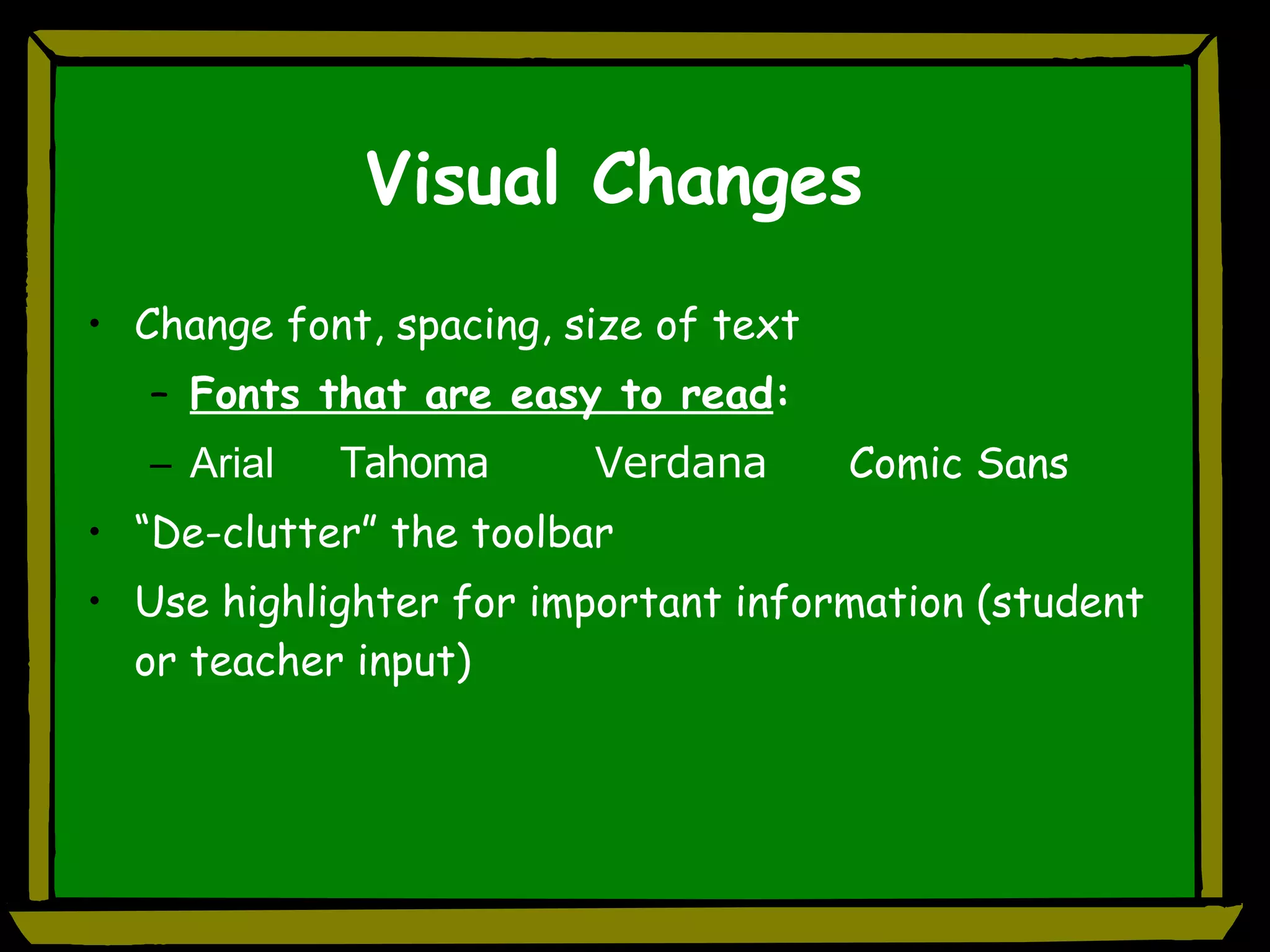
Visual Changes Change font, spacing, size of text Fonts that are easy to read :  Arial Tahoma Verdana Comic Sans “De-clutter” the toolbar Use highlighter for important information (student or teacher input)
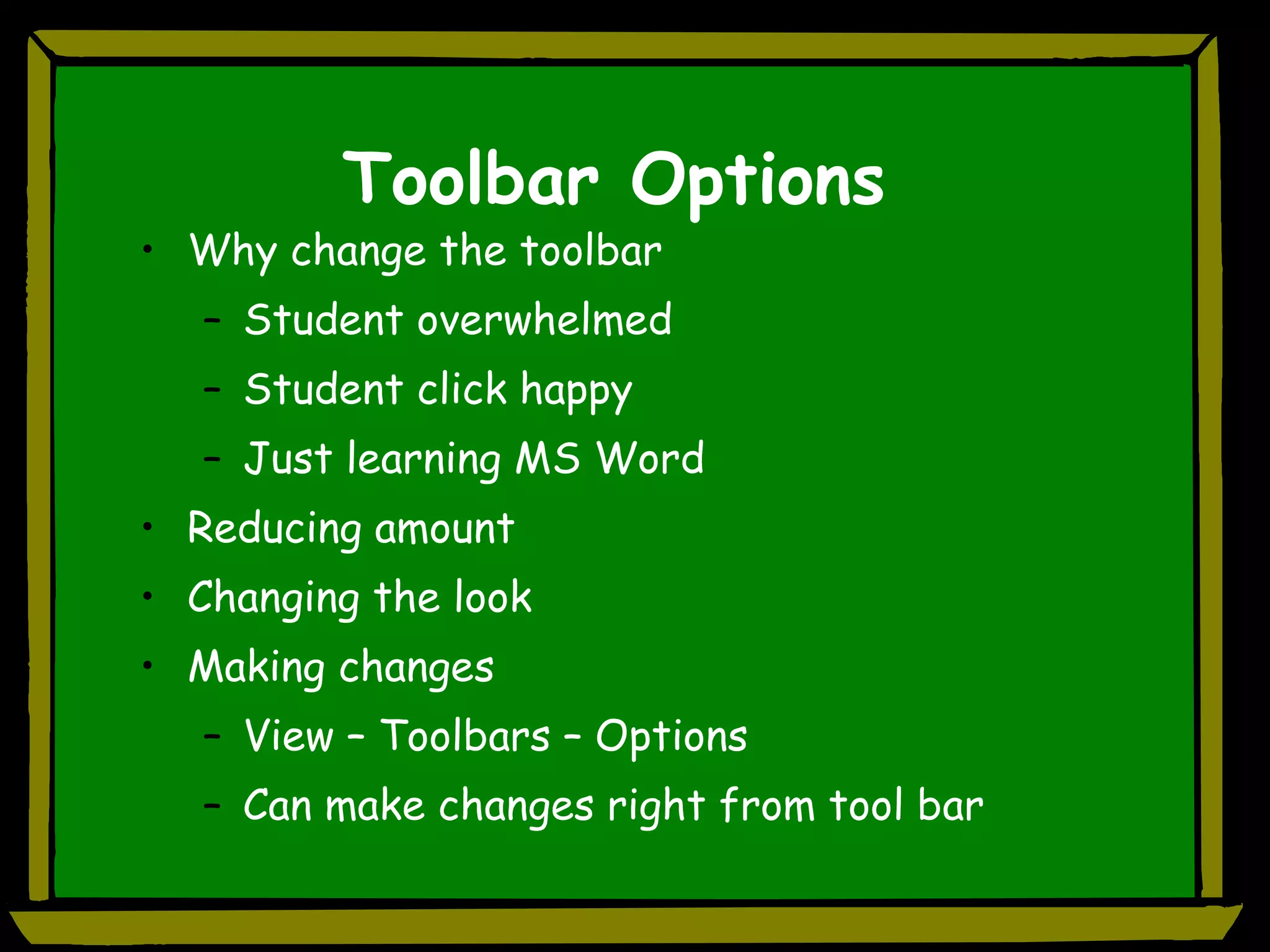
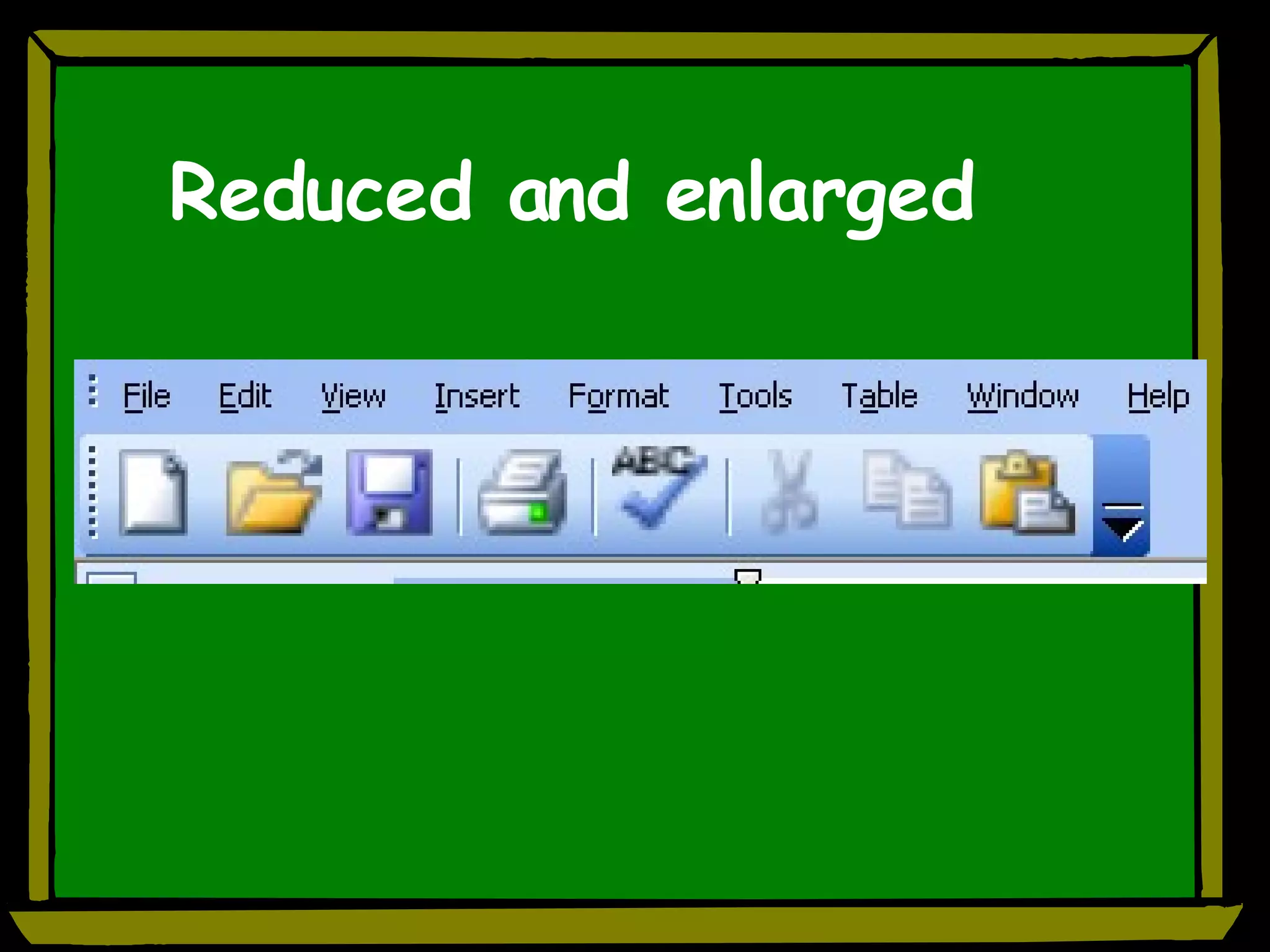
Toolbar Options Why change the toolbar Student overwhelmed  Student click happy Just learning MS Word Reducing amount Changing the look Making changes View – Toolbars – Options Can make changes right from tool bar
Reduced and enlarged
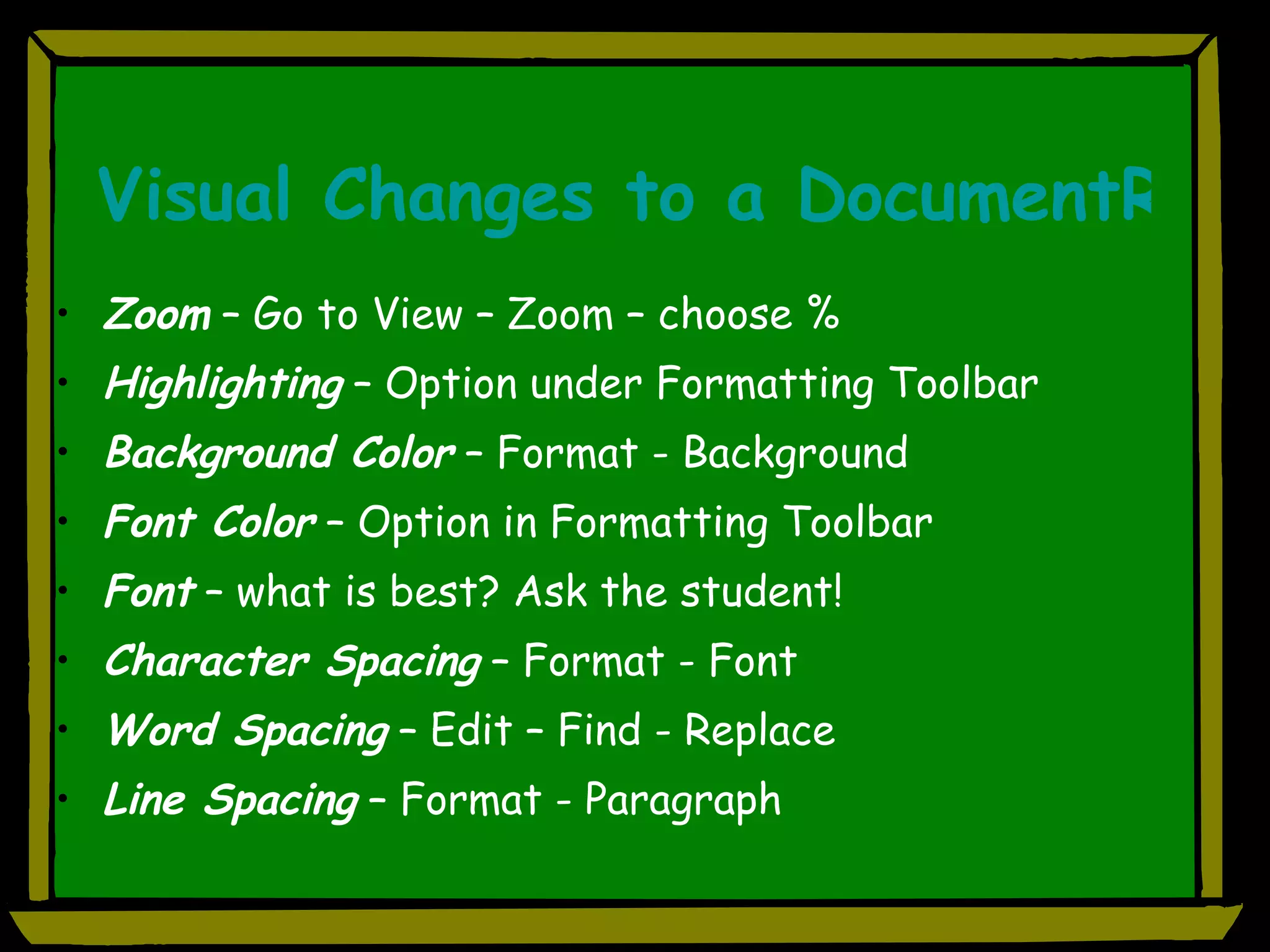
Visual Changes to a DocumentReading Issues  Zoom  – Go to View – Zoom – choose % Highlighting  – Option under Formatting Toolbar Background Color  – Format - Background Font Color  – Option in Formatting Toolbar Font  – what is best? Ask the student! Character Spacing  – Format - Font Word Spacing  – Edit – Find - Replace Line Spacing  – Format - Paragraph
Word Count and Readability
Text Readers ( NOT  part of Office, but work  WITH  Office Talking Word Processors (copy and paste text) Free Downloads BrowseAloud (talking web browser) HelpRead ReadPlease 2003 Read-e (talking web browser) NaturalReader TextAloud MP3
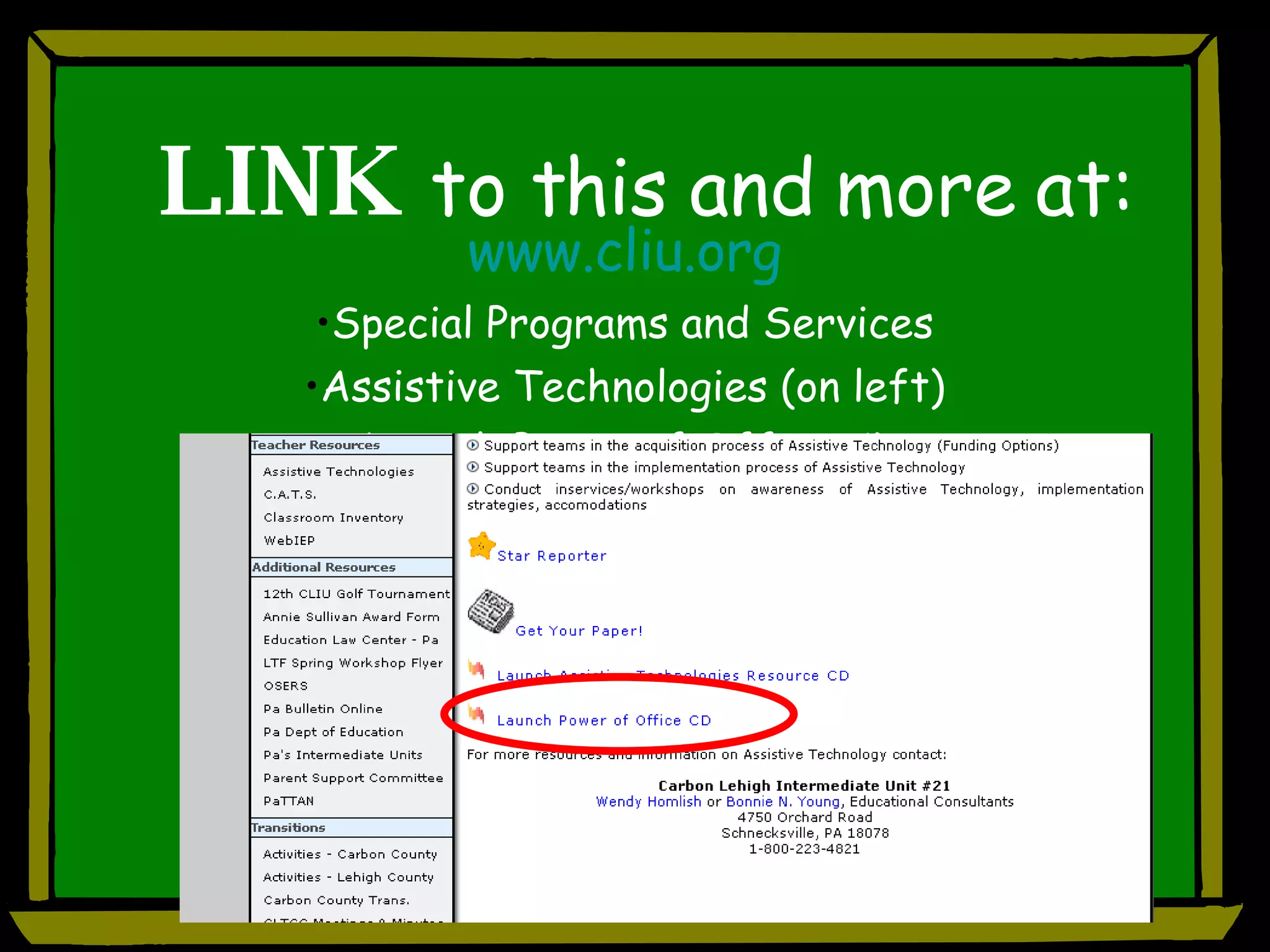
LINK   to this and more at: www.cliu.org Special Programs and Services Assistive Technologies (on left) Launch Power of Office CD

AT Strategies Using What You Already Have!

  • 1.
    Unleashing the Powerof MS Office: Tools for Struggling Students Wendy S. Homlish Bonnie N. Young Assistive Technology Consultants Carbon Lehigh IU 21 Schnecksville, PA
  • 2.
  • 3.
    Universal Design forLearning or Assistive Technology? Students with or without IEPs and 504s Differentiated instruction Learning styles and multiple intelligences
  • 4.
    Using MS OfficeApplications to Address: Writing Learning and Studying Reading
  • 5.
    PROBLEM: Handwriting is…illegible to reader illegible to author too large for paper/age too slow, too fast too light (not enough pressure) Ineffective spacing of letters and words Production
  • 6.
    PROBLEM: Student exhibits…Disorganized ideas Topic jumping Difficulty expanding thoughts and ideas Short, simple sentences Poor grammatical structure Difficulty with word retrieval Poor vocabulary choices Process
  • 7.
    PROBLEM: Mechanics ofwriting… Too many misspellings – choose words that are “safe” Difficulty applying spelling rules Little variety in sentence structure Cannot recognize correct spelling from a list Production Process
  • 8.
    MS Office Supportsfor Writers
  • 9.
    Important Points Technologyalone will not solve the problems. Good teaching strategies must also be included. Students must be taught the skills to use technology. Sitting a child in front of a word processor does not make them instantly competent
  • 10.
    Word Featuresfor Production, Mechanics, Organization Templates and Wizards (spelling; book report, etc.) Auto Correct AutoText Forms Using the “Right-click” Thesaurus Synonyms Spellchecker Views – for pre-writing organization
  • 11.
    Production Templates andWizards (spelling; book report, etc.) Auto Correct AutoText Forms
  • 12.
    Wizard and TemplatesWizard – a feature that asks questions and then creates an item, such as a form or a calendar, according to your answers available in MS Word as well as on the Microsoft Office Online website Template – a file or files that contain the structure and tools for shaping such elements as the style and page layout of finished files (i.e. book report, spelling test)
  • 13.
    Auto Correct Locatedin TOOLS MENU Contains data base of commonly misspelled/mistyped words Can add or delete from list Can also use for abbreviation expansion to reduce keystrokes
  • 14.
    Auto Text Decreasekeyboarding effort Increase efficiency Text pops up above typing & is inserted on “enter” (example)
  • 15.
    Forms Feature Formstoolbar How to create Examples of use
  • 16.
    Moveable Word BanksCreate text boxes for use in a fill-in-the blank activity (word bank) Save as…. Student clicks and moves text box rather than writing/typing the answer (Example)
  • 17.
    Mechanics Using the“Right-click” Thesaurus Synonyms Spellchecker
  • 18.
    Using the Right-Click Spellchecker Visually, can turn red line off/on dependent upon student/teacher preference Can be disabled dependent upon activity Can use the Right-click or menu bar Synonyms Assists with vocabulary and word choices Right-click on word for suggestions Thesaurus Right click - brings up task pane
  • 19.
    Spelling & GrammarRight click on misspelled word-possible word choices appear Right click on correctly spelled word to see choice for synonyms Spelling/Grammar preferences Readability statistics Under Tools Options click Spelling & Grammar Tab 26 fundamental rules Choose style of writing that Word grammar check will apply
  • 20.
  • 21.
    Organization Organize forpre-writing Power Point Word
  • 22.
    Brainstorming Create outline quickly in PowerPoint Get ideas down quickly Use slide layout with title and bulleted text Go to Outline View for more “traditional” layout/view
  • 23.
    Outline View inPowerPoint
  • 24.
    PP to WordGo to File – Send to… Choose Microsoft Word This opens a document in Word Select all text (Edit – Select All) and click on the Bullets icon in the toolbar to remove bullets
  • 25.
  • 26.
    Outlining in WordWhy use? Organize, reorganize Quick overview of bigger picture Can move large blocks of text easily Collapse view to reduce clutter Electronic studying Found in View – Outline Students need instruction in using these tools! “Cheat sheets” at computer?
  • 27.
  • 28.
    PROBLEM: Disorganization –of personal materials and of ideas Overwhelmed by large amounts of material Unable to “get started” Difficulty knowing “what’s important”
  • 29.
    Word Features ThatSupport Research and Studying Task Panes AutoSummarize Outline Features
  • 30.
    Task Panes (View– Task Pane)
  • 31.
    Click – Researchto open research task pane
  • 32.
    Obtaining the informationType your Topic here Definition and pronunciation from search
  • 33.
    Modify Topic Search(Internet Access required)
  • 34.
  • 35.
    Captured Information (fromthe Web via the Research Pane)
  • 36.
    AutoSummarize Looks for keywords in document Can produce a summary or abstract Does well with reports, articles, scientific papers Doesn’t do well on fiction, correspondence Go to TOOLS menu to AutoSummarize You can determine type of summary and length
  • 37.
  • 38.
    PowerPoint Flashcards forstudying Electronic bulletin board Make learning fun! Role playing Test reviews Q and A
  • 39.
    PowerPoint Flashcards forStudying Use flashcard template or create your own Type in question and answer (teacher or student) – one per slide Use for test review, studying, independence Example
  • 40.
    Electronic Bulletin BoardVisual representation of: daily schedule activities assignments instructions special information example
  • 41.
  • 42.
    PROBLEM : Learningdisabilities Dyslexia Read slowly, must re-read to extract meaning. Struggle to decode unfamiliar words Fatigue easily, need frequent breaks
  • 43.
    Visual Changes Changefont, spacing, size of text Fonts that are easy to read : Arial Tahoma Verdana Comic Sans “De-clutter” the toolbar Use highlighter for important information (student or teacher input)
  • 44.
    Toolbar Options Whychange the toolbar Student overwhelmed Student click happy Just learning MS Word Reducing amount Changing the look Making changes View – Toolbars – Options Can make changes right from tool bar
  • 45.
  • 46.
    Visual Changes toa DocumentReading Issues Zoom – Go to View – Zoom – choose % Highlighting – Option under Formatting Toolbar Background Color – Format - Background Font Color – Option in Formatting Toolbar Font – what is best? Ask the student! Character Spacing – Format - Font Word Spacing – Edit – Find - Replace Line Spacing – Format - Paragraph
  • 47.
    Word Count andReadability
  • 48.
    Text Readers (NOT part of Office, but work WITH Office Talking Word Processors (copy and paste text) Free Downloads BrowseAloud (talking web browser) HelpRead ReadPlease 2003 Read-e (talking web browser) NaturalReader TextAloud MP3
  • 49.
    LINK to this and more at: www.cliu.org Special Programs and Services Assistive Technologies (on left) Launch Power of Office CD