Windows Design Language
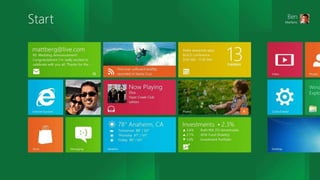
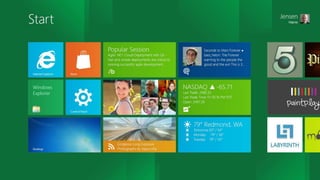
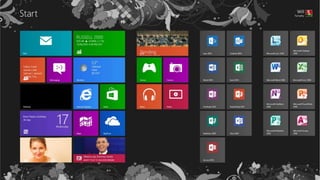
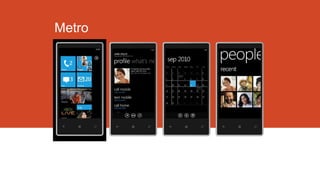
Metro Style
ASP.NET , Windows Phone , WPF, Silverlight, Windows
Store
http://about.me/khalilsaleem
http://about.me/yousefsami
New united design style
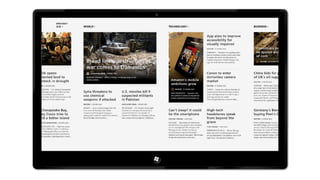
Windows 8 , Windows Phone and more
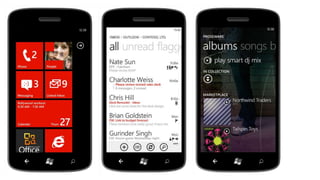
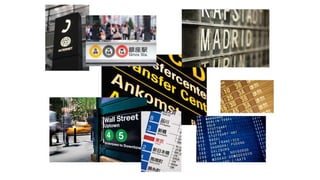
Examples
Metro Principles
For Good Reasons

Smart Design

Integrated Experiences
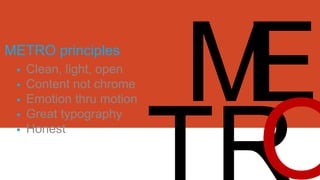
METRO principles







Clean, light, open
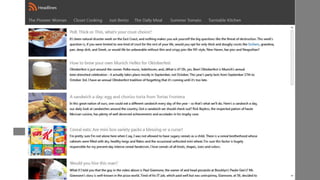
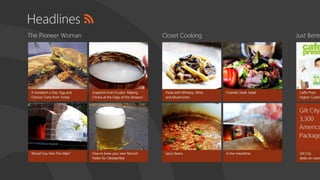
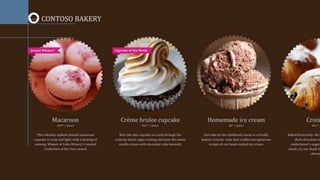
Content not chrome
Emotion thru motion
Great typography
Honest
Metro
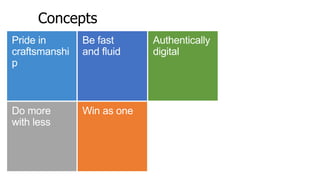
Concepts
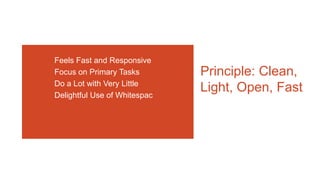
Feels Fast and Responsive
Focus on Primary Tasks
Do a Lot with Very Little
Delightful Use of Whitespac

Principle: Clean,
Light, Open, Fast
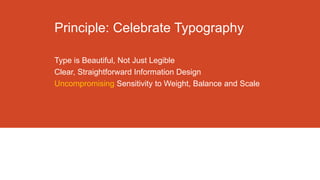
Principle: Celebrate Typography
Type is Beautiful, Not Just Legible
Clear, Straightforward Information Design
Uncompromising Sensitivity to Weight, Balance and Scale
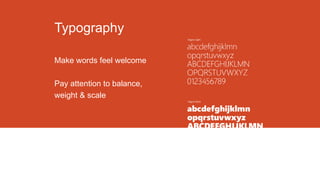
Typography
Make words feel welcome
Pay attention to balance,
weight & scale
Principle: Alive in Motion
Feels Responsive and Alive
Gives Context to Improve Usability
Transition Between UI is as Important as the Design of the
UI
Principle: Content, Not Chrome
Delight through Content Instead of Decoration
Reduce Visuals that are Not Content
Contents is the UI
Direct interaction with the Content Directly
Principle: Authentically Digital
Design for the Form Factor
Don’t Try to be What It’s NOT
Be Direct
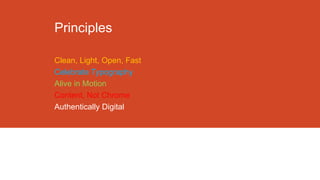
Principles
Clean, Light, Open, Fast
Celebrate Typography
Alive in Motion
Content, Not Chrome
Authentically Digital
Metro User Experience
Focuses on the individual and their tasks
Helps organize information and applications
Color
Use color to delight the user
Use color to personalize experience
Use color to emphasize hierarchy
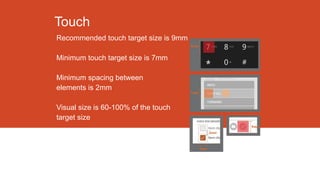
Touch
Recommended touch target size is 9mm
Minimum touch target size is 7mm
Minimum spacing between
elements is 2mm
Visual size is 60-100% of the touch
target size
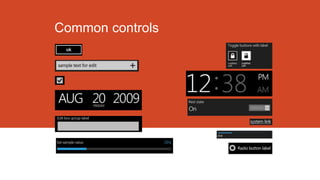
Common controls
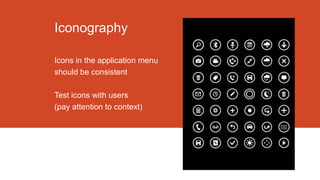
Iconography
Icons in the application menu
should be consistent
Test icons with users
(pay attention to context)
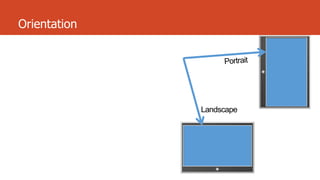
Orientation
Windows Design Language -Metro Style ( for the WP8 Course )

Windows Design Language - Metro Style ( for the WP8 Course )