OFFICE AUTOMATION SYSTEM
VINAYAK KHADE
ROLL NO. - 1740051
What is Automation?
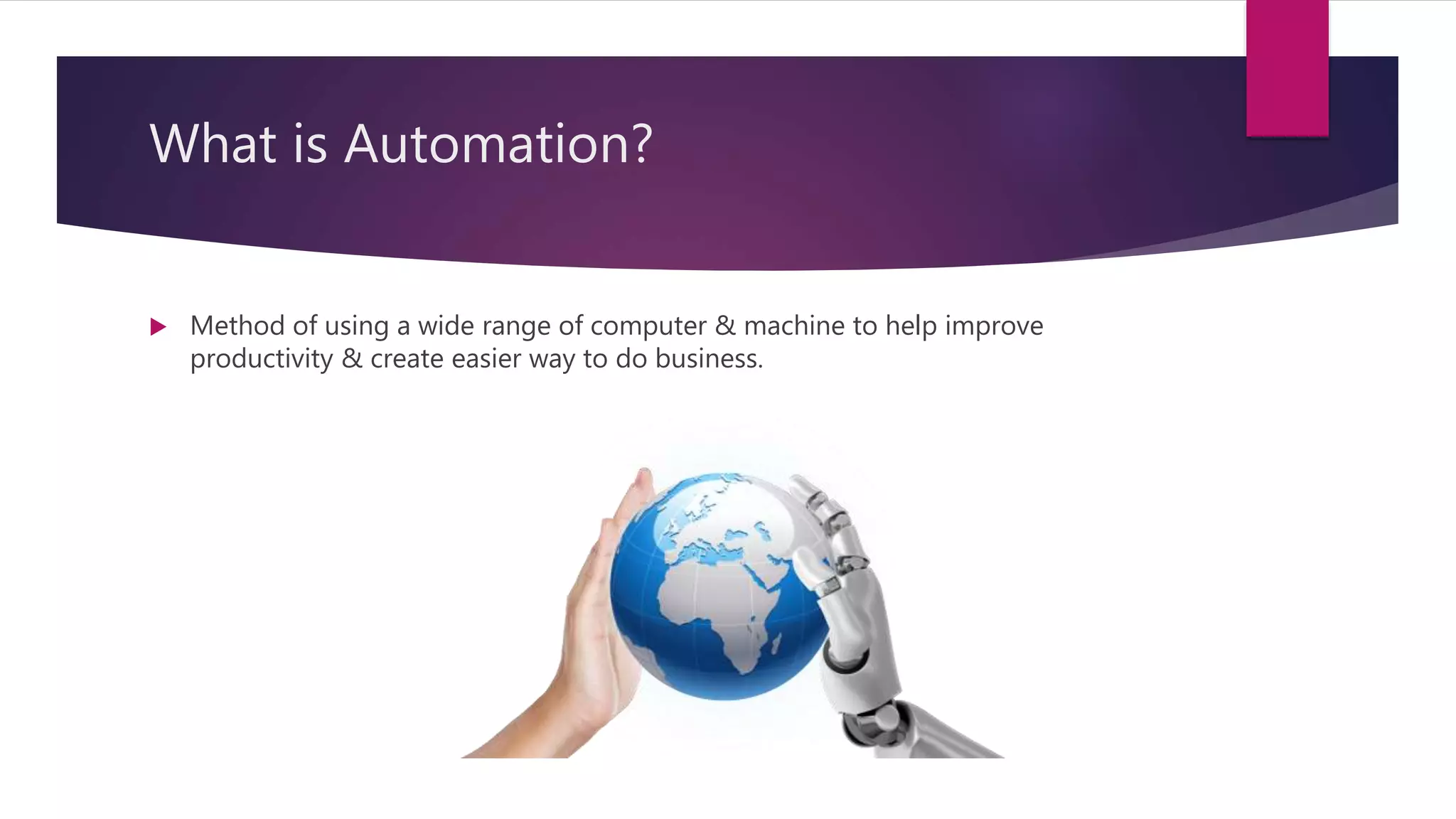
 Method of using a wide range of computer & machine to help improve
productivity & create easier way to do business.
What is Office Automation?
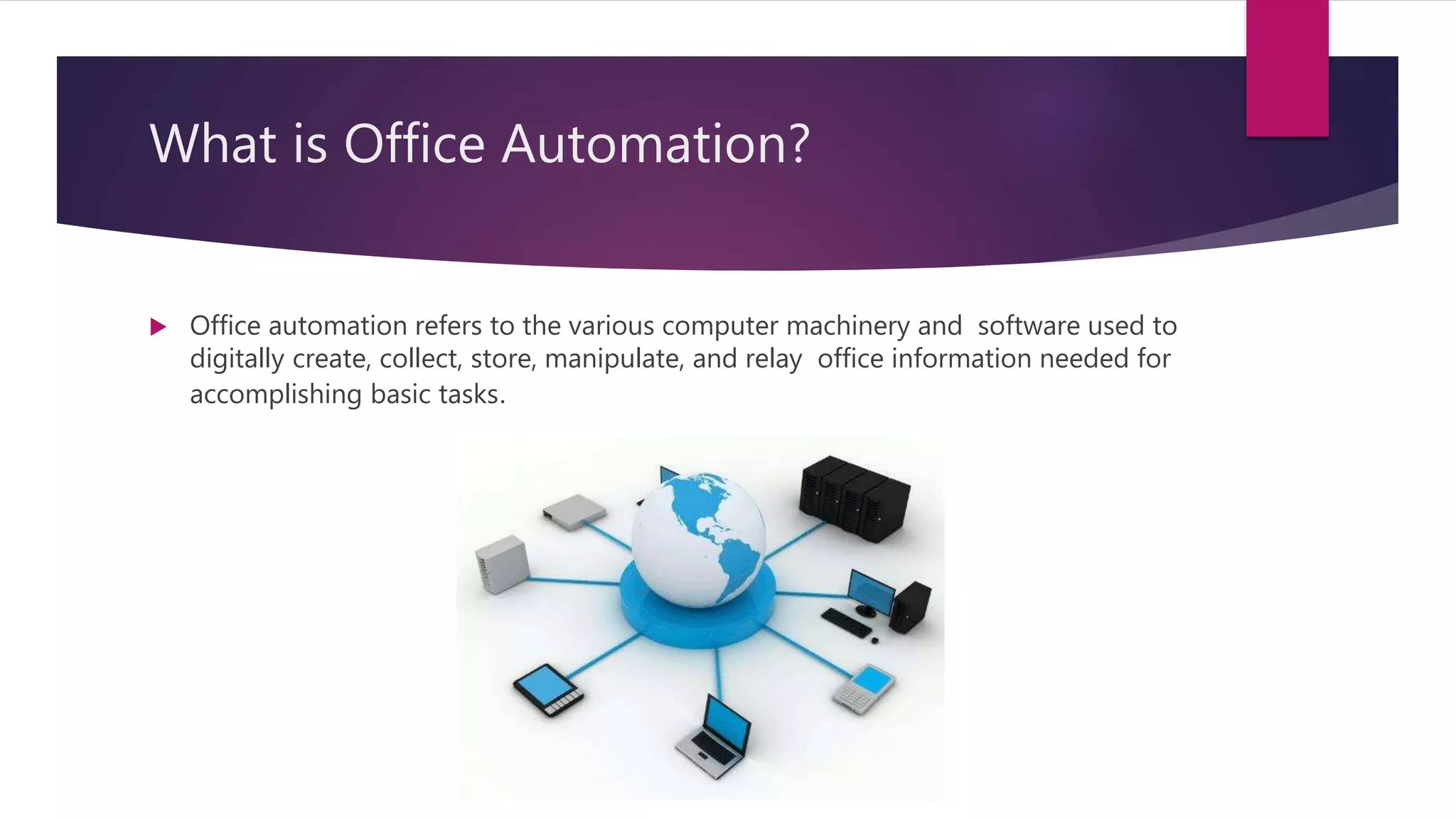
 Office automation refers to the various computer machinery and software used to
digitally create, collect, store, manipulate, and relay office information needed for
accomplishing basic tasks.
Advantages :
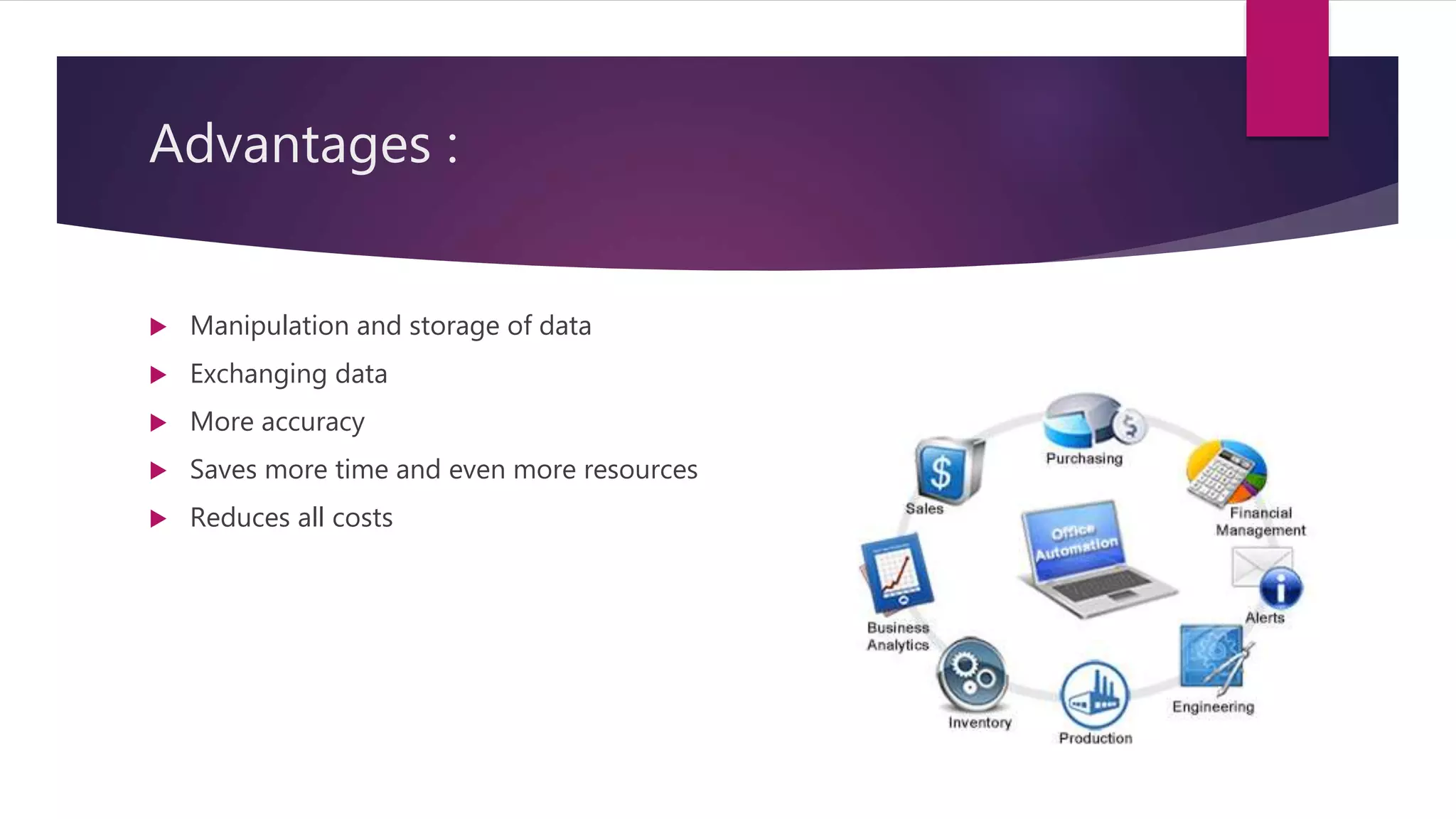
 Manipulation and storage of data
 Exchanging data
 More accuracy
 Saves more time and even more resources
 Reduces all costs
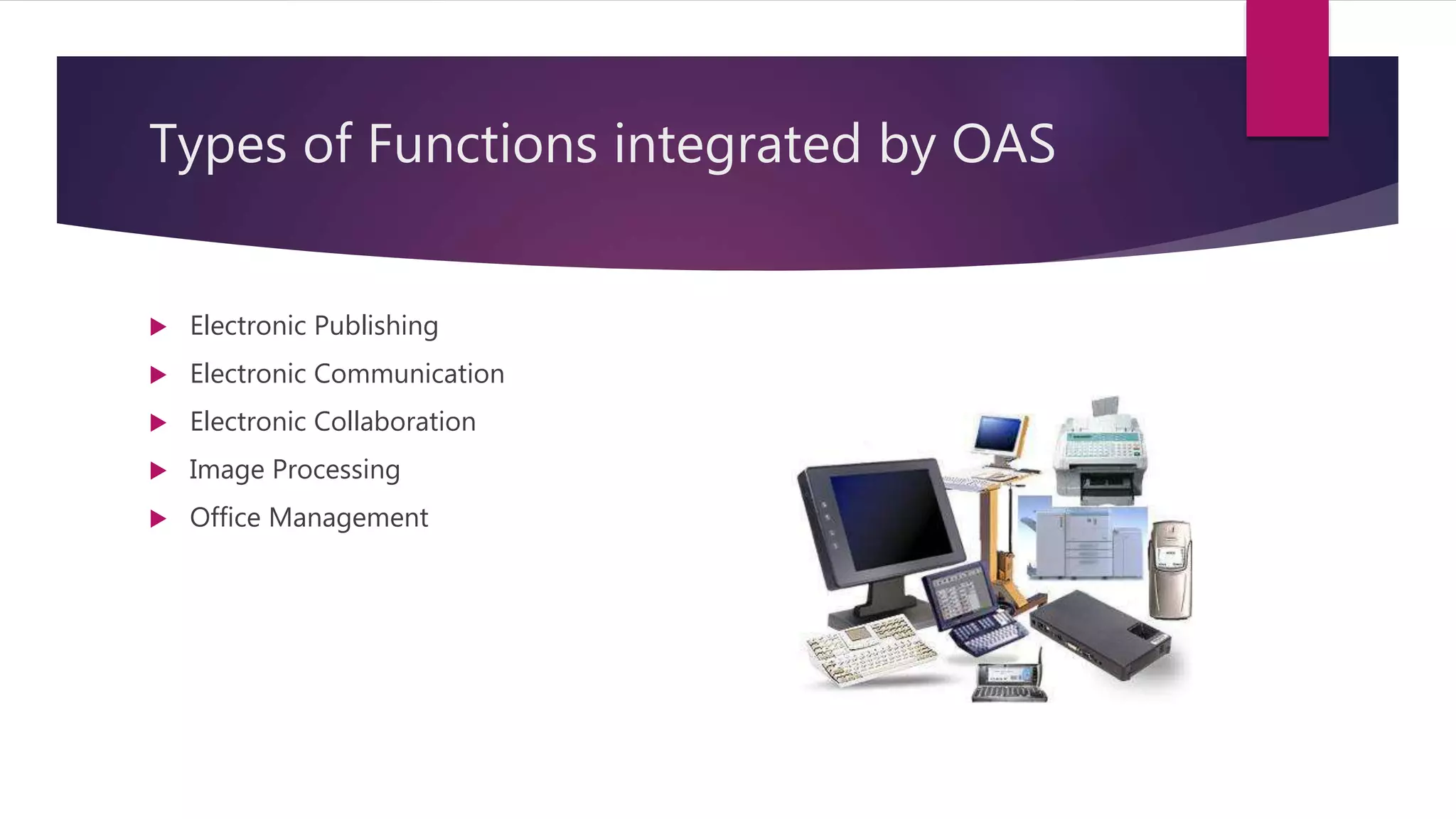
Types of Functions integrated by OAS
 Electronic Publishing
 Electronic Communication
 Electronic Collaboration
 Image Processing
 Office Management
Electronic Publishing
 It include word processing & desktop publishing
 Allows users to create, edit, revise, store, and print documents such as letters,
memos, reports.
Electronic Communication
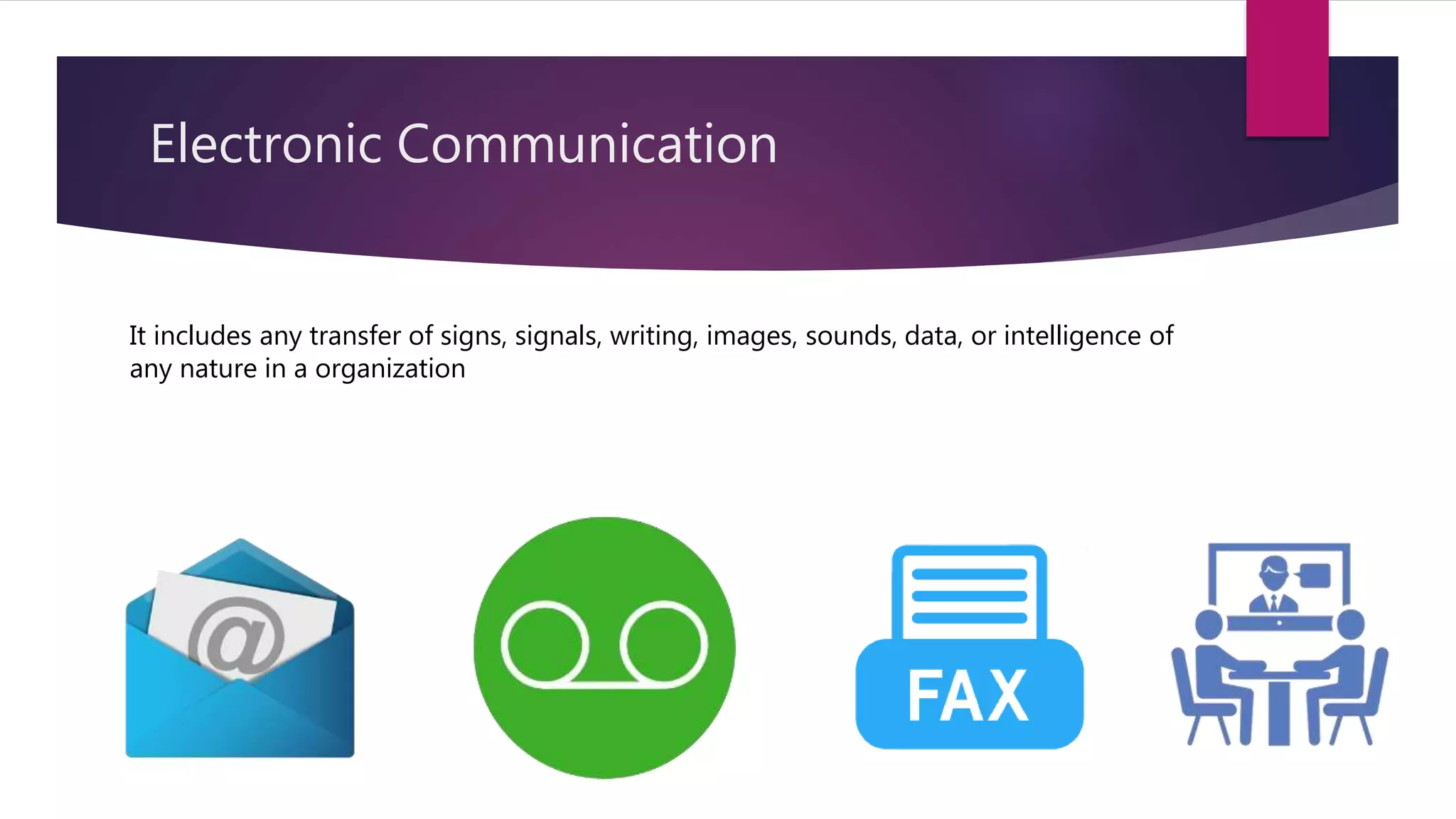
It includes any transfer of signs, signals, writing, images, sounds, data, or intelligence of
any nature in a organization
Electronic Collaboration
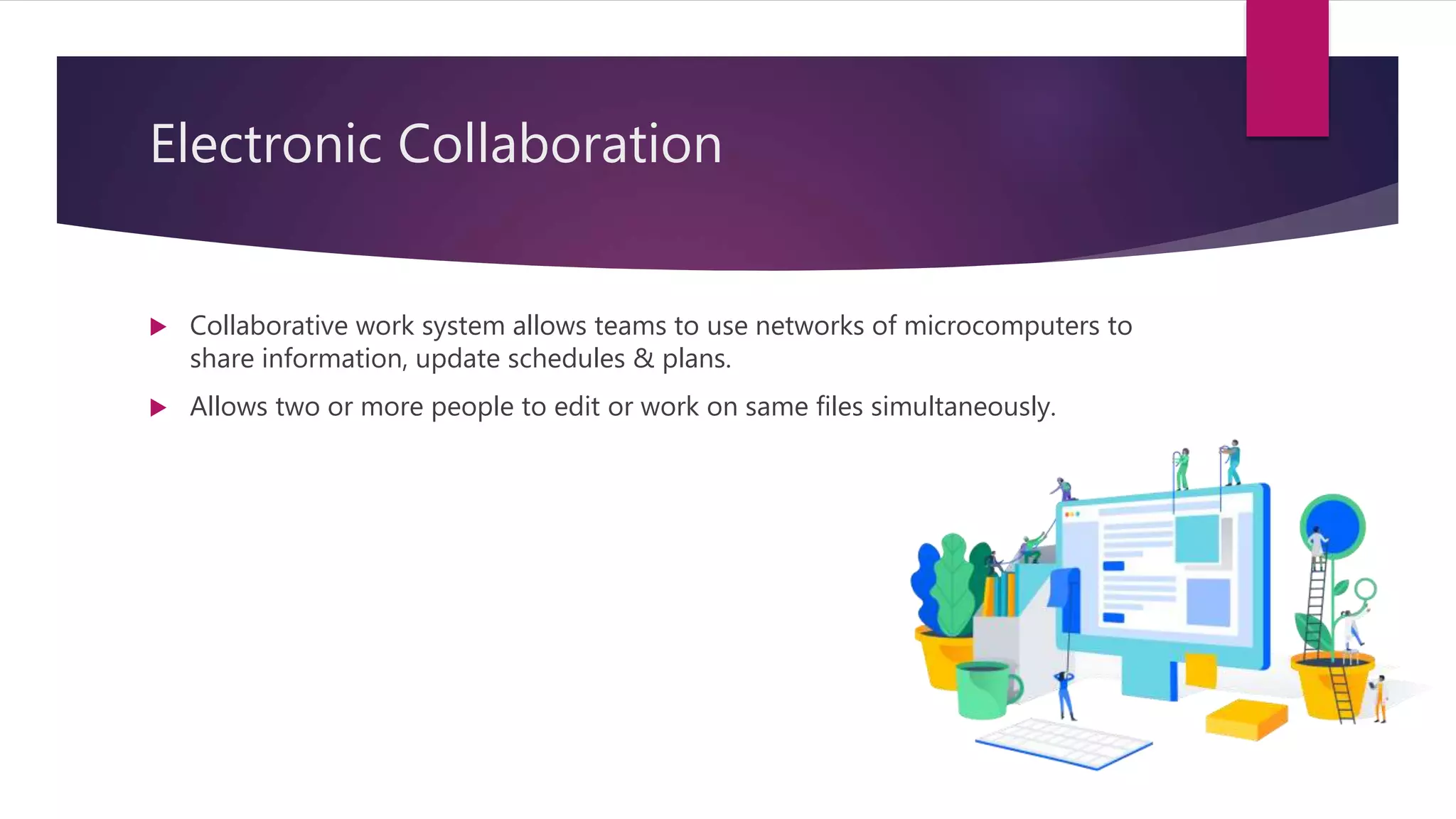
 Collaborative work system allows teams to use networks of microcomputers to
share information, update schedules & plans.
 Allows two or more people to edit or work on same files simultaneously.
Image Processing
 This system converts text, drawings & photographs into digital form that can be
stored in computer systems.
 Imaging systems may use scanners, digital cameras, video capture cards, or
advanced graphic computers.
 Businesses use imaging systems for variety of documents such as insurance forms,
medical records & mortgage applications.
Office management
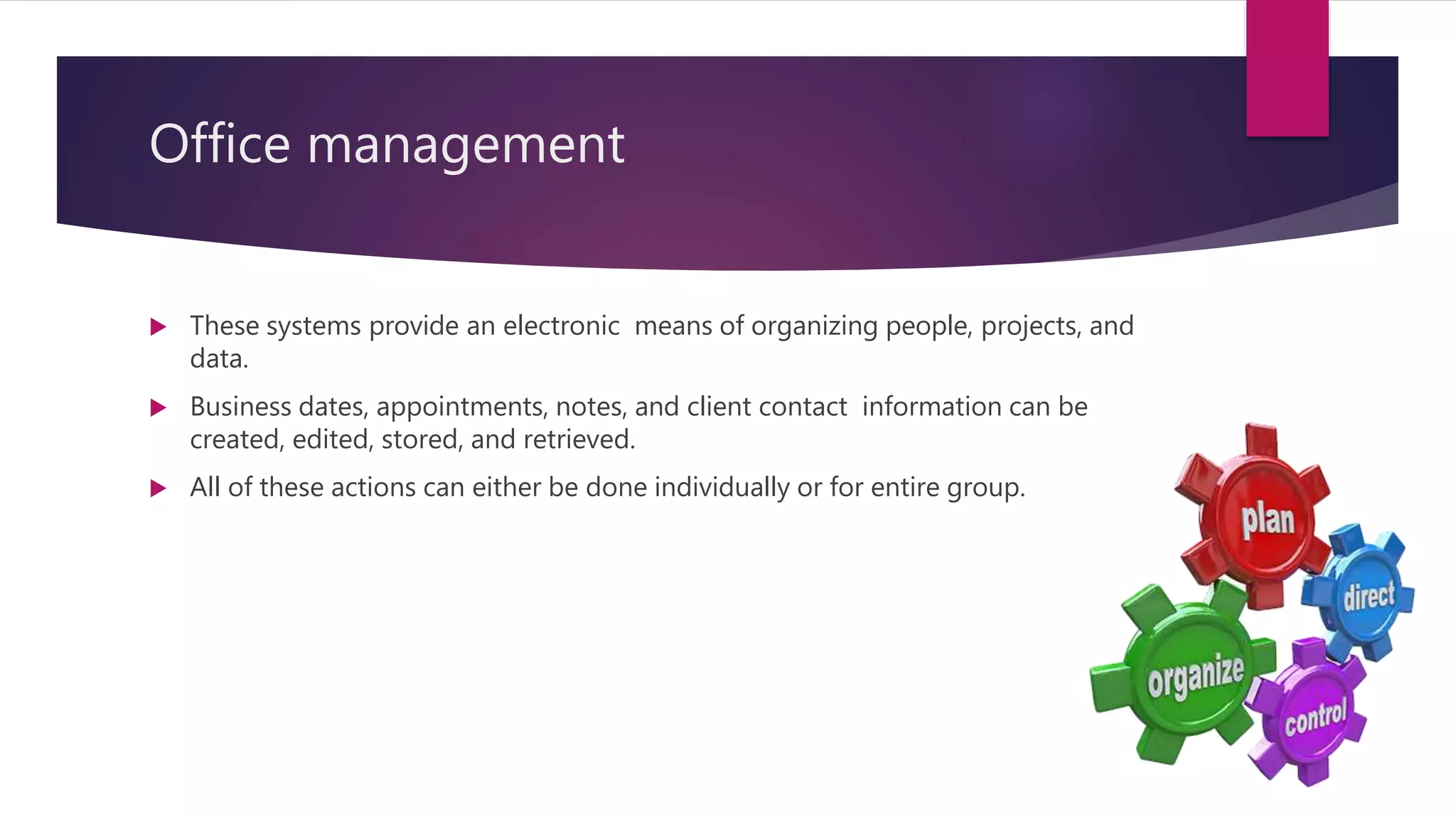
 These systems provide an electronic means of organizing people, projects, and
data.
 Business dates, appointments, notes, and client contact information can be
created, edited, stored, and retrieved.
 All of these actions can either be done individually or for entire group.
Example
office automation system

office automation system

  • 1.
    OFFICE AUTOMATION SYSTEM VINAYAKKHADE ROLL NO. - 1740051
  • 2.
    What is Automation? Method of using a wide range of computer & machine to help improve productivity & create easier way to do business.
  • 3.
    What is OfficeAutomation?  Office automation refers to the various computer machinery and software used to digitally create, collect, store, manipulate, and relay office information needed for accomplishing basic tasks.
  • 4.
    Advantages :  Manipulationand storage of data  Exchanging data  More accuracy  Saves more time and even more resources  Reduces all costs
  • 5.
    Types of Functionsintegrated by OAS  Electronic Publishing  Electronic Communication  Electronic Collaboration  Image Processing  Office Management
  • 6.
    Electronic Publishing  Itinclude word processing & desktop publishing  Allows users to create, edit, revise, store, and print documents such as letters, memos, reports.
  • 7.
    Electronic Communication It includesany transfer of signs, signals, writing, images, sounds, data, or intelligence of any nature in a organization
  • 8.
    Electronic Collaboration  Collaborativework system allows teams to use networks of microcomputers to share information, update schedules & plans.  Allows two or more people to edit or work on same files simultaneously.
  • 9.
    Image Processing  Thissystem converts text, drawings & photographs into digital form that can be stored in computer systems.  Imaging systems may use scanners, digital cameras, video capture cards, or advanced graphic computers.  Businesses use imaging systems for variety of documents such as insurance forms, medical records & mortgage applications.
  • 10.
    Office management  Thesesystems provide an electronic means of organizing people, projects, and data.  Business dates, appointments, notes, and client contact information can be created, edited, stored, and retrieved.  All of these actions can either be done individually or for entire group.
  • 11.