




Office 2010 for the IT ProAndy O'DonaldOffice Product ManagerJustin RodinoMVP
Solid ReleaseImproved Performance & SecurityEasier to DeployOffice 2010 Investments
Excel Web Appdemo
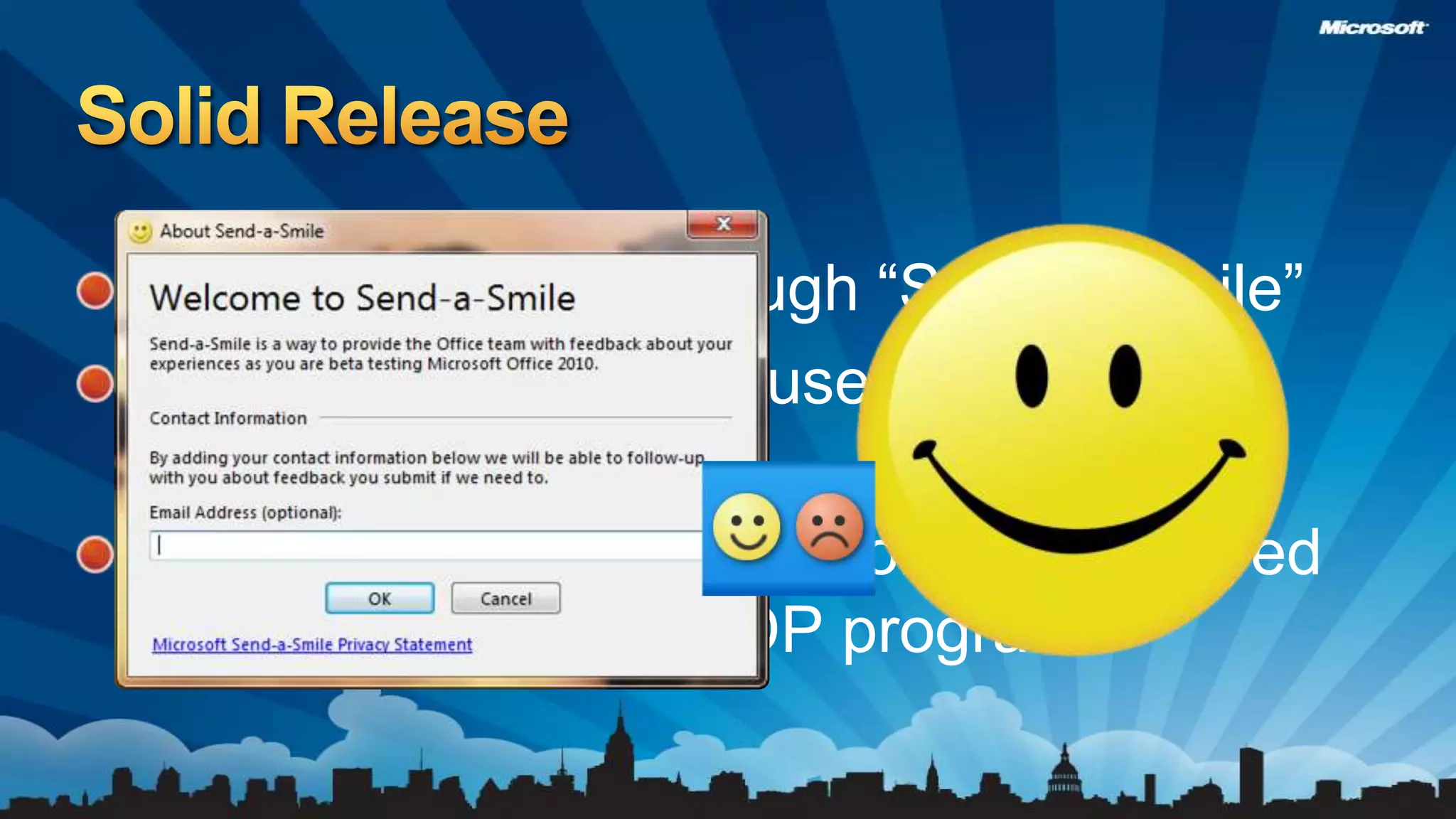
2.4M Comments through “Send a Smile”Over 8.6 Million Beta users – 4X Office 2007 Over 300 Enterprise customers deployed early through TAP/RDP programsSolid Release
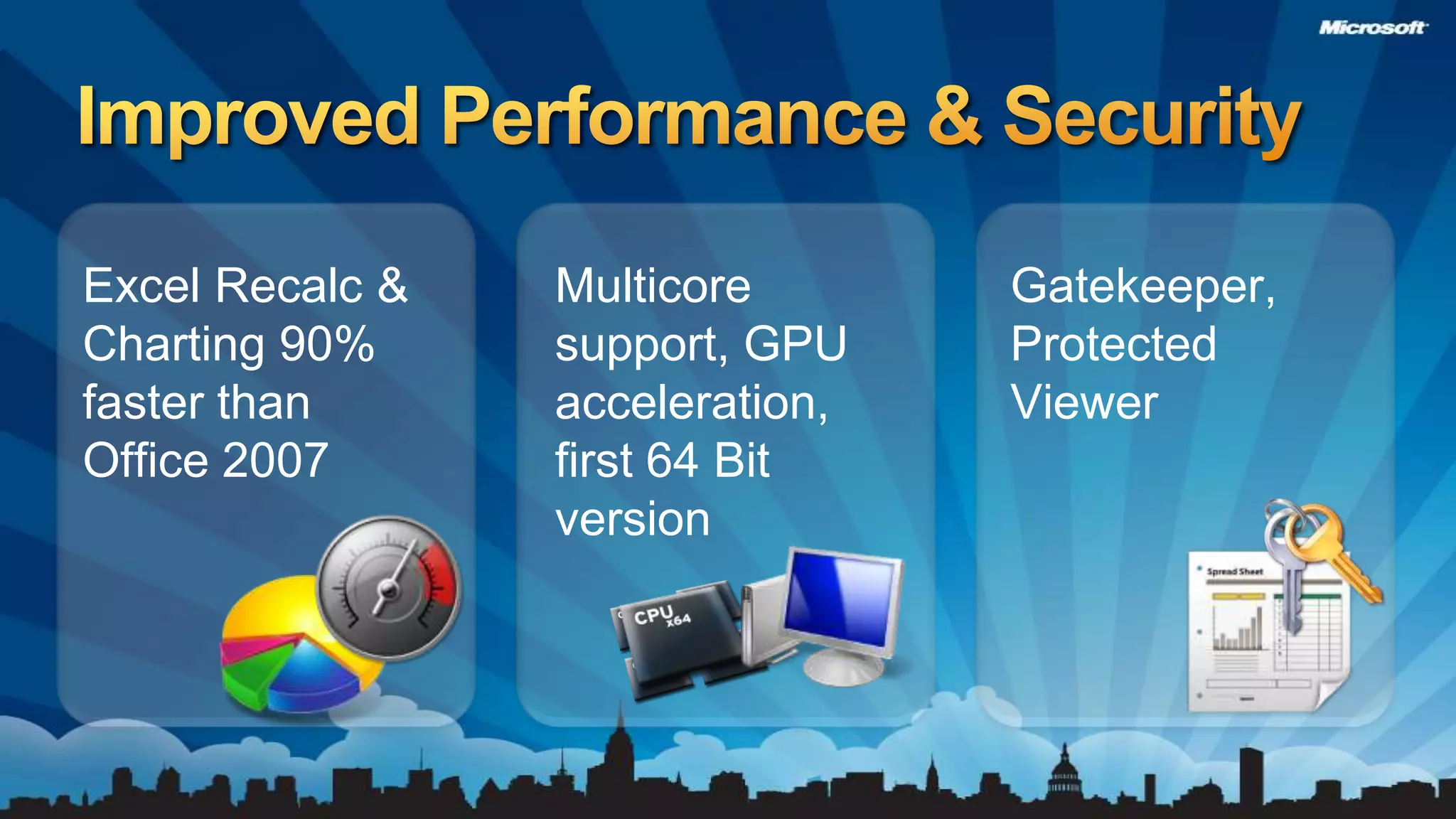
Improved Performance & SecurityExcel Recalc & Charting 90% faster than Office 2007Multicore support, GPU acceleration, first 64 Bit versionGatekeeper, Protected Viewer
First version of Office to support VirtualizationNew tools to address:Application Compatibility, Macro compatibility& file readinessProvide User Training ContentOffice Online content customized to your organizationInteractive Guides for Office 2003 to Office 2010Easier to Deploy
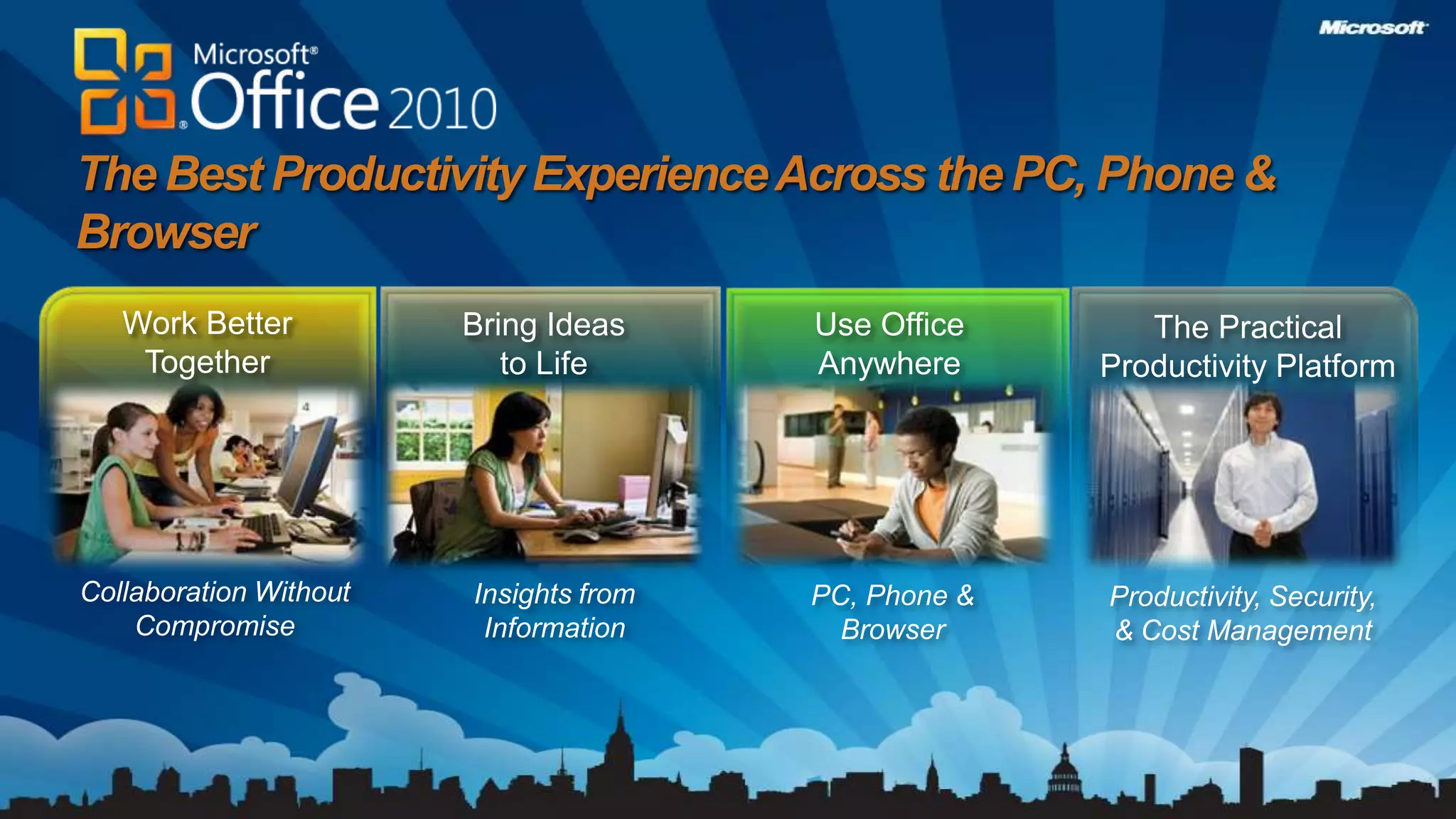
The Best Productivity Experience Across the PC, Phone & BrowserEWork Better TogetherBring Ideas to LifeUse Office AnywhereThe Practical Productivity PlatformThe Practical Productivity PlatformCollaboration Without CompromiseInsights from InformationPC, Phone &BrowserProductivity, Security, & Cost ManagementProductivity, Security, & Cost Management
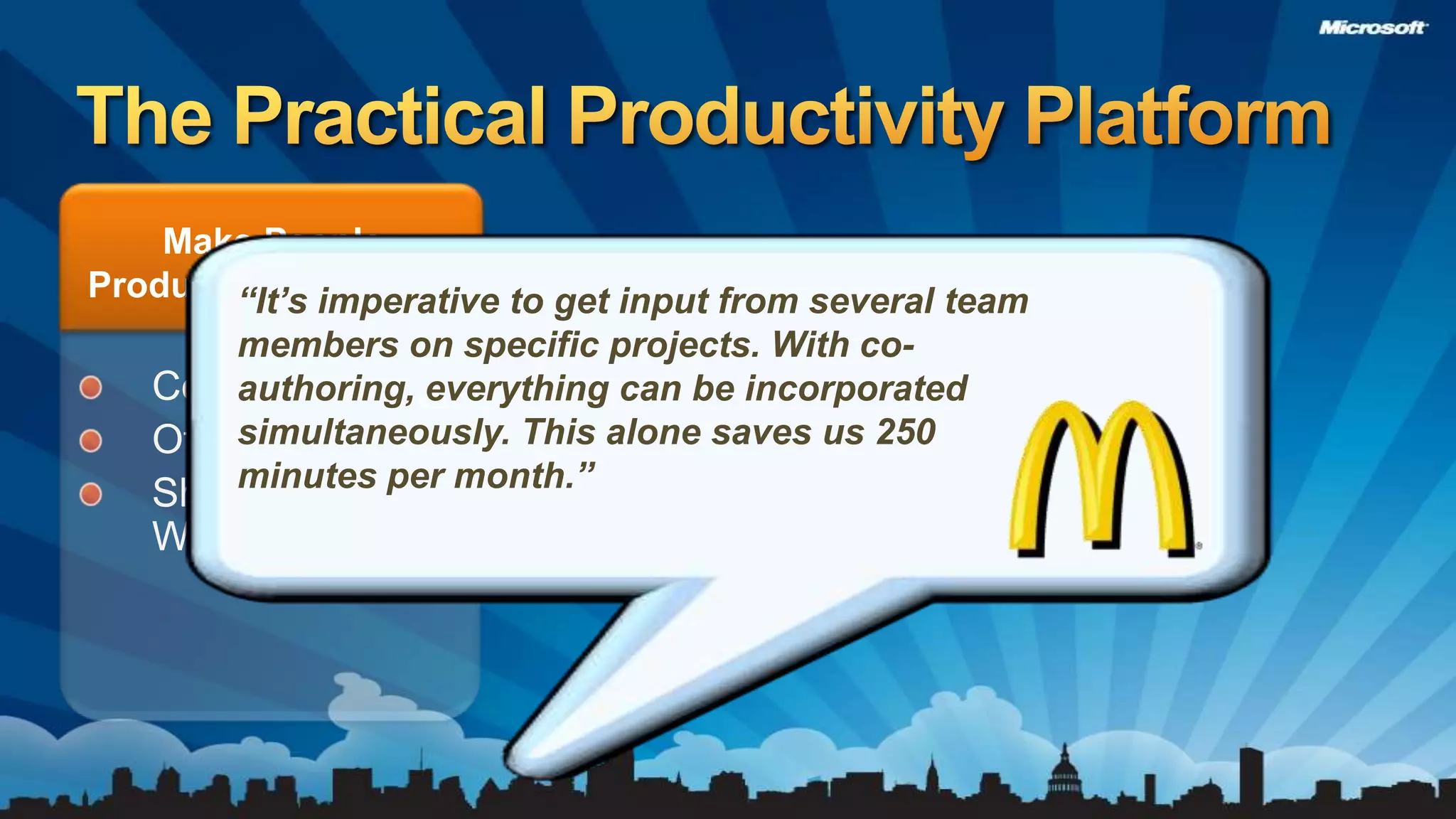
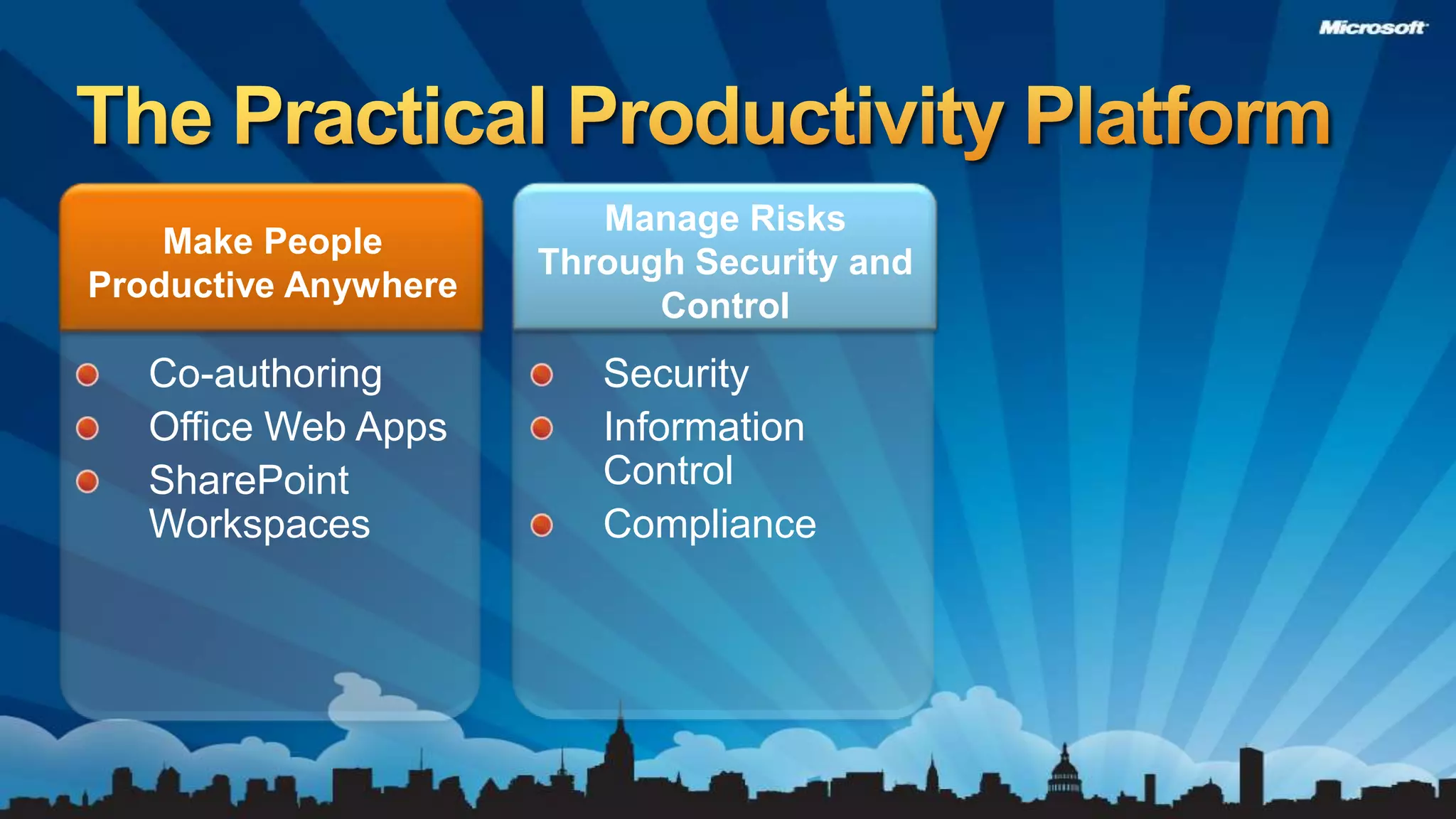
The Practical Productivity PlatformMake People Productive Anywhere“It’s imperative to get input from several team members on specific projects. With co-authoring, everything can be incorporated simultaneously. This alone saves us 250 minutes per month.”Co-authoring Office Web AppsSharePoint Workspaces
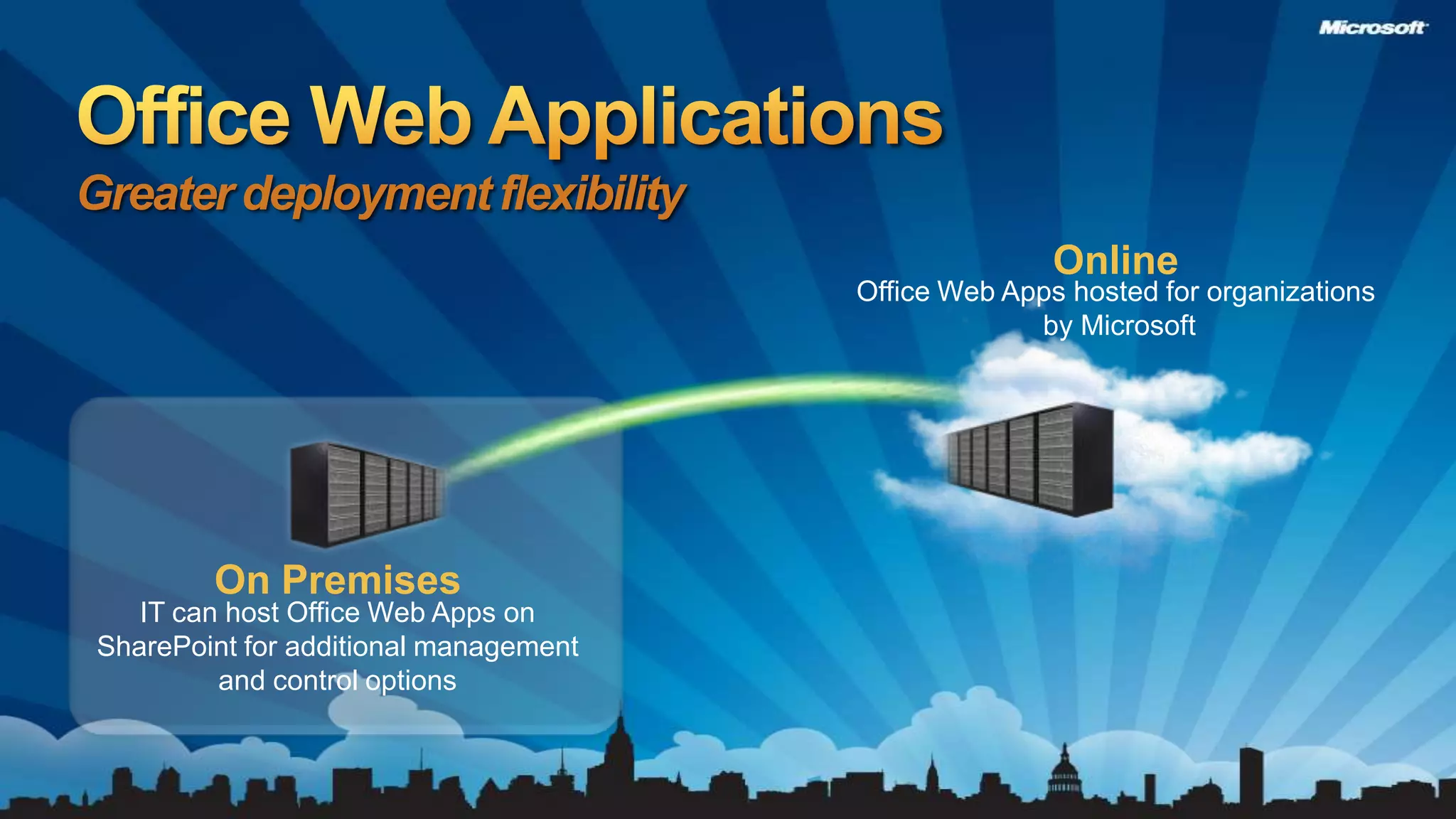
Office Web ApplicationsGreater deployment flexibilityOnlineOn PremisesOffice Web Apps hosted for organizations by MicrosoftIT can host Office Web Apps on SharePoint for additional management and control options
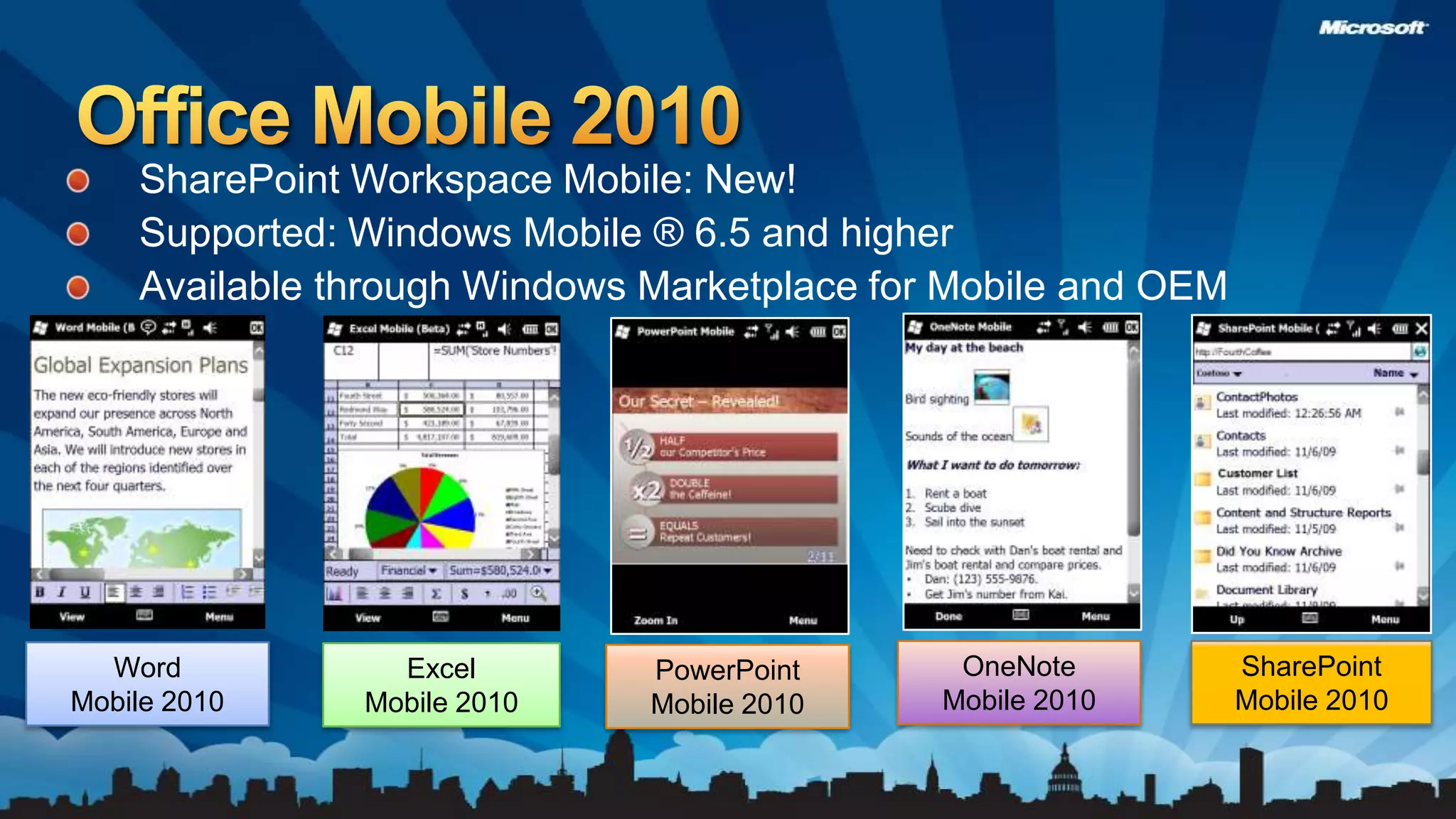
Office Mobile 2010SharePoint Workspace Mobile: New!Supported: Windows Mobile ® 6.5 and higherAvailable through Windows Marketplace for Mobile and OEMOneNote Mobile 2010SharePoint Mobile 2010Word Mobile 2010Excel Mobile 2010PowerPoint Mobile 2010
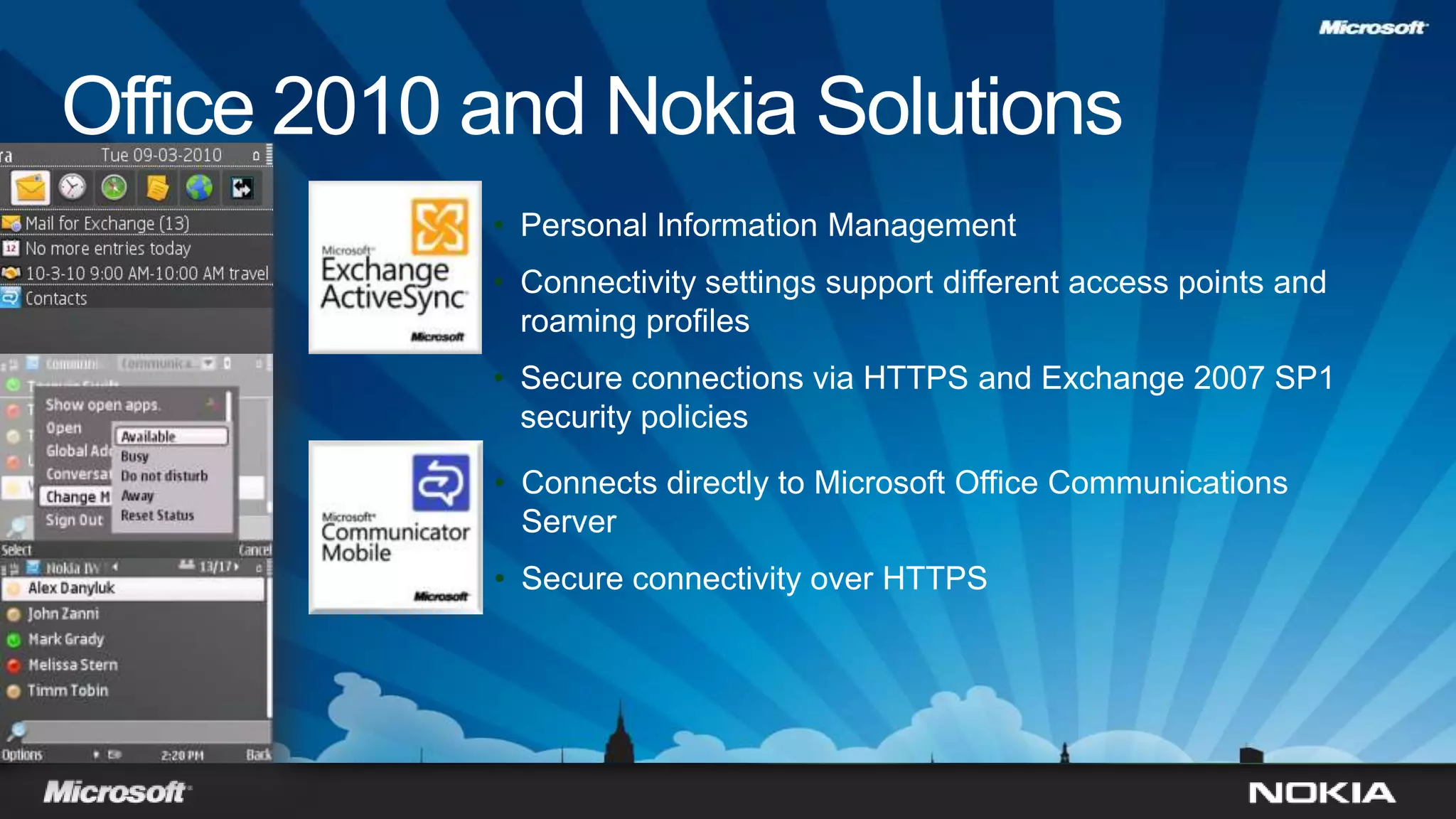
Office 2010 and Nokia SolutionsPersonal Information Management
Connectivity settings support different access points and roaming profiles
Secure connections via HTTPS and Exchange 2007 SP1 security policies
Connects directly to Microsoft Office Communications Server
Secure connectivity over HTTPSCo-authoring: SharePoint Search and PreviewSharePoint WorkspacesOutlook Enhancementsdemo
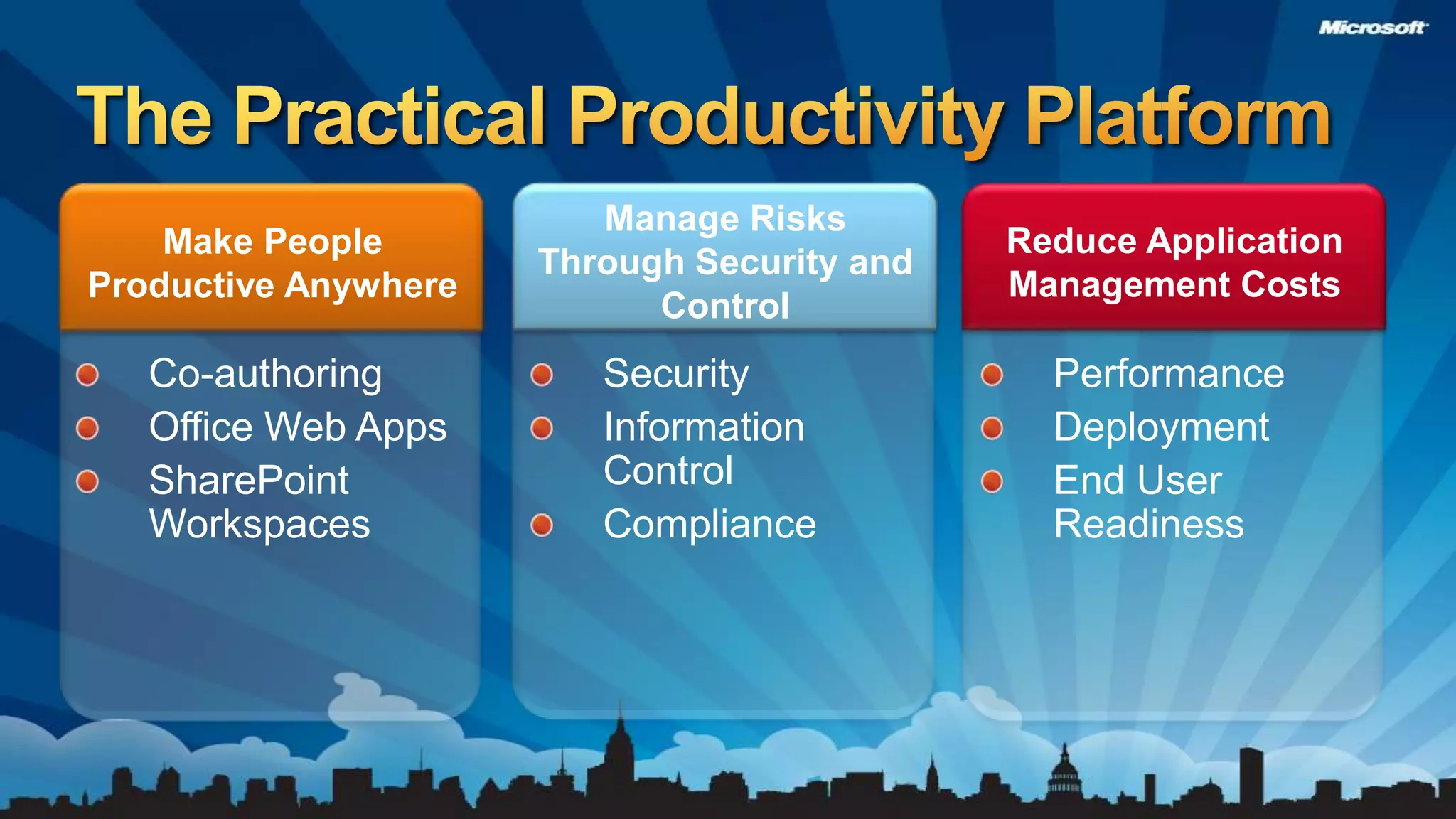
The Practical Productivity PlatformManage Risks Through Security and ControlMake People Productive AnywhereSecurityInformation Control ComplianceCo-authoring Office Web AppsSharePoint Workspaces
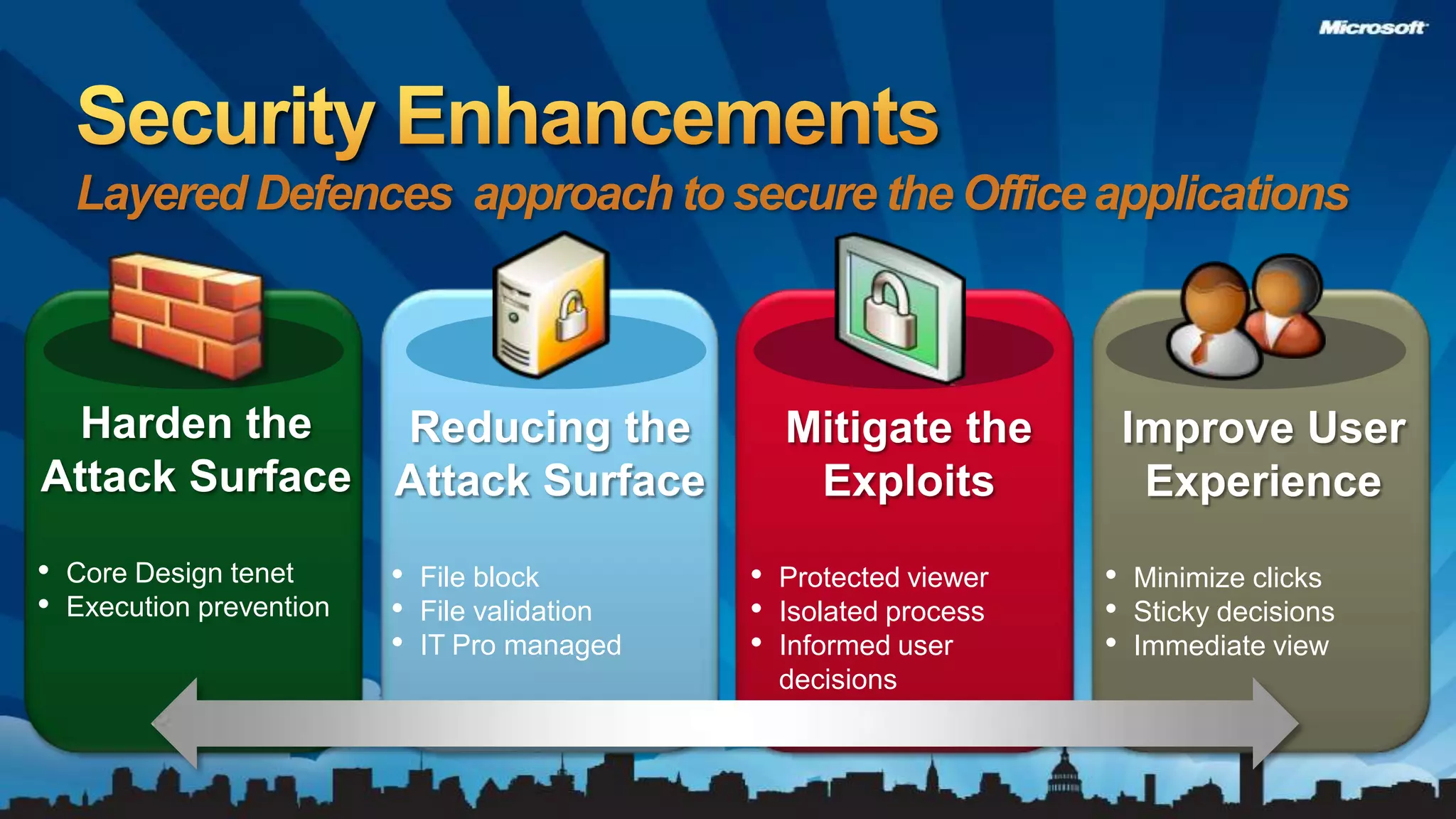
Security EnhancementsLayered Defences  approach to secure the Office applicationsHarden the Attack SurfaceCore Design tenet
Execution preventionReducing the Attack SurfaceFile block
File validation
IT Pro managedMitigate the ExploitsProtected viewer
Isolated process
Informed user decisionsImprove User ExperienceMinimize clicks
Sticky decisions
Immediate viewSecurity: Protected Viewerdemo
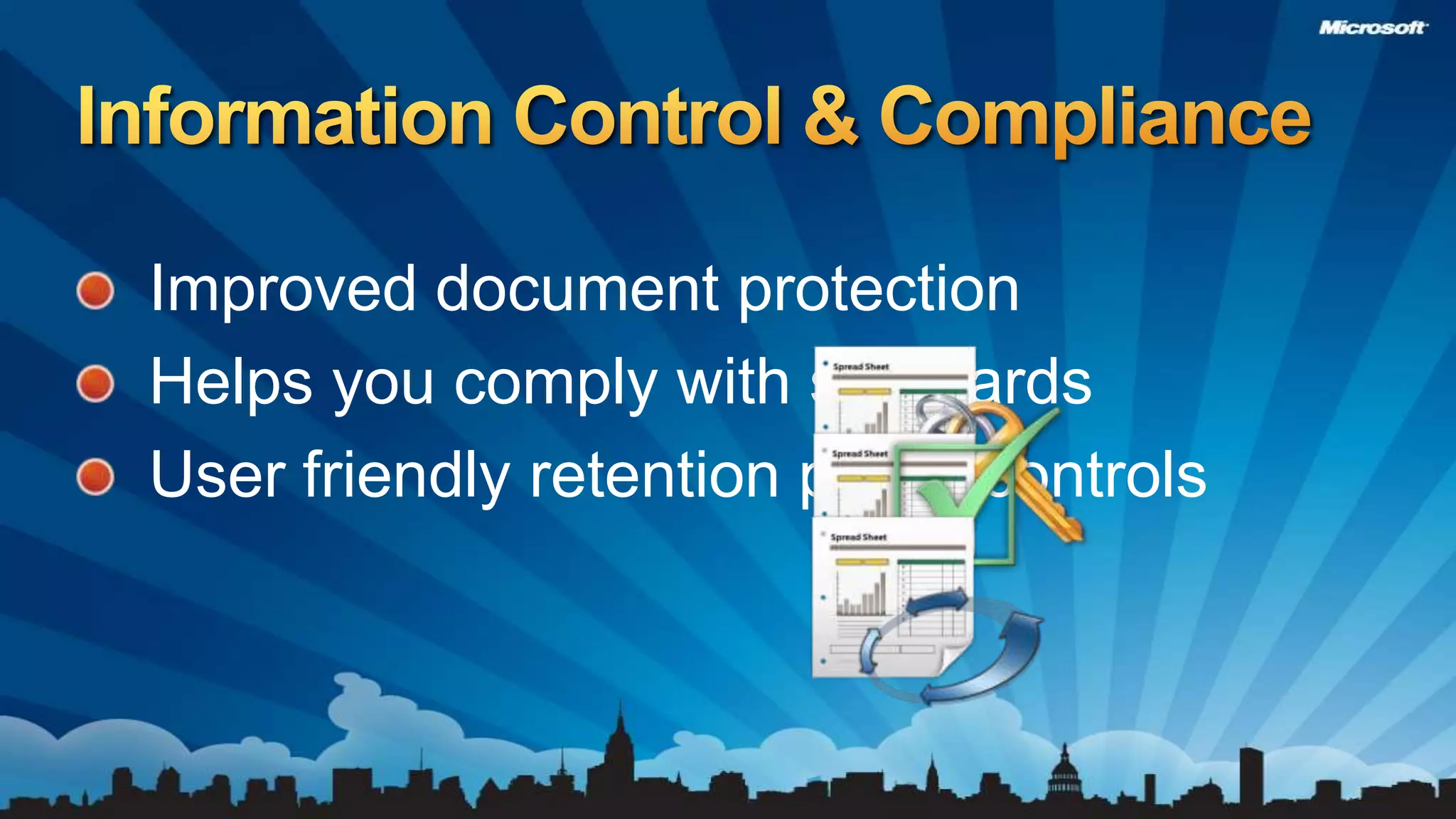
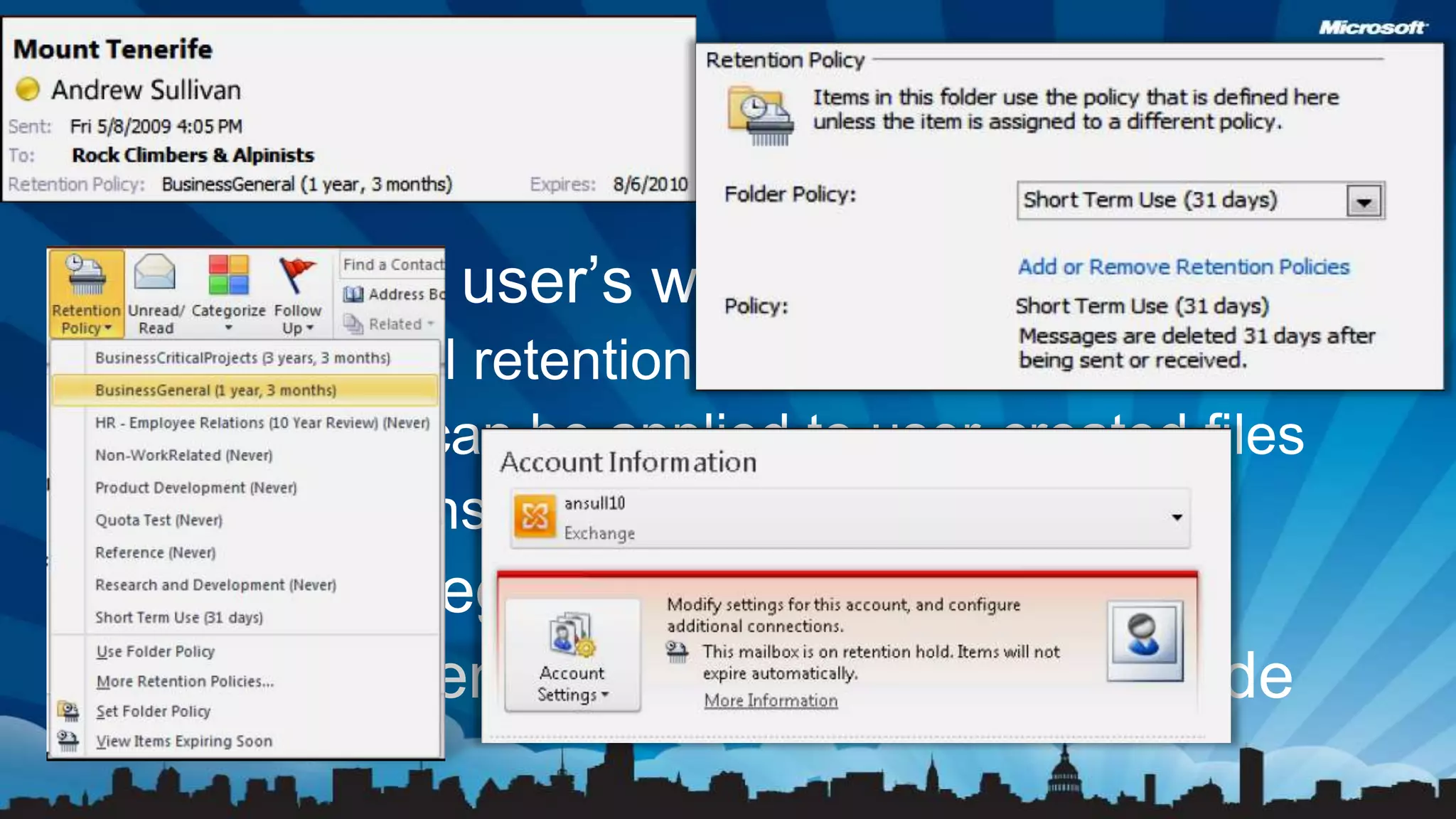
Improved document protectionHelps you comply with standardsUser friendly retention policy controlsInformation Control & Compliance
Document Inspector Accessibility Checkerdemo

Office 2010 For IT Pros

  • 1.
    Office 2010 forthe IT ProAndy O'DonaldOffice Product ManagerJustin RodinoMVP
  • 2.
    Solid ReleaseImproved Performance& SecurityEasier to DeployOffice 2010 Investments
  • 3.
  • 4.
    2.4M Comments through“Send a Smile”Over 8.6 Million Beta users – 4X Office 2007 Over 300 Enterprise customers deployed early through TAP/RDP programsSolid Release
  • 5.
    Improved Performance &SecurityExcel Recalc & Charting 90% faster than Office 2007Multicore support, GPU acceleration, first 64 Bit versionGatekeeper, Protected Viewer
  • 7.
    First version ofOffice to support VirtualizationNew tools to address:Application Compatibility, Macro compatibility& file readinessProvide User Training ContentOffice Online content customized to your organizationInteractive Guides for Office 2003 to Office 2010Easier to Deploy
  • 8.
    The Best ProductivityExperience Across the PC, Phone & BrowserEWork Better TogetherBring Ideas to LifeUse Office AnywhereThe Practical Productivity PlatformThe Practical Productivity PlatformCollaboration Without CompromiseInsights from InformationPC, Phone &BrowserProductivity, Security, & Cost ManagementProductivity, Security, & Cost Management
  • 9.
    The Practical ProductivityPlatformMake People Productive Anywhere“It’s imperative to get input from several team members on specific projects. With co-authoring, everything can be incorporated simultaneously. This alone saves us 250 minutes per month.”Co-authoring Office Web AppsSharePoint Workspaces
  • 10.
    Office Web ApplicationsGreaterdeployment flexibilityOnlineOn PremisesOffice Web Apps hosted for organizations by MicrosoftIT can host Office Web Apps on SharePoint for additional management and control options
  • 11.
    Office Mobile 2010SharePointWorkspace Mobile: New!Supported: Windows Mobile ® 6.5 and higherAvailable through Windows Marketplace for Mobile and OEMOneNote Mobile 2010SharePoint Mobile 2010Word Mobile 2010Excel Mobile 2010PowerPoint Mobile 2010
  • 12.
    Office 2010 andNokia SolutionsPersonal Information Management
  • 13.
    Connectivity settings supportdifferent access points and roaming profiles
  • 14.
    Secure connections viaHTTPS and Exchange 2007 SP1 security policies
  • 15.
    Connects directly toMicrosoft Office Communications Server
  • 16.
    Secure connectivity overHTTPSCo-authoring: SharePoint Search and PreviewSharePoint WorkspacesOutlook Enhancementsdemo
  • 17.
    The Practical ProductivityPlatformManage Risks Through Security and ControlMake People Productive AnywhereSecurityInformation Control ComplianceCo-authoring Office Web AppsSharePoint Workspaces
  • 18.
    Security EnhancementsLayered Defences approach to secure the Office applicationsHarden the Attack SurfaceCore Design tenet
  • 19.
    Execution preventionReducing theAttack SurfaceFile block
  • 20.
  • 21.
    IT Pro managedMitigatethe ExploitsProtected viewer
  • 22.
  • 23.
    Informed user decisionsImproveUser ExperienceMinimize clicks
  • 24.
  • 25.
  • 26.
    Improved document protectionHelpsyou comply with standardsUser friendly retention policy controlsInformation Control & Compliance
  • 27.
  • 28.
    Flexible to user’sworkflowItem-level retention policyPolicies can be applied to user-created filesExceptions can be madeSearch integrationWorks when online and in cached modeUser Friendly Retention Policy Controls
  • 29.
    The Practical ProductivityPlatformManage Risks Through Security and ControlReduce Application Management CostsMake People Productive AnywherePerformanceDeploymentEnd User ReadinessSecurityInformation Control ComplianceCo-authoring Office Web AppsSharePoint Workspaces
  • 30.
    We made OutlookfasterStartup is at least 25% faster Download new mails up to 30% fasterRead, File, Act – reducing pauses in the workflow by 34%Shutdown takes less than 10 seconds for 96% of customers.Works with larger mailboxesIncreased maximum supported file size by 2.5x (20GB to 50GB)Vastly improved ability to handle multi-gigabyte mailboxes and archive filesOutlook 2010 is faster
  • 31.
  • 32.
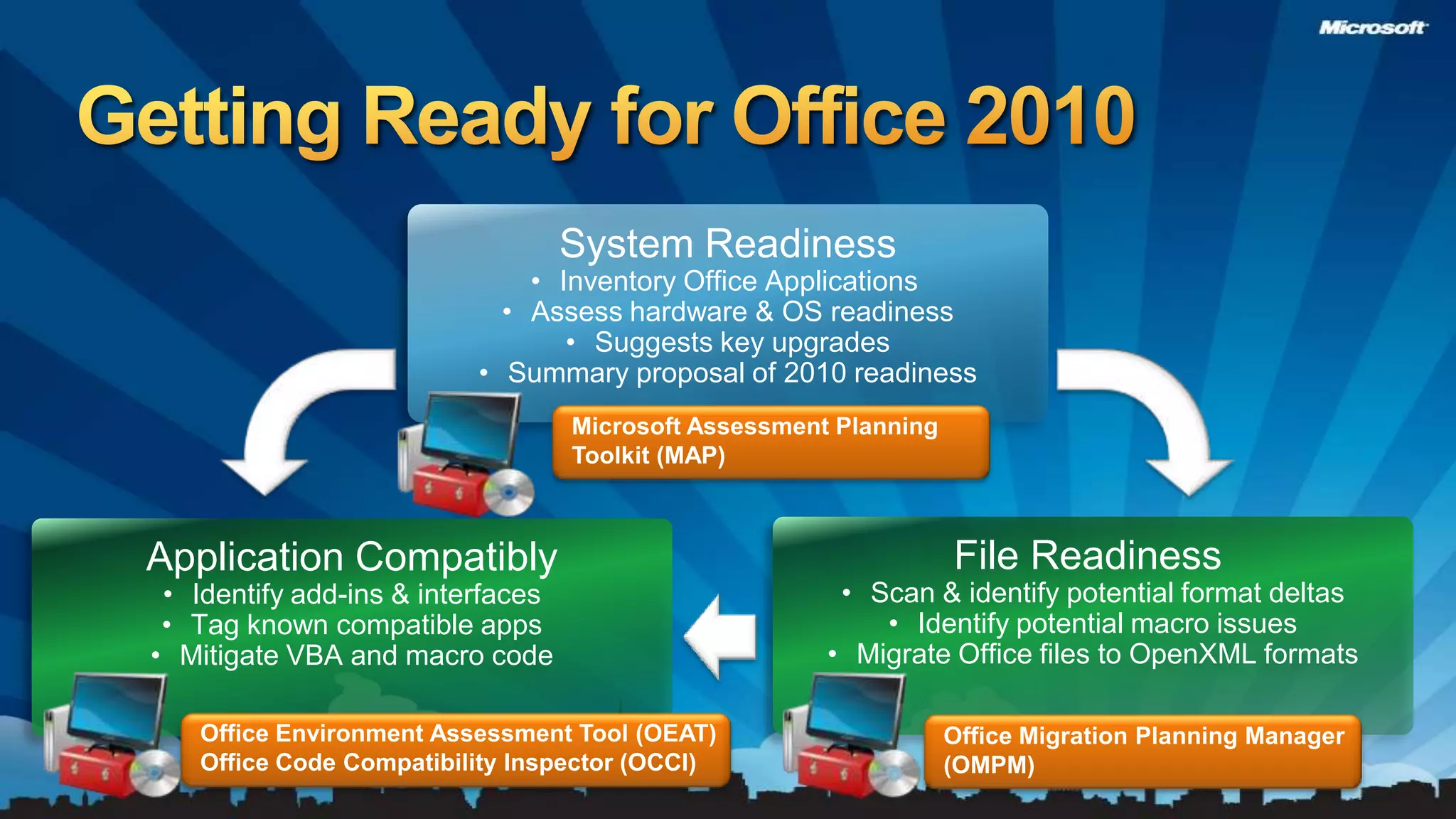
    Assess hardware &OS readiness
  • 33.
  • 34.
    Summary proposal of2010 readinessMicrosoft Assessment Planning Toolkit (MAP)File Readiness Scan & identify potential format deltas
  • 35.
  • 36.
    Migrate Office filesto OpenXML formatsApplication CompatiblyIdentify add-ins & interfaces
  • 37.
  • 38.
    Mitigate VBA andmacro codeOffice Environment Assessment Tool (OEAT)Office Code Compatibility Inspector (OCCI)Office Migration Planning Manager (OMPM)Getting Ready for Office 2010
  • 39.
    Virtualization through App-VPotentialto simplify deployment & managementApp-V investments improve support of Office 2010*Office 2010 requires App-V 4.6App-V requires deployment specific sequencingOutlookFast Search using Windows Desktop SearchURL Protocol Handlers (Mailto, feeds, webcal(s))Send to Mail integrationEnable advanced account configurationSharePointDirectly open/edit/save hosted documentsOneNoteSend to OneNote print driverAllActivation model support
  • 40.
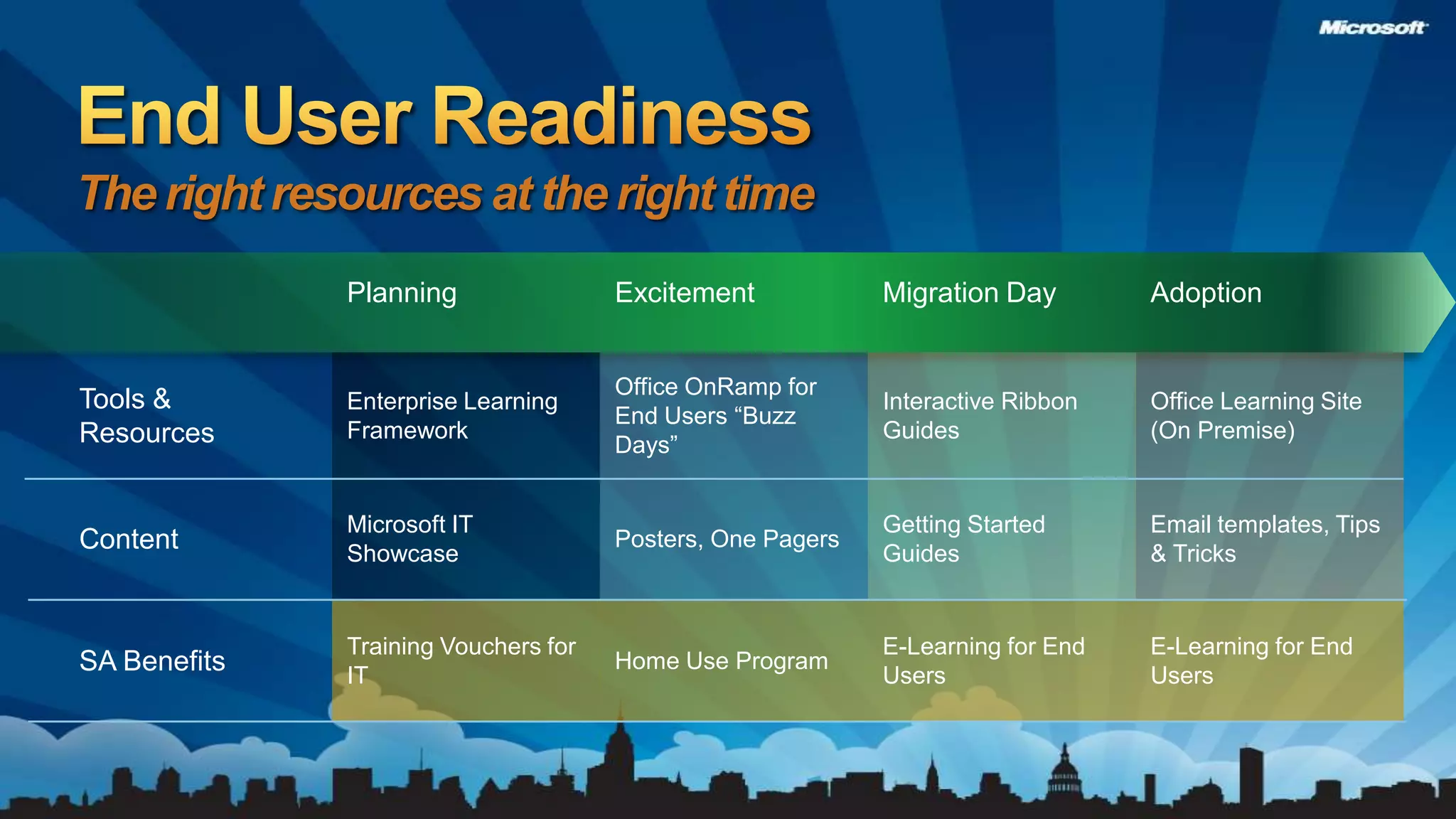
    End User ReadinessTheright resources at the right time
  • 41.
    Call to ActionDeploya Proof of ConceptTechNet – OfficeITPro.comLearn about Software Assurance benefits you already own
  • 42.
  • 43.
    © 2010 MicrosoftCorporation. All rights reserved. Microsoft, Windows, Windows Vista and other product names are or may be registered trademarks and/or trademarks in the U.S. and/or other countries.The information herein is for informational purposes only and represents the current view of Microsoft Corporation as of the date of this presentation. Because Microsoft must respond to changing market conditions, it should not be interpreted to be a commitment on the part of Microsoft, and Microsoft cannot guarantee the accuracy of any information provided after the date of this presentation. MICROSOFT MAKES NO WARRANTIES, EXPRESS, IMPLIED OR STATUTORY, AS TO THE INFORMATION IN THIS PRESENTATION.