1
Ns Tutorial
Dr.A.NARMADA
2
Introduction
 1989: REAL network simulator
 1995: DARPA VINT project at LBL,
Xerox PARC, UCB, and USC/ISI
 Present: DARPA SAMAN project and
NSF CONSER project
 Collaboration with other researchers
including CIRI
3
Ns Goals
 Support networking research and education
 Protocol design, traffic studies, etc
 Protocol comparison
 Provide a collaborative environment
 Freely distributed, open source

Share code, protocols, models, etc
 Allow easy comparison of similar protocols
 Increase confidence in results

More people look at models in more situations

Experts develop models
 Multiple levels of detail in one simulator
4
SAMAN and CONSER
Projects
 SAMAN: build robust networks through
understanding the detection and prediction of
failure conditions
 ASIM, RAMP, and NEWS
 CONSER: extending ns and nam to support:
 Network research:

New module integration: diffserv, direct diffusion

Existing module improvement, new trace, etc
 Network education: nam and nam editor,
educational scripts repository, ns-edu mailing list,
ns tutorial, etc
5
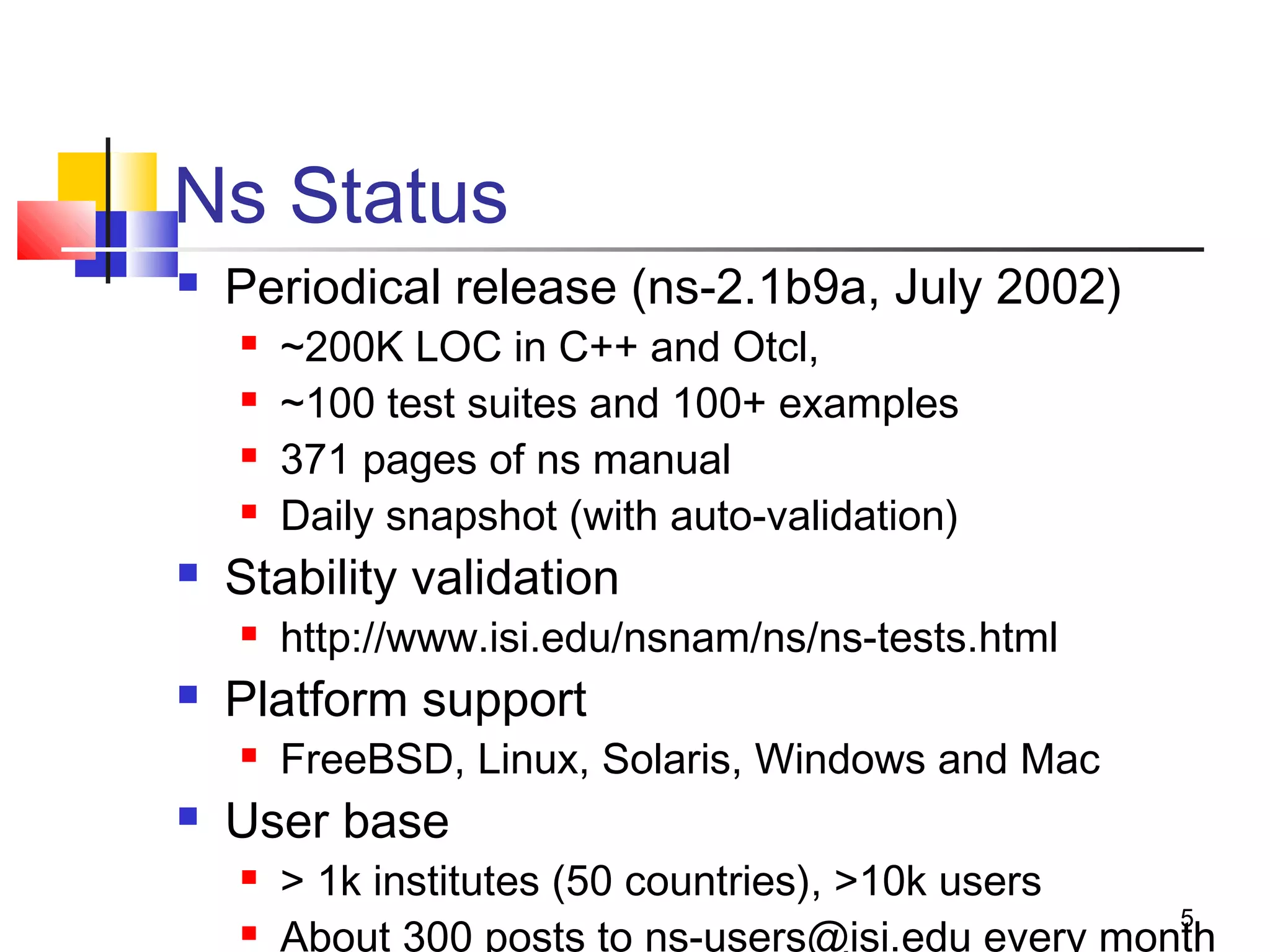
Ns Status
 Periodical release (ns-2.1b9a, July 2002)
 ~200K LOC in C++ and Otcl,
 ~100 test suites and 100+ examples
 371 pages of ns manual
 Daily snapshot (with auto-validation)
 Stability validation
 http://www.isi.edu/nsnam/ns/ns-tests.html
 Platform support
 FreeBSD, Linux, Solaris, Windows and Mac
 User base
 > 1k institutes (50 countries), >10k users
 About 300 posts to ns-users@isi.edu every month
6
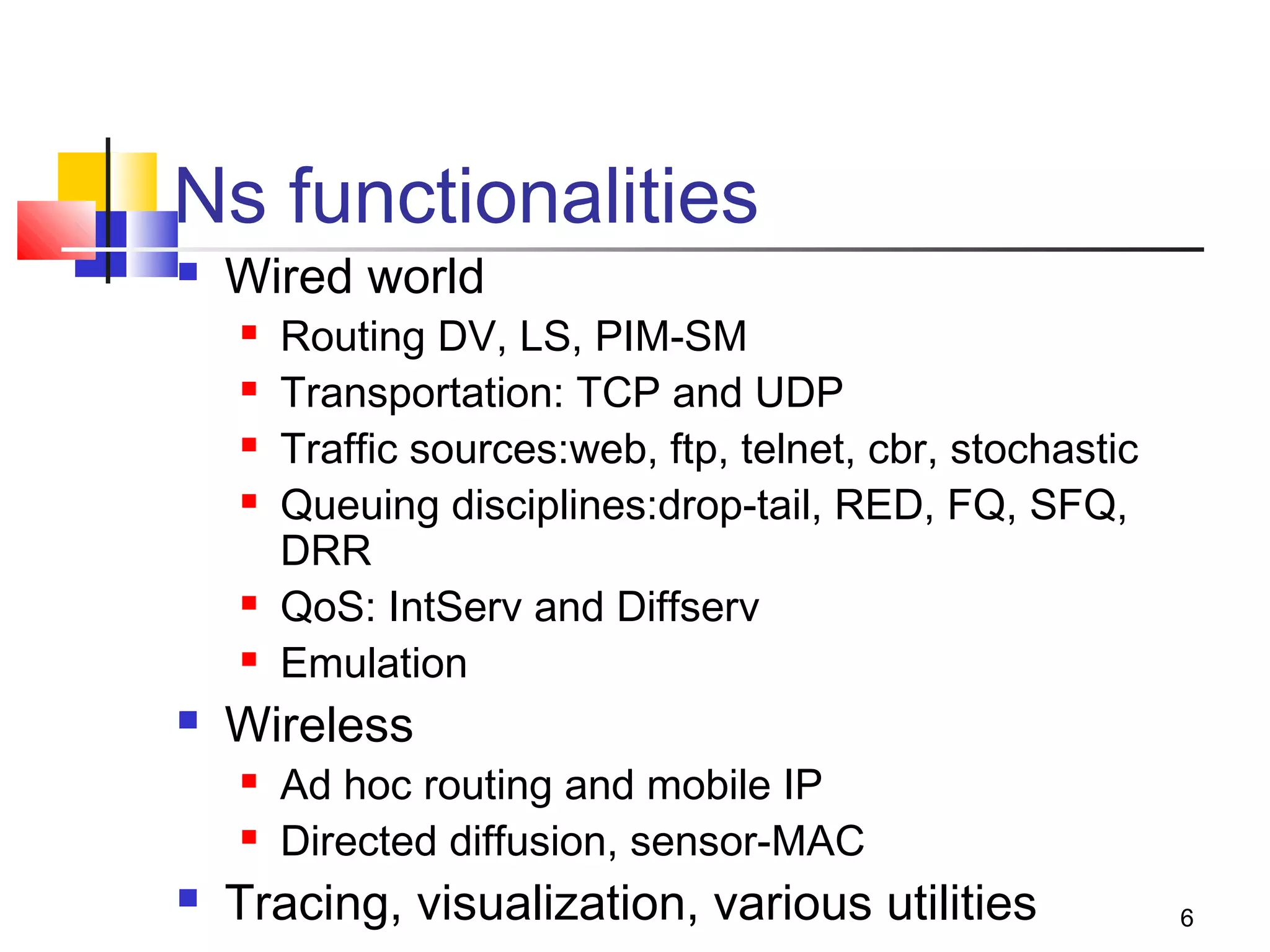
Ns functionalities
 Wired world
 Routing DV, LS, PIM-SM
 Transportation: TCP and UDP
 Traffic sources:web, ftp, telnet, cbr, stochastic
 Queuing disciplines:drop-tail, RED, FQ, SFQ,
DRR
 QoS: IntServ and Diffserv
 Emulation
 Wireless
 Ad hoc routing and mobile IP
 Directed diffusion, sensor-MAC
 Tracing, visualization, various utilities
7
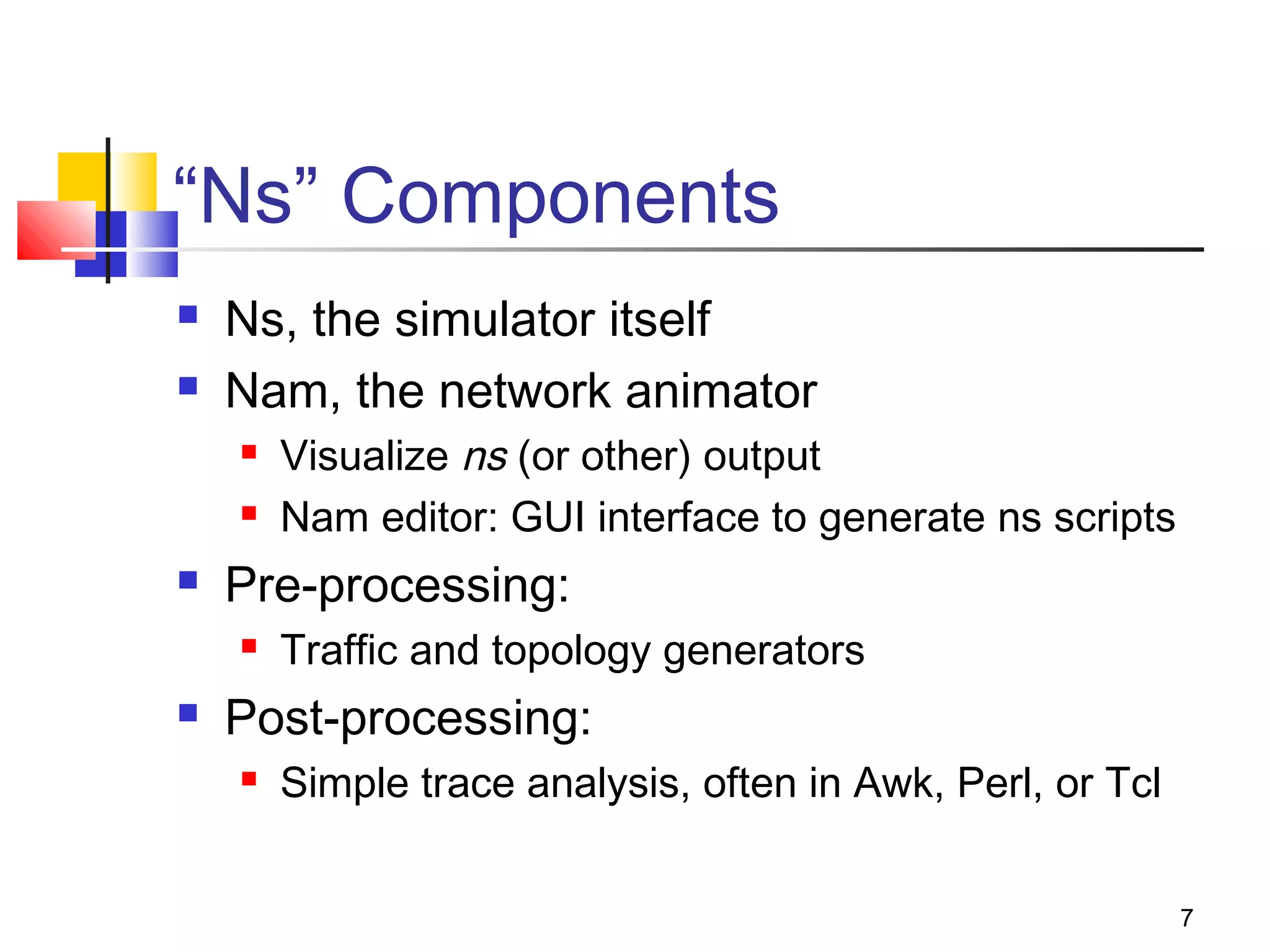
“Ns” Components
 Ns, the simulator itself
 Nam, the network animator
 Visualize ns (or other) output
 Nam editor: GUI interface to generate ns scripts
 Pre-processing:
 Traffic and topology generators
 Post-processing:
 Simple trace analysis, often in Awk, Perl, or Tcl
8
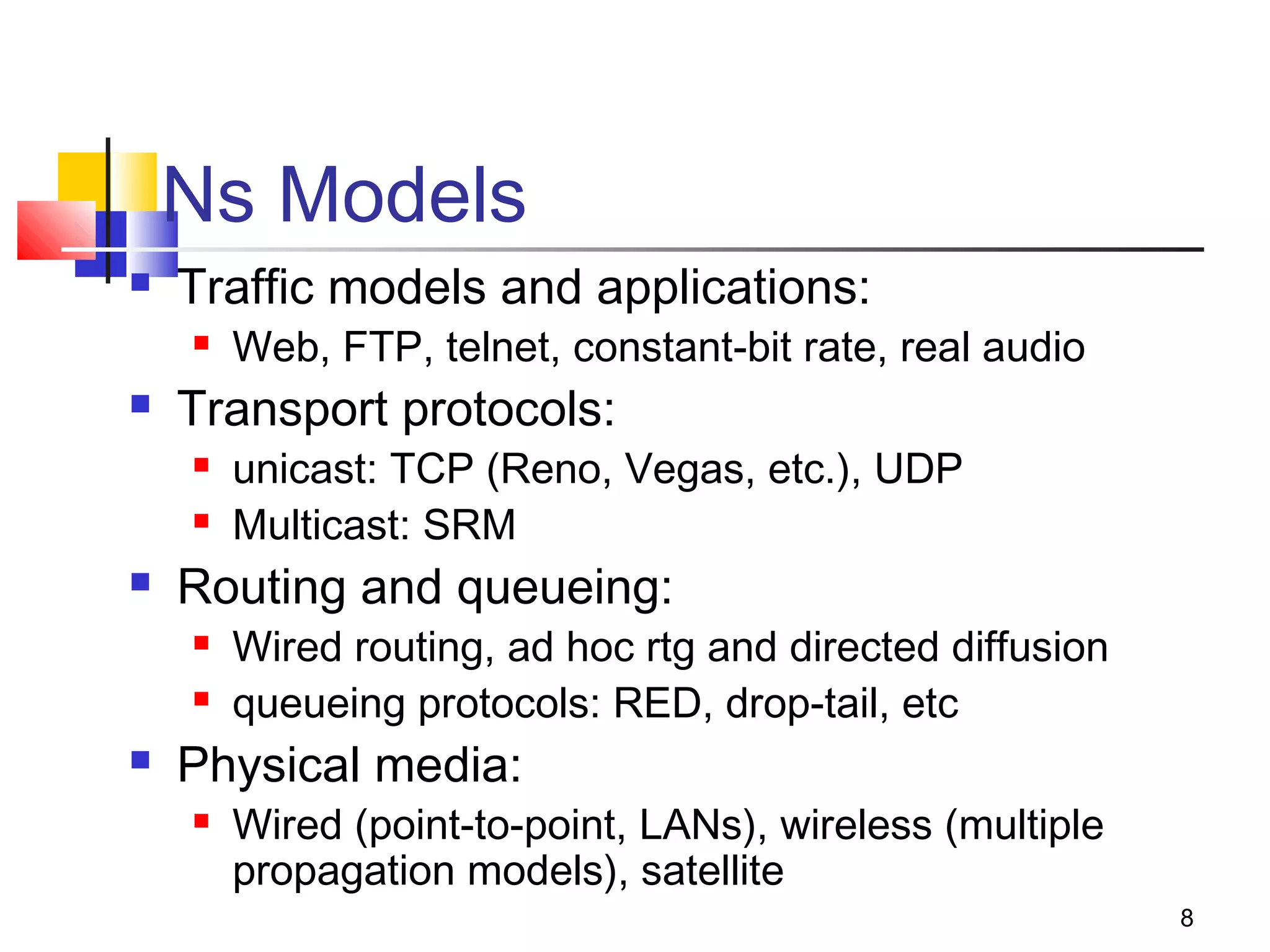
Ns Models
 Traffic models and applications:
 Web, FTP, telnet, constant-bit rate, real audio
 Transport protocols:
 unicast: TCP (Reno, Vegas, etc.), UDP
 Multicast: SRM
 Routing and queueing:
 Wired routing, ad hoc rtg and directed diffusion
 queueing protocols: RED, drop-tail, etc
 Physical media:
 Wired (point-to-point, LANs), wireless (multiple
propagation models), satellite
9
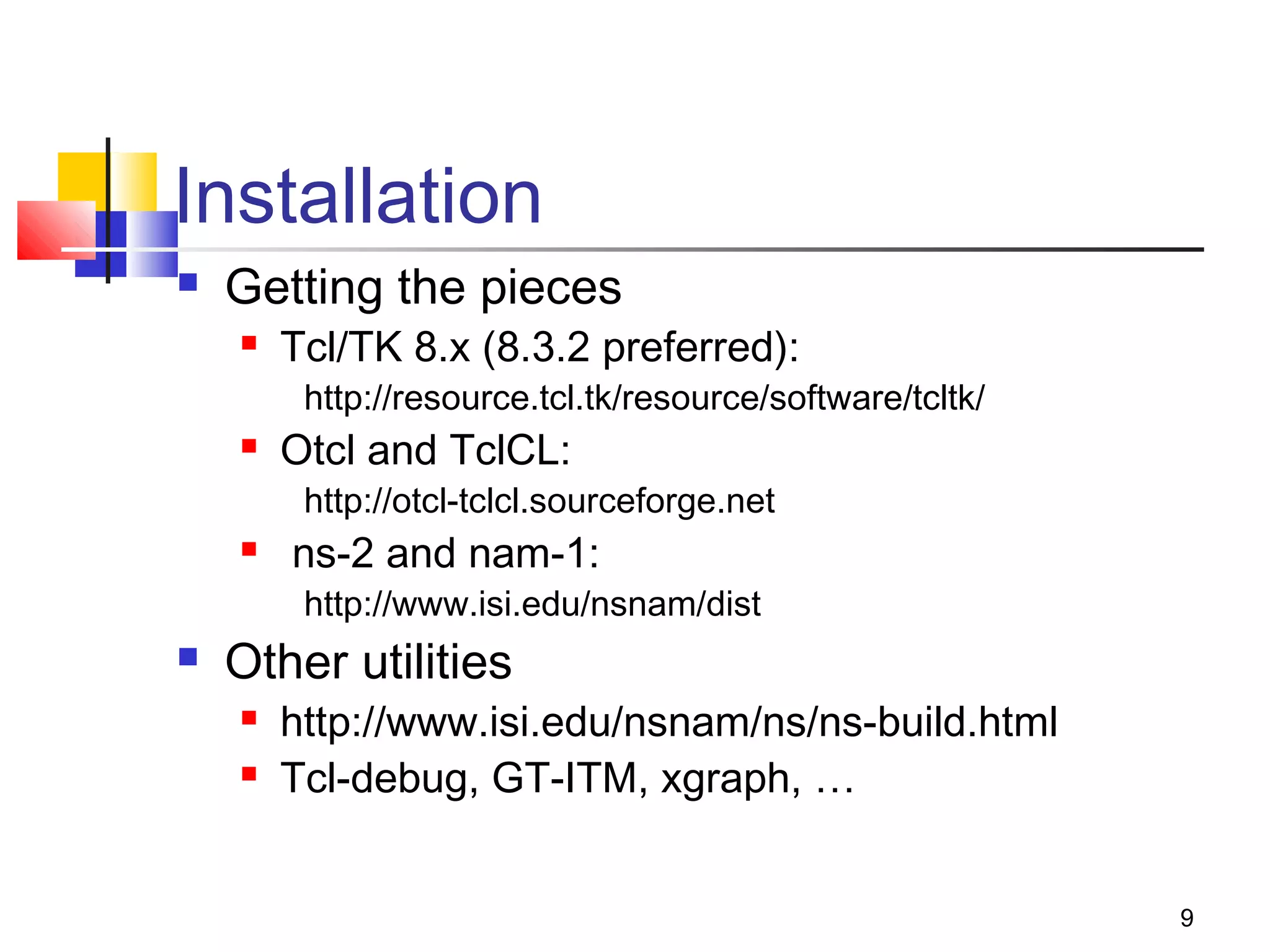
Installation
 Getting the pieces
 Tcl/TK 8.x (8.3.2 preferred):
http://resource.tcl.tk/resource/software/tcltk/
 Otcl and TclCL:
http://otcl-tclcl.sourceforge.net
 ns-2 and nam-1:
http://www.isi.edu/nsnam/dist
 Other utilities
 http://www.isi.edu/nsnam/ns/ns-build.html
 Tcl-debug, GT-ITM, xgraph, …
10
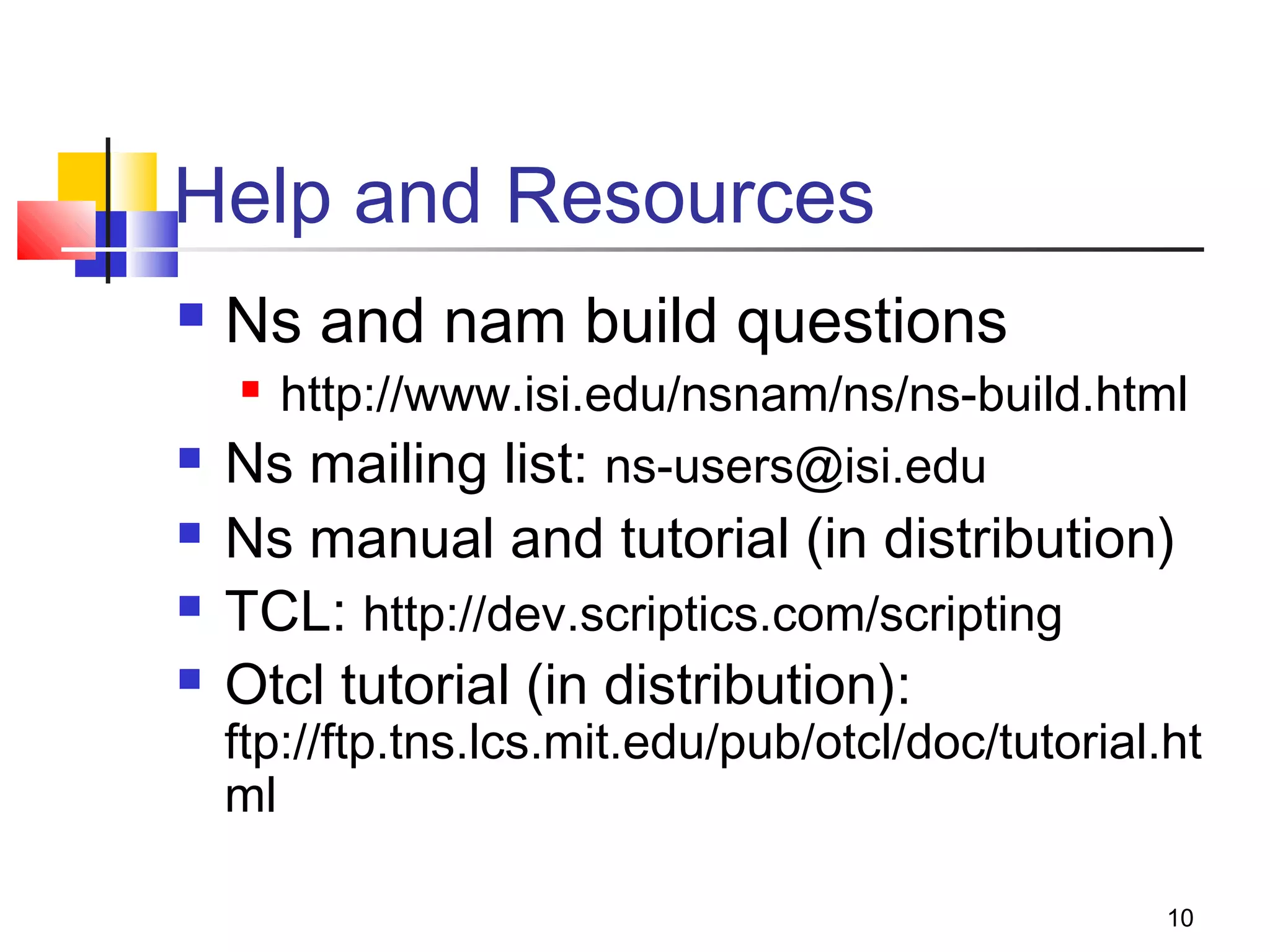
Help and Resources
 Ns and nam build questions
 http://www.isi.edu/nsnam/ns/ns-build.html
 Ns mailing list: ns-users@isi.edu
 Ns manual and tutorial (in distribution)
 TCL: http://dev.scriptics.com/scripting
 Otcl tutorial (in distribution):
ftp://ftp.tns.lcs.mit.edu/pub/otcl/doc/tutorial.ht
ml
11
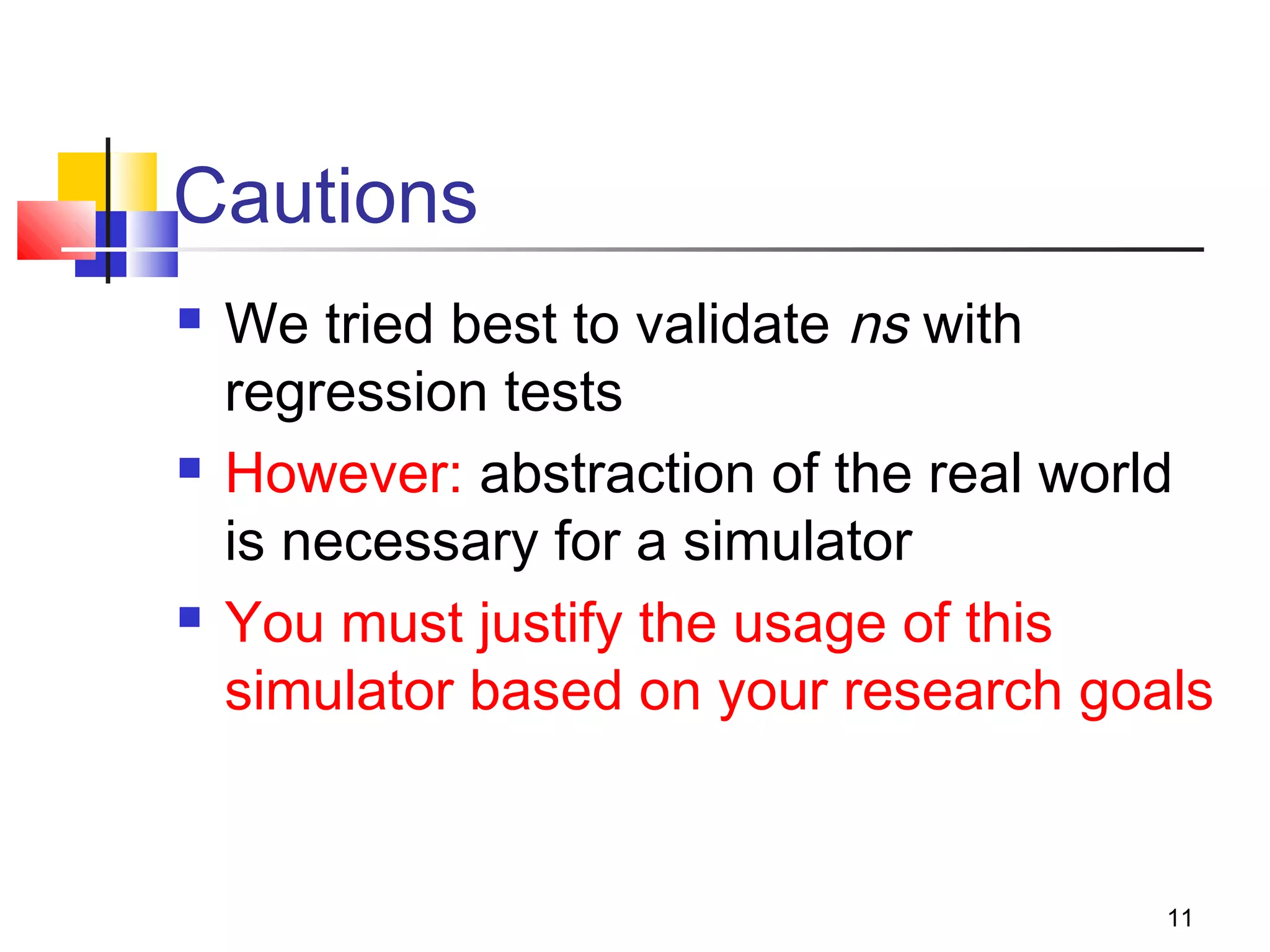
Cautions
 We tried best to validate ns with
regression tests
 However: abstraction of the real world
is necessary for a simulator
 You must justify the usage of this
simulator based on your research goals
12
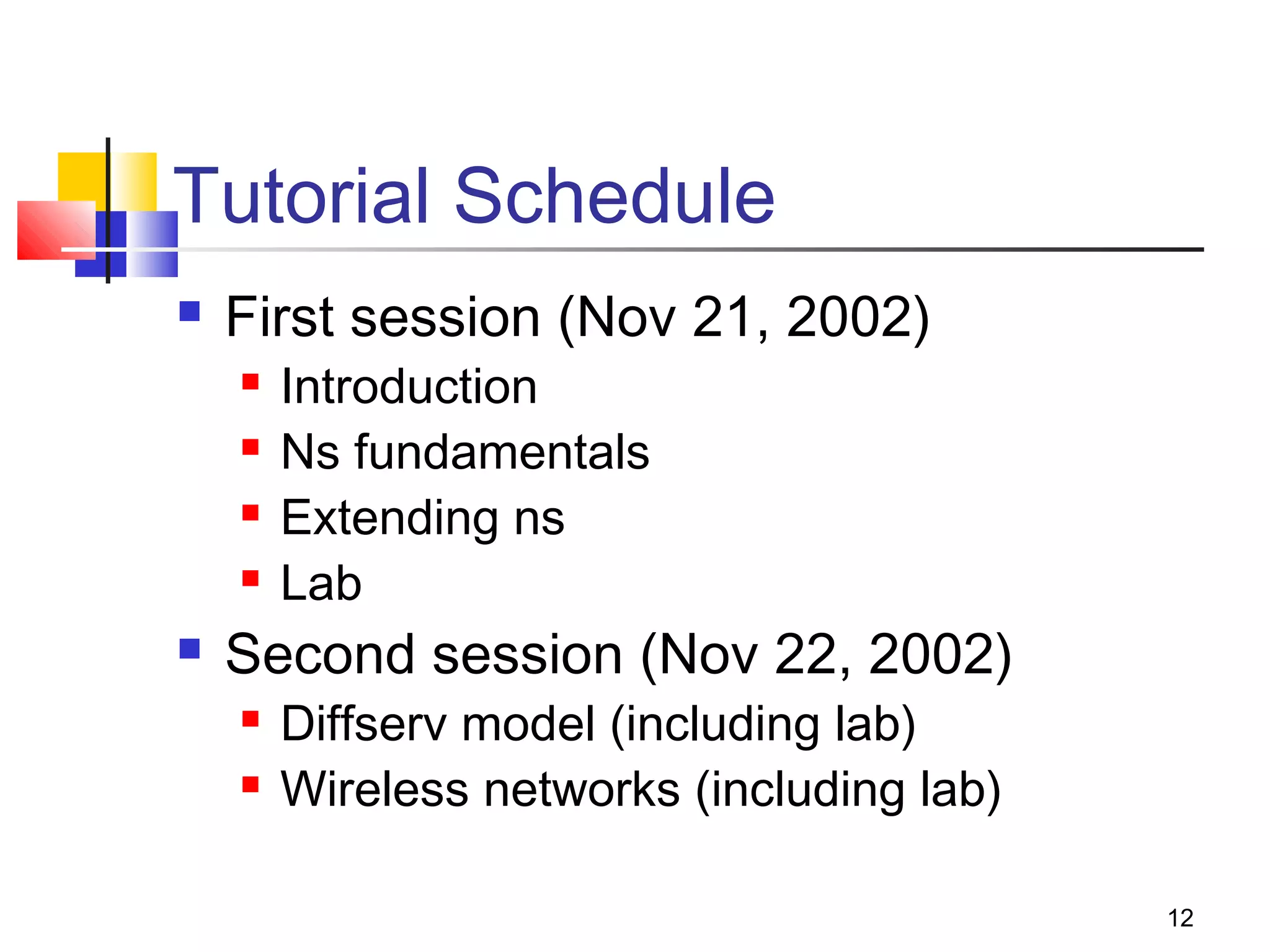
Tutorial Schedule
 First session (Nov 21, 2002)
 Introduction
 Ns fundamentals
 Extending ns
 Lab
 Second session (Nov 22, 2002)
 Diffserv model (including lab)
 Wireless networks (including lab)
13
Part I: ns fundamentals
14
Ns-2, the Network Simulator
 A discrete event simulator
 Simple model
 Focused on modeling network protocols
 Wired, wireless, satellite
 TCP, UDP, multicast, unicast
 Web, telnet, ftp
 Ad hoc routing, sensor networks
 Infrastructure: stats, tracing, error models, etc
15
Discrete Event Simulation
 Model world as events
 Simulator has list of events
 Process: take next one, run it, until done
 Each event happens in an instant of virtual
(simulated) time, but takes an arbitrary amount of
real time
 Ns uses simple model: single thread of
control => no locking or race conditions to
worry about (very easy)
16
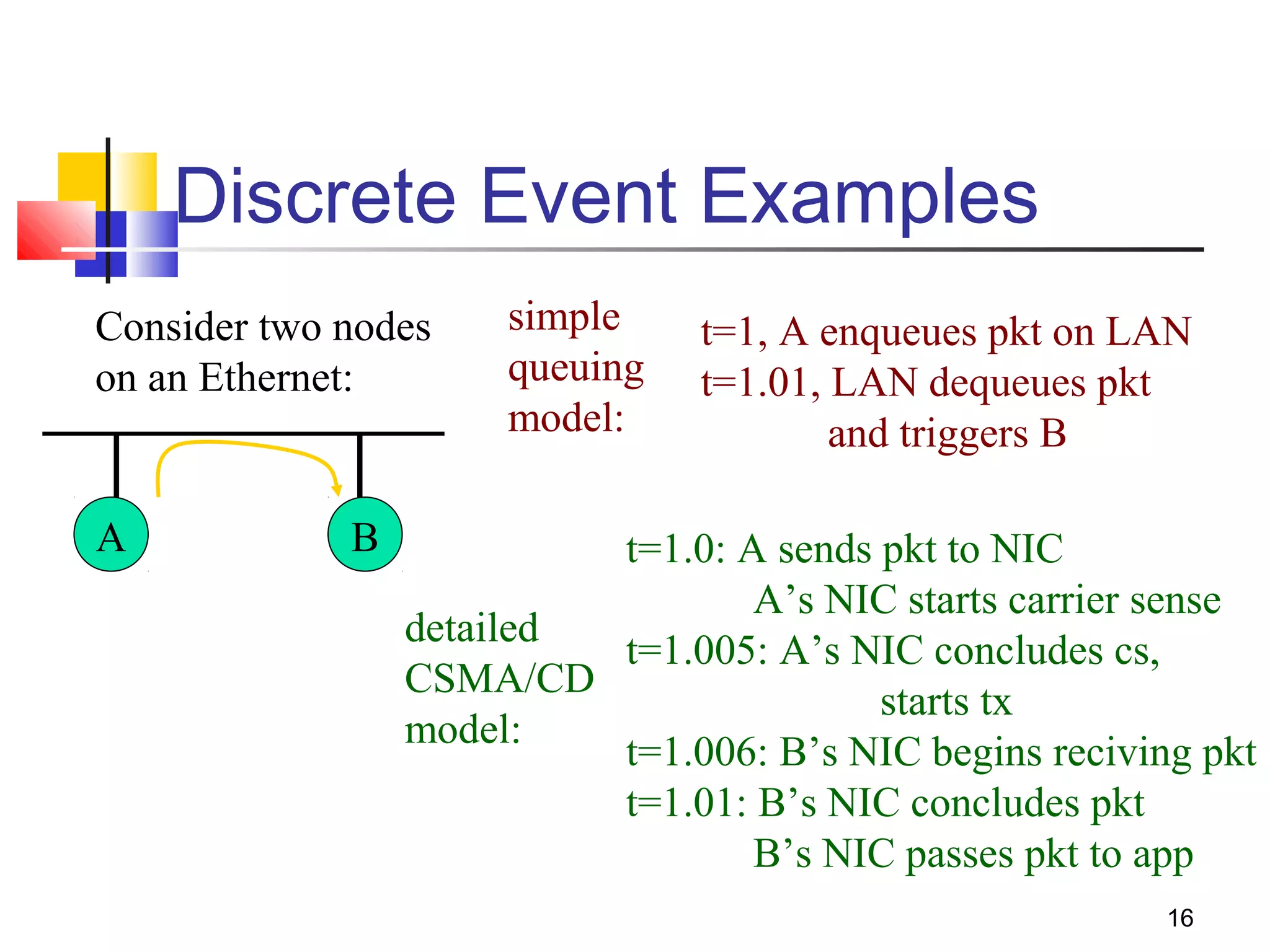
Discrete Event Examples
Consider two nodes
on an Ethernet:
A B
simple
queuing
model:
t=1, A enqueues pkt on LAN
t=1.01, LAN dequeues pkt
and triggers B
detailed
CSMA/CD
model:
t=1.0: A sends pkt to NIC
A’s NIC starts carrier sense
t=1.005: A’s NIC concludes cs,
starts tx
t=1.006: B’s NIC begins reciving pkt
t=1.01: B’s NIC concludes pkt
B’s NIC passes pkt to app
17
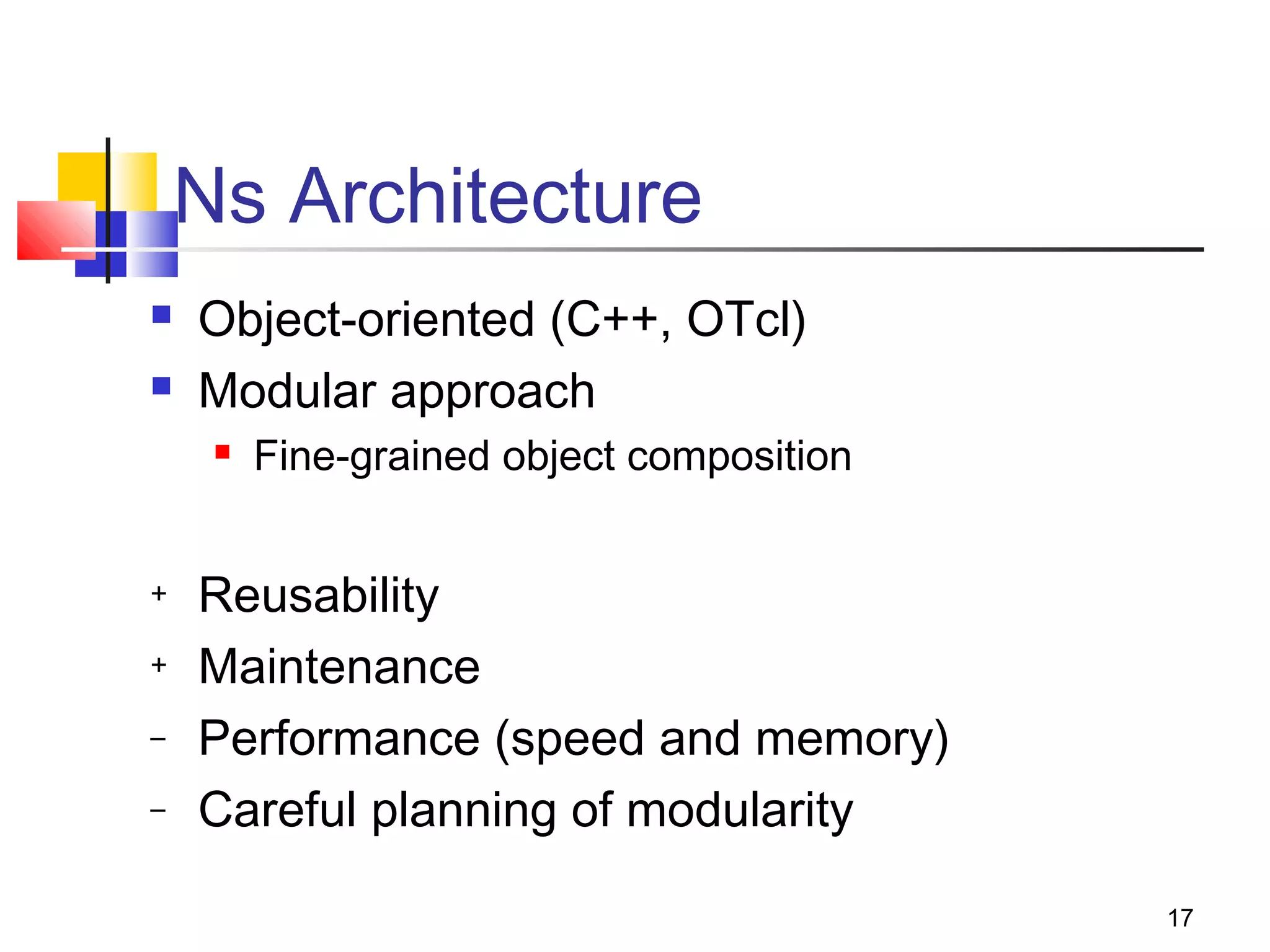
Ns Architecture
 Object-oriented (C++, OTcl)
 Modular approach
 Fine-grained object composition
+ Reusability
+ Maintenance
– Performance (speed and memory)
– Careful planning of modularity
18
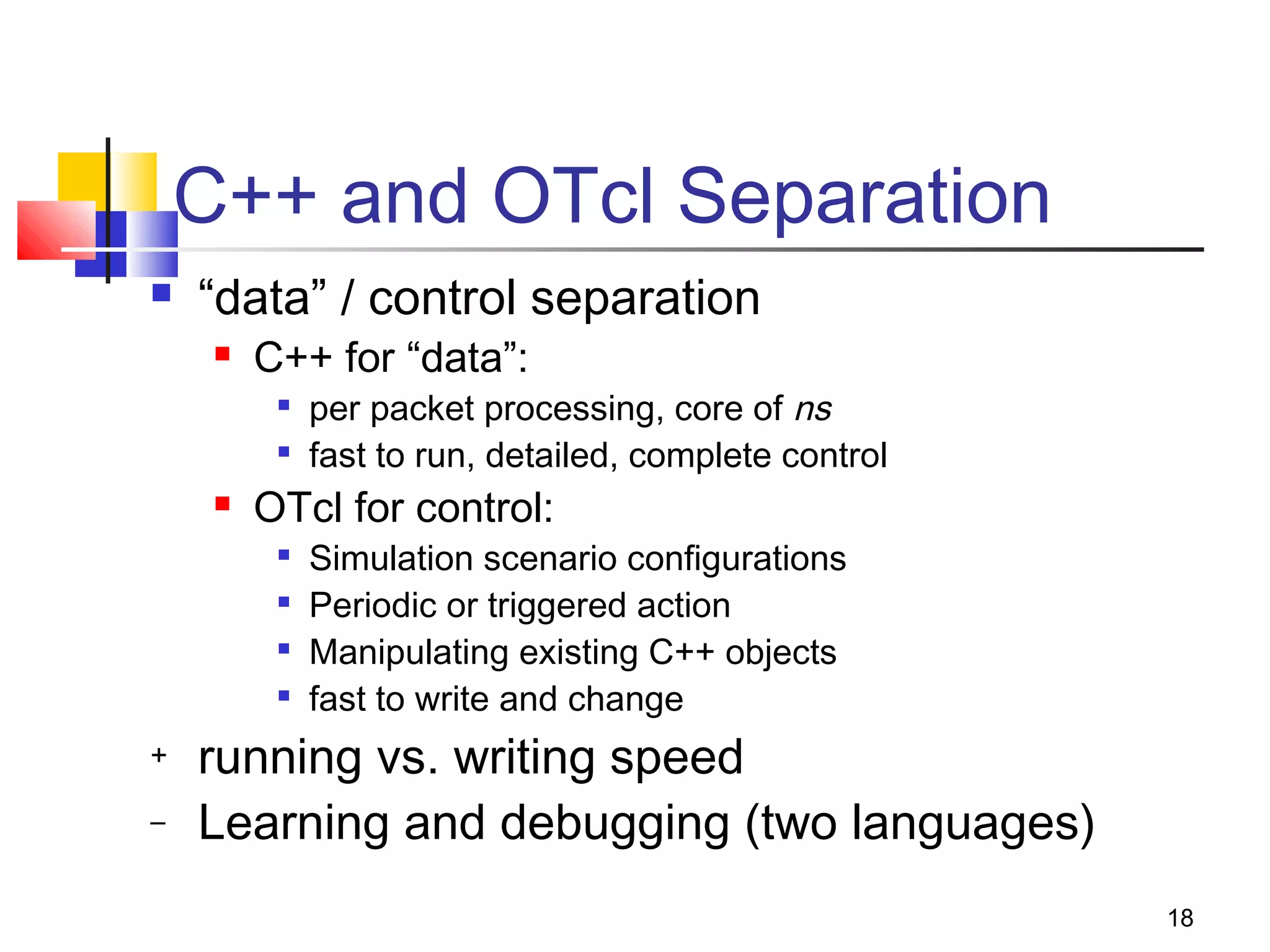
C++ and OTcl Separation
 “data” / control separation
 C++ for “data”:

per packet processing, core of ns

fast to run, detailed, complete control
 OTcl for control:

Simulation scenario configurations

Periodic or triggered action

Manipulating existing C++ objects

fast to write and change
+ running vs. writing speed
– Learning and debugging (two languages)
19
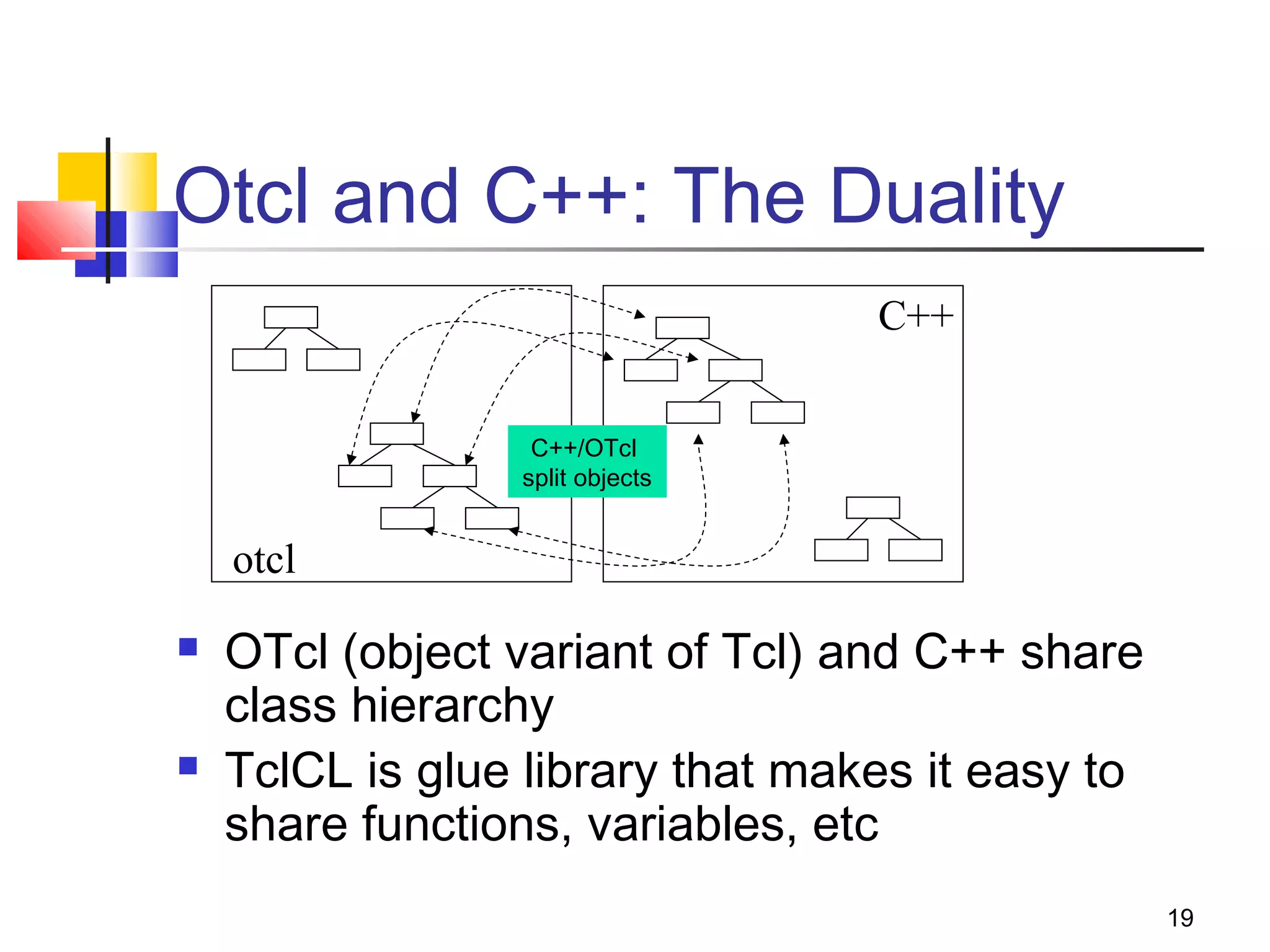
Otcl and C++: The Duality
 OTcl (object variant of Tcl) and C++ share
class hierarchy
 TclCL is glue library that makes it easy to
share functions, variables, etc
C++
otcl
C++/OTcl
split objects
20
Basic Tcl
variables:
set x 10
puts “x is $x”
functions and expressions:
set y [pow x 2]
set y [expr x*x]
control flow:
if {$x > 0} { return $x } else {
return [expr -$x] }
while { $x > 0 } {
puts $x
incr x –1
}
procedures:
proc pow {x n} {
if {$n == 1} { return $x }
set part [pow x [expr $n-1]]
return [expr $x*$part]
}
Also lists, associative arrays,
etc.
=> can use a real
programming language to
build network topologies,
traffic models, etc.
21
Basic otcl
Class Person
# constructor:
Person instproc init {age} {
$self instvar age_
set age_ $age
}
# method:
Person instproc greet {} {
$self instvar age_
puts “$age_ years old: How
are you doing?”
}
# subclass:
Class Kid -superclass Person
Kid instproc greet {} {
$self instvar age_
puts “$age_ years old kid:
What’s up, dude?”
}
set a [new Person 45]
set b [new Kid 15]
$a greet
$b greet
=> can easily make variations of existing things (TCP, TCP/Reno)
22
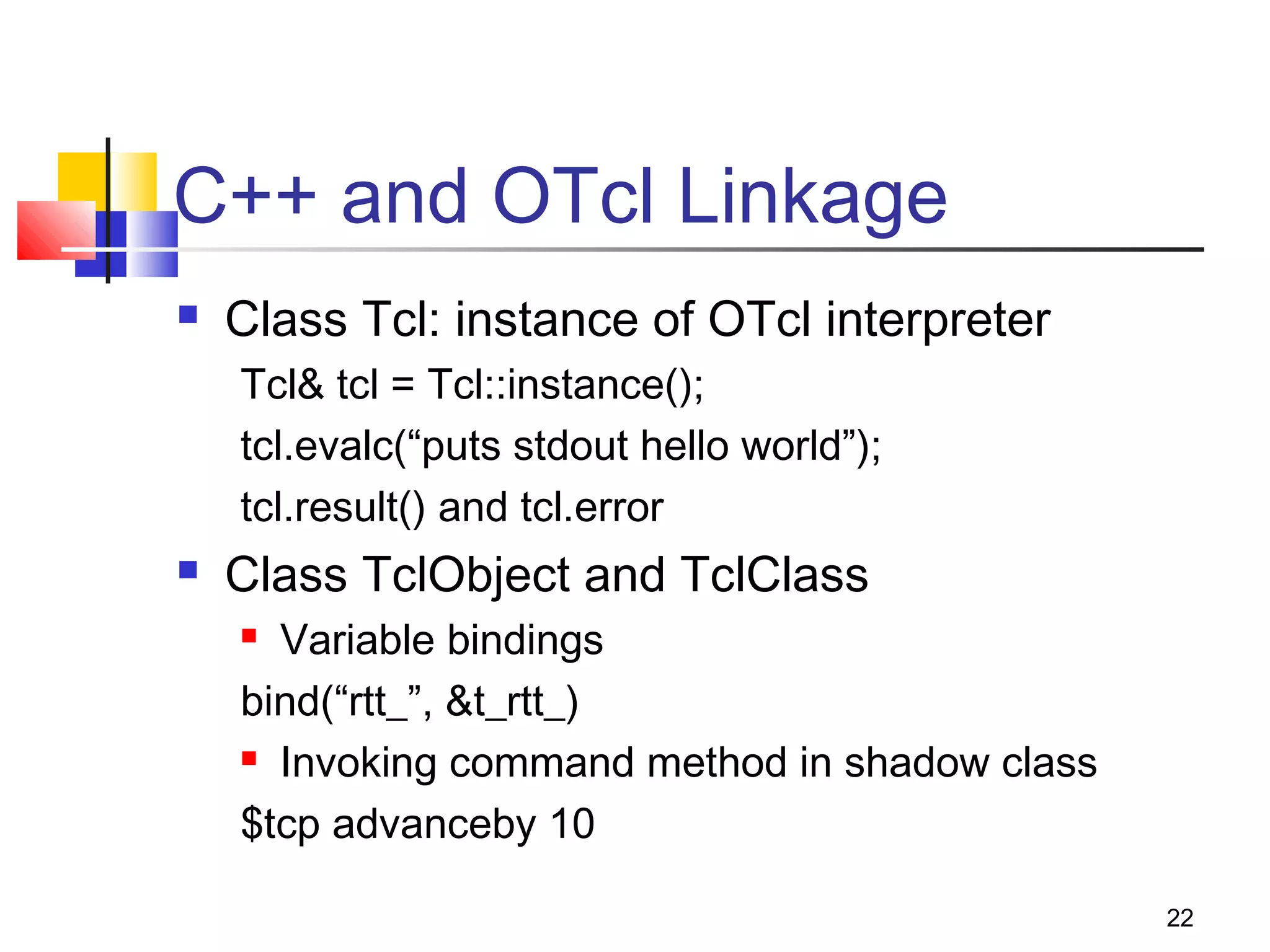
C++ and OTcl Linkage
 Class Tcl: instance of OTcl interpreter
Tcl& tcl = Tcl::instance();
tcl.evalc(“puts stdout hello world”);
tcl.result() and tcl.error
 Class TclObject and TclClass
 Variable bindings
bind(“rtt_”, &t_rtt_)
 Invoking command method in shadow class
$tcp advanceby 10
23
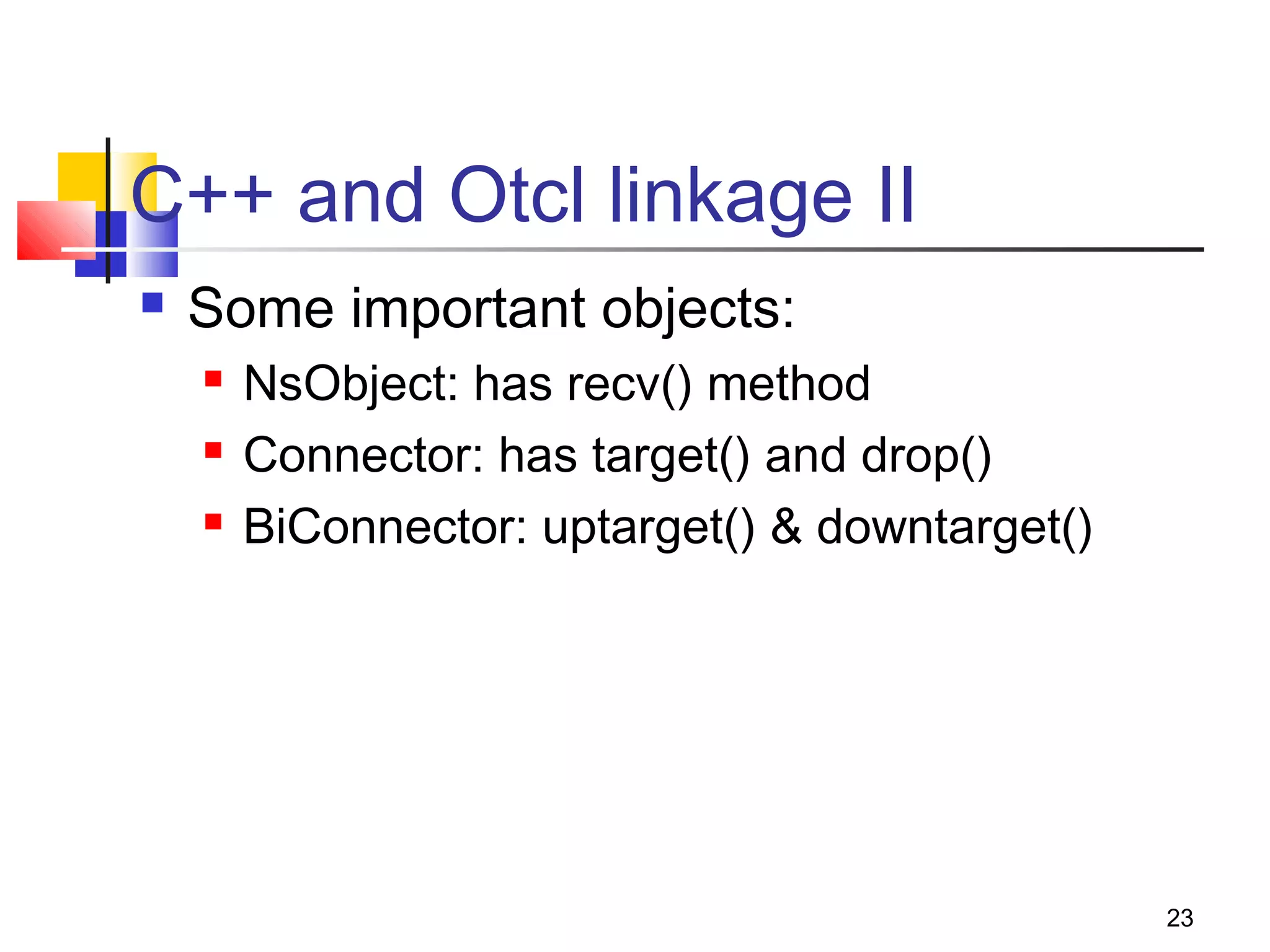
C++ and Otcl linkage II
 Some important objects:
 NsObject: has recv() method
 Connector: has target() and drop()
 BiConnector: uptarget() & downtarget()
24
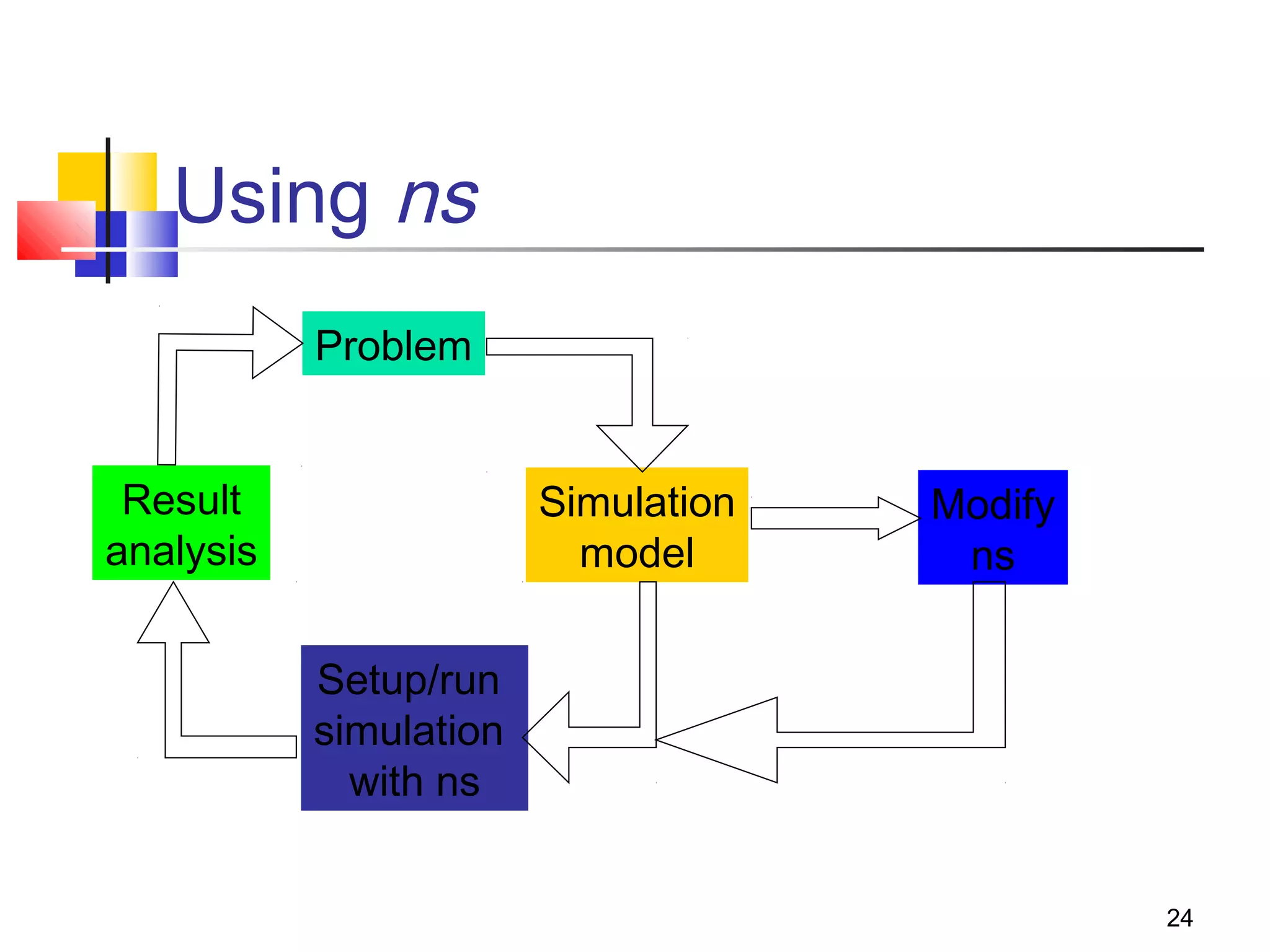
Using ns
Problem
Simulation
model
Setup/run
simulation
with ns
Result
analysis
Modify
ns
25
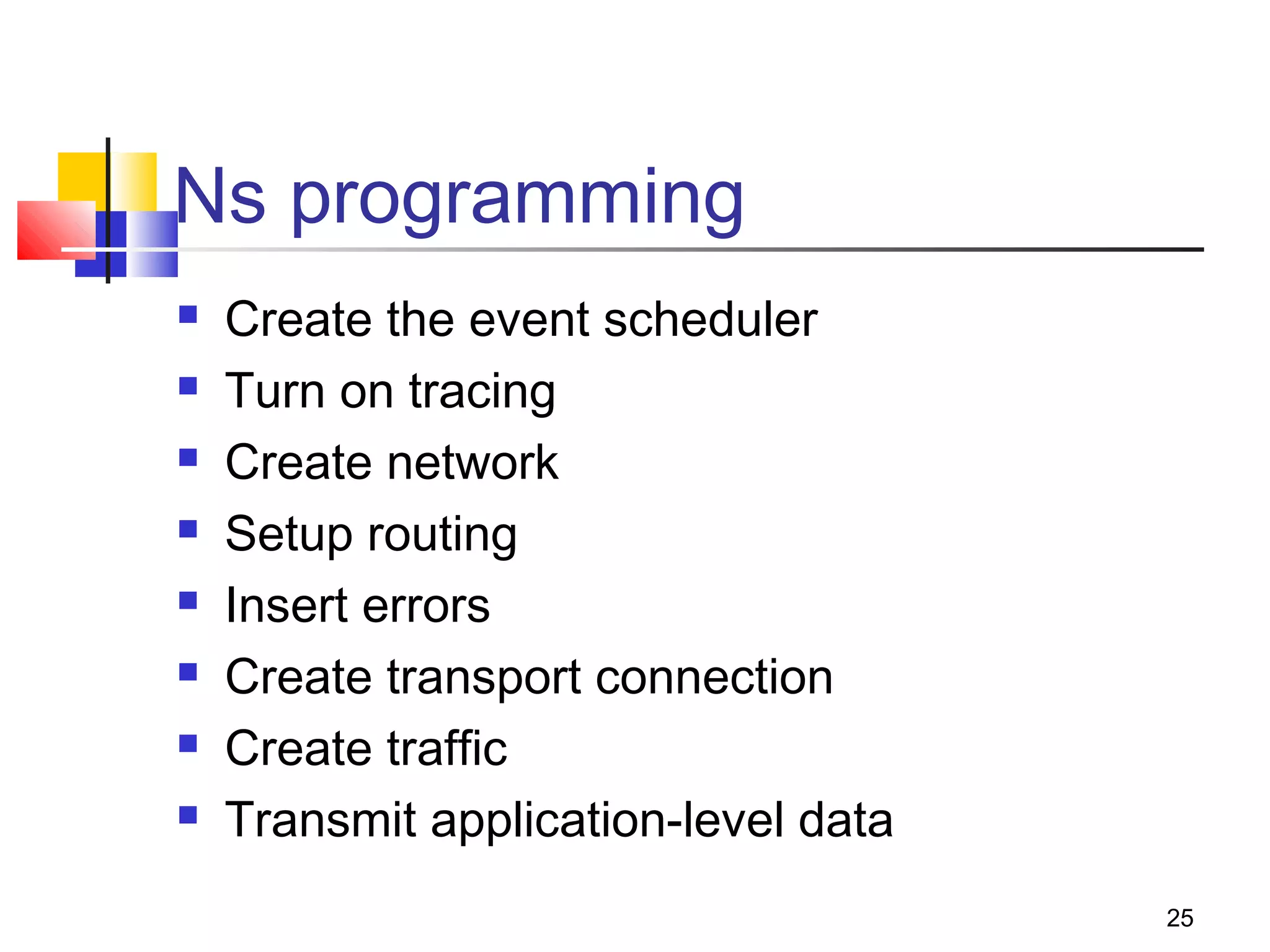
Ns programming
 Create the event scheduler
 Turn on tracing
 Create network
 Setup routing
 Insert errors
 Create transport connection
 Create traffic
 Transmit application-level data
26
Creating Event Scheduler
 Create event scheduler
set ns [new Simulator]
 Schedule events
$ns at <time> <event>

<event>: any legitimate ns/tcl commands
$ns at 5.0 “finish”
 Start scheduler
$ns run
27
Event Scheduler
 Event: at-event and packet
 List scheduler: default
 Heap and calendar queue scheduler
 Real-time scheduler
 Synchronize with real-time
 Network emulation
set ns_ [new Simulator]
$ns_ use-scheduler Heap
$ns_ at 300.5 “$self halt”
28
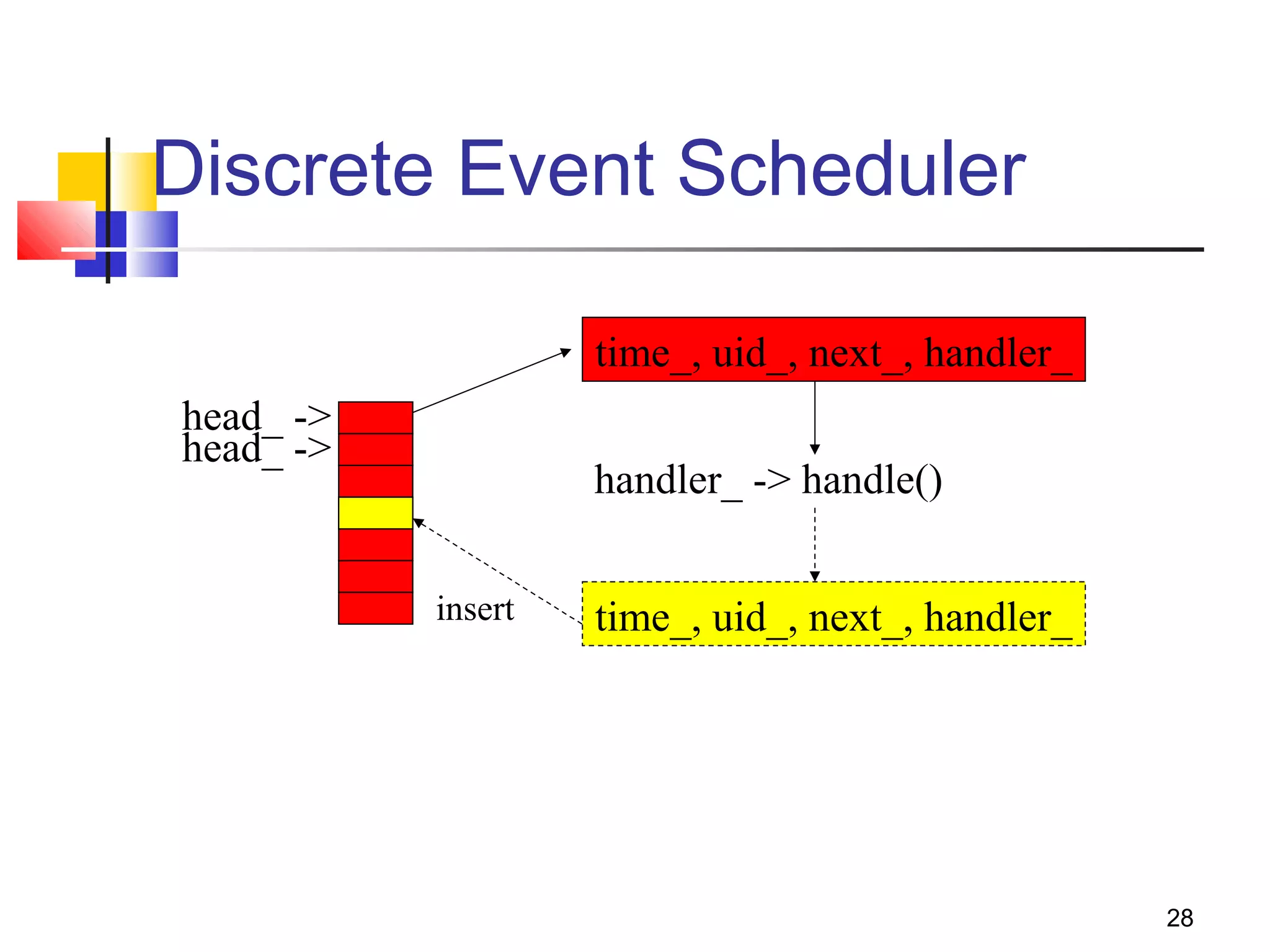
Discrete Event Scheduler
time_, uid_, next_, handler_
head_ ->
handler_ -> handle()
time_, uid_, next_, handler_insert
head_ ->
29
Hello World - Interactive Mode
Interactive mode:
swallow 71% ns
% set ns [new Simulator]
_o3
% $ns at 1 “puts “Hello
World!””
1
% $ns at 1.5 “exit”
2
% $ns run
Hello World!
swallow 72%
Batch mode:
simple.tcl
set ns [new Simulator]
$ns at 1 “puts “Hello
World!””
$ns at 1.5 “exit”
$ns run
swallow 74% ns
simple.tcl
Hello World!
swallow 75%
30
Tracing and Monitoring I
 Packet tracing:
 On all links: $ns trace-all [open out.tr w]
 On one specific link: $ns trace-queue $n0 $n1$tr
<Event> <time> <from> <to> <pkt> <size> -- <fid> <src> <dst> <seq> <attr>
+ 1 0 2 cbr 210 ------- 0 0.0 3.1 0 0
- 1 0 2 cbr 210 ------- 0 0.0 3.1 0 0
r 1.00234 0 2 cbr 210 ------- 0 0.0 3.1 0 0
 We have new trace format
 Event tracing (support TCP right now)
 Record “event” in trace file: $ns eventtrace-all
E 2.267203 0 4 TCP slow_start 0 210 1
31
Tracing and Monitoring II
 Queue monitor
set qmon [$ns monitor-queue $n0 $n1 $q_f $sample_interval]
 Get statistics for a queue
$qmon set pdrops_
 Record to trace file as an optional
29.000000000000142 0 1 0.0 0.0 4 4 0 1160 1160 0
 Flow monitor
set fmon [$ns_ makeflowmon Fid]
$ns_ attach-fmon $slink $fmon
$fmon set pdrops_
32
Tracing and Monitoring III
 Visualize trace in nam
$ns namtrace-all [open test.nam w]
$ns namtrace-queue $n0 $n1
 Variable tracing in nam
Agent/TCP set nam_tracevar_ true
$tcp tracevar srtt_
$tcp tracevar cwnd_
 Monitor agent variables in nam
$ns add-agent-trace $tcp $tcp$ns add-agent-trace $tcp $tcp
$ns monitor-agent-trace $tcp$ns monitor-agent-trace $tcp
$srm0 tracevar cwnd_$srm0 tracevar cwnd_
…………
$ns delete-agent-trace $tcp$ns delete-agent-trace $tcp
33
Creating Network
 Nodes
set n0 [$ns node]
set n1 [$ns node]
 Links and queuing
$ns <link_type> $n0 $n1 <bandwidth>
<delay> <queue_type>

<link_type>: duplex-link, simplex-link

<queue_type>: DropTail, RED, CBQ, FQ, SFQ,
DRR, diffserv RED queues
34
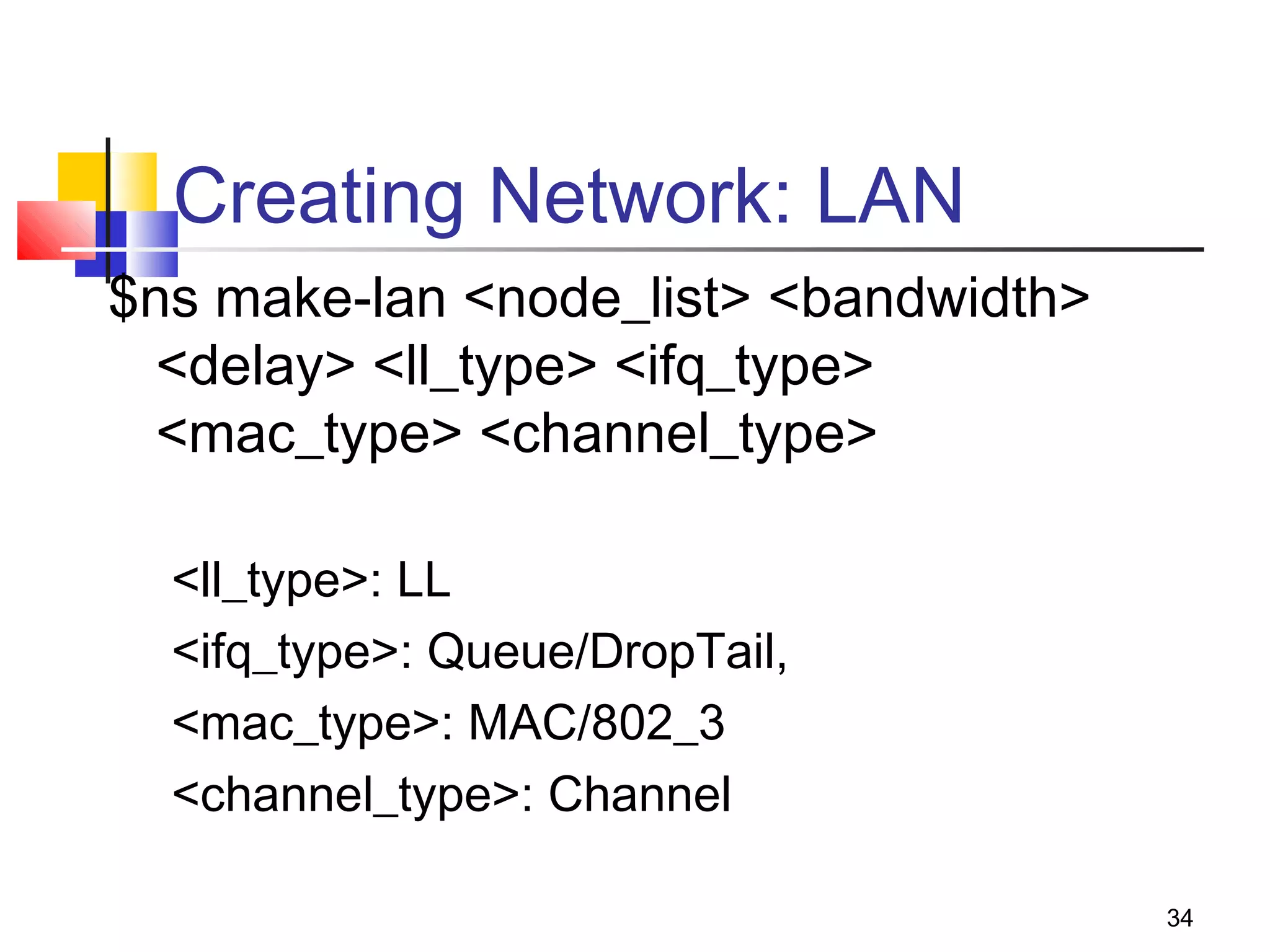
Creating Network: LAN
$ns make-lan <node_list> <bandwidth>
<delay> <ll_type> <ifq_type>
<mac_type> <channel_type>
<ll_type>: LL
<ifq_type>: Queue/DropTail,
<mac_type>: MAC/802_3
<channel_type>: Channel
35
Setup Routing
 Unicast
$ns rtproto <type>
<type>: Static, Session, DV, cost, multi-path
 Multicast
$ns multicast (right after [new Simulator])
$ns mrtproto <type>
<type>: CtrMcast, DM, ST, BST
 Other types of routing supported: source routing,
hierarchical routing
36
Inserting Errors
 Creating Error Module
set loss_module [new ErrorModel]
$loss_module set rate_ 0.01
$loss_module unit pkt
$loss_module ranvar [new RandomVariable/Uniform]
$loss_module drop-target [new Agent/Null]
 Inserting Error Module
$ns lossmodel $loss_module $n0 $n1
37
Network Dynamics
 Link failures
 Hooks in routing module to reflect routing
changes
 Four models
$ns rtmodel Trace <config_file> $n0 $n1$ns rtmodel Trace <config_file> $n0 $n1
$ns rtmodel Exponential {<params>} $n0 $n1$ns rtmodel Exponential {<params>} $n0 $n1
$ns rtmodel Deterministic {<params>} $n0 $n1$ns rtmodel Deterministic {<params>} $n0 $n1
$ns rtmodel-at <time> up|down $n0 $n1$ns rtmodel-at <time> up|down $n0 $n1
 Parameter list
[<start>] <up_interval> <down_interval> [<finish>][<start>] <up_interval> <down_interval> [<finish>]
38
Creating Connection and Traffic
 UDP
set udp [new Agent/UDP]
set null [new Agent/Null]
$ns attach-agent $n0 $udp
$ns attach-agent $n1 $null
$ns connect $udp $null
 CBR
set src [new
Application/Traffic/CBR]
 Exponential or Pareto
on-off
set src [new
Application/Traffic/Exponential]
set src [new
Application/Traffic/Pareto]
39
Creating Connection and Traffic II
 TCP
set tcp [new Agent/TCP]
set tcpsink [new
Agent/TCPSink]
$ns attach-agent $n0 $tcp
$ns attach-agent $n1
$tcpsink
$ns connect $tcp $tcpsink
 FTP
set ftp [new Application/FTP]
$ftp attach-agent $tcp
 Telnet
set telnet [new
Application/Telnet]
$telnet attach-agent $tcp
40
Creating Traffic: Trace Driven
 Trace driven
set tfile [new Tracefile]
$tfile filename <file>
set src [new Application/Traffic/Trace]
$src attach-tracefile $tfile
<file>:

Binary format (native!)

inter-packet time (msec) and packet size (byte)
41
Application-Level Simulation
 Features
 Build on top of existing transport protocol
 Transmit user data, e.g., HTTP header
 Two different solutions
 TCP: Application/TcpApp
 UDP: Agent/Message
42
Compare to Real World
 More abstract (much simpler):
 No addresses, just global variables
 Connect them rather than name
lookup/bind/listen/accept
 Easy to change implementation
Set tsrc2 [new agent/TCP/Newreno]
Set tsrc3 [new agent/TCP/Vegas]
43
Summary: Generic Script
Structure
set ns [new Simulator]set ns [new Simulator]
# [Turn on tracing]# [Turn on tracing]
# Create topology# Create topology
# Setup packet loss, link dynamics# Setup packet loss, link dynamics
# Create routing agents# Create routing agents
# Create:# Create:
# - multicast groups# - multicast groups
# - protocol agents# - protocol agents
# - application and/or setup traffic sources# - application and/or setup traffic sources
# Post-processing procs# Post-processing procs
# Start simulation# Start simulation
44
nsnam Interface
 Color
 Node manipulation
 Link manipulation
 Topology layout
 Protocol state
 Misc
45
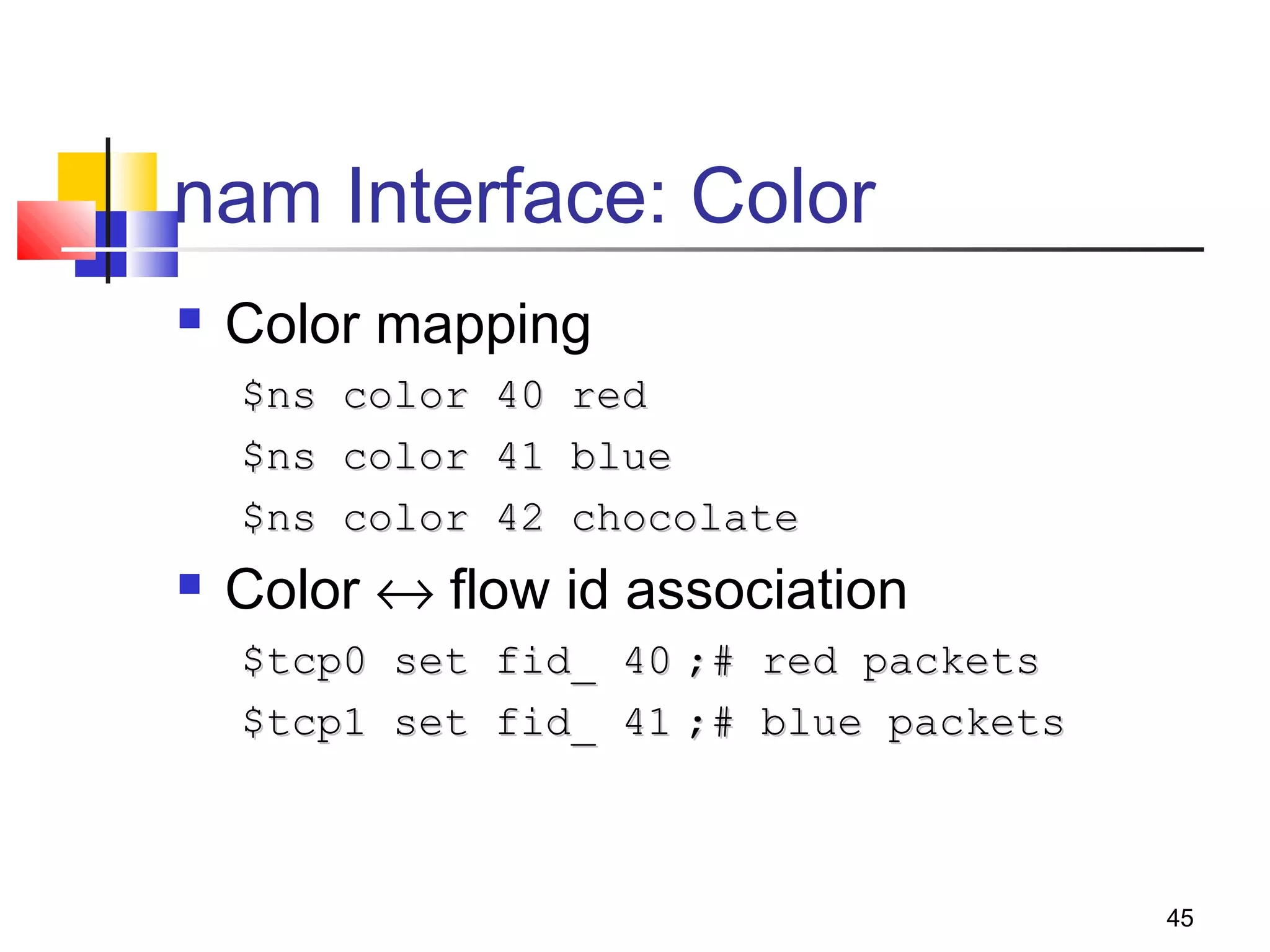
nam Interface: Color
 Color mapping
$ns color 40 red$ns color 40 red
$ns color 41 blue$ns color 41 blue
$ns color 42 chocolate$ns color 42 chocolate
 Color ↔ flow id association
$tcp0 set fid_ 40$tcp0 set fid_ 40 ;# red packets;# red packets
$tcp1 set fid_ 41$tcp1 set fid_ 41 ;# blue packets;# blue packets
46
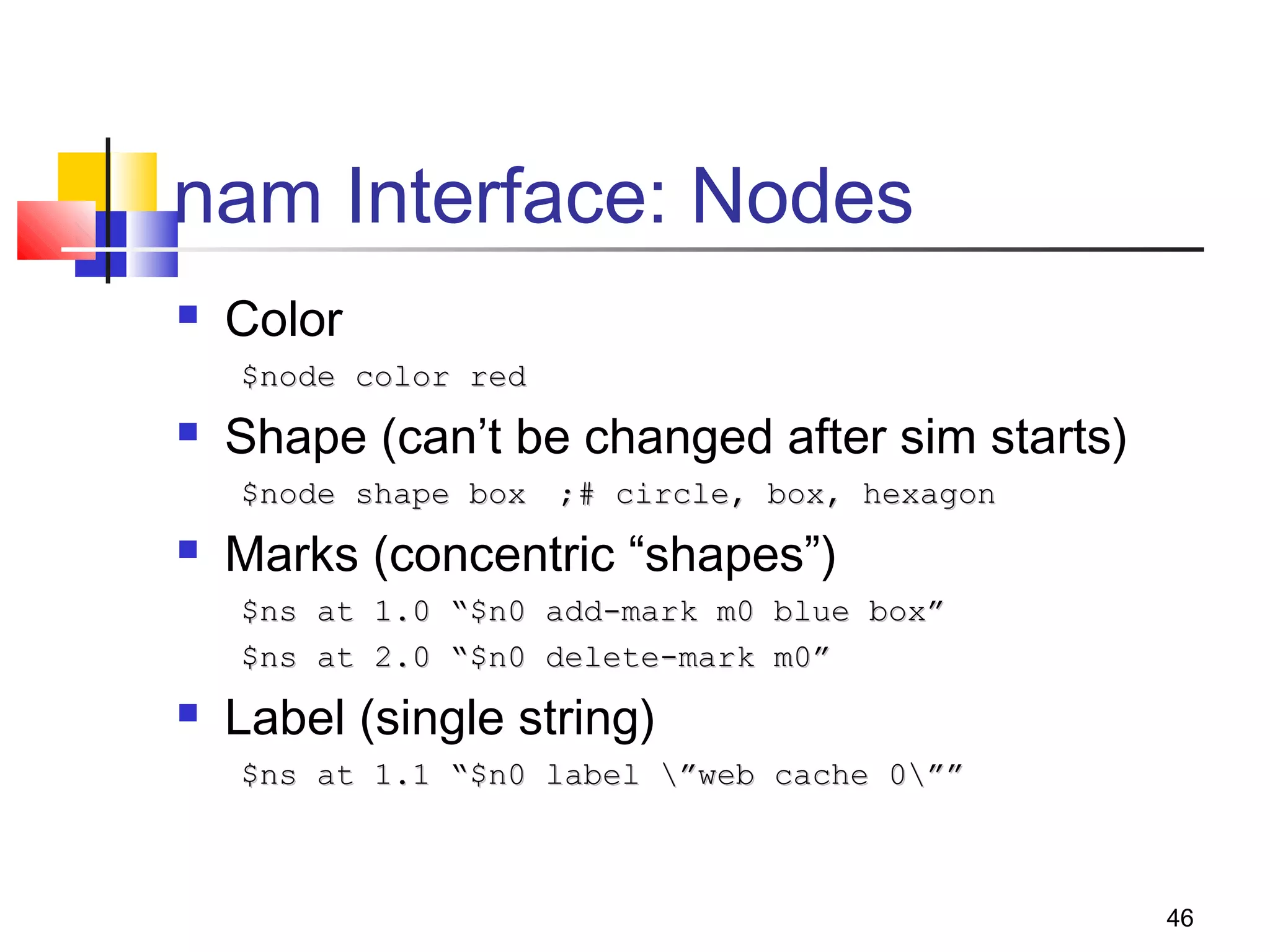
nam Interface: Nodes
 Color
$node color red$node color red
 Shape (can’t be changed after sim starts)
$node shape box$node shape box ;# circle, box, hexagon;# circle, box, hexagon
 Marks (concentric “shapes”)
$ns at 1.0 “$n0 add-mark m0 blue box”$ns at 1.0 “$n0 add-mark m0 blue box”
$ns at 2.0 “$n0 delete-mark m0”$ns at 2.0 “$n0 delete-mark m0”
 Label (single string)
$ns at 1.1 “$n0 label ”web cache 0””$ns at 1.1 “$n0 label ”web cache 0””
47
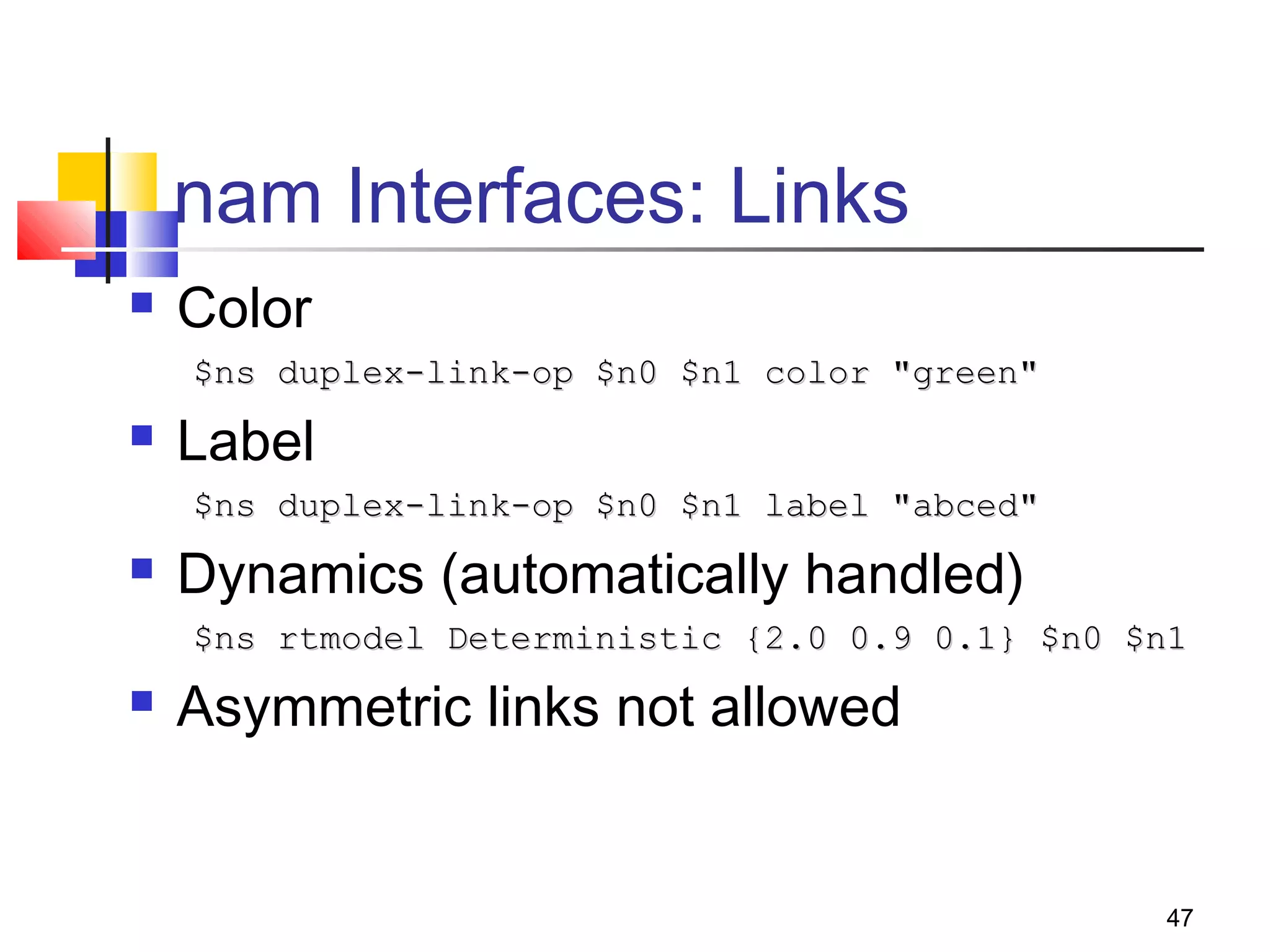
nam Interfaces: Links
 Color
$ns duplex-link-op $n0 $n1 color "green"$ns duplex-link-op $n0 $n1 color "green"
 Label
$ns duplex-link-op $n0 $n1 label "abced"$ns duplex-link-op $n0 $n1 label "abced"
 Dynamics (automatically handled)
$ns rtmodel Deterministic {2.0 0.9 0.1} $n0 $n1$ns rtmodel Deterministic {2.0 0.9 0.1} $n0 $n1
 Asymmetric links not allowed
48
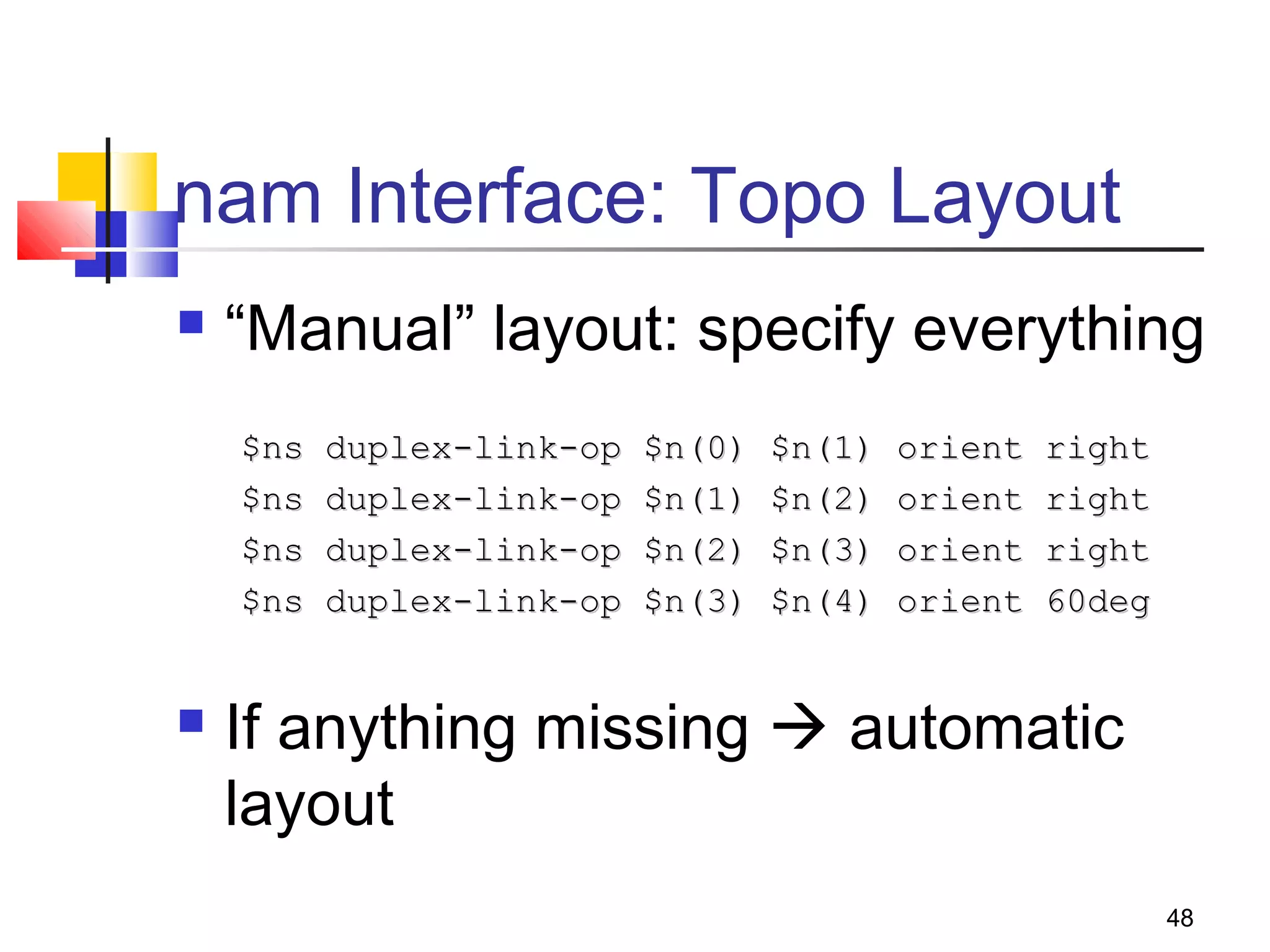
nam Interface: Topo Layout
 “Manual” layout: specify everything
$ns duplex-link-op $n(0) $n(1) orient right$ns duplex-link-op $n(0) $n(1) orient right
$ns duplex-link-op $n(1) $n(2) orient right$ns duplex-link-op $n(1) $n(2) orient right
$ns duplex-link-op $n(2) $n(3) orient right$ns duplex-link-op $n(2) $n(3) orient right
$ns duplex-link-op $n(3) $n(4) orient 60deg$ns duplex-link-op $n(3) $n(4) orient 60deg
 If anything missing  automatic
layout
49
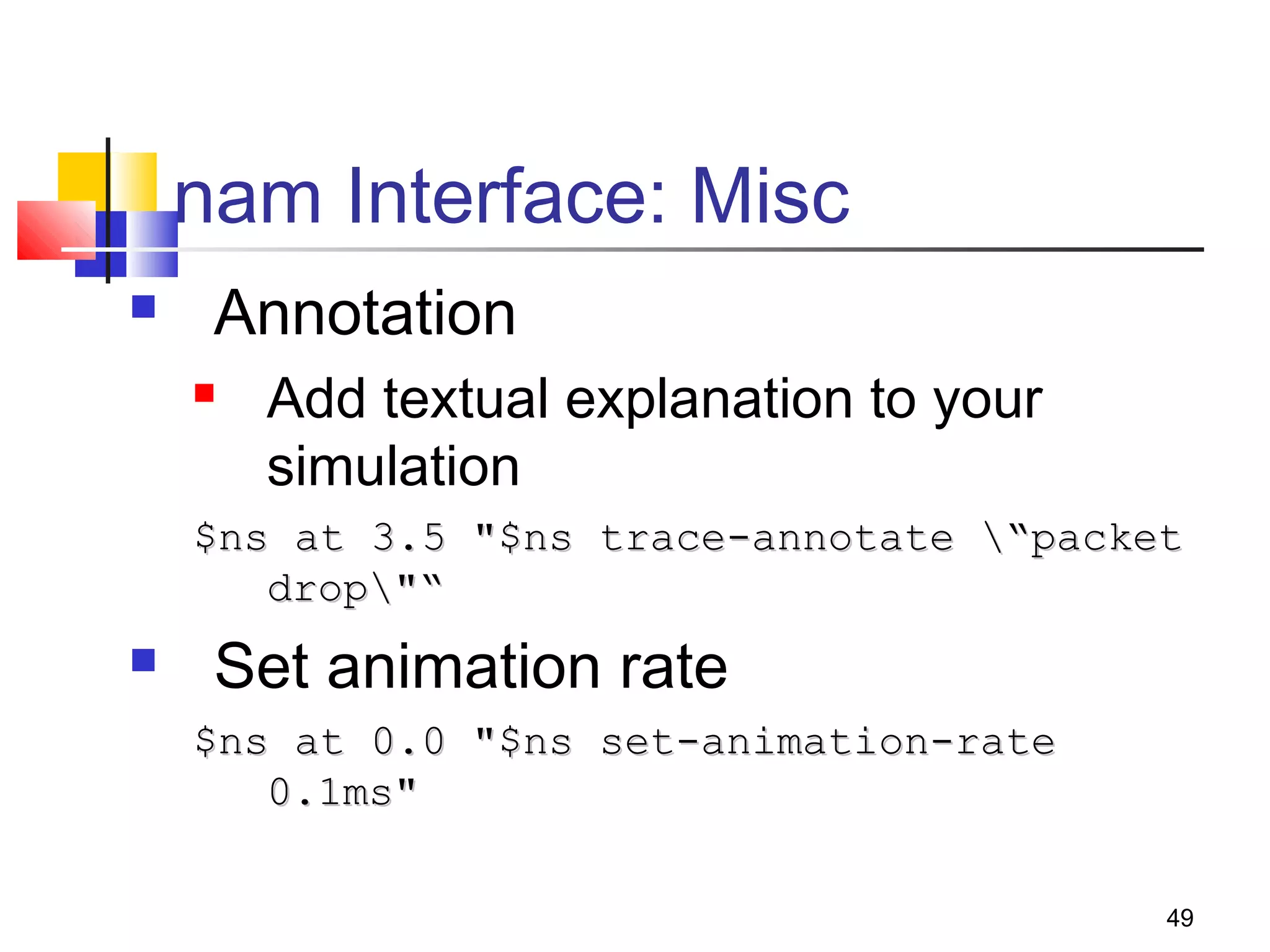
nam Interface: Misc
 Annotation
 Add textual explanation to your
simulation
$ns at 3.5 "$ns trace-annotate “packet$ns at 3.5 "$ns trace-annotate “packet
drop"“drop"“
 Set animation rate
$ns at 0.0 "$ns set-animation-rate$ns at 0.0 "$ns set-animation-rate
0.1ms"0.1ms"
50
Nam Demo
 tcp.tcl: simple nam animation
 red.tcl:
 RED trace function
 Xgraph: queue size plot
 pudp.tcl:
 Queue monitoring
 Agent variable tracing and monitoring
 Nam graph: TCP sequence plot

Ns fundamentals 1

  • 1.
  • 2.
    2 Introduction  1989: REALnetwork simulator  1995: DARPA VINT project at LBL, Xerox PARC, UCB, and USC/ISI  Present: DARPA SAMAN project and NSF CONSER project  Collaboration with other researchers including CIRI
  • 3.
    3 Ns Goals  Supportnetworking research and education  Protocol design, traffic studies, etc  Protocol comparison  Provide a collaborative environment  Freely distributed, open source  Share code, protocols, models, etc  Allow easy comparison of similar protocols  Increase confidence in results  More people look at models in more situations  Experts develop models  Multiple levels of detail in one simulator
  • 4.
    4 SAMAN and CONSER Projects SAMAN: build robust networks through understanding the detection and prediction of failure conditions  ASIM, RAMP, and NEWS  CONSER: extending ns and nam to support:  Network research:  New module integration: diffserv, direct diffusion  Existing module improvement, new trace, etc  Network education: nam and nam editor, educational scripts repository, ns-edu mailing list, ns tutorial, etc
  • 5.
    5 Ns Status  Periodicalrelease (ns-2.1b9a, July 2002)  ~200K LOC in C++ and Otcl,  ~100 test suites and 100+ examples  371 pages of ns manual  Daily snapshot (with auto-validation)  Stability validation  http://www.isi.edu/nsnam/ns/ns-tests.html  Platform support  FreeBSD, Linux, Solaris, Windows and Mac  User base  > 1k institutes (50 countries), >10k users  About 300 posts to ns-users@isi.edu every month
  • 6.
    6 Ns functionalities  Wiredworld  Routing DV, LS, PIM-SM  Transportation: TCP and UDP  Traffic sources:web, ftp, telnet, cbr, stochastic  Queuing disciplines:drop-tail, RED, FQ, SFQ, DRR  QoS: IntServ and Diffserv  Emulation  Wireless  Ad hoc routing and mobile IP  Directed diffusion, sensor-MAC  Tracing, visualization, various utilities
  • 7.
    7 “Ns” Components  Ns,the simulator itself  Nam, the network animator  Visualize ns (or other) output  Nam editor: GUI interface to generate ns scripts  Pre-processing:  Traffic and topology generators  Post-processing:  Simple trace analysis, often in Awk, Perl, or Tcl
  • 8.
    8 Ns Models  Trafficmodels and applications:  Web, FTP, telnet, constant-bit rate, real audio  Transport protocols:  unicast: TCP (Reno, Vegas, etc.), UDP  Multicast: SRM  Routing and queueing:  Wired routing, ad hoc rtg and directed diffusion  queueing protocols: RED, drop-tail, etc  Physical media:  Wired (point-to-point, LANs), wireless (multiple propagation models), satellite
  • 9.
    9 Installation  Getting thepieces  Tcl/TK 8.x (8.3.2 preferred): http://resource.tcl.tk/resource/software/tcltk/  Otcl and TclCL: http://otcl-tclcl.sourceforge.net  ns-2 and nam-1: http://www.isi.edu/nsnam/dist  Other utilities  http://www.isi.edu/nsnam/ns/ns-build.html  Tcl-debug, GT-ITM, xgraph, …
  • 10.
    10 Help and Resources Ns and nam build questions  http://www.isi.edu/nsnam/ns/ns-build.html  Ns mailing list: ns-users@isi.edu  Ns manual and tutorial (in distribution)  TCL: http://dev.scriptics.com/scripting  Otcl tutorial (in distribution): ftp://ftp.tns.lcs.mit.edu/pub/otcl/doc/tutorial.ht ml
  • 11.
    11 Cautions  We triedbest to validate ns with regression tests  However: abstraction of the real world is necessary for a simulator  You must justify the usage of this simulator based on your research goals
  • 12.
    12 Tutorial Schedule  Firstsession (Nov 21, 2002)  Introduction  Ns fundamentals  Extending ns  Lab  Second session (Nov 22, 2002)  Diffserv model (including lab)  Wireless networks (including lab)
  • 13.
    13 Part I: nsfundamentals
  • 14.
    14 Ns-2, the NetworkSimulator  A discrete event simulator  Simple model  Focused on modeling network protocols  Wired, wireless, satellite  TCP, UDP, multicast, unicast  Web, telnet, ftp  Ad hoc routing, sensor networks  Infrastructure: stats, tracing, error models, etc
  • 15.
    15 Discrete Event Simulation Model world as events  Simulator has list of events  Process: take next one, run it, until done  Each event happens in an instant of virtual (simulated) time, but takes an arbitrary amount of real time  Ns uses simple model: single thread of control => no locking or race conditions to worry about (very easy)
  • 16.
    16 Discrete Event Examples Considertwo nodes on an Ethernet: A B simple queuing model: t=1, A enqueues pkt on LAN t=1.01, LAN dequeues pkt and triggers B detailed CSMA/CD model: t=1.0: A sends pkt to NIC A’s NIC starts carrier sense t=1.005: A’s NIC concludes cs, starts tx t=1.006: B’s NIC begins reciving pkt t=1.01: B’s NIC concludes pkt B’s NIC passes pkt to app
  • 17.
    17 Ns Architecture  Object-oriented(C++, OTcl)  Modular approach  Fine-grained object composition + Reusability + Maintenance – Performance (speed and memory) – Careful planning of modularity
  • 18.
    18 C++ and OTclSeparation  “data” / control separation  C++ for “data”:  per packet processing, core of ns  fast to run, detailed, complete control  OTcl for control:  Simulation scenario configurations  Periodic or triggered action  Manipulating existing C++ objects  fast to write and change + running vs. writing speed – Learning and debugging (two languages)
  • 19.
    19 Otcl and C++:The Duality  OTcl (object variant of Tcl) and C++ share class hierarchy  TclCL is glue library that makes it easy to share functions, variables, etc C++ otcl C++/OTcl split objects
  • 20.
    20 Basic Tcl variables: set x10 puts “x is $x” functions and expressions: set y [pow x 2] set y [expr x*x] control flow: if {$x > 0} { return $x } else { return [expr -$x] } while { $x > 0 } { puts $x incr x –1 } procedures: proc pow {x n} { if {$n == 1} { return $x } set part [pow x [expr $n-1]] return [expr $x*$part] } Also lists, associative arrays, etc. => can use a real programming language to build network topologies, traffic models, etc.
  • 21.
    21 Basic otcl Class Person #constructor: Person instproc init {age} { $self instvar age_ set age_ $age } # method: Person instproc greet {} { $self instvar age_ puts “$age_ years old: How are you doing?” } # subclass: Class Kid -superclass Person Kid instproc greet {} { $self instvar age_ puts “$age_ years old kid: What’s up, dude?” } set a [new Person 45] set b [new Kid 15] $a greet $b greet => can easily make variations of existing things (TCP, TCP/Reno)
  • 22.
    22 C++ and OTclLinkage  Class Tcl: instance of OTcl interpreter Tcl& tcl = Tcl::instance(); tcl.evalc(“puts stdout hello world”); tcl.result() and tcl.error  Class TclObject and TclClass  Variable bindings bind(“rtt_”, &t_rtt_)  Invoking command method in shadow class $tcp advanceby 10
  • 23.
    23 C++ and Otcllinkage II  Some important objects:  NsObject: has recv() method  Connector: has target() and drop()  BiConnector: uptarget() & downtarget()
  • 24.
  • 25.
    25 Ns programming  Createthe event scheduler  Turn on tracing  Create network  Setup routing  Insert errors  Create transport connection  Create traffic  Transmit application-level data
  • 26.
    26 Creating Event Scheduler Create event scheduler set ns [new Simulator]  Schedule events $ns at <time> <event>  <event>: any legitimate ns/tcl commands $ns at 5.0 “finish”  Start scheduler $ns run
  • 27.
    27 Event Scheduler  Event:at-event and packet  List scheduler: default  Heap and calendar queue scheduler  Real-time scheduler  Synchronize with real-time  Network emulation set ns_ [new Simulator] $ns_ use-scheduler Heap $ns_ at 300.5 “$self halt”
  • 28.
    28 Discrete Event Scheduler time_,uid_, next_, handler_ head_ -> handler_ -> handle() time_, uid_, next_, handler_insert head_ ->
  • 29.
    29 Hello World -Interactive Mode Interactive mode: swallow 71% ns % set ns [new Simulator] _o3 % $ns at 1 “puts “Hello World!”” 1 % $ns at 1.5 “exit” 2 % $ns run Hello World! swallow 72% Batch mode: simple.tcl set ns [new Simulator] $ns at 1 “puts “Hello World!”” $ns at 1.5 “exit” $ns run swallow 74% ns simple.tcl Hello World! swallow 75%
  • 30.
    30 Tracing and MonitoringI  Packet tracing:  On all links: $ns trace-all [open out.tr w]  On one specific link: $ns trace-queue $n0 $n1$tr <Event> <time> <from> <to> <pkt> <size> -- <fid> <src> <dst> <seq> <attr> + 1 0 2 cbr 210 ------- 0 0.0 3.1 0 0 - 1 0 2 cbr 210 ------- 0 0.0 3.1 0 0 r 1.00234 0 2 cbr 210 ------- 0 0.0 3.1 0 0  We have new trace format  Event tracing (support TCP right now)  Record “event” in trace file: $ns eventtrace-all E 2.267203 0 4 TCP slow_start 0 210 1
  • 31.
    31 Tracing and MonitoringII  Queue monitor set qmon [$ns monitor-queue $n0 $n1 $q_f $sample_interval]  Get statistics for a queue $qmon set pdrops_  Record to trace file as an optional 29.000000000000142 0 1 0.0 0.0 4 4 0 1160 1160 0  Flow monitor set fmon [$ns_ makeflowmon Fid] $ns_ attach-fmon $slink $fmon $fmon set pdrops_
  • 32.
    32 Tracing and MonitoringIII  Visualize trace in nam $ns namtrace-all [open test.nam w] $ns namtrace-queue $n0 $n1  Variable tracing in nam Agent/TCP set nam_tracevar_ true $tcp tracevar srtt_ $tcp tracevar cwnd_  Monitor agent variables in nam $ns add-agent-trace $tcp $tcp$ns add-agent-trace $tcp $tcp $ns monitor-agent-trace $tcp$ns monitor-agent-trace $tcp $srm0 tracevar cwnd_$srm0 tracevar cwnd_ ………… $ns delete-agent-trace $tcp$ns delete-agent-trace $tcp
  • 33.
    33 Creating Network  Nodes setn0 [$ns node] set n1 [$ns node]  Links and queuing $ns <link_type> $n0 $n1 <bandwidth> <delay> <queue_type>  <link_type>: duplex-link, simplex-link  <queue_type>: DropTail, RED, CBQ, FQ, SFQ, DRR, diffserv RED queues
  • 34.
    34 Creating Network: LAN $nsmake-lan <node_list> <bandwidth> <delay> <ll_type> <ifq_type> <mac_type> <channel_type> <ll_type>: LL <ifq_type>: Queue/DropTail, <mac_type>: MAC/802_3 <channel_type>: Channel
  • 35.
    35 Setup Routing  Unicast $nsrtproto <type> <type>: Static, Session, DV, cost, multi-path  Multicast $ns multicast (right after [new Simulator]) $ns mrtproto <type> <type>: CtrMcast, DM, ST, BST  Other types of routing supported: source routing, hierarchical routing
  • 36.
    36 Inserting Errors  CreatingError Module set loss_module [new ErrorModel] $loss_module set rate_ 0.01 $loss_module unit pkt $loss_module ranvar [new RandomVariable/Uniform] $loss_module drop-target [new Agent/Null]  Inserting Error Module $ns lossmodel $loss_module $n0 $n1
  • 37.
    37 Network Dynamics  Linkfailures  Hooks in routing module to reflect routing changes  Four models $ns rtmodel Trace <config_file> $n0 $n1$ns rtmodel Trace <config_file> $n0 $n1 $ns rtmodel Exponential {<params>} $n0 $n1$ns rtmodel Exponential {<params>} $n0 $n1 $ns rtmodel Deterministic {<params>} $n0 $n1$ns rtmodel Deterministic {<params>} $n0 $n1 $ns rtmodel-at <time> up|down $n0 $n1$ns rtmodel-at <time> up|down $n0 $n1  Parameter list [<start>] <up_interval> <down_interval> [<finish>][<start>] <up_interval> <down_interval> [<finish>]
  • 38.
    38 Creating Connection andTraffic  UDP set udp [new Agent/UDP] set null [new Agent/Null] $ns attach-agent $n0 $udp $ns attach-agent $n1 $null $ns connect $udp $null  CBR set src [new Application/Traffic/CBR]  Exponential or Pareto on-off set src [new Application/Traffic/Exponential] set src [new Application/Traffic/Pareto]
  • 39.
    39 Creating Connection andTraffic II  TCP set tcp [new Agent/TCP] set tcpsink [new Agent/TCPSink] $ns attach-agent $n0 $tcp $ns attach-agent $n1 $tcpsink $ns connect $tcp $tcpsink  FTP set ftp [new Application/FTP] $ftp attach-agent $tcp  Telnet set telnet [new Application/Telnet] $telnet attach-agent $tcp
  • 40.
    40 Creating Traffic: TraceDriven  Trace driven set tfile [new Tracefile] $tfile filename <file> set src [new Application/Traffic/Trace] $src attach-tracefile $tfile <file>:  Binary format (native!)  inter-packet time (msec) and packet size (byte)
  • 41.
    41 Application-Level Simulation  Features Build on top of existing transport protocol  Transmit user data, e.g., HTTP header  Two different solutions  TCP: Application/TcpApp  UDP: Agent/Message
  • 42.
    42 Compare to RealWorld  More abstract (much simpler):  No addresses, just global variables  Connect them rather than name lookup/bind/listen/accept  Easy to change implementation Set tsrc2 [new agent/TCP/Newreno] Set tsrc3 [new agent/TCP/Vegas]
  • 43.
    43 Summary: Generic Script Structure setns [new Simulator]set ns [new Simulator] # [Turn on tracing]# [Turn on tracing] # Create topology# Create topology # Setup packet loss, link dynamics# Setup packet loss, link dynamics # Create routing agents# Create routing agents # Create:# Create: # - multicast groups# - multicast groups # - protocol agents# - protocol agents # - application and/or setup traffic sources# - application and/or setup traffic sources # Post-processing procs# Post-processing procs # Start simulation# Start simulation
  • 44.
    44 nsnam Interface  Color Node manipulation  Link manipulation  Topology layout  Protocol state  Misc
  • 45.
    45 nam Interface: Color Color mapping $ns color 40 red$ns color 40 red $ns color 41 blue$ns color 41 blue $ns color 42 chocolate$ns color 42 chocolate  Color ↔ flow id association $tcp0 set fid_ 40$tcp0 set fid_ 40 ;# red packets;# red packets $tcp1 set fid_ 41$tcp1 set fid_ 41 ;# blue packets;# blue packets
  • 46.
    46 nam Interface: Nodes Color $node color red$node color red  Shape (can’t be changed after sim starts) $node shape box$node shape box ;# circle, box, hexagon;# circle, box, hexagon  Marks (concentric “shapes”) $ns at 1.0 “$n0 add-mark m0 blue box”$ns at 1.0 “$n0 add-mark m0 blue box” $ns at 2.0 “$n0 delete-mark m0”$ns at 2.0 “$n0 delete-mark m0”  Label (single string) $ns at 1.1 “$n0 label ”web cache 0””$ns at 1.1 “$n0 label ”web cache 0””
  • 47.
    47 nam Interfaces: Links Color $ns duplex-link-op $n0 $n1 color "green"$ns duplex-link-op $n0 $n1 color "green"  Label $ns duplex-link-op $n0 $n1 label "abced"$ns duplex-link-op $n0 $n1 label "abced"  Dynamics (automatically handled) $ns rtmodel Deterministic {2.0 0.9 0.1} $n0 $n1$ns rtmodel Deterministic {2.0 0.9 0.1} $n0 $n1  Asymmetric links not allowed
  • 48.
    48 nam Interface: TopoLayout  “Manual” layout: specify everything $ns duplex-link-op $n(0) $n(1) orient right$ns duplex-link-op $n(0) $n(1) orient right $ns duplex-link-op $n(1) $n(2) orient right$ns duplex-link-op $n(1) $n(2) orient right $ns duplex-link-op $n(2) $n(3) orient right$ns duplex-link-op $n(2) $n(3) orient right $ns duplex-link-op $n(3) $n(4) orient 60deg$ns duplex-link-op $n(3) $n(4) orient 60deg  If anything missing  automatic layout
  • 49.
    49 nam Interface: Misc Annotation  Add textual explanation to your simulation $ns at 3.5 "$ns trace-annotate “packet$ns at 3.5 "$ns trace-annotate “packet drop"“drop"“  Set animation rate $ns at 0.0 "$ns set-animation-rate$ns at 0.0 "$ns set-animation-rate 0.1ms"0.1ms"
  • 50.
    50 Nam Demo  tcp.tcl:simple nam animation  red.tcl:  RED trace function  Xgraph: queue size plot  pudp.tcl:  Queue monitoring  Agent variable tracing and monitoring  Nam graph: TCP sequence plot