New Media Technology
The Ownership and administration of
Internet
OVERVIEW
• ISPs
• Wireless Application Protocol (WAP)
• Types of Internet connections
The Internet
View this:
How the Internet Works??
ISPs
An ISP (Internet service provider) is a company
that provides individuals and other companies
access to the Internet and other related services
such as Web site building and virtual hosting.
ISP Video 1: Internet Service Provider (ISP)
ISP Video 2: What is ISP?
Wireless Application Protocol (WAP)
WAP (Wireless Application Protocol) is a
specification for a set of communication protocols
to standardize the way that wireless devices, such
as cellular telephones and radio transceivers, can
be used for Internet access, including e-mail, the
World Wide Web, newsgroups, and instant
messaging.
How to Use WAP?
Types of Internet connections
• Dial-up Internet Access
• ISDN - Integrated Services Digital Network
• Wireless Internet Connections
• Cable
• Leased Line
• Hotspots
Dial-up Internet Access
Dial-up connections require users to link their
phone line to a computer in order to access the
Internet.
This particular type of connection—also referred
to as analog—does not permit users to make or
receive phone calls through their home phone
service while using the Internet.
View this: Dial Up Internet Access
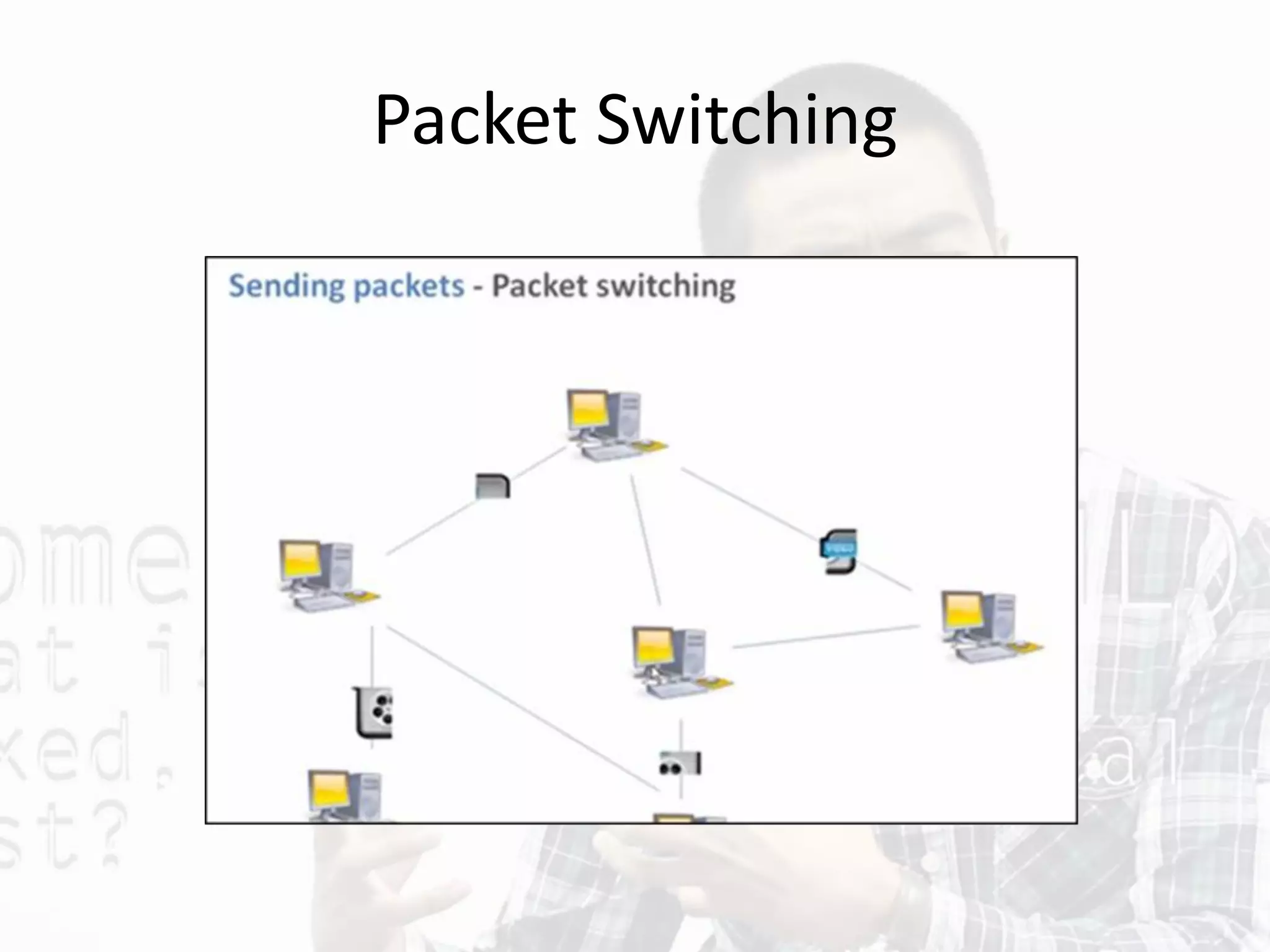
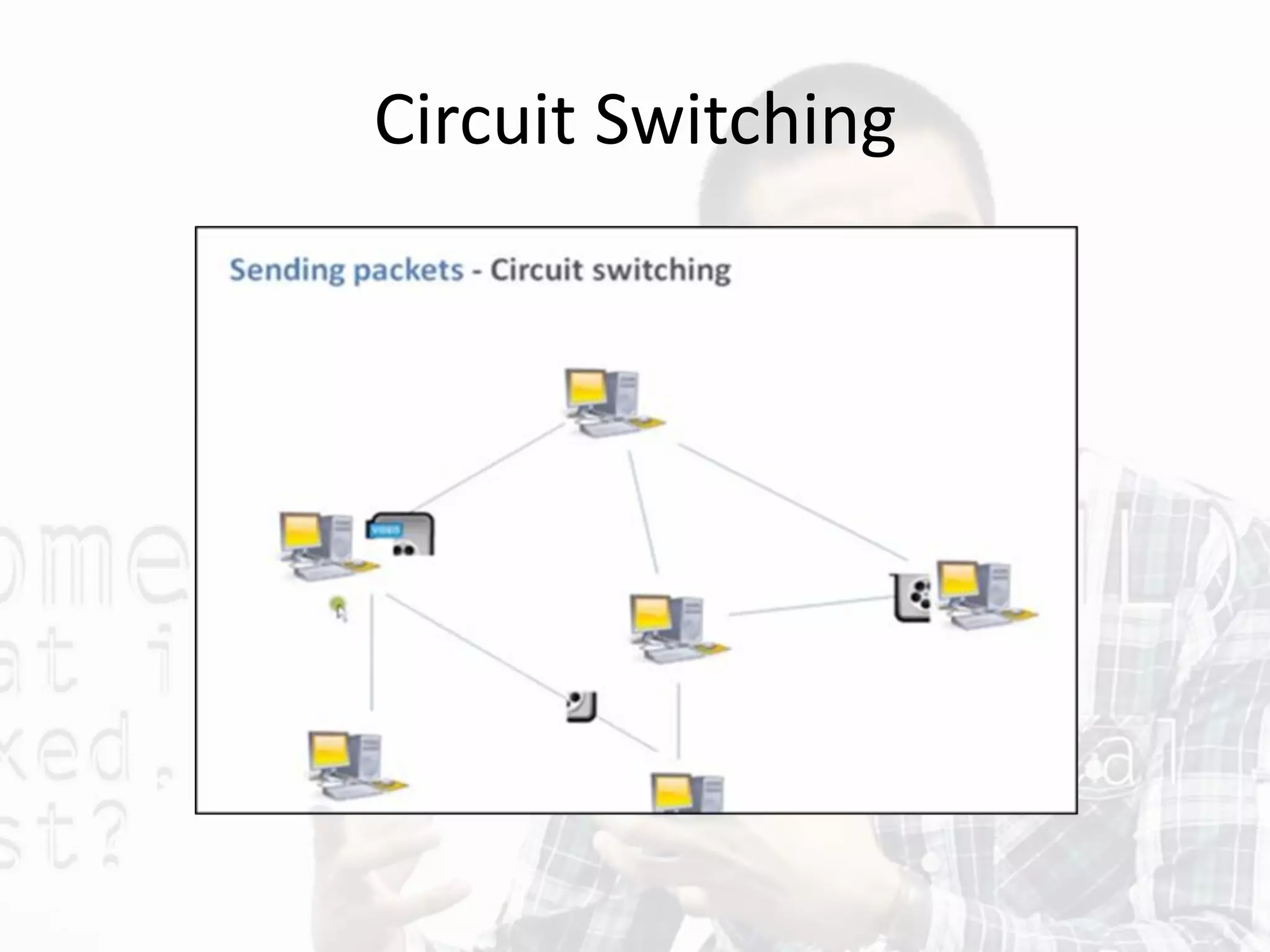
Packet-Switched Networks
Packet-switched describes the type of network in
which relatively small units of data called packets
are routed through a network based on the
destination address contained within each packet.
Breaking communication down into packets allows
the same data path to be shared among many users
in the network.
Watch this:
Circuit switching & Packet switching
Packet Switching
Circuit Switching
ISDN - Integrated Services Digital
Network
• ISDN (Integrated Services Digital Network) allows users
to send data, voice and video content over digital
telephone lines or standard telephone wires.
• The installation of an ISDN adapter is required at both
ends of the transmission—on the part of the user as
well as the Internet access provider.
• There are quite a few other Internet connection
options available, including T-1 lines, T-3 lines, OC
(Optical Carrier) and other DSL technologies.
Wireless Internet Connections
Wireless, or Wi-Fi, as the name suggests, does
not use telephone lines or cables to connect to
the internet. Instead, it uses radio frequency.
Wireless is also an always on connection and it
can be accessed from just about anywhere.
Cable
Cable Internet connection is a form of
broadband access. Through use of a cable
modem, users can access the Internet over cable
TV lines. Cable modems can provide extremely
fast access to the Internet.
Leased Line
Leased connection is also known as direct
Internet access or Level Three connection. It is
the secure, dedicated and most expensive, level
of Internet connection. With leased connection,
your computer is dedicatedly and directly
connected to the Internet using highspeed
transmission lines. It is on-line twenty-four
hours a day, seven days a week.
Leased Line
T-1 lines are a popular leased line option for businesses
connecting to the Internet and for Internet Service
Providers (ISPs) connecting to the Internet backbone.
T-3 lines are dedicated phone connections supporting
data rates of about 43 to 45 Mbps. It too is a popular
leased line option. A T-3 line actually consists of 672
individual channels, each of which supports 64 Kbps. T-3
lines are used mainly by Internet Service Providers (ISPs)
connecting to the Internet backbone and for the
backbone itself.
Video 1: Guide To Leased Lines
and other Internet Connections
Hotspots
Hotspots are sites that offer Internet access over a
wireless local area network (WLAN) by way of a
router that then connects to an Internet service
provider.
Hotspots utilize Wi-Fi technology, which allows
electronic devices to connect to the Internet or
exchange data wirelessly through radio waves.
Hotspots can be phone-based or free-standing,
commercial or free to the public.
New Media Technology
The Ownership and administration of
Internet

New Media Technology - The Ownership and Administration of the Internet

  • 1.
    New Media Technology TheOwnership and administration of Internet
  • 2.
    OVERVIEW • ISPs • WirelessApplication Protocol (WAP) • Types of Internet connections
  • 3.
    The Internet View this: Howthe Internet Works??
  • 4.
    ISPs An ISP (Internetservice provider) is a company that provides individuals and other companies access to the Internet and other related services such as Web site building and virtual hosting. ISP Video 1: Internet Service Provider (ISP) ISP Video 2: What is ISP?
  • 5.
    Wireless Application Protocol(WAP) WAP (Wireless Application Protocol) is a specification for a set of communication protocols to standardize the way that wireless devices, such as cellular telephones and radio transceivers, can be used for Internet access, including e-mail, the World Wide Web, newsgroups, and instant messaging. How to Use WAP?
  • 6.
    Types of Internetconnections • Dial-up Internet Access • ISDN - Integrated Services Digital Network • Wireless Internet Connections • Cable • Leased Line • Hotspots
  • 7.
    Dial-up Internet Access Dial-upconnections require users to link their phone line to a computer in order to access the Internet. This particular type of connection—also referred to as analog—does not permit users to make or receive phone calls through their home phone service while using the Internet. View this: Dial Up Internet Access
  • 8.
    Packet-Switched Networks Packet-switched describesthe type of network in which relatively small units of data called packets are routed through a network based on the destination address contained within each packet. Breaking communication down into packets allows the same data path to be shared among many users in the network. Watch this: Circuit switching & Packet switching
  • 9.
  • 10.
  • 11.
    ISDN - IntegratedServices Digital Network • ISDN (Integrated Services Digital Network) allows users to send data, voice and video content over digital telephone lines or standard telephone wires. • The installation of an ISDN adapter is required at both ends of the transmission—on the part of the user as well as the Internet access provider. • There are quite a few other Internet connection options available, including T-1 lines, T-3 lines, OC (Optical Carrier) and other DSL technologies.
  • 12.
    Wireless Internet Connections Wireless,or Wi-Fi, as the name suggests, does not use telephone lines or cables to connect to the internet. Instead, it uses radio frequency. Wireless is also an always on connection and it can be accessed from just about anywhere.
  • 13.
    Cable Cable Internet connectionis a form of broadband access. Through use of a cable modem, users can access the Internet over cable TV lines. Cable modems can provide extremely fast access to the Internet.
  • 14.
    Leased Line Leased connectionis also known as direct Internet access or Level Three connection. It is the secure, dedicated and most expensive, level of Internet connection. With leased connection, your computer is dedicatedly and directly connected to the Internet using highspeed transmission lines. It is on-line twenty-four hours a day, seven days a week.
  • 15.
    Leased Line T-1 linesare a popular leased line option for businesses connecting to the Internet and for Internet Service Providers (ISPs) connecting to the Internet backbone. T-3 lines are dedicated phone connections supporting data rates of about 43 to 45 Mbps. It too is a popular leased line option. A T-3 line actually consists of 672 individual channels, each of which supports 64 Kbps. T-3 lines are used mainly by Internet Service Providers (ISPs) connecting to the Internet backbone and for the backbone itself.
  • 16.
    Video 1: GuideTo Leased Lines and other Internet Connections
  • 17.
    Hotspots Hotspots are sitesthat offer Internet access over a wireless local area network (WLAN) by way of a router that then connects to an Internet service provider. Hotspots utilize Wi-Fi technology, which allows electronic devices to connect to the Internet or exchange data wirelessly through radio waves. Hotspots can be phone-based or free-standing, commercial or free to the public.
  • 18.
    New Media Technology TheOwnership and administration of Internet