ePortfolios 2.0:Web 2.0 tools toImprove/ShowcaseStudent TechnologyLiteracyDr. Helen BarrettNECC 2009Slideshare: eportfolios
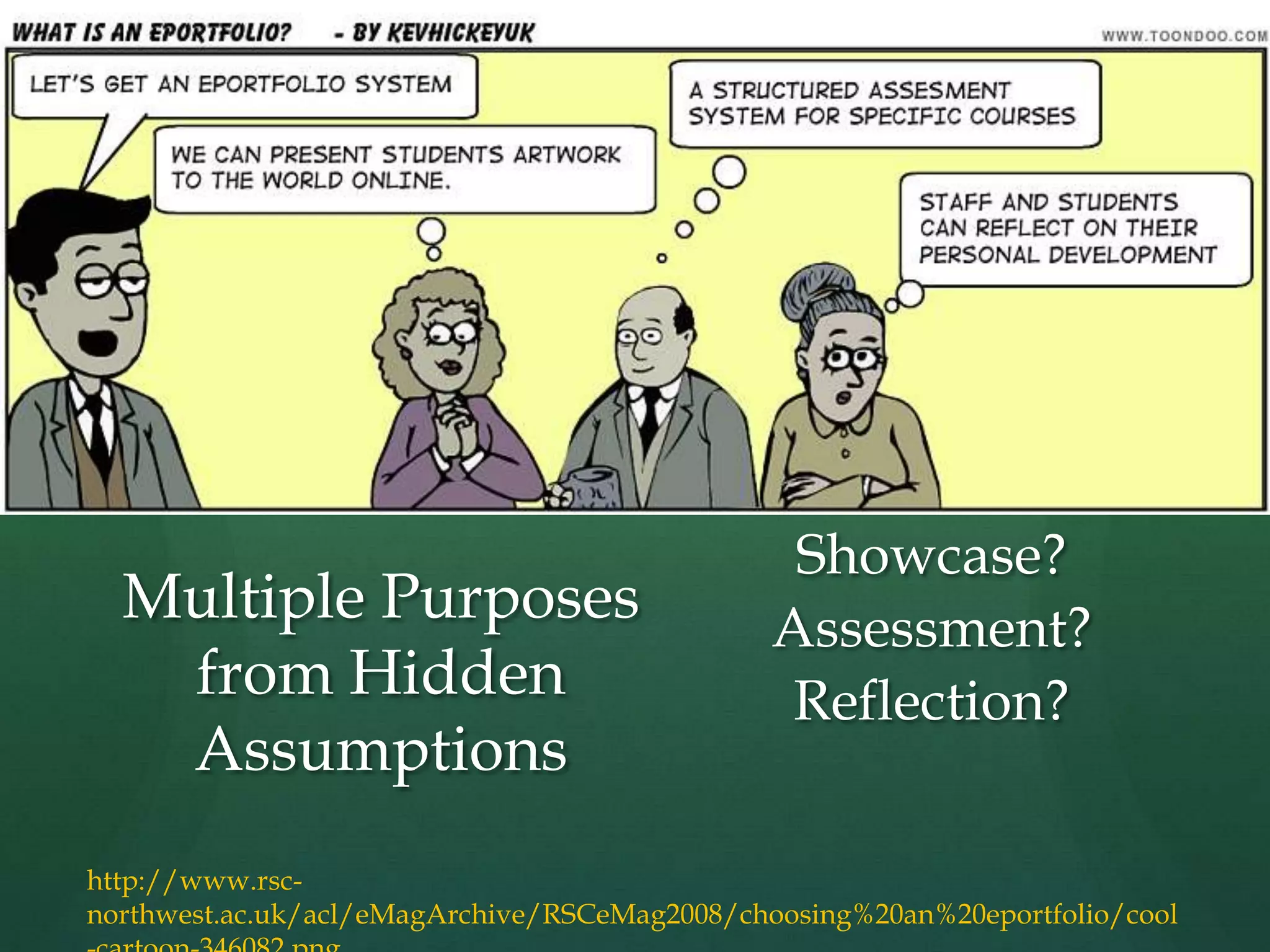
Showcase?Assessment?Reflection?Multiple Purposes from Hidden Assumptionshttp://www.rsc-northwest.ac.uk/acl/eMagArchive/RSCeMag2008/choosing%20an%20eportfolio/cool-cartoon-346082.png
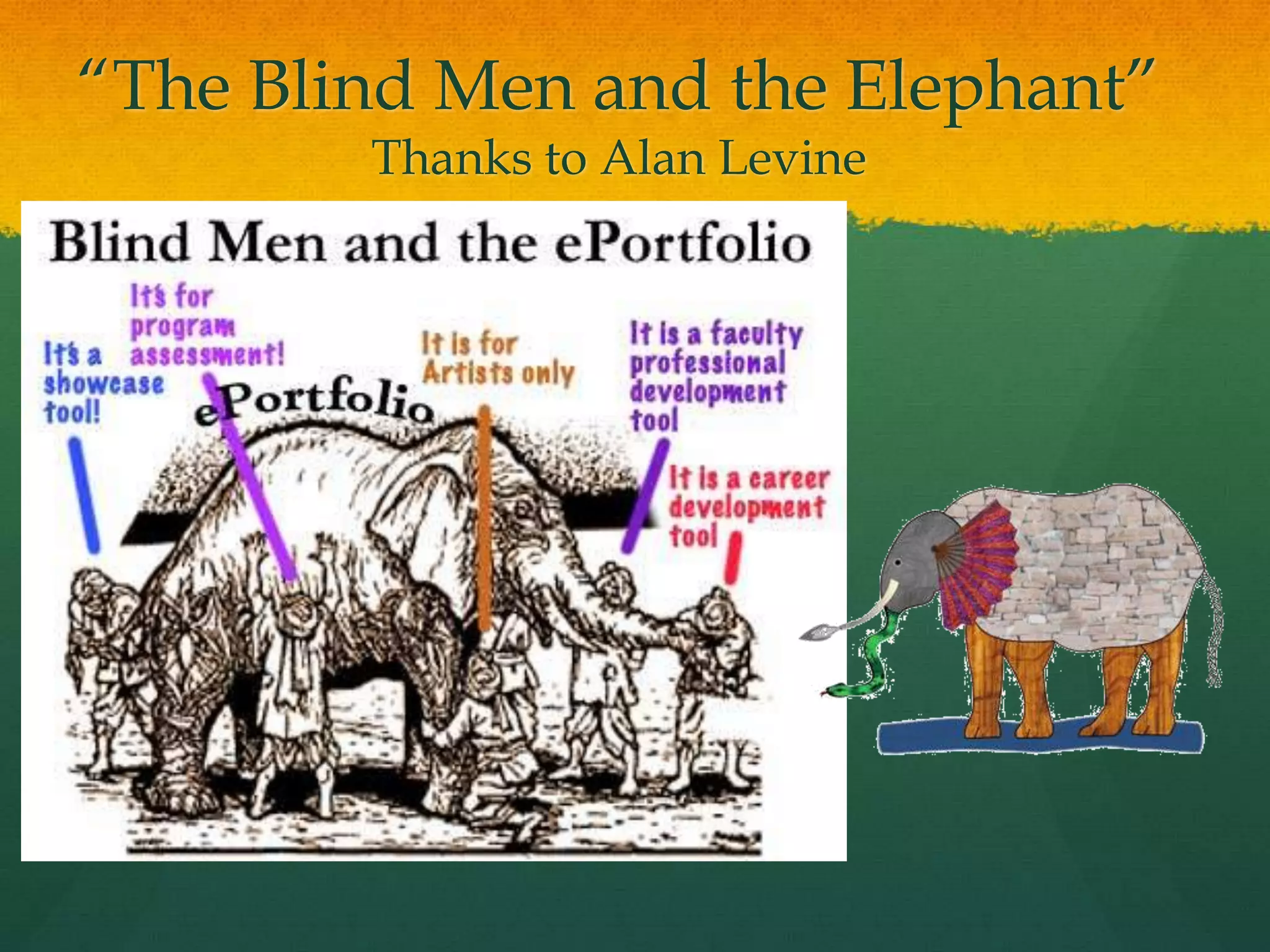
“The Blind Men and the Elephant”Thanks to Alan Levine
QUOTEThe e-portfolio is the central and common point for the student experience… It is a reflection of the student as a person undergoing continuous personal development, not just a store of evidence.-Geoff Rebbeck, e-Learning Coordinator, Thanet College, quoted in JISC, 2008, Effective Practice with e-Portfolios
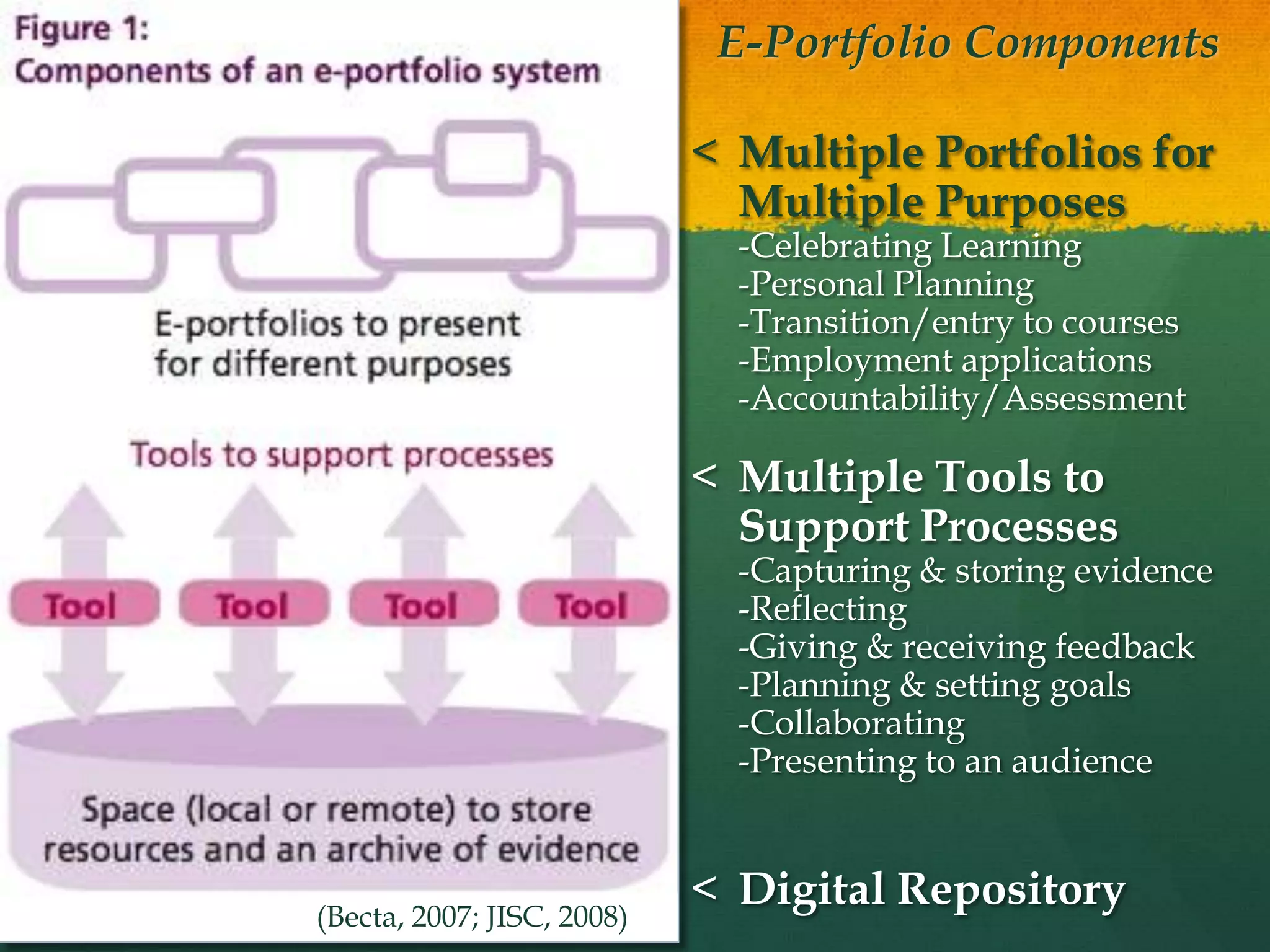
E-Portfolio Components Multiple Portfolios for Multiple Purposes-Celebrating Learning-Personal Planning-Transition/entry to courses-Employment applications-Accountability/Assessment
Multiple Tools to Support Processes-Capturing & storing evidence-Reflecting-Giving & receiving feedback-Planning & setting goals-Collaborating-Presenting to an audience
Digital Repository(Becta, 2007; JISC, 2008)
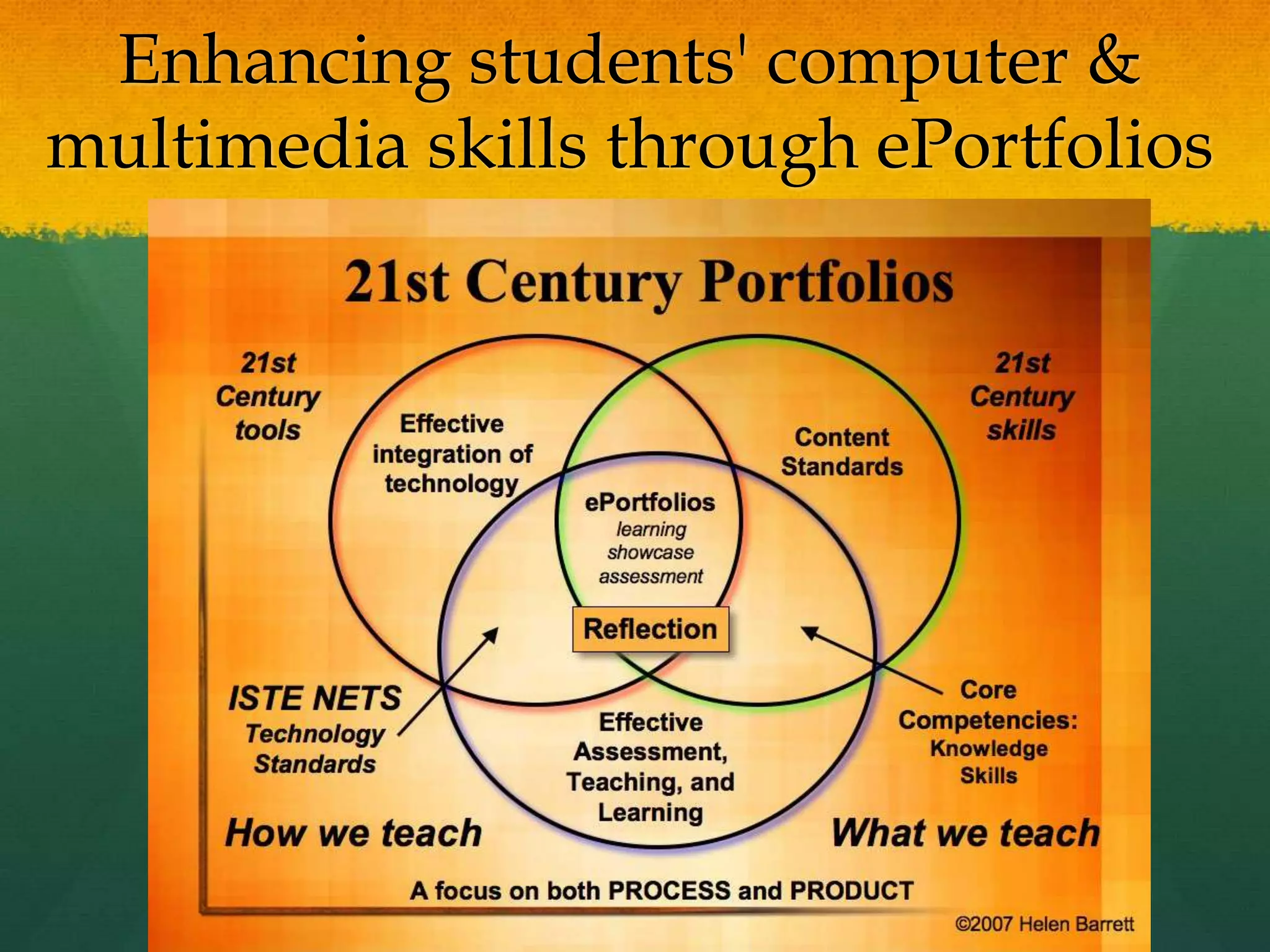
Enhancing students' computer & multimedia skills through ePortfolios
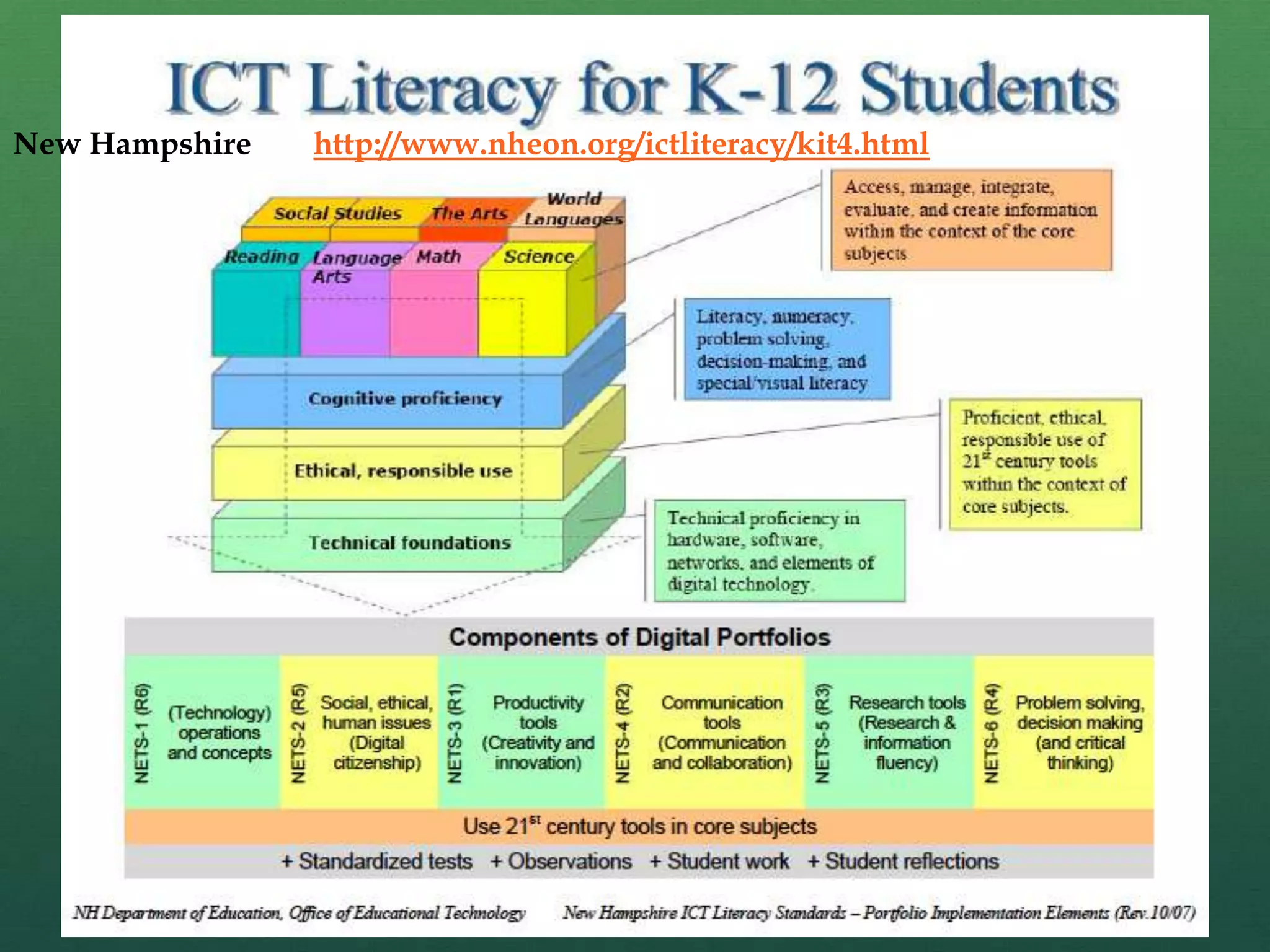
New Hampshirehttp://www.nheon.org/ictliteracy/kit4.html
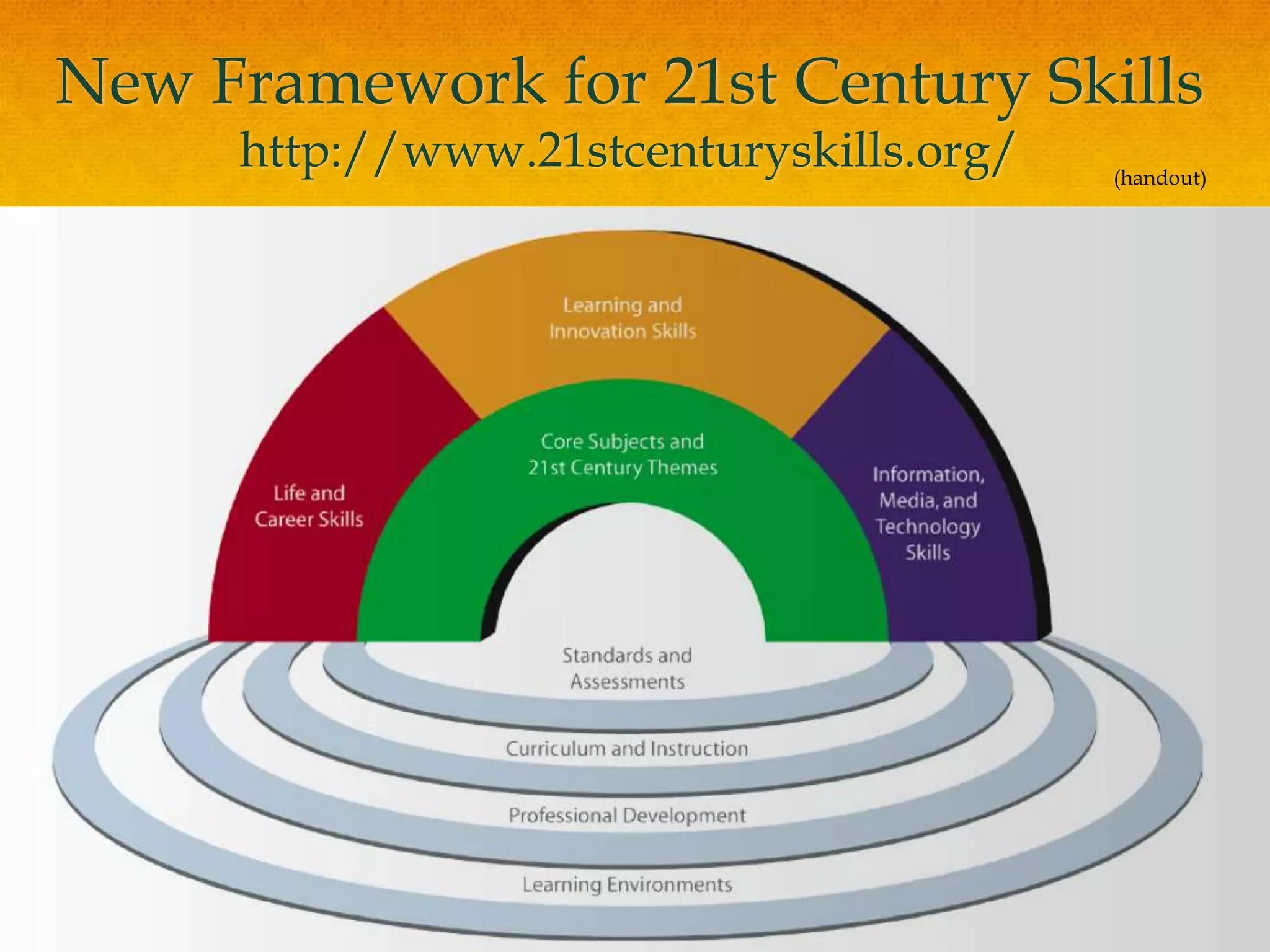
New Framework for 21st Century Skillshttp://www.21stcenturyskills.org/(handout)
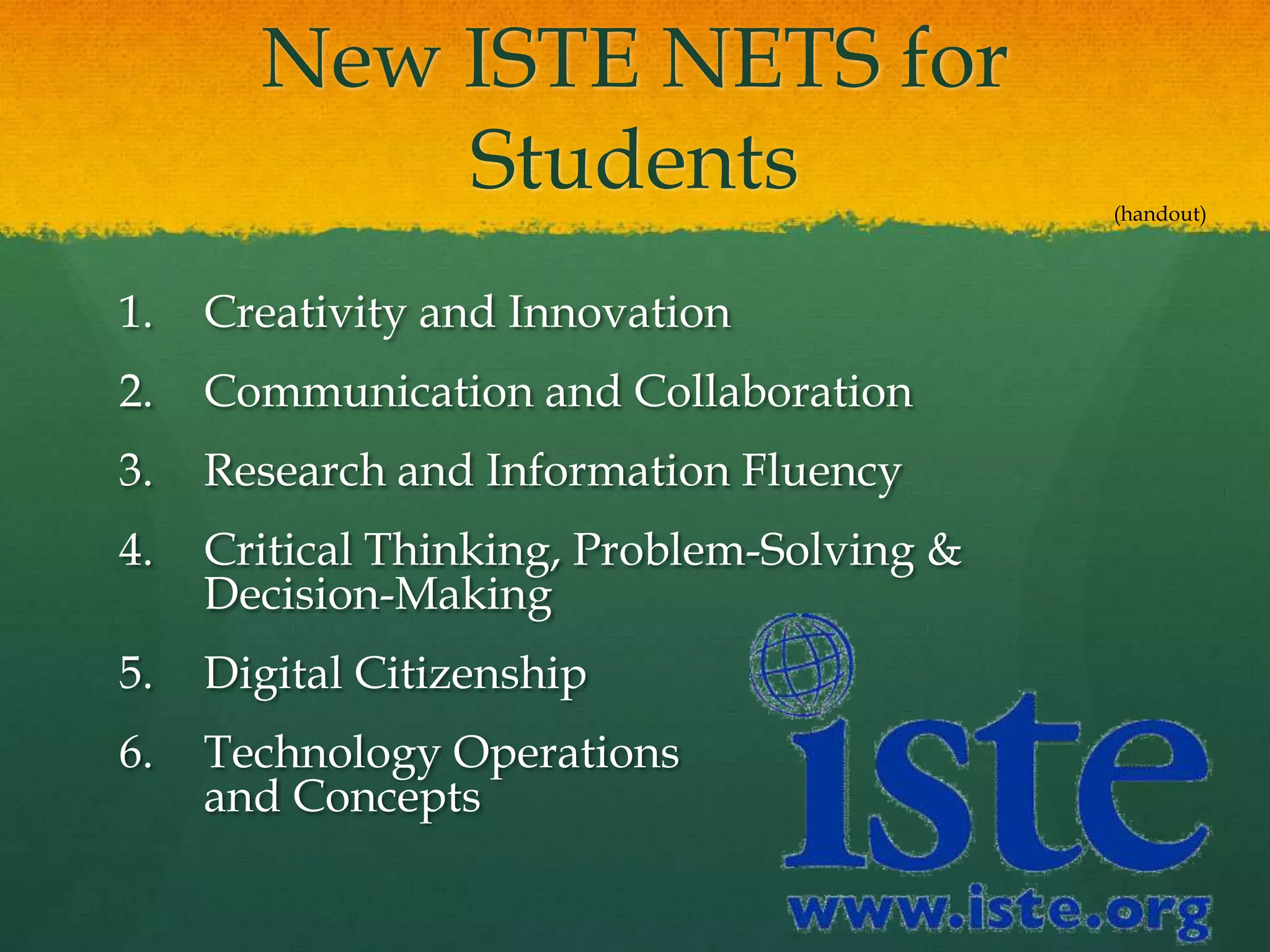
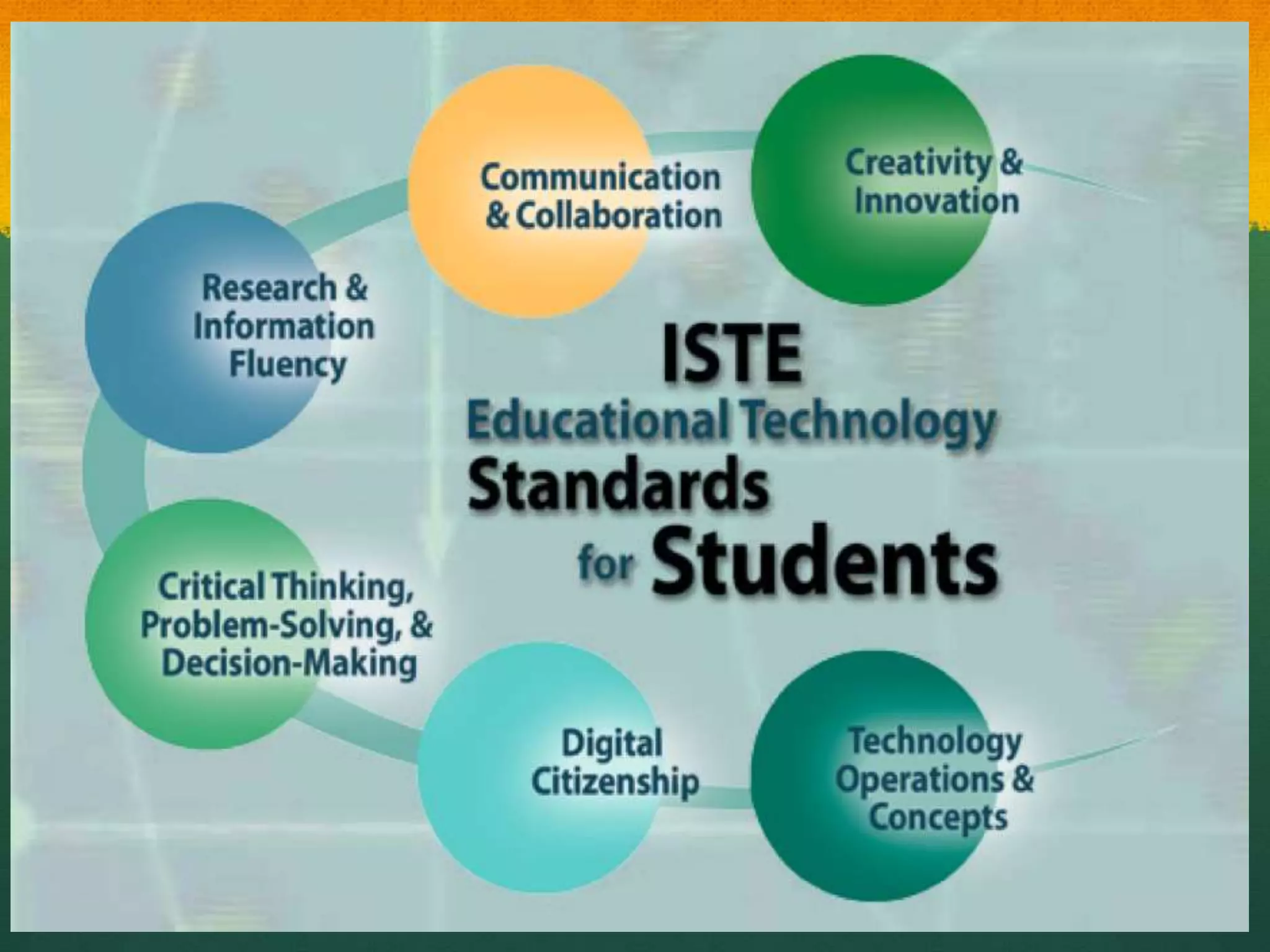
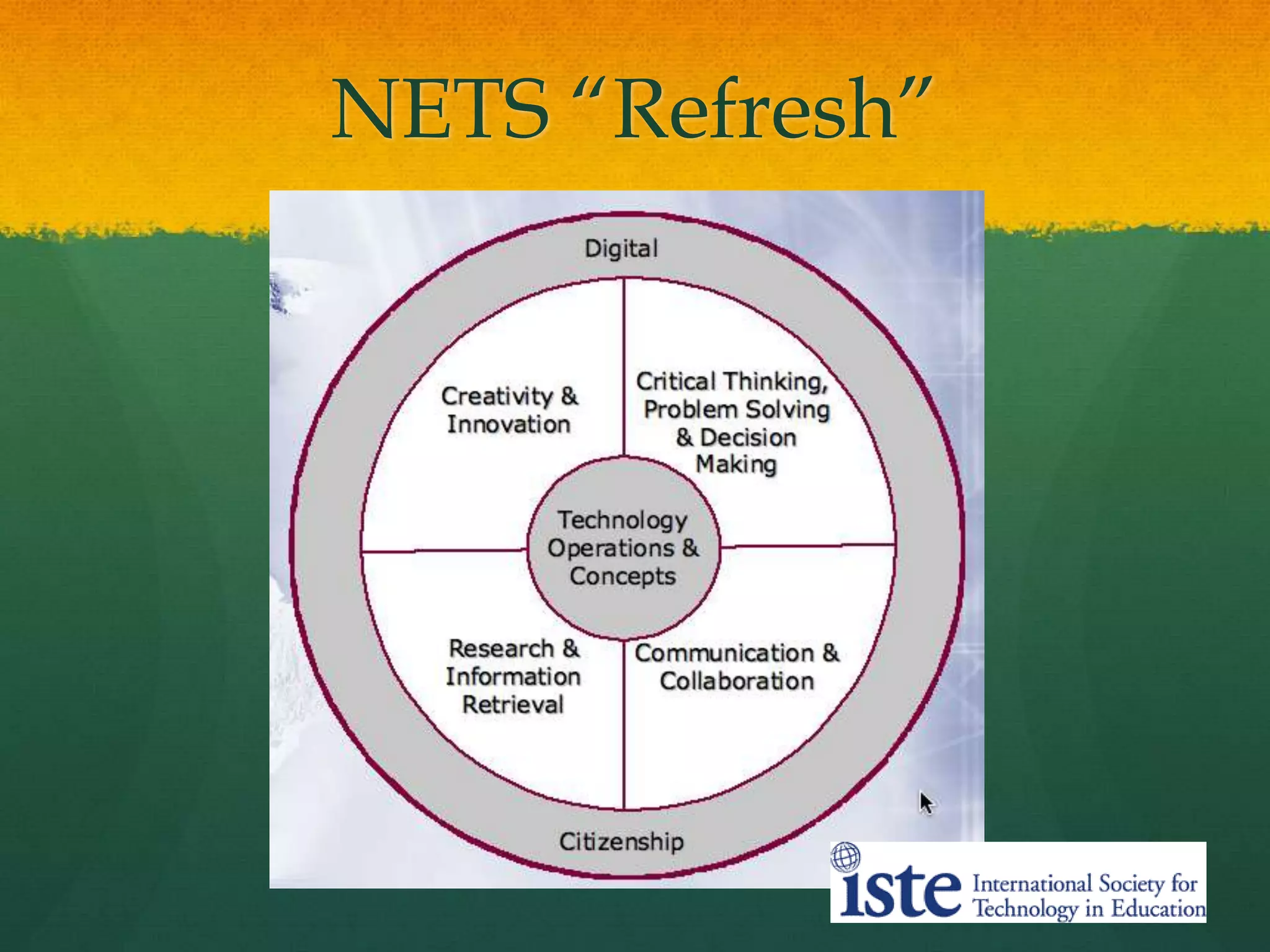
New ISTE NETS for StudentsCreativity and InnovationCommunication and CollaborationResearch and Information FluencyCritical Thinking, Problem-Solving & Decision-MakingDigital CitizenshipTechnology Operations and Concepts(handout)
NETS “Refresh”
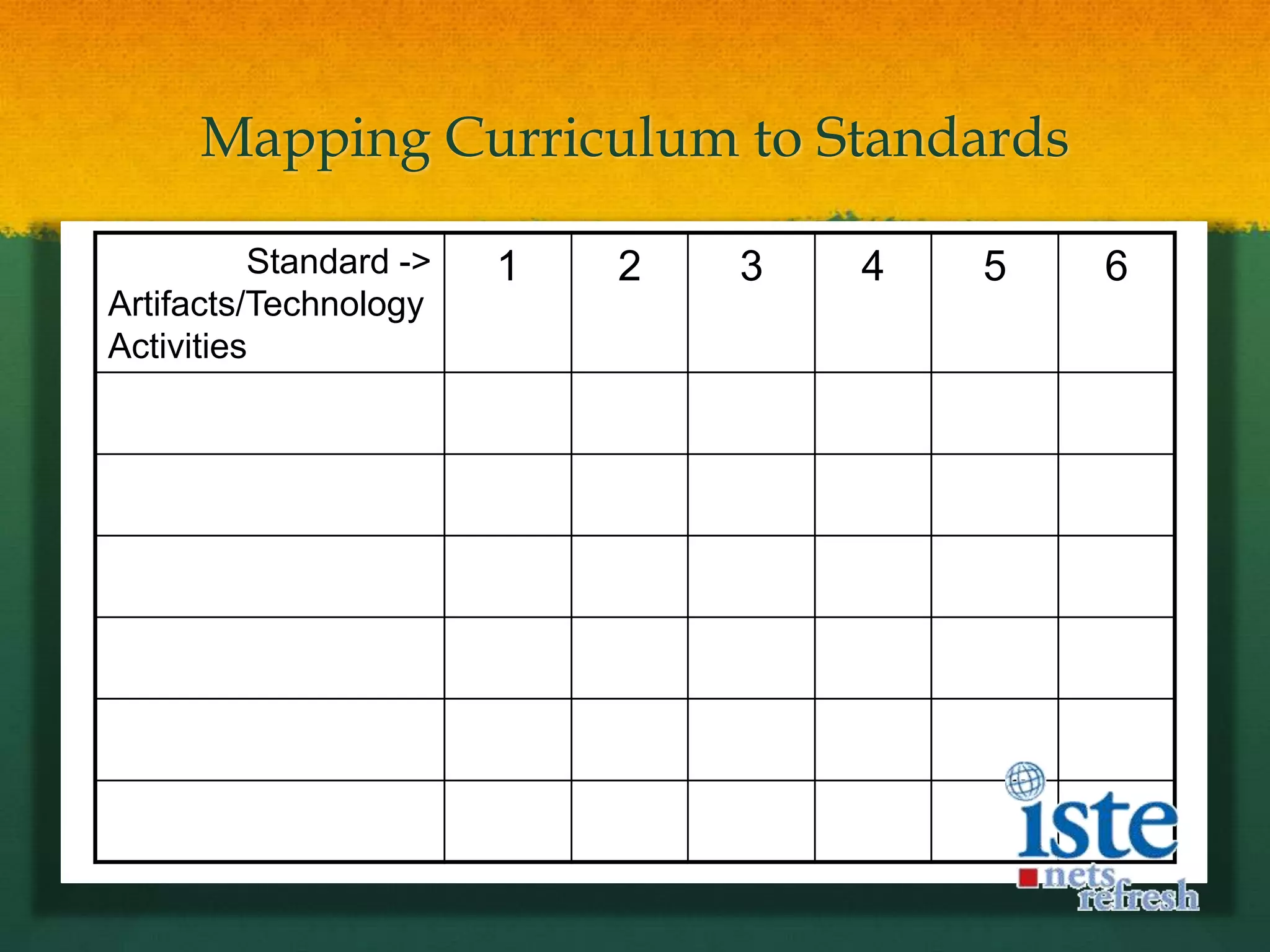
Mapping Curriculum to Standards
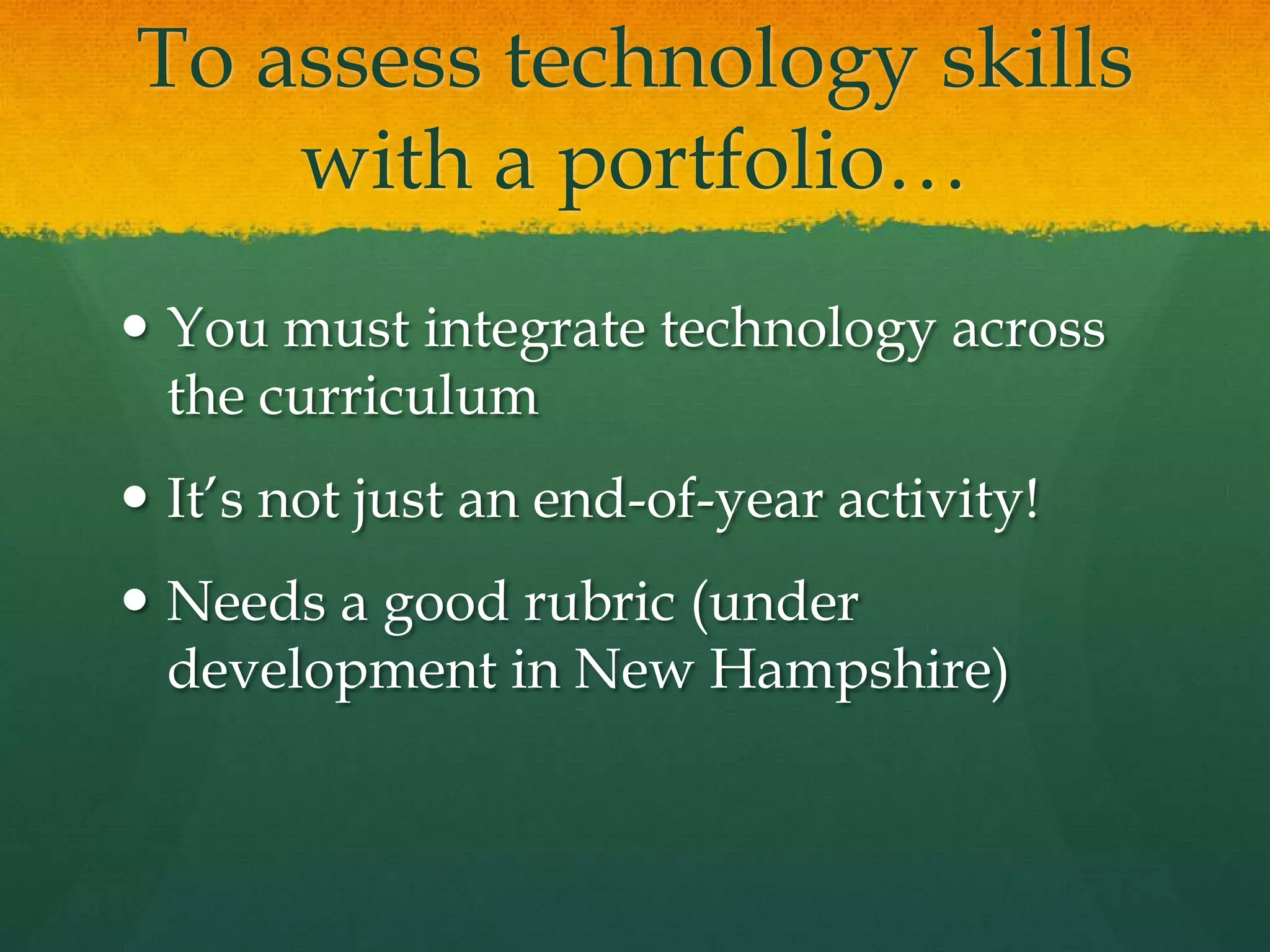
To assess technology skills with a portfolio…You must integrate technology across the curriculumIt’s not just an end-of-year activity!Needs a good rubric (under development in New Hampshire)
International Trends in ePortfolio DevelopmentPersonalized Learning‘Choice’ and ‘Voice’Self-Directed LearningReflective PracticeConstructing Deep LearningDigital Identity DevelopmentInteractivity!!!
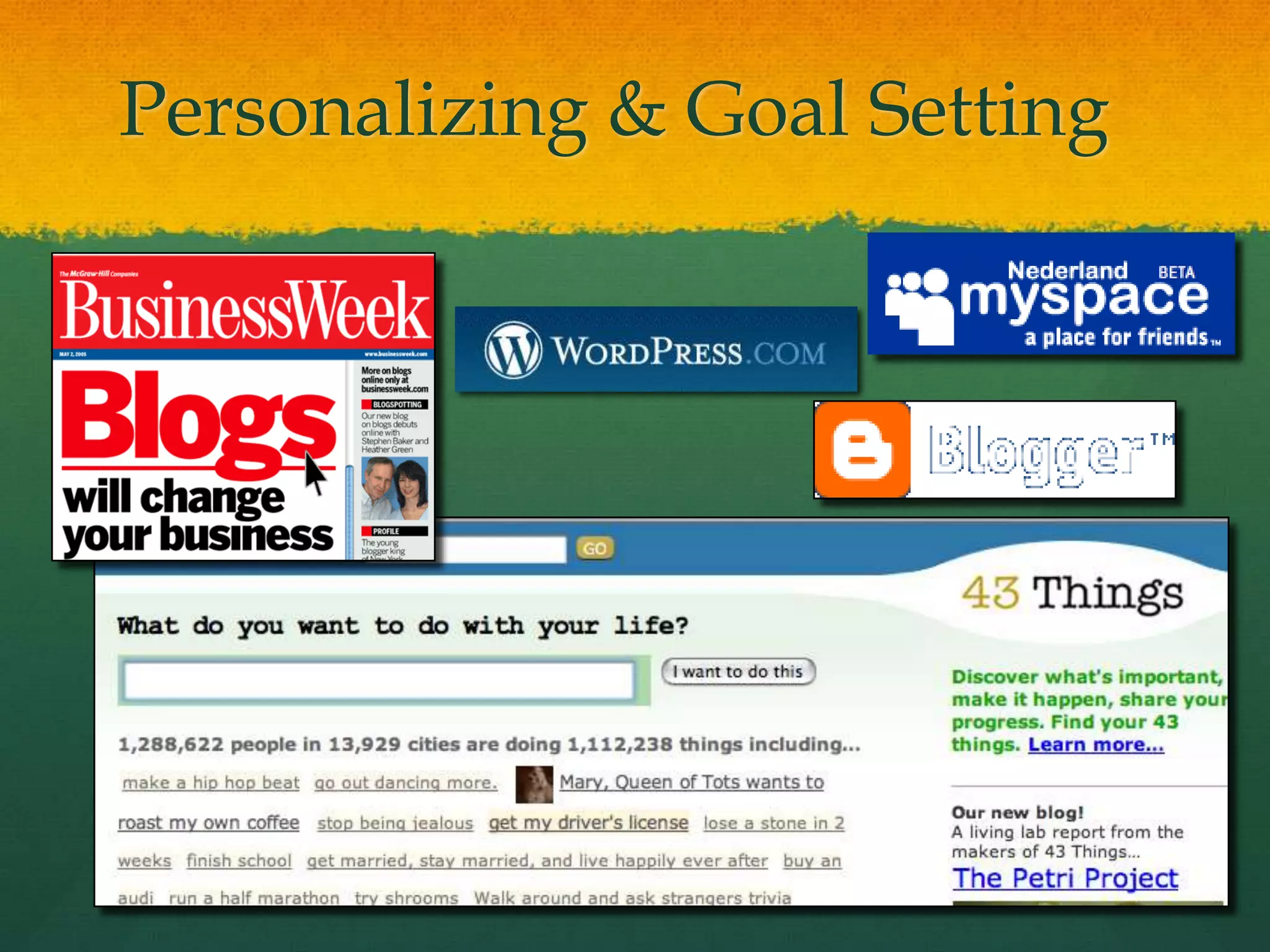
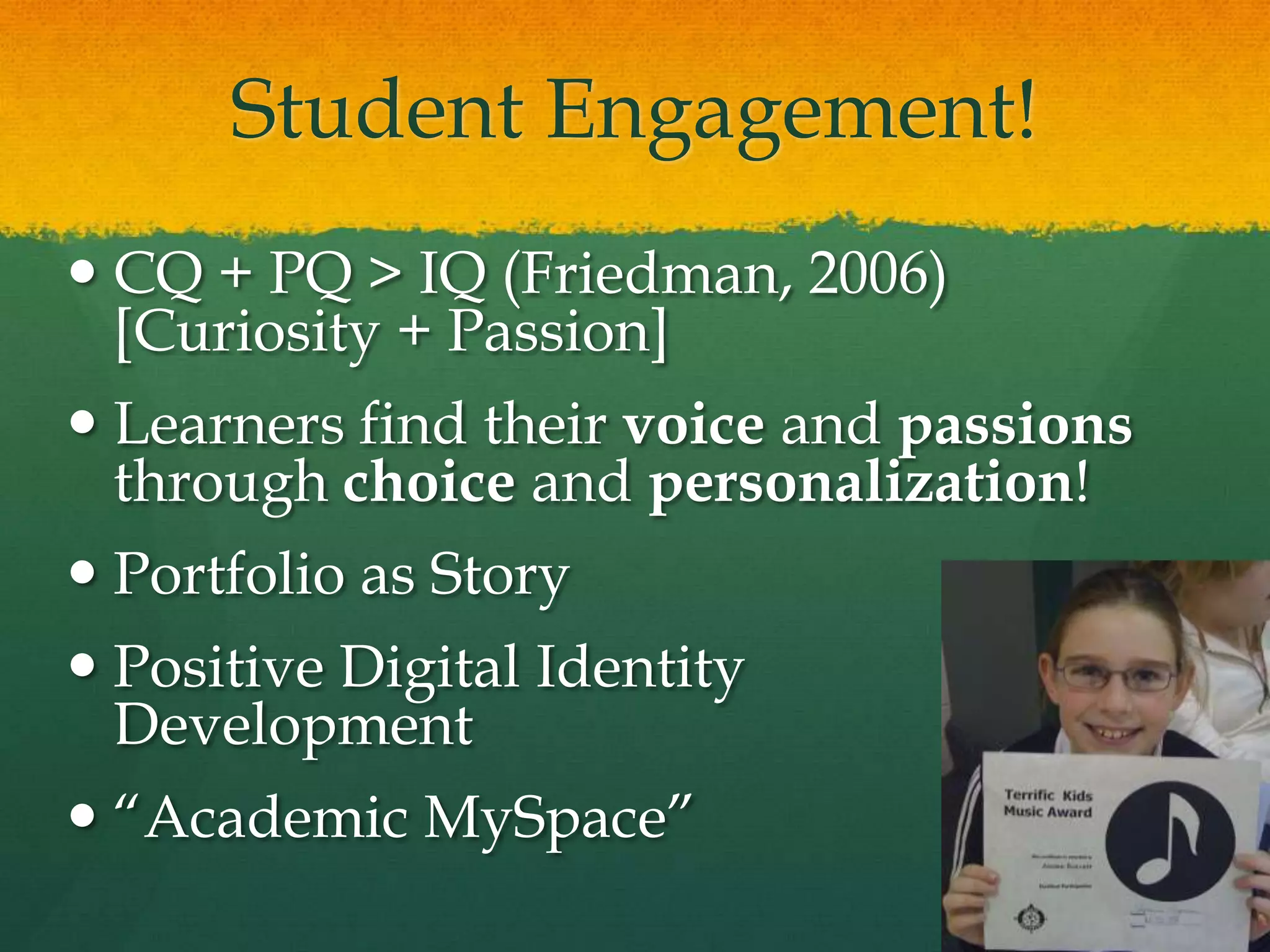
Student Engagement!CQ + PQ > IQ (Friedman, 2006)[Curiosity + Passion]Learners find their voice and passions through choice and personalization!Portfolio as StoryPositive Digital Identity Development“Academic MySpace”
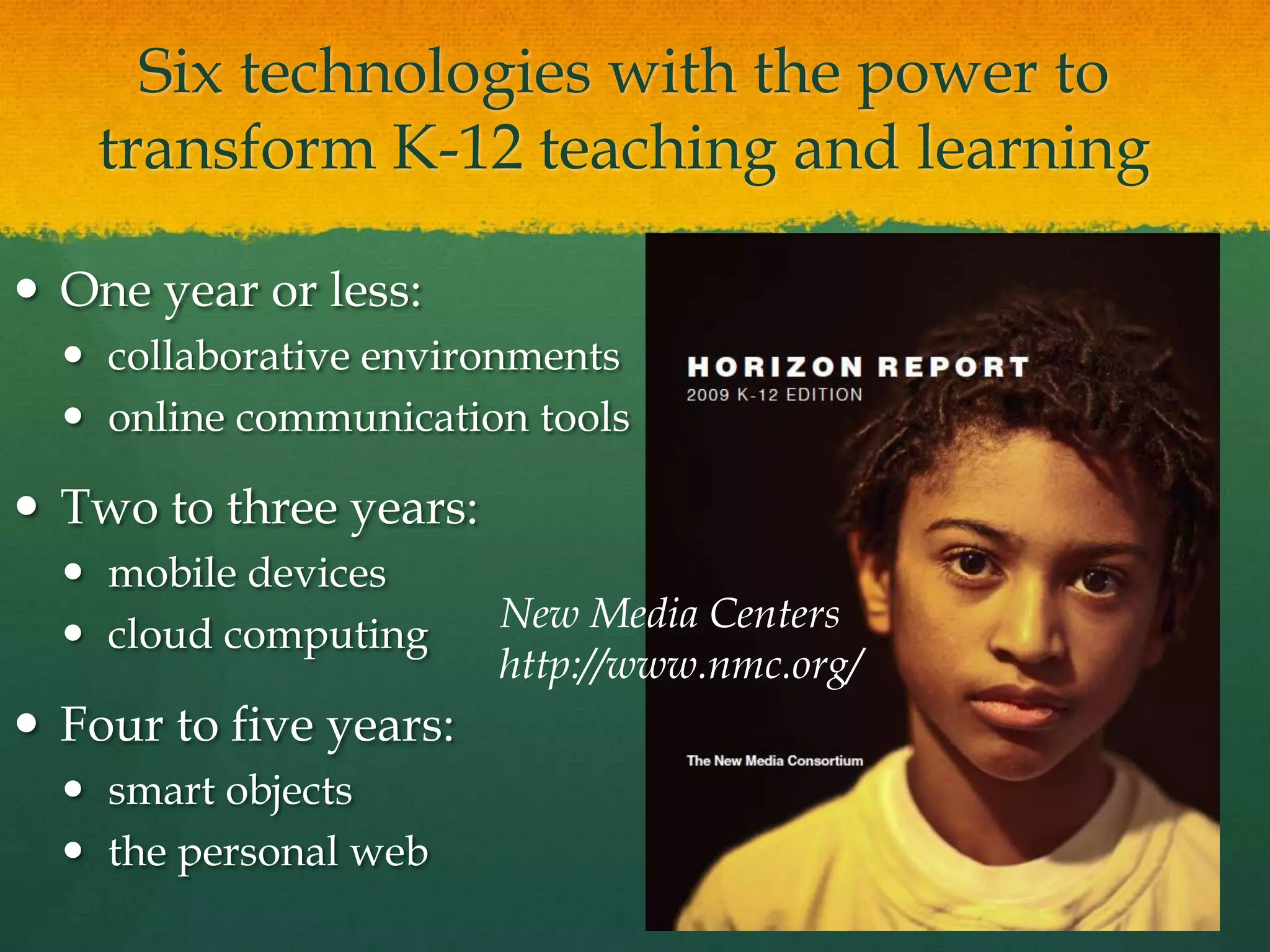
Six technologies with the power to transform K-12 teaching and learningOne year or less:collaborative environmentsonline communication toolsTwo to three years:mobile devicescloud computingFour to five years:smart objectsthe personal web New Media Centershttp://www.nmc.org/
Cloud Computing“The cloud is the term for networked computers that distribute processing power, applications, and large systems among many machines.”disk storage and processing cycles a readily available, cheap commodity thin-client, web-based applications for image editing, word processing, social networking, and media creationMore reliable than desktop storageThe Horizon Report, 2009
The Personal Web… computer users are assembling collections of tools, widgets, and services that make it easy to develop and organize dynamic online content. Armed with tools for tagging, aggregating, updating, and keeping track of content, today’s learners create and navigate a web that is increasingly tailored to their own needs and interests: this is the personal web. The Horizon Report, 2009
A Technology to Watch:Google Wave!http://wave.google.com/
What is a wave?A wave is equal parts conversation and document. People can communicate and work together with richly formatted text, photos, videos, maps, and more.A wave is shared. Any participant can reply anywhere in the message, edit the content and add participants at any point in the process. Then playback lets anyone rewind the wave to see who said what and when.A wave is live. With live transmission as you type, participants on a wave can have faster conversations, see edits and interact with extensions in real-time. http://wave.google.com/
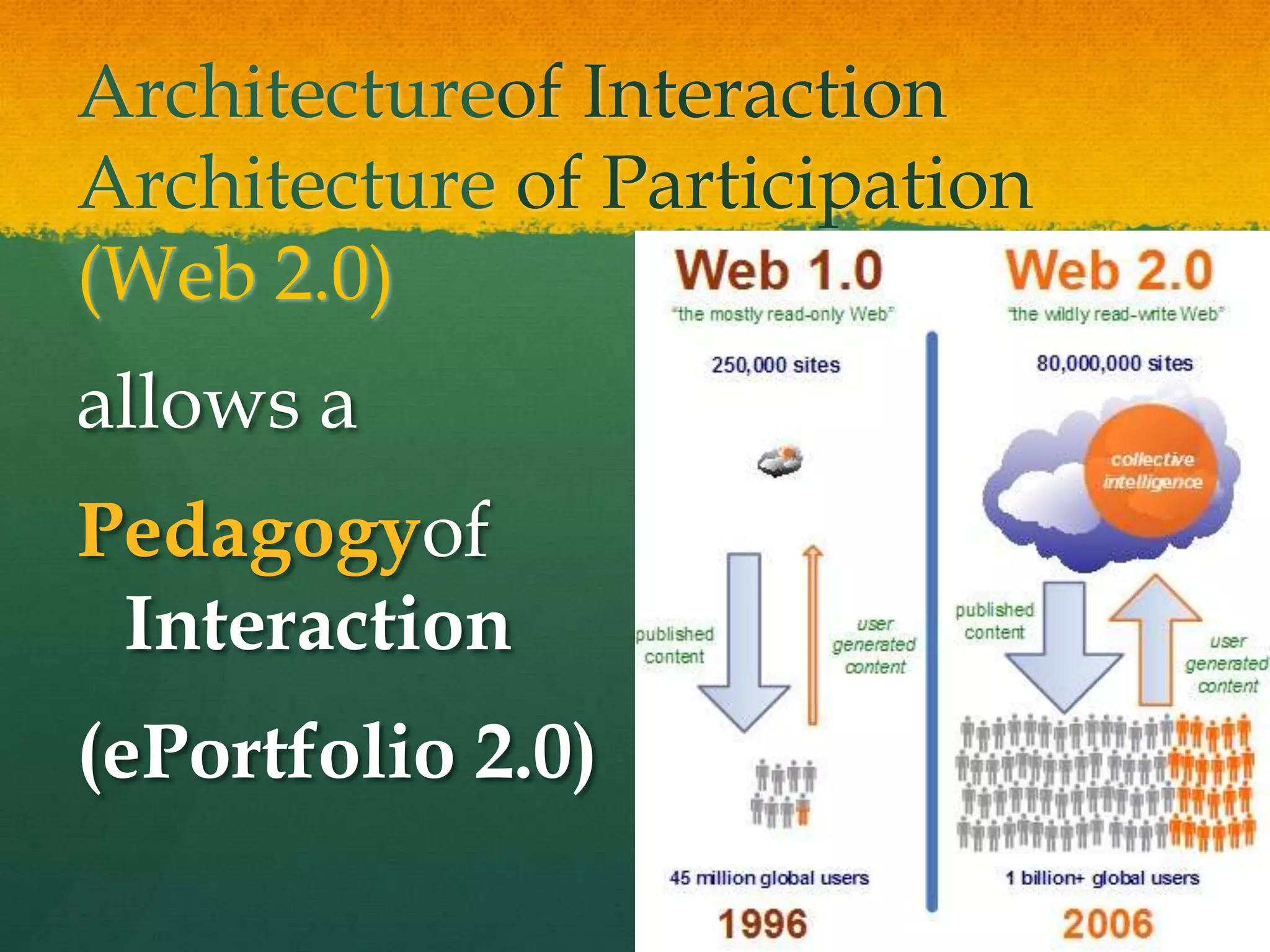
Architectureof InteractionArchitecture of Participation(Web 2.0) allows aPedagogyof Interaction(ePortfolio 2.0)
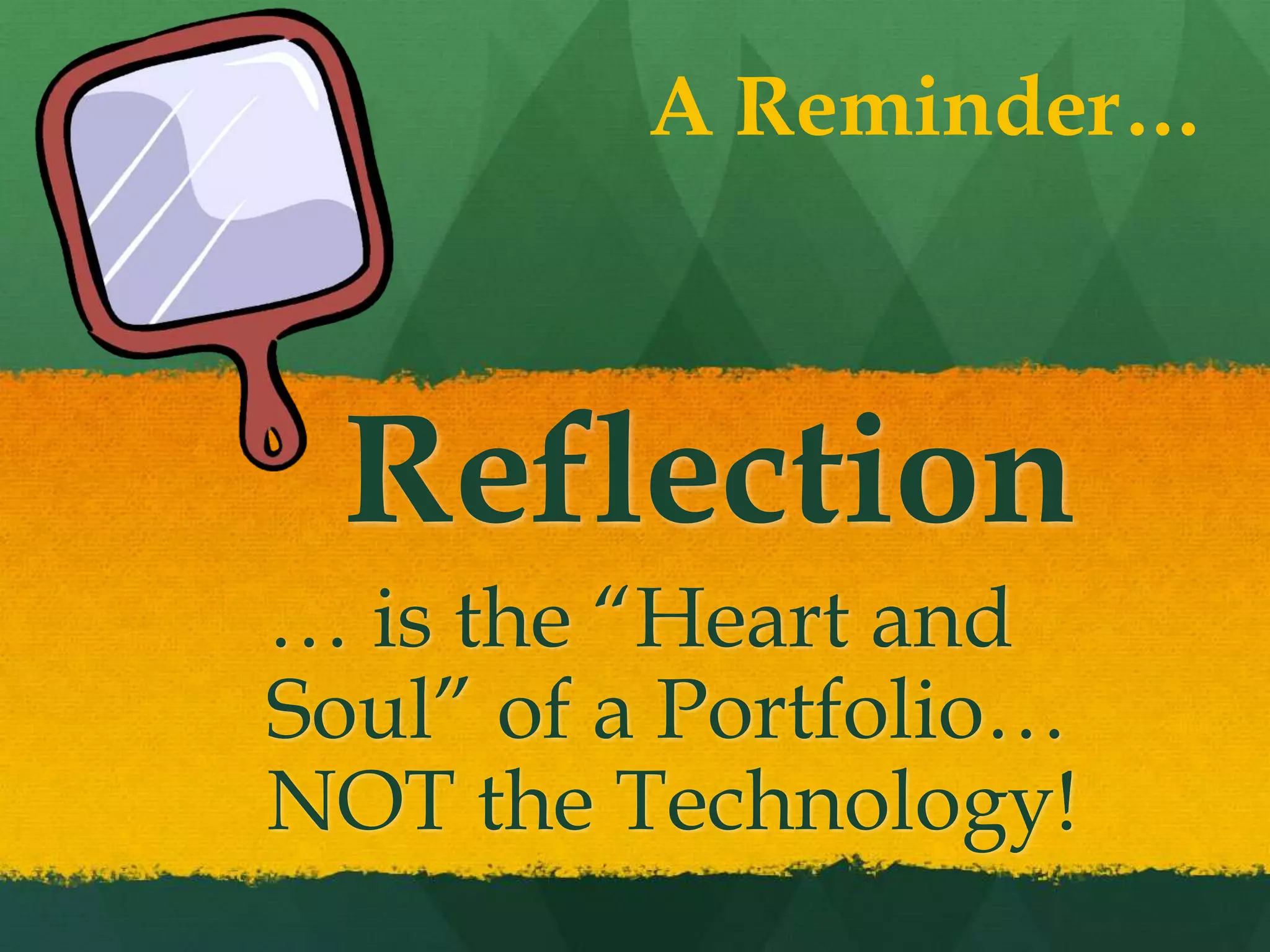
A Reminder…Reflection… is the “Heart and Soul” of a Portfolio… NOT the Technology!
Technology & ReflectionTwo Themes across the Lifespan with ePortfolio Development
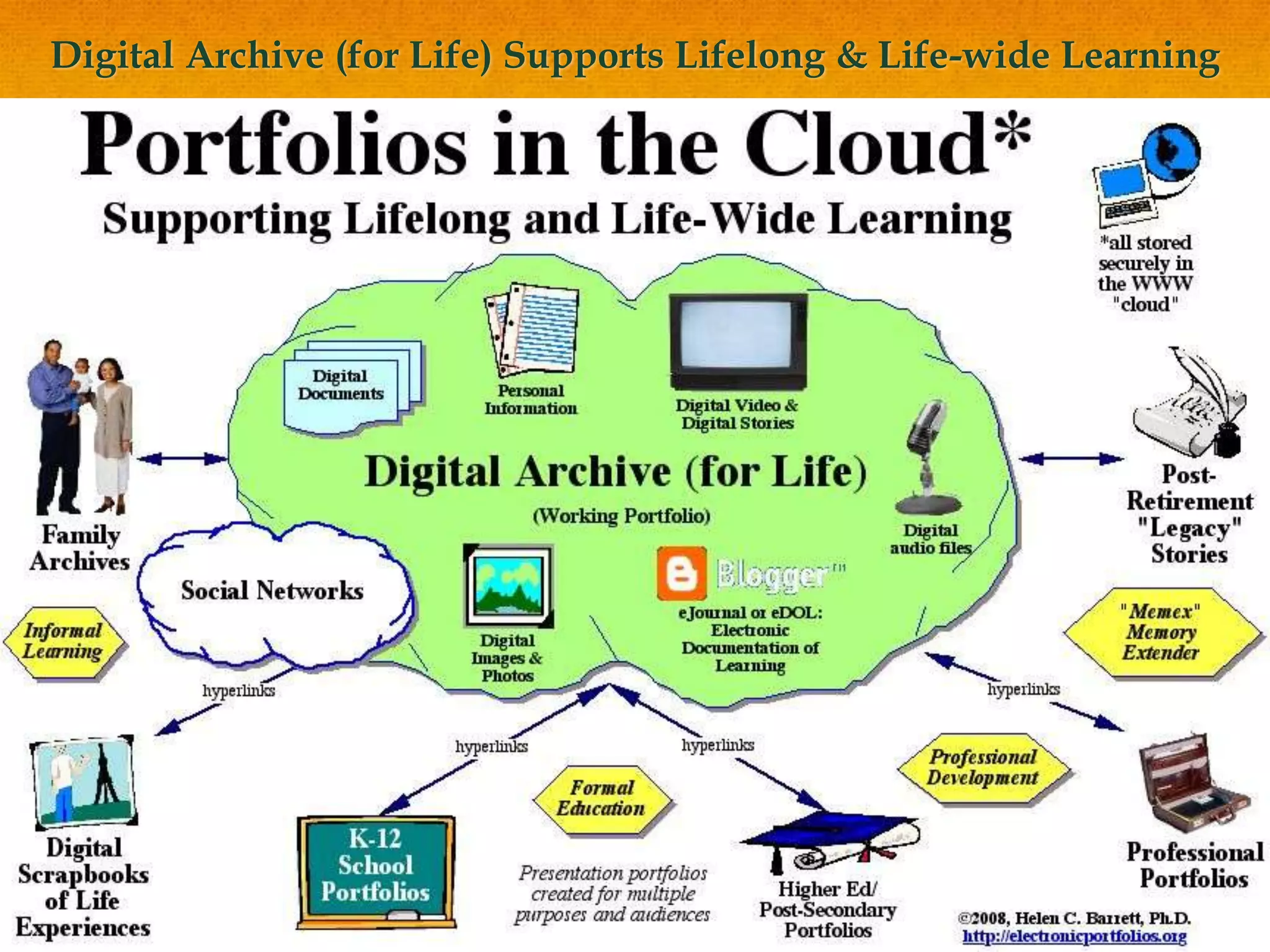
Digital Archive (for Life) Supports Lifelong & Life-wide Learning
Early Childhood ePortfolio EmphasisTechnologies: Digital images, audio and video plus parent (and grandparent!) involvementReflection in Early Childhood: Finding Voice and the Language of Reflection
Formal Education: Assessment Portfolio SystemsTwo approachesFormative
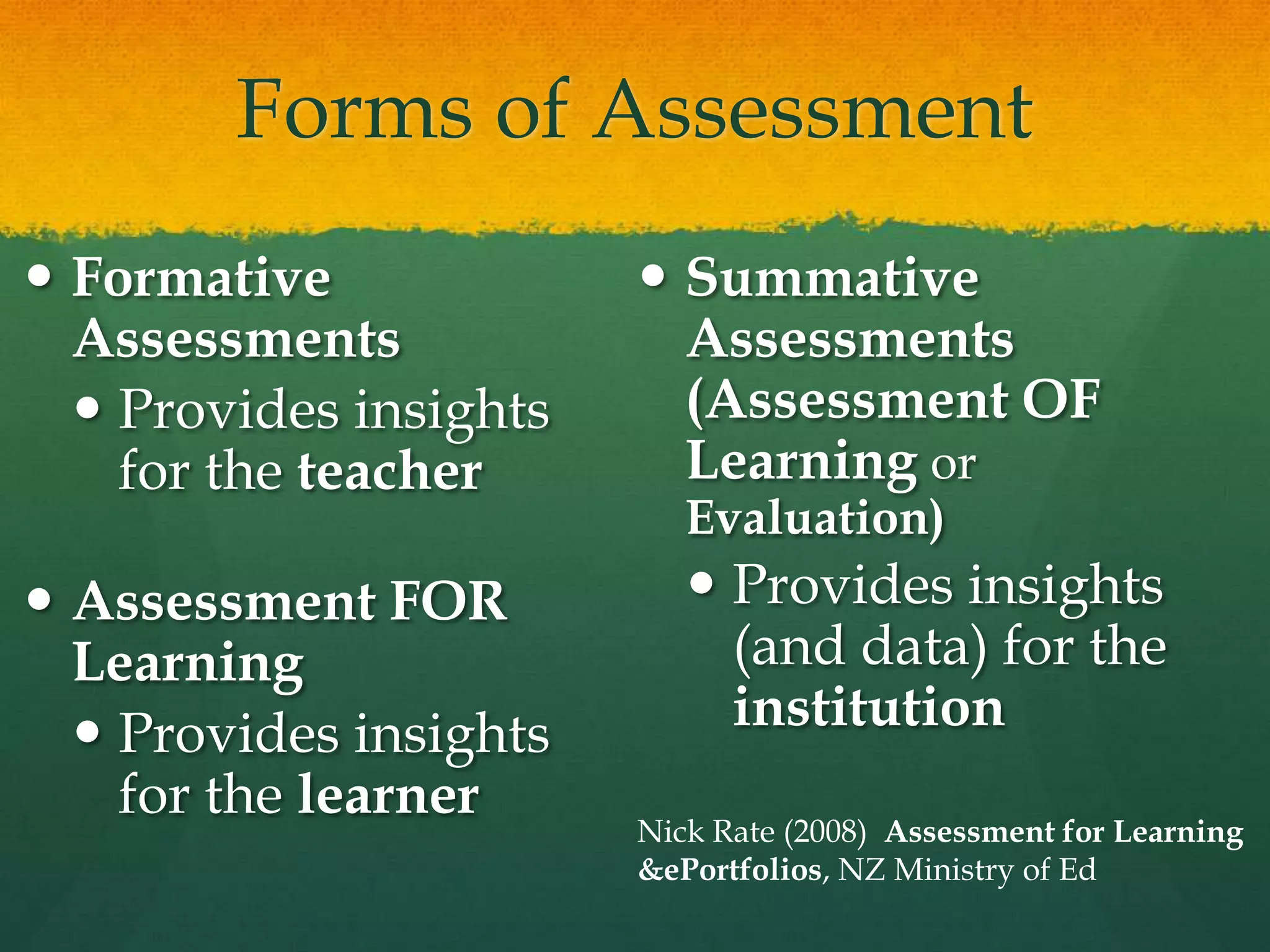
SummativeForms of AssessmentFormative AssessmentsProvides insights for the teacherAssessment FOR LearningProvides insights for the learnerSummative Assessments (Assessment OF Learning or Evaluation)Provides insights (and data) for the institutionNick Rate (2008)  Assessment for Learning & ePortfolios, NZ Ministry of Ed
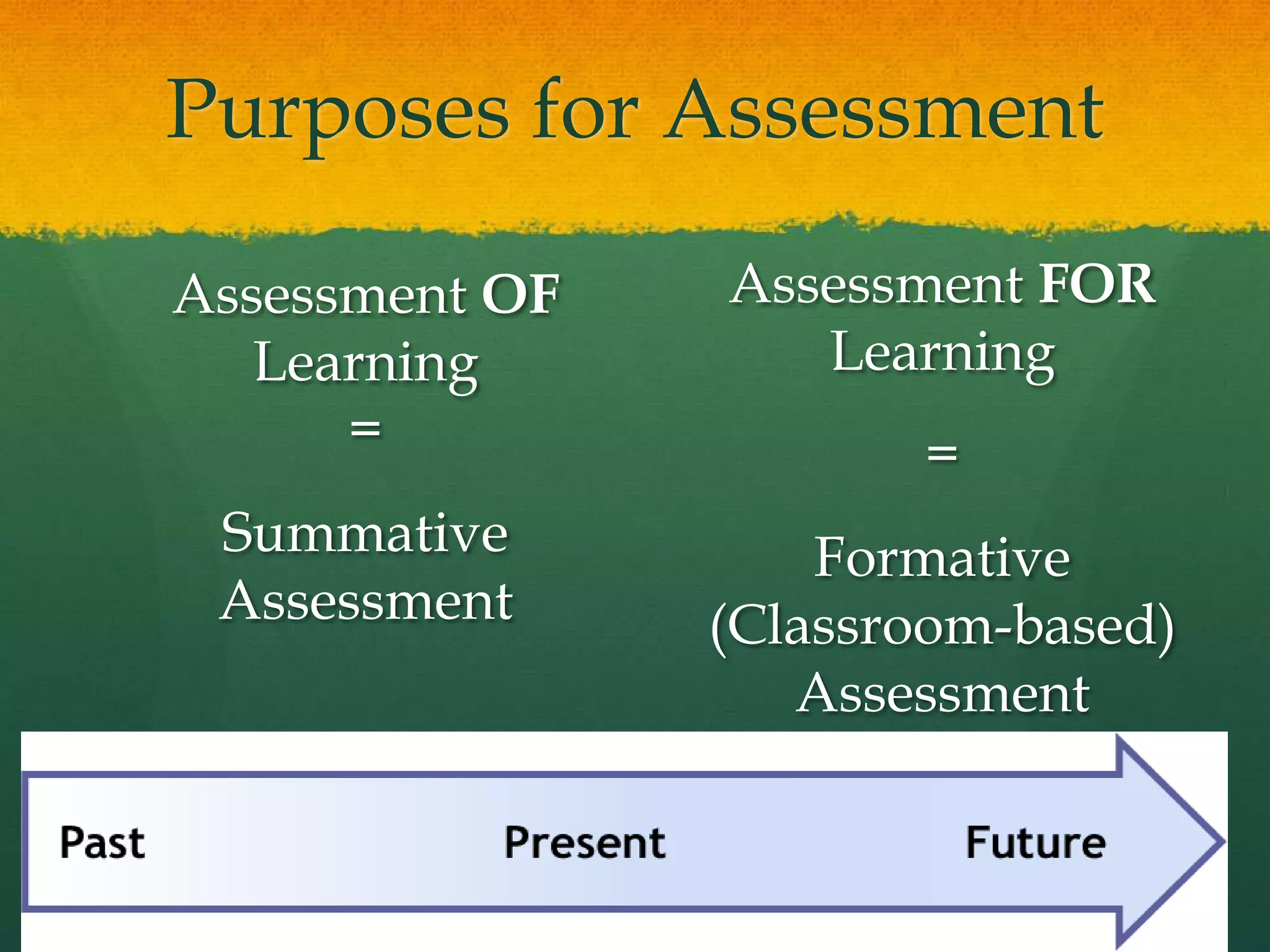
Purposes for AssessmentAssessment FOR Learning = Formative (Classroom-based) AssessmentAssessment OF Learning = Summative Assessment
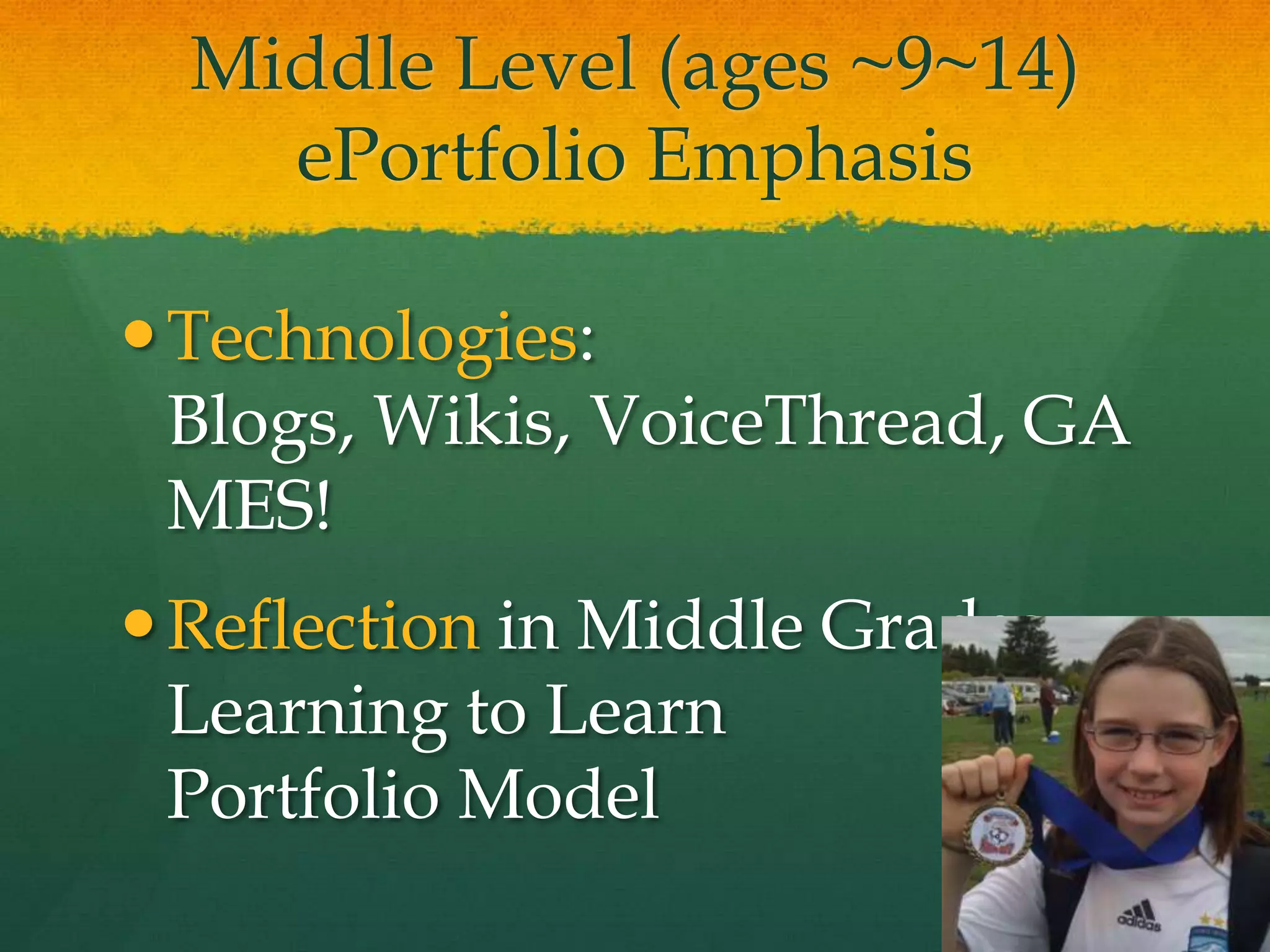
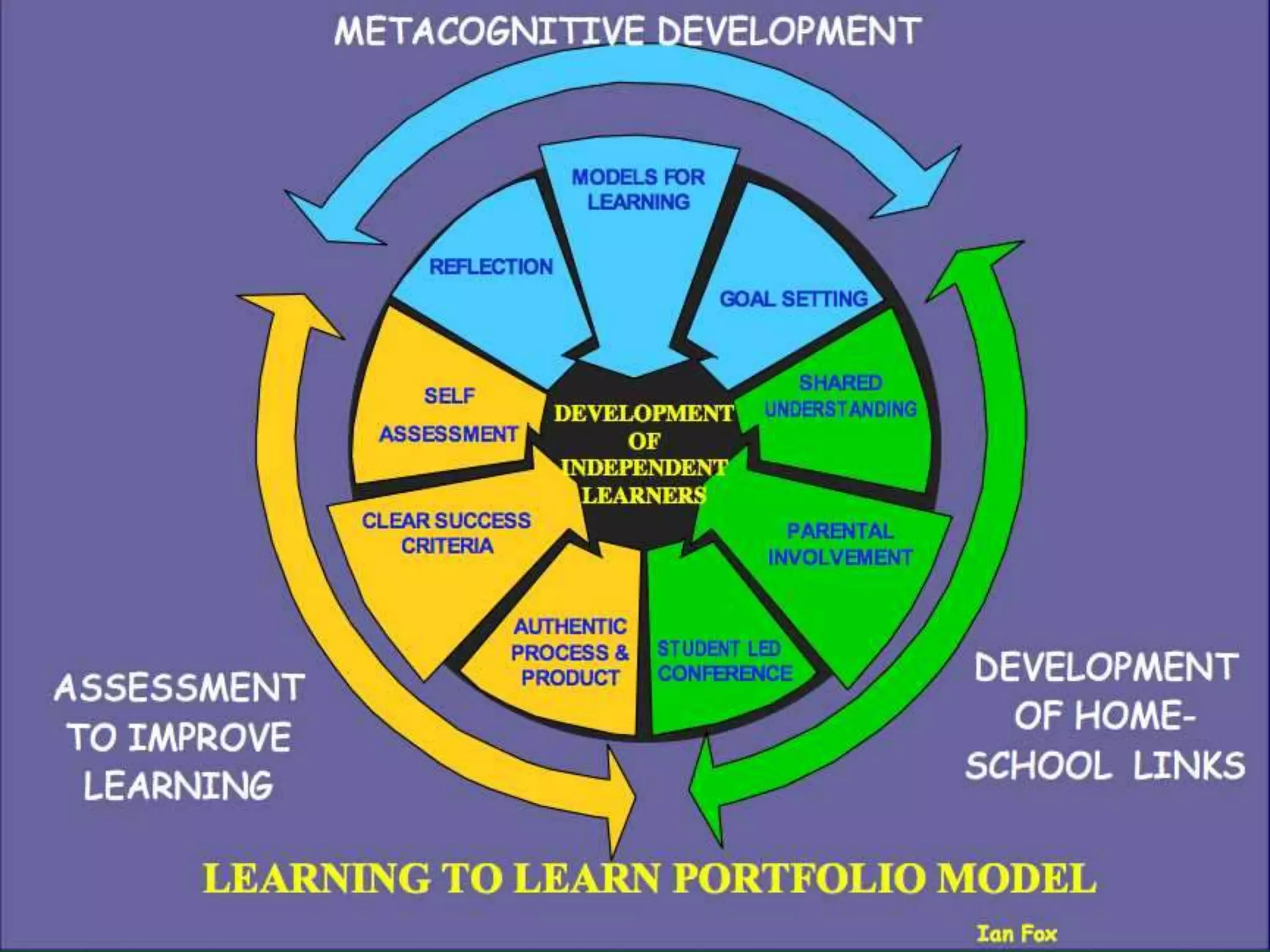
Middle Level (ages ~9~14)ePortfolio EmphasisTechnologies: Blogs, Wikis, VoiceThread, GAMES!Reflection in Middle Grades: Learning to LearnPortfolio Model
Learning to Learn Portfolio ModelIan Fox, New Zealand
Personalizing & Goal Setting
High School ePortfolio EmphasisTechnologies: GoogleApps (Docs, Sites), Social NetworkingReflection in High School: Construction of Self, Planning for the Future
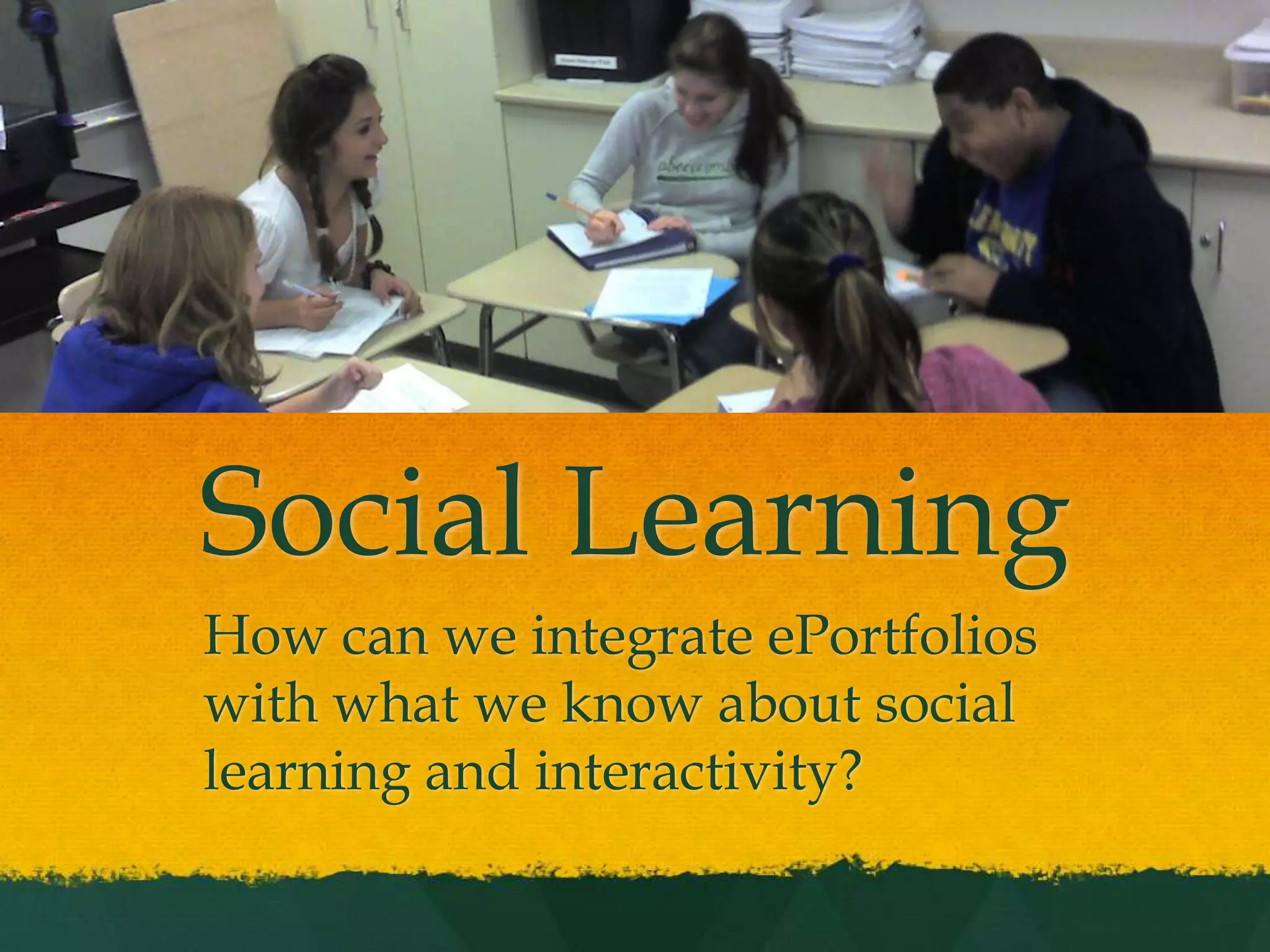
Social LearningHow can we integrate ePortfolios with what we know about social learning and interactivity?
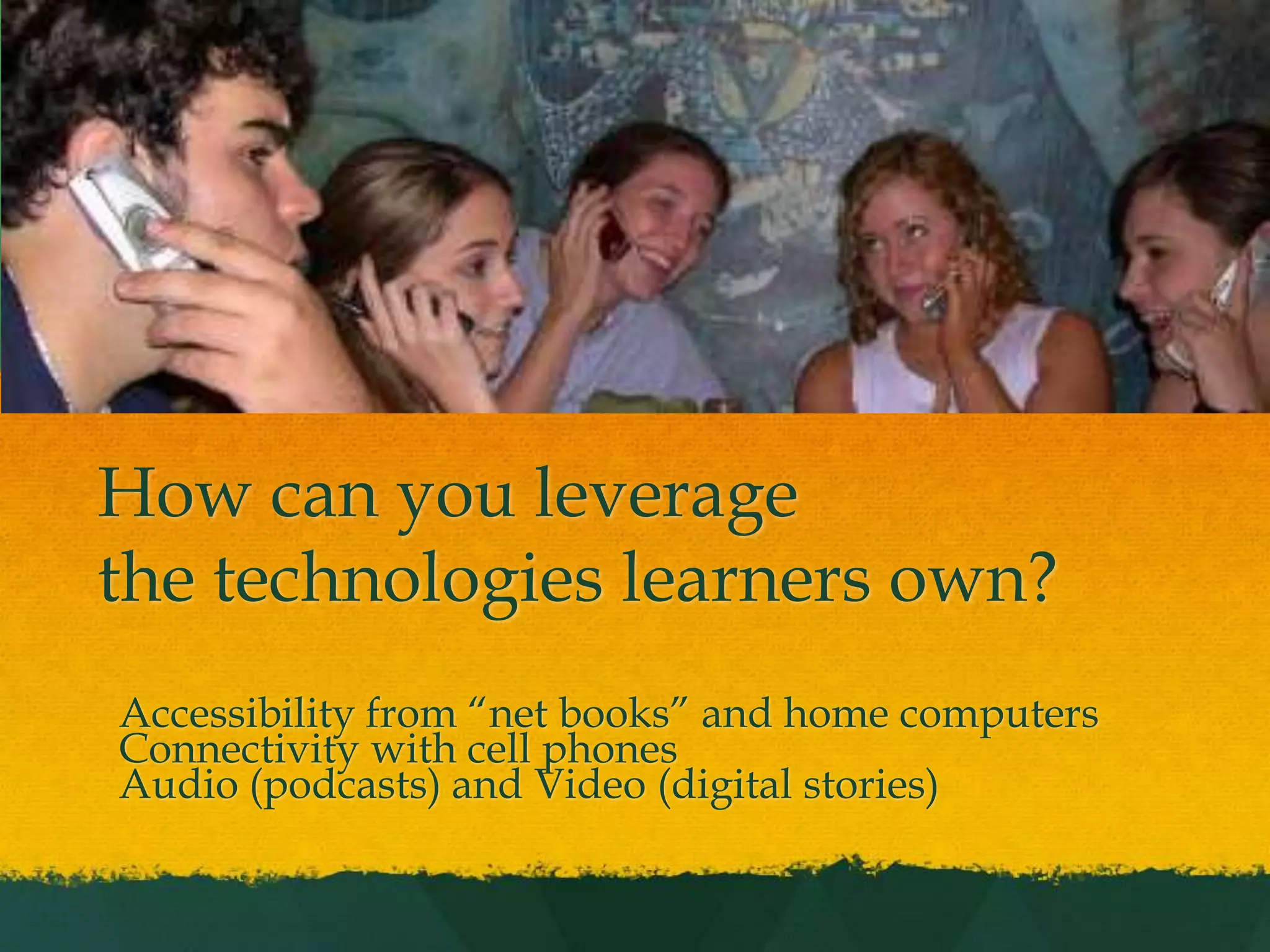
How can you leveragethe technologies learners own?Accessibility from “net books” and home computersConnectivity with cell phonesAudio (podcasts) and Video (digital stories)
Formal Education: Assessment Portfolio SystemsTwo approachesFormative
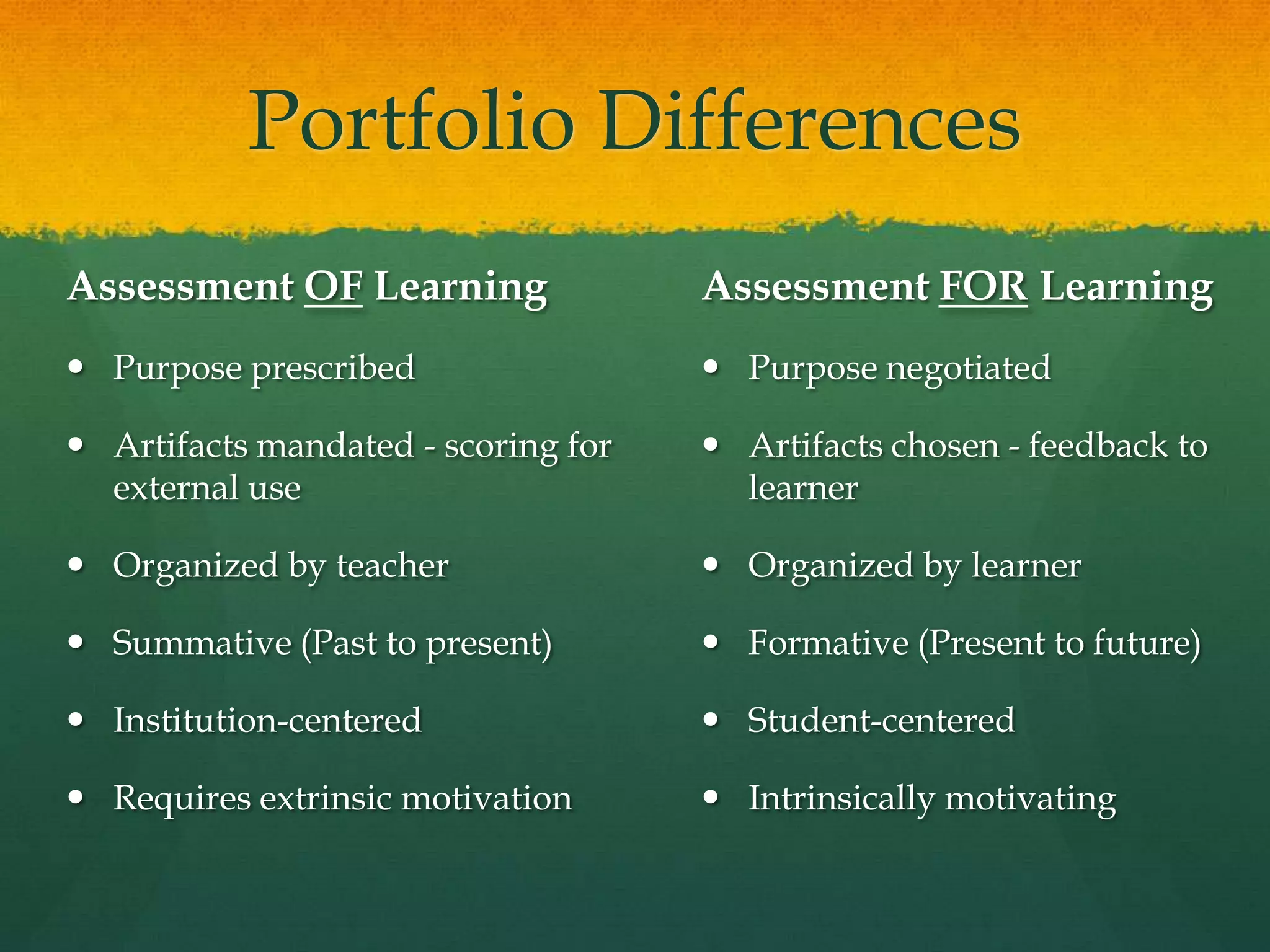
SummativePortfolio DifferencesAssessment OF LearningPurpose prescribedArtifacts mandated - scoring for external useOrganized by teacherSummative (Past to present)Institution-centeredRequires extrinsic motivationAssessment FOR LearningPurpose negotiatedArtifacts chosen - feedback to learnerOrganized by learnerFormative (Present to future)Student-centeredIntrinsically motivating
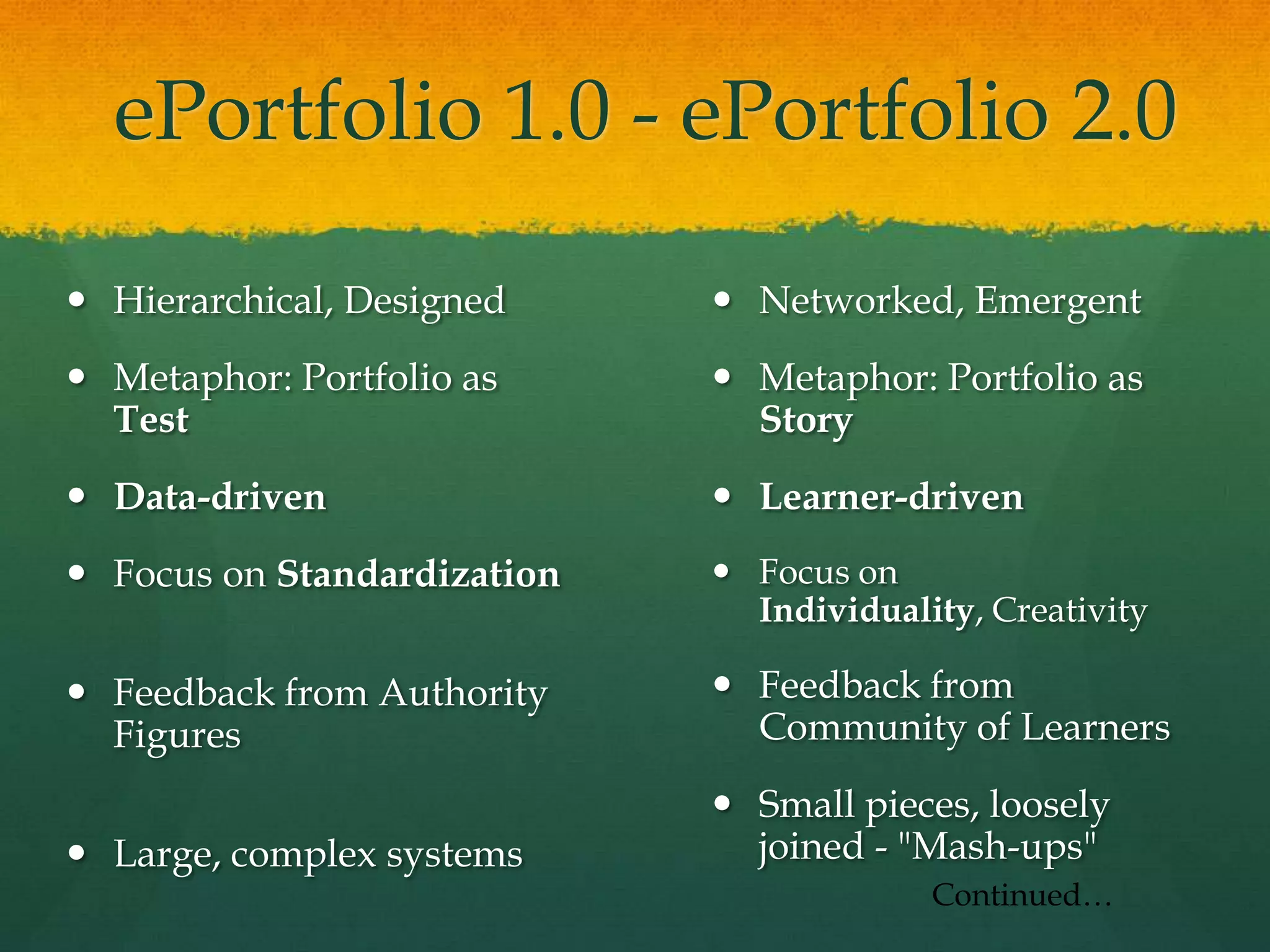
ePortfolio 1.0 - ePortfolio 2.0Hierarchical, DesignedMetaphor: Portfolio as TestData-drivenFocus on StandardizationFeedback from Authority FiguresLarge, complex systemsNetworked, EmergentMetaphor: Portfolio as StoryLearner-drivenFocus on Individuality, CreativityFeedback from Community of LearnersSmall pieces, loosely joined - "Mash-ups"Continued…
ePortfolio 1.0   -   ePortfolio 2.0(continued)Web-based FormPositivistAccountability-drivenProprietaryDigital Paper (text & images)Local Storage (hard drives, CD)Blog and WikiConstructivist, ConnectivistLearning-focusedOpen StandardsDigital Story (multimedia)Network Storage (Lifetime Personal Web Space)
College Student ePortfolio EmphasisTechnologies: Social Technologies, Online Productivity Tools, Online Audio & VideoReflection in Higher Education: Demonstrating Competence, Personalizing Standards-Based Portfolios: Choice and Voice
How is social networking impacting ePortfolio development?It is having a huge impact on our social and political world!
Professional ePortfolio EmphasisTechnologies: Social Networks, Productivity Tools, Micro-Blogging (Twitter) and Second LifeReflection on the Job: Sharing Experiences, Building a Community of Learners
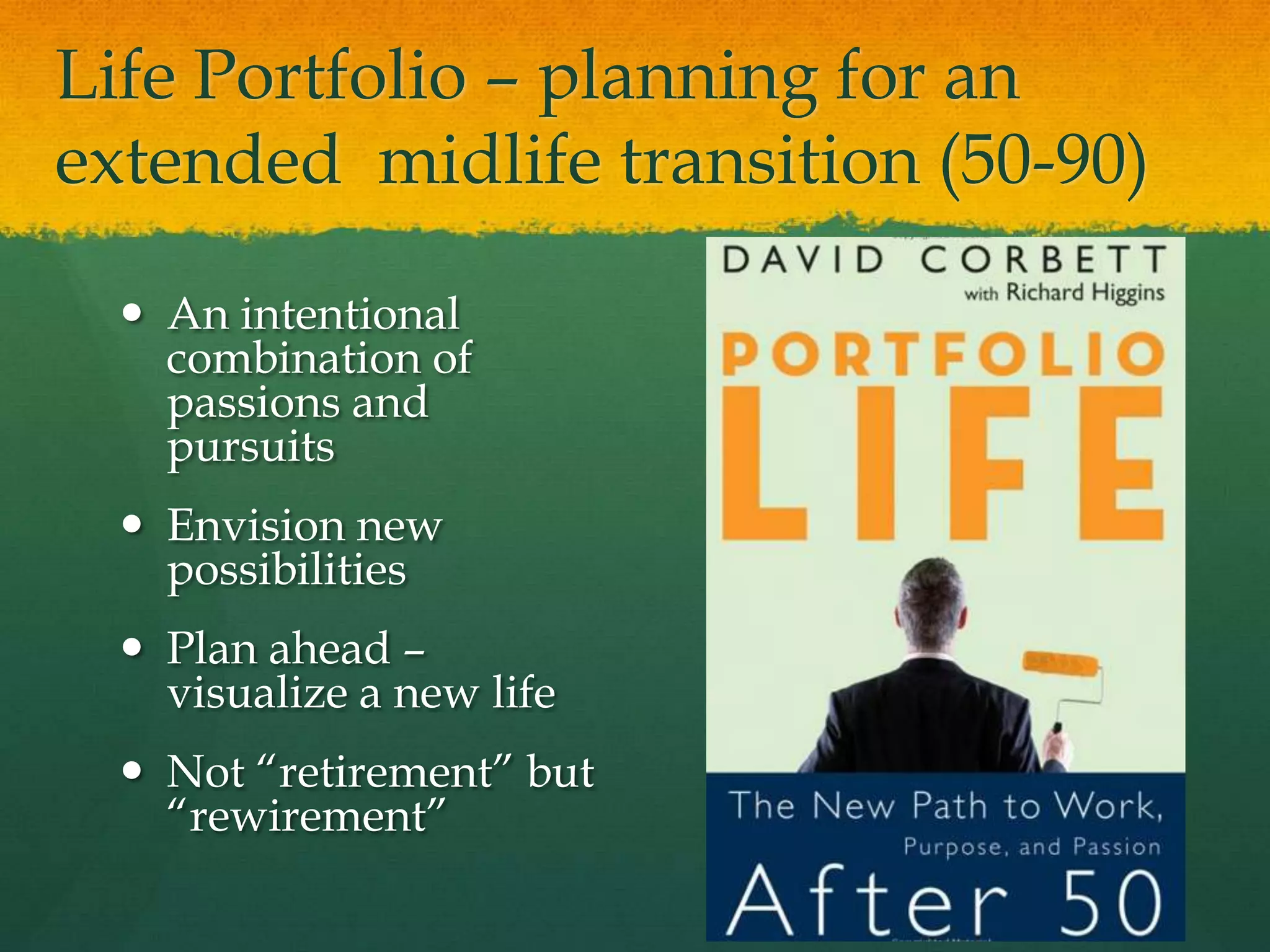
Life Portfolio – planning for an extended  midlife transition (50-90)An intentional combination of passions and pursuitsEnvision new possibilitiesPlan ahead – visualize a new lifeNot “retirement” but “rewirement”
Portfolio Way of ThinkingCareers have a shelf life; portfolios can be timeless (p.x)… expands into a mindset that is ageless, in the broader sense of figuring out what really matters in life. (p.5)In the zone between total career mode and total retirement, many want to discover or rediscover their passion… create a legacy… turn careers into callings, success into significance… to make a difference……portfolios become an ongoing, ageless framework for self-renewal
Quote“ Portfolio responds to a calling that is knit into the fabric of our very being. It is about what our motivations are, what makes us feel most alive. Portfolio development is what our true work should be, for it’s where our deep gifts, and our gladness, meet the needs of the world.” p. 43
Strategies for a Portfolio LifeTell the Story of Your Life: Narrative is a powerful tool for self-discoveryAccomplishments Leave Clues… and increase self-esteemConnect with Others -- NetworkingDevelop Your Goals: Goals Prepare us for Change… Goals Yield PurposeRevise, Reflect, Rebalance
Over 50’sePortfolio EmphasisTechnologies: Digital Stories, Reflective Journal (blog), Social NetworksReflection for Later Life: Building a Legacy, Generativity, Planning for a Meaningful Life beyond Work
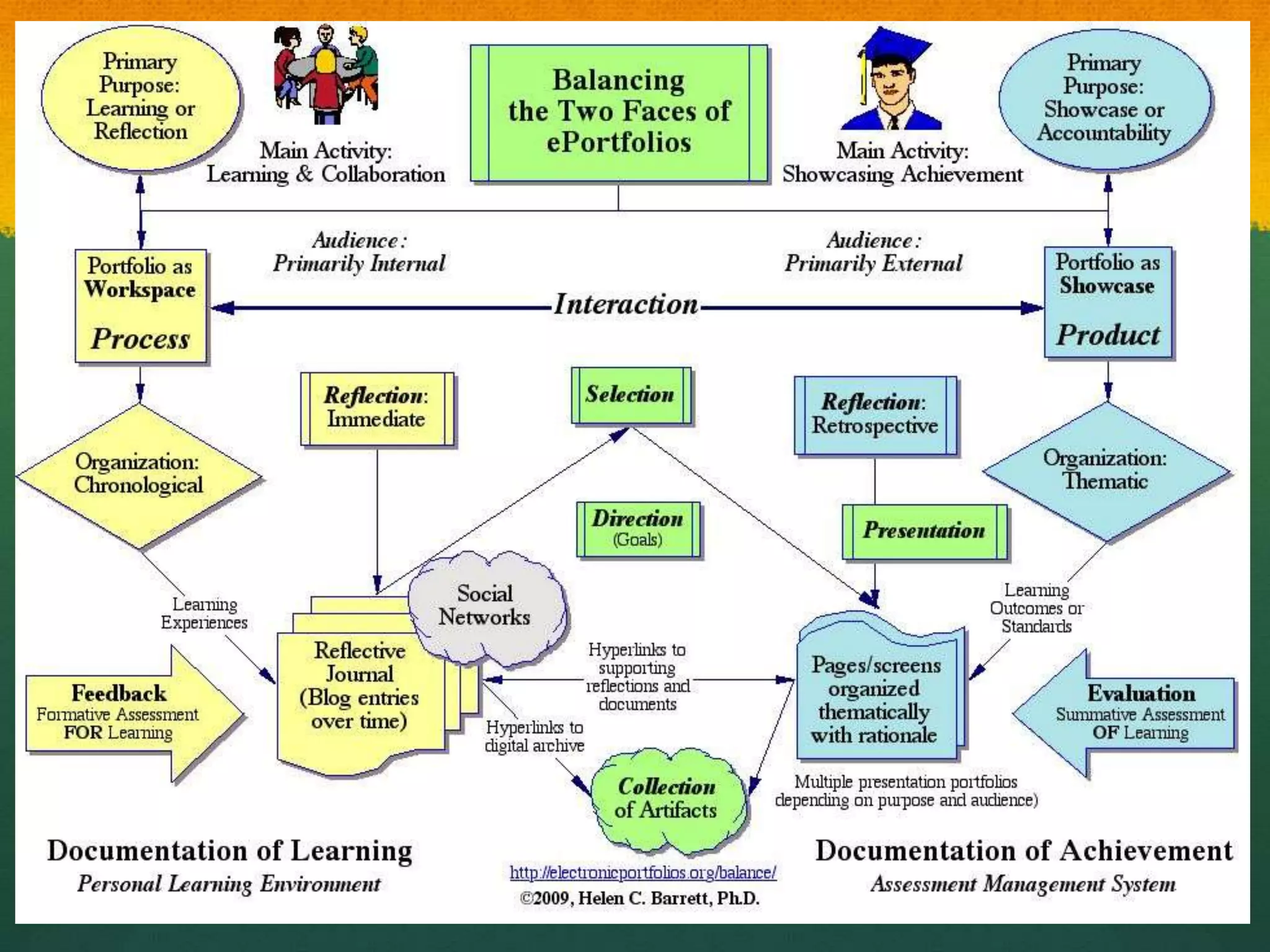
Balancing the 2 Faces of e-Portfolios
Some Basic Concepts“ePortfoliois both process and product”Process: A series of events (time and effort) to produce a result- From Old French proces(“‘journey’”)Product: the outcome/results or “thinginess” of an activity/process- DestinationWiktionary
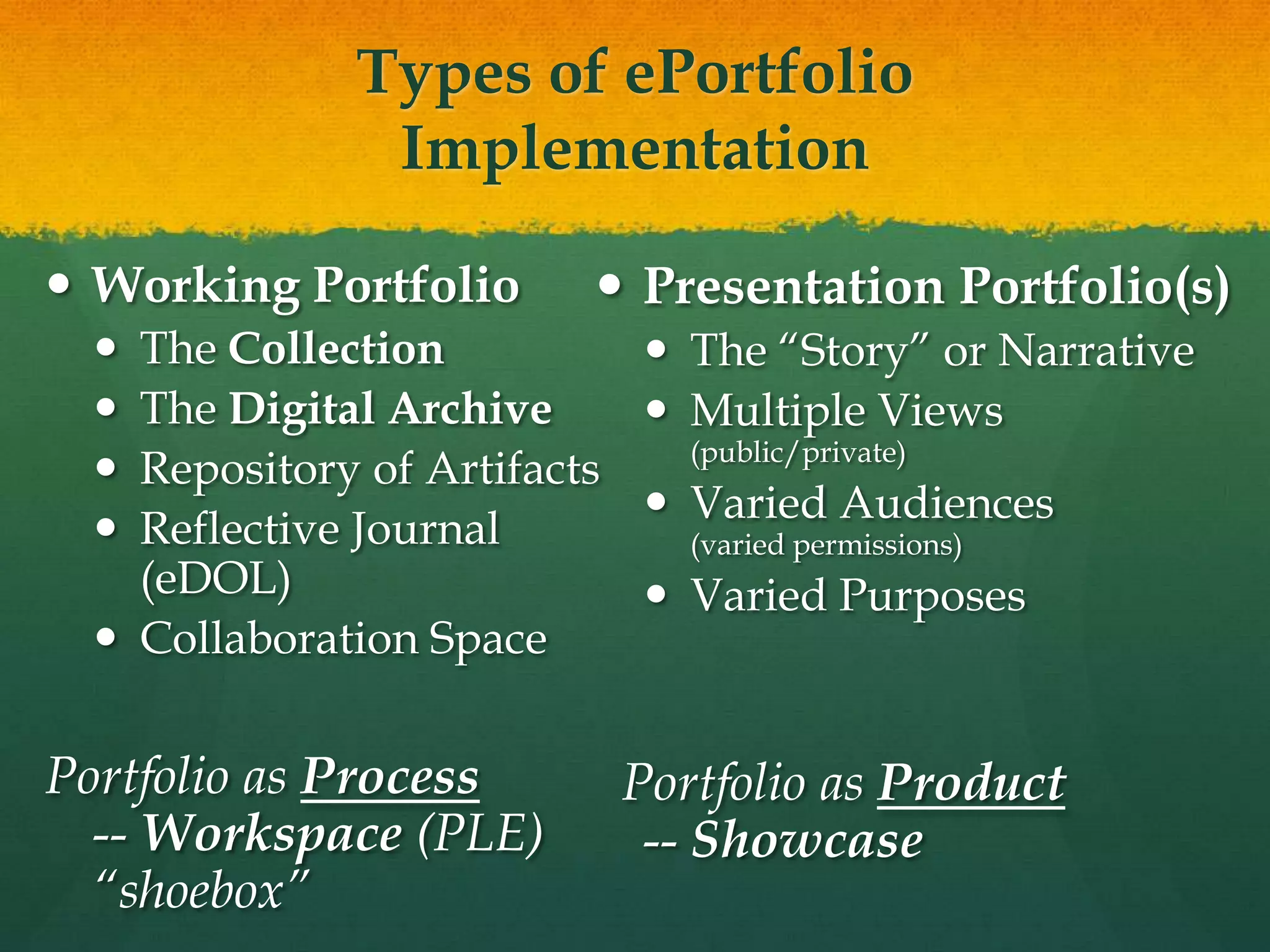
Types of ePortfolio ImplementationWorking PortfolioThe CollectionThe Digital ArchiveRepository of Artifacts Reflective Journal(eDOL)Collaboration SpacePortfolio as Process-- Workspace (PLE)“shoebox”Presentation Portfolio(s)The “Story” or NarrativeMultiple Views (public/private)Varied Audiences(varied permissions)Varied Purposes  Portfolio as Product-- Showcase
Structure of E-Portfolio TypesPortfolio as Process/ WorkspaceOrganization: Chronological – eDOL(Electronic Documentation of Learning – U. of Calgary) Documenting growth over time for both internal and external audiencesPrimary Purpose: Learning or ReflectionReflection: immediate focus on artifact or learning experiencePortfolio as Product/ ShowcaseOrganization: Thematic – Documenting achievement of Standards, Goals or Learning Outcomes for primarily external audiencesPrimary Purpose: Accountability or EmploymentReflection: retrospective focus on Standards, Goals or Learning Outcomes (Themes)
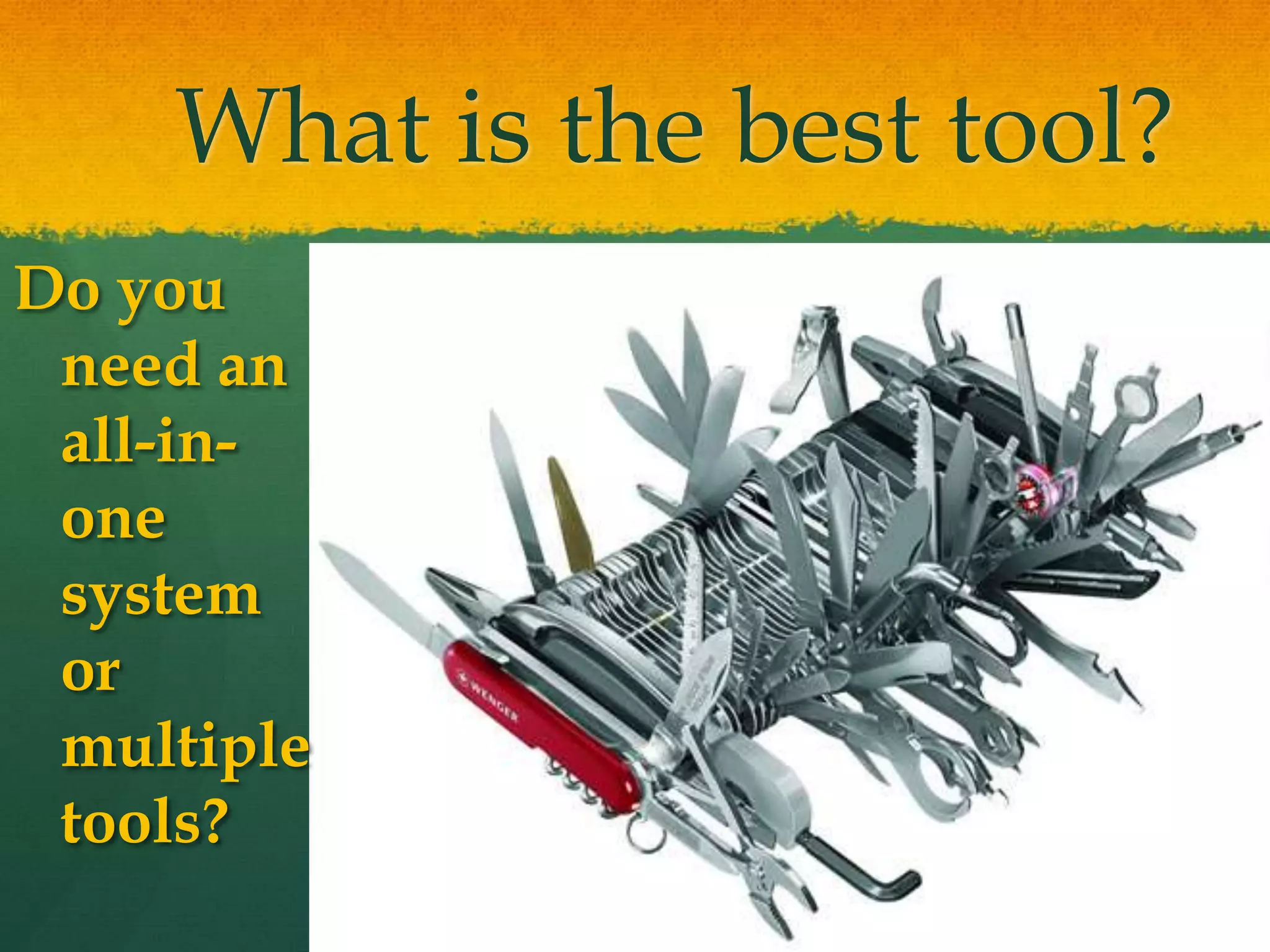
What is the best tool?Do you need an all-in-one system or multiple tools?
Less abouttellingMore about talking!- Julie Hughes, University of WolverhamptonTake advantage of Web 2.0 strategies in ePortfolio development
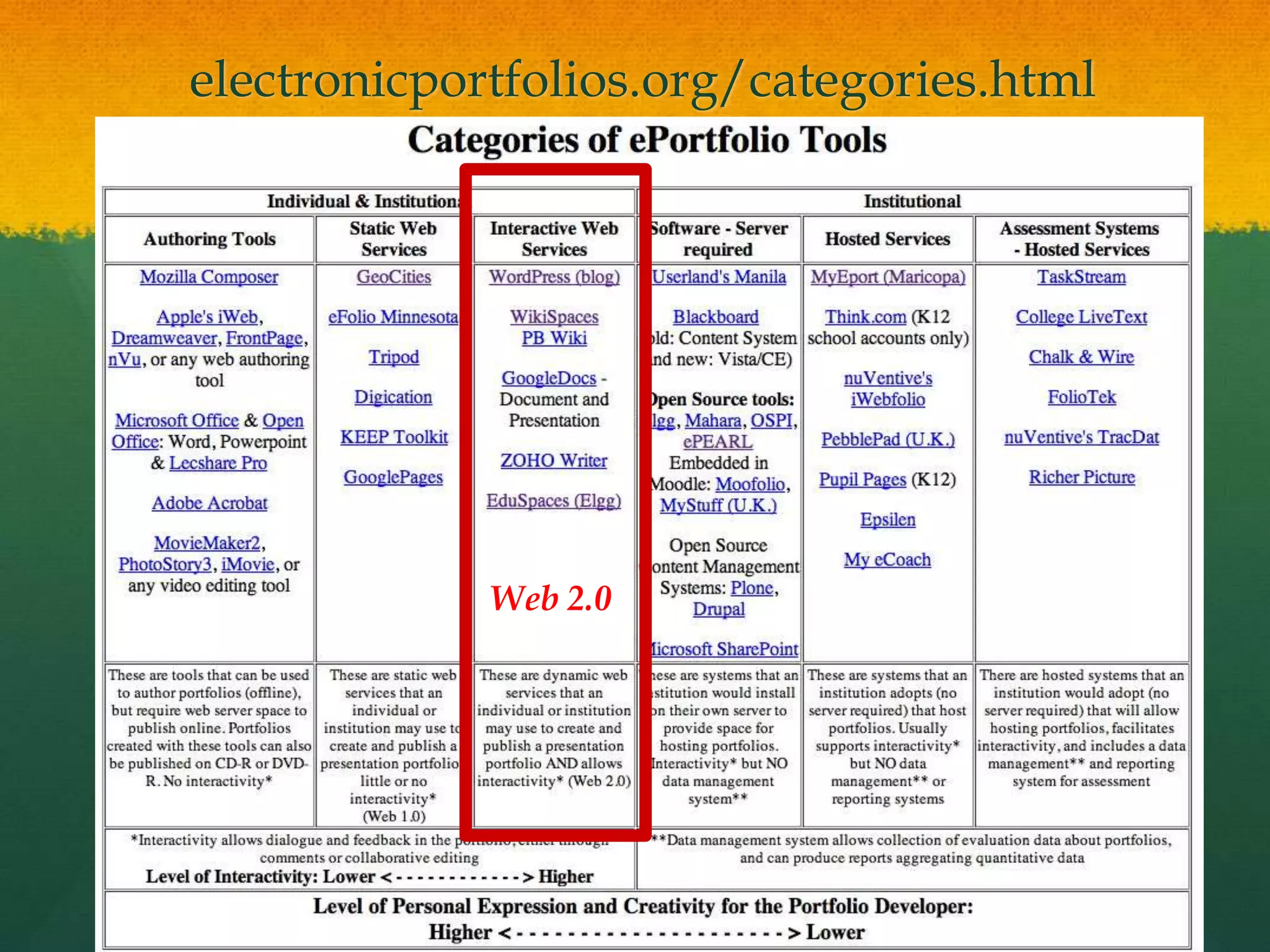
electronicportfolios.org/categories.htmlWeb 2.0
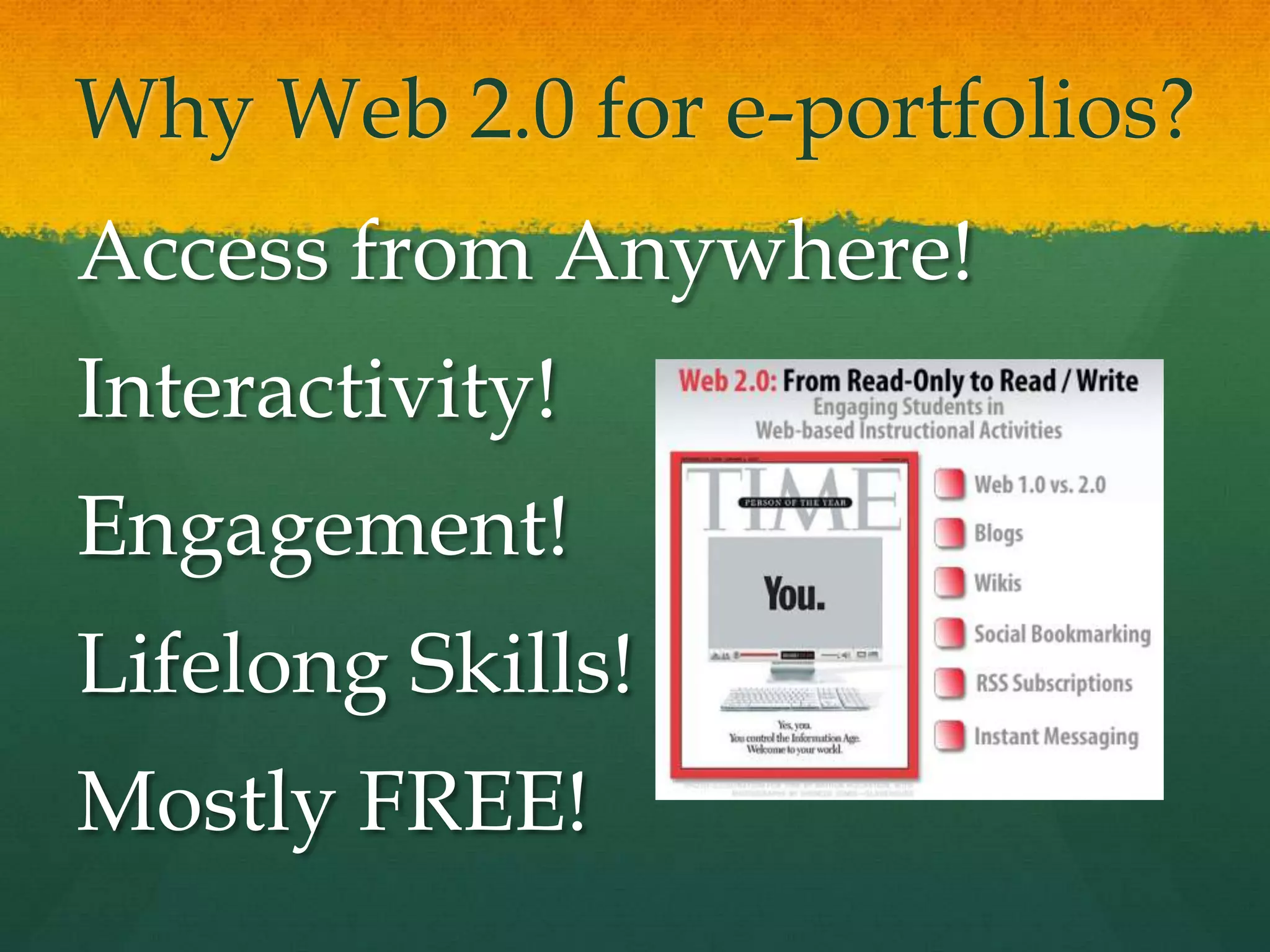
Why Web 2.0 for e-portfolios?Access from Anywhere!Interactivity!Engagement!Lifelong Skills!Mostly FREE!
Web 2.0 TechnologiesAdvantagesFree, often open-source tools on the WWW“Me Publishing (blog and wiki)Shared Writing (GoogleDocs)Web Publishing(Google Sites)DisadvantagesMay require higher technology competencyMostly not secure websites“Small Pieces, Loosely Joined”
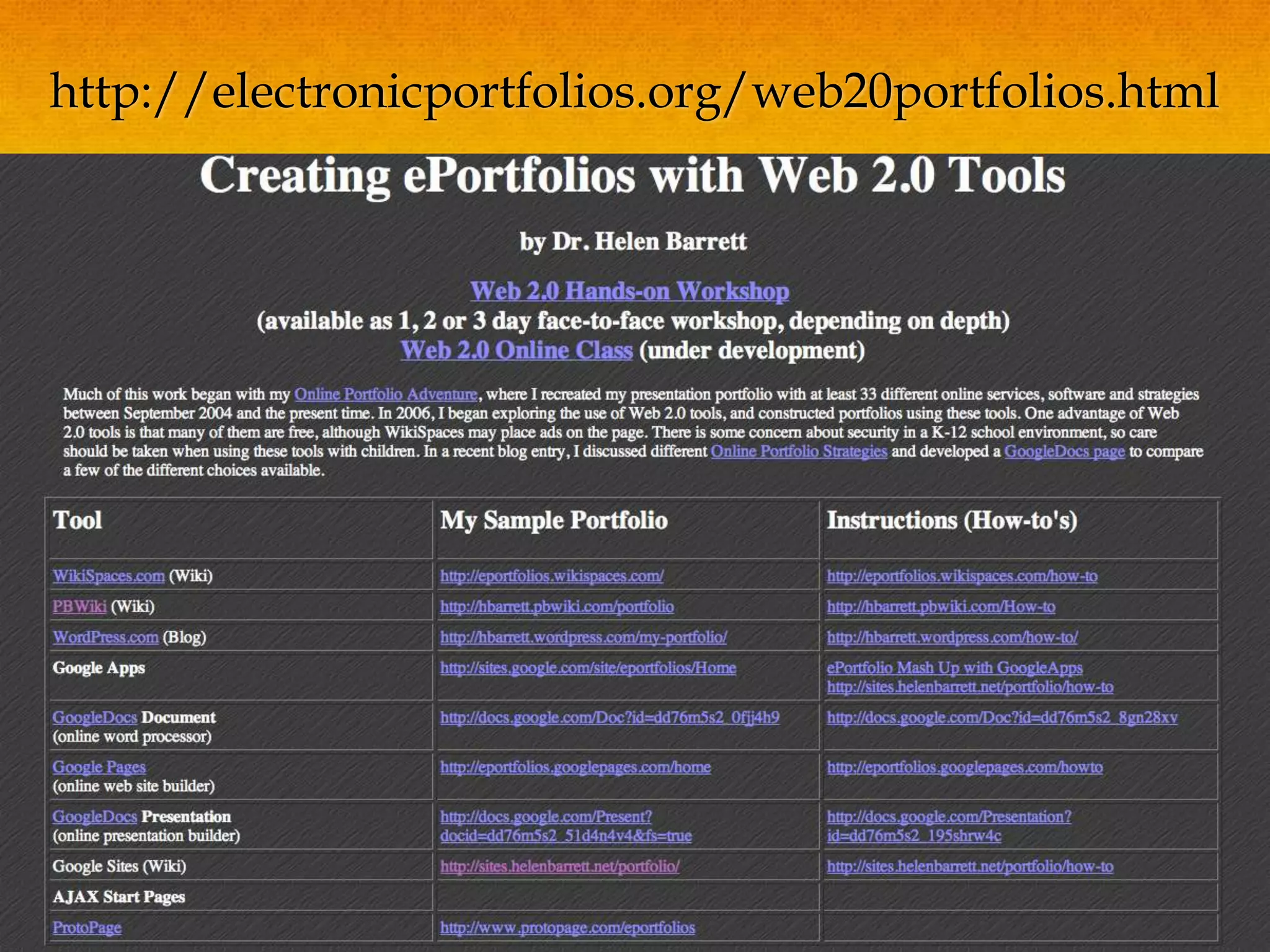
http://electronicportfolios.org/web20portfolios.html
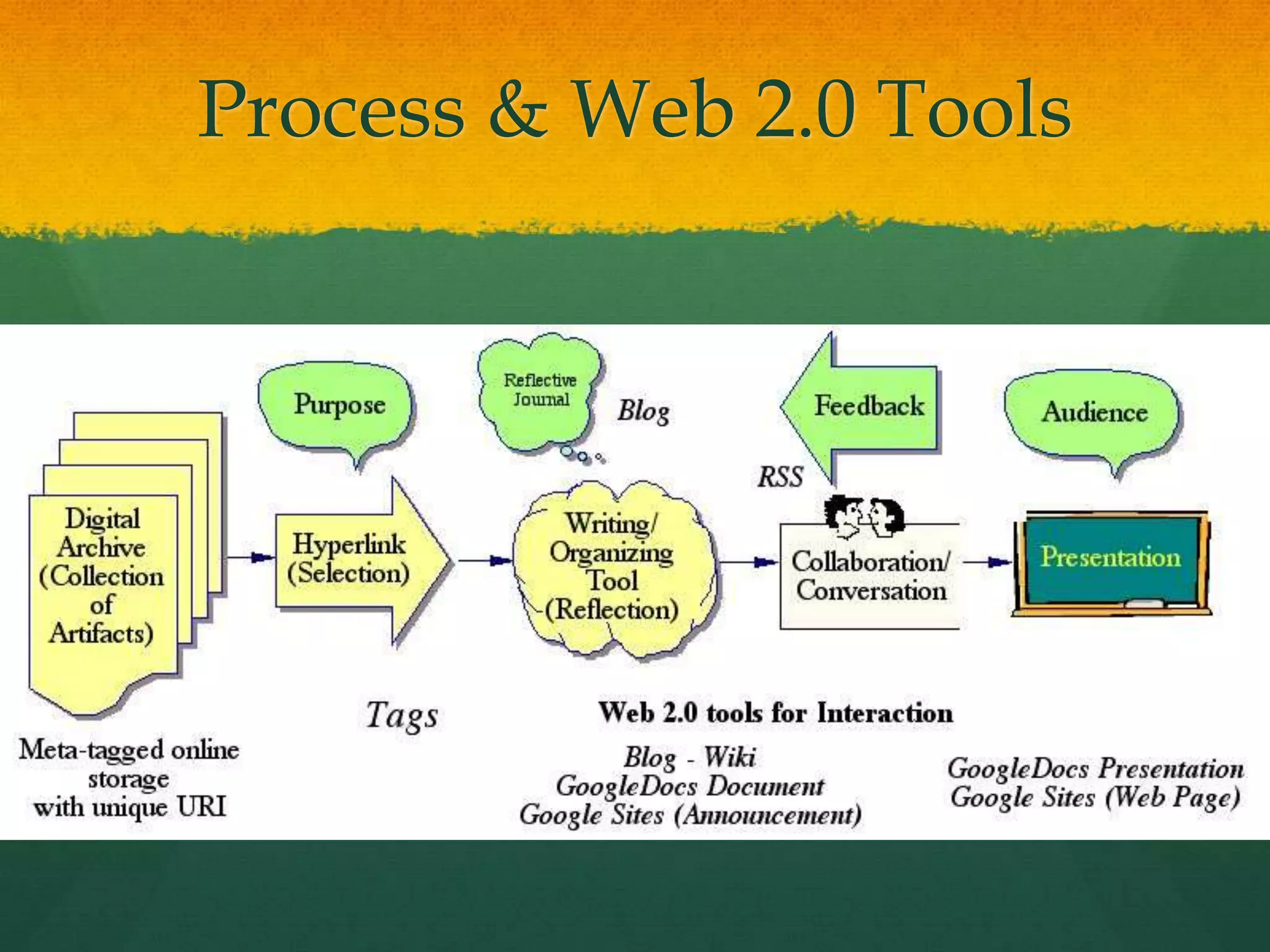
Process & Web 2.0 Tools
All you need is… an <Embed> Code!Hall Davidson
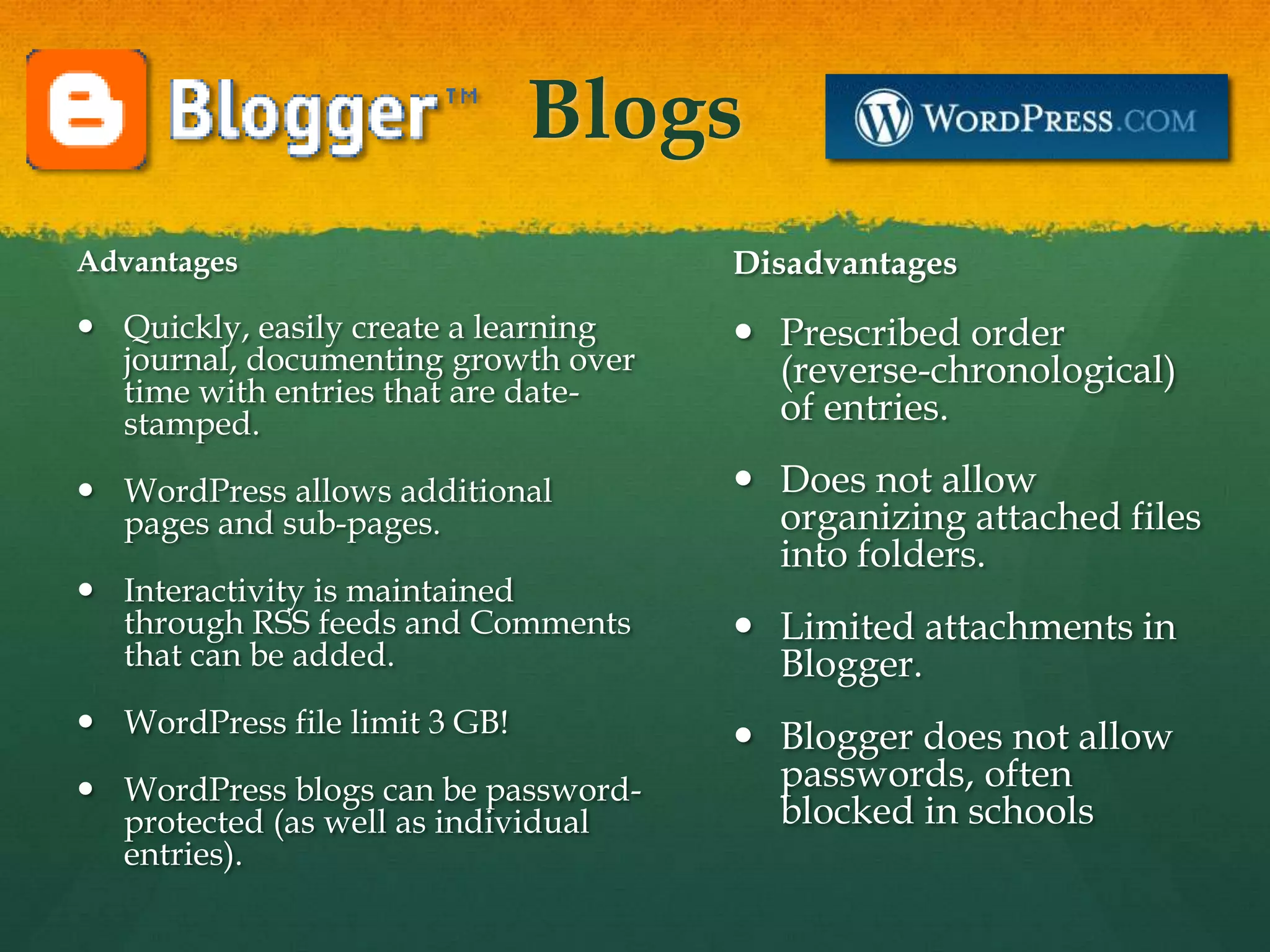
BlogsAdvantagesQuickly, easily create a learning journal, documenting growth over time with entries that are date-stamped. WordPress allows additional pages and sub-pages. Interactivity is maintained through RSS feeds and Comments that can be added.WordPress file limit 3 GB!WordPress blogs can be password-protected (as well as individual entries).DisadvantagesPrescribed order (reverse-chronological) of entries. Does not allow organizing attached files into folders. Limited attachments in Blogger.Blogger does not allow passwords, often blocked in schools
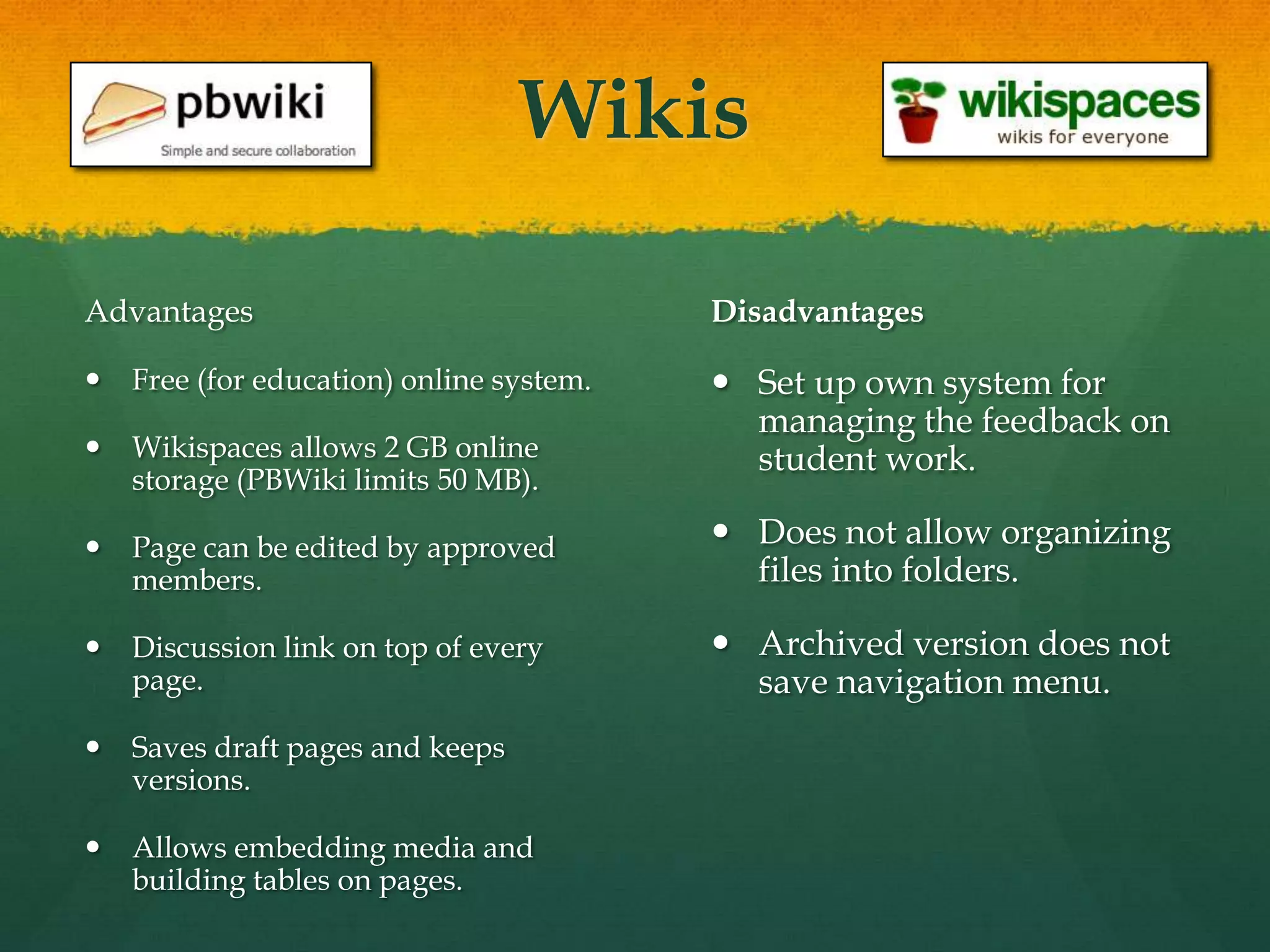
WikisAdvantagesFree (for education) online system. Wikispaces allows 2 GB online storage (PBWiki limits 50 MB). Page can be edited by approved members.Discussion link on top of every page.Saves draft pages and keeps versions. Allows embedding media and building tables on pages.DisadvantagesSet up own system for managing the feedback on student work. Does not allow organizing files into folders. Archived version does not save navigation menu.
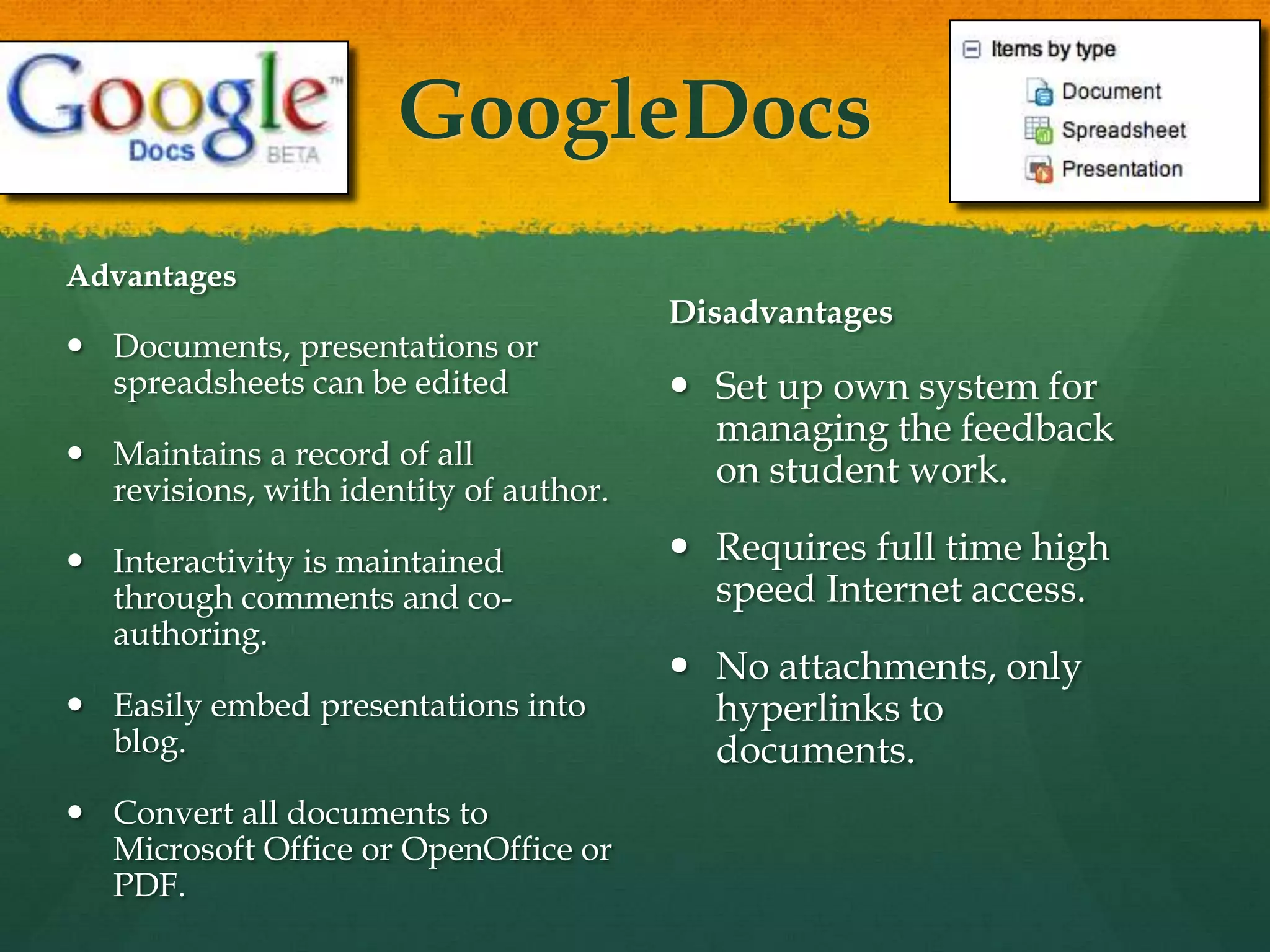
GoogleDocsAdvantagesDocuments, presentations or spreadsheets can be editedMaintains a record of all revisions, with identity of author. Interactivity is maintained through comments and co-authoring. Easily embed presentations into blog. Convert all documents to Microsoft Office or OpenOffice or PDF.DisadvantagesSet up own system for managing the feedback on student work. Requires full time high speed Internet access. No attachments, only hyperlinks to documents.
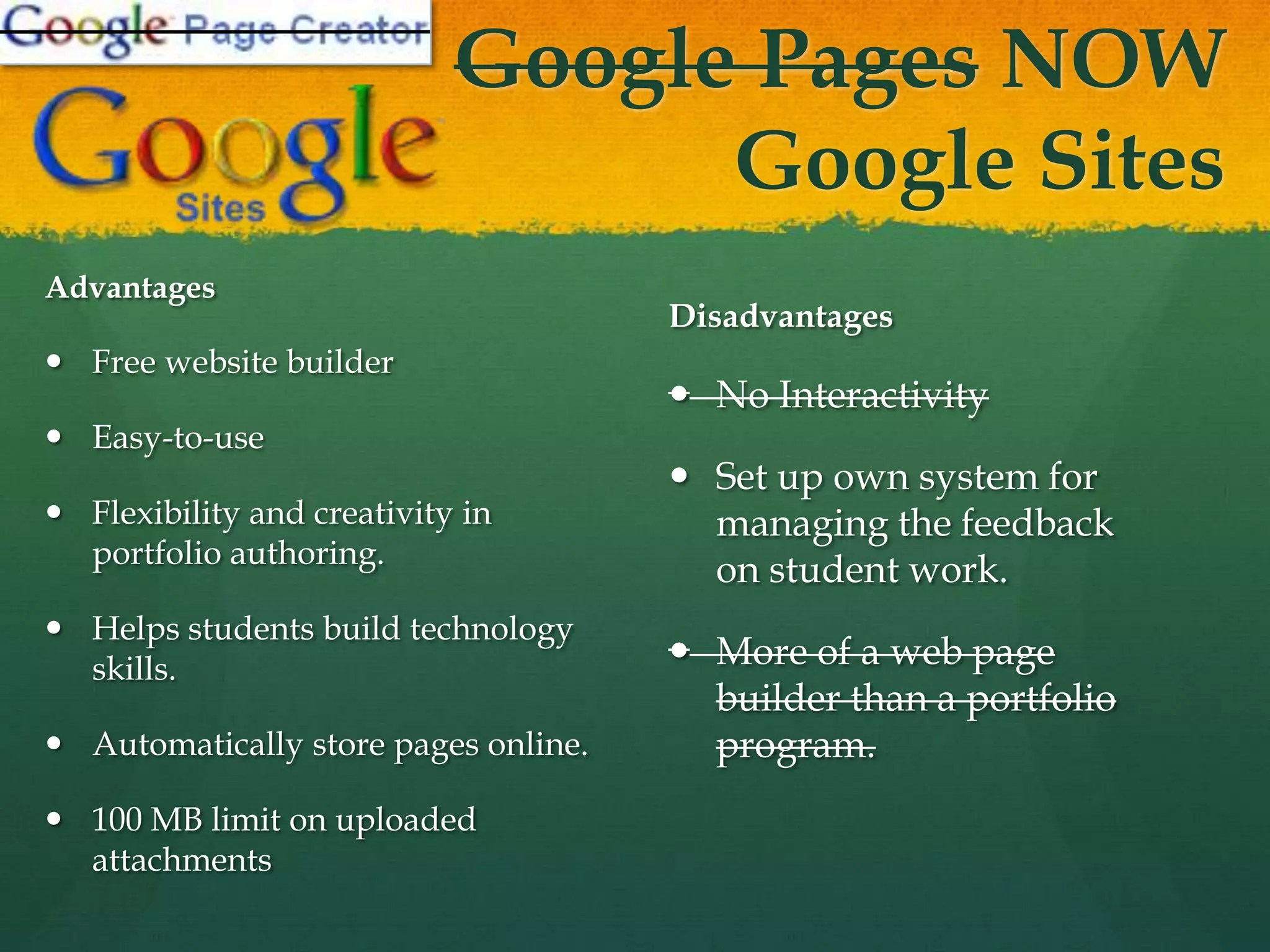
Google Pages NOW Google SitesAdvantagesFree website builderEasy-to-use Flexibility and creativity in portfolio authoring. Helps students build technology skills. Automatically store pages online. 100 MB limit on uploaded attachmentsDisadvantagesNo Interactivity Set up own system for managing the feedback on student work. More of a web page builder than a portfolio program.
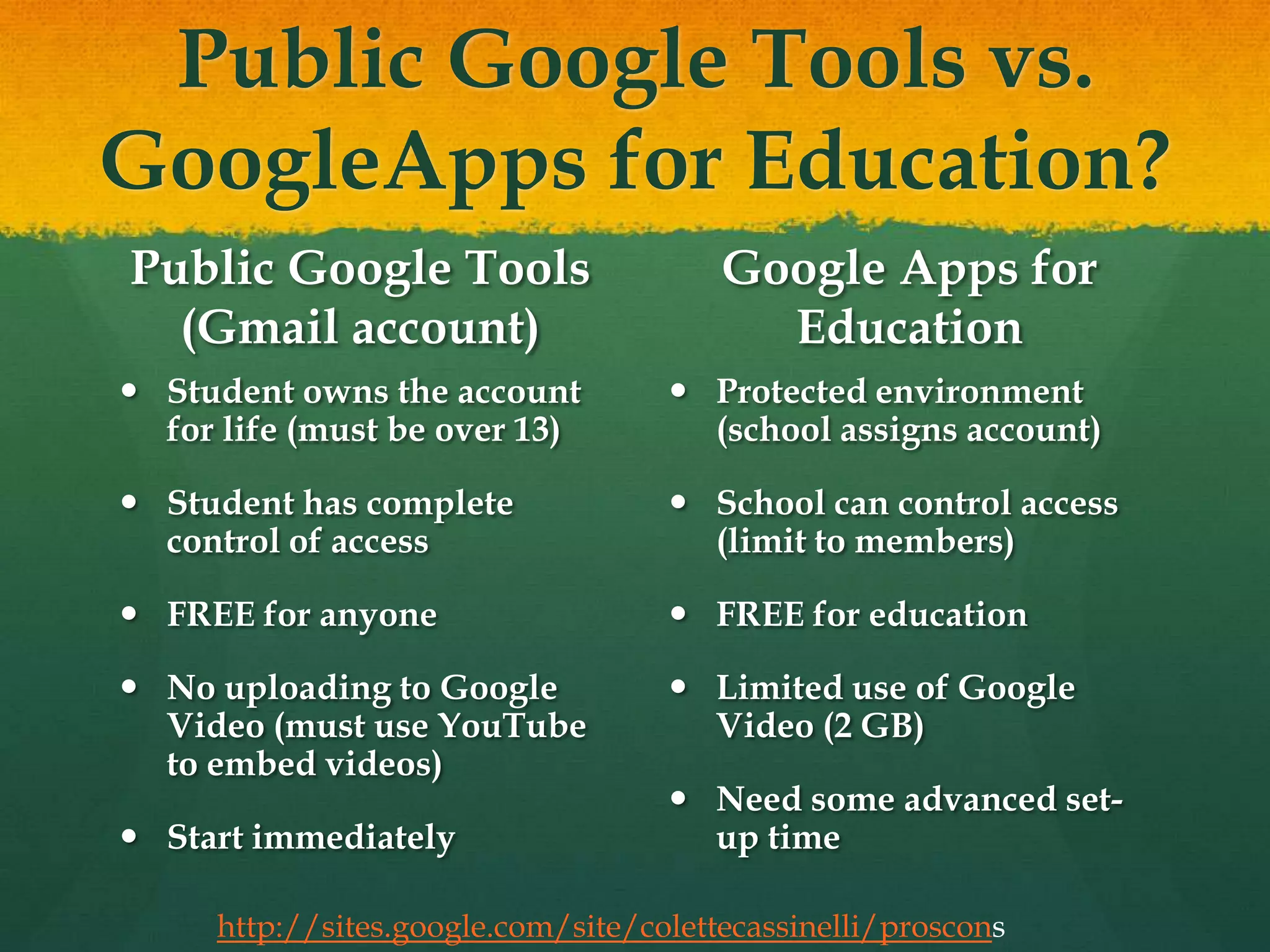
Public Google Tools vs. GoogleApps for Education?Public Google Tools (Gmail account)Student owns the account for life (must be over 13)Student has complete control of accessFREE for anyoneNo uploading to Google Video (must use YouTube to embed videos)Start immediatelyGoogle Apps for EducationProtected environment (school assigns account)School can control access (limit to members)FREE for educationLimited use of Google Video (2 GB)Need some advanced set-up timehttp://sites.google.com/site/colettecassinelli/proscons
Move beyond text-only artifactsEncourage development of multimedia artifactsIntroduce alternative strategies for reflectionDigital storytelling (audio & video)Blogging (including Twitter)
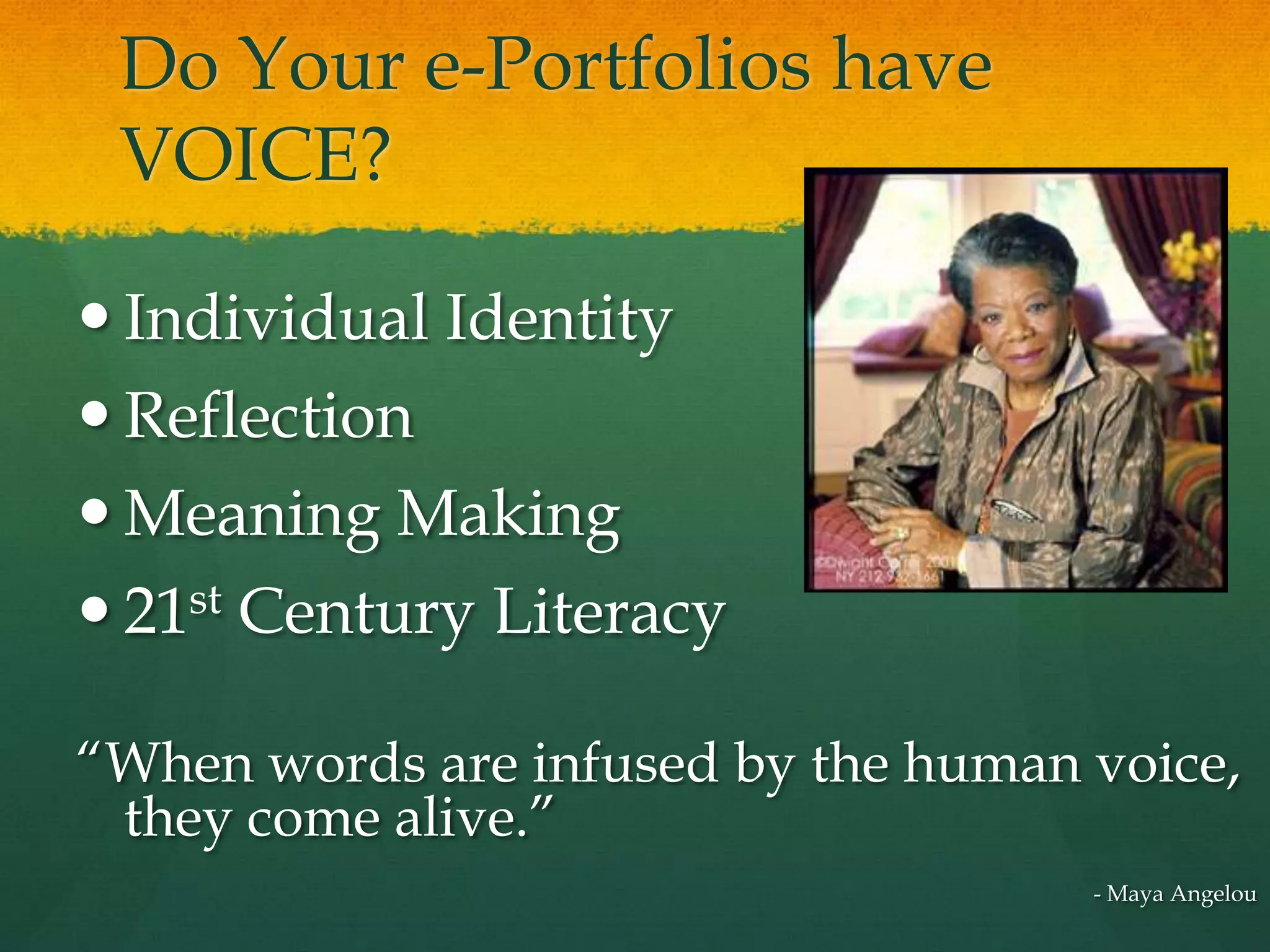
Do Your e-Portfolios have VOICE?Individual IdentityReflection Meaning Making21st Century Literacy“When words are infused by the human voice, they come alive.”- Maya Angelou
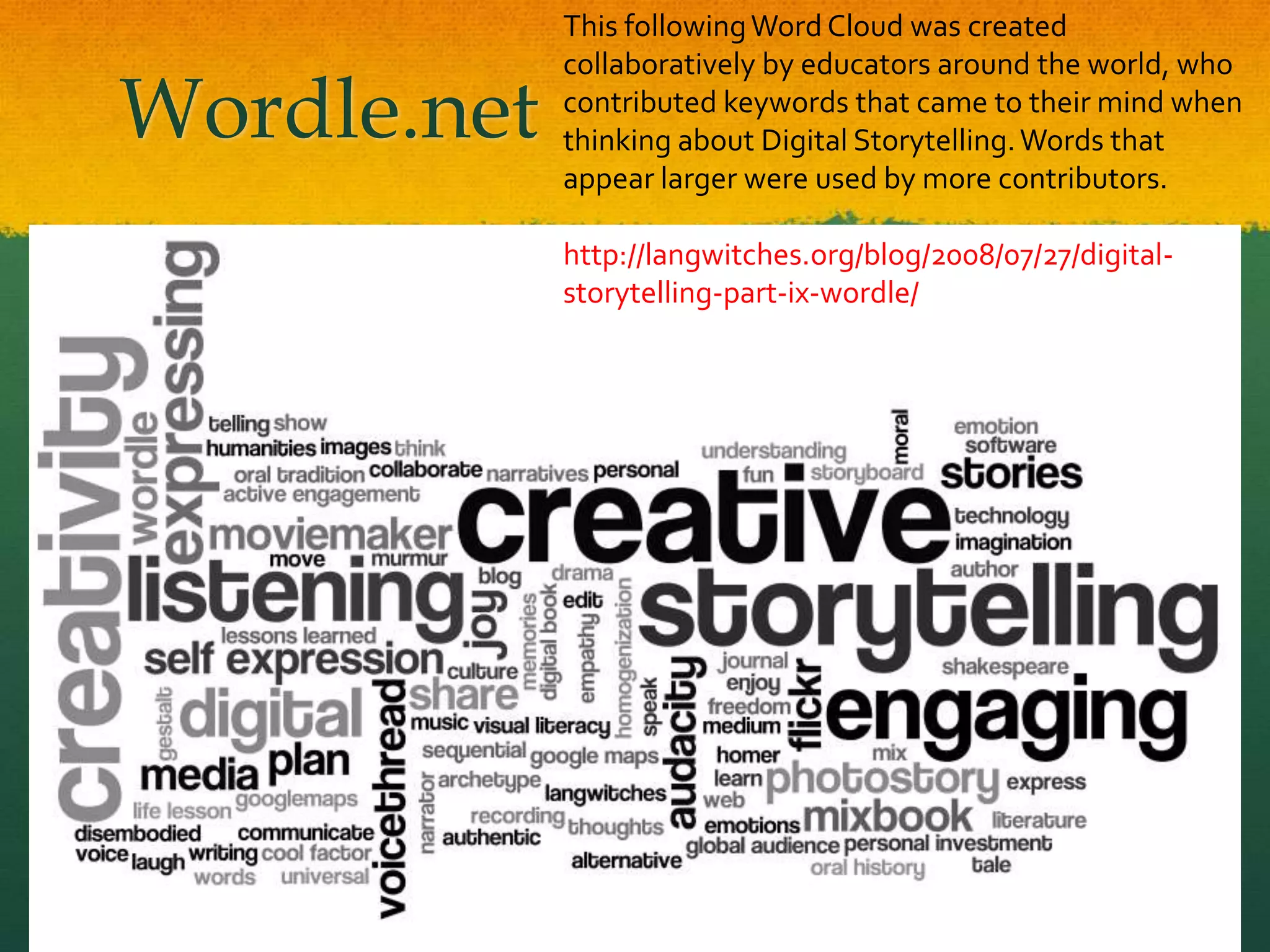
Wordle.netThis following Word Cloud was created collaboratively by educators around the world, who contributed keywords that came to their mind when thinking about Digital Storytelling. Words that appear larger were used by more contributors.http://langwitches.org/blog/2008/07/27/digital-storytelling-part-ix-wordle/
New Google Sitesinvitation for collaboratorsReflection for Learninghttp://sites.google.com/site/reflection4learning ePortfolio Survey Instrumentshttp://sites.google.com/site/eportfoliosurveysAssessment for Learninghttp://sites.google.com/site/assessment4learningCIC Websites due in the fall: Multimedia Records of Practice, Electronic Portfolios & Digital Storytelling
Google Groups to JoinResearching Web2.0 Portfolioshttp://groups.google.com/group/web2eportfoliosUsing Google Apps for ePortfolios in K-12 Educationhttp://groups.google.com/group/k12eportfoliosWhat is Web 2.0? (online course)http://groups.google.com/group/what-is-web-2-0
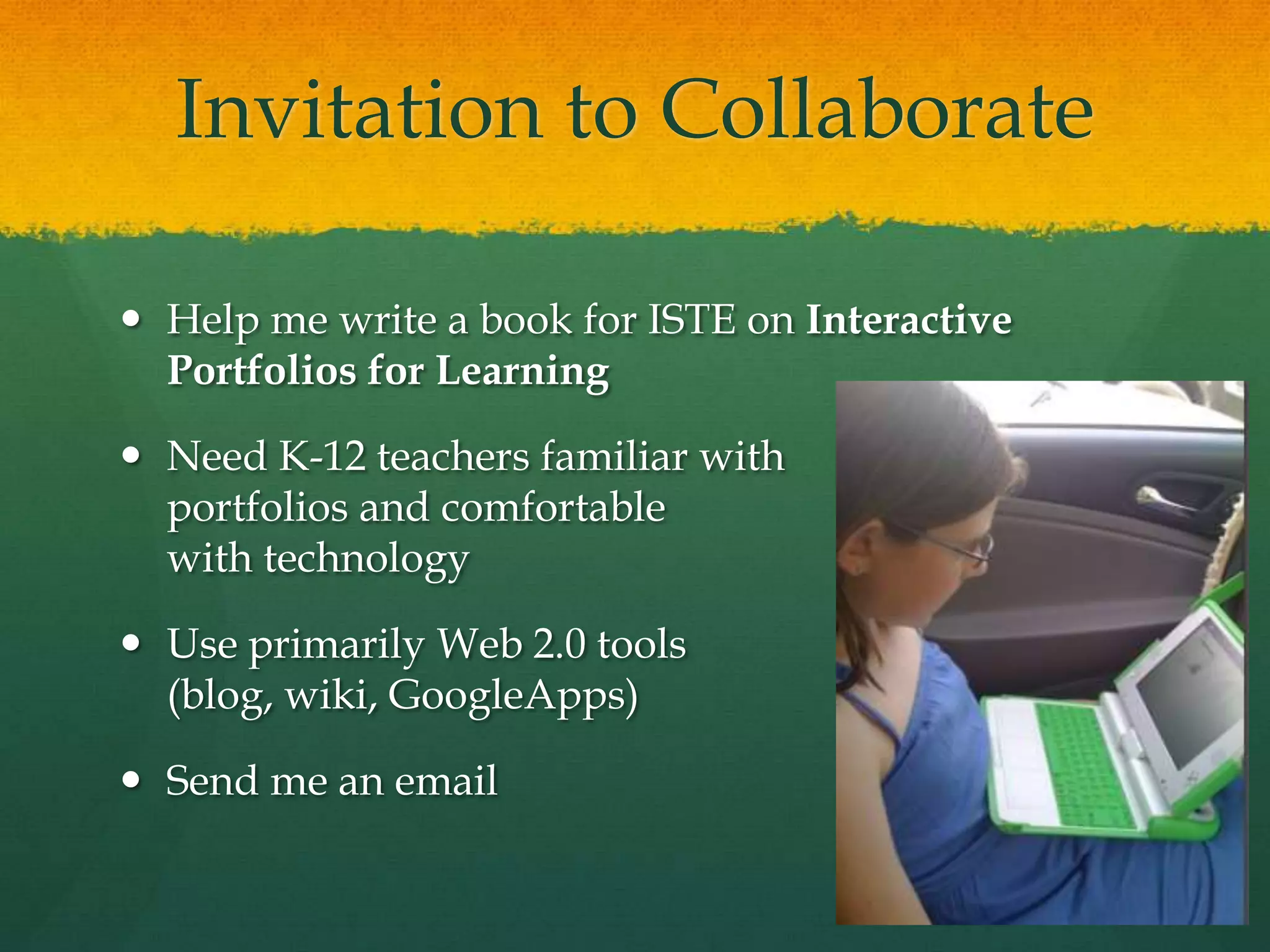
Invitation to CollaborateHelp me write a book for ISTE on Interactive Portfolios for LearningNeed K-12 teachers familiar with portfolios and comfortable with technologyUse primarily Web 2.0 tools (blog, wiki, GoogleApps)Send me an email

NECC2009

  • 1.
    ePortfolios 2.0:Web 2.0tools toImprove/ShowcaseStudent TechnologyLiteracyDr. Helen BarrettNECC 2009Slideshare: eportfolios
  • 2.
    Showcase?Assessment?Reflection?Multiple Purposes fromHidden Assumptionshttp://www.rsc-northwest.ac.uk/acl/eMagArchive/RSCeMag2008/choosing%20an%20eportfolio/cool-cartoon-346082.png
  • 3.
    “The Blind Menand the Elephant”Thanks to Alan Levine
  • 4.
    QUOTEThe e-portfolio isthe central and common point for the student experience… It is a reflection of the student as a person undergoing continuous personal development, not just a store of evidence.-Geoff Rebbeck, e-Learning Coordinator, Thanet College, quoted in JISC, 2008, Effective Practice with e-Portfolios
  • 5.
    E-Portfolio Components MultiplePortfolios for Multiple Purposes-Celebrating Learning-Personal Planning-Transition/entry to courses-Employment applications-Accountability/Assessment
  • 6.
    Multiple Tools toSupport Processes-Capturing & storing evidence-Reflecting-Giving & receiving feedback-Planning & setting goals-Collaborating-Presenting to an audience
  • 7.
  • 8.
    Enhancing students' computer& multimedia skills through ePortfolios
  • 9.
  • 10.
    New Framework for21st Century Skillshttp://www.21stcenturyskills.org/(handout)
  • 11.
    New ISTE NETSfor StudentsCreativity and InnovationCommunication and CollaborationResearch and Information FluencyCritical Thinking, Problem-Solving & Decision-MakingDigital CitizenshipTechnology Operations and Concepts(handout)
  • 13.
  • 14.
  • 15.
    To assess technologyskills with a portfolio…You must integrate technology across the curriculumIt’s not just an end-of-year activity!Needs a good rubric (under development in New Hampshire)
  • 16.
    International Trends inePortfolio DevelopmentPersonalized Learning‘Choice’ and ‘Voice’Self-Directed LearningReflective PracticeConstructing Deep LearningDigital Identity DevelopmentInteractivity!!!
  • 17.
    Student Engagement!CQ +PQ > IQ (Friedman, 2006)[Curiosity + Passion]Learners find their voice and passions through choice and personalization!Portfolio as StoryPositive Digital Identity Development“Academic MySpace”
  • 18.
    Six technologies withthe power to transform K-12 teaching and learningOne year or less:collaborative environmentsonline communication toolsTwo to three years:mobile devicescloud computingFour to five years:smart objectsthe personal web New Media Centershttp://www.nmc.org/
  • 19.
    Cloud Computing“The cloudis the term for networked computers that distribute processing power, applications, and large systems among many machines.”disk storage and processing cycles a readily available, cheap commodity thin-client, web-based applications for image editing, word processing, social networking, and media creationMore reliable than desktop storageThe Horizon Report, 2009
  • 20.
    The Personal Web…computer users are assembling collections of tools, widgets, and services that make it easy to develop and organize dynamic online content. Armed with tools for tagging, aggregating, updating, and keeping track of content, today’s learners create and navigate a web that is increasingly tailored to their own needs and interests: this is the personal web. The Horizon Report, 2009
  • 21.
    A Technology toWatch:Google Wave!http://wave.google.com/
  • 22.
    What is awave?A wave is equal parts conversation and document. People can communicate and work together with richly formatted text, photos, videos, maps, and more.A wave is shared. Any participant can reply anywhere in the message, edit the content and add participants at any point in the process. Then playback lets anyone rewind the wave to see who said what and when.A wave is live. With live transmission as you type, participants on a wave can have faster conversations, see edits and interact with extensions in real-time. http://wave.google.com/
  • 23.
    Architectureof InteractionArchitecture ofParticipation(Web 2.0) allows aPedagogyof Interaction(ePortfolio 2.0)
  • 24.
    A Reminder…Reflection… isthe “Heart and Soul” of a Portfolio… NOT the Technology!
  • 25.
    Technology & ReflectionTwoThemes across the Lifespan with ePortfolio Development
  • 26.
    Digital Archive (forLife) Supports Lifelong & Life-wide Learning
  • 27.
    Early Childhood ePortfolioEmphasisTechnologies: Digital images, audio and video plus parent (and grandparent!) involvementReflection in Early Childhood: Finding Voice and the Language of Reflection
  • 28.
    Formal Education: AssessmentPortfolio SystemsTwo approachesFormative
  • 29.
    SummativeForms of AssessmentFormativeAssessmentsProvides insights for the teacherAssessment FOR LearningProvides insights for the learnerSummative Assessments (Assessment OF Learning or Evaluation)Provides insights (and data) for the institutionNick Rate (2008) Assessment for Learning & ePortfolios, NZ Ministry of Ed
  • 30.
    Purposes for AssessmentAssessmentFOR Learning = Formative (Classroom-based) AssessmentAssessment OF Learning = Summative Assessment
  • 31.
    Middle Level (ages~9~14)ePortfolio EmphasisTechnologies: Blogs, Wikis, VoiceThread, GAMES!Reflection in Middle Grades: Learning to LearnPortfolio Model
  • 32.
    Learning to LearnPortfolio ModelIan Fox, New Zealand
  • 33.
  • 34.
    High School ePortfolioEmphasisTechnologies: GoogleApps (Docs, Sites), Social NetworkingReflection in High School: Construction of Self, Planning for the Future
  • 35.
    Social LearningHow canwe integrate ePortfolios with what we know about social learning and interactivity?
  • 36.
    How can youleveragethe technologies learners own?Accessibility from “net books” and home computersConnectivity with cell phonesAudio (podcasts) and Video (digital stories)
  • 37.
    Formal Education: AssessmentPortfolio SystemsTwo approachesFormative
  • 38.
    SummativePortfolio DifferencesAssessment OFLearningPurpose prescribedArtifacts mandated - scoring for external useOrganized by teacherSummative (Past to present)Institution-centeredRequires extrinsic motivationAssessment FOR LearningPurpose negotiatedArtifacts chosen - feedback to learnerOrganized by learnerFormative (Present to future)Student-centeredIntrinsically motivating
  • 39.
    ePortfolio 1.0 -ePortfolio 2.0Hierarchical, DesignedMetaphor: Portfolio as TestData-drivenFocus on StandardizationFeedback from Authority FiguresLarge, complex systemsNetworked, EmergentMetaphor: Portfolio as StoryLearner-drivenFocus on Individuality, CreativityFeedback from Community of LearnersSmall pieces, loosely joined - "Mash-ups"Continued…
  • 40.
    ePortfolio 1.0 - ePortfolio 2.0(continued)Web-based FormPositivistAccountability-drivenProprietaryDigital Paper (text & images)Local Storage (hard drives, CD)Blog and WikiConstructivist, ConnectivistLearning-focusedOpen StandardsDigital Story (multimedia)Network Storage (Lifetime Personal Web Space)
  • 41.
    College Student ePortfolioEmphasisTechnologies: Social Technologies, Online Productivity Tools, Online Audio & VideoReflection in Higher Education: Demonstrating Competence, Personalizing Standards-Based Portfolios: Choice and Voice
  • 42.
    How is socialnetworking impacting ePortfolio development?It is having a huge impact on our social and political world!
  • 43.
    Professional ePortfolio EmphasisTechnologies:Social Networks, Productivity Tools, Micro-Blogging (Twitter) and Second LifeReflection on the Job: Sharing Experiences, Building a Community of Learners
  • 44.
    Life Portfolio –planning for an extended midlife transition (50-90)An intentional combination of passions and pursuitsEnvision new possibilitiesPlan ahead – visualize a new lifeNot “retirement” but “rewirement”
  • 45.
    Portfolio Way ofThinkingCareers have a shelf life; portfolios can be timeless (p.x)… expands into a mindset that is ageless, in the broader sense of figuring out what really matters in life. (p.5)In the zone between total career mode and total retirement, many want to discover or rediscover their passion… create a legacy… turn careers into callings, success into significance… to make a difference……portfolios become an ongoing, ageless framework for self-renewal
  • 46.
    Quote“ Portfolio respondsto a calling that is knit into the fabric of our very being. It is about what our motivations are, what makes us feel most alive. Portfolio development is what our true work should be, for it’s where our deep gifts, and our gladness, meet the needs of the world.” p. 43
  • 47.
    Strategies for aPortfolio LifeTell the Story of Your Life: Narrative is a powerful tool for self-discoveryAccomplishments Leave Clues… and increase self-esteemConnect with Others -- NetworkingDevelop Your Goals: Goals Prepare us for Change… Goals Yield PurposeRevise, Reflect, Rebalance
  • 48.
    Over 50’sePortfolio EmphasisTechnologies:Digital Stories, Reflective Journal (blog), Social NetworksReflection for Later Life: Building a Legacy, Generativity, Planning for a Meaningful Life beyond Work
  • 49.
    Balancing the 2Faces of e-Portfolios
  • 50.
    Some Basic Concepts“ePortfolioisboth process and product”Process: A series of events (time and effort) to produce a result- From Old French proces(“‘journey’”)Product: the outcome/results or “thinginess” of an activity/process- DestinationWiktionary
  • 51.
    Types of ePortfolioImplementationWorking PortfolioThe CollectionThe Digital ArchiveRepository of Artifacts Reflective Journal(eDOL)Collaboration SpacePortfolio as Process-- Workspace (PLE)“shoebox”Presentation Portfolio(s)The “Story” or NarrativeMultiple Views (public/private)Varied Audiences(varied permissions)Varied Purposes Portfolio as Product-- Showcase
  • 53.
    Structure of E-PortfolioTypesPortfolio as Process/ WorkspaceOrganization: Chronological – eDOL(Electronic Documentation of Learning – U. of Calgary) Documenting growth over time for both internal and external audiencesPrimary Purpose: Learning or ReflectionReflection: immediate focus on artifact or learning experiencePortfolio as Product/ ShowcaseOrganization: Thematic – Documenting achievement of Standards, Goals or Learning Outcomes for primarily external audiencesPrimary Purpose: Accountability or EmploymentReflection: retrospective focus on Standards, Goals or Learning Outcomes (Themes)
  • 54.
    What is thebest tool?Do you need an all-in-one system or multiple tools?
  • 55.
    Less abouttellingMore abouttalking!- Julie Hughes, University of WolverhamptonTake advantage of Web 2.0 strategies in ePortfolio development
  • 56.
  • 57.
    Why Web 2.0for e-portfolios?Access from Anywhere!Interactivity!Engagement!Lifelong Skills!Mostly FREE!
  • 58.
    Web 2.0 TechnologiesAdvantagesFree,often open-source tools on the WWW“Me Publishing (blog and wiki)Shared Writing (GoogleDocs)Web Publishing(Google Sites)DisadvantagesMay require higher technology competencyMostly not secure websites“Small Pieces, Loosely Joined”
  • 59.
  • 60.
    Process & Web2.0 Tools
  • 61.
    All you needis… an <Embed> Code!Hall Davidson
  • 62.
    BlogsAdvantagesQuickly, easily createa learning journal, documenting growth over time with entries that are date-stamped. WordPress allows additional pages and sub-pages. Interactivity is maintained through RSS feeds and Comments that can be added.WordPress file limit 3 GB!WordPress blogs can be password-protected (as well as individual entries).DisadvantagesPrescribed order (reverse-chronological) of entries. Does not allow organizing attached files into folders. Limited attachments in Blogger.Blogger does not allow passwords, often blocked in schools
  • 63.
    WikisAdvantagesFree (for education)online system. Wikispaces allows 2 GB online storage (PBWiki limits 50 MB). Page can be edited by approved members.Discussion link on top of every page.Saves draft pages and keeps versions. Allows embedding media and building tables on pages.DisadvantagesSet up own system for managing the feedback on student work. Does not allow organizing files into folders. Archived version does not save navigation menu.
  • 64.
    GoogleDocsAdvantagesDocuments, presentations orspreadsheets can be editedMaintains a record of all revisions, with identity of author. Interactivity is maintained through comments and co-authoring. Easily embed presentations into blog. Convert all documents to Microsoft Office or OpenOffice or PDF.DisadvantagesSet up own system for managing the feedback on student work. Requires full time high speed Internet access. No attachments, only hyperlinks to documents.
  • 65.
    Google Pages NOWGoogle SitesAdvantagesFree website builderEasy-to-use Flexibility and creativity in portfolio authoring. Helps students build technology skills. Automatically store pages online. 100 MB limit on uploaded attachmentsDisadvantagesNo Interactivity Set up own system for managing the feedback on student work. More of a web page builder than a portfolio program.
  • 66.
    Public Google Toolsvs. GoogleApps for Education?Public Google Tools (Gmail account)Student owns the account for life (must be over 13)Student has complete control of accessFREE for anyoneNo uploading to Google Video (must use YouTube to embed videos)Start immediatelyGoogle Apps for EducationProtected environment (school assigns account)School can control access (limit to members)FREE for educationLimited use of Google Video (2 GB)Need some advanced set-up timehttp://sites.google.com/site/colettecassinelli/proscons
  • 67.
    Move beyond text-onlyartifactsEncourage development of multimedia artifactsIntroduce alternative strategies for reflectionDigital storytelling (audio & video)Blogging (including Twitter)
  • 68.
    Do Your e-Portfolioshave VOICE?Individual IdentityReflection Meaning Making21st Century Literacy“When words are infused by the human voice, they come alive.”- Maya Angelou
  • 69.
    Wordle.netThis following WordCloud was created collaboratively by educators around the world, who contributed keywords that came to their mind when thinking about Digital Storytelling. Words that appear larger were used by more contributors.http://langwitches.org/blog/2008/07/27/digital-storytelling-part-ix-wordle/
  • 70.
    New Google Sitesinvitationfor collaboratorsReflection for Learninghttp://sites.google.com/site/reflection4learning ePortfolio Survey Instrumentshttp://sites.google.com/site/eportfoliosurveysAssessment for Learninghttp://sites.google.com/site/assessment4learningCIC Websites due in the fall: Multimedia Records of Practice, Electronic Portfolios & Digital Storytelling
  • 71.
    Google Groups toJoinResearching Web2.0 Portfolioshttp://groups.google.com/group/web2eportfoliosUsing Google Apps for ePortfolios in K-12 Educationhttp://groups.google.com/group/k12eportfoliosWhat is Web 2.0? (online course)http://groups.google.com/group/what-is-web-2-0
  • 72.
    Invitation to CollaborateHelpme write a book for ISTE on Interactive Portfolios for LearningNeed K-12 teachers familiar with portfolios and comfortable with technologyUse primarily Web 2.0 tools (blog, wiki, GoogleApps)Send me an email
  • 73.
    My Final Wish…Mayall yourelectronic portfoliosbecome dynamic celebrationsandstories of deep learningacross the lifespan.
  • 74.
    Dr. Helen BarrettResearcher& ConsultantElectronic Portfolios & Digital Storytelling for Lifelong and Life Wide Learningeportfolios@gmail.comhttp://electronicportfolios.org/

Editor's Notes

  • #5 It is also not just about alignment with standards.
  • #18 Many of us use the cloud, or cloud-based applications, without even being aware of it. Advances in computer science to ensure redundancy and protection from natural disasters have led to data being shared across many different hosting facilities. Improved infrastructure has made the cloud robust and reliable; as usage grows, the cloud is fundamentally changing our notions of computing and communication.
  • #19 Part of a trend that began with simple innovations like personalized start pages, RSS aggregation, and customizable widgets, the personal web is a term coined to represent a collection of technologies that confer the ability to reorganize, configure and manage online content rather than just viewing it. Using a growing set of free and simple tools and applications, it is easy to create customized, personal web-based environments — a personal web — that explicitly supports one’s social, professional, learning and other activities via highly personalized windows to the networked world
  • #20 Google Wave is a new model for communication and collaboration on the web, coming later this year.
  • #44 A portfolio is, literally, a balanced collection of holdings related to one person, such as financial assets, job responsibilities, artistic works, and accomplishments. It’s something portable, something you carry with you. The portfolio represents the whole. It represents what you have or have done as an expression of who you are. (p.4)