Final Presentation
by Pamela McAnulty
Why Use Multimedia in the
Classroom?
Multimedia in the classroom:
 Enhances student engagement
 Promotes creativity
 Provides more opportunities for authentic assessments
 Increases content retention and real-world connections
 Helps visual and auditory learners, as well as ESL
students, better understand content
 Provides more options for differentiated instruction to
benefit all students
Most Useful Tools
 Hands down, my favorite tool that I used during this course was
Animoto. I had been using other programs to produce video.
This will cut my time in half. It was fast and easy to use.
 The links to free photos, music and
video download sites is also extremely
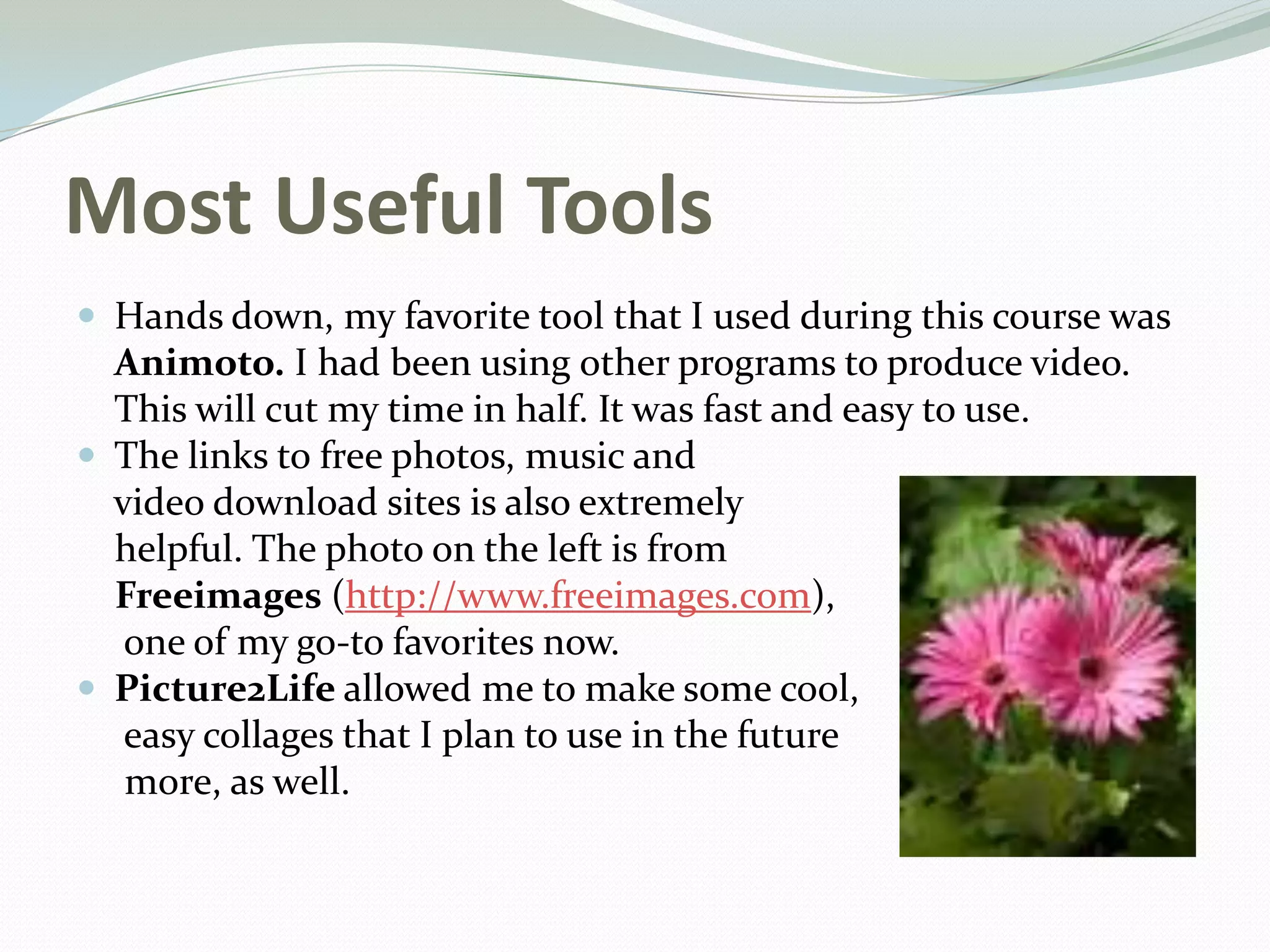
helpful. The photo on the left is from
Freeimages (http://www.freeimages.com),
one of my go-to favorites now.
 Picture2Life allowed me to make some cool,
easy collages that I plan to use in the future
more, as well.
Successes
 I was forced to take more time to play with the video
production possibilities available through Windows
MovieMaker. I really like the way the finished product
looks. I may not have stayed with it if it hadn’t been for
the course.
 Audacity was a good tool for audio editing, especially if
you are making chiptunes. It is very easy to use.
 Picture2Life and some of the other photos sites were
fun to use and had a lot of options.
Challenges
 Making sure that items uploaded by educators
and students are appropriate and that they are
protected is always a challenge and a concern
when using multimedia. A few of the links in
the course were very helpful, especially when it
came to explaining “Fair Use.”
 I had difficulty checking some of the photos
once the images were edited. Sizing was my
biggest challenge.
 Time is always my nemesis when it comes to
introducing new projects and ideas in class. I
always need more time to check out new sites,
test ideas, and then model them for my
students. There’s always the summer! 
Moodle Online Learning
 This is the second class I’ve taken using Moodle. I find
it easy to use, and I love the ability to work at my own
pace.
 I think it would be great to get students started on
using more online options, such as Moodle, earlier in
their education so they know how to use Blackboard
before they get to college. It would help their
transition, and they would have practice responding
appropriately to other posts in a timely manner.
Shared Coursework
Original song:
https://audioboo.fm/boos/2070669-gameboy-song-by-mrs-m
Video:
http://animoto.com/play/REGwhSg9L75APBELAjQyyA
Video Production Product:
https://www.youtube.com/watch?v=wMtWU0EpM6Q
Photos:
https://www.flickr.com/photos/122308143@N02/?details=1
Final Thoughts
 I want to say thanks to Rich, our instructor, and wish
my fellow educators the best of luck in all of their
future endeavors. I am excited to use many of the new
tools I learned about in this course.
 I definitely plan to continue to explore additional
possibilities for using multimedia in the classroom to
advance student learning and enhance engagement. It
keeps me on my toes, too!

Multimedia in the Classroom Final Presentation

  • 1.
  • 2.
    Why Use Multimediain the Classroom? Multimedia in the classroom:  Enhances student engagement  Promotes creativity  Provides more opportunities for authentic assessments  Increases content retention and real-world connections  Helps visual and auditory learners, as well as ESL students, better understand content  Provides more options for differentiated instruction to benefit all students
  • 3.
    Most Useful Tools Hands down, my favorite tool that I used during this course was Animoto. I had been using other programs to produce video. This will cut my time in half. It was fast and easy to use.  The links to free photos, music and video download sites is also extremely helpful. The photo on the left is from Freeimages (http://www.freeimages.com), one of my go-to favorites now.  Picture2Life allowed me to make some cool, easy collages that I plan to use in the future more, as well.
  • 4.
    Successes  I wasforced to take more time to play with the video production possibilities available through Windows MovieMaker. I really like the way the finished product looks. I may not have stayed with it if it hadn’t been for the course.  Audacity was a good tool for audio editing, especially if you are making chiptunes. It is very easy to use.  Picture2Life and some of the other photos sites were fun to use and had a lot of options.
  • 5.
    Challenges  Making surethat items uploaded by educators and students are appropriate and that they are protected is always a challenge and a concern when using multimedia. A few of the links in the course were very helpful, especially when it came to explaining “Fair Use.”  I had difficulty checking some of the photos once the images were edited. Sizing was my biggest challenge.  Time is always my nemesis when it comes to introducing new projects and ideas in class. I always need more time to check out new sites, test ideas, and then model them for my students. There’s always the summer! 
  • 6.
    Moodle Online Learning This is the second class I’ve taken using Moodle. I find it easy to use, and I love the ability to work at my own pace.  I think it would be great to get students started on using more online options, such as Moodle, earlier in their education so they know how to use Blackboard before they get to college. It would help their transition, and they would have practice responding appropriately to other posts in a timely manner.
  • 7.
    Shared Coursework Original song: https://audioboo.fm/boos/2070669-gameboy-song-by-mrs-m Video: http://animoto.com/play/REGwhSg9L75APBELAjQyyA VideoProduction Product: https://www.youtube.com/watch?v=wMtWU0EpM6Q Photos: https://www.flickr.com/photos/122308143@N02/?details=1
  • 8.
    Final Thoughts  Iwant to say thanks to Rich, our instructor, and wish my fellow educators the best of luck in all of their future endeavors. I am excited to use many of the new tools I learned about in this course.  I definitely plan to continue to explore additional possibilities for using multimedia in the classroom to advance student learning and enhance engagement. It keeps me on my toes, too!