MuleSoft at a GlanceMuleSoft at a Glance
Feroz Khan
AgendaAgenda
What is Mule ESB
Why Mule ESB
Capabilities
Mule Pillars
Deployment
What is Mule ESB??What is Mule ESB??
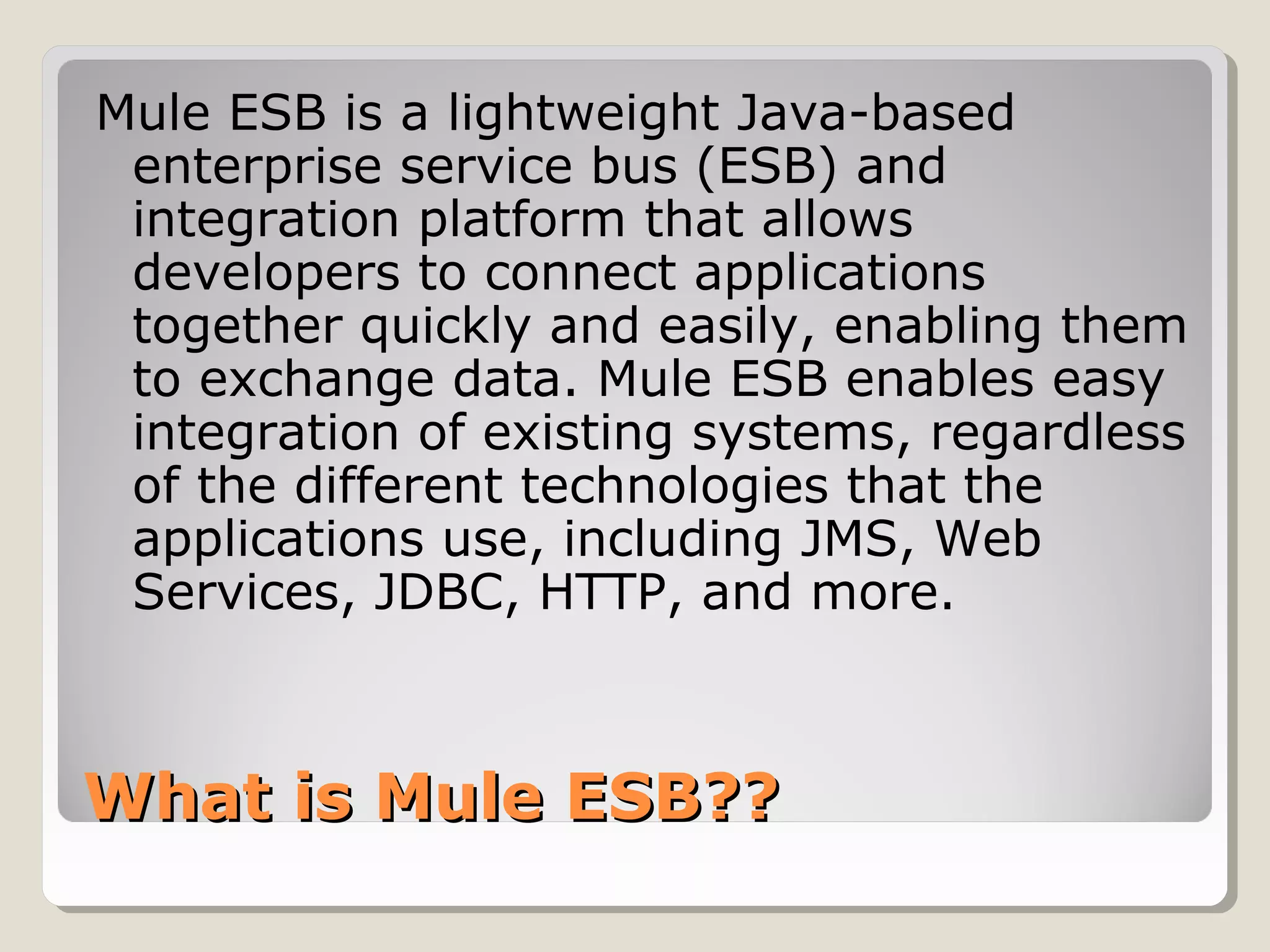
Mule ESB is a lightweight Java-based
enterprise service bus (ESB) and
integration platform that allows
developers to connect applications
together quickly and easily, enabling them
to exchange data. Mule ESB enables easy
integration of existing systems, regardless
of the different technologies that the
applications use, including JMS, Web
Services, JDBC, HTTP, and more.
Why MuleESB???Why MuleESB???
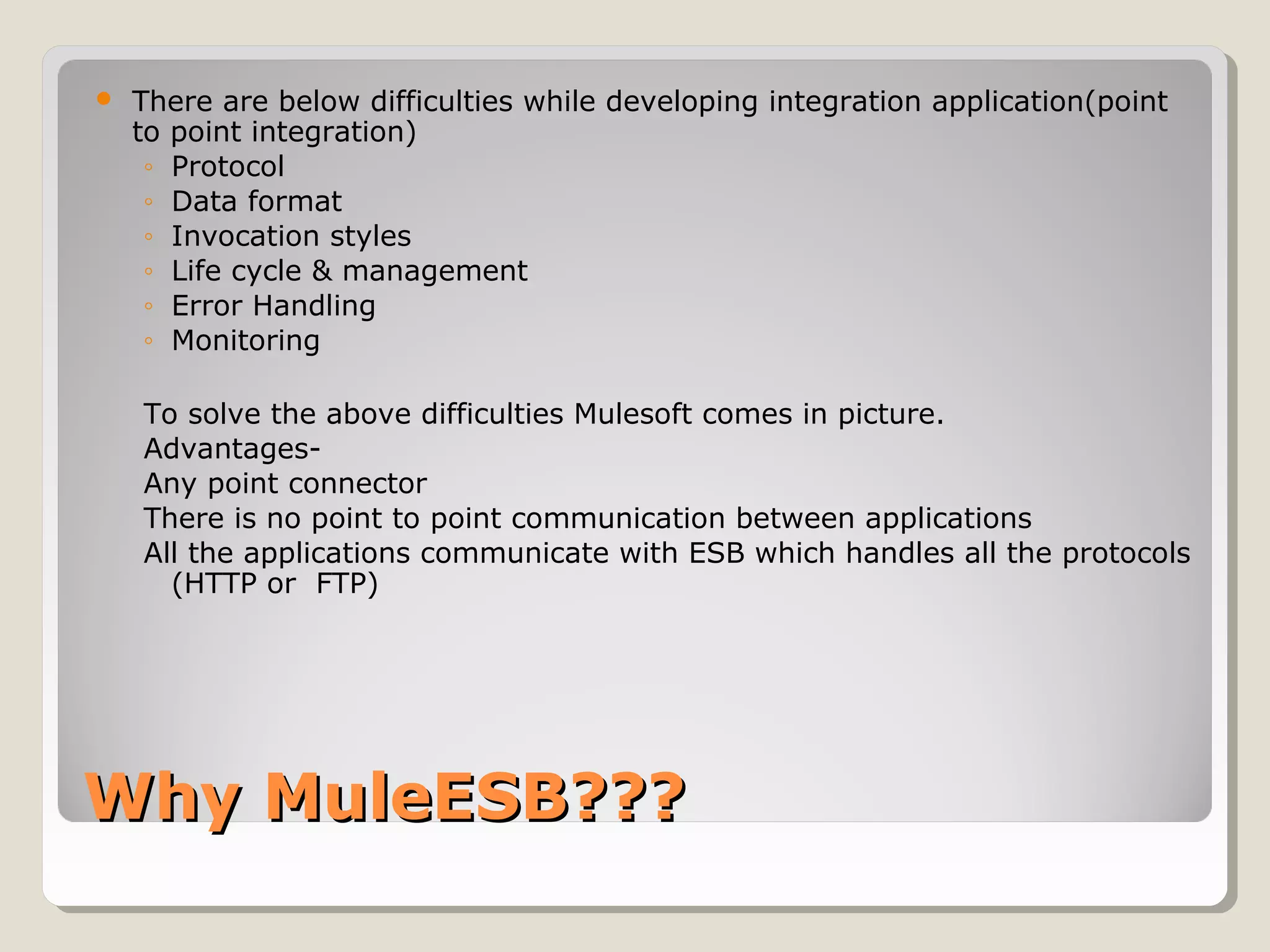
 There are below difficulties while developing integration application(point
to point integration)
◦ Protocol
◦ Data format
◦ Invocation styles
◦ Life cycle & management
◦ Error Handling
◦ Monitoring
To solve the above difficulties Mulesoft comes in picture.
Advantages-
Any point connector
There is no point to point communication between applications
All the applications communicate with ESB which handles all the protocols
(HTTP or FTP)
CapabilitiesCapabilities
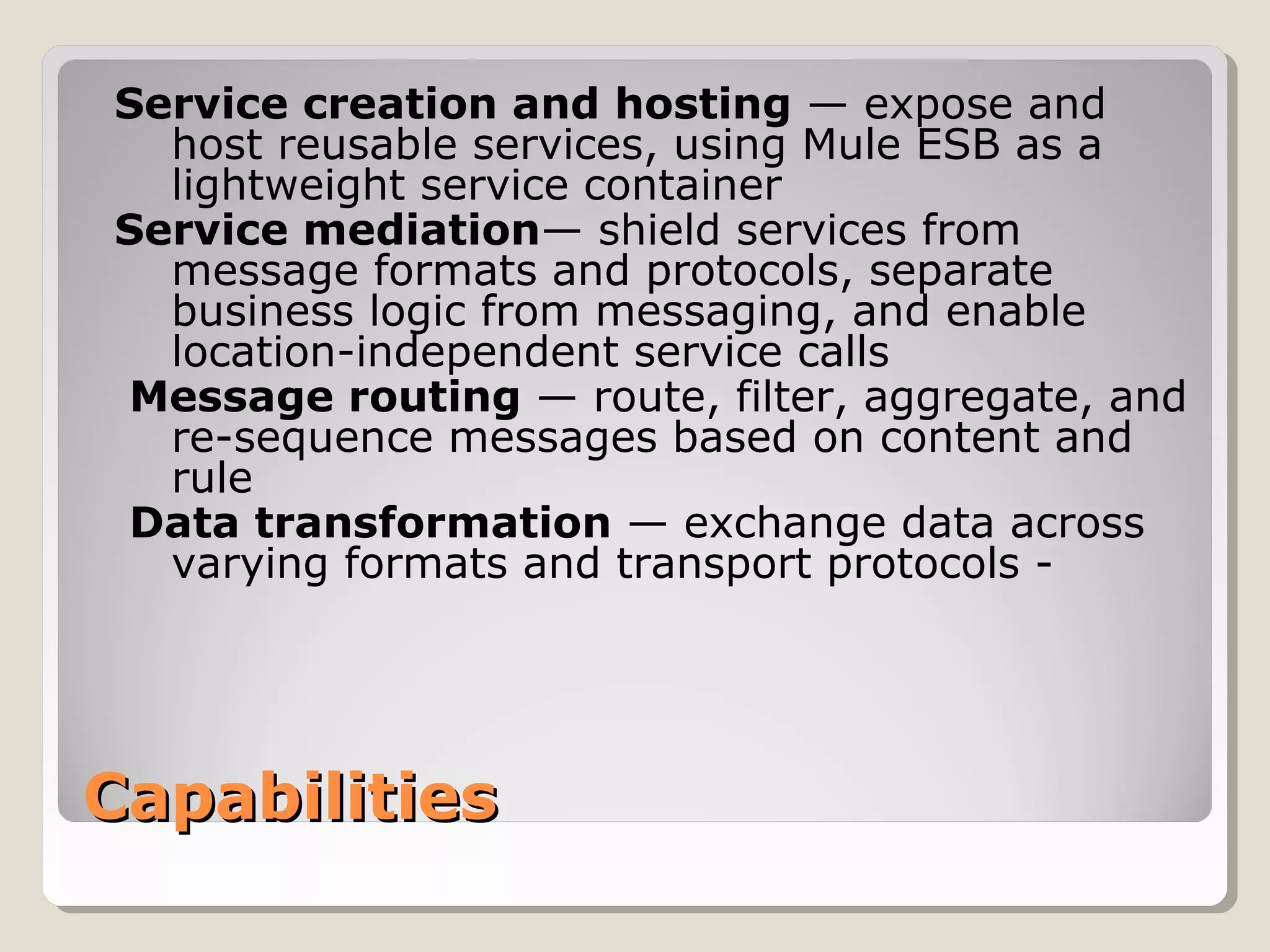
Service creation and hosting — expose and
host reusable services, using Mule ESB as a
lightweight service container
Service mediation— shield services from
message formats and protocols, separate
business logic from messaging, and enable
location-independent service calls
Message routing — route, filter, aggregate, and
re-sequence messages based on content and
rule
Data transformation — exchange data across
varying formats and transport protocols -
Mule PillarsMule Pillars
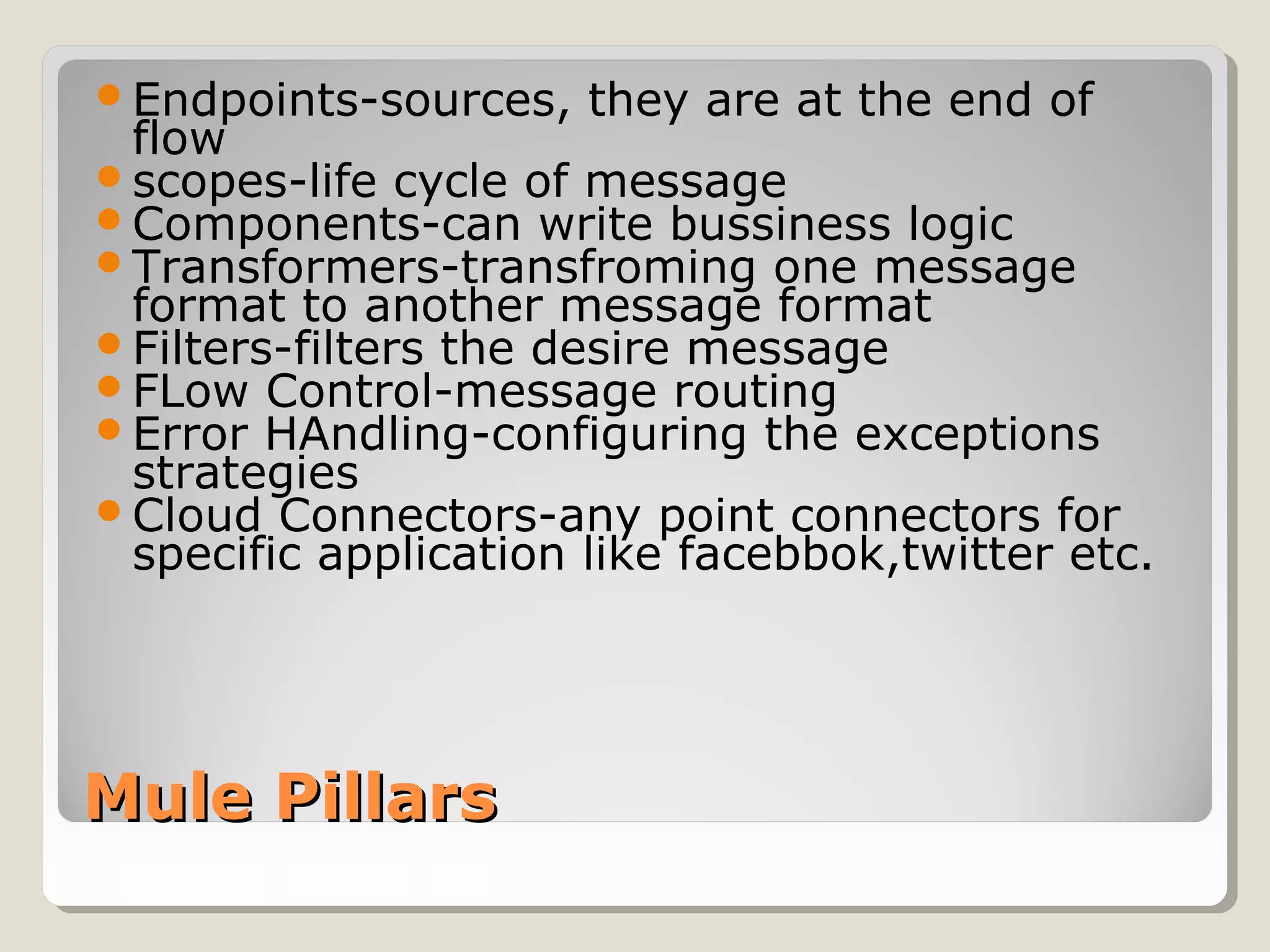
Endpoints-sources, they are at the end of
flow
scopes-life cycle of message
Components-can write bussiness logic
Transformers-transfroming one message
format to another message format
Filters-filters the desire message
FLow Control-message routing
Error HAndling-configuring the exceptions
strategies
Cloud Connectors-any point connectors for
specific application like facebbok,twitter etc.
DeploymentDeployment
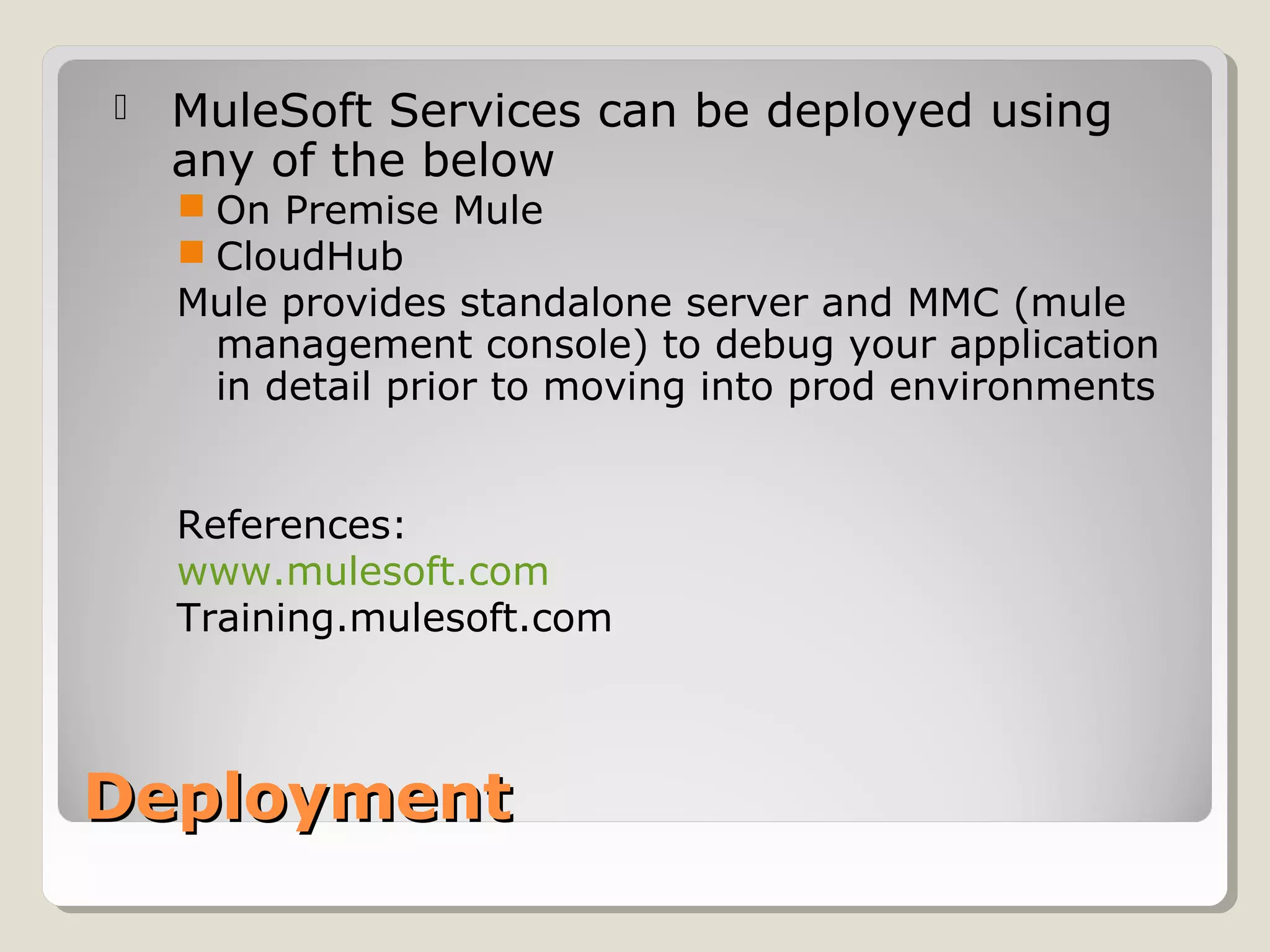
 MuleSoft Services can be deployed using
any of the below
 On Premise Mule
 CloudHub
Mule provides standalone server and MMC (mule
management console) to debug your application
in detail prior to moving into prod environments
References:
www.mulesoft.com
Training.mulesoft.com
Thank YouThank You

Mulesoft at a glance

  • 1.
    MuleSoft at aGlanceMuleSoft at a Glance Feroz Khan
  • 2.
    AgendaAgenda What is MuleESB Why Mule ESB Capabilities Mule Pillars Deployment
  • 3.
    What is MuleESB??What is Mule ESB?? Mule ESB is a lightweight Java-based enterprise service bus (ESB) and integration platform that allows developers to connect applications together quickly and easily, enabling them to exchange data. Mule ESB enables easy integration of existing systems, regardless of the different technologies that the applications use, including JMS, Web Services, JDBC, HTTP, and more.
  • 4.
    Why MuleESB???Why MuleESB??? There are below difficulties while developing integration application(point to point integration) ◦ Protocol ◦ Data format ◦ Invocation styles ◦ Life cycle & management ◦ Error Handling ◦ Monitoring To solve the above difficulties Mulesoft comes in picture. Advantages- Any point connector There is no point to point communication between applications All the applications communicate with ESB which handles all the protocols (HTTP or FTP)
  • 5.
    CapabilitiesCapabilities Service creation andhosting — expose and host reusable services, using Mule ESB as a lightweight service container Service mediation— shield services from message formats and protocols, separate business logic from messaging, and enable location-independent service calls Message routing — route, filter, aggregate, and re-sequence messages based on content and rule Data transformation — exchange data across varying formats and transport protocols -
  • 6.
    Mule PillarsMule Pillars Endpoints-sources,they are at the end of flow scopes-life cycle of message Components-can write bussiness logic Transformers-transfroming one message format to another message format Filters-filters the desire message FLow Control-message routing Error HAndling-configuring the exceptions strategies Cloud Connectors-any point connectors for specific application like facebbok,twitter etc.
  • 7.
    DeploymentDeployment  MuleSoft Servicescan be deployed using any of the below  On Premise Mule  CloudHub Mule provides standalone server and MMC (mule management console) to debug your application in detail prior to moving into prod environments References: www.mulesoft.com Training.mulesoft.com
  • 8.