Downloaded 49 times


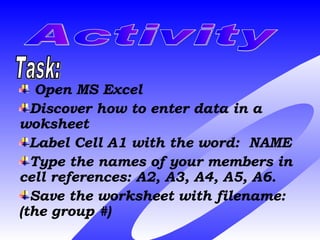
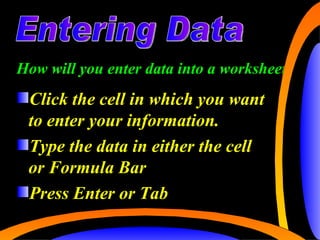
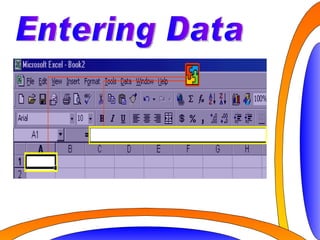
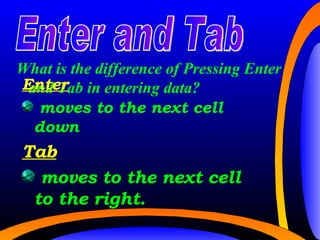


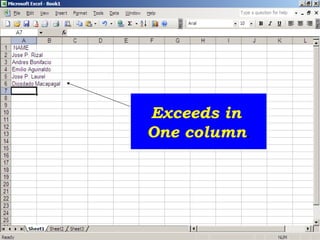


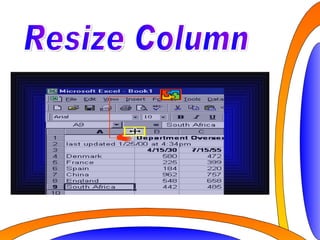

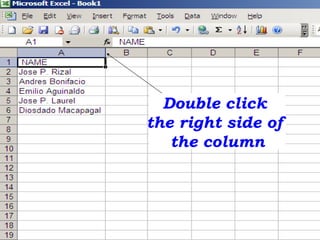



The document provides instructions on how to enter data into a Microsoft Excel worksheet. It explains how to enter data by typing into a cell or the formula bar and pressing Enter or Tab. Enter moves to the next cell down while Tab moves to the next cell to the right. It describes resizing columns by dragging the column boundary or double clicking the right side to fit the widest cell. The document demonstrates opening Excel, entering data, saving a worksheet, and opening a saved worksheet.


