MRP- material requirementplanning
In SAP,we have three typesMRP.
1, safetystock
2, min/max
3, forecastbased
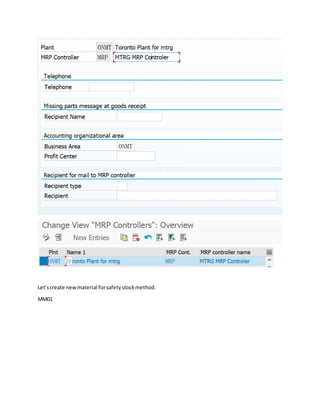
Firstof all,let’screate the MRP controller.
Menu path
TCODE: OMD0
Let’screate newmaterial forsafetystockmethod.
MM01
Safetystock indicatoris inMRP2.
Static Safety Stock in SAP-ERP
As the name suggests, the planner has to calculate and update the safety stock in the
material master manually. This setting creates an additional demand element for the
MRP and therefore an increased supply quantity. The demand element is continuously
valid for the whole planning period.
This manual process is not only inconvenient regarding missing system support but also
possess the risk of having out-dated figures in your master data. In addition to that, the
static safety stock does not adjust to a changing supply or demand situation. Despite
these downsides, the Static Safety Stock is still the most frequently used
method. People use it that often because it is fast to maintain, clear to
understand and easy to read in the system.
2, Min/max method
MM01
Let’stry.
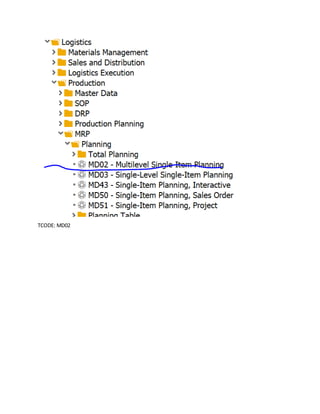
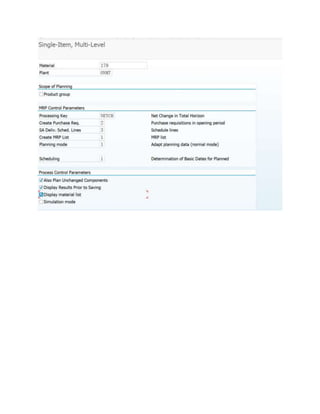
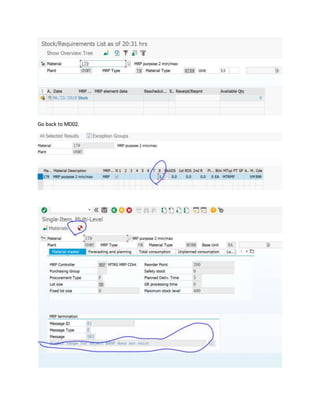
TCODE: MD02
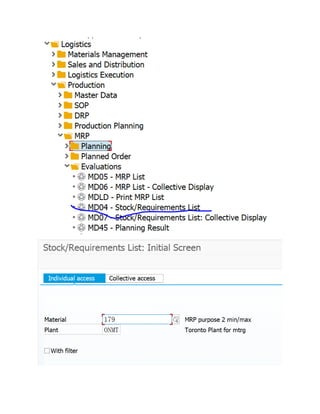
Go to MD04, checkthe stock.
Go back to MD02.
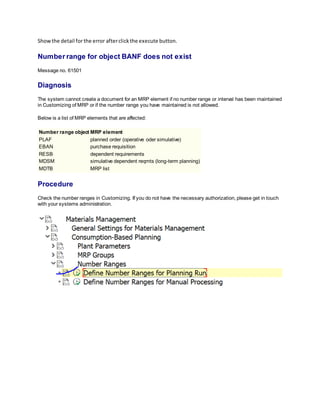
Showthe detail forthe error afterclickthe execute button.
Number range for object BANF does not exist
Message no. 61501
Diagnosis
The system cannot create a document for an MRP element if no number range or interval has been maintained
in Customizing of MRP or if the number range you have maintained is not allowed.
Below is a list of MRP elements that are affected:
Number range object MRP element
PLAF planned order (operative oder simulative)
EBAN purchase requisition
RESB dependent requirements
MDSM simulative dependent reqmts (long-term planning)
MDTB MRP list
Procedure
Check the number ranges in Customizing. If you do not have the necessary authorization, please get in touch
with your systems administration.
Now,let’sgoto MD02 again.
Systemstartworking.
Double click.
Checkthe details.
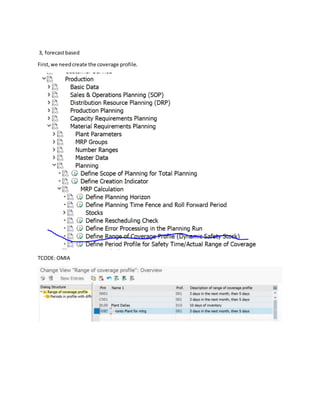
3, forecastbased
First,we needcreate the coverage profile.
TCODE: OMIA
Let’screate the newmaterial.
MM01
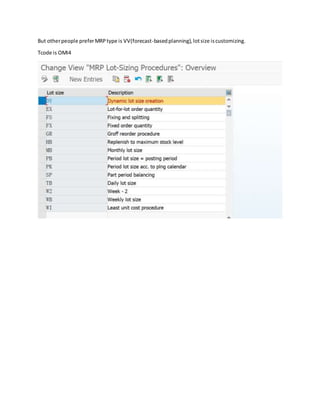
In the MRP type,TIM gave the PD, lotsize isMB or WB.
But otherpeople preferMRPtype is VV(forecast-basedplanning),lotsize iscustomizing.
Tcode is OMI4
Let’screate salesforecast.
TCODE:
MD61
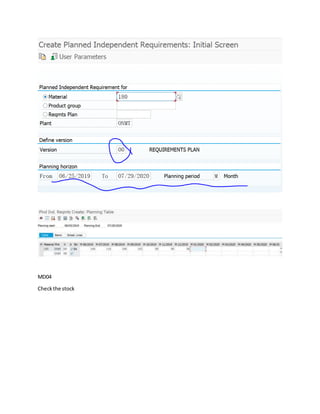
MD04
Checkthe stock
Go to MD02, execute the MRP
Double click
=====DONEEEEEE====

MRP basic setting--By Guangfu(David)