Glyndŵr University’s
move to         2

Alicia Owen
VLE Technologist

Gregynog Colloquium 2012

Wednesday 13th June 2012
Overview of presentation

  Moodle at Glyndŵr
  Reasons for the upgrade
  Reasons for the SITS integration
  Communicating the changes
  Staff development
  What it means for the students
  Issues
  Lessons learned
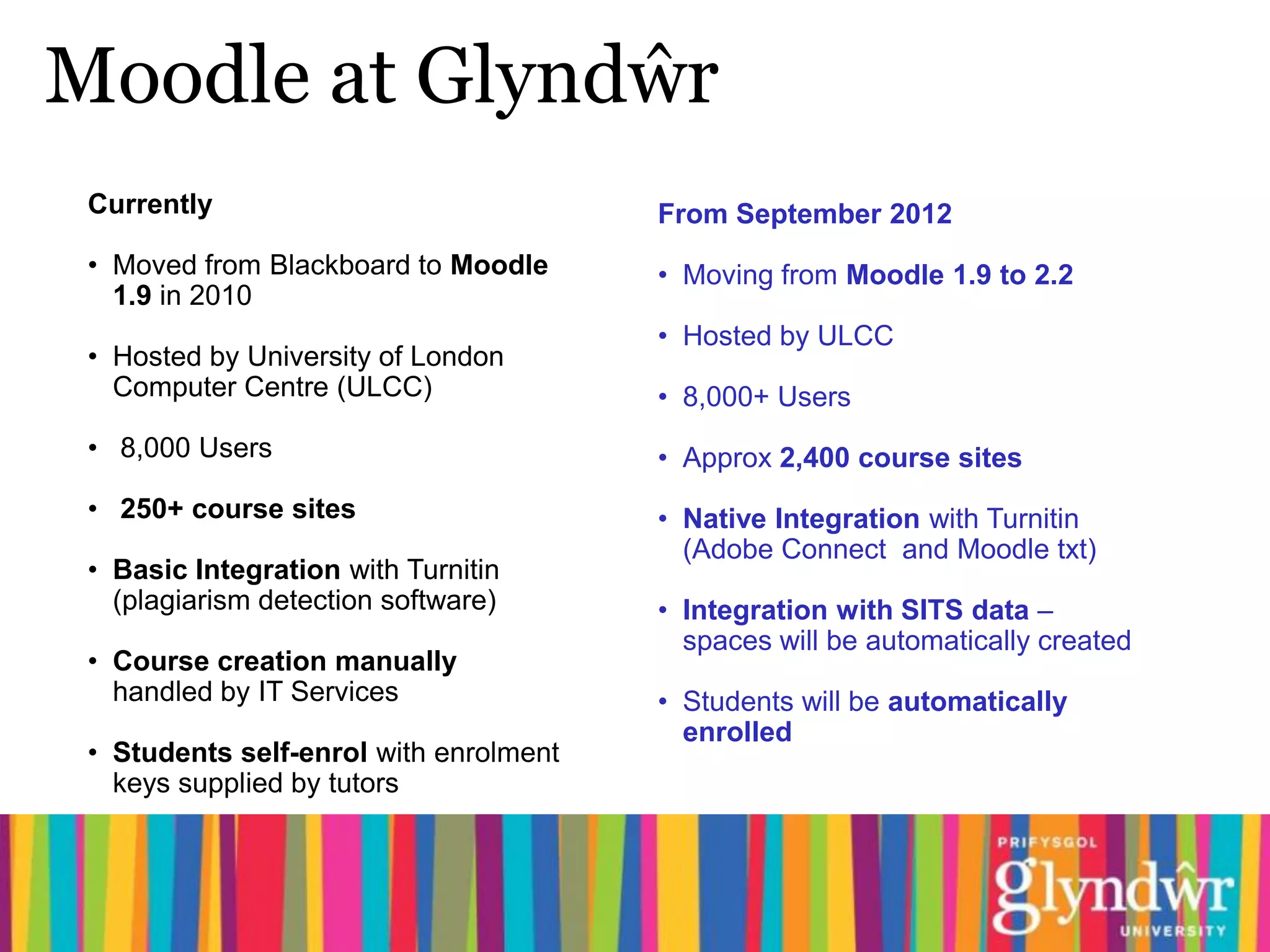
Moodle at Glyndŵr
 Currently                              From September 2012
 • Moved from Blackboard to Moodle      • Moving from Moodle 1.9 to 2.2
   1.9 in 2010
                                        • Hosted by ULCC
 • Hosted by University of London
   Computer Centre (ULCC)               • 8,000+ Users
 • 8,000 Users                          • Approx 2,400 course sites
 • 250+ course sites                    • Native Integration with Turnitin
                                          (Adobe Connect and Moodle txt)
 • Basic Integration with Turnitin
   (plagiarism detection software)      • Integration with SITS data –
                                          spaces will be automatically created
 • Course creation manually
   handled by IT Services               • Students will be automatically
                                          enrolled
 • Students self-enrol with enrolment
   keys supplied by tutors
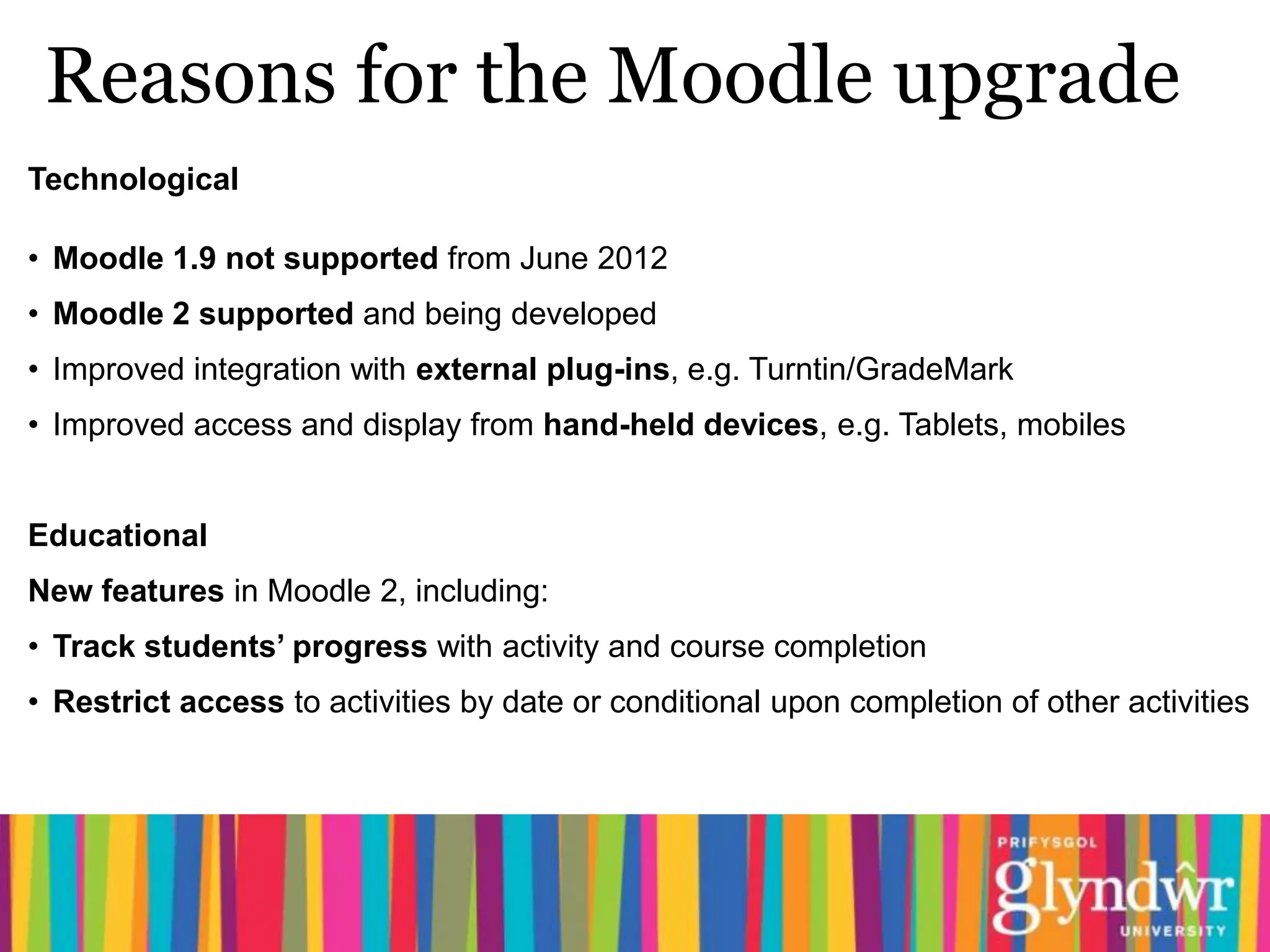
Reasons for the Moodle upgrade
Technological

• Moodle 1.9 not supported from June 2012
• Moodle 2 supported and being developed
• Improved integration with external plug-ins, e.g. Turntin/GradeMark
• Improved access and display from hand-held devices, e.g. Tablets, mobiles


Educational
New features in Moodle 2, including:
• Track students’ progress with activity and course completion
• Restrict access to activities by date or conditional upon completion of other activities
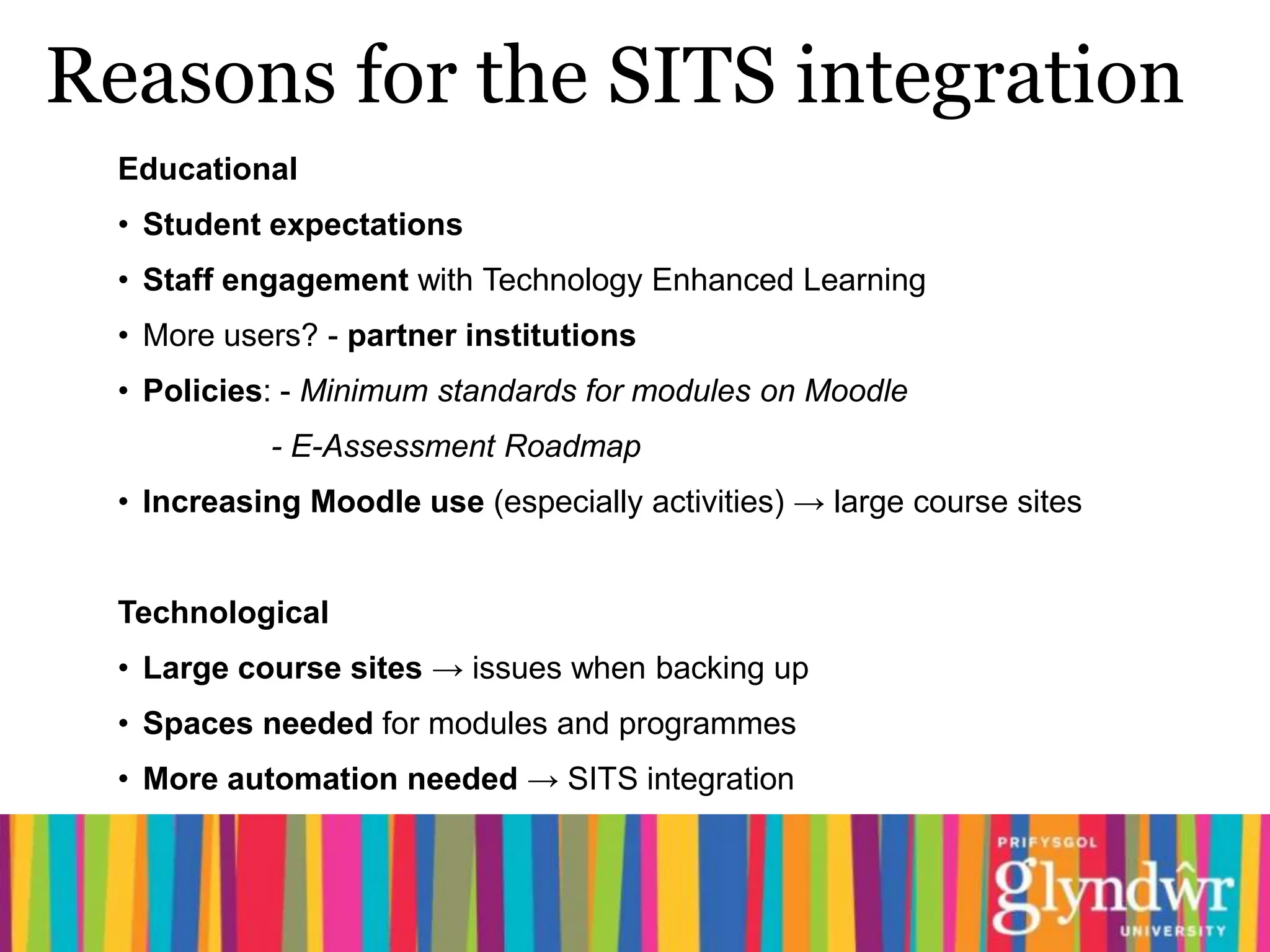
Reasons for the SITS integration
  Educational
  • Student expectations
  • Staff engagement with Technology Enhanced Learning
  • More users? - partner institutions
  • Policies: - Minimum standards for modules on Moodle
            - E-Assessment Roadmap
  • Increasing Moodle use (especially activities) → large course sites


  Technological
  • Large course sites → issues when backing up
  • Spaces needed for modules and programmes
  • More automation needed → SITS integration
SITS integration
•   SITS (student records): student data on programmes and modules held centrally

•   Data transferred to intermediary database at Glyndŵr University, then used by

      •   a custom module provided by ULCC

•   Co-operation required between IT services, ULCC and SDS (student data
    services)

•   Change of processes. Students who are on the wrong module in Moodle must
    contact SDS to change module.
Communicating the changes
• Meetings with Technology Enhanced Learning
  champions group
• Open briefing sessions on Moving to Moodle 2,
  led by head of CLTA
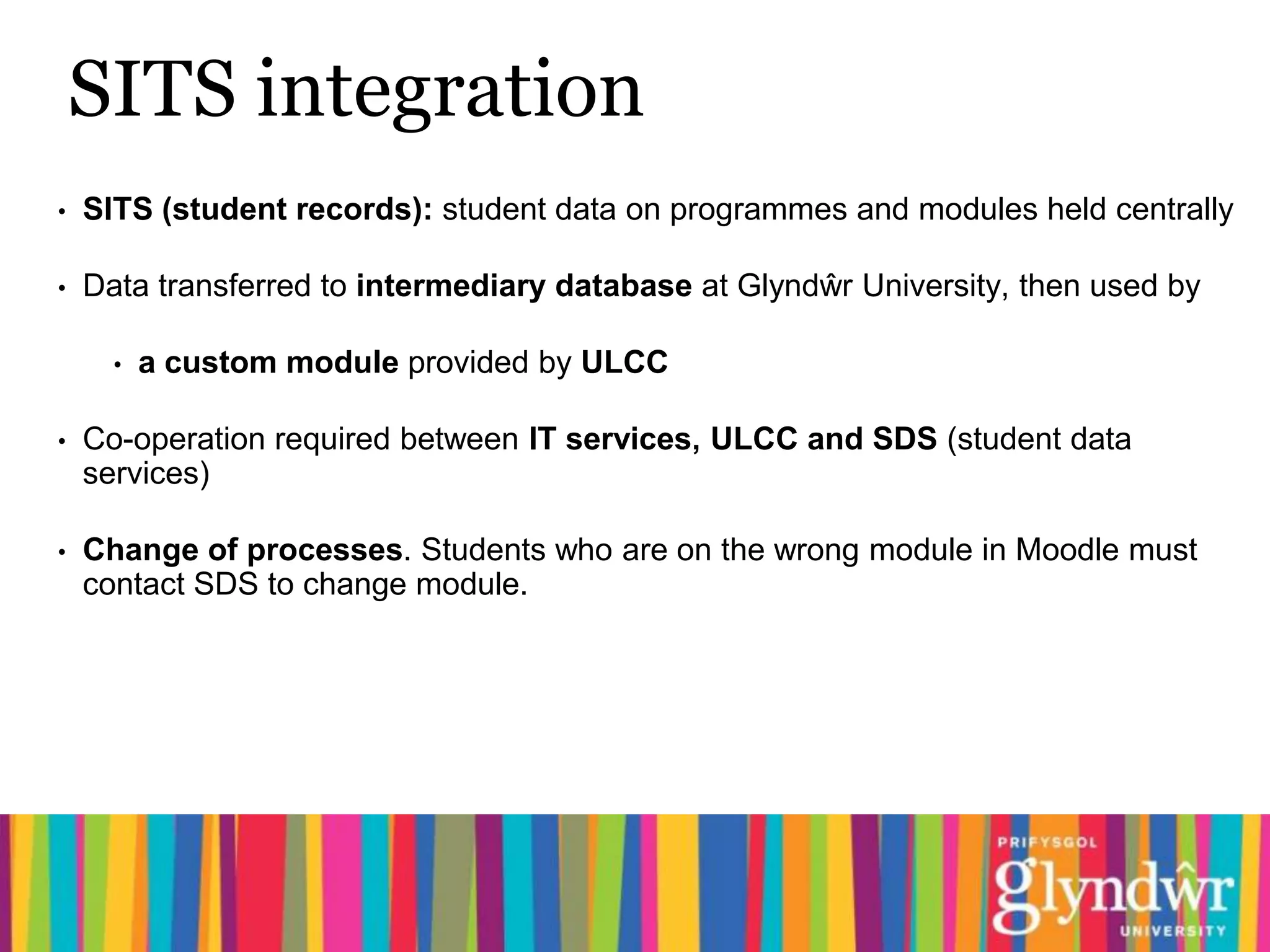
•   Moodle newsletters for staff from head of CLTA
•   Details of staff training events posted to academic
    forum on staff intranet
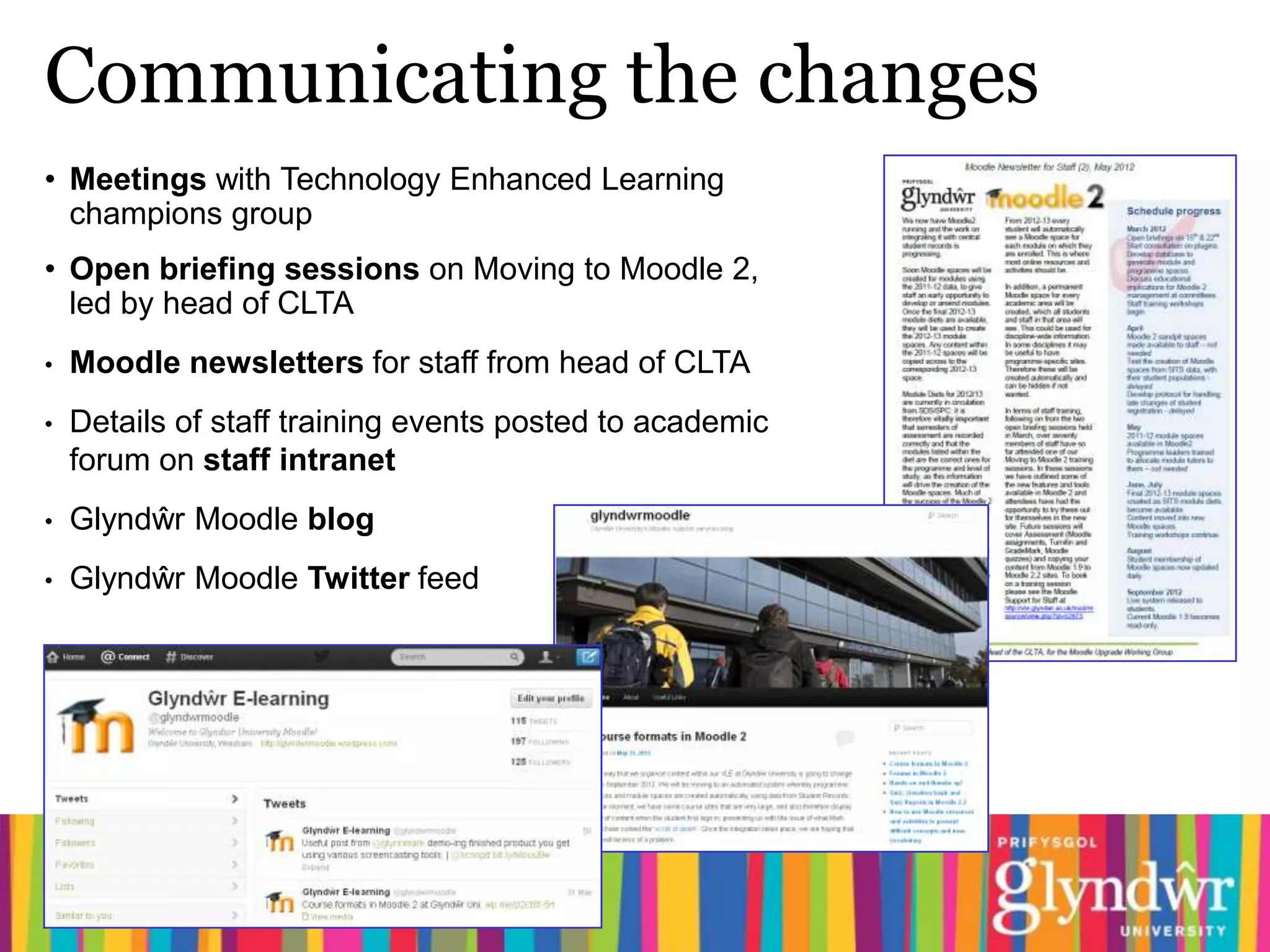
•   Glyndŵr Moodle blog
•   Glyndŵr Moodle Twitter feed
Staff development: face-to-face
Moving to Moodle 2 training sessions
•   Been running twice-weekly since April

•   Suitable for both operational and academic staff

       •   Explanation of the upgrade and the integration

       •   Demo of the new features in Moodle 2

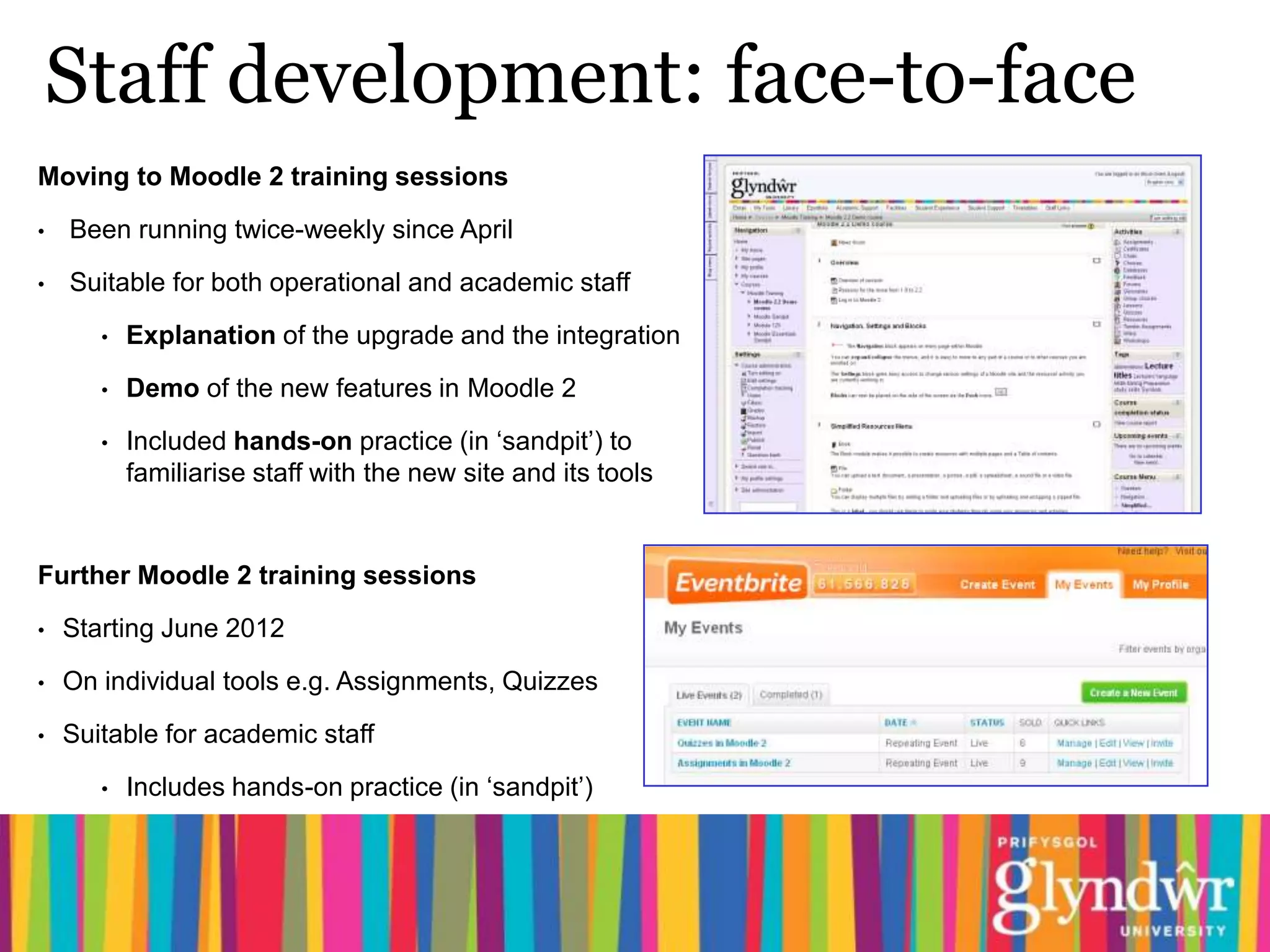
       •   Included hands-on practice (in ‘sandpit’) to
           familiarise staff with the new site and its tools


Further Moodle 2 training sessions

•   Starting June 2012

•   On individual tools e.g. Assignments, Quizzes

•   Suitable for academic staff

       •   Includes hands-on practice (in ‘sandpit’)
Staff development: online
Moodle Essentials: Getting Started with
Moodle 2

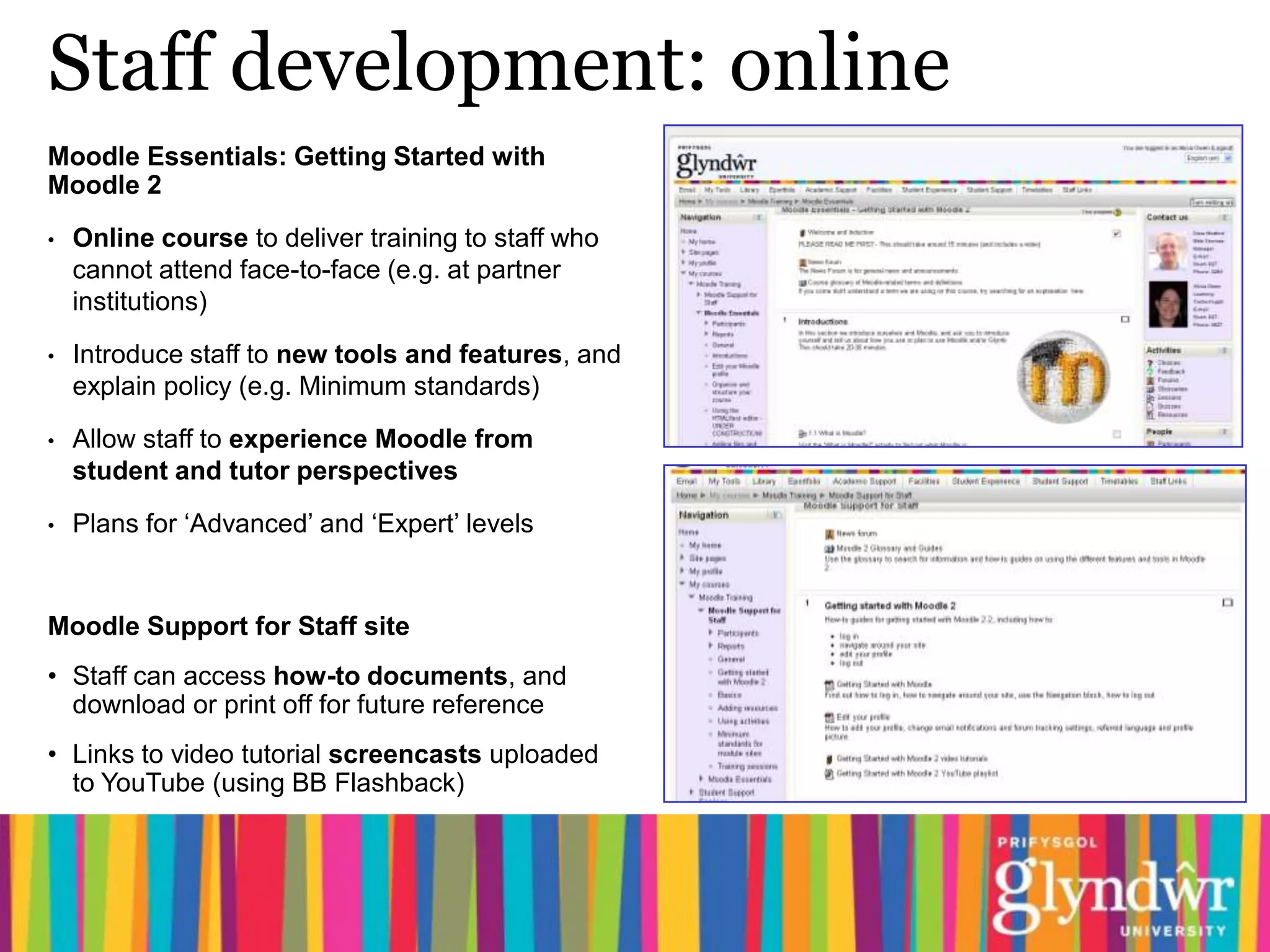
•   Online course to deliver training to staff who
    cannot attend face-to-face (e.g. at partner
    institutions)

•   Introduce staff to new tools and features, and
    explain policy (e.g. Minimum standards)
•   Allow staff to experience Moodle from
    student and tutor perspectives

•   Plans for ‘Advanced’ and ‘Expert’ levels


Moodle Support for Staff site
• Staff can access how-to documents, and
  download or print off for future reference
• Links to video tutorial screencasts uploaded
  to YouTube (using BB Flashback)
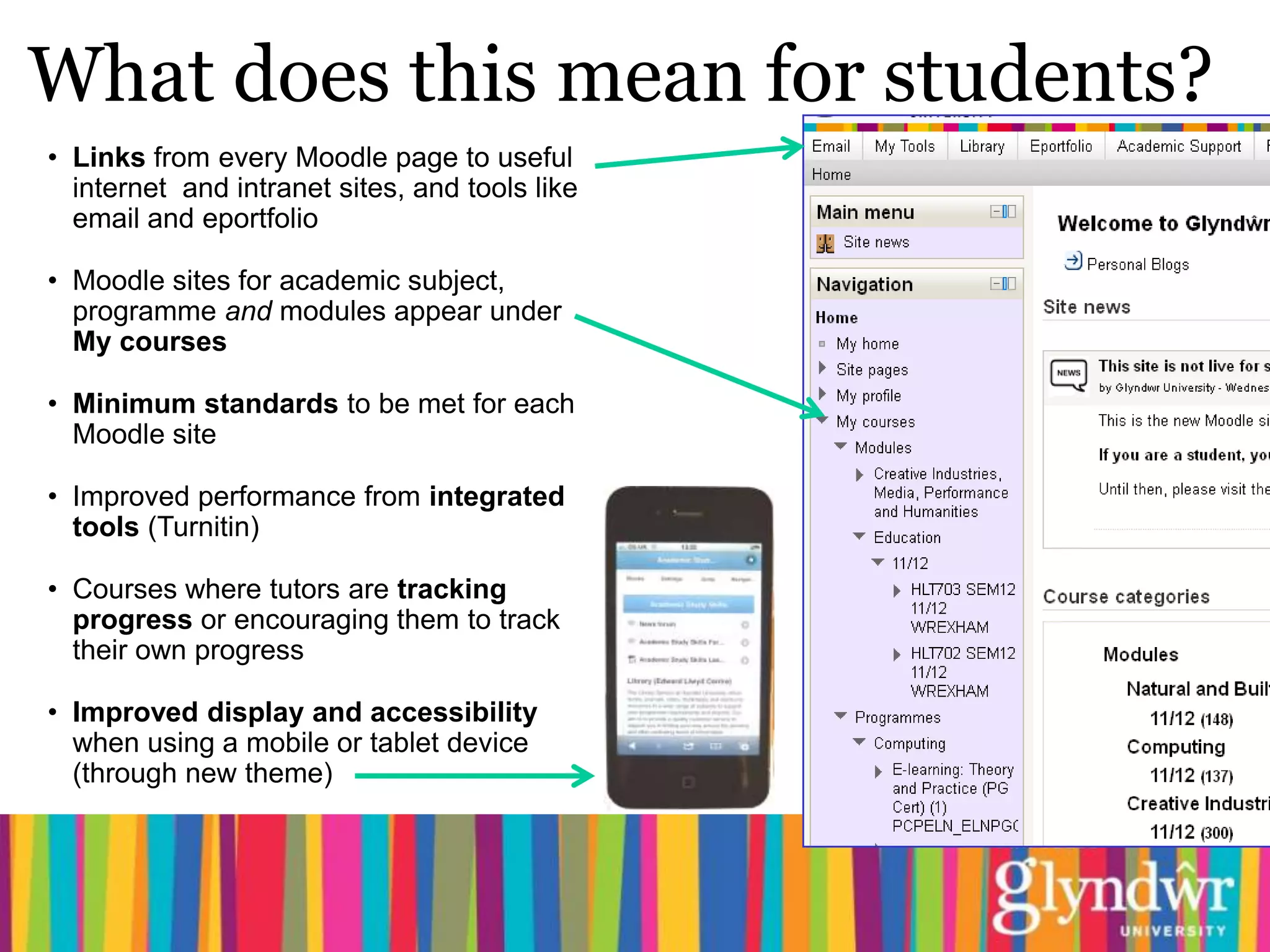
What does this mean for students?
• Links from every Moodle page to useful
  internet and intranet sites, and tools like
  email and eportfolio

• Moodle sites for academic subject,
  programme and modules appear under
  My courses

• Minimum standards to be met for each
  Moodle site

• Improved performance from integrated
  tools (Turnitin)

• Courses where tutors are tracking
  progress or encouraging them to track
  their own progress

• Improved display and accessibility
  when using a mobile or tablet device
  (through new theme)
Support for students
Tutors need to explain any changes
• particularly to returning students (used to seeing their courses set up differently)


Moodle Induction for new students
• When requested by staff, IT Services can provide hands-on induction sessions
  (getting logged in, navigating around the site, where to find help)


Moodle Support for Students site
• How-to documents for students (can download or print off)
• Updated versions of screencasts, uploaded to YouTube and linked to from site
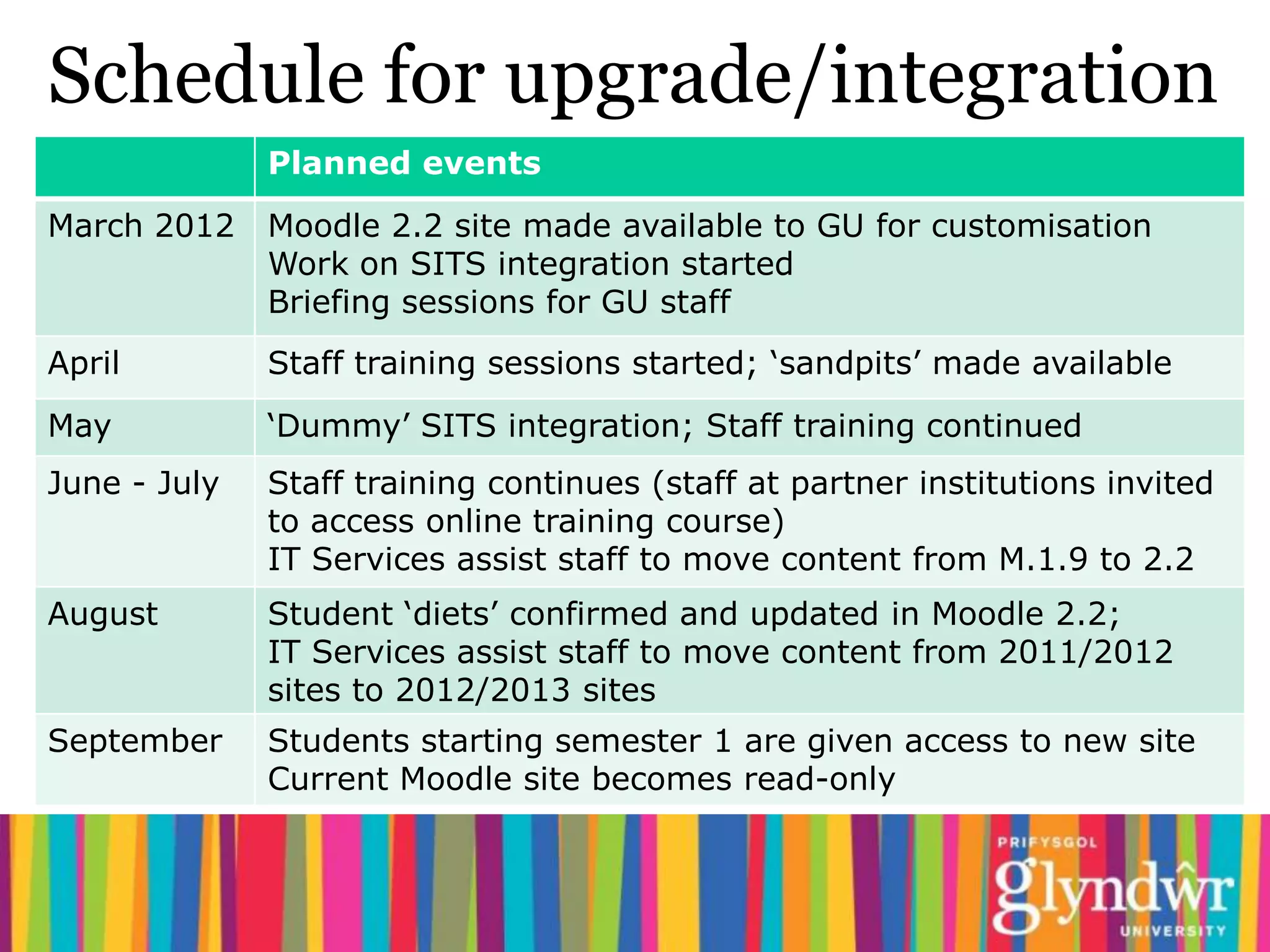
Schedule for upgrade/integration
              Planned events
March 2012    Moodle 2.2 site made available to GU for customisation
              Work on SITS integration started
              Briefing sessions for GU staff
April         Staff training sessions started; ‘sandpits’ made available
May           ‘Dummy’ SITS integration; Staff training continued
June - July   Staff training continues (staff at partner institutions invited
              to access online training course)
              IT Services assist staff to move content from M.1.9 to 2.2
August        Student ‘diets’ confirmed and updated in Moodle 2.2;
              IT Services assist staff to move content from 2011/2012
              sites to 2012/2013 sites
September     Students starting semester 1 are given access to new site
              Current Moodle site becomes read-only
Issues
•   Using Moodle means you are dependent on decisions made by Moodle
    community (may not be in line with own business upgrade roadmaps)

•   Hosted disk space relatively expensive - presents a challenge when using large files
    (500Mb site limit on uploads)

•   Move to online assessment – presents new issues of security to think through

•   Archiving – how long should students have access to sites? (3 years?)

•   Data in SITS not structured to be easily used by other applications

                  The need to manage expectations
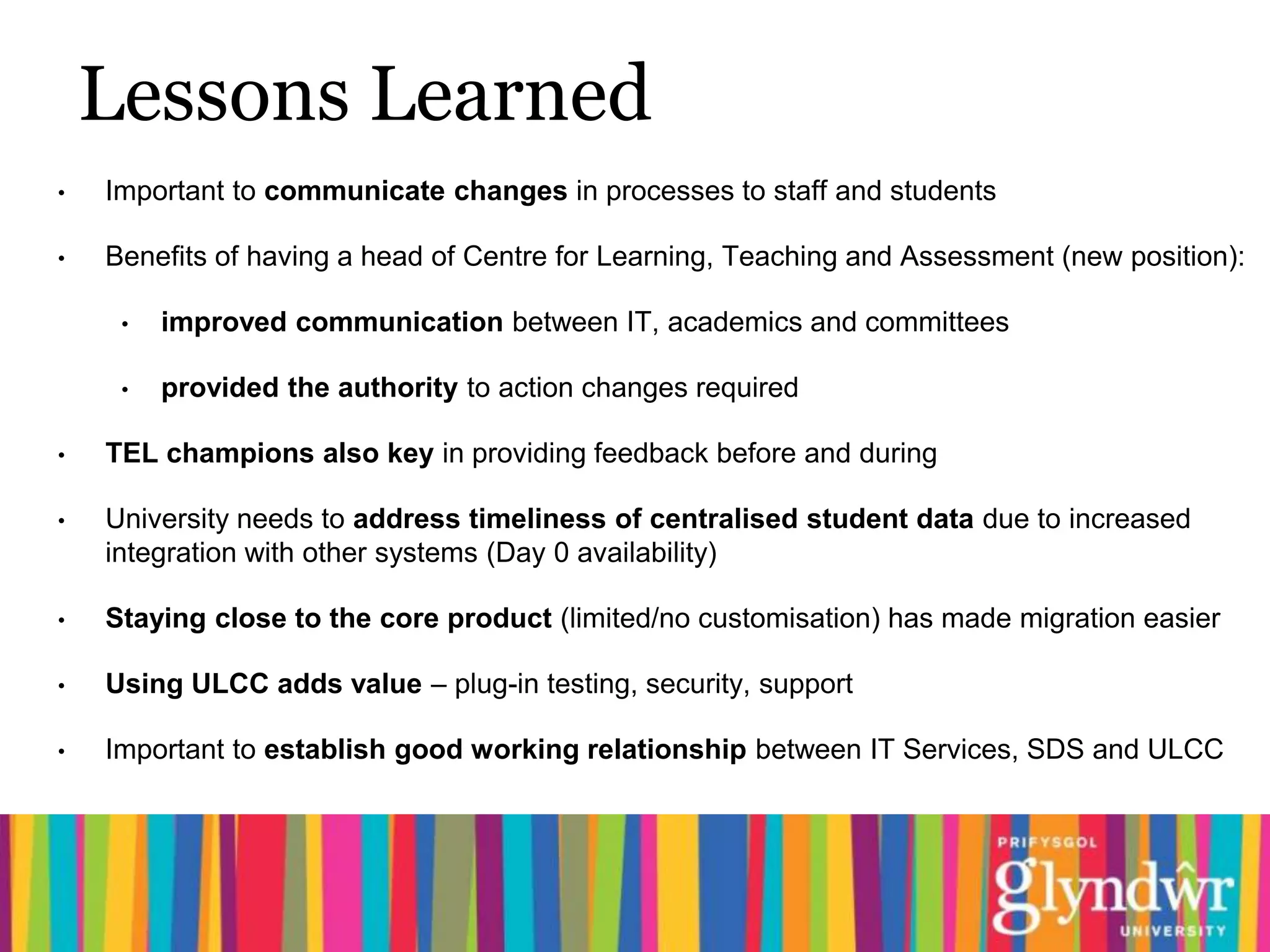
Lessons Learned
•   Important to communicate changes in processes to staff and students

•   Benefits of having a head of Centre for Learning, Teaching and Assessment (new position):

     •   improved communication between IT, academics and committees

     •   provided the authority to action changes required

•   TEL champions also key in providing feedback before and during

•   University needs to address timeliness of centralised student data due to increased
    integration with other systems (Day 0 availability)

•   Staying close to the core product (limited/no customisation) has made migration easier

•   Using ULCC adds value – plug-in testing, security, support

•   Important to establish good working relationship between IT Services, SDS and ULCC
Questions?

Contact Us:
  Alicia Owen:         a.owen@glyndwr.ac.uk
  Dave Mosford:        d.mosford@glyndwr.ac.uk


Follow Us:
  glyndwrmoodle.wordpress.com
  @glyndwrmoodle

Moving to moodle 2 gregynog 2012

  • 1.
    Glyndŵr University’s move to 2 Alicia Owen VLE Technologist Gregynog Colloquium 2012 Wednesday 13th June 2012
  • 2.
    Overview of presentation Moodle at Glyndŵr Reasons for the upgrade Reasons for the SITS integration Communicating the changes Staff development What it means for the students Issues Lessons learned
  • 3.
    Moodle at Glyndŵr Currently From September 2012 • Moved from Blackboard to Moodle • Moving from Moodle 1.9 to 2.2 1.9 in 2010 • Hosted by ULCC • Hosted by University of London Computer Centre (ULCC) • 8,000+ Users • 8,000 Users • Approx 2,400 course sites • 250+ course sites • Native Integration with Turnitin (Adobe Connect and Moodle txt) • Basic Integration with Turnitin (plagiarism detection software) • Integration with SITS data – spaces will be automatically created • Course creation manually handled by IT Services • Students will be automatically enrolled • Students self-enrol with enrolment keys supplied by tutors
  • 4.
    Reasons for theMoodle upgrade Technological • Moodle 1.9 not supported from June 2012 • Moodle 2 supported and being developed • Improved integration with external plug-ins, e.g. Turntin/GradeMark • Improved access and display from hand-held devices, e.g. Tablets, mobiles Educational New features in Moodle 2, including: • Track students’ progress with activity and course completion • Restrict access to activities by date or conditional upon completion of other activities
  • 5.
    Reasons for theSITS integration Educational • Student expectations • Staff engagement with Technology Enhanced Learning • More users? - partner institutions • Policies: - Minimum standards for modules on Moodle - E-Assessment Roadmap • Increasing Moodle use (especially activities) → large course sites Technological • Large course sites → issues when backing up • Spaces needed for modules and programmes • More automation needed → SITS integration
  • 6.
    SITS integration • SITS (student records): student data on programmes and modules held centrally • Data transferred to intermediary database at Glyndŵr University, then used by • a custom module provided by ULCC • Co-operation required between IT services, ULCC and SDS (student data services) • Change of processes. Students who are on the wrong module in Moodle must contact SDS to change module.
  • 7.
    Communicating the changes •Meetings with Technology Enhanced Learning champions group • Open briefing sessions on Moving to Moodle 2, led by head of CLTA • Moodle newsletters for staff from head of CLTA • Details of staff training events posted to academic forum on staff intranet • Glyndŵr Moodle blog • Glyndŵr Moodle Twitter feed
  • 8.
    Staff development: face-to-face Movingto Moodle 2 training sessions • Been running twice-weekly since April • Suitable for both operational and academic staff • Explanation of the upgrade and the integration • Demo of the new features in Moodle 2 • Included hands-on practice (in ‘sandpit’) to familiarise staff with the new site and its tools Further Moodle 2 training sessions • Starting June 2012 • On individual tools e.g. Assignments, Quizzes • Suitable for academic staff • Includes hands-on practice (in ‘sandpit’)
  • 9.
    Staff development: online MoodleEssentials: Getting Started with Moodle 2 • Online course to deliver training to staff who cannot attend face-to-face (e.g. at partner institutions) • Introduce staff to new tools and features, and explain policy (e.g. Minimum standards) • Allow staff to experience Moodle from student and tutor perspectives • Plans for ‘Advanced’ and ‘Expert’ levels Moodle Support for Staff site • Staff can access how-to documents, and download or print off for future reference • Links to video tutorial screencasts uploaded to YouTube (using BB Flashback)
  • 10.
    What does thismean for students? • Links from every Moodle page to useful internet and intranet sites, and tools like email and eportfolio • Moodle sites for academic subject, programme and modules appear under My courses • Minimum standards to be met for each Moodle site • Improved performance from integrated tools (Turnitin) • Courses where tutors are tracking progress or encouraging them to track their own progress • Improved display and accessibility when using a mobile or tablet device (through new theme)
  • 11.
    Support for students Tutorsneed to explain any changes • particularly to returning students (used to seeing their courses set up differently) Moodle Induction for new students • When requested by staff, IT Services can provide hands-on induction sessions (getting logged in, navigating around the site, where to find help) Moodle Support for Students site • How-to documents for students (can download or print off) • Updated versions of screencasts, uploaded to YouTube and linked to from site
  • 12.
    Schedule for upgrade/integration Planned events March 2012 Moodle 2.2 site made available to GU for customisation Work on SITS integration started Briefing sessions for GU staff April Staff training sessions started; ‘sandpits’ made available May ‘Dummy’ SITS integration; Staff training continued June - July Staff training continues (staff at partner institutions invited to access online training course) IT Services assist staff to move content from M.1.9 to 2.2 August Student ‘diets’ confirmed and updated in Moodle 2.2; IT Services assist staff to move content from 2011/2012 sites to 2012/2013 sites September Students starting semester 1 are given access to new site Current Moodle site becomes read-only
  • 13.
    Issues • Using Moodle means you are dependent on decisions made by Moodle community (may not be in line with own business upgrade roadmaps) • Hosted disk space relatively expensive - presents a challenge when using large files (500Mb site limit on uploads) • Move to online assessment – presents new issues of security to think through • Archiving – how long should students have access to sites? (3 years?) • Data in SITS not structured to be easily used by other applications The need to manage expectations
  • 14.
    Lessons Learned • Important to communicate changes in processes to staff and students • Benefits of having a head of Centre for Learning, Teaching and Assessment (new position): • improved communication between IT, academics and committees • provided the authority to action changes required • TEL champions also key in providing feedback before and during • University needs to address timeliness of centralised student data due to increased integration with other systems (Day 0 availability) • Staying close to the core product (limited/no customisation) has made migration easier • Using ULCC adds value – plug-in testing, security, support • Important to establish good working relationship between IT Services, SDS and ULCC
  • 15.
    Questions? Contact Us: Alicia Owen: a.owen@glyndwr.ac.uk Dave Mosford: d.mosford@glyndwr.ac.uk Follow Us: glyndwrmoodle.wordpress.com @glyndwrmoodle