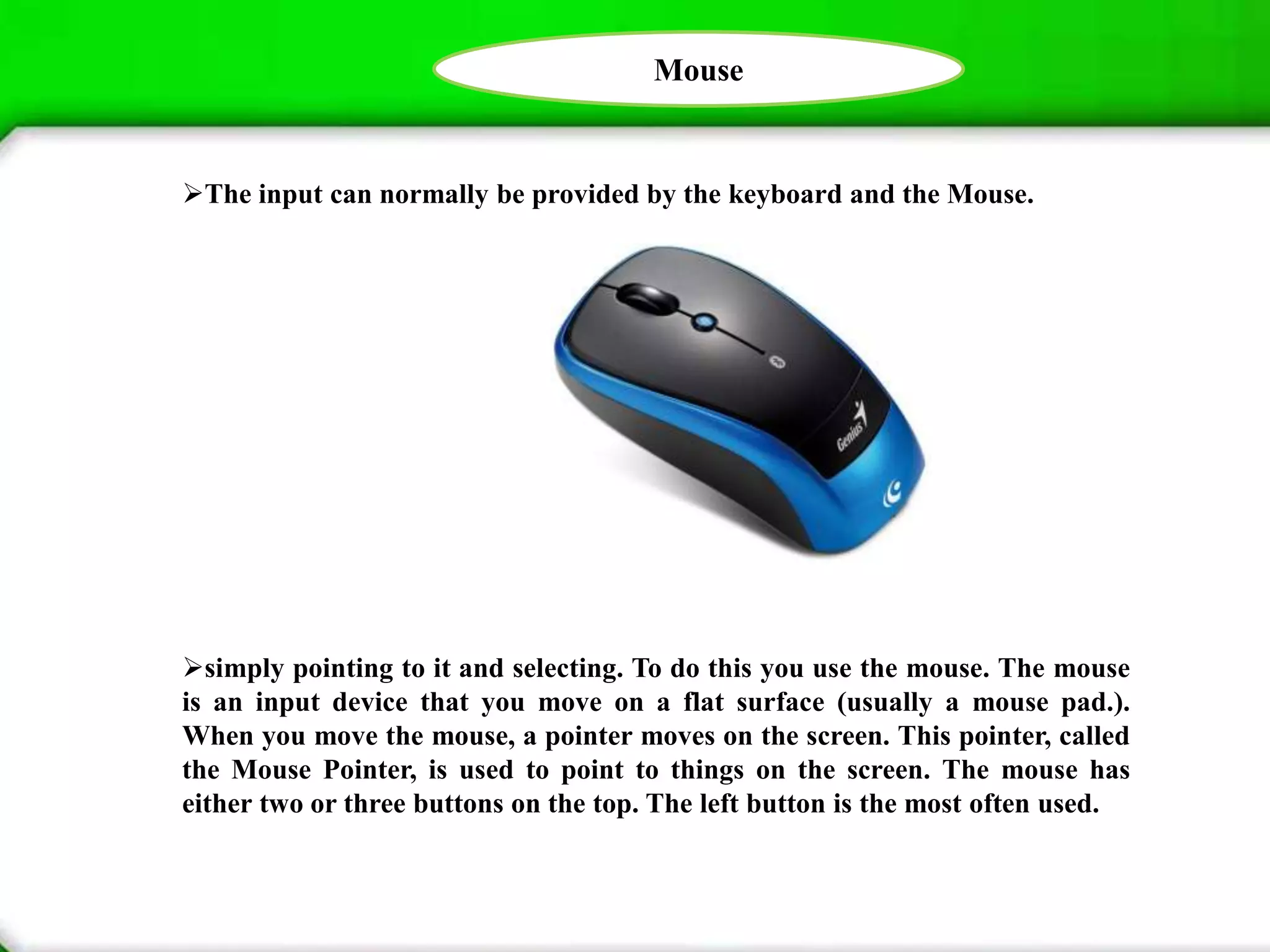
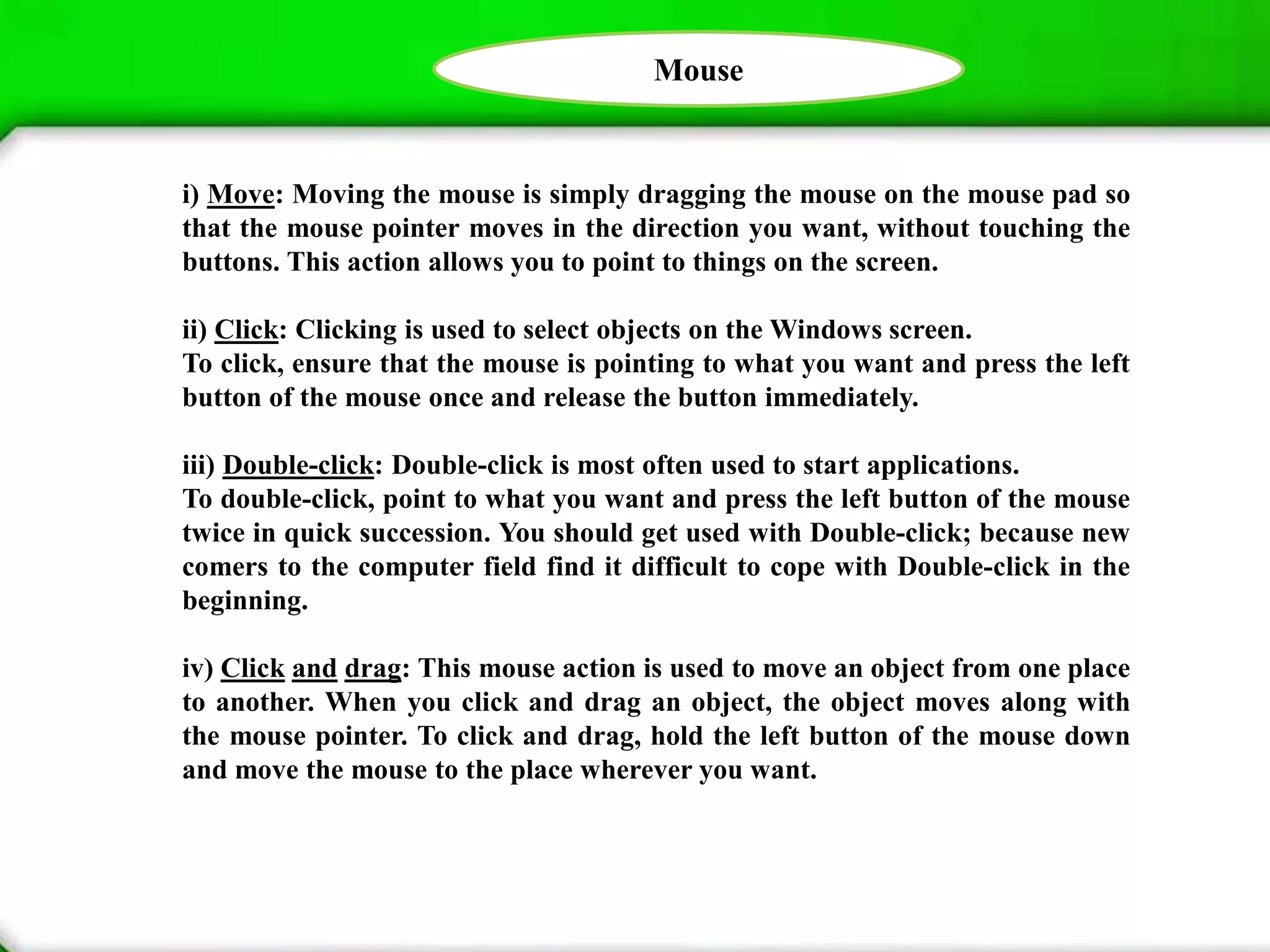
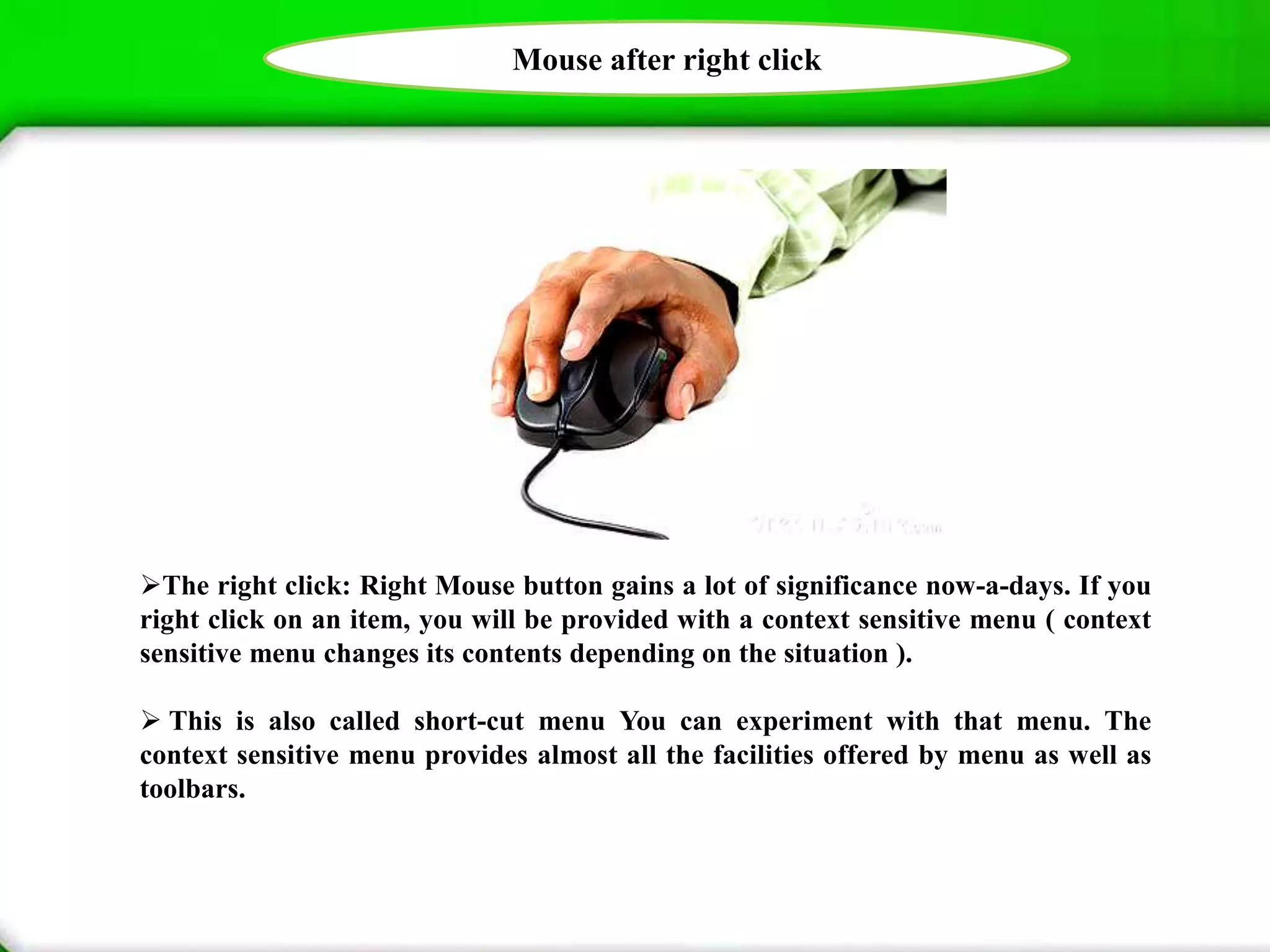
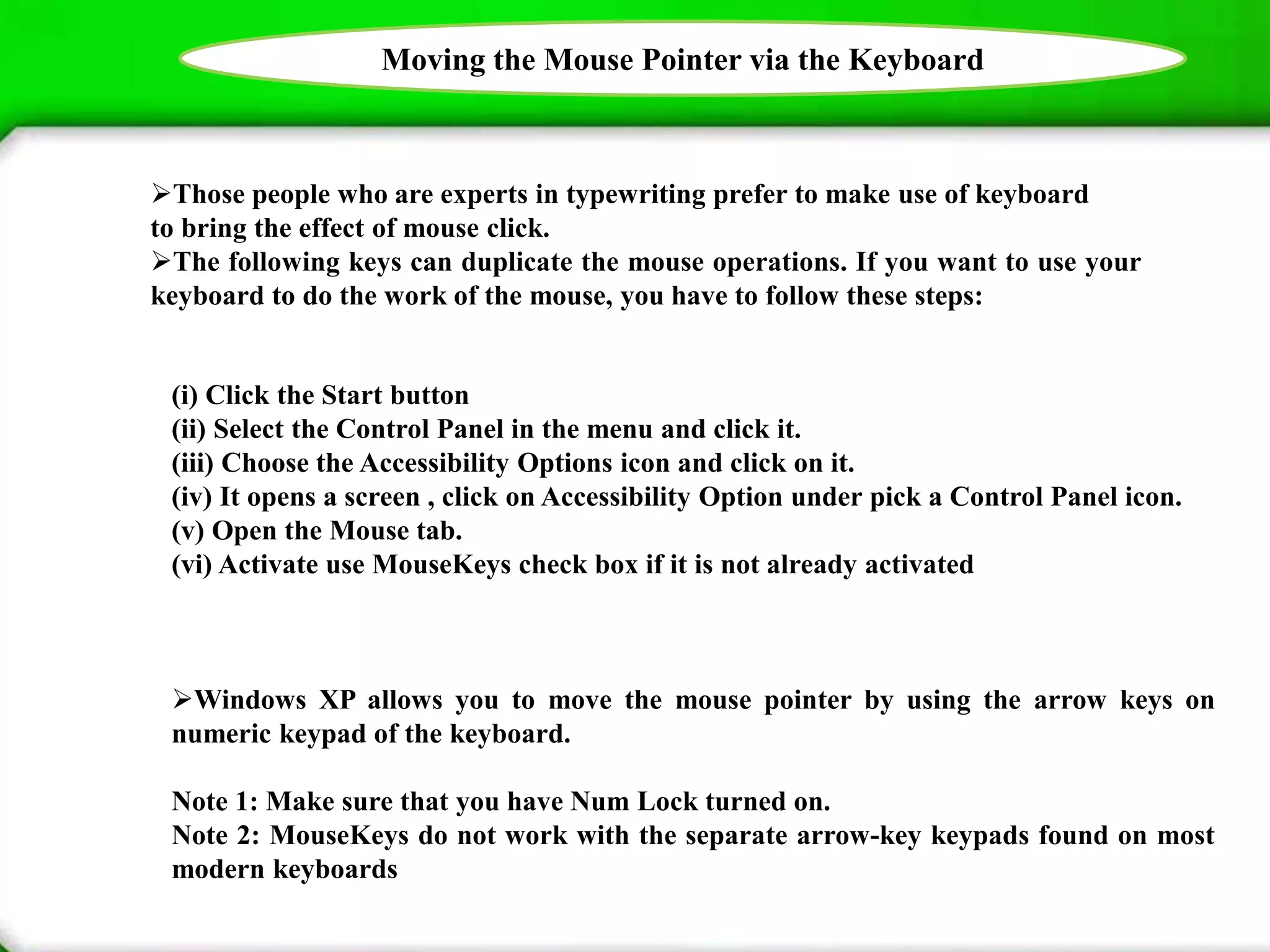
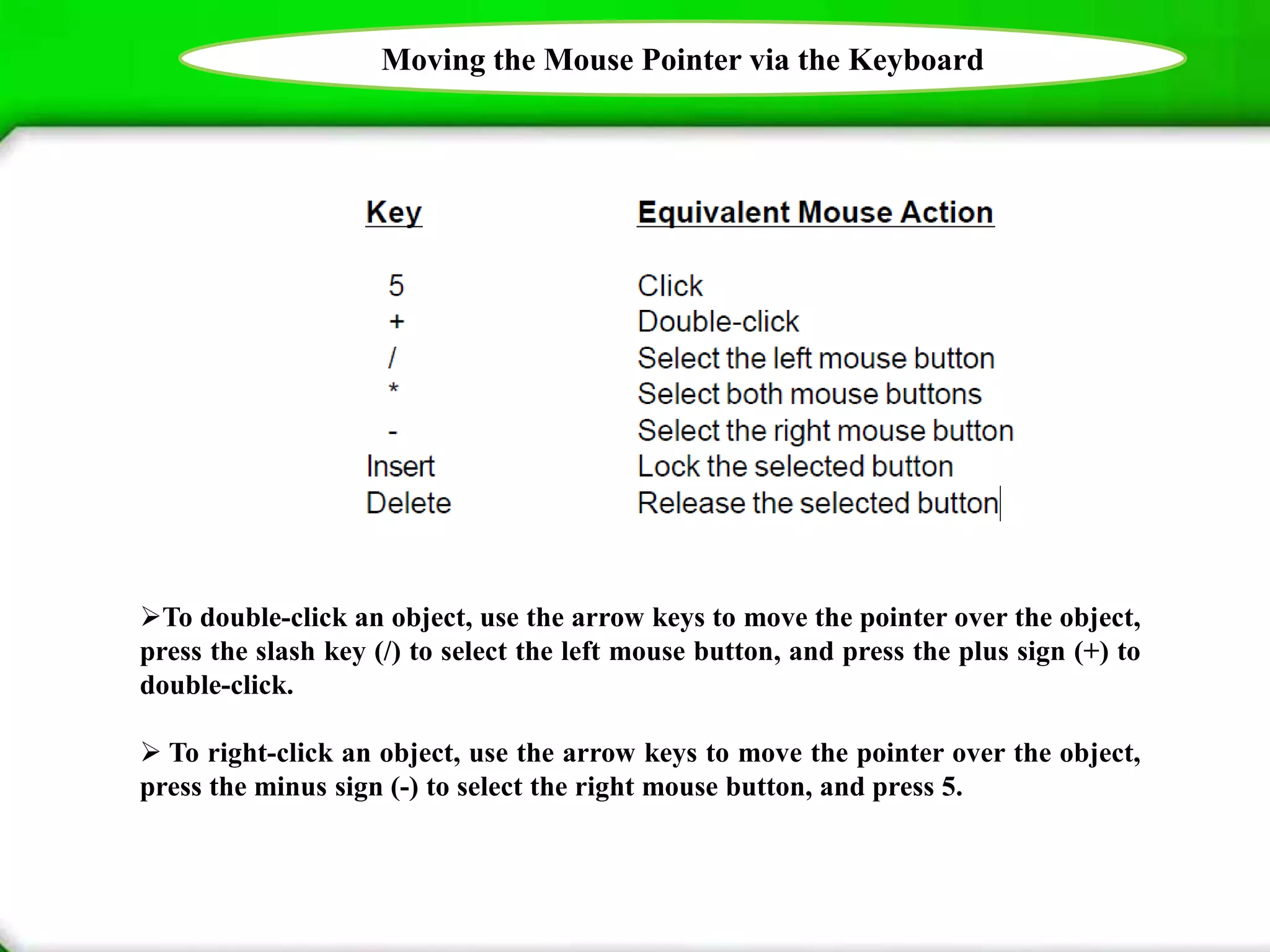
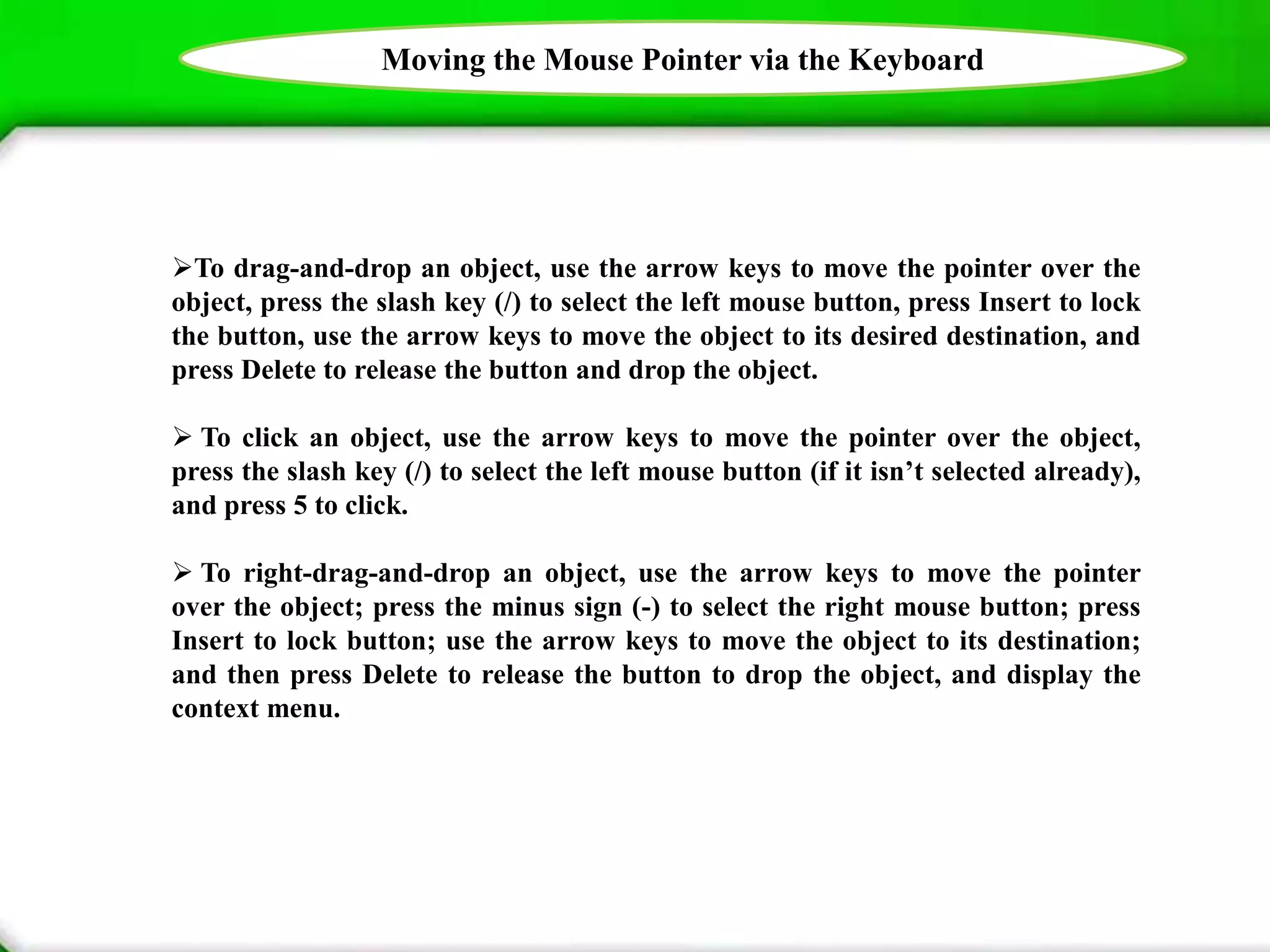


This document provides information about using a mouse and keyboard as input devices for a computer. It describes the basic functions of a mouse including moving, clicking, double clicking, and click and drag. It also discusses using the right mouse button to access context menus. Finally, it explains how to use the keyboard to perform mouse functions by enabling MouseKeys and using specific keys to emulate mouse clicks, double clicks, dragging, and right clicking.


