Mobilizing Learning with iPods,
iPhones and iPads
Lucy Gray
http://www.lucygray.org
Summer 2012
1
Session Information
2
http://www.lucygray.org
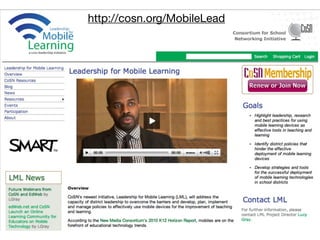
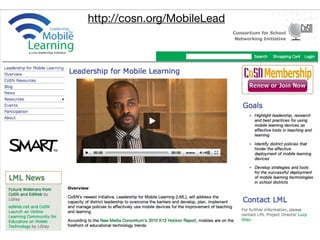
http://cosn.org/MobileLead
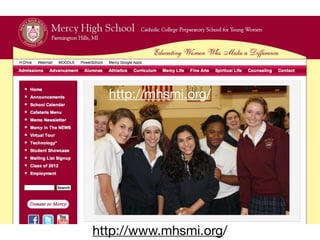
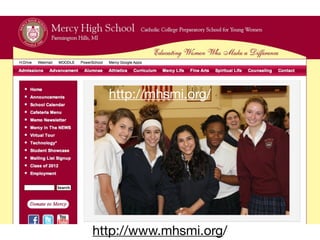
http://www.mhsmi.org/
http://mhsmi.org/
Today’s Agenda: Balance
6
7
Background
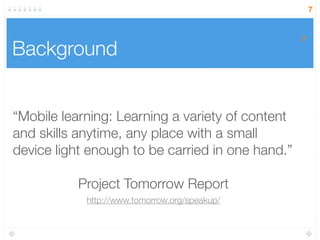
“Mobile learning: Learning a variety of content
and skills anytime, any place with a small
device light enough to be carried in one hand.”
Project Tomorrow Report
7
http://www.tomorrow.org/speakup/
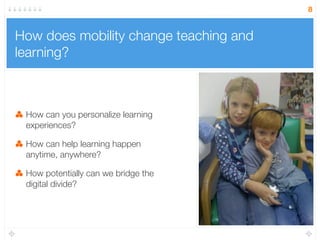
How does mobility change teaching and
learning?
How can you personalize learning
experiences?
How can help learning happen
anytime, anywhere?
How potentially can we bridge the
digital divide?
8
HOT TOPIC:
NETP
9
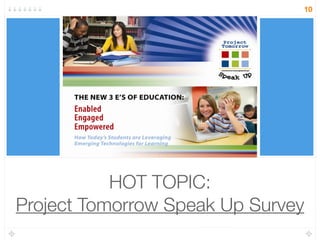
HOT TOPIC:
Project Tomorrow Speak Up Survey
10
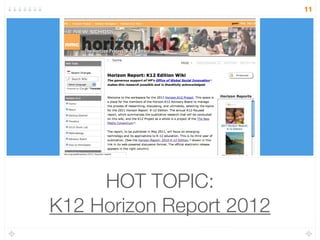
HOT TOPIC:
K12 Horizon Report 2012
11
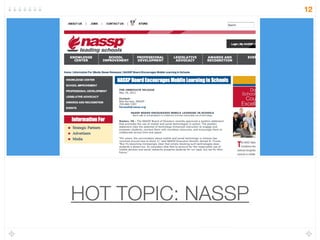
HOT TOPIC: NASSP
12
NASSP
13
"For years, the conversation about mobile and social
technology in schools has revolved around how to block it,"
said NASSP Executive Director Gerald N. Tirozzi. "But it's
becoming increasingly clear that simply blocking such
technologies does students a disservice. An education that
fails to account for the responsible use of mobile devices
and social networks prepares students for our past, but not
for their future."
Another Hot Topic:
Bring Your Own Device
14
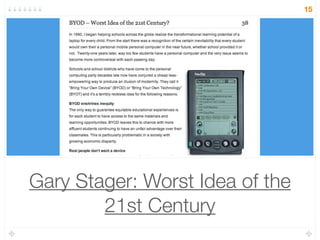
Gary Stager: Worst Idea of the
21st Century
15
If schools adopt digital textbooks, according to the
Digital Playbook, “No longer will students have to
tote 50 pound backpacks with … print textbooks
[outdated by seven to ten years.] New digital
textbooks will be light digital devices – such as a
laptop or tablet – that combine Internet
connectivity, interactive and personalized
content, learning videos and games, and other
creative applications to enable collaboration with
other students while providing instantaneous
feedback to the student and teacher.”
According to the Digital Playbook…
Obama administration wants all students using digital
textbooks within ve years.
Going Beyond the Stuff:
Taking Advantage of the
Possibilities
18
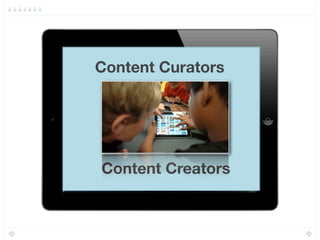
Content Curators
Content Creators
19
Differentiated learning
through apps
20
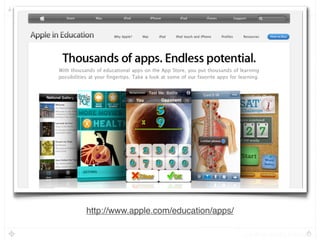
http://www.apple.com/education/apps/
21
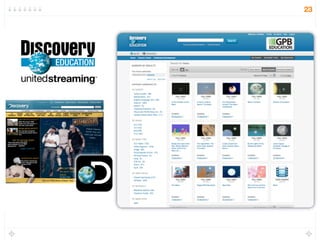
Apps support existing
resources
22
23
24
Feedback and
Assessment
25
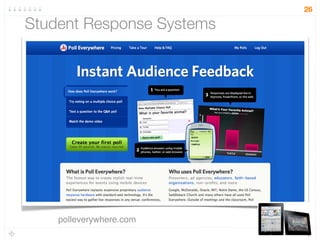
Student Response Systems
polleverywhere.com
26
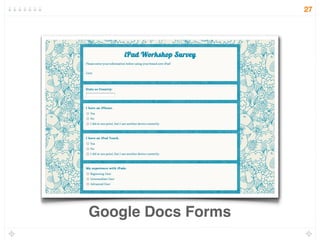
Google Docs Forms
27
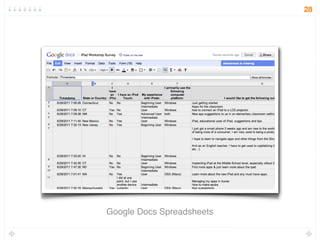
Google Docs Spreadsheets
28
Managing and
personalizing app
experiences
29
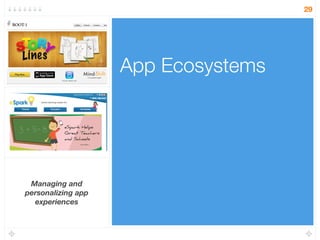
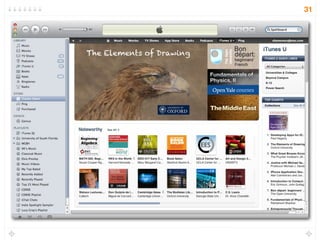
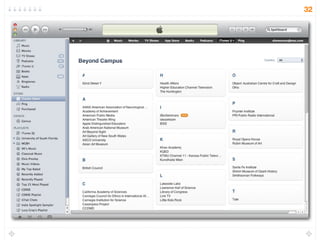
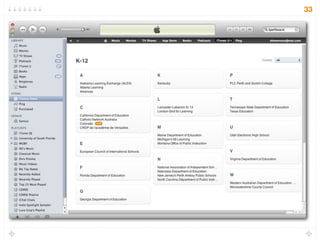
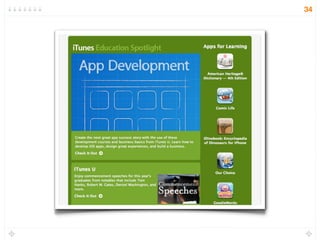
App Ecosystems
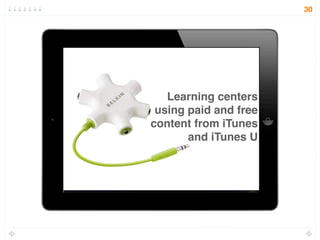
Learning centers
using paid and free
content from iTunes
and iTunes U
30
31
32
33
34
Research
35
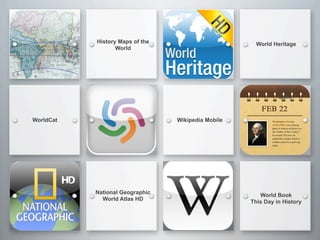
History Maps of the
World
World Heritage
WorldCat
World Book
This Day in History
NASA HD
Qwiki
National Geographic
World Atlas HD
Wikipedia Mobile
Delivery of STEM
Content and Activities
37
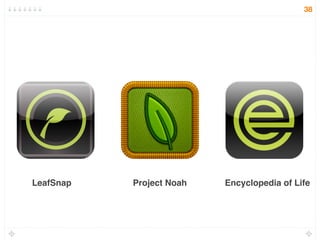
LeafSnap Project Noah Encyclopedia of Life
38
Organization and
productivity
39
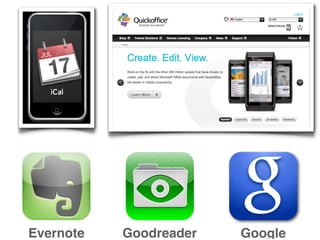
GoogleGoodreaderEvernote
Web 2.0 Tools &
Cloud Computing
Google Apps for Education
iCloud
Dropbox
Box.net
42
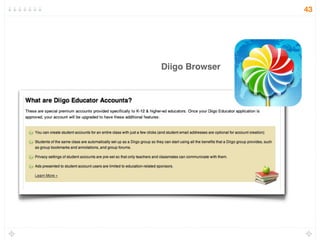
Diigo Browser
43
Flipped classrooms
44
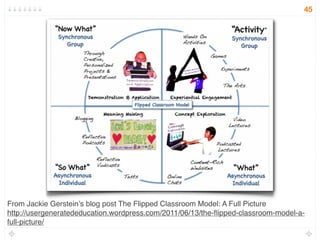
From Jackie Gerstein’s blog post The Flipped Classroom Model: A Full Picture
http://usergeneratededucation.wordpress.com/2011/06/13/the-flipped-classroom-model-a-
full-picture/
45
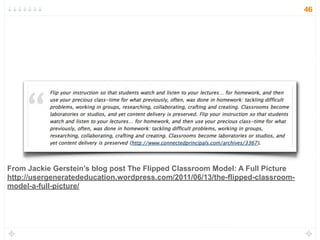
From Jackie Gerstein’s blog post The Flipped Classroom Model: A Full Picture
http://usergeneratededucation.wordpress.com/2011/06/13/the-flipped-classroom-
model-a-full-picture/
46
47
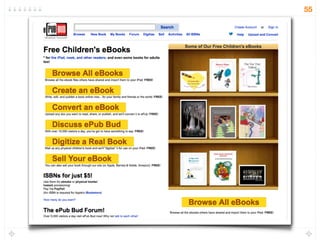
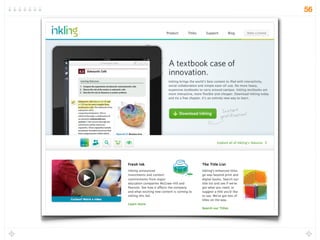
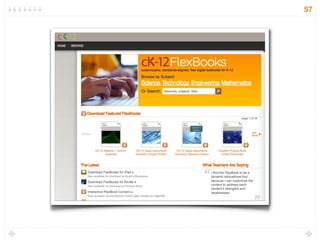
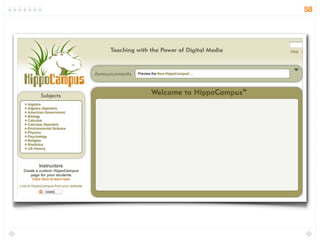
eTextbooks
48
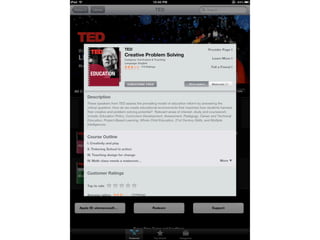
iTunes U
iPad
App
http://www.apple.com/education/itunes-u/
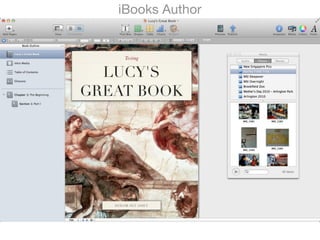
iBooks Author
52
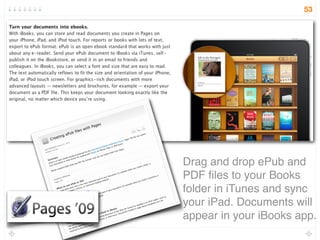
Drag and drop ePub and
PDF les to your Books
folder in iTunes and sync
your iPad. Documents will
appear in your iBooks app.
53
54
55
56
57
58
Digital Creation,
Publishing, and Sharing
59
60
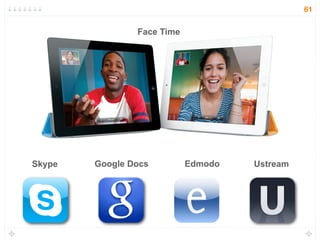
Face Time
Skype UstreamGoogle Docs Edmodo
61
62
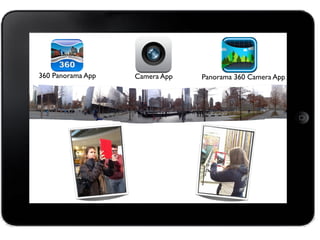
360 Panorama App Panorama 360 Camera AppCamera App
Content Creators
The Use of Peripherals
and Toys
67
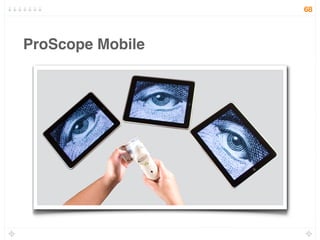
ProScope Mobile
68
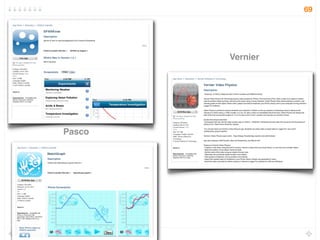
Pasco
Vernier
69
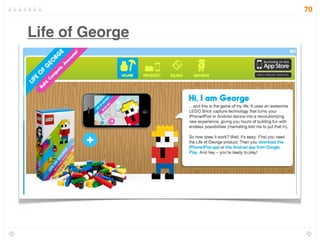
Life of George
70
Access to supplementary
content
71
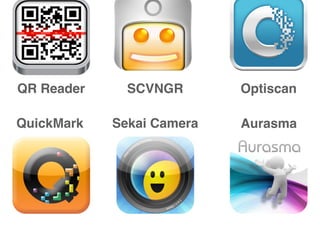
QuickMark
QR Reader Optiscan
Sekai Camera
SCVNGR
Aurasma
73
Resources
74
36 Interesting Ways to Use iPads in the
Classroom
Tom Barrett
75
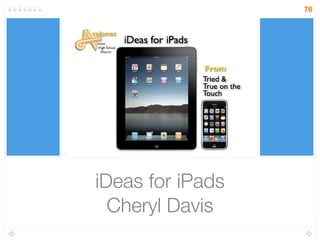
iDeas for iPads
Cheryl Davis
76
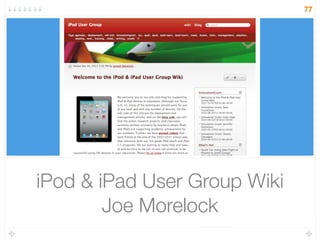
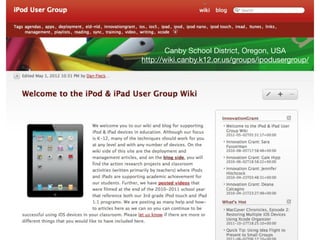
iPod & iPad User Group Wiki
Joe Morelock
77
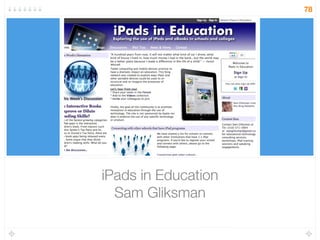
iPads in Education
Sam Gliksman
78
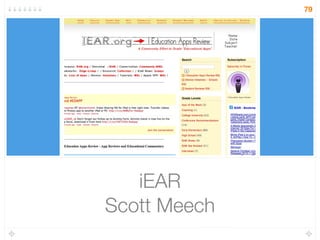
iEAR
Scott Meech
79
The Flipped Classroom Network
Jerry Overmyer
80
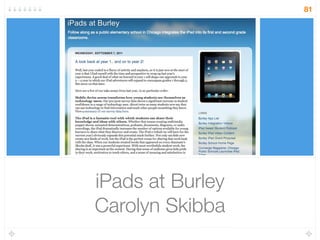
iPads at Burley
Carolyn Skibba
81
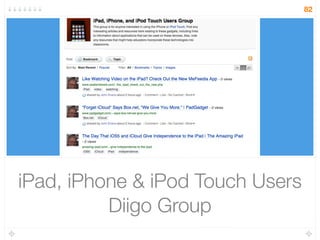
iPad, iPhone & iPod Touch Users
Diigo Group
82
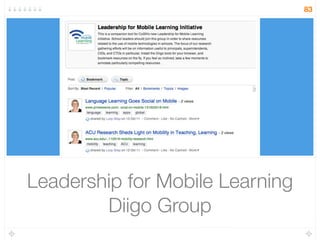
Leadership for Mobile Learning
Diigo Group
83
Our challenge is to help students
power up in school, not power
down.
The Airplane Effect?
84
Planning for Mobile Learning
http://cosn.org/MobileLead
http://www.mhsmi.org/
http://mhsmi.org/
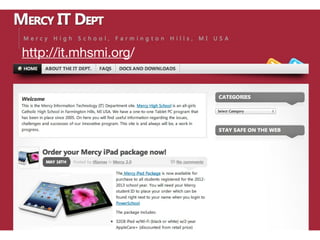
http://it.mhsmi.org/
Canby School District, Oregon, USA
http://wiki.canby.k12.or.us/groups/ipodusergroup/
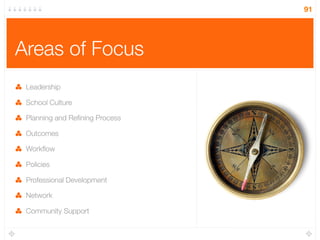
Areas of Focus
Leadership
School Culture
Planning and Rening Process
Outcomes
Workflow
Policies
Professional Development
Network
Community Support
91
Tips
Value the role of your leadership team.
Study your school’s culture.
Plan and rene continually.
Dene measurable outcomes.
Experiment with apps to find your work flow.
Re-think policies.
Provide ample professional development opportunities.
Ensure a robust network.
Enlist parents and community in support of your program.
92
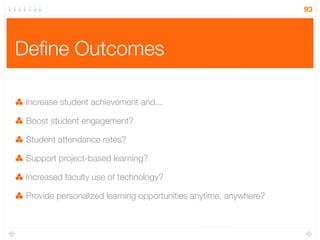
Dene Outcomes
Increase student achievement and...
Boost student engagement?
Student attendance rates?
Support project-based learning?
Increased faculty use of technology?
Provide personalized learning opportunities anytime, anywhere?
93
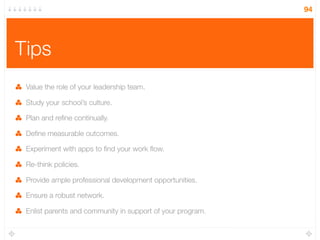
Tips
Value the role of your leadership team.
Study your school’s culture.
Plan and rene continually.
Dene measurable outcomes.
Experiment with apps to find your work flow.
Re-think policies.
Provide ample professional development opportunities.
Ensure a robust network.
Enlist parents and community in support of your program.
94
Lucy Gray
lucy@lucygrayconsulting.com
http://lucygrayconsulting.com
Twitter: elemenous
Slides inspired by Julene Reed & Larry
Anderson
95

Mobilizing Learning