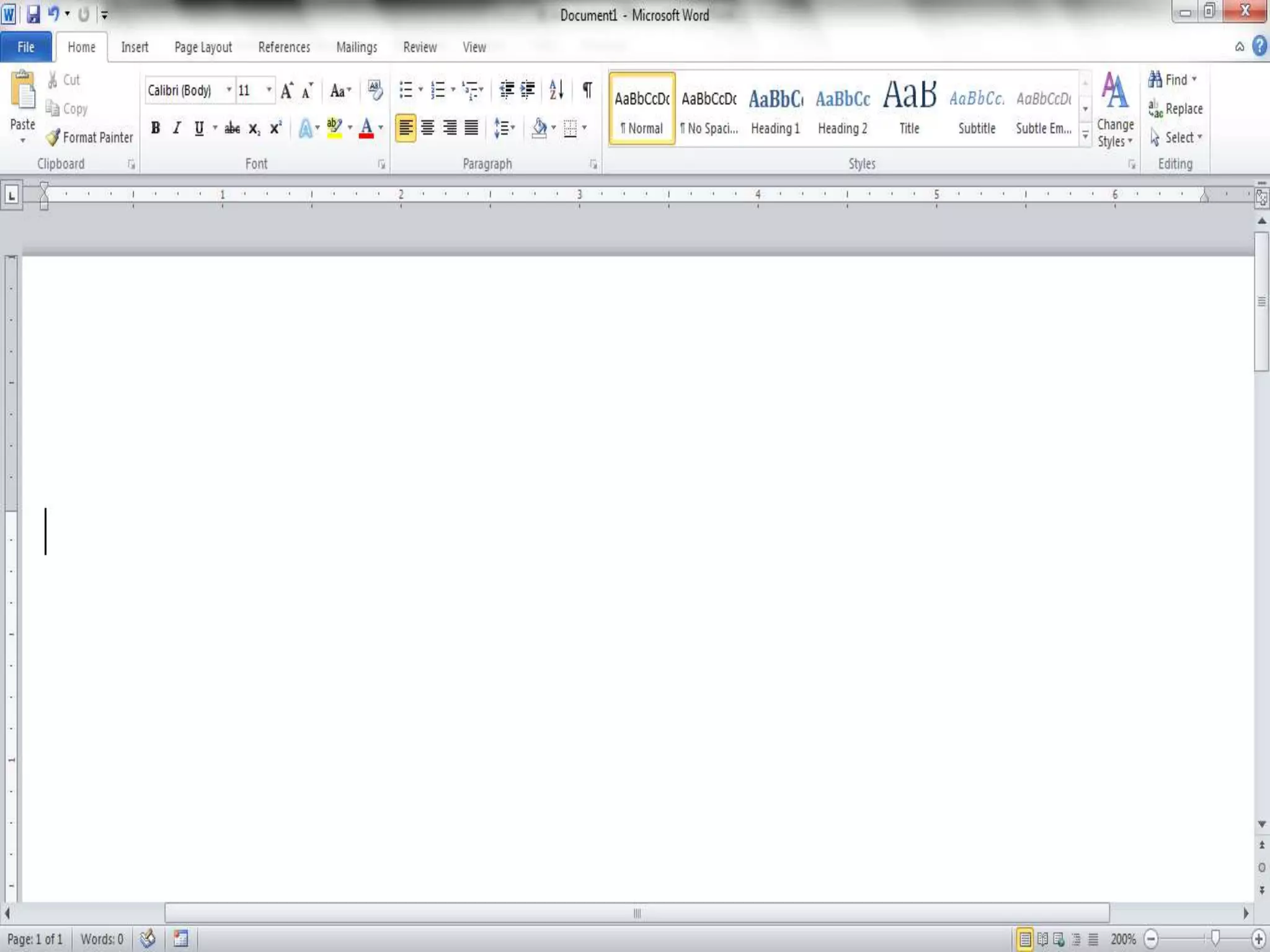
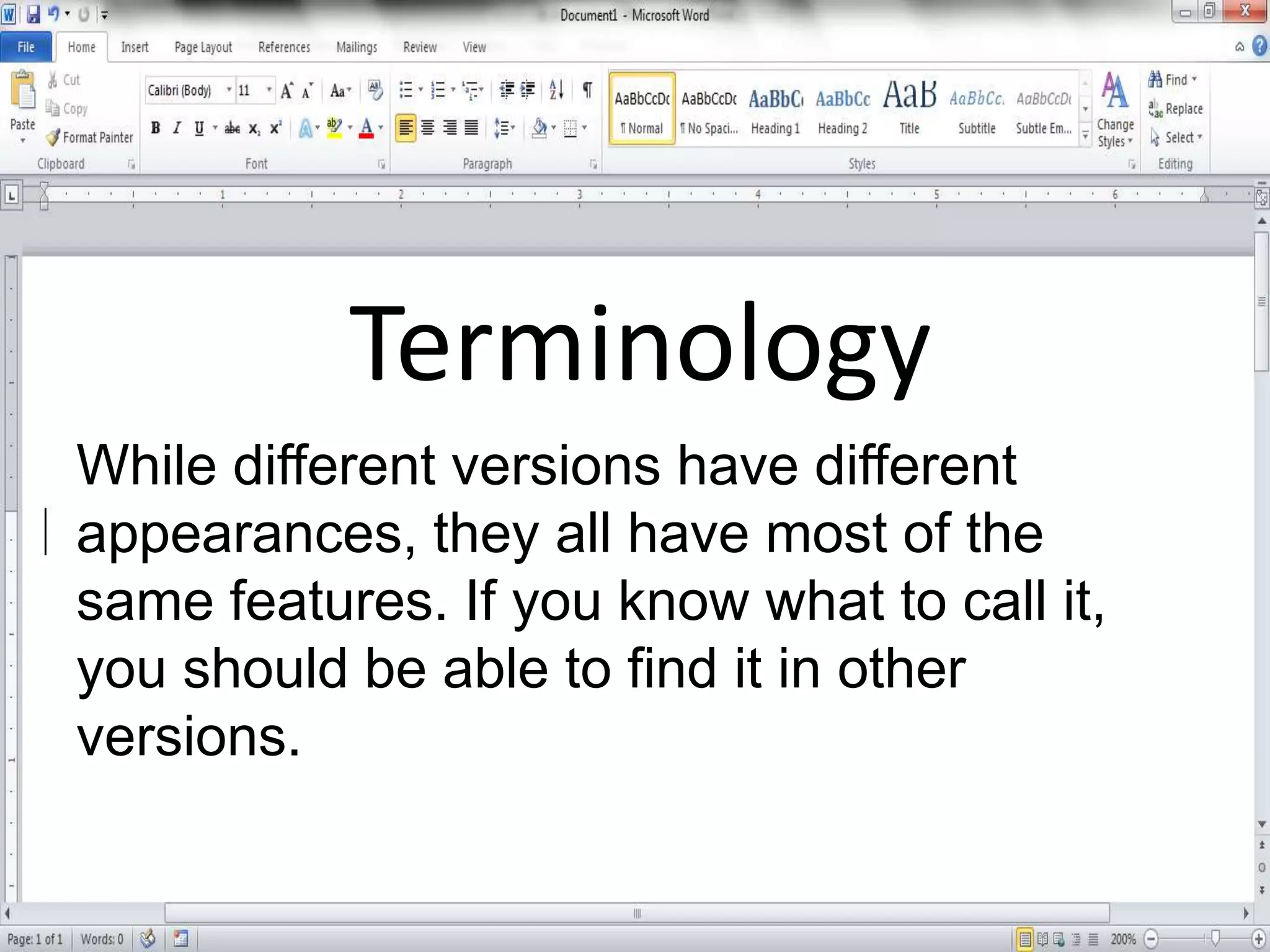
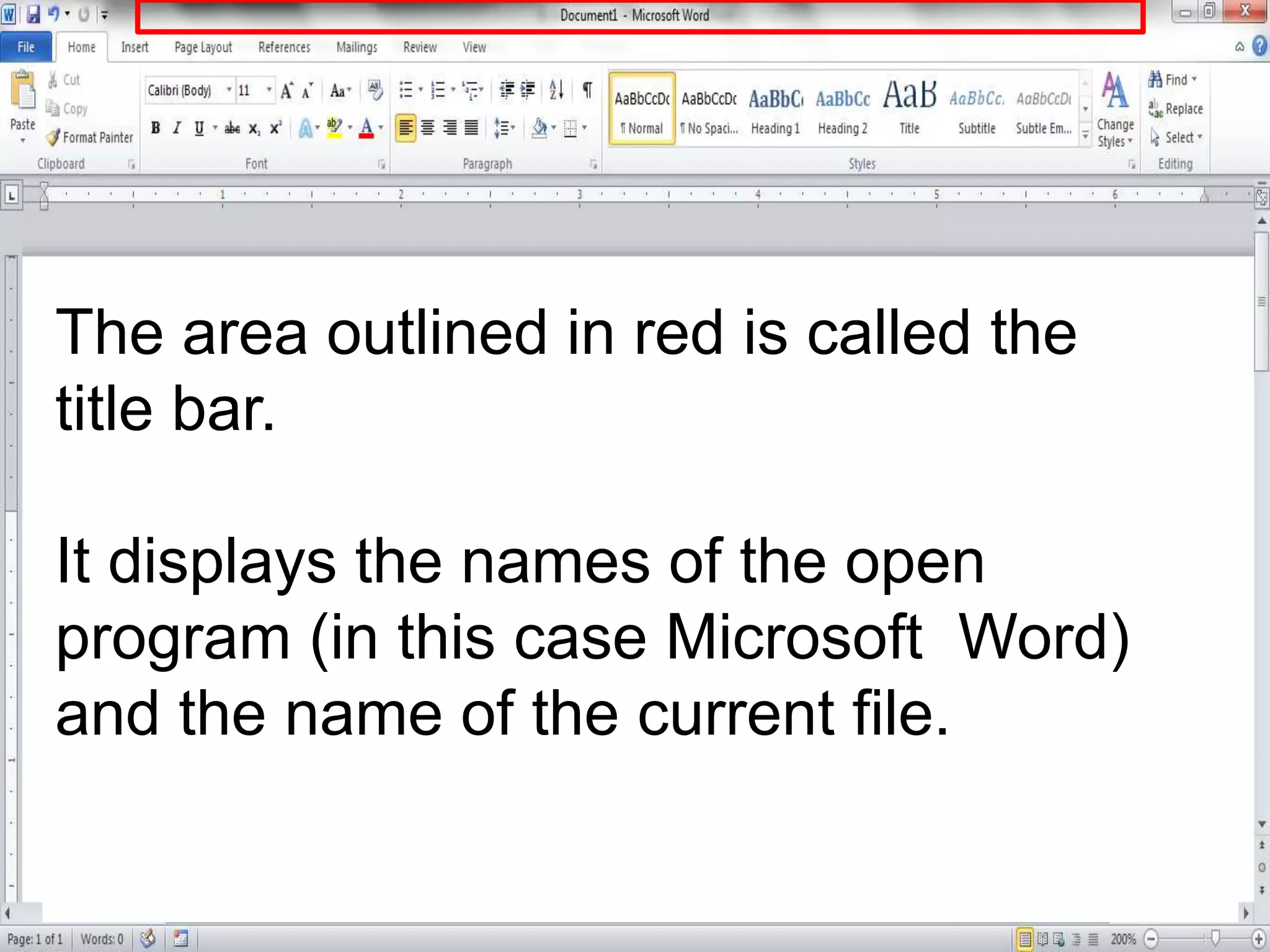
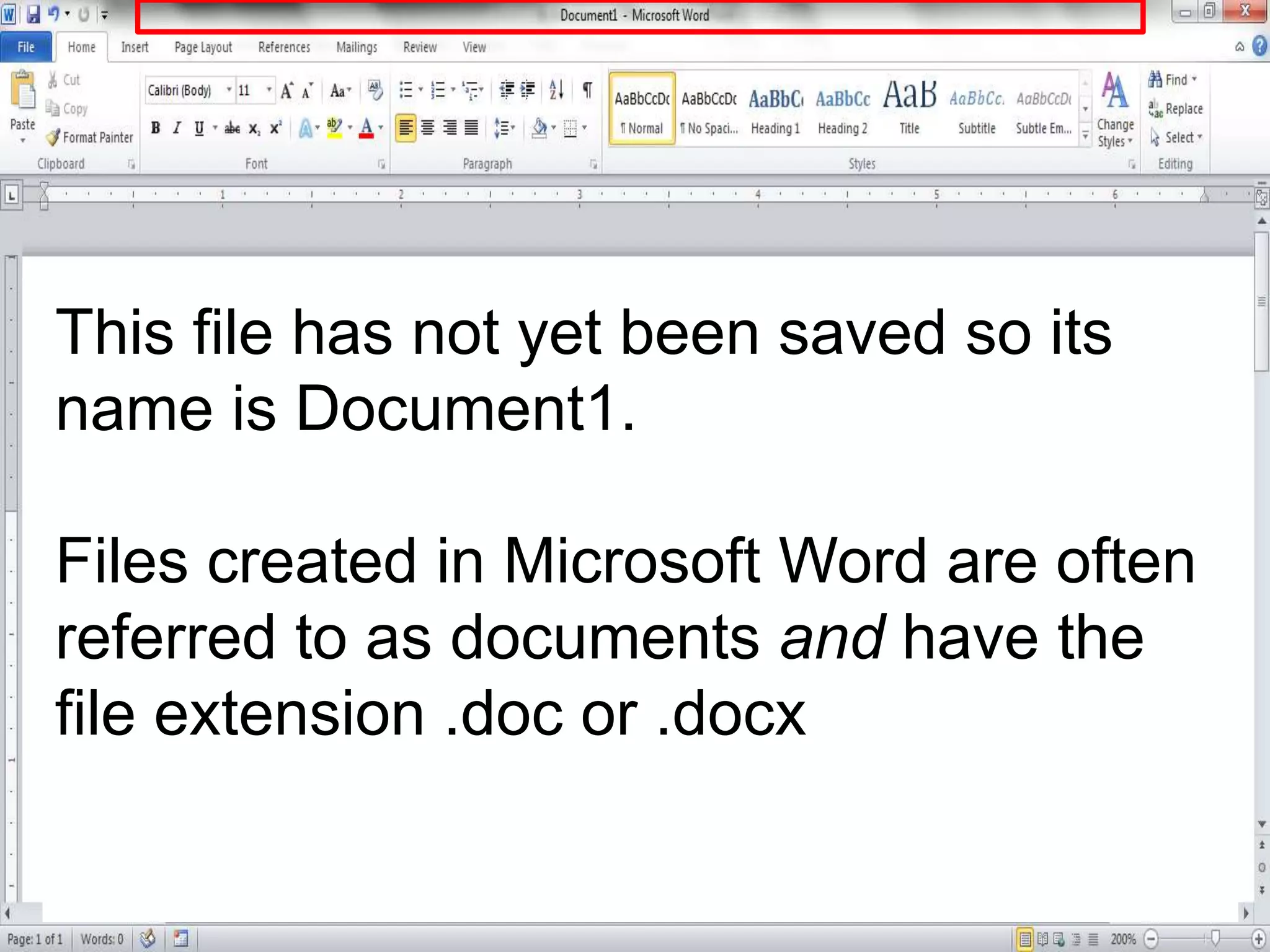
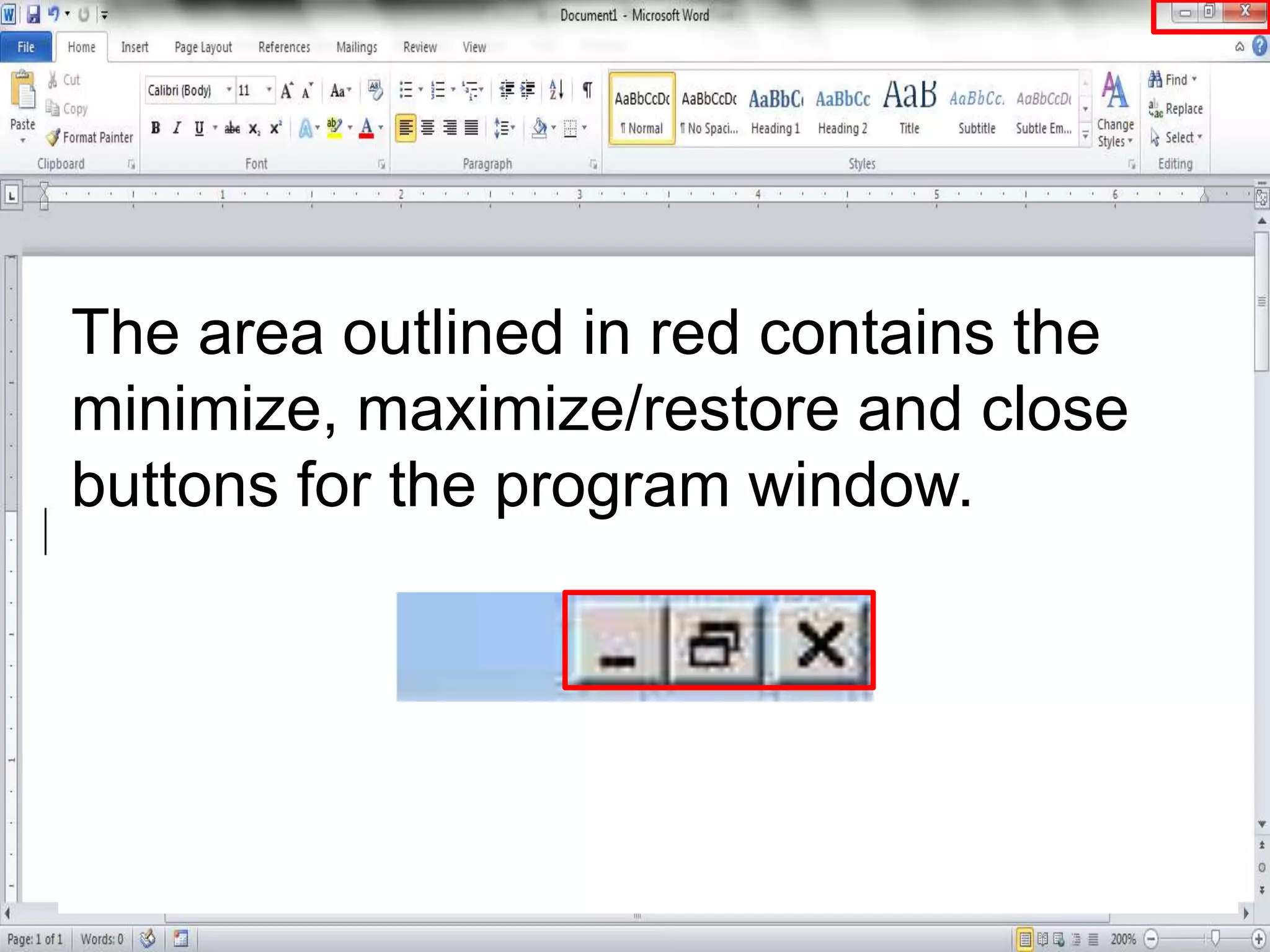
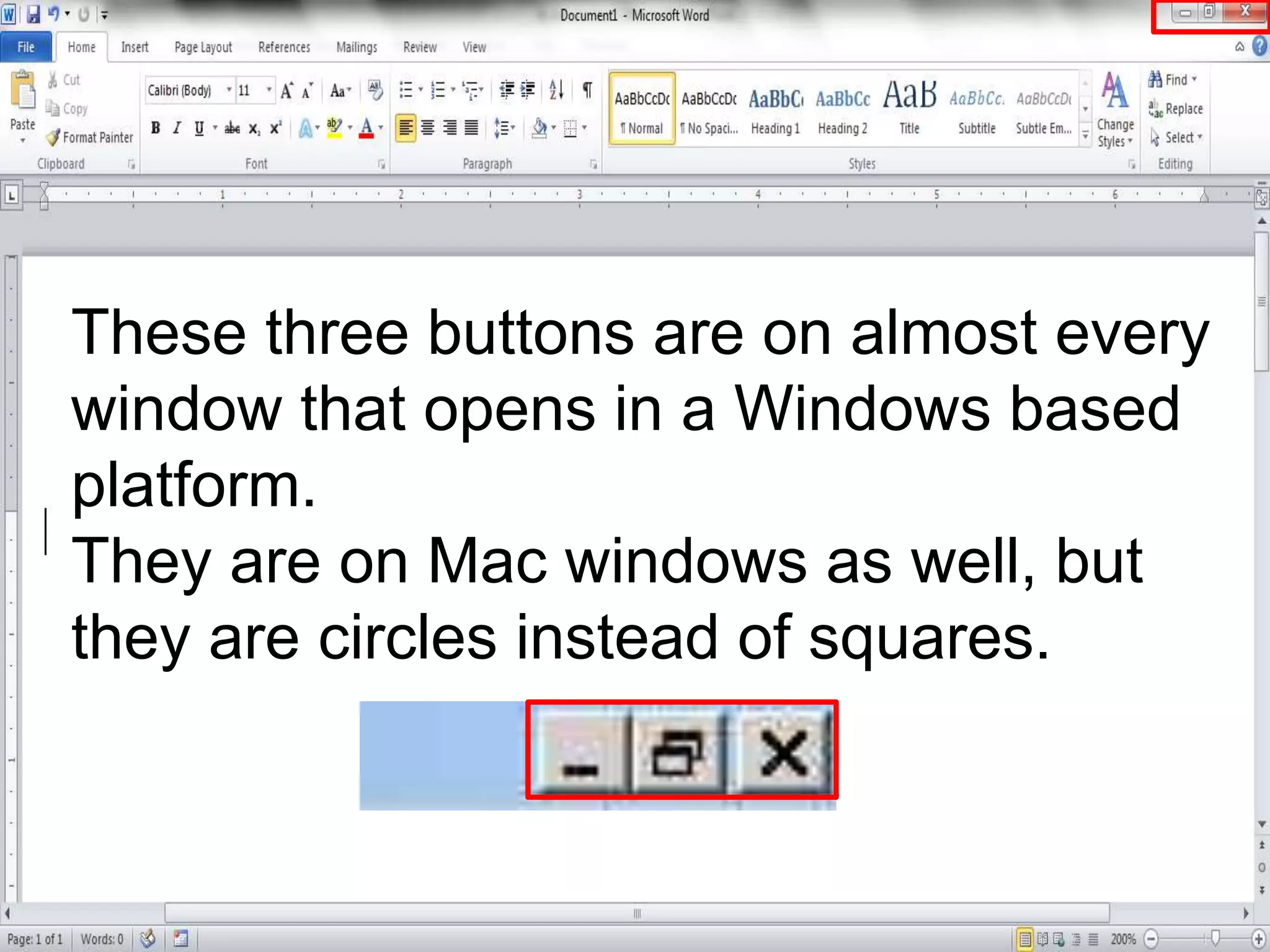
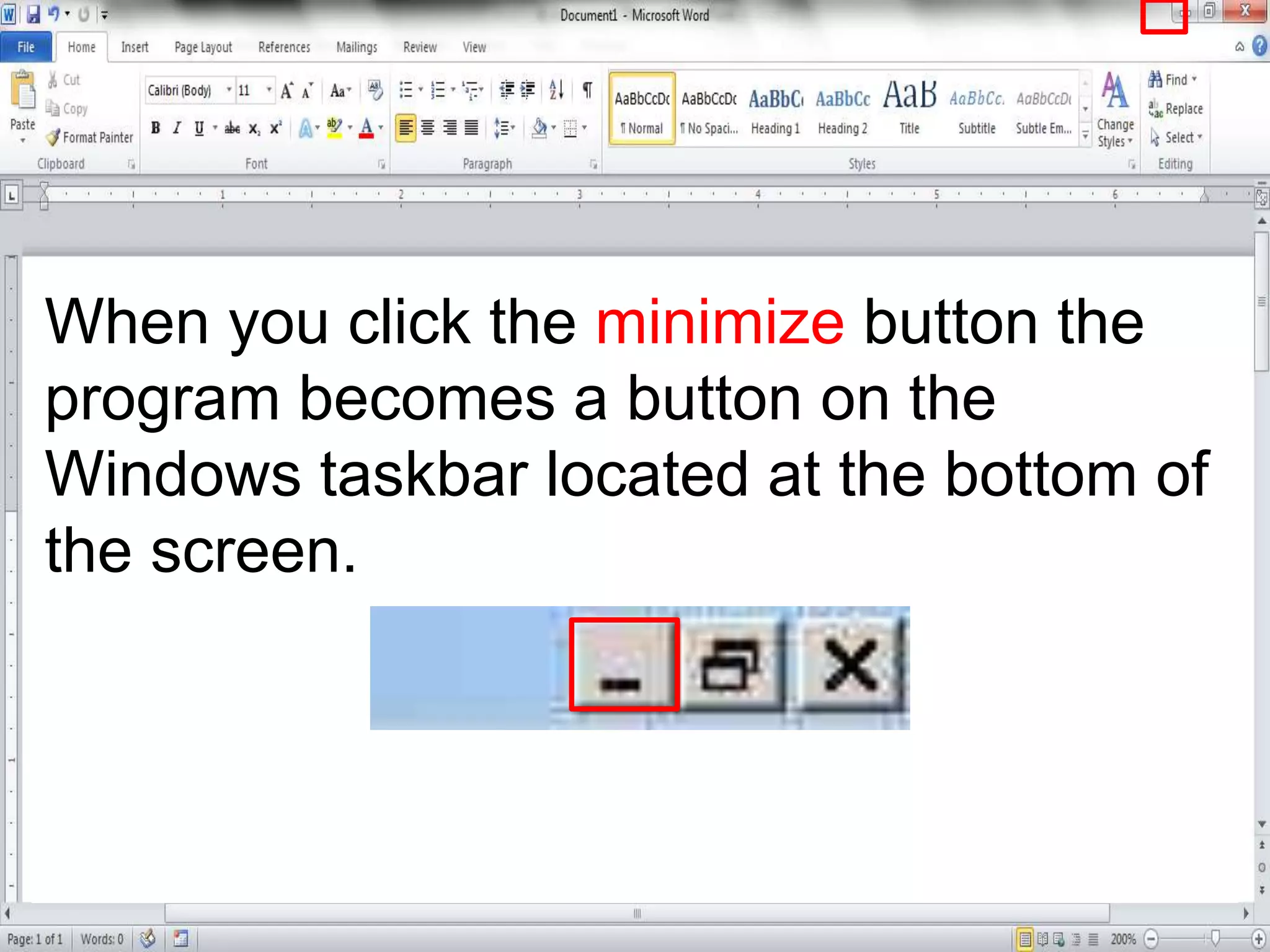
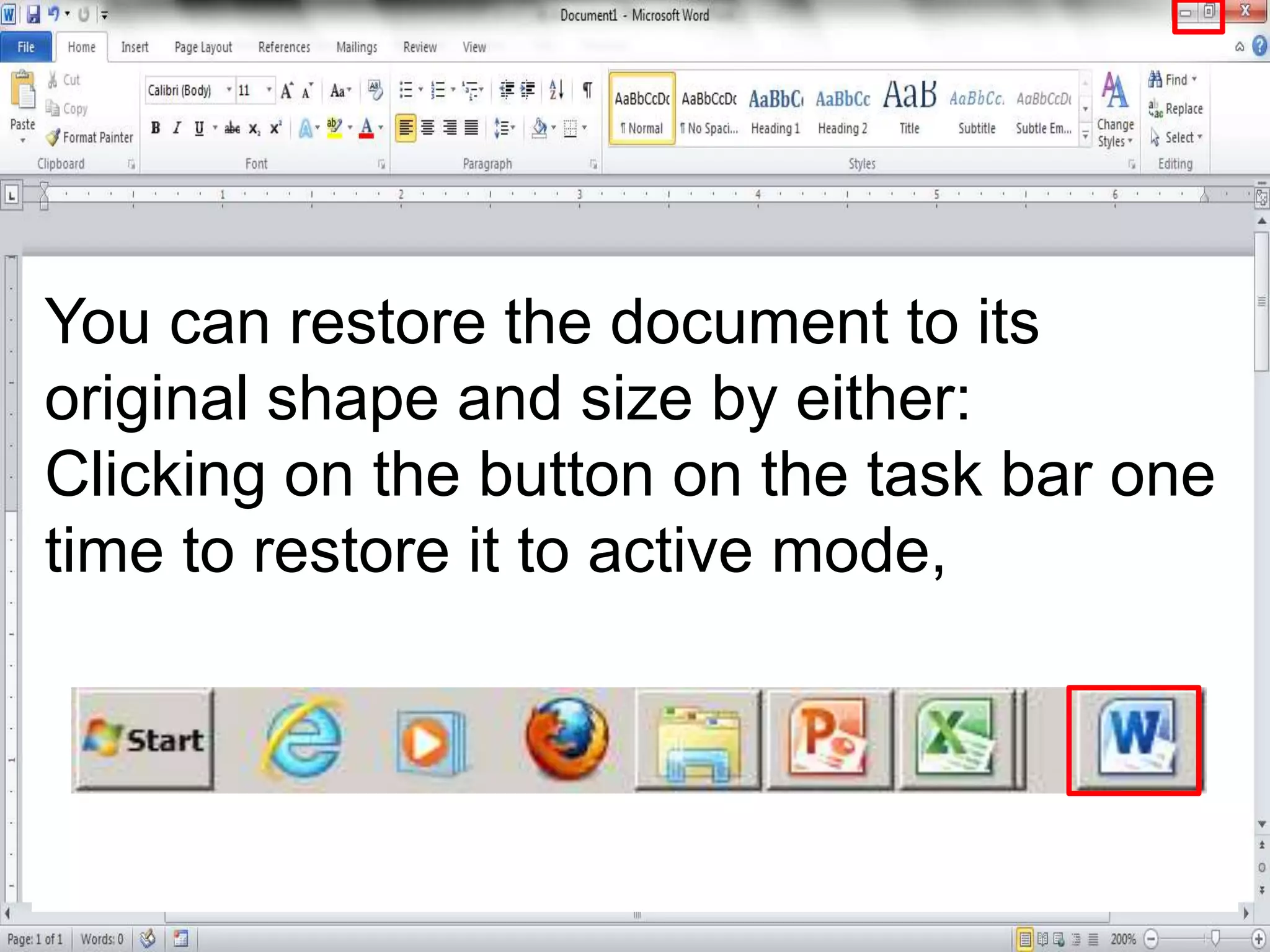
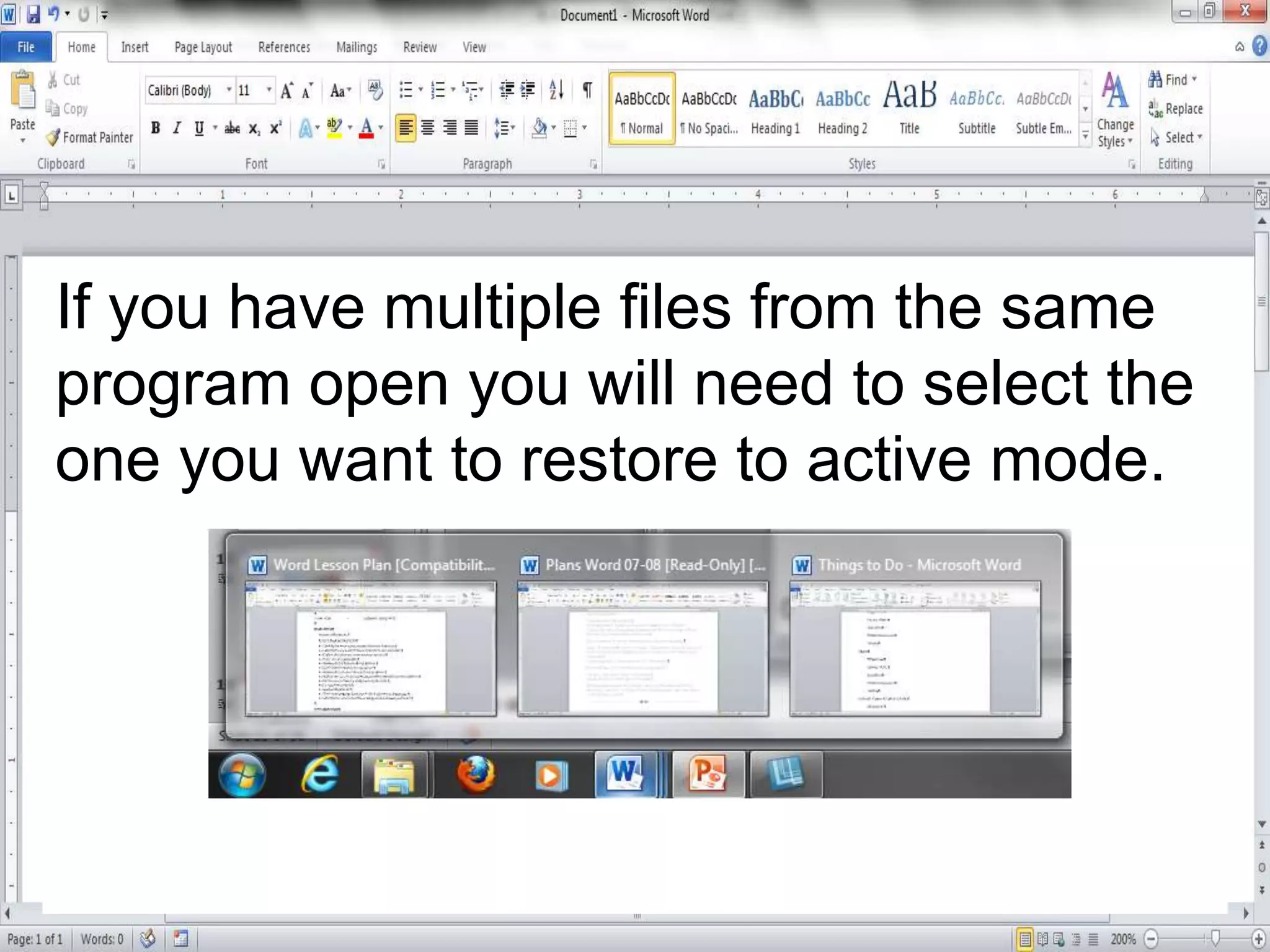
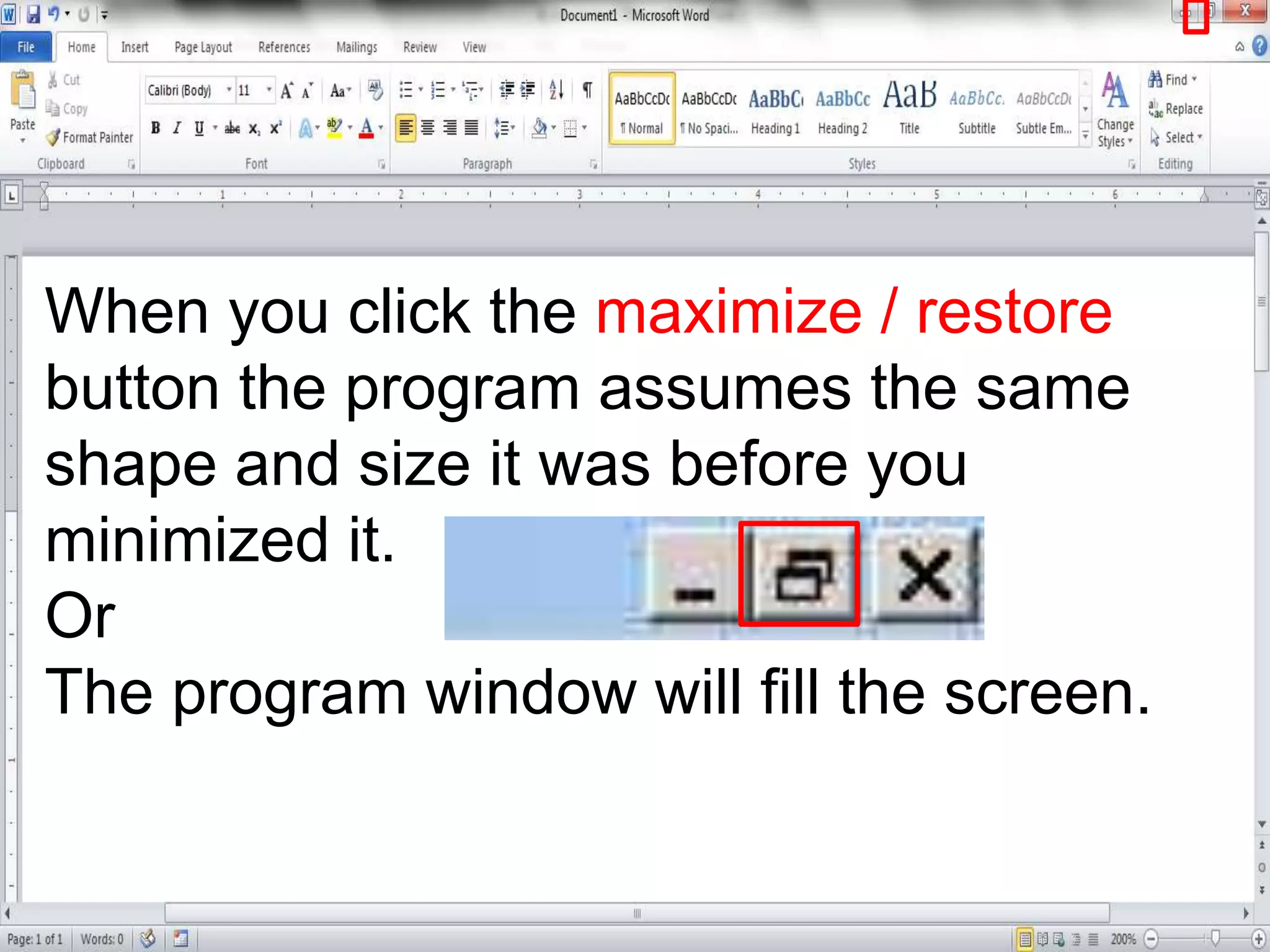
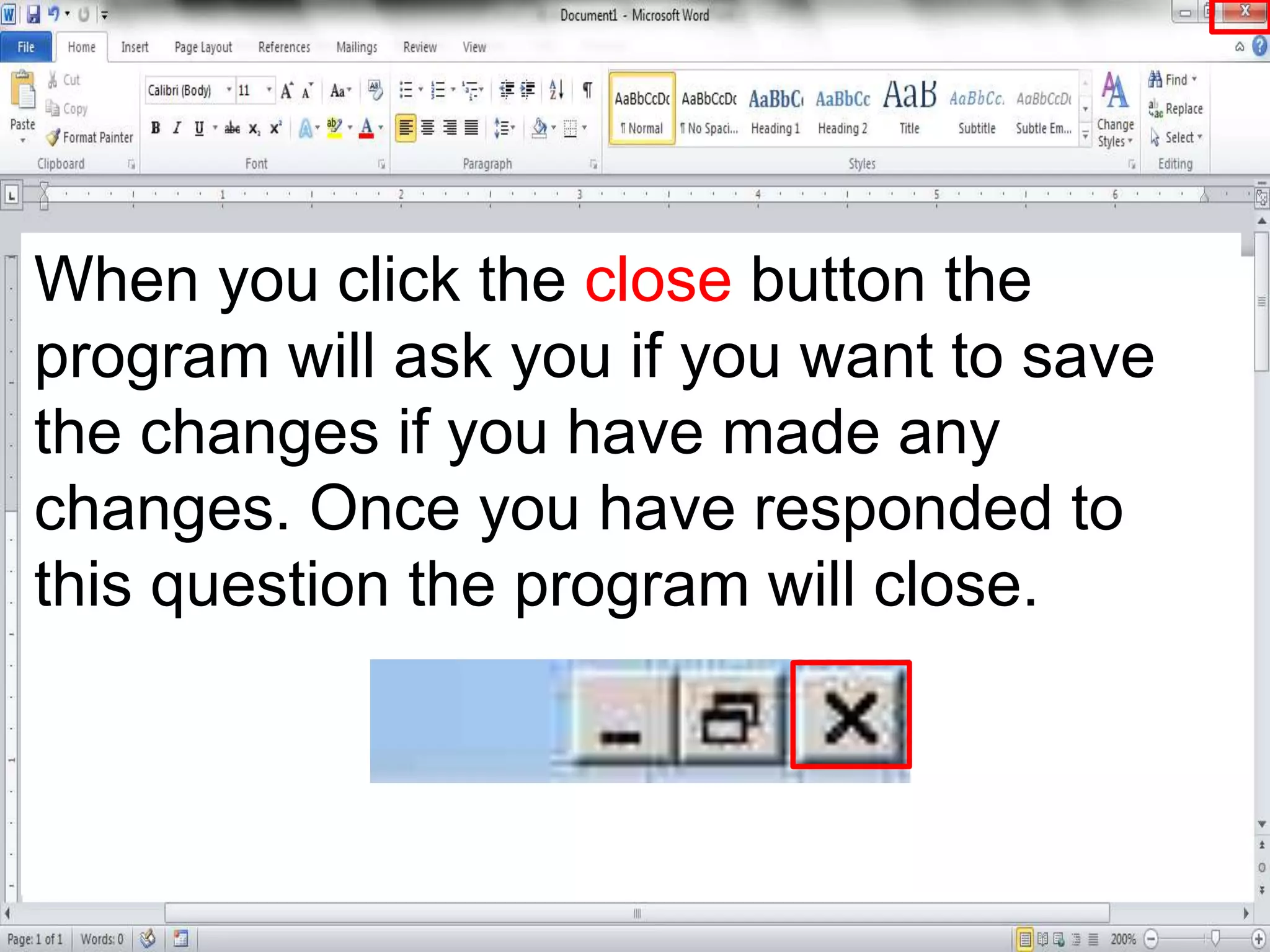
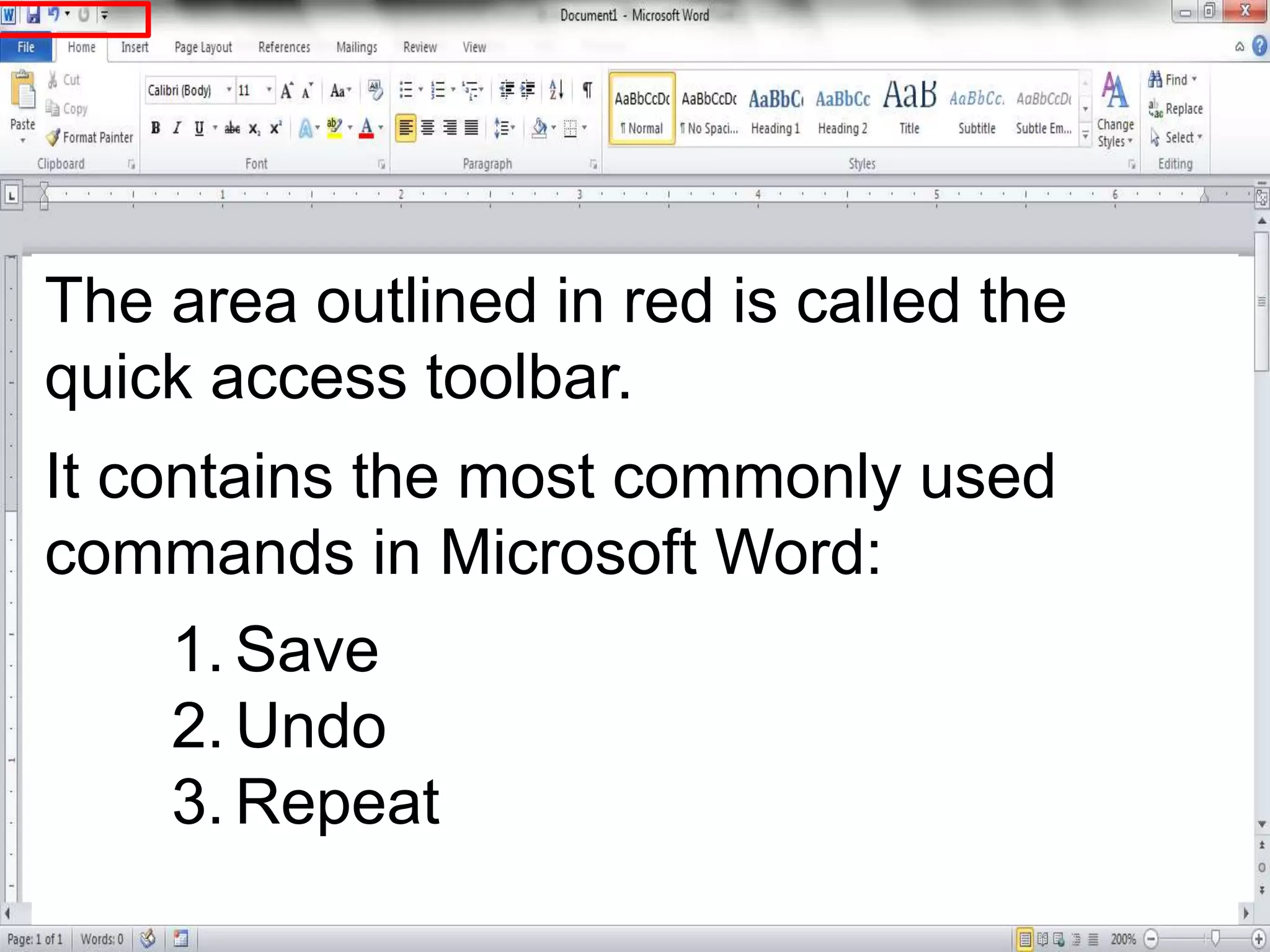
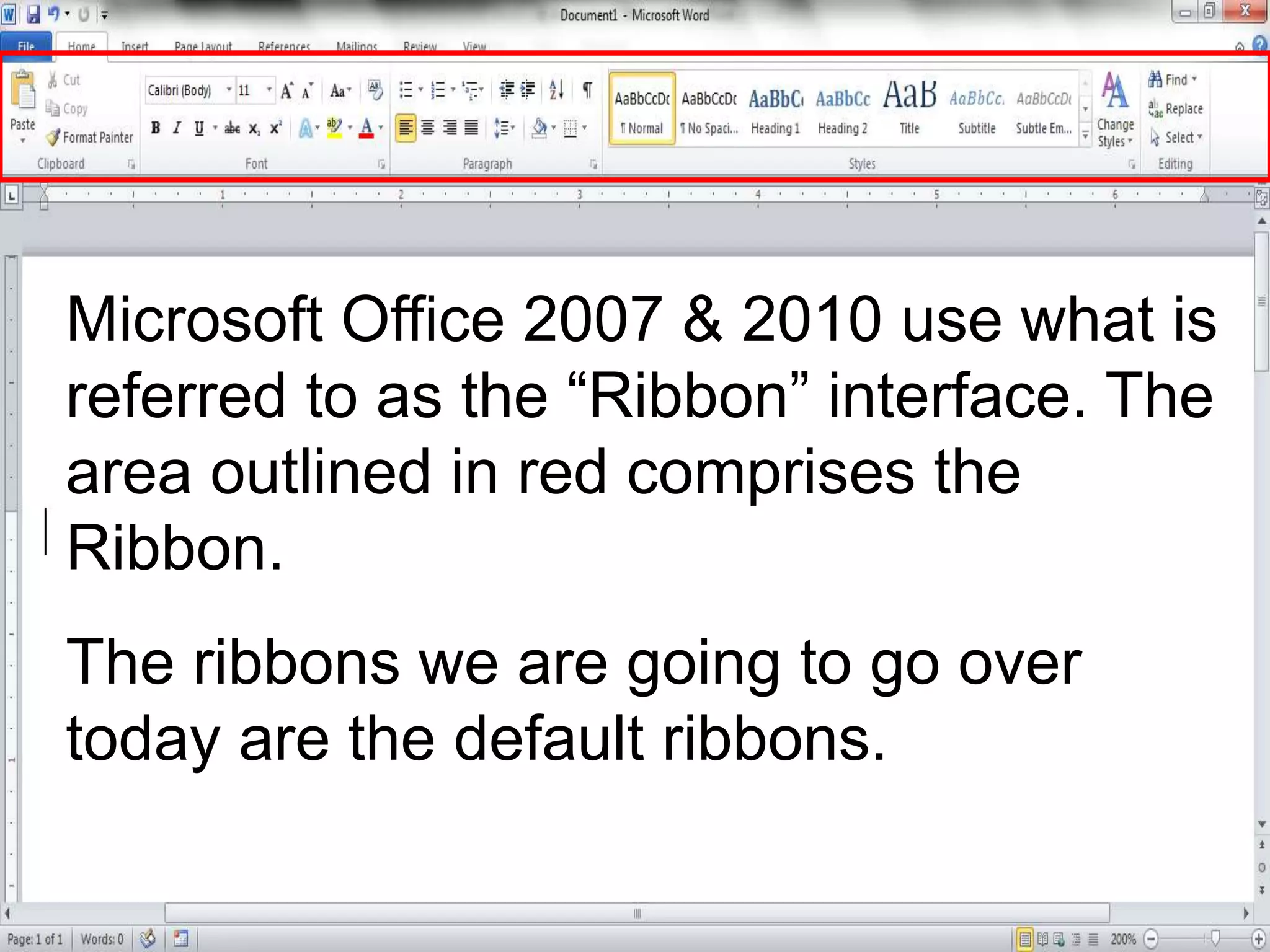
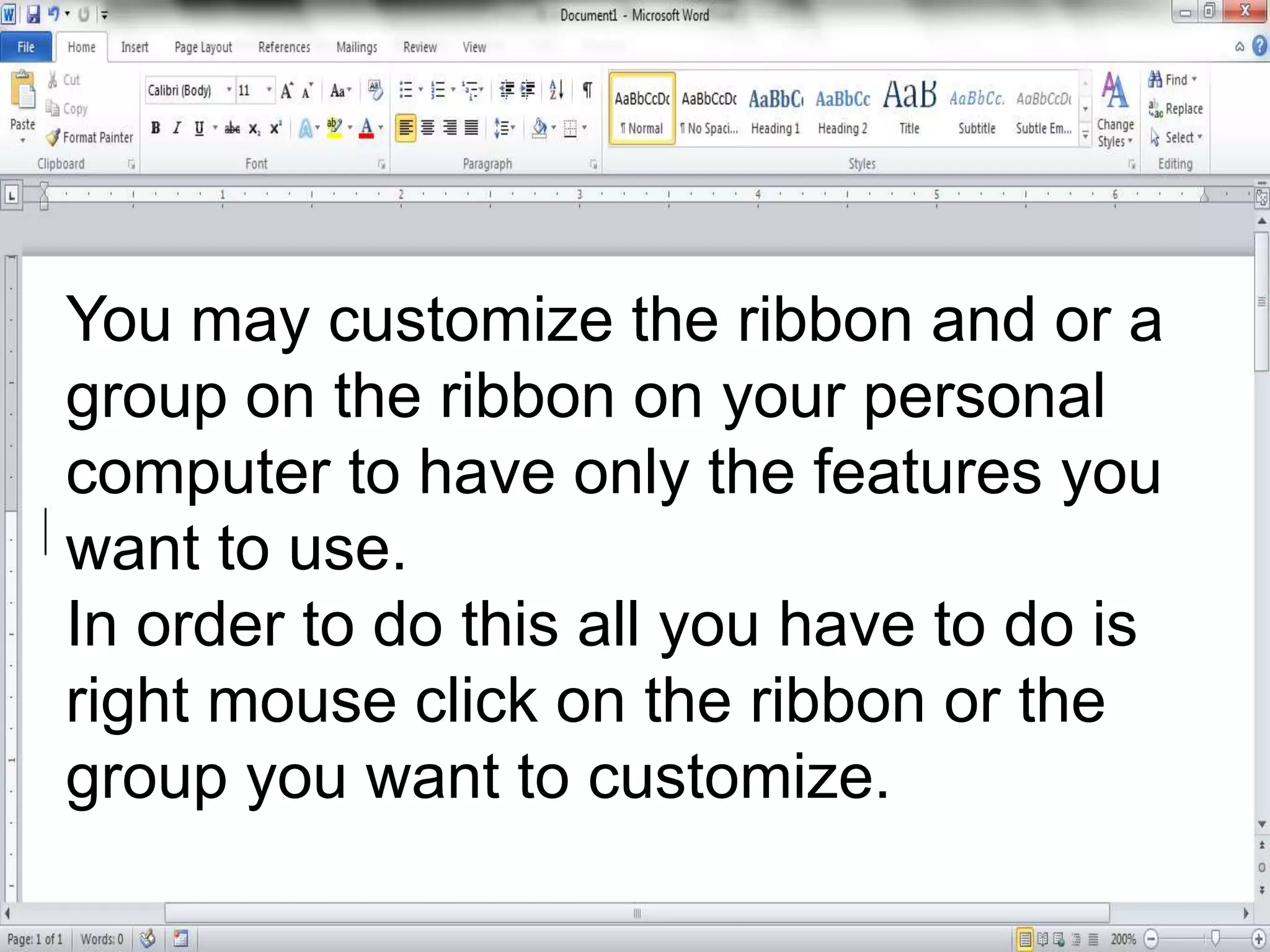
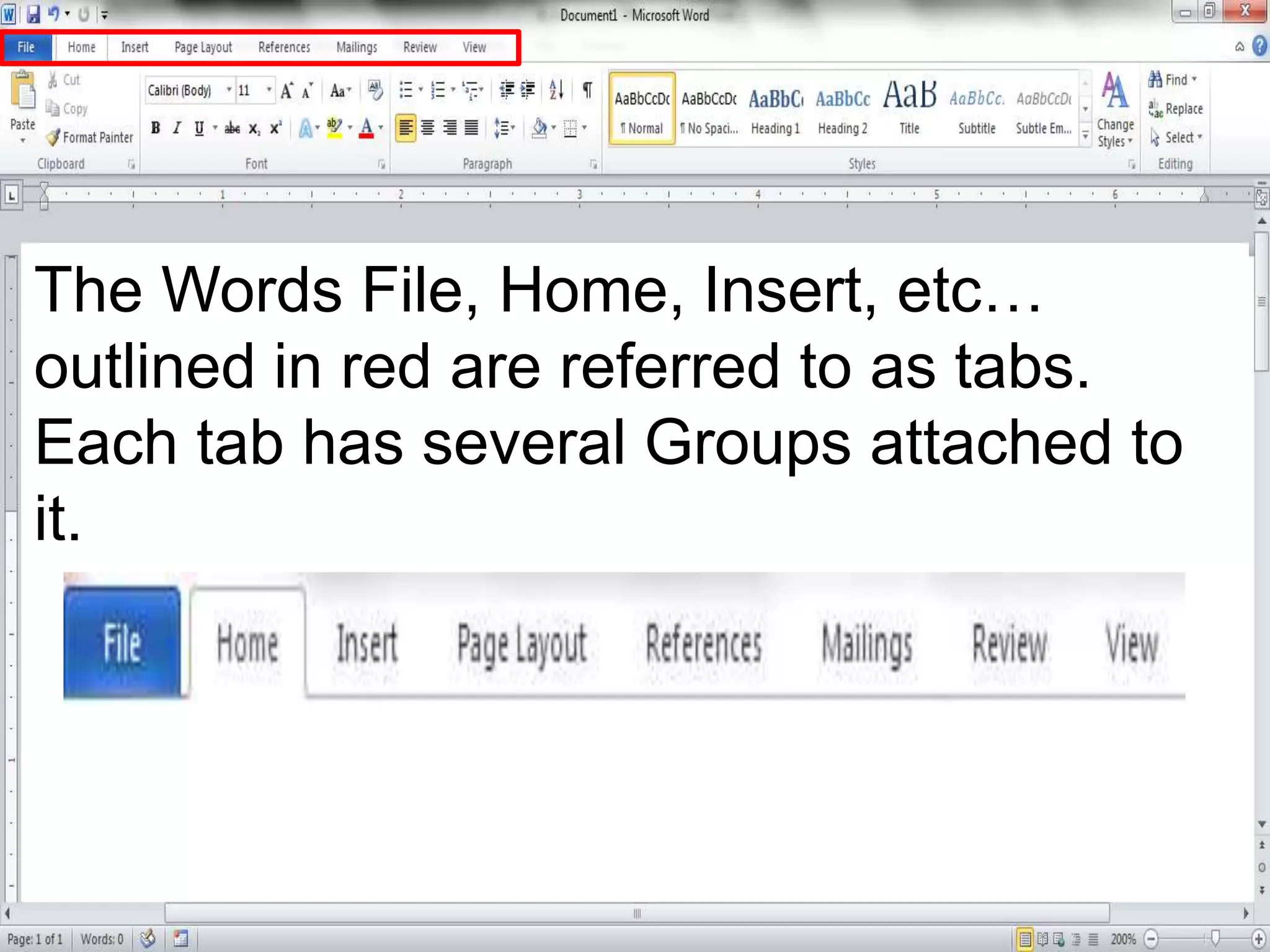
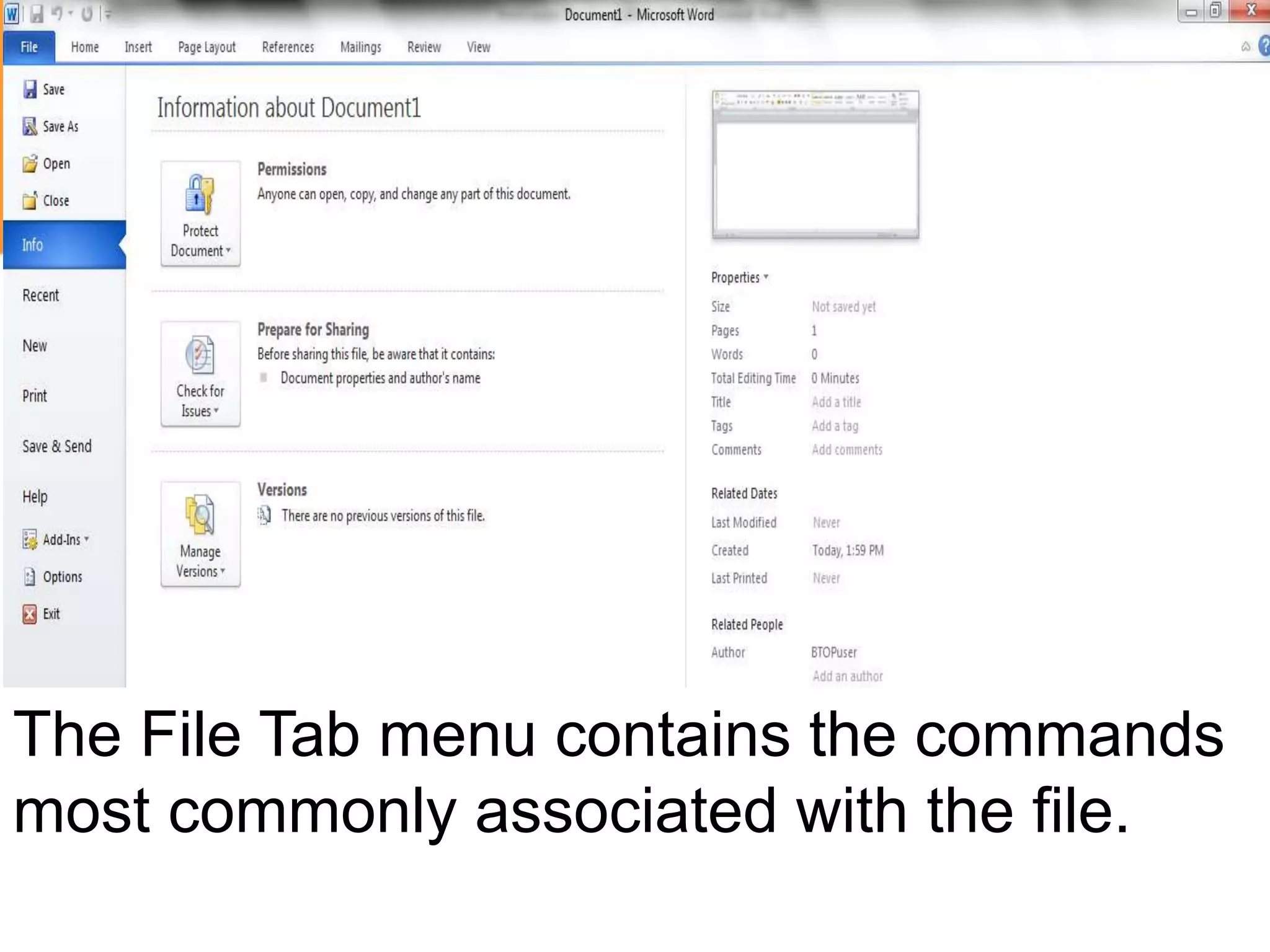
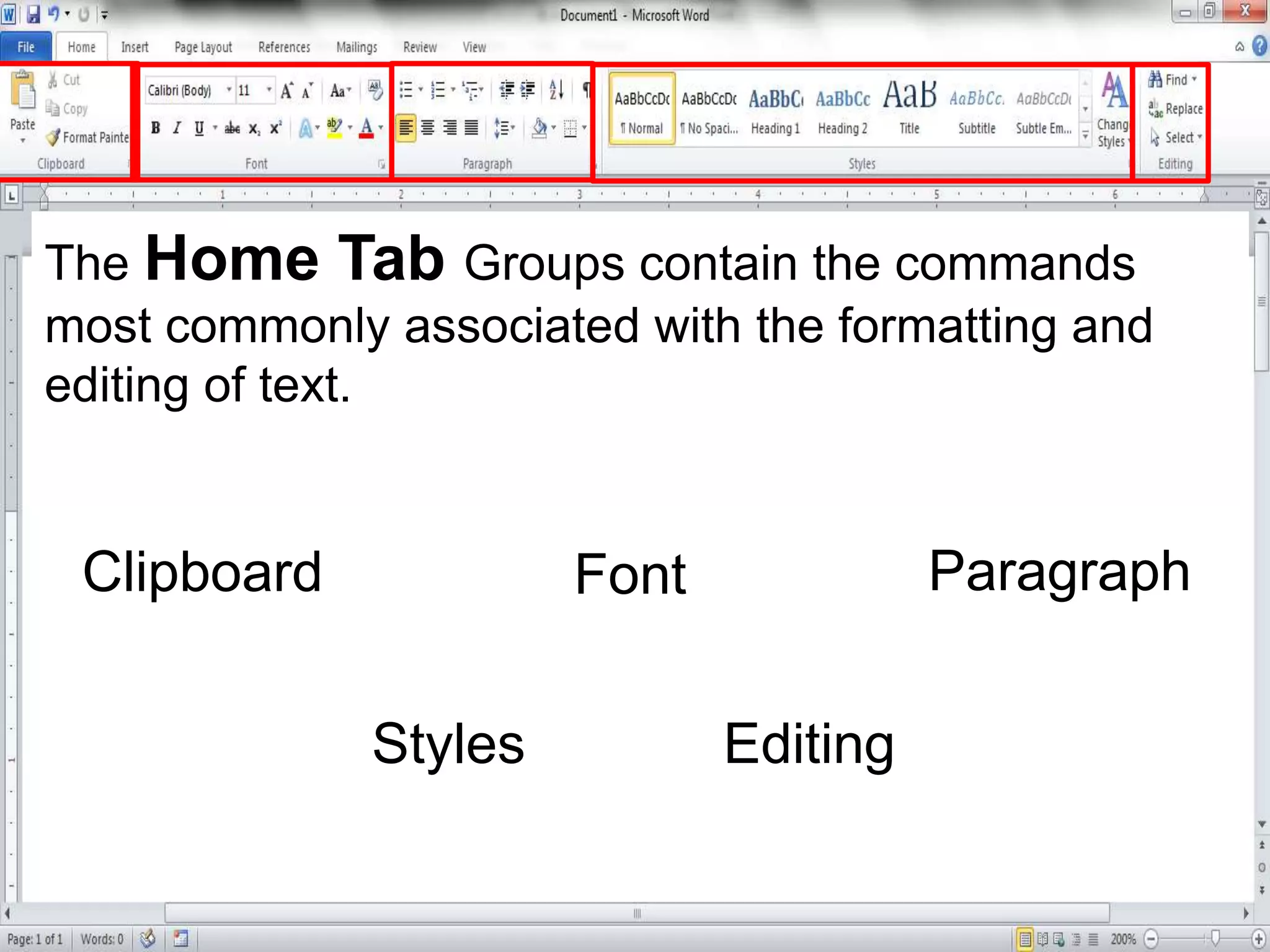
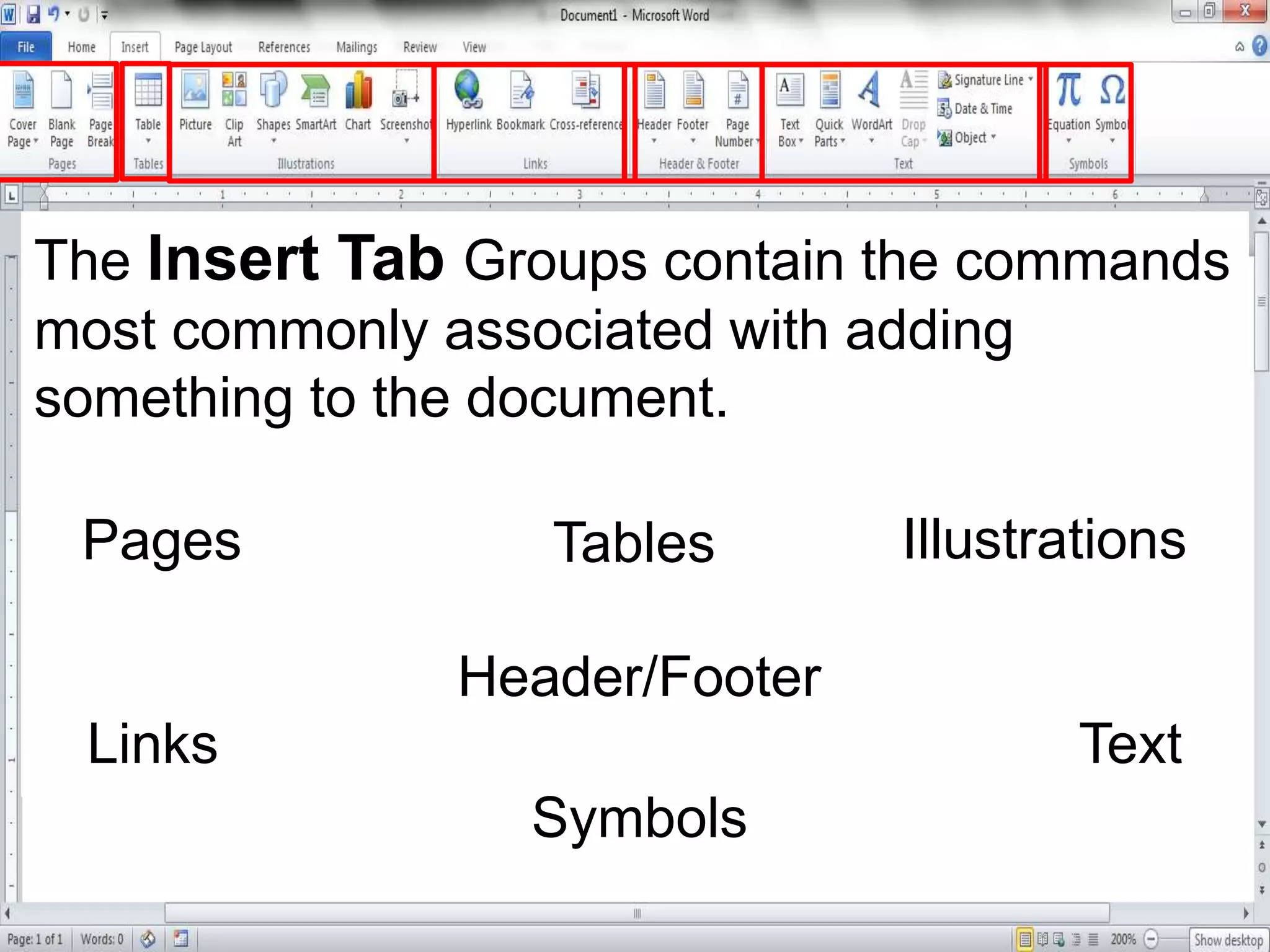
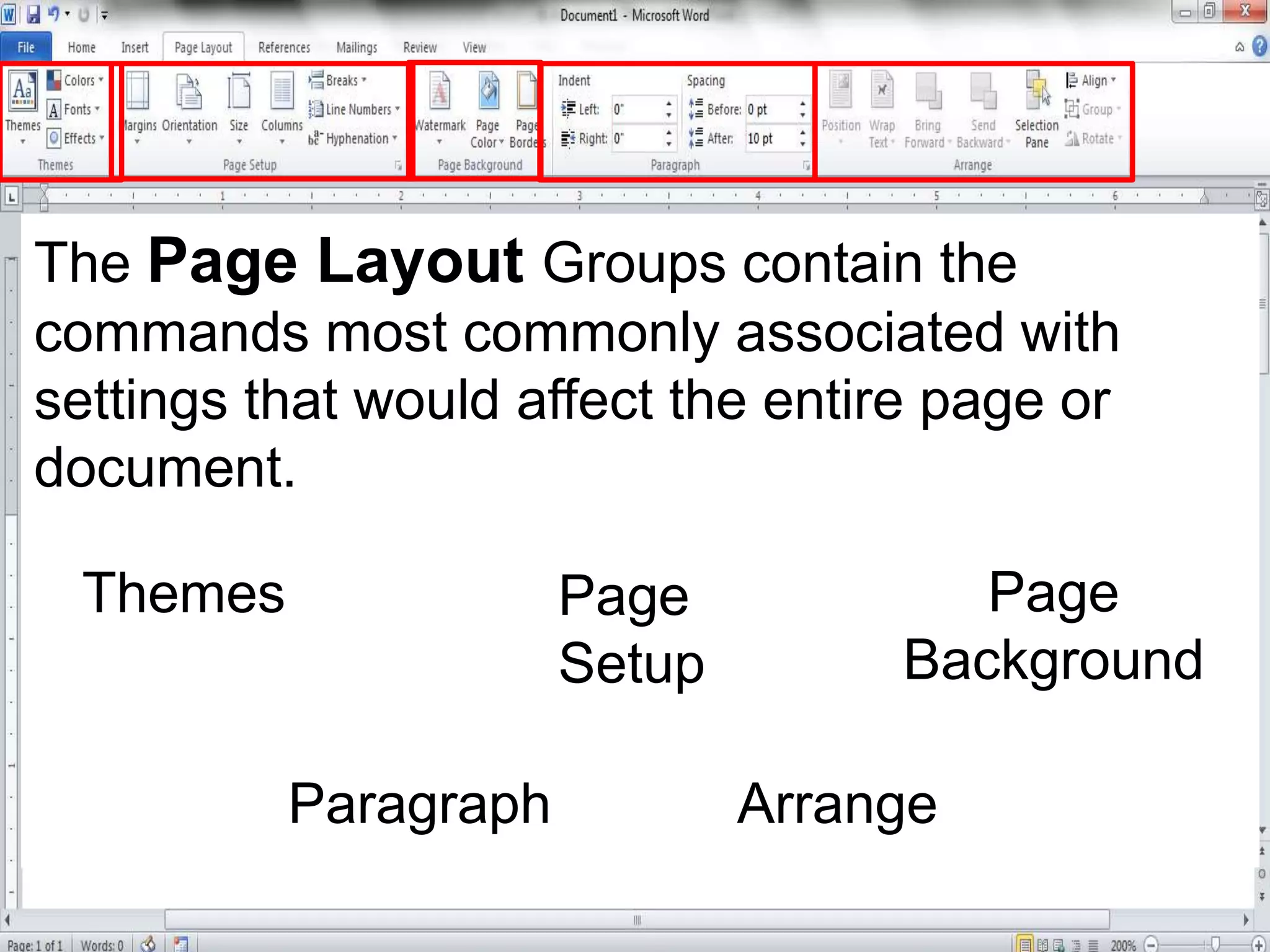
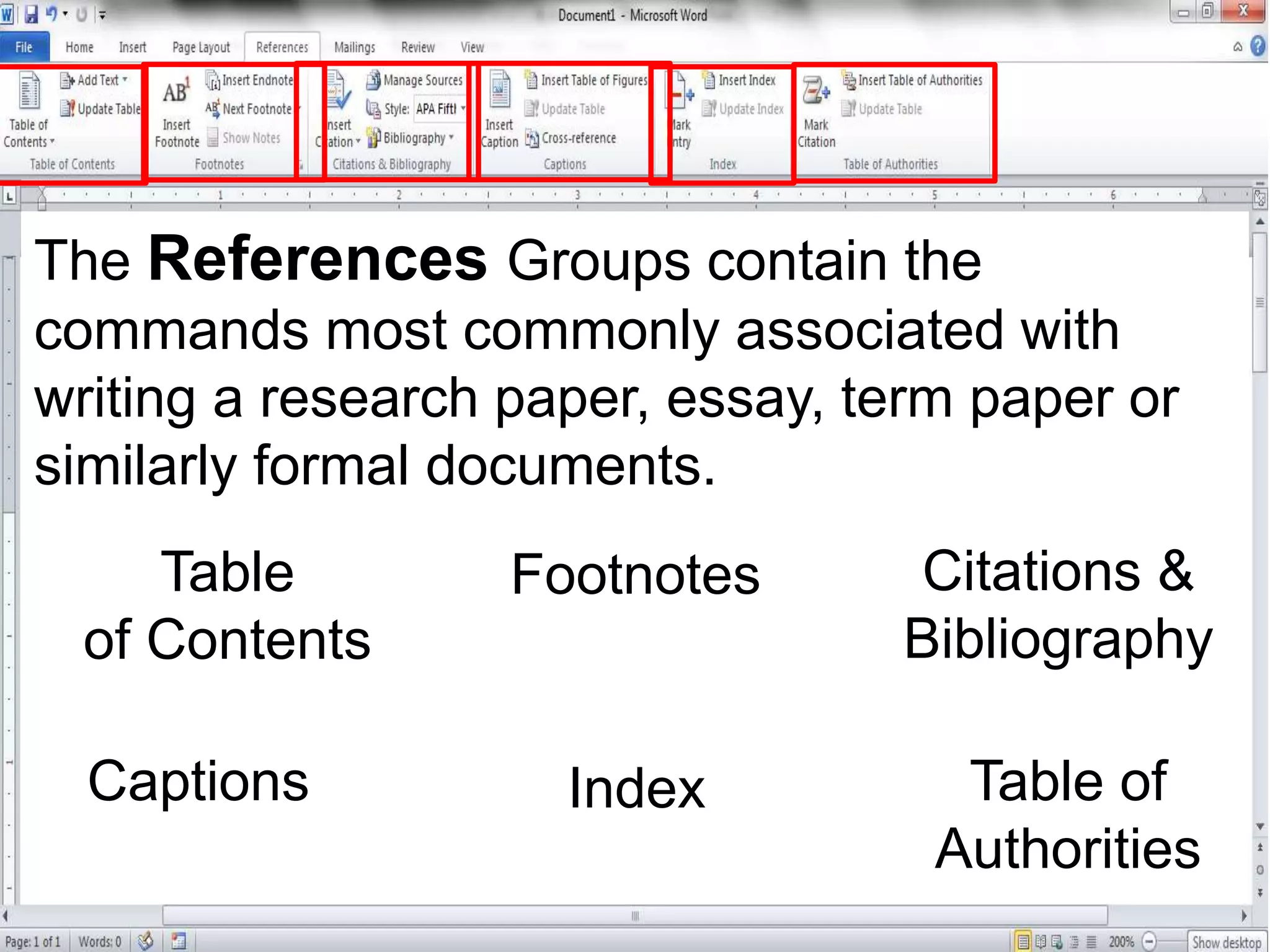
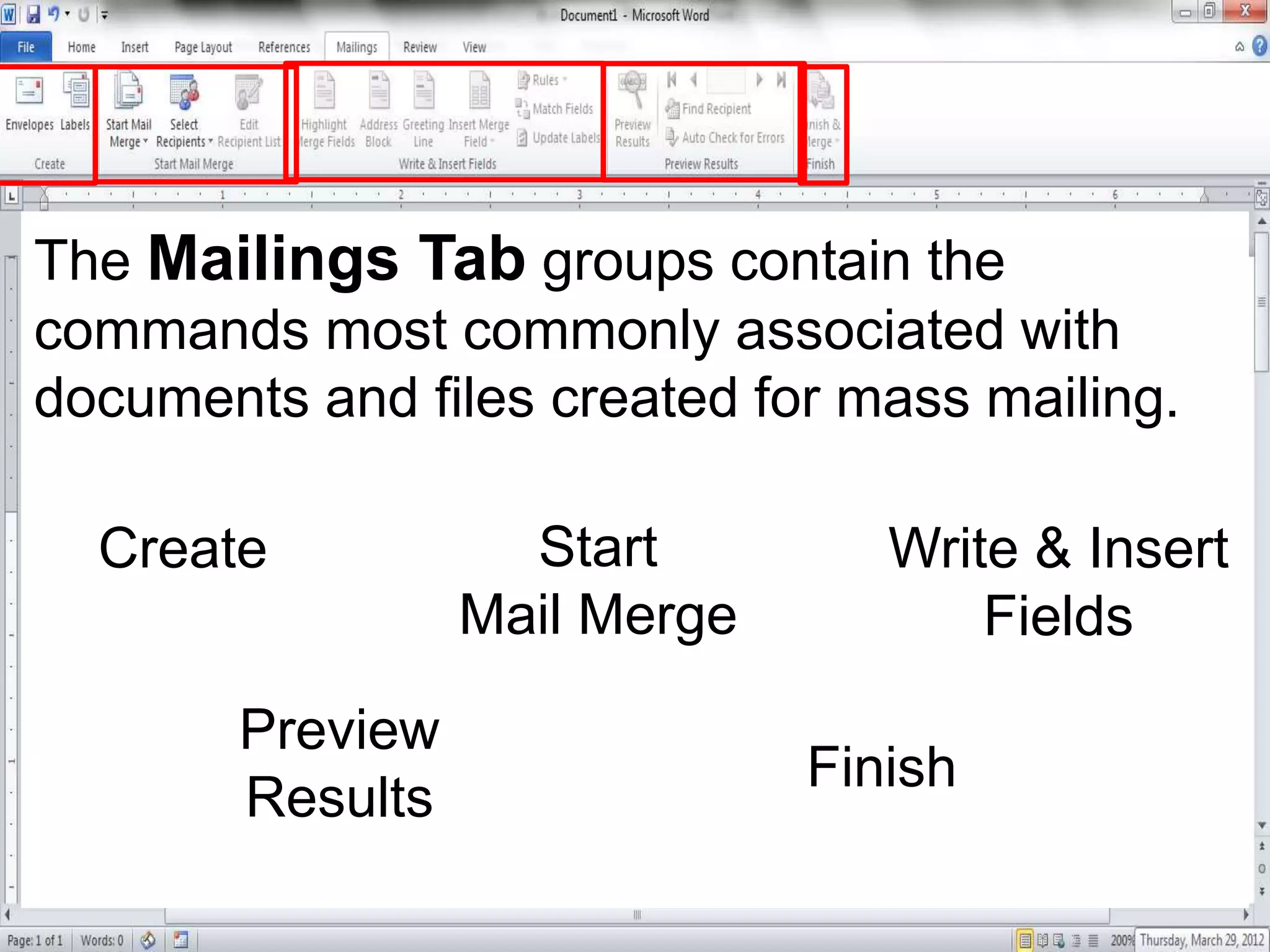
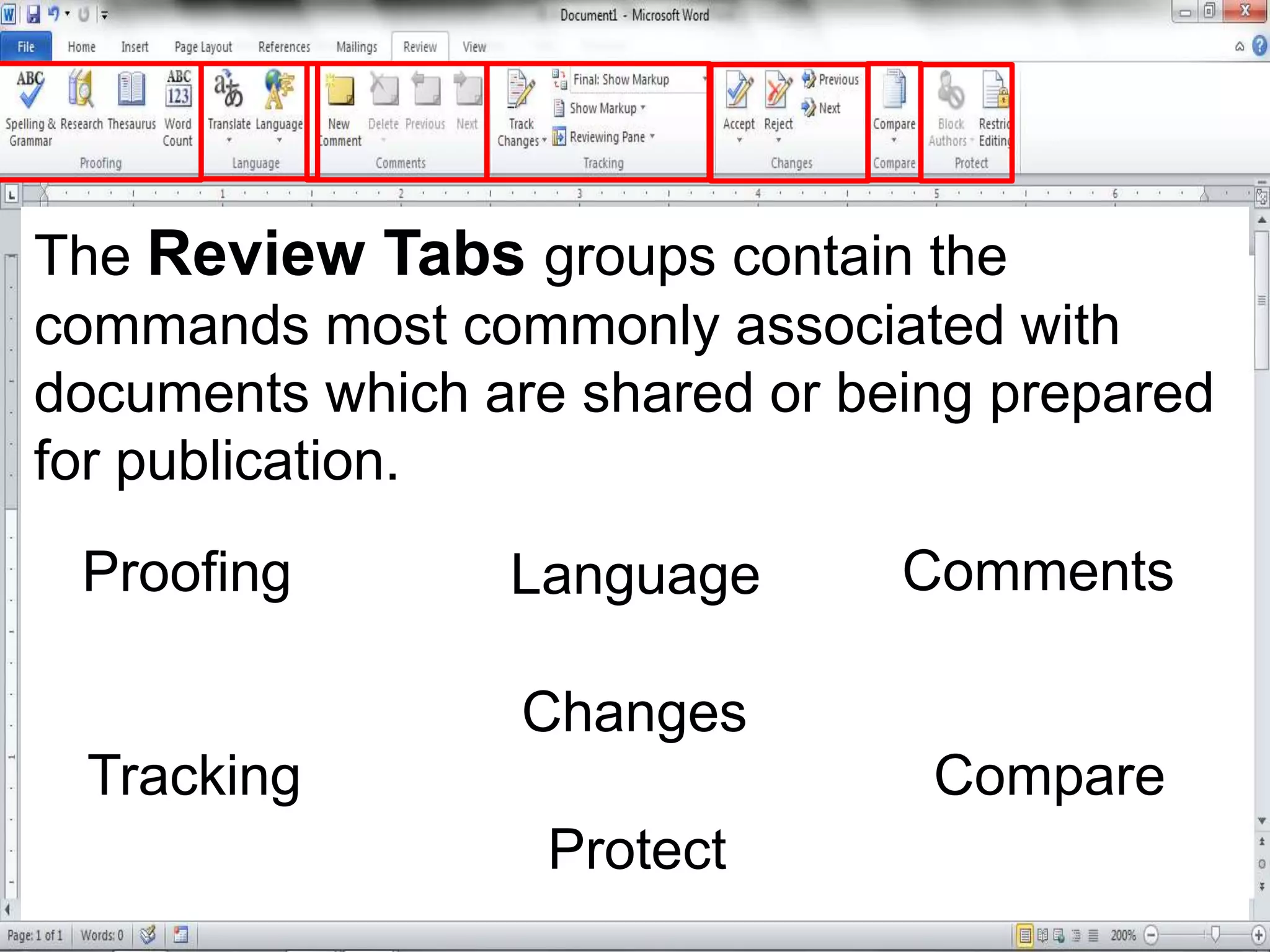
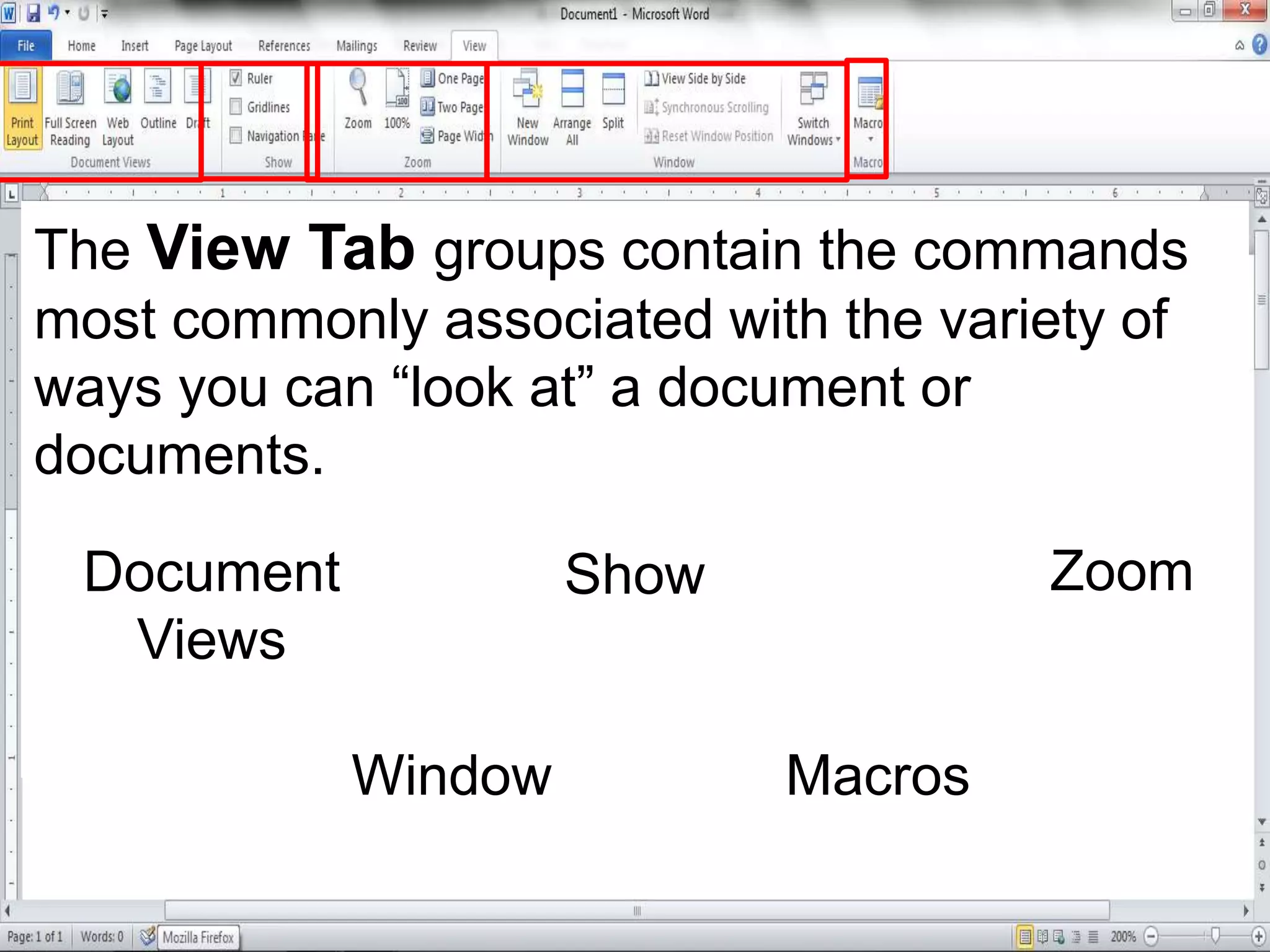
This document provides an overview of the user interface in Microsoft Word. It describes the main screen components like the title bar, minimize, maximize and close buttons, quick access toolbar, and ribbon tabs. The ribbon tabs - File, Home, Insert, Page Layout, References, Mailings, Review, and View - contain groups of commands for formatting text, adding elements, page setup, writing citations, mail merges, reviewing changes, and changing document views. The document explains the terminology used for the different interface elements to help users familiarize themselves with Word.