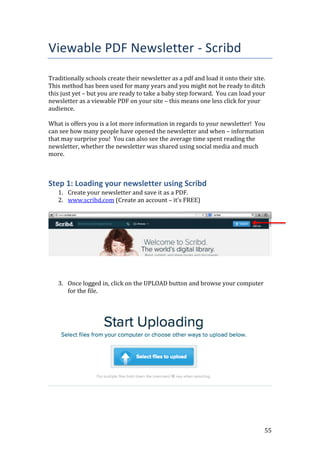
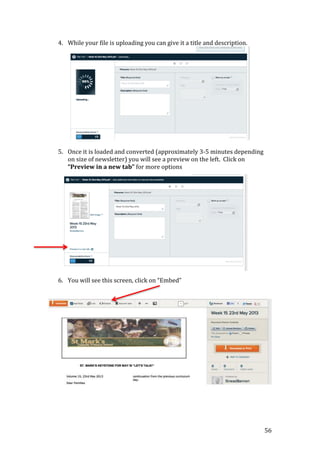
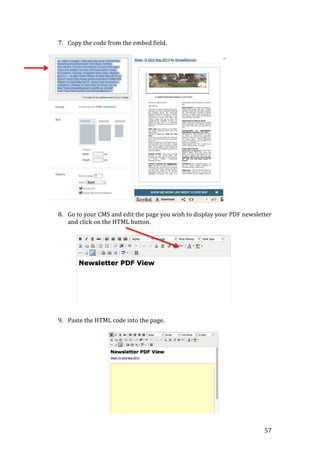
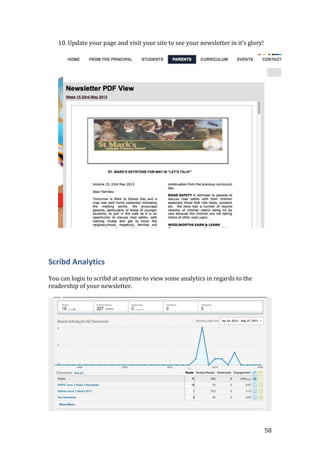
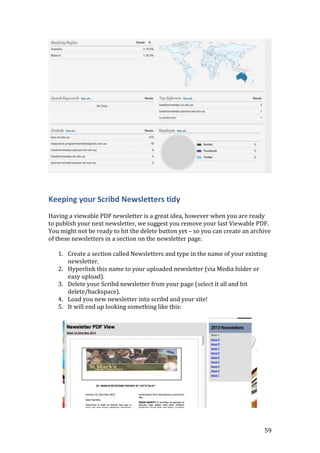
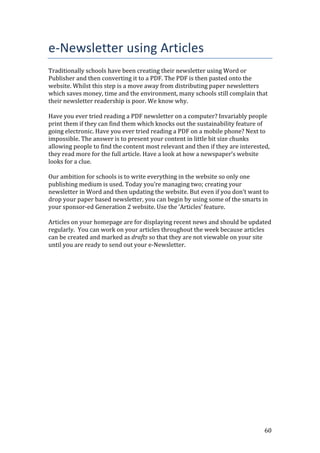
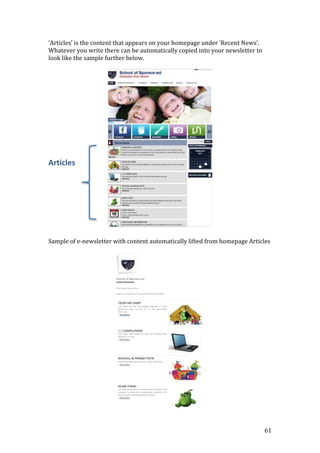
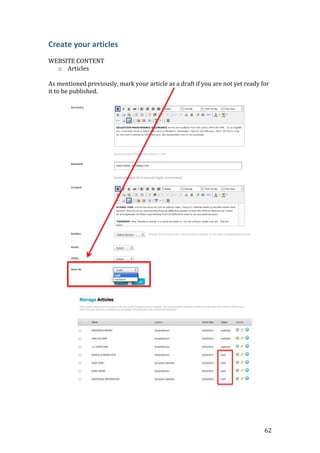
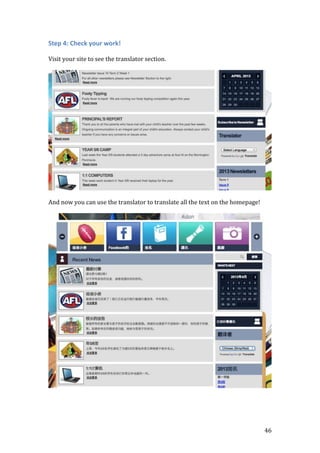
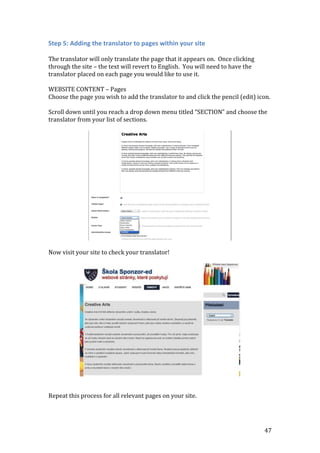
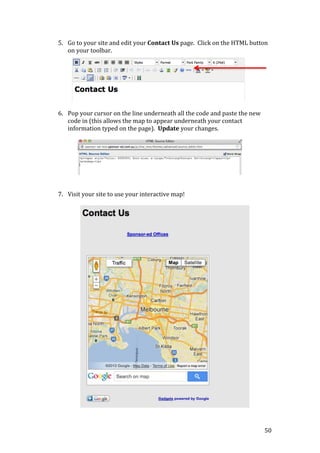
The document provides instructions on how to embed various web applications into a website built using the Sponsor-Ed content management system (CMS). It begins by explaining how to embed a translator application using HTML code. Specific steps include:
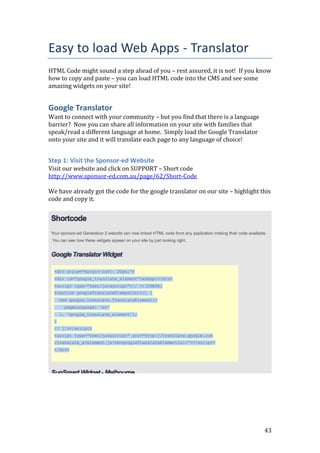
1. Copying the HTML code for the translator from the application's website.
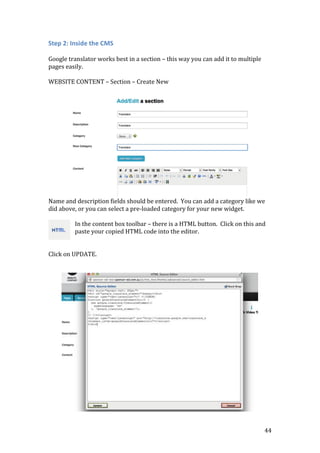
2. Pasting the code into the CMS page using the HTML button.
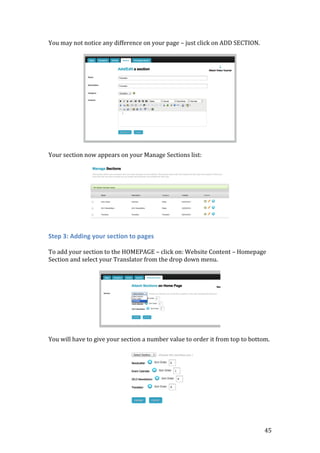
3. The translator will then appear on the website page for users to interact with.
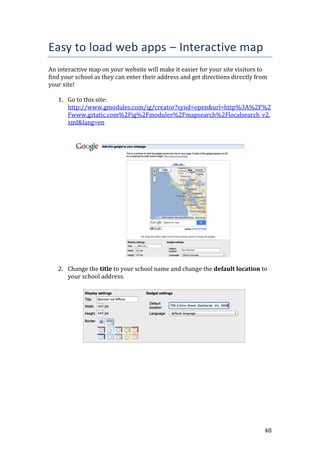
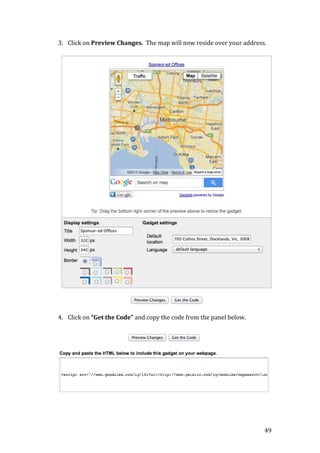
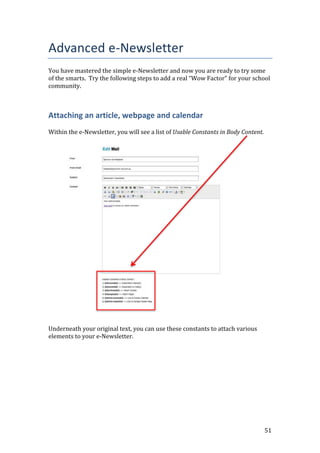
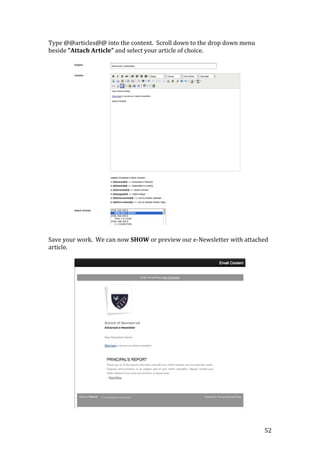
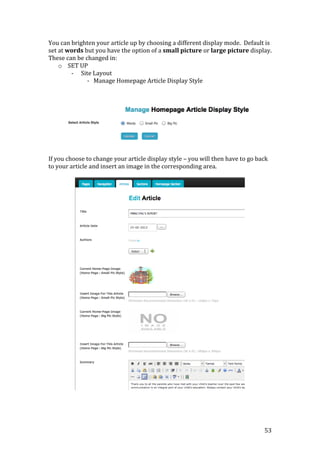
The document continues with similar instructions for embedding an interactive map application and concludes with tips on advanced newsletter creation.


![54
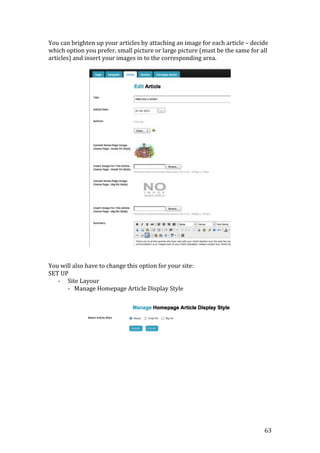
Now that we have changed the display style to small pic and added our small
image into the corresponding area, we will also attach the calendar to our
newsletter.
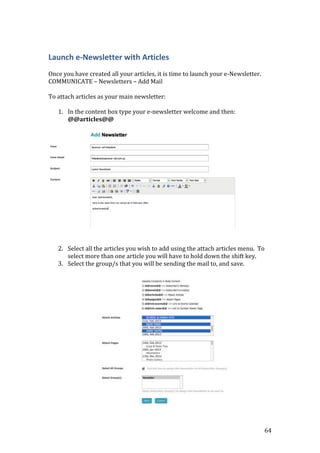
Edit your mail. Underneath the code for attaching your article, copy and paste
the link to events code.
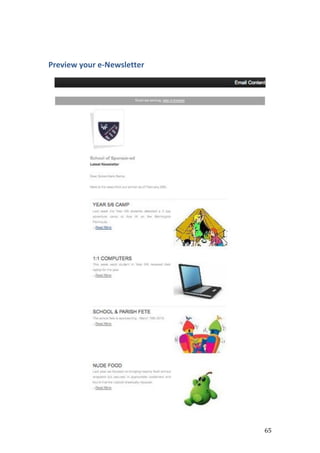
Save your work and SHOW.
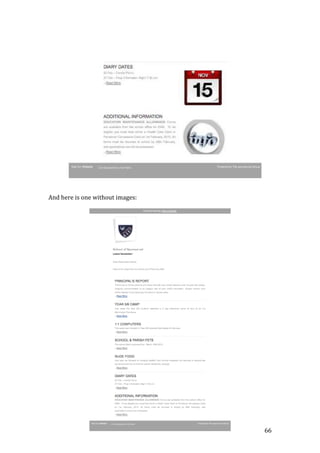
The next time you send your e-Newsletter out you may not want to attach an
article, simply deselect the article. There is no need to delete the article code
[@@article@@], it will not attach an article unless one is selected.](https://image.slidesharecdn.com/masterclassbooklet-130805185016-phpapp01/85/Master-class-booklet-54-320.jpg)